


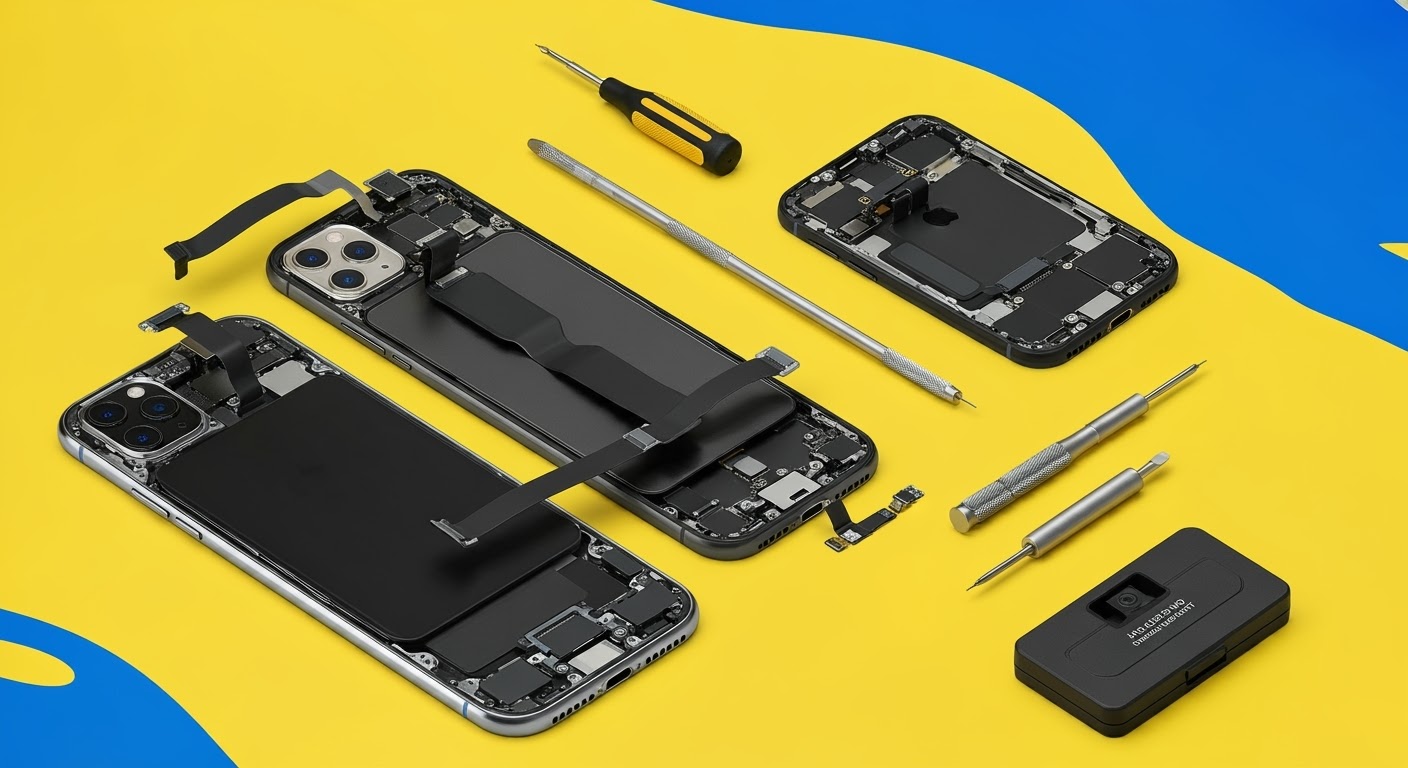
Hands-On: The New iPhone 16 Pro Max Repair Process

Hands-On: The New iPhone 16 Pro Max Repair Process – Step-by-Step + Expert Tips
Introduction: What’s New in the iPhone 16 Pro Max?
The iPhone 16 Pro Max introduces a range of enhancements:
- A slightly larger 6.9″ Super Retina XDR display
- A reengineered A18 Pro chip
- Improved heat dissipation and internal cooling
- A new Capture Button on the side
- Upgraded 5x periscope zoom camera
- Slimmer bezels and stronger titanium frame
With these changes, Apple also tweaked the internal layout, making the repair process subtly different from the iPhone 15 Pro Max.
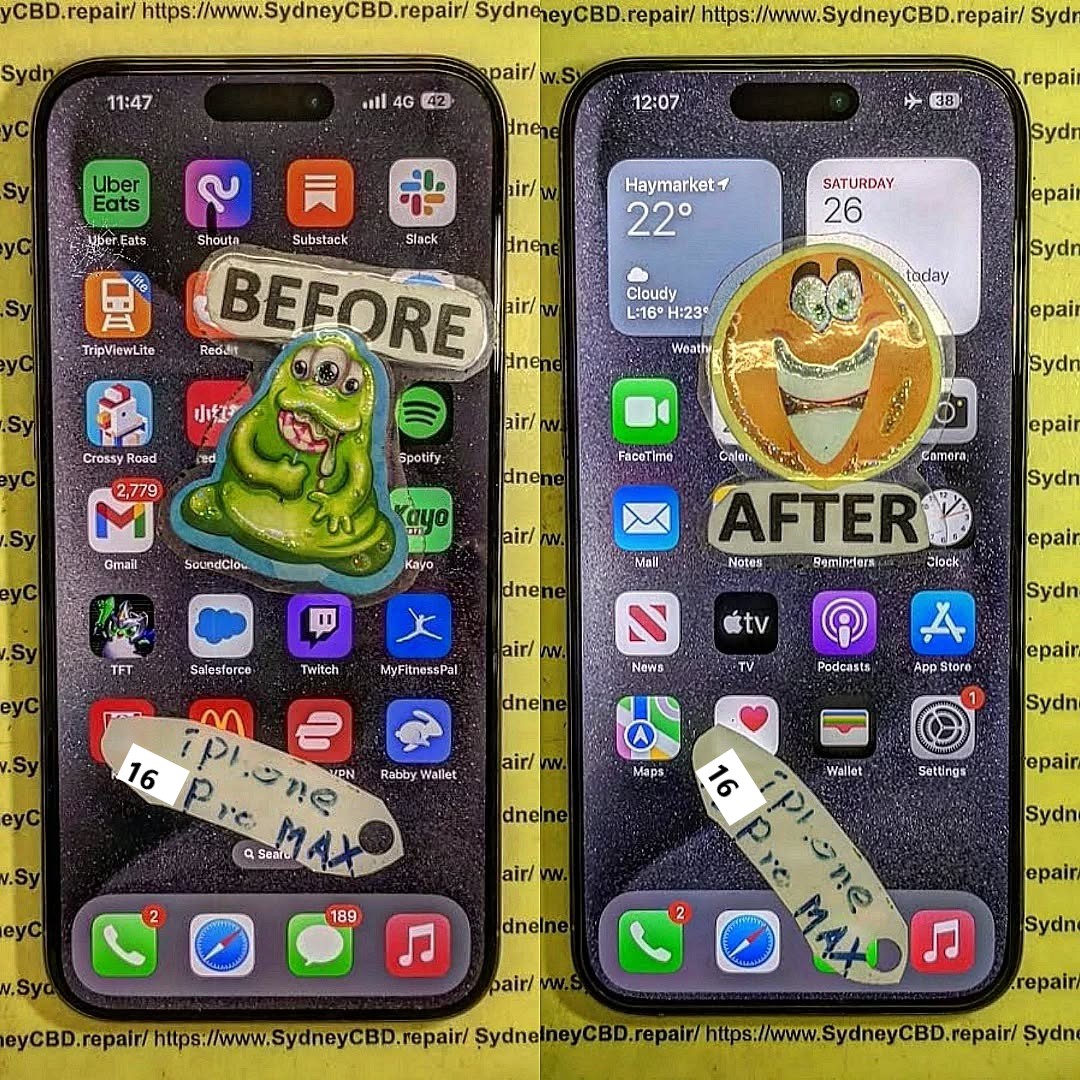
Understanding the Internal Design and Repairability
Apple continues to shift toward modular internal components, making battery and screen replacements more accessible — but also increasing complexity for camera, Face ID, and logic board repairs.
Key changes in the iPhone 16 Pro Max:
- Back-glass is now easier to remove
- The Display + Face ID module is even more compact
- Ribbon cables are more densely layered
- Screws and brackets require precise placement
- Taptic Engine sits closer to the center
- Capture Button adds a new point of disassembly
Tools You’ll Need for iPhone 16 Pro Max Repair
| Tool | Purpose |
|---|---|
| Pentalobe (P2) Screwdriver | Opens bottom screws |
| Tri-point (Y000) Driver | Internal shields and brackets |
| Suction handle | Lifts display gently |
| Plastic opening picks | Separates display from frame |
| Heat gun / heating pad | Loosens adhesive |
| Tweezers & spudgers | Disconnect cables safely |
| ESD mat / anti-static strap | Prevents short-circuits |
| Isopropyl alcohol (≥90%) | Adhesive cleanup |
| OEM screen or battery | Replacement parts with proper calibration chip |
Step-by-Step Screen Replacement Process
Step 1: Power Down and Remove Pentalobe Screws
Turn off the device. Remove the two P2 screws next to the Lightning/USB-C port.
Step 2: Use Heat and Suction to Open the Device
Gently apply heat around the edges. Use a suction cup to lift the screen slightly, then insert plastic picks to separate the adhesive along the frame.
⚠️ Watch out for the Capture Button flex cable, which is close to the lower frame now.
Step 3: Disconnect the Battery and Face ID Modules
Once open, remove the metal shield covering the connectors using a Y000 screwdriver. Disconnect:
- Battery
- Display flex
- Face ID + front sensors
- Capture Button sensor
Always disconnect the battery first to prevent shorts.
Step 4: Remove the Damaged Screen Carefully
Once cables are disconnected, gently lift the display out. Clean old adhesive and inspect for debris in the frame.
Step 5: Install the New Display and Test Components
Place the OEM screen. Reconnect all flex cables and test:
- Touch responsiveness
- Face ID
- Capture Button
- Front camera
Reapply adhesive and seal the phone securely.
Replacing the Battery in the iPhone 16 Pro Max
Battery removal follows the same general steps as earlier models, but the pull tabs are now more centrally aligned beneath the midframe.
Battery Replacement Steps:
- Open the device and disconnect the battery
- Peel adhesive tabs under the battery (use isopropyl if needed)
- Remove the old battery
- Insert new OEM battery, reconnect all components
- Recalibrate battery health using Apple Services or diagnostics
Camera or Face ID Sensor Repair – What’s Different This Year?
- Face ID module now includes an integrated heat sensor
- Telephoto module has anti-shake magnets that can easily misalign
- Replacement Face ID sensors are still serial-locked, making transfers essential
Apple uses pairing security on biometric components, so moving sensors from the original display is mandatory to retain Face ID functionality.
Common Challenges in iPhone 16 Pro Max Repairs
| Problem | Cause |
|---|---|
| Face ID not working | Sensor not transferred correctly |
| Screen doesn’t respond | Loose or uncalibrated display flex |
| No Capture Button response | Ribbon damage during disassembly |
| Yellowish screen tint | Aftermarket screen used or incorrect True Tone |
| Battery Health not showing | Non-OEM battery or missing pairing/calibration step |
Why Professional Calibration is Now Mandatory
Apple uses software checks to verify part authenticity. Replacing the screen or battery without calibration can result in:
- No Face ID
- Missing True Tone display calibration
- Battery Health unavailable
- iOS pop-up warnings
- Reduced resale value
Only Apple-authorized or expert third-party repair centers (like Sydney CBD Repair Centre) can retain these features using correct tools and software.
OEM Parts vs Third-Party: What You Risk by Going Cheap
| Feature | OEM (Genuine Apple) | Aftermarket / Copy Parts |
|---|---|---|
| Display Quality | Perfect match, HDR, True Tone | Poor color reproduction |
| Touch Response | Full haptic + fluid scrolling | Lag or dead zones |
| Face ID Support | Yes, if sensor transferred | Often lost entirely |
| Battery Health | Shows accurate stats | May not show or displays warning |
| Longevity | Durable, factory-tested | Less reliable, higher failure rate |
Professional vs DIY Repairs – Which is Best for You?
| Factor | DIY Repair | Sydney CBD Repair Centre |
|---|---|---|
| Cost | Potentially lower | Transparent pricing with warranty |
| Risk Level | High (face ID, Capture Button) | Minimal risk from skilled techs |
| Tools Required | Expensive and hard to find | Provided by certified technicians |
| Calibration | Not possible at home | Full calibration with Apple software |
| Time | 2–4 hours or more | 1–2 hours turnaround time |
For high-value models like the iPhone 16 Pro Max, professional repair is strongly recommended.
Why Choose Sydney CBD Repair Centre for iPhone Repairs

At Sydney CBD Repair Centre, we specialise in iPhone 16 Pro Max repairs, using only genuine Apple parts. We retain Face ID, True Tone, and Battery Health functions.
Here’s why Sydney chooses us:
- OEM Part Guarantee
- 90-Day Warranty on All Repairs
- Over 2000+ 5-Star Google Reviews
- Located in Sydney CBD
- Same-Day Service Available
- Apple Specialist Technicians
📞 Call: +61280114119
🔗 Locate Us
FAQs
1. Can I replace the iPhone 16 Pro Max screen at home?
It’s possible but risky. Face ID, the Capture Button, and calibration require expert handling and tools.
2. Will a third-party screen affect Face ID?
Yes. Face ID is paired to the original display. Transferring the sensor is essential, and this is best done professionally.
3. How long does a screen or battery replacement take?
At Sydney CBD Repair Centre, most iPhone 16 Pro Max repairs are completed within 1–2 hours.
4. Is the iPhone 16 Pro Max easier to repair than the 15 Pro Max?
Slightly — thanks to a redesigned internal layout and more modular components. However, Face ID and calibration remain complex.
5. Will I lose data during the repair?
No. Screen or battery replacement won’t erase data. Still, it’s best to back up your phone beforehand.
6. Does your shop use genuine Apple parts?
Yes, we use 100% original OEM parts with full support for Face ID, True Tone, and battery stats.
Conclusion
The iPhone 16 Pro Max combines advanced technology with a refined design — but that also makes repair more complex. From screen replacements to battery servicing and Face ID transfers, a hands-on approach demands the right tools, knowledge, and care.
Don’t risk ruining your premium device with DIY mistakes. Let Sydney CBD Repair Centre handle it with precision, professionalism, and peace of mind.

