




Can You Fix a Water-Damaged Phone?

Can You Fix a Water-Damaged Phone? 7 Proven Solutions That Work
Understanding Water Damage in Smartphones
Smartphones today are engineered with advanced technology, but they remain vulnerable to one common hazard: water damage. Whether it’s an accidental drop in the sink, pool, or a sudden rainstorm, moisture can wreak havoc on delicate circuits and components.
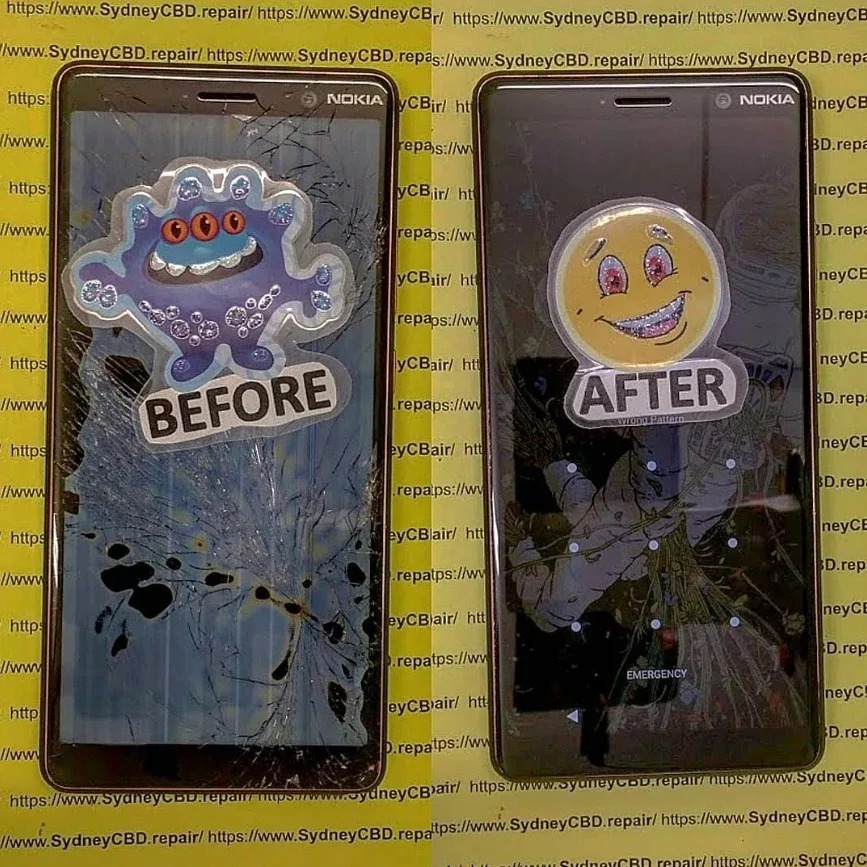
How Water Affects Internal Phone Components
When water seeps inside a smartphone, it can cause:
- Short circuits that fry microchips.
- Corrosion that weakens metallic connectors.
- Battery malfunctions leading to swelling or power failure.
- Screen issues such as flickering or ghost touches.
Common Signs of Water Damage
- The device won’t power on.
- Distorted audio from speakers or headphones.
- Fog under the camera lens.
- Rapid battery drain.
- Overheating or unresponsive buttons.
First Aid Steps for a Water-Damaged Phone
If you’re asking yourself, “Can you fix a water-damaged phone immediately?” the answer depends on how fast you act.
Powering Off Immediately
The first step is to turn the device off. This prevents electricity from running through wet circuits, which could permanently damage the motherboard.
Removing SIM and Memory Cards
Take out your SIM card, memory card, and accessories to allow better airflow and reduce the risk of data loss.
Drying Techniques You Should Try
- Pat dry with a microfiber cloth.
- Use silica gel packets instead of rice—they absorb moisture more effectively.
- Place the phone in front of a fan for consistent airflow.
What NOT to Do After Water Damage
Mistakes in handling can make the situation worse.
Avoiding Heat Sources
Never use a hair dryer or microwave. Extreme heat can warp circuits and damage seals.
Why Rice Isn’t Always the Best Solution
While popular, rice absorbs moisture slowly and may leave behind dust. A better alternative is silica gel packets or professional drying tools.
Can You Fix a Water-Damaged Phone at Home?
DIY Repair Kits
Some online kits promise quick solutions with specialized drying agents and tools. These can sometimes work for minor splashes.
When DIY Repairs Make Things Worse
Opening your phone without expertise can:
- Break waterproof seals.
- Damage delicate flex cables.
- Void warranty.
If the damage seems severe, it’s safer to visit a professional repair centre.
Professional Repair for Water-Damaged Phones
Ultrasonic Cleaning Explained
Experts often use ultrasonic cleaning machines that remove corrosion and restore circuit functionality.
How Technicians Diagnose Water Damage
Technicians check Liquid Contact Indicators (LCIs)—tiny stickers that change color when exposed to water.
Average Repair Costs
Depending on the brand and extent of damage, repairs can range from $100 to $600. iPhones and flagship Samsung devices are usually on the higher end.
Data Recovery from Water-Damaged Devices
Tools Used by Professionals
Repair centres use chip-off recovery methods and specialized software to retrieve data.
When Data is Beyond Recovery
If the NAND chip is physically destroyed, recovering photos, contacts, and files may be impossible.
Waterproof vs. Water-Resistant Phones
IP Ratings and What They Mean
- IP67: Can withstand immersion in water up to 1 meter for 30 minutes.
- IP68: Can survive deeper depths for longer durations.
Why “Waterproof” Doesn’t Mean Indestructible
Even with high IP ratings, phones can still suffer water damage over time due to wear and tear on seals.
Prevention Tips: Protecting Your Phone from Water Damage
Using Waterproof Cases
Invest in high-quality cases if you swim, surf, or work outdoors.
Smart Habits to Reduce Risk
- Avoid using phones near pools or sinks.
- Keep a dry bag handy during rainy weather.
- Schedule regular maintenance checks at trusted repair shops.
FAQs
1. Can you fix a water-damaged phone that won’t turn on?
Yes, but it depends on the severity of the damage. Professional ultrasonic cleaning often revives phones that seem completely dead.
2. Is rice still effective for drying phones?
Rice can help, but silica gel packets or professional drying machines work much faster and safer.
3. How long should I leave my phone to dry?
At least 24–48 hours, but the sooner you bring it to a repair shop, the higher your chances of recovery.
4. Will my data be safe after water damage?
Not always. If your phone doesn’t power on, data recovery services may still extract your files.
5. How much does water damage repair cost in Sydney?
On average, between $150–$400 depending on the model and damage severity.
6. Does warranty cover water damage?
Most warranties don’t cover liquid damage, even for water-resistant phones.
Conclusion

Water damage doesn’t have to mean the end of your smartphone. With quick action, the right first-aid steps, and professional repair services, you can often save your device and recover valuable data.
If you’re in Sydney and need urgent help, David from Sydney CBD Repair Centre is your go-to expert. With over 2000 positive Google reviews, genuine parts, and award-winning service, your phone is in safe hands.
📍 Visit: Sydney CBD Repair Centre
📞 Call: +61280114119

