


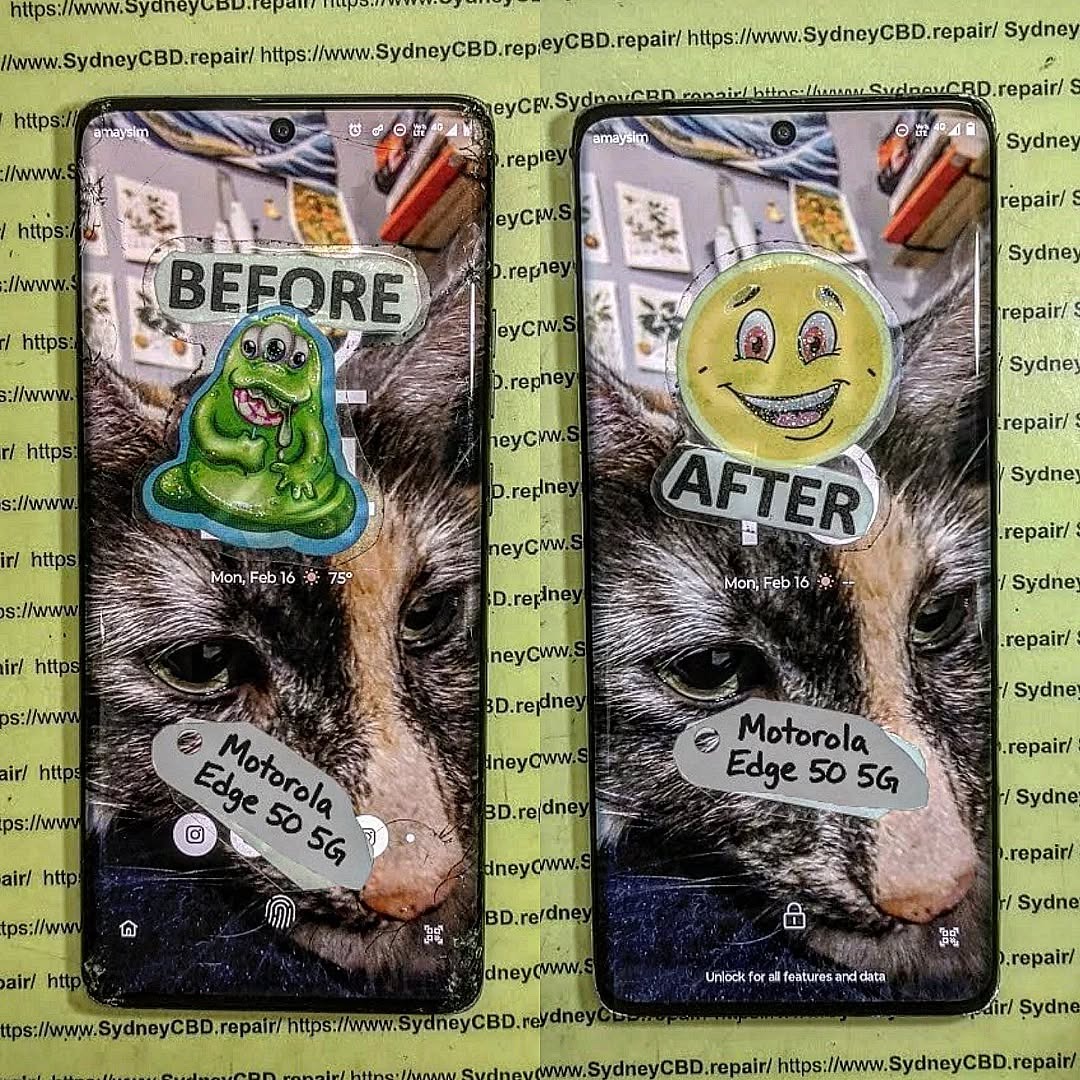
OVERHEATING MESS! Removing Swollen Batteries Safely From A Fragile Motorola Edge 50

OVERHEATING MESS! Removing Swollen Batteries Safely From A Fragile Motorola Edge 50 – Ultimate Guide 7
Introduction to Swollen Batteries in Motorola Edge 50
The Motorola Edge 50 is known for its sleek design, high performance, and ultra-thin construction. However, like many modern smartphones, it’s not immune to one major issue—battery swelling. If you’ve ever noticed your phone bulging, overheating, or separating at the seams, you’re likely dealing with a swollen battery.
Battery swelling isn’t just inconvenient—it’s dangerous. It can lead to screen damage, internal component failure, or even fire hazards if handled incorrectly. That’s why learning how to remove a swollen battery safely is essential, especially for fragile devices like the Edge 50.
In this guide, we’ll walk you through everything you need to know, from identifying the issue to safely removing and replacing the battery. Whether you’re a technician or a DIY enthusiast, this comprehensive resource ensures you stay safe and effective.
What Causes Battery Swelling
Battery swelling typically occurs due to gas buildup inside lithium-ion batteries. This happens when the battery undergoes:
- Overcharging
- High temperatures
- Physical damage
- Aging and chemical breakdown
Over time, these factors cause internal chemical reactions that produce gas, leading to expansion.
Signs Your Battery Is Swollen
Recognizing early signs can prevent serious damage:
- Screen lifting or separation
- Bulging back cover
- Overheating during use
- Reduced battery life
- Difficulty pressing buttons
If you notice any of these, stop using the phone immediately.
Why the Motorola Edge 50 Is Fragile
Internal Design Challenges
The Motorola Edge 50 is designed with compact internal components and strong adhesive seals. While this improves aesthetics and durability, it makes repairs more challenging.
Key fragility factors include:
- Thin OLED display
- Strong adhesive bonding
- Compact internal layout
- Delicate flex cables
Risks of DIY Repairs
Attempting battery removal without proper knowledge can result in:
- Screen cracks
- Motherboard damage
- Battery puncture (very dangerous)
- Loss of waterproofing
That said, with the right guidance and tools, safe removal is absolutely possible.
Essential Tools for Safe Battery Removal

Recommended Repair Tools
To safely remove a swollen battery, you’ll need:
- Heat gun or hairdryer
- Plastic pry tools
- Suction cup
- Isopropyl alcohol (90%+)
- Tweezers
- Screwdriver set (precision)
Safety Equipment Checklist
Never skip safety gear:
- Anti-static gloves
- Safety goggles
- Fire-resistant surface
- Battery-safe container
Preparing Your Workspace
Ideal Environment Setup
Set up a clean, well-lit workspace:
- Flat surface
- No flammable materials nearby
- Good ventilation
- Organized tools
Safety Precautions Before Starting
Before you begin:
- Power off the phone completely
- Discharge battery below 25%
- Remove SIM tray
- Avoid metal tools near battery
Step-by-Step Guide to Removing a Swollen Battery
Powering Down the Device
Always ensure the device is turned off. This minimizes risk of short circuits.
Opening the Phone Safely
- Apply gentle heat to soften adhesive
- Use suction cup to lift the back panel
- Insert plastic pry tool carefully
⚠️ Avoid forcing it open—this can crack the glass.
Disconnecting Components
Once inside:
- Disconnect battery connector first
- Remove any shields or screws
- Carefully detach flex cables
Removing the Swollen Battery
This is the most critical step.
- Apply isopropyl alcohol around battery edges
- Gently pry using plastic tools
- Never puncture or bend the battery
If resistance is strong, apply more heat and patience.
Handling a Swollen Battery Safely
What NOT to Do
Never:
- Puncture the battery
- Use metal tools directly
- Expose it to heat or flames
- Throw it in regular trash
Proper Disposal Methods
Dispose of swollen batteries at:
- Certified e-waste centers
- Electronics recycling facilities
- Authorized service centers
Installing a New Battery
Choosing the Right Replacement
Always use:
- OEM or high-quality replacement batteries
- Compatible model-specific parts
- Trusted suppliers
Reassembly Tips
- Reconnect all components securely
- Replace adhesive strips
- Test before sealing device
Preventing Future Battery Swelling
Charging Best Practices
- Avoid overnight charging
- Use original chargers
- Keep battery between 20–80%
Temperature Management
- Avoid extreme heat
- Don’t leave phone in cars
- Remove case during heavy use
Common Mistakes to Avoid
- Rushing the process
- Using sharp tools
- Ignoring safety precautions
- Reusing damaged batteries
Professional Repair vs DIY
DIY repair saves money but carries risks. Professional services offer:
- Expertise
- Warranty
- Proper tools
If unsure, always go pro.
FAQs
1. Is a swollen battery dangerous?
Yes, it can explode or catch fire if mishandled.
2. Can I still use my phone with a swollen battery?
No, stop using it immediately to avoid further damage.
3. How long does battery replacement take?
Typically 30–90 minutes depending on skill level.
4. Can swelling damage other components?
Yes, it can damage the screen, motherboard, and casing.
5. What causes overheating in the Motorola Edge 50?
Heavy usage, poor ventilation, or battery failure are common causes.
6. Is it worth repairing or replacing the phone?
If the device is otherwise functional, repair is usually worth it.
Conclusion

Handling a swollen battery in a fragile phone like the Motorola Edge 50 can feel overwhelming, but with the right approach, tools, and patience, it’s entirely manageable. The key is safety—never rush, never force, and always prioritize proper handling.
By following this guide, you’ll not only protect your device but also ensure your own safety. And remember, when in doubt, seeking professional help is always the smartest move.
External Resource: Learn more about battery safety from the official Consumer Product Safety Commission guidelines.
David from Sydney CBD Repair Centre – The Best place to fix mobile phones as 7 Years In A Row! Top Mobile Phone Repair In Sydney. More than 2000 Positive Reviews on Google and Same Day Repairs.
We take pride in delivering exceptional repair services for all major phone brands including Apple, Samsung, Google, and more. Our expert technicians use only genuine parts and offer 90days warranty on repairs. Located in the heart of Sydney CBD, we’re your one-stop solution for all mobile device repairs.
Our commitment to excellence has earned us the trust of thousands of satisfied customers. Whether it’s a cracked screen, battery replacement, or water damage repair, we handle it all with professional care and expertise. Walk in today and experience why we’re Sydney’s #1 choice for mobile phone repairs.
Visit us for:
✓ Same Day Express Repairs
✓ Genuine Parts Guarantee
✓ Professional Technicians
✓ Competitive Pricing
✓ 2000+ 5-Star Google Reviews
✓ 7-Time Award Winner for Best Phone Repairs
Sydney CBD Repair Centre – Where Quality Meets Reliability.
Call : +61280114119
Website: https://SydneyCBD.repair/locate-us

