



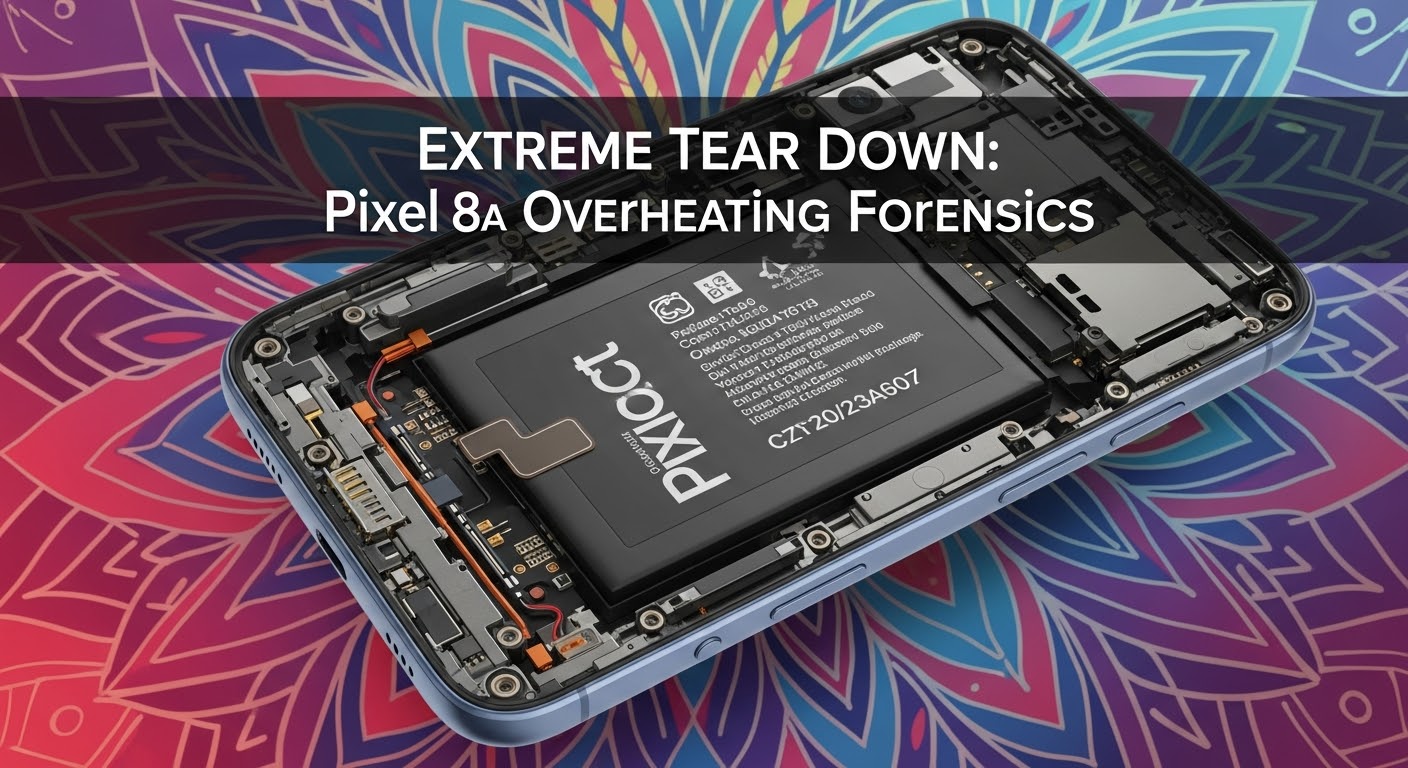
Extreme Tear Down: Pixel 8a Overheating Forensics

Extreme Tear Down: Pixel 8a Overheating Forensics + 12 Critical Insights
Introduction: Understanding Pixel 8a Overheating
The Google Pixel 8a has earned praise for its compact design, vibrant display, and solid midrange performance. However, a growing number of users have reported overheating issues, which can compromise both device longevity and day-to-day usability. Understanding why the Pixel 8a heats up excessively requires dissecting both hardware and software elements, identifying triggers, and implementing effective solutions.
Overheating is not just uncomfortable; it can throttle performance, reduce battery lifespan, and occasionally force unexpected shutdowns. In this detailed analysis, we’ll examine the Pixel 8a’s architecture, thermal management, software influences, and real-world scenarios contributing to heat generation. We’ll also provide actionable solutions to help you keep your Pixel 8a cool and performing optimally.

Pixel 8a Hardware Architecture
A device’s hardware design is often the root cause of persistent overheating. The Pixel 8a uses a Google Tensor G3 chipset, combined with an optimized GPU and a mid-range battery, but these components can generate heat under load.
Processor and Chipset Analysis
The Tensor G3 processor is designed for AI and ML tasks, powering features like real-time translation and advanced camera algorithms. While efficient, it can produce substantial heat during gaming, video editing, or heavy multitasking. The integrated GPU also contributes to thermal load, particularly when running graphically demanding apps.
Thermal Management Components
Google employs multiple passive cooling mechanisms:
- Graphite sheets: Spread heat across the device.
- Thermal paste: Enhances heat transfer from the chipset.
- Frame design: Helps dissipate heat naturally.
However, unlike some high-end devices, the Pixel 8a lacks an active cooling system, which means it can become hot quickly under sustained load.
Software and System-Level Causes
While hardware plays a major role, software issues frequently trigger overheating.
Firmware and Update Issues
Occasionally, Android OS updates or beta firmware versions can introduce background processes that spike CPU usage. Users often notice overheating shortly after updating their system software.
Third-Party Apps and Resource Drain
Certain apps—particularly games, streaming apps, and navigation apps—can demand high CPU and GPU usage. Background processes such as syncing, location tracking, or cloud backups can also increase device temperature.
Real-World Overheating Scenarios
Pixel 8a users typically experience overheating in the following conditions:
- Gaming: Prolonged 3D or AR gaming sessions.
- 5G Usage: Streaming or downloading large files on 5G.
- Charging: Fast charging combined with high device usage.
- Environmental Factors: High ambient temperatures or direct sunlight exposure.
Diagnostics and Temperature Monitoring
Monitoring your device’s temperature is crucial to understanding overheating.
Built-in Android Tools
- Battery stats: Check which apps consume the most power.
- Device care: Provides system optimization tips.
Third-Party Monitoring Apps
Apps like CPU-Z, AccuBattery, and AIDA64 allow users to track CPU and battery temperature in real-time.
Power Consumption Breakdown
The Pixel 8a’s battery drains faster when heat levels rise, creating a vicious cycle: high power draw → heat → throttling → more power draw. Optimizing app usage, disabling unused background processes, and managing display brightness can significantly reduce this cycle.
Impact on Performance and Longevity
Overheating affects performance in several ways:
- Thermal throttling: CPU slows down to prevent damage.
- Reduced battery lifespan: Heat accelerates battery degradation.
- App crashes or slowdowns: Particularly during multitasking or gaming.
Cooling Solutions and Preventive Measures

To minimize overheating:
- Avoid heavy gaming during charging.
- Use apps in low-power mode when possible.
- Keep the phone in cool environments, avoiding direct sunlight.
- Remove bulky or insulating cases during high-load use.
- Consider external cooling accessories like fan-equipped phone stands.
Repair and Professional Interventions
Persistent overheating may indicate hardware faults like:
- Faulty battery
- Defective thermal paste or heat spreader
- Internal component issues
Sydney CBD Repair Centre provides expert diagnostics and repairs, including battery replacement, thermal management solutions, and chipset inspection. Their team ensures genuine parts and a 90-day warranty on repairs.
- Visit for: Same-day express repairs, professional tech support.
- Contact: +61280114119 | Website
Comparing Pixel 8a with Other Midrange Phones
| Device | Thermal Performance | Notes |
|---|---|---|
| Pixel 8a | Moderate heating | Lacks active cooling, heats under heavy use |
| Samsung Galaxy A54 | Slightly better | Efficient chipset, but can throttle in extended gaming |
| OnePlus Nord 3 | Good | Better heat distribution via vapor chamber |
| Xiaomi Redmi Note 13 | Moderate | Adequate passive cooling, throttles under max load |
Frequently Asked Questions (FAQs)
1. Why does my Pixel 8a overheat while charging?
Fast charging combined with usage generates additional heat. Avoid heavy gaming or streaming while charging.
2. Is overheating normal for the Pixel 8a?
Moderate heat during intensive tasks is normal, but persistent extreme heat requires diagnostics.
3. Can software updates fix overheating issues?
Yes, updates can optimize system processes and improve thermal management.
4. Will using a case cause overheating?
Some thick or insulating cases can trap heat. Consider removing the case during heavy use.
5. Can overheating damage my battery?
Yes, prolonged heat accelerates battery degradation and reduces overall lifespan.
6. When should I visit a repair center?
If overheating persists even under normal usage, it’s best to consult a professional technician to check hardware components.
Conclusion: Optimizing Your Pixel 8a

The Pixel 8a is a capable midrange device, but overheating is a reality under heavy usage. Understanding the root causes—from hardware limitations to software triggers—helps users take preventative steps. By monitoring temperature, managing app usage, and seeking professional repairs when needed, you can maximize performance, extend device lifespan, and enjoy a cooler, safer Pixel 8a experience.
David from Sydney CBD Repair Centre – The Best place to fix mobile phones as 6 Years In A Row! Top Mobile Phone Repair In Sydney. More than 2000 Positive Reviews on Google and Same Day Repairs.
📍 Visit us today for:
✓ Same Day Express Repairs
✓ Genuine Parts Guarantee
✓ Professional Technicians
✓ Competitive Pricing
✓ 2000+ 5-Star Google Reviews
✓ 6-Time Award Winner for Best Phone Repairs
Sydney CBD Repair Centre – Where Quality Meets Reliability.
📞 Call : +61280114119
🌐 Website: https://SydneyCBD.repair/locate-us

