



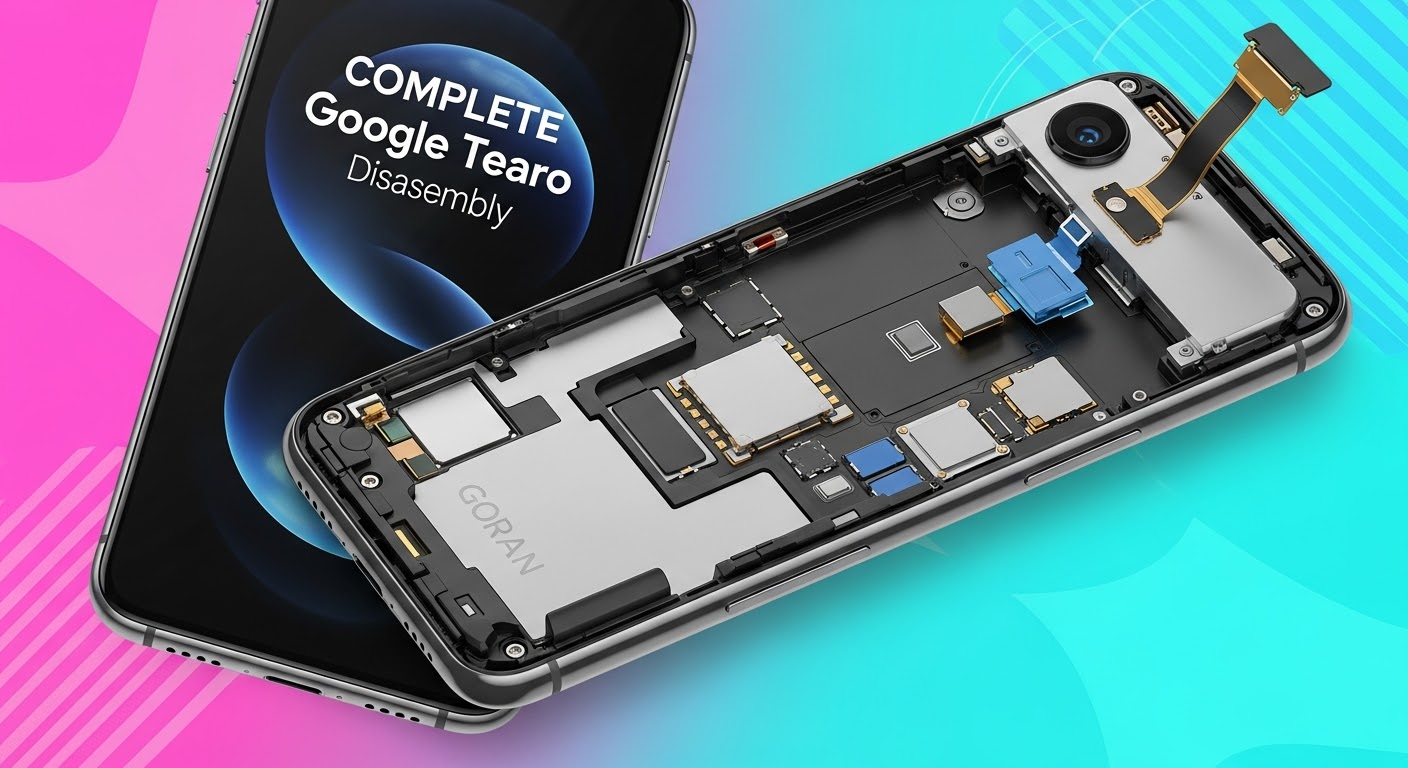
COMPLETE Teardown: Google Pixel 9 Pro Disassembly

COMPLETE Teardown: Google Pixel 9 Pro Disassembly – Step-by-Step Guide to Unlock the Future of Repairability
Introduction: Why the Google Pixel 9 Pro Teardown Matters
The Google Pixel 9 Pro disassembly isn’t just about curiosity—it’s a deep dive into one of the most advanced Android devices of 2025. Every component, from its OLED display to the custom Tensor G4 chip, reflects Google’s engineering excellence. However, with innovation comes complexity, making repairability an essential topic for tech enthusiasts and phone repair professionals alike.
At Sydney CBD Repair Centre, we believe understanding a device’s structure is key to performing reliable, efficient, and safe repairs. With over 2000 five-star reviews and six consecutive awards for best mobile phone repairs in Sydney, our team leads the way in Pixel repair expertise.

Tools and Safety Precautions Before Disassembly
Before you begin any Pixel 9 Pro teardown, preparation is everything. Handling delicate internal parts without the right tools or precautions can lead to irreversible damage.
Essential Tools You’ll Need
- Precision screwdriver set (Torx and Phillips)
- Plastic prying tools and suction cup
- Isopropyl alcohol (90% or higher)
- ESD-safe tweezers
- Heat gun or iOpener kit
- Magnetic screw mat
- Anti-static wrist strap
Each of these tools ensures that the repair process is smooth, safe, and efficient—especially when dealing with the strong adhesive Google uses in its latest models.
Safety Guidelines and ESD Protection
Always start by powering off the device completely. Wear an anti-static wrist strap to prevent electrostatic discharge, which can silently destroy sensitive circuitry. Work on a clean, well-lit, and static-free surface.
Step 1: Power Down and Remove the SIM Tray
Begin the teardown by shutting down the Pixel 9 Pro and ejecting the SIM tray using a SIM removal tool. This prevents any electrical contact during the disassembly.
Once removed, store the SIM tray in a safe location—it’s a small but critical part of the reassembly process.
Step 2: Separating the Display Assembly
The Google Pixel 9 Pro display is bonded with durable adhesive to ensure water resistance (rated IP68). Removing it requires precision and patience.
Heat and Pry Techniques for Adhesive Removal
Use a heat gun or iOpener to gently warm the screen edges, softening the adhesive. Carefully insert a plastic pry tool around the perimeter to lift the display. Avoid metal tools—they can scratch the screen or damage the housing.
Disconnecting the Display Cables
Once the display is loose, carefully open the phone from the side, like a book. Disconnect the display ribbon cables connected to the logic board using a spudger tool.
Step 3: Accessing the Battery Compartment
Google’s latest Pixel comes with a high-capacity Li-Po 5050mAh battery that supports 45W fast charging and reverse wireless charging.
Adhesive Pull Tabs and Battery Safety
Lift the graphite film to reveal the adhesive pull tabs beneath the battery. Gently pull each tab at a low angle to release the adhesive without bending or puncturing the cell.
Removing the Wireless Charging Coil
The Pixel 9 Pro includes a Qi-certified wireless charging coil layered above the battery. Remove it carefully to avoid damaging the flex connector.
Step 4: Removing Cameras and Sensor Modules
The camera system is a major highlight of the Pixel 9 Pro, featuring AI-enhanced photography with professional-grade clarity.
Triple Camera Array Breakdown
- Main Sensor: 50MP wide-angle with OIS
- Telephoto Lens: 48MP periscope with 5x optical zoom
- Ultra-Wide Lens: 12MP for macro and wide shots
Each camera module is connected via independent ribbon cables—detach them gently to prevent flex damage.
Front Camera and Face Unlock Module
The front-facing camera and sensor array are integrated into a single module. Unplug the ribbon connector and lift the assembly carefully.
Step 5: Logic Board and Chipset Analysis
At the heart of the Pixel 9 Pro lies the Google Tensor G4 chip, designed for superior AI computation, battery efficiency, and thermal performance.
Key Components: Tensor G4, RAM, and Storage
The logic board houses:
- Tensor G4 SoC
- 12GB LPDDR5X RAM
- UFS 4.0 Storage
- 5G Modem and Wi-Fi 7 module
Cooling System and Heat Dissipation Design
Google has enhanced heat dissipation with a vapor chamber system and layered graphite sheets, improving sustained performance during heavy workloads.
Step 6: Speaker, Vibration Motor, and Connectivity Components
Next, remove the bottom loudspeaker module, USB-C port, and taptic motor. These are secured with Torx screws and minor adhesive.
The vibration motor provides precise haptic feedback—replacing it with a non-genuine part may affect user experience.
Reassembly Tips and Common Mistakes to Avoid
Reassembly is the reverse of disassembly—but attention to detail is crucial:
- Reconnect all ribbon cables firmly.
- Replace adhesive strips where needed.
- Avoid overtightening screws.
- Test all components before sealing the device.
A small misalignment can compromise waterproofing, so seal integrity must be checked carefully.
Repairability Score and Insights
The Google Pixel 9 Pro earns a repairability score of 7/10. While modularity has improved since previous generations, the tightly glued display and battery make DIY repairs tricky.
At Sydney CBD Repair Centre, our certified technicians use genuine parts and precision tools to restore devices to factory condition—without voiding warranty.
Professional Repair vs DIY: Which Is Right for You?

When to Visit a Certified Repair Centre
- Broken or unresponsive screen
- Battery swelling or overheating
- Logic board issues
- Water or liquid damage
Benefits of Genuine Parts
Using authentic parts ensures:
- Longevity
- Compatibility
- Safety
- Warranty coverage
That’s why customers across Sydney trust Sydney CBD Repair Centre for same-day service and reliable workmanship.
About Sydney CBD Repair Centre: Trusted Pixel Specialists
Located in the heart of Sydney, Sydney CBD Repair Centre has been voted Best Phone Repair Shop in Sydney for six years running. With over 2000 Google reviews and a commitment to 90-day repair warranties, we continue to set the standard in smartphone restoration.
📍 Visit us today: SydneyCBD.repair/locate-us
📞 Call us: +61280114119
Sydney CBD Repair Centre — Where Quality Meets Reliability.
FAQs
1. Can I replace the Google Pixel 9 Pro screen myself?
Yes, but it requires precision tools and experience. We recommend professional service to avoid damaging internal components.
2. Is the Pixel 9 Pro battery user-replaceable?
No, it’s secured with strong adhesive. A trained technician should handle replacements.
3. How long does a Pixel 9 Pro repair take?
Most repairs at Sydney CBD Repair Centre are completed within the same day.
4. Are third-party parts safe for Pixel devices?
We strongly advise against them. Genuine parts maintain device integrity and performance.
5. Does opening the Pixel 9 Pro void the warranty?
Yes, unless performed by an authorized repair centre like Sydney CBD Repair Centre.
6. Do you offer water damage repair for Pixel phones?
Absolutely. Our team specializes in Pixel water damage recovery and diagnostic services.
Conclusion: The Pixel 9 Pro – Built for Performance, Serviced by Experts

The Google Pixel 9 Pro disassembly reveals a blend of sophisticated engineering and elegant design. While its construction prioritizes durability and performance, it also challenges repair accessibility for untrained users.
That’s where Sydney CBD Repair Centre excels—offering expertise, genuine components, and same-day turnaround to get your Pixel 9 Pro back to its best.
David from Sydney CBD Repair Centre – The Best place to fix mobile phones as 6 Years In A Row! Top Mobile Phone Repair In Sydney. More than 2000 Positive Reviews on Google and Same Day Repairs.
📍 Visit us today for:
✓ Same Day Express Repairs
✓ Genuine Parts Guarantee
✓ Professional Technicians
✓ Competitive Pricing
✓ 2000+ 5-Star Google Reviews
✓ 6-Time Award Winner for Best Phone Repairs
Sydney CBD Repair Centre – Where Quality Meets Reliability.
📞 Call : +61280114119
🌐 Website: https://SydneyCBD.repair/locate-us

