



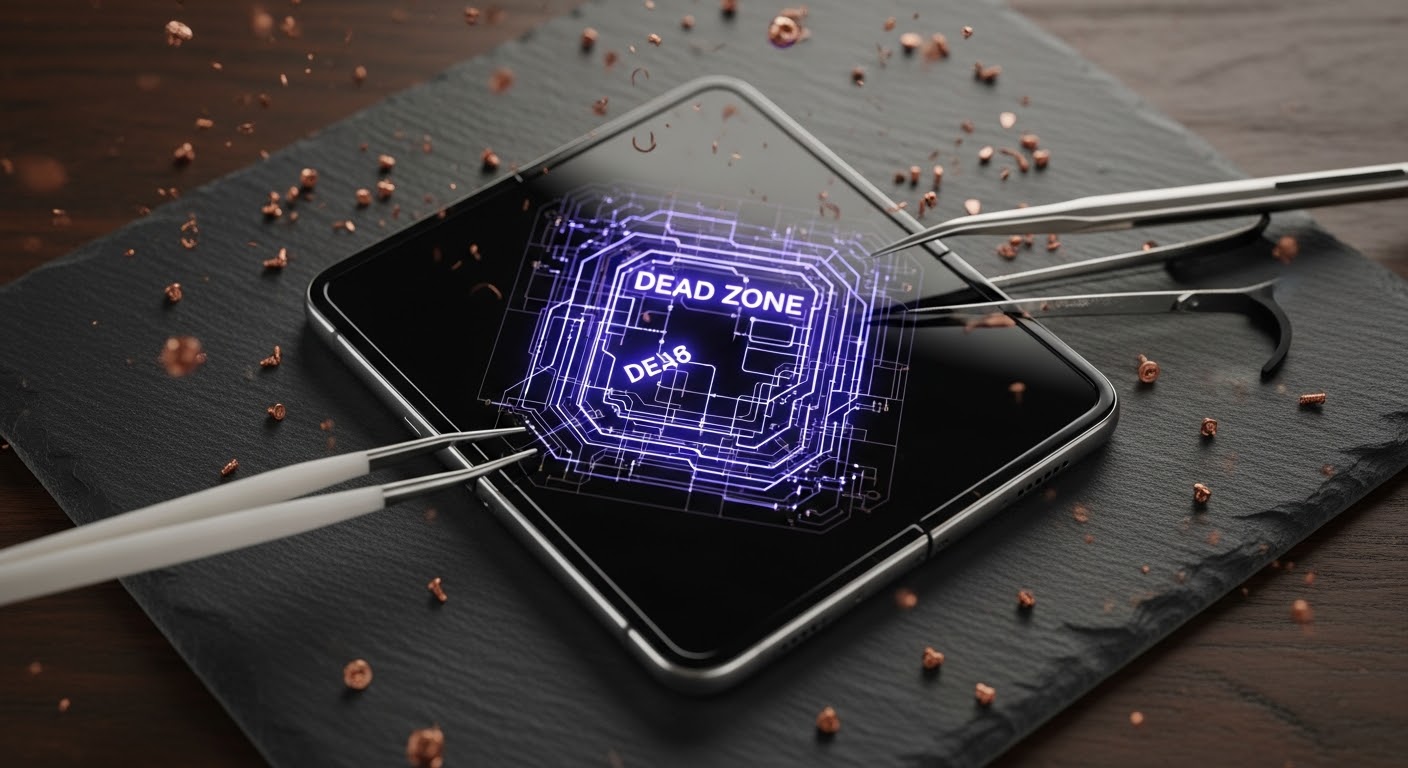
Fixing the Fold 6 Inner Screen: Addressing Dead Zones Without Visible Damage

Fixing the Fold 6 Inner Screen: Addressing Dead Zones Without Visible Damage – 9 Powerful Solutions That Actually Work
Introduction
The Samsung Galaxy Fold 6 is one of the most advanced foldable smartphones available today. Its futuristic design, flexible OLED display, and multitasking features make it a premium device for power users. However, even cutting-edge technology can develop issues over time. One common complaint among Fold 6 owners is the appearance of dead zones on the inner screen without any visible cracks or physical damage.
This issue can be incredibly frustrating. The phone may look perfectly fine on the outside, yet parts of the touchscreen stop responding. In many cases, users assume the problem is software-related because there are no visible signs of impact. Unfortunately, the reality is often more complicated.
In this detailed guide, we’ll explore the causes of Fold 6 inner screen dead zones, how professionals diagnose the issue, and the most effective repair solutions available today. We’ll also explain how to prevent future problems and whether repair is worth the investment.
For official Samsung device information, visit Samsung Australia
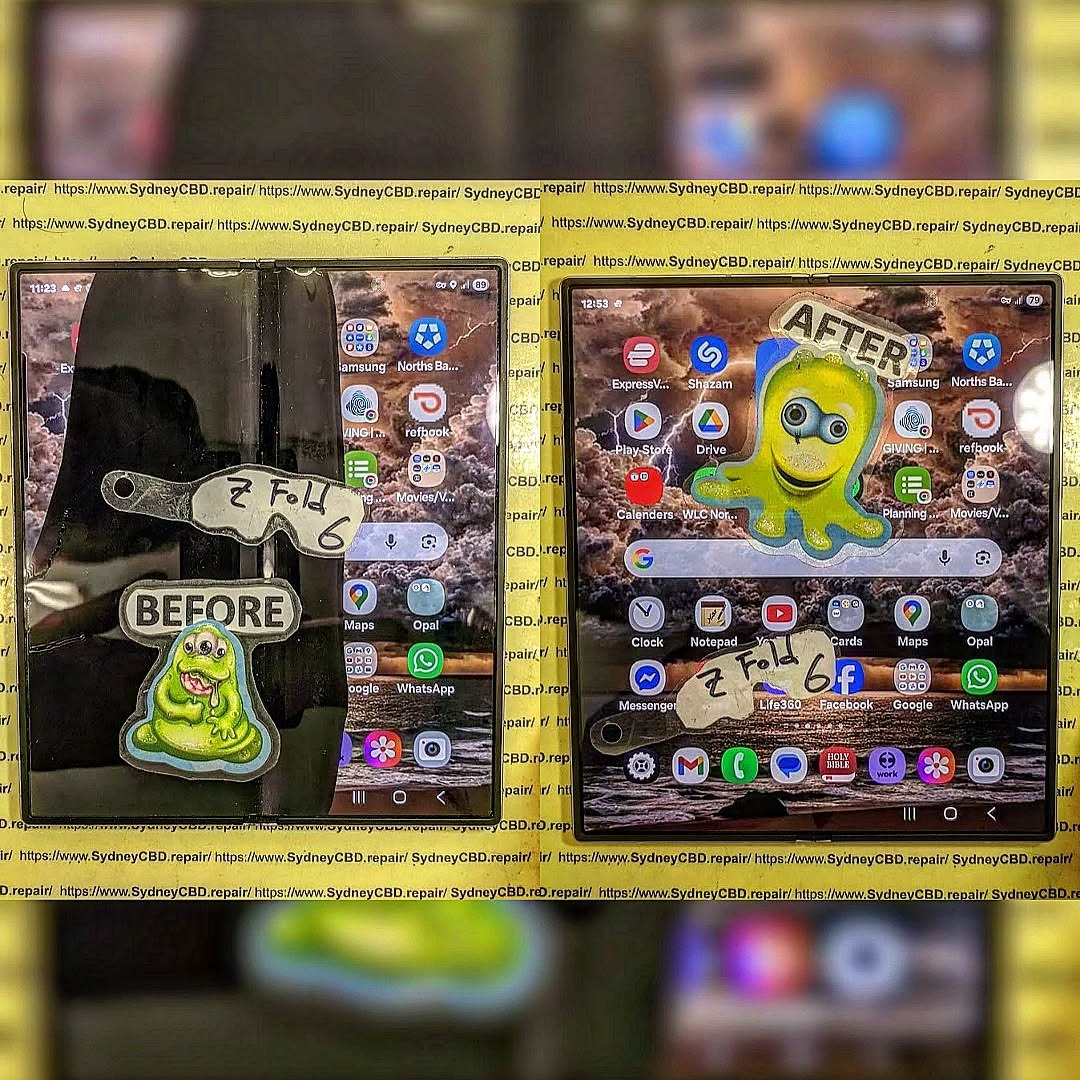
Understanding the Samsung Fold 6 Inner Screen Problem
The Fold 6 uses a highly sophisticated flexible OLED display that bends thousands of times throughout its lifespan. While Samsung has significantly improved durability over previous generations, foldable technology still faces unique challenges.
What Are Dead Zones on a Fold 6 Display?
Dead zones refer to sections of the touchscreen that no longer respond to touch input. These areas might appear along the fold crease, near the edges, or across random sections of the display.
Some users experience:
- Unresponsive touch areas
- Delayed gestures
- Partial scrolling failures
- Keyboard sections not working
- Random ghost touches
The display itself may still show images correctly, making the issue even more confusing.
Why the Damage Isn’t Always Visible
Unlike traditional smartphones, the Fold 6 contains delicate layers underneath the flexible display. Internal components can fail without causing visible cracks.
Common invisible failures include:
- Flex cable fatigue
- OLED layer separation
- Digitizer malfunction
- Internal pressure damage
- Connector loosening
Because these problems occur beneath the surface, the screen can appear pristine while touch functionality deteriorates.
Common Causes of Fold 6 Inner Screen Dead Zones
Understanding the root cause helps determine the best repair strategy.
Flex Cable Wear and Tear
The hinge mechanism repeatedly bends the internal flex cables every time the phone opens and closes. Over months or years of use, microscopic stress can weaken these cables.
Eventually, the connection between the touch digitizer and motherboard becomes unstable, causing intermittent or permanent dead zones.
This issue is especially common in foldable devices because traditional smartphones don’t experience constant mechanical flexing.
Pressure Damage Inside the Fold
Even without dropping the device, pressure inside pockets or bags can damage the ultra-thin OLED layers.
Examples include:
- Sitting with the phone in a back pocket
- Carrying the phone tightly packed in a backpack
- Closing the device with debris inside
Tiny particles trapped between the folding halves can create concentrated pressure points.
Moisture and Heat Exposure
Foldable devices are more vulnerable to environmental stress than slab-style phones.
Excessive heat can weaken adhesive layers, while humidity may affect internal display components. Even slight moisture intrusion can eventually damage sensitive circuitry.
That’s why many users notice problems after:
- Beach trips
- Gym workouts
- Hot car exposure
- Humid environments
Early Warning Signs Before Complete Failure

Many Fold 6 screens show subtle symptoms before major touchscreen failure occurs.
Touch Delay Issues
You may notice the display responding slower than usual. Typing becomes inconsistent, and gestures require multiple attempts.
At first, the problem may appear random.
However, over time the dead zones become larger and more frequent.
Random Screen Flickering
Flickering can indicate loose display connections or OLED stress.
Typical symptoms include:
- Brightness instability
- Green or white flashing
- Temporary blackouts
- Screen dimming during folds
These signs should never be ignored.
Black Spots or Unresponsive Areas
Small dark spots sometimes appear near the hinge. These can expand over time and indicate OLED layer damage.
Unfortunately, once OLED degradation begins, replacement is often necessary.
Diagnosing Fold 6 Dead Zones Professionally
Professional diagnosis is crucial because software symptoms can mimic hardware failure.
Software vs Hardware Testing
Technicians first rule out software problems using several methods:
- Safe Mode booting
- Firmware checks
- Touchscreen calibration
- Factory reset testing
- Samsung diagnostic tools
If the dead zones remain after software troubleshooting, the issue is likely hardware-related.
Internal Diagnostic Tools
Professional repair centres use advanced tools to inspect:
- Display signal integrity
- Flex cable continuity
- Internal pressure damage
- OLED response patterns
These tests help determine whether the Fold 6 needs:
- Connector repair
- Flex cable replacement
- Full inner screen replacement
Without proper tools, guessing can lead to unnecessary expenses.
Effective Solutions for Fold 6 Inner Screen Dead Zones
Several repair solutions exist depending on the severity of the issue.
Restarting and Safe Mode Testing
Before assuming hardware failure, basic troubleshooting should be attempted.
Steps include:
- Restart the device
- Boot into Safe Mode
- Remove problematic apps
- Test touchscreen functionality
- Clear cache partitions
Occasionally, software conflicts create temporary touch responsiveness issues.
However, if the dead zones persist, professional repair becomes necessary.
Firmware and Software Updates
Samsung regularly releases firmware patches to improve touch sensitivity and display stability.
Keeping the Fold 6 updated helps minimize software-related glitches.
You can check updates through:
- Settings
- Software Update
- Download and Install
Still, updates won’t fix damaged OLED components.
Screen Connector Reseating
In some cases, the internal display connector becomes partially loose due to repeated folding stress.
Technicians can carefully disassemble the phone and reseat the connector.
This repair may restore touch functionality if the issue is connection-related rather than OLED damage.
However, opening foldable devices requires specialized expertise and equipment.
Inner OLED Replacement
When the OLED or digitizer layer fails, full screen replacement is usually the only permanent solution.
This repair involves:
- Removing the damaged flexible display
- Installing a genuine replacement OLED
- Recalibrating touch functionality
- Testing hinge movement
Foldable display replacement is far more complex than repairing traditional phones.
That’s why choosing experienced technicians is critical.
Why DIY Repairs Can Be Risky
Many online tutorials make Fold 6 repairs look easy. In reality, foldable devices are among the most difficult smartphones to repair.
Foldable Display Complexity
The Fold 6 contains multiple fragile layers:
- Ultra-thin glass
- Flexible OLED
- Touch digitizer
- Adhesive films
- Hinge-mounted flex cables
A small mistake can permanently destroy the display.
Unlike regular smartphones, foldables require precise alignment during reassembly.
Loss of Water Resistance
Improper repairs often compromise water resistance.
Once factory seals are damaged, the device becomes more vulnerable to:
- Moisture
- Dust
- Internal corrosion
Professional repair centres use proper sealing techniques to restore protection as much as possible.
How Professional Repair Centres Handle Fold 6 Repairs
Experienced repair specialists follow a detailed process to ensure reliable results.
Genuine OLED Replacement Process
Professional Fold 6 repair usually includes:
| Repair Step | Purpose |
|---|---|
| Device inspection | Identify hidden damage |
| Diagnostic testing | Confirm hardware failure |
| Controlled disassembly | Prevent hinge damage |
| Genuine OLED installation | Restore display quality |
| Touch calibration | Ensure responsiveness |
| Final stress testing | Verify folding reliability |
Using genuine-quality parts helps maintain brightness, durability, and touch accuracy.
Post-Repair Quality Testing
Reliable repair centres perform multiple checks before returning the phone.
Tests include:
- Touch responsiveness
- Brightness uniformity
- Fold cycle testing
- Camera functionality
- Hinge alignment
These checks reduce the risk of recurring issues.
Preventing Future Fold 6 Screen Problems
While no foldable phone is indestructible, careful habits can greatly extend screen life.
Proper Folding Habits
Always fold the device gently.
Avoid:
- Snapping the phone shut
- Folding with debris inside
- Twisting the hinge
Smooth handling reduces long-term stress on internal components.
Avoiding Pressure Damage
Pressure is one of the biggest hidden threats to foldable displays.
Tips include:
- Use a protective case
- Avoid tight pockets
- Don’t stack heavy objects on the phone
- Keep keys away from the display
Simple precautions make a huge difference.
Using Protective Accessories
High-quality accessories can minimize wear.
Recommended accessories include:
- Shock-resistant cases
- Hinge protection covers
- Screen protectors
- Padded carrying pouches
Investing in protection often costs far less than major repairs.
Cost of Repairing a Fold 6 Inner Screen
Repair pricing varies based on the severity of damage and part availability.
Factors Affecting Repair Costs
Several elements influence repair pricing:
- OLED replacement cost
- Labor complexity
- Genuine vs aftermarket parts
- Additional hinge damage
- Warranty coverage
Foldable repairs are naturally more expensive than standard smartphone repairs because of component complexity.
Is Repair Better Than Replacement?
In many situations, yes.
Repairing a Fold 6 is often more affordable than buying a new flagship foldable device.
Repair is especially worthwhile if:
- The motherboard works properly
- The outer screen remains functional
- The phone is otherwise in good condition
Professional repair can restore the device to near-original performance.
Frequently Asked Questions
Can a Fold 6 inner screen stop working without cracks?
Yes. Internal flex cable damage, OLED failure, or digitizer problems can occur without visible cracks.
Are Fold 6 dead zones repairable?
In most cases, yes. Depending on the cause, repairs may involve connector fixes or full inner screen replacement.
How long does Fold 6 screen repair take?
Many professional repair centres offer same-day or next-day service depending on parts availability.
Will factory resetting fix dead zones?
Only if the issue is software-related. Hardware damage won’t be fixed by resetting the phone.
Is the Fold 6 inner screen fragile?
The Fold 6 is more durable than earlier foldables, but flexible displays still require careful handling.
Can pressure damage happen without dropping the phone?
Absolutely. Tight pockets, bags, or trapped debris can create enough pressure to damage internal display layers.
Should I repair or replace my Fold 6?
If the phone is otherwise functional, repairing the inner screen is usually more cost-effective than replacing the entire device.
Conclusion

The Samsung Fold 6 is an impressive piece of technology, but foldable devices come with unique repair challenges. Dead zones on the inner screen without visible damage are more common than many users realize. These issues typically stem from internal flex cable wear, OLED degradation, or hidden pressure damage.
While temporary software fixes may help in rare cases, persistent dead zones usually require professional diagnosis and repair. Attempting DIY fixes on a foldable device can worsen the damage and compromise water resistance.
The good news is that experienced repair specialists can often restore full functionality using advanced diagnostic tools and genuine replacement components. With proper care, protective accessories, and mindful handling, Fold 6 owners can significantly extend the life of their devices.
If your Fold 6 has developed dead zones, acting quickly may prevent the issue from spreading further across the display.
David from Sydney CBD Repair Centre – The Best place to fix mobile phones as 7 Years In A Row! Top Mobile Phone Repair In Sydney. More than 2000 Positive Reviews on Google and Same Day Repairs.
We take pride in delivering exceptional repair services for all major phone brands including Apple, Samsung, Google, and more. Our expert technicians use only genuine parts and offer 90days warranty on repairs. Located in the heart of Sydney CBD, we’re your one-stop solution for all mobile device repairs.
Our commitment to excellence has earned us the trust of thousands of satisfied customers. Whether it’s a cracked screen, battery replacement, or water damage repair, we handle it all with professional care and expertise. Walk in today and experience why we’re Sydney’s #1 choice for mobile phone repairs.
Visit us for:
✓ Same Day Express Repairs
✓ Genuine Parts Guarantee
✓ Professional Technicians
✓ Competitive Pricing
✓ 2000+ 5-Star Google Reviews
✓ 7-Time Award Winner for Best Phone Repairs
Sydney CBD Repair Centre – Where Quality Meets Reliability.
Call : +61280114119
Website: https://SydneyCBD.repair/locate-us

