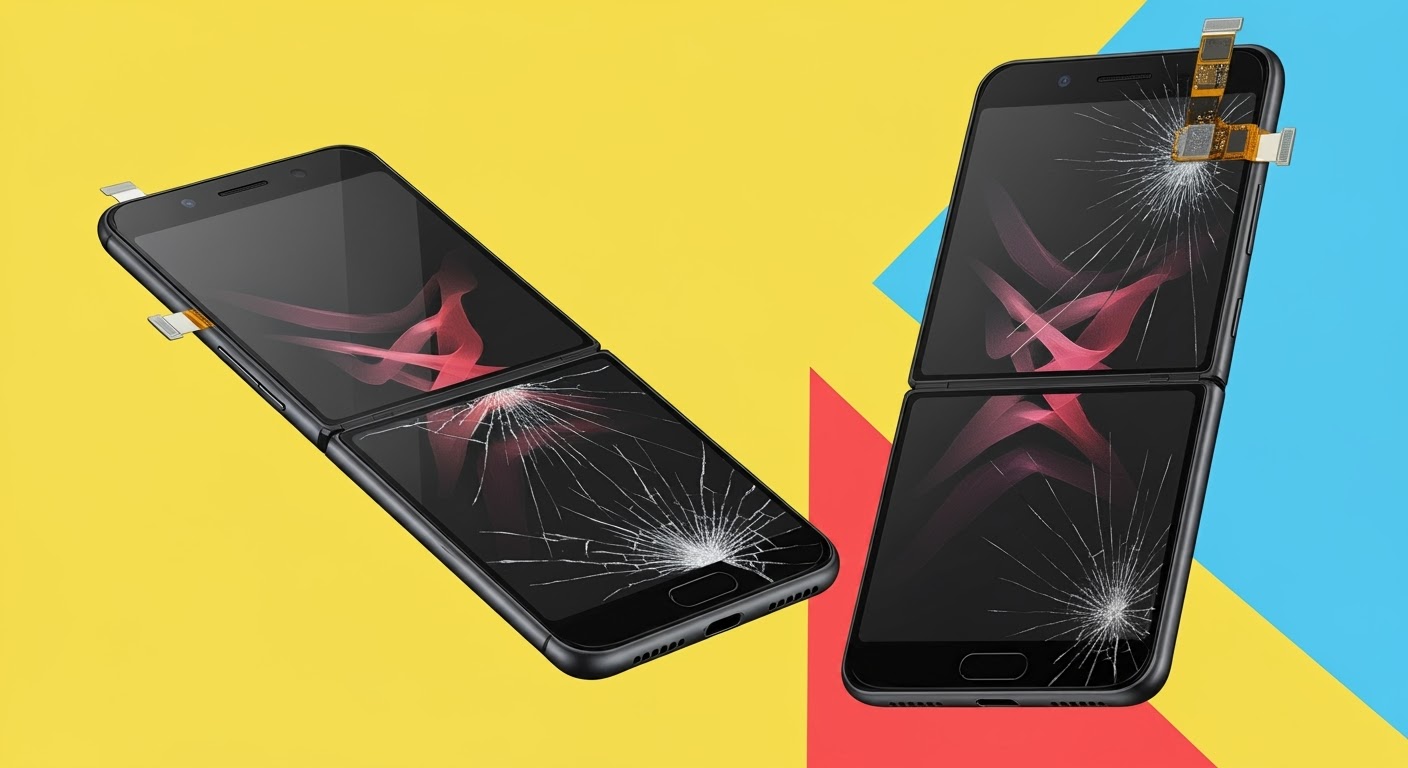
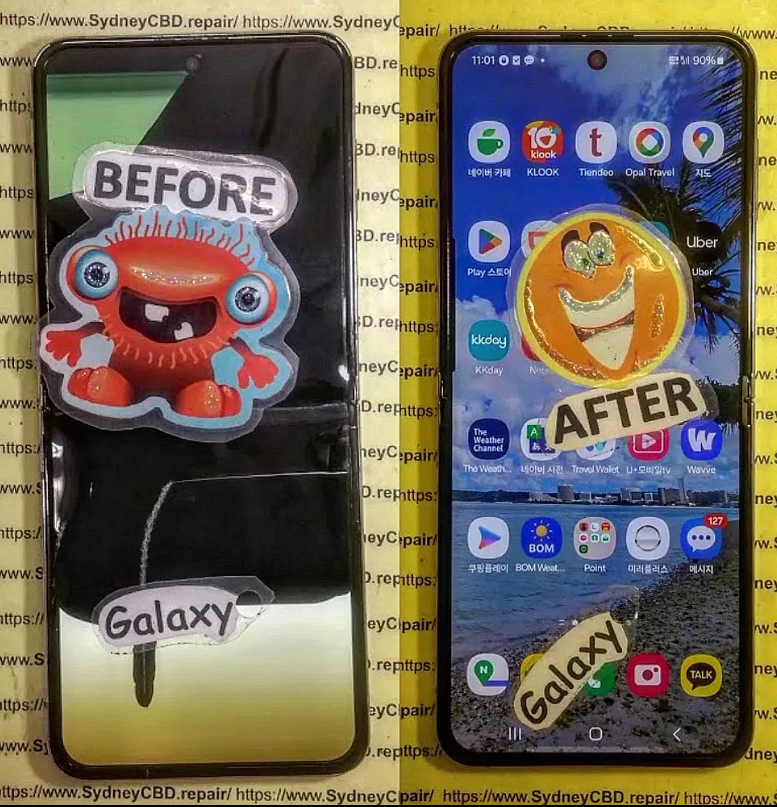
Fixing a “Purple Screen of Death” on a Galaxy Z Flip 6

Fixing a “Purple Screen of Death” on a Galaxy Z Flip 6 – Ultimate Guide + 10 Pro Tips
🟪 Introduction: What Is the Purple Screen of Death?
A “Purple Screen of Death” (PSOD) is a serious issue affecting Samsung’s foldable Galaxy Z Flip 6. This glitch causes the screen to show purple hues, streaks, or full-screen discoloration, making the device nearly unusable.
This problem has been increasingly reported by users, particularly after minor drops, software bugs, or prolonged screen stress. If left unresolved, it can lead to permanent screen damage or complete display failure.
Let’s explore everything you need to know about fixing a Galaxy Z Flip 6 with a purple screen, backed by expert knowledge from Sydney CBD Repair Centre, Sydney’s #1 mobile phone repair shop.
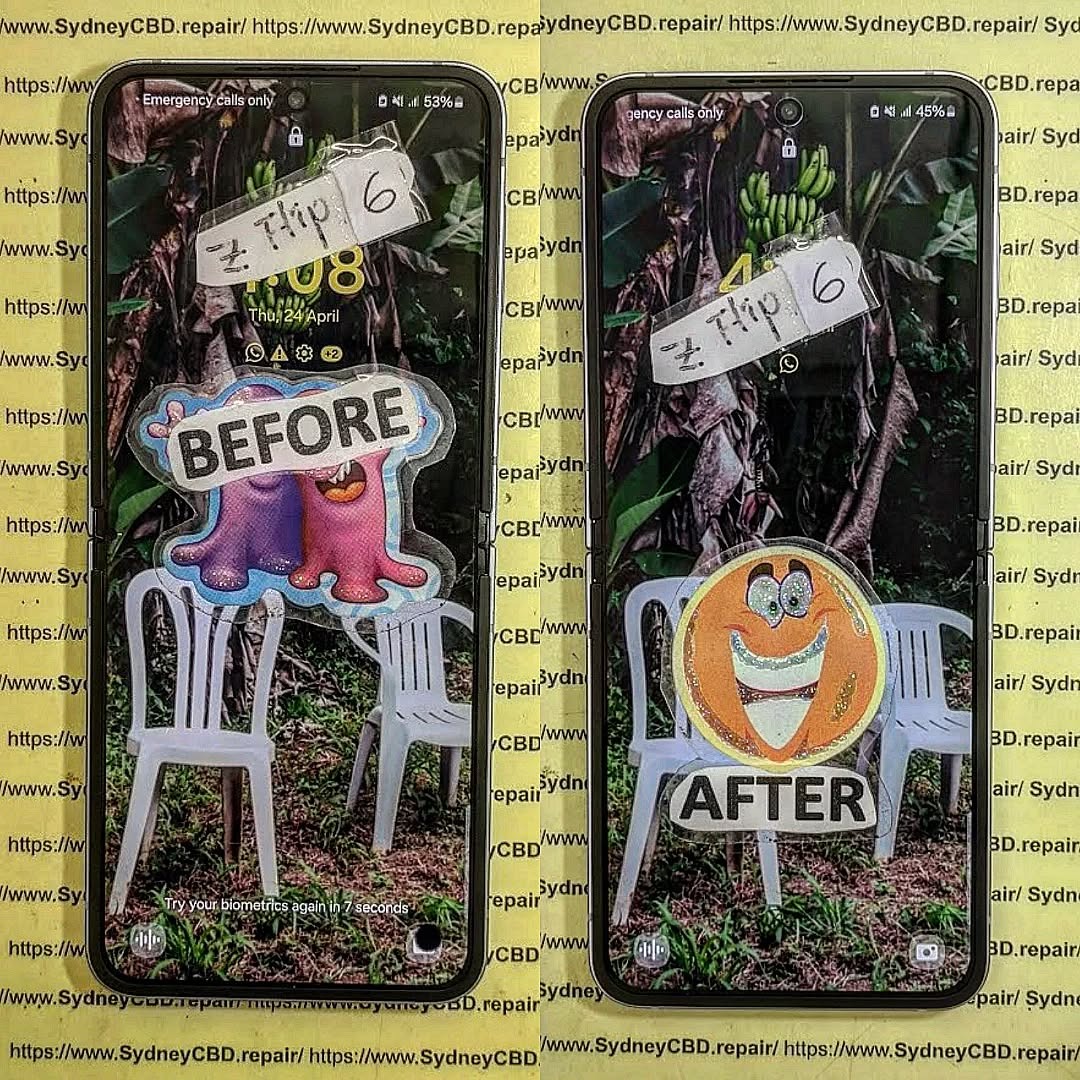
🚩 Common Signs Your Galaxy Z Flip 6 Has the Purple Screen Issue
The purple screen issue doesn’t always appear suddenly. Here are warning signs:
- Purple lines or blotches appearing after a drop
- Screen flickering or display ghosting
- Half-screen discoloration (especially on the fold)
- Touch sensitivity issues
- Gradual darkening of one side of the screen
- Device still responsive but completely unreadable display
If you’re experiencing any of these, immediate repair is crucial.
🔍 Why Does the Purple Screen Happen on Galaxy Z Flip 6?
📟 Hardware Damage
- Internal screen connectors may come loose from physical trauma (like dropping the phone).
- AMOLED layers inside the foldable screen are delicate and prone to pressure damage.
- Even minor hairline cracks on the inner display can cause full-screen color distortion.
💾 Software Glitches
- Samsung updates may occasionally conflict with display drivers.
- Malicious apps or firmware corruption can trigger boot screen anomalies.
🔥 Screen Burn or AMOLED Failure
- Prolonged use at high brightness levels can burn pixels, especially around the fold.
- Screen fatigue over time can cause color bleed, commonly presenting as a purple haze.
⚠️ Risk Factors: How to Avoid the Issue
Here’s what increases the chance of PSOD:
| Risk Factor | Description |
|---|---|
| Frequent Folding | Overuse of hinge may stress internal wiring |
| Drops or Bumps | Impact damage causes pixel and connector failure |
| Heat Exposure | AMOLED degrades faster in high heat |
| Charging While Gaming | Leads to overheating and display wear |
| Third-Party Apps | Can corrupt display rendering software |
Tip: Use a protective case and avoid third-party screen replacements.
🛠️ DIY Troubleshooting Methods
🔄 Force Reboot
Hold Power + Volume Down for 10 seconds. This soft reset may clear temporary glitches.
🧰 Booting into Safe Mode
To isolate faulty apps:
- Hold power > tap and hold “Power Off” > select Safe Mode.
- If the purple screen disappears, uninstall recently installed apps.
🔧 Software Update/Reinstallation
- Connect to Samsung Smart Switch via PC.
- Reinstall firmware to eliminate software-level display issues.
Note: These are only temporary fixes and may not work for hardware-related issues.
🚫 When to Avoid DIY Repairs
Some users attempt self-repair, but foldable phones require specialised tools and precision.
Avoid DIY if:
- The phone shows visible cracks or discoloration.
- You lack experience with foldable phone screens.
- You’re unsure if the issue is internal or software-based.
Doing it yourself may void warranty or worsen the damage.
🧪 The Dangers of Using Random Repair Shops
Non-certified repairers often use:
- Fake AMOLED screens prone to quick failure
- Low-quality glue that affects hinge performance
- Non-Samsung tools, damaging the screen layers
Always choose certified Samsung repair centres like Sydney CBD Repair Centre for peace of mind.
🛡️ Why Choose Sydney CBD Repair Centre?

🧑🔧 Certified Technicians
Our team specialises in Samsung foldables, with years of experience fixing rare and complex issues.
🧩 Genuine Parts & Warranty
We use 100% Samsung original components and provide a 90-day warranty.
⚡ Same-Day Service & Walk-In Support
Need urgent help? Walk in and get your device repaired on the same day. We’re located in the heart of Sydney CBD.
🔧 How We Fix the Purple Screen of Death at Our Shop
Here’s what our process looks like:
| Step | Action |
|---|---|
| 1 | Initial diagnostics with Samsung-grade tools |
| 2 | Open the device carefully via heat station |
| 3 | Inspect the flex cables, connectors & screen |
| 4 | Replace with a brand-new inner AMOLED panel |
| 5 | Test fold and touch response post-repair |
| 6 | Clean, reseal, and run final QA checks |
Typical turnaround time: 2-4 hours
💲 Cost of Fixing the Purple Screen Issue
| Service Type | Price Range (AUD) |
|---|---|
| Inner AMOLED Screen Replace | $599 – $749 |
| Full Diagnostic + Repair | $99 – $199 |
| Express Same-Day Repair | Free with booking |
Note: Prices may vary based on damage severity and parts availability. Call us at +61280114119 for a quote.
🧼 Prevention Tips After Repair
- Use a flip cover to reduce direct pressure
- Avoid folding the phone when not needed
- Don’t charge while gaming or using heavy apps
- Keep the phone away from prolonged heat sources
- Always update to the latest Samsung firmware
❓ Frequently Asked Questions (FAQs)
1. Can I keep using my Z Flip 6 if the screen turns purple?
It’s not recommended. Continuing to use it can worsen the damage and make it more expensive to fix.
2. Is purple screen covered by warranty?
Only if it’s proven to be a manufacturer defect. Accidental damage is not covered under standard Samsung warranty.
3. How long does it take to fix the purple screen?
At Sydney CBD Repair Centre, most repairs are done within 2–4 hours.
4. Can software update fix the purple screen?
It can help only if the issue is caused by a software glitch. Hardware-related purple screens require part replacement.
5. Do I need to back up my phone before repair?
Yes, always back up your data. We try to preserve everything, but it’s safer to back up in case full disassembly is needed.
6. Is the Z Flip 6 screen more fragile than regular phones?
Yes, foldable displays are more delicate due to their flexible AMOLED layers and hinge mechanisms.
✅ Conclusion: Act Fast Before It’s Too Late
The Purple Screen of Death on your Galaxy Z Flip 6 is not just annoying — it’s a critical issue that can lead to total screen failure. Attempting DIY repairs or delaying professional help often makes things worse.
Trust the experts at Sydney CBD Repair Centre to handle your phone with care. We offer same-day service, genuine parts, and 90-day warranty on all repairs.
📍 Walk-in today or book your appointment online:
🌐 SydneyCBD.repair/locate-us
📞 Call Us: +61280114119