




Unmasking Fake Screens: How to Spot a Bad Replacement Before It’s Too Late

Unmasking Fake Screens: How to Spot a Bad Replacement Before It’s Too Late + 12 Pro Tips
Introduction
Phone screens are the most vulnerable part of your mobile device, and when they break, it’s tempting to opt for a quick replacement—often without verifying the quality. Unfortunately, fake or substandard replacement screens are more common than many realize. Installing a low-quality screen can result in flickering displays, touch issues, and even long-term damage to your device.
This article will provide a comprehensive guide on identifying fake screens, understanding the risks, and ensuring your phone gets a genuine replacement. We’ll explore everything from visual inspection to certified repair centers, arming you with the knowledge to make the right choice.
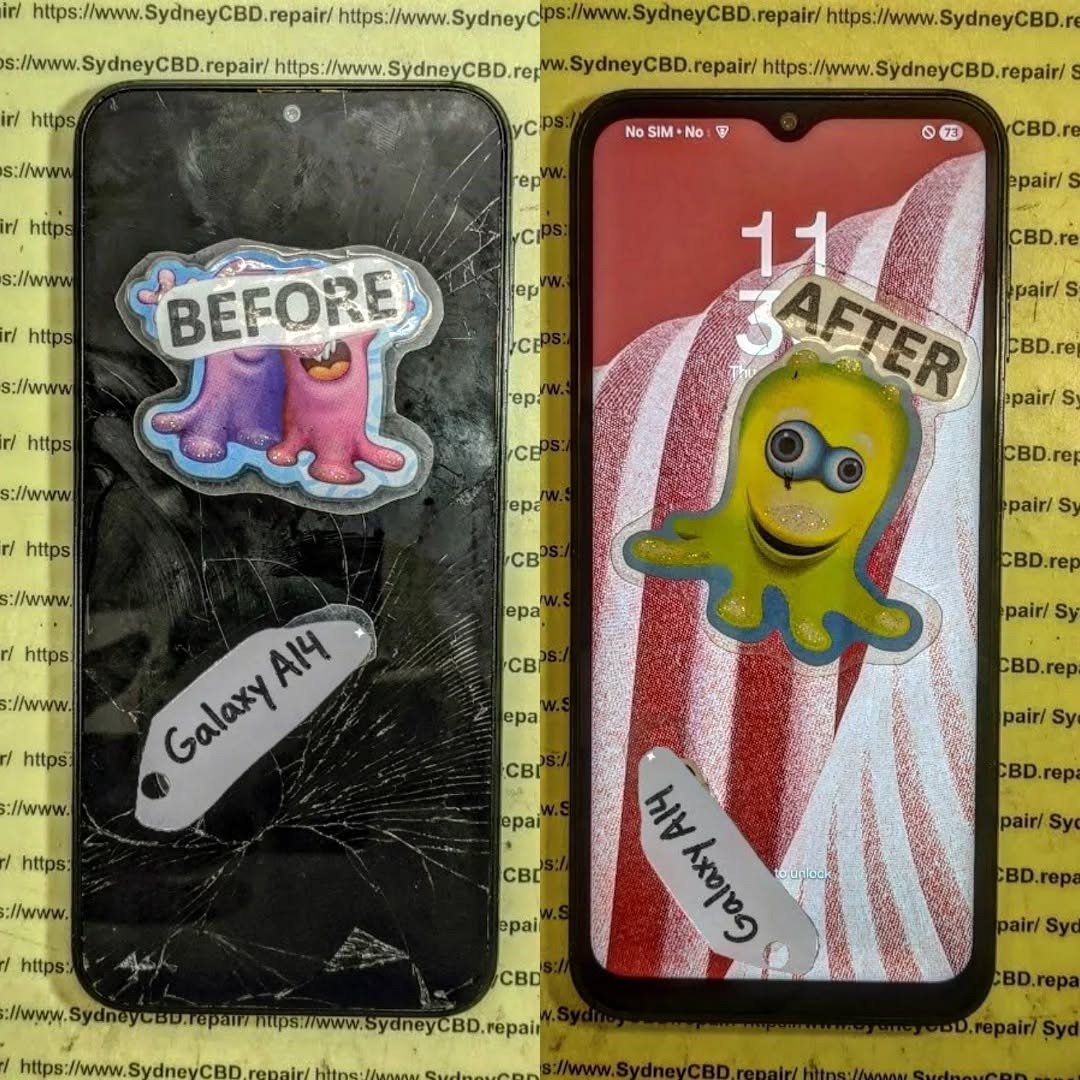
Understanding Phone Screen Replacements
Replacing a phone screen isn’t just about swapping glass. It involves understanding the types of replacements available and the differences between them.
OEM vs Third-Party Screens
Original Equipment Manufacturer (OEM) screens are made by the phone’s brand itself. These offer perfect color accuracy, durability, and guaranteed compatibility. On the other hand, third-party screens are made by external manufacturers. While some third-party screens are decent, others are cheaply made, with poor touch response, color fidelity, and lifespan.
| Feature | OEM Screen | Third-Party Screen |
|---|---|---|
| Color Accuracy | High | Varies |
| Touch Sensitivity | Smooth & accurate | Often delayed or uneven |
| Durability | Long-lasting | Shorter lifespan |
| Warranty | Usually included | Often limited or none |
| Cost | Higher | Lower |
Refurbished Screens Explained
Refurbished screens are used panels that have been restored for resale. While some refurbished options are reliable, many are prone to defects such as dead pixels, reduced brightness, and faster wear. Always verify the refurbishing process and source to avoid buying a problematic screen.
Signs of a Fake Screen
Even before turning on your phone, a few indicators can reveal whether a screen replacement is fake.
Visual Inspection
Fake screens often show imperfections:
- Pixelation: Colors may appear blotchy or inconsistent.
- Color Inconsistency: Whites may appear yellowish or gray.
- Gaps and Misalignment: Poorly fitted screens create visible gaps between the glass and frame.
Touchscreen Sensitivity
One of the most common complaints about fake screens is touch responsiveness:
- Lagging touches
- Ghost touches (phone registers touches you didn’t make)
- Unresponsive areas that don’t register taps
Display Brightness & Color Accuracy
A fake screen may struggle with brightness levels and fail to reproduce colors accurately. Compare the screen to the original under the same lighting conditions.
Build Quality & Material Differences
Fake screens may feel lighter or cheaper, and the glass may be more fragile. The screen frame may also be flimsy, making it prone to bending or breaking.
Performance Issues Linked to Fake Screens
Low-quality screens don’t just look bad—they can affect device performance:
- Battery Drain: Fake screens may consume more power due to inefficiencies.
- Overheating: Poorly manufactured screens can generate excess heat.
- Software Glitches: Misaligned sensors or incompatible hardware may cause crashes or erratic behavior.
Risks of Installing Fake Screens
Installing a fake screen may seem cost-effective initially, but it carries hidden risks:
- Long-Term Device Damage: Overheating or short-circuiting can harm internal components.
- Warranty Void: Most manufacturers will not honor warranties after third-party repairs.
- Reduced Resale Value: Buyers may be skeptical of devices with non-genuine parts.
How to Verify Screen Authenticity

Before agreeing to a replacement, verify the authenticity of the screen.
Checking Serial Numbers
OEM screens often have unique serial numbers. Cross-check with manufacturer databases or official apps to confirm authenticity.
Manufacturer Tools & Apps
Brands like Apple and Samsung provide apps and diagnostic tools to verify screen replacements. Using these tools before installation can prevent issues.
Trusted Repair Centers
Opting for a certified repair shop ensures that the screen is genuine, and you receive proper warranties. Look for official certifications and customer reviews.
Cost vs Quality: Why Cheap Screens Aren’t Always Worth It
While a third-party or fake screen may cost 50-70% less, the long-term costs can far outweigh the savings:
- Frequent repairs
- Early replacement due to wear
- Potential device damage
Investing in a high-quality replacement ultimately saves time, money, and frustration.
Preventative Measures
Taking preventative measures can help avoid the need for a screen replacement:
- Use a Quality Screen Protector: Reduces the risk of cracks and scratches.
- Invest in a Sturdy Case: Protects against drops and pressure damage.
- Avoid Cheap Repair Shops: Always research before committing.
- Handle Devices Carefully: Avoid placing phones in pockets with keys or coins.
FAQs About Fake Screens
1. How can I tell if my replacement screen is fake?
Check for color inconsistency, touch issues, and build quality differences. Compare with the original screen under similar lighting.
2. Are fake screens dangerous for my phone?
Yes, they can cause overheating, battery drain, and long-term damage to internal components.
3. Do fake screens come with warranties?
Most third-party or fake screens offer limited or no warranty, unlike OEM replacements.
4. Can I trust refurbished screens?
Only if they come from certified refurbishers with a guarantee of quality. Verify the source before buying.
5. Is it cheaper to use a fake screen?
Initially yes, but frequent repairs and potential damage make them more costly in the long run.
6. How do I find a trustworthy repair center?
Look for certified technicians, official brand partnerships, positive reviews, and warranties on repairs.
Conclusion

Fake screens may appear to be a convenient solution, but the risks far outweigh the benefits. From touch sensitivity issues to potential long-term device damage, identifying and avoiding fake replacements is critical. Always prioritize quality, verify authenticity, and choose certified repair centers for peace of mind. Your phone deserves the best care to maintain performance, appearance, and lifespan.
David from Sydney CBD Repair Centre – The Best place to fix mobile phones as 6 Years In A Row! Top Mobile Phone Repair In Sydney. More than 2000 Positive Reviews on Google and Same Day Repairs.
We take pride in delivering exceptional repair services for all major phone brands including Apple, Samsung, Google, and more. Our expert technicians use only genuine parts and offer 90days warranty on repairs. Located in the heart of Sydney CBD, we’re your one-stop solution for all mobile device repairs.
Our commitment to excellence has earned us the trust of thousands of satisfied customers. Whether it’s a cracked screen, battery replacement, or water damage repair, we handle it all with professional care and expertise. Walk in today and experience why we’re Sydney’s #1 choice for mobile phone repairs.
Visit us for:
✓ Same Day Express Repairs
✓ Genuine Parts Guarantee
✓ Professional Technicians
✓ Competitive Pricing
✓ 2000+ 5-Star Google Reviews
✓ 6-Time Award Winner for Best Phone Repairs
Sydney CBD Repair Centre – Where Quality Meets Reliability.
Call : +61280114119
Website: https://SydneyCBD.repair/locate-us

