


Why Your Flash Stopped Working After a DIY OnePlus 9 Pro Repair

Why Your Flash Stopped Working After a DIY OnePlus 9 Pro Repair – 9 Powerful Reasons You Must Know
Introduction: When a Simple Repair Turns Into a Bigger Problem
You finished your DIY repair. The screen looks great. The battery charges. Everything seems fine—until you open the camera.
And then you notice it.
Your flash stopped working after DIY OnePlus 9 Pro repair.
It’s frustrating, isn’t it? You saved money, followed a guide, handled every screw carefully, and yet something small—but essential—stopped functioning. The LED flash on the OnePlus 9 Pro plays a crucial role not only in photography but also as a flashlight and even for QR code scanning in low light.
Let’s break down exactly why this happens—and more importantly—what you can do about it.
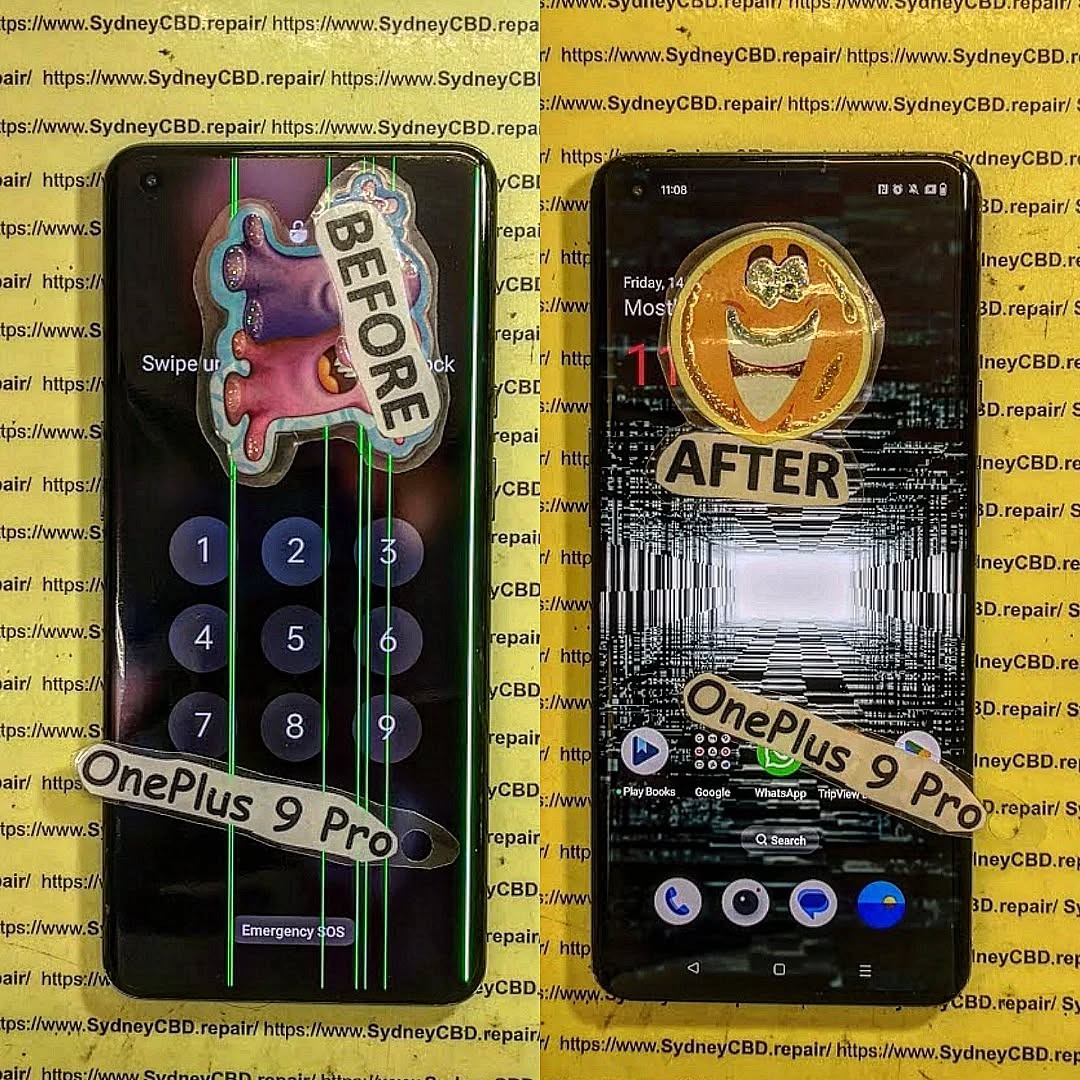
Understanding the OnePlus 9 Pro Flash System
Before jumping into fixes, it helps to understand how the flash system works.
How the LED Flash Works
The OnePlus 9 Pro uses a high-intensity dual LED flash connected through a flex cable that interfaces directly with the motherboard. The flash relies on:
- Stable power from the battery
- Proper motherboard communication
- Camera module integration
- Software control via OxygenOS
If even one of these components fails, your flash stopped working after DIY OnePlus 9 Pro repair becomes a reality.
Connection Between Camera and Flash Module
The flash and camera module often share nearby connectors and power lines. During DIY repair, even slight misalignment can disrupt the flash system.
1. Loose or Improperly Seated Flex Cable
This is the most common reason your flash stopped working after DIY OnePlus 9 Pro repair.
Symptoms of a Loose Flash Connector
- Flash option greyed out
- Flash works intermittently
- Flashlight feature disabled
- Camera error messages
How to Inspect Safely
- Power off device completely.
- Disconnect battery before touching connectors.
- Reseat the flash and camera flex cables carefully.
- Check for bent pins under magnification.
Even a half-millimeter misalignment can cause failure.
2. Damaged Flash Module During Disassembly
DIY repairs often involve heat guns and pry tools. One wrong move and the flash module can crack.
Common DIY Mistakes
- Applying excessive heat
- Using metal pry tools
- Pulling flex cables aggressively
- Not removing adhesive properly
Signs of Hardware Failure
- Burn marks
- Physical cracks
- No flash response even after reseating
If your flash stopped working after DIY OnePlus 9 Pro repair due to hardware damage, replacement is usually required.
3. Motherboard Connector Damage
This is more serious.
Why Board-Level Damage Is Serious
Motherboard connectors are fragile. If you lifted the connector instead of the flex cable, you might have:
- Torn pads
- Broken solder joints
- Damaged flash IC circuits
Repair vs Replacement
Board-level repairs require microsoldering expertise. This isn’t a beginner-friendly fix.
4. Short Circuit After Battery Reconnection
Did you reconnect the battery before securing all connectors? That’s risky.
Power Surge Risks
A brief short circuit can:
- Blow the flash IC
- Damage power management components
- Disable LED output permanently
Preventive Measures
Always:
- Disconnect battery first
- Reconnect battery last
- Use insulated tools
Many users realize too late why their flash stopped working after DIY OnePlus 9 Pro repair.
5. Software Glitch After Reassembly
Sometimes, it’s not hardware.
The OnePlus 9 Pro runs OxygenOS. After hardware changes, firmware conflicts may occur.
System Cache Problems
Try:
- Clearing camera app cache
- Booting into recovery mode
- Wiping cache partition
OxygenOS Camera Bugs
A system update or factory reset can sometimes restore flash functionality.
6. Camera Module Not Properly Installed
Flash and camera systems are interconnected.
Shared Circuit Path Issues
If the camera flex isn’t fully seated:
- Flash may disable automatically
- System may detect camera error
Diagnostic Testing
Download a hardware diagnostic app to test LED directly.
7. Faulty Replacement Parts
Aftermarket parts can be unreliable.
Aftermarket Risks
- Poor quality LEDs
- Incorrect voltage specifications
- Weak solder joints
Importance of Genuine Parts
Professional repair centers use OEM-grade parts tested for compatibility.
This significantly reduces chances your flash stopped working after DIY OnePlus 9 Pro repair.
8. Water or Moisture Exposure During Repair
Humidity, sweat, or accidental liquid exposure can corrode contacts.
Hidden Corrosion
You may not see damage immediately.
But corrosion slowly interrupts electrical flow.
Professional Cleaning Solutions
Technicians use ultrasonic cleaners and isopropyl alcohol treatments.
9. ESD (Electrostatic Discharge) Damage
Static electricity can silently kill flash circuits.
Why Static Electricity Matters
You won’t see or feel it—but it can destroy microchips instantly.
How Professionals Prevent It
- Anti-static wrist straps
- ESD mats
- Controlled workspaces
Step-by-Step Troubleshooting Guide
| Step | Action |
|---|---|
| 1 | Restart phone |
| 2 | Test flashlight app |
| 3 | Clear camera cache |
| 4 | Reseat flash connector |
| 5 | Inspect for physical damage |
| 6 | Check for motherboard damage |
| 7 | Perform factory reset |
If none works, hardware repair is likely required.
When to Seek Professional Repair

If your flash stopped working after DIY OnePlus 9 Pro repair and:
- You see physical damage
- Flash doesn’t respond in safe mode
- There are motherboard issues
- You’re unsure about re-opening device
It’s time to consult professionals.
For official device specifications, visit the manufacturer’s website:
https://www.oneplus.com
Frequently Asked Questions
1. Why did my flash stop working after screen replacement?
Most likely due to a loose connector or accidental flex damage.
2. Can software updates fix flash issues?
Sometimes. If it’s firmware-related, yes.
3. Is flash connected to the camera module?
Yes, they share power and communication pathways.
4. How much does professional flash repair cost?
It varies by region and damage severity.
5. Can static electricity damage phone flash?
Absolutely. ESD damage is common in DIY repairs.
6. Should I attempt motherboard repair myself?
Not recommended unless you have microsoldering expertise.
Conclusion: Repair Smart, Not Twice

DIY repairs can save money. But without proper tools and ESD protection, small issues can turn into costly problems.
If your flash stopped working after DIY OnePlus 9 Pro repair, don’t panic. Start with simple checks. Rule out software causes. Then inspect connectors carefully.
And if it’s beyond your comfort level? It’s okay to let professionals handle it.
Smart repairs mean fewer headaches—and better results.
David from Sydney CBD Repair Centre – The Best place to fix mobile phones as 7 Years In A Row! Top Mobile Phone Repair In Sydney. More than 2000 Positive Reviews on Google and Same Day Repairs.
We take pride in delivering exceptional repair services for all major phone brands including Apple, Samsung, Google, and more. Our expert technicians use only genuine parts and offer 90days warranty on repairs. Located in the heart of Sydney CBD, we’re your one-stop solution for all mobile device repairs.
Our commitment to excellence has earned us the trust of thousands of satisfied customers. Whether it’s a cracked screen, battery replacement, or water damage repair, we handle it all with professional care and expertise. Walk in today and experience why we’re Sydney’s #1 choice for mobile phone repairs.
Visit us for:
✓ Same Day Express Repairs
✓ Genuine Parts Guarantee
✓ Professional Technicians
✓ Competitive Pricing
✓ 2000+ 5-Star Google Reviews
✓ 7-Time Award Winner for Best Phone Repairs
Sydney CBD Repair Centre – Where Quality Meets Reliability.
Call : +61280114119
Website: https://SydneyCBD.repair/locate-us

