


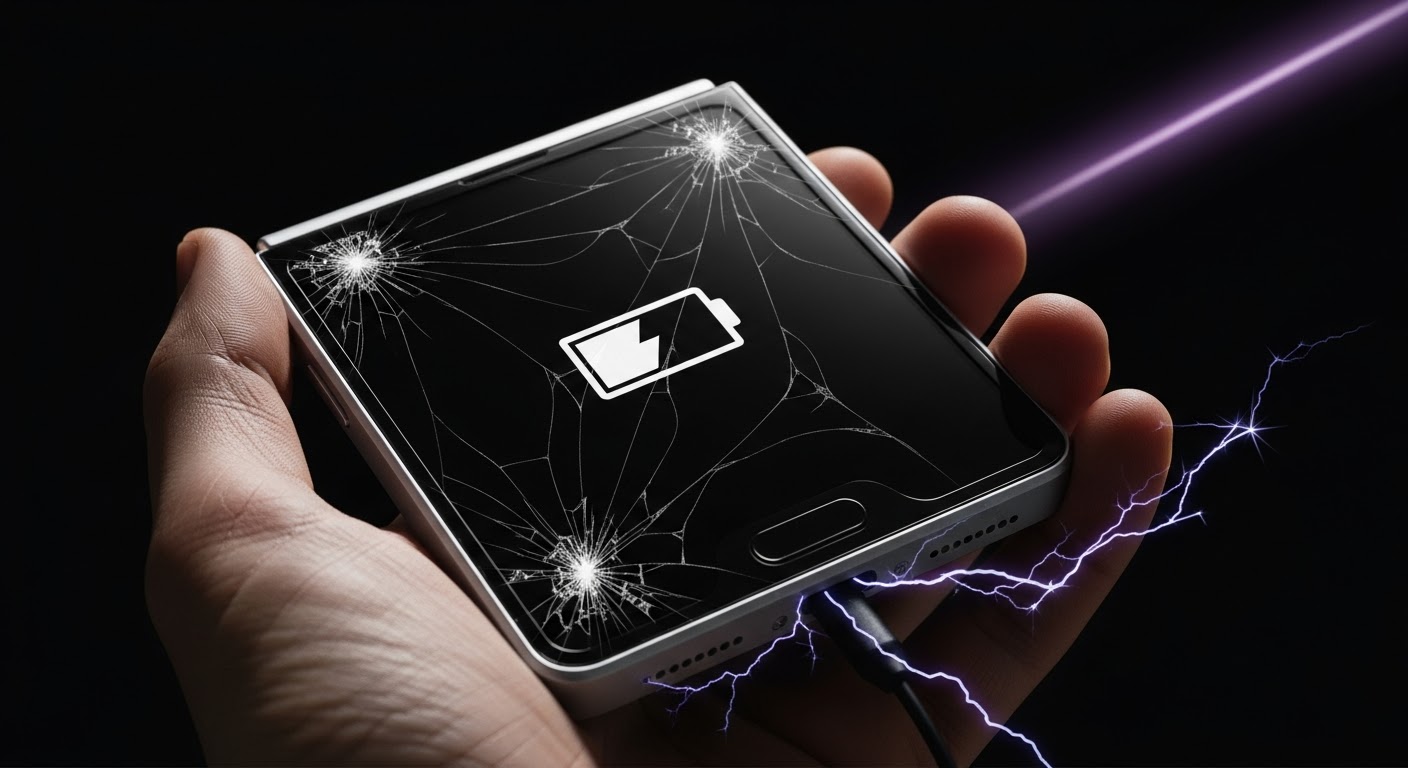
Beyond the Screen Reviving a Charging Port Dead Samsung Z Flip 5

Beyond the Screen: Reviving a Charging Port Dead Samsung Z Flip 5 – 7 Proven Fixes
Introduction
Experiencing a dead charging port on your Samsung Z Flip 5 can feel catastrophic, especially when your device is your lifeline. From sudden power loss to the frustration of watching your device refuse to charge, a malfunctioning port can disrupt your daily routine. The Samsung Z Flip 5 is a sleek, foldable device that relies on a precision-engineered USB-C port to maintain power delivery. Unlike traditional smartphones, the Z Flip 5’s compact, hinge-enabled design makes its charging system slightly more delicate, and even minor debris or moisture can interfere with its operation.
In this article, we’ll explore seven proven fixes to revive a dead charging port on the Samsung Z Flip 5. We’ll cover simple DIY solutions, advanced repair methods, and tips to prevent future issues—all backed by expert insights to restore your device’s performance safely.
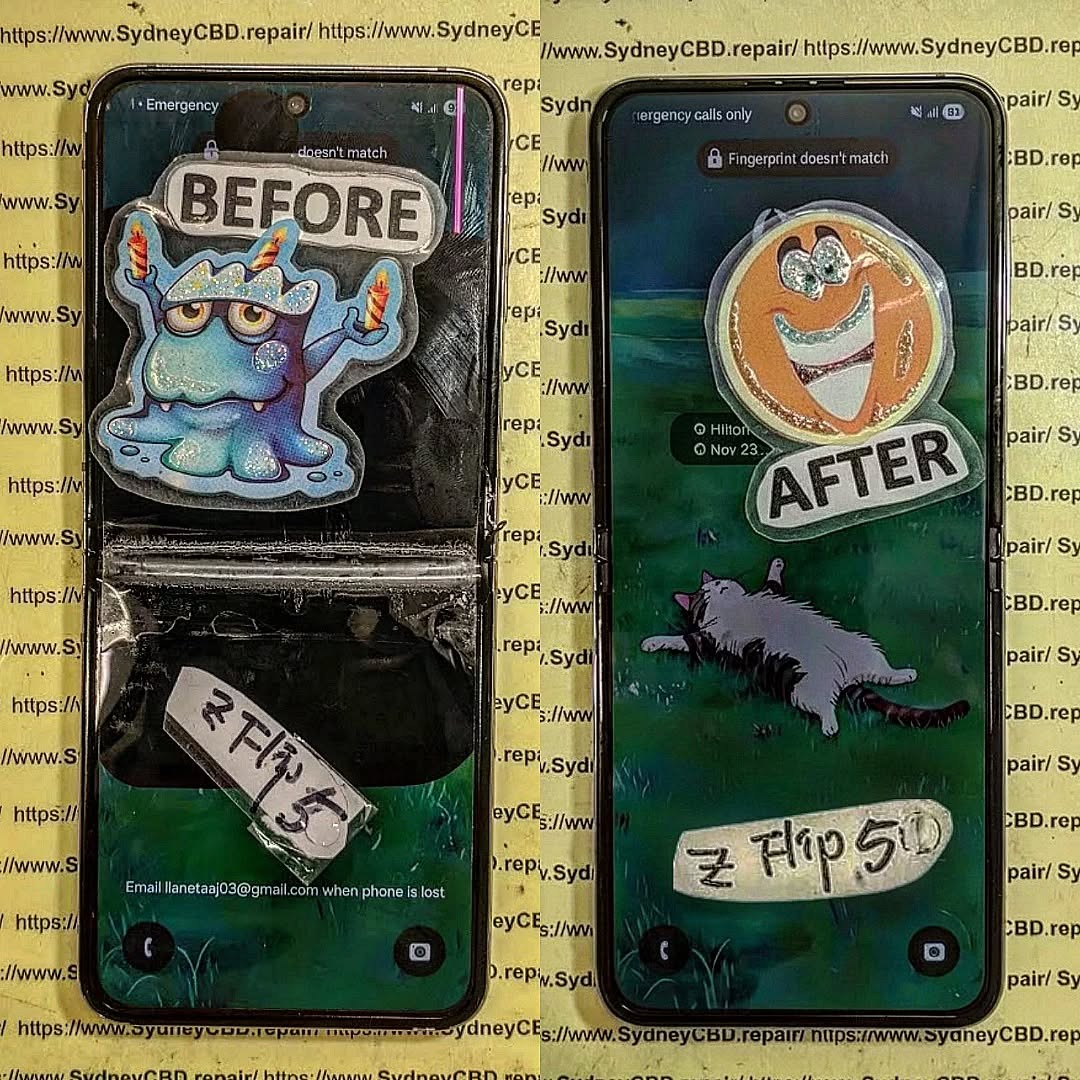
Understanding the Samsung Z Flip 5 Charging System
A thorough understanding of the Z Flip 5’s charging mechanism helps diagnose problems accurately. At its core, the charging system consists of the USB-C port, a power management IC (PMIC), and internal circuitry that regulates current and voltage.
USB-C Port Components
The USB-C port features multiple pins that handle power delivery, data transfer, and grounding. Wear and tear or bent pins can interrupt the flow of electricity. Debris, lint, and dust often accumulate in the port’s tight recesses, leading to intermittent or total charging failure.
Power Management IC
The PMIC acts as the device’s “charging brain,” regulating current, voltage, and battery temperature. A malfunctioning PMIC can mimic port failure, making it critical to verify whether the issue lies with the hardware or software before attempting repairs.
Common Causes of Charging Port Failure
Charging port problems can arise from a combination of physical, environmental, and software-related factors. Understanding these causes allows users to address the root issue rather than simply treating symptoms.
Physical Damage and Wear
Frequent plugging and unplugging can bend pins or loosen solder connections. Over time, these minor damages accumulate, eventually preventing reliable contact. Visible signs of damage include wobbly cables, bent pins, or unusual resistance when connecting a charger.
Liquid Exposure
Even minimal exposure to water or other liquids can corrode contacts inside the charging port. Moisture often seeps into the hinge mechanism of the Z Flip 5, making it more susceptible than traditional flat devices.
Software & Firmware Problems
Occasionally, a charging port may appear dead due to firmware glitches or battery calibration issues. Updates may interfere with charging recognition, or the system may misinterpret power delivery, resulting in a non-charging state.
Safety Precautions Before Attempting Repair

Before diving into DIY fixes, safety is paramount. Here’s what you need to know:
- Power Down the Device: Never attempt cleaning or disassembly with the phone powered on.
- Use ESD Protection: Electrostatic discharge can damage sensitive circuitry. Work on a grounded surface using anti-static tools.
- Avoid Excessive Force: Forcing cables or tools into the port may worsen the problem.
DIY Cleaning and Maintenance Methods
Many charging issues stem from debris or dirt buildup. These solutions are easy, safe, and can often restore functionality without opening the phone.
Using Compressed Air
Compressed air can effectively blow out lint and dust from the USB-C port. Hold the phone at a slight angle and use short bursts to prevent moisture accumulation. Avoid using your mouth, as saliva can damage contacts.
Isopropyl Alcohol Method
Dip a soft brush or cotton swab in 90–99% isopropyl alcohol and gently clean the port. Alcohol evaporates quickly and helps remove sticky residues. Repeat this process carefully, allowing the port to dry fully before testing.
Software Troubleshooting Tips
Sometimes, the charging problem is not hardware-related. The following software steps can resolve common glitches:
- Soft Reset: Restarting the phone can resolve temporary charging recognition issues.
- Firmware Update: Ensure your device is running the latest software to fix bugs affecting the PMIC or battery management system.
- Battery Calibration: Fully discharge the phone and recharge it to 100% without interruption. This recalibration can sometimes restore normal charging behavior.
Advanced Repair Techniques
When DIY methods fail, professional intervention or advanced repairs may be necessary.
Charging Port Replacement
Replacing the USB-C port involves carefully disassembling the device, desoldering the old port, and soldering a new one in place. This process requires precision tools and steady hands. Incorrect handling may damage the motherboard, so it’s recommended only for experienced technicians.
Soldering and Micro Repairs
Micro soldering can fix loose connections or broken traces leading to the charging port. This delicate work restores full functionality but is generally best left to professionals due to the risk of permanent damage.
Preventing Future Charging Port Issues
Preventing problems is far easier than fixing them. Follow these tips to maintain your Samsung Z Flip 5 charging system:
Protective Accessories
Use dust plugs or protective cases designed for foldable phones. High-quality USB-C cables with reinforced tips reduce wear and tear on the port.
Regular Maintenance
Schedule a monthly cleaning routine, inspecting the port for debris or corrosion. Avoid charging in humid environments or exposing the device to liquids.
Choosing a Professional Repair Service
If advanced repair is required, selecting the right service is critical.
What to Look for in a Repair Centre
- Genuine Parts: Avoid cheap replacements that may fail prematurely.
- Warranty: Look for at least a 90-day warranty on repairs.
- Positive Reviews: Check customer feedback on platforms like Google or Trustpilot.
Sydney CBD Repair Centre, for instance, has over 2,000 positive reviews and is recognized as a top repair provider for Samsung devices. Their expert technicians can replace the charging port safely, ensuring your Z Flip 5 returns to full functionality. Visit Sydney CBD Repair Centre
FAQs
1. How do I know if my charging port is truly dead?
A dead port shows no response when connecting multiple verified cables and chargers. If the device powers on but doesn’t charge, the port or PMIC may be faulty.
2. Can I use wireless charging if the port is dead?
Yes, the Samsung Z Flip 5 supports wireless charging, providing a temporary solution while you repair the port.
3. Is it safe to try DIY port replacement?
Only if you have proper tools and experience. Mishandling can permanently damage your phone.
4. How long does professional repair take?
Most certified centers can perform a charging port replacement within a few hours. Same-day service is often available.
5. Can firmware issues mimic hardware failure?
Absolutely. A soft reset, firmware update, or battery calibration may solve the problem without any physical repair.
6. How can I prevent future port damage?
Regular cleaning, using protective accessories, and avoiding excessive plugging/unplugging can significantly extend port lifespan.
Conclusion

A dead charging port on the Samsung Z Flip 5 can feel frustrating, but with the right approach, it’s fully repairable. Start with simple cleaning and software fixes, progress to advanced repairs if necessary, and always take preventive measures to avoid recurrence. Whether you attempt DIY methods or rely on professionals like Sydney CBD Repair Centre, restoring your phone’s charging functionality is entirely achievable. Taking action early ensures your device remains reliable for years to come.
David from Sydney CBD Repair Centre – The Best place to fix mobile phones as 6 Years In A Row! Top Mobile Phone Repair In Sydney. More than 2000 Positive Reviews on Google and Same Day Repairs.
We take pride in delivering exceptional repair services for all major phone brands including Apple, Samsung, Google, and more. Our expert technicians use only genuine parts and offer 90days warranty on repairs. Located in the heart of Sydney CBD, we’re your one-stop solution for all mobile device repairs.
Our commitment to excellence has earned us the trust of thousands of satisfied customers. Whether it’s a cracked screen, battery replacement, or water damage repair, we handle it all with professional care and expertise. Walk in today and experience why we’re Sydney’s #1 choice for mobile phone repairs.
Visit us for:
✓ Same Day Express Repairs
✓ Genuine Parts Guarantee
✓ Professional Technicians
✓ Competitive Pricing
✓ 2000+ 5-Star Google Reviews
✓ 6-Time Award Winner for Best Phone Repairs
Sydney CBD Repair Centre – Where Quality Meets Reliability.
Call: +61280114119
Website: https://SydneyCBD.repair/locate-us

