


CAN WE SAVE IT? Recovering Data from a Saltwater Damaged Google Pixel

CAN WE SAVE IT? Recovering Data from a Saltwater Damaged Google Pixel + Power Word + Number
Introduction to Saltwater Damage in Smartphones
Recovering data from a saltwater damaged Google Pixel can feel like an impossible task—but here’s the truth: it’s often more achievable than most people think. When a phone takes a dive into the ocean or even salty humidity, panic sets in. Photos, contacts, business files—everything seems lost in seconds.
But don’t lose hope just yet.
Saltwater damage is severe, yes, but modern recovery techniques have come a long way. With the right approach, timing, and expertise, data recovery is not only possible—it’s increasingly successful.
In this guide, we’ll break everything down in simple terms. No jargon overload. Just clear, actionable insights that help you understand what’s happening inside your device—and how experts can bring your data back to life.
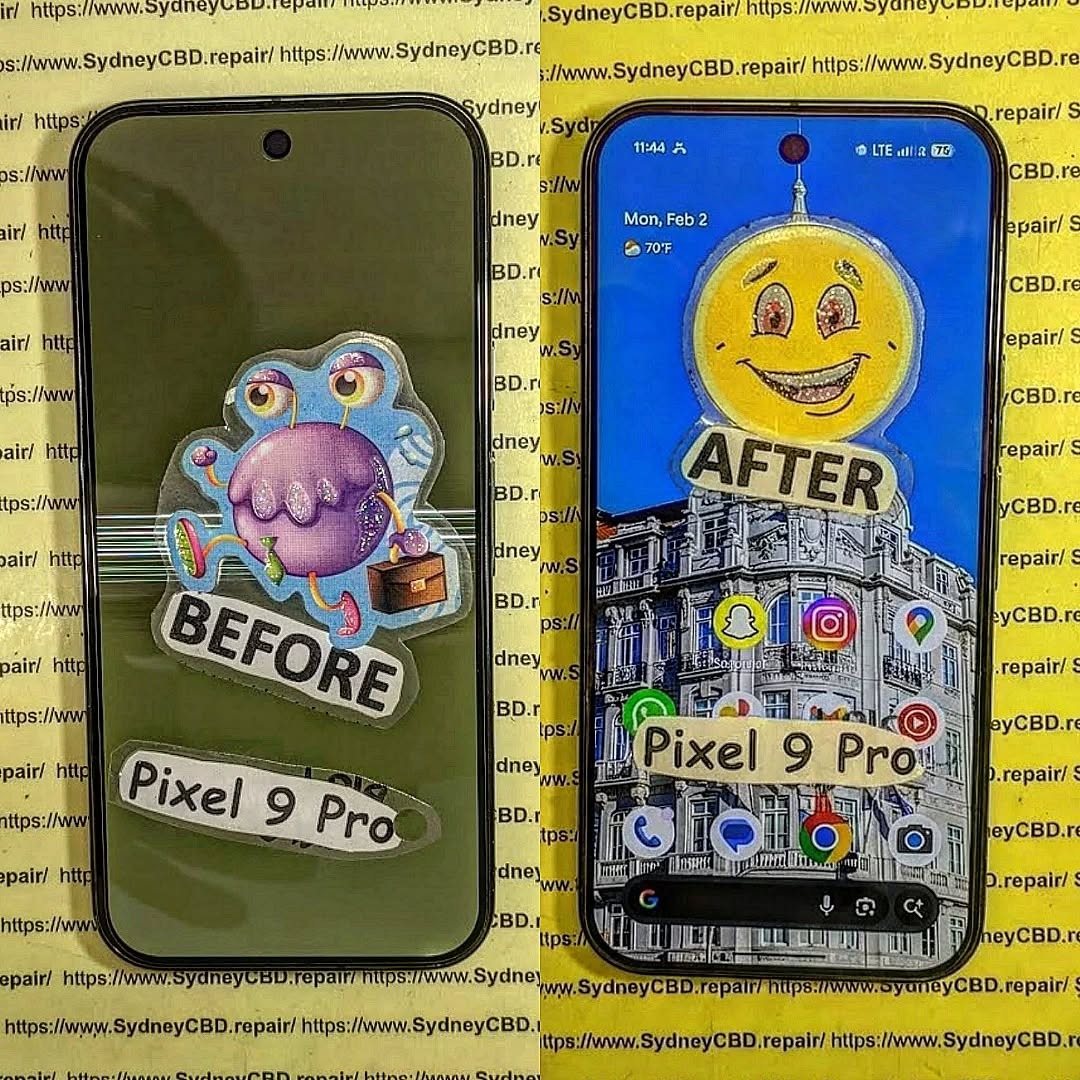
Why Saltwater is More Dangerous Than Freshwater
Chemical Reactions Inside Your Device
Saltwater isn’t just water—it’s packed with dissolved minerals, especially sodium chloride. When it enters your Google Pixel, it triggers rapid electrochemical reactions.
These reactions:
- Break down metal components
- Create conductive paths where none should exist
- Accelerate oxidation within seconds
In simpler terms? Your phone starts corroding almost immediately.
Corrosion and Short Circuits Explained
Unlike freshwater, saltwater leaves behind residue even after drying. That residue continues damaging internal components over time.
Here’s what happens:
- Short circuits: Electricity flows where it shouldn’t
- Corrosion: Metal connectors degrade
- Component failure: Chips and connectors stop working
This is why recovering data from a saltwater damaged Google Pixel is time-sensitive. The longer you wait, the worse it gets.
Immediate Steps After Saltwater Exposure
What NOT to Do
Let’s clear up common myths:
- ❌ Don’t put your phone in rice
- ❌ Don’t charge it
- ❌ Don’t turn it on repeatedly
- ❌ Don’t use a hairdryer
These actions can worsen internal damage.
First Aid for Your Google Pixel
Instead, act quickly and wisely:
- Power off immediately
- Remove SIM tray
- Rinse with distilled water (yes, really—this removes salt)
- Dry externally with a soft cloth
- Take it to a professional ASAP
Timing is everything when recovering data from a saltwater damaged Google Pixel.
Understanding Data Recovery Possibilities

Types of Data Stored on Google Pixel
Your Pixel stores data in NAND flash memory. This includes:
- Photos and videos
- Contacts
- Messages
- App data
- Documents
The key thing to understand? Even if your phone won’t turn on, your data may still exist intact inside the chip.
Storage Chips and Data Survival Rates
Here’s the good news:
- NAND chips are sealed and relatively durable
- Data often survives even when the motherboard fails
However, access becomes the challenge—not the existence of data.
Professional Data Recovery Techniques
Chip-Level Recovery Methods
Experts often go beyond basic repairs. They use:
- Chip-off recovery: Removing the memory chip physically
- JTAG access: Directly reading data from the board
- ISP (In-System Programming): Accessing memory without removal
These methods require advanced tools and precision.
Board Repair vs Data Extraction
There are two main strategies:
| Method | Goal | When Used |
|---|---|---|
| Board Repair | Restore phone function | Minor corrosion |
| Data Extraction | Retrieve files only | Severe damage |
For heavy saltwater damage, extraction is often the safer bet.
DIY vs Professional Recovery: What Works Best?
Let’s be blunt—DIY recovery rarely works for saltwater damage.
Why?
- Requires microscopic soldering skills
- Needs expensive tools
- High risk of permanent data loss
Professionals, on the other hand:
- Use cleanroom environments
- Have specialized diagnostic tools
- Understand Pixel architecture deeply
If your data matters, going pro isn’t optional—it’s essential.
Tools and Technology Used in Recovery
Modern recovery labs use:
- Microsoldering stations
- Ultrasonic cleaners
- Data extraction software
- Thermal imaging cameras
- NAND readers
These tools allow technicians to isolate and recover data even from heavily damaged boards.
Success Rate of Data Recovery After Saltwater Damage
So, what are your chances?
- Early intervention (within 24 hours): 70–90% success
- Moderate delay: 40–60%
- Severe corrosion (weeks later): 10–30%
The takeaway? Speed matters more than anything.
Preventing Future Data Loss
Backup Solutions
The easiest way to avoid disaster:
- Use Google Drive backups
- Enable automatic photo syncing
- Store important files in the cloud
Protective Measures
Also consider:
- Waterproof cases
- Avoiding risky environments
- Regular device maintenance
Because let’s face it—prevention beats recovery every time.
Cost of Data Recovery Services
Recovery costs vary depending on damage:
| Level of Damage | Estimated Cost |
|---|---|
| Minor | $100–$300 |
| Moderate | $300–$700 |
| Severe (chip-level) | $700–$1500+ |
While it may seem expensive, the value of recovered data often outweighs the cost.
Case Study: Real-Life Recovery Scenario
A user drops their Google Pixel into the ocean during a beach trip. The phone stays submerged for 10 minutes.
Outcome:
- Device completely dead
- Severe corrosion on motherboard
- Recovery lab performs chip-off method
- 95% of data successfully retrieved
Moral of the story? Even in worst-case scenarios, recovery is possible.
FAQs About Saltwater Damaged Google Pixel Data Recovery
1. Can data really be recovered after saltwater damage?
Yes, in many cases. Even if the phone is dead, the storage chip may still hold your data.
2. How long do I have before data becomes unrecoverable?
Ideally within 24–48 hours. The sooner you act, the higher the success rate.
3. Does turning the phone on make things worse?
Yes. It can cause short circuits and further damage internal components.
4. Is rinsing with distilled water safe?
Yes, it helps remove salt residue—but only as a temporary step before professional repair.
5. Can I recover data myself?
Highly unlikely for saltwater damage. Professional tools and expertise are required.
6. Will all my data be recovered?
Not always. Recovery depends on the extent of damage, but partial recovery is common.
Conclusion

Recovering data from a saltwater damaged Google Pixel isn’t a lost cause—it’s a race against time. While saltwater is incredibly destructive, modern recovery techniques offer real hope.
The key is acting fast, avoiding common mistakes, and trusting professionals when it matters most.
At the end of the day, your data is often more valuable than the device itself. And with the right approach, you can still get it back—even after a dip in the ocean.
🌐 Helpful Resource
For more information on data recovery techniques, visit:
https://www.datarecovery.net/
David from Sydney CBD Repair Centre – The Best place to fix mobile phones as 7 Years In A Row! Top Mobile Phone Repair In Sydney. More than 2000 Positive Reviews on Google and Same Day Repairs.
We take pride in delivering exceptional repair services for all major phone brands including Apple, Samsung, Google, and more. Our expert technicians use only genuine parts and offer 90days warranty on repairs. Located in the heart of Sydney CBD, we’re your one-stop solution for all mobile device repairs.
Our commitment to excellence has earned us the trust of thousands of satisfied customers. Whether it’s a cracked screen, battery replacement, or water damage repair, we handle it all with professional care and expertise. Walk in today and experience why we’re Sydney’s #1 choice for mobile phone repairs.
Visit us for:
✓ Same Day Express Repairs
✓ Genuine Parts Guarantee
✓ Professional Technicians
✓ Competitive Pricing
✓ 2000+ 5-Star Google Reviews
✓ 7-Time Award Winner for Best Phone Repairs
Sydney CBD Repair Centre – Where Quality Meets Reliability.
Call : +61280114119
Website: https://SydneyCBD.repair/locate-us

