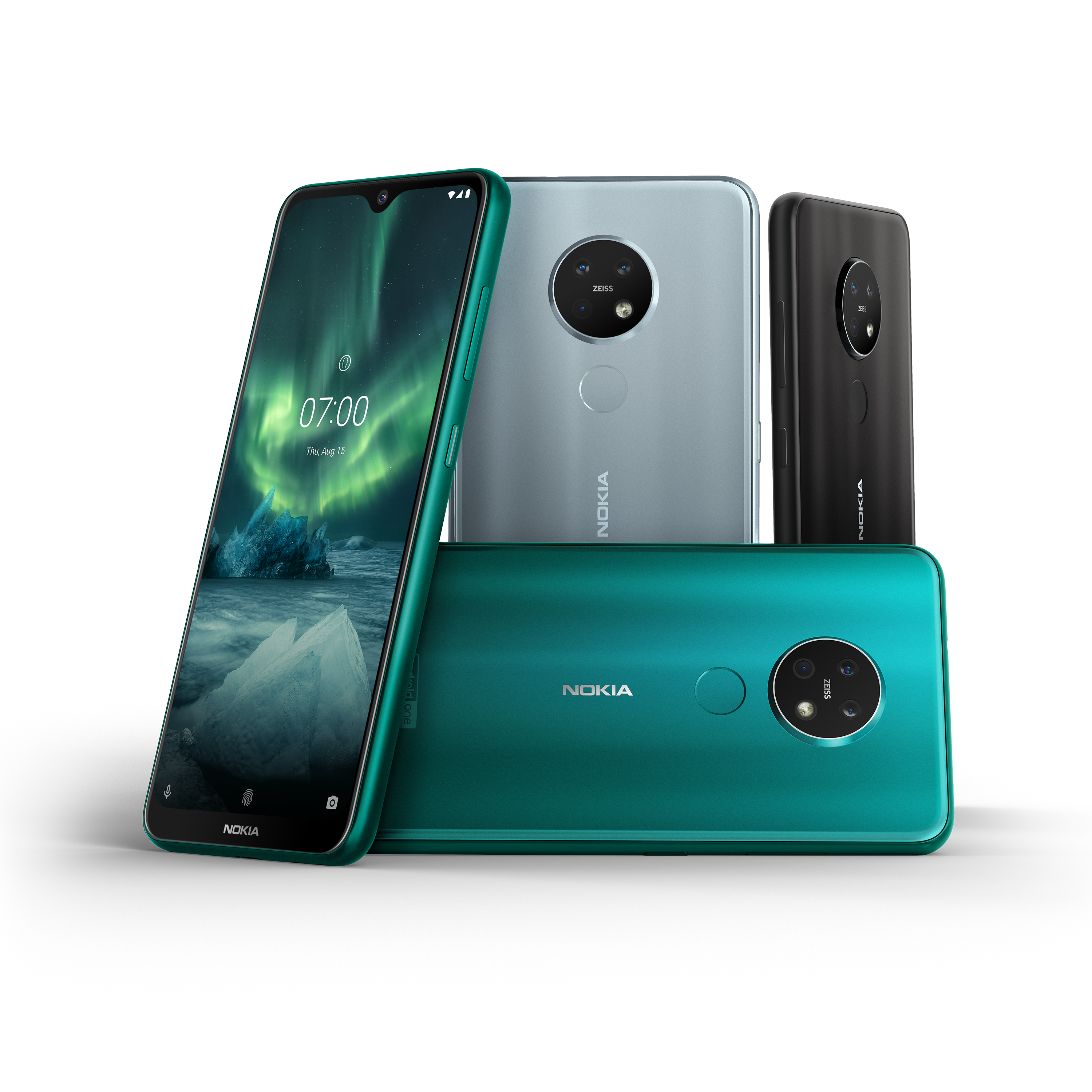
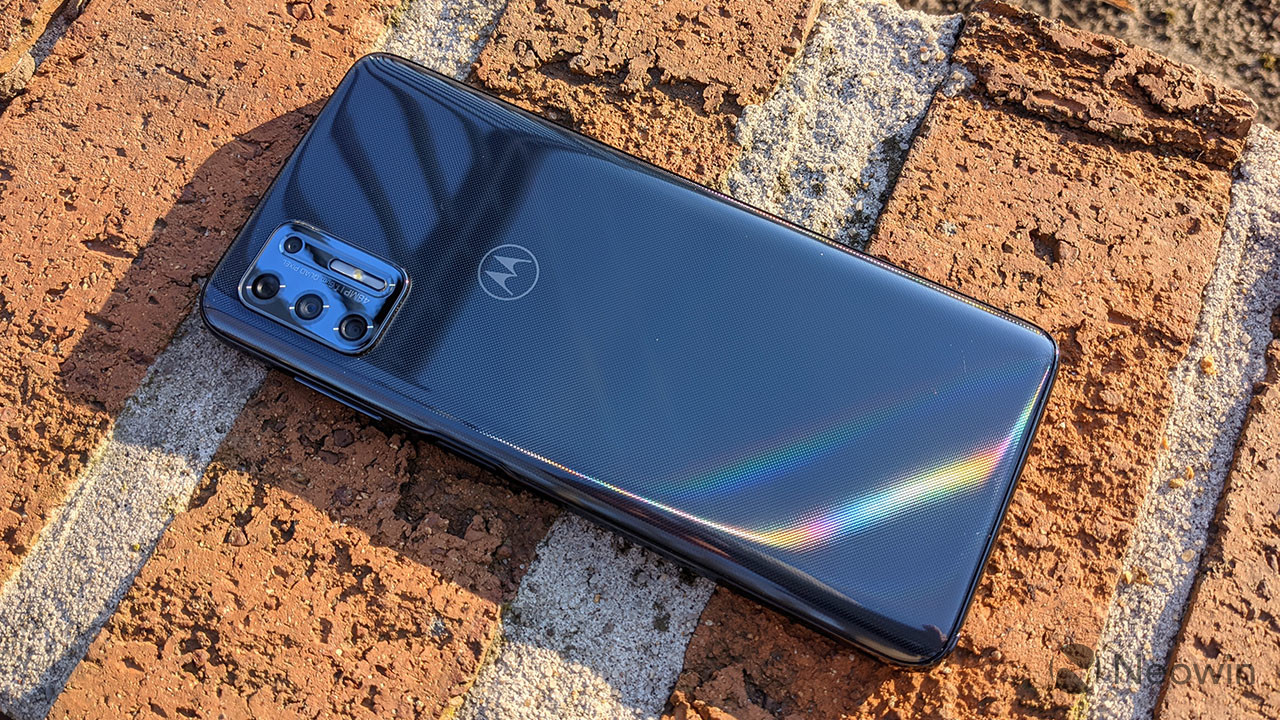
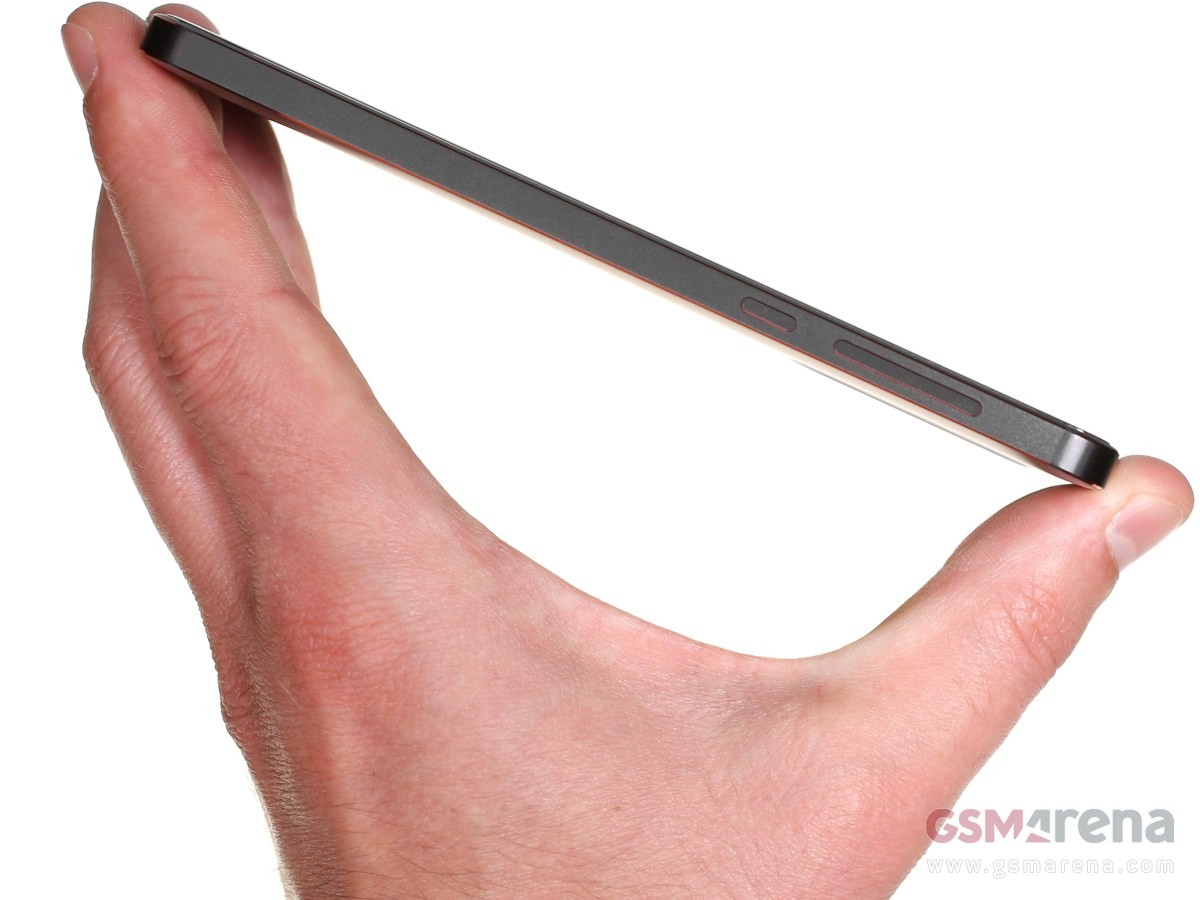
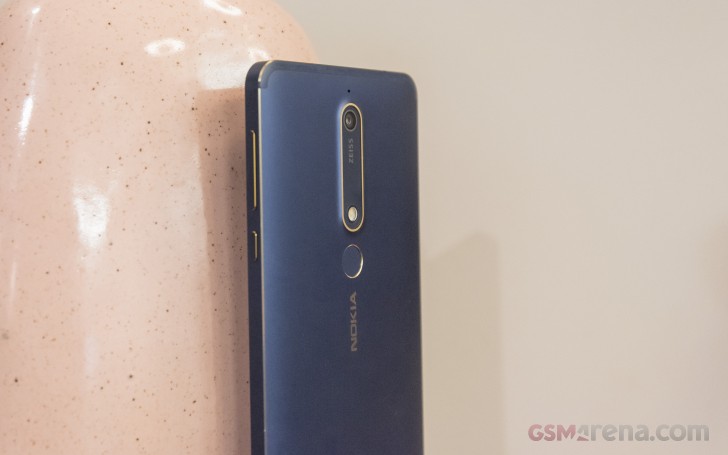
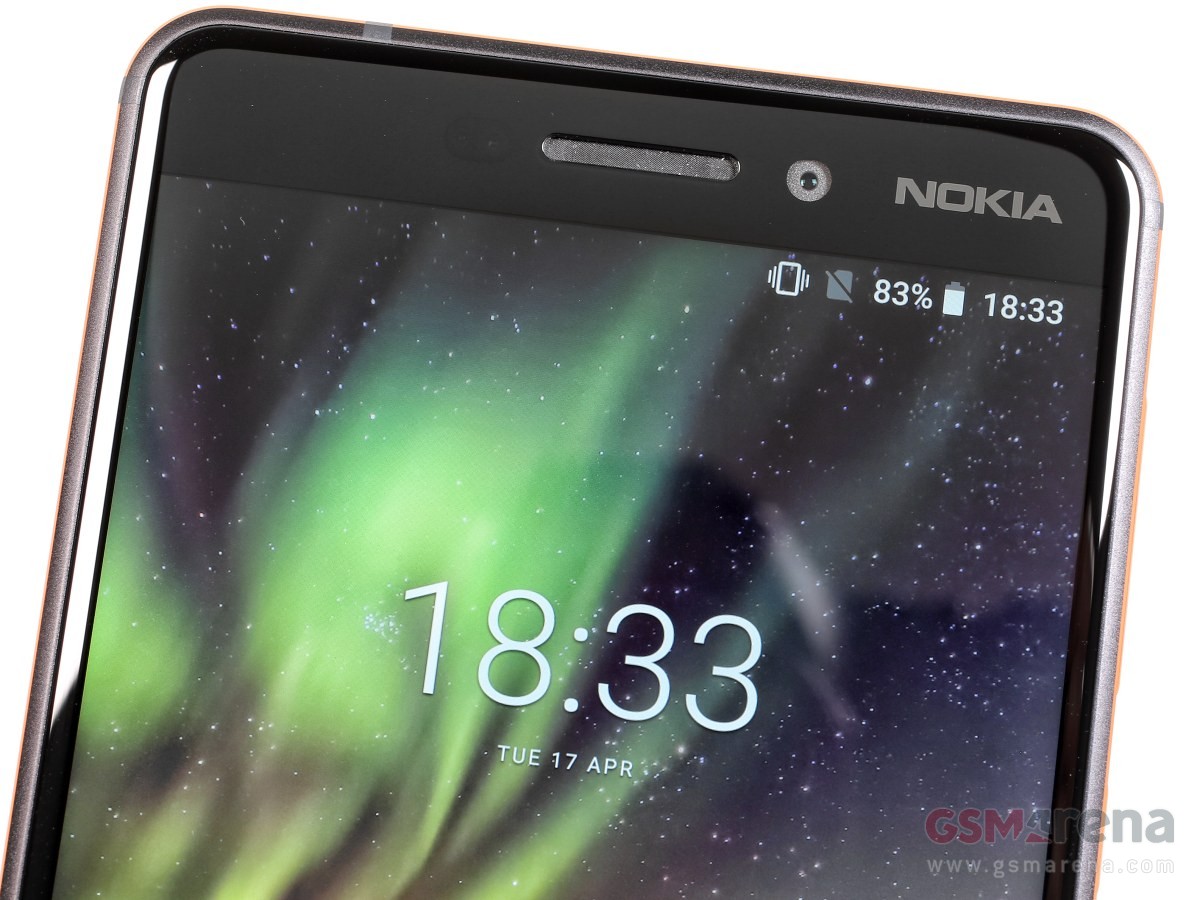
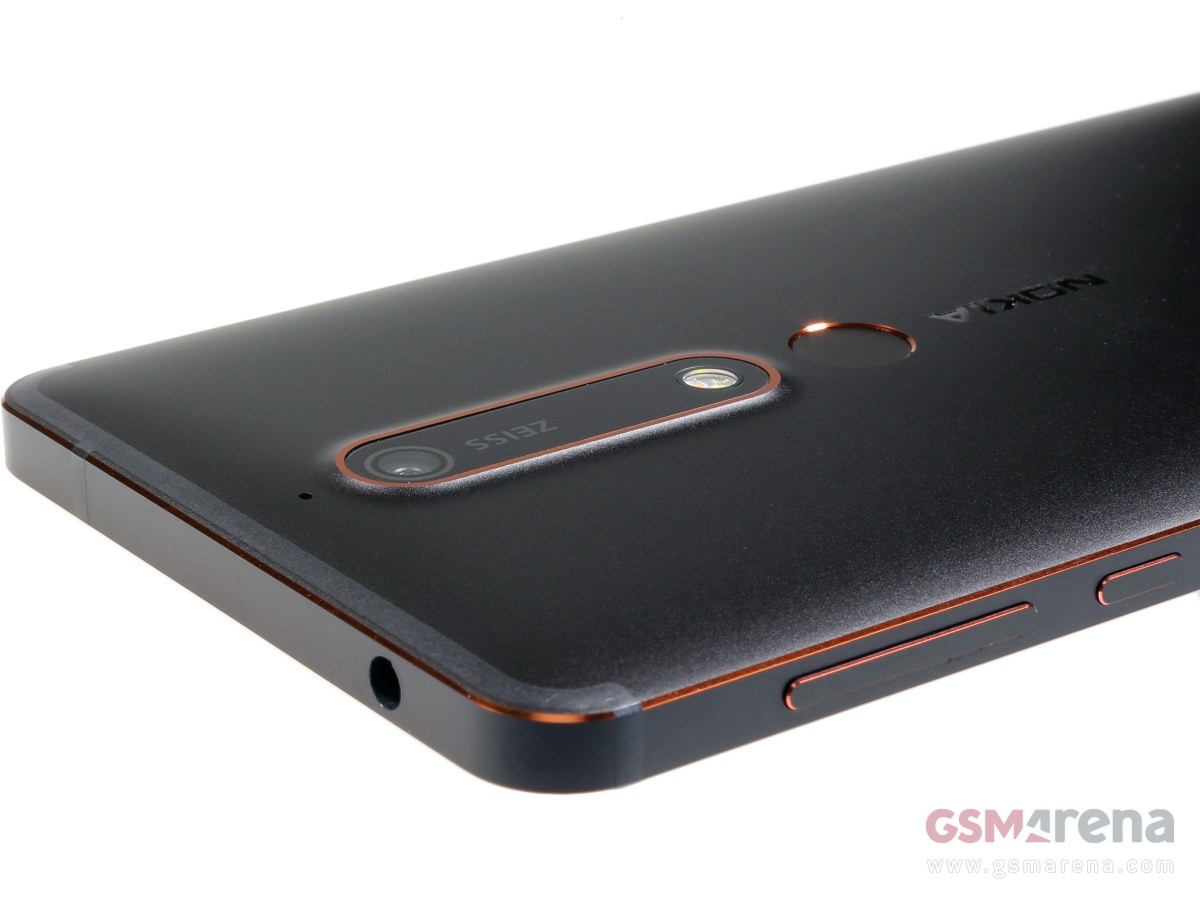
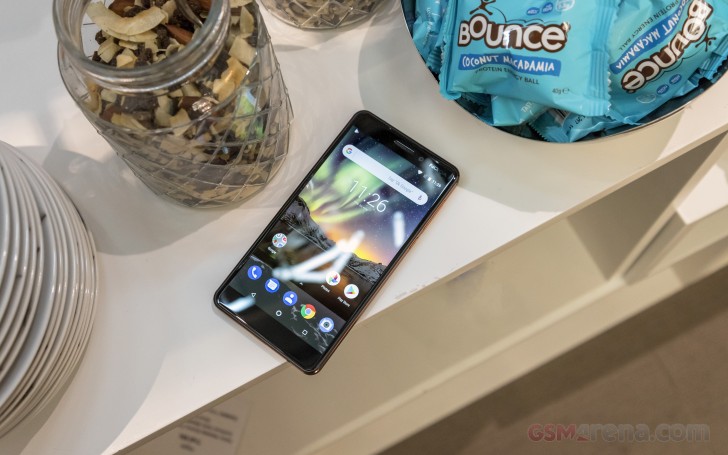
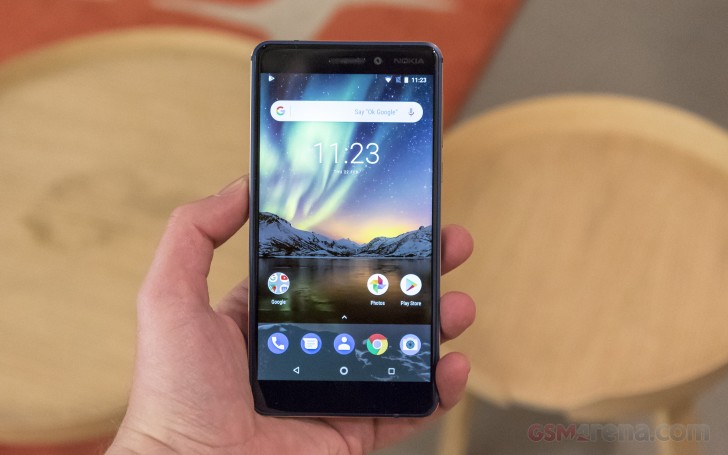
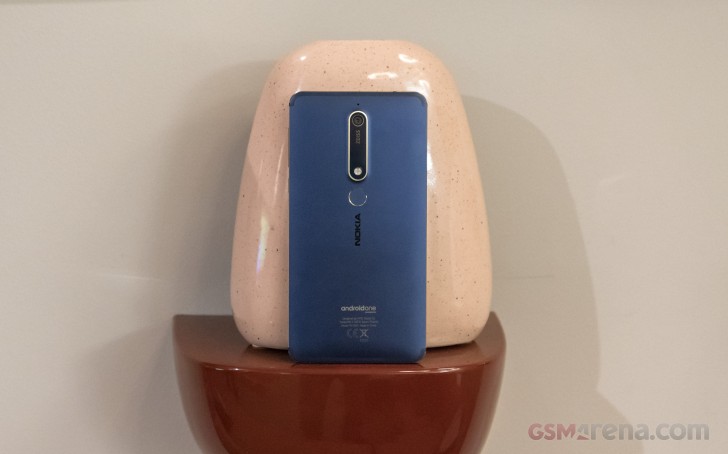
Nokia G20 : A long-lasting budget phone with one too many compromises
When it comes to the best cheap Android phones, most fall somewhere in the $250–$350 range and offer similar specs and speeds. Outside of special deals, not too many “good” smartphones with decent components can cost less than that. But Nokia wants to undercut that class of smartphones with the $200 Nokia G20 and $150 Nokia G10.
Nokia sells its fair share of cheap and mid-range phones, known for their stock Android software, guaranteed updates, and striking designs. Where the Nokia G20 stands out is its giant 5,050mAh battery, which is rated to last two or three days of standard use. That kind of longevity in such a cheap phone — cheaper than the Moto G Power, one of our favorite long-lasting phones — is a pretty great perk. Unfortunately, the G20 has some cheap hardware and obsolete wireless standards that hold it back from greatness.
Comparing the Nokia G20 vs. Nokia G10, the G20 wins handily, making it worth the $50 extra to boost performance and specs. But after testing the G20 for a week, hoping it would surprise me, I can’t fully recommend it unless you’re on a strict budget and really want a massive battery and display. Some consistent issues cancel out its surprising upsides.
Following the Nokia G10 in late April, the Nokia G20 shipped out on July 1, 2021, in the United States. Also available in India and Europe, the G20 can be found on most major retailer sites, plus Nokia’s site. It currently sells for $199 / £135 / ₹12,990. The phone is unlocked by default; while it’s compatible with some US carriers — including AT&T, T-Mobile, and Cricket — it won’t work with Verizon or Sprint.
Disclaimer. We can not guarantee that the information on this page is 100% correct.
Nokia G20: The competition
Compared to the other best Nokia phones, the Nokia G20 handily beats other sub-$200 handsets like the Nokia 1.3 and 2.3. The Nokia 5.3 technically has a faster processor and similarly massive display, but it still runs on Android 10, has a smaller battery, and will get one fewer year of support if you buy it now. You could consider the Nokia 5.4, which has an FHD+ display and a better Snapdragon for slightly more money, but it too will get about a day less of battery life and hasn’t updated to Android 11 yet.
Thus, you may want to look outside of Nokia’s phones if you want a stock Android phone with a similar price. The Moto G Power 2020 hits the same notes as the G20 with its 5,000mAh battery and reliable cameras, with the bonus of Verizon and Sprint compatibility. Its main downside: It still runs Android 10 and will stop at Android 11, giving it much less longevity.
For reliable stock Android performance, you certainly can’t go wrong with a Pixel 4a, which tops our list of the best cheap Android phones. It’ll immediately get Android 12 in September and receive an Android 13 the following year, has more RAM and a faster processor, and it hits FHD+. The downside is that you get a much smaller screen and battery for almost double the price. You also might want to wait until the Pixel 5a comes out for even faster speeds.
NOKIA G20: SHOULD YOU BUY IT?
You should buy this if …
You need long battery life
A 5,050mAh battery and an energy-efficient display and chipset help this phone last longer than almost any rival phone today.
You’re on a strict budget
Other more expensive phones may be better, but you really can’t expect better specs or performance at this low price point.
You want your phone to last for years
With security updates through 2024 and a battery that’ll last even when it loses some capacity, the Nokia G20 will spare you from buying another phone for a good while.
You shouldn’t buy this if…
Your carrier is Verizon or Sprint
Unlike more mainstream brands that support as many carriers as possible, Nokia focuses on GSM-based carriers only, at the expense of some of the most popular carriers.
You care about gaming specs or display resolution
You can find smartphones for slightly more money with FHD+ displays, 90Hz refresh rates, and faster processors. The G20 is better suited for casual use.
You want more protective features
There’s no water or dust resistance, nor Gorilla Glass on the Nokia G20. It does come with a cheap case and pre-installed screen protector, but other phones offer better protection.
The Nokia G20 is a bundle of promising features that never quite coalesces into a perfect budget product, mainly thanks to its wimpy processor. It’s a shame because it has so many perks in a single cheap package: a 3.5mm headphone jack, dual SIM, NFC support, side fingerprint sensor, dedicated Google Assistant button, a powerful 48MP camera, and (of course) a workhorse of a battery. That’s a pretty impressive list for such a cheap phone.
3.5out of 5
It was a struggle to choose a definitive rating for this phone. I found myself annoyed by the slight delays when opening apps or looking up information. Still, I had to recognize that I’ve grown accustomed to faster phones that cost much more and that this phone will work perfectly well for thrifty people who aren’t quite so impatient as I am. For its price range, it’s about as good as you could expect; but if you can afford it, I’d expand my price range beyond the Nokia G20.
Nokia G20
Bottom line: The Nokia G20 offers a massive battery and display size on a phone with stock Android 11 and no bloatware to speak of. So if you’re looking for a simple Android smartphone that competently completes any task you need, the G20 could work for you. But keep in mind you get what you pay for, and other faster smartphones are available if you don’t mind the extra cost.
The Nokia G20 has a genuinely impressive battery that barely drains when idle and should remain functional for days. Its satisfyingly simple stock Android software, striking design, and decent main camera all add up to a more-than-respectable package for a $200 phone. But its slow chipset, last-gen Wi-Fi support, and low-resolution display undermine the experience. Anyone willing to spend just a bit more can likely find something better.
The Nokia 7 was a China-exclusive from two years ago, while the 7 plus went global and was a bit of an unsung hero back in early 2018, offering a lot of phone at a very reasonable price. The 7.1 wasn’t quite its spiritual successor, slipping instead into a slightly lower tier in the midrange. We now have the Nokia 7.2 with us and we’ll attempt to answer the question whether the 7-series is happy where the 7.1 took it, or it wants back to the plus’ level.
One thing straight off the 7 plus is the chipset and we’re not entirely certain that’s a good thing. The Snapdragon 660 is plenty powerful, sure, but is now more than two years old and more efficient options are available. At least you can spec the 7.2 with up to 6GB of RAM and 128GB of storage, with the base model not coming with the .1’s measly 3/32GB but the plus’ 4/64GB.
Shared with that model are the overall dimensions too – while the 7.1 was a smaller phone, the 7.2 is back to plus size. But the build quality differs and the new phone has a composite frame that may be as tough as and lighter than aluminum, but it’s not strictly premium to the touch, which the 7 plus did manage.
Anyway, the Nokia 7.2 comes with a 6.3-inch IPS display bringing a significant increase in area over the 7.1. Helping with that is also the notch – Nokia‘s shifted some components around and now it it only holds the selfie camera, making for a smaller cutout.
What’s not small is the camera bump on the back, but it’s got a bunch of cameras to show for it – a 48MP Quad Bayer primary unit is joined by an ultra wide angle 8MP module and a 5MP depth sensor. So it does have one more meaningful camera than the 7.1, but still omits a telephoto, which the 7 plus did have.
Disclaimer. We can not guarantee that the information on this page is 100% correct.
The specsheet is nothing out of the ordinary, but we do mention the notification LED as it’s inside the power button, which we hadn’t seen before. We hadn’t seen a 10W charger in a while either, and that’s less exciting. What else is in the package, you ask?
Nokia 7.2 unboxing
The Nokia 7.2 comes in a compact flat box with a photo of two people shaking hands and the outline of the phone printed on it. Get it? Nokia – connecting people. Inside it, the phone sits to the right, its plastic sleeve pointing at the Google Assistant dedicated button.
To the left of the phone is a box that holds the accessories. You get a basic 5V/2A adapter, a USB-A-to-C cable, and an inexpensive-looking set of earbuds. Essentially, you have the basics covered to get started, perhaps a freebie case was too much to ask for.
Competition
The Nokia faces some stiff competition and it’s not only the Xiaomis and Realmes it needs to deal with (which it very much does), but there are also Galaxies and Motos if you’re outside of Asia and are somehow skeptical about the less prominent brands (which you shouldn’t be).
Let’s start with the Galaxy A50 – as most Samsungs today, it comes with a Super AMOLED display and it’s superior to the Nokia‘s. It’ll also comfortably outlast the 7.2 in an endurance race, while the Nokia possibly inches ahead if you have to choose between these two uninspiring camera setups.
Samsung Galaxy A50 • Motorola One Vision • Huawei P30 lite • Realme 5 Pro • Xiaomi Redmi Note 8 Pro
The Moto One Vision would take better pictures with its primary cam than the Nokia, but it’s missing an ultra wide-angle unit, which the 7.2 does have – you need to pick between the two. Battery life is similarly bad between the two, as are their somewhat flawed displays, but the Moto comes with a punch-hole selfie cam, which sometimes gets in the way. The One Vision is a bit cheaper too, which can’t be a bad thing, can it?
Another of the more global players and one that pre-dates the whole US-China thing, the Huawei P30 lite is a viable alternative to the Nokia 7.2. The P30 lite has the vastly longer battery endurance and a more color-accurate display, plus an overall superior camera experience, save for the lack of 4K video recording. The Google support future of the Huaweis is shaky though, so it’s worth keeping in mind.
On to the 5 Pro, one of the latest Realmes to offer fantastic value for money. Once more, the Nokia 7.2 loses badly in battery life, while also trailing significantly in performance, only to be narrowly beaten in display quality. The Realme takes nicer pictures and superior videos, too (gorgeous 1080p/60fps if that’s your thing). The only minor hiccup here is that the Realme 5 Pro may not be an option to everyone looking at the Nokia 7.2, simply due to its limited regional availability.
Xiaomis have made their way to more continents through official channels, and we’re looking at the Redmi Note 8 Pro as a more capable alternative to the Nokia 7.2 for the same or even less money. The Redmi has much better battery life, offers a leap in performance over the Nokia and delivers an overall superior camera experience, save for the dismal 1080p video.
Verdict
The Nokia 7.2 looked like a promising phone on paper, and we hoped it would offer the same understated goodness that we remember the 7 plus for. That ended up not being the case though.
For the price Nokia is asking for the 7.2 you can have better camera quality, superior display, longer battery life, beefier chipset – often more than one of these on the same phone. As such, the 7.2 is hard to recommend to anyone but the die-hard brand loyalist on a budget.
Pros
Frosted glass back feels nice, is hard to find in the midrange.
Android One delivers the Pixel experience at a fraction of the price, timely updates are nice to have too.
Good video stabilization in 1080p/30fps.
Has a Nokia badge?
Cons
While decently bright, the display’s prevalent blueness is nigh impossible to get rid of, black illumination is noticeable too.
Battery life isn’t competitive, neither is charging speed.
The chipset is showing signs of age, more powerful and power-efficient options are available.
Unimpressive camera output despite promising hardware.
It’s the middle child in the current lineup between the X and G series, and as the middle child, it needs to be reasonable, and very logical. You definitely won’t get any dazzling specs here, and there are definitely some compromises, but do they get in the way in the grand scheme of things? Are the compromises too much compared to the X20? You can watch the video review below:
Nokia is challenging other manufacturers: Not necessarily with the fastest smartphones on the market, but with a company policy that is as sustainable as possible. This includes prolonged Android update cycles for the X series devices, i.e. Nokia’s most expensive smartphones, and the absence of a charger in the box, for example.
The Nokia X10 is the somewhat watered-down counterpart of the Nokia X20. In terms of design, there is hardly any difference between the two devices, and many specifications appear to be very similar as well. The official price difference is 80 Euros (~$95), and the Nokia X10 is priced at 319 Euros (~$378), placing it in the traditional price range of the smartphone mid-range.
Solid, well-built hardware design with a nice in-hand feel. No fancy glass or aluminum on the outer shell, but the practical approach is very much appreciated when it’s executed well, and it is executed very well here. I love that forest green personally.
Excellent battery life. It might not have the largest battery capacity at 4,500 mAh, but it lasts 1.5 days with ease, and up to 2 with a more conservative approach. I’m averaging 8-9 hours of screen on time too.
Reliable FHD+ IPS LCD display with Pixelworks tech for pushing more punchy colors when consuming content. Good outdoor visibility too.
The side-mounted fingerprint scanner that’s been integrated into the power button works well and is decently fast too.
Respectable daily performance. The SD480 might have gathered attention for all the wrong reasons, but in benchmarks, the X10 matches the X20, and the SD480 goes head to head against devices running with an SD720G processor in numbers. This also reflects in gaming, where the Adreno 619 plays games like COD at high settings with max framerate with ease. Haven’t missed the 2 extra gigs of RAM on the X20 at all.
Okay 48MP camera. Not better than the X20’s 64MP, as it pushes out more saturated, extra sharpened images with slightly fewer details, but it does work well enough, even in low light. It also perfectly matches the X20 when it comes to features. Pro mode,Cinema mode, dual sight, and OZO audio are all present.
Attention to details in things that might not be obvious, such as the Impressive heat management and haptic engine. It never got warm during my regular usage, and only got mildly warm when gaming for 30+ minutes. It matches devices that are far more expensive in this regard.
5G support, and not just as a marketing gimmick. The phone supports a wide range or 5G bands so should work worldwide without any issues. The phone also doesn’t skimp out on any sensors, has NFC, and a headphone jack. Yay!
3 Years of OS updates, matched by 3 years of security updates. Nice.
MINUS POINTS FOR THE X10
The X10 is quite big and heavy for its class. While the heft adds to the overall quality perception, it might not suit everyone. The bezels on the front are also bigger than average, which adds to the overall size.
The display offers no high refresh rate, which usually helps with the overall smoothness of the experience, but this usually comes at the expense of battery life. Giving people an option to go higher than 60Hz would have been nice.
The 8MP selfie camera is weak. So are the 5MP ultra-wide cameras and 2MP macro cameras due to lack of resolution. You also can’t record 4K videos at all, so the max you can do is 1080p at 60fps.
While Android One has its fans, some people might miss the additional customization options offered by the competitors.
The phone only has a single bottom-firing speaker. It gets pretty loud while keeping decent quality levels, but some competitors offer dual speakers with better audio quality.
Despite the excellent battery life, the charging speed is limited to 18watts. So it takes just less than 2 hours to fully charge, and around 40 minutes to reach 50%. This is definitely below average for its class.
Android 11 brings much-needed privacy and security features alongside exciting UI changes.
Android 11 continues to push Google’s vision of Android forward. With Android 11, Google is making a few tweaks to refine the platform instead of making wholesale changes. Privacy is a big focus with Android 11, with Google introducing one-time permissions and granular control over what sort of data you share.
There are new features to get excited about as well — the power button menu picked up a massive overhaul, the Conversations view does a great job highlighting your messages, and there are little tweaks throughout the interface that give it an added polish.
Android 11 is powering the best Android phones of 2021, and manufacturers are doing a better job rolling out the update to their 2020 phones. So here’s everything you need to know about all the new features in Android 11, and when your phone will receive the update. We also highlight what’s on the horizon with Android 12; Google just rolled out the first public beta, introducing a radical new UI and exciting new features.
Is Android 11 available for my phone?
Following months of Developer Previews and Betas, Google launched the final build of Android 11 on September 8, 2020. The update was available for Pixel phones on day one as per usual. This year, Android 11 was also available on the same day for select handsets from the likes of OnePlus, Xiaomi, OPPO, and Realme.
That’s a big step forward for Android updates as a whole, but there’s also still plenty of work that’s left to be done. Samsung is now rolling out One UI 3.0 based on Android 11 to its flagships and mid-range devices, but the likes of Motorola, Nokia, Sony, and others are yet to roll out the update.
While that’s certainly annoying, we’re making things as easy as possible for you by tracking any and all Android 11 updates as we learn more about them.
What’s going on with Android 11 on non-Pixel phones?
As noted above, this year’s Android update rollout was a bit different compared to past releases. Instead of Pixels being the only phones treated to the new software, handsets from other select manufacturers were also treated to Android 11 in some form.
Let’s first look at Samsung, which is marketing its Android 11 update as One UI 3.0/3.1. Most of the core design principles remain in place, but there is a lot that’s new to check out. Samsung’s touting things like an improved lock screen, a more customizable always-on display, new accessibility tools, and more.
Samsung has already delivered the Android 11 update to most of its 2020 phones, and is now working its way down the list to its 2019 phones. It shifted to the One UI 3.1 build in recent months that debuted on the Galaxy S21 series.
We should also mention OxygenOS 11, which is the Android 11 update for OnePlus phones. OxygenOS 11 introduced a major design shift for OnePlus, with the company moving away from its stock Android aesthetic and embracing design elements found in Samsung’s One UI interface. OnePlus rolled out the OxygenOS 11 stable build with the 8T, and the Android 11 update is now available for the OnePlus 8 series, 7 series, and set to make its way to the 6/6T. The stable build is also making its way to the Nord shortly.
Nokia has also kicked off its Android 11 update rollout, with the Nokia 8.3 5G picking up the stable update starting February 8. HMD has lagged behind in this area over previous years, but with the Nokia 8.3 now on Android 11, we should see the update rolling out to other Nokia devices in the coming months.
Then there’s Xiaomi. The stable MIUI 12 update based on Android 11 is now rolling out to the Mi 10 series and Redmi Note 9 devices and should make its way to other Xiaomi phones very soon. We’ve rounded up Xiaomi’s Android 11 rollout timeline to make it easier for you to learn when your phone will get the update.
Motorola has kicked off the Android 11 update to the foldable Razr 5G starting April 15. LG has also started to roll out the Android 11 update, with the V60 and the Velvet receiving the stable build. Although LG will no longer make phones, it has stated that it will deliver the Android 12 and Android 13 updates to its current portfolio.
Lastly, we have ColorOS — the custom Android interface used on OPPO smartphones. ColorOS 11 is rolling out now to OPPO devices, and it offers a lot of exciting improvements. In addition to the usual Android 11 goodies, some other highlights include a customizable dark mode, a power-saver mode to extend battery life, and a new feature called OPPO Relax 2.0 that aims to help you unwind and fall asleep at night.
Where can I learn more about Android 11?
We’ll dive into some of Android 11’s biggest features below, but before we do any of that, we should address the elephant in the room — is Android 11 any good? The short answer, yes — it is very, very good, as per our Android 11 review.
Understandably, some people may find Android 11 boring or not very different from Android 10, but the fact of the matter is that Android no longer needs massive overhauls every year the way it used to. The core Android experience is darn good, and Android 11 elevates it even more. All of the conversation improvements are great for streamlining notifications, more powerful permissions are always something we’re happy to see, and the new power button menu adds a ton of extra functionality.
There are a couple of changes we aren’t completely in love with (namely the new multitasking window and Suggested Apps feature for the home screen), but those things are easy to overlook. The vast majority of what Google did with Android 11 was for the better, and the result is software that’s more functional and enjoyable to use.
How do Android 11 chat bubbles work?
As mentioned above, there isn’t one single overhaul or massive change found with Android 11. Instead, it’s a mix of many small tweaks here and there. A few of them focus on improving your messaging experience, with Google offering a lot in this department.
First on the list, we have chat bubbles. Similar to what Facebook’s offered for years with its Messenger app on Android, chat bubbles in Android 11 hide your ongoing conversations in little bubbles on the side of your screen. You can move the bubbles around, and tapping on them reveals that specific conversation. The Bubbles API is available for all messaging apps, with Google encouraging developers to adopt it.
In another effort to make sure you can get to your messages as quickly as possible, Android 11 introduces a dedicated conversation section in your notification shade that offers instant access to any ongoing conversations you have. It also makes it easier for your messaging notifications to stand out from others, ensuring you never miss an important text ever again.
Speaking of messages and notifications, Android 11 makes it possible to send images directly from the notification shade when replying to a message.
What’s new with permissions in Android 11?
Looking back on Android 10, one of its highlights was its improved handling of app permissions. Android 10 gave users more control over applications and what they could access, and Android 11 keeps this train rolling with a wonderful new addition.
Now, when an app asks for permission to use sensitive features like your location, microphone, or camera, you can choose to only grant it access on a one-time basis. The app will be able to use that permission during that instance of you using the app, but the permission is revoked as soon as you leave it. The next time you use the app, and it wants to use that permission, it needs to be granted access again.
Giving apps permission to these aspects of your phone should not be taken lightly, so we’re thrilled to see Google giving users more control over their data like this.
Does Android 11 have a built-in screen recorder?
For the past few Android releases, we’ve been patiently waiting for Google to add a built-in screen recorder. It’s not something you’ll use every day (if ever for some people), but the fact that such a basic function isn’t baked into Android at its core is getting annoying.
Thankfully, Android 11 finally changes that. This Android version does include the feature, accompanied by a clean UI and toggles for recording audio and showing touches with your recording.
There’s not much else to say about this, other than the fact that we’re glad we can finally put this feature request to bed.
Is Android 11 compatible with folding phones?
If there’s been a place of notable advancement in the Android space, it’s been with displays. Companies are doing what they can to offer the best and most exciting smartphone screen possible, and as great as this is, Android needs to catch up with better support for all of these advancements.
Folding phones are proving to be quite popular so far, and especially with devices like the Galaxy Z Flip and Motorola RAZR that have the “flip phone” folding design, Android 11 adds the “hinge angle sensor API” so apps can easily detect the hinge of these folding phones. With this information, developers can adapt their apps to work around the hinge and create unique experiences because of that (like how Google Duo changes its UI when you do a half-fold on the Z Flip).
The other big upgrade displays have seen has to do with faster refresh rates. It’s no longer uncommon for phones to ship with screens that refresh at 90Hz or 120Hz, and Android 11 allows developers to take better advantage of these powerful displays. Developers can select which refresh rate their services should run at, and if the developer determines their app looks best at 90Hz or 60Hz, they can make that decision and have the phone’s display change its refresh rate accordingly when using that app.
How does Android 11 work with 5G?
5G is finally starting to make its way to people, and more and more folks have started connecting to the next generation of wireless data. To ease the transition, Android 11 adds a very important “Dynamic Meterdness API.”
That may not sound very exciting on paper, but it essentially allows phones to take full advantage of all the power 5G brings.
If the API detects that you’re connected to an unlimited 5G signal, you’ll access the highest possible quality for videos and graphics. The potential for 5G is pretty darn cool, and this API ensures you take full advantage of the speeds available to you.
What phone should I get for the best Android 11 experience?
Whether you want to be among the first to get Android 11 or experience it the way Google intended, the Pixel 5 is the phone for you. It’s the newest flagship Pixel currently available, and if you prefer metal over plastic or glass, it’s a hard phone to ignore.
The Pixel 5 is all about delivering a flagship-quality Android experience for a relatively low price, and in these regards, it succeeds tremendously. Google crammed a lot into the Pixel 5, including phenomenal cameras, an OLED display, good performance, long battery life, and more. The design is a little plain, but the phone’s also a great size for one-handed use.
Best of all, the Pixel 5 and other Pixel devices get quarterly Feature Drops from Google, bringing new features to the Android 11 experience without requiring a full-scale platform update.
When is Android 12 coming?
The Android 12 public beta is now live, and the OS is the biggest visual change in Android’s history. Google is rolling out the new Material You design aesthetic, giving you much better customizability and new privacy features.
The key highlight is that you now have a color palette that lets you change system-wide colors to your liking, including the notification shade, volume controls, lock screen, and more. The notification shade has a cleaner design, and there’s a dedicated snooze button that lets you mute notifications with ease.
Android 12 is also set to add scrolling screenshots, but the feature isn’t quite live at this moment. And while the home screen UI itself is unchanged from Android 11, there’s now an option to set a 4×5 grid. You can also easily share Wi-Fi with Nearby Share, making it easier for others to connect to your Wi-Fi network.
The stable version of Android 11 was released a few months ago, and while it isn’t the most revolutionary update we’ve ever seen, there are plenty of reasons to get excited about it. Whether you’re looking forward to the new conversation notifications, chat bubbles for messaging apps, or the upgraded permission handling, it may be a while before you can actually start messing around with all of these software goodies.
The update is available for the Pixels and selects OnePlus phones, while the Galaxy S20 and Note 20 lineups have also received their One UI 3.0 update which is based on Android 11. We’ve rounded up all of the current info to help give you a better idea of when Android 11 will arrive on your device.
The timelines change based on manufacturer and region, but the list below should give you a broad overview of if and when you will get the Android 11 update on your phone.
The phrase “fast Android updates” is usually an oxymoron, but Google‘s lineup of Pixel phones is the exception to that rule. Whenever a new update or security patch is released, Pixels are the first-in-line for that software — making this one of the biggest benefits of owning a Pixel in the first place.
The Android 11 stable update is now available to download on all Pixels starting with the Pixel 2 series. Here’s the full list:
Samsung used to be one of those manufacturers that you couldn’t rely on for good software support, but within the last year, it’s improved significantly. Samsung announced that it’s now committed to three years of major OS updates for all of its flagship phones, starting with the Galaxy S10 series.
The company has been on a tear as of late, releasing the final version of One UI 3.0 (based on Android 11) to the likes of the Galaxy S20, Note 20, and even the Galaxy Z Flip 5G. A few other devices are seeing the update as well that weren’t exactly expected as soon as they have arrived.
We can look forward to all of the following phones to get an Android 11 update:
Galaxy S10
Galaxy S10+
Galaxy S10e
Galaxy S10 Lite
Galaxy S20
Galaxy S20+
Galaxy S20 Ultra
Galaxy S20 FE
Galaxy S21
Galaxy S21+
Galaxy S21 Ultra
Galaxy Note 10 Lite
Galaxy Note 10
Galaxy Note 10+
Galaxy Note 20
Galaxy Note 20 Ultra
Galaxy Fold
Galaxy Z Fold 2
Galaxy Z Flip 5G
Galaxy A52 / A52 5G
Galaxy A72 / A72 5G
Galaxy A32 5G
Galaxy A71
Galaxy A51
Galaxy M21
Galaxy M31 / M31s
Galaxy M42
The Galaxy S9 series should be able to run Android 11, but Samsung revealed its roadmap for which devices would see the update. Sadly, the S9 was not on the list. However, the company did commit to bringing security updates to these devices for at least the next year.
As for the speed at which Samsung will roll out Android 11 to its phones, we’re anticipating the update to drop within a few months of the initial launch. Google introduced Android 10 on September 3, 2019. The Galaxy S10 and Galaxy S9 got the update in December and January, and Samsung has been following the same trajectory with Android 11 for its enormous lineup of smartphones, with many devices being updated in late December 2020 or throughout January and into February 2021.
What started out as a small enthusiast brand has transformed itself into a mainstream player in the U.S. smartphone space. OnePlus kicks out some of the best Android phones, and thankfully, it’s quite good when it comes to updating them to new software builds.
OnePlus is rolling out the Android 11 stable update to the OnePlus 8 and OnePlus 8 Pro. There’s a new visual layout in OxygenOS 11, along with a host of exciting features.
Despite seeing a few issues with the official OxygenOS 11 rollout for the OnePlus Nord, it seems that everything is back on track.
Here are the OnePlus devices that will make the switch to Android 11:
OnePlus 9
OnePlus 9 Pro
OnePlus 9R
OnePlus 8T
OnePlus 8 Pro
OnePlus 8
OnePlus Nord
OnePlus 7T Pro McLaren Edition
OnePlus 7T Pro
OnePlus 7T
OnePlus 7 Pro 5G
OnePlus 7 Pro
OnePlus 7
OnePlus 6T McLaren Edition
OnePlus 6T
OnePlus 6
With the OnePlus 9 and OnePlus 9 Pro making their arrival, that adds a couple of more devices that are running Android 11. Plus, both of those devices will see the update to Android 12 and at least Android 13. Which is more than we can say about the OnePlus Nord N10 5G and Nord N100 which are slated for only one major Android release. Meanwhile, those are still running Android 10, and the company has not given any indication as to when Android 11 will come to the budget-friendly handsets.
OnePlus 6 and OnePlus 6T owners who have been waiting patiently for the arrival of Android 11 will have to keep waiting a little bit longer. The company has confirmed that the Android 11 update won’t be arriving until after the release of Android 12, which is currently slated to launch this fall.
Xiaomi is one of the world’s largest phone manufacturers, and the brand has turned its attention to Western markets in the last two years. Xiaomi sells phones from $100 all the way to $1,200, and it has made a name for itself as the go-to player for value.
The company has already pushed the Android 11 update live for owners of the Xiaomi Mi 10 and has turned its focus onto the Mi 10T and Mi 10T Pro. A new beta program has opened for these devices, as Xiaomi continues to bring the latest version of Android to its vast lineup of smartphones.
Based on a post that showed up on Xiaomi‘s MIUI community forums, the Android 11 update will be going out to 30 models across Xiaomi, POCO, and Redmi product lines. More phones will be added to the list, but for now, these are the Xiaomi phones that will be updated to Android 11:
OPPO is also turning its attention to Western markets. The Chinese manufacturer made a lot of changes to its ColorOS interface over the last 12 months, making it more palatable to a global audience.
OPPO has introduced ColorOS 11 based on Android 11 in closed beta for the Find X2 series and the Reno 3 Pro series, with a stable update slated to arrive before the end of the year.
We have a tentative timeline for when OPPO phones will get the ColorOS 11 beta based on Android 11. These are the OPPO devices that have already received the update to ColorOS 11:
A94 5G
A93 5G
A74 / A74 5G
A54 5G
Find X2 / X2 Pro
Find X3 Pro
Ace2
A9
Reno 2 F
Reno3
Reno3 Pro
Reno 4 5G
Reno 4 Pro 4G / Pro 5G
Reno 5 Lite
Reno 5 Pro+
Reno 5 Pro 5G
Reno 5 Z
F15
F17 Pro
F19
Note that these are the expected timelines for the beta builds and not the stable update:
From October: Reno 4 Pro 5G
From November: Reno 4 5G, Reno 4 Pro 4G
From December: Reno 4 4G, F11, F11 Pro, F11 Pro Avengers Edition, A9, A92, A72, A52, Find X2 Pro Automobili Lamborghini Edition
From Q1 2021: Reno 10x Zoom, Reno 2, Reno 2F, Reno 2Z, Reno 3 Pro 5G, A91, F15
From Q2 2021: Reno, Reno Z, A5 2020, A9 2020
When will my Realme phone get Android 11?
Realme is also doing a closed Android 11 beta based on Realme UI 2.0 for the X50 Pro. Realme UI 2.0 comes with a host of new features, but at this moment, there’s no indication of when the stable build will be made available.
We don’t know how many Realme phones will be updated to Android 11, but most devices released in the last 18 months should qualify for the update. Here’s the list:
Although Huawei phones aren’t very common/popular in the United States, the manufacturer gets a lot of attention in other parts of the world.
Huawei‘s Android 11 update will take the form of EMUI 11, and the company has finally shared its roadmap for what devices will receive this update. The list is surprisingly long, with even some tablets getting in on the Android 11 action.
There are a lot of Huawei phones we expect to get Android 11/EMUI 11, including:
Huawei Mate 40 series
Huawei P40 series
Huawei P30 series
Huawei Mate 30 series
Huawei Mate 20 series
Huawei Mate X/Xs
Huawei Nova 5T
Regarding how fast those updates will be pushed out, you’ll likely have to wait a few months. The Huawei P30 and P30 Pro received Android 10 in mid-November, shortly followed by the Mate 20 series.
This past year has been an exciting one for Motorola. The company is still churning out high-quality budget devices, and alongside those, we’re seeing Moto‘s return to the flagship space. However, it’s still straggling behind in an area that’s been a pain point for years — software updates.
After staying mum for a little while, Motorola finally revealed which of its latest devices will be receiving an update to Android 11, and the list is as follows:
Motorola Edge+
Motorola Edge
Motorola RAZR / RAZR 5G
Moto G Stylus
Moto G Power
Moto G Fast
Moto G 5G / 5G Plus
Moto G Pro
Motorola One Fusion / Fusion+
Motorola One Hyper
Motorola One Zoom
Motorola One Action
Motorola One Macro
Motorola One 5G
Moto G8
Moto G8 Plus
Moto G8 Power
Moto G10
Moto G40 Fusion
Moto G50
Moto G60
Moto G100
Moto G9
Moto G9 Play
Moto G9 Plus
Moto G9 Power
Lenovo K12 Note
That’s a solid list at first glance, but it comes with a big caveat. For every phone but the Edge+ and RAZR, Android 11 is the one and only software update they’ll receive. There’s also the fact that Motorola took its time with the Android 10 update, with the platform version not coming to the Moto G7 until May 11, 2020.
Keeping with the theme of manufacturers that often drop the ball for software updates, we have LG. With no update roadmap in place, here are the devices we think will get Android 11:
LG Wing
LG Velvet
LG G8
LG G8X
LG V60
LG V50
LG V50S
Android 10 was made available for the LG G8 in December 2019, with the LG V50 starting its Android 10 update in February 2020. We don’t consider that to be a fast turnaround time, but it is better than what we usually see from LG.
Our fingers are crossed that LG gets even faster with rolling out Android 11, but we’ll have to wait and see if that pans out.
Nokia has announced its Android 11 update schedule, with the first slate of devices set to receive the update by the end of 2020. While Nokia’s devices fall under the Android One initiative, phones like the Nokia 7.2 and Nokia 9 PureView won’t get the Android 11 update until Q2 2021.
After officially rolling out Android 11 to the Nokia 8.3 5G, the company’s Chief Product Officer took to Twitter, suggesting that the rollout would be coming much quicker than expected for the rest of Nokia’s devices. Only time will tell if that’s to be believed, but Nokia seems to be sticking to its timeline that was laid out late in 2020.
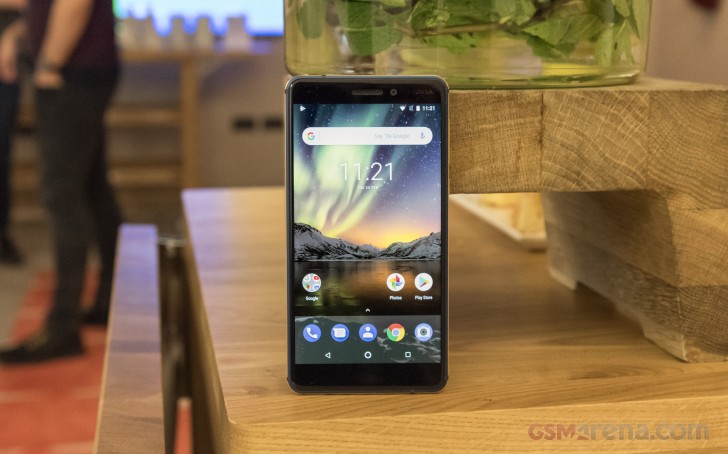
Nowadays, most smartphones are sequels to once successful headliners and, in an unsurprising turn of events, HMD opted to continue the Nokia 6 series. It was a no-brainer decision though as the 2017 model reportedly sold in more than 10 million units so HMD is wise to make the best of this opportunity.
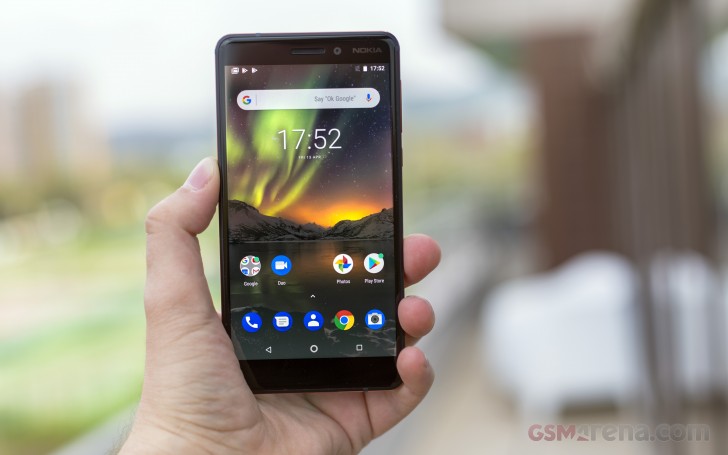
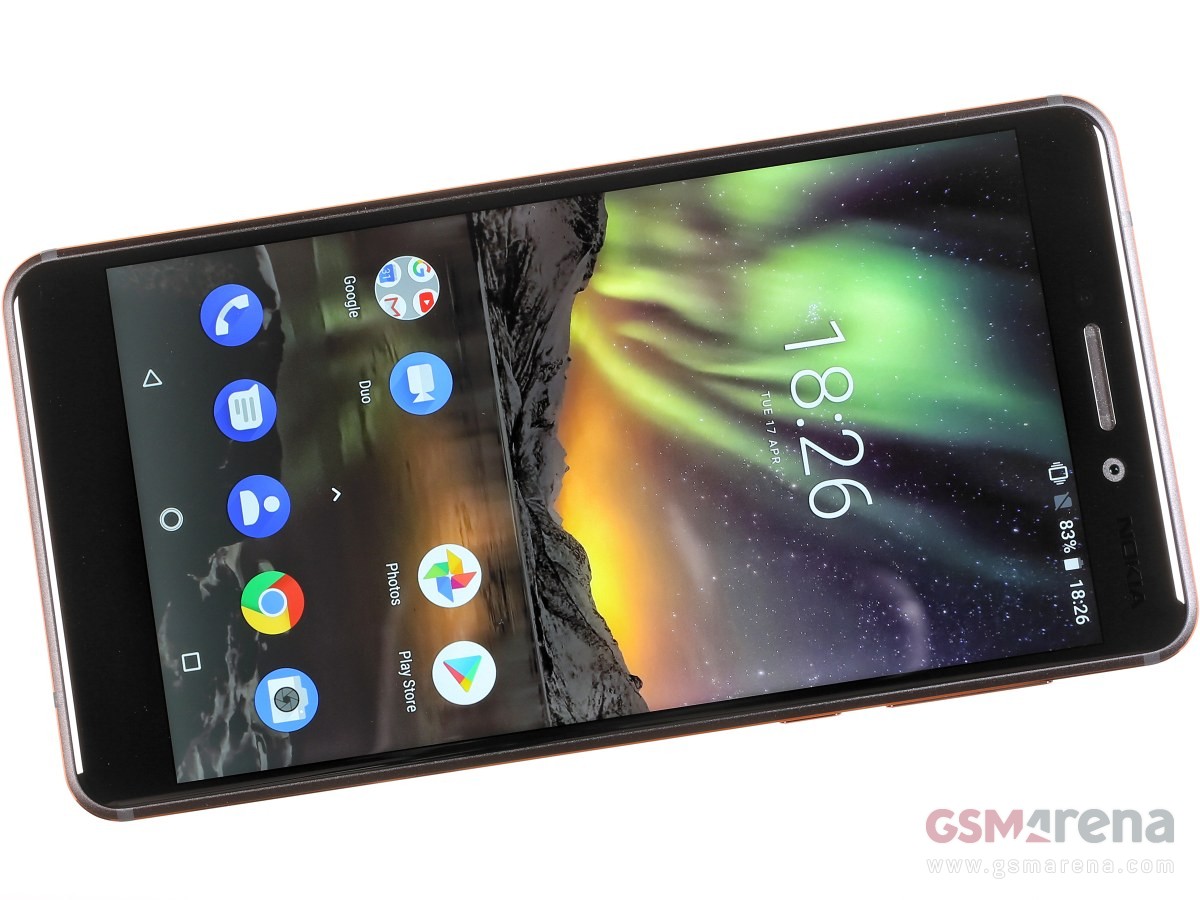
The new Nokia 6.1, has its screen bezels trimmed and employs a modern and much more powerful Snapdragon 630 chip. The main camera benefits from a new Zeiss lens and it can now do 4K videos.
The upgrade list continues with high-quality audio recording, newer Bluetooth 5.0, and the latest Android 8.1 Oreo in its stock form as the phone is now part of the Android One program.
Memory: 3/4GB RAM, 32/64GB, dedicated microSD slot for up to 256GB expansion
OS: Android 8.1 Oreo
Battery: 3,000mAh, Turbo Charge 18W
Connectivity: Optional Dual SIM (4G), Bluetooth 5.0, GPS/GLONASS/BEIDOU, Dual-band Wi-Fi a/b/g/n, FM radio, USB Type-C port
Misc: Fingerprint reader on the back
A few things were left untouched since the first Nokia 6.1 – the storage and RAM options, the 3,000 mAh battery and the camera sensors on both front and rear snappers. But the Nokia 6.1 (2018) has seen enough changes already and if done right – there is no reason why the new 6 shouldn’t surpass the old one in sales.
Unboxing the Nokia 6.1 (2018)
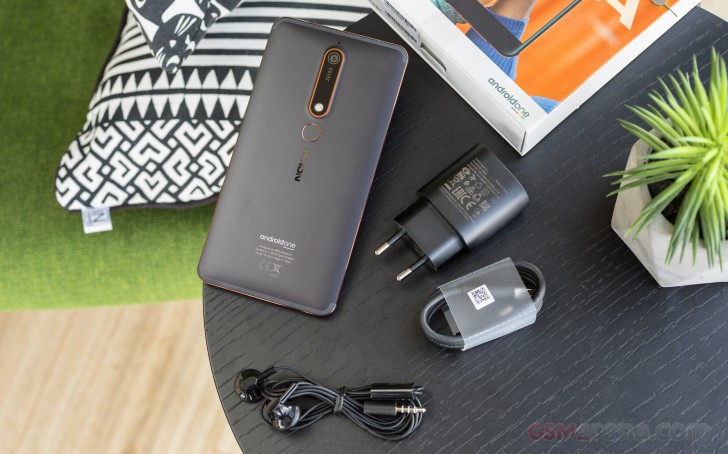
The Nokia 6.1 (2018) price might be hinting for basic bundled accessories, but that’s exactly what the bundle is not. Inside the paper box, we found an 18W wall plug for fast charging, a regular USB Type-C cable, and a pair of earbuds with an integrated mic. Granted, the headset is more basic than the one the Nokia 7 Plus gets, but at least, we have all bases covered with the included stuff. Okay, perhaps without a complimentary phone case, but we are really pushing it.
Some paperwork and a SIM ejection pin complete the Nokia 6.1 (2018) box contents.
Design
There is nothing fancy about the Nokia 6.1 (2018) design. HMD kept it basic, comfortable, and user-friendly. But there is beauty in simplicity and the no-nonsense design arguably gives off a stylish vibe that’s nowhere to be found on the Redmis.
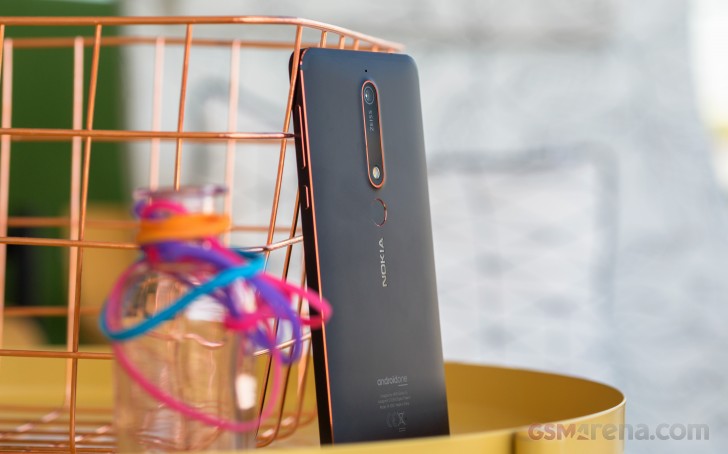
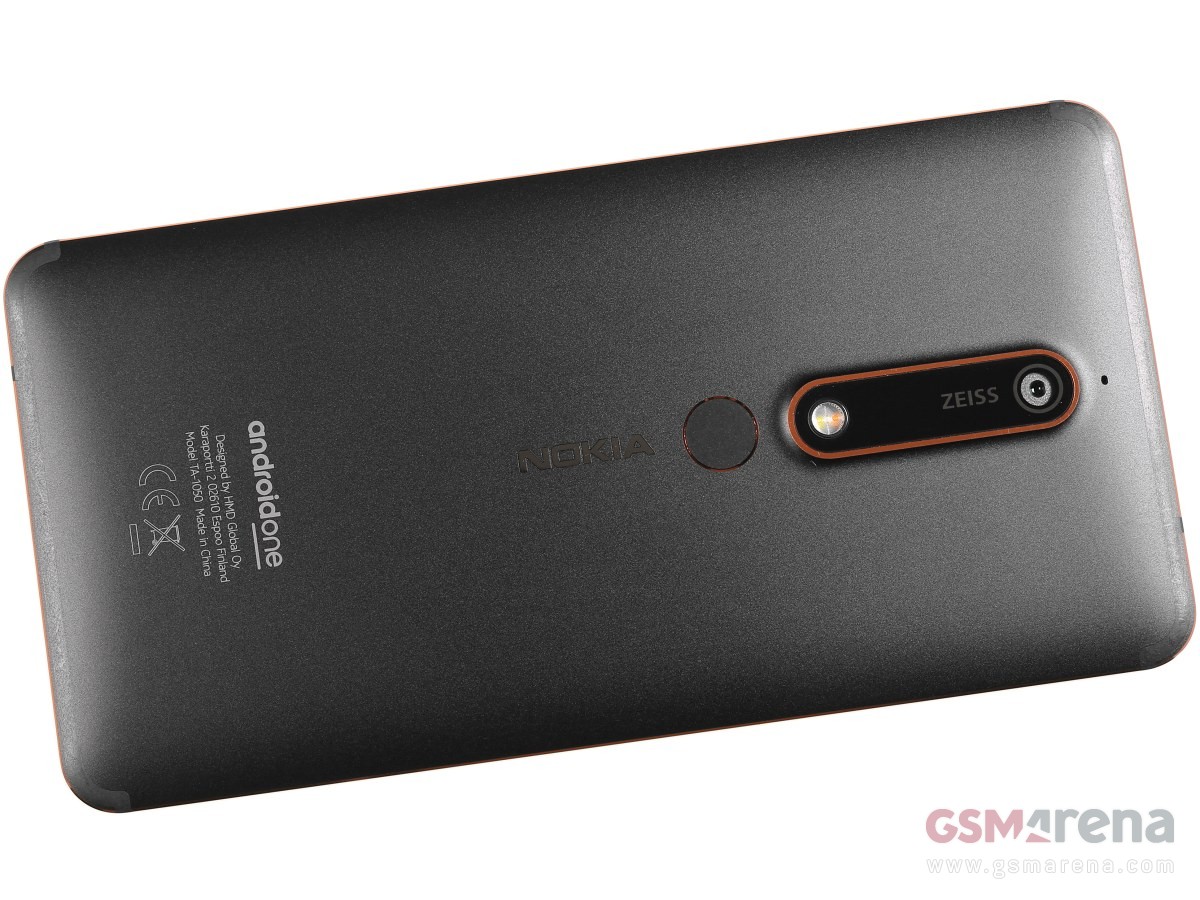
HMD also sneaked these cool paint accents around the frame and the camera glass that even in such small quantities make for a huge design booster.
So, the anodized aluminum body is back, almost flush at the back, and perfectly flat around the sides. The tiny chamfers are painted in copper on the black model, iron on the white, and gold on the blue version.
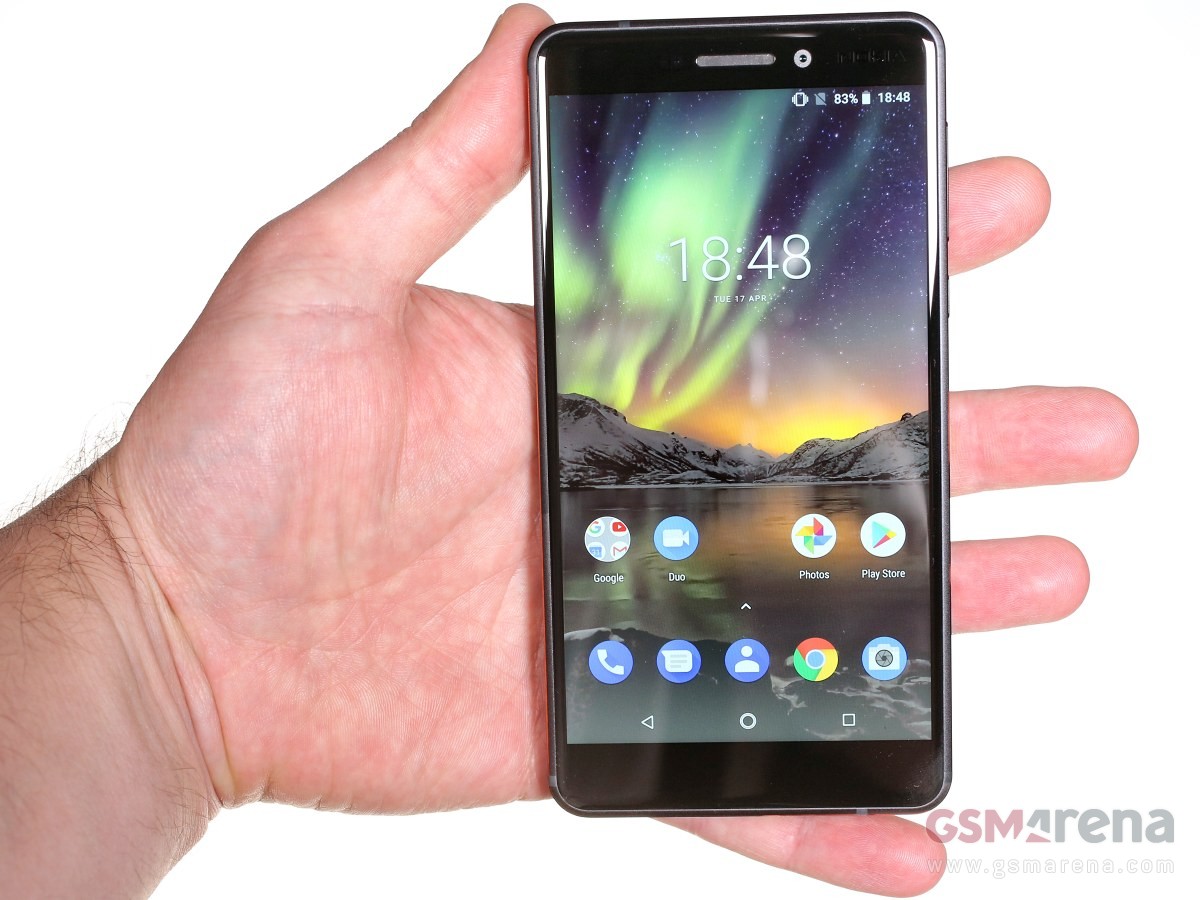
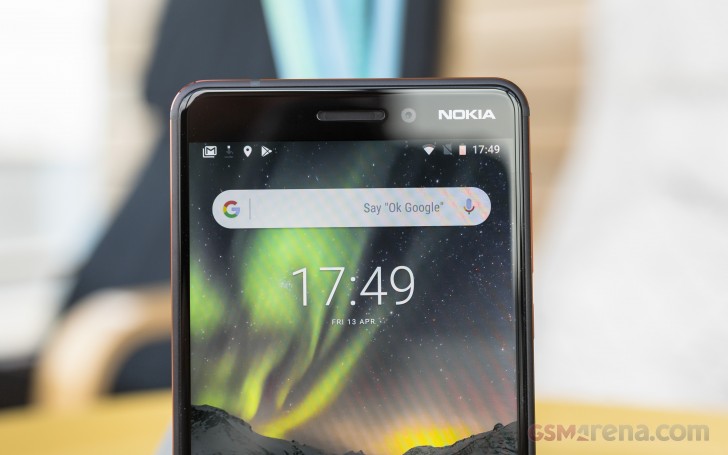
The Nokia 6.1 (2018) has the same 5.5″ 1080p screen of the old 6, but HMD has trimmed the bezels by moving the fingerprint scanner on the back and thus getting rid of the whole capacitive control deck. The new Nokia 6.1 spreads at 148.8 x 75.8 x 8.2 mm – that’s some impressive half a centimeter shorter.
The entire front is covered by a large piece of Gorilla Glass 3, 2.5D-finished as usual. The third edition might be a bit old, but it’s the one we usually prefer – more resilient to scratches at the expense of being relatively more susceptible to shattering when dropped (compared to GG5).
It takes some time to notice the antenna strips on the back, but they are there – running along the top and bottom edges.
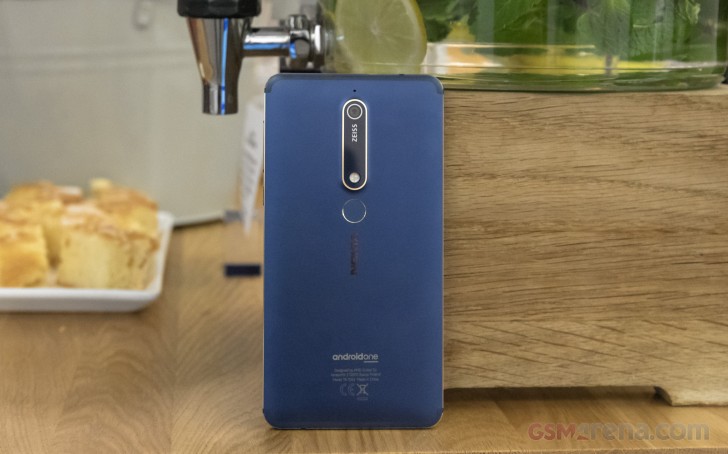
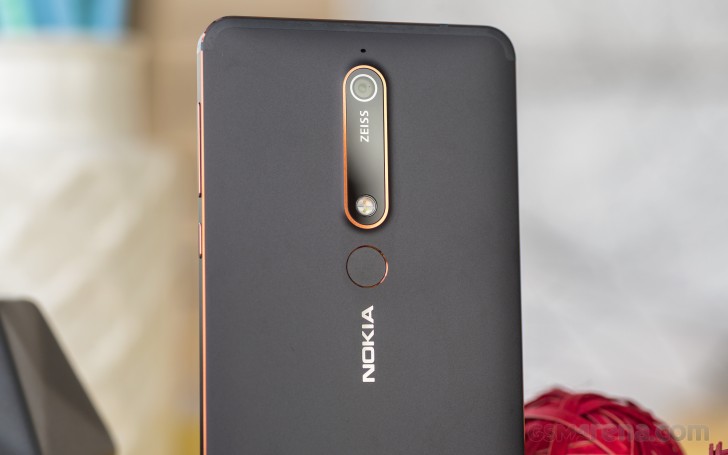
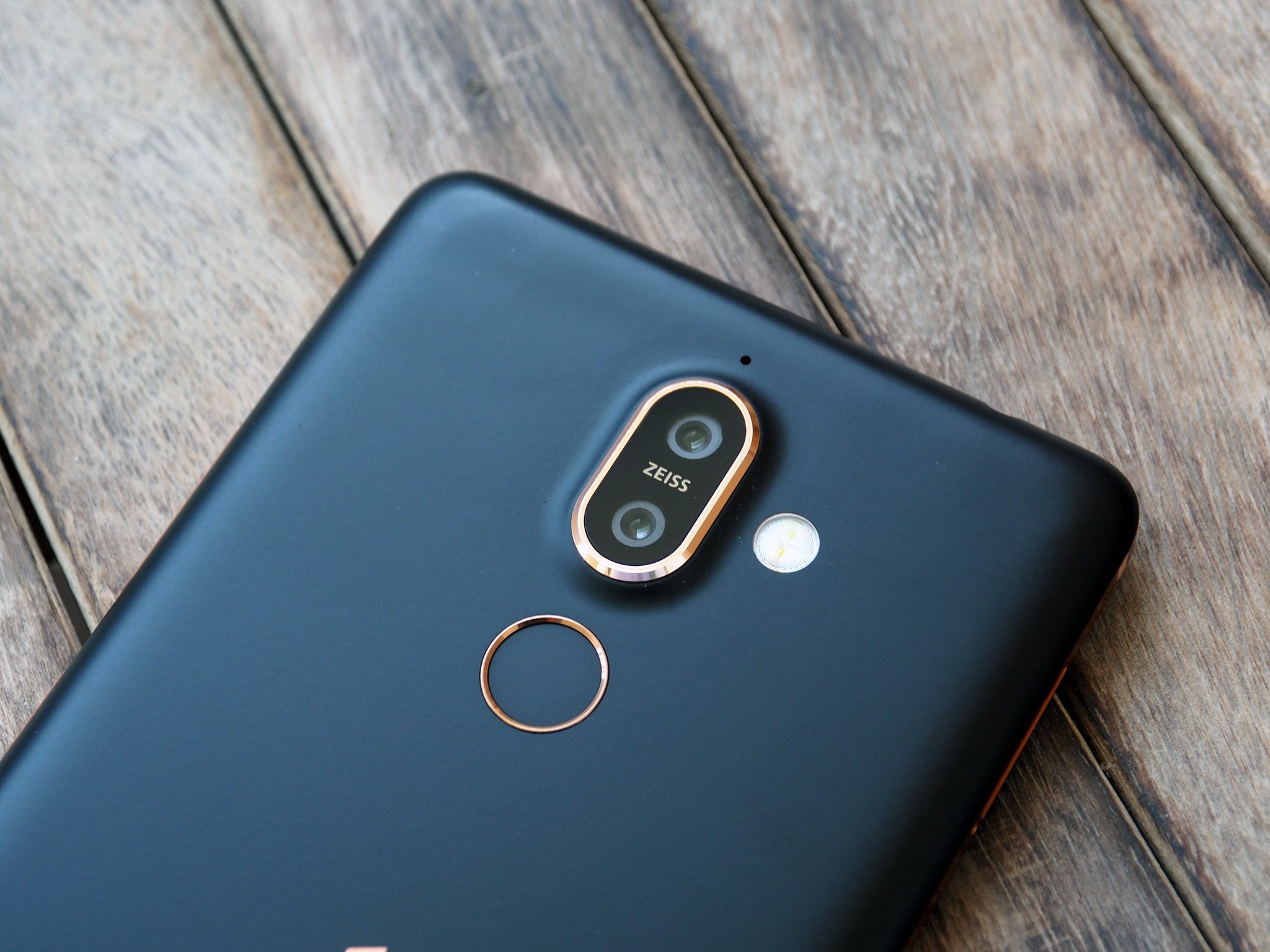
The camera glass now has this big ZEISS logo, and the fingerprint sensor found a new home just below the camera (last year it was on the front). The scanner is always-on, accurate and reliable.
We are fans of the flat frame and its tiny chamfers – those boost the overall grip by a mile and the Nokia 6.1is one of the few phones we’ve felt absolutely secure in hand.
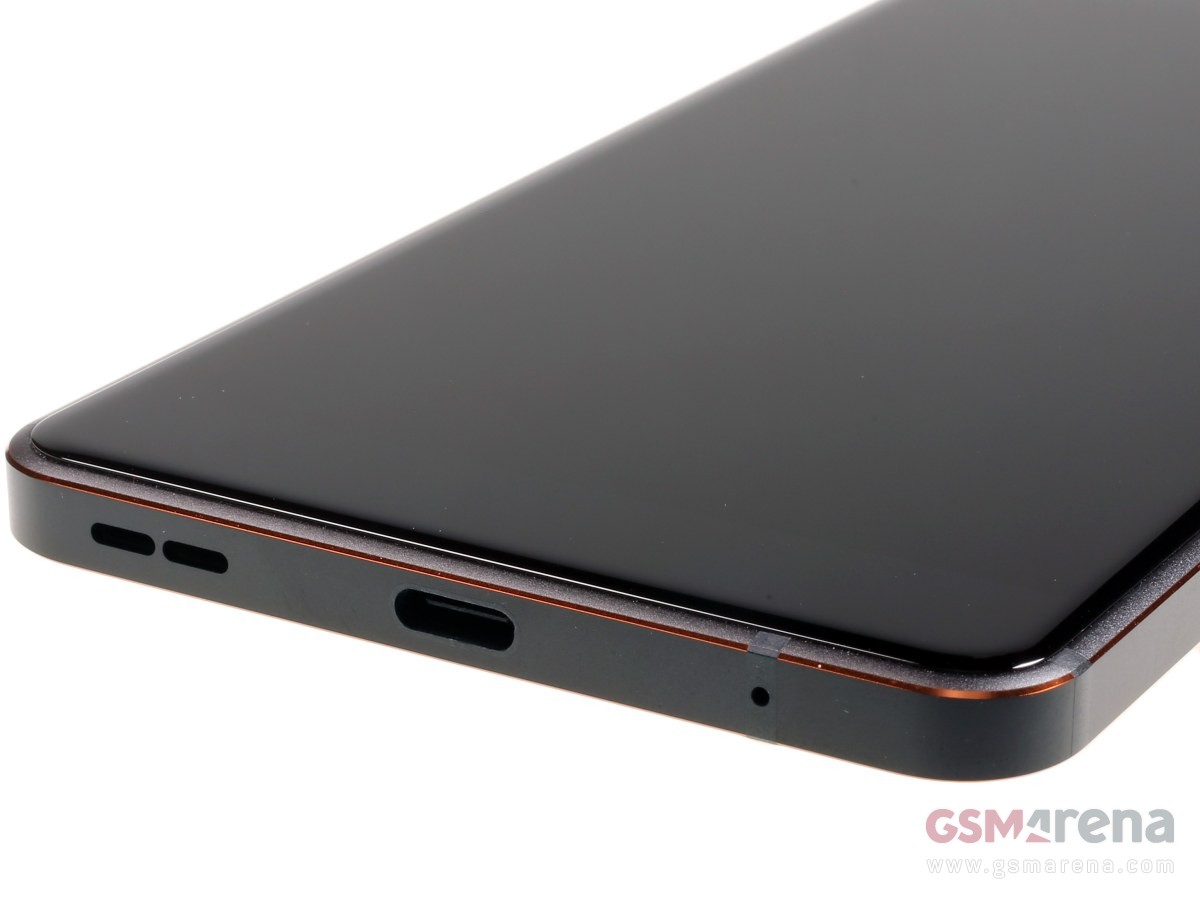
While the Nokia 6.1 (2018) has kept all popular ports intact, including the analogue audio one, the earpiece is no longer doubling as a second speaker. HMD decided to use just one speaker for the new Nokia 6.1 – and it’s at the bottom behind a small grille.
We already mentioned the secure grip, but we also want to acknowledge the overall positive impressions from when handling the Nokia 6.1. It feels great in hand, and although it’s a tad bigger than we’d prefer for a 5.5-incher, we are still fond of the overall feeling of security and sturdiness. The black model is all matte, but it still attracts some smudges. The blue and white ones don’t have such issues, though.
No matter which model you get – Black/Copper, White/Iron, or Blue/Gold – we’re sure you won’t be disappointed by the looks, grip or handling.
Display
The new Nokia 6.1 (2018) has a screen identical in size and resolution to the previous model – it’s a 5.5″ IPS LCD panel with 1,920 x 1,080 pixels (403ppi). There is no notch, no unusual screen aspect.
We captured similar black levels, brightness, and contrast to the ones by the screen on last year’s Nokia 6. The max brightness is alright for an LCD at 470 nits, but nothing extraordinary. The blacks are reasonably deep, and thus we calculated a great contrast ratio of 1278:1.
Display test
100% brightness
Black, cd/m2
White, cd/m2
Contrast ratio
Nokia 6 (Global version)
0.364
484
1330
Nokia 6 (2018)
0.367
469
1278
Xiaomi Mi A1
0.351
551
1570
Sony Xperia XA2
0.401
532
1327
Xiaomi Redmi 5 Plus
0.548
555
1013
HTC U11 Life
0.357
546
1529
Motorola Moto X4
0.297
431
1451
Huawei Mate 10 Lite
0.257
476
1852
Huawei P Smart
0.356
531
1492
Samsung Galaxy A5 (2017)
0
413
∞
Samsung Galaxy A5 (2017) max auto
0
559
∞
One thing that received a massive boost since the previous version is the sunlight legibility. With a sunlight contrast ratio of 4.052, the LCD on Nokia 6.1 (2018) has one of the best scores we have measured so far, even beating most of the OLEDs!
Finally, the color accuracy won’t impress anyone. We measured an average DeltaE of 7.3 with a maximum of 13.8 for white – white is strongly shifted towards cyan. There are no display color options on the international Nokia 6.1, so you are stuck with this presentation only.
Battery life
The Nokia 6.1 (2018) is powered by a 3,000 mAh battery – the same as on the previous model. The phone supports fast charging and the provided charger will fills up to 38% of the depleted battery in half an hour.
HMD chose a modern Snapdragon 630 SoC (14nm) for the second-gen Nokia 6.1 and we’ve already seen some pretty good scores on other Android One phones with the same chip – the HTC U11 Life and Moto X4. Well, the Nokia 6.1 didn’t disappoint – it posted good numbers on the standalone tests, and with a slightly above average standby consumption, the final endurance rating turned out 76 hours.
Loudspeaker
The one thing the new Nokia 6.1 lost in the upgrade process was the stereo speakers setup. While the first generation used the earpiece as a second speaker, the new (2018) model relies only on the bottom-firing loudspeaker.
The good news, however, is that the sound going out of that speaker on the Nokia 6.1 is much improved. It’s louder, with richer sound, and it earned a Very Good mark in our loudspeaker test – only 1dB short of Excellent.
Speakerphone test
Voice, dB
Pink noise/ Music, dB
Ringing phone, dB
Overall score
Nokia 2
66.7
70.6
75.0
Good
Nokia 6 (Global version)
63.1
70.9
82.5
Good
Motorola Moto X4
67.2
71.1
80.7
Good
Huawei P Smart
65.9
70.8
85.8
Very Good
Huawei Mate 10 Lite
67.8
71.0
84.5
Very Good
Nokia 6 (2018)
67.1
74.0
85.3
Very Good
Xiaomi Redmi 5 Plus
71.1
72.7
87.7
Excellent
HTC U11 Life
70.9
75.3
88.0
Excellent
Xiaomi Mi A1
74.0
73.9
90.4
Excellent
Audio quality
Unfortunately, the Nokia 6.1 (2018) performance in the active external amplifier part of our test fell as short as that of its Nokia 7 Plus sibling. Its intermodulation distortion was too high and its signal-to-noise ratio was nowhere near what we’ve come to expect from modern smartphones. On the positive side, its volume was nicely high, but the overall results left a lot to be desired.
Good thing is the clarity with headphones was much better – the stereo crosstalk spike wasn’t too bad and the rest of the readings were excellent. Volume went from high to just above average, but the Nokia 6.1 (2018) still does solidly here.
Test
Frequency response
Noise level
Dynamic range
THD
IMD + Noise
Stereo crosstalk
Nokia 6 (2018)
+0.10, -0.20
-37.5
80.4
0.0018
4.735
-93.3
Nokia 6 (2018) (headphones)
+0.05, -0.03
-94.3
90.2
0.0027
0.019
-58.6
Nokia 7 Plus
+0.02, -0.31
-38.8
81.7
0.0013
4.690
-95.9
Nokia 7 Plus (headphones)
+0.25, -0.23
-93.3
90.4
0.0045
0.227
-53.9
Honor View 10
+0.02, -0.01
-92.6
92.6
0.0021
0.012
-94.4
Honor View 10 (headphones)
+0.17, -0.03
-92.0
92.1
0.0023
0.092
-52.8
Samsung Galaxy A8 (2018)
+0.01, -0.03
-92.1
92.2
0.0038
0.0085
-90.0
Samsung Galaxy A8 (2018) (headphones)
+0.30, -0.07
-91.7
91.8
0.022
0.206
-72.4
Oppo R11s
+0.02, -0.02
-93.4
93.2
0.0025
0.012
-90.8
Oppo R11s (headphones)
+0.20, -0.37
-93.4
93.0
0.015
0.320
-55.7
OnePlus 5T
+0.01, -0.03
-94.0
94.0
0.0018
0.011
-93.7
Clean Android Oreo
The Nokia 6.1 (2018) is part of the Android One program – meaning it gets pure Android as seen on the Pixels but on the cheap. Indeed, the OS updates are timely and the unit we got for review is running Oreo 8.1 with the most recent April security patch.
Android as Google intended shows up when you wake up the phone – clock, notification cards, two shortcuts on the bottom. Ambient display will show you a clock and notifications when you pick up the phone even without waking it up but be sure to enable this feature first.
Fingerprint enrollment uses the standard Oreo interface. Unlocking works as advertised and is quick and reliable.
Past that is the standard Android 8 homescreen with a pull-up app drawer.
The quick toggles and notifications shade changes color depending on the wallpaper – white for lighter ones, black for darker ones. The task switcher is the usual rolodex, and wouldn’t it be great if Google put the ‘clear all’ button on the bottom instead of up top? Anyway, multi-window is supported natively since Nougat.
There are several gestures like double pressing the power button to launch the camera and a swiping across the fingerprint scanner to bring down the notifications.
As for multimedia, it’s all in the hands of Google’s default apps. Photos is in charge of gallery-related tasks and video playback, while Google Play Music is the audio player. There’s a file manager with batch actions and Google Drive sync, and Google’s Calendar is Nokia‘s calendar of choice.
Benchmarks and performance
The Nokia 6.1 (2018) employs Qualcomm’s Snapdragon 630 chipset – the new rising star in the mid-range midst. It’s a worthy upgrade over the previously widespread Snapdragon 625 with a more powerful CPU and a great graphics boost, but also a massive performance jump over the Snapdragon 430 chip powering the first Nokia 6.
The Snapdragon 630 chip offers a classic octa-core Cortex-A53 processor clocked at 2.2GHz. The GPU in charge of graphics is Adreno 508 and noticeably improves on the average gaming performance of its predecessor.
Just like the original Nokia 6, the 6.1 comes with either 3 or 4 gigs of RAM depending on the model you get – with 32 or 64 GB storage.
GeekBench is the best place for CPU prowess comparison. Here, the Nokia 6.1 (2018) scored the same as the rest of the S630 gang – the Xperia XA2, U11 Life and Moto X4. The Redmi 5 Pro and Galaxy A8 (2018) do better in the single-core tests as those two pack much more powerful Kryo 260 and Cortex-A73 cores.
The Nokia 6.1 (2018) earned some excellent marks for the class on the benchmark tests. In real life it will never disappoint – the cle,an Android runs flawlessly, while even demanding games are handled smoothly.
The metal body of the Nokia 6.1 (2018) gets warm under pressure, but not unpleasantly hot. We observed no throttling or stuttering, though.
The same 16MP camera
The Nokia 6.1 (2018) comes with the same camera specs as on the first Nokia 6. It’s a 16MP sensor with 1.0µm pixels sitting behind a 27mm-equivalent lens with an f/2.0 aperture – so nothing extraordinary here. Focusing is handled by phase detection, and there’s a dual LED dual-tone flash to help in the dark.
The interface is simple – shutter release at the bottom, a switch to video mode next to it and a shortcut to the gallery on the other side. A tiny mode selector next to the shutter release gives you the option to choose Regular photo, Panorama, or ‘Touch up’ mode (another word for ‘Beautification’).
On the opposite end of the viewfinder there are switches for beautification, picture-in-picture, flash (on/off/auto), HDR (on/off/auto), self-timer (off/3s/10s), and front/rear camera toggle. There’s a hamburger button too, for access to settings and additional modes (panorama and pro).
Image Quality
The 16MP samples we shot in broad daylight with the Nokia 6.1 (2018) turned out rich in detail, contrasty, with accurate colors and white balance. The only letdown was the grass presentation, which is mostly smudgy.
The dynamic range is average, but there is Auto HDR setting and we suggest keeping it on – the Nokia 6.1 recognizes successfully most of the HDR-needy occasions and triggers it.
Using the manual HDR mode will fully restore the blown highlights, especially the skies, while keep the shadows almost intact. The contrast gets a small boost – probably to keep the HDR images look as natural as possible.
The low-light images are nothing much to talk about – blurry, dark, and with lots of noise.
The camera app has a dedicated Pro mode, which allows for shutter speed as long as 4 seconds. We snapped two 4sec photos, and while those have plenty of detail and could have been great, the luminance noise gets in the way of, well, everything.
The Nokia (2018) captures some great panoramic shots with a vertical resolution around 3,100px. Stitching is flawless, and there are no issues with varying exposure. The dynamic range is decent, while the resolved detail is quite impressive for the class.
Feel free to pixel peep in our Photo compare tool – we’ve pre-selected a couple of phones we found relevant, but those can easily be replaced in the drop-down menus.
Selfies
The Nokia 6.1 (2018) has an 8MP selfie camera with fixed focus.There is no LED flash but we didn’t expect one.
The selfies turned out excellent – sharp, with lots of detail, good colors and great contrast.
Video recording
One notable upgrade over the first Nokia 6 is the addition of 4K video capturing. The Nokia 6.1 (2018) can record 4K and Full HD clips at 30 fps. The 4K footage is captured at 42.2 Mbps bitrate, while 1080p is about half that – 20 Mbps. Audio is always recorded stereo at 256 Kbps.
The video quality on both 2160p and 1080p clips is great – the image is detailed and sharp, even the foliage looks nice, and the noise levels are kept low. The dynamic range is decent, colors are spot on, and the contrast is great.
As usual, we’ve provided unedited samples straight out of the camera for you to download – 2160p@30fps (9s, 50MB), and 1080@30fps (9s, 24MB).
You can also head over to our Video compare tool and see how the Nokia 6.1 (2018) stacks up against the competition.
Competition
The Nokia 6.1 (2018) ticks many checkboxes, but the competition has some tricks left in the bag, too. While HMD has a broader market reach, the second-gen Nokia 6.1 will be a tough sell next to a recent Xiaomi.
The Mi A1, for example, is also part of the Android One program and as such is available in lots of markets. The A1 has a slightly inferior chipset, but its dual-camera on the back offers telephoto snaps and portraits with bokeh – some of the trendiest features lately.
The Redmi 5 Plus, also known as Redmi Note 5, is pretty much the Mi A1 on steroids – it comes with a taller 6″ display, a larger 4,000 mAh battery, but it has just one camera on the back and runs on MIUI, for better or worse. Both Xiaomi phones are about €80 cheaper than the Nokia 6.1, so they are worth a consideration.
The Moto X4 costs as much as the Nokia 6.1, and it’s also a part of the Android One program in some markets. It even runs on the same Snapdragon 630 chip. The X4 has a smaller screen but makes up for that with a beautiful glass body and a very capable dual-camera on the back. Oh, and it’s water-tight!
HTC U11 Life is another Snapdragon 630 device that’s part of Android One. It has a 5.2″ 1080p display and packs a similar 16MP camera on the back but it has two notable features the Nokia 6.1 lacks – water resistance and Edge Sense (squeezable frame and various gestures). The U11 Life price equals Nokia 6‘s, so it’s up to the brand loyalty we guess. If it were up to us, well, we’d choose water resistance any time.
Finally, we want to mention the all-metal Huawei Mate 10 Lite, also priced around the €260 that the Nokia goes for. The chipset is inferior, yes, but its tall 5.9″ screen and four cameras (two at the back, two at the front) are quite tempting, especially if you fancy those bokeh shots.
The Verdict
The Nokia 6.1 (2018) is a worthy improvement over its predecessor with a much better chipset and smaller body. Its 5.5″ screen turned out great, and so did the performance. The camera is not much of an upgrade but at least the selfie shooter saves face (even literally) with its good image quality.
Being part of the Android One initiative guarantees a lightweight Android OS, the latest edition at that, with on-time updates for the next 24 months.
Pros
Stylish all metal design
Modern and snappy Snapdragon 630 chipset
Latest Android OS with on-time updates thanks to Android One
Very good 16MP snaps in daylight, impressive 4K videos
Just as the X6 and X5 became the Nokia 6.1 Plus and Nokia 5.1 Plus globally, the X7 became official globally as the Nokia 8.1. Just like its Chinese counterpart, the Nokia 8.1 boasts of a 6.18-inch PureDisplay Full HD+ panel, along with a Snapdragon 710 processor and dual Zeiss rear cameras. Specs are very identical, except that the Nokia 8.1 is available only in a 6GB/64GB variant, and that it comes with Android Pie out of the box. Being an Android One like all global models, the Nokia 8.1 is guaranteed for two major updates and three years of security updates.
Design and Construction
Sized at 6.1 inches, the Nokia 8.1 is constructed with glass and comes with a frame crafted from Series 6000 aluminum. Due to the glass construction, it does feel premium and sleek when held. The device sits in the mid-range level, but with its Iron Steel colorway, it looks a little more sophisticated than that. The curved edges also allow the device to rest comfortably against the palm.
Up front, the smartphone has a seemingly outdated bar notch. It’s pretty thick, compared to other devices that have been designing their notches to become smaller and smaller. Situated in the bar notch are the front camera, call speaker, and sensors.
Over the rear are the dual cameras, stacked vertically and raised from the back of the phone. With the protruding cameras, the 8.1 definitely won’t lay flat on surfaces. Below the cameras is a fingerprint scanner that’s pretty easy to reach.
On the right side, one can find the power button and the volume rocker. They’re all clicky and are reachable even with small hands.
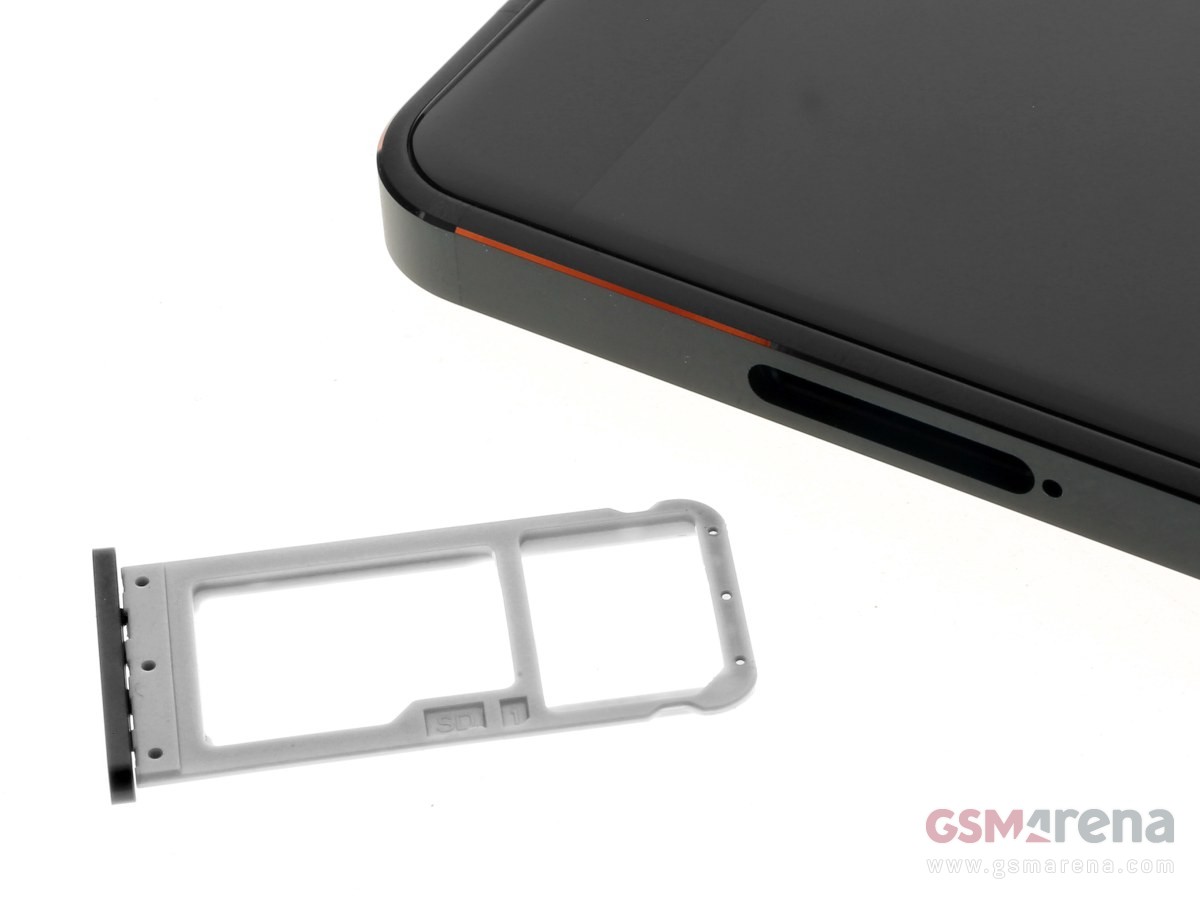
Located on the left is the SIM card tray. The 8.1 employs a hybrid dual SIM slot; one can use two SIMs or a single SIM card and a micro SD card to expand the device’s storage.
A 3.5mm headphone jack can be found at the top.
The USB-C charging port, speaker grilles, and the microphone can all be found at the bottom.
Display and Multimedia
Nokia has fitted the 8.1 with PureDisplay, something that can also be found on older Nokia smartphones such as the 7.1. According to Nokia, PureDisplay provides higher contrast and has HDR10 support. The PureDisplay technology does give the device’s 6.18-inch screen with a bit of flair; the panel is bright and the viewing angles are great. Color saturation is present as well, although it’s not as excellent as what an AMOLED display would provide. As the 8.1 does have a rather bright display, using it under direct sunlight isn’t an issue at all.
When it comes to audio, the 8.1’s speaker certainly gets loud and fills the room. Surprisingly, audio at the highest level doesn’t sound distorted nor does it sound tinny and eardrum-splitting. The sound is balanced, and one can hear the mids and lows coming through from time to time. A downside though is that the speaker grille is positioned where your palm could cover it easily.
Camera
Located in the bar notch up front is a 20MP shooter, while a set of 12MP + 13MP shooters with ZEISS optics sit on the rear. As mentioned, the rear cameras protrude slightly from the back of the smartphone. Let’s take a closer look into their capabilities.
The ZEISS lenses employed by the 8.1 deliver sharp images, with details and accurate color reproduction in settings with ample lighting. Vibrancy is present as well, and the 8.1 seems to have an automatic scene/subject detection mode in it. This is shown through a small notification right below the camera settings. The detection works fairly well and is able to identify whether you’re taking pictures of plants, people, indoors, outdoors, and such. When it comes to portrait shots, edge detection is modest but it produces detailed images; the smartphone will also notify you if you’re too close or at the perfect amount of distance from the subject.
As for selfies, the images produced using the standard photo mode are good to use on social media. However, there’s a slightly artificial look to the selfies, whether or not the Beauty mode is enabled. Strangely enough, taking selfies using the Portrait mode results in less-vibrant, saturated colors. The edge detection separates the subject from the background nicely, though.
The 8.1 can record up to 720p, Full HD, and UHD 4K video. Video quality is decent, and it offers stabilization as well.
OS, UI, and Apps
The 8.1 runs on Android One, which is a stock version of the Android operating system. Here’s a short explainer if you’d like to know more about Android One. The device has Android 9 straight out of the box. While the device runs on a no-frills Android operating system, we found the UI to be confusing at times. Once you’ve installed a couple of apps, you can swipe right on the home screen to see their respective icons. For a user to see pre-loaded apps and other functionalities of the smartphone, they’d have to draw up the center navigation button.
If you don’t pull up the center button all the way to the top, the screen will first display all the currently active apps. You’d have to pull up the center navigation once more to see every app and functionality installed in the smartphone. User interfaces should always be designed with ease of use in mind; the 8.1’s UI shows the exact opposite of that. Despite the frustrating interface, having stock Android means that the 8.1 doesn’t have bloatware or third-party apps in it.
Performance and Benchmarks
Snapdragon 710 powers up the Nokia 8.1, coupled with Adreno 616 GPU. RAM variants of the smartphone include 4GB or 6GB, with our unit on hand here possessing 6GB. We ran the device through a couple of benchmarks, and here are the results:
The device is definitely capable of handling productivity tasks, multi-tasking, gaming, and the like, running them through in a smooth manner. We tested out Asphalt 9 and PUBG to see the smartphone’s gaming capabilities and we can say that it does not disappoint. Initial gaming didn’t give us any lags or frame drops, but they will happen through an extended gaming session. Still, it’s a pretty decent enough device to game on.
Connectivity and Battery Life
The usual connectivity features such a 4G LTE, Wi-Fi, and Bluetooth are present in the 8.1. GPS is fairly accurate as well and didn’t give us any issues when pinning locations or using the map. AR games are also possible to play using this device. The phone has support for NFC as well, allowing users to pay virtually.
A 3,500mAh battery comes with the 8.1, and support for 18W Fast Charge. PC Mark rated the battery life at 12 hours and 7 minutes. Strangely enough, It takes about 2 hours for the device to get fully charged.
Conclusion
the Nokia 8.1 is a competent smartphone that has the guts to go up against other devices in the mid-range section. It has an impressive display, speedy CPU performance unmarred by lags, modest audio quality, Stock Android, and decent camera quality. Despite the fact that it has an outdated bar notch design, poor speaker location, a frustrating user interface, and seemingly artificial-looking selfies, it can be overlooked when you’ve got a solid performer in your hands.
Priced at $387.85, the Nokia 8.1 is definitely a smartphone that you should go for if you’re looking for a smartphone that has excellent performance and won’t drain your bank account.
Phones all look the same once you scrape away a few details. They’re rectangles designed to fit (mostly) into one’s hand and a display where we can tap and poke the things we see to find other things poke and tap. You can even make phone calls with them!
It’s those details, though, that makes the difference. Speakers, bevels, buttons and the physical size are the things that make a Galaxy Note different from a Moto E4. They also are a big part of the price and what we use to decide which one is better for our uses. One of those details that’s always a point of discussion, and sometimes a point of detraction is what the body of a phone is made of. Oddities like wood or gold phones aside, you’ll find three different materials are being used to make phones is all sizes: metal, plastic, and glass.
Which one is best?
Metal
Metal, done very well on the Nokia 7 Plus.
Plenty of phones use a metal band or a faux-metal finish over plastic trim, but there are also plenty that are made of metal. Usually, that means some manner of aluminum alloy that’s very thin and light because the buying public is in love with thin and light. Nobody wants a 3-pound phone built from cold forged steel to lug around all day.
Metal screams premium.
For many, metal equals premium. Seeing an aluminum phone polished or anodized with a crisp finish does make a phone look good, so naturally, a lot of people associate them with high-quality, even if only subconsciously. But this isn’t always the case as aluminum can be cheaper than other materials. Blame our perception here.
A metal phone can be a great phone. It can also be a bad phone. Let’s look at the pros and cons.
Pros
That premium look. As mentioned, a phone that’s well built will always look good with a metal design. Metal is beautiful and we can’t help but feel that anything beautiful is automatically premium. For many, having a premium phone is important.
It’s “modern”. Metal is a big part of the industrial design school of thought. Minimal markings and no extraneous parts to take away from a single piece of metal with a certain shape is a complete design aesthetic, and it often ties in well with a premium look. There are plenty of fans of this type of design.
Heat transfer. That way a cold metal phone feels when you first pick it up provokes a thought. It doesn’t have to be a good thought, but if you ever noticed that your phone felt cold you were thinking about it. Touch is one of our senses, and it’s an important one.
All of these “pros” work together to give the impression that the small metal object you’re holding is simply a superior product. Some people feel differently, but most people can’t say a phone like a Pixel 2 or a Nokia 7 Plus felt bad or was built poorly.
Cons
Bends and dents. Metal deforms fairly easily — especially light, malleable metal like aluminum —and tends to keep its new shape, at least the types used to build phones. We’re not talking about people on YouTube bending phones for a living; we’re talking about sitting on your phone and bending it or dropping it and putting a big dent in that premium shell. (Buy a case?)
RF transmission. This means your LTE, Wi-Fi, and Bluetooth signals. Radio frequencies of the safe variety have a tough time transmitting through dense material. This can mean your phone needs to have antenna lines or glass cutouts for the antennas and probably won’t support wireless charging if it’s made of metal.
Heat transfer. The same thing that makes a metal phone feel solid and cold when you first pick it up will also make it feel hotter after you’ve used it for a while. Heat sinks and heat pipes (also made of metal) try to offset this, but a metal phone will always have a hot spot where the chipset is. And sometimes they can get uncomfortably hot.
The same material that can make a phone feel premium can also stop it from having premium features, like smooth lines without antenna bands or wireless charging. And they look a lot less premium when you dent or bend them.
Plastic
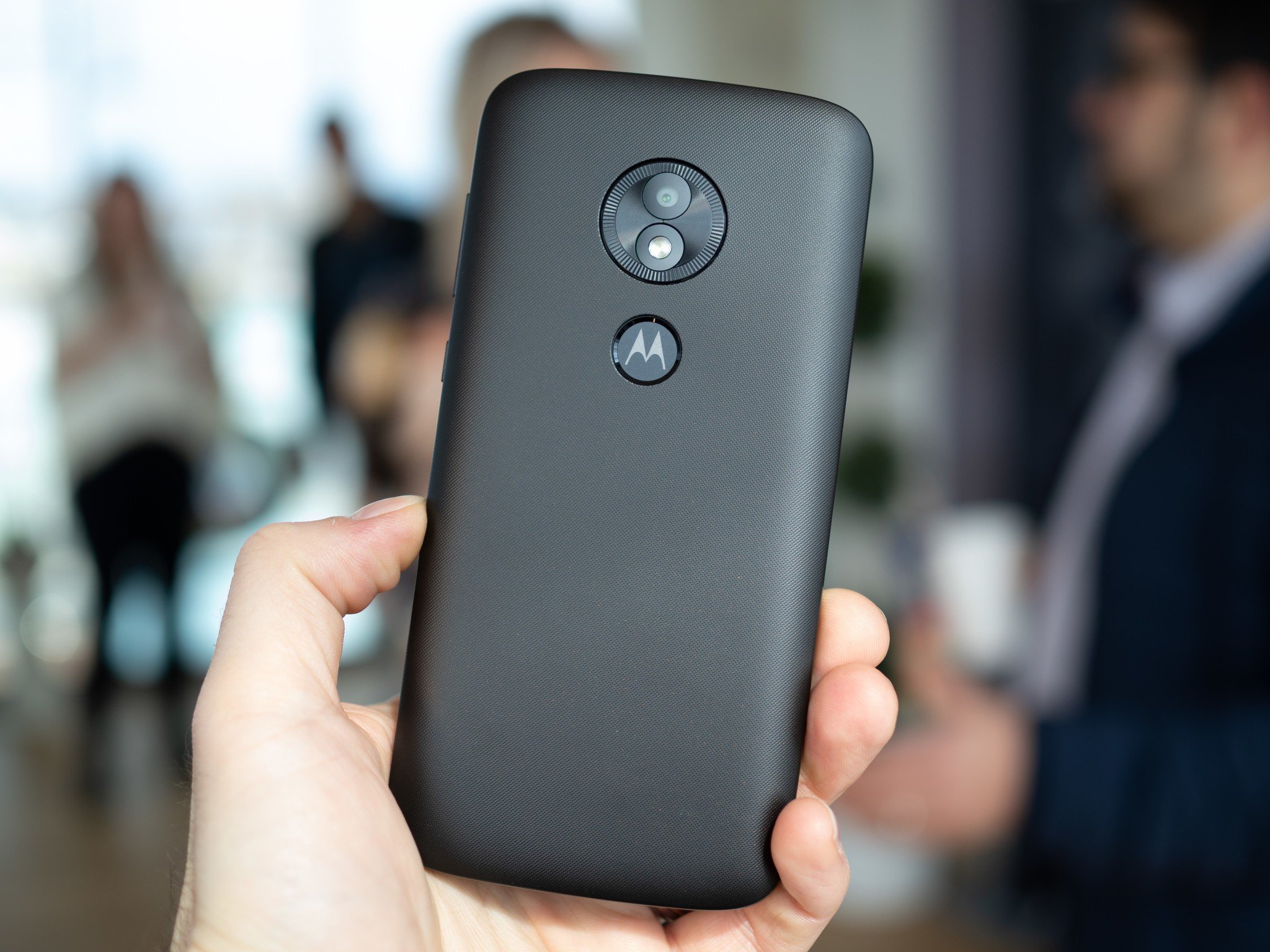
The Moto E5 is one of the few plastic phones you can buy in 2019.
Plastic comes in all shapes, colors, and sizes. Man-made materials have that advantage. That means plastic can also come with a number of different finishes, and phones can feel slimy or even soft when made of plastic. Plastic is also cheap and very workable which means curves and design elements can be used with plastic that isn’t feasible with other materials.
Any shape, any color, and tough as nails.
Some plastic phones look and feel great. Of course, others don’t. Consumers can be influenced by their experience enough to think all plastic phones are a slippery, glossy, slimy mess even when they’re not and the general perception is that plastic phones are cheap. But a plastic phone can be great, too.
Unfortunately, it’s becoming difficult to find phones made of plastic. Even inexpensive brands like Nokia and Motorola are moving on to metal-bodied phones, and that makes me a little sad.
Pros
Cost. Not the cost to the consumer, but the costs of making the phone from beginning to end. Using plastic means manufacturing equipment is easier to tool, which means designers have more freedom to work with the shape, which means phones don’t always have to look like a flat slab and still be reasonably priced. We love things that look nice and things that are reasonably priced. We love it more when they are both.
Resilience. Plastic is tough. Like football helmet tough. You might be able to break plastic but it will take a lot more abuse than metal or glass, and for the most part, it will snap right back into shape if it gets bent or dinged.
RF transmission. Plastic can be designed to be tough but still allow radio waves to pass through with very little signal loss. When you’re building or using a phone, this is important.
Millions of colors. You can make plastic that’s any color imaginable. Companies like Nokia (the Nokia of old, R.I.P.) and Sony have put this to the test and orange, lime, pink, yellow and even brown phones have all been offered and had their fans. Black is also a color for folks who like to keep things tamer.
Plastic gives a manufacturer the freedom to build a phone that’s tough and beautiful. And we’ve seen some very high-end phones from almost every manufacturer that were plastic, and nobody complained that they were plastic.
Cons
They feel bad. At least, they can. One of our favorite phones was LG’s G2. One of the phones we always complained about when it came to the finish of materials was the LG G2. It was the phone that coined our use of slimy when talking about bad plastic. Don’t even get us started on the Galaxy S III.
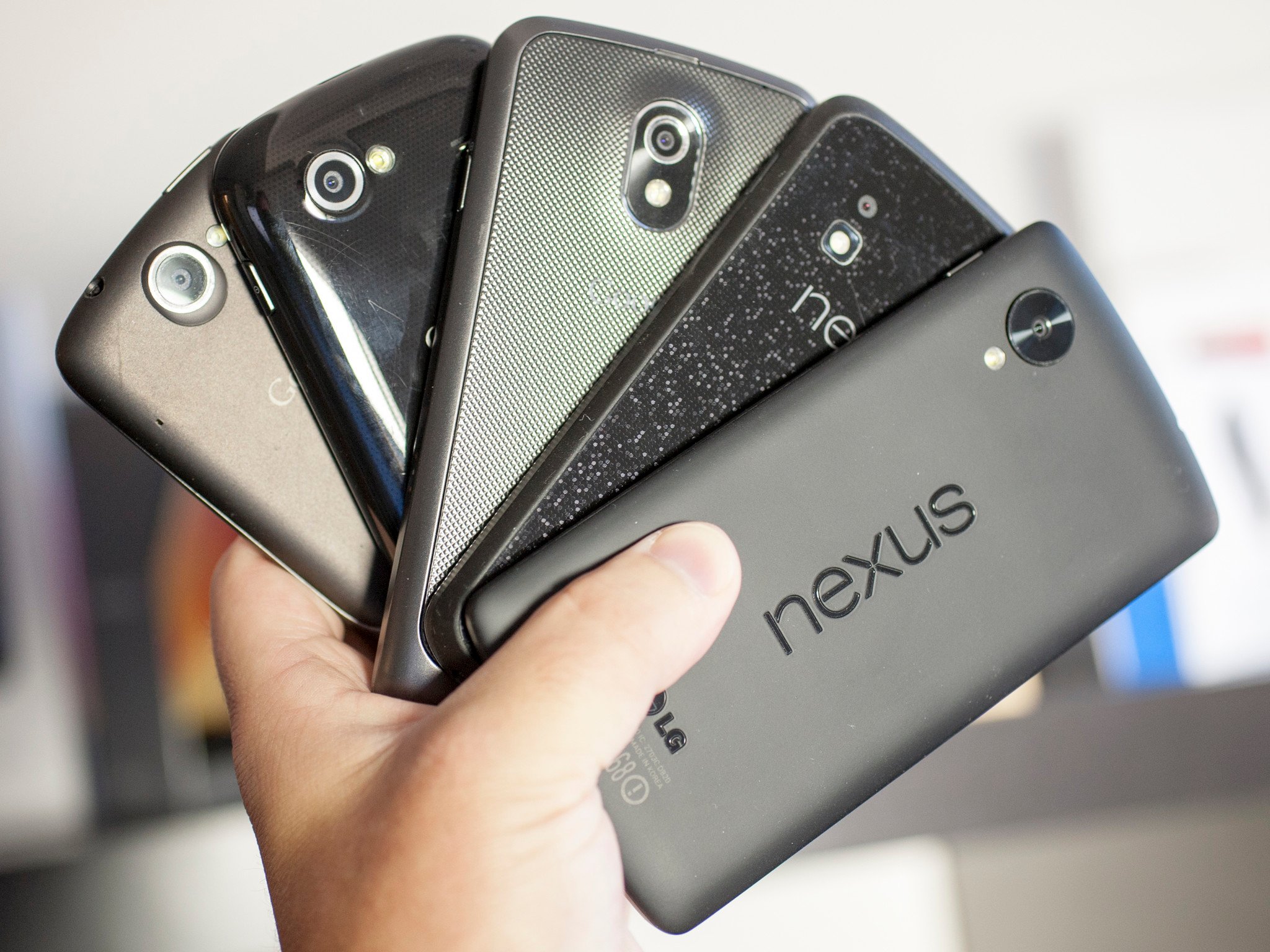
They can stain. The plastic on the phone can be stained by a colorful case or spending too much time in a cup holder in Florida-style weather, and some plastic finishes can stain you or your clothes. Remember the orange red Nexus 5? It did both.
They look cheap. Not all of them, of course. HTC, as well as that Nokia of old, built some gorgeous phones that were plastic. The LG Optimus 3D was not my favorite phone. Not even close. But it was plastic and the body, the build, and the finish were stunning. But for every good plastic phone, you can buy there will be four or five bad plastic phones in equally bad plastic clamshells on a hook at Walmart. That makes people equate plastic with cheap.
All the plastic phones that were tough, looked good and came in a plethora of colors have to compete with the bottom-of-the-barrel plastics used in phones that have none of those qualities. It’s not fair to compare things this way, but you usually won’t find a phone you think is plain ugly or that feels slimy that’s not made of plastic. Stereotypes are sometimes real.
Glass
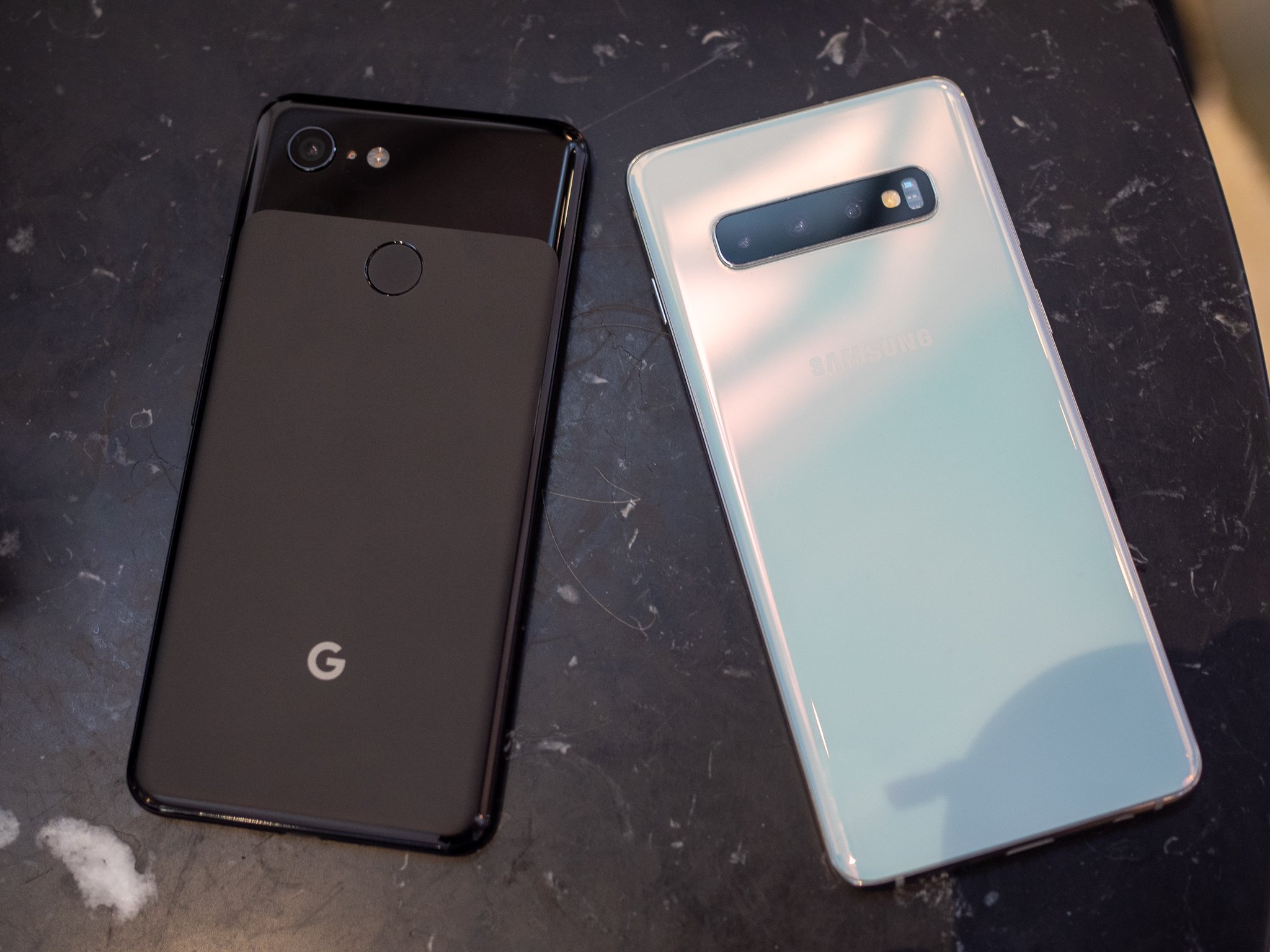
The Google Pixel 3 and Galaxy S10 keep everything under glass.
We started seeing glass phones with the iPhone 4 and Nexus 4. They aren’t completely glass, of course, but there are plenty of phones with full glass backs to go with the full glass front. They can be beautiful and give a look that compliments a great design. They can also be fragile; phone screens break all too often and so do glass backs.
It only looks wet.
Using glass also adds to a phone’s price. Cheap pieces of soda-lime glass you may find at the hardware store aren’t suitable for a phone. Instead, specially made ultra-clear low-expansion glass and composites like Gorilla Glass are used and can add a lot to the final price. Exotic materials like synthetic sapphire can be exceptionally clear for the wavelengths of light a person can see, and very scratch-resistant. They are even more expensive, often prohibitively so.
Pros
RF transmission. Glass is dense, but still allows radio waves to pass through fairly easily. This means your LTE signal, Wi-Fi, and Bluetooth will be stronger without any long antenna cutouts.
They look great. Phones with a glass back can have a feeling of depth if anything is under the glass. Glass can also shimmer and give the illusion of being wet. Both of these effects together can make for a stunning look. Samsung is a total pro at this, and its recent glass-backed Galaxy phones are simply beautiful.
They feel good in your hand. Glass can be polished until it’s very smooth. Because it’s inert it will also feel solid and cold like metal does. When you hold a glass-backed phone in your hand it just feels like a luxury product. Everyone loves luxury products, even if it’s only an illusion.
Cons
Glass breaks. There is nothing any company can do to make thin glass unbreakable. That means when you drop your phone (and you will) you have to worry about breaking both sides.
Glass scratches. Everything will scratch, but glass seems to be the best at doing it. No matter what a company tells us about the Mohs scale or hardened polymers, glass will scratch. Scratches on a phone with the wet and deep illusion like a Galaxy S9 look terrible when they have a big scratch across the back.
Glass is slippery. When your hands are damp, holding a glass phone is like squeezing an ice cube. It can pop right out of your grip and when you consider that glass breaks and glass scratches, you have a recipe for disaster.
Glass-backed phones can look amazing. That silky wet look of a Galaxy S10 or the disco ball look of the Nexus 4 makes for a beautiful looking piece of gear. We want our expensive things to be beautiful.
Unfortunately, glass is also a really risky material to use in a phone. It needs to be thin (glass is heavy!) so when you use hardened treated materials like Gorilla Glass the risk of breaking increases because hardened glass is more brittle. It’s a catch-22 situation that we gladly put ourselves in because of how great it looks.
Ceramic
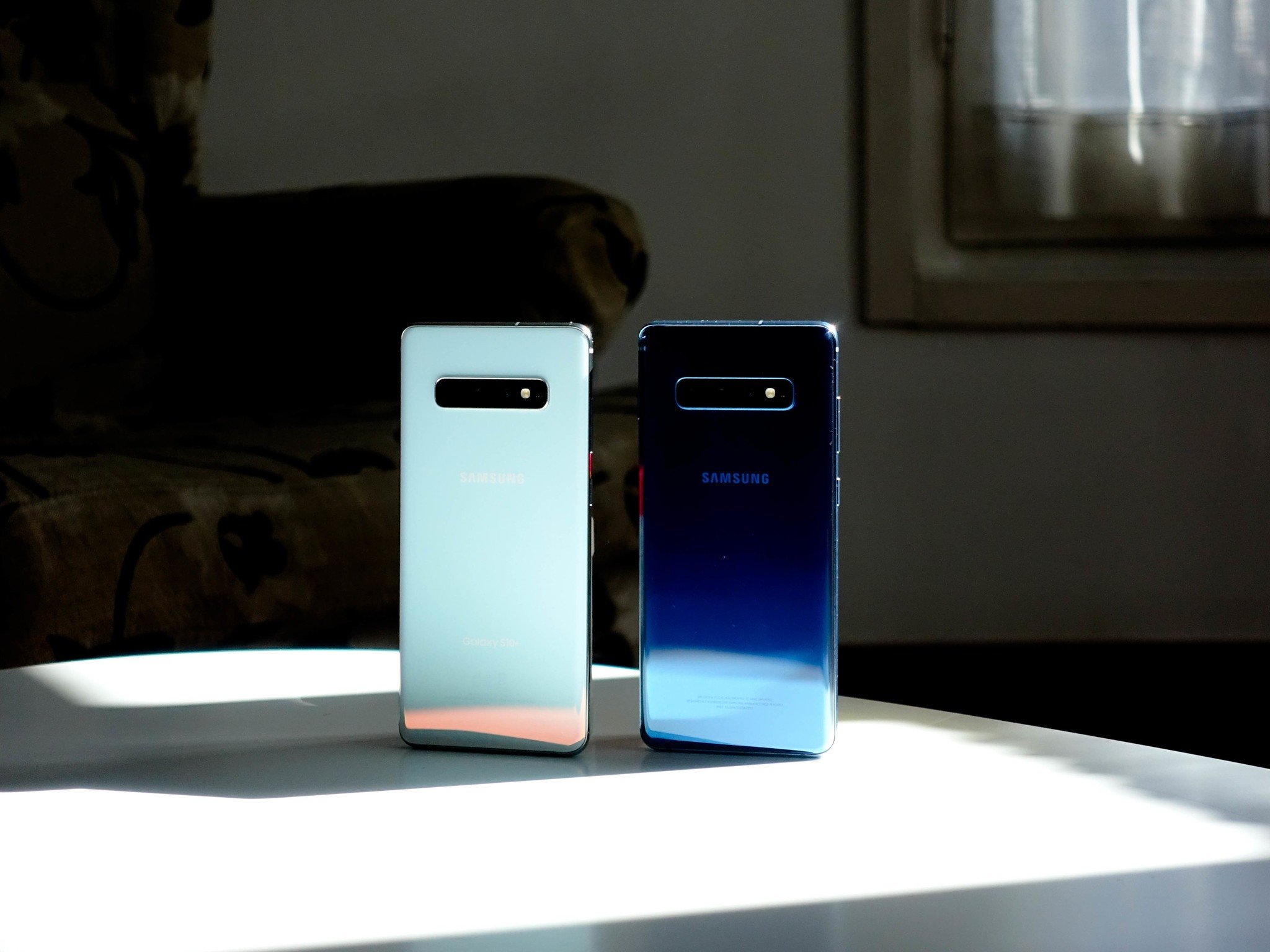
The Galaxy S10+ is beautiful in ceramic, but it’s not the only phone using the material.
Ceramic phones aren’t commonplace in North America, though that’s about to change with the Galaxy S10+. Phones that have used ceramic, like the Essential Phone or Xiaomi’s Mi Mix series, look and feel amazing.
When you think of ceramic you might be picturing your grandmother’s antique china, but that’s not the whole story. Sure, ceramic can look beautiful and delicate but it doesn’t have to be — ceramic is harder than glass or plastic, almost completely corrosion resistant, lighter than metal and it’s an insulator so there is no heat transfer.
Ceramic is also expensive. that’s why we don’t see low-end watches, dishware, or phones made from the material. It’s costly to mine and manufacture because of the special equipment needed, not easily formed like metal or plastic, and requires better handling along the assembly floor to keep the unassembled parts from shattering. Still, once you feel it, there’s no denying it’s nice.
Pros
RF transmission. Like glass, ceramic allows radio waves to pass through fairly easily. This means your LTE signal, Wi-Fi, and Bluetooth will be stronger without any long antenna cutouts.
They stay cool. Ceramic is what your power company uses to insulate the transmissions lines from their metal brackets. that’s because it’s non-conductive in regard to both heat and electricity. your ceramic phone isn’t going to get hot in your hand.
They feel so good. Ceramic can be highly polished after it’s formed to a completely smooth finish, and then take a clear coating to remove every surface line. Without any irregularities that your hand can feel, it’s like holding a piece of ice. Except it’s not cold because it doesn’t absorb or give off any heat dues to the magic of its insulatory properties.
Cons
Ceramic breaks. Ceramic (the type used in something like a phone) is tough, but it’s still breakable. With the right amount of abuse, it will break before metal or plastic will.
The coating can scratch. Ceramic is tough, and so are the polymers used to clear-coat it, but it can scratch. It’s not as easy as scratching glass or even metal, but if it does scratch, you’ll hate feeling even the tiniest blemish on that otherwise baby-smooth finish.
Ceramic is slippery. Wet hands? That might mean an oopsie because smooth ceramic is pretty slippery when your hands are wet or your fingers are cold and hard. Keep that in mind and take a bit of extra care.
Ceramic phones look and feel gorgeous. they also stay nice and cool because of ceramic’s insulatory properties. There is a reason some of the finest watches you can buy are made from ceramic.
Since Nokia’s reboot after the company licensed its mobile branding out to HMD Global, we’ve seen a number of great smartphones hit the market. From the likes of the flagship Nokia 8 Sirocco, to a rather unique re-imagination of the Nokia 3310, the company is slowly becoming a household name again. HMD Global has been hard at work capturing the attention of all kinds of consumers, enthusiasts, and “regular” users alike. The Nokia 7.1 is a part of the Android One program and sits right in the middle of the pack.
What can’t go unnoticed is the HMD Global’s commitment to the Android One program, as the Nokia 7.1 is far from being their first entry. In fact, the majority of the company’s smartphones are a part of it. Being part of the Android One program not only means that you’ll have a close-to-stock Android experience, but you should (in theory, anyway) have faster updates. To HMD Global’s merit, they have achieved this with an impressive amount of their devices already receiving the Android Pie update and more to come as well.
Having said that, the Nokia 7.1 runs Android Oreo out of the box, though an update to Android Pie is promised to be launched soon. As such, our review unit is actually running Android Oreo. I found a number of mild software-related performance issues (or what I believe to be, anyway) that may not be present once the Android Pie update drops. The Nokia 7.1 is a unique phone in that the devices it compares to are not readily available in the US. Within Europe and Asia, the Nokia 7.1 is easily outclassed by offerings from the likes of Xiaomi, but in the US it’s a different story entirely.
Nokia 7.1 Specs
Specifications
Nokia 7.1
Size
149.7 x 71.18 x 7.99mm, 160g
Software
Stock Android 8.1 Oreo (Android One) (upgradeable to Android Pie by the end of November)
SoC
Qualcomm Snapdragon 636 Octa-core SoC @ 1.8GHz
RAM and storage
3GB/4GB of RAM with 32GB/64GB of storage; microSD card slot
Color options
Gloss Midnight Blue and Gloss Steel
Battery
3,060mAh with QuickCharge
Display
5.84-inch Pure Display Full HD+ (2246×1080) IPS LCD with 19:9 aspect ratio and HDR10 support
Connectivity
Wi-Fi 802.11b/g/n/ac, Bluetooth 5.0, NFC
Ports
USB Type-C port, 3.5mm headphone jack
Rear camera
12 MP 2PD/AF/f1.8/1.28um
5 MP, BW/FF/f2.4/1.12um
Dual-phase autofocus
Front-facing camera
8 MP FF/f2.0
Pricing and availability
BestBuy, Amazon, B&H starting at $349 for the base model.
Presentation of the Nokia 7.1
While an often-overlooked part of the process of picking up a smartphone, the presentation is very important for the first impression of a device. The Nokia 7.1 comes in a surprisingly small, flat box with very little to show other than the phone. You get a (pretty large) charging brick, a USB-C cable, a SIM eject tool, and a set of Nokia-branded earphones. It’s simple and it’s elegant, with the box following a design language similar to the Nokia of old. This isn’t just another Android smartphone, this is a Nokia smartphone.
Nokia 7.1 Design & Hardware
The Nokia 7.1 features a design reminiscent of the majority of 2018 flagships released today. A notch and a flat glass back complete with a metal trim on the edges trying to convince you that this isn’t just any mid-range device. While many dread the notch, it has quickly become a sign of someone having a new phone. When you see a notch on someone’s smartphone, you know that they bought it within the last year. It’s, in a sense, a sign of luxury. Love it or hate it, for the foreseeable future the notch appears to be here to stay.
As for the glass back, that again is often a point of contention. While it allows for wireless charging, many argue that there is no point of its existence if you don’t actually have wireless charging. A plastic or aluminum back can’t smash when you drop it, but glass certainly can. The Nokia 7.1 does not support wireless charging, and the glass back is simply for looks. Glass can also be more slippery than other materials, again adding to its fragility.
However, I personally find the Nokia 7.1’s design classy, if a bit simplistic. There’s nothing special about it, but it’s a solid design that’s (mostly, more on that later) nice to look at. Coming in at 5.84-inches, it’s a rather small device given its screen-to-body ratio. With the 19:9 aspect ratio it’s a tall device, and the notch is pretty wide. Even still, I have absolutely no problems using this device with one hand. People looking for a smartphone to operate one-handed may well find that this particular handset fits the bill nicely.
The chamfered edges with the metal trim and flat glass back are, in my opinion, appealing to look at. I don’t share the dislike for glass backs that others do – I find that they give a premium feel to any smartphone, especially when done correctly. The glass back features the Nokia logo, the Android One logo, and some regulatory information in small print at the bottom.
There are a few things that I don’t like, however, and the chin is one of those things. The existence of the notch is so that manufacturers can provide the largest screen-to-body ratio possible – so why is the chin so big? It houses the Nokia logo which is also present on the back, making its inclusion rather redundant. I don’t mind devices having a traditional top and bottom bezel, but it feels like the Nokia 7.1 tried to both have a bezel and not have one, mismatching the top and bottom and failing at basic symmetry.
And then there are the side buttons, which have already begun to annoy me. It feels really awkward to take a screenshot as the volume rocker is directly above the power button. It takes some getting used to, though it’s nowhere near the end of the world.
Finally, the headphone jack has a weird placement at the top of the phone on the right. It feels unnatural to use, though that could be because every phone I’ve had in the last few years has had it on the bottom. It’s taking a bit of getting used to, and I dislike having my cable droop down over my screen.
The fingerprint sensor is in a perfectly natural position on the back, sitting exactly where my index finger naturally gravitates towards. The vibration motor is also decent as well, with no complaints from me. You can hear it, yes, but you can feel it as well, which is the most important thing about it. Haptic feedback is excellent. Build quality is something that the Nokia 7.1 clearly has over competitors in this price range, and it’ll be hard to find a device that beats it. There is no IP rating here, but that’s hard to come by on mid-range smartphones anyway.
Nokia 7.1 Display
The display of the Nokia 7.1 is one that greatly impressed me. The Nokia 7.1 sports a 5.84-inch 2246×1080 IPS LCD display with a 19:9 aspect ratio and HDR10 support. Not only does that make this display a cut above many in this price range, but HDR10 support is unheard of even in flagships released only last year. Content that isn’t natively HDR10 can be upscaled as well, and with the likes of Netflix releasing more HDR10 supported content you’ll get to make use of that display very soon. It’s worth pointing out that HDR10 upscaling isn’t enabled by default, but you can enable it under the Display settings on your device.
Colour reproduction on the Nokia 7.1 is very good, and colors are saturated. I don’t know what color space it operates in, but I doubt its complete accuracy. Even still, I’m not one to actually care about the accuracy of my display. I prefer my content to look nicer rather than accurate, which is why I personally have no issue with a saturated display. The display itself is sharp and gets bright enough for outdoor usage, so that’s certainly not an issue either. I can’t measure the nits output, but it does the job for sure.
Viewing angles are fine, with a little bit of a brightness drop off when tilted away from the user. That’s to be expected with most LCD displays and isn’t really cause for alarm. The colors do shift slightly as well while tilting it away, but again that’s really not an issue either.
Android One on the Nokia 7.1
When I found out I was going to be reviewing the Nokia 7.1, I was most excited about giving Android One a go. It’s close to stock Android and embodies (more or less) Google’s vision of what Android should be. To me, the software of an Android One phone is exactly what I would image a mid-range or budget Google Pixel smartphone to run. I was impressed by Android One, and I was even more impressed by the little features that Nokia throws in as well. It’s basically AOSP, which in a sense is what makes the Nokia 7.1 so unique. In a world where every device manufacturer needs to make their mark in the software department, it’s a breath of fresh air to have an unbloated software experience. There are no preloaded applications aside from Google’s own. Such simplistic software also allows for quick software updates, and in the process of writing this article, I have already received the November 2018 security patch – merely two days after Google released their security bulletin.
I very much consider myself an Android purist, so close-to-AOSP skins like OxygenOS are definitely my favorite way to use my phone. Android One is that in a nutshell, and it’s wonderful to use. There’s no bloat, no myriad of settings to trawl through, and everything just works. Having said that, I had a dive through the settings and found a number of cool features. My favorite is one that I originally discovered on the Honor 9 Lite, and I was very disappointed to learn that not every device with a back-facing fingerprint sensor has it. On the Nokia 7.1, you can pull down the notification shade simply by swiping your finger down the fingerprint sensor. Swiping back up closes it again. It’s not just a useful feature, but it’s a cool little thing to play with idly as well.
There is a lack of usability features though, primarily I found that there is no way to clear all of the notifications from the status bar. It’s not a huge problem, but it’s something worthy of note. The “Enhanced HDR 10” can also be enabled under the Display settings, though I don’t know why it’s switched off by default given that it is one of the selling points of this particular handset. The software also handles the notch well, with videos not being cut off or anything of that sort.
Another benefit of being a part of the Android One program is that given that the software is lightweight, it should, in theory, have less of an impact on performance. Sadly, I have found that for some reason it feels like the Nokia 7.1 actually performs worse than other Snapdragon 636 devices such as the Xiaomi Redmi Note 5. I’m not sure how much of this I can chalk up to being the included RAM – my unit has 3GB – given that the Xiaomi device I’ve used had 4GB. Even still, I figured that MIUI would require more RAM than the likes of the Android One software.
But there is one major caveat to this particular device’s software, and that’s HMD Global’s aversion to bootloader unlocking. After complete community outcry, the Nokia 8finally received an official bootloader unlock a few months back. That was the only device the company actually unlocked, and there are no signs of any more getting unlocked any time soon. If stock Android isn’t your thing or you want to modify your phone in any way requiring root, you simply can’t.
Performance of the Nokia 7.1
I touched on this in the last section, but the specifications of the Nokia 7.1 leaves the performance I’ve been faced with to appear a tad worrisome. It’s not bad, but it’s nowhere near as good as other devices I’ve used with the same Qualcomm chipset. Sadly, I no longer have access to a Xiaomi Redmi Note 5 for direct comparisons, but in my day-to-day usage, I found that the Xiaomi ran a lot better for the likes of Snapchat and Facebook Messenger. I’ve found that the performance of Snapchat, in particular, is extremely poor, with the app taking a long time to process any input whatsoever. I can’t tell how much of that is on the side of Snapchat and how much of it is on HMD Global, however. It could well be down to the poor amount of RAM fielded by the Nokia.
The camera application’s performance on the Nokia 7.1 is about average. There’s a little bit of shutter-lag most of the time, and launching the app can take a second or two. It’s certainly not a bad experience though, and the photos it produces are rather spectacular. I’m willing to put up with its performance thanks to the excellent photo quality, which we’ll get to later.
There are system-wide lag spikes, but nothing major at all. I had the LinkedIn application crash when I switched to Google Chrome and back, but that (again) may be down to the amount of memory in my unit. Because it’s the 3GB of RAM variant, I can’t tell you how things will be if you pick up the 4GB of RAM variant for slightly more. 3GB of RAM is the bare minimum these days, with even the Pixel 3 having only 4GB of RAM. Obviously, the Nokia 7.1 isn’t quite a flagship like a Pixel, but it still could definitely benefit from more memory.
The Nokia 7.1 runs pretty warmly most of the time as well. With my usual mix of browsing Reddit, messaging through Facebook Messenger and switching over to Google Chrome my phone was easily hitting 45 degrees Celsius (113 Fahrenheit). It runs extremely hot (for a phone) most of the time.
Nokia 7.1 Speed Test
Our app opening test confirms the huge amount of heat generated by the Nokia 7.1. With only 30 iterations of opening the Play Store, YouTube, and Gmail, we found that the phone went from 35 degrees to 40. The glass back of the phone doesn’t do much for heat dissipation either.
Having said that, apps do launch rather quickly and there isn’t a huge amount of thermal throttling. I found that even when the phone is hot, usage remains pretty much unchanged. The only problem I have found is that it can become quite uncomfortable in the hand when it’s warm, but that’s to be expected. It makes a great hand warmer during the winter, though.
Scrolling performance is also much in line with what we’re seeing here, in that it’s basically average. There are no crazy results here, and it’s about in-line with any mid-range device that you’d expect to see – which is a good thing. Before looking at the graph below, we do need to know how to interpret the data. We took these graphs by using the GPU profiling data dumped to adb, which we then graphed. You can understand how to view these graphs by the following image. The green line in the graphs below represents 60 FPS.
This phone is not a flagship yet performs just fine for basically any basic use case. You’re not going to be flying in between different applications, multi-tasking to your heart’s content or anything, but it’s not a bad phone either. It can play games, you can consume social media, and you can make calls or texts. It’s a pretty perfect mid-range phone in that it can do everything you would expect it to, and it has a number of extras on top that make it betterthan other phones in the same bracket.
Gaming and GPU performance
PUBG
I chose PUBG to demonstrate the Nokia 7.1’s game performance as I felt that it is probably one of the most intensive games on Android currently available. Not only did the Nokia 7.1 handle it perfectly, but it didn’t even heat up that much! It hit 45 degrees Celsius after 15 minutes of playing, which is perfectly reasonable, especially when, given the nature of the testing, the device was plugged in and charging at the time. Holding an FPS of 26 consistently means that gaming is a breeze on this particular handset, as there’s not a whole lot more you can ask from a game that’s locked to 30 FPS. Admittedly, the game did reduce itself to the lowest graphics settings available, but that is because of the Adreno 509. It’s definitely no world beater, that’s for sure, but it’s a pretty good performance for a mid-range handset.
We would like to give special thanks to the team at GameBench for the assistance they provided us. Their tool makes it possible for any person, whether it be a regular user, journalist, or engineer, to test a mobile game’s performance on an Android device. They have an Android app you can install to start benchmarking your games as well.
As for other games, you’ll have no issues running popular favorites such as Need for Speed, Minecraft, or Pokemon Go. All of them work fine, and the only thing you really have to worry about when it comes to the Nokia 7.1 is its battery life. The battery life is remarkably poor when gaming, but we’ll touch on its overall battery performance later on.
Benchmarks
While a benchmark isn’t the best indicator of a device’s overall performance, it is a quantifiable figure that we can use to compare it to other smartphones. As such, I tested the Nokia 7.1’s storage speed along with giving it a computational benchmark in Geekbench 4 Pro and, finally, an Antutu benchmark as well. The results are impressive (if a little misleading), and you can check them out below.
The best results here come from the storage speed tests, which shows that HMD Global has not cheapened out on-device storage – even if it is eMMC. eMMC storage suffers when doing, well, basically anything generally. For example, downloading music or installing applications from the Google Play Store will slow your device to a crawl. It’s not as if this is an issue unique to the Nokia 7.1 or anything, but it’s worth noting. Most devices in this price range (including the Xiaomi Redmi Note 5 that we mentioned earlier) will have eMMC storage, so it’s not as if this is something that HMD Global is doing worse than other manufacturers. Also something incredibly frustrating – because of the eMMC storage, trying to take a screenshot of something means that you’ll have to wait a few seconds for it to save.
The benchmark results are good though when pitted against other devices. My OnePlus 3 actually scores a little bit over 100,000 in the Antutu benchmark and only the single core performance of the OnePlus 3 beats out the Nokia 7.1 on Geekbench. That puts a mid-range device released this year comfortably over a flagship from nearly three years ago, but there is a caveat. Storage speed is almost as important as raw computational power, and if your storage is slow, then the whole device will suffer. The Nokia 7.1 is capable of more things computationally than the OnePlus 3 but is hampered by its low amount of RAM that causes the system to have to repeatedly request resources from the slow onboard storage.
That’s how benchmark results can be misleading, as they don’t take into account other features of a smartphone. The benchmark results do match up with what I’ve seen though, in that when things are running, they are generally running well. We saw this in the game benchmarks above. The Nokia 7.1 is, overall, a pleasant experience when it comes to performance. If you are in Europe, there are a number of smartphones that are within an affordable range that will offer much, much better performance than the Nokia 7.1. If you are in the US, where this phone will be sold in stores off-contract, then there are very few, easily affordable devices that will even come close in performance.
Nokia 7.1 Battery Life
The battery life is where the Nokia 7.1 really falls down, and that’s thanks to its rather small 3,060 mAh battery. It struggles to get me through the day, hitting from anywhere from 2 to 3 hours of screen-on-time. That’s with my daily usage of Facebook Messenger, Snapchat, and web browsing. In contrast, my OnePlus 6 gets between 4 and 5 hours of screen-on-time. Its quick charging standard means that you can top it off if you need to with relative ease throughout the day, but it’s not quite a dash charge contender. I found that I can get it to around 50% within half an hour, with it taking closer to an hour and a half to fill up entirely. It’s certainly better than regular charging, but it’s definitely not the fastest around either.
A typical day of usage with the Nokia 7.1
I understand that screen-on-time isn’t the end all be all of battery usage, which is why I have also included my extended battery statistics like application usage. It should hopefully paint a picture of the kind of user that I am. If you find yourself using the same apps as me, then you’re likely going to have a similar experience. I would deem myself a power user, meaning I do put my phone through quite a lot. It might be that the battery life on this particular device is fine for you, in which case there’s nothing wrong with it. You won’t be gaming on it though, that’s for sure.
As for standby time, it’s just fine. It’s not good, but it’s not bad either. That also describes my whole experience with battery life on this device. There’s nothing special at all about it, but at the same time, it’s not detrimental to the phone either. If you find yourself in a position where getting to a charger during your day is difficult and you use your phone pretty frequently, then this phone isn’t for you. In college, I have no trouble charging my device in lecture halls, so it wasn’t as big of an issue to me. I also have a 20,000 mAh powerbank which I throw into my bag, so if I’m in desperate need of a top-up then I can use that as well.
The Nokia 7.1 is just average when it comes to battery life, nothing more and nothing less.
Nokia 7.1 Camera & Video
The Nokia 7.1’s camera is what surprised me about this device the most. Despite featuring cheaper devices, Android One smartphones have somewhat of a history when it comes to surprisingly good camera quality. The Nokia 7.1 is no different, and the 12MP f/1.8 aperture shooter powered by ZEISS wowed me to no end. The device itself is rather average with a couple of high points, and the majority of those high points lie in its camera. HMD Global clearly put a lot of work into the device here, and I’m very impressed. From the beautiful photos its capable of taking to the well-crafted camera application, this device is yet another camera winner in the Android One category. Take a look at some of the photos I’ve taken in the gallery below.
The Nokia 7.1, as you can see, has excellent photo quality in daylight. The colors are well-defined with photos having an appropriate level of sharpness. The light parts of the photo are a little bit overblown, and one could argue that the photos are a little bit too saturated. Even still, this is nowhere near a flagship level phone and as such it behaves more than appropriately. The camera quality is rather excellent. Things begin to fall off when it gets to low light, however, which you can check out in the gallery below.
As you can see, low light absolutely tells a different story. The photos aren’t bad, but they’re of noticeably worse quality than their brighter counterparts. That’s okay, however, as obviously, a $349 smartphone is not going to perform in low light scenarios on the same level as, say, the Huawei P20 Pro. Even still, it’s just worth noting that while this device has a great camera, you’re going to have difficulties in some scenarios taking great photos.
As I’ve mentioned, the camera application itself is stellar with a huge amount of features to offer. You get the Nokia Pro mode which was forever popular on the Nokia Lumia series, along with a few other cool features as well. Live Bokeh mode, for example, lets you tune the blur effect to your liking before taking the photo. There’s also a square photo option for Instagram photos, and finally, there’s also Google Lens support so that you can leverage Google’s machine learning to identify objects around you. It’s all very cool. You can take a look at a few screenshots of the bundled camera application below.
Video 1 – Quick EIS test
I included the above video as I felt that the Nokia 7.1’s EIS was especially apparent on the horizontal axis, as the device stabilizes the video relatively well thanks to its gyro-based EIS algorithm. The audio quality is pretty good too, definitely serviceable for the job.
Video 2 – Outdoors
The microphone handles wind well, and you can hear the announcement made over the speakers in this train station.
The video quality is apt for both indoor and outdoor usage, and the audio quality from the microphone is perfectly acceptable.
Miscellaneous
Connectivity
This is the part where I always worry about a smartphone, as I feel that connectivity is not paid attention to in most reviews. Am I going to have a consistent connection on my commute every day? Will I have Wi-Fi access throughout my whole house? These are the things I worry about when it comes to my smartphone’s connectivity, and thankfully the Nokia 7.1 passed this test without a hitch. I was able to get a data connection instantly after inserting my SIM card, being met with 3 bars of 4G LTE in my home in rural Ireland. Definitely not bad whatsoever, and a connection of sorts remained consistent on my journey to and from university. It wasn’t always LTE (or even HSDPA+) but it was there, which is more than I can say for some devices.
Wi-Fi coverage through my home is also fine, and there are no issues with me losing signal at the opposite end of my house (I live in a bungalow). I never felt that the phone lied about its signal status either, which is also a major plus. Overall, this device is a winner when it comes to signal strength. No issues from me whatsoever. I even gave Google Pay a go, and it worked fine and didn’t require me to tap again or anything. I’ve had that happen even on the flagship OnePlus 6, so I was somewhat worried that it may perform poorly.
Audio
In a world where the headphone jack is dying out, I’m quickly learning to be thankful for the mere existence of the headphone jack here rather than the good quality it provides. The Nokia 7.1’s headphone jack works, and it works fine. There are no weird crackling issues when you turn your headphone cable, it gets plenty loud and overall, it’s just a pretty good experience. The single bottom-firing speaker is rather poor, but there’s not much else you can really expect from a $349 smartphone. It does the job, and that’s about as much as you can ask from it. It plays sound and does it moderately loud, but don’t expect a great amount of clarity from it.
The Nokia 7.1 – Worth your money?
To preface this section, I would like to say that the majority of the positive feedback I am about to give applies mainly to US readers. The Nokia 7.1’s price tag is a lot harder to justify outside of the US, given the abundance of options from the likes of Xiaomi and even Honor. The Nokia 7.1 costs €299 starting in Europe, and a Xiaomi Redmi Note 5 with the same chipset, more RAM, and a bigger screen costs around €100 less. It’s just not a contest.
However, in the US, things are a little different. Xiaomi devices aren’t as easy to import, and their band support in the US is rather poor as well. You can pick up a OnePlus 6T for cheap from T-Mobile with their trade-in deal, or even a flagship of last year for around the same price second-hand, but that’s about it. If you want a brand new smartphone with a decent camera, good chipset, and a lasting build quality for a relatively low price in the region, then look no further than the Nokia 7.1. It has it all, from software support to power, there are a lot of reasons to love the Nokia 7.1. It’s overpriced in a lot of ways, there is absolutely no denying that, but in a market known for its contracts and its high off-contract prices, the Nokia 7.1 is not a bad choice whatsoever.
Nokia just announced the latest entry in its long-running series of Android One devices, the Nokia 7.1. This one is a slightly more decked-out mid-ranger than we are used to, boasting a set of hardware and software features that are not normally associated with devices in the same range.
One of these is definitely the HDR10-compliant 5.84-inch display, which is employing both Gorilla Glass 3 and, yes, a notch. While it’s certainly an LCD endeavor, Nokia says the display can potentially really bright and be perfectly legible even under the exceptional brightness of broad daylight. Additionally, the display of the Nokia 7.1 is said to be automatically calibrating its overall tone in compliance with the environmental lighting conditions. Finally, as a form of cherry on top of all things, the device offers real-time SDR to HDR conversion of all user content.
Design-wise, Nokia isn’t feeling very adventurous – the Nokia 7.1 relies on glass and metal in its build, with a rear-positioned fingerprint sensor. The device will be available in two colors: Gloss Midnight Blue and Gloss Steel.
Hardware-wise, a relatively energy-efficient Snapdragon 636 will be powering the phone, alongside 3 or 4GB of RAM, as well as 32 or 64GB of e-MMC 5.1 storage. MicroSD card support is also a go, and so is a nifty USB Type C port. There’s a 3.5mm audio jack and a 3060mAh battery on deck as well, and thankfully, Nokia has employed fast-charging that can juice in 50% battery in around 30 minutes or so. Oh, and did we mention you can have the device in either single- and dual-SIM variations.
At the rear, the Nokia 7.1 is equipped with two cameras, a main 12MP, f/1.8 one and another 5MP monochrome one that would be used for depth information. This allows for real-time “Live Bokeh” mode to be enjoyed by the user. At the front Nokia 7.1 features another couple of 8MP cameras that let you apply playful filters and masks to your face in real time. Bothies, Nokia‘s weirdly-named pictures combining data from both front and rear cameras, are also a go.
Software-wise, Nokia is once again relying on stock Android. This has been a running theme for multiple Nokia devices so far, meaning you shouldn’t experience any software bloat at all. More importantly, you will get an experience similar to Google’s own Pixels – guaranteed two years of software updates to newer Android versions and three years of security patches is what you’ll get with the Nokia 7.1.
In the United States, the Nokia 7.1 comes in Gloss Midnight Blue and Gloss Steel and will start at $349. It will be available for pre-sale online at Amazon, Best Buy and B&H starting October 5, 2018 and will begin shipping on October 28, 2018. In-store purchasing and demonstration displays will also be available in select Best Buy stores starting November 4, 2018.