


Common Issues After Screen Replacement: Troubleshooting

Common Issues After Screen Replacement: Troubleshooting Tips That Actually Work – Top 12 Fixes
🛠️ Introduction
You’ve just had your phone screen replaced—everything should be good as new, right? But sometimes, a fresh screen brings unexpected headaches. From unresponsive touch to battery drain and malfunctioning sensors, common issues after screen replacement can ruin your smartphone experience.
This article breaks down the 12 most common screen replacement problems, why they happen, and how to fix them—either on your own or with professional help.
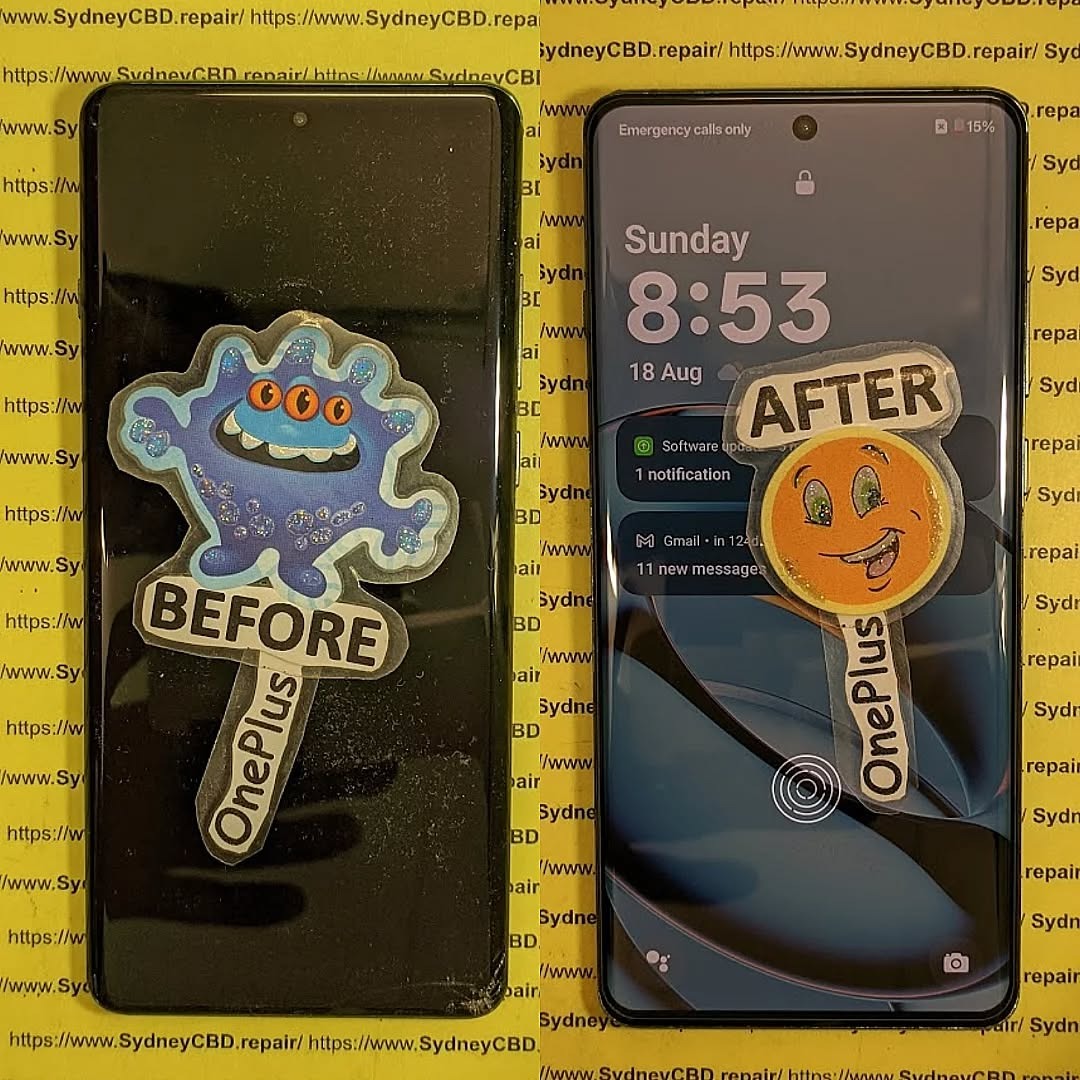
🤔 Why Screen Replacements Can Cause Other Issues
Screen replacements are more complex than they seem. Whether it’s a cracked display or a full OLED replacement, tampering with your phone’s delicate internals can impact sensors, connectors, or battery performance. Even a slight misalignment can throw off essential functions.
Let’s explore the top 12 issues and their solutions.
1. 📱 Touchscreen Unresponsiveness
Causes of Touch Issues
- Improper seating of digitizer cable
- Faulty or low-grade replacement screen
- Electrostatic discharge damaging internal circuits
DIY Fixes and When to Seek Help
- Restart your device and boot in safe mode to rule out software issues.
- Check if touch sensitivity improves without screen protector.
- If problem persists, visit a professional technician to inspect cable alignment.
2. 🎨 Display Discoloration or Dead Pixels
Post-Repair LCD/OLED Malfunctions
- Dead zones or weird color bands may appear
- Poor-quality panels often lack factory calibration
Warranty Considerations
If discoloration appears within days, it’s likely a hardware fault. Reputable repair centers like Sydney CBD Repair Centre offer 90-day warranties to cover such issues.
3. 🔋 Battery Draining Fast
Connection Issues with Battery After Repair
- Battery flex cable may have been loosened or pinched
- Display and digitizer may be drawing excess power
Power Management Post-Replacement
- Use a battery health checker app
- If rapid drain continues, return to repair centre to recheck installation
4. 💡 Screen Flickering
Faulty Connectors or Low-Quality Screens
Flickering often stems from:
- Loose LCD connector
- Software glitch post screen replacement
- Non-OEM screen components
How to Test for Hardware vs Software Causes
- Perform a factory reset (after backing up)
- Try in Safe Mode
- Persistent flicker? Replace with a genuine screen
5. 🕵️ Proximity Sensor Not Working
Call Screen Won’t Turn Off
- Sensor misalignment
- Blocked by adhesive or dust post-repair
Recalibrating the Sensor
- Use apps like Sensor Test to recalibrate
- If it remains inaccurate, technician adjustment is needed
6. 👻 Ghost Touch or Phantom Touches
Common Causes of Ghost Touch
- Faulty digitizer
- Improper grounding inside the device
- Screen flex cable damage
Fixing Ghost Touch Issues Without Tools
- Remove any magnetic case or glass screen protector
- Update firmware
- If ghost touch persists, seek hardware inspection
7. 🔌 No Display but Phone Turns On
Check the Display Connector
- Sounds or vibrations happen but screen is black
- Likely screen isn’t seated correctly
Use of Diagnostic Tools
Professional tools can test screen signal without disassembly. A trusted repairer will swap display components to confirm the fault.
8. 🧷 Screen Lift or Separation from Frame
Glue Quality and Improper Clamping
- Inferior adhesive or poor curing time causes screen lift
How Professionals Prevent This Issue
At Sydney CBD Repair Centre, industrial-strength UV glue and frame clamps are used to ensure a solid seal.
9. 🌞 Poor Display Brightness
Brightness Sensor or Low-Quality Panel
- Sensor may not be reattached or misaligned
- Budget panels lack brightness calibration
Testing vs Original Display Quality
Compare to pre-repair photos or video. If you notice a visible downgrade, you may have received a low-tier replacement screen.
10. 🔊 Speaker or Mic Malfunction After Repair
Misalignment or Loose Internal Connections
- Displaced components or blocked mesh
- Use of heat during repair may dislodge nearby components
Testing Sound Hardware Post-Screen Change
Run diagnostics with built-in codes (e.g., #0# for Samsung) or apps to test audio hardware.
11. 📸 Camera Not Working or Blurry
Lens or Sensor Blocked During Repair
- Dust under lens cover
- Front camera alignment disturbed
Fixes for Front and Rear Camera Issues
- Clean lens carefully with microfiber cloth
- Technician can reseat or replace camera if sensor error appears
12. 🧬 Face ID or Fingerprint Sensor Failure
Recalibration and Compatibility Issues
- Face ID or fingerprint may be disabled if screen isn’t paired
- iPhones in particular require screen replacement by trained specialists
Solutions for Biometric Failures
- Only use authorized repair centres with biometric-capable tools
- Always verify your new screen is compatible with OEM biometric tech
🛡️ How to Avoid These Issues with a Trusted Repair Centre

Importance of Choosing Certified Technicians
Cheap repairs are tempting—but can cost more in the long run. Certified technicians use:
- Genuine parts
- Anti-static environments
- Proper sealing tools
Why Sydney CBD Repair Centre is Trusted
David from Sydney CBD Repair Centre leads a team of expert technicians who:
- Use only OEM parts
- Offer same-day service
- Provide a 90-day repair warranty
- Have over 2000+ 5-star Google reviews
📍 Located in the heart of Sydney:
👉 Locate Us
❓ Frequently Asked Questions (FAQs)
Q1: Why is my touch not working properly after a screen replacement?
A: It could be due to a misaligned digitizer, faulty screen, or an issue with the internal connector. Professional diagnosis is recommended.
Q2: How long should a screen replacement last?
A: If done properly using genuine parts, a screen replacement should last the life of the device.
Q3: Can screen replacement cause battery problems?
A: Yes, if the battery connector was disturbed or the replacement screen draws too much power.
Q4: Will my Face ID or fingerprint still work after a screen replacement?
A: Only if the repair is done correctly with proper pairing tools, especially on Apple devices.
Q5: Is screen flickering after replacement normal?
A: No, it’s often a sign of poor screen quality or an issue with the internal display connection.
Q6: How do I know if I got a genuine screen?
A: Genuine screens are brighter, sharper, and more responsive. Reputable centers offer proof of authenticity and warranties.
🔚 Conclusion
A screen replacement should breathe new life into your phone—not introduce new issues. If you’re facing common issues after screen replacement, many can be resolved with the right knowledge or help from professionals.
For peace of mind, trust a reliable repair centre like Sydney CBD Repair Centre where quality meets reliability every time.

