


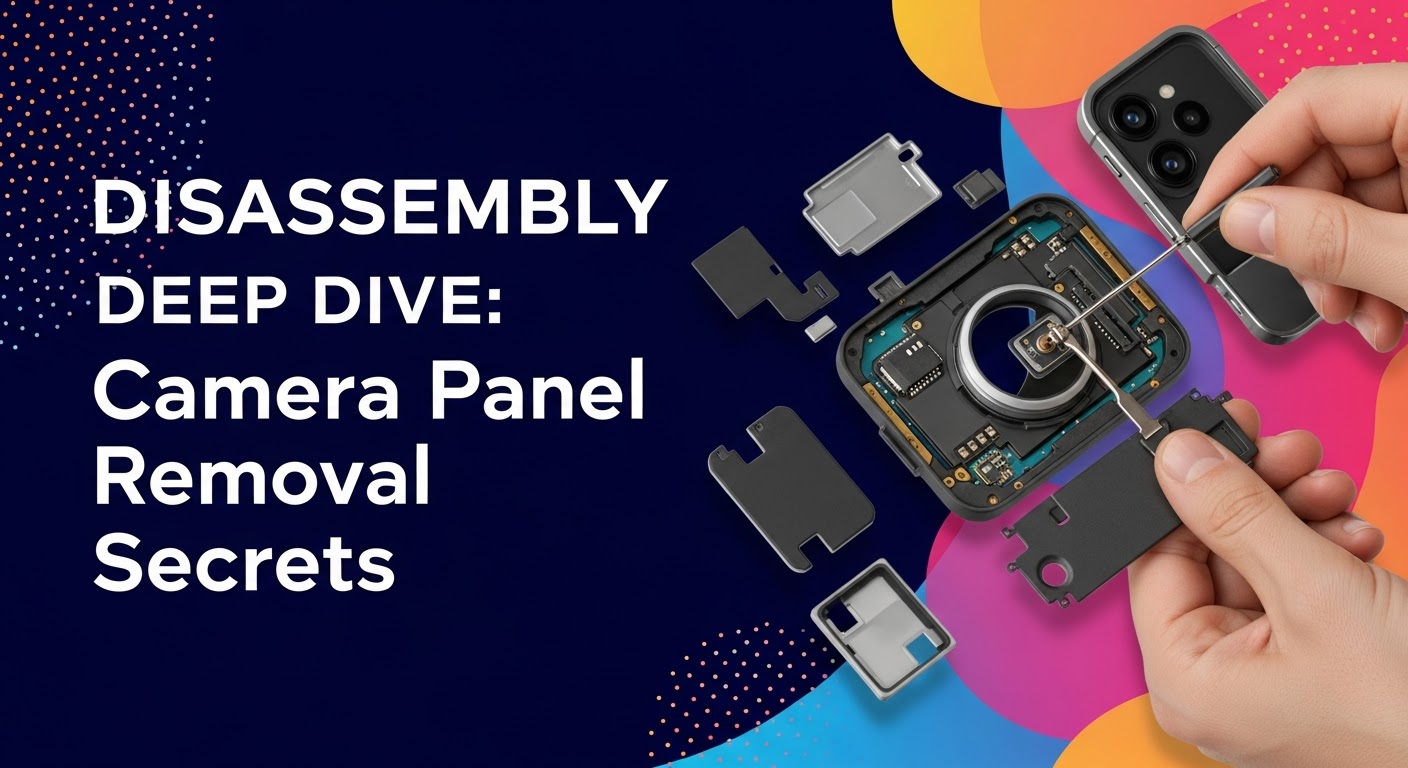
Disassembly Deep Dive: Camera Panel Removal Secrets

Disassembly Deep Dive: Camera Panel Removal Secrets + 12 Expert Tips
Introduction to Camera Panel Disassembly
Camera panel disassembly is an essential skill for anyone interested in smartphone repair, whether professionally or as a DIY enthusiast. With cameras becoming increasingly sophisticated, the process of removing, replacing, or repairing a camera module requires precision, patience, and the right knowledge. By understanding the correct disassembly techniques, you can prevent accidental damage, preserve your device’s warranty where possible, and save significant repair costs.
Knowing how to handle camera modules is especially critical because they contain delicate lenses, sensors, and connectors. Even a minor mishandling can lead to blurred images, malfunctioning autofocus, or complete camera failure.

Why Knowing Camera Panel Removal Matters
Understanding camera panel removal is not just for repair shops. Here’s why it matters:
- Cost-Efficiency: Avoid costly repairs by replacing only the faulty camera module.
- Device Longevity: Proper removal reduces stress on other components.
- Safety: Protect yourself from electrical hazards when working with batteries and internal circuits.
- Professional Skill Development: Enhances technical knowledge for aspiring repair technicians.
Safety Precautions Before You Begin
Before starting, always ensure your safety and the integrity of the device:
- Power off the device completely.
- Work on a clean, static-free surface.
- Use anti-static wristbands to prevent electrostatic discharge.
- Keep small screws and components organized.
- Avoid using excessive force to prevent cracking the lens or screen.
Tools Required for Camera Panel Removal
Essential Tools List
To successfully remove a camera panel, the following tools are indispensable:
- Precision screwdrivers (Phillips and Torx sizes).
- Plastic spudgers and opening tools.
- Tweezers with fine tips.
- Suction cups for lifting back covers.
- Heat gun or hair dryer for softening adhesive.
Optional Tools to Simplify the Process
- Magnetic mat to organize screws.
- Anti-static gloves.
- Isopropyl alcohol (90%+) for cleaning contacts.
- Adhesive strips for reassembly.
Step-by-Step Camera Panel Disassembly Guide

Powering Off and Preparing the Device
Begin by powering off your device to prevent short circuits. Remove SIM and memory cards to ensure safety and accessibility. A fully powered-off device reduces the risk of accidental damage during disassembly.
Removing the Back Cover Safely
Most smartphones have adhesive-secured back panels. Apply gentle heat with a heat gun or hair dryer to soften the adhesive. Use a suction cup to lift the back panel carefully, inserting a plastic spudger between the seam to avoid scratches.
Disconnecting the Battery
Battery disconnection is crucial to prevent electrical damage. Locate the battery connector and use a plastic spudger to detach it carefully. Never use metal tools to avoid short circuits.
Accessing the Camera Module
Camera modules are usually held by screws and connectors. Remove protective shields if necessary. Document the screw positions as they vary in size and type.
Removing the Camera Panel
Gently lift the camera module using tweezers. Disconnect ribbon cables carefully; avoid bending or pulling them harshly. Keep the module on a soft, clean surface to prevent scratches or contamination.
Cleaning and Inspection Tips
Before installing a new camera panel, inspect the contacts and lenses. Use isopropyl alcohol and a lint-free cloth to remove dust or adhesive residues. Ensuring a clean surface guarantees proper connectivity and image quality.
Common Challenges During Camera Panel Removal
Stubborn Screws and Connectors
Some screws are tightly secured with thread locker. Apply gentle heat or a precision screwdriver for loosening. Avoid over-tightening during reassembly to prevent stripping.
Avoiding Damage to Surrounding Components
Camera modules are closely integrated with other internal parts. Take care not to dislodge sensors, microphones, or cables during removal. Organize components systematically.
Handling Fragile Lens and Sensors
Camera lenses are extremely delicate. Avoid touching the lens with fingers. Use gloves or lens tissue to prevent fingerprints and scratches, which can impact image quality.
Advanced Tips from Professional Technicians
Heat Application Techniques
Controlled heating softens adhesives without harming sensitive parts. Maintain temperature below 60°C to prevent screen or sensor damage. Use a thermal pad for uniform heat distribution.
Anti-Static Measures and Precautions
Static discharge can fry camera circuits. Always work on a grounded surface and use anti-static tools. Even minor shocks can render a camera module inoperable.
Using Adhesive Solutions Safely
Reapplying adhesive during reassembly ensures a secure fit. Use pre-cut adhesive strips or high-quality double-sided tape to avoid gaps and dust ingress.
Testing and Reassembly After Camera Panel Replacement
Verifying Camera Functionality
Before sealing the device, power it on and test the camera thoroughly. Check autofocus, image clarity, video recording, and flash operation.
Proper Reassembly and Screw Tightening
Follow the reverse order of disassembly. Tighten screws evenly and avoid excessive force. Ensure connectors are fully seated to prevent intermittent issues.
Final Device Inspection
Inspect for misaligned panels, gaps, or loose components. Confirm that the device powers on correctly and all features are functional. Clean the exterior for a professional finish.
Frequently Asked Questions (FAQs)
Q1: Can I remove the camera panel without professional tools?
A1: While possible, using proper tools significantly reduces the risk of damage. Improvised tools can scratch or break delicate components.
Q2: How long does camera panel removal take?
A2: On average, professional technicians complete it in 20–40 minutes depending on the device model.
Q3: Is removing the camera panel covered by warranty?
A3: Typically, self-disassembly voids the manufacturer warranty. Authorized service centers are recommended for warranty-safe repairs.
Q4: Can I reuse the old adhesive?
A4: It is not recommended. Old adhesive loses strength and may compromise the panel’s stability.
Q5: What if the camera doesn’t work after reassembly?
A5: Recheck connections, ensure no flex cables are bent, and test functionality before sealing. If issues persist, the module might be defective.
Q6: Can water damage affect camera removal?
A6: Yes. Water can corrode contacts and adhesive, making removal challenging. Always dry the device fully before disassembly.
Conclusion

Mastering camera panel removal is both a practical skill and a cost-saving strategy. With the right tools, careful technique, and attention to detail, even intricate camera modules can be safely replaced or repaired. By following professional tips and safety measures, you not only protect your device but also develop valuable expertise in smartphone repair.
David from Sydney CBD Repair Centre – The Best place to fix mobile phones as 6 Years In A Row! Top Mobile Phone Repair In Sydney. More than 2000 Positive Reviews on Google and Same Day Repairs.
Visit us for:
✓ Same Day Express Repairs
✓ Genuine Parts Guarantee
✓ Professional Technicians
✓ Competitive Pricing
✓ 2000+ 5-Star Google Reviews
✓ 6-Time Award Winner for Best Phone Repairs
Website: https://SydneyCBD.repair/locate-us

