


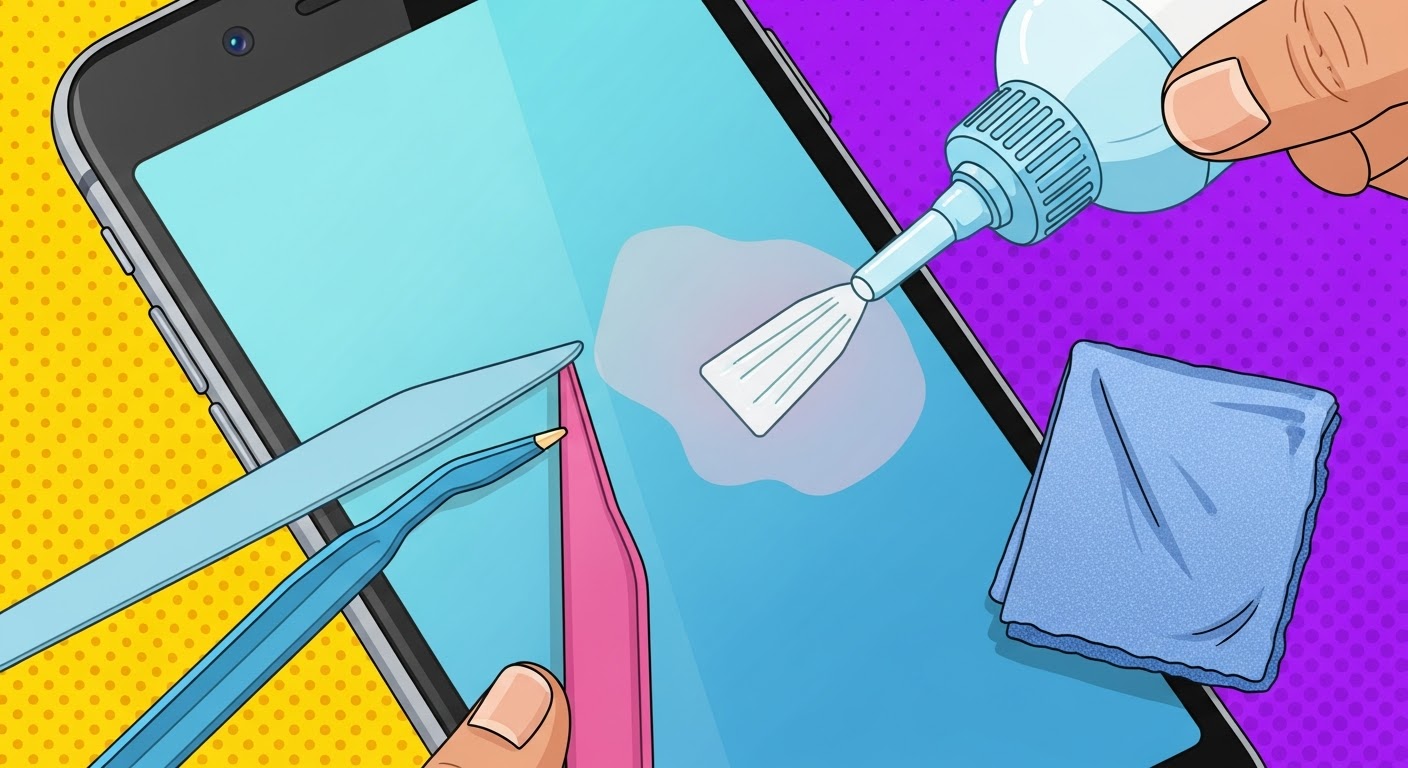
DIY Fix for Common Smartphone Screen Discoloration

DIY Fix for Common Smartphone Screen Discoloration: Ultimate Repair Guide + Proven Methods + 10 Solutions
Smartphone screen discoloration is one of those annoying problems that can creep up slowly or suddenly shock you when you unlock your phone. Whether it’s a yellow tint, green patches, purple smudges, or uneven brightness, the issue can be alarming. The good news? Many cases can be fixed at home—safely and without spending hundreds of dollars.
This guide covers everything you need to know: causes, symptoms, DIY fixes, pro repair methods, and prevention strategies—all written in a simple Grade 7 reading level with clear, optimistic steps.
Introduction
Smartphone screen discoloration is one of the most common display issues faced by users today, showing up as yellow tints, purple smudges, green patches, or uneven brightness across the screen. While it may look alarming at first glance, the good news is that many discoloration problems can be fixed at home with safe, simple, and effective DIY methods. Understanding what causes this issue—and knowing the right steps to diagnose and repair it—can save you time, stress, and money.
In this comprehensive guide, you’ll learn how smartphone screens develop discoloration, the early signs to watch out for, and the easiest DIY techniques you can try before turning to professional repair services. We’ll walk you through proven troubleshooting methods, prevention tips, and expert recommendations written in a clear, Grade 7 reading level for effortless understanding. Whether you’re dealing with mild tinting or stubborn display patches, this introduction sets the stage for a complete, actionable repair roadmap that empowers you to restore your screen’s clarity and color accuracy.
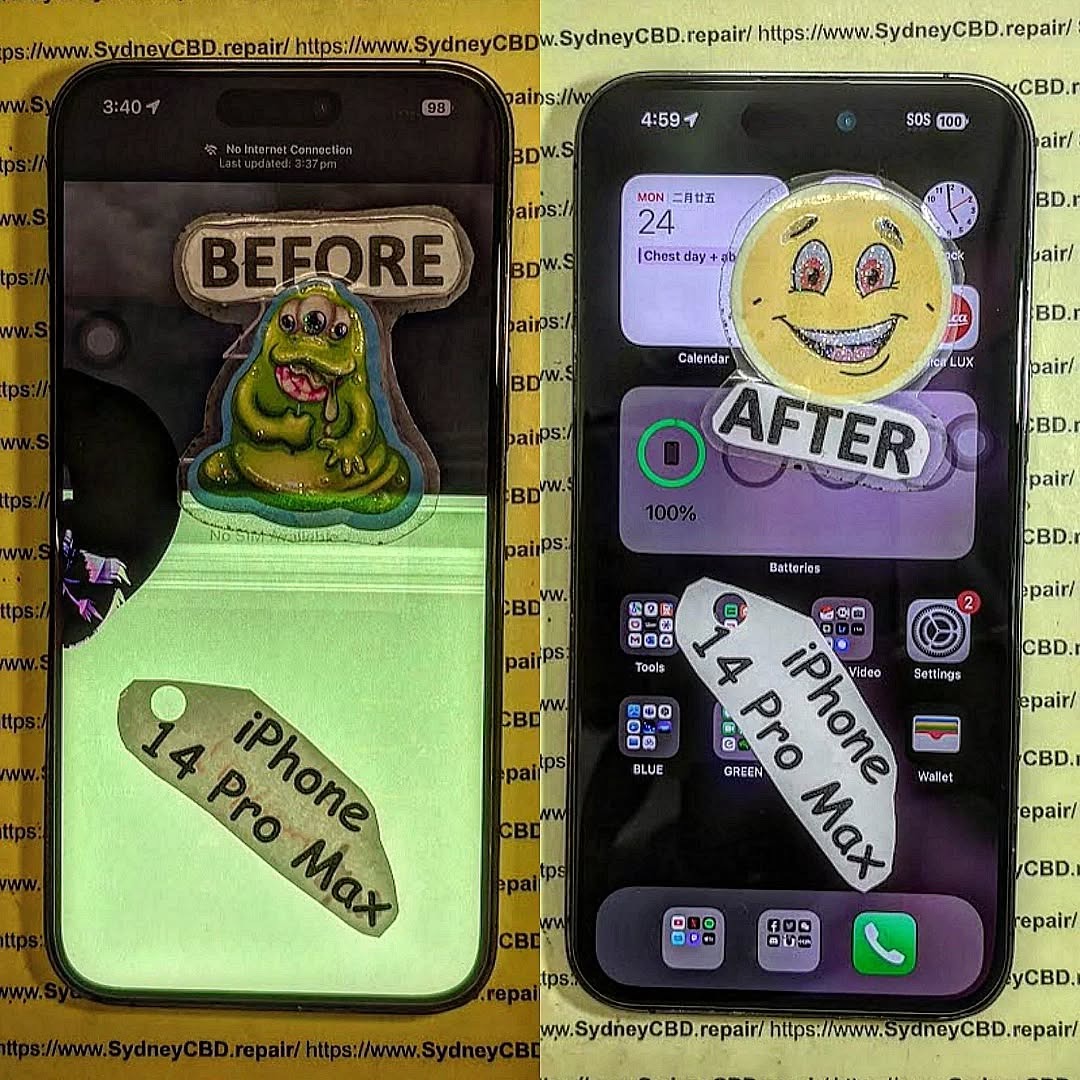
Understanding Smartphone Screen Discoloration
Smartphone screen discoloration can be subtle at first—just a faint tint on one side of the display. Eventually, though, it can spread or worsen as you continue using the device. Understanding what’s happening under the glass helps you diagnose and choose the right fix.
What Causes Screen Discoloration?
Several factors can trigger screen discoloration, including:
- Pressure damage (accidental sitting, tight pockets)
- Overheating
- Water or moisture exposure
- Aging OLED/AMOLED pixels
- Software calibration errors
- Flex cable or connector issues
- Burn-in from static images
Each cause produces slightly different symptoms, which we’ll cover next.
Common Types of Discoloration
Here are the most common visual problems users experience:
Yellow Tint
Often caused by heat damage, adhesive aging, or blue light filter miscalibration.
Green or Pink Streaks
Usually due to AMOLED pixel failure or digitizer pressure.
Purple Smudges
A classic symptom of Samsung AMOLED stress cracks.
Uneven Brightness / Shadow Areas
Can be caused by backlight issues or water exposure.
Early Detection Signs You Shouldn’t Ignore
A small patch today can become a large blotch tomorrow. Early detection saves money.
Mild vs Severe Discoloration
Mild:
- Tint appears only at low brightness
- Small patches that disappear briefly after reboot
- Discoloration shifts with temperature
Severe:
- Permanent purple/green blobs
- Expanding color distortion
- Severe gradient shifts covering half the screen
When It’s Still Fixable
DIY fixes usually work if:
- Tint is software-related
- The screen has no cracks
- You recently installed new apps
- Discoloration appeared after overheating
If cracks are visible or the discoloration spreads quickly, skip DIY and go straight to professional repair.
Safety Precautions Before Any DIY Fix

Before attempting anything, protect both yourself and your phone.
Tools You May Need
- Lint-free cloth
- Isopropyl alcohol (optional)
- Wireless charger (for testing charging heat)
- Computer (for cache clear or system refresh)
Damage You Must Avoid
- Pressing hard on discolored areas
- Using hair dryers or heaters
- Putting phone in the freezer
- Prying open the phone without training
Top 10 DIY Fixes for Smartphone Screen Discoloration
Here are the most trusted, safe, and effective DIY remedies you can try at home.
1. Soft Reset
A simple restart can recalibrate software-based color issues.
2. Forced Restart
Useful when the OS itself glitches and causes false color rendering.
3. Safe Mode Testing
Safe mode disables third-party apps that may interfere with display settings.
4. Pixel Refresh Apps
These rapidly cycle colors to unstick AMOLED pixels.
5. Clearing System Cache
Android system cache corruption can cause screen rendering issues.
6. Adjusting Color Correction Settings
Built-in accessibility tools can override damaged color profiles.
7. Remove Magnetic Phone Cases
Some cases interfere with sensors and display elements.
8. Fix Overheating
Turn off background apps, remove the case, and stop heavy gaming.
9. Battery Calibration
Low or unstable voltage from old batteries can distort AMOLED displays.
10. Dry Moisture-Affected Screens
Put your phone in a cool, dry place—not rice—for 24–48 hours.
When DIY Fixes Won’t Work
Some screen issues are purely hardware-related.
Signs It’s a Hardware Problem
- Purple blobs expanding outward
- Display flickers and discolors at the same time
- Physical dents or pressure marks
- Water damage indicators triggered
Why Only Professionals Should Proceed
Modern smartphones are sealed with adhesives, sensitive cables, and fragile AMOLED layers that can shatter with minimal force.
How Professionals Fix Screen Discoloration
If DIY doesn’t help, here’s what pros do:
Digitizer Replacement
For pressure damage affecting touch and color.
AMOLED Panel Replacement
The only way to fix purple, green, or black smudges.
Connector Cleaning / Reseating
Especially after minor shocks or moisture exposure.
Prevention Tips to Avoid Future Discoloration
Temperature Protection
Never leave your phone in hot cars or under direct sun.
Good Charging Habits
Avoid overnight charging and let your phone cool between sessions.
Physical Care Tips
Use shock-absorbing cases and avoid tight pockets.
FAQs
1. Can screen discoloration fix itself?
Sometimes, yes. Software-caused tinting may disappear after a reset or cooling.
2. Is purple screen discoloration always serious?
Yes. On AMOLED screens, purple marks indicate internal pressure cracks.
3. Can overheating permanently damage OLED screens?
Absolutely. Excess heat can cause pixel burn or adhesive yellowing.
4. Are discoloration apps safe?
Yes, as long as they’re from the Play Store or App Store.
5. Does replacing the screen remove all discoloration?
Yes, since discoloration is within the screen layers.
6. Is moisture always visible from the outside?
No. Even tiny droplets inside can cause color distortion.
Conclusion

Screen discoloration can be frustrating, but many issues can be fixed with simple, safe DIY steps. Whether it’s overheating, software miscalibration, or minor moisture exposure, knowing the root cause helps you choose the right solution. When DIY stops working, professional repair ensures your phone returns to perfect condition without risking further damage.
David from Sydney CBD Repair Centre – The Best place to fix mobile phones as 6 Years In A Row! Top Mobile Phone Repair In Sydney. More than 2000 Positive Reviews on Google and Same Day Repairs.
We take pride in delivering exceptional repair services for all major phone brands including Apple, Samsung, Google, and more. Our expert technicians use only genuine parts and offer 90 days warranty on repairs. Located in the heart of Sydney CBD, we’re your one-stop solution for all mobile device repairs.
Visit us for:
✓ Same Day Express Repairs
✓ Genuine Parts Guarantee
✓ Professional Technicians
✓ Competitive Pricing
✓ 2000+ 5-Star Google Reviews
✓ 6-Time Award Winner for Best Phone Repairs
Sydney CBD Repair Centre — Where Quality Meets Reliability.
Call: +61280114119
Website: https://SydneyCBD.repair/locate-us

