


Mastering Mobile Diagnostics: How to Identify True Screen Damage

Mastering Mobile Diagnostics: How to Identify True Screen Damage + Proven 7-Step Expert Method
Introduction to Mobile Diagnostics
Mobile diagnostics plays a crucial role in determining whether your device truly suffers from screen damage or if the issue lies elsewhere. In today’s world, smartphones are essential tools for communication, productivity, and entertainment. When a screen problem appears, panic often follows. However, not every flicker or touch issue means the display is broken.
Understanding how to identify true screen damage can save money, time, and frustration. Many users mistakenly replace screens when a software glitch or loose connector is the real culprit. That’s why mastering mobile diagnostics is more important than ever.
Professional repair centers rely on structured testing methods rather than guesswork. By applying a proven 7-step expert method, you can distinguish between cosmetic damage and critical display failure.
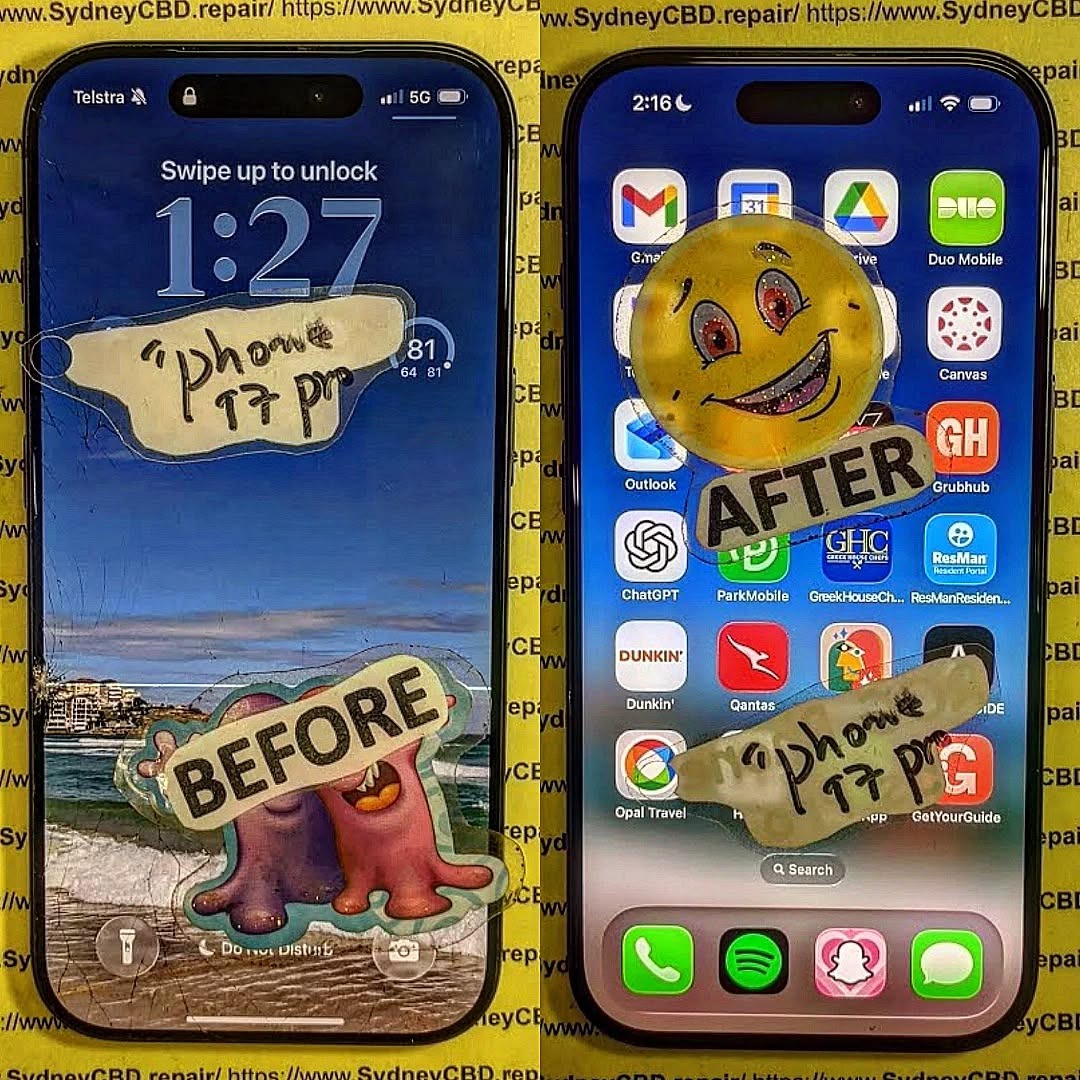
Why Identifying True Screen Damage Matters
Correctly identifying true screen damage protects both your wallet and your device. Replacing a smartphone screen unnecessarily can cost hundreds of dollars. Worse still, improper repairs may cause additional hardware problems.
When mobile diagnostics are done correctly:
- You avoid unnecessary replacement costs.
- You preserve original manufacturer parts.
- You maintain warranty coverage where applicable.
- You reduce electronic waste.
Many customers assume cracks always require immediate replacement. While visible cracks often indicate physical screen damage, sometimes only the glass layer is affected while the display underneath works perfectly.
Understanding Smartphone Screen Technology
Before diagnosing true screen damage, it’s essential to understand how smartphone screens function.
LCD vs OLED vs AMOLED
Most modern devices use either LCD or OLED-based displays.
- LCD (Liquid Crystal Display): Uses backlighting to illuminate pixels.
- OLED (Organic Light-Emitting Diode): Each pixel emits its own light.
- AMOLED: Advanced OLED technology offering better contrast and flexibility.
For example, devices like the Apple iPhone series often use OLED panels in premium models, while many Samsung Galaxy devices feature AMOLED displays.
Different technologies respond differently to screen damage. OLED screens may show burn-in or black spots, while LCD screens may display bleeding or bright patches.
Touch Digitizer vs Display Panel
A smartphone screen consists of:
- Outer glass layer
- Touch digitizer
- Display panel (LCD/OLED)
True screen damage can affect one or more layers. Sometimes the glass cracks, but the digitizer and display function normally. In other cases, the display panel itself fails internally without visible cracks.
Common Symptoms of Screen Damage

Identifying true screen damage begins with observing symptoms.
Physical Cracks
Cracks are the most obvious indicator. However, not all cracks cause functionality loss. If touch response and display clarity remain intact, the damage may be cosmetic.
Display Distortion
Signs include:
- Black spots
- Vertical or horizontal lines
- Color bleeding
- Dead pixels
These often indicate internal display damage rather than just surface cracks.
Ghost Touch Issues
Ghost touch refers to random screen inputs without user interaction. While this can signal screen damage, it may also result from software bugs or moisture interference.
7-Step Expert Method to Identify True Screen Damage
Mastering mobile diagnostics requires a systematic approach. Follow this 7-step method used by professionals.
Step 1: Visual Inspection
Examine the device under bright light. Look for:
- Hairline cracks
- Pixel discoloration
- Pressure marks
- Frame bending
Frame damage often suggests internal display stress.
Step 2: Touch Sensitivity Test
Open a drawing app and trace lines across the entire screen. Gaps in the lines may indicate digitizer failure, confirming true screen damage.
Step 3: Display Color Test
Use solid color screens (red, green, blue, white, black) to identify:
- Dead pixels
- Color inconsistencies
- Backlight bleeding
Step 4: Brightness & Flicker Check
Adjust brightness from minimum to maximum. Flickering may suggest internal display issues.
Step 5: Safe Mode Diagnosis
Booting in safe mode helps determine whether apps cause the issue. If the problem disappears, it’s likely software-related rather than true screen damage.
Step 6: External Damage Assessment
Inspect the device frame and internal components if accessible. Drops often cause internal connector displacement.
Step 7: Professional Diagnostic Tools
Authorized repair centers use advanced diagnostic software and hardware tools to confirm true screen damage. These tools measure display output and touch responsiveness accurately.
Software Issues vs Hardware Damage
Many screen problems originate from software:
- OS bugs
- App conflicts
- Malware
- Firmware corruption
For instance, Android system glitches may mimic hardware screen damage. Devices from Google running Android occasionally require firmware resets rather than hardware repairs.
If factory reset resolves the issue, hardware replacement isn’t necessary.
When to Repair vs When to Replace
Not all screen damage requires full replacement.
| Situation | Recommended Action |
|---|---|
| Minor cracks, full function | Monitor or replace glass only |
| Dead pixels, black spots | Full display replacement |
| Touch unresponsive zones | Digitizer or full screen replacement |
| Software glitches | Reset or update |
Economic considerations also matter. Older devices may not justify expensive screen replacements.
Preventing Future Screen Damage
Prevention is always better than cure.
- Use tempered glass protectors.
- Install shockproof cases.
- Avoid placing phones in tight pockets.
- Keep devices away from moisture.
- Handle with care during charging.
Regular maintenance reduces the likelihood of severe screen damage.
Cost Implications of Misdiagnosis
Misdiagnosing true screen damage leads to:
- Unnecessary repair expenses
- Loss of original parts
- Voided warranties
- Extended downtime
Professional mobile diagnostics ensures accurate assessment before repair authorization.
Importance of Professional Technicians
Certified technicians understand complex display assemblies. They follow manufacturer guidelines and use high-quality replacement parts.
Professional repair services offer:
- Warranty protection
- Proper sealing for water resistance
- Genuine or premium-grade components
- Data safety protocols
Experience and training make a significant difference in identifying true screen damage accurately.
Frequently Asked Questions
1. How can I tell if my phone screen damage is internal?
Internal screen damage often appears as black spots, colored lines, or unresponsive touch areas without visible cracks.
2. Can screen damage fix itself?
No. Physical screen damage does not self-repair. Software issues, however, may resolve after updates.
3. Is it safe to use a phone with cracked glass?
If touch and display function normally, it may be temporarily safe. However, cracks can worsen over time.
4. Does screen protector prevent all damage?
No, but it significantly reduces minor impact risks.
5. Can water cause screen damage without cracks?
Yes. Moisture can damage internal display components even without visible cracks.
6. Should I replace my screen immediately?
If functionality is affected or glass shards pose risk, immediate replacement is recommended.
Conclusion

Mastering mobile diagnostics empowers users and technicians to identify true screen damage accurately. By following the 7-step expert method, you avoid unnecessary repairs and protect your investment.
Understanding screen technology, distinguishing between software and hardware problems, and consulting professional technicians ensures proper diagnosis. Ultimately, accurate mobile diagnostics saves money, time, and frustration.
When in doubt, always consult a reputable repair center with proven expertise.
David from Sydney CBD Repair Centre – The Best place to fix mobile phones as 7 Years In A Row! Top Mobile Phone Repair In Sydney. More than 2000 Positive Reviews on Google and Same Day Repairs.
We take pride in delivering exceptional repair services for all major phone brands including Apple, Samsung, Google, and more. Our expert technicians use only genuine parts and offer 90days warranty on repairs. Located in the heart of Sydney CBD, we’re your one-stop solution for all mobile device repairs.
Our commitment to excellence has earned us the trust of thousands of satisfied customers. Whether it’s a cracked screen, battery replacement, or water damage repair, we handle it all with professional care and expertise. Walk in today and experience why we’re Sydney’s #1 choice for mobile phone repairs.
Visit us for:
✓ Same Day Express Repairs
✓ Genuine Parts Guarantee
✓ Professional Technicians
✓ Competitive Pricing
✓ 2000+ 5-Star Google Reviews
✓ 7-Time Award Winner for Best Phone Repairs
Sydney CBD Repair Centre – Where Quality Meets Reliability.
Call : +61280114119
Website: https://SydneyCBD.repair/locate-us

