




HIDDEN WEAR AND TEAR! Comprehensive Battery Health Swap For Google Pixel 7 Phone

🔋 HIDDEN WEAR AND TEAR! Comprehensive Battery Health Swap For Google Pixel 7 Phone + Ultimate Guide 2026
Introduction to Battery Health
Battery health is one of those sneaky things most users ignore—until their phone suddenly starts dying at 20%. If you’re using the Google Pixel 7, understanding battery health isn’t just helpful—it’s essential.
Modern smartphones rely on lithium-ion batteries, which degrade over time. Even if you take good care of your device, battery capacity naturally declines. That’s just physics doing its thing.
So what’s the solution when your Pixel 7 no longer holds a charge like it used to? A battery health swap—a practical and cost-effective way to restore your device’s performance.
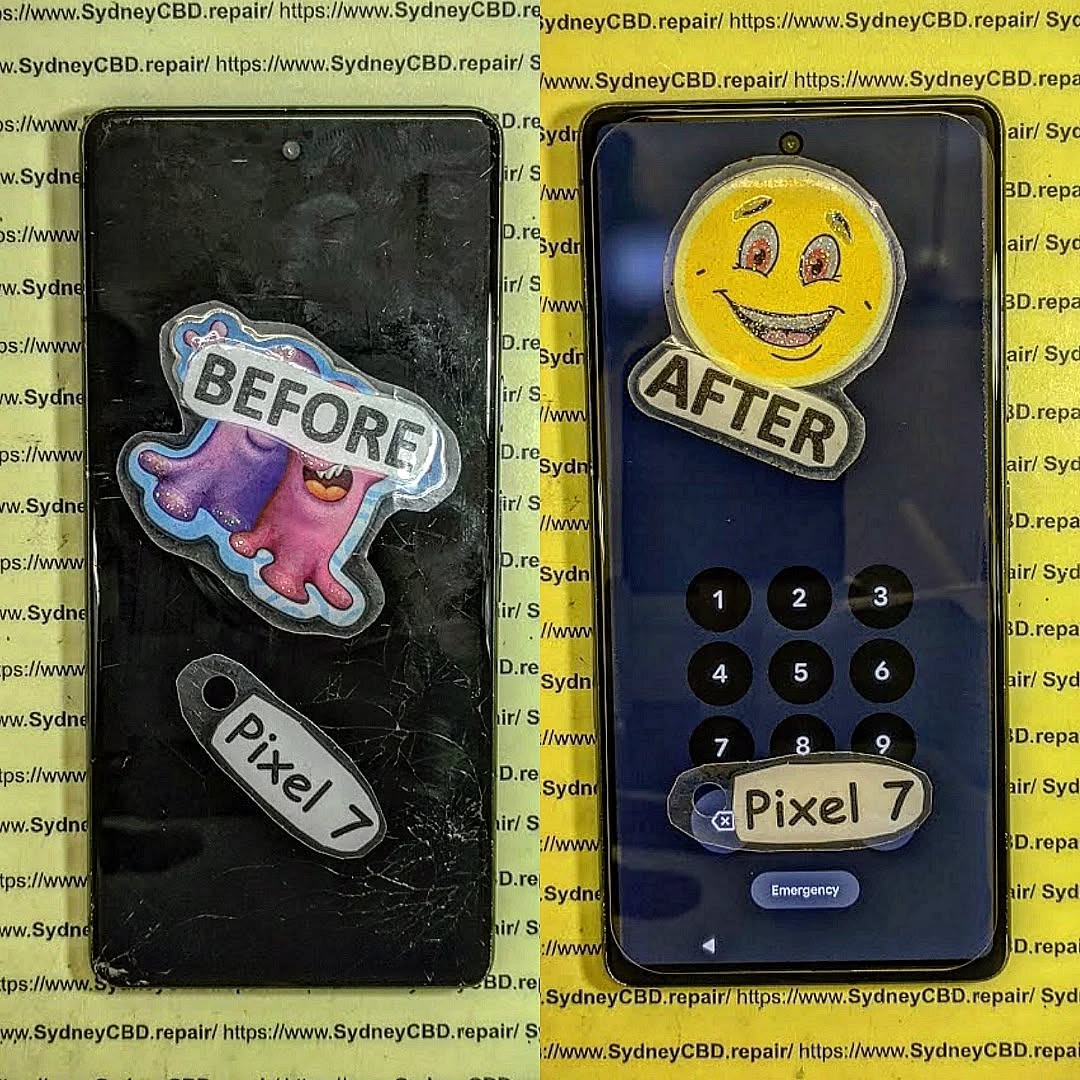
Understanding Lithium-Ion Battery Degradation
What Causes Battery Wear?
Lithium-ion batteries degrade due to:
- Charge cycles (every full 0–100% charge counts)
- Heat exposure
- Fast charging stress
- Overcharging or deep discharging
Even with normal use, your Pixel 7 battery will drop to around 80% capacity after 500 cycles.
Signs Your Pixel 7 Battery Is Failing
Watch for these warning signs:
- Rapid battery drain
- Unexpected shutdowns
- Overheating
- Sluggish performance
- Battery percentage jumps
If you’re noticing two or more of these, it’s probably time for a battery health swap.
Why Battery Health Matters for Performance
Impact on Daily Usage
A degraded battery doesn’t just mean shorter screen time—it disrupts your entire routine. Imagine needing to charge your phone twice a day. That’s not just inconvenient; it’s inefficient.
Effects on System Performance
Here’s the kicker: poor battery health can actually slow down your phone.
Devices like the Pixel 7 may reduce performance to prevent crashes when the battery can’t deliver consistent power. So yes, your laggy phone might not be old—it might just be tired.
What is a Battery Health Swap?

A battery health swap refers to replacing your worn-out battery with a new one to restore optimal performance.
Battery Replacement vs Optimization
- Optimization: Adjusting settings to extend battery life
- Replacement: Physically installing a new battery
Optimization helps temporarily, but replacement solves the root problem.
When Should You Replace?
You should consider a battery health swap if:
- Battery health is below 80%
- Device shuts down unexpectedly
- Charging frequency increases drastically
Tools and Equipment Required
Professional vs DIY Tools
If you’re going DIY, you’ll need:
- Heat gun or hair dryer
- Plastic pry tools
- Suction cup
- Isopropyl alcohol
- Replacement battery
Professional repair centers, however, use precision tools and controlled environments—reducing risk significantly.
Step-by-Step Battery Swap Guide
Preparation
- Power off the device
- Remove SIM tray
- Heat the back panel to loosen adhesive
Disassembly
Carefully pry open the back panel. Take your time—rushing can crack the glass.
Disconnect internal components like:
- Battery connector
- Wireless charging coil
- Flex cables
Battery Replacement
Remove the old battery using adhesive remover if needed. Install the new battery and reconnect everything securely.
Reassembly
Seal the phone with new adhesive and test functionality before final closure.
Risks and Precautions
Safety Tips
- Avoid puncturing the battery
- Work in a static-free environment
- Don’t use metal tools near circuits
Warranty Considerations
Opening your Pixel 7 may void its warranty. Always check your coverage before attempting a DIY repair.
Benefits of a Battery Health Swap
Performance Boost
A new battery restores:
- Faster performance
- Stable power delivery
- Longer usage time
Extended Lifespan
Instead of buying a new phone, a battery health swap gives your Pixel 7 a second life.
Cost Analysis
DIY vs Professional Repair
| Option | Cost | Risk | Quality |
|---|---|---|---|
| DIY | Low | High | Variable |
| Professional | Moderate | Low | High |
While DIY may save money upfront, professional repairs offer peace of mind.
Maintaining Battery Health After Replacement
Charging Habits
- Keep battery between 20%–80%
- Avoid overnight charging
- Use original chargers
Software Optimization
- Enable adaptive battery
- Limit background apps
- Keep software updated
For more battery care tips, visit Google support: https://support.google.com
Common Mistakes to Avoid
- Using cheap replacement batteries
- Skipping adhesive replacement
- Rushing the repair process
- Ignoring safety precautions
Environmental Impact of Battery Replacement
Replacing your battery instead of your entire phone reduces electronic waste. That’s a win for both your wallet and the planet.
❓ FAQs
1. How long does a Pixel 7 battery last?
Typically 2–3 years depending on usage and charging habits.
2. Is a battery health swap worth it?
Absolutely. It’s far cheaper than buying a new phone and restores performance.
3. Can I replace the battery myself?
Yes, but it requires skill and proper tools. Mistakes can damage your phone.
4. How much does a battery replacement cost?
It varies by location, but professional services usually range from $80–$150.
5. Will a new battery improve performance?
Yes, especially if your old battery was degraded.
6. Is it safe to use third-party batteries?
Only if they’re high-quality and certified. Cheap ones can be dangerous.
Conclusion

Battery degradation is inevitable—but dealing with it doesn’t have to be complicated. A battery health swap for your Google Pixel 7 is one of the smartest ways to extend your device’s life, improve performance, and avoid unnecessary upgrades.
Whether you go DIY or trust a professional, the key is acting before the problem gets worse. After all, your phone isn’t failing—it just needs a fresh start.
David from Sydney CBD Repair Centre – The Best place to fix mobile phones as 7 Years In A Row! Top Mobile Phone Repair In Sydney. More than 2000 Positive Reviews on Google and Same Day Repairs.
We take pride in delivering exceptional repair services for all major phone brands including Apple, Samsung, Google, and more. Our expert technicians use only genuine parts and offer 90days warranty on repairs. Located in the heart of Sydney CBD, we’re your one-stop solution for all mobile device repairs.
Our commitment to excellence has earned us the trust of thousands of satisfied customers. Whether it’s a cracked screen, battery replacement, or water damage repair, we handle it all with professional care and expertise. Walk in today and experience why we’re Sydney’s #1 choice for mobile phone repairs.
Visit us for:
✓ Same Day Express Repairs
✓ Genuine Parts Guarantee
✓ Professional Technicians
✓ Competitive Pricing
✓ 2000+ 5-Star Google Reviews
✓ 7-Time Award Winner for Best Phone Repairs
Sydney CBD Repair Centre – Where Quality Meets Reliability.
Call : +61280114119
Website: https://SydneyCBD.repair/locate-us

