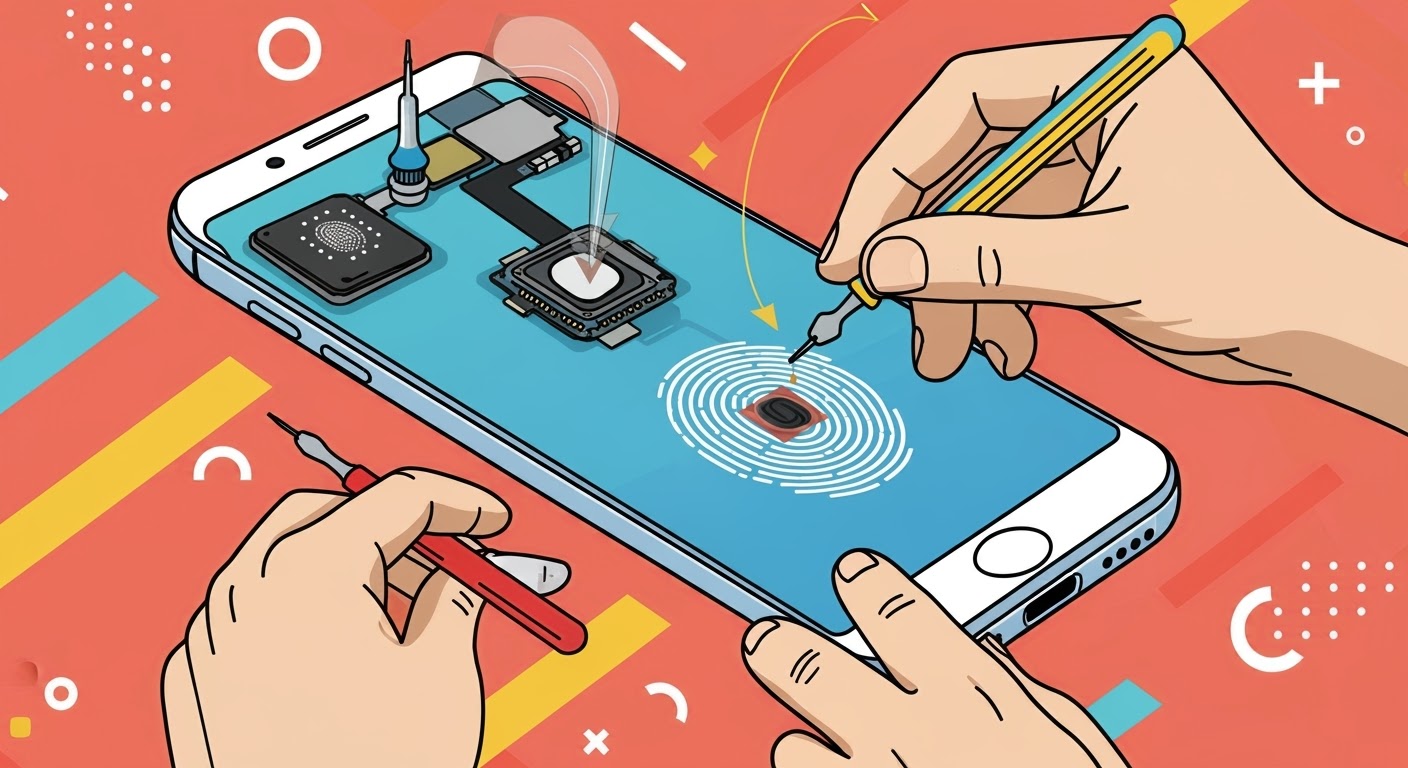
Fingerprint Sensor After Screen Replacement: Troubleshooting Common Issues

Fingerprint Sensor After Screen Replacement: Troubleshooting 10 Common Issues You Must Know
Introduction: Why Fingerprint Sensors Fail After Screen Replacement
Replacing a phone screen seems straightforward, but it can lead to unexpected complications—especially with fingerprint sensors. These sensors are highly sensitive devices designed to read the unique patterns of your fingers. A minor misalignment or the use of non-genuine parts can easily make them unresponsive. Understanding why these problems happen and how to troubleshoot them can save you both time and money.
How Fingerprint Sensors Work
Fingerprint sensors rely on advanced technology to capture your fingerprint patterns accurately. There are three primary types:
Capacitive Fingerprint Sensors
These sensors use electrical currents to map your fingerprint ridges and valleys. Any slight misalignment during screen replacement can disrupt the electrical pathways, causing the sensor to fail.
Optical Fingerprint Sensors
Optical sensors capture a 2D image of your fingerprint using light. Scratches, smudges, or improper screen glass can interfere with light transmission, leading to recognition errors.
Ultrasonic Fingerprint Sensors
These advanced sensors use high-frequency sound waves to create a 3D map of your fingerprint. They are more robust but highly sensitive to screen thickness and adhesive quality.
Common Problems After Screen Replacement
Unresponsive Sensor
Causes: Poor connection, non-genuine screen, or damaged sensor.
Solution: Check flex cables, reconnect components carefully, or replace the sensor if necessary.
Slow Fingerprint Recognition
Causes: Software glitches, debris on the sensor, or screen adhesive affecting sensitivity.
Solution: Clean the sensor, update the OS, and re-register fingerprints.
Error Messages or “Fingerprint Not Recognized”
Causes: Corrupt software calibration or hardware misalignment.
Solution: Reboot the device, reset fingerprint settings, or perform a software update.
Sensor Works Intermittently
Causes: Loose connections or residual adhesive on the sensor area.
Solution: Inspect flex cables and clean the area thoroughly.
No Sensor Option Available
Causes: System fails to detect sensor due to faulty installation or non-genuine parts.
Solution: Replace screen with genuine components and ensure proper installation.
Sensor Works Only With Certain Fingers
Causes: Incorrect registration or sensor damage.
Solution: Delete existing fingerprints and re-register each finger carefully.
System Freeze During Unlock
Causes: Conflicts between screen and sensor drivers.
Solution: Update software, clear cache, or reinstall firmware.
Touch Sensitivity Issues Affecting Sensor
Causes: Adhesive, protector films, or misalignment.
Solution: Adjust touch sensitivity settings or replace screen protector with compatible one.
Causes of Fingerprint Sensor Malfunctions Post-Repair

Improper Installation
Even a tiny misalignment of the flex cable can render the sensor useless. Technicians must ensure precise connections.
Non-Genuine Parts
Aftermarket screens often have incompatible fingerprint sensor modules. Genuine parts prevent recognition issues.
Software Glitches
OS updates or failed calibration during repair can disrupt sensor functionality.
Moisture or Debris
Dust or liquids trapped during installation interfere with sensor readings. Always clean the area thoroughly.
How to Fix Fingerprint Sensor Issues After Screen Replacement
Step 1: Restart and Update Device
Restarting your device often resolves minor glitches. Also, check for software updates, as manufacturers regularly release patches for sensor issues.
Step 2: Recalibrate or Re-register Fingerprint
Delete existing fingerprints and re-register all fingers. For devices like iPhones or Samsung Galaxy phones, follow system-specific instructions for optimal registration.
Step 3: Check Connections
Inspect the flex cable and sensor connectors. Look for kinks, tears, or dust. Reconnect firmly but gently.
Step 4: Replace Faulty Components
If all else fails, consider replacing the sensor or screen with genuine parts. Ensure installation by certified technicians.
Preventive Measures for Future Repairs
- Always use genuine parts for screen replacements.
- Hire experienced technicians for repair jobs.
- Avoid rushing the installation process.
- Keep repair areas clean to prevent dust or moisture interference.
- Regularly update your phone’s software to maintain compatibility.
FAQs
Q1: Can I fix fingerprint issues myself after a screen replacement?
A1: Minor software issues can often be fixed by restarting the device or re-registering fingerprints, but hardware issues should be handled by professionals.
Q2: Why does my sensor work intermittently after repair?
A2: This usually indicates a loose connection, debris, or a partially damaged sensor. Checking connections and cleaning the area can help.
Q3: Are aftermarket screens safe for fingerprint sensors?
A3: Non-genuine screens may not support the original sensor properly, leading to errors. Genuine parts are recommended.
Q4: Can software updates fix fingerprint sensor issues?
A4: Yes, many sensor malfunctions are software-related and can be resolved through updates or recalibration.
Q5: How do I prevent fingerprint sensor problems in the future?
A5: Always use certified technicians, genuine parts, and maintain clean hands and devices.
Q6: My phone shows “Fingerprint Not Recognized” immediately after repair. What should I do?
A6: Reboot your device, re-register your fingerprints, and check for software updates. If the problem persists, consult a professional technician.
Conclusion

Fingerprint sensor problems after screen replacement are common but manageable. Most issues stem from improper installation, non-genuine parts, or software glitches. By following step-by-step troubleshooting, ensuring genuine components, and hiring skilled technicians, you can restore your device to optimal performance. Remember, a careful approach now can prevent repeated repairs and prolong your phone’s lifespan.
David from Sydney CBD Repair Centre – The Best place to fix mobile phones as 6 Years In A Row! Top Mobile Phone Repair In Sydney. More than 2000 Positive Reviews on Google and Same Day Repairs.
We take pride in delivering exceptional repair services for all major phone brands including Apple, Samsung, Google, and more. Our expert technicians use only genuine parts and offer 90days warranty on repairs. Located in the heart of Sydney CBD, we’re your one-stop solution for all mobile device repairs.
Our commitment to excellence has earned us the trust of thousands of satisfied customers. Whether it’s a cracked screen, battery replacement, or water damage repair, we handle it all with professional care and expertise. Walk in today and experience why we’re Sydney’s #1 choice for mobile phone repairs.
Visit us for:
✓ Same Day Express Repairs
✓ Genuine Parts Guarantee
✓ Professional Technicians
✓ Competitive Pricing
✓ 2000+ 5-Star Google Reviews
✓ 6-Time Award Winner for Best Phone Repairs
Sydney CBD Repair Centre – Where Quality Meets Reliability.
Call: +61280114119
Website: https://SydneyCBD.repair/locate-us