


❤ Gemini Live might work in the background as you use other apps

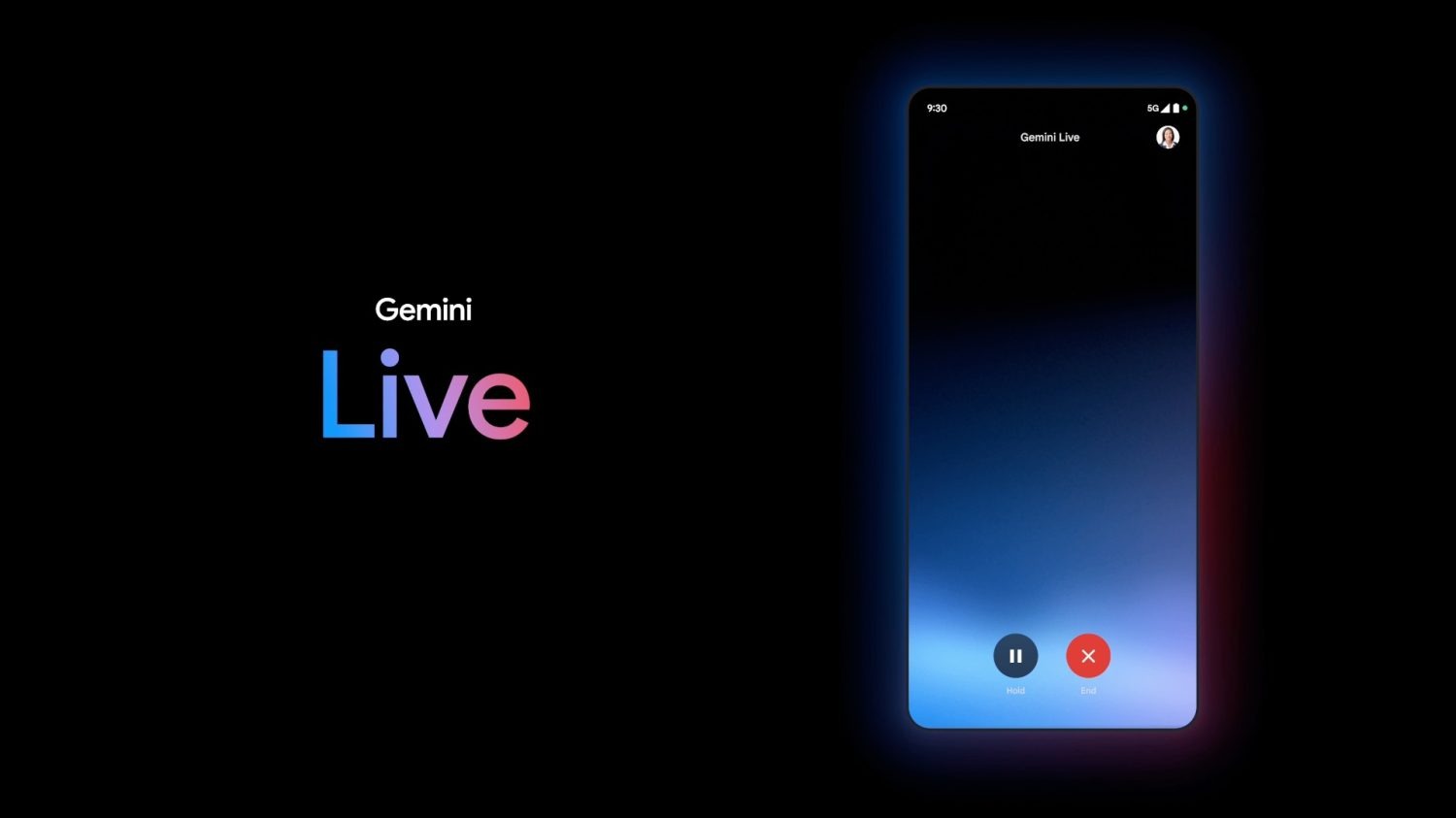
“Live” will let you have a two-way conversation with Gemini when it arrives this summer. Shown as a fullscreen experience at I/O 2024, Gemini Live might also work in the background, including on your lockscreen.
Strings in Google app 15.27 (beta) mention how a “background_mode” will let you “continue [Gemini] Live chats while using other apps or while your screen is locked.”
For the most part, Google Assistant and Gemini will stop after the accompanying UI is off the screen.
Allowing Gemini Live to accept input and reply as you’re doing other stuff on your device could lead to a more immersive and natural experience. In that regard, Gemini Live is basically a phone call. One possible use case is looking through your apps for more information to manually add to a conversation with Gemini.
Once done, you can say “Stop” to Gemini Live or end the chat by looking for a persistent notification.
Meanwhile, Google is working to let Gemini do more when your device is locked. Today, enabling that setting allows you to set alarms and timers, with most other commands — including something as basic as asking for the weather — requiring device unlock.
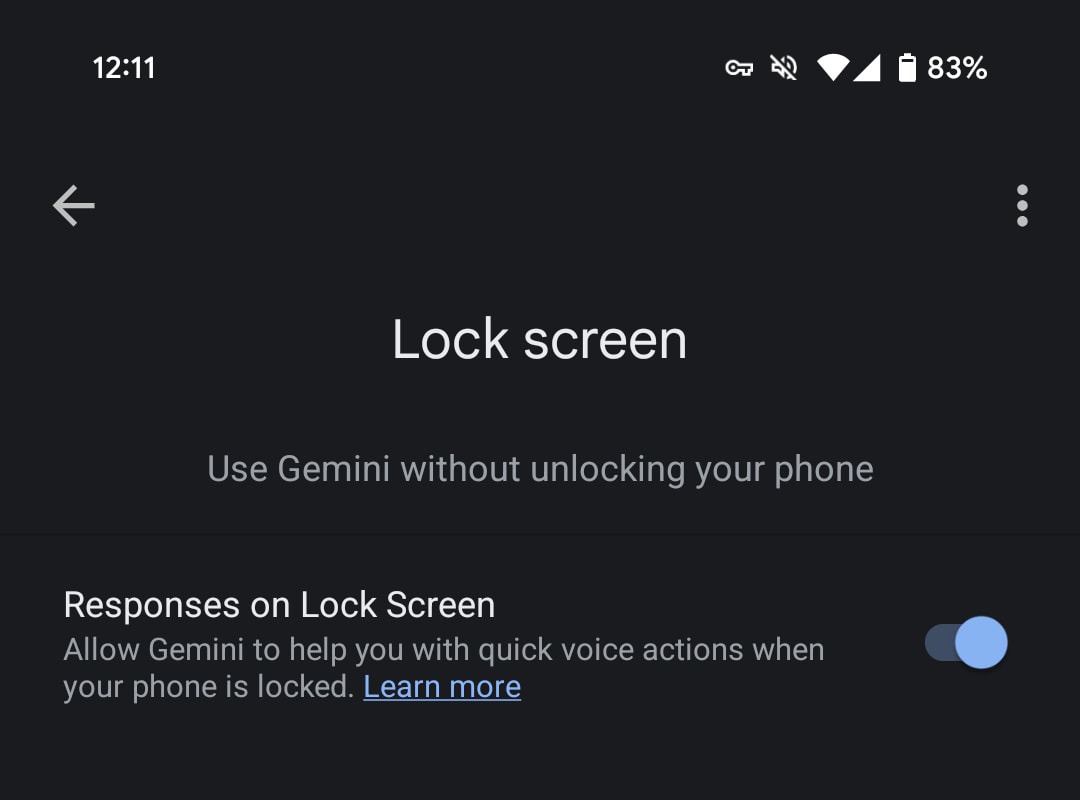
Moving forward, as we enabled below, setting up “Gemini on lock screen” and “extensions on lock screen” will let you get “answers to general questions and more.” Your options are Messages, Workspace, and Home Automation.

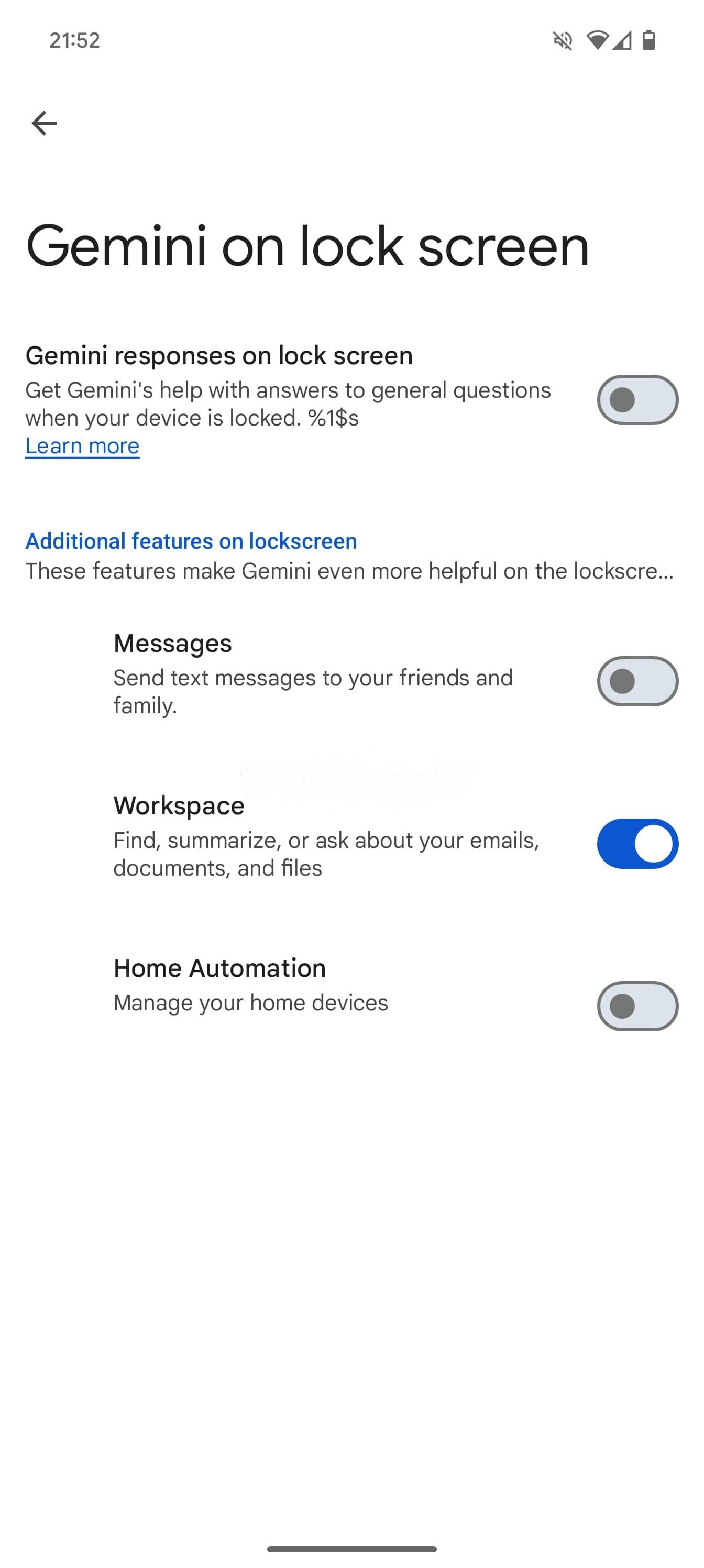
Google Maps, YouTube, Google Flights, and Google Hotels extensions are turned on by default on lock screen. Any future extensions that don’t require user credentials or don’t access private data will be on by default. You can turn them off in settings at any time.
Finally, “Gemini will read your messages to you” if you enable “Spoken message notifications.”

