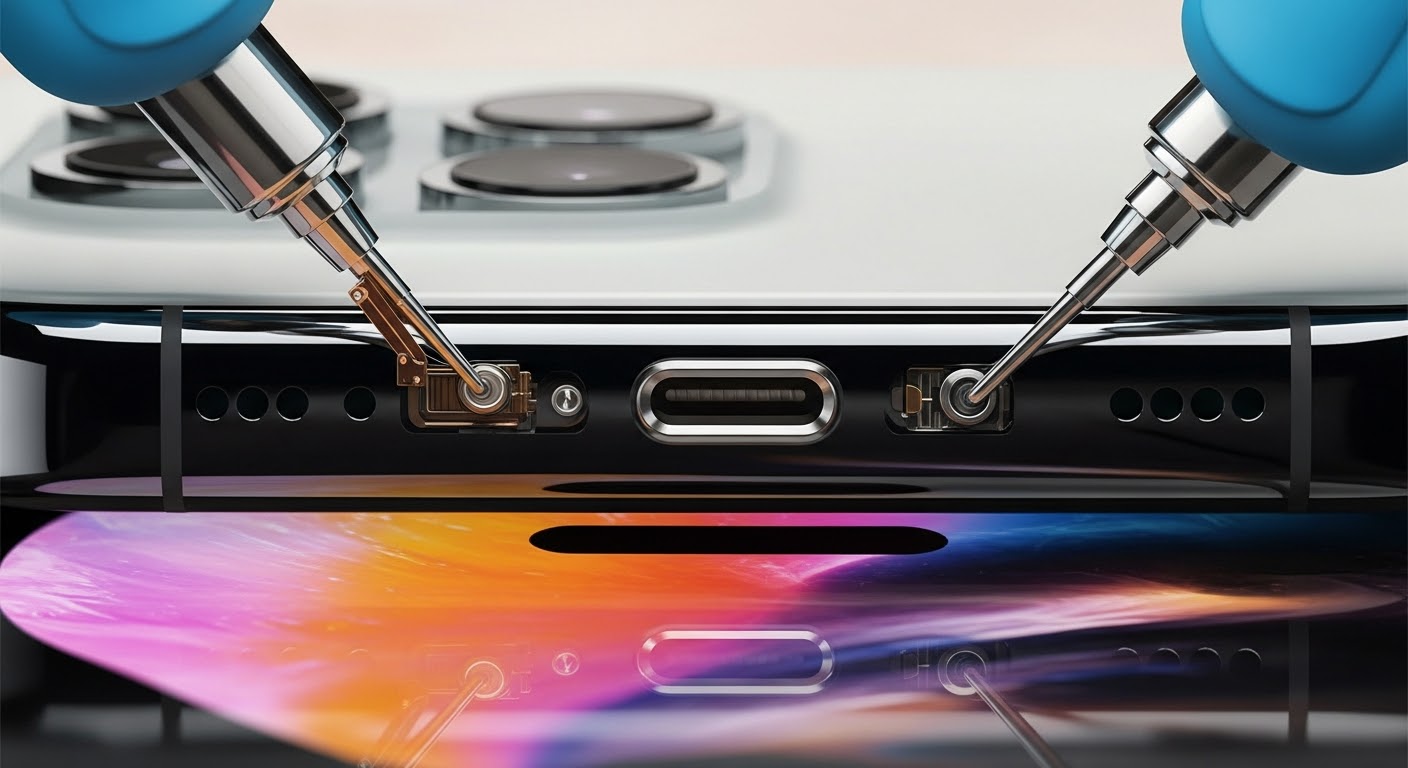
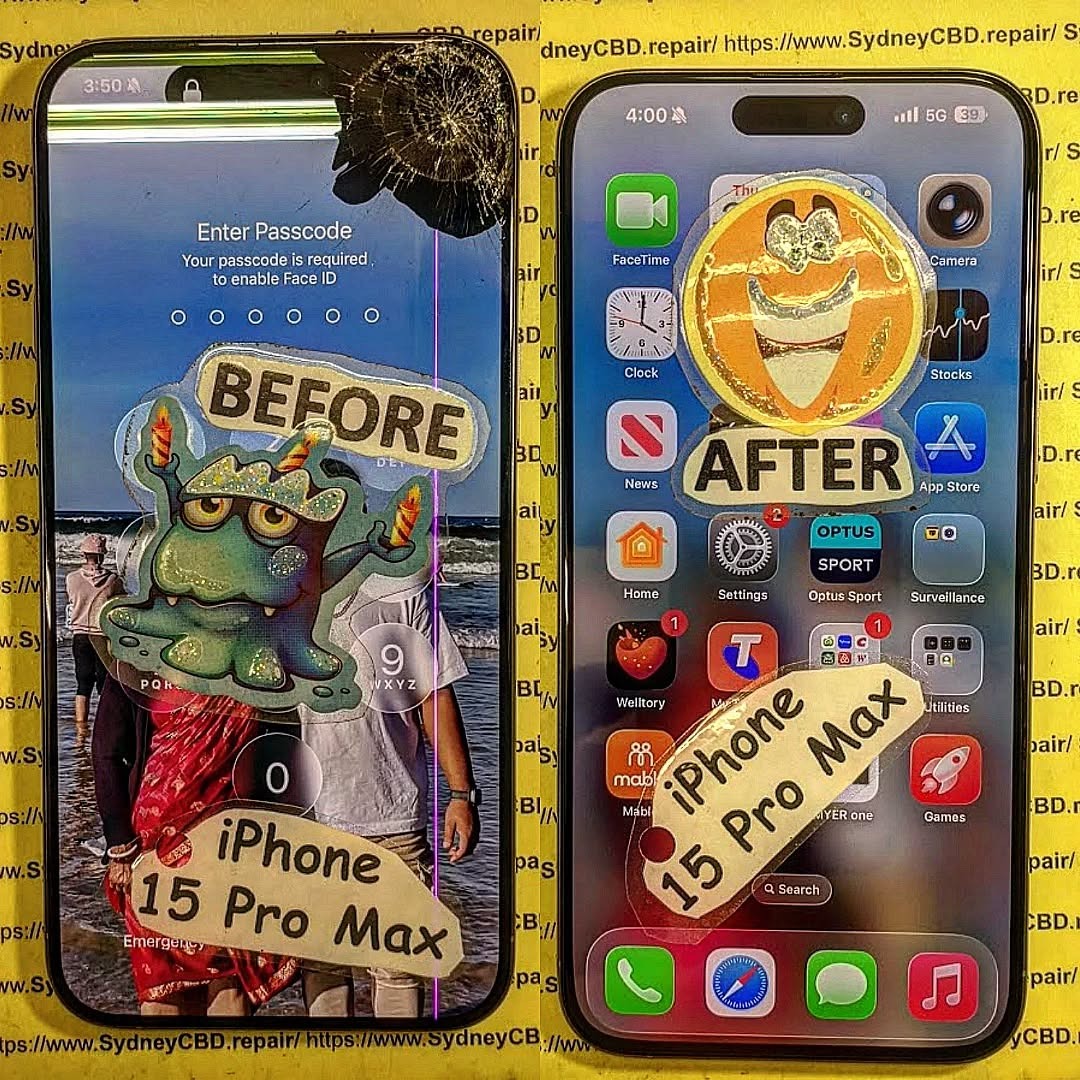
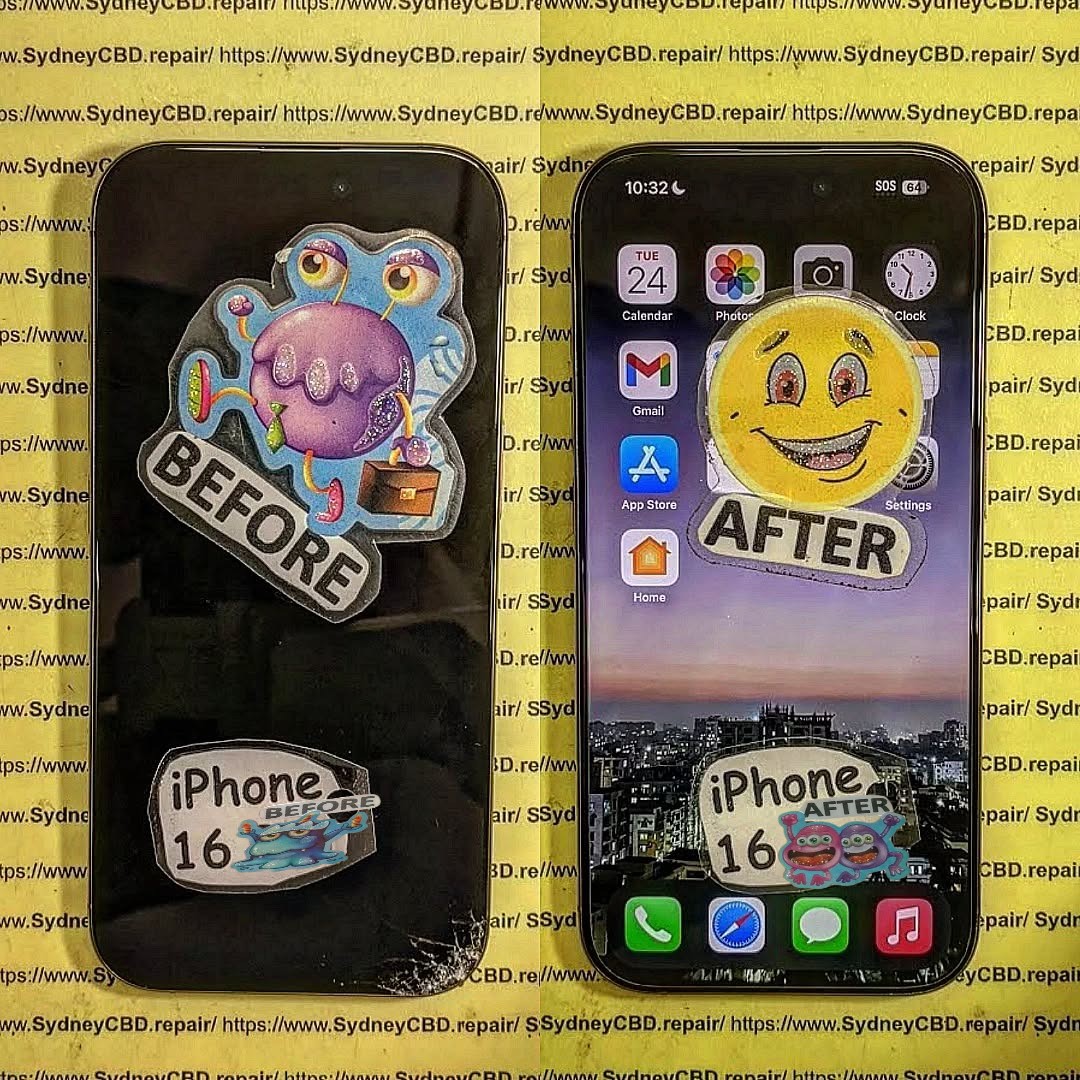
The iPhone 16’s Secret Flaw? A Charging Port Repair Deep Dive!

The iPhone 16’s Secret Flaw? A Charging Port Repair Deep Dive! + 7 Insights
Introduction: Why the iPhone 16 Charging Port Matters
The charging port may seem like a small component, but it’s the lifeline of your iPhone 16. It not only delivers power but also facilitates data transfer for syncing and backups. A faulty port can cause slow charging, device malfunctions, or even total power failure.
For users experiencing repeated charging issues, understanding the port’s design and how to repair it is crucial. Early detection of problems can save both time and money, avoiding costly motherboard replacements or full device swaps.
The iPhone 16 charging port repair has become one of the most sought-after fixes in Sydney and beyond. As Apple pushes innovation with every new release, subtle design changes can sometimes create hidden issues that users don’t notice until they become a real problem. In this article, we’ll explore the iPhone 16 charging port in detail, uncover its secret flaws, explain repair solutions, and give tips to keep your device power-ready.
Understanding the iPhone 16 Charging Port Design
Apple made notable changes in the iPhone 16’s charging system. This is not just about a new port shape but also internal alignment, shielding, and material quality.
Lightning vs USB-C: What Changed in iPhone 16?
The iPhone 16 finally embraces USB-C, a shift from the long-standing Lightning connector. While USB-C brings faster charging and higher data transfer rates, it also introduces compatibility issues with older accessories.
Key differences include:
- USB-C pins are more fragile compared to Lightning pins.
- USB-C connectors are slightly larger, affecting port reinforcement.
- Current devices require precision for high-wattage fast charging.
These subtle shifts make the port more susceptible to wear if not handled correctly.
Common Issues Observed in Users
Several recurring problems have been reported among iPhone 16 users:
| Issue | Symptom |
|---|---|
| Loose connection | Charger slips or disconnects easily |
| Slow charging | Device charges slower than expected |
| Intermittent recognition | Accessories or computers fail to detect the iPhone |
| Corrosion | Moisture exposure causing green/white residue inside port |
Signs Your iPhone 16 Needs a Charging Port Repair
Knowing when to repair your iPhone 16’s charging port is vital. Ignoring early signs can lead to battery damage or motherboard failure.
Slow Charging and Intermittent Power
If your iPhone 16 suddenly stops charging efficiently, or the charging bar fluctuates while plugged in, the port may be dirty, worn, or damaged.
Device Not Recognizing Accessories
A common indicator is when your iPhone fails to detect headphones, USB drives, or computer connections. This is often due to pin misalignment or debris accumulation.
Battery Drain Despite New Battery
Sometimes, users replace the battery but still experience rapid draining. A faulty charging port can prevent proper current flow, leaving the battery undercharged.
Causes of Charging Port Damage
Understanding why charging ports fail helps prevent future issues.
Physical Damage
Dropping your iPhone or using excessive force with cables can bend internal pins. Even slight misalignment can trigger intermittent connections.
Water and Moisture Exposure
Though the iPhone 16 is water-resistant, prolonged exposure can still cause port corrosion or short circuits, especially if liquids penetrate through the Lightning or USB-C port.
Software vs Hardware Problems
Not all charging problems are hardware-related. Sometimes, outdated software or buggy iOS updates create false “charging error” notifications. Knowing the difference is crucial before repair.
DIY Troubleshooting Before Repair

Before visiting a professional, there are a few safe troubleshooting steps.
Safe Cleaning Methods
- Use a soft-bristled brush to remove dust or lint.
- Apply isopropyl alcohol (90%) sparingly to clean pins.
- Avoid sharp objects like pins or needles that can damage the port.
Software Reset & Updates
- Restart your iPhone to reset temporary glitches.
- Ensure iOS is up to date, as some charging issues are fixed in updates.
- Reset network settings if accessory recognition fails.
Professional iPhone 16 Charging Port Repair
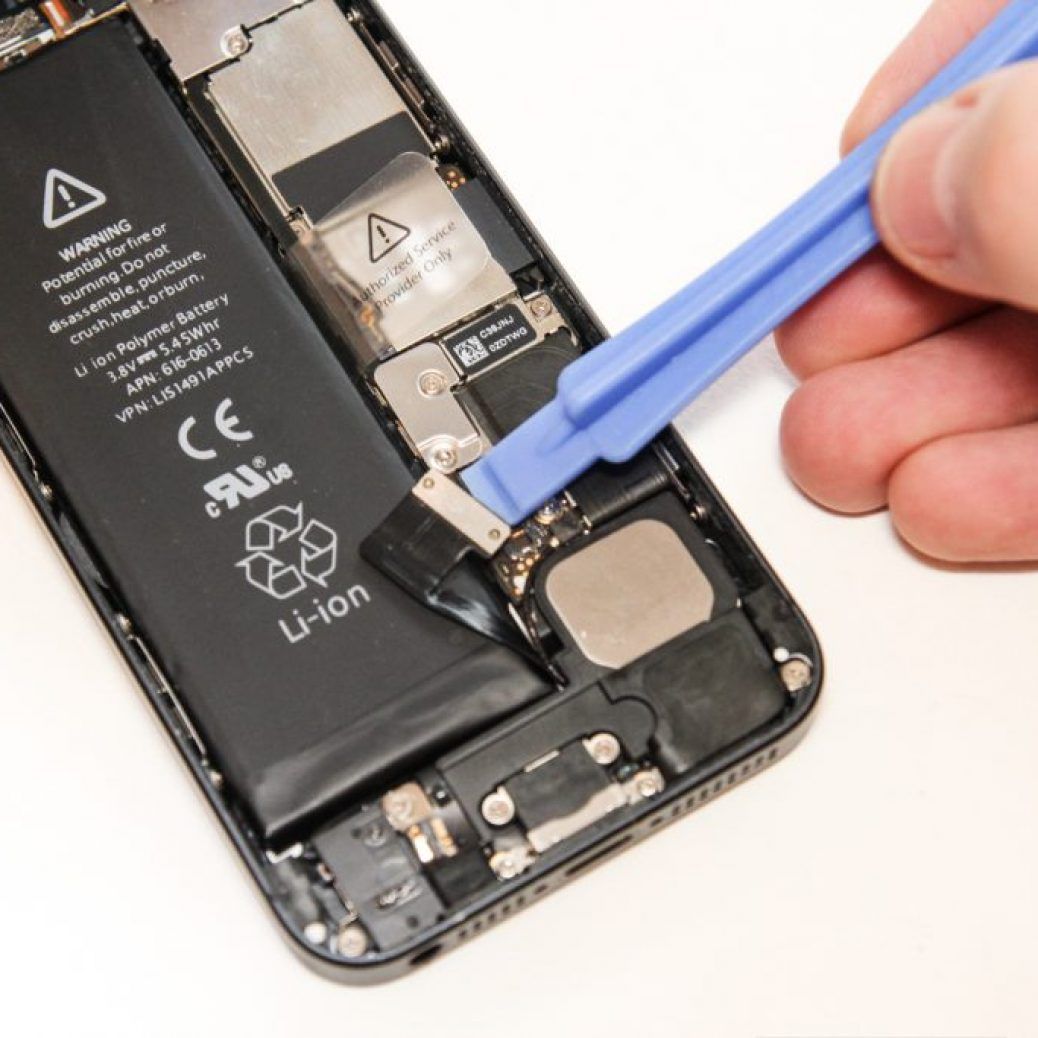
For persistent issues, professional repair is the safest route. Attempting a DIY fix for internal port damage can void warranty or worsen the problem.
What Technicians Do
Technicians perform:
- Diagnostic testing to confirm port failure.
- Removal of the damaged port assembly.
- Installation of a genuine replacement part.
- Testing for charge speed, data transfer, and accessory recognition.
Tools and Parts Used
| Tool/Part | Purpose |
|---|---|
| Precision screwdrivers | Open the iPhone without damage |
| ESD-safe tweezers | Handle small pins and components |
| Genuine Apple or OEM ports | Ensure optimal performance |
| Magnification lenses | Check alignment of pins |
Cost and Time Expectations
- Typical repair cost: $120–$250 AUD (depending on part quality).
- Repair duration: 1–2 hours for express service in most repair centers.
- Same-day repairs are available at Sydney CBD Repair Centre.
Preventive Measures to Protect Your Charging Port
Prevention is always better than repair.
Using Quality Cables
- Stick to Apple-certified cables (MFi).
- Avoid cheap knockoffs that can damage pins.
Port Covers & Clean Habits
- Use silicone port plugs to prevent dust entry.
- Avoid eating or drinking near your device to reduce moisture risk.
- Regularly inspect the port for debris and clean safely.
When to Consider Full Replacement
Sometimes, a charging port repair may not be sufficient, especially if:
- The motherboard is damaged due to corrosion.
- Multiple ports fail repeatedly.
- Fast charging doesn’t work after replacement.
In these cases, a full board replacement may be necessary. Always consult professional technicians for evaluation.
FAQs About iPhone 16 Charging Port Repairs
Q1: Can I fix my iPhone 16 charging port myself?
A: Minor cleaning can be done at home, but internal repair should be handled by professionals to avoid voiding warranty.
Q2: How long does a charging port repair take?
A: Most reputable repair centers complete the service in 1–2 hours. Same-day express service is often available.
Q3: Will replacing the port fix all charging issues?
A: It fixes hardware-related issues. Software or battery problems may still require additional troubleshooting.
Q4: Can water damage be repaired?
A: Yes, professional technicians can clean corrosion and replace damaged ports, but severe damage might require a motherboard replacement.
Q5: Is it safe to use third-party cables?
A: Low-quality cables can bend or break pins, so always use certified accessories.
Q6: How can I prevent future charging port issues?
A: Clean the port regularly, avoid moisture exposure, and use protective port plugs and quality cables.
Conclusion: Keep Your iPhone 16 Power-Ready

The iPhone 16 charging port may be a hidden vulnerability, but with proper care and timely professional repairs, you can extend your device’s lifespan and maintain optimal performance. Whether it’s a slow charge, accessory recognition issue, or corrosion, acting promptly is key.
Remember, prevention—like using quality cables, cleaning the port, and avoiding moisture—is always better than repair. Sydney CBD Repair Centre offers expert, same-day charging port repairs to keep your iPhone 16 running smoothly.
For more detailed guides, check Apple’s official support: Apple iPhone Support.
David from Sydney CBD Repair Centre – The Best place to fix mobile phones as 7 Years In A Row! Top Mobile Phone Repair In Sydney. More than 2000 Positive Reviews on Google and Same Day Repairs.
We take pride in delivering exceptional repair services for all major phone brands including Apple, Samsung, Google, and more. Our expert technicians use only genuine parts and offer 90 days warranty on repairs. Located in the heart of Sydney CBD, we’re your one-stop solution for all mobile device repairs.
Our commitment to excellence has earned us the trust of thousands of satisfied customers. Whether it’s a cracked screen, battery replacement, or water damage repair, we handle it all with professional care and expertise. Walk in today and experience why we’re Sydney’s #1 choice for mobile phone repairs.
Visit us for:
✓ Same Day Express Repairs
✓ Genuine Parts Guarantee
✓ Professional Technicians
✓ Competitive Pricing
✓ 2000+ 5-Star Google Reviews
✓ 7-Time Award Winner for Best Phone Repairs
Sydney CBD Repair Centre – Where Quality Meets Reliability.
Call : +61280114119
Website: https://SydneyCBD.repair/locate-us