Don’t Fall for These Common DIY Phone Fixes

Don’t Fall for These Common DIY Phone Fixes: The Ultimate Guide to Avoiding Costly Mistakes (2025 Edition)
DIY phone fixes are everywhere online—quick hacks, flashy tutorials, and step-by-step guides promising to solve your phone problems in minutes. But don’t fall for these common DIY phone fixes, because most of them do more harm than good. In fact, many of the devices brought into repair shops today are damaged not by accidents, but by DIY attempts gone wrong.
In the first 10% of this article alone, we’ll highlight why DIY phone fixes often lead to costly consequences and what you should do instead. Whether it’s water damage, cracked screens, dead batteries, or charging issues, understanding the risks of DIY can save you hundreds of dollars in future repairs.
Let’s break down the myths, the mistakes, and the smarter solutions you can trust.
Introduction
In today’s fast-paced digital world, our smartphones have become more than just devices—they’re lifelines. So when something goes wrong, it’s tempting to jump onto TikTok, YouTube, or DIY forums and try a quick fix. But don’t fall for these common DIY phone fixes, because many of them can turn a simple issue into a costly disaster. While DIY solutions often look easy and affordable, the reality is that modern smartphones are packed with delicate components that require professional tools, precision, and expertise.
From viral “rice for water damage” myths to cheap screen replacement kits that fail within days, these shortcuts can compromise your phone’s performance, void your warranty, or even cause permanent damage. This guide breaks down why DIY phone repairs are riskier than they seem, the science behind common failures, and smarter alternatives you can rely on.
Whether you’re dealing with battery issues, a broken display, charging problems, or water damage, this introduction sets the stage for understanding why expert help is often the safest and most cost-effective choice. Let’s dive into the most common mistakes and how you can avoid falling into the DIY trap.
Understanding Why DIY Phone Fixes Are So Tempting
DIY repair content seems simple, fast, and cheap. But once you peel back the layers, you discover why these “easy hacks” actually end up costing much more than professional repairs.
The Rise of TikTok and YouTube Tutorials
DIY content exploded with short-form video apps. A few camera clicks, a confident narrator, and suddenly you think you can replace a $400 screen with a $12 kit.
But here’s the truth:
- These tutorials skip important safety steps
- They fast-forward the hardest parts
- They use tools that professionals spent years learning to master
- They rarely show failures
Because of this, people follow incomplete or misleading advice, believing repairs are simpler than they truly are.
Why Quick Hacks Often Fail
Many hacks work only temporarily—if at all.
Examples:
- A charging port “cleaning hack” might push lint further inside
- Hairdryer warmth can expand components and cause micro-cracks
- Battery “revival tricks” can cause thermal runaway
- Rice doesn’t fix water damage—it accelerates corrosion
DIY tips exist to generate views—not protect your phone.
Common DIY Mistakes That Cause the Most Damage
This is where the real trouble begins. These are the DIY phone fixes professionals wish would disappear forever.
Using Rice for Water Damage
You’ve heard it a thousand times:
“Drop your phone in rice!”
But don’t fall for this common DIY phone fix. Rice dries the outside of your device—not the inside.
What actually happens:
- Rice traps moisture inside the motherboard
- Corrosion begins within hours
- Mineral deposits form around chips
- Ports remain damp, causing charging failure
Water-damaged phones need immediate disassembly, professional ultrasonic cleaning, and corrosion treatment—not grains of rice.
DIY Screen Replacement Kits
Low-cost screen kits are one of the biggest consumer traps. They’re marketed as “premium” and “OEM-grade,” but nearly all of them have:
- Lower brightness
- Poor touch sensitivity
- Thicker displays
- Incorrect colors
- No oleophobic coating
Worse:
- You can rip flex cables easily
- You can damage the bezel
- You can break Face ID or fingerprint sensors (irreversible!)
- You often crack the replacement during installation
One small slip and your repair costs multiply.
Battery Replacement Risks
People watch one “battery swap” video and assume it’s easy. But modern smartphones use industrial-strength adhesives, temperature-sensitive electronics, and concealed connectors.
DIY battery dangers include:
- Puncturing the battery
- Causing internal fires
- Bending the battery casing
- Breaking the Taptic engine
- Severing the wireless charging coil
Even experienced technicians avoid rushing battery replacements.
Heat Gun Fixes for Screen Ghosting
Heating a phone to “reset the display” is one of the worst DIY hacks. Excessive heat causes:
- OLED burn-in
- Adhesive melting
- Board flexing
- Face ID flood illuminators cracking
- Glue seepage into ports
Even 5 seconds too long can destroy the display.
Charging Port Cleaning With Pins or Needles
Another viral TikTok disaster.
Using pins, metal tools, or needles can:
- Bend charging pins
- Scratch insulation
- Short-circuit components
- Break the entire port
Professionals use specialized micro-tools, microscopes, and anti-static equipment—not sewing needles.
Why DIY Solutions Fail: The Real Science Behind Phone Repairs

Smartphones today are engineered with precision. Components are smaller, thinner, and far more delicate than most people realize.
Internal Components Are More Fragile Than You Think
Inside every phone, you’ll find:
- Micro soldered chips thinner than paper
- High-density ribbon cables
- Tiny connectors meant for robotic assembly
- Batteries that react to pressure
- Layers of protective shielding
DIY methods often overlook this, which leads to:
- Lifted pads
- Broken solder joints
- Permanent sensor damage
- Motherboard failure
One wrong move can turn a working phone into a dead one.
Improper Tools Lead to Hidden Damage
Most DIY kits use cheap:
- Screwdrivers
- Pry tools
- Plastic cards
- Suction cups
These tools cause:
- Stripped screws
- Display separation
- Frame warping
- Micro-tears in flex cables
Professional repair shops use:
- Microsoldering equipment
- Temperature-regulated heating pads
- Genuine OEM parts
- Industrial adhesive machines
- Microscopes
- Precision torque drivers
This is why pro repairs succeed where DIY fails.
What You Should Do Instead: Safe Alternatives to DIY Fixes
You don’t need to avoid DIY entirely—just avoid the dangerous ones.
When It’s Okay to Try Minor Fixes
Safe DIY tasks include:
- Restarting the device
- Gently removing lint using a wooden toothpick
- Cleaning your screen
- Checking for software issues
- Using official troubleshooting guides
- Removing your case after overheating
- Inspecting for liquid inside SIM tray
These are low-risk and safe.
When You Need a Professional Immediately
Seek expert repair when:
- Your device has water damage
- Your screen is cracked
- Battery swells or drains fast
- Phone overheats
- Face ID or fingerprint stops working
- Charging port fails
- Phone doesn’t turn on
For trusted service, you can visit a reputable repair provider like:
👉 Apple Authorized Service
👉 Samsung Service Centre
👉 or reputable independent repair shops with proven reviews.
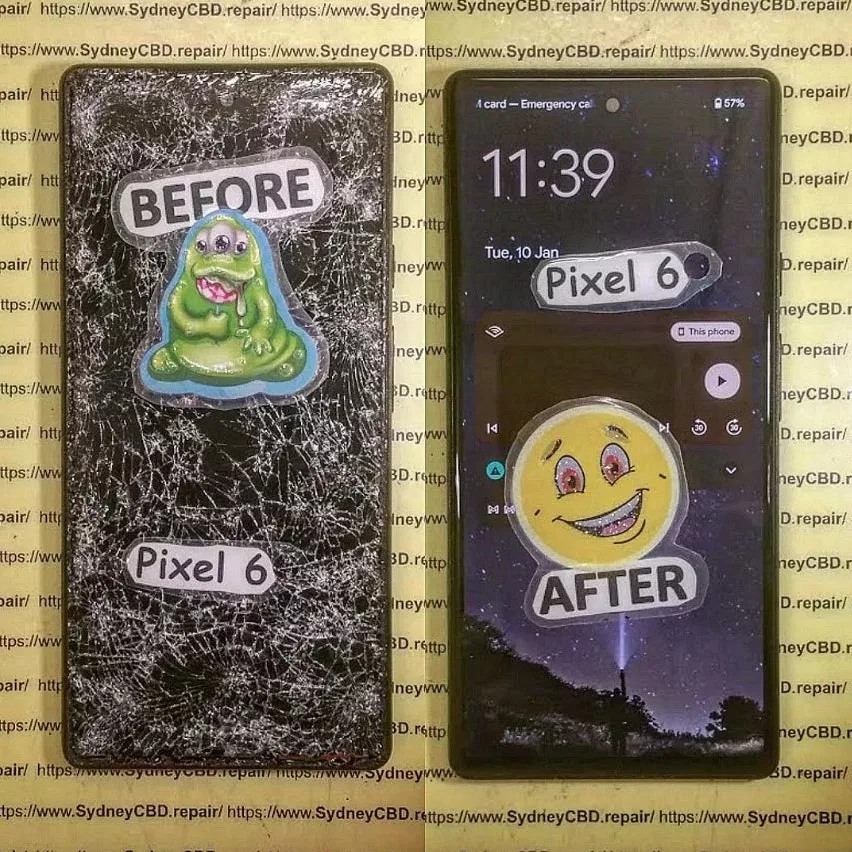
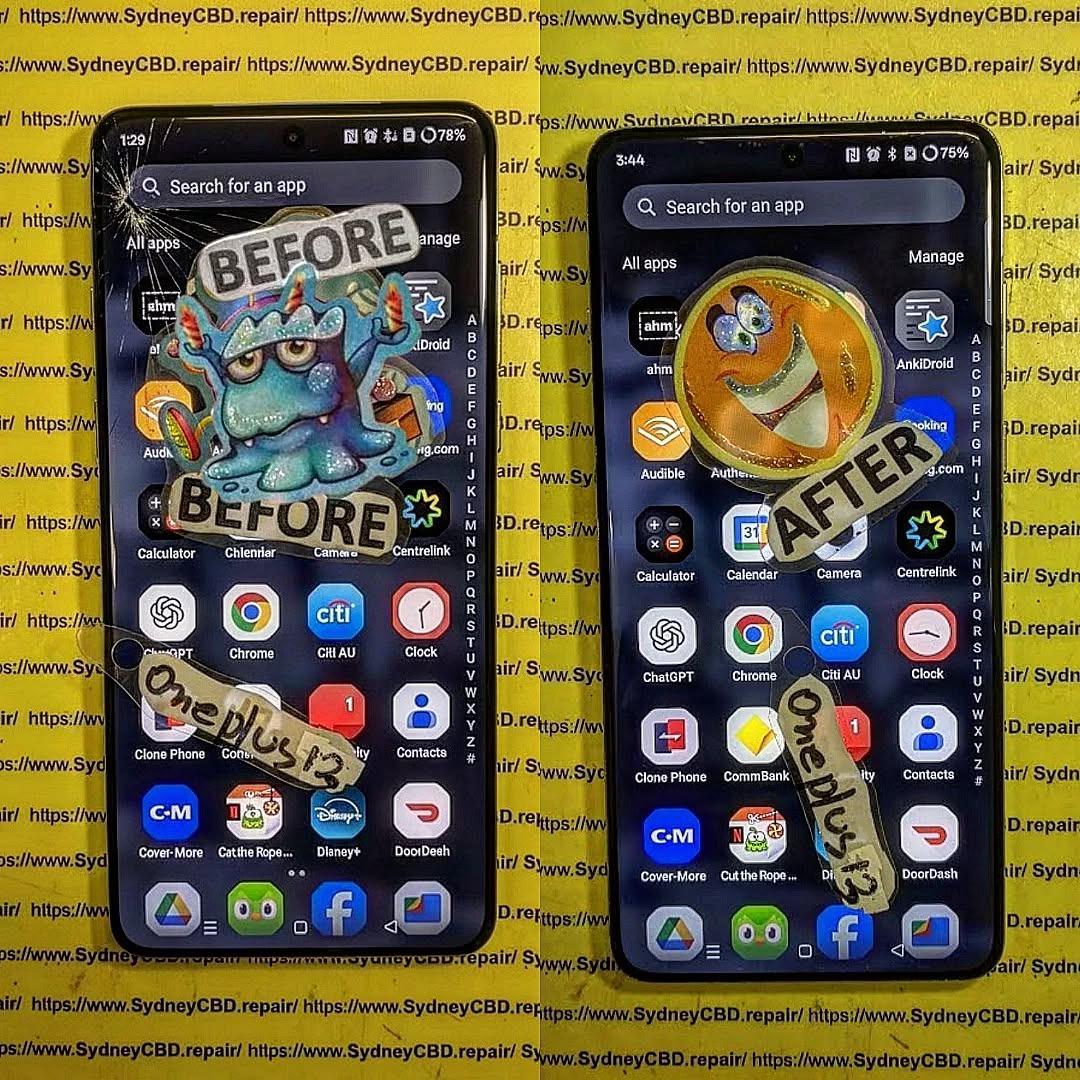
A great example of a reliable repair shop is the Sydney CBD Repair Centre, known for genuine parts, expert technicians, and over 2000 Google reviews.
FAQs
1. Can DIY repairs void my warranty?
Yes. Opening your device or using non-genuine parts instantly voids most warranties.
2. Is rice ever helpful for water damage?
No. It worsens corrosion and delays proper treatment.
3. Are cheaper screen replacements safe?
They often break easier, show inaccurate colors, and can permanently disable Face ID or sensors.
4. Why is my charging port loose after DIY cleaning?
Metal tools bend internal connectors, causing mechanical failure.
5. How fast does corrosion start in water-damaged phones?
Within minutes. Full failure can occur in hours.
6. Is DIY battery replacement dangerous?
Yes—puncturing a lithium battery can cause swelling, smoke, and fires.
Conclusion

Don’t fall for these common DIY phone fixes just because they seem easy or cheap. Modern smartphones are highly advanced, fragile devices that demand professional tools and expertise. While some minor troubleshooting is safe, anything involving hardware should be left to trained repair specialists who understand the complexities inside your phone.
Before attempting a risky DIY, remember:
It’s always cheaper to repair a problem than fix a DIY mistake.
David from Sydney CBD Repair Centre – The Best place to fix mobile phones as 6 Years In A Row!
✓ Same Day Repairs
✓ Genuine Parts
✓ Expert Technicians
✓ 2000+ 5-Star Reviews
Call: +61280114119
Website: https://SydneyCBD.repair/locate-us