


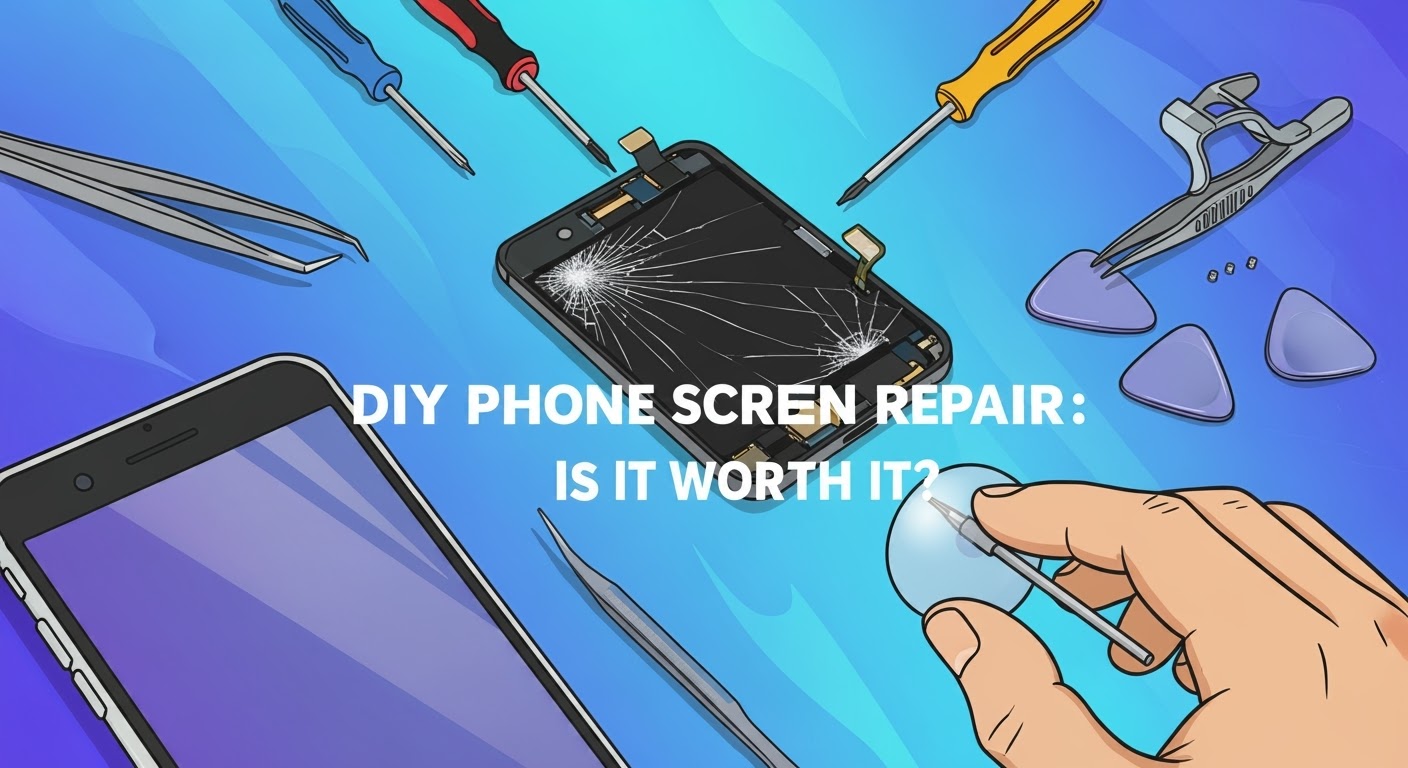
DIY Phone Screen Repair: Is It Worth It?

DIY Phone Screen Repair: Is It Worth It? + Must-Know Facts + 7 Risks
With smartphones becoming more advanced and expensive, it’s no wonder users explore alternatives when accidents happen. One of the most common dilemmas? Cracked screens. Many tech-savvy users have asked themselves: “Should I fix my phone screen myself?” On the surface, DIY screen repair promises a cheaper and empowering alternative to professional services. But is it really worth the risk?
In this comprehensive guide, we’ll unpack the process, tools, challenges, benefits, and long-term implications of DIY phone screen repair. Whether you’re holding an iPhone, Samsung, or any Android phone, we’ll help you decide what’s best.
The Rise of DIY Phone Repairs
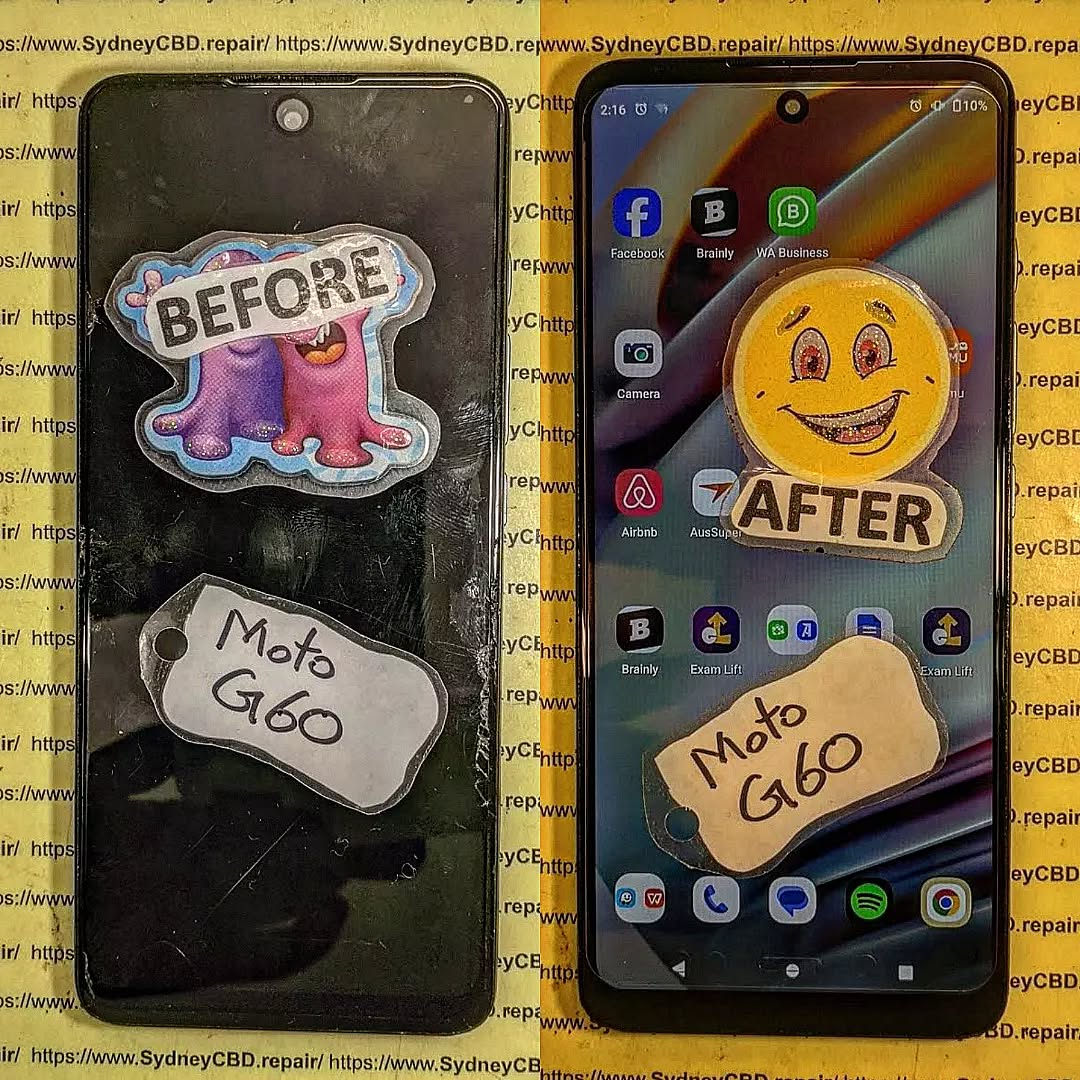
DIY tech culture has exploded in recent years thanks to platforms like YouTube and Reddit. From changing batteries to replacing motherboards, tutorials are everywhere. As device repair kits flood the market and the “Right to Repair” movement gains traction, users now feel more confident about fixing things themselves.
But the truth is, what works in a 10-minute video may not reflect the complexity of real-life repairs.
Common Reasons People Attempt DIY Repairs
Here’s why many opt to take matters into their own hands:
- Save Money: Professional repairs can be pricey, especially out of warranty.
- Curiosity & Skill Building: Some want the satisfaction of fixing things.
- Convenience: Immediate need to use the phone—no time for repair shops.
- Misinformation: Belief that it’s easier than it really is.
- Influence from Content Creators: “If they can do it, why can’t I?”
While these reasons are valid, many don’t account for the possible complications.
Tools and Equipment Needed
Before opening up your phone, you’ll need:
| Tool | Purpose |
|---|---|
| Precision Screwdriver Set | Remove micro-screws |
| Suction Cup | To gently lift the screen |
| Plastic Pry Tools | Avoid damaging internal components |
| Anti-static Wrist Strap | Protect from electrostatic discharge |
| Heat Gun or iOpener | Soften adhesive under the screen |
| Replacement Screen | Must match exact model and specs |
| Magnetic Mat | Organize screws and components |
Safety Tip: Never work on a phone that’s powered on or connected to a charger.
Step-by-Step DIY Phone Screen Replacement
⚠️ This is a general guide. Always refer to your phone model’s repair manual.
- Power Off Device
- Remove SIM Card and Back Cover (if accessible)
- Unscrew and Open the Frame
- Disconnect Battery First
- Gently Remove Screen With Heat & Suction
- Unclip Display Connectors
- Install New Screen
- Reconnect Battery & Components
- Power On & Test
- Reassemble Carefully
If at any point you feel unsure—pause. Forcing components can cause irreversible damage.
Pros of DIY Phone Screen Repair
- Lower Costs (initially)
- Sense of Accomplishment
- Learn a New Skill
- No Waiting or Appointments
For hobbyists or tech lovers, DIY repairs can be a fun challenge. But don’t let enthusiasm override preparation.
Cons of DIY Phone Screen Repair
- Voids Warranty
- Might Damage Internal Components
- Screen Quality Can Vary
- Lack of Specialized Tools or Knowledge
- Time-Consuming
- No Warranty on Workmanship
One slip could turn a cracked screen into a non-functional phone.
Hidden Costs Most DIYers Miss
- Buying wrong tools or duplicate parts
- Replacing parts more than once
- Damaged fingerprint sensors
- Loss of waterproofing
- Data loss due to improper disconnection
- Missed calls or work while waiting to fix it
DIY vs Professional Repairs: Cost Breakdown
| Repair Type | DIY Cost (AUD) | Pro Repair Cost (AUD) |
|---|---|---|
| iPhone 13 | $150–$200 (parts/tools) | $250–$330 |
| Samsung Galaxy S21 | $160–$210 | $280–$350 |
| Google Pixel 7 | $140–$180 | $270–$320 |
Note: Pro repairs usually include warranty and genuine parts.
Safety Risks and Precautions
- Electric Shock
- Sharp Glass Cuts
- Short Circuits
- Data Loss
- Fire Hazards with Lithium Batteries
Always use protective gear, and don’t attempt repairs on a swollen battery.
Phone Models Not Ideal for DIY
Avoid attempting DIY on these models due to complex build:
- Samsung Galaxy Fold / Flip series
- iPhones with Face ID (X and up)
- Huawei with curved displays
- Phones with under-display fingerprint readers
These require professional calibration tools post-repair.
Case Study: Cracked iPhone 13 Repair Gone Wrong
John from Parramatta tried replacing his iPhone 13 screen. He followed a YouTube guide and bought a screen online. But the display had no True Tone support, and he accidentally tore the Face ID cable. In the end, he had to pay double for a proper repair—and lost Face ID permanently.
Why Genuine Parts Matter
Cheap screens can affect:
- Touch Sensitivity
- Brightness & Color Accuracy
- Durability
- Face ID/Fingerprint Reader Functionality
Always ask for genuine parts, especially for flagship models.
Environmental Impact of Failed DIYs
Each failed DIY attempt could result in:
- More e-waste
- Discarded parts and packaging
- Shorter device lifespan
Professional repairs often reuse, recycle, or refurbish parts responsibly.
Professional Repair Benefits
- Trained Technicians
- Access to Genuine Parts
- Warranty Coverage (like 90 days at Sydney CBD Repair Centre)
- Quick Turnaround
- Data Protection Measures
- Specialized Tools
You get peace of mind knowing your phone is in safe hands.
FAQs
1. Can I fix a cracked phone screen myself?
Yes, but it requires proper tools, patience, and the right screen. It’s not recommended unless you’re experienced.
2. Will DIY screen replacement void my warranty?
Yes, most manufacturers void warranties if unauthorized repairs are done.
3. Are DIY screen replacement kits reliable?
Some are, but quality varies. Always research reviews and ensure compatibility.
4. How long does it take to replace a screen?
It can take anywhere from 1 to 3 hours for DIYers. Professionals can do it in 30–60 minutes.
5. Is it cheaper to fix a phone or buy a new one?
Repairing is usually cheaper and more environmentally friendly than replacing a device.
6. Where can I get my screen professionally repaired in Sydney?
Visit Sydney CBD Repair Centre for reliable, same-day service with over 2000 5-star reviews.
Conclusion

So, is DIY phone screen repair worth it? For the few with experience, proper tools, and a steady hand—maybe. But for most users, the risks outweigh the rewards. Between possible damage, lack of warranty, and hidden costs, professional repair remains the safest and smartest option.
David from Sydney CBD Repair Centre
The Best place to fix mobile phones 6 Years In A Row! With expert technicians, genuine parts, and a 90-day warranty, we’ve got your back.
🛠️ Visit us: SydneyCBD.repair/locate-us
📞 Call us: +61280114119
💬 Let us help: Cracked screen? Battery issues? Water damage? We fix it all—fast.

