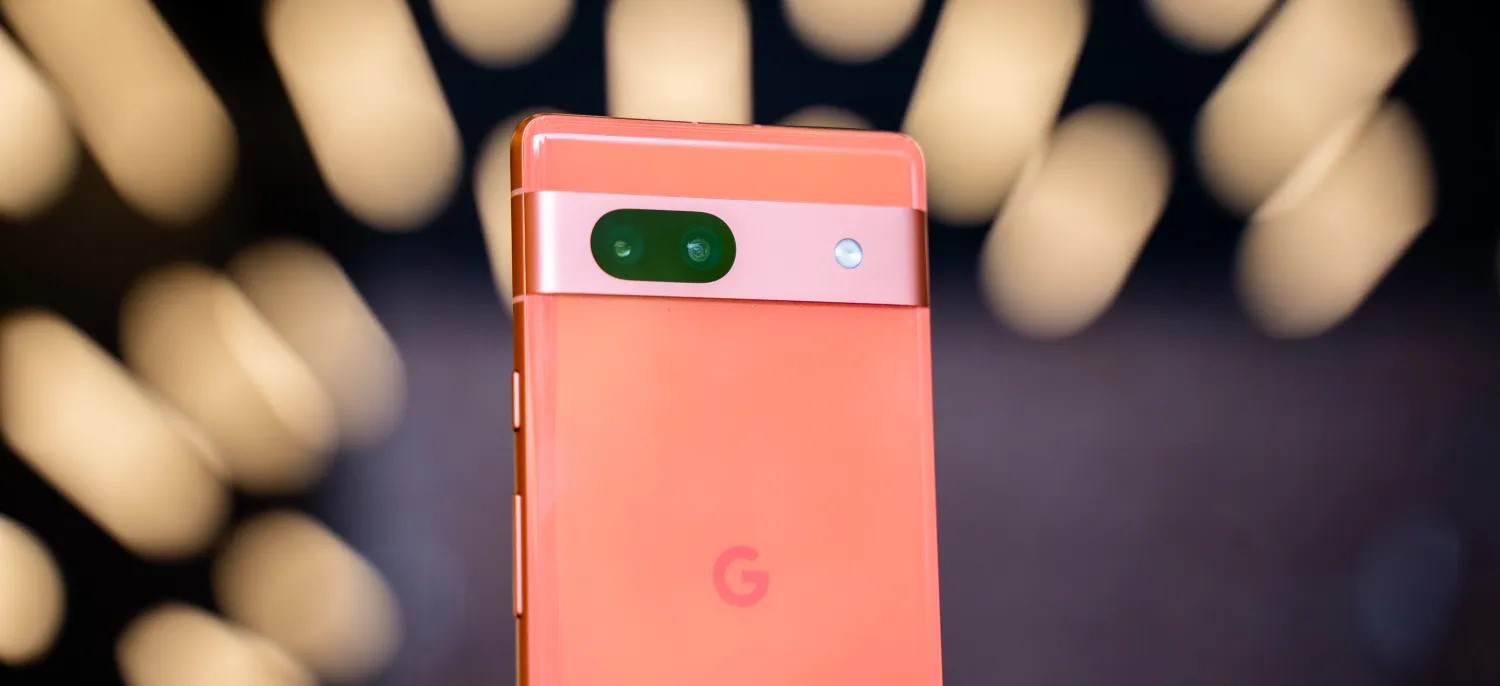
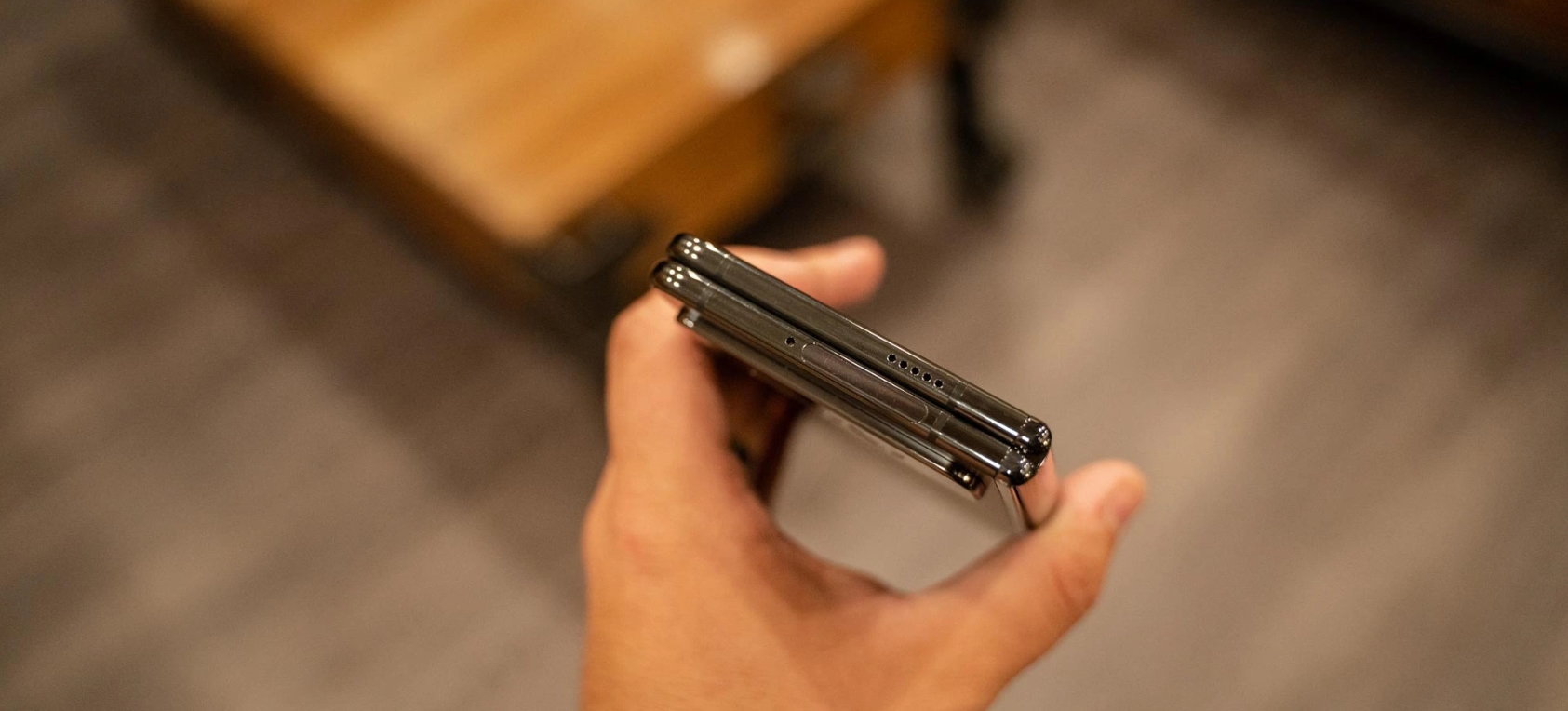
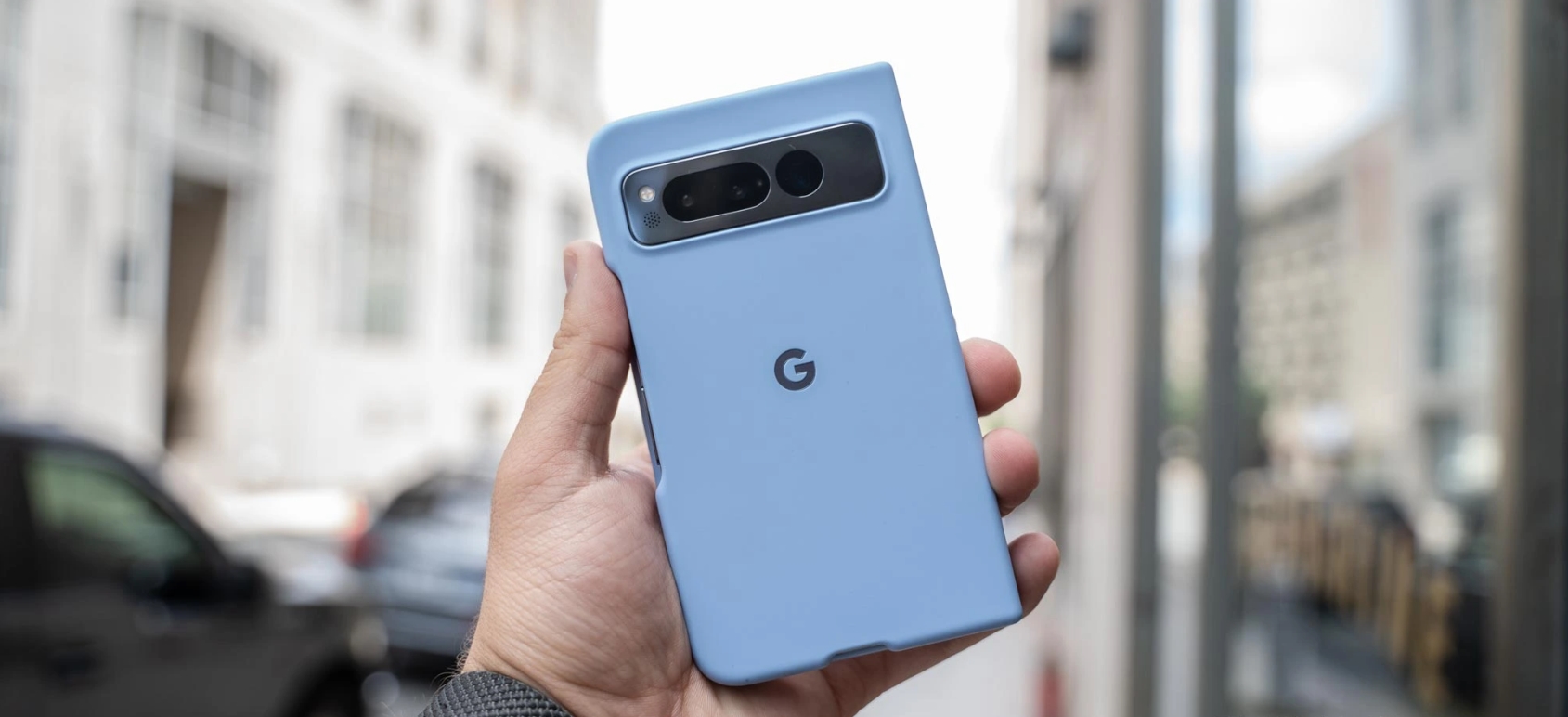
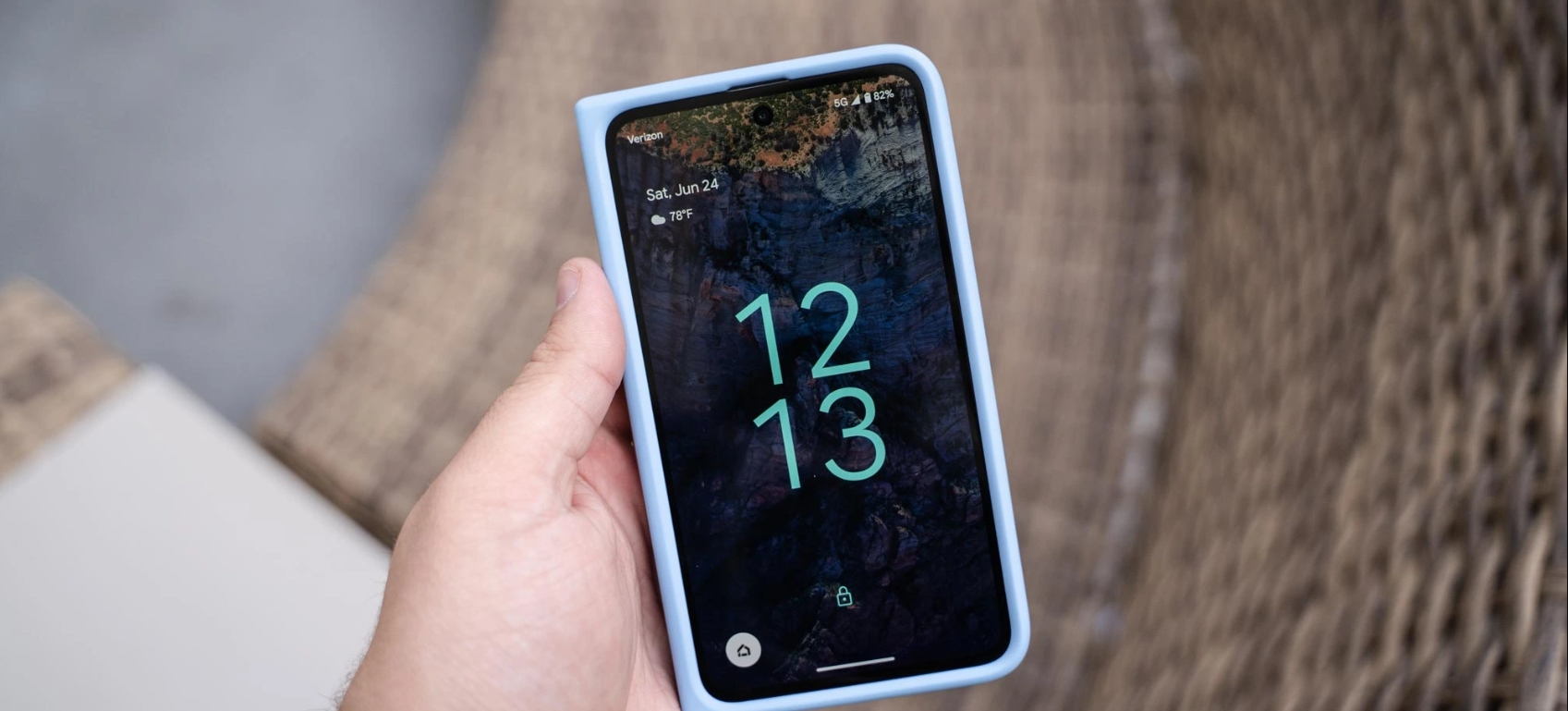
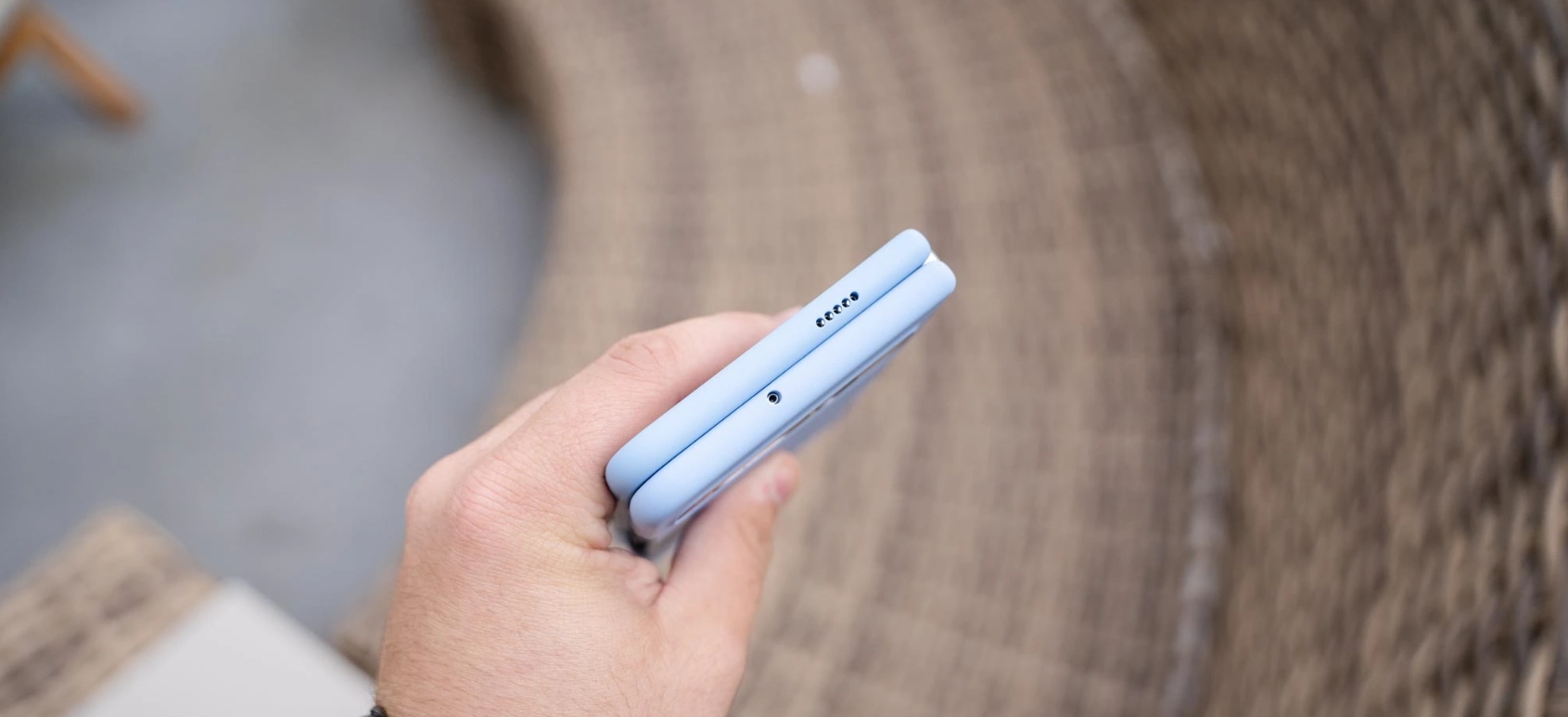
According to a new rumor today, the Pixel 8 and 8 Pro will both get five case colors each in a continuation of the trend introduced by the Pixel 7a.
SnoopyTech shared the following lineup this morning on Reddit (the account appears to have been removed from Twitter):
Pixel 8: Carbon – Haze – Jade – Peony – Real Red
Pixel 8 Pro: Carbon – Jade – Porcelain – Real Red – Sky
Carbon should be black or gray, while Jade (green) and Real Red (coral) are shared between both sizes. Haze on the Pixel 8 could be a light blue, while Peony sounds like a pink. Porcelain should be something light, while Sky is likely blue on the Pixel 8 Pro.
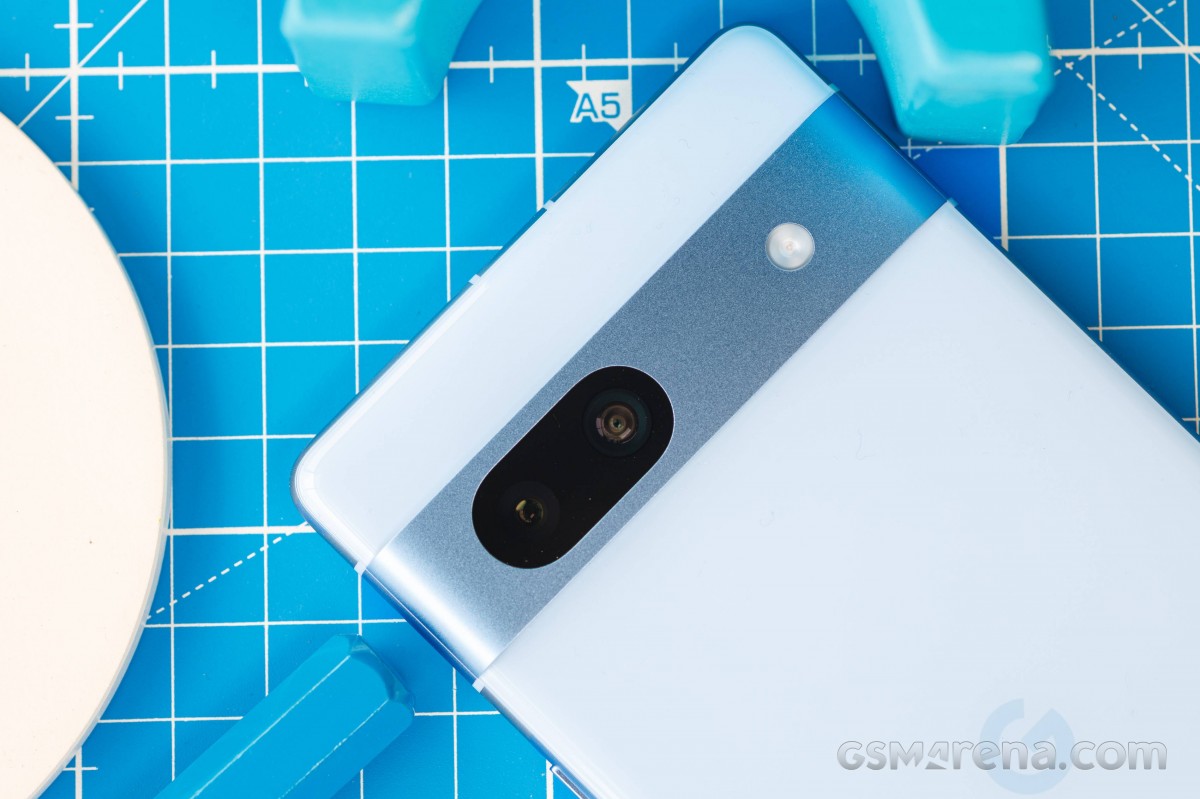
Google Pixel 7 case vs Google Pixel 7a case
Google’s previous high was four with the Pixel 6 Pro before going back to three apiece last year. With the Pixel 8 case colors out of the way, the big question is whether Google is going for soft-touch silicone — like the 7a, Fold, and Tablet — or a harder plastic again. The trend is certainly toward the former.
Pixel 8 Pro leaks in live images
Following renders in March and the short video in the temperature sensor leak this May, we now have an even better “in hand” look at the Pixel 8 Pro.
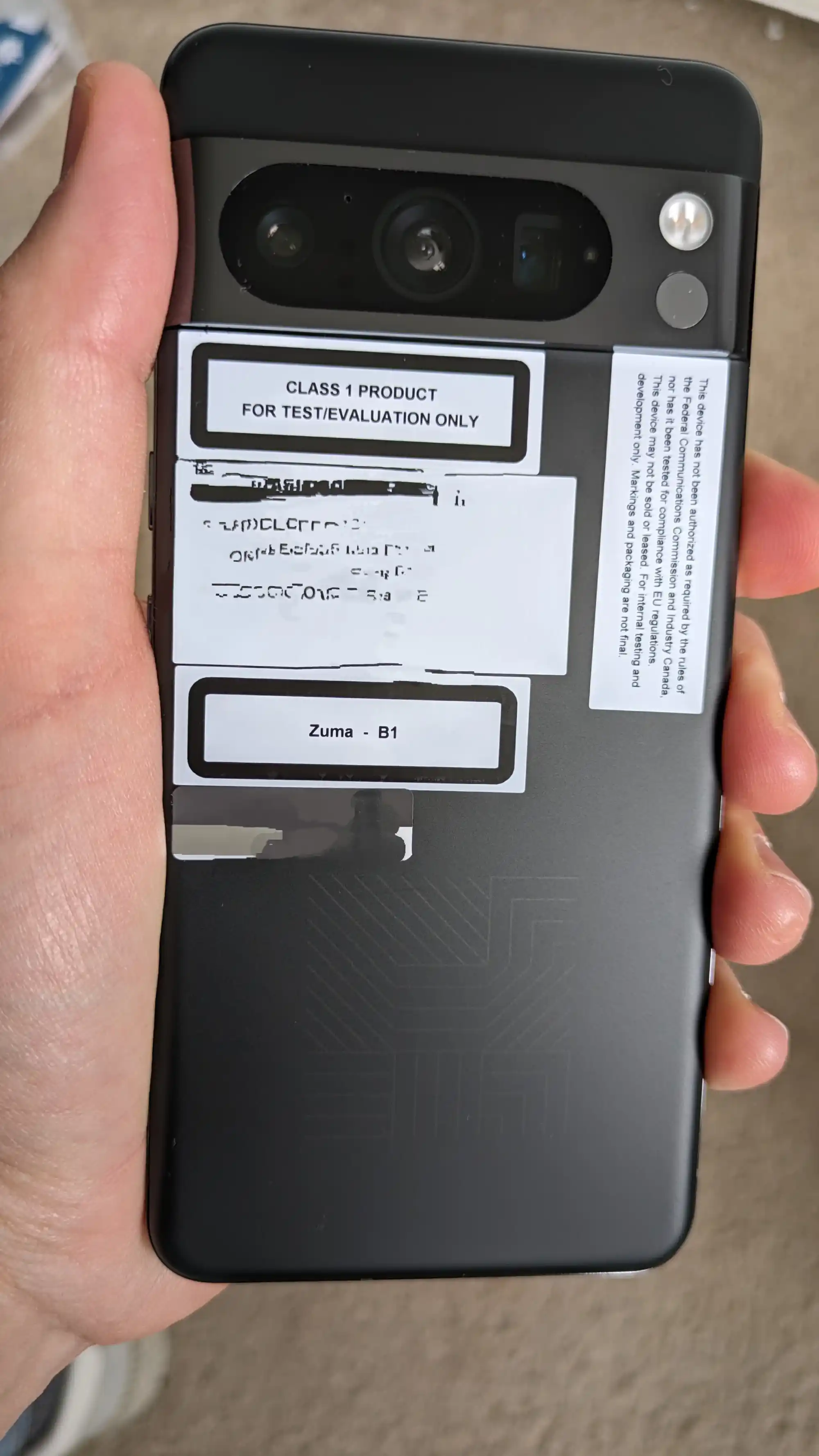
Somebody on Reddit (via Droid-Life) shared a Pixel 8 Pro prototype yesterday, as evidenced by the identifying pattern in place of the “G” logo. They apparently got it “from the device team in Google for testing.”
The bootloader screen confirms the “husky” code name and “ripcurrent” bootloader, while there’s a “Zuma” sticker, which is the Tensor G3 code name, on the back. Other specs on this particular unit include 12GB Samsung LPDDR5 RAM and 128GB SKHynix storage.
We see the increased corner radius in this leak, while the Pixel 8 Pro camera is what really stands out. The unified pill housing all three cameras takes up more of the bar compared to last year. It certainly looks taller with less space to the edge of the bar. The microphone cutout is in-between the first and second cameras, with other sensors below it. You then see the flash and IR temperature sensor.
The image of the front screen shows the Pixel 8 Pro in a case, but we do see the flat screen.
Pixel 8 Pro will apparently still start at 128GB of storage as 256GB becomes the norm
The Google Pixel 8 series is just a couple of months away from its debut, and a new leak is now detailing storage options and more.
WinFuture reports that Google Pixel 8 Pro will offer three total storage options, starting at 128GB. Beyond that buyers could select from 256GB and 512GB options.
That’s unchanged from last year’s Pixel 7 series and the Pixel 6 before it, but it comes at a notable time. Over the past year, more and more flagship devices have moved over to 256GB as the minimum storage tier. Samsung’s Galaxy S23+ and S23 Ultra, the OnePlus 11, and many others have made the switch, often for the same price as the previous 128GB models. Of course, a big part of that is the new UFS 4.0 storage class supported with the Snapdragon 8 Gen 2 processor, which currently isn’t widely available in 128GB sizes. The Pixel 8 series would be powered by Tensor G3, which does reportedly support that newer storage option, but it seems Google may not be using it fully. Samsung also uses UFS 3.1 on the base Galaxy S23 to offer a lower-cost 128GB model.
Notably, a previous Pixel 8 Pro leak showed 128GB of storage on that device.
Whether or not this lower storage offering comes as a problem is unclear, but it certainly makes the Pixel stick out. With rumored price increases, too, it only makes the gap between Google’s device and competitors smaller.
Beyond that, this latest report also reiterates color options, with “Licorice,” “Porcelain,” and “Sky” on the Pixel 8 Pro, and “Licorice,” “Peony,” and “Haze” on the regular Pixel 8.
Don’t get a Pixel 7 – pick the Pixel 7a instead. That more or less summarized our thoughts from our initial encounter with Google‘s latest a-series smartphone, and we’re here now with the full review to establish how correct that early assessment was.
It’s a pretty natural conclusion that anyone can arrive at, really, even by simply looking at the specsheet – and, simultaneously, at the pricelist. The Pixel 7a gets closer to the ‘high-end’ models than any previous offering with an ‘a’ in its name, and comes in at a not-insignificant $100/€100 less (or thereabout, depending on who you ask and at what time) – what’s not to like? But let’s not put the verdict before the review.
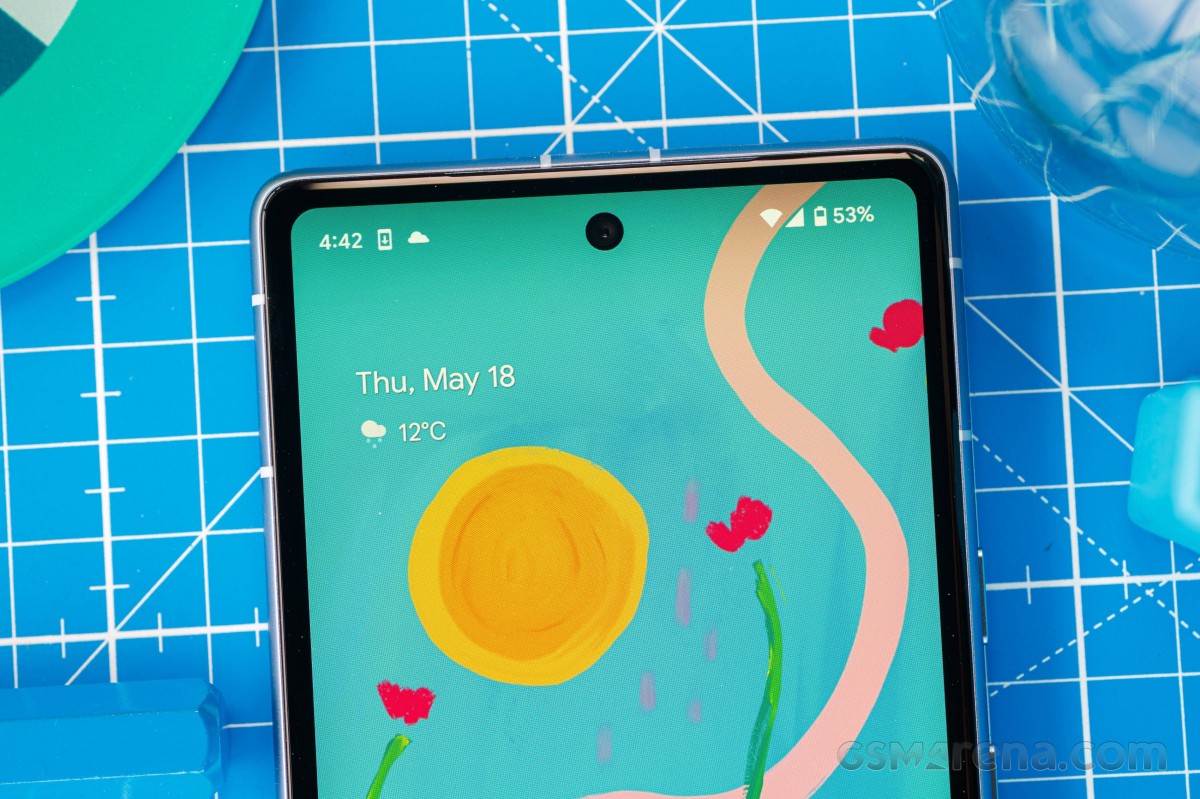
The Pixel 7a improves on some key areas that held the 6a back. Perhaps most importantly, you now get a 90Hz display in place of the old model’s dated 60Hz unit. Yes, the bulk of the competition is at 120Hz already, but the jump from 60 to 90 is the most noticeable from a usability perspective, so maybe we can give the 7a a pass.
The camera system gets a boost too. A new 64MP Quad Bayer main unit replaces the basic 12.2MP one of the 6a – those are more pixels than you’d get with a Pixel 7 (50MP), even though it’s a smaller sensor. Similarly, the 13MP ultrawide is also higher-res (if only just) than the one on the 6a and the 7, albeit with a smaller sensor. There’s no AF on this one, but then it’s only the 7 Pro that has an autofocusing ultrawide, so the 7a doesn’t really lose points here against the 7. The selfie camera is another 13MP affair, that one too being nominally superior to its brethren’s setups.
A noteworthy addition to the a-series feature set is wireless charging. You may scoff at the 7.5W throughput, but you’re unlikely to be in a hurry when sleeping. And it’s not like Pixels are known for fast charging to begin with.
You get the same Tensor G2 chipset on the Pixel 7a that the 7 comes with. While it’s somewhat underpowered compared to other high-end SoCs that the 7 is fighting against, it looks a lot better in the 7a’s context.
Battery capacity is essentially the same between the two models, and the 7a may eke out a few extra minutes of battery life thanks to its slightly smaller display and lower max refresh rate – we’ll see in due time if less ends up being more in this respect.
Less is less in the 7a’s IP rating, but the IP67 should be as good as the 7’s IP68 for that one-time accidental bathroom dunk. The lack of a storage option other than 128GB isn’t as easy to dismiss, though – maybe the 256GB version remains the key thing the 7 has going for it in this head-to-head.
Disclaimer. We can not guarantee that the information on this page is 100% correct.
Google Pixel 7a unboxing
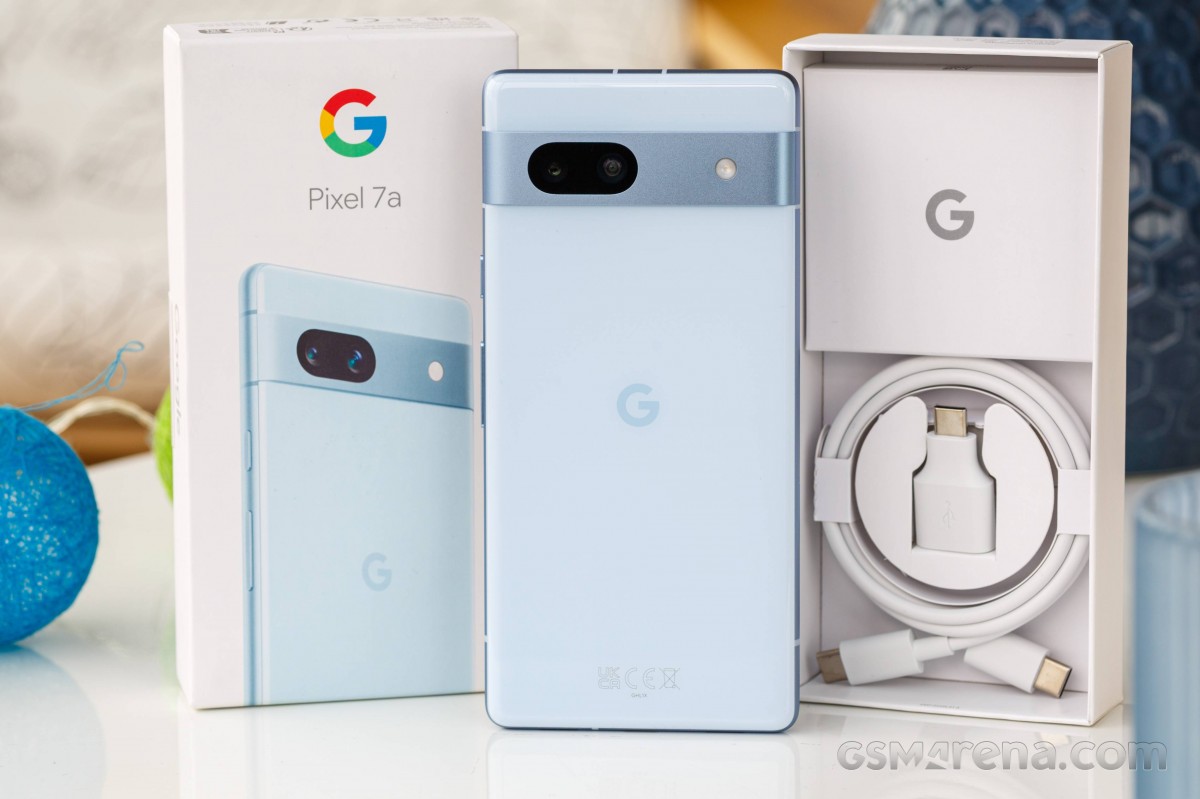
We’ve come to expect minimal bundles from certain companies, and Google is one of them. It’s no surprise then, that the Pixel 7a ships in a box that’s barely larger than the handset itself. The two-piece white cardboard package has a likeness of the phone on lid, color-matched to the actual unit inside.
The contents include a USB-C cable and USB-C male to USB-A female adapter – standard Google stuff. There’s no charger inside, but on some markets you may get Google’s 30W adapter (in its own separate retail packaging) included in the price – that was the case with our German review unit. We did get ours from a third-party retailer, as opposed to the Google online store, and not all retailers appear to be running the same promo. Chances are you’ll be needing to come up with your own charger, is what we’re saying.
Now, while the charger situation is not exclusive to the Pixel 7a, a lot of competitors in the segment do come with adapters in the box. A bundled protective case is also not unheard of. Perhaps a value-oriented consumer like the ones eyeing a 7a would appreciate getting a bit more for their money.
Competition
The Pixel 7a comes in at $500/€510 and that’s quite a heavily contested market segment. Google doesn’t like to sell its phones in more than a handful of markets though, so if you’re outside the select few countries with Pixel presence, things will be easily settled for you. But if Pixels are on the table, there will be some thinking to do.
For starters, you’ll need to consider the Pixel 7a’s in-house competition – an easy enough task. While it remains on sale, the 6a comes with a dated 60Hz display, previous-gen chipset, inferior camera and no wireless charging – we reckon the extra $100/€100 for the 7a are well worth spending. That said, we’re seeing $350/€350 promotional price tags on the 6a, and that calls for some more serious cost/benefit analysis.
It’s probably easier against the Pixel 7 – basically, if you don’t need more on-board storage than the 128GB 7a gives you, the 7 doesn’t really have much to justify the $100/€100 premium. And, technically, if you do insist on the 256GB of storage, you’d be looking at a $200/€200 extra over the 7a, which seems like a lot of money to pay for a storage upgrade.
The 7 Pro has gotten some heavy discounts, particularly in Europe, but it’s still a good deal more expensive than the 7a, so it doesn’t feel right to consider it an alternative to the 7a.
Google Pixel 6a • Google Pixel 7
Outside of Google‘s own roster, the very recent Motorola Edge 40 sounds like a very enticing alternative to the Pixel 7a. Sort of a ‘stock’ Android experience, but with Motorola’s own proprietary additions, the Edge 40 is similar, yet different enough to attract its own crowd thanks in part to the PC-like ‘Ready For’ functionality. It’s not really worse at anything, while being at least as good and often better than the Pixel in key areas – AF-enabled ultrawide, proper fast charging, way higher refresh rate display, actually good selfies, 256GB of storage. The Edge 40 is also as close as you can get to a capable midranger that’s also compact – something the Pixel ‘a’ can no longer claim.
The Moto does have a higher MSRP at launch, and it could be argued it’s worth the added cost. But we feel like its price is going to come down to Pixel 7a levels soon enough, and, unless you’re dead-set on having Pixel software, the Edge 40 sounds like the overall better package.
There’s no need to wait for a price drop with the Galaxy A54 – that’s already going for $100/€100 below Pixel 7a’s price. The biggest concession with the Galaxy would be performance – its mid-tier Exynos can’t quite match the Pixel’s kinda-flagship Tensor. The Galaxy does score a few small victories, like having expandable storage and longer battery life. We’d pick the Pixel for its cameraphone prowess, and the Galaxy if you’re after more of generally good smartphone.
The Nothing Phone (1) is another alternative that runs cheaper than the Pixel – at about the A54’s level. Alongside the savings, the blinky LED back of the Phone (1) is a major selling point, irrational as it may sound, but Nothing’s first… phone is not without objective merits. While we wouldn’t say it’s dramatically better than the 7a at anything, it’s a little better here and there – refresh rate, battery life, charging speed. The Pixel is again the better cameraphone, generally speaking, is bound to get way better software support, and has superior weather sealing (IP67 vs. IP53).
The appeal of Pixel phones tends to be pretty niche, often not entirely well-founded in reason, and difficult to explain with just numbers and test results. It’s somewhat of a similar story with the Pixel 7a here, as a quick look at the pros and cons lists below will show you.
Google hasn’t been quick to adopt a high refresh rate display on its ‘midrange’ model and even when it finally has, it’s a 90Hz panel in a sea of higher RR competitors. Battery life is unremarkable, charging speed is downright unacceptable, the lack of storage options is limiting, and the Tensor G2 runs hot and throttles. There are also missteps in what should be any Pixel’s forte – camera performance.
Attempting to counter all of the above, we have an Android experience tailored to Google’s own vision with a clutter-free interface, Pixel-only features, and an update policy that’s hard to rival. An otherwise meh flagship chipset does make for a pretty great midrange one, prone to throttling as it may be. And so long as you avoid people shots in most of their incarnations, the Pixel 7a’s camera’s system will deliver image quality that wouldn’t be out of place on an actual flagship.
In summary, with the 7a, Google appears to have simply created a more affordable Pixel 7, making the latest a-series model the go-to option for someone just looking for a Pixel. If the ‘G’ logo on the back is not part of your requirements, perhaps there are better deals out there. Perhaps you’ll be missing out though.
Google brings back the Horizon live wallpaper on Pixel 7
At launch, the Pixel 7 and 7 Pro series lacked the “Horizon” live wallpaper, but it’s now available again to download and set as your background.
Starting with the Pixel 6a and continuing with the Pixel 7 and 7 Pro, the Living Universe collection lacked the “Horizon” live wallpaper that would reflect your battery percentage: “Look to the horizon. The sun rises as your phone charges, and lowers as the battery is used.”
All the other backgrounds were present, but the wallpaper that was introduced with the original Pixel in 2016 wasn’t for, seemingly, no particular reason.
In the past day or so, Horizon has returned on a Pixel 7 (running Android 13) and 7 Pro (Android 14 Beta 3.1) with a server-side update. It’s fantastic that this lapse has been addressed as it truly is a fan favorite that ambiently conveyed battery status.
The Pixel 8 and 8 Pro will see mineral-inspired wallpapers. Meanwhile, the Pixel Tablet does have the Living Universe collection in Wallpapear & style, but only eight are offered. These are presumably the only large screen-optimized live backgrounds:
Bird’s-Eye View, Zion National Park
White Sands, Sonoran Desert
Flying above, Monument Valley
Garden, Kent, United Kingdom
Half Dome, Yosemite National Park, CA
Pantheon, Rome, Italy
Shinjuku, Tokyo, Japan
Whitehaven Beach, Queensland, Australia
Google’s updated privacy policy doubles down on using your data for training AI
AI is a bigger focus for Google than it ever has been, and in an update to its privacy policy, Google is doubling down on its ability to use data for training AI models.
As of July 1, 2023, Google has a new privacy policy in place for users. The update, highlighted by Gizmodo, is documented on Google’s policy site and has a key change.
Google has had a policy in place for some time now that allows the company to collect data from its users and use that data for “business purposes.” That includes for “research and development,” which has long included for building out and improving Google Translate.
Now, in the latest update to its policy, Google is including its AI models in what it can use data from you for. That also includes using the data to train Bard and Cloud AI “products.”
The updated policy matter states (new text in italics):
Google uses information to improve our services and to develop new products, features and technologies that benefit our users and the public. For example, we use publicly available information to help train Google’s AI models and build products and features like Google Translate, Bard, and Cloud AI capabilities.
In a later point, Google also notes that publically available information can also be used to train these models.
For example, we may collect information that’s publicly available online or from other public sources to help train Google’s AI models and build products and features like Google Translate, Bard, and Cloud AI capabilities. Or, if your business’s information appears on a website, we may index and display it on Google services.
None of this implies that Google is planning to use private data linked to your account for training but rather only public information. That’s going to happen anyway, as has been made clear with the rise of ChatGPT and other AI models, but Google’s new policy makes it clear the company intends to do the same thing with data from its users.
Pixel 7a’s Tensor G2 processor appears to be slightly different from the one in Pixel 7
Google’s latest A-Series smartphones have felt faster than ever thanks to an upgrade to the same Tensor chips as their more expensive siblings, but in the case of the Pixel 7a, it appears that the Tensor G2 processor inside is slightly different.
The $499 Pixel 7a is a stellar device at its price point, as we brought out in our review last month, and a big part of that is running on the Tensor G2 processor. That brings better performance, slightly better efficiency, and a much better modem compared to the original Tensor found in Pixel 6a. And while all of that remains true, new evidence suggests that the Tensor G2 found in Pixel 7a isn’t the exact same one found in Pixel 7 and Pixel 7 Pro.
Uncovered by Kamila Wojciechowska, the Pixel 7a is using an altered version of Tensor G2 that is known as the “IPOP” variant. The short version of what that means is that the chip found in Pixel 7a is packaged differently. It has the same components, but the surrounding casing is likely less costly to produce compared to the FOLOP-PoP tech that’s used on Tensor G2 in the Pixel 7 and Pixel 7 Pro.
Realistically, this shouldn’t be too much of a problem for most folks, but the added heat certainly isn’t appreciated. Tensor-powered Pixels have been notorious for heat problems, and every little bit helps.
Tensor G2 is also now included in the Pixel Tablet and Google Pixel Fold, but it’s unclear if those devices are also using altered versions from the smartphones we saw released last year.
Pixel Launcher’s Discover feed getting more Dynamic Color
The Google Discover feed to the left of the Pixel Launcher is getting a bit more Dynamic Color.
Before this latest change, only the top portion and Google logo saw Dynamic Color theming. It’s now being extended to the feed background. Instead of white or gray, you’ll now see something more vibrant to better align with your wallpaper. It doesn’t really impact the legibility of article images and headlines or the top carousel of widgets.
We’re seeing this expanded use of Dynamic Color in the Pixel Launcher’s Discover feed on Google app 14.26, which is the current beta release, but it’s not yet widely rolled out. This splash of vibrancy is somewhat nice when transitioning between the feed and your homescreen.
In other things, the Google app’s (short) Material You bottom bar is also not yet widely launched on phones for everyone after all these months. The M3 navigation rail is live on tablets, though it doesn’t support Dynamic Color yet and resorts to a blue accent.
It’s still crazy to me that Google has already launched its first foldable smartphone, but for the past few days, that’s what I’ve been using. Is it any good and, more importantly, is it remotely worth the cost? That’s what I’ll try to answer in our initial review of the Google Pixel Fold.
Hardware & Displays
Google’s first foldable is very well built
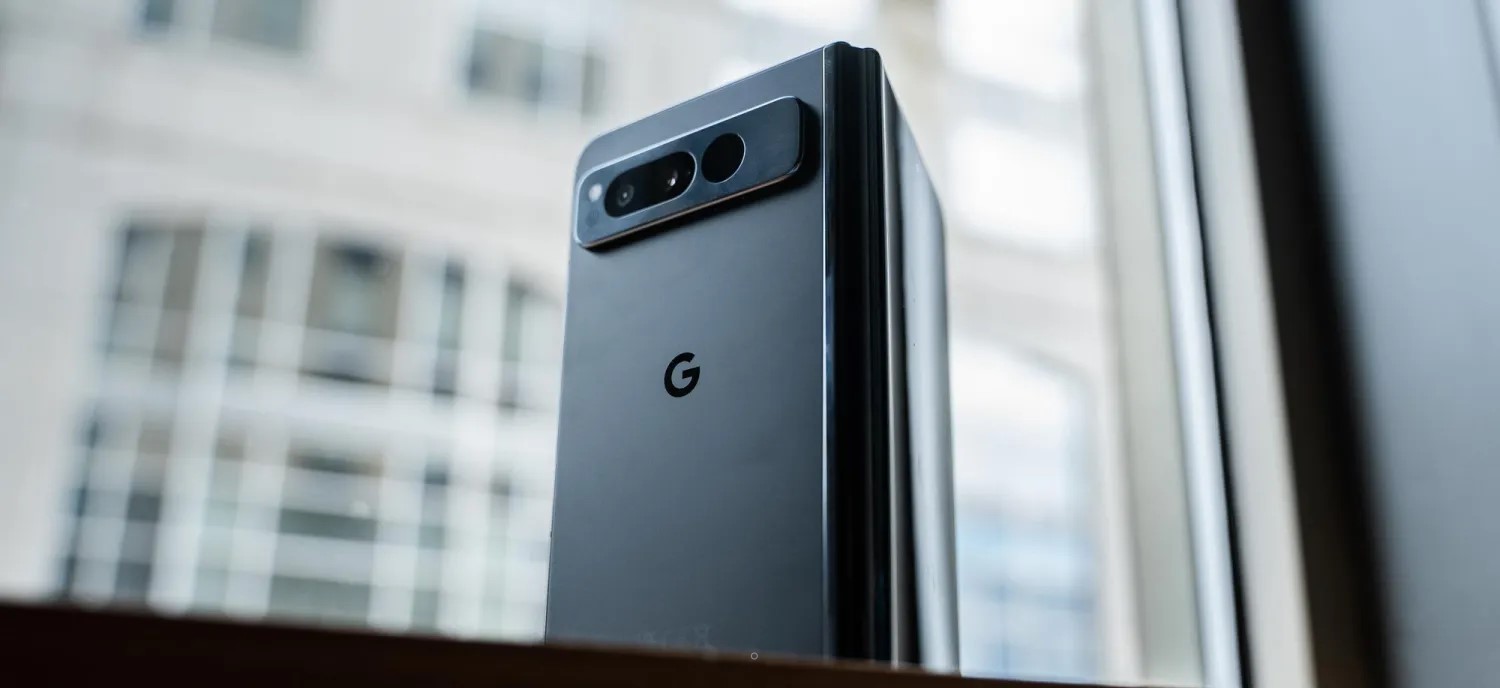
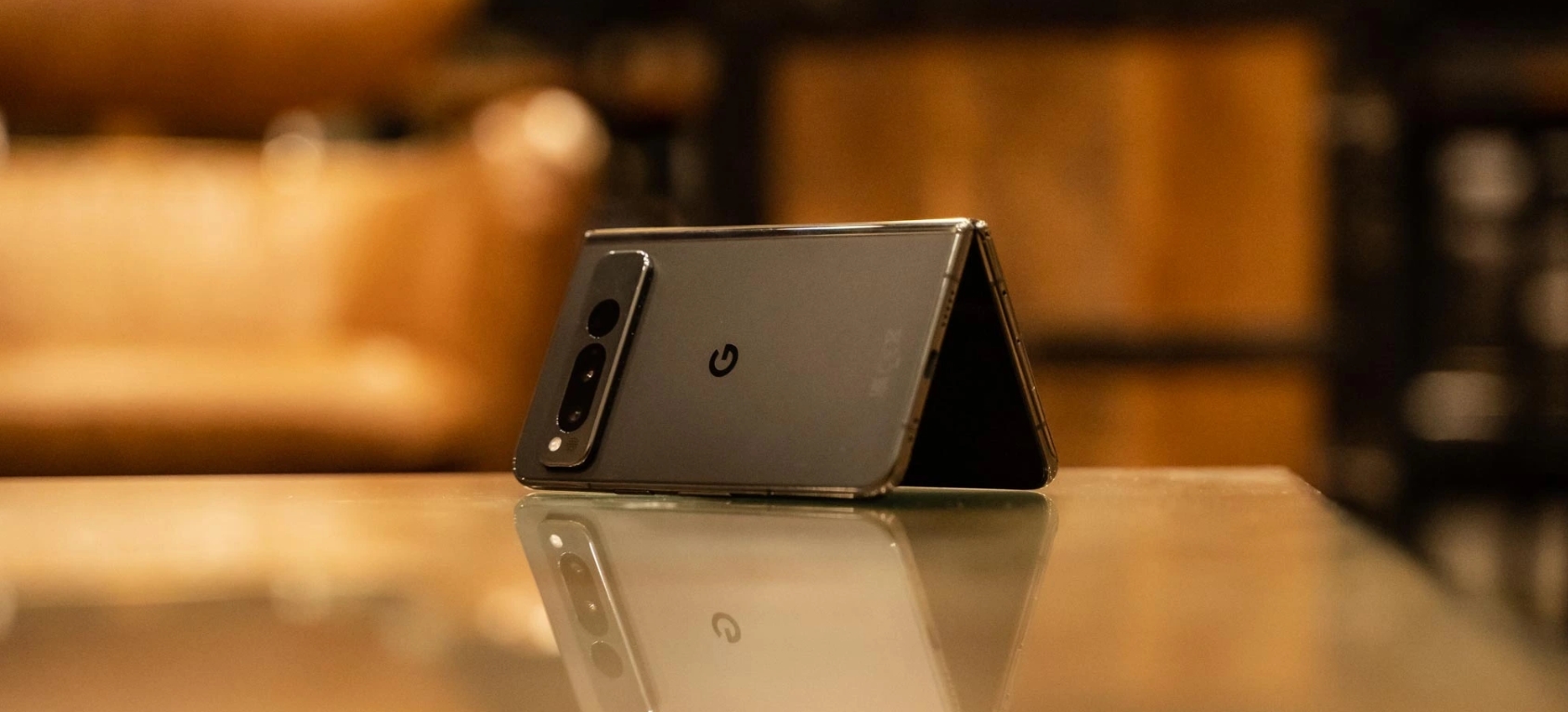
One of the biggest things Google is touting on the Pixel Fold is the build quality. I was skeptical of this at first given the company’s history but, really, they’ve mostly nailed it. The stainless steel frame of the phone is premium, though it is an absolute fingerprint magnet in the black variant Google sent out. The unfolded hardware is also incredibly thin, more so than the Galaxy Z Fold 4 I’m used to using, and even an improvement over other devices I’ve tried (even ones sold outside of the US).
This is also the first Pixel device since the Pixel 4 series (RIP) to have a matte back. The rear glass is soft to the touch and, while not quite to the same level as past Pixels, is quite good. I was disappointed to see some regulatory markings on the back, something that Pixels are usually free of, but it’s easy to forgive with the really nice hand feel that comes from the combination of matte glass and glossy stainless steel. It’s something that no other modern Pixel offers.
And, on top of that, there’s the size. The Pixel Fold is unexpectedly compact. I’ll talk more about using the 5.8-inch display later on, but the phone’s overall size is just a delight, at least when it’s closed.
Each time I pick up the Pixel Fold, I fall a little more in love with the hardware and build quality.
Of course, that’s not to say it’s perfect. The Pixel Fold is very heavy, weighing in at a whopping 283 g – that’s 20% heavier than the Pixel 7, and you feel it. That said, as someone who’s carried a Galaxy Z Fold for the past few years, I don’t really mind it, especially because Google’s foldable is thin. Keeping the Fold in my pocket really didn’t feel all that different from the Pixel 7 Pro in a case, even when the Fold was in its official case. The weight is a “problem” when you first pick up the Fold, but it becomes a non-issue after even just a few hours of use.
Another non-issue, at least to me, is the hinge. The stiff hinge is well-built as I mentioned, but it doesn’t always reach 180 degrees when you initially open it up. Rather, you have to exert some extra pressure to make it completely flat. This seems to be a lottery, with some Pixel Fold units being better or worse than others. My unit, at least, seems to be well-tuned. I’m typically seeing the device settle around 179 degrees when open, and I’ve gotten into a habit of just giving it a little extra push to hit 180 degrees.
Hinge tolerance is a problem that all foldables face. The Motorola Razr+ I just finished reviewing last week often settled around 178 degrees without an extra push, and a few months into using my Galaxy Z Fold 4, it’s hard to get a completely flat unfolding. The Pixel Fold certainly isn’t alone here, and according to Google, the resistance you feel during those last couple of degrees is actually a side effect of just how strong the hinge is. The company is insistent that the hinge can hit 180-degrees and, yes, that’s true.
1) The "not folding flat" thing:
Pixel Fold *can* fold flat (or nearly flat). But you need to really bend it to get it there – too much for comfort.
Explanation I was given (by an engineer, not PR): they used a high-friction hinge for rigid positioning. This was the tradeoff. pic.twitter.com/0RGBTrMu4E
On the outside of the Pixel Fold is a 5.8-inch display, backed up by a 7.6-inch panel on the inside. First, let’s talk about the outer display, because it might be the secret weapon of this device.
The Fold’s outer display is compact in a way we haven’t felt on a modern Pixel phone, and it’s also wide compared to most foldables I’ve tried. Through four generations, Samsung’s Galaxy Z Fold series has stuck with a tall and super-narrow display that a lot of people really dislike. I am not one of those people, and have really come to love the feel of that display. That said, the Pixel Fold kind of nails it here. The outer display is super wide (roughly identical to Pixel 7 Pro, but vertically much shorter), which I thought would feel cumbersome, but the phone’s super-thin design helps make that okay.
In action, that small display is quite nice to use. Despite being more than a full inch smaller than what I’ve gotten used to on the Pixel 7 Pro, I don’t really feel like I’m giving anything up. And, in terms of usable area, it’s much better than Samsung’s option. Plus, the glass is flat!
The only real complaint I have on the outer display is the brightness, which feels a little low even though my entire review period was handled under dark and dreary skies. More testing will be needed.
The wide outer display also leads to a wide inner display. The 7.6-inch panel here is the same diagonal measurement as Samsung’s foldable, but it feels much larger due to its width. And this comes with its own set of pros and cons.
On the bright side, there’s a lot of room here. Tablet-optimized apps feel right at home, and we’ll get into some examples later on.
This size and aspect ratio are also really good for running two apps side by side, making the Fold a multitasking machine if you want it to be and without any real compromise. The two apps essentially have full, albeit short, smartphone displays to themselves.
To address the bezel, this is beyond a non-issue.
The Pixel Fold’s bezels are a good thing. They provide extra room for grip, both on the sides and the top/bottom, as well as allowing for a good-quality inner camera that doesn’t take away from the screen in any way. If you have an issue with the bezels, just don’t buy the phone – anyone who actually gives it a chance will tell you the bezels do not matter at all.
What does matter is how the screen feels and, yes, the crease.
Google’s hinge design sees the screen noticeably dip into the center as it’s closed
The screen here is using a layer of ultra-thin glass coated with a built-in screen protector – Google says that screen protector should not be removed. The screen feels alright most of the time, but I did notice that humid conditions leave it feeling a little sticky like early generations of Samsung’s foldables. It’s certainly far better than those devices in that regard, but it’s not quite up to par with most other recent foldables I’ve tried.
And, as for the crease, it’s totally fine. It’s not nearly as good as foldables from Oppo, Xiaomi, Honor, or even Motorola, but if those brands are the gold standard and Samsung is the bottom of the barrel, I’d put Google as the middle ground. You’ll feel the crease and sometimes see it, but in actual use, it becomes a complete non-issue.
Pixel Fold (L) vs Galaxy Z Fold 4 (R)
The Pixel Fold is too wide
My biggest problem with the Pixel Fold so far is that this phone is wide.
The open 7.6-inch display leaves a ton of room for activities as mentioned, but it’s cumbersome to use. The width makes it harder to hold the foldable with one hand when it’s open, and even when it’s closed, the small screen isn’t fully one-hand-able because it’s so wide. The width also leads to excessive wasted space inside when an app is forced into portrait mode.
But the real kicker is typing. Gboard defaults to a split view on the Pixel Fold, which I usually hate, but here that’s pretty much a necessity, like on the Pixel Tablet, because using the regular layout on the inner display requires either insanely long thumbs or some serious hand gymnastics. Even a few days in, I’m still not very happy with typing on the inner display as it’s uncomfortable and leads to constant typos – I’m pretty sure autocorrect is at least partially broken on this device currently.
I’m very much hoping I’ll get used to this with time, but right now, I’m of the opinion that the Pixel Fold is just way too wide.
Software & Performance
Google’s take on a foldable is clean, but not as capable
With the Pixel Fold being a multitasking-centric device, I was actually a little mixed about the Pixel experience being at the helm. As much as I love Pixel software, One UI feels like a perfect fit for this form factor. That said, Google’s experience actually holds up rather well, and there’s not much I felt myself missing from my Galaxy Z Fold 4.
The biggest advantage Google’s software has is that it’s clean. The Pixel experience is full of useful features, but they’re designed in a way that never feels cluttered. Buttons are more clearly labeled, information isn’t quite as dense (though not much space is wasted).
A good example of that is the notification tray. Where Samsung gives you one big column, Google takes advantage of the extra space by showing one panel with your quick settings to the left and one with notifications to the right. Admittedly, I’d have loved to see some more quick settings to fill the vertical space, but aesthetically, this is pretty well-balanced.
Google’s take on foldable software is also one where both screens contribute to the same experience. The Pixel Launcher displays the same layout inside and out, just with the inner display showing two panels at once. Google explained that this choice was made because it feels more convenient and fluid, but it’s something that the company will evaluate again in the future. The only problem I felt there was with the app dock, which has an extra slot on the inner display that you don’t get on the outside.
You’ll also feel this cohesive setup through apps. Obviously, using an app on the outside leads to that app just getting bigger when you open the display, but if you’re using an app on the inner display and then close the phone, the outer display will keep that app alive too. Where Samsung brings you back to the homescreen, Google will show the same app on the outside that you were just using on the inside. If you were multitasking on the inside, the last-used app appears on the outside. That also, oddly, leads to app pairs not sticking around on the inner display, but that’s ultimately a pretty minor annoyance.
Multitasking in itself is a feature that, personally, I actually rarely find myself using. I generally tend to use the foldable display as just a bigger space for my singular apps, but using two apps side-by-side does feel really nice on this display, and the taskbar makes adding apps easy. The feature I really found myself missing, though, was Samsung’s floating apps. Google doesn’t offer this, and I really would have appreciated the option on this expansive display. That said, just making the secondary app smaller had roughly the same effect.
The Google Pixel Fold runs Android 13 out of the box, with the usual update policy of three years of major Android updates (through Android 16 at least) and five years of monthly security updates. That’s behind Samsung’s 4-year promise for major updates, but it’s not really all that bad either.
The app situation is getting better
As usual with any big-screen Android device, the Pixel Fold faces the app problem. Android apps, in large part, just aren’t good at being on tablets, but this situation is very clearly getting better.
Some star pupils during my use of the Fold so far have been the Google Home app, the new Google Weather app, and Google Keep.
Notice the lack of third-party apps here? There are some good ones, like Telegram, WhatsApp, and Discord, but there are many that are slacking here. Twitter, Reddit, and others are letterboxed in, and other apps that once had a tablet layout, like Slack, just don’t work well.
But ultimately that’s not the fault of the phone and, if anything, the Pixel Fold’s existence may help us towards a future where these apps are a little better. And Google has struck a good balance, too. While I firmly believe that Samsung’s taller and narrower aspect ratio is better for most apps today, I ran into fewer problems on the Pixel Fold because Google forces apps to run in the correct aspect ratio, even if they have to be letterboxed.
Things would be slightly better if the Pixel Fold wasn’t so wide, though, something I predicted might be the case.
Tensor G2 is fast enough but is the Fold’s weakest link
As has been the case with Google’s past few Pixel products, much of the conversation with performance comes down to Tensor. The Tensor G2 processor here is the same one found in Google’s Pixel 7 and Pixel 7 Pro, which means it’s faster than its predecessor, has a better modem, and overall, just gets the job done. Sure, the Snapdragon 8 Gen 2 is much faster, but you’re really splitting hairs to feel that difference.
Rather, the reason I’d prefer a Snapdragon here just comes down to efficiency. With Google mainly releasing Pixels in the late fall, I rarely get to experience how the phones handle heat during my review period. But between daily driving a Pixel 7 Pro through the first 85-degree days of the year and now using the Pixel Fold as North Carolina’s temperatures jump up and down, I’m reminded of just how Tensor fails here.
The Pixel Fold gets hot often and stays warm almost constantly. Just using the foldable for more than 15 minutes at a time leaves the bottom half feeling a bit warm, and escalating that with a game or something more intensive can just make matters worse. The heat is also somewhat more noticeable on the Fold versus the rest of the Pixel series just because of how thin the device is.
Is this a deal breaker? For many people, it might just be, and that would be fully understandable. For me, I don’t really run into actual issues caused by Tensor’s heat enough for it to be a problem – it’s mostly a minor inconvenience. But with the Pixel Fold costing double Google’s other most expensive phone and really, sitting at the top of the charts for the foldable market as a whole, the standards are higher, and Tensor really proves to be this phone’s weakest link by far.
Cameras
This is where Google Pixel Fold shines
Due to the inherent limitations of foldable form factors, these devices have historically struggled in the camera department. Even with the Galaxy Z Fold 4, Samsung still doesn’t really nail it here, and other brands are hit or miss – Oppo, Xiaomi, and Honor seem to have really figured it out, though.
Google, thankfully, seems to have kept up the Pixel’s camera legacy on the Pixel Fold. With my most of review period being stuck in dark and dreary conditions, I don’t want to solidify my thoughts on the camera just yet. But, at least so far, it seems like a winner.
The 48MP main camera doesn’t feel quite as strong as the 50MP sensor in the Pixel 7 and Pro, but the 5x telephoto lens is a godsend compared to my Galaxy Z Fold 4’s 3x lens, and I’ve been very happy with a lot of my shots so far.
One of the perks you’ll get on the Google Pixel Fold is the ability to shoot selfies with the rear camera by using the outer display as a viewfinder, and the Google Camera app adopts to this well. I think Google’s implementation of the button for switching to this mode is much more obvious than on other foldables, but the width of the Pixel Fold makes holding it and snapping the shot a little cumbersome, and skin smoothing felt very aggressive. I’m not much of a selfie taker, but I don’t remember past Pixels being quite as strong here.
Still, I’m far happier here than I’ve been on the Galaxy Z Fold 4 that’s usually in my pocket, so this is a big win in my book.
Battery Life
Maybe the best battery on a Tensor-powered Pixel?
In the few days I’ve been using the Pixel Fold so far, I’ve actually been really happy with the battery life.
I’ve been running roughly a 60/40 split on the outer and inner displays respectively, and have been managing 3-4 hours of screen time daily with a mix of social media, email, web browsing, the occasional game mixed in. Wireless Android Auto is also a fairly regular occurrence. The endurance isn’t perfect by any means, but for my usual 8 a.m.- 11 p.m. schedule, I find myself going to bed when the tank has hit the single digits.
If I know I’m going to be out later, or really out at all given Tensor’s inefficiency on mobile networks, I usually try to find a few minutes to plug in for a bit of extra juice. The wired charging, which hits around 22 W like the Pixel 7 series for the 4,821 mAh battery, is generally enough, too. Wireless charging, though, has been quite finicky even on Google’s own Pixel Stand. I suspect it’s just because this phone is so much smaller in its vertical footprint, as a pad-style wireless charger does work much better.
Repairability
With any foldable repairability is an important point to consider before buying, and that’s especially true with one from Google, given the infamous history of woes with Pixel customer service.
Tidbits
Haptics
Haptics feel less impactful on the Pixel Fold than they do on the Pixel 7 and Pixel 7 Pro. That’s not to say they’re bad, they’re still so much better than most phones, I just find myself noticing them less because they’re not as strong.
Fingerprint sensor
Unlike every other Tensor-powered Pixel phone so far, the Pixel Fold has a physical, capacitive fingerprint sensor. The sensor is built into the power button and, generally speaking, is very good. The success rate feels higher than the optical sensor found in Pixel 7 Pro, and if it does miss on the first try, it always gets it the second time around. I think this will get better with time as I get used to the placement.
Pixel Fold’s fingerprint sensor is built into the frame
Official case
If you’ve followed my time with Samsung’s foldables, you’ll know that cases are something I’ve felt foldables haven’t really nailed down. Samsung took about three years to really figure it out, but Google nailed it here right out of the gate. The official Pixel Fold case, which runs $60, fits onto the foldable well and uses minimal adhesive to do so. There are a couple of adhesive bits, but they don’t prevent easy removal. The case fits snugly, especially on the front, and the back half is super grippy. Overall, this case is a huge win and certainly worth adding to your purchase.
The verdict… so far
Six days isn’t nearly long enough to really come up with a final verdict on the Pixel Fold, but I’ve got a pretty good idea of where things are going at this point.
The Pixel Fold is a device that is way better than I expected, and shockingly, actually really good. Google has made some meaningful decisions with this device that help it stand out from the rest of the foldable market and, in some cases, rise to the top. The biggest win here is on Google getting to market with something this good, this early. In the US, Google is only competing with Samsung and, despite the Galaxy Z Fold’s clear advantages on repairability and the years of background knowing how these devices age, Google actually puts up a strong offer.
For a first-generation product, I’m blown away at just how good the Pixel Fold has proven itself to be.
It’s just far too expensive for what it brings to the table. I’m happy to forgive some of Google’s shortcomings with Pixel, such as the issues with Tensor, when the company is undercutting its competitors like the Pixel 7 and Pixel 7 Pro do, but with the Fold coming in at the exact same price Samsung is asking, it’s just not worth it. I canceled my personal Pixel Fold pre-order, and I’d only put up the money myself if the device was considerably cheaper.
This first Pixel Fold is a very solid foundation, but the improvements to Tensor that could arrive in a “Pixel Fold 2,” along with a price cut, are what Google needs to deliver to really sell me on this product.
Pixel phones have an unfortunate pattern forming when it comes to updates causing issues with battery life, and it seems the June update is causing another round of issues with battery drain for some users.
A Reddit thread from last week has picked up hundreds of comments from Google Pixel owners, many of whom have noticed that the June 2023 update is causing faster-than-normal battery drain on their devices.
Some of those affected report seeing their battery needing a charge by the afternoon and requiring a charge multiple times per day. Google’s Pixel phones have never had tremendously good battery life, but this is certainly not how things should be going. The phones even seem to be draining much faster when sitting idle. And, on top of that, the issue is also causing phones to run hotter than usual. The problem seems to mostly be affecting Pixel 6 and Pixel 7 series devices.
The issue doesn’t appear to be universal, with some even claiming improvements following the update, but it’s certainly not an isolated case either. Some also report signal issues following the update.
The good news here, at least, is that a fix may end up coming sooner than later. Google tends to release new updates on the first Monday of the month, which puts a potential fix just a week from today. That said, with June’s update having been delayed by almost two weeks, it stands to reason July’s might, too.
June Feature Drop + Android 13 QPR3 rolling out: Pixel 7 Pro macro video, Palm Timer, new wallpapers, Home Panel
Starting on the camera front, the Pixel 7 Pro gains Macro Focus Video for “butterflies fluttering or flowers waving in the wind” after previously offering close-up stills (as close as three centimeters away) thanks to auto-focus on the ultrawide lens.
Similarly, Google Camera (on Pixel 6 and newer) will let you start a selfie timer (3 or 10 seconds) by raising your palm to the phone, a feature first introduced on the Pixel Fold. A yellow box will identify your hand before starting the sequence. This is very useful if your phone is propped up on a distant surface, though you can’t be that far away.
As debuted at I/O 2023, Emoji Wallpapers let you mix and match over 4,000 characters. Opening Wallpaper & style will reveal a new Emoji option alongside the other albums.
You can pick up to 14 emoji to display with the normal keyboard picker. The Patterns tab lets you select styles like Mosaic, Lotus, Stacks, Sprinkle, and Prism with a zoom density slider at the bottom. Lastly, you can choose a background and emoji color, while there’s also a “Randomize” option.
Once set, you have the option to make the emoji interactive. This is a live wallpaper, and a tap on your homescreen will cause them to react/jiggle. Emoji Wallpapers are available on the Pixel 4a and newer.
Cinematic Wallpapers (Pixel 6+) let you create a 3D image from any regular photo. Select an image for your wallpaper as you would normally, and in the top-right corner, you’ll be offered a new sparkle button to trigger the cinematic effect.
Google is estimating depth with an on-device convolutional neural network to estimate depth, while the in-painting as the background moves leverages a generative adversarial network (GAN). There’s a parallax effect when you tilt the device.
Home Panel on Pixel phones
First announced on the Pixel Tablet, Home Panel is coming to phones. When you tap the Home icon in the bottom-left corner of your lockscreen or the Quick Settings tile, you’ll see a new view that matches the new Google Home app’s Favorites tab.
Instead of having to customize a different grid of toggles just for this view, Google will carry over the in-app arrangement. Besides devices, this can include automations and actions. You’ll be prompted to unlock when accessing sensitive devices.
More for Pixel
In Recorder, Speaker Labels will be searchable in recordings, while named people will appear in the video clips you can generate (Pixel 6+). The app has also improved the transcription export option with your Speaker Labels appearing in Google Docs with accompanying time stamps.
On the safety front, you can start/stop Emergency Sharing with your voice, as well as tell Google Assistant to start a Safety Check. (“Hey Google, start a safety check for 30 minutes.”) Similarly, Car Crash Detection will share your real-time location and call status with emergency contacts in addition to calling emergency services.
In March 2023, Google made it so that Adaptive Charging no longer requires an alarm to be set. This is finally being announced this month of June 2023:
Adaptive Charging now uses Google AI to help extend the lifespan of your Pixel battery. When you plug in your phone, it can predict a long charging session based on your previous charging habits, and slowly charge to 100% one hour before it’s expected to be unplugged.
The company notes, “Adaptive Charging needs several days to learn your charging habits. The feature may not activate if your charging habits vary widely.”
Adaptive haptics will let the Pixel 6a and 7a “lower its vibration intensity when it detects that it’s on a hard, flat surface like a desk or table.”
There are only a handful of user-facing tweaks in Android 13 QPR3. When you swipe down for Quick Settings, the battery percentage is once again shown in the top-right corner instead of “Until xx:xx.” When setting wallpapers, there’s a revised fullscreen preview UI.
Settings app > Security & privacy > Screen lock page introduces a new “Enhanced PIN privacy” option that disables animations when entering a code on the lockscreen.
How to get Android 13 QPR3
If you’re on the Android Beta Program running QPR3 Beta 3.2, “opt-outof the Beta program in order to receive the public over-the-air (OTA) update.” You will not lose data. Google explains how:
“Important: You must take action and opt out of the program in order to receive the public update. If your device is running a beta QPR3 build, you will not receive a downgrade OTA when you opt out so your device will not get wiped. Once you’ve opted out, you will receive the public June OTA update as it becomes available (may take a week+ as this is a phased rollout).
“If you have a device that is currently enrolled and running Android 14 Beta (not Android 13 QPR3 Beta), opting out would apply a downgrade OTA (and wipe your device) per the usual program process.”
There are 23 security issues resolved in the Android 13 June patch dated 2023-06-01 and 34 for 2023-06-05. Vulnerabilities range from high to critical. The dedicated bulletin for Google devices lists 108 security fixes.
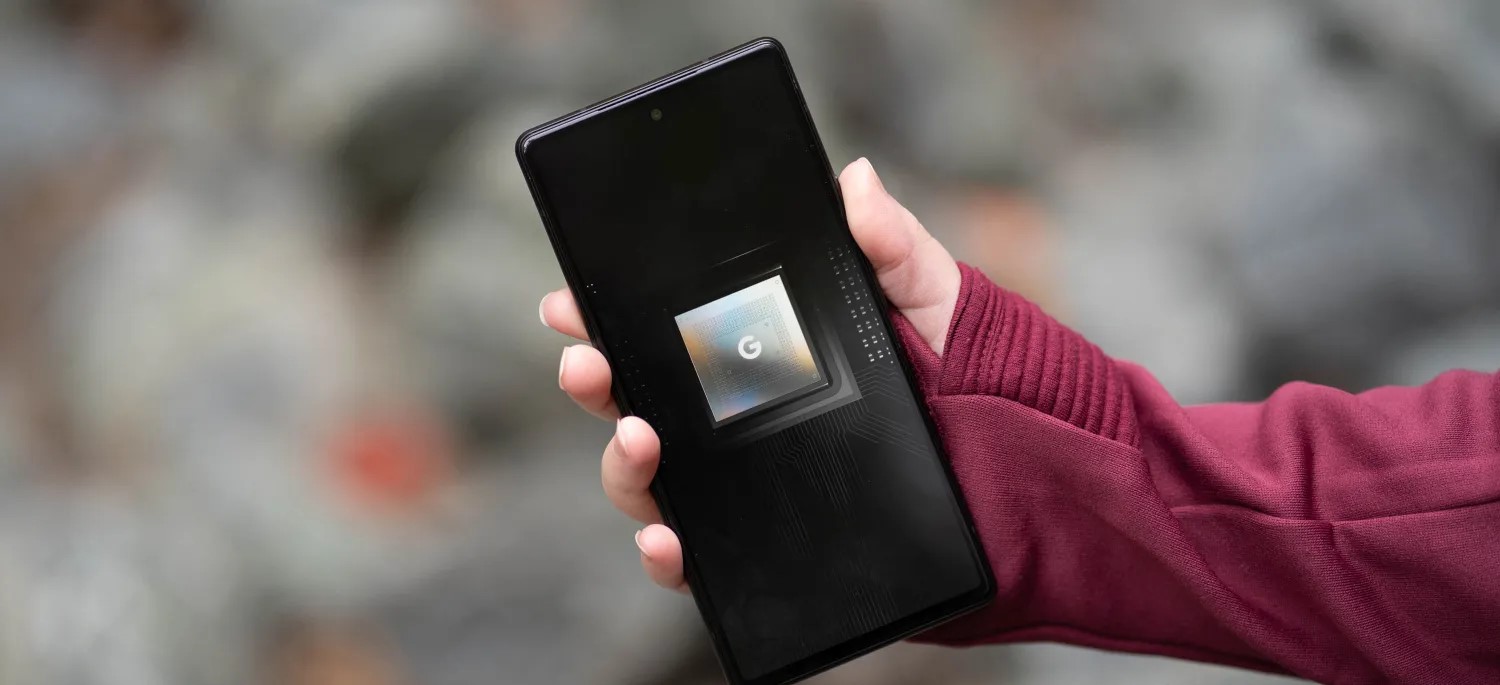
While we still have two more Tensor G2-based devices coming this month, Google’s next upgrade to Tensor G3 in the Pixel 8 series will apparently bring some drastic upgrades to the chip’s specs.
According to tipster Kamila Wojciechowska through Android Authority, Tensor G3 is going to be a considerable upgrade with more modern cores, support for the latest storage standard, a new GPU, and more.
Leak: here's everything you want to know about the Google Tensor G3, the SoC that's gonna power the Pixel 8 series, exclusively on @AndroidAuthhttps://t.co/pYkShLO8up
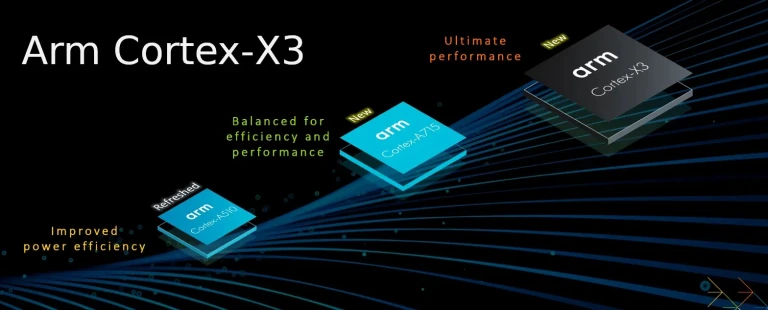
Starting with the cores, the Google Tensor G3 will apparently change the core layout yet again, this time with a 1+4+4 layout. This is altered from Tensor and Tensor G2, which both had 2+2+4 layouts.
The single big core will apparently be Cortex-X3, which would be clocked at 3.0GHz. Behind that would be the far more modern Cortex-A715, with four of those mid-cores clocked at 2.45GHz. That’s a huge step forward from the Cortex-A78 that was in place on the Tensor G2. For the “little” cores, there would be four Cortex-A510 cores at 2.15GHz, again being much more modern compared to the Cortex-A55 in both past Tensor generations.
All of this was announced in 2022, so technically Tensor G3 will still be a bit behind, but far closer than ever.
These upgrades alone should provide a solid boost to the CPU’s performance as a whole, as well to to its efficiency. This also brings support for ARMv9, which allows for security upgrades. The Pixel 8, according to Wojciechowska, will use this upgrade to implement Memory Tagging Extensions (MTE) from Arm to help prevent memory-based attacks. This would also entirely remove 32-bit support, which Google had already stepped away from on Pixel 7.
Another major point of upgrade is with storage, with this new chip allowing Pixel 8 to support the faster and more efficient UFS 4.0 storage used in devices such as Galaxy S23 Ultra and OnePlus 11.
The GPU is also getting a considerable upgrade, with Tensor G3 reportedly picking up Arm’s new Immortalis GPU, specifically the Mali-G715. That’s not the latest generation, but the 10-core GPU will provide a considerable upgrade, including support for ray-tracing.
Tensor G3 will further upgrade video decoding/encoding, with the “BigWave” block. It retains AV1 decoding from Tensor G2, but also adds AV1 encoding for up to 4k30. For encoding, the Pixel 8’s chip would support up to 8k30, but it’s unclear if Google would actually ship the feature. An upgrade TPU is also coming under the codename “Rio,” will bring a faster clock speed at 1.1GHz. There aren’t any specifics, but it’s said to be a “considerable” upgrade. A new digital signal processor, “callisto,” brings a 4-core, 512KB/core configuration at 1065MHz, which is said to offload more image processing.
As previously reported, Pixel 8’s Tensor G3 chip also won’t bring any changes to the modem, which probably isn’t a big deal considering the major upgrade that came with the Exynos 5300 modem in Tensor G2. In a previous test, we found the Pixel’s modem performance comparable to Qualcomm.
Google Tensor G3 is also expected to be a 4nm chip made on Samsung’s process. The Pixel 8 series is expected to arrive in October 2023.
Call Screen is a feature on Pixel phones that allows the phone to manually, or automatically respond to spam calls using the Google Assistant. Now, Google is working to simplify the feature’s settings, for better or worse.
As first spotted by some Reddit users late last week, an update to the Google Phone app on Pixel phones is changing the settings for Call Screen.
The existing interface for tweaking Call Screen allows users granular controls over the automatic answering, with the ability to turn Call Screen on or off for spam, faked numbers, first-time callers, and private/hidden numbers. Users can opt to have Call Screen automatically answer the call on your behalf, weeding out spam by speaking to the caller on your behalf before handing the call over to you. Alternatively, the call can just come through as usual depending on the category. The granular controls give the feature quite a bit of flexibility.
The new settings for Call Screen on Pixel, though, change things up to be a bit simpler.
Instead of showing granular settings, there’s a “Protection Level” that users can select which includes three options as the folks at Android Police were able to show. “Basic” will decline only “known spam.” “Medium” will then decline spam and screen calls that are considered suspicious. Finally “Maximum” will decline spam and screen any call that is from an unknown number.
It’s noted that this change is appearing for some users on with Google Phone v106.0.534575879, but it doesn’t seem very widely available at this point.
This seems like a bad change on the whole.
Removing granular controls to this extent severely limits the usefulness of Call Screen on Pixel, and if anything ruins certain use cases. The “Maximum” setting seems far too aggressive, especially given that, at least in our experience, most real callers presented with Call Screen tend to just hang up after a few second. Beyond that, even “Medium” doesn’t seem to be a great middle ground.
Moving from a granular, customizable setup is just bad for everyone. It might be slightly easier to understand for the general user – having a single toggle for automatic call screening is the best change here – but it hurts the usefulness of Call Screen overall.
Android 14 Beta 2 is an “incremental Beta-quality release” following the initial Android Beta Program version that rolled out via over-the-air update last month.
With Beta 2, you’ll get a more complete and stable build for continuing your testing and development.
Fixed an issue where a device couldn’t be unlocked using a fingerprint after tapping a notification or choosing a notification action on the lock screen. (Issue #278174846)
Fixed an issue on some devices that caused sound to play through the speakers instead of headphones that were connected. (Issue #278043129)
Fixed an issue that caused icons on the home screen to appear almost invisible. (Issue #277970542)
Fixed issues with gesture navigation that occurred when using a custom launcher:
The Home screen content wouldn’t display and the animation would fail to render when swiping up to go Home. (Issue #277981298)
The list of recently used apps couldn’t be accessed using the normal gesture. (Issue #277983179)
Fixed issues that prevented users from interacting with notifications in the notification shade. (Issue #278339342, Issue #276534576)
Fixed an issue that could cause a device to crash after finishing audio or video calls. (Issue #279539689)
Other resolved issues
Fixed an issue where, after entering and exiting picture-in-picture mode, the screen flickered when any apps were launched.
Fixed an issue where user restrictions set by DPC admins were not being enforced in Settings.
Fixed an issue where, after taking pictures with the Google Camera app, opening the latest picture from the thumbnail in the app briefly displayed a green-colored shade over the image.
Fixed an issue that could cause the battery percentage to be displayed as 0% after a device reboot regardless of the actual charge level of the device.
Fixed an issue that could cause a device to crash, and then when the device rebooted any wallpapers that were selected before the reboot were reset.
Fixed issues that prevented the Better Bug app from uploading bug reports.
Fixed issues that caused the back-to-home gesture to stop working.
Fixed an issue that could cause the system Settings app to crash repeatedly.
Fixed an issue that prevented users from searching within the system Settings app.
Fixed issues that sometimes caused null pointer exceptions for input method editors (IMEs).
Fixed an issue that sometimes increased system-wide memory usage unnecessarily.
Fixed system issues that could sometimes cause deadlocks.
Leave feedback using the Android Beta Feedback app on Pixel devices. You can access it from the drawer or via Quick Settings to file bugs in the Google issue tracker. There’s also the Android Beta community on Reddit.
Android 14 Beta 2 (UPB2.230407.014) with the May 2023 security patch is available for the Pixel 4a 5G, Pixel 5, Pixel 5a, Pixel 6, Pixel 6 Pro, Pixel 6a, Pixel 7, and Pixel 7 Pro, as well as the Android Emulator.
Pixel 6, Pixel 6 Pro, and Pixel 6a devices that use Verizon as their carrier: April 2023 / UPB2.230407.014.A1
Most people will be installing via the Android Beta Program, but you can also flash or sideload.
If you need help, here’s our full guide on installing Android 14.
As Google’s biggest show of the year, every I/O brings a ton of news. However, the stakes for I/O 2023 seem bigger, with announcements that could more thoroughly change how people use Google’s biggest products.
Google AI
Gmail, Docs, and Workspace
Artificial intelligence is, of course, responsible for this. Google has already shown generative AI features in Gmail and Google Docs, with testing already underway. Meanwhile, Google has briefly previewed bringing image generators into Google Slides and having Google Meet automatically create notes from a video call.
At I/O 2023, Google needs to provide a fuller picture of how AI will integrate into its Workspace apps beyond individual features. Equally important are details on a public launch and how they will be available to the (non-Workspace) public. The latter might be where Google One comes into play. For initial testing, it makes sense for features like those that have already been announced in Gmail and Google Docs to be free.
However, since generative AI is computationally expensive, it makes sense for Google to eventually put them behind a paid subscription. Today, 2TB or higher Google One tiers ($9.99+/month) provide premium Google Meet features like 1080p streaming and longer calls, and it would make sense for some (if not most) generative AI features to be locked behind that.
Search
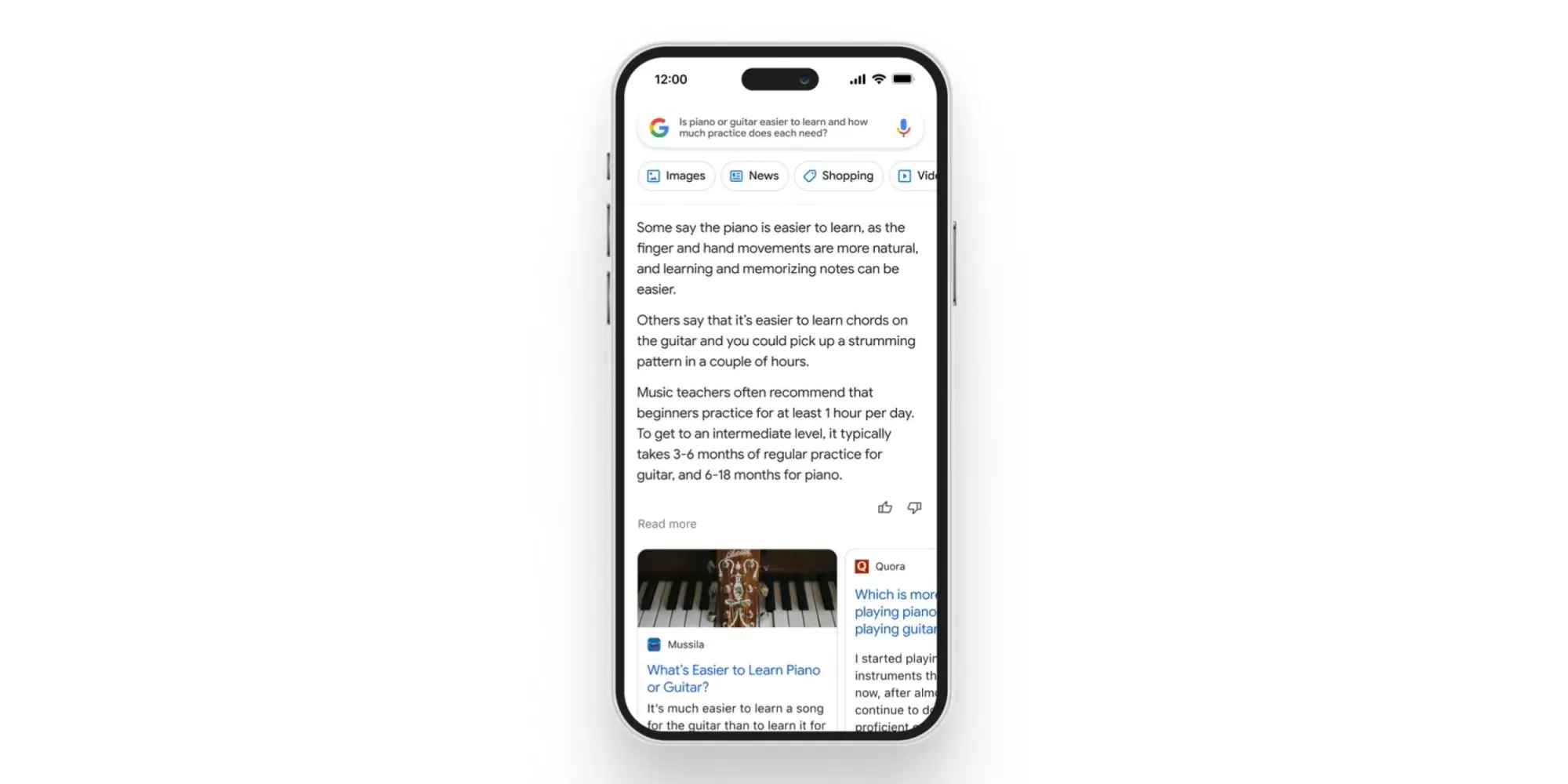
As Google’s crown jewel, many stakeholders will want an update on how AI is coming to Search. There’s, of course, the Wall Street crowd, while end users have shown that chatbot-style queries and answers are something they’re at least interested in. The company has already previewed AI Insights in Search when it announced Bard, but we need a fuller look at the end-to-end experience.
Chrome
Having a chatbot in Chrome that lets you ask questions about the page you’re currently viewing has been rumored and does indeed sound useful. As a significant entry point for how people use Google, a generative AI presence needs to exist in Chrome.
Assistant
Generative AI and its conversational nature seem ripe for voice assistants. As we’ve talked about in the past, Google Assistant is at an impasse, with its feature set shrinking. The team behind it is currently tasked with Bard development, so it’s unclear whether Google is at a point where it’s ready to announce upgrades. If it did, Google could position Assistant as being more capable than Siri or Alexa, while Microsoft expressly does not currently have a voice assistant.
For the sake of end users, I think Google needs to publicly recommit to Assistant at this I/O to assure them their devices still have a long future. It would be nice if the company provided an upgrade roadmap, but even assurances would be a start at this point after months of no real developments.
Developer tools
I/O’s roots are as a developer conference, and there will undoubtedly be AI stuff for that crowd. Of particular interest will be assistive tools in Android Studio to aid app development.
Android
Android 14
We will obviously be getting the major tentpoles for Google’s upcoming mobile release at I/O 2023, followed by Android 14 Beta 2 to hopefully test some of them out. So far, Android 14 feels like an iterative update that continues to build on Material You. For example, we spotted that bolder Dynamic Color theming is coming.
Android XR
Samsung teased an XR device (headset) running Android in February. We’ve yet to hear anything about the OS, and I/O would be the time to announce it (which also has the benefit of preempting Apple’s realityOS announcement this June). This starts the long road to third-party developer buy-in.
Google needs to share its vision for this form factor, both short and long-term. In the near term, bulkier headsets could allow for productivity and entertainment use cases. Glasses are the future, but until then, we need devices and an OS that will let developers start experimenting with these experiences. It was recently rumored that Apple’s upcoming headset will run iPad apps. Does Google have the same idea, thus providing another reason for Android pushing into large-screen development?
Wear OS
Wear OS 3 was announced in 2021, and we quietly got version 3.5 last year. The timing would be about right for Wear OS 4, which will in all likelihood coincide with an underlying upgrade to Android 13, which brings Material You.
Better Together: ChromeOS, Wear OS, Google TV
As of late, the Android team has been very big on cross-device experiences that emphasize the benefit of going all-in with the ecosystem. Earlier this month, Google released a Cross-Device Services app to power ChromeOS app streaming. We’ll presumably get a demo and launch date for that at I/O. We’re also waiting for the ability to unlock your Android phone with a paired Wear OS watch.
On the entertainment front, we’re waiting for more entertainment-focused Better Together initiatives. Previously, rumors have mentioned connecting Nest and third-party speakers to Google/Android TV devices, while easier-to-access smart home controls and other integrations are on the roadmap (for 2024). We’re also waiting for Fast Pair to arrive for Google TV and Android TV.
Find My Device
Somewhat related to Better Together and the Android ecosystem is Find My Device becoming a broader network that includes third-party accessories. Google has been laying the groundwork for this by saying it would be “encrypting and storing your device’s most recent location with Google.” Meanwhile, there have been persistent rumors of a Google-made tracker.
Made by Google
Pixel 7a, Tablet, and Fold
It seems like we’re back to immediate availability with the Pixel 7a. This was the case for Pixel 3a at I/O 2019 and seemed to be what Google was aiming for in subsequent years, but the world had other ideas.
We should finally get launch details about the Pixel Tablet a year after it was first teased, while Google will be entering a new hardware category with the Pixel Fold.
Last May 2022, Google gave an “early preview” of the Pixel 7 series and Watch, as well as a “sneak peek” of the Pixel Tablet, in what seemed to be a rather unprecedented teaser.
In the case of the phone, it allowed Google to really get ahead of leaks. Before I/O, there were only a pair of leaked renders that got some things about the design right. It was somewhat less successful for the Pixel Watch, which leaked in full (left at a restaurant) and even had an AMA, while the Pixel Tablet reveal dovetailed nicely with the large-screen Android app push.
Ahead of I/O 2023, the company could certainly replicate the strategy for the same reasons. These previews are meant to provide only a high-level overview. For the Pixel 7, it was the design and how the language introduced the year prior would continue but with a modified camera bar, as well as how a second-generation Tensor chip was coming.
The design of the Pixel 8 and 8 Pro have more thoroughly leaked via renders at this point, so Google would be covering the same ground and would get a chance to reveal the colors itself. It would be nice if a “Tensor G3” mention touched upon what the improvements actually are, while the thing everyone really wants to known is what the camera improvements will be, especially given that new sensor on 8 Pro.
The case for a Pixel Watch 2 teaser is somewhat more mixed. As a first-generation product, we don’t know what the update cadence will be. An annual cycle would make a great deal of sense if we look at the Apple Watch and Samsung Galaxy Watch, but the Fitbit Sense and Versa lines were refreshed every two years. The improvements for a Pixel Watch 2 would be obvious, with a newer chip, more activated sensors (SpO2 and skin temperature changes estimation), and a bigger battery.
I don’t expect the domed design to drastically change beyond maybe thinner bezels, with the band system at least staying for another generation to ensure accessory capability. A Pixel Watch 2 teaser would have to touch on some new hardware features, but I’m not sure Google would want to do that and break the high-level overview nature of these previews.
As always, another factor in doing teasers is possibly cannibalizing sales of the existing Pixel Watch and Pixel 7 series. Google doesn’t seem to mind or at least has different priorities, but it does seem wild to make the effective life span as the latest and greatest product be only 7-8 months.
I think a teaser would more significantly impact sales of the first-generation wearable. As a prospective buyer of the mid-cycle Pixel Watch, knowing that a second-gen was coming in the fall would give me pause if I wanted a more future-proofed purchase. Today’s version is fine and has a battery that can last you a full day, but it’s unknown how it will continue to perform, especially once major OS updates arrive.
Fitbit
After major removals with the promise of new capabilities on the horizon, Fitbit needs to start sharing the second part of its plan, from a redesigned app to new capabilities. I/O would be the time to do that. Meanwhile, Fitbit integration to show live exercise stats on Google TV has already been rumored to continue the Better Together tentpole.
Google Home
Besides the Google Home app currently being in Public Preview, the company teased a number of other features last year. This includes the web-based Script Editor and more grouping options with Custom Spaces. We’ll hopefully get more updates on that.
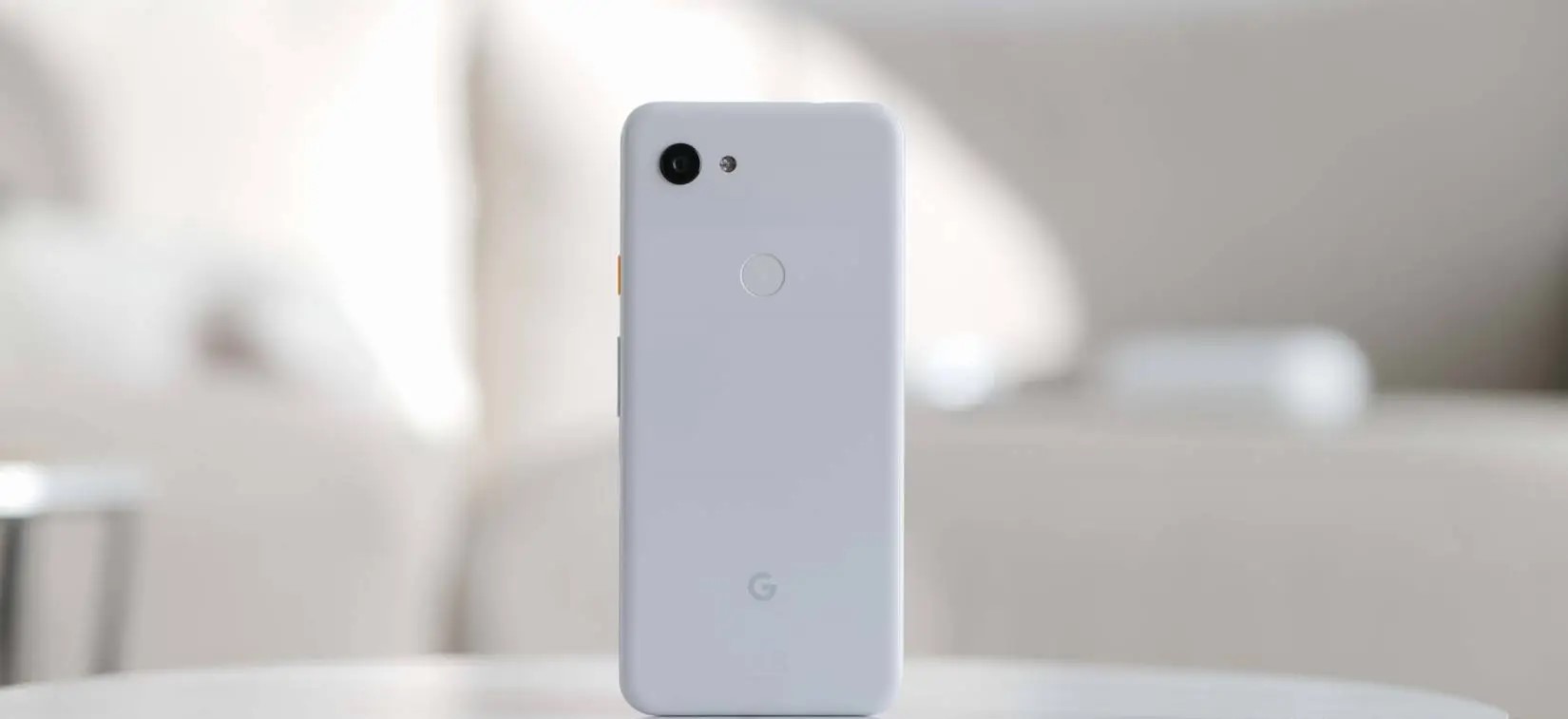
Almost four years ago, Google deviated from the well-worn flagship path and released the Pixel 3a and 3a XL. The mid-rangers provided all of the best bits of the Pixel 3 but without the asking price to match.
As the Pixel 3a and 3a XL are no longer officially supported by Google, it’s time to reassess just how this duo has changed the trajectory of Google in the smartphone space. Has it helped, or has it hindered the growth of the Pixel series? This is Pixel 3a postmortem.
What has aged well
Design
Camera
Display
What hasn’t aged well
Performance
Lifespan
Hardware and design
Familiar but ever so slightly different
We often see Android OEMs cut corners to inhibit the experience, but Google took a scalpel to only the areas that kept the price high. The result was impressive in all the right ways and even the negatives can quickly get overlooked.
One of the biggest compliments that you can give the Pixel 3a is that at least visually, it’s almost indistinguishable from the Pixel 3 at first glance. That’s undoubtedly a testament to Google’s efforts to provide at least the perception of a “premium” Pixel experience without the price tag. There’s also the benefit of shared hardware traits that do not diminish or cheapen the design principles introduced with the flagship line. Apple’s continued repackaging of old designs with the iPhone SE puts this into perspective.
A very brief divergence occurred a year later but the two-tone frosted look works surprisingly well when cheaper polycarbonate was utilized. Plastic doesn’t age quite as gracefully without a case but it’s more durable than metal and glass. You can tell that cheaper materials have been used but it’s not to the detriment of the look and feel – which actually belies the original lower entry point. The only unique trait is the new Purple-ish color and slightly tuned power button hues.
Even forehead and chin display bezels are home to front-facing speakers. There’s no bathtub notch to contend with, which in many ways felt like a huge selling point upon release. Google nailed the screens here too. Both are rated at FHD+ and capped at 60Hz, but to add such a good and well-tuned OLED screen means that the Pixel’s Always-on display features bled down to the first affordable devices. Hardware feature parity was not expected but it builds the all-important buyer trust.
Although the Qualcomm Snapdragon 670 processor is a fairly sizable downgrade over the Snapdragon 845 used in the Pixel 3, there is parity in the 4GB memory allocation. This helped to keep things running smoothly – shockingly so. The rear fingerprint scanner is also fast and fluid, something that certain recent Pixel flagships haven’t always been able to say.
There’s also the 3.5mm headphone port. A relic of a time before ports were removed with excuses about IP ratings or even the admittedly excellent Pixel Buds A-Series. Little did we know that even affordable phones would soon ditch the port entirely.
Software and performance
Fine at the time
Without delving into the performance levels today — which are impressive given the aging internals — Google’s efforts in tuning modest internals meant a flagship-level software experience without the associated price tag. The added bonus is day-one software updates and monthly security patches.
The landscape has changed since the release of the Pixel 3a, but at a time when Samsung continued to fumble software updates and device support, the idea of a sub-$500 smartphone with such a support window was almost unheard of. Android 12 is the final “official” OS update made available in September 2022 after launching with Android 9 Pie pre-installed. As of January 2023, updates ceased with the release of the May 2022 security patch. All in all, this isn’t a bad run for the duo.
Without delving into the performance levels today — which are impressive given the aging internals — Google’s efforts in tuning modest internals meant a flagship-level software experience without the associated price tag. The added bonus is day-one software updates and monthly security patches.
The landscape has changed since the release of the Pixel 3a, but at a time when Samsung continued to fumble software updates and device support, the idea of a sub-$500 smartphone with such a support window was almost unheard of. Android 12 is the final “official” OS update made available in September 2022 after launching with Android 9 Pie pre-installed. As of January 2023, updates ceased with the release of the May 2022 security patch. All in all, this isn’t a bad run for the duo.
This includes no great issues with the camera UI unresponsiveness or even apps constantly being flushed from memory. Sure, the experience when running Android 12 isn’t top-tier. In perspective, it still runs well given the hardware constraints. Many other mid-rangers released back in 2019 can’t claim the same.
A bigger frustration that has been exacerbated over time is the lacklustre 64GB storage capacity. With app sizes slowly ballooning, it would have been better to have a 128GB base model. This was corrected with the launch of the Pixel 4a series over a year later.
If you are insistent on grabbing a taste of Android 13, then you might have to head into the world of unofficial third-party ROMs. LineageOS 20 was recently announced sans Pixel 3a or 3a XL support. There is a way to flash this via unofficial means if you want to hold on to Google’s first budget phone for a little while longer.
Camera
Flagship-level solo shooter
When it was officially confirmed that the camera setup on the Pixel 3a was going to be identical to the Pixel 3 series, it certainly raised a few eyebrows. For some, it probably felt like a kick in the teeth but it was an absolute masterstroke. The Sony IMX363 is certainly a little long in the tooth.
While we’ve seen the Pixel 6 and 6a ditch the camera sensor consistency, this was a true flagship system in a mid-range phone.
No feature was missing. This included the impressive Night Sight long exposure mode, Top Shot, plus the excellent Portrait mode. Although image processing took a little longer than on the Pixel 3, the end result and overall quality are identical. Despite a lack of lens variety, the solo shooter is still impressive and you’re able to take photos in just about every scenario.
It wouldn’t say that Google’s older handsets have aged badly in the photographic department. you can certainly see that the processing has altered slightly with each iteration. Video hasn’t held up quite as well but being able to record solid 4K UHD 30fps video is a big bonus. Most 2019 mid-range smartphones would cap at 1080p and given the same flagship-level camera system was utilized across the Pixel 3 and 3a series, it was an impressive inclusion.
As mentioned, the paltry 64GB internal storage with no option to expand or upgrade has always been a sore point. Offloading images to Google Photos, other cloud storage services, or locally on a PC or drive was something we deemed necessary back at launch.
Battery
Exceptional in its day
Although it’s unfair to look at an almost four-year-old smartphone’s lifespan, upon release of the Pixel 3a and 3a XL the battery longevity surpassed even the flagship Pixel 3. The low-power processor and power management helped to push the Pixel 3a XL into the upper echelons of Android lifespan back in 2019.
Seven hours of screen time over multiple days was possible back at launch. You’ll be lucky to attain half of that today given natural battery degradation. The 18W maximum charge speeds seem slow by today’s standards but seemed solid during the initial launch window.
A lack of wireless charging feels like a missed opportunity, alas it is another relic of the time. It also feels unfair to complain about this when the Pixel A-series still lacks the ability to charge via Qi wireless pad or even the Pixel Stand. Maybe future iterations will finally allow for wire-free charging. We can only hope.
In many ways, the Pixel 3a and 3a XL absolutely stole some of the limelight from the Pixel 3. It’s not often that any manufacturer absolutely nails the first attempt at a new segment but Google most certainly did probably in ways that the Pixel series could never really manage.
The price point and feature set mean this duo felt fully fleshed out in ways that the Pixel series hadn’t quite managed at the time. While Google of old struggled with trying to break into the high-end smartphone space, the firm’s first mid-range effort absolutely nailed every single fundamental — and then some.
In a previous revisit, the Pixel 3a XL specifically the “everyman Android”. Mid-range phones were nothing new in 2019, but by repackaging everything that we expected from Google’s flagship experience without overly watering things down. It led to the birth of what is arguably the more enticing Made by Google smartphone series to most prospective buyers. All the flavour but less of the fluff. Just a pure Pixel experience sans a price tag.
With the Pixel 6a being more or less the culmination of the A-series at this stage and the Pixel 7a likely bringing yet more upgrades, those handsets will have the Pixel 3a and 3a XL to thank for truly paving the way.