



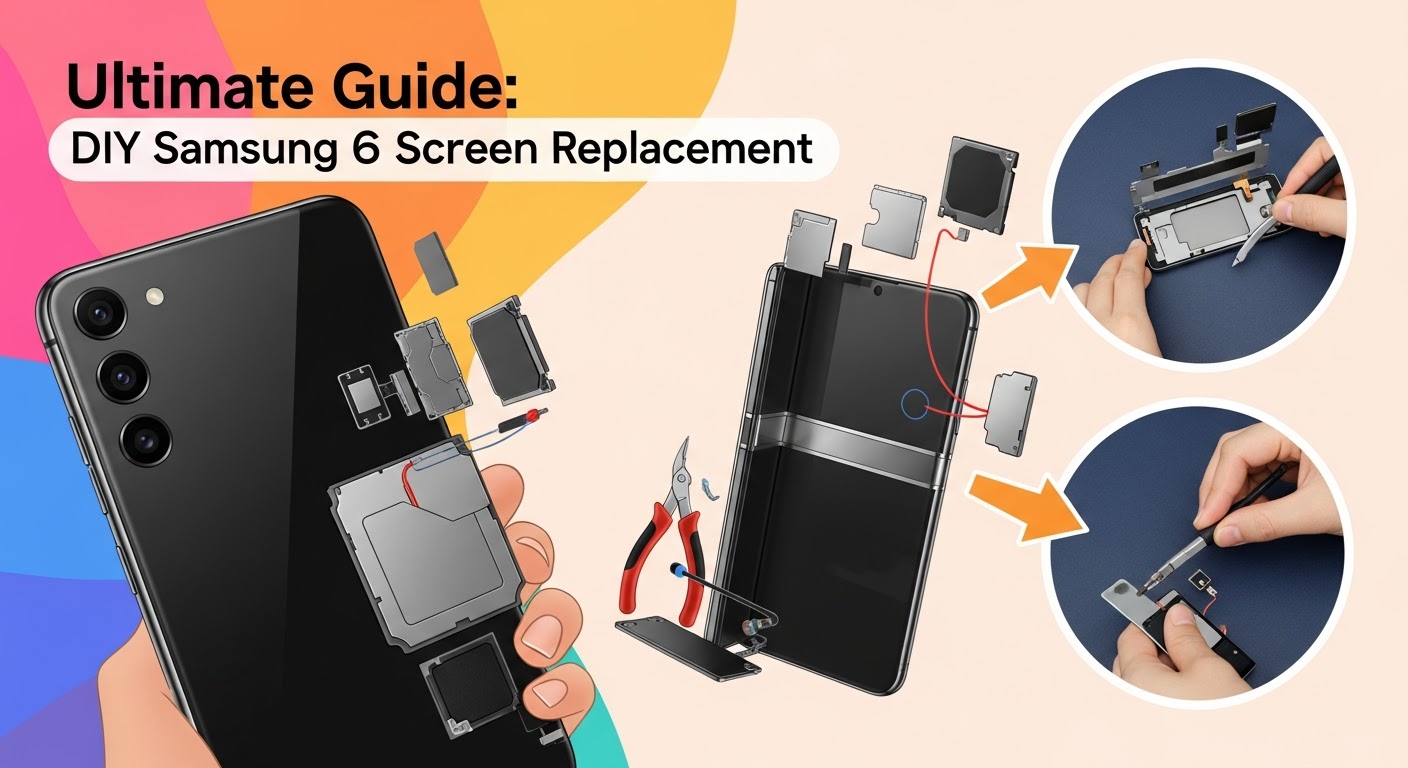
Ultimate Guide: DIY Samsung Fold 6 Screen Replacement

Ultimate Guide: DIY Samsung Fold 6 Screen Replacement – Step-by-Step Fix for Your Foldable Display (2025 Edition)
Introduction: Why Samsung Fold 6 Screen Repairs Require Precision
The Samsung Galaxy Fold 6 is one of the most advanced foldable smartphones of 2025, combining innovation and craftsmanship. However, with its flexible inner display and ultra-thin glass, even a minor drop can lead to screen damage that’s costly to repair.
Replacing a Fold 6 screen isn’t like swapping a standard phone display. It requires technical precision, proper tools, and steady hands. Whether you’re dealing with cracks, dead pixels, or display flickering, this DIY Samsung Fold 6 screen replacement guide will walk you through each step safely and effectively.
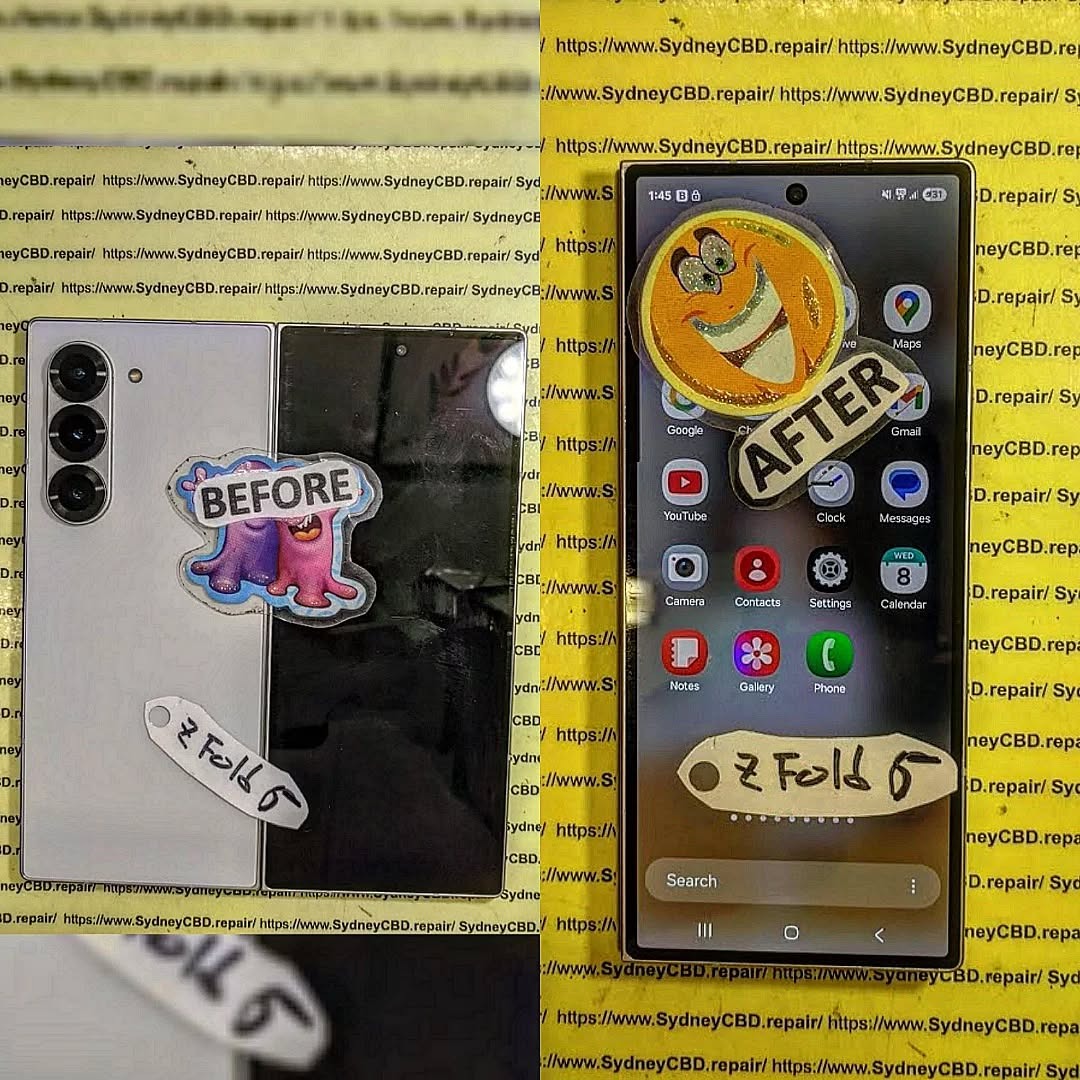
Understanding the Samsung Fold 6 Display Technology
Before diving into the repair process, it’s crucial to understand what makes the Fold 6 display so unique — and why handling it properly matters.
The Dynamic AMOLED 2X Inner Screen
The inner foldable screen of the Fold 6 is a 7.6-inch Dynamic AMOLED 2X panel. It’s ultra-thin and flexible, designed to withstand thousands of folds. However, it uses a protective plastic layer instead of traditional glass, making it prone to creases or puncture damage if mishandled.
The External Cover Display
The outer cover display serves as your standard smartphone screen. It’s protected by Gorilla Glass Victus 2, offering more durability, but it’s still susceptible to cracks when dropped.
Common Screen Damage Types
Typical Fold 6 screen issues include:
- Inner display bubbling or peeling
- Touch response delay
- Visible crease damage
- Outer screen cracks or dead pixels
- Display discoloration or black spots
Understanding these issues helps determine whether DIY replacement or professional service is the right move.
Tools & Materials You’ll Need for the Repair
To perform a successful Samsung Fold 6 screen replacement, you’ll need the following tools and components:
Essential Tools for DIY Screen Replacement
- Precision screwdriver set (Phillips #00, Tri-point Y000)
- Plastic pry tools
- Suction cup handle
- Heat gun or iOpener
- Tweezers
- Isopropyl alcohol (90%+)
- Anti-static mat and gloves
Recommended Replacement Parts and Sources
- Genuine Samsung Fold 6 inner display assembly
- Adhesive strips (OEM-grade)
- Outer screen glass (if needed)
- High-quality replacement kit (recommended supplier: iFixit)
💡 Pro Tip: Always purchase genuine Samsung parts. Non-genuine displays often have touch delay or brightness inconsistencies.
Step-by-Step Samsung Fold 6 Screen Replacement Guide
Step 1: Back Cover Removal
- Power off your Fold 6 completely.
- Heat the back cover edges for 2–3 minutes using a heat gun to loosen adhesive.
- Use a suction cup and plastic pry tool to lift the back cover gently.
- Be cautious near the camera housing — the adhesive is strongest there.
Step 2: Disconnecting the Battery and Motherboard
- Unscrew all visible screws securing the internal shield.
- Disconnect the battery flex cable before touching any other component.
- Carefully detach the display connectors and motherboard flex cables using tweezers.
Step 3: Detaching the Inner Display
- Heat the display area gradually to soften the adhesive.
- Insert a thin plastic card between the frame and display — avoid bending the screen.
- Lift the display slowly while keeping uniform pressure across both sides.
Step 4: Installing the New Screen
- Clean the frame with isopropyl alcohol to remove old adhesive residue.
- Align and connect the new inner display flex cable.
- Secure the display and ensure no dust is trapped underneath.
- Apply new adhesive strips and press the display gently for even sealing.
Step 5: Reassembling the Device
- Reconnect the battery and motherboard cables.
- Replace internal shields and screws.
- Apply adhesive to the back cover and press firmly.
- Power on your Fold 6 to test display responsiveness and touch accuracy.
Pro Tips to Ensure a Successful Repair

- Avoid overheating — excessive heat can warp the plastic display.
- Keep track of screws using a magnetic mat.
- Test components before final assembly.
- Use genuine adhesives for a firm seal and dust protection.
- Work in a clean, static-free workspace to prevent internal damage.
Common Mistakes to Avoid During Samsung Fold 6 Screen Replacement
- Rushing the removal process and cracking the display connector.
- Using metal tools on the flexible inner display.
- Reusing old adhesive (causes gaps and dust issues).
- Forgetting to disconnect the battery first.
- Not testing before sealing the back cover.
Cost Comparison: DIY vs. Professional Samsung Fold 6 Repair
| Option | Average Cost | Warranty | Risk Level | Time |
|---|---|---|---|---|
| DIY Screen Replacement | $350–$500 | None | High | 3–4 hours |
| Sydney CBD Repair Centre | $699 | 90 Days | Low | Same Day |
While DIY repairs save money, the Samsung Fold 6’s complexity often leads to additional damage if not handled correctly. Professional repair ensures OEM parts, tested quality, and peace of mind.
When to Seek Professional Help
If your Fold 6 has hinge damage, burned pixels, or battery swelling, it’s best to visit a professional repair shop.
Sydney CBD Repair Centre, with 2000+ five-star reviews and 6 years of consecutive awards, is Sydney’s #1 choice for Samsung Fold screen repairs.
They provide:
- ✅ Same Day Repairs
- ✅ Genuine Samsung Parts
- ✅ 90-Day Warranty
- ✅ Expert Fold Technicians
📍 Visit: https://SydneyCBD.repair/locate-us
📞 Call: +61280114119
FAQs About Samsung Fold 6 Screen Replacement
1. Can I replace the Samsung Fold 6 screen myself?
Yes, but only if you have prior experience with foldable device repairs. The process is complex and requires specialized tools.
2. How long does a Samsung Fold 6 screen replacement take?
DIY may take up to 4 hours, while professionals like Sydney CBD Repair Centre can complete it within the same day.
3. Does replacing the screen void the warranty?
If done outside Samsung-authorized centers, yes. However, Sydney CBD Repair Centre uses genuine parts and offers its own 90-day warranty.
4. How do I know if my inner screen or outer screen is damaged?
Inner screen issues often include bubbling or flickering, while outer screen cracks are visible on the front display.
5. Can water damage affect the screen replacement process?
Absolutely. If your Fold 6 was exposed to water, ensure it’s fully dried and inspected before replacement.
6. What’s the safest way to test the new screen before reassembly?
Connect all cables temporarily and power on the device to test touch response and color accuracy.
Conclusion: Restore Your Samsung Fold 6 Like New

Replacing your Samsung Fold 6 screen can be a rewarding DIY project if done carefully. However, given the foldable design’s complexity, most users prefer the security of professional service.
At Sydney CBD Repair Centre, you’re guaranteed genuine parts, fast turnaround, and trusted expertise. Don’t risk your premium device — let Sydney’s top-rated technicians bring your Fold 6 back to life!
About Sydney CBD Repair Centre
David from Sydney CBD Repair Centre
📍 Located in the heart of Sydney CBD
🏆 6-Time Award Winner for Best Phone Repairs
💬 Over 2000+ Positive Google Reviews
Why Choose Us:
- Same-Day Express Repairs
- Genuine Parts Guarantee
- Professional Technicians
- Competitive Pricing
👉 Visit: https://SydneyCBD.repair/locate-us

