🎮 Beyond Screen Replacement: Fix Common ASUS ROG Phone’s Issues: Fix Common ASUS ROG Issues Like a Pro
🛠️ Introduction: Why ASUS ROG Needs Specialised Repairs
The ASUS ROG (Republic of Gamers) Phone is no ordinary smartphone—it’s a gaming powerhouse. With its cutting-edge hardware, dual charging ports, and active cooling systems, this phone is built for performance. But that also means when something goes wrong, it takes more than a generic fix.
At Sydney CBD Repair Centre, we’ve helped hundreds of ROG users who were told their phones were “unfixable.” From charging ports to gaming triggers—we know what makes the ROG tick.
Our ASUS ROG repair services are trusted by gamers, streamers, and tech enthusiasts across Sydney.
Why choose us?
✅ Genuine Parts Only
✅ Micro-soldering Experts
✅ 90-Day Warranty on Repairs
✅ Express Same-Day Service
✅ 2000+ Google 5-Star Reviews
✅ Located in Sydney CBD
Gaming phone? Gaming-level repair service. 📍 Locate Us Now | ☎️ Call: +61280114119
❓ FAQs About ASUS ROG Repairs
1. Do you repair ROG triggers or shoulder buttons?
Yes! We fix all gaming-specific components using genuine replacements.
2. Can my phone still be water-resistant after repair?
We reseal the phone after service, but full water resistance may be compromised after any third-party repair.
3. How long does a typical ROG repair take?
Most repairs are done same-day or within 24 hours, depending on parts availability.
4. Can you recover data from a dead ASUS ROG phone?
Yes, in many cases we can extract your data—even from non-booting devices.
5. Is it worth fixing my ROG phone or should I upgrade?
If the device is under 3 years old and the damage is repairable, fixing is often more cost-effective than replacing.
6. Do you repair ROG accessories like docks and coolers?
We specialize in phones, but can assess and advise on accessory-related issues too.
🎯 Conclusion: Get Back to Gaming, Fast
Whether you’re battling overheating, unresponsive buttons, or charging issues—don’t settle for generic repair shops that don’t know gaming phones.
Trust the team at Sydney CBD Repair Centre to bring your ASUS ROG back to life with genuine parts, expert care, and same-day service.
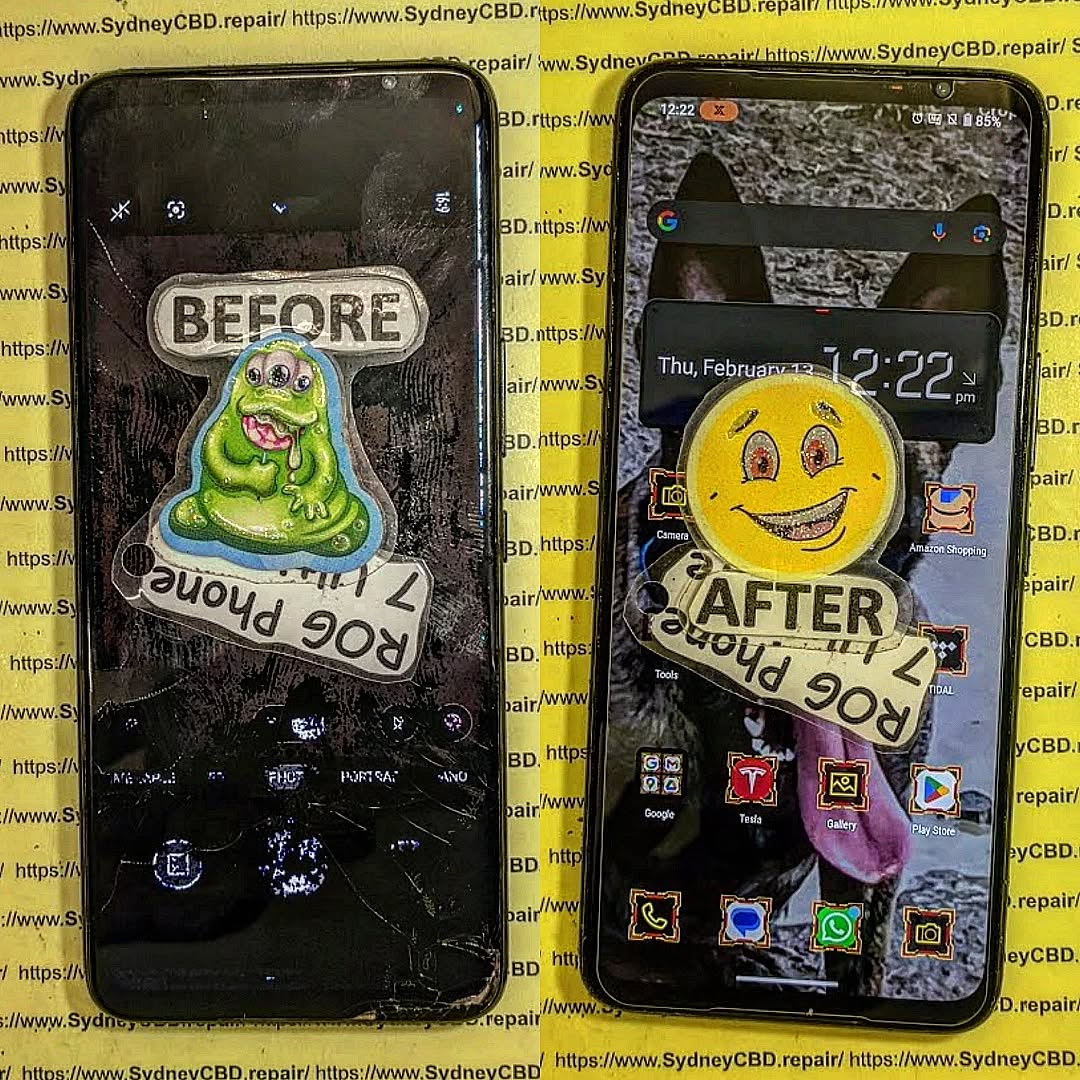
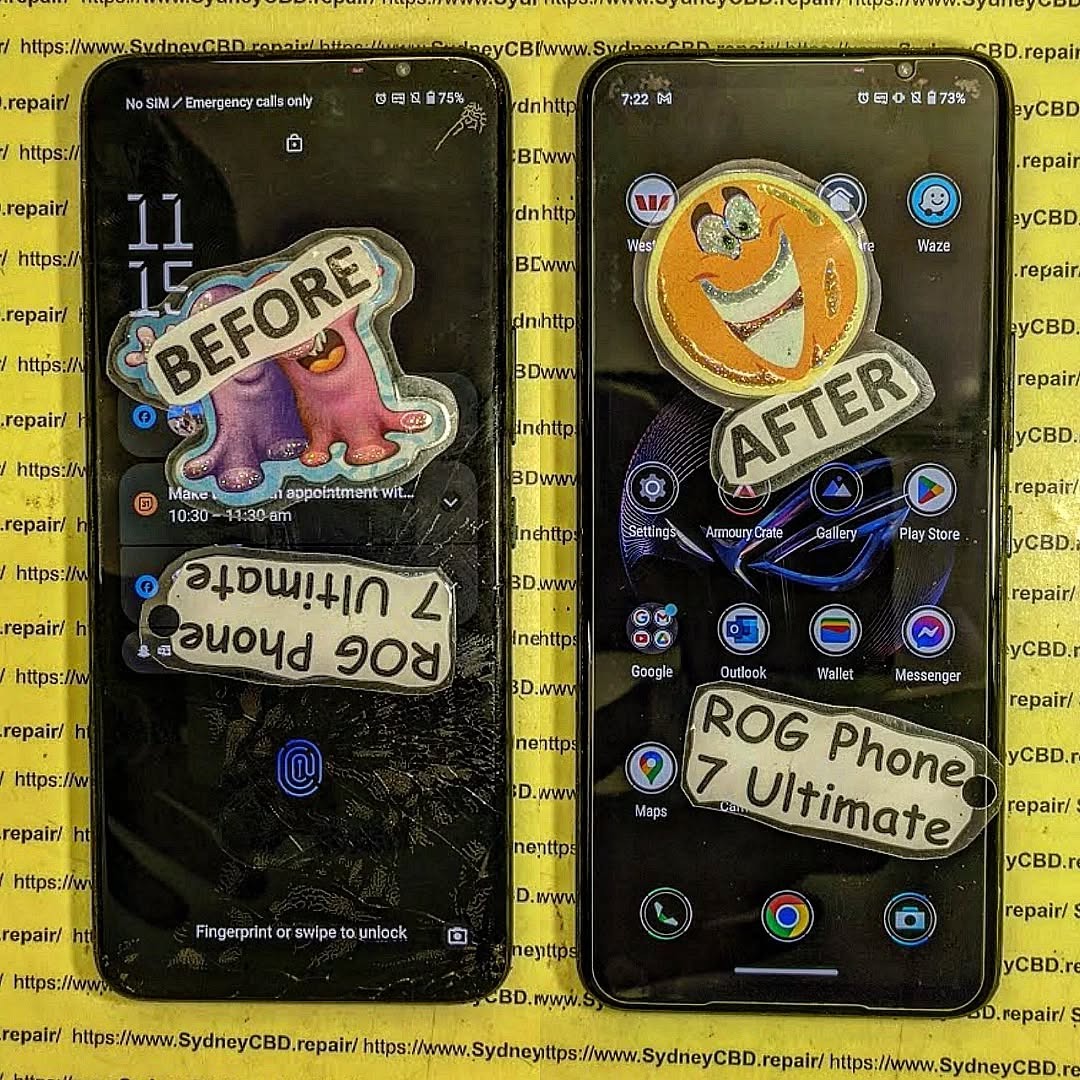
RESTORE THE FUTURE! Asus ROG Phone 7 Ultimate Gaming Screen Replacement | Sydney CBD Repair Centre + Powerful 2026 Guide
Introduction
The Asus ROG Phone 7 Ultimate isn’t just another smartphone. It’s a powerhouse built specifically for gamers who demand elite-level performance, immersive graphics, and lightning-fast responsiveness. With its AMOLED display, AirTrigger controls, advanced cooling system, and flagship-grade processor, this gaming device pushes mobile entertainment to the next level.
However, even the most advanced gaming smartphones can suffer screen damage. A cracked display, dead pixels, or touch response failure can quickly ruin the gaming experience. That’s why professional Asus ROG Phone 7 Ultimate gaming screen replacement services are essential for maintaining device performance.
At Sydney CBD Repair Centre, expert technicians specialize in restoring premium gaming devices with precision and care. Whether the issue involves shattered glass or a malfunctioning AMOLED panel, professional repair ensures your device returns to peak condition.
Gaming smartphones are often exposed to intense usage conditions. While the ASUS gaming lineup is built tough, daily wear and tear can still lead to display problems.
Accidental Drops
Let’s face it — accidents happen. A quick slip from your pocket or desk can crack the front glass instantly. Even if the phone still powers on, internal OLED damage may worsen over time.
Typical Drop Damage Includes:
Spiderweb cracks
Dead touch zones
Black ink-like spots
Frame bending
Display flickering
These symptoms often require a complete Asus ROG Phone 7 Ultimate gaming screen replacement instead of a simple glass repair.
Gaming Heat Stress
Extended gaming sessions generate significant heat. Over time, excessive thermal stress can affect internal display connectors and AMOLED stability.
Common heat-related issues include:
Green tint on display
Random screen flickers
Touch lag
Burn-in effects
Screen discoloration
Professional diagnostics help determine whether the display assembly or internal motherboard components are affected.
Pressure Damage
Sometimes, the screen breaks without a visible drop. Sitting on the phone, placing heavy objects on it, or carrying it tightly in a bag can damage the AMOLED layer underneath the glass.
This internal breakage may show:
Purple lines
Horizontal streaks
Unresponsive touch
Completely black display
Signs You Need a Screen Replacement
Not every damaged display looks dramatic. In many cases, the warning signs begin subtly before becoming severe.
Black Screen Issues
If your phone vibrates or makes sounds but the screen remains black, the OLED panel may have failed.
This often happens after:
Hard impacts
Water exposure
Excessive overheating
A technician can confirm whether an Asus ROG Phone 7 Ultimate gaming screen replacement is necessary.
Ghost Touch Problems
Ghost touching occurs when the device registers touches without user interaction. Gamers notice this issue immediately because it affects gameplay precision.
Causes include:
Damaged digitizer
Internal moisture
Display connector issues
OLED pressure damage
Professional repair restores accurate touch performance.
Flickering AMOLED Display
Flickering screens usually indicate OLED deterioration or connector instability.
Common Symptoms
Symptom
Possible Cause
Brightness fluctuations
OLED panel damage
Green lines
Internal display fault
Flashing screen
Loose display connector
Random dimming
Power regulation issue
Ignoring these signs may lead to complete screen failure later.
Why Gamers Need Fast Repairs
Gamers rely heavily on performance consistency. A damaged screen doesn’t only affect visuals — it disrupts touch accuracy, frame responsiveness, and immersion.
Imagine playing competitive mobile games with delayed touch input or dead screen zones. It’s frustrating, plain and simple.
That’s why same-day Asus ROG Phone 7 Ultimate gaming screen replacement services are highly valuable. Quick turnaround times help users get back into gaming, streaming, content creation, and communication without extended downtime.
At Sydney CBD Repair Centre, technicians understand the urgency of premium gaming device repairs. Efficient workflows and specialized tools help speed up the process while maintaining repair quality.
Repairing a gaming smartphone requires advanced technical skill. The internal cooling system, AMOLED display, and gaming hardware components demand careful handling.
Diagnostic Testing
Every repair begins with a full device assessment.
Technicians inspect:
OLED functionality
Touch responsiveness
Internal frame alignment
Charging capability
Motherboard condition
This ensures no hidden damage goes unnoticed.
Safe Device Disassembly
The repair process involves carefully removing the damaged display assembly without harming nearby components.
Specialized equipment is used to:
Heat adhesive safely
Prevent flex cable damage
Protect internal cooling components
Avoid motherboard stress
Precision matters because gaming phones contain tightly packed internal hardware.
OLED Screen Installation
Once the damaged display is removed, a high-quality replacement screen is installed.
Important Installation Steps
Clean residual adhesive
Test replacement display
Align OLED precisely
Secure waterproof seals
Reconnect internal flex cables
This stage directly impacts display performance and long-term reliability.
Final Quality Assurance
Before returning the device, technicians perform comprehensive testing.
Final Checks Include:
Brightness calibration
Touch sensitivity
Gaming trigger response
Speaker functionality
Camera testing
Charging performance
This quality control process ensures the phone performs like new again.
Genuine vs Aftermarket Screens
One of the biggest questions customers ask is whether genuine-quality displays are worth it. The answer is usually yes, especially for gaming smartphones.
Genuine-Quality Screen Benefits
Feature
Genuine-Quality OLED
Cheap Aftermarket
Color accuracy
Excellent
Inconsistent
Touch response
Ultra-fast
Delayed
Brightness
High
Lower
Durability
Strong
Variable
Gaming experience
Smooth
Reduced quality
Low-cost aftermarket screens may seem tempting, but they often compromise refresh rate smoothness, touch precision, and display brightness.
For serious gamers, premium-quality parts provide the best experience after an Asus ROG Phone 7 Ultimate gaming screen replacement.
Benefits of Choosing Sydney CBD Repair Centre
Choosing the right repair provider matters just as much as choosing the right replacement screen.
This experience minimizes repair risks and improves reliability.
Warranty Protection
Professional repair centers stand behind their work.
Benefits include:
Repair warranty coverage
Quality assurance
Post-repair support
Reliable replacement parts
Customers gain peace of mind knowing their device is protected after service.
Same Day Repairs
Fast turnaround times are essential for modern users.
Same-Day Service Advantages
Reduced downtime
Faster gaming recovery
Immediate communication access
Convenience for busy customers
Many repairs can be completed within hours depending on parts availability and damage severity.
Cost of Asus ROG Phone 7 Ultimate Gaming Screen Replacement
Repair pricing varies depending on several factors.
Main Pricing Factors
Factor
Impact on Cost
OLED panel quality
Major
Extent of damage
Moderate
Frame damage
Additional cost
Genuine parts availability
Variable
Labor complexity
Moderate
Gaming smartphones often use advanced AMOLED panels, making repairs more specialized compared to standard devices.
Still, replacing the screen is typically far more affordable than buying a brand-new gaming phone.
Customers are encouraged to request a diagnostic quote before proceeding with repairs.
Tips to Protect Your Gaming Phone Screen
Prevention is always better than repair. While accidents can’t always be avoided, proper protection greatly reduces damage risk.
Use a High-Quality Case
A shock-absorbing case helps reduce impact force during accidental drops.
Look for:
Raised bezels
Military-grade protection
Reinforced corners
Install Tempered Glass
Tempered glass protectors add another layer of defense against scratches and cracks.
Benefits include:
Reduced impact damage
Scratch resistance
Better resale value
Avoid Overheating
Gaming sessions can generate substantial heat.
To Reduce Heat Stress:
Remove thick cases during charging
Avoid direct sunlight
Take gaming breaks
Use external cooling accessories
These habits extend the lifespan of the AMOLED display.
Frequently Asked Questions
How long does Asus ROG Phone 7 Ultimate gaming screen replacement take?
Most repairs can be completed on the same day depending on parts availability and device condition.
Will I lose my data during the repair?
In most cases, data remains intact. However, backing up important files before repair is always recommended.
Is the replacement screen original quality?
Professional repair centers use high-quality replacement parts designed to match the original display performance.
Can a cracked screen worsen over time?
Yes. Small cracks often spread and may eventually damage the AMOLED layer or touch functionality.
Does screen replacement affect gaming performance?
A properly installed premium display restores normal gaming responsiveness and visual quality.
Is it better to repair or replace the phone?
For premium gaming devices like the Asus ROG Phone 7 Ultimate, screen replacement is usually more cost-effective than purchasing a new device.
Can water damage affect the screen?
Absolutely. Water exposure may damage display connectors, OLED panels, and internal circuits.
Conclusion
The Asus ROG Phone 7 Ultimate is a premium gaming smartphone built for speed, power, and immersive entertainment. However, even advanced devices aren’t immune to cracked screens, OLED failures, or touch response problems.
Professional Asus ROG Phone 7 Ultimate gaming screen replacement services restore functionality, protect performance, and extend the lifespan of the device. From precise OLED installation to full diagnostic testing, expert repairs ensure gamers can continue enjoying their mobile experience without compromise.
For trusted repairs, same-day service, and experienced technicians, Sydney CBD Repair Centre remains a reliable destination for premium smartphone restoration.
For more information about ASUS gaming smartphones, visit the official ASUS ROG website.
David from Sydney CBD Repair Centre – The Best place to fix mobile phones as 7 Years In A Row! Top Mobile Phone Repair In Sydney. More than 2000 Positive Reviews on Google and Same Day Repairs.
We take pride in delivering exceptional repair services for all major phone brands including Apple, Samsung, Google, and more. Our expert technicians use only genuine parts and offer 90days warranty on repairs. Located in the heart of Sydney CBD, we’re your one-stop solution for all mobile device repairs.
Our commitment to excellence has earned us the trust of thousands of satisfied customers. Whether it’s a cracked screen, battery replacement, or water damage repair, we handle it all with professional care and expertise. Walk in today and experience why we’re Sydney’s #1 choice for mobile phone repairs.
Visit us for:
✓ Same Day Express Repairs
✓ Genuine Parts Guarantee
✓ Professional Technicians
✓ Competitive Pricing
✓ 2000+ 5-Star Google Reviews
✓ 7-Time Award Winner for Best Phone Repairs
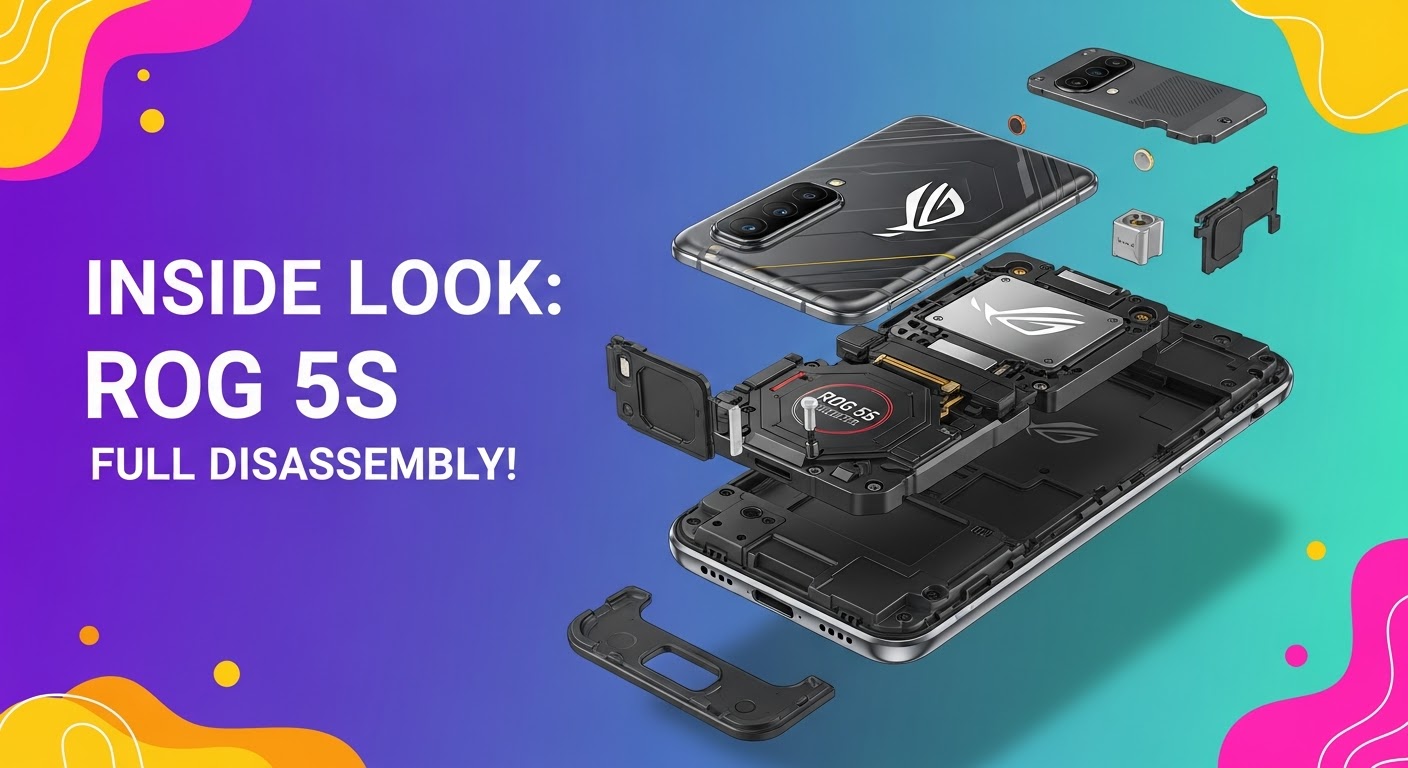
INSIDE LOOK: ROG 5S FULL DISASSEMBLY! Ultimate Step-by-Step Guide for Tech Enthusiasts
Introduction: Why the ROG 5S Stands Out
The ASUS ROG Phone 5S has earned its place as one of the most powerful gaming smartphones in the world. Packed with the Snapdragon 888+ processor, 144Hz AMOLED display, and dual front-facing speakers, it’s a beast built for performance. But when repairs become necessary—like screen replacements, battery issues, or charging port malfunctions—knowing how to disassemble the ROG 5S properly becomes essential.
Before grabbing your screwdriver, remember: this phone’s design is compact, layered, and delicate. Disassembling it requires patience, the right tools, and a steady hand.
To safely open your ROG 5S, gather the following tools:
Precision screwdriver set (Torx and Phillips)
Plastic prying tools and picks
Suction cup
ESD-safe tweezers
SIM ejector pin
Heat gun or hairdryer
Anti-static mat and gloves
Safety Tips and Workstation Setup
Work on a clean, static-free surface.
Disconnect all power sources before opening the device.
Use a magnetic screw mat to track different screw sizes.
Keep the phone components in order for easy reassembly.
Step 1: Removing the SIM Tray and Back Panel
Begin by ejecting the SIM card tray using a pin tool. Then, heat the edges of the back panel gently with a hairdryer for 1–2 minutes to loosen the adhesive.
Handling Adhesive and Heat Application
Use a suction cup to lift the glass slightly, then insert a plastic pick to cut through the adhesive. Work slowly around the frame to avoid cracking the back glass. Do not use metal tools—they can scratch or shatter the surface.
Step 2: Disconnecting the Battery and Motherboard Shields
Once the back panel is off, remove the screws securing the black plastic shields. These protect the motherboard, battery, and connectors underneath.
ESD Safety and Screw Management
Always use an ESD-safe tool when handling connectors. Static electricity can easily damage internal components. Keep screws labeled—ROG 5S uses multiple sizes, and misplacing them can cause reassembly issues.
Step 3: Camera Module and Flash Removal
The ROG 5S features a 64MP Sony IMX686 main sensor, ultra-wide lens, and macro lens. Carefully disconnect their ribbon connectors and lift the camera modules out.
Identifying Camera Components
Main Camera: Large rectangular sensor in the top-left corner.
Ultra-wide Lens: Positioned beside the main camera.
Macro Lens: Small, near the flash module.
Avoid touching the lens surfaces—fingerprints can degrade image quality.
Step 4: Accessing the Motherboard and Daughterboard
Next, detach the ribbon cables connecting the motherboard to the daughterboard (bottom section). These include the charging port flex, antenna cable, and battery connector.
Ribbon Cables and Connectors Explained
Each ribbon cable carries signals between key modules—display, charging, battery, and camera. Handle them gently to avoid tearing the flex.
Step 5: Removing the Cooling System and Fan Assembly
The ROG 5S’s gaming edge comes from its advanced cooling system—a vapor chamber, graphite sheets, and external AeroActive fan support.
Understanding ROG 5S Thermal Design
The cooling design keeps temperatures low during extended gaming. When disassembling, remove thermal paste carefully and store the vapor chamber away from dust and moisture.
Step 6: Speaker and Vibration Motor Extraction
Unscrew and disconnect the loudspeaker assembly from the bottom frame. The ROG 5S features dual front-facing speakers that deliver a surround sound experience.
Audio Module Insights
The vibration motor sits near the bottom, giving tactile feedback during gameplay. Use a plastic spudger to lift it gently from its housing.
Step 7: Display and Frame Separation
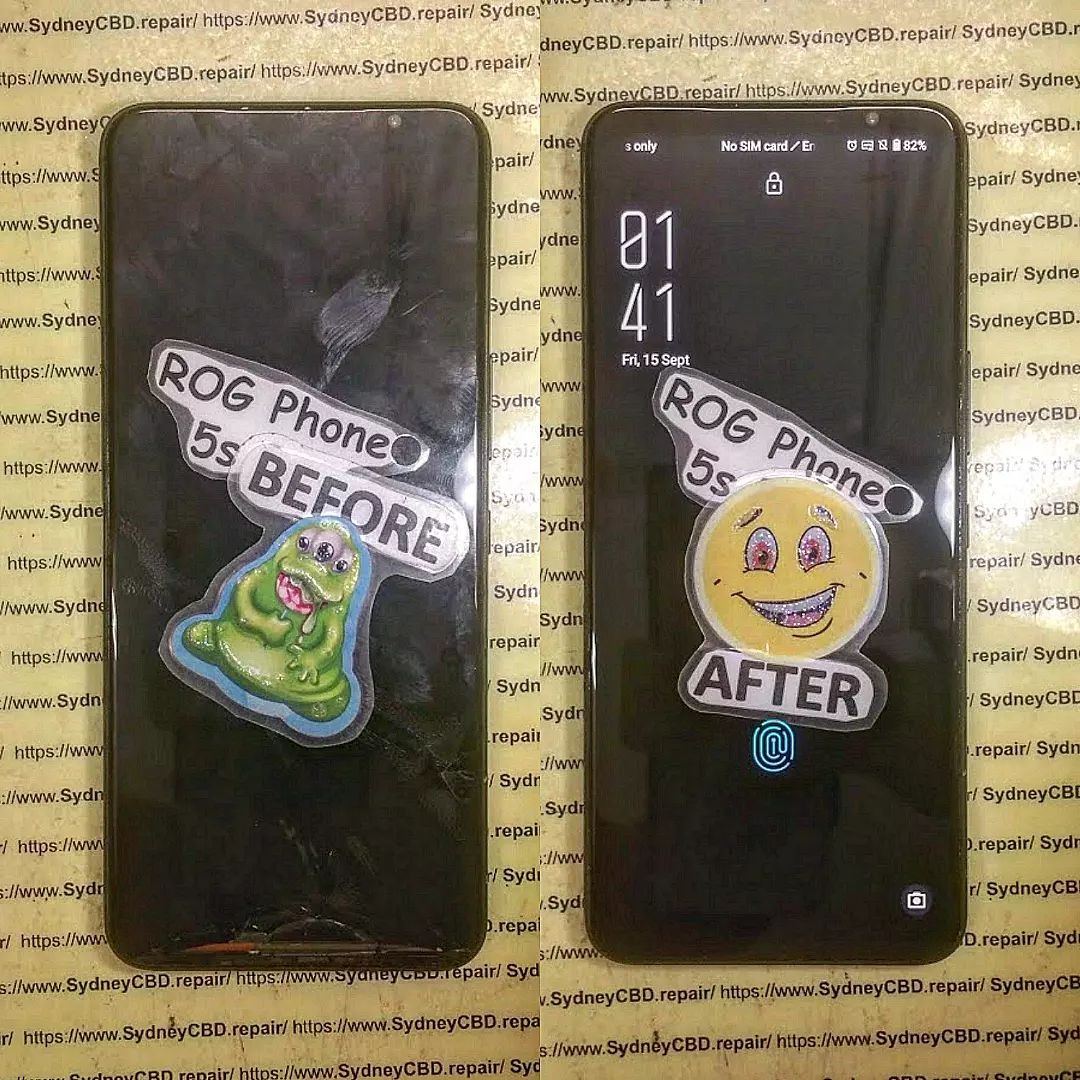
If you’re replacing the screen, this is the final step. Warm the display edges, use a suction cup, and carefully separate the AMOLED panel from the frame.
Avoiding Damage to AMOLED Panel
AMOLED displays are thin and fragile—avoid bending or applying pressure. Once separated, clean the frame before installing a replacement screen.
Applying too much heat, which can warp components.
Using metal tools near the battery or display.
Mixing screws from different modules.
Forgetting to disconnect the battery before handling cables.
Best Practices for Reassembly
Follow your disassembly steps in reverse. Reapply adhesive strips where necessary, ensure all connectors are properly aligned, and test before sealing the back panel.
How Sydney CBD Repair Centre Can Help
If you’re not confident in disassembling your ROG Phone 5S, visit Sydney CBD Repair Centre, the #1 mobile repair shop in Sydney—six years in a row!
Our expert technicians specialize in ASUS ROG, Samsung, iPhone, and Google Pixel repairs. We use only genuine parts, offer same-day service, and provide a 90-day warranty on all repairs.
1. Can I open my ROG 5S without professional help?
Yes, but it’s risky. Without the proper tools or knowledge, you may damage sensitive parts like the display or motherboard.
2. What should I do if my ROG 5S won’t power on after reassembly?
Double-check the battery and motherboard connections—loose flex cables are often the culprit.
3. Is the ROG 5S waterproof after disassembly?
No. Once the seal is broken, water resistance is compromised unless resealed professionally.
4. How much does a screen replacement cost in Sydney?
At Sydney CBD Repair Centre, prices are competitive and depend on model and part availability.
5. How long does a professional repair take?
Most ROG 5S repairs are completed same day, thanks to our express service.
6. Are all replacement parts original?
Yes, Sydney CBD Repair Centre uses genuine parts to maintain device integrity and performance.
Conclusion: Is DIY Worth It?
Disassembling your ROG 5S offers great insight into its engineering but requires skill, patience, and precision. For most users, professional repair services—like those from Sydney CBD Repair Centre—ensure a safer, faster, and warranty-backed solution.
Whether it’s a cracked screen, battery issue, or port damage, entrust your phone to the experts who’ve earned over 2000 5-star Google reviews for their reliability and craftsmanship.
David from Sydney CBD Repair Centre – The Best place to fix mobile phones as 6 Years In A Row! Top Mobile Phone Repair In Sydney. More than 2000 Positive Reviews on Google and Same Day Repairs.
📍 Visit us today for:
✓ Same Day Express Repairs
✓ Genuine Parts Guarantee
✓ Professional Technicians
✓ Competitive Pricing
✓ 2000+ 5-Star Google Reviews
✓ 6-Time Award Winner for Best Phone Repairs
Asus’ dedicated gaming phone in a beast of a device. The ROG Phone has an overclocked processor, a fast display, and a bevy of accessories meant to help it out-game the competition. Did we mention the AeroActive Cooler snap-on cooling fan? We spent some time with the ROG Phone and these are our first impressions.
Asus announced the ROG Phone earlier this month. This device is meant specifically for gaming, and the company designed it from the ground up to excel at running hardcore games. It’s a niche device, to be sure, but it is an interesting one. We decided to take a look at the phone and the ecosystem of accessories Asus has conjured up.
Asus warned us that the unit on hand was a prototype. It’s nowhere near a factory build. It’s possible some aspects of the hardware will change before the device reaches the market, and we can’t necessarily comment on the quality of the build.
I dig the design, which is clearly inspired by gamers. There are lots of lines, textures, angles, and shades stretching here and there. It’s a busy design. I like the color selection, which includes black, gray, and copper. It looks like it is straight out of a science fiction movie.
ROG Phone
The ROG phone is a big phone. Thanks to the 6-inch screen, it has a tall and wide footprint. It’s fairly thick, too. At least it is not very heavy, and that’s good news. The ROG Phone has a glass front, a metal frame, and a polycarbonate rear plate. Asus did well to go with polycarbonate rather than glass or metal. This phone needs to be semi-rugged for the abuse it will surely take as it is used to interact with games.
The front face is mostly glass. There are two trapezoidal cutouts at the top and bottom to accommodate stereo speakers. The speakers are covered by copper-colored grilles. In order to deliver high-quality sound during games, the ROG features 24-bit high-resolution audio at 192 KHz. It supports DTS Headphone and 7.1 virtual surround sound, in addition to Bluetooth aptX HD.
Front
The 6-inch screen has a 2:1 aspect ratio with full HD+ resolution. It boasts a 10,000:1 contrast ratio for incredibly deep blacks and a 90 Hz refresh rate so games look their best. (By way of comparison, the Razer gaming phone’s display has a 120 Hz refresh rate.) It includes a discrete imaging processing chip to support HDR playback. It looks good. The games and video content I sampled appeared rich and sharp. I’m sure it will be a good screen for gaming. The Android controls are of course built into the software rather than the hardware.
The two main buttons are on the right edge of the phone, and included a ridged screen lock key and a volume toggle. Both buttons have fine profiles and are easy to find and use. Travel and feedback is quite good. The left side houses a proprietary port that connects the ROG Phone to Asus‘ accessories. You’ll find a headphone jack on top and a USB-C port on the bottom.
Right Side
Left Side Port
There’s lots going on with the rear panel. To start, the two copper-colored grills stand out visually. These allow air to circulate through the chassis to help keep the processor cooler. The angular fingerprint reader, shaped as a parallelogram, is not centered. The sensor is recessed a bit, so that helps your finger locate it. The camera module has a similar shape and is pushed into the upper left corner.
Rear
The Aura is the main feature of the rear panel. Taken from Asus‘ other gaming devices, the ROG Phone features a pulsing LED on the back that changes colors. It is meant to let people personalize their phone a bit. It doubles as a notification and alert light. The Aura can be fully controlled by software.
The phone runs Android 8 Oreo and will run a custom UI from Asus. Asus told us the UI isn’t anywhere near to complete. It features a lot of blacks and bright colors. The phone ran smoothy while we looked at it.
ROG UI
The story does not end with the phone itself. First, there’s the fan, called the AeroActive Cooler. The fan accessory is meant to help the phone run cooler. It attaches to the proprietary port on the right side and hooks onto the left. The fan runs air over the copper vents, drawing heat out of the phone. Cooling the processor allows it to run faster and more efficiently. The accessory includes an additional USB-C port and headphone jack for more comfortable gaming.
ROG Fan Accessory
What’s particularly neat is that the fan includes the Aura. It physically obstructs the Aura on the back of the phone itself, and replaces it. Neat! Asus reps on hand are pretty sure the fan will be included in the box with the phone.
ROG With Fan
Then there’s the gaming case. This enormous clamshell-style accessory holds the ROG Phone on one side and includes a second display on the other. The idea is to double the screen real estate of the game. Asus says it will give gamers the APIs and other developer tools necessary to make this work. As it is for the moment, the second screen can mirror the first. Asus envisions that it will be able to split gameplay so the main action is on one screen while the screen-based controls are on the other. Or split the gameplay so a heads-up display or game map are available on one of the screens. The accessory will include its own 6000mAh power cell and can charge the phone during use. It includes its own buttons and headphone jack.
ROG Gaming Case
Rounding out our discussion, it’s worth pointing out that Asus worked with Qualcomm on a custom version of the Snapdragon 845 that handles clock speeds up to 2.96 GHz. The processor also ups the minimum clock speed to keep games running smoothly. The 845 is paired with 8 GB of RAM, 128 GB of storage, and an Adreno 630 GPU.
Asus developed what it calls “air triggers” at the corners of the phone, which are pressure sensors in the frame to accommodate gaming actions. These were not active on the phone we saw.
Thank you for using
Themify Popup
This is a sample pop up. Themify Builder or Builder Lite (free) plugin is recommended to design the pop up layouts.