


Can we fix a completely DEAD phone?

Can We Fix a Completely DEAD Phone? 10 Proven Ways to Bring It Back to Life
Can We Fix a Completely DEAD Phone? 10 Proven Ways to Bring It Back to Life
A completely dead phone can be alarming. You press the power button, and nothing happens—no logo, no vibration, no sound. Before you panic, know this: most “dead” phones can be revived with the right steps and a bit of patience. Whether it’s a drained battery, faulty charging port, or software crash, there’s often a fix that doesn’t require a full replacement.
In this guide, we’ll walk you through 10 proven methods to bring your phone back to life. Plus, we’ll help you understand when to seek professional repair help from trusted experts like Sydney CBD Repair Centre, known for fast, reliable, and affordable phone repairs.
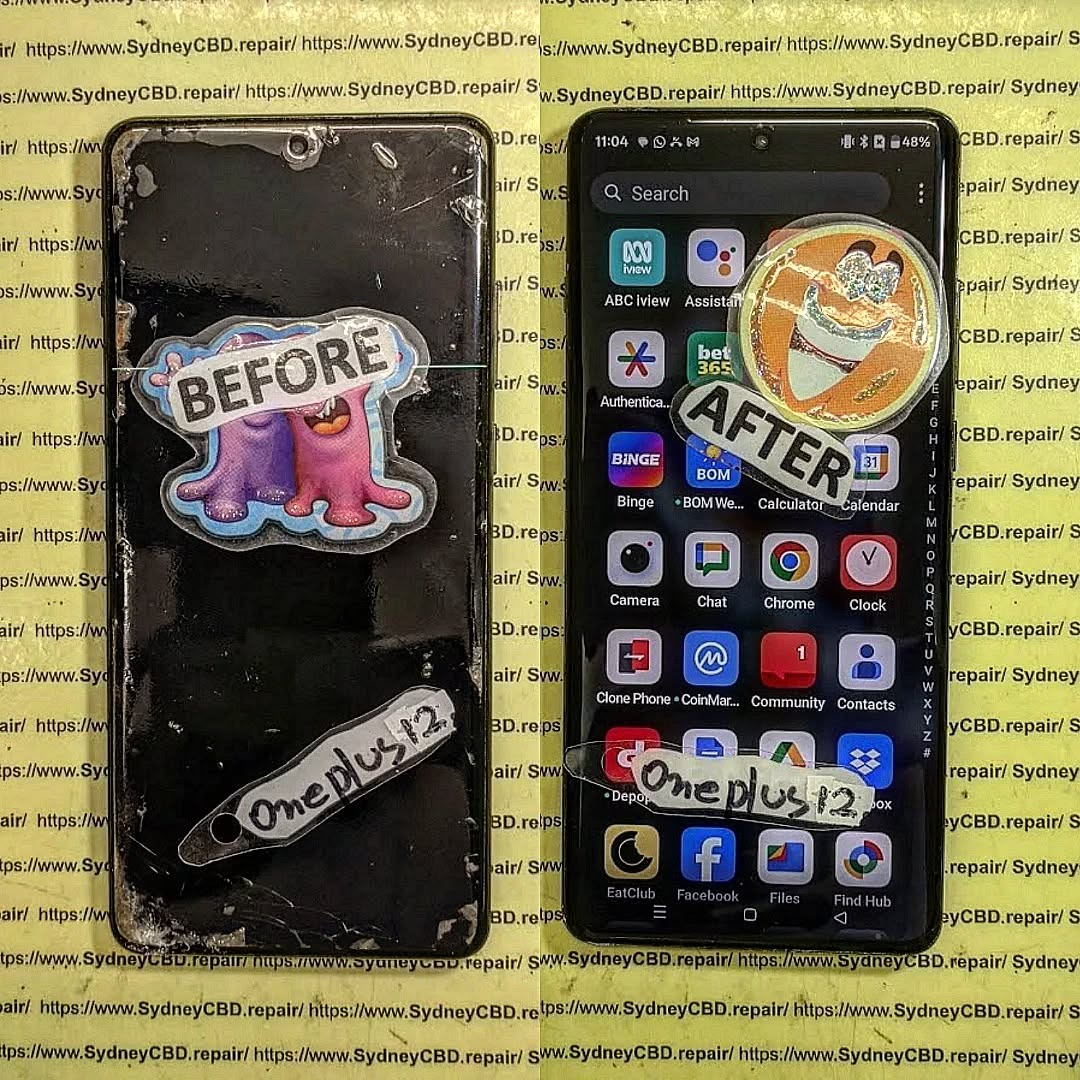
Understanding What “Dead Phone” Really Means
A “dead phone” doesn’t necessarily mean it’s beyond repair. The term usually refers to a phone that shows no signs of life—no lights, vibration, or display when powered on. However, this can result from various issues such as:
- Completely drained battery
- Damaged charging port or cable
- System crash or firmware corruption
- Battery connector failure
- Short-circuited motherboard
- Water or physical damage
Before jumping to conclusions, let’s explore what might actually be happening inside your device.
Common Signs Your Phone Might Be Dead
Sometimes, what looks like a dead phone is simply a temporary malfunction. Here’s how to spot the difference:
- No charging indicator even after being plugged in for a while.
- No response to button presses or screen touches.
- No sound or vibration when you attempt to turn it on.
- Black screen, though the phone might still be powered internally.
- Unrecognized by computer when connected via USB.
If you notice any of these signs, don’t assume the worst just yet. Let’s start troubleshooting step by step.
Step 1: Check for Simple Power Issues
Before moving to complex fixes, start with the basics. Many “dead” phones are simply not charging properly.
Inspect the Charging Cable and Adapter
Damaged cables are one of the most common causes of charging failure. Try these:
- Test the charger with another device.
- Inspect the USB cable for fraying or bends.
- Swap the adapter for a certified replacement.
Always use original or MFi-certified accessories, especially for iPhones, as cheap alternatives can cause voltage irregularities.
Try Different Power Sources
Sometimes, it’s not your phone—it’s the socket.
- Plug into a different wall outlet or power bank.
- Try a computer USB port.
- Avoid using old multi-plug adapters.
If your device starts showing a battery logo or flickers, you’re on the right path.
Step 2: Clean the Charging Port Properly
Dust and lint can accumulate inside your charging port, blocking power flow.
How to Safely Clean a Charging Port
- Turn off your phone completely.
- Use a soft brush, toothpick, or compressed air to dislodge debris.
- Avoid using metal objects that could damage internal pins.
- Reconnect your charger gently.
A single piece of lint can interrupt the circuit—cleaning might be all it takes.
Step 3: Force Restart Your Device
Sometimes, your phone looks dead because it’s stuck in a crash loop. Force restarting clears temporary bugs.
Force Restart Method for iPhones
- iPhone 8 or later: Press and release Volume Up, then Volume Down, then hold Side Button until the Apple logo appears.
- iPhone 7 / 7 Plus: Hold both Volume Down and Sleep/Wake buttons.
- iPhone 6s or earlier: Hold Home and Sleep/Wake buttons simultaneously.
Force Restart Method for Androids
The key combinations may vary:
- Hold Power + Volume Down for 10–15 seconds.
- For Samsung, use Power + Volume Up + Bixby (if available).
If your phone vibrates or shows a logo, the issue was likely software-related.
Step 4: Use a Wireless Charger (If Supported)
Wireless charging bypasses the USB port entirely.
If your device supports Qi wireless charging, place it on a compatible pad for at least 10 minutes.
This helps determine if the problem lies in the charging port or internal circuit.
Step 5: Inspect Battery Health and Replace if Needed
Batteries have a lifespan, and over time, they degrade. If your phone’s battery has failed, it may not charge or show any response.
How to Identify a Failing Battery
- The phone only powers on when plugged in.
- Rapid battery drain even when charged.
- Swollen or bloated back cover.
- No voltage reading during diagnostics.
If the battery is removable, try testing with a replacement.
For non-removable ones, a technician can safely test voltage and replace it.
Step 6: Check for Water Damage
Moisture is a silent killer for phones.
Even a small amount can cause short circuits, leading to complete shutdowns.
Using Silica Gel or Rice Method
- Turn off the device immediately.
- Wipe it dry externally.
- Place it in a sealed bag with silica gel packets (preferred) or uncooked rice for 24–48 hours.
- Do not try to power it on too soon.
If corrosion has formed, professional cleaning using ultrasonic tools is recommended.
Step 7: Connect to a Computer
Plug your phone into a PC or Mac using a data cable.
If the computer detects a USB connection or sound, the device might be alive, just with a display or boot issue.
Use tools like iTunes (for iPhone) or Android File Transfer to attempt a firmware restore.
Step 8: Enter Recovery or DFU Mode
If your phone still won’t boot, you can try deep recovery options.
- For iPhone: Connect to iTunes, then hold the Power + Volume Down combo to enter Recovery Mode or DFU Mode.
- For Android: Use ADB/Fastboot tools to flash firmware if the device is recognized.
Be careful—this can erase your data.
Step 9: Replace the Charging Port or Board
When all else fails, the issue might be hardware-related.
Charging ports and logic boards can fail due to wear, corrosion, or drops.
At this point, it’s best to visit a professional repair centre for diagnostics.
Step 10: Seek Professional Repair Help
If your phone remains unresponsive after all steps, it’s time to consult experts.
Why Choose Sydney CBD Repair Centre
Sydney CBD Repair Centre has been Sydney’s #1 mobile repair shop for six years in a row, with over 2000 five-star Google reviews.
They specialize in dead phone revival, battery replacements, and motherboard-level repairs for all brands—Apple, Samsung, Google, and more.
They offer:
- Same-day repairs
- Genuine parts
- 90-day warranty
- Competitive pricing
Visit them at 👉 https://SydneyCBD.repair/locate-us or call +61280114119.
FAQs

1. Can a completely dead phone be fixed?
Yes. In most cases, dead phones can be revived with proper diagnostics and component-level repairs.
2. How do I know if my phone battery is dead or damaged?
If your phone only powers when plugged in or drains instantly, the battery is likely failing.
3. Can water damage cause a phone to die completely?
Absolutely. Water can short internal circuits, but professional ultrasonic cleaning can often save it.
4. How much does it cost to repair a dead phone?
It depends on the cause—battery replacements start from around $80, while board repairs vary by model.
5. Is it safe to charge my dead phone overnight?
No. Always charge under supervision, especially after water damage or power-related issues.
6. What if my phone shows no sign of charging after all steps?
Visit a certified repair shop like Sydney CBD Repair Centre for expert diagnostics.
Conclusion

A completely dead phone doesn’t always mean it’s gone for good. By following these proven steps—from checking cables to entering recovery mode—you can often bring your device back to life. And if not, Sydney CBD Repair Centre is always ready to help with expert diagnostics, genuine parts, and reliable same-day service.
Don’t give up on your phone just yet—revival is possible with the right care and expertise.
David from Sydney CBD Repair Centre — The Best place to fix mobile phones, 6 Years In A Row!
More than 2000 Positive Reviews on Google and Same Day Repairs.
We repair all major brands including Apple, Samsung, Google, and more, using genuine parts and offering a 90-day warranty.
Visit us for:
✓ Same Day Express Repairs
✓ Genuine Parts Guarantee
✓ Professional Technicians
✓ Competitive Pricing
✓ 2000+ 5-Star Google Reviews
✓ 6-Time Award Winner for Best Phone Repairs
Sydney CBD Repair Centre – Where Quality Meets Reliability.
📞 Call: +61280114119
🌐 Website: https://SydneyCBD.repair/locate-us

