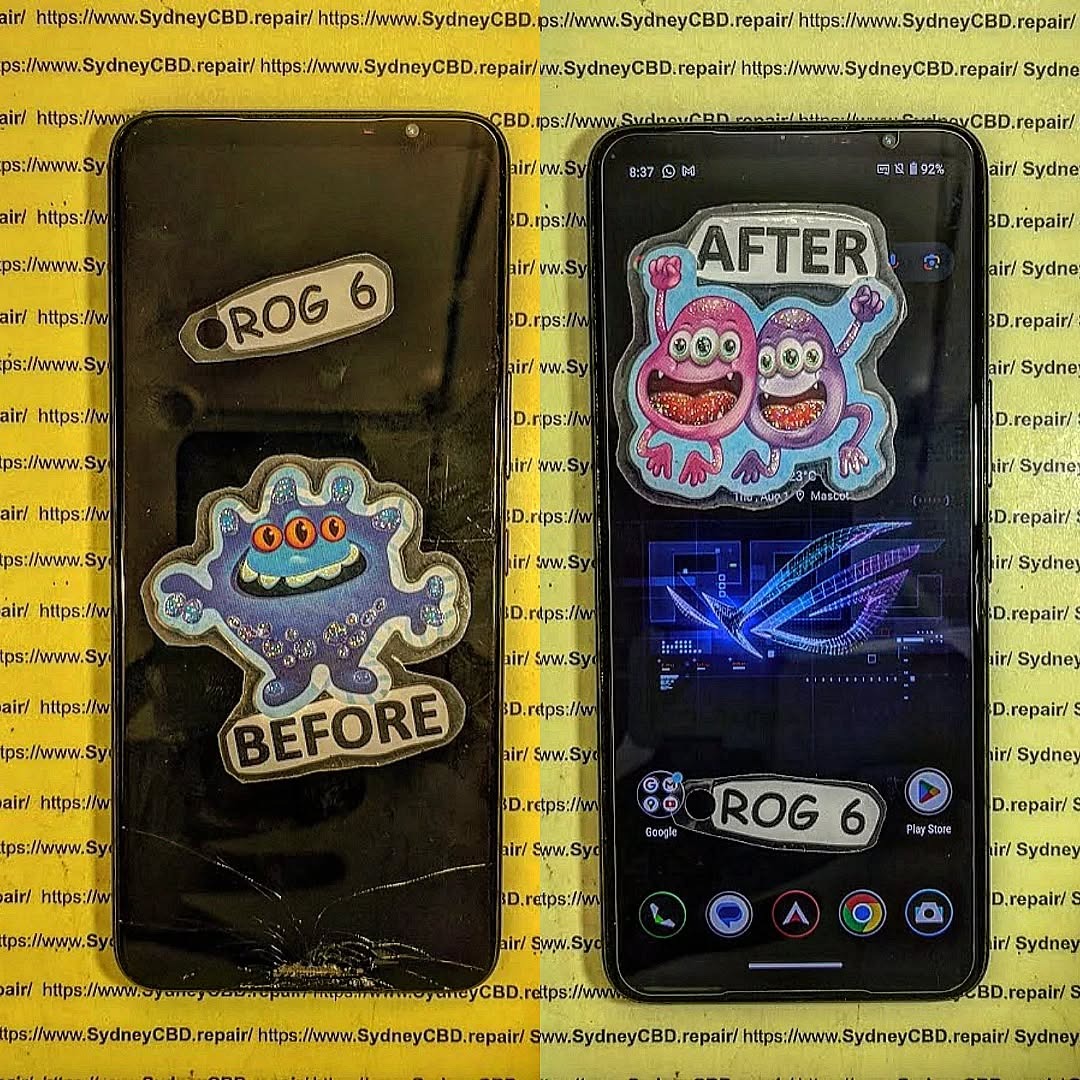
Beyond the Crack: Inside the World of Internal Display Damage

Beyond the Crack: Inside the World of Internal Display Damage – Shocking Truths in 7 Layers
Introduction
A smartphone screen can look perfectly fine on the outside yet be seriously damaged on the inside. This hidden problem, known as internal display damage, is becoming increasingly common as modern phones get thinner, lighter, and more complex. Unlike obvious cracks or shattered glass, internal display damage affects the delicate layers beneath the surface—often without any visible warning at first.
Many users only notice something is wrong when flickering lines appear, colors start to bleed, or touch response becomes unreliable. By then, the damage has usually progressed. Because these symptoms can resemble software issues, internal display damage is frequently misdiagnosed, leading to delays, frustration, and higher repair costs.
In this article, we’ll go beyond the surface to explain what internal display damage really is, how it happens, and why it’s such a serious issue for modern smartphones. You’ll learn the early warning signs, the difference between internal and external screen damage, and what realistic repair options look like today. Most importantly, you’ll gain practical knowledge to protect your device and make informed decisions before minor issues turn into total screen failure.
Understanding Internal Display Damage
Internal display damage is one of the most misunderstood smartphone issues today. Many users assume that if the glass isn’t cracked, the display must be fine. Unfortunately, that’s not always true. Internal display damage can occur even when a phone looks pristine on the outside. This hidden problem affects the internal layers of the screen, leading to performance issues that worsen over time.
What makes internal display damage particularly frustrating is its delayed nature. A phone might work normally after a drop, only to develop lines, flickering, or black spots days later. Because the damage is inside, users often blame software updates or apps, delaying proper repair. In reality, the internal display components may already be compromised.
Modern smartphones rely on extremely thin and delicate display layers. These layers are bonded together under pressure and heat. When force is applied—even briefly—it can disrupt these bonds. Internal display damage is especially common in OLED and AMOLED screens, which are flexible but fragile. According to display technology experts, OLED panels are more susceptible to internal stress fractures than older LCDs (source: https://en.wikipedia.org/wiki/OLED).
Understanding internal display damage early can save time, money, and frustration. The sooner the issue is diagnosed, the better the chance of preventing secondary damage to other components.
What Internal Display Damage Really Means
Internal display damage refers to harm done to the functional layers beneath the outer glass. These layers include the digitizer, OLED matrix, polarizers, and backlight components. Even a minor disruption can cause visible defects.
Unlike surface cracks, internal display damage affects how pixels light up and respond to touch. That’s why symptoms often appear as discoloration, lines, or touch lag rather than obvious physical breaks.
Why Internal Damage Is Often Invisible
The outer glass on modern phones is designed to absorb impact. While this protects against cracks, it transfers force inward. As a result, the internal display layers may fail while the glass remains intact. This invisibility is what makes internal display damage so deceptive.
How Smartphone Displays Are Built
To understand internal display damage, it helps to know how displays are constructed. Smartphone screens aren’t a single piece. They’re a stack of ultra-thin layers working together seamlessly.
Each layer has a specific role, from detecting touch to emitting light. When even one layer is damaged, the entire display experience suffers. Internal display damage usually starts in the most delicate layers, which are impossible to see without specialized tools.
The Role of OLED and AMOLED Panels
OLED and AMOLED displays don’t use traditional backlights. Instead, each pixel emits its own light. This allows for vibrant colors and deep blacks, but it also means more vulnerability. Internal display damage can cause individual pixels or entire sections to fail permanently.
Because these displays are bonded tightly, repairs often require full panel replacement. Partial fixes simply don’t last.
Fragile Layers Beneath the Glass
Beneath the glass are adhesive layers, digitizers, and the display matrix. These components are sensitive to pressure and temperature changes. Internal display damage often begins as micro-tears or delamination, gradually spreading across the screen.
Common Causes of Internal Display Damage

Internal display damage doesn’t always come from dramatic drops. In fact, everyday habits are often to blame. Phones are exposed to more stress than users realize.
Small incidents add up. Sitting on a phone, carrying it in a tight pocket, or placing it face-down on hard surfaces can all contribute. Over time, these stresses weaken internal connections.
Impact Without a Crack
A phone can experience a sharp impact that doesn’t crack the glass but still damages the internal display. Corners are especially vulnerable. The force travels inward, disrupting the display layers.
This is why internal display damage is common after short drops that “seem fine” at first.
Pressure, Heat, and Flex Damage
Heat is another major factor. Leaving a phone in a hot car can soften adhesives inside the display. Combined with pressure, this leads to internal display damage. Flexing the phone—even slightly—can also cause micro-fractures in OLED panels.
Early Warning Signs You Shouldn’t Ignore
Catching internal display damage early is crucial. The symptoms may start small but worsen quickly. Ignoring them often leads to complete display failure.
Most users notice visual issues first. These changes are subtle at the beginning, which is why they’re easy to dismiss.
Flickering, Lines, and Dead Pixels
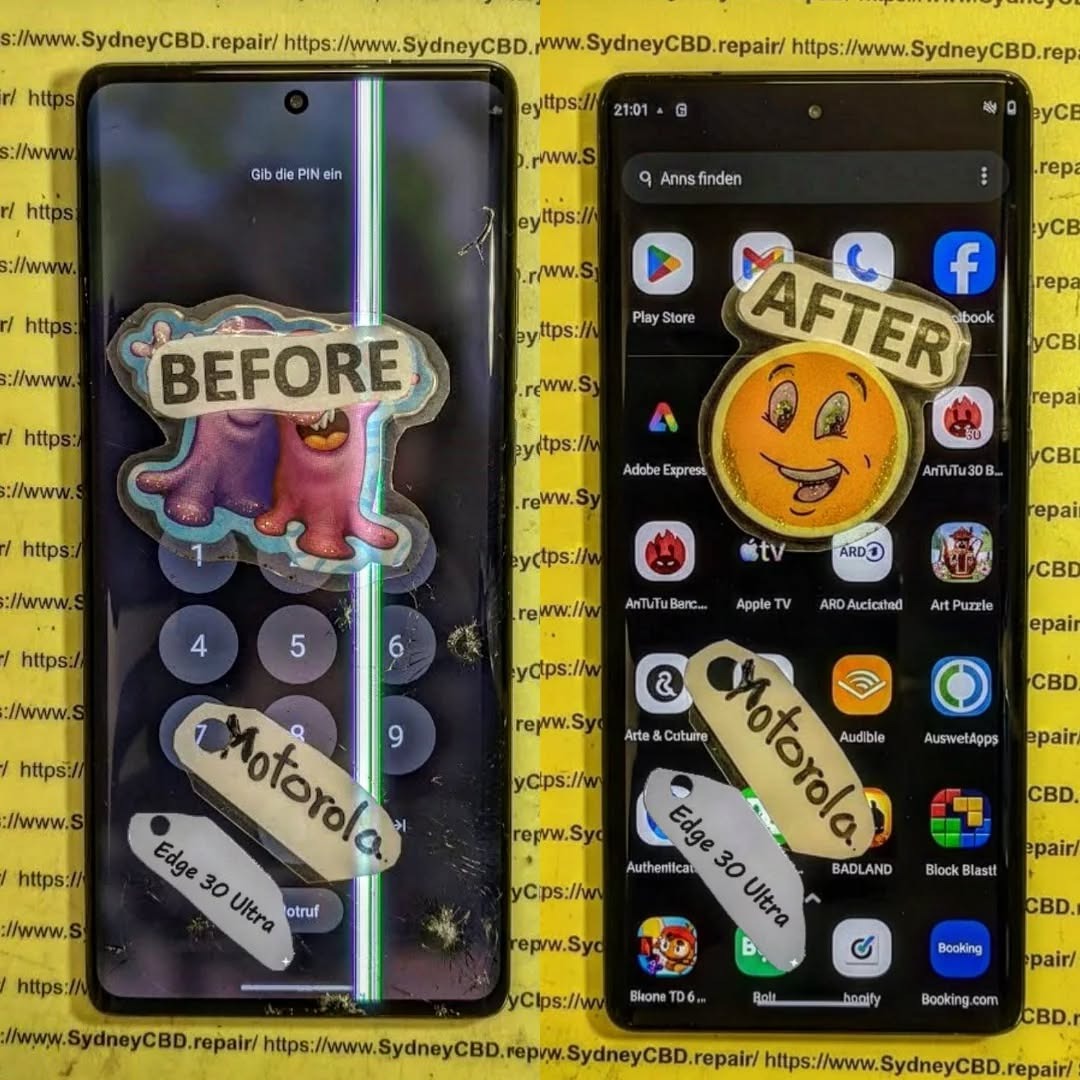
Horizontal or vertical lines are classic signs of internal display damage. Flickering brightness or random color shifts are also red flags. Dead pixels that spread over time usually indicate internal layer failure.
Touch Issues and Ghost Inputs
When the digitizer layer is affected, touch responsiveness suffers. You might notice ghost touches or unresponsive areas. These issues are rarely software-related when paired with visual defects.
Internal Display Damage vs External Screen Damage
Many people confuse internal display damage with external screen damage. While they can occur together, they’re very different problems with different repair paths.
Understanding the distinction helps set realistic expectations for cost and repair time.
Key Differences Explained Simply
External damage affects the glass only. Internal display damage affects the functional screen layers. A cracked glass can sometimes be replaced cheaply. Internal display damage almost always requires a full screen replacement.
Why Repairs Cost More Than Expected
Because internal display damage involves the entire panel, parts costs are higher. OLED displays are among the most expensive smartphone components. Labor is also more complex, increasing overall repair costs.
Can Internal Display Damage Be Repaired?
This is the big question. Unfortunately, internal display damage can’t be “fixed” in the traditional sense. There’s no reliable way to repair damaged OLED pixels or delaminated layers.
That said, professional replacement restores full functionality and visual quality.
When Replacement Is the Only Option
If you see spreading black spots, persistent lines, or total display failure, replacement is unavoidable. Internal display damage doesn’t heal itself and will only worsen.
Temporary Fixes and Why They Fail
Some online tips suggest pressing the screen or reheating it. These methods might offer brief improvement but usually accelerate failure. Internal display damage requires proper repair, not shortcuts.
Professional Diagnosis and Repair Process
A professional diagnosis confirms whether the issue is internal display damage or something else. Technicians use testing tools to rule out software and connector issues.
Once confirmed, the damaged display is carefully removed and replaced with a new unit.
Tools and Techniques Used by Experts
Professionals use heat plates, precision tools, and ESD-safe equipment. This ensures the new display bonds correctly and functions as intended.
Risks of DIY Repairs
DIY repairs often cause more harm. Without proper tools, it’s easy to damage cables or the motherboard. Internal display damage repairs are best left to trained technicians.
Preventing Internal Display Damage
While accidents happen, prevention goes a long way. Simple habits can dramatically reduce the risk of internal display damage.
Protective measures don’t have to be expensive or inconvenient.
Everyday Habits That Protect Your Screen
Avoid sitting on your phone. Keep it out of tight pockets. Don’t expose it to extreme heat. These small changes make a big difference.
Accessories That Actually Help
A quality case with shock absorption helps distribute impact force. Screen protectors won’t stop internal display damage entirely, but they do reduce stress on the glass and internal layers.
FAQs About Internal Display Damage
Q1: Can internal display damage get worse over time?
Yes, internal display damage almost always worsens as damaged layers continue to degrade.
Q2: Will a software update fix internal display damage?
No. This is a hardware issue, not software-related.
Q3: Is internal display damage covered by warranty?
Usually not, unless it’s due to a manufacturing defect.
Q4: Can I still use my phone with internal display damage?
Temporarily, yes. But continued use can lead to total display failure.
Q5: How long does a professional repair take?
Most professional repairs are completed the same day.
Q6: Is internal display damage more common in newer phones?
Yes, especially in phones with thin OLED displays.
Conclusion: Knowledge Is Protection

Internal display damage is a silent threat to modern smartphones. It hides beneath intact glass, slowly degrading performance until failure is unavoidable. By understanding the causes, symptoms, and repair options, users can act quickly and make informed decisions.
Prevention, early diagnosis, and professional repair are the best defenses. When it comes to internal display damage, what you don’t see really can hurt your phone.
David from Sydney CBD Repair Centre – The Best place to fix mobile phones as 6 Years In A Row! Top Mobile Phone Repair In Sydney. More than 2000 Positive Reviews on Google and Same Day Repairs.
We take pride in delivering exceptional repair services for all major phone brands including Apple, Samsung, Google, and more. Our expert technicians use only genuine parts and offer 90days warranty on repairs. Located in the heart of Sydney CBD, we’re your one-stop solution for all mobile device repairs.
Our commitment to excellence has earned us the trust of thousands of satisfied customers. Whether it’s a cracked screen, battery replacement, or water damage repair, we handle it all with professional care and expertise. Walk in today and experience why we’re Sydney’s #1 choice for mobile phone repairs.
Visit us for:
✓ Same Day Express Repairs
✓ Genuine Parts Guarantee
✓ Professional Technicians
✓ Competitive Pricing
✓ 2000+ 5-Star Google Reviews
✓ 6-Time Award Winner for Best Phone Repairs
Sydney CBD Repair Centre – Where Quality Meets Reliability.
Call : +61280114119
Website: https://SydneyCBD.repair/locate-us