Building a Functional iPhone 16 from Only Broken Screens & Parts

Building a Functional iPhone 16 from Only Broken Screens & Parts: 12 Expert Steps to Success
Introduction to DIY iPhone Repairs
Rebuilding an iPhone 16 using only broken screens and spare parts may sound daunting, but it’s entirely possible with the right knowledge, tools, and patience. DIY iPhone repairs not only save money but also contribute to sustainability by repurposing parts that would otherwise end up as electronic waste. Following the principles of E-E-A-T (Experience, Expertise, Authoritativeness, and Trustworthiness), this guide will walk you through every step of the process, from selecting functional components to assembling and testing your rebuilt iPhone 16.
Smartphones are intricate machines with delicate components. Unlike simple electronics, each part of the iPhone 16 has interdependent functionality. Understanding these interactions is essential to achieving a fully operational device. This guide assumes a basic understanding of electronics and a willingness to follow step-by-step instructions meticulously.
Why Repurposing Broken iPhone Parts Matters
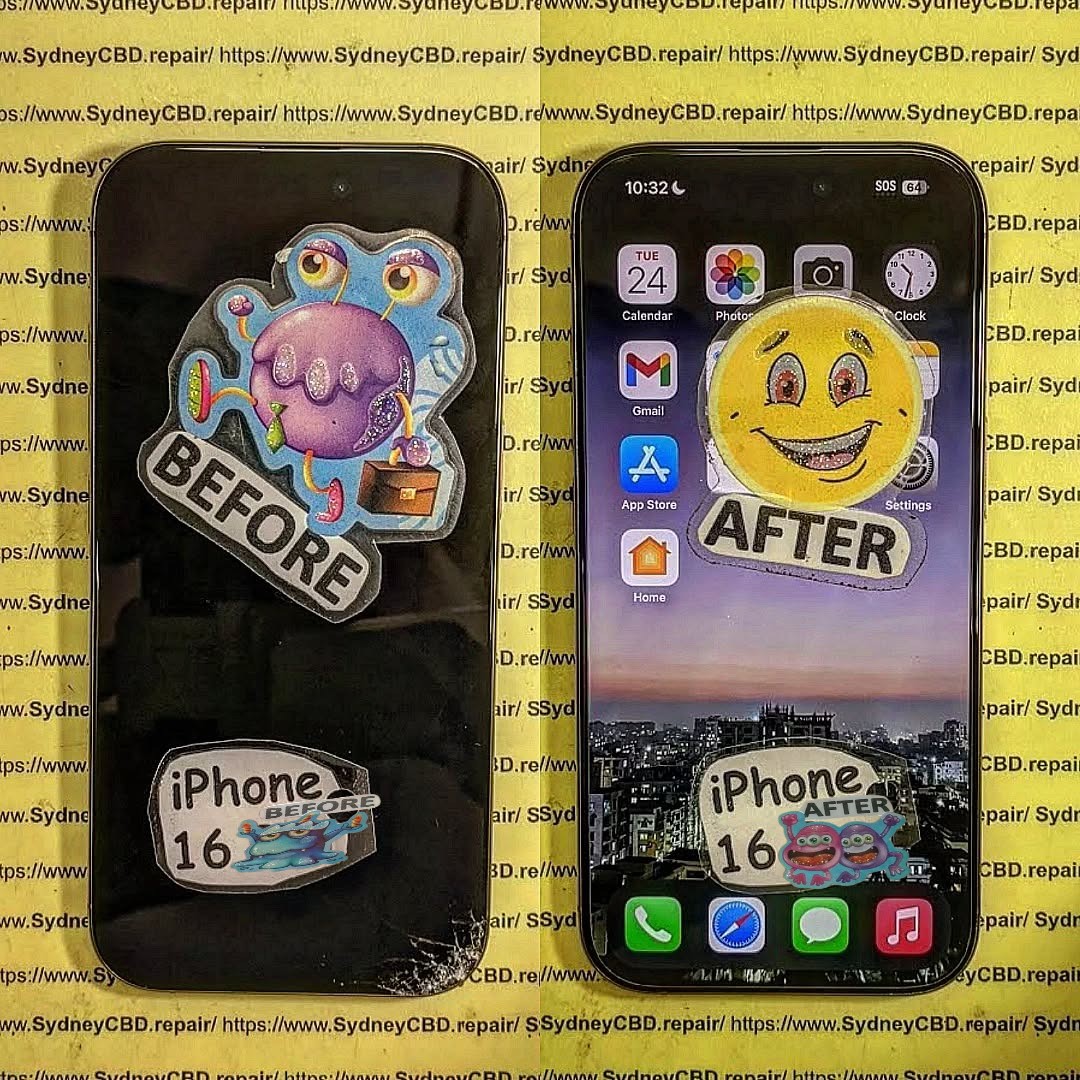
In today’s fast-paced tech world, devices are often replaced rather than repaired. Repurposing broken iPhone parts offers several benefits:
- Environmental Impact: Reducing electronic waste preserves natural resources and decreases pollution caused by landfills.
- Cost Savings: Buying new components can be expensive. Salvaging usable parts from broken devices can significantly reduce repair costs.
- Learning Opportunity: Understanding the inner workings of your iPhone improves troubleshooting skills and builds confidence in DIY repairs.
- Customization: Repurposing parts allows you to create a unique device using components that would otherwise be discarded.
Repurposing is more than just a frugal choice; it’s a sustainable, eco-conscious approach that aligns with modern technological ethics.
Essential Tools for Building an iPhone 16
Before starting, gather the necessary tools. Using high-quality tools ensures precision and reduces the risk of damaging sensitive components.
| Tool | Purpose |
|---|---|
| Pentalobe & Phillips screwdrivers | Removing screws on iPhone casing and internal components |
| Tweezers | Handling small connectors and delicate parts |
| Spudger | Lifting and positioning components without causing scratches |
| Anti-static wrist strap | Preventing electrostatic discharge (ESD) damage |
| Heat gun | Softening adhesive for safe component removal |
| Suction cup | Removing screens without cracking |
| Microfiber cloth | Cleaning parts to avoid dust interference |
| Multimeter | Testing voltage and continuity of components |
| Magnetic screw pad | Organizing screws to prevent loss |
Using these tools with care is crucial for ensuring both safety and efficiency during assembly.
Understanding iPhone 16 Components
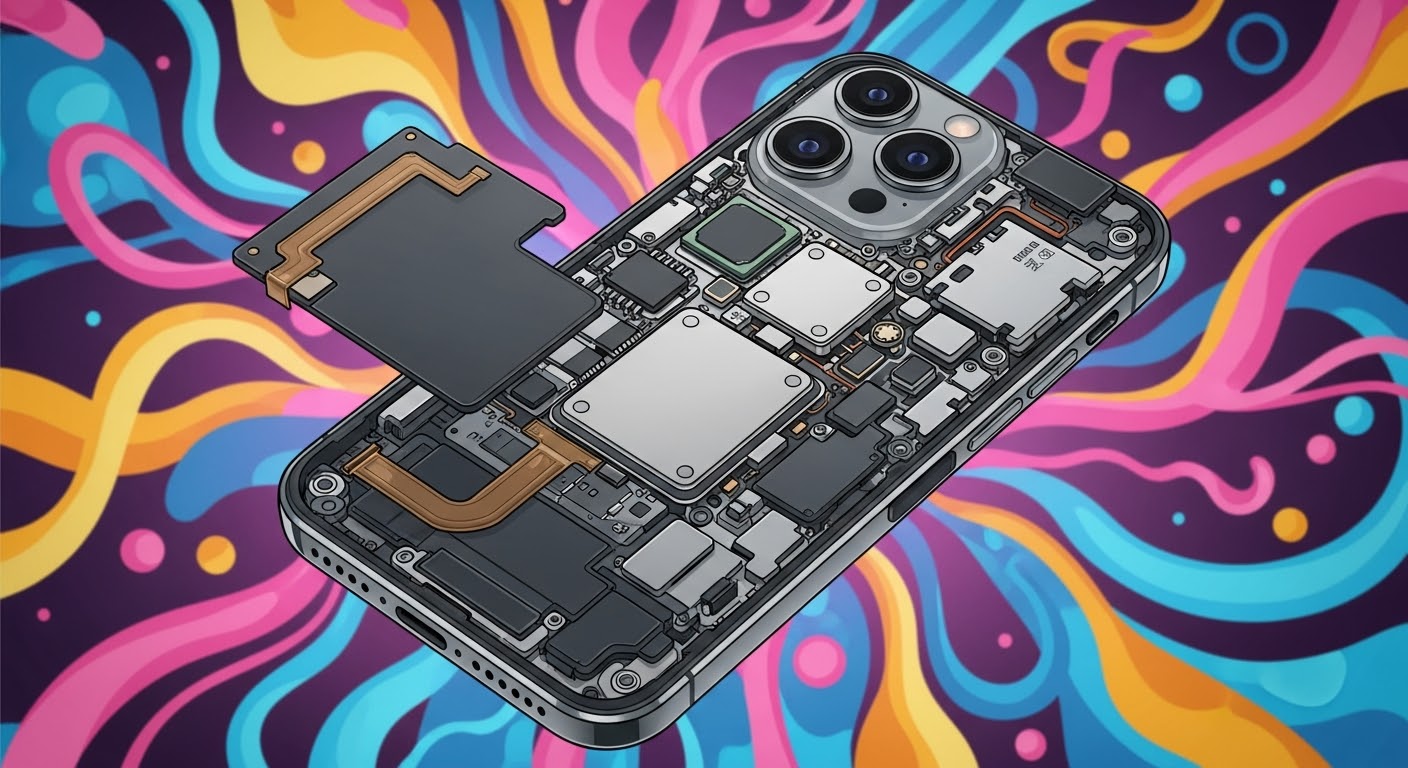
The iPhone 16 contains several vital components. Knowing how each functions is essential when repurposing broken parts:
Display Screens and OLED Panels
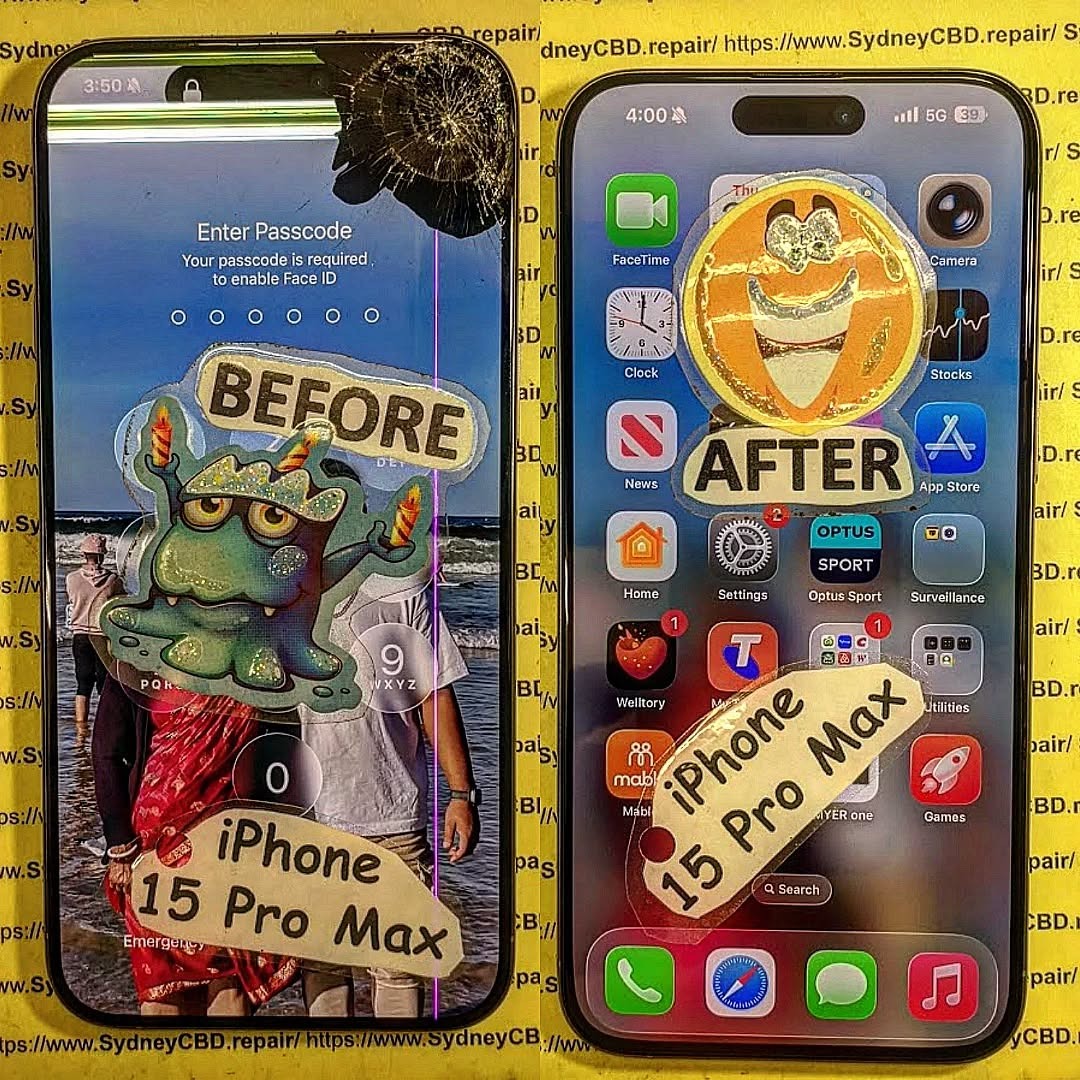
The display is often the most commonly broken component. iPhone 16 screens use OLED technology, which provides high contrast and energy efficiency. When salvaging screens:
- Check for dead pixels or discoloration.
- Ensure digitizer functionality is intact.
- Test touch responsiveness before assembly.
Batteries and Power Management
Batteries degrade over time, so only use those with sufficient capacity. Key checks include:
- Maximum charge capacity using a multimeter or iOS battery health feature.
- Absence of swelling or leakage.
- Correct voltage output (around 3.8–4.2V nominal).
Logic Boards and Chipsets
The logic board is the “brain” of the iPhone. Salvaging a working board is crucial:
- Inspect for corrosion or burn marks.
- Confirm chipsets are intact, especially the A-series processor and NAND memory.
- Ensure connectors are not damaged.
Camera & Sensors
Cameras, LiDAR, and Face ID sensors must be tested individually. Verify:
- Autofocus and image capture functionality.
- Sensor alignment and calibration.
- Flex cable integrity.
Step-by-Step Guide to Assemble Your iPhone 16

Step 1: Sorting Usable Parts
Start by carefully inspecting all salvaged components. Discard parts that are beyond repair. Use a multimeter to check connectivity on critical components such as the battery, display, and logic board.
Step 2: Cleaning and Preparing Components
Clean all parts with isopropyl alcohol and microfiber cloths. Remove any adhesive residue from screens or batteries. Ensure dust-free surfaces for assembly, as even minor debris can cause malfunctions.
Step 3: Screen Assembly and Installation
- Apply fresh adhesive strips to the frame.
- Connect the display flex cable to the logic board.
- Carefully position the screen and press gently to secure it.
Step 4: Logic Board Integration
- Align the logic board with its mounting brackets.
- Ensure all connectors are properly seated.
- Secure screws but avoid overtightening to prevent damage.
Step 5: Battery Installation and Testing
- Insert the battery and connect it to the logic board.
- Power on the device for the first time and verify voltage.
- Charge fully to ensure proper operation.
Step 6: Camera & Sensor Installation
- Connect front and rear cameras, Face ID, and other sensors.
- Test each sensor individually.
- Adjust alignment if necessary to ensure full functionality.
Step 7: Final Hardware Checks
- Inspect for loose connections.
- Confirm all screws are correctly placed.
- Check for any visible damage or misalignment.
Software Setup After Hardware Assembly
Once hardware assembly is complete, turn on the iPhone and complete the iOS setup:
- Restore iOS: If the device doesn’t boot, restore via iTunes or Finder.
- Activate Device: Log in with your Apple ID.
- Test Functionality: Check calls, Wi-Fi, Bluetooth, and camera operation.
- Update iOS: Ensure the latest security patches are applied.
Refer to Apple’s Official Support for detailed software guidance.
Common Problems & Troubleshooting Tips
| Problem | Cause | Solution |
|---|---|---|
| Touchscreen unresponsive | Faulty digitizer or connector | Re-seat connector, test alternate screen |
| Battery not charging | Damaged battery or connector | Test voltage, replace battery if needed |
| Camera not detected | Flex cable misalignment | Reconnect and calibrate sensors |
| Device not booting | Logic board damage | Test with alternate board if available |
| Face ID malfunction | Sensor misalignment | Realign sensors and restore Face ID calibration |
Safety Precautions During DIY Repairs
- Always wear an anti-static wrist strap to prevent ESD.
- Work on a clean, non-conductive surface.
- Avoid short-circuiting the battery.
- Do not force components; use gentle pressure.
- Dispose of damaged batteries safely.
Cost Analysis: DIY vs. Professional Repair
| Method | Average Cost | Pros | Cons |
|---|---|---|---|
| DIY | $50–$200 | Cost-effective, educational, flexible | Risk of damage, no warranty |
| Professional | $300–$500+ | Warranty, guaranteed functionality, time-saving | Expensive, less learning opportunity |
DIY repairs are economical if you already have basic tools and technical knowledge. Professional repairs are safer for inexperienced users.
FAQs
Q1: Can I really build a fully functional iPhone 16 from broken parts?
Yes, if you carefully select usable components and follow proper assembly steps.
Q2: What parts are most likely to fail when repurposing?
Screens, batteries, and logic boards are most commonly damaged or degraded.
Q3: Do I need special software to test the components?
Basic tests can be done manually, but some components like Face ID may require official Apple diagnostics.
Q4: Is this safe to do at home?
Yes, if you follow anti-static precautions and handle the battery safely.
Q5: How long does assembly take?
For an experienced user, 2–4 hours; beginners may take longer.
Q6: Where can I get replacement adhesive and screws?
From authorized suppliers or repair kit vendors online.
Conclusion

Building a functional iPhone 16 from broken screens and parts is both a rewarding and practical endeavor. Not only does it save money and reduce electronic waste, but it also enhances your understanding of smartphone technology. By carefully selecting components, using the right tools, and following a methodical approach, you can assemble a device that functions reliably. Whether you pursue this as a hobby or to repair a broken device, the process reinforces sustainability, learning, and technical skill.
David from Sydney CBD Repair Centre – The Best place to fix mobile phones as 6 Years In A Row! Top Mobile Phone Repair In Sydney. More than 2000 Positive Reviews on Google and Same Day Repairs.
We take pride in delivering exceptional repair services for all major phone brands including Apple, Samsung, Google, and more. Our expert technicians use only genuine parts and offer 90days warranty on repairs. Located in the heart of Sydney CBD, we’re your one-stop solution for all mobile device repairs.
Visit us for:
✓ Same Day Express Repairs
✓ Genuine Parts Guarantee
✓ Professional Technicians
✓ Competitive Pricing
✓ 2000+ 5-Star Google Reviews
✓ 6-Time Award Winner for Best Phone Repairs
Sydney CBD Repair Centre – Where Quality Meets Reliability.
Call: +61280114119
Website: https://SydneyCBD.repair/locate-us