


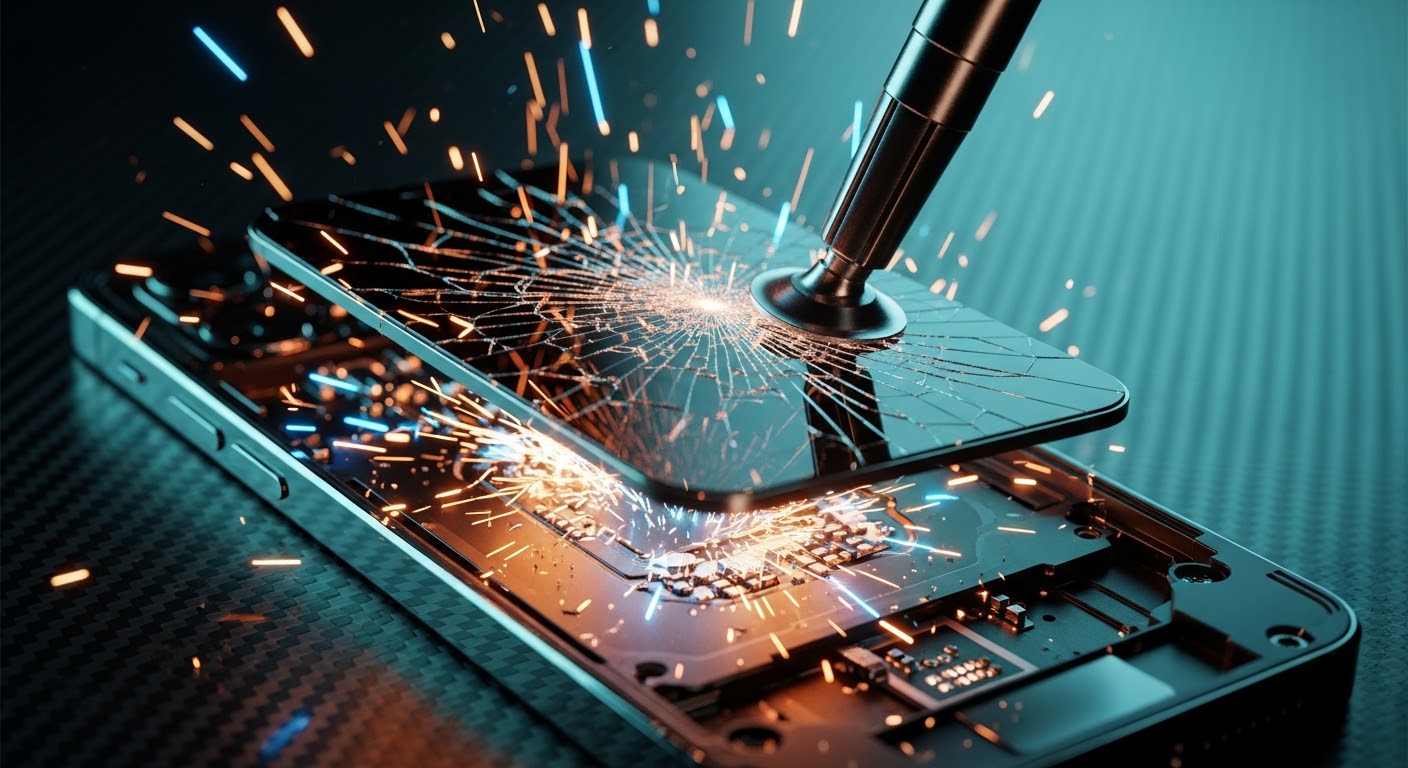
Step by Step Guide to the First Ever iPhone 17 Pro Screen Replacement

Step by Step Guide to the First Ever iPhone 17 Pro Screen Replacement – Ultimate Expert Guide (2026)
📱 Introduction to iPhone 17 Pro Screen Replacement
The first ever iPhone 17 Pro screen replacement is already becoming a hot topic among repair technicians and DIY enthusiasts. With the latest innovations from Apple, screen repair isn’t what it used to be.
Let’s face it—dropping your phone happens to the best of us. But when it comes to replacing the display of the iPhone 17 Pro, things have evolved. This guide walks you through every step in a clear, easy-to-follow way.
Whether you’re a beginner or an experienced technician, you’ll find this guide practical, detailed, and worth your time.
🔍 Understanding the iPhone 17 Pro Display Technology
Key Features of the New Display
The iPhone 17 Pro introduces cutting-edge display features:
- Micro-LED technology
- Higher brightness levels
- Improved durability
- Integrated touch sensors
These upgrades make the iPhone 17 Pro screen replacement more delicate and precise than previous models.
Why Screen Replacement Is Different This Time
Unlike older models, the screen is now more tightly integrated with internal components. That means:
- Stronger adhesive
- More fragile connectors
- Calibration requirements
In short, you’ll need patience and precision.
🧰 Tools Required for Screen Replacement
Essential Repair Tools
Before starting, gather these tools:
- Pentalobe screwdriver
- Suction cup
- Plastic pry tools
- Tweezers
- Heat gun or heating pad
Optional Professional Equipment
For better results, consider:
- Anti-static mat
- Precision screwdriver kit
- Screen separator machine
These tools can make your iPhone 17 Pro screen replacement smoother and safer.
⚠️ Safety Precautions Before Starting
Personal Safety Tips
- Always power off the device
- Work in a clean, well-lit space
- Wear anti-static gloves
Device Protection Measures
- Avoid overheating the phone
- Handle connectors gently
- Keep screws organized
Skipping these steps can damage your phone permanently.
🔧 Step-by-Step iPhone 17 Pro Screen Replacement Guide

Step 1: Power Off the Device
Turn off your phone completely. This prevents electrical damage.
Step 2: Remove Screws
Use a pentalobe screwdriver to remove the bottom screws near the charging port.
Step 3: Heat and Lift Display
Apply gentle heat around the edges. Then:
- Use a suction cup
- Insert a plastic pry tool
- Slowly lift the screen
Take your time here—rushing can crack the display further.
Step 4: Disconnect Battery
Before touching any internal parts:
- Locate the battery connector
- Carefully disconnect it
This is critical for safety.
Step 5: Remove Display Connectors
Next, disconnect:
- Display cable
- Touch sensor cable
- Face ID components
Handle these with extreme care.
Step 6: Install New Screen
Now comes the exciting part:
- Align the new screen
- Reconnect all cables
- Secure the display
- Replace screws
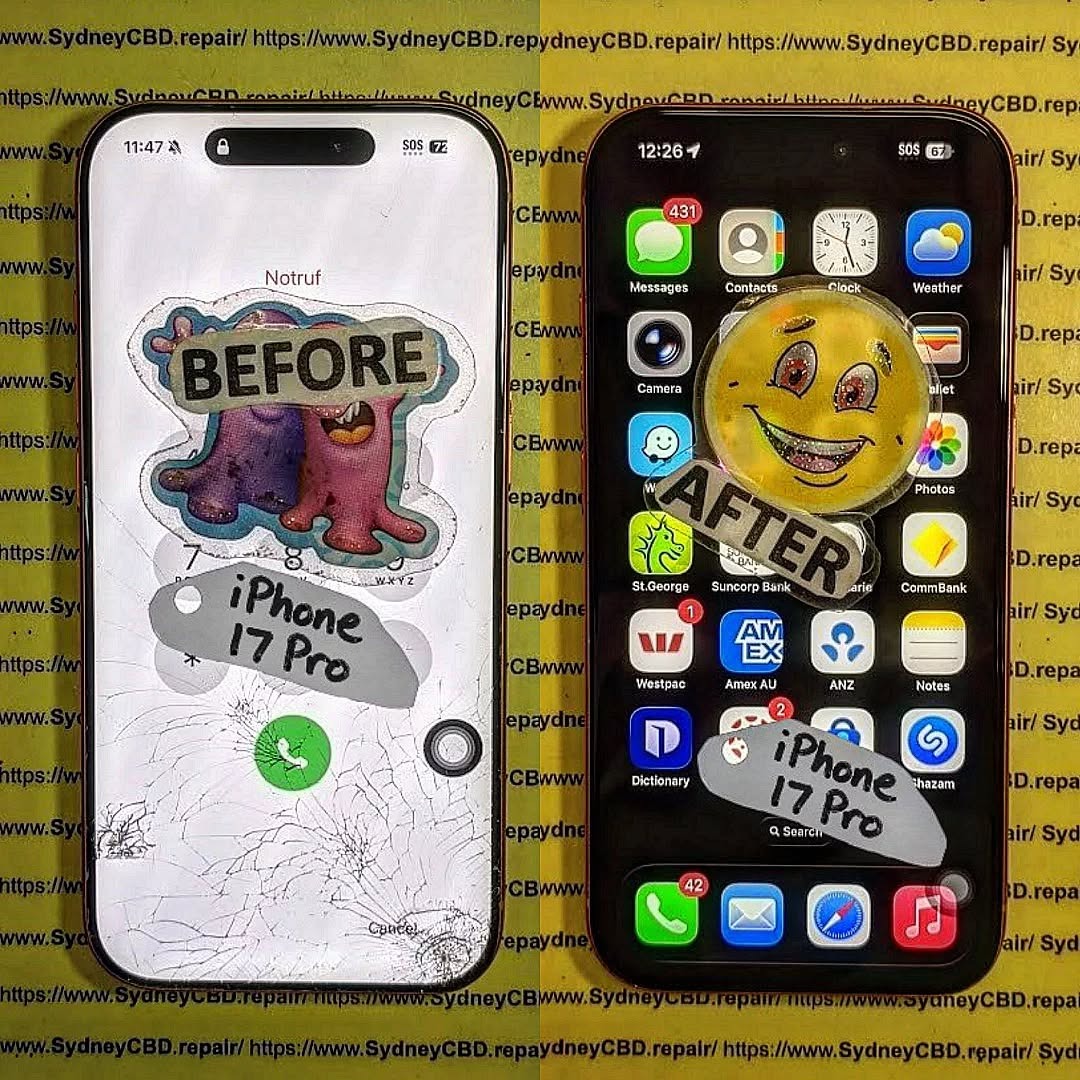
Congratulations—you’ve completed the iPhone 17 Pro screen replacement!
❌ Common Mistakes to Avoid
Even pros slip up sometimes. Watch out for:
- Using too much heat
- Pulling cables too hard
- Forgetting to disconnect the battery
- Mixing up screws
Avoiding these mistakes saves time and money.
💰 Cost Analysis: DIY vs Professional Repair
| Option | Cost | Risk Level | Time |
|---|---|---|---|
| DIY Repair | $150–$300 | High | 1–2 hours |
| Professional Repair | $300–$600 | Low | 30–60 mins |
If you’re unsure, professional repair is often the safer bet.
⏱️ How Long Does the Repair Take?
Typically:
- Beginners: 1–2 hours
- Experts: 30–45 minutes
Your first iPhone 17 Pro screen replacement might take longer—and that’s perfectly okay.
✅ Testing the New Screen
Before sealing everything:
- Turn on the phone
- Check touch responsiveness
- Test brightness and colors
- Verify Face ID functionality
If something feels off, reopen and check connections.
🔋 Maintenance Tips After Replacement
Keep your new screen in top shape:
- Use a screen protector
- Avoid drops
- Clean regularly
- Use a protective case
Simple habits go a long way.
🧑🔧 When to Seek Professional Help
DIY isn’t always the best route. Consider professional repair if:
- Screen is completely unresponsive
- Internal damage is suspected
- You lack proper tools
Sometimes, it’s smarter to leave it to experts.
❓ FAQs
1. Is iPhone 17 Pro screen replacement difficult?
Yes, it’s more complex than older models due to advanced technology.
2. Can I replace the screen myself?
You can, but it requires skill, patience, and the right tools.
3. Will replacing the screen affect Face ID?
It might, especially if sensors are damaged or misaligned.
4. How much does iPhone 17 Pro screen replacement cost?
DIY costs around $150–$300, while professional repair can reach $600.
5. Is the new screen as good as the original?
If you use high-quality parts, performance should be very close.
6. How do I know if my screen needs replacement?
Signs include cracks, unresponsive touch, flickering, or black display.
🏁 Conclusion

The first ever iPhone 17 Pro screen replacement is a blend of precision, patience, and technical know-how. While it’s possible to do it yourself, it’s not without risks.
If you follow this guide carefully, you’ll improve your chances of a successful repair. Still, don’t hesitate to seek professional help when needed.
At the end of the day, keeping your device in top condition ensures it serves you well for years to come.
David from Sydney CBD Repair Centre – The Best place to fix mobile phones as 7 Years In A Row! Top Mobile Phone Repair In Sydney. More than 2000 Positive Reviews on Google and Same Day Repairs.
We take pride in delivering exceptional repair services for all major phone brands including Apple, Samsung, Google, and more. Our expert technicians use only genuine parts and offer 90days warranty on repairs. Located in the heart of Sydney CBD, we’re your one-stop solution for all mobile device repairs.
Our commitment to excellence has earned us the trust of thousands of satisfied customers. Whether it’s a cracked screen, battery replacement, or water damage repair, we handle it all with professional care and expertise. Walk in today and experience why we’re Sydney’s #1 choice for mobile phone repairs.
Visit us for:
✓ Same Day Express Repairs
✓ Genuine Parts Guarantee
✓ Professional Technicians
✓ Competitive Pricing
✓ 2000+ 5-Star Google Reviews
✓ 7-Time Award Winner for Best Phone Repairs
Sydney CBD Repair Centre – Where Quality Meets Reliability.
Call : +61280114119
Website: https://SydneyCBD.repair/locate-us

