Can We Revive a Water-Damaged Pixel 9 After 24 Hours?

Can We Revive a Water-Damaged Pixel 9 After 24 Hours? Ultimate Guide + 10 Proven Solutions
Introduction
Water damage is one of the most frustrating and stressful problems a smartphone owner can face. For users of the Pixel 9, a high-end device with premium features, the thought of losing valuable data, apps, and memories due to liquid exposure can be alarming. While the Pixel 9 is designed with an IP68 rating, offering resistance against water and dust, this protection has its limits. Extended exposure—especially beyond 24 hours—can cause severe internal damage that isn’t always visible from the outside.
The first question many Pixel 9 owners ask is: “Can we revive a water-damaged Pixel 9 after 24 hours?” The answer depends on multiple factors, including the type of water, the extent of exposure, and the steps taken immediately after the incident. In this guide, we’ll explore everything you need to know about water damage in Pixel 9 devices. From recognizing early warning signs to DIY and professional recovery methods, data recovery solutions, and preventive measures, this article offers a comprehensive roadmap for saving your device.
Whether you’re dealing with a phone that was accidentally dropped in a pool, spilled with coffee, or submerged in rain, the tips and strategies in this guide will give you hope—and actionable steps—to recover your Pixel 9 as quickly and safely as possible. By following expert recommendations, you can maximize your chances of reviving a water-damaged phone and avoid permanent damage.
Water damage is one of the most dreaded issues for smartphone users, especially for a high-end device like the Pixel 9. If your phone has been submerged or exposed to water for more than 24 hours, you might be wondering: is revival even possible? The answer isn’t black and white—it depends on several factors including water type, device exposure, and the steps you take after the incident.
In this guide, we’ll explore how water damages your Pixel 9, immediate actions to take, professional recovery techniques, and preventive strategies to safeguard your device in the future.

Understanding Pixel 9 Water Damage
Water doesn’t just ruin your phone visually—it infiltrates delicate internal components. The Pixel 9 is rated IP68, meaning it can withstand dust and water submersion up to 1.5 meters for 30 minutes. However, once water exposure exceeds this limit, internal corrosion can begin quickly.
How Water Damages the Internal Hardware
- Logic Board: Water can short-circuit microchips and connectors.
- Battery: Liquid can cause swelling, overheating, or failure.
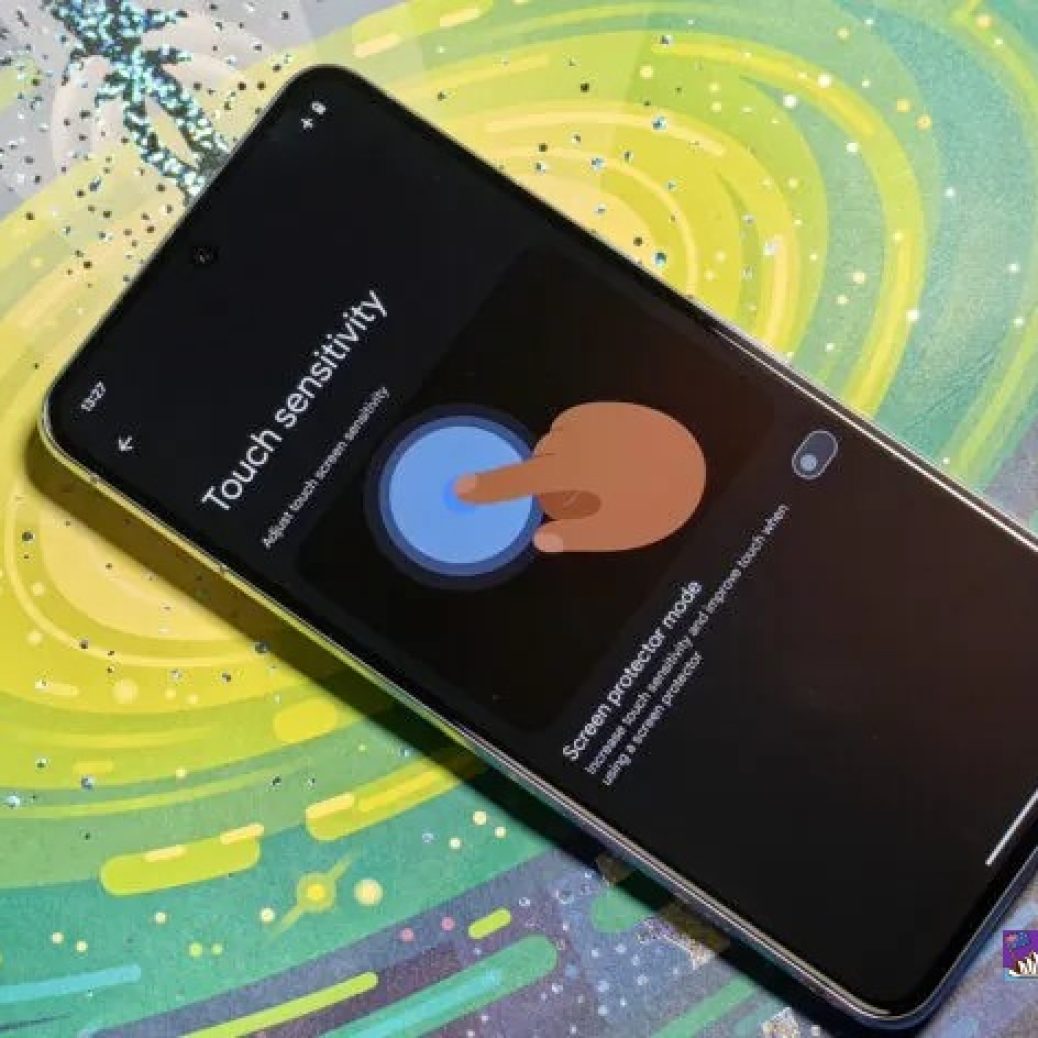
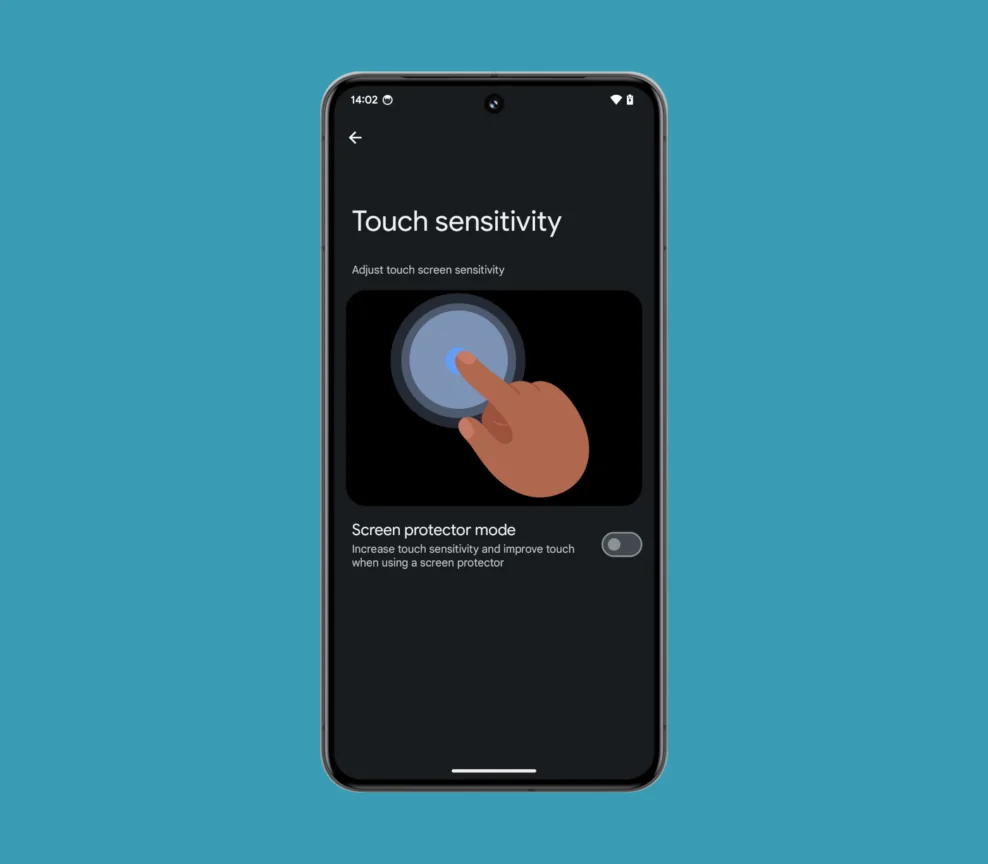
- Screen & Display: Water causes flickering, touch sensitivity issues, or blackouts.
- Connectors & Ports: Corrosion can prevent charging or accessory usage.
Signs Your Pixel 9 is Water-Damaged
- Screen flickering or unresponsiveness
- Random reboots or complete shutdown
- Corrosion residue or discoloration near ports
- Strange odors or heat from the battery
- Difficulty charging or connecting peripherals
Immediate Steps to Take Within 24 Hours

Taking the right actions in the first 24 hours dramatically increases your Pixel 9’s survival chances.
Powering Off and Disconnecting
- Turn off your phone immediately.
- Remove SIM and memory cards.
- Disconnect any chargers or headphones.
Drying Techniques: DIY vs Professional
DIY Methods:
- Silica Gel Packs: Absorbs moisture more effectively than rice.
- Air Drying: Place phone in a dry, ventilated area.
- Avoid: Heat guns or microwaves—they damage circuitry.
Professional Methods:
- Controlled drying chambers
- Ultrasonic cleaning
- Component-level inspection and treatment
Can a Pixel 9 Survive 24 Hours Underwater?
While Pixel 9’s IP68 rating is robust, 24-hour submersion is beyond its designed tolerance.
Factors Affecting Survival
- Water Type: Saltwater and chlorinated water accelerate corrosion.
- Duration: Prolonged exposure increases the risk of permanent damage.
- Device Condition: Age, prior repairs, and battery health influence outcomes.
Professional Water Damage Repair
If DIY drying fails, professional repair is the next best option. Experts have tools and experience to save devices thought beyond recovery.
Internal Component Cleaning
- Ultrasonic PCB cleaning removes microscopic water and corrosion.
- Corrosion inhibitors prevent long-term damage.
Part Replacement Options
- Screen replacements for display failure
- Battery swaps for water-compromised cells
- Logic board repair or replacement for shorted circuits
Data Recovery Options
Even if your Pixel 9 fails to power on, there may still be hope for data recovery.
Using Google Backup Services
- Check Google Photos, Drive, and Contacts for automatic backups.
- Restore your device after repair or replacement.
Third-Party Data Recovery Tools
- Tools like Dr.Fone or EaseUS can extract data from partially functional devices.
- Hardware recovery services can retrieve data from damaged PCBs.
Preventing Future Water Damage
Prevention is better than cure.
Waterproof Cases and Screen Protectors
- Cases rated IP68 or above
- Screen protectors with edge sealing
Safe Usage Tips
- Avoid phone use near pools, sinks, or rainy conditions
- Use dry hands when handling the device
Cost of Repair and Replacement
Repair costs vary based on damage severity.
DIY Repair Costs vs Professional Services
| Service | Approximate Cost |
|---|---|
| DIY drying | $0–$30 |
| Screen replacement | $150–$250 |
| Battery replacement | $80–$120 |
| Logic board repair | $200–$400 |
| Full professional water damage recovery | $250–$500 |
Real-Life Pixel 9 Recovery Stories
Many users have successfully revived their phones after prolonged water exposure. Common success factors include immediate action, professional intervention, and having backups ready. Conversely, neglect or delayed repair often results in irreparable damage.
FAQs
1. Can a Pixel 9 survive 24 hours in water?
It’s unlikely, but immediate drying and professional intervention can increase survival chances.
2. Should I turn on my Pixel 9 after water exposure?
No, powering on can cause short circuits. Always turn it off first.
3. Is rice effective for drying?
Rice helps minimally; silica gel or professional drying is far superior.
4. How long does professional water damage repair take?
Typically 1–3 days depending on the severity of internal damage.
5. Can data be recovered from a completely dead Pixel 9?
Yes, using professional data recovery tools and techniques.
6. Does insurance cover water damage?
Some policies or Google’s protection plan may cover repair or replacement costs.
Conclusion

Reviving a water-damaged Pixel 9 after 24 hours is challenging but not impossible. Swift action, proper drying methods, and professional repair services greatly improve your phone’s survival odds. Always back up your data, use protective cases, and practice safe handling to avoid future water damage.
David from Sydney CBD Repair Centre – The Best place to fix mobile phones as 7 Years In A Row! Top Mobile Phone Repair In Sydney. More than 2000 Positive Reviews on Google and Same Day Repairs.
We take pride in delivering exceptional repair services for all major phone brands including Apple, Samsung, Google, and more. Our expert technicians use only genuine parts and offer 90days warranty on repairs. Located in the heart of Sydney CBD, we’re your one-stop solution for all mobile device repairs.
Our commitment to excellence has earned us the trust of thousands of satisfied customers. Whether it’s a cracked screen, battery replacement, or water damage repair, we handle it all with professional care and expertise. Walk in today and experience why we’re Sydney’s #1 choice for mobile phone repairs.
Visit us for:
✓ Same Day Express Repairs
✓ Genuine Parts Guarantee
✓ Professional Technicians
✓ Competitive Pricing
✓ 2000+ 5-Star Google Reviews
✓ 7-Time Award Winner for Best Phone Repairs
Sydney CBD Repair Centre – Where Quality Meets Reliability.
Call : +61280114119
Website: https://SydneyCBD.repair/locate-us