


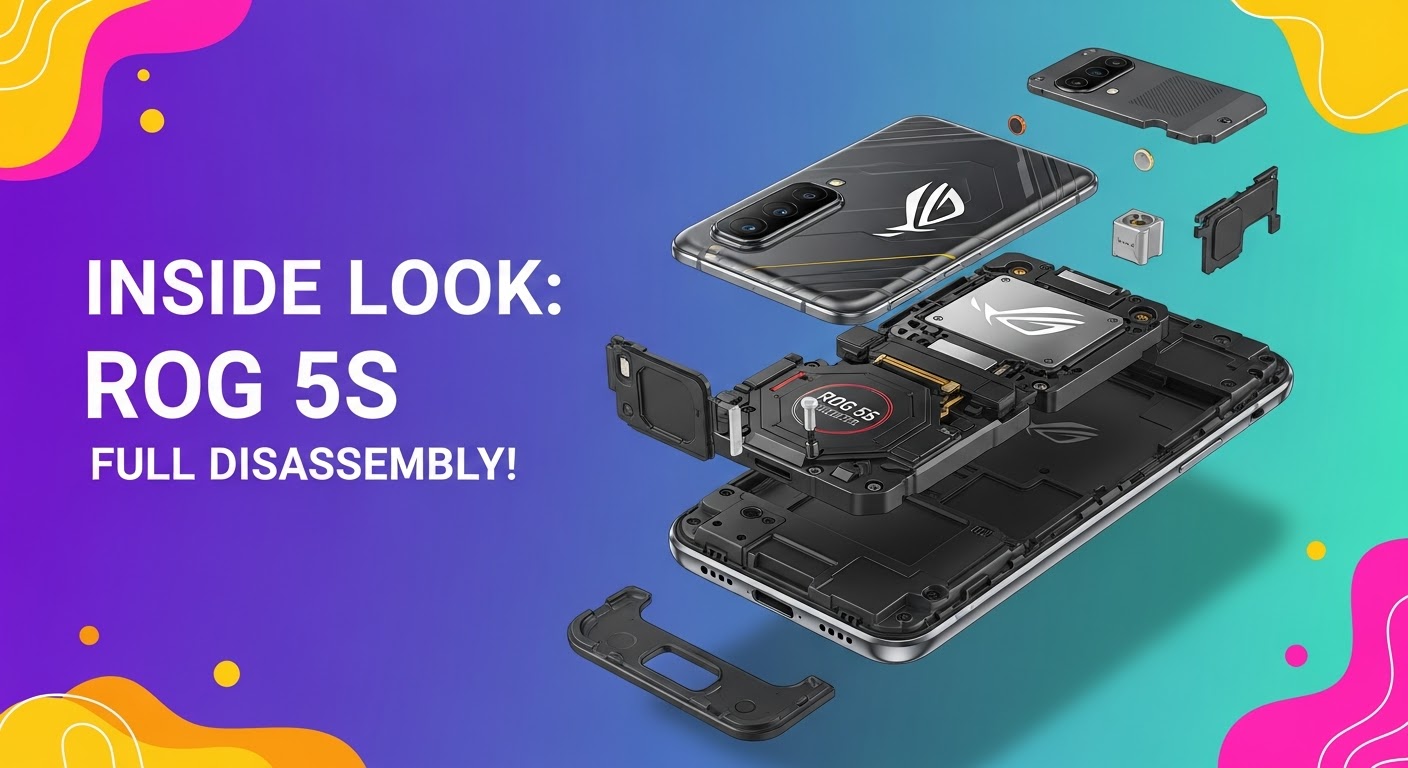
INSIDE LOOK: ROG 5S FULL DISASSEMBLY!

INSIDE LOOK: ROG 5S FULL DISASSEMBLY! Ultimate Step-by-Step Guide for Tech Enthusiasts
Introduction: Why the ROG 5S Stands Out
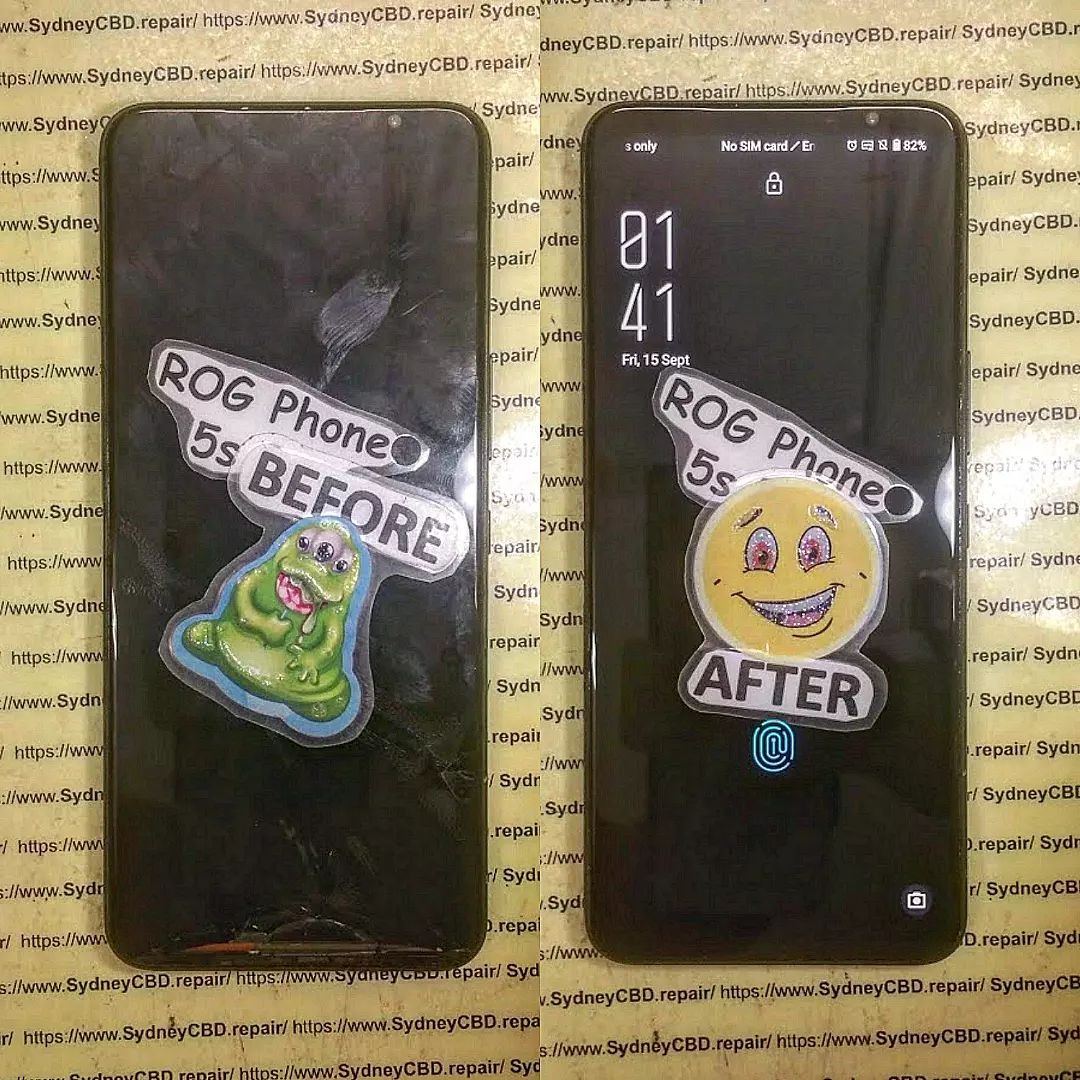
The ASUS ROG Phone 5S has earned its place as one of the most powerful gaming smartphones in the world. Packed with the Snapdragon 888+ processor, 144Hz AMOLED display, and dual front-facing speakers, it’s a beast built for performance. But when repairs become necessary—like screen replacements, battery issues, or charging port malfunctions—knowing how to disassemble the ROG 5S properly becomes essential.
Before grabbing your screwdriver, remember: this phone’s design is compact, layered, and delicate. Disassembling it requires patience, the right tools, and a steady hand.
Tools and Preparation Before Disassembly
To safely open your ROG 5S, gather the following tools:
- Precision screwdriver set (Torx and Phillips)
- Plastic prying tools and picks
- Suction cup
- ESD-safe tweezers
- SIM ejector pin
- Heat gun or hairdryer
- Anti-static mat and gloves
Safety Tips and Workstation Setup
- Work on a clean, static-free surface.
- Disconnect all power sources before opening the device.
- Use a magnetic screw mat to track different screw sizes.
- Keep the phone components in order for easy reassembly.
Step 1: Removing the SIM Tray and Back Panel
Begin by ejecting the SIM card tray using a pin tool. Then, heat the edges of the back panel gently with a hairdryer for 1–2 minutes to loosen the adhesive.
Handling Adhesive and Heat Application
Use a suction cup to lift the glass slightly, then insert a plastic pick to cut through the adhesive. Work slowly around the frame to avoid cracking the back glass. Do not use metal tools—they can scratch or shatter the surface.
Step 2: Disconnecting the Battery and Motherboard Shields
Once the back panel is off, remove the screws securing the black plastic shields. These protect the motherboard, battery, and connectors underneath.
ESD Safety and Screw Management
Always use an ESD-safe tool when handling connectors. Static electricity can easily damage internal components. Keep screws labeled—ROG 5S uses multiple sizes, and misplacing them can cause reassembly issues.
Step 3: Camera Module and Flash Removal
The ROG 5S features a 64MP Sony IMX686 main sensor, ultra-wide lens, and macro lens. Carefully disconnect their ribbon connectors and lift the camera modules out.
Identifying Camera Components
- Main Camera: Large rectangular sensor in the top-left corner.
- Ultra-wide Lens: Positioned beside the main camera.
- Macro Lens: Small, near the flash module.
Avoid touching the lens surfaces—fingerprints can degrade image quality.
Step 4: Accessing the Motherboard and Daughterboard
Next, detach the ribbon cables connecting the motherboard to the daughterboard (bottom section). These include the charging port flex, antenna cable, and battery connector.
Ribbon Cables and Connectors Explained
Each ribbon cable carries signals between key modules—display, charging, battery, and camera. Handle them gently to avoid tearing the flex.
Step 5: Removing the Cooling System and Fan Assembly
The ROG 5S’s gaming edge comes from its advanced cooling system—a vapor chamber, graphite sheets, and external AeroActive fan support.
Understanding ROG 5S Thermal Design
The cooling design keeps temperatures low during extended gaming. When disassembling, remove thermal paste carefully and store the vapor chamber away from dust and moisture.
Step 6: Speaker and Vibration Motor Extraction
Unscrew and disconnect the loudspeaker assembly from the bottom frame. The ROG 5S features dual front-facing speakers that deliver a surround sound experience.
Audio Module Insights
The vibration motor sits near the bottom, giving tactile feedback during gameplay. Use a plastic spudger to lift it gently from its housing.
Step 7: Display and Frame Separation
If you’re replacing the screen, this is the final step. Warm the display edges, use a suction cup, and carefully separate the AMOLED panel from the frame.
Avoiding Damage to AMOLED Panel
AMOLED displays are thin and fragile—avoid bending or applying pressure. Once separated, clean the frame before installing a replacement screen.
Common Mistakes to Avoid During Disassembly
- Applying too much heat, which can warp components.
- Using metal tools near the battery or display.
- Mixing screws from different modules.
- Forgetting to disconnect the battery before handling cables.
Best Practices for Reassembly
Follow your disassembly steps in reverse. Reapply adhesive strips where necessary, ensure all connectors are properly aligned, and test before sealing the back panel.
How Sydney CBD Repair Centre Can Help

If you’re not confident in disassembling your ROG Phone 5S, visit Sydney CBD Repair Centre, the #1 mobile repair shop in Sydney—six years in a row!
Our expert technicians specialize in ASUS ROG, Samsung, iPhone, and Google Pixel repairs. We use only genuine parts, offer same-day service, and provide a 90-day warranty on all repairs.
🔗 Visit us: https://SydneyCBD.repair/locate-us
📞 Call: +61 2 8011 4119
FAQs About ROG 5S Disassembly
1. Can I open my ROG 5S without professional help?
Yes, but it’s risky. Without the proper tools or knowledge, you may damage sensitive parts like the display or motherboard.
2. What should I do if my ROG 5S won’t power on after reassembly?
Double-check the battery and motherboard connections—loose flex cables are often the culprit.
3. Is the ROG 5S waterproof after disassembly?
No. Once the seal is broken, water resistance is compromised unless resealed professionally.
4. How much does a screen replacement cost in Sydney?
At Sydney CBD Repair Centre, prices are competitive and depend on model and part availability.
5. How long does a professional repair take?
Most ROG 5S repairs are completed same day, thanks to our express service.
6. Are all replacement parts original?
Yes, Sydney CBD Repair Centre uses genuine parts to maintain device integrity and performance.
Conclusion: Is DIY Worth It?

Disassembling your ROG 5S offers great insight into its engineering but requires skill, patience, and precision. For most users, professional repair services—like those from Sydney CBD Repair Centre—ensure a safer, faster, and warranty-backed solution.
Whether it’s a cracked screen, battery issue, or port damage, entrust your phone to the experts who’ve earned over 2000 5-star Google reviews for their reliability and craftsmanship.
David from Sydney CBD Repair Centre – The Best place to fix mobile phones as 6 Years In A Row! Top Mobile Phone Repair In Sydney. More than 2000 Positive Reviews on Google and Same Day Repairs.
📍 Visit us today for:
✓ Same Day Express Repairs
✓ Genuine Parts Guarantee
✓ Professional Technicians
✓ Competitive Pricing
✓ 2000+ 5-Star Google Reviews
✓ 6-Time Award Winner for Best Phone Repairs
Sydney CBD Repair Centre – Where Quality Meets Reliability.
📞 Call : +61280114119
🌐 Website: https://SydneyCBD.repair/locate-us

