Xiaomi has a brand new flagship smartphone heading to market with today’s unveiling of the Mi Mix 3.
The handset is another powerful addition in the Android roster. This is another slider device, too, which means there isn’t a notch. But unlike other devices with this design, the Mi Mix 3 doesn’t use a motor. Instead, you’ll just slide the cameras up and down, facilitated by the magnetic slider. It harkens back to the days of old slider phones.
As far as specs go, the Mi Mix 3 boasts a 6.4-inch 1080p OLED display which Xiaomi says features a 93.4 percent screen-to-body ratio. There are four cameras in total: a pair of 12MP cameras on the back (one wide-angle and the other a telephoto shooter), and 24MP and a 2MP front-facing cameras.
The Mi Mix 3 has a few variants to choose from, with up to 10GB of RAM. There is a Qualcomm Snapdragon 845 processor under the hood, and the Mi Mix 3 supports fast wireless charging. What’s more, Xiaomi is even including a wireless charger in the box with the phone.
Xiaomi is also planning to launch a 5G version of the Mi Mix 3 in the early stages of 2019.
The Mi Mix 3 launches in China on November 1. Price starts at 3,299 yuan (about $475), which gets you 6GB of RAM and 128GB of built-in storage. If you want that model with 10GB of RAM, that comes in the “Forbidden City Palace Museum” edition, which retails for 4,999 yuan (about $720) and features 256GB of built-in storage.
Huawei has grown from a local Chinese phone maker known elsewhere for not more than making cellular network equipment to smartphone stardom in a matter of just a few years. And while the company was denied access to the US market, based on suspicions of ties with the Chinese Government, it is taking over the rest of the world with aggressively priced phones with great design.
These days, however, Huawei is no longer interested in selling just affordable devices: its latest Huawei Mate 20 Pro is an all-out premium phone packed with the latest technology including a futuristic in-screen finger scanner, a 3D face recognition system, an ambitious triple-camera, and a fast-charging battery, all encased in a beautiful body. And all of that does not come cheap: it’s right there at about the same price as the iPhone XS series, and it’s more expensive than previous Android price champions like the Samsung Galaxy Note 9.
So… is Huawei ready for prime time with its new Mate 20 Pro? And should you buy one for yourself? Let’s dive in the review to find out.
What’s in the box:
Huawei Mate 20 Pro
40-watt Huawei SuperCharge wall charger
USB-C to standard USB cable
USB-C to 3.5mm audio dongle
Silicon Case
SIM tool
User manuals
Design
All the right curves in all the right places
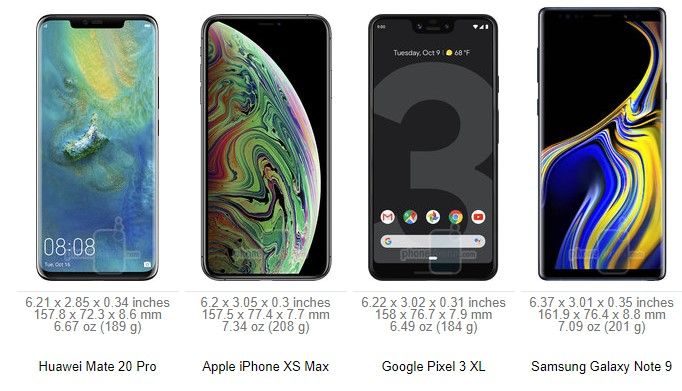
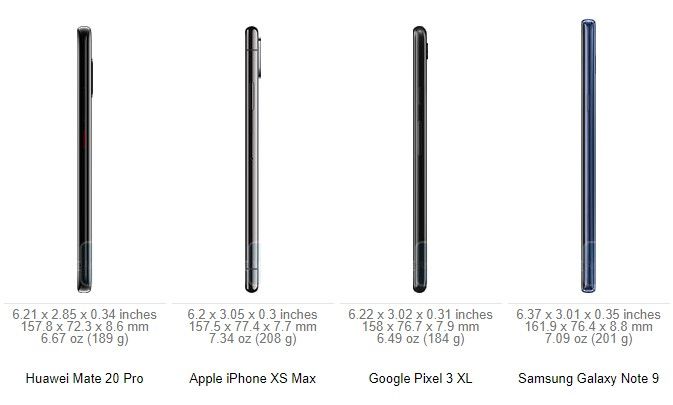
The Huawei Mate 20 Pro has a surprisingly thin and narrow body for a phone with a 6.4-inch screen. Both the screen and the back are curved at the edges, much like a Samsung Galaxy phone, and there is very little bezel around the side and the bottoms, which has allowed Huawei to make the Mate 20 Pro much narrower than, say, the iPhone XS Max or the Galaxy Note 9. Indeed, the Mate 20 Pro fits very nicely in the palm and is easier to operate with just one hand than the aforementioned two bigger phones. Still, the tall body is not small by any conventional means, and just like with other big phones, you won’t feel very comfortable walking with the Mate 20 Pro in the front pocket of your jeans.
Huawei offers a few different colors for this new Mate: we have the signature Twilight color gradient which looks stunning, but you also have a new “Midnight Blue Hyper Optical” finish that is glass, but treated in a special way so it is better at resisting fingerprint smudges and is not as slippery in the hand. You also have a black version, a Pink Gold one and an Emerald Green model.
All physical buttons on the Mate 20 Pro are located on the right side: you have a power key and volume buttons above it. The buttons are made of metal, just like the side of the phone, and have a good amount of travel and click.
Up at the top, you can find an infrared (IR) blaster, so you can use your Mate as a remote control for a TV, A/C unit, or whatever else you have in your home that uses infrared controls. This works best with the Smart Remote application that comes pre-installed on the phone.
There is no 3.5mm headphone jack on board here (Huawei does provide a USB-C to 3.5mm audio dongle in the box) and instead you are encouraged to use wireless buds or USB-C headphones.
The Mate 20 Pro also features dual speakers, but with a surprising, clever implementation: the secondary speaker is actually embedded in the USB-C port, so audio comes at you from the earpiece and the USB-C port. This means that when your phone is plugged in for a charge, audio will sound a bit muffled, in case you wondered.
One more thing: this phone is also IP68 water protected, which translates into an ability to survive drops in water of up to 6 feet deep for as long as 30 minutes.
In-screen Fingerprint Scanner
The Mate 20 Pro is one of the first phones out there to feature a brand new type of a fingerprint scanner: one embedded in the screen. This new in-screen fingerprint scanner is an optical one, rather than the ultrasonic one that Qualcomm is developing. And you can see how the screen of the phone lights up for a second when you tap your finger against it, so that the phone can get a proper, bright scan of the finger.
How does it work? Mostly well, but… it is not quite perfect. We have gotten used to traditional fingerprint scanners that are lightning quick, where you just tap your finger on the fingerprint area and the phone unlocks instantly. In the case of the Mate 20 Pro there are two things that get in the way: the first one is the fact that there is no physical boundary that would give a tactile indication of where the fingerprint scanner lies, so you need to look down at your phone to nail the exact position where your finger needs to be every time; the second thing is the actual force required to get a proper finger scan, as you need to press a lot firmer and longer than the gentle tap required from a traditional fingerprint reader. If you don’t press as hard, the phone will not unlock and you would need to try again. At the end of the day, you do get used to it, and sure, the accuracy is good enough, but even after hundreds of attempts, the in-screen fingerprint scanner still did not feel as fast and as effortless as a traditional one.
Face Recognition
Thankfully, there is one more way to securely unlock the Mate 20 Pro and it’s called 3D depth-sensing face recognition.
This system is basically a copy of Face ID, which Apple introduced last year on the iPhone X, and it uses a similar array of components: a dot projector, a flood illuminator, an infrared camera and the rest.
How does it work? Quite great, actually! We are happy to report that 3D face recognition on the Mate 20 Pro works at least as fast as Face ID on the iPhone X/XS and can accurately recognize your face as it changes from your puffy-eyed self in the early mornings to your 5 o’clock evening stubble self and to those times when you grow a beard; it’s able to recognize your face during the day and at pitch black conditions at night, with or without a hat, with glasses and so on. We set it up once and never had a problem with it. We also tried fooling it with a photograph and faces of other people, and it wasn’t fooled.
So… all is perfect, right? There is one tiny detail that we have to mention: the almost non-existant raise to wake functionality. While technically raise to wake is present on the Mate 20 Pro, it requires a very swift and well defined hand movement, which we almost never do in real life. This means that for all its worth, raise to wake does not work properly on the Mate 20 Pro and you need to first press the power key before the phone starts recognizing your face. This might sound like just one step, but it’s one step that you do tens, if not hundreds of times every day, and it adds unnecessary complication. Having a raise to wake feature would make using 3D face recognition truly a fluid and intuitive experience, and we hope Huawei listens and brings this to the phone in a future update.
Still, after using the Mate 20 Pro for more than a week now, we are convinced that face recognition is a more effortless security system than the in-screen fingerprint scanner and we have stopped using the in-screen fingerprint scanner completely. Of course, it’s nice having this choice, and it will be up to everyone to find what works best for them, but Huawei has really implemented face recognition in a nearly flawless manner.
Display
Excellent AMOLED screen.
Being a premium phone, it’s no surprise that the Mate 20 Pro sports a beautiful AMOLED screen with lively, rich colors. It’s a 6.4-inch display with a 19.5:9 aspect ratio, the same as on Apple’s iPhones, but with a higher, Quad HD+ resolution of 1440 x 3120 pixels
The screen is slightly curved at the sides and has very thin bezel, which makes for an immersive experience and a screen-to-body ratio of nearly 88%, one of the highest in the industry.
And yes, there is a notch here as well, justified by the complex front camera system required for 3D face recognition. You can hide it via an option in settings (and when you do, system icons at the top still appear in the “ears”, but against a black background).
The screen also gets very bright during the day, and you have the Eye Comfort option for use at night. There is even a Natural Tone mode that adjusts the white balance to the surrounding conditions so you get more natural, warmer white colors at night when you are at home. The Always-on Screen mode is not enabled by default, but it is here and you can turn it on from Settings > Display.
Interface
EMUI 9.0 is cleaner and better, but the gesture navigation needs more polish
The Mate 20 Pro ships with its own interface, Emotion UI, also known as EMUI, in its most refined, 9.0 version on top of the latest Android 9 Pie.
EMUI is in many ways a copy of iOS: there is no app drawer, it uses the same swipe-down home for a quick search shortcut, it even uses copycat icons for apps like Phone, Health, Settings, Calendar, Weather, and others. And yes, that is just shameful, but if you are willing to overlook this, EMUI actually works fairly smoothly.Compared to earlier versions of the interface, there is now way less clutter, and controls for apps are conveniently located on the bottom of the screen, rather than the top, for easier reach.
The Mate 20 Pro is also an Android phone, which comes with the options to customize it fully to your liking (great!), but it also means that you don’t know when future updates will arrive and if they will arrive (not so great!).
There are a few particularities that we have also noted when using EMUI on the Mate 20 Pro: first, there is no way to quickly swipe down to reveal your notifications shortcut. You have to reach all the way to the top, which is definitely not very convenient on such a tall phone. Instead, a swipe down in EMUI brings up an iOS-like search menu. This is an interesting thing to have and makes searching for apps on an interface without an app drawer much easier. If we had to nit-pick, we’d say that we wish the keyboard for this search appeared with less of a delay, but that’s really a minor thing.
The Mate 20 Pro also comes with a brand new gesture navigation. You can either use the old, three-button Android navigation or use gestures and enjoy the full screen, without any buttons taking up space on it. The gestures are the following: swipe up from the bottom to go home, swipe up and hold to see multitasking cards, and swipe sideways from the edge of the screen to go back. This is basically the iOS way of doing gestures, so does it work as well?
It’s not quite perfectly polished, and here are a few examples why: first, bringing up the multitasking cards from home requires a very long gesture and is too hard to pull off. Second, the back gesture requires that you go from the very edge of the screen, and when you are in a hurry, you don’t always get it right. Often you have to repeat it again and again. Third, when you swipe up to go home, apps close with a very jittery animation. And lastly, we wish you did not have to wait for each animation to finish before you could move on to the next swipe or gesture that you are about to do. Those little things pile up, and while overall gesture navigation on the Mate 20 Pro definitely does work, it also definitely does not feel as polished as one would expect on a premium phone.
One thing that we appreciate on the Mate 20 Pro is the dark mode in the interface that you enable by going into Settings > Battery > and here you toggle the “Darken interface colors” option on. This will turn the background in the settings menu and notification shade to black, a color that’s easier on the eyes at night and that contributes to battery savings on phones with OLED screens.
Processor, Performance and Memory
Android’s fastest chip
The Mate 20 Pro is powered by Huawei’s newest in-house Kirin 980 chip. The Kirin 980 is a powerful chip that beats the Qualcomm Snapdragon 845 in benchmarks and the first in an Android phone built on a 7nm manufacturing technology. Huawei says that it has spent years and big money on developing this chip, and it’s impressive how the company has outpaced Qualcomm in the 7nm race and has managed to be the first one to introduce a 7nm Android device.
The Kirin 980 works alongside 6GB of RAM and features the Mali G76 GPU, which is good news for gamers. Huawei, however, is most proud of its new dual neural-engine processor that helps with AI and machine learning, enabling features like the 1,500 different scenes that the Mate 20 Pro camera can recognize and a few cool new tricks in video.
Keep in mind, though, that by default the phone runs in a power-optimized manner, and you would need to enable the Performance mode (go to Settings > Battery > toggle Performance Mode on) in order to use the full power of the chip.
When you look at benchmark results, the Kirin 980 ranks better than the Snapdragon 845, but it is no match for Apple’s A12 chip, the world’s first 7nm chip.
You also have a generous 128GB of on-board storage here with support for a brand new type of memory card that Huawei calls nanoSD. This is done to optimize space as a nanoSD card is about the same size as a nanoSIM card. Here is how it works: you have a new SIM tray that has two slots, but rather than the two slots being one next to the other and take up a lot of space, the slot are one on top of the other. This also means that you can use the Mate 20 Pro as a dual SIM phone or use one nanoSD + one nanoSIM
Internet and Connectivity
Hybrid dual SIM slot and 4G LTE connectivity
The Mate 20 Pro comes packed with 4G LTE bands that ensure that it will work properly on most networks across the globe. Yet still, let us remind you that the phone is not officially sold in the United States, and if you are planning to import it, it would be best to check with your carrier to see whether it would be compatible.
Again, let us reiterate that you can use the Mate as either a dual SIM phone, or use the secondary slot for the new nanoSD card standard, the choice is yours.
In terms of other connectivity options, you also have dual-channel Wi-Fi, Bluetooth 5.0 and NFC support.
Camera
A triple camera with great versatility
The Mate 20 Pro comes with three cameras on its back: we have a main, 40-megapixel f/1.8 shooter, a secondary, 20-megapixel ultra-wide angle, 16mm lens, and a third, 8-megapixel telephoto camera with 3X zoom and optical image stabilization for an equivalent of 80mm focal reach. You also have a pre-set 5X zoom option (135mm), which is an improved digital zoom that uses information from both the main sensor and the telephoto camera.
There are few phones that can go as wide without a third-party lens adapter and none other that can zoom so far away with such a clarity as the Mate 20 Pro, so it’s definitely a very alluring camera phone with unmatched versatility.
Image Quality
So… how do images actually turn out?
Pretty good, in fact. The Huawei Mate 20 Pro captures photos with a wide range of colors and at different focal lengths, but is just a step below the two current leaders in smartphone cameras, the iPhone XS series and the Google Pixel 3 series.
Why? The biggest reason currently lies in the color reproduction. Colors are just a tiny bit too dull and not as lively and dynamic as on the iPhones and Pixels. When you look closer, you would also notice there is a lesser amount of detail and noticeable oversharpening happening on photos from the Mate 20 Pro main camera. Let us clarify: we think that images from the Mate 20 Pro still look excellent and are comparable to something out of the Galaxy Note 9, for example. AThey are definitely a cut above most other phones, but a step short of the very, very best in the industry.
At night, the Mate 20 Pro does a trick that other phones don’t: it sharpens photos by asking you to hold the camera still for much longer than a regular snap. This means snapping photos at night is much slower, but in exchange you get a brighter photo with more detail. Oftentimes, this results in great shots that have a better exposure at night than on rival phones, so good job on this, Huawei!
There are two areas, however, where the Mate 20 Pro truly excels: one is for zoomed-in shots with the telephoto camera and the second is the cool, ultra-wide angle perspective that you cannot get on most other phones.
When comparing images shot using the 3x and 5x zoom modes on the Mate 20 Pro to photos from its rivals, it’s clear that the Mate produces a very clean, noise-free photo that looks great and very rich in terms of detail. Even at 5x, the amount of detail you get in a shot is simply incredible for a smartphone camera.
Video quality
On the video side, you have 4K30 video support, but no 60fps video recording mode.
We found video recording quality to be a bit of a letdown, however. Again, we should clarify that we’re comparing with the very best phones at the top prices, the same tier where Huawei positions its Mate 20 Pro. So, the phone uses electronic means to stabilize the footage, but the implementation leaves a lot to be desired as there is a lot of jitter from the slightest movement and some very weird wobbly artifacts at the edges of the frame when recording video. Using the telephoto lens for video is also not a great idea. Footage is well stabilized at 3x zoom, but the phone often fades in and out of focus. Detail and colors are mostly alright, though.
Huawei introduces a few new video recording modes powered by artificial intelligence. The first one is called AI color and it turns the whole scene black and white, with only the person remaining in color. It’s a very cool effect, and we’re impressed with the accuracy of the Mate 20 Pro and how it’s able to detect a moving person in real time. The other effect is called background blur and it has a person in sharp focus, while the background is left blurred out.
There is also a new cinematic mode with a 21:9 aspect ratio and superb video stabilization, but unfortunately, quality here is limited to 1080p. Still, we enjoyed this mode tremendously, as the videos in it turn out really moody and different.
Sound Quality
Sound quality via the loudspeakers on the Mate 20 Pro is loud and clear. As we’ve already mentioned, one speaker (the weaker one) is in the earpiece and you have a secondary speaker that fires through the USB-C port. This is a clever implementation on Huawei’s part and we like how you have a rich, full sound with a nice amount of oomph to it.
Once again, let us remind you that the Mate 20 Pro does not have a headphone jack. It does come with a dongle, so you can still use wired headphones with it, or just go with USB-C buds or wireless cans.
Call Quality
When it comes to call quality, we had no problems with the Mate 20 Pro. Calls came through crisp, with clarity in the earpiece and a nice amount of volume, so you can hear callers even on a busy street, and the same is true for the other end of the line.
Battery life
Solid battery performer with an impressively fast charging at no extra cost
The Mate 20 Pro sports a massive, 4,200mAh battery inside, bigger than even the battery on the Samsung Galaxy Note 9.
So how about the actual battery life?
In our real-world testing, the Mate lasted a full day with ease, and for most users this would extend to a day and a half, but if you were hoping for a full two days off the charger, we’re not yet there.
Unfortunately, we could not run our proprietary test on the Mate 20 Pro. The reason for this lies in the brightness controls on this phone. Just like many other Huawei and Honor devices, even when you set the brightness to a manual level, it would continue changing, and for our test it is absolutely mandatory that screen brightness remains at the same level.
Turning over to probably the biggest innovation in the Mate 20 Pro, let’s talk fast charging. This new Mate comes with a super powerful 40-watt Huawei SuperCharge wall charger in the box that charges the phone fully in just about an hour and a few minutes.
These are unprecedented charging speeds, and we’re really impressed how quickly the battery on this phone tops up.
The Mate 20 Pro also supports wireless charging with the Qi standard, so you can just leave it on a charger at a desk and not have to worry about cables.
Last but not least, you can use the Mate 20 Pro as a wireless charger to top up other phones that support wireless charging. You need to enable this first: go into Settings > Battery and scroll to the bottom to toggle ‘Wireless reverse charging’ on. It all works just as you’d expect and while it is a bit of a gimmick, it’s a cool one nonetheless.
Price and Alternatives
Huawei has made a phone that goes all out in terms of features, but it sadly does so in terms of price too. The official price for the Mate 20 Pro is set at around 1,050 euro, which is just slightly shy of the iPhone XS price, and the Mate 20 Pro is much more expensive than the Galaxy Note 9, which already costs 800 euro.
Once again, the Mate 20 Pro will not be officially sold in the United States, so there is no US dollar price (the global price translates to some $1200 dollars, in case you were curious).
Your alternatives? Get the Note 9 if you want a cheaper phone with an excellent screen, camera and performance. Get the Pixel 3 if you want the best camera on Android. And consider an iPhone XS if you are after the world’s fastest-performing chip and top cameras. And if you want to save a buck, it would be a wise idea to wait for the OnePlus 6T that is coming soon at about half the price and similar performance.
Conclusion
Summing it all up, the Huawei Mate 20 Pro is a fast Android phone with a beautiful design and a gorgeous screen. It has a solid battery life, super fast charging and one of the most versatile cameras around. And it has a ton of storage on board. Add to that not one, but two innovative secure unlock systems: the optical in-screen fingerprint scanner (which mostly works, but is a bit fiddly), and the fast and reliable 3D face recognition system (which works like a breeze).
There is so much to like about the Mate 20 Pro and it would have been an easy recommendation, if not for the high price. The slightly jittery gesture navigation, the good, but not quite best-in-class camera experience and the unclear software update future make this phone feel a bit overpriced. But if money is not an issue, the Mate 20 Pro is right there with the very best Android phones, and you definitely will not regret using it.
This is the next version of its Android powered flip phone, which is expected to feature a pair of 4.2-inch AMOLED displays (one internal, and one external), a dual camera setup in back (one camera could sport a variable f/1.5-2.4 aperture, and the second might carry a telephoto lens with 2X zoom capabilities), and the Snapdragon 845 Mobile Platform under the hood. Of course, there is no QWERTY keyboard as T9 is used instead, and a 3000mAh battery keeps the lights on.
When TENAA certified Sammy’s W2019, the agency’s website shared the usual four photos it takes of every phone that it gives a thumbs up to. Now, Slashleaks has posted a short video of the phone along with some still images of the device (some of which came from the video itself). You can check out the photos by clicking on the slideshow below. The video can be found at the top of this article.
The W2019 is expected to be released only in China. This series has always been rather expensive, and the W2019 is no exception. There is speculation that the phone will cost the equivalent of $2,500 when it is launched later this year.
Samsung has been pushing out a very expensive, high-end Android flip phone every year. Last year’s model, the W2018, was the first smartphone to feature a camera with an aperture as wide as f/1.5. The newest phone in this line, the W2019, has now been certified in China by regulatory agencies MIIT and TENAA. As much as you feel inside that you must own this phone, we do need to point out that this line has only been available in China. And those entering text will have to use the old T9 system to type.
The TENAA certification doesn’t mention any specs, but does show images of the phone from all angles. Considering that last year’s W2018 was powered by the Snapdragon 835 Mobile Platform and carried 6GB of RAM, it wouldn’t be a stretch to expect the Snapdragon 845 Mobile Platform under the hood of the W2019, along with 8GB of RAM. Bluetooth 4.2 is said to be onboard the new model. The pictures from TENAA appear to show a dual-camera setup on back of the handset. The buzz around the water cooler suggests that Android 8.1 Oreo will be pre-installed.
The W2019, like its predecessors, will have both an internal and external screen. Last year’s model had a pair of 4.2-inch displays, each with a resolution of 1080 x 1920 (FHD).
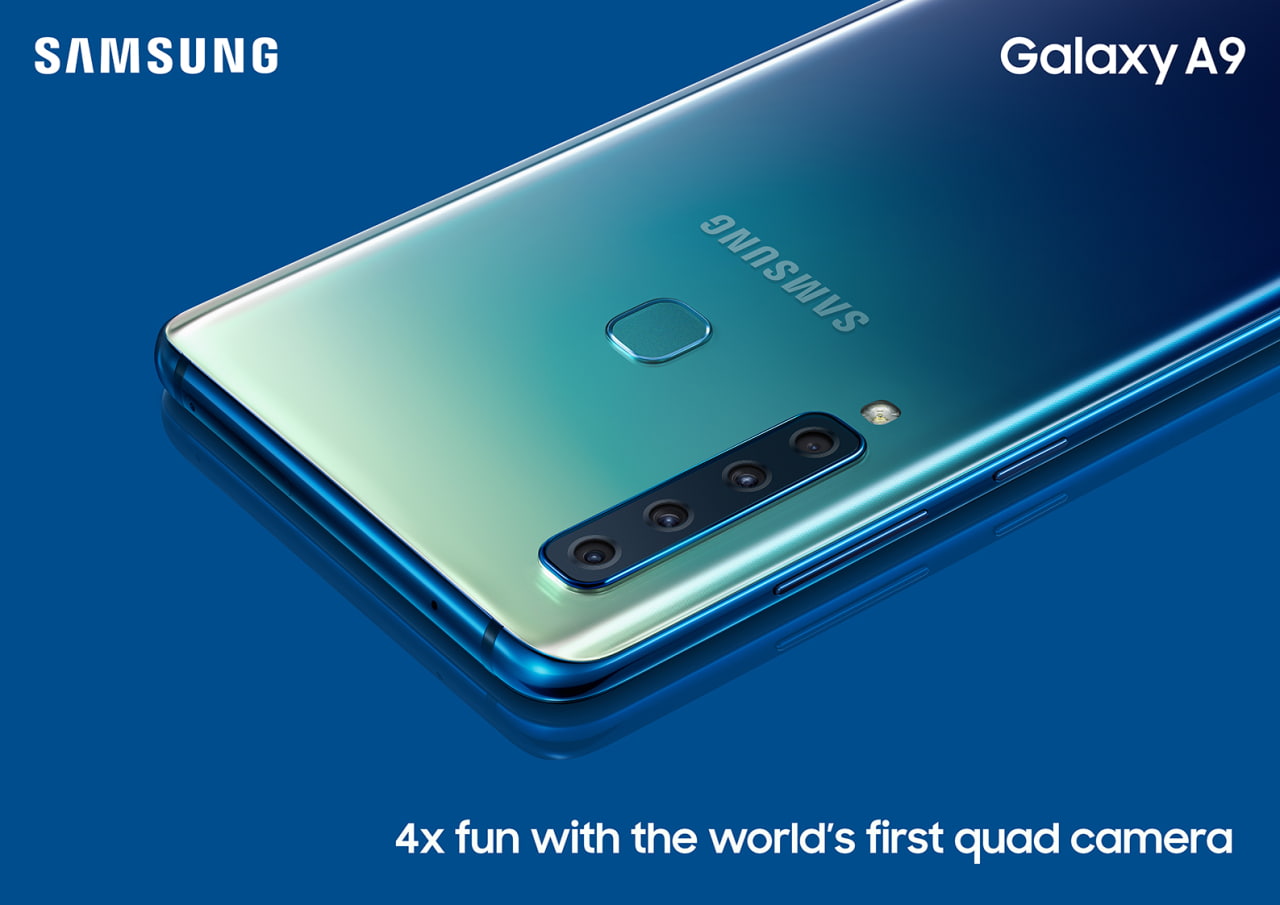
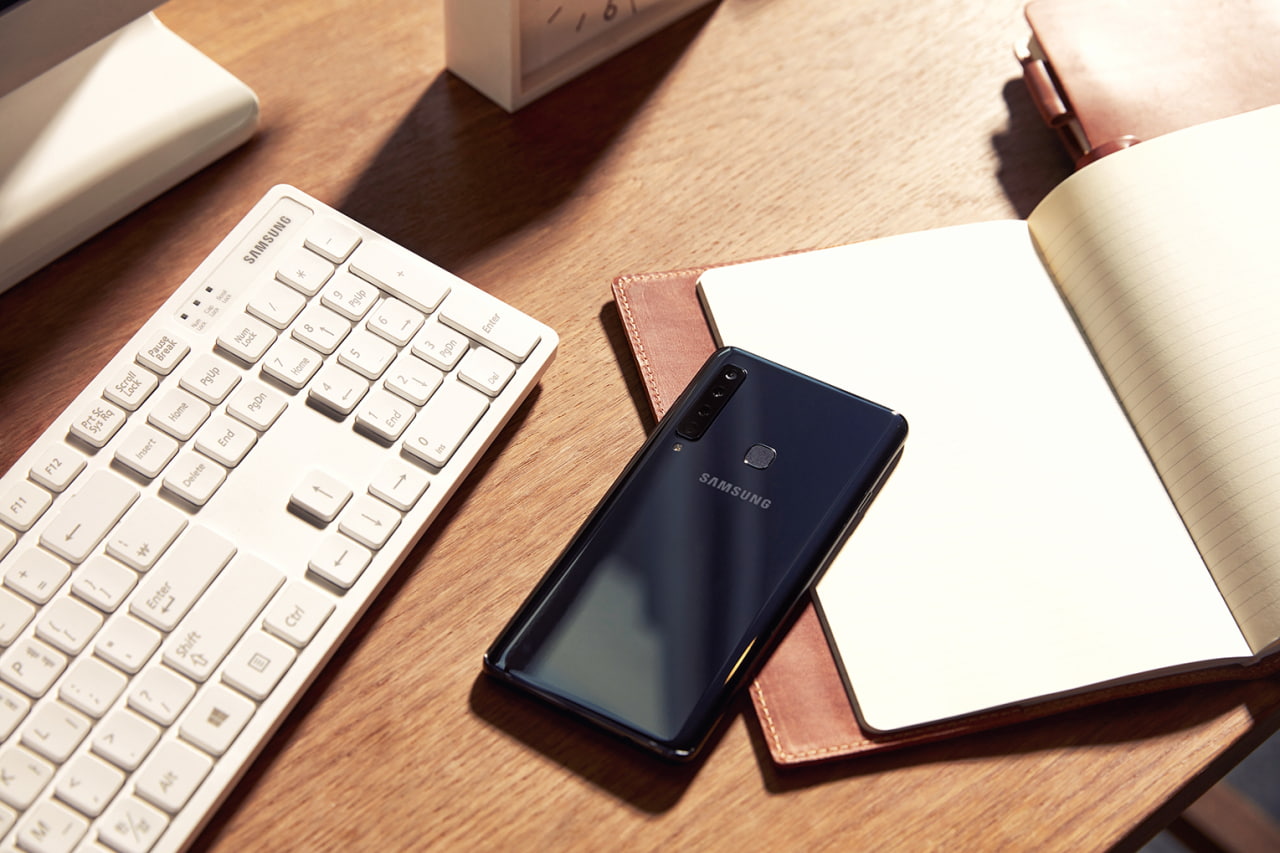
Samsung has unveiled its new Galaxy A9 smartphone featuring the world’s first rear quad camera.
The Galaxy A9 is tailored for those who know what they want, and go after it. Whether it’s capturing a dare-devil selfie or that perfect panorama, the Galaxy A9 is the ultimate companion for capturing and sharing everyday adventures, no matter where life takes you.
“As a global leader in smartphone innovation, we understand the demand for meaningful innovation in a fast-paced world driven by visual communication,” said DJ Koh, President and CEO of IT & Mobile Communications Division at Samsung Electronics. “Building on our legacy in smartphone camera development we’re introducing next-generation technology across our entire Galaxy portfolio to give more consumers the opportunity to experience cutting-edge innovation. We’re excited to deliver on this promise and debut world leading smartphone camera technology with the Galaxy A9.”
Rear Quad Camera
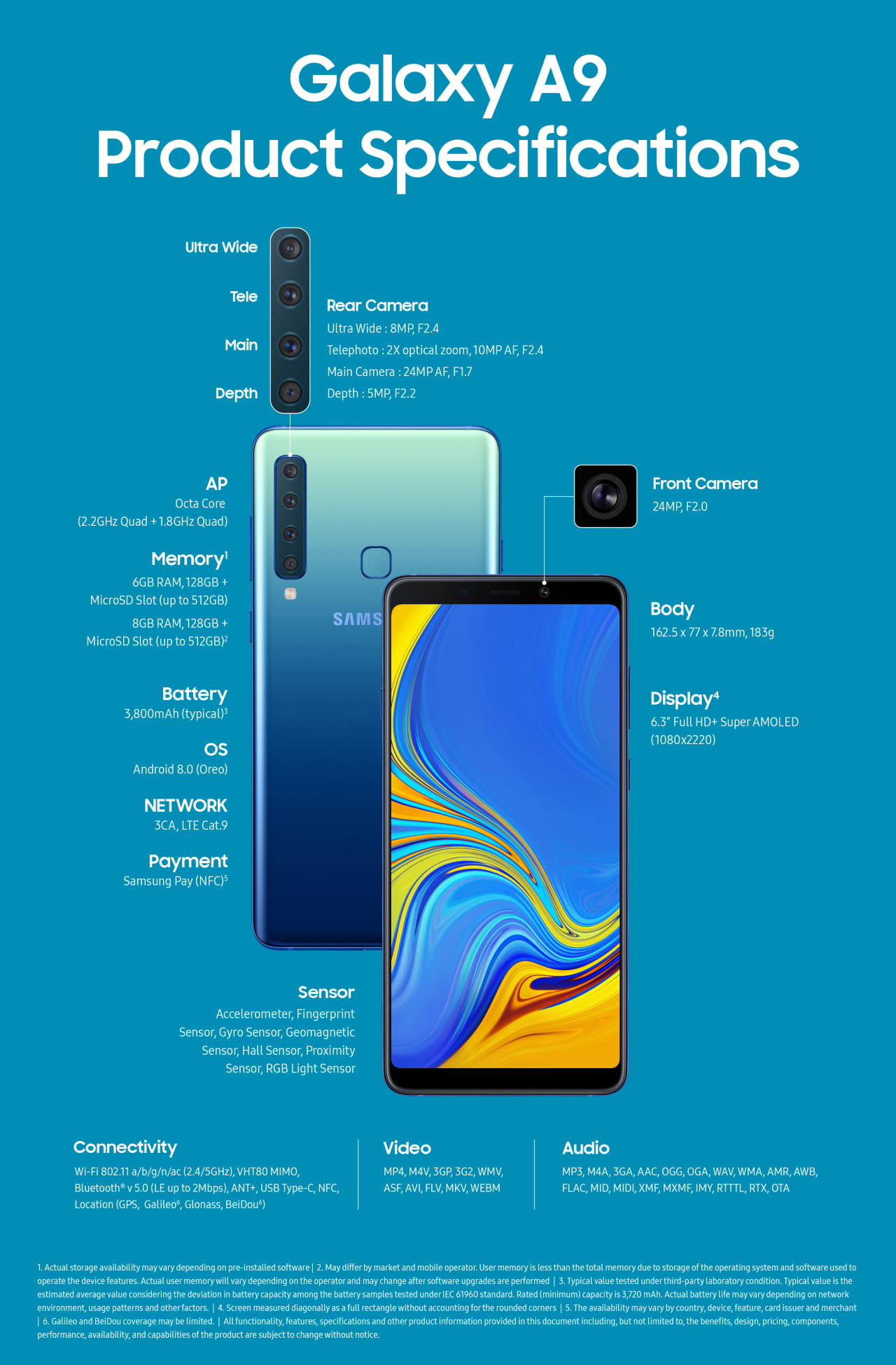
The Galaxy A9‘s rear lenses include a main 24MP F1.7 lens, a telephoto 2X optical 10MP F2.4 lens, an ultra wide 120 degree 8MP F2.4 lens, and a 5MP F2.2 depth lens.
● Get close without compromise with 2x Optical Zoom for incredible and detailed close-up shots even from far away.
● Capture the world in its fullest and without limit, with the Ultra Wide Lens, and shoot like a pro with the Scene Optimizer. Thanks to AI Scene Recognition, your camera is now smarter, and able to identify the subject and adjust settings accordingly for the best photo, in an instant.
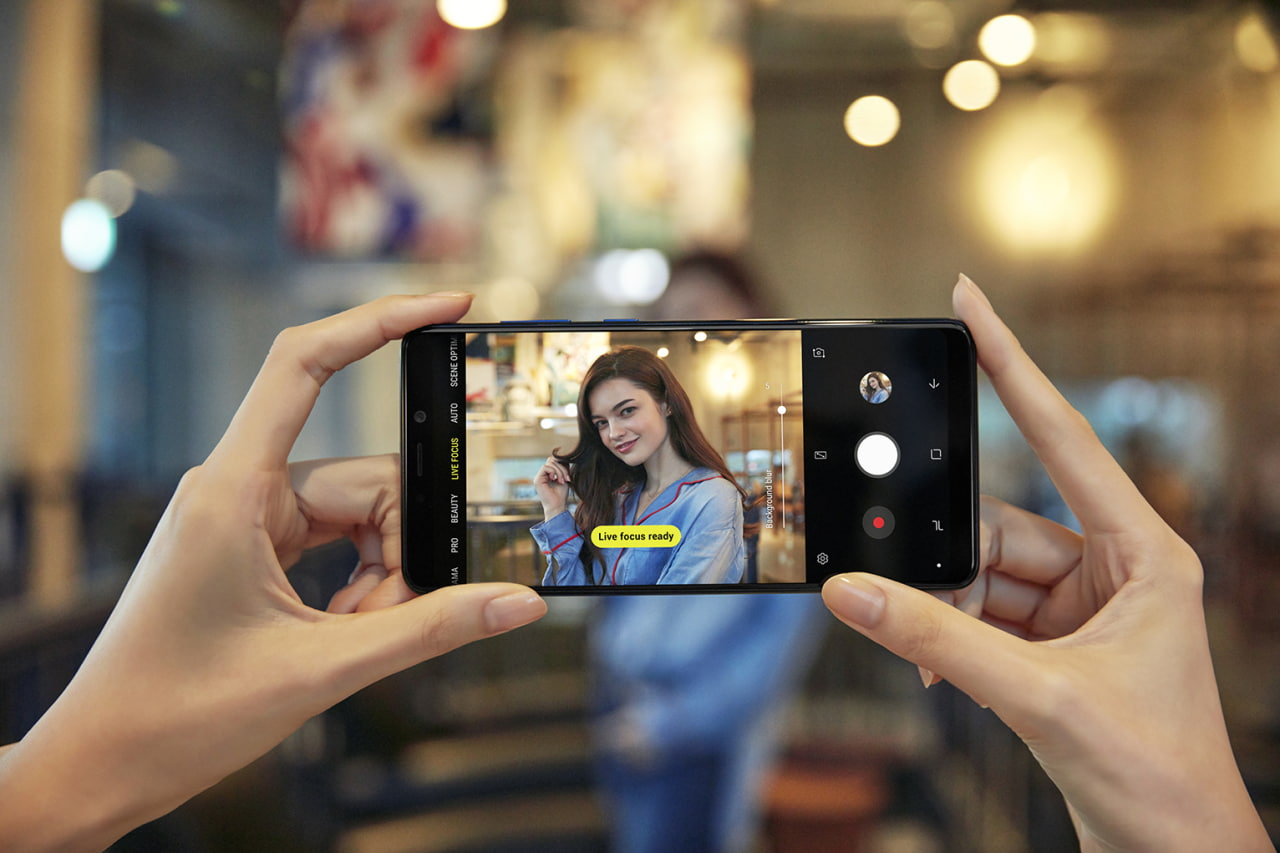
● Express your creativity with the Depth Lens, giving you the freedom to manually manage the photos’ depth of field and focus on the subject for stunning, professional looking images.
● Capture clear and bright images in both bright and low light conditions with Galaxy A9’s 24MP Main Lens, for gorgeous photos at any time of the day.
Features:
The Galaxy A9 features a 3,800mAh battery, 128GB of storage, and up to 512GB of expandable memory. It has a 6.3-inch Full HD+ Super AMOLED display with a resolution of 1080×2220 and a Octa Core (2.2GHz Quad + 1.8GHz Quad) processor. You can purchase the device with 6GB or 8GB of RAM.
Availability:
The Galaxy A9 comes in three colors: Caviar Black, Lemonade Blue and Bubblegum Pink. It will be released in select markets from November.
The Galaxy A9 (2018) is the world’s first smartphone with a quad camera. Samsung is obviously going to tout this. It has become the only come to launch such a device. The new Galaxy A9 was unveiled at an event in Kuala Lumpur yesterday. With the launch out of the way, Samsung can now get down to the business of selling this device.
It has released the first Galaxy A9 TV commercial. As expected, the quad camera is the star of the show. The entire commercial is dedicated to the camera’s capabilities with no mention of any of the handset’s other abilities.
You’ll buy it for the camera after all
The device itself isn’t all that different from other mid-range Samsung handsets. It’s similar in more ways than one to the Galaxy A8 Star. The only thing that sets it apart is the quad camera system. The Galaxy A9 (2018) arrives not long after the new Galaxy A7, Samsung’s first smartphone with a triple camera.
The quad camera system is what this TV commercial focuses on. It starts off by highlighting the 8-megapixel Ultra-Wide lens that has a 120-degree FOV. The 10-megapixel telephoto lens with 2x optical zoom gets its moment to shine as well. The 5-megapixel Depth lens allows for Live Focus photos, adding bokeh (blur) effect to images. The primary 24-megapixel lens is a solid shooter in its own right. Check out our samples from all four of the Galaxy A9’s cameras.
We mentioned in our Galaxy A9 hands-on that the quad camera system on this device works as advertised. There are some handy software features as well to enhance the imaging experience. Other than that, it’s a run of the mill mid-ranger from Samsung.
Samsung said yesterday that the Galaxy A9 will launch in mid-November. We have already told you how much the Galaxy A9 (2018) will cost.
Samsung‘s Galaxy A9 SM-A920F specifications and features: this is a 6.3″(167.64mm) device with a FHD + 108 x 2220 screen resolution. The phone is powered by the Qualcomm Snapdragon 660 soc with a Quad-Core 2.2GHz & Quad-Core 1.8 GHz configuration. Memory is 6GB, with the device offering 128GB internal storage and up to 512GB of external memory. The Galaxy A9 features Accelerometer, Fingerprint Sensor, Gyro Sensor, Geomagnetic Sensor and Hall Sensor. Notable features include Samsung Pay (NFC). The device measures 162.5 x 77 x 7.8mm and weighs 183g.
Nokia just announced the latest entry in its long-running series of Android One devices, the Nokia 7.1. This one is a slightly more decked-out mid-ranger than we are used to, boasting a set of hardware and software features that are not normally associated with devices in the same range.
One of these is definitely the HDR10-compliant 5.84-inch display, which is employing both Gorilla Glass 3 and, yes, a notch. While it’s certainly an LCD endeavor, Nokia says the display can potentially really bright and be perfectly legible even under the exceptional brightness of broad daylight. Additionally, the display of the Nokia 7.1 is said to be automatically calibrating its overall tone in compliance with the environmental lighting conditions. Finally, as a form of cherry on top of all things, the device offers real-time SDR to HDR conversion of all user content.
Design-wise, Nokia isn’t feeling very adventurous – the Nokia 7.1 relies on glass and metal in its build, with a rear-positioned fingerprint sensor. The device will be available in two colors: Gloss Midnight Blue and Gloss Steel.
Hardware-wise, a relatively energy-efficient Snapdragon 636 will be powering the phone, alongside 3 or 4GB of RAM, as well as 32 or 64GB of e-MMC 5.1 storage. MicroSD card support is also a go, and so is a nifty USB Type C port. There’s a 3.5mm audio jack and a 3060mAh battery on deck as well, and thankfully, Nokia has employed fast-charging that can juice in 50% battery in around 30 minutes or so. Oh, and did we mention you can have the device in either single- and dual-SIM variations.
At the rear, the Nokia 7.1 is equipped with two cameras, a main 12MP, f/1.8 one and another 5MP monochrome one that would be used for depth information. This allows for real-time “Live Bokeh” mode to be enjoyed by the user. At the front Nokia 7.1 features another couple of 8MP cameras that let you apply playful filters and masks to your face in real time. Bothies, Nokia‘s weirdly-named pictures combining data from both front and rear cameras, are also a go.
Software-wise, Nokia is once again relying on stock Android. This has been a running theme for multiple Nokia devices so far, meaning you shouldn’t experience any software bloat at all. More importantly, you will get an experience similar to Google’s own Pixels – guaranteed two years of software updates to newer Android versions and three years of security patches is what you’ll get with the Nokia 7.1.
In the United States, the Nokia 7.1 comes in Gloss Midnight Blue and Gloss Steel and will start at $349. It will be available for pre-sale online at Amazon, Best Buy and B&H starting October 5, 2018 and will begin shipping on October 28, 2018. In-store purchasing and demonstration displays will also be available in select Best Buy stores starting November 4, 2018.
LG V40 ThinQ press renders confirm triple rear and dual front cameras
Since LG has moved to release two flagship smartphones a year, a lot of people have begun to ignore the LG G series. The LG V series had originally used its secondary display as a way to differentiate itself from the G series (and the rest of the smartphone market). However, that ended with the LG V30, making a lot of people upset, but gave LG a chance to use the LG V series as a device optimized for taking photographs and recording videos. It’s hard to show more focus on the camera than by including 5 cameras, and the latest press render for the LG V40 ThinQ shows that’s the direction they’re going in.
To show that LG is committed to the video market, the company has partnered with actor and director Joseph Gordon-Levitt for the LG V10, LG V20, and the LG V30. It was the pre-launch of the LG V30 when the actor used the online collaborative production company he founded, HitRecord, to produce some promotional material for the smartphone. We’re not sure if this partnership will continue this year with the launch of the LG V40 ThinQ (LG may not be able to afford the partnership), but details of the phone show they are still focusing on photos and videos.
It was three months ago when we first heard that the LG V40 might be launching with as many as 5 cameras, a display notch, and a dedicated button for Google Assistant. When people first heard that, many assumed they would all be put on the back of the phone, but a leaked render showed it was going to be three on the back and two selfie sensors. That leaked render also confirmed the notch (though it was hidden by a black status bar).
It did back up the initial rumor about a fourth dedicated button that presumably would be used to launch Google Assistant. It only took a handful of days later before another leaked render was released that did show there would be a fourth dedicated hardware button, and this one again showed it was going to have a notch at the top of the display.
This latest render comes from a highly reliable source, many who know of him as evleaks. The render from Evan Blass shows there are 4 hardware buttons and a very well hidden notch. LG appears to be trying very hard to hide the notch, as this has been a common theme in previous leaks. As with all leaked information, nothing is official until we see what the company releases to the public. But as of right now, the LG V40 ThinQ looks to be coming with a dedicated hardware button (again, presumably for Google Assistant) and no notch at the top of the device.
October is going to be a very busy month for smartphone reviewers. We are getting many new devices launched this upcoming month, and we have started receiving many images of them. The last one to show more of its design in images is the LG V40 ThinQ, and man does it look nice.
New leaked renders of the LG V40 ThinQ have appeared thanks to Evan Blass. These images show us the triple camera on the back panel of the device along with the fingerprint sensor. We are also getting a new Google Assistant Button and a true effort to make bezels disappear. The chin of the device has gone slimmer, and the notch is present again, in a smaller version that can also be hidden with software.
Samsung has officially launched the Galaxy J6+ and Galaxy J4+. These entry-level handsets have been leaked considerably over the past few weeks. There’s nothing in today’s announcement that’s going to surprise us. At least the official pricing and availability information about these devices is now public.
Samsung says that these new devices have been “created especially for young millennials.” It has focused on combining a modern design with new features. The Galaxy J series is one of the most popular smartphone series in India. It makes up almost a third of all smartphones sold in the country, according to Samsung.
Galaxy J6+ and Galaxy J4+ official
The Galaxy J6+ and Galaxy J4+ both feature a glass finish, reflective back and 6-inch HD+ Infinity Design displays. Dolby Atmos is onboard as well. They’re relying on the same Snapdragon 425 chip, 3,300mAh battery and Android Oreo. The Galaxy J6+ will be available with 4G RAM/64GB storage and the Galaxy J4+ with 2GB RAM/32GB storage. The Galaxy J6+ also features a side-mounted fingerprint sensor. It’s actually the first Galaxy device with a fingerprint sensor on the side. The Galaxy J4+ does not have a fingerprint sensor.
The Galaxy J6+ has a 13-megapixel + 5-megapixel dual rear camera with features like Background Blur and Dolly Zoom. There’s an 8-megapixel front camera as well. The Galaxy J4+ gets a 13-megapixel rear and 5-megapixel front camera. There’s a new Emotify feature on both devices. It will let users customize messages and use creative ways to express themselves. Emotify avatars will be available in 22 Indian languages which can be shared on social media and popular messaging apps. Other features include the ability to install apps to SD card.
The Galaxy J6+ will be available in red, black and blue colors for INR 15,990 (~$220). Samsung will sell the Galaxy J4+ in gold, black and blue for INR 10,990 (~$150). Both devices will be available from September 25 across Samsung’s countrywide retail network, Amazon, Flipkart and the Samsung Shop. Samsung will likely offer these handsets in other markets as well. The company’s regional divisions will confirm pricing and availability information for their respective markets.
GALAXY J4+ SM-J415F SPECIFICATIONS
Samsung‘s Galaxy J4+ SM-J415F specifications and features: this is a 6.0″ (152.4mm) device with a HD + 720×1480 screen resolution. The phone is powered by the Qualcomm Snapdragon 425 soc with a 1.4GHz configuration. Memory is 2GB, 3GB, with the device offering 16GB, 32GB internal storage and of external memory. The Galaxy J4+ features Accelerometer, Fingerprint Sensor(NA), Gyro Sensor(NA), Geomagnetic Sensor(NA) and Hall Sensor(NA). The device measures 161.4 x 76.9 x 7.9mm and weighs 178g.
Samsung‘s Galaxy J6+ SM-J610F specifications and features: this is a 6.0″ (152.4mm) device with a HD + 720×1480 screen resolution. The phone is powered by the Qualcomm Sanpdragon 425 soc with a 1.4GHz configuration. Memory is 3GB, 4GB, with the device offering 32GB, 64GB internal storage and of external memory. The Galaxy J6+ features Accelerometer, side Fingerprint Sensor, Gyro Sensor, Geomagnetic Sensor and Hall Sensor(NA). The device measures 161.4 x 76.9 x 7.9mm and weighs 178g.
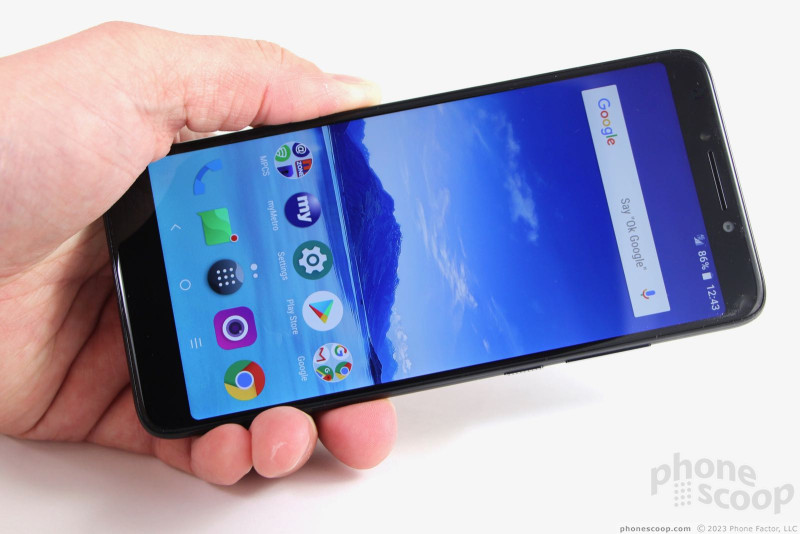
The Alcatel 7 offers MetroPCS customers a big screen, a big battery, and other modern features in a relatively slim piece of hardware. With dual cameras packing features such as portrait and slow-motion capture, and a rear-mounted fingerprint reader, the Alcatel 7 seemingly has it all. Is anything holding this phone back? Phone Scoop reveals all in this in-depth report.
The Alcatel 7 is an inexpensive Android phone that packs a big screen, a big battery, dual cameras, and plenty of security options. If you need an affordable phone that doesn’t skimp on modern features, the Alcatel 7 could be the right choice.
Body
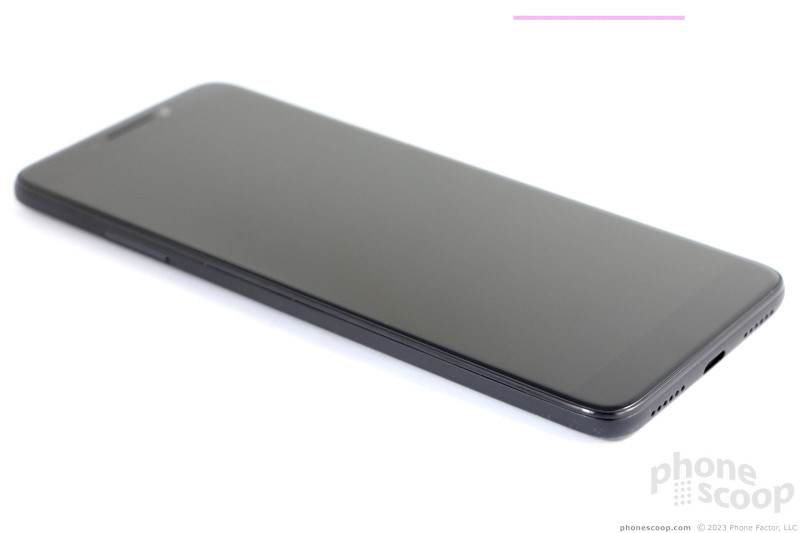
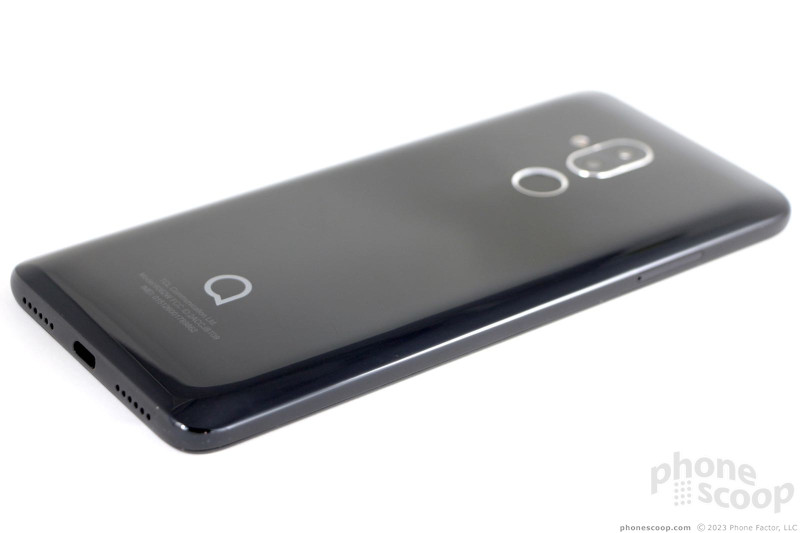
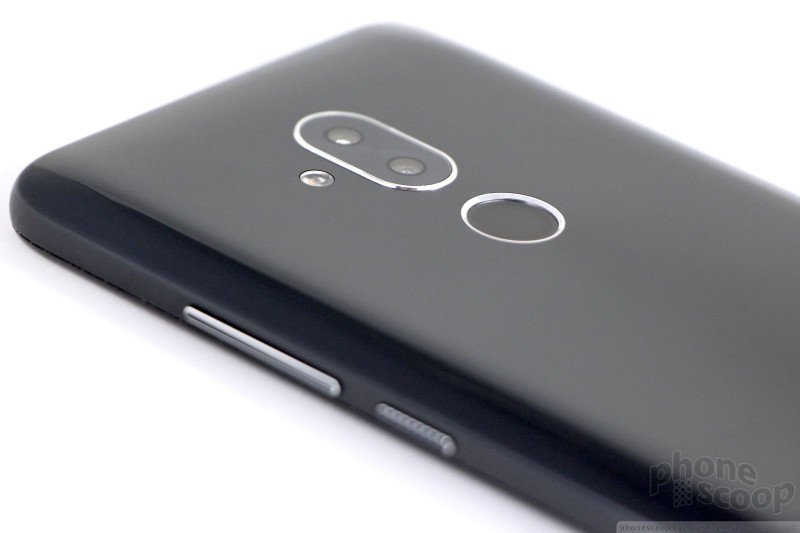
The Alcatel 7 is an obsidian slate, narrow and tall, as modern phones have become. It’s made from a mix of glass and plastic. A 2.5D piece of Dragontail glass on front is tucked into a matte plastic frame. The rear panel is deep black, glossy, and also made from plastic. Scattered chrome accents catch the light here and there.
The design doesn’t particularly stand out from other phones in this category, and yet it’s not unappealing.
It’s big. The Alcatel 7 is in the same neighborhood as the Google Pixel 2 XL as far as size is concerned. The length stretches to nearly 6.4 inches, though thankfully the width is under 3 inches. I found the weight to be reasonable. The smooth texture of the curved plastic makes the phone more comfortable to grasp. The phone is slim enough that it will slip into pockets, but the length might be cumbersome. The phone poked me a few times as I sat down in chairs, requiring that I adjust the position of the 7 in my pocket.
Alcatel did a fine job with the 7‘s manufacture. The 7 feels strong thanks to the polycarbonate frame and solid rear panel. There’s nothing loose or flexible about it. This is not a rugged phone, though it should survive drops far better than an all-glass device. It doesn’t offer protection from water.
The 2:1-shaped screen defines the face of the Alcatel 7. The side bezels are kept in check. A sizeable forehead and chin serve to exaggerate the elongated dimensions of the phone. The face is glass from top to bottom. A slit near the top for the earpiece is the only break in the otherwise smooth surface.
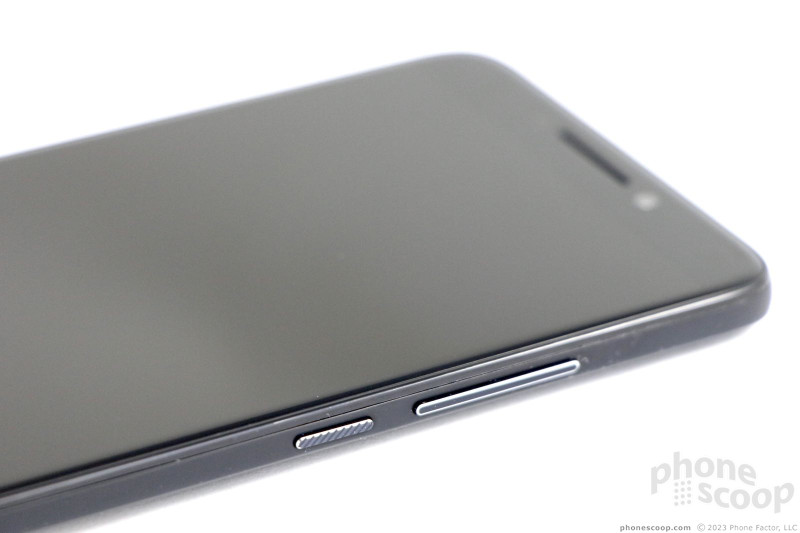
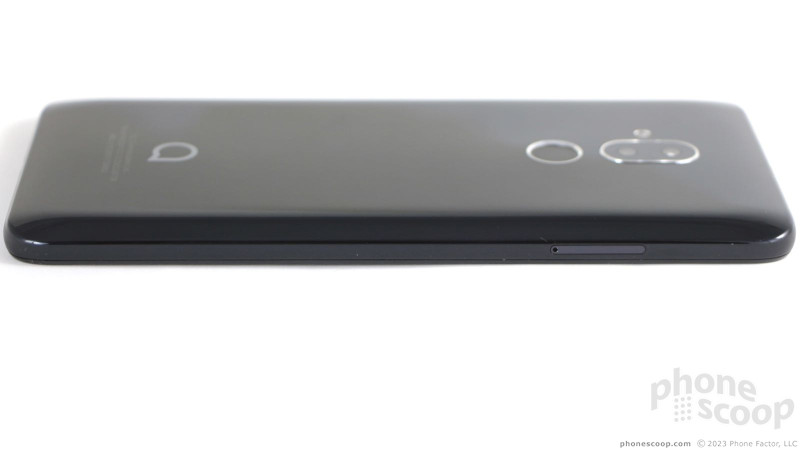
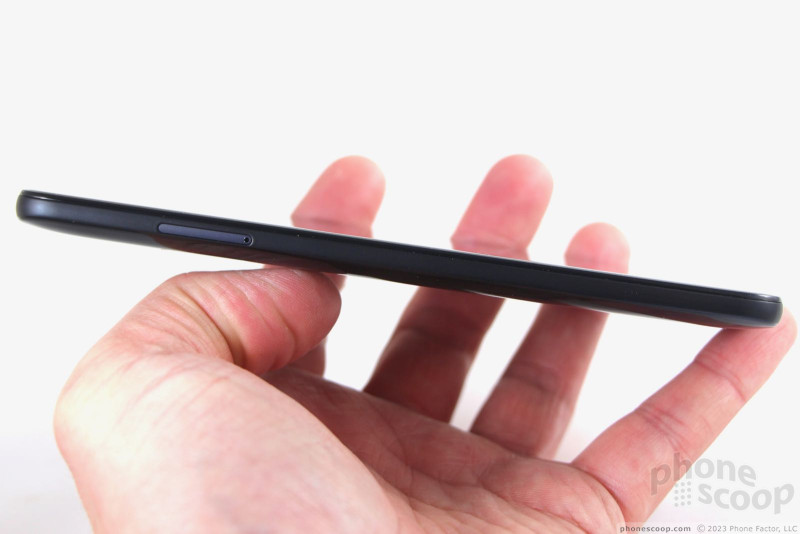
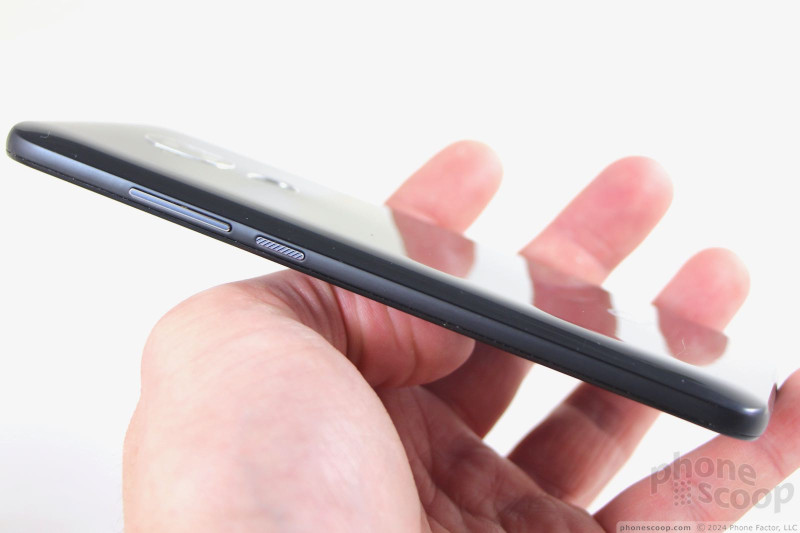
Button and port placement around the edges of the phone doesn’t break with convention. The screen lock key and volume toggle are both on the right edge. I like that the buttons have chrome accents so they stand out visually from the black frame. The screen lock key is ridged to help set it apart by feel. Travel and feedback is very good. The volume toggle is smooth and has similarly good action. The tray for SIM and memory cards is on the left edge. A tool is required to eject it.
Side Buttons
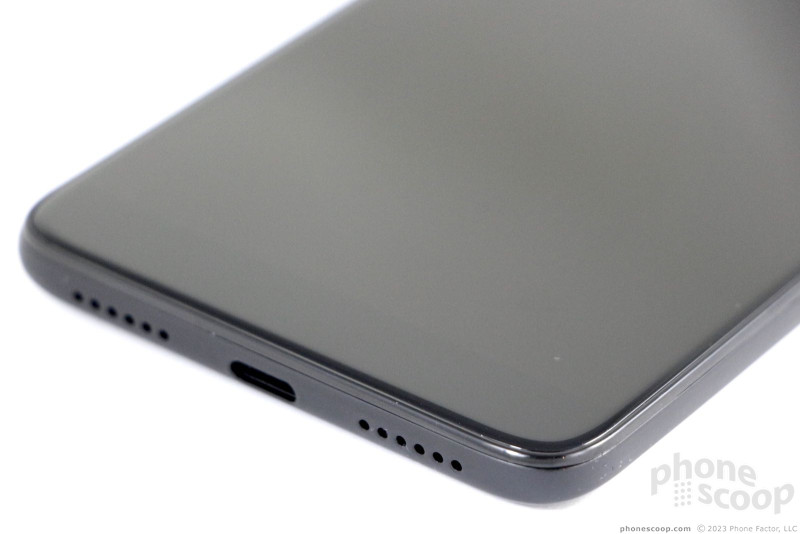
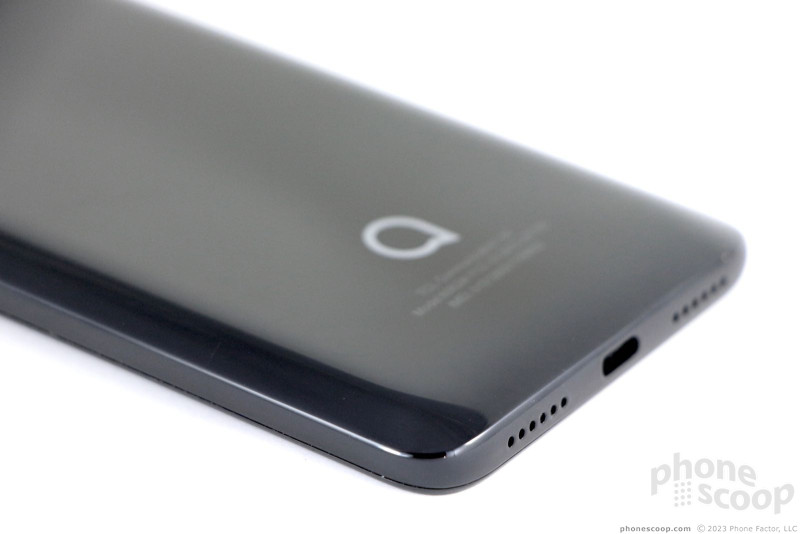
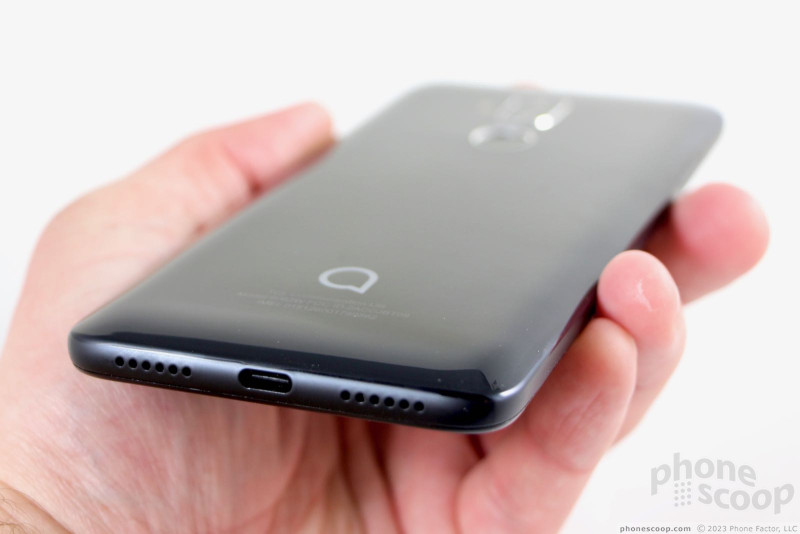
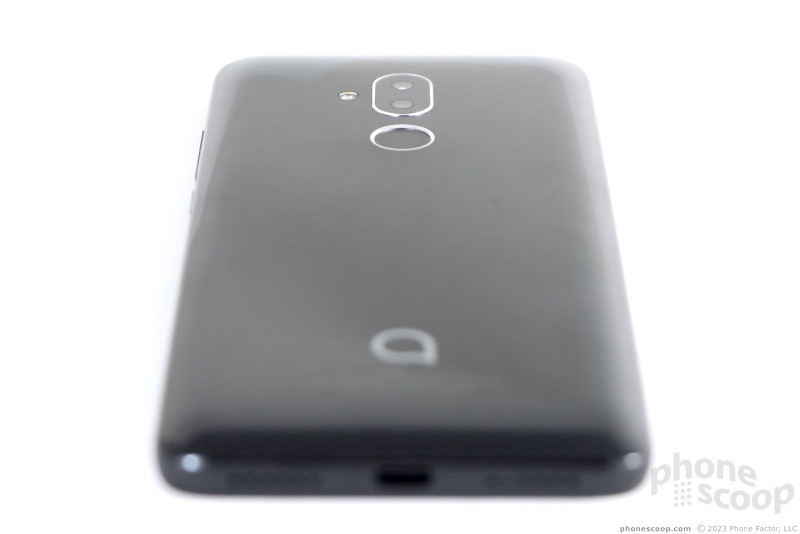
A standard headphone jack populates the top edge and a USB-C port is centered on the bottom. Some holes are drilled on either side of the USB port for the speakerphone.
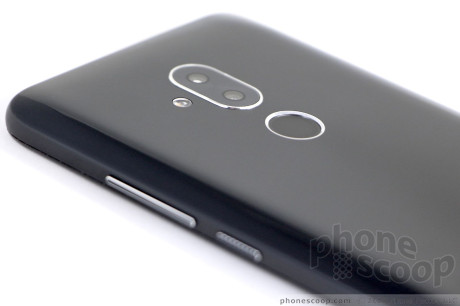
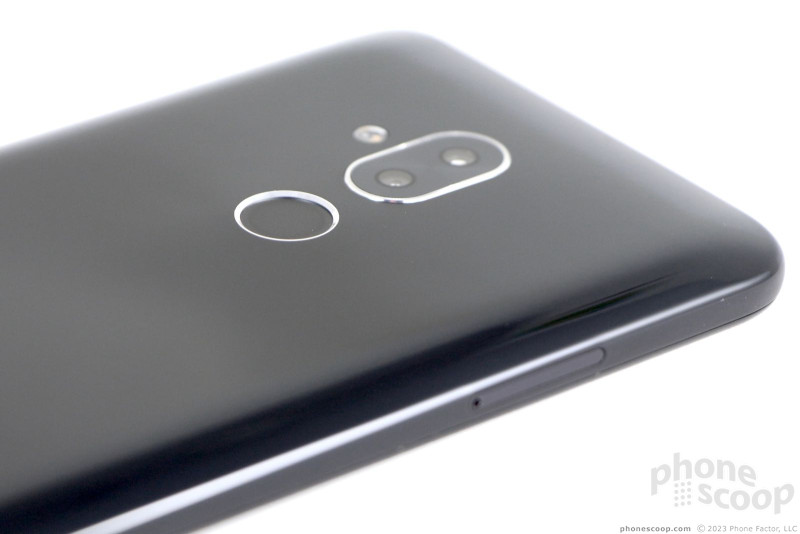
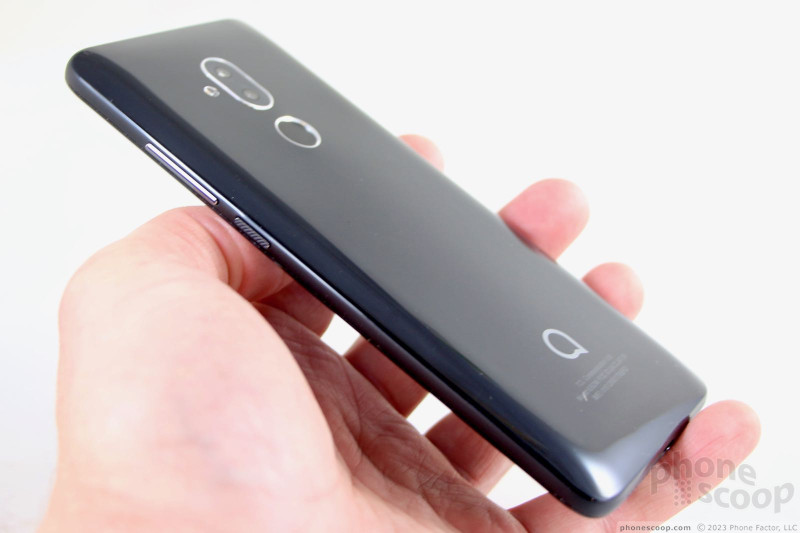
The rear panel is piano black and reflective thanks to the high gloss finish. It attracts fingerprints and oily grime as flypaper does flies. Most of the panel is flat, but it curves nicely close to the edges to help reduce the footprint a bit. This also makes it easier to hold. The fingerprint reader and camera module are both framed in chrome. Alcatel put the fingerprint reader in just the right spot. It’s indented deeply, which helps your finger locate it by feel.
Looking Up
Alcatel designed and manufactured a respectable phone in the 7. It eschews high design in favor of practicality.
Screen
The Alcatel 7‘s LCD panel stretches 6 inches from corner to corner. It adopts the 2:1 aspect ratio with full HD+ resolution (2,160 x 1,080 pixels). The pixel density comes in at 402ppi. It’s a fine display for a phone at this price point.
The resolution is more than adequate. The screen puts out a fair amount of light, but I sometimes found it hard to see outdoors under the sun. Colors are accurate. Viewing angles are very good; it exhibits minimal brightness loss when tilted.
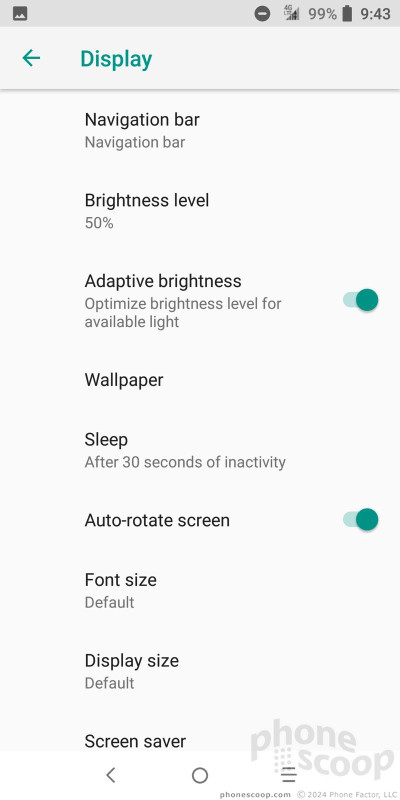
The phone does not offer advanced screen controls.
Display
Signal
MetroPCS, owned and operated by T-Mobile, sells the Alcatel 7. The phone supports all of the LTE bands for T-Mo, including 66 and 71, which are the newest. This helps the phone perform well.
I tested the Alcatel 7 over several days and found it met my expectations for a low-cost phone. I had no trouble connecting calls on the first dial each and every time. The 7 dropped one call on the highway in a known T-Mobile weak spot, meaning the device did about the same as others sold by T-Mobile/MetroPCS.
On the data front, the phone always showed an LTE 4G connection. It consistently had strong access to the data network. A good connection is one thing, but speeds are another. The phone supports only Cat 6 LTE, which doesn’t allow for the fastest speeds available. In the real world, that means browsing the web was generally quick, but media-laden social networks were sometimes a hair slow. You may see longer load times for YouTube videos or Spotify. The 7 certainly does well enough to make it usable on a day-to-day basis, as long as you don’t mind average-quality video/audio streams.
Sound
Quality of voice calls could be better. The biggest issue is the lack of volume. In a noisy coffee shop or moving car, it’s just not loud enough. The clarity of voices is acceptable, though prone to distortion and scratchiness from time to time.
Calls made via the speakerphone can only be heard in near-silent spaces. It’s simply not loud enough, not by far. Clarity is worse than the earpiece thanks to raspy distortion.
Calls and alerts are so-so with respect to volume. I definitely missed some incoming notifications because I didn’t hear them. Turning on the vibrate alert will help, as the vibration motor delivers a noticeable buzz.
Battery
Few flagship phones ship with a 4,000mAh battery and yet the low-cost Alcatel 7 manages to offer just such a power cell. With a full charge, the 7 easily cruises from dawn to dusk and beyond. The phone consistently pushed from breakfast to bedtime and never once ran out of juice before I was ready to call it a day. Most days I had a healthy cushion of 30% or more capacity leftover.
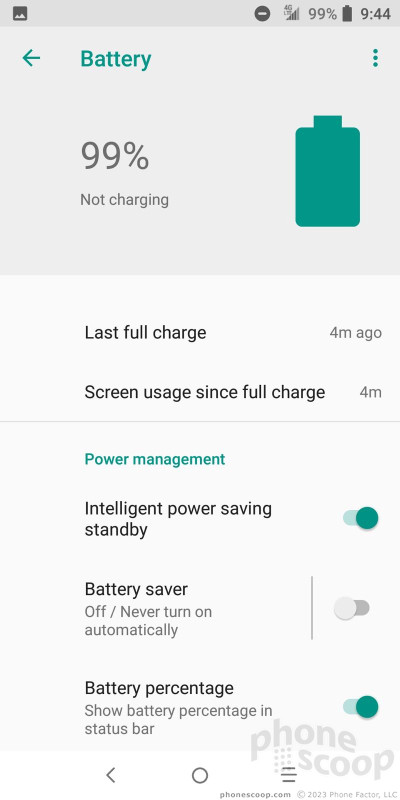
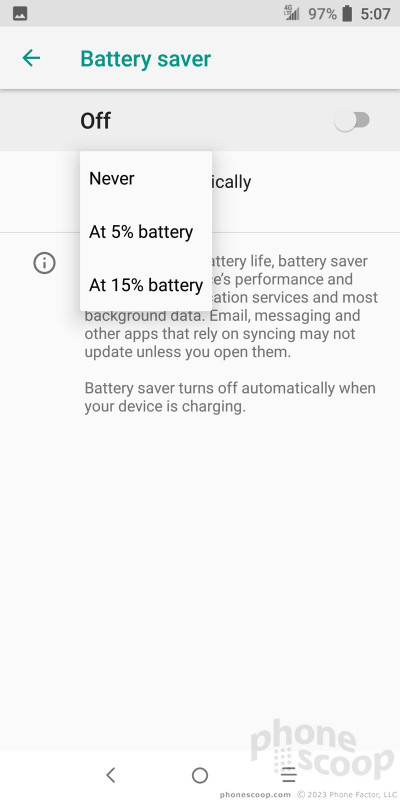
The phone includes the standard Android battery saver tool, which you can toggle on manually, or have switch on automatically at preset battery levels. I didn’t find that it helped all that much.
The 7 supports what Alcatel calls “Pump Express 2.0” rapid charging. It doesn’t take too, too long to charge. You can score approximately 30% in battery life if you leave it plugged in for about 30 minutes. That’s enough for hours of up time.
Bluetooth, GPS, NFC, WiFi
The Alcatel 7 includes a basic set of secondary radios and they all do a reasonably good job.
First up is Bluetooth 4.2, with myriad profiles for connecting to headphones, speakers, cars, PCs, and so on. I was able to pair the device with a range of accessories. Unfortunately, calls sent to my car’s hands-free system were miserable with respect to volume and clarity; bad enough that you shouldn’t even bother. Music, on the other hand, sounded quite good when streamed via headphones or speakers. I was able to share files with other devices seamlessly.
The GPS radio interacted with Google Maps as if they were born for one another. The Alcatel 7 pinpointed me on the map to within about 20 feet in just a few seconds. It kept pace with walking and mass-transit navigation no problem.
There’s no NFC radio aboard, but you will find an FM radio for tuning into your local favorites.
The WiFi radio was often a good bet for downloading apps, media, and such while at home.
Lock Screen
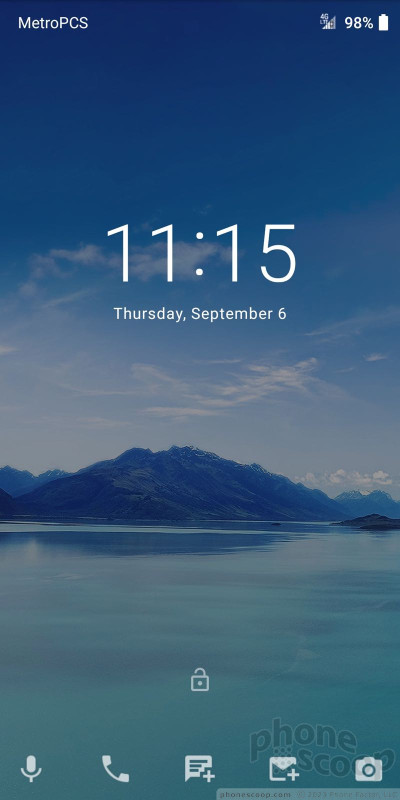
The 7‘s lock screen strays only a little bit from standard Android. It includes up to five app shortcuts at the bottom of the lock screen. You can fully customize which apps appear in this space, which is nice. Tap the shortcut you want to open, unlock, and the phone opens the app quickly.
There is no advanced active / ambient display on the Alcatel 7, which is a let down. You have to wake the screen to see notifications, which appear below the clock. You can dismiss notifications one at a time from the lock screen, or en masse if you unlock the phone. The clock is really big and easy to see.
The 7 offers an array of ways to unlock the phone. The fingerprint reader is consistently the fastest way to wake and unlock the phone. I had no issues training several prints.
Face Recognition
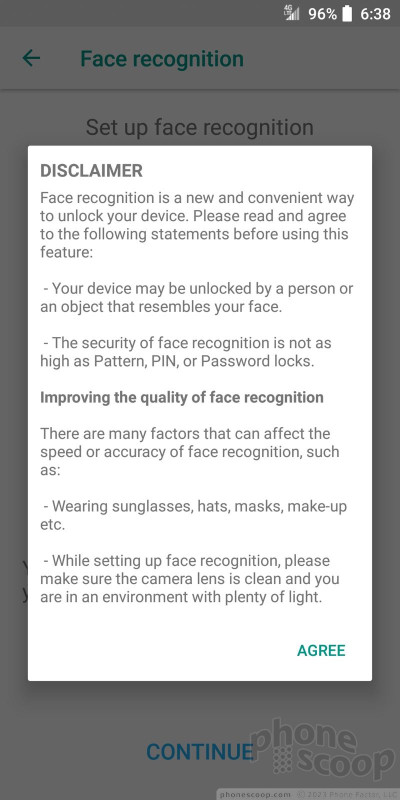
Alternately, you can take advantage of the face unlock tool. Alcatel warns that this is a simple camera-based tool that can be fooled by “a person or an object that resembles your face.” Moreover, your sunglasses, hat, or make-up may cause it to fail. Recording your face data into the phone is easy enough. You’ll need to set a backup security method, such as PIN, pattern, or password.
The face unlock tool works, but just barely. The phone took far longer than I wanted it to to recognize my face and errored out often. Given the fact that your fingerprint is faster and more secure, I suggest sticking with the finger.
Home Screens
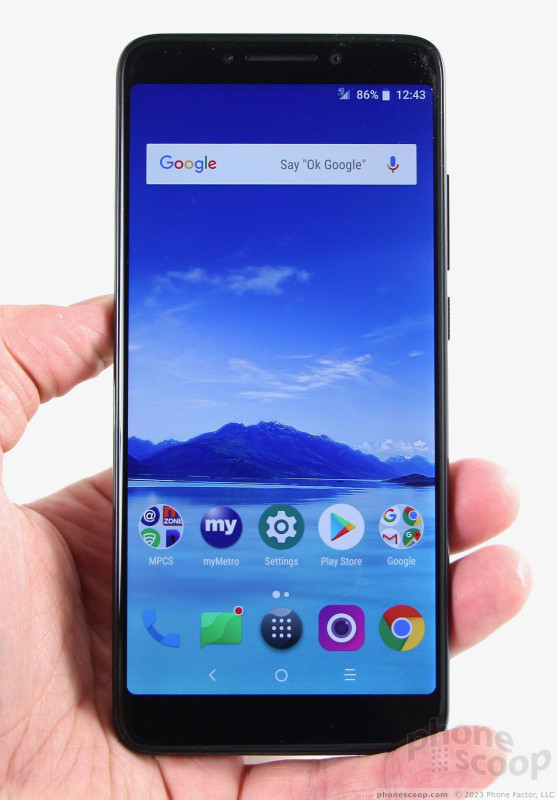
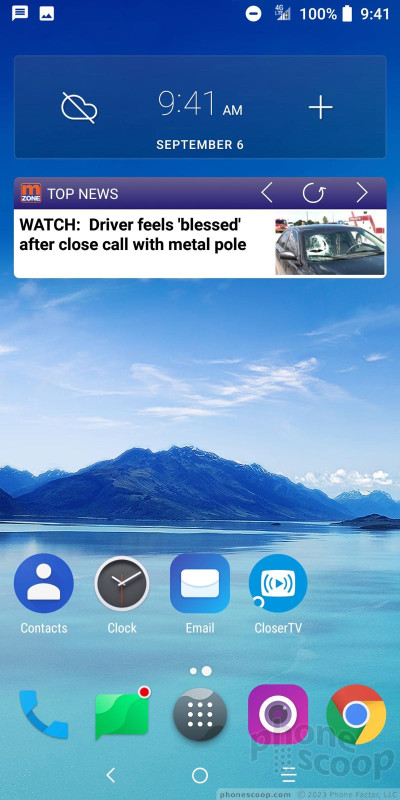
The home screen experience is pretty straightforward. The phone runs Android 8.1 and has a very light skin from Alcatel. Essentially, Alcatel is using its own fonts, colors, and icons. The basic framework of Android is unchanged. You can adjust the home screens however you prefer.
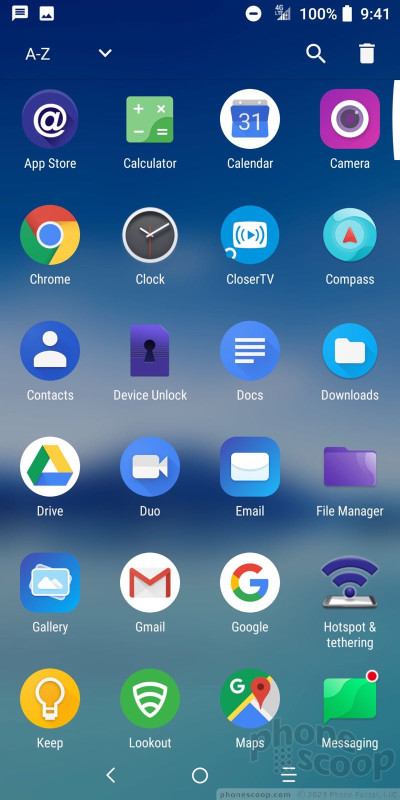
I like that the Alcatel 7 includes a dedicated app drawer, which is easy to open via the dock at the bottom of the screen. You can opt to view your apps alphabetically, by download date, or by most-often used. There’s no hiding apps, and no folders, in the app drawer.
The settings menu offers no surprises. It’s a straight text list and is laid out in plain black text on a white background. A search bar makes it quicker to sort through the settings.
There are no special interface features, such as themes, easy mode, or the like.
Settings
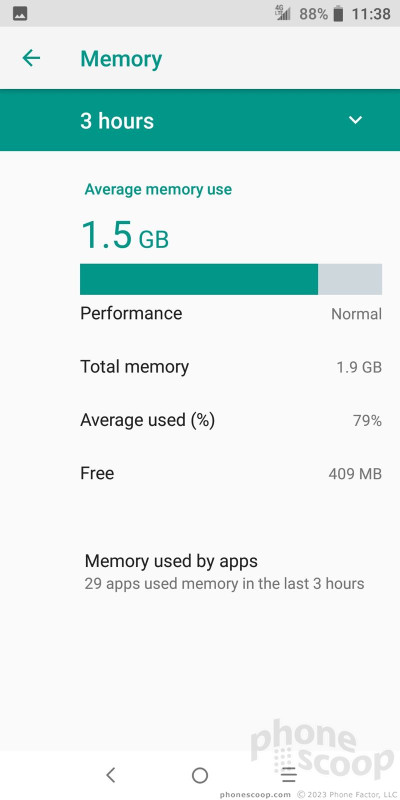
A 2.5 GHz octa-core MediaTek Helio P23 processor powers this baby. It has 2 GB of RAM to go with it. After testing the phone for several days I’ll say that I didn’t come across any deal-breakers as far as speed and performance are concerned. The phone ran smoothly the majority of the time I used it. Most apps opened quickly, screen transitions were smooth, and it felt like the phone had enough juice for most typical tasks.
Memory
Camera
The fastest way to open the camera is to double-press the screen lock button. The app opens quickly enough.
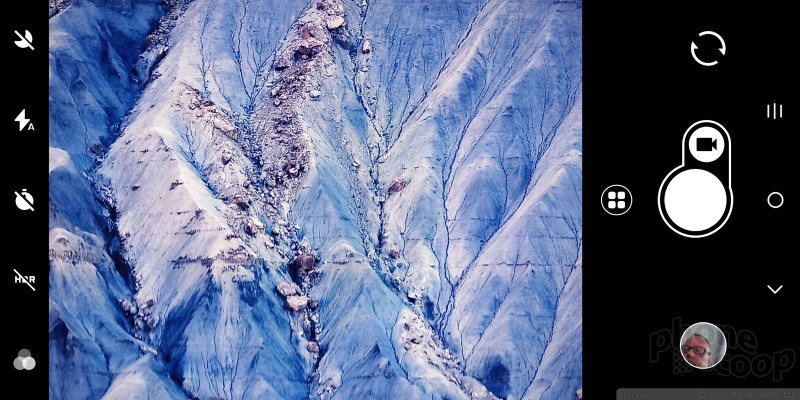
The viewfinder and controls are familiar. A strip of toggles (night mode, flash, HDR, timer, filters) lines the left edge.
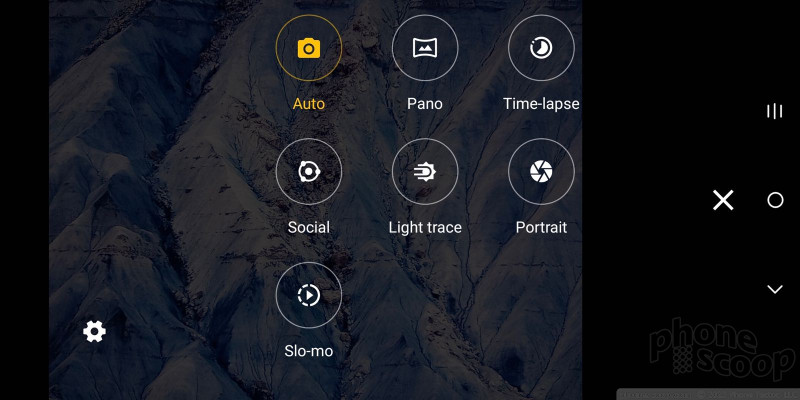
The shooting modes include automatic, panorama, time-lapse, social, light-trace, portrait, and slow motion. That’s more than most phones in this class. One stand-out here is the social mode, which lets do you put together a four-image collage. You can capture each image manually, or set a timer so it does it in a quick series. It’s like a photo booth.
The portrait mode relies on the two rear cameras to create bokeh-style images with sharp subject and blurred background. I like that you can dial in the amount of background blur, and even adjust the effect after the fact. This mode is fairly slow to operate, however, particularly in low light.
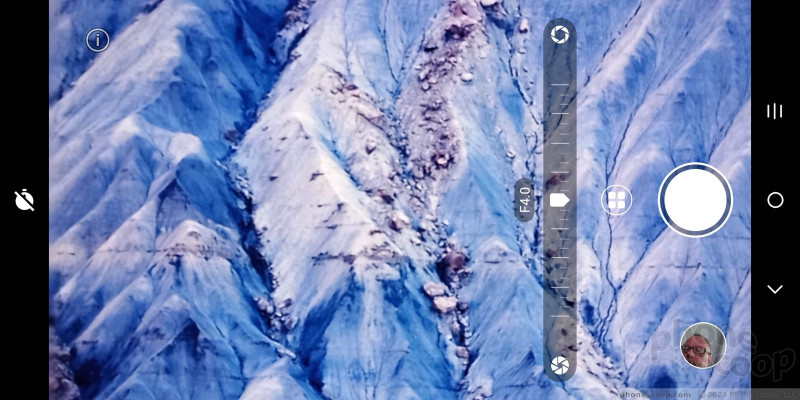
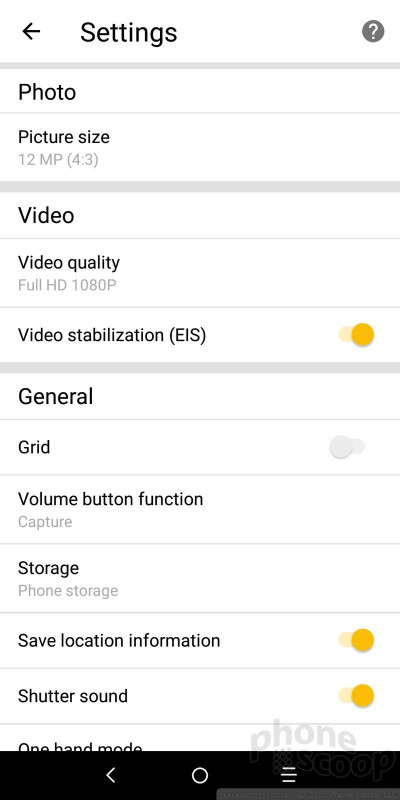
You’ll find access to the settings menu from the shooting mode screen. You can only adjust the most basic settings, such as resolution, grid, and sounds.
Camera Settings
I was hoping for solid performance from the app, but the Alcatel 7 let me down. The processor and/or 2 GB of RAM isn’t enough to deliver smooth operation of this app. It’s slow to do everything, and even the viewfinder is slow. It takes two blinks to catch up to what your aiming at. Jumping through the settings and modes takes time. Worse, the phone just takes forever to focus before firing the shot.
Photos/Video
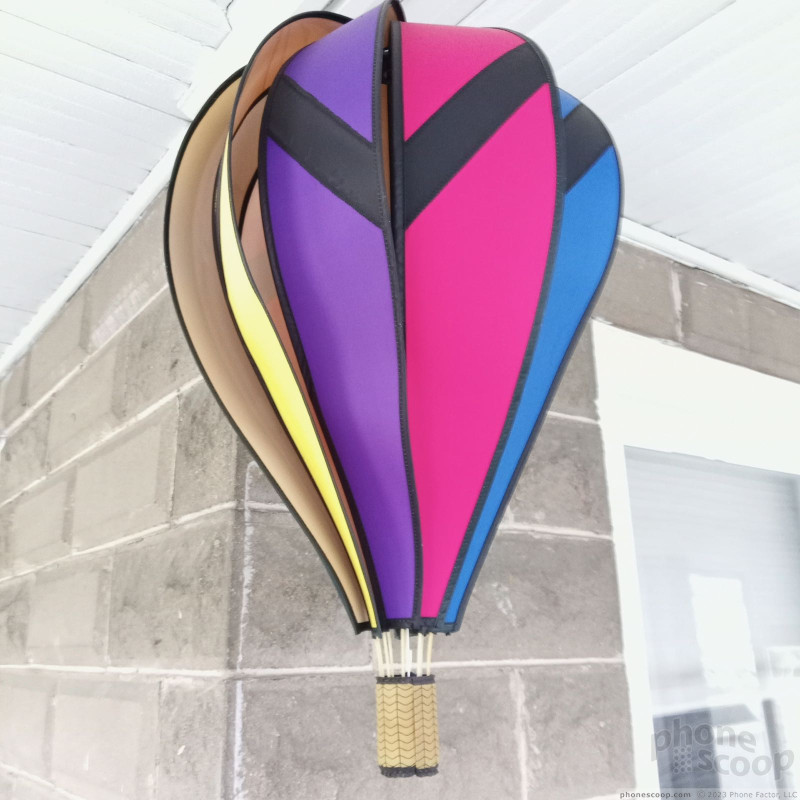
The results are mediocre at best. The Alcatel 7 suffers horribly in low light, creating grainy, underexposed messes that just don’t look good. No amount of flash use seems to help with anything that’s more than a couple of feet away. You’ll get better results in brighter environments.
The biggest problem is focus. Because the camera is so slow, it’s easy to think it has finished taking a picture when in fact it has not. I can’t tell you how many pictures I got of my feet because I thought the camera had done its job. Color and white balance are fine, but exposure and noise level are all over the place.
The 8-megapixel selfie camera is no better. The flash never seemed to fire no matter how dark the scene was, and the beauty tools offer no salvation from your freckles, lines, and other imperfections.
The phone captures video up to full HD and it doesn’t look very good. The results are, like the pictures, a noisy disaster filled with grain and aberrations. Colors come across as muted and all the video I shot is lacking in proper exposure.
The Alcatel 7‘s camera may function as a stop-gap, but I wouldn’t count on it for saving those important events.
Alcatel 7 Photo Samples
Closer TV
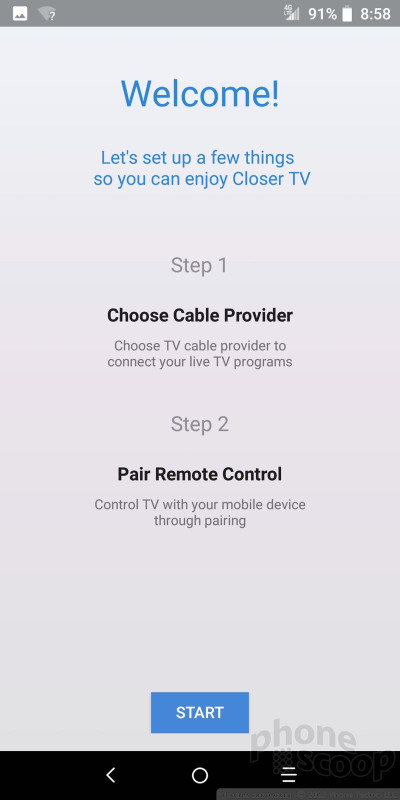
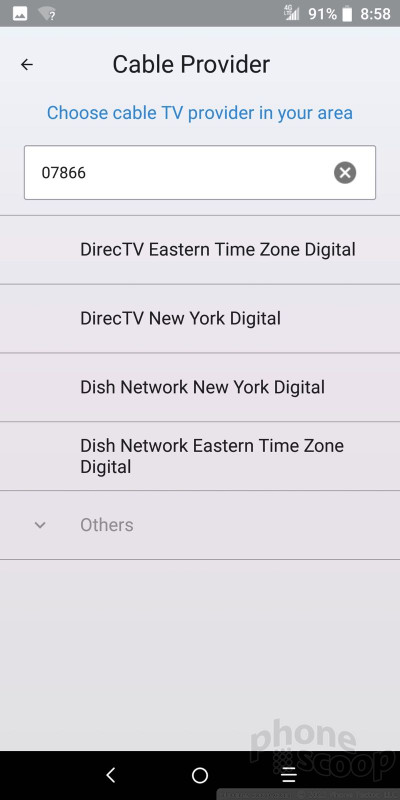
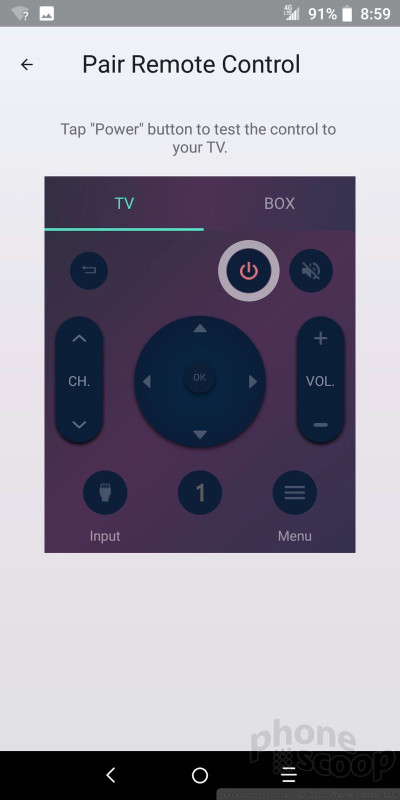
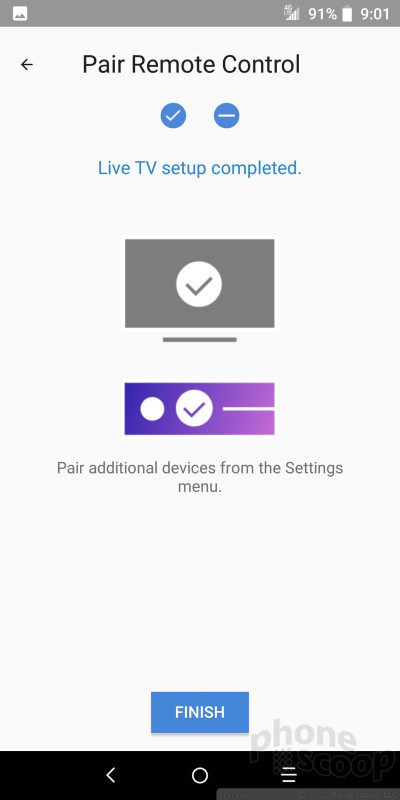
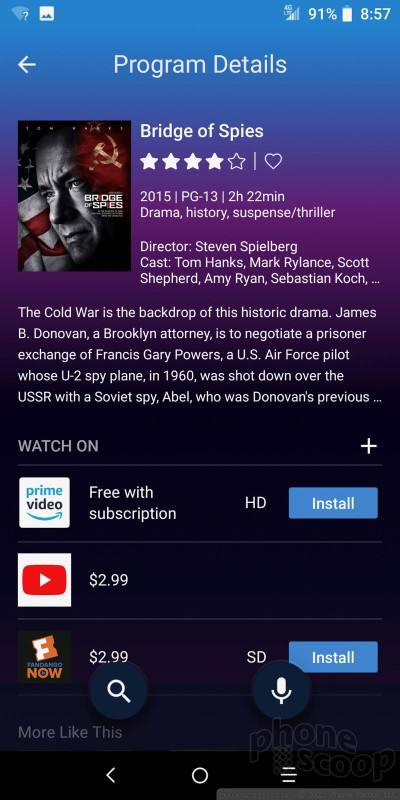
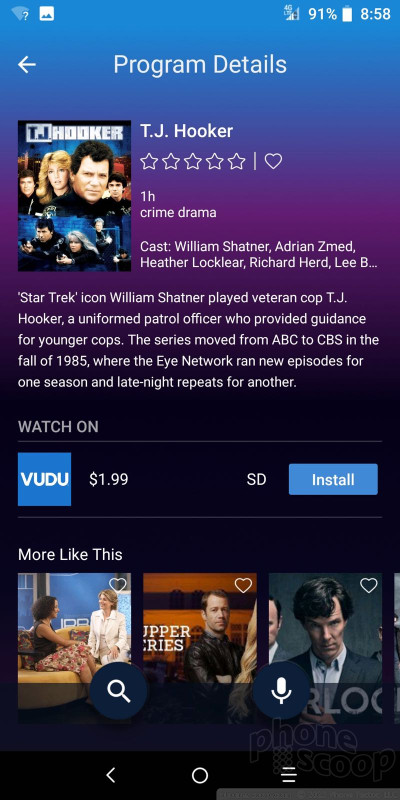
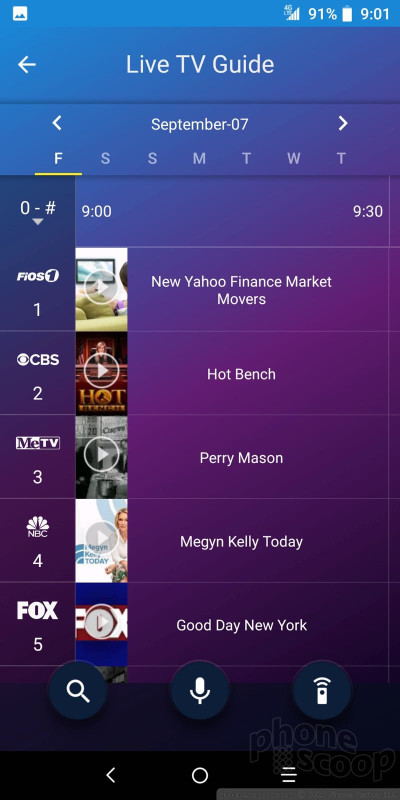
MetroPCS is pitching the Alcatel 7 as a media machine and it’s mostly due in part to the presence of the Closer TV app. This app is a combined remote control (there’s an infrared emitter on the top of the phone) and content discovery tool. You’ll need to spend some time pairing it with both your television and your cable box. Then you’ll be able to use Closer TV as a visual guide to what’s on.
CloserTV Setup
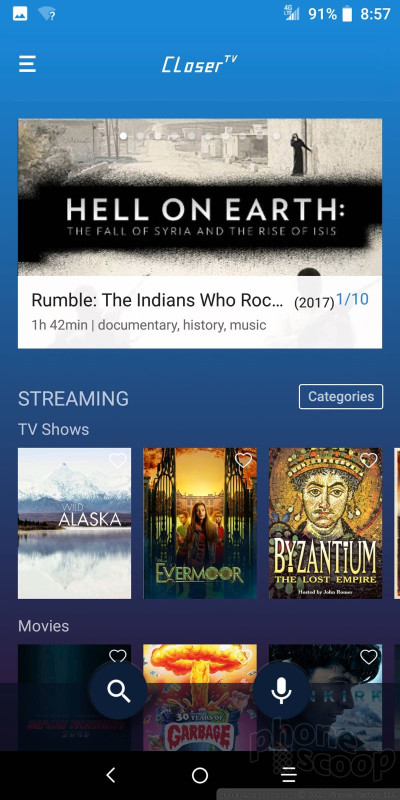
The app shows you what’s available in real time from your cable TV provider, as well as third-party services such as Hulu, YouTube, and Amazon Prime. It shows both free content, and a variety of paid types.
Closer TV is clunky. It never seemed to want to talk to my cable box no matter how many times I paired the two. I’d often find something I wanted to watch through the app, select it, and nothing would happen on my TV. Bottom line: you’re better off sticking with your existing remote / app setup, which is surely less frustrating.
CloserTV
Alcatel has an opportunity to fill a certain gap in the U.S. market right now. If it can churn out respectable, affordable phones, it could become a reliable go-to manufacturer for prepaid carriers such as MetroPCS and Cricket Wireless. The Alcatel 7 doesn’t quite go the distance.
I’m sold on the hardware design and promise. It’s not the most unique phone in the market, but the screen is fine, the chassis is strong, and the all-black design works. It’s great to see a fingerprint reader, USB-C, and a headphone jack.
The phone excels at battery life, outlasting many other devices in this market segment. At the same time, call quality is questionable and data speeds are average. The Android-based platform runs smoothly enough, but the camera simply isn’t up to snuff.
MetroPCS sells the Alcatel 7 for $180. If you port-in a number and subscribe to Metro’s top plan, you can snag the 7 for $30. At MetroPCS, the $50 Moto E5 or the $80 LG Stylo 4 are better options.
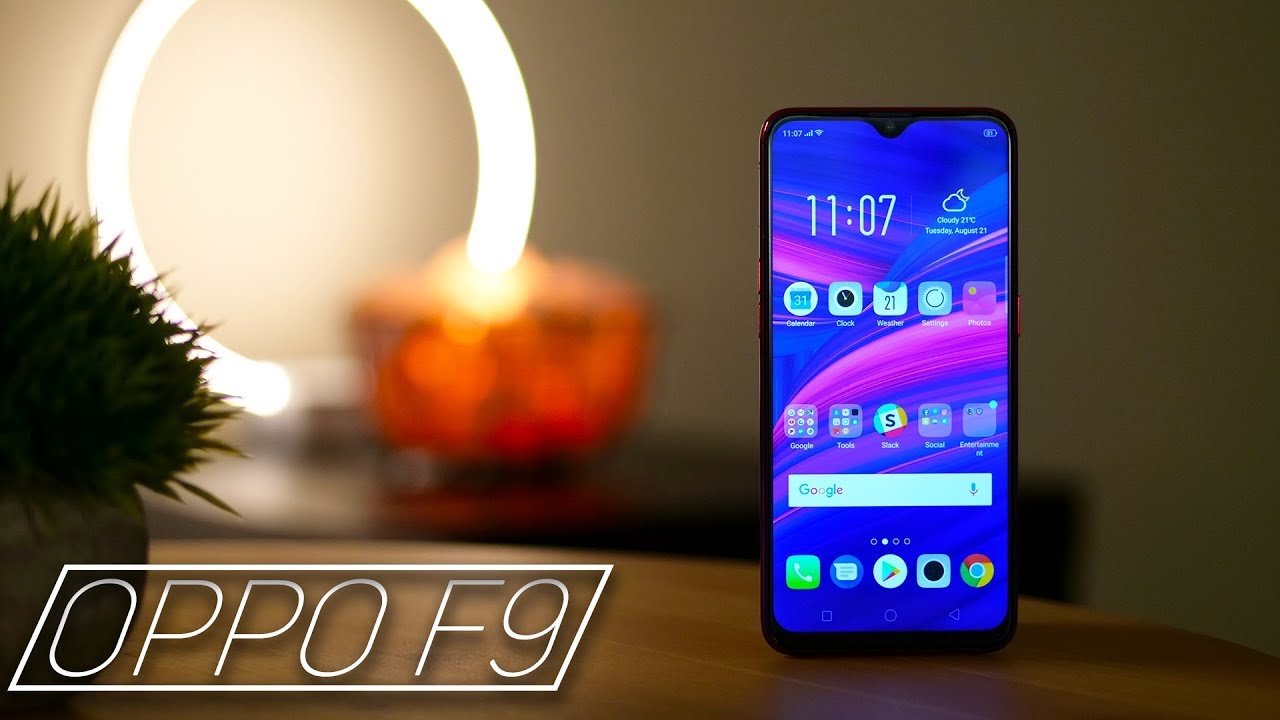
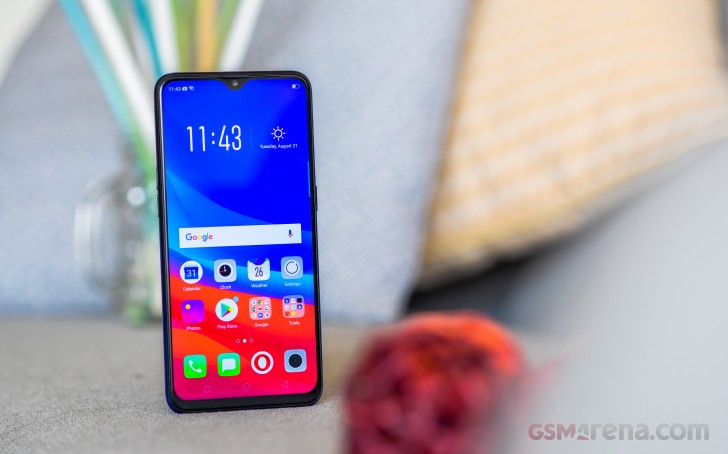
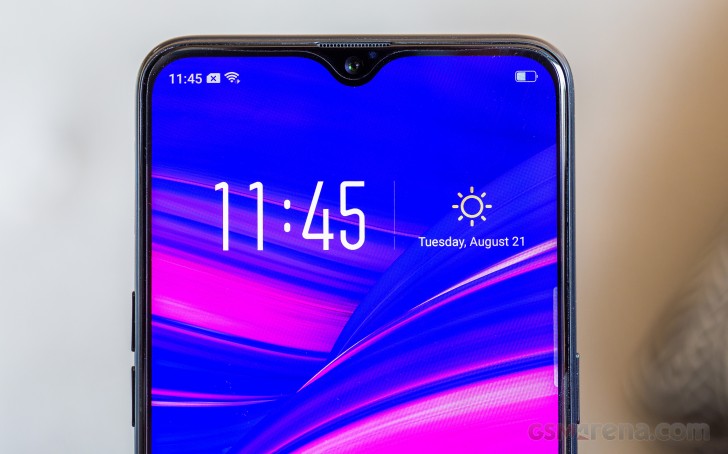
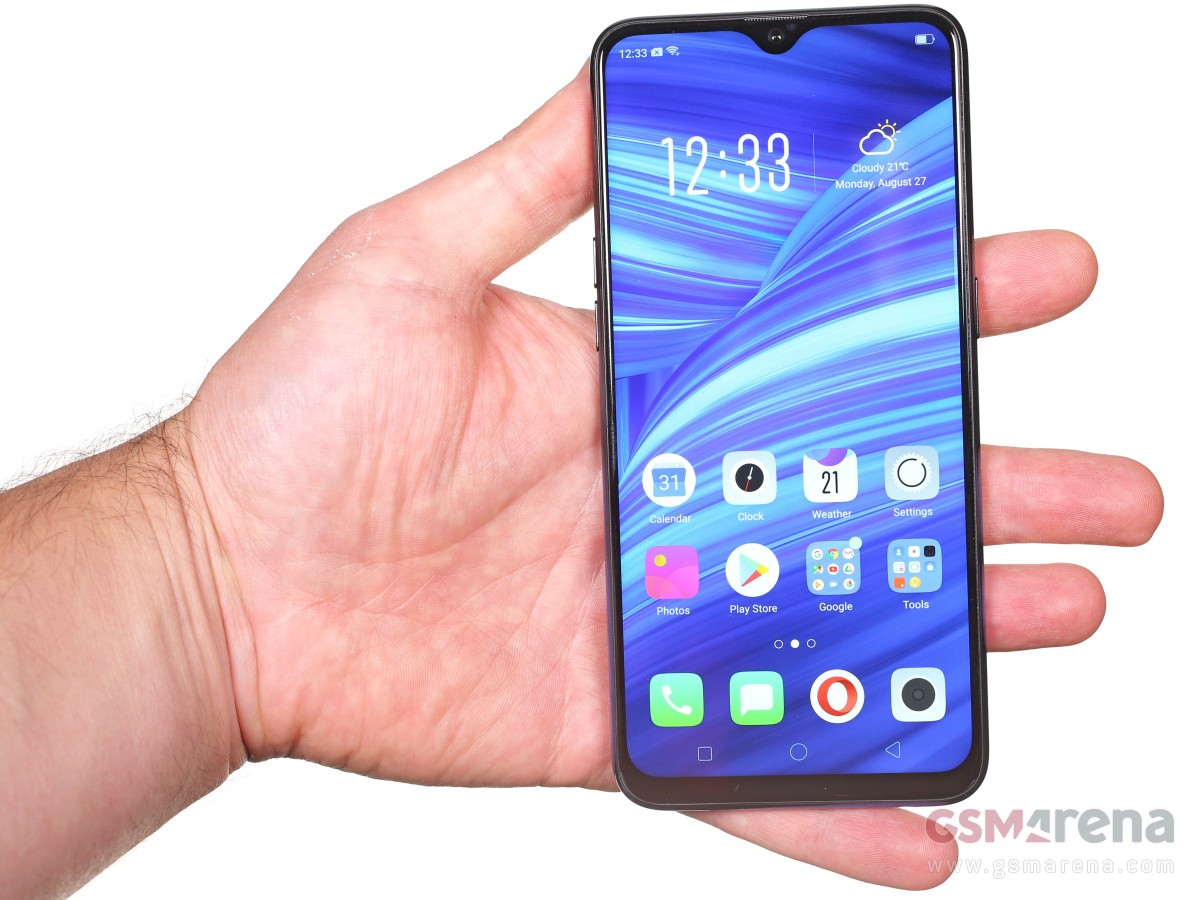
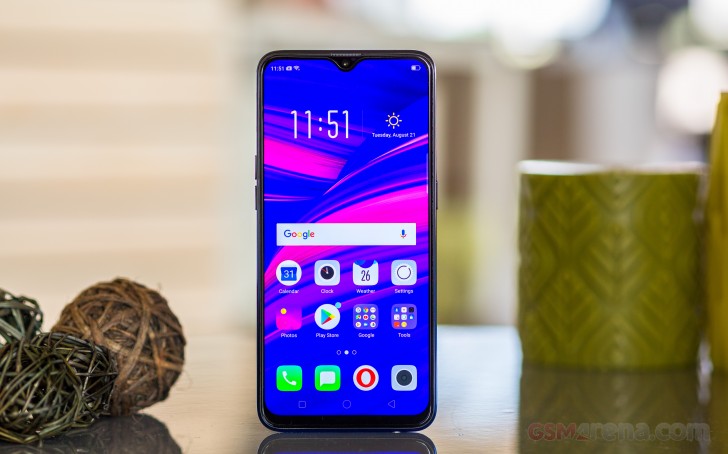
The Oppo F9/F9 Pro is yet another installment in the hugely popular Oppo mid-range series. It’s the first phone in the family with a dual-camera on the back and backtracks on the screen cutouts by moving to a tiny waterdrop notch.
You have probably noticed we are using the F9/F9 Pro inscription for this review and there is a reason for that. Oppo has chosen a rather awkward approach to the naming of its mid-ranger.
In India – one of the key markets for the F-series – the F9 is available in two versions. There is the F9 Pro with 6GB of RAM, a 25MP selfie camera and VOOC flash charging, and the regular Oppo F9 with 4GB of RAM, a 16MP selfie shooter, and no VOOC charging.
Yet in every other market Oppo is selling only the F9 but with specs matching the Indian pro version(6GB, 25MP, VOOC). So, the phone we got for review is called F9, but specs-wise it’s identical to the F9 Pro as seen in India. We hope this clears it up and we’ll refer to the phone as just F9 from here on.
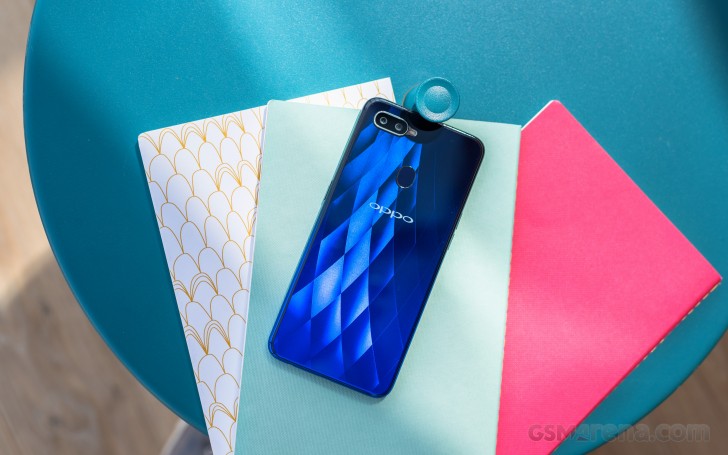
Looking beyond the confusing naming, the Oppo F9 is actually a very attractive phone that comes with the trendy gradient paint jobs freshened with star or diamond patterns.
The internals are well chosen too – the Helio P60 chip has already proven as a solid mid-range performer, you get a dual-camera on the back with bright lens and a super high-res selfie snapper. Add the large battery with VOOC support and it looks like a great package. Sadly we are still seeing a dated microUSB port.
The Oppo F9 is also among the first to come with the latest and toughest to break Gorilla Glass 6. The new glass is shatter-proof for a dozen of drops from one meter, giving you some welcome peace of mind.
Oppo F9 (F9 Pro) specs:
Body: Gorilla Glass 6 body, plastic frame, 156.7 x 74 x 8 mm, 169g
Memory: 4 or 6 GB RAM, 64GB of storage, (dedicated) microSD slot
Camera: Dual: 16MP (f/1.8) + 2MP for depth sensing, phase detection autofocus; 1080p @ 30fps video
Selfie cam: 25MP (f/2.0), 1080p video
OS: Android 8.1 Oreo with ColoOS 5.2
Battery: 3,500 mAh, 20W VOOC flash charging
Connectivity: Dual Nano-SIM; microUSB (USB 2.0), Bluetooth 4.2, GPS, GLONASS, FM radio
Misc: Rear-mounted fingerprint sensor, bottom-firing loudspeaker, 3.5mm audio port
The Oppo F9 stopped short of implementing the under-display fingerprint reader of its vivo V11 cousin, but at this point of the development of the technology it’s unclear if we should count that against it. The F9‘s rear mounted sensor may lack the geeky appeal, but is always-on, accurate, and blazing-fast – three things you can’t say for the V11’s reader.
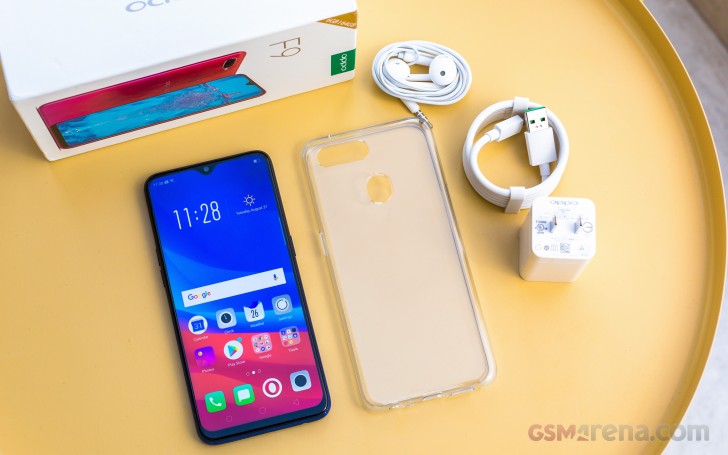
We have the cool Twilight Blue model of the Oppo F9 Pro for this review and it’s time we proceed to unbox it.
Unboxing the Oppo F9
In addition to the Oppo F9 unit, you will be getting a VOOC-compatible microUSB cable, the 20W VOOC charger itself, and an EarPod-like headset. The non-VOOC supporting non-Pro Oppo F9 in India comes packed with a 10W regular charged instead.
Design
If your want a beautiful mid-range smartphone has to be beautiful and an instant eye-catcher, the Oppo F9 is the right device for the job.
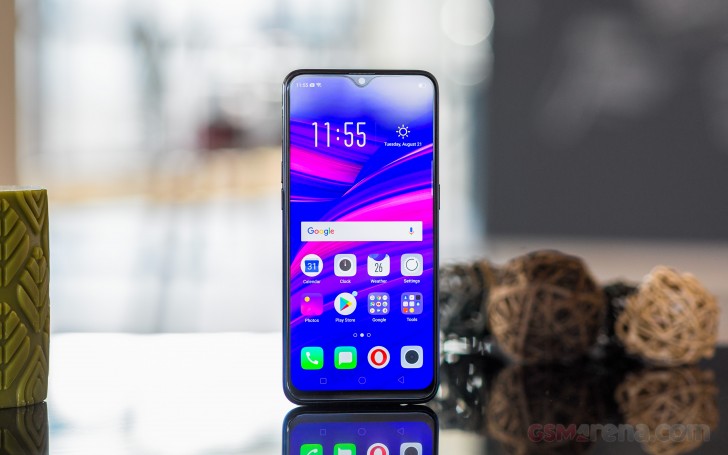
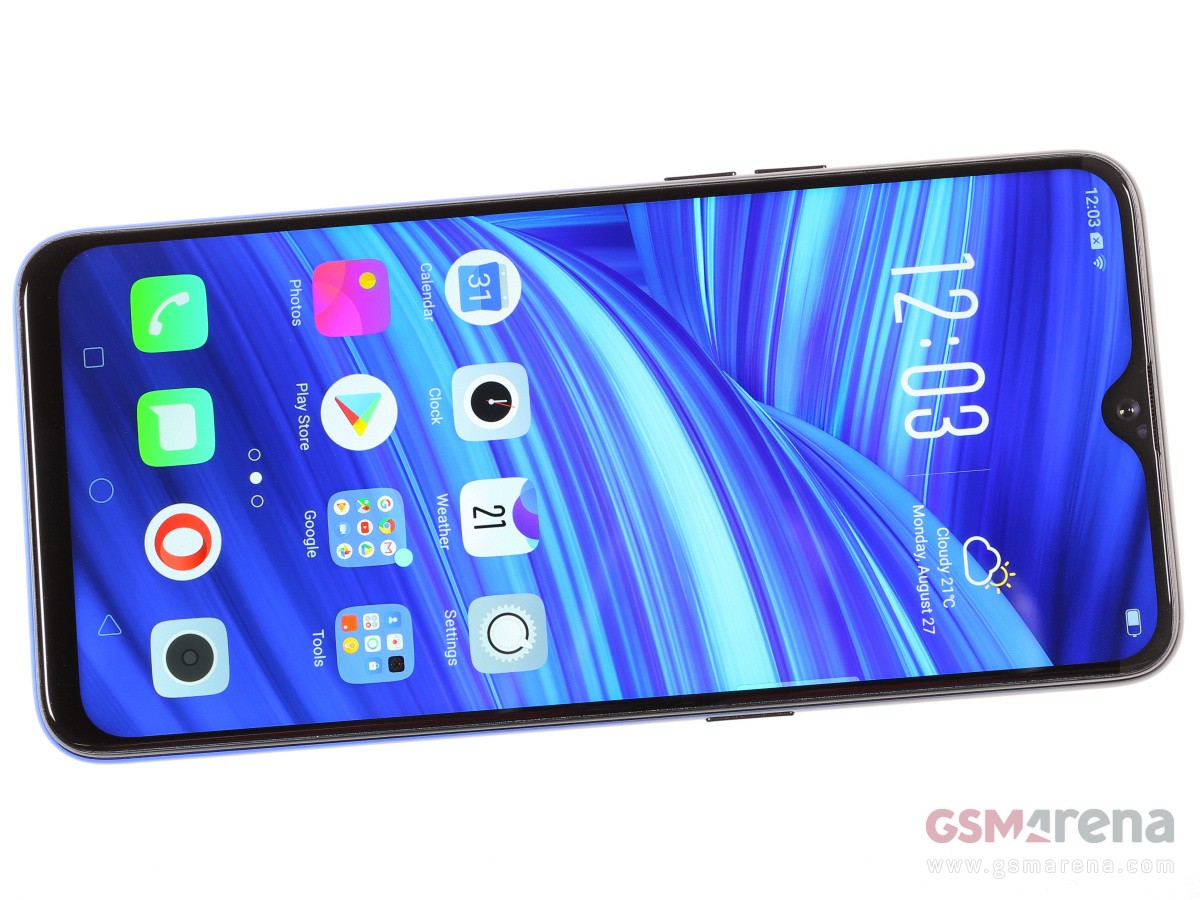
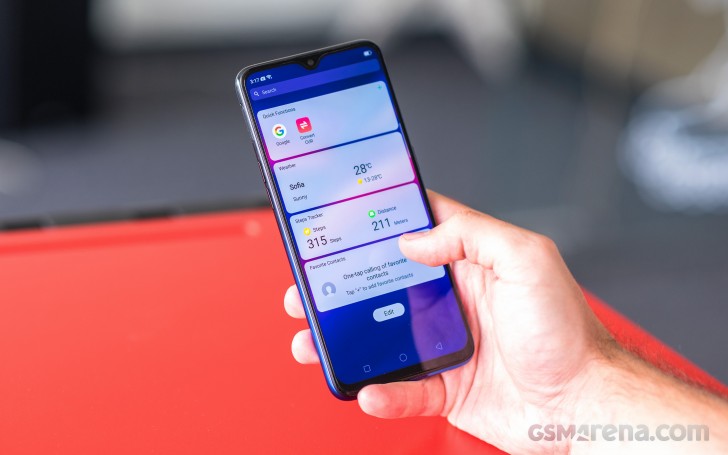
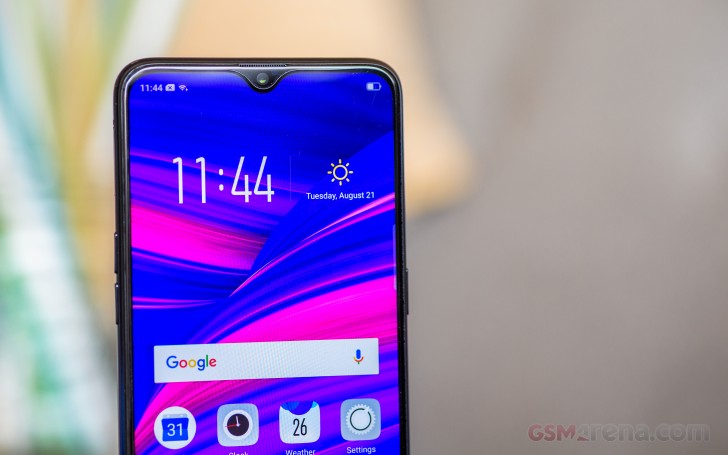
The almost bezelless front is a welcome sight and the waterdrop-like notch is far less objectionable than the large cutout on the F7. It wastes far less screen estate and some might even argue that it looks like a cool accent.
Just don’t put too much faith in those official press renders as they show the screen going nearly edge to edge, which is not quite the story in real life. Still, the F9 offers some of the highest screen-to-body ratios in the price range and that’s already a huge thing the phone has going for it.
Upon closer look next to the 25MP selfies camera you can also notice a tiny aperture for the proximity sensor.
The earpiece grille is almost invisible up at the top – in-between the frame and the display itself.
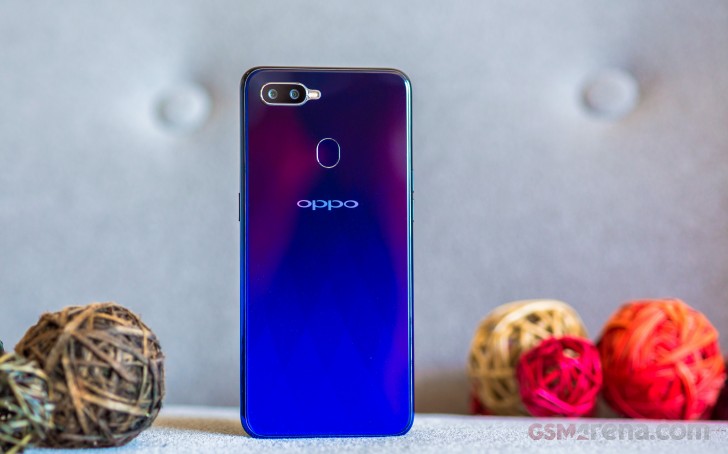
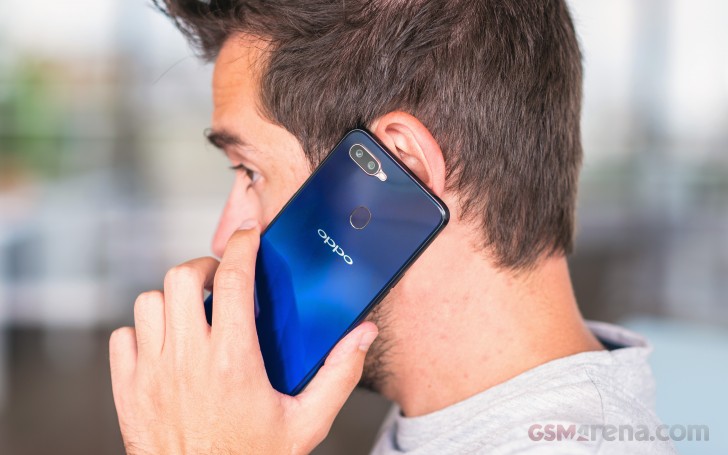
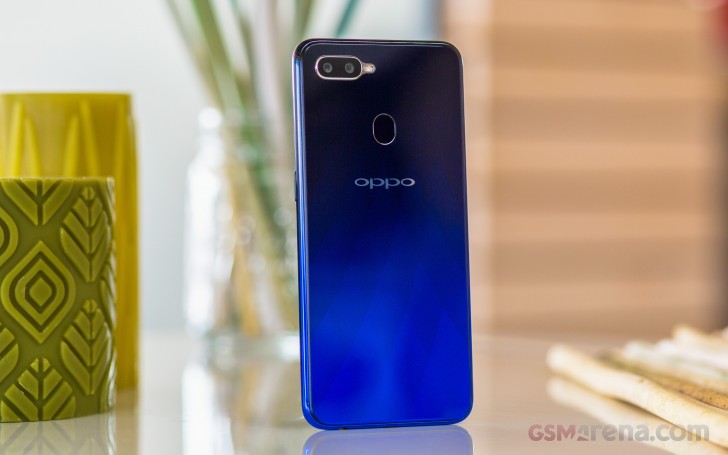
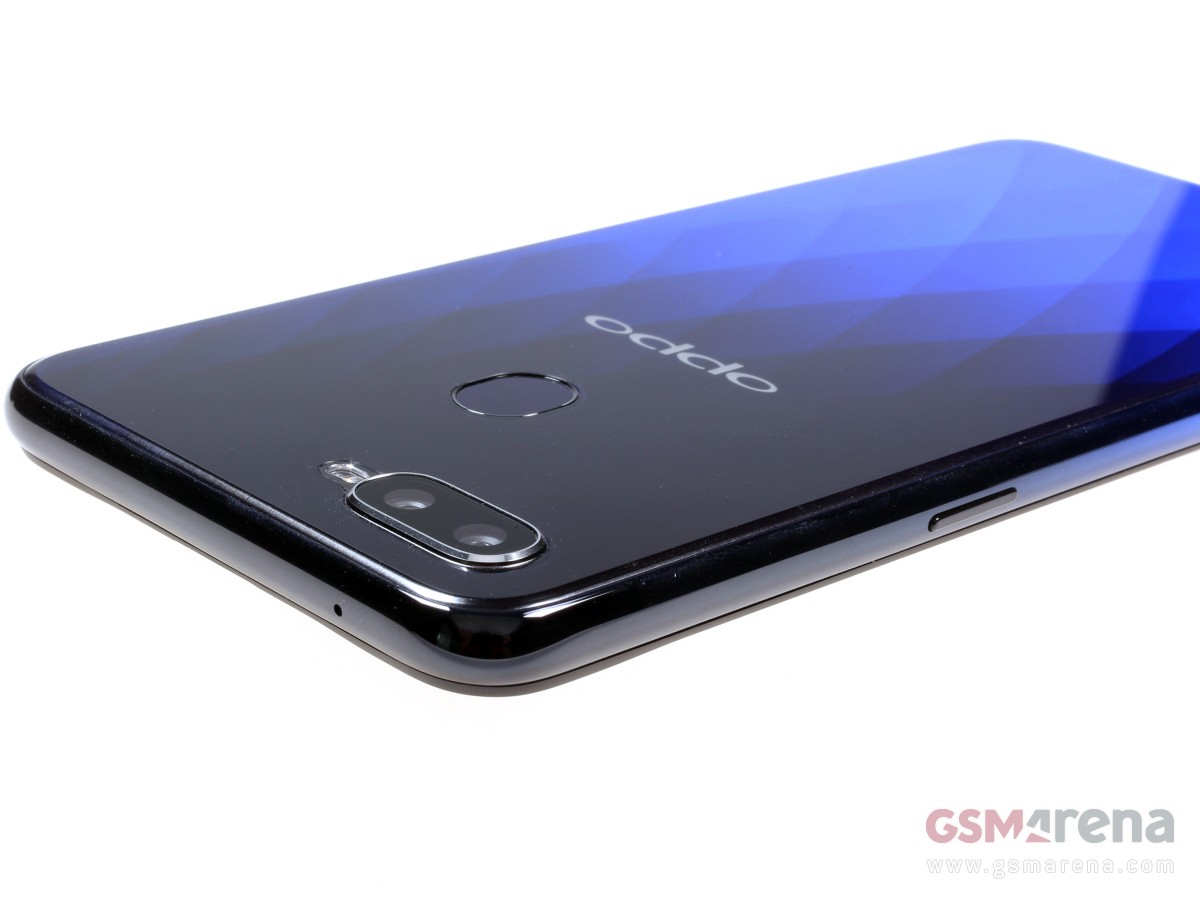
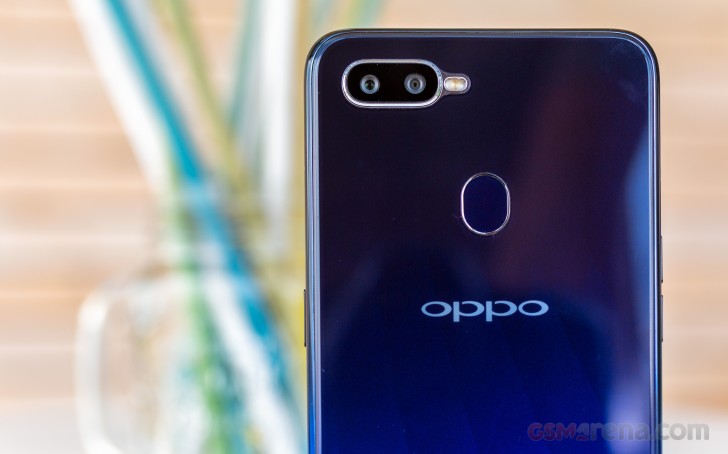
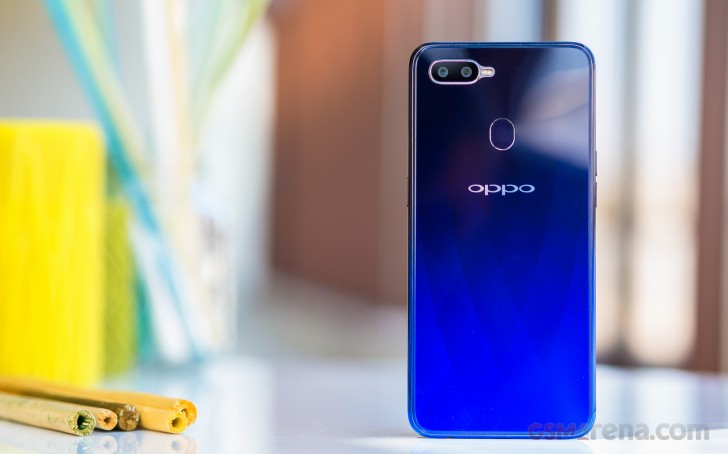
Moving on to the back, the Oppo F9 manages to impress again. A gradient paint job, a diamond-like pattern, and besides the Oppo logo – no inscriptions to spoil the looks.
The colors also change depending on the available light with our Twilight Blue model going from light cyan to dark blue and even black. The shimmering diamond pattern is clearly visible if sufficient is available but disappears almost completely in the dark.
The same is valid for the Sunrise Red model, though it looks a bit flashier with a palette of lilac, pink, orange and red.
The Starry Purple has a lot in common with the vivo V11 – it also has a gradient in the purple shades, but instead of a diamond pattern it has tiny dots, which look like thousands of stars.
The always-on fingerprint scanner and the dual-camera are the only things of real interest at the back. The snappers are accompanied by a single LED flash and while it all forms a small hump, it’s not big enough to make the phone wobble.
The Oppo F9 is among the first smartphones to make use of Corning’s toughest Gorilla Glass to date – the sixth revision. It’s supposed to survive a dozen of drops from up to one meter.
The frame holding those pieces of Gorilla Glass, is made of plastic but painted in the same cool gradient as the back, sans the diamond-pattern, of course. It has a glossy finish and is slippery, but its slightly curved shape and the bulging screen enclosure improve the depth of the phone and help provide decent overall grip.
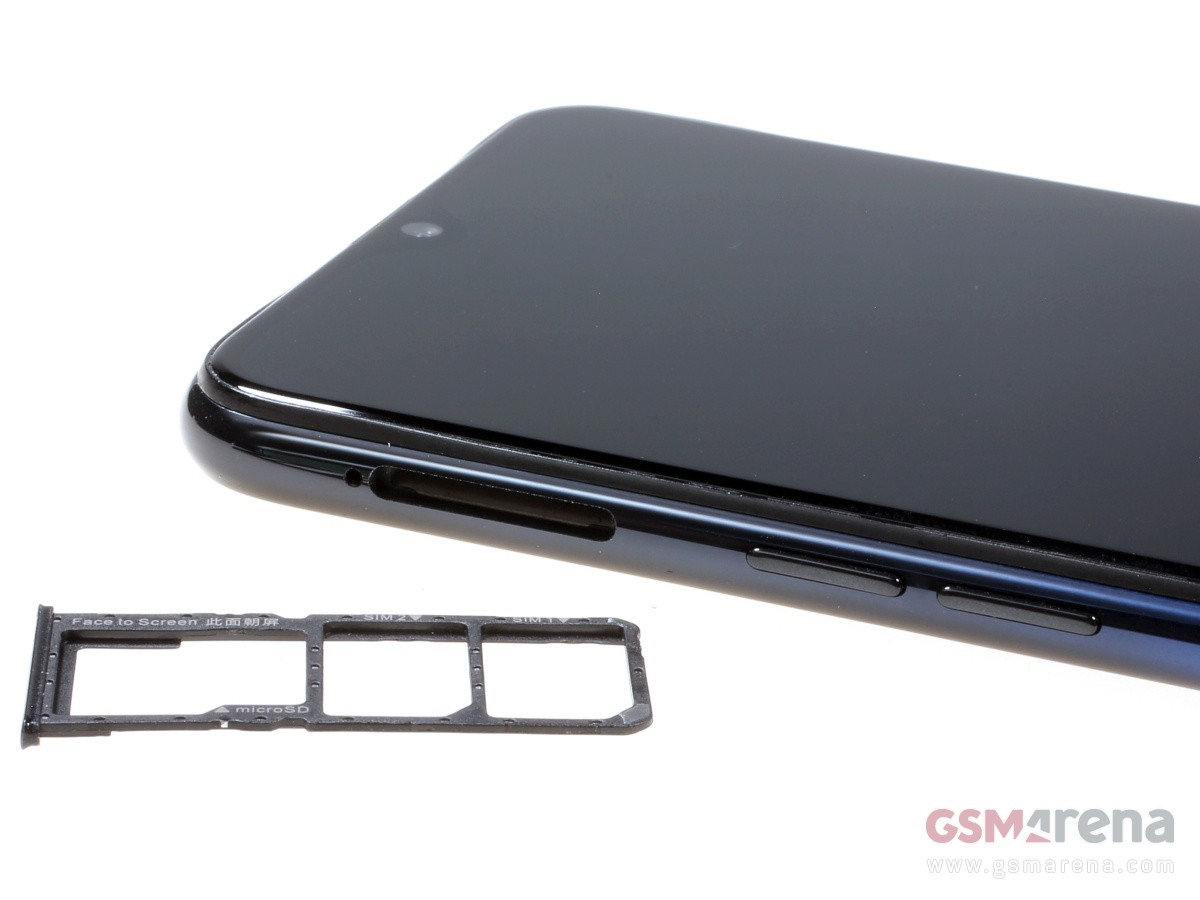
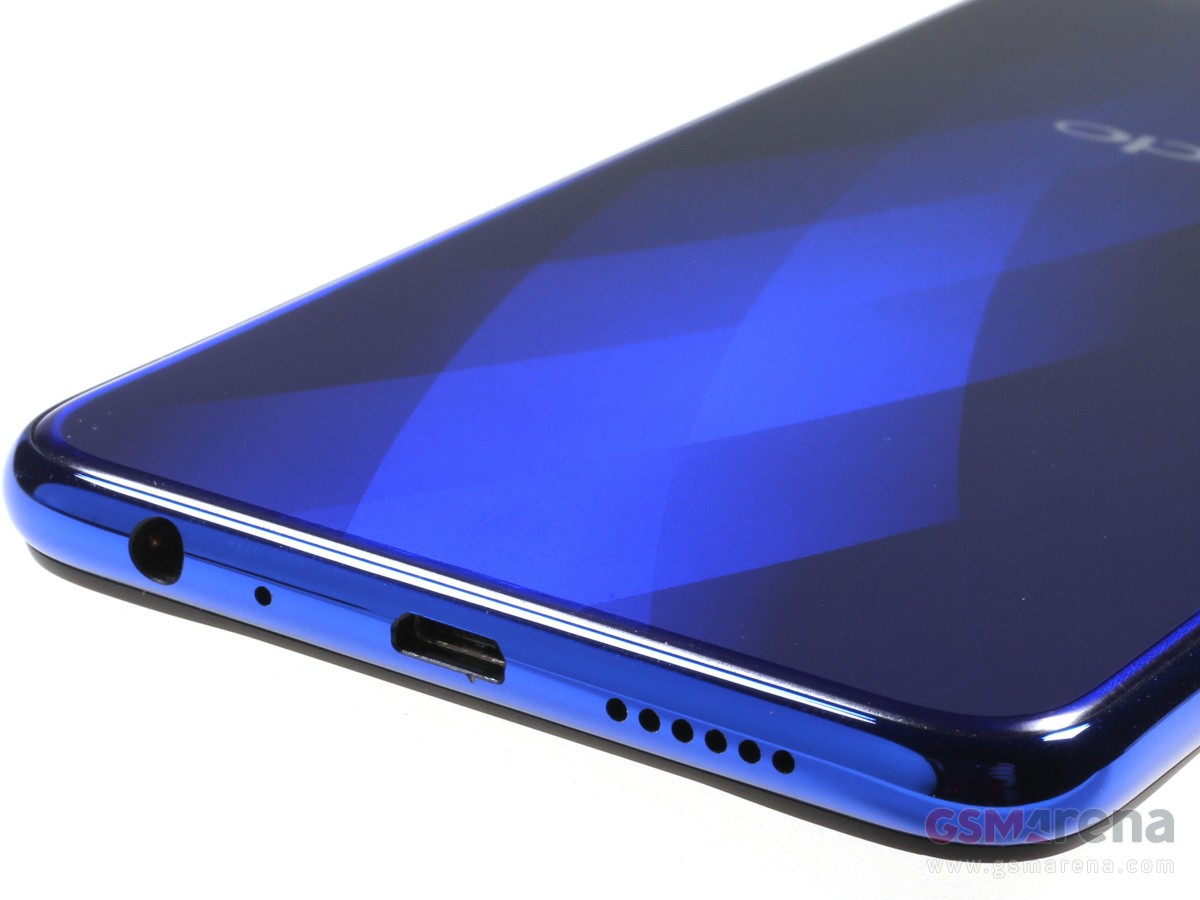
The Oppo F9 has everything as far as connectivity features are concerned – there is a 3.5mm audio port and it features a triple card slot. The latter accommodates two nanoSIMs and a microSD card slot, so you won’t have to choose between dualSIM functionality and memory expansion.
The only letdown is the old-school microUSB slot, but it supports VOOC flash charge, so at least from a functionality standpoint it’s not too bad.
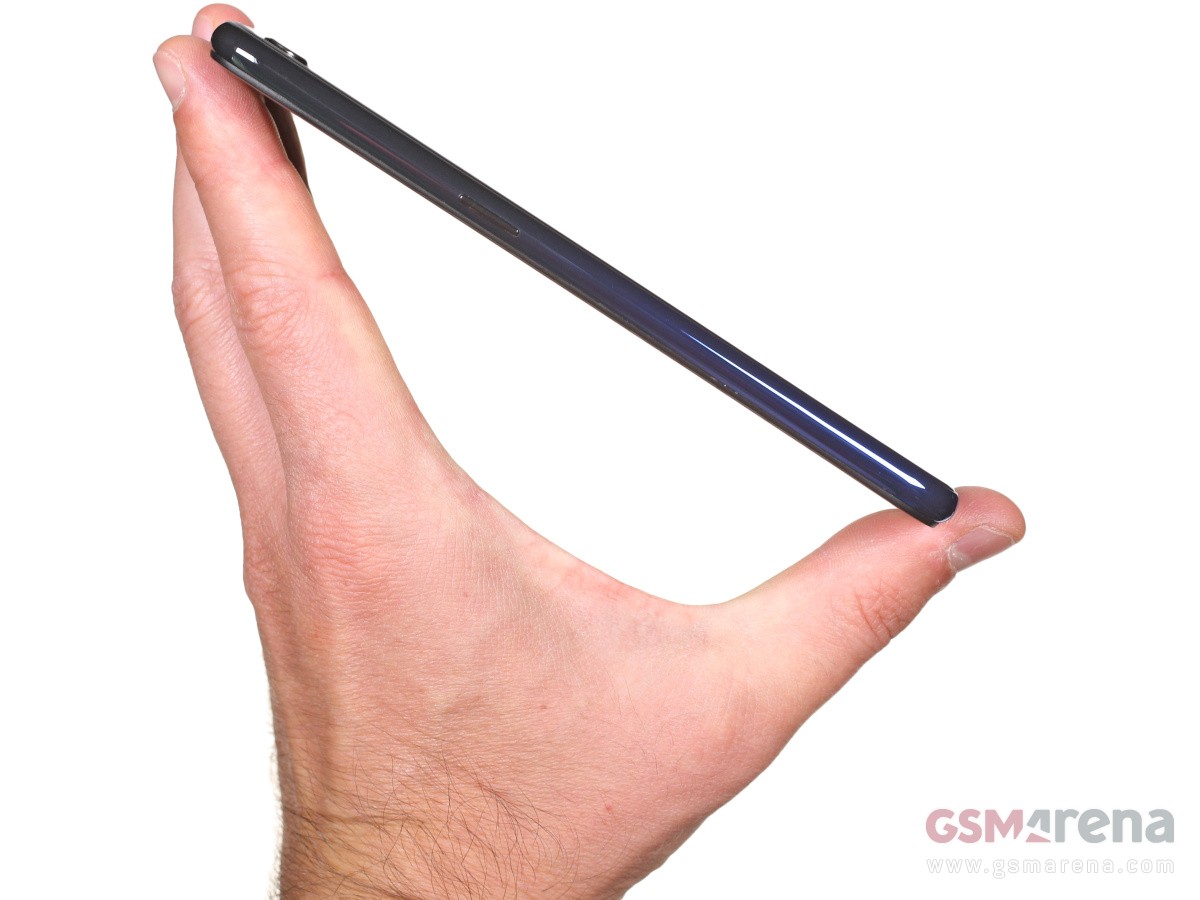
The Oppo F9 spreads at 156.7 x 74 x 8 mm and weighs 169g – almost identical footprint to the F7, but 11g heavier.
Handling the Oppo F9 is a pleasure, but not as immersive as looking at it. You can tell the frame is plastic, and the grip is mediocre. The F9 is also a fingerprint magnet and it will be smudgy all the time – maintaining those great looks will take some effort, we are afraid.
Display
The Oppo F9 packs a 6.3″ IPS LCD screen of 1080p resolution with a very decent pixel density of 409ppi.
The native resolution is 1,080 x 2,340 – that’s 19.5:9 aspect – one of the tallest among the most recent smartphones. While we’ve seen other screens of such tall ratio, they typically have much larger notches, so the usable area is still close the 18:9 ratio of yesteryear. Here however the waterdrop notch leaves more of the height available to the UI.
The Oppo F9/F9 Pro display proved to be an excellent performer in our display test, pumping out north of 520 nits of maximum brightness. Combined with the deep blacks the F9’s display posted an excellent contrast of 1800:1. The minimum brightness level of 3.4 nits is also nice, meaning you can comfortably use it in complete darkness.
Display test
100% brightness
Black, cd/m2
White, cd/m2
Contrast ratio
Oppo F9
0.29
526
1814
Oppo F7
0.228
446
1956
Oppo R15 Pro
0
410
∞
vivo V11
0
418
∞
vivo V7+
0.289
515
1782
Xiaomi Mi A2
0.277
420
1516
Xiaomi Mi A2 Lite
0.385
488
1268
Honor Play
0.414
470
1135
Xiaomi Pocophone F1
0.314
461
1468
Oppo Realme 1
0.35
423
1209
Oppo Realme 2
0.286
411
1437
Xiaomi Redmi Note 5 AI Dual Camera
0.28
530
1893
The Oppo F9 did well in our sunlight legibility test, posting a fine score for an LCD panel. In real-world terms, the handset remains perfectly usable outdoors.
Sunlight contrast ratio
The color rendering is all over the place with an average deltaE of 6.9 and maximum deviation of 12.3 at point white – the screen has a noticeable blue tint and everything looks colder than it should be. If you set the color temperature all the way to Warmer end of the temperature slider, you’ll get one more accurate color presentation with an average deltaE of 4.9 and maximum deviation ot 7.8 at point white (still towards blue).
Battery life
The Oppo F9 is powered by a large 3,500 mAh battery. It offers Oppo’s custom solution called VOOC Flash Charging and requires using the bundled 20W charger and special cable combo, which can be limiting.
The 20W adapter can bring the Oppo F9 battery from 0% to about 57% in around 30 minutes, which is quite rapid.
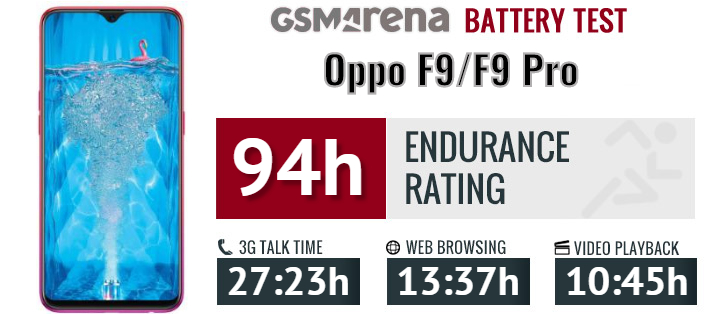
The Oppo F9 scored an excellent result in our battery test with a 94-hour Endurance rating. It did a great job in all tested scenarios – video playback, calls, web browsing and even stand-by
Our endurance rating denotes how long a single battery charge will last you if you use the Oppo F9 for an hour each of telephony, web browsing, and video playback daily. We’ve established this usage pattern, so our battery results are comparable across devices in the most common day-to-day tasks. The battery testing procedure is described in detail in case you’re interested in the nitty-gritties. You can also check out our complete battery test table, where you can see how all of the smartphones we’ve tested will compare under your own typical use.
Loudspeaker
There is one speaker on the Oppo F9, and it’s at the bottom. It posted a Very Good score in our loudness test – 2db shy of the Excellent mark. The sound quality is excellent with rich and deep sound.
Speakerphone test
Voice, dB
Pink noise/ Music, dB
Ringing phone, dB
Overall score
Honor Play
68.3
73.8
75.8
Good
vivo v7+
66.5
73.1
79.6
Very Good
Oppo R15 Pro
69.7
73.5
76.6
Very Good
Xiaomi Redmi Note 5 AI Dual Camera
68.4
71.6
84.8
Very Good
vivo V11
70.7
73.8
80.7
Very Good
Oppo Realme 2
66.4
71.6
87.2
Very Good
Oppo Realme 1
64.8
70.5
89.9
Very Good
Oppo F7
68.0
73.8
84.8
Very Good
Oppo F9
71.7
74.4
81.6
Very Good
Xiaomi Mi A2 Lite
70.6
74.0
86.1
Excellent
Xiaomi Pocophone F1
72.8
74.7
86.6
Excellent
Xiaomi Mi A2
89.5
72.2
89.8
Excellent
Audio quality
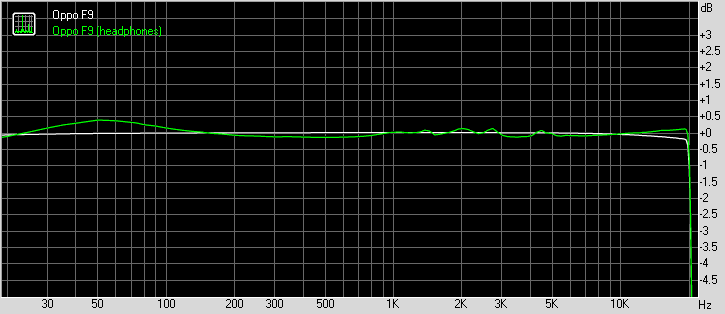
Oppo F9 did great when hooked to an active external amplifier – it delivered very loud output that was perfectly accurate too. There’s really little else we could want here.
Plugging in a pair of headphones delivered a blow to volume levels, which sunk to average levels. Some intermodulation distortion and a moderate amount of stereo crosstalk crept in too, so the performance is not really worth writing home about here. It should still do just fine if you are not a huge audiophile, though.
Test
Frequency response
Noise level
Dynamic range
THD
IMD + Noise
Stereo crosstalk
Oppo F9
+0.05, -0.07
-92.8
92.8
0.0016
0.0073
-92.1
Oppo F9 (headphones)
+0.19, -0.50
-92.0
91.8
0.0090
0.380
-51.9
vivo V11
+0.02, -0.06
-92.7
92.7
0.0014
0.0071
-92.1
vivo V11 (headphones)
+0.29, -0.18
-93.6
93.5
0.011
0.295
-54.9
Xiaomi Mi A2
+0.02, -0.06
-91.6
91.6
0.0018
0.014
-95.3
Xiaomi Mi A2 (headphones)
+0.08, -0.12
-92.6
92.6
0.0028
0.120
-69.0
Samsung Galaxy A6+ (2018)
+0.07, -0.03
-89.7
89.9
0.0060
0.201
-91.7
Samsung Galaxy A6+ (2018) (headphones)
+0.22, -0.21
-91.6
91.0
0.016
0.305
-56.2
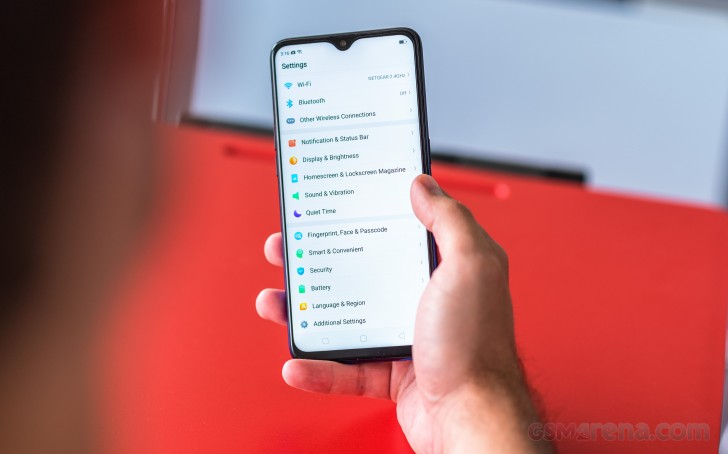
Android Oreo and Color OS
The Oppo F9 runs on ColorOS 5.2, based on Android 8.1 Oreo. The launcher benefits from a so-called AI engine with real-time translation, fast Face Unlock, navigation gestures, and split-screen multi-tasking. Introduced with v5.0 are also new app shortcuts (long tap), new security features including safe, and better gaming mode with WeChat integration.
ColorOS isn’t as bloated as it used to be, but it’s still very far from stock Android. It comes pre-loaded with social networking apps, a document editor, and some minor-footprint apps.
The so-called AI builds on-device user behavior models for faster app startups and better resource management. It also uses this behavior to show relevant information on the left-most homescreen pane – calendar appointments, quick shortcuts, weather, world clock, package tracking, flight info, among others. You can configure those, or just leave them to the “AI.”
The user interface is your typical Chinese manufacturer’s launcher familiar. There’s no app drawer on the default launcher. Instead, every app you install gets dumped onto the homescreen. A long tap on some of those app will reveal some quick shortcuts – a feature that failed to get momentum but many makers still decided to “borrow” from Apple.
The Lockscreen features a continually changing slideshow of images. You can subscribe to several different channels (e.g., photos of nature or cars or others) or provide your own imagery.
There is a proper fingerprint scanner on the back of the Oppo F9. It’s always-on, very fast and accurate. You can also set up face unlock in addition to it – it’s equally fast as the F9 wakes up the moment you pick it up.
As any other Oppo, you can spruce up the UI with Themes. The Theme Store features both whole themes and just wallpapers, sorted into categories (including free and paid ones).
The notification shade features notifications, quick toggles, and a brightness slider.
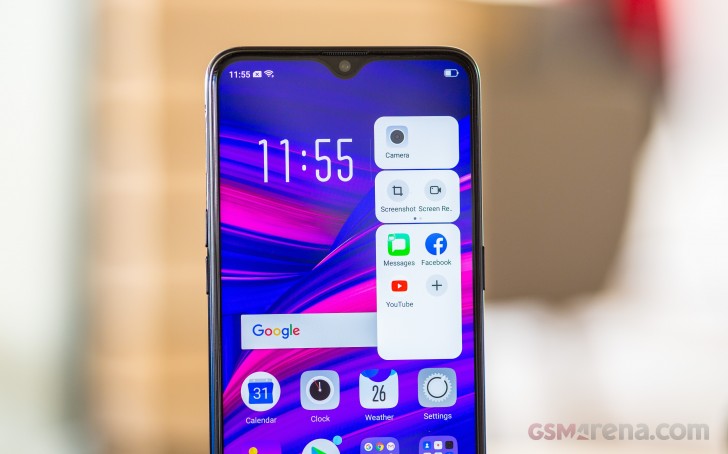
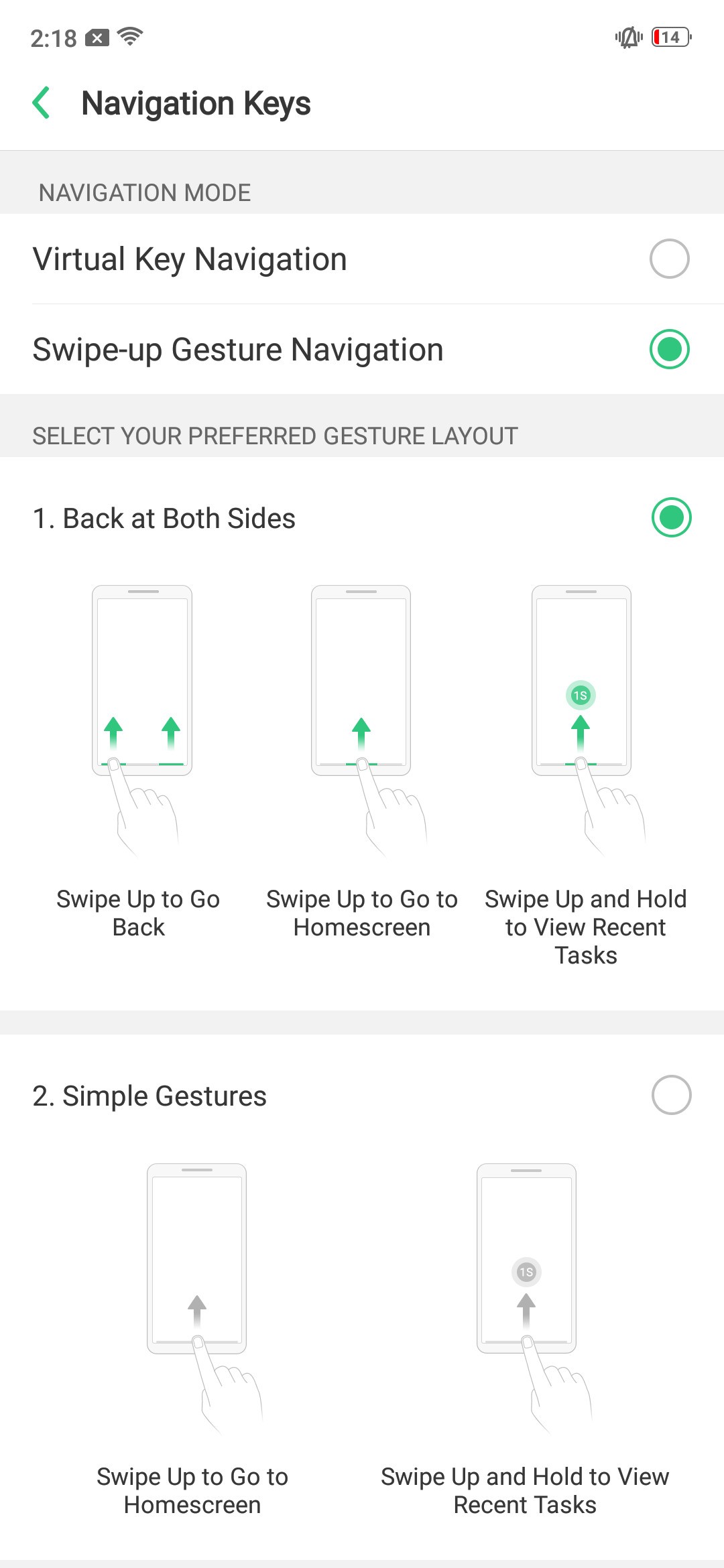
One of the most notable additions to Oppo‘s custom ROM has to be the Full-Screen Gesture model. Bigger display and diminishing bezels tend to cause some ergonomic issues and while the F9 might not be there yet, the company is already trying its best to get you used to what’s coming.
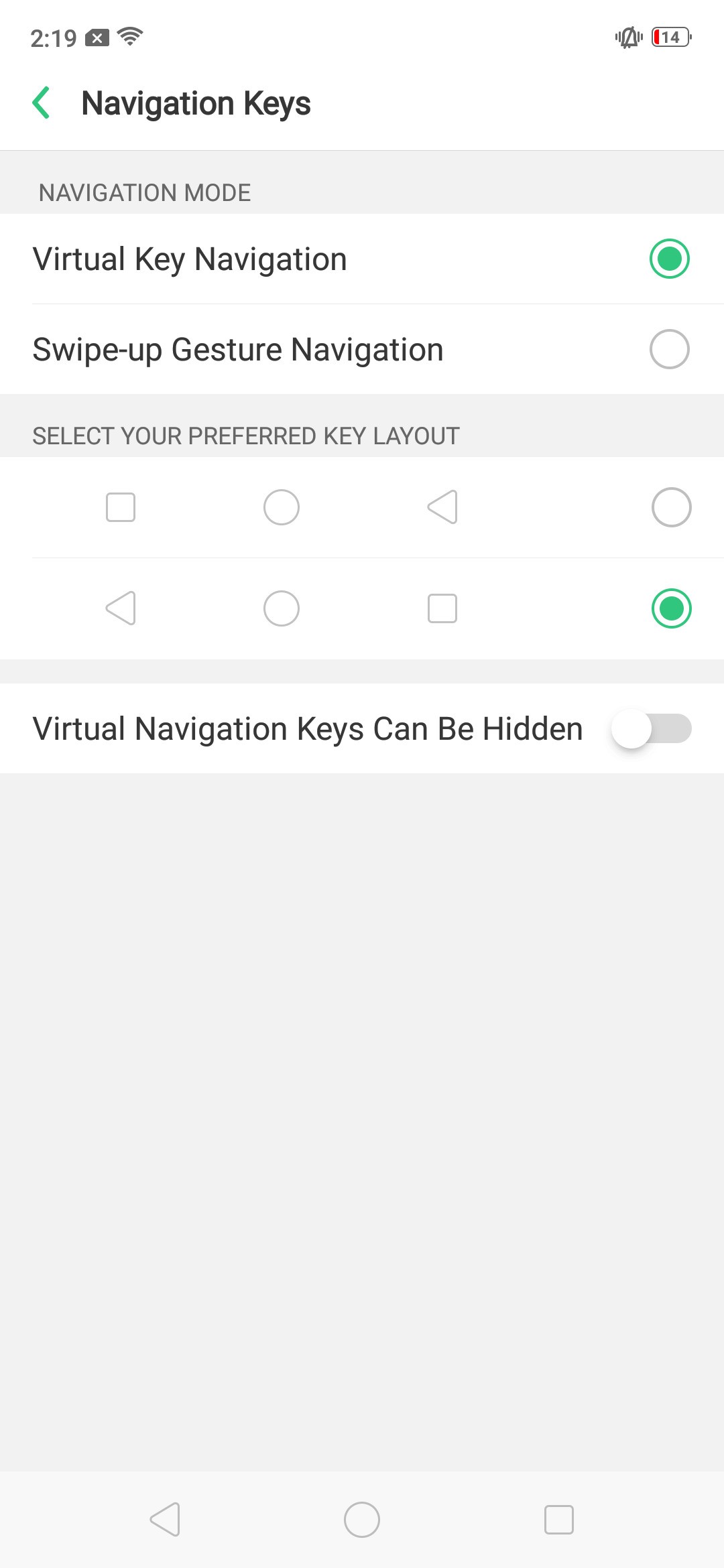
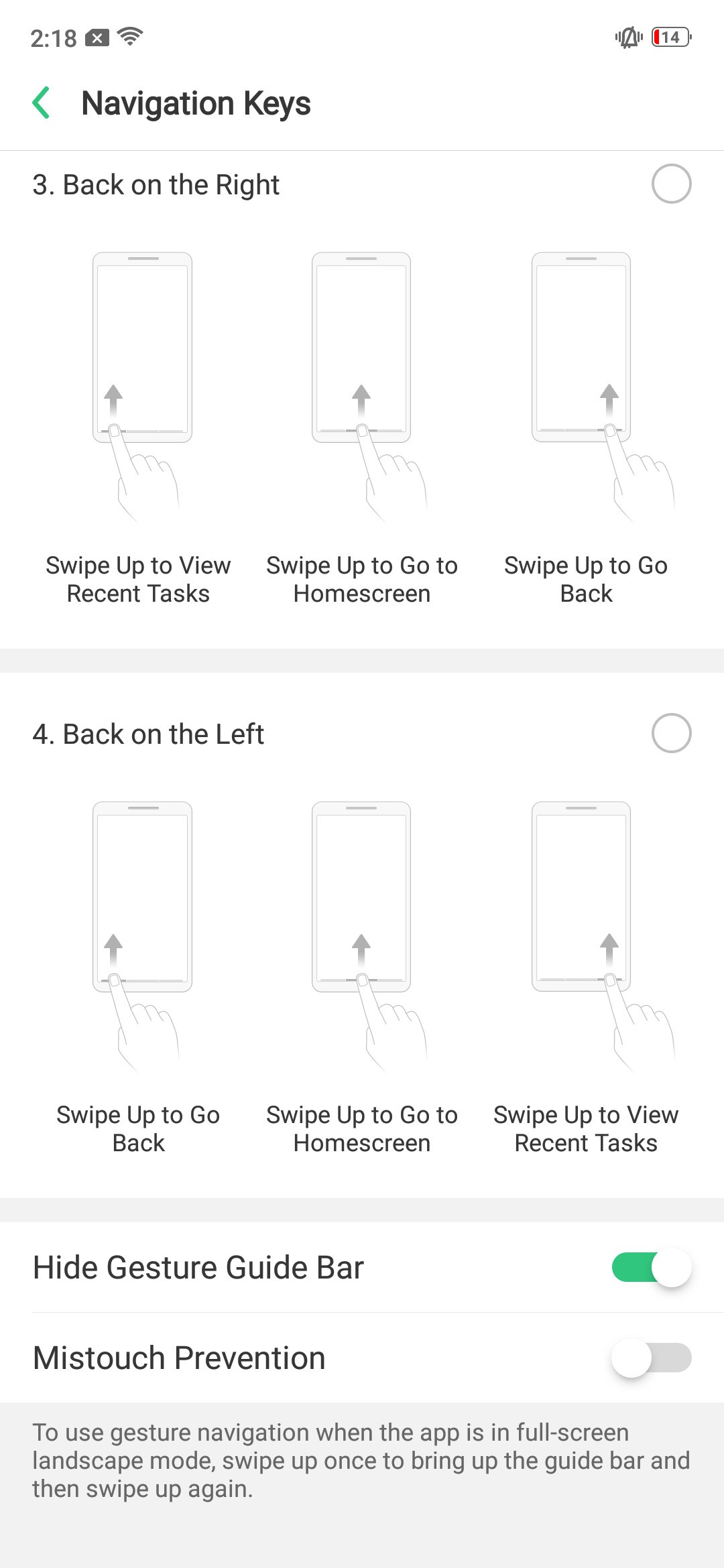
When enabled, Full-Screen Gesture navigation positions three small lines at the bottom of the UI but you can choose to hide those lines. Swiping up from the middle one acts like a home button but if you stop the gestures mid-way – you’ll summon the task switcher (like on the iPhone X). Swiping on the left or right ones acts as Back. You can change one of those to open the recent apps manager if you like – we sure did.
If you don’t want to go there you get the option of standard Android navigation bar to fall back to.
Clone apps and file safe functions are on board, as well as real-time translation thanks to an improved voice assistant.
There is a Phone Manager that handles memory cleaner functions, app permissions and encryption, and virus scanning.
Naturally, multimedia is handled by Oppo‘s default apps. There are feature-rich Gallery, Music player, Videos, and even FM radio.
An improved Game Center allows you to handpick which notifications to pass through when you are gaming. It now supports WeChat Voice integration, so no more switching to WeChat if you get a call.
Finally, there are various screen-off gestures available, allowing you to launch apps without even unlocking the phone. Those are hardly more than a gimmick though, particularly given how quickly the Oppo F9 unlocks.
Performance and benchmarks
The Oppo F9 employs the same chipset powering the Oppo F7 and R15 – the Helio P60. The MediaTek’s P60 packs an octa-core processor with 4x Cortex-A73 @2.0GHz cores and 4x Cortex-A53 @2.0GHz cores. The presence of A73 cores is a serious boost the Android’s day-to-day operations.
There is a triple-core Mali-G72 GPU to handle graphics. We already know this is not the best in the mid-range class, but it’s no disaster either.
The Oppo F9 comes with either 4GB or 6GB of RAM in India with the latter being sold as F9 Pro there. Outside India the F9 is available only with 6GB RAM much like our unit.
As usual we’ll start our benchmark tests with Geekbench. A single Cortex-A73 core ticking at 2.0GHz is only bested by the 2.4GHz A73 one inside the Honor Play’s Kirin 970, and the Kryo 385 inside the Pocophone’s Snapdragon 845.
GeekBench 4.1 (single-core)
Higher is better
Oppo F9 also has enough power for multi-core tasks. The only phone that’s noticeably faster than the F9 in its price range is again the Pocophone with its Snapdragon 845.
GeekBench 4.1 (multi-core)
Higher is better
The three of those Mali-G72 cores make up for a decent mid-range performer – its scores falls somewhere between the flagship graphics of the Honor Play with the same Mali-G72 GPU but with 12 cores, and the mediocre punch of the S625 (Mi A2 Lite). The GPU scores close to Snapdragon 660’s Adreno 512 (Mi A2, vivo V11).
GFX 3.1 Manhattan (onscreen)
Higher is better
GFX 3.1 Car scene (onscreen)
Higher is better
The F9 ranked lower in BaseMark OS, though its score is not much behind its key competitors.
Basemark OS 2.0
Higher is better
The benchmarks show the Helio P60 is a very decent performer for a mid-ranger. It has a great processor and adequate graphics, which is what we expected from it. We ran all kinds of games and we spotted almost no issues whatsoever with lag or graphics. Hiccups might occur here and there, but not often enough to ruin the overall experience.
The Android + Color OS combo duo runs blazing fast and the phone remained cool, even after extensive benchmarking. There were no signs of throttling as a result of that, which is nice.
All-round camera experience
The Oppo F9 packs a dual camera on its back, although the 16MP primary sensor behind bright f/1.8 lens does all of the lifting with the 2MP secondary unit being a mere depth sensor. Phase-detection autofocus is available, and there is a single LED flash next to those cameras.
The main sensor is nothing to phone home about really – 1/3.1″ in size with 1.0µm pixels. In fact it’s smaller than the 25MP selfie snapper with its 1/2.8″ size and 0.9µm pixels.
The camera app offers the so-called AI-boost, which is a fancy name for scene recognition. You’ll see a small icon when a scene is successfully recognized, and the software will tweak all settings accordingly. Food, snow, pets (dogs and cats), sunsets, grass, among other scenes, are identified mostly correctly.
The interface of the camera app has borrowed a lot from the iOS app. Most settings are on the left (or top, depending on the orientation), while different modes are selected on the right (or bottom) next to the shutter key.
The app offers two trendy modes – 2x telephoto zoom and blurred background. The 2x mode have a dedicated shortcut on the viewfinder, but the zoom is purely digital zoom. The Portrait Mode is on the rolodex and it uses the secondary 2MP cam for depth information.
There are a few settings, including location tagging and guidelines, separated out in their own menu in the phone’s settings. There is a total lack of any clear resolution control for stills. All you get is a choice of aspects, between the standard 4:3 one, 1:1 and 16:9. At first glance it’s unclear which aspect ratio is native to the sensor, and you have to go through some trial and error until you see that 4:3 shots give you the most resolution.
Expert mode is available for those seeking more manual controls. It comes with a handy horizon level and can change most settings on the primary camera (this mode doesn’t work with the selfie cam). The shutter speed control offers fine adjustment and it’s good mostly for very low-light shooting – it starts at 1s and increments at full stops to a maximum of 16s. Manual focus adjustment is present as well.
Image quality
In good light the Oppo F9 images turned out nice with enough resolved detail, excellent contrast, and accurate colors. The dynamic range is slightly above average – there are clipped highlights here and there, but nothing that the Auto HDR can’t fix. The noise is all well controlled – an improvement over the Oppo F7. The foliage presentation also got better since the F7, but the grass is still often smudgy.
The Oppo F9 offers you a 2x zoom shortcut in the camera app, even if it doesn’t have a telephoto lens. This means the 2x samples are just cropped and then digitally upscaled to 16MP, which means they have poor detail and are generally useless.
As we said, the Auto HDR mode is pretty good at catching the contrasty scenes and will fix those blown highlights for you at the expense of a minor decrease in contrast.
The 16MP camera on the Oppo F9 has bright f/1.8 lens and it does help the pictures at night but the lack if stabilization is taking its toll. Half of the low-light samples we took with the F9 came out blurry, while the usable ones are still far from spectacular – the noise-reduction algorithm wipes away most of the fine detail.
If you have a tripod or you can stabilize the Oppo F9, then you can snap pictures like these using the manual mode.
Feel free to pixel peep in our Photo compare tool – we’ve pre-selected a couple of phones we found relevant, but those can easily be replaced from the drop-down menus.
Portrait mode
The Portrait Mode spits high-res 16MP images. The photos are very good – subject separation works well, there aren’t many abrupt transitions from sharp to blurred, the bokeh is nice, and overall – those are among the better portraits we’ve seen.
The F9 offers a few Portrait Lightning modes if you are into that kind of effects.
Selfies
Oppo F-series phones used to go be self-named Selfie experts, but the company has dialed down on the use of that particular title. Despite this, the F9 features a high-res 25MP selfie cam identical to the one on the Oppo F7. It doesn’t have autofocus, which is rather disappointing though.
The Oppo F9 supports the so-called 3-HDR tech for the selfie camera. It’s a combination of tricks that results into better HDR selfies with the HDR effect applied in real-time and visible on the viewfinder. You can turn that off if you like (disable the HDR Auto), but we’d recommend leaving it on – it does a good job.
The 25MP resolution might sound impressive, but the actual resolved detail is hardly great and if you miss the sweet spot of the fixed focus, you’d get slightly blurred images. The colors and contrast are great, though. And whatever the shortcomings, those pictures would look perfect once downsampled to any other size thanks to the impressive 25MP resolution.
Video recording
Disappointingly, the Oppo F9 records videos in 1080p and 720p at 30fps. There is an always-available digital stabilization which does an excellent job in stabilizing the footage. Unfortunately, there is no option for 4K video capture.
The standard 1080p/30fps mode is encoded at about 17Mbps. Audio is recorded in stereo at 128Kbps – an improvement over the F7’s mono recording.
The resolved detail is low, and even if the colors and dynamic range aren’t bad, this is far from a stellar video recording phone.
The Oppo F9 has a 2x telephoto switch for videos, too, and it captures those with the same quality as the regular ones. The sensor is big enough to allow for lossless zoom in the 1080p videos.
As usual, we’ve provided unedited samples straight out of the camera for you to download – 1080p@30fps (10s, 22MB), and 1080@30fps telephoto (11s, 23MB).
You can also head over to our Video compare tool and see how the Oppo F9 stacks up against the competition.
The competition
The Oppo F9 is yet another smartphone trying to find its place in the crowded mid-range market. It’s a looker, which is a rather rare sights around these parts and has a new take on the notch that almost makes it a feature rather than an eye-sore. The 25MP selfie snapper and blazing-fast charging are also earning it a bunch of points and so does the impressive battery life.
Now, the F9 isn’t a huge upgrade over the F7 – and that’s hardly a surprise given that its predecessor is just six months old. We can’t see F7 owners jumping ship, but the F9 was never meant to entice those – instead it was meant to keep the line relevant in a segment where new competitors are coming in every week.
Here’s a quick overview of the most noteworthy alternatives.
The Pocophone F1 by Xiaomi clearly managed to shake things up around the mid-range, offering a flagship-grade Snapdragon 845 chipset without at an unbelievable price. You also get 4K video recording, an IR-camera-powered face unlock and stereo speakers, so if you are a power user it’s hard to ignore it. Yet, the F1 doesn’t come even close to matching the F9 looks, nor its 20W VOOC charging.
The Honor Play also costs the same as the Oppo F9 and is another handset obsessed with performance. It has metal to the F1’s plastic but again isn’t attractive in the same way the F9 is. Oh and the notches on that one, much like the Pocophone F1 is huge and unsightly, so it’s not just about the looks of the back.
The vivo V11, an in-house rival, has a better Super AMOLED screen with a similar notch and under-display fingerprint scanner to brag about, in addition to the equally cool body and arguably better camera. It misses on the Gorilla Glass 6 protection though, and that futuristic fingerprint reader is rather unreliable.
Finally, the Mi A2 is all about the stock Android experience. It’s got an equally capable chipset and better cameras on the back, but a far less imaginative design and no microSD card slot.
The verdict
The Oppo F9 is among the most attractive in the mid-range today. Unique with that waterdrop-like notch and beautiful with the gradient back with cool pattern underneath.
If you are a power user, you will certainly find better phones than the F9 for the same price, but if you also care about design Oppo’s latest will certainly fit the purpose better, while still providing a solid smartphone experience.
Pros
Gorilla Glass 6 protection for the screen
A large display with excellent contrast and beautiful notch
Excellent battery life, VOOC charging
The Helio P60 isn’t a beast, but it gets the job done
LG G7 One and LG G7 Fit Offer Flagship-Level Intelligent Features at Exceptional Price Points
At IFA 2018, LG Electronics (LG) will be introducing two exciting additions to the G7 series of smartphones with the LG G7 One and LG G7 Fit. Building on the foundation of the advanced LG G7 ThinQ, both of the new phones offer a balance of premium features and exceptional prices for discerning customers.
Many consumers today are turning their attention to legacy flagship smartphones which are seen as offering better values compared to the newest mid-range models. These customers aren’t satisfied with mediocre components but also don’t want to pay for over-the-top features in some of today’s premium phones that they will never use. The challenge is finding the smartphone with just the right balance.
LG G7 One
The LG G7 One is the first Android One smartphone from LG that brings together the best of the company’s smartphone experience and expertise with Google’s latest smartphone OS innovations. Designed to be one of the most versatile Android One smartphones on the market today, the LG G7 One sports the proven Qualcomm Snapdragon 835 mobile platform paired with 4GB of RAM and 32GB of internal storage. It has the same all-glass design aesthetic of the LG G7 ThinQ with a polished metal rim for a sleek and slim appearance that is rated IP68 for dust and water resistance. The 6.1-inch QHD+ (3120 x 1440) Super Bright Display sporting a 19.5:9 FullVision screen ratio and thin bottom bezel completes the premium style that savvy consumers are looking for.
The LG G7 One runs Android 8.1 Oreo and includes only the most essential apps out of the box, providing users with a smooth and fast smartphone experience. The phone automatically optimizes background activity for the most important operations to maximize battery life. Users can conveniently access the rich AI experience of the Google Assistant by tapping the dedicated button on the side of the phone. LG’s first Android One phone will receive regular security updates with built-in Google Play Protect for total peace of mind.
Also available on the LG G7 One is Google Lens, Google’s new way to search using computer vision and AI technology. Available from inside the Google Assistant and Google Photos, users can search for information about objects, identify text, visit websites, include business cards in contacts, add new events to the calendar or look up an item on a restaurant menu without any typing.
More consumers are using smartphones as primary devices to enjoy music and movies. The LG G7 One is the perfect companion device for unwinding and relaxing with its 32-bit Hi-Fi Quad DAC for superb sound when paired with quality earphones. The LG G7 One also delivers virtual 3D sound for all content, up to 7.1 channel audio with DTS:X.
For those who prefer to listen to music without earphones, the LG G7 One also features the unique Boombox Speaker which utilizes the internal space of the phone as a resonance chamber to deliver double the bass and audio of conventional smartphones. When placed on a solid surface or box, the resonance chamber acts as a woofer to amplify the bass effect even more. AI CAM, first introduced in the LG V30S, will be added with an update later this year.
LG G7 Fit
LG G7 Fit was designed to bridge the gap between mid-range and flagship models, delivering exceptional value and performance as well as key features and innovations introduced in the LG G7 ThinQ. Featuring Qualcomm Snapdragon 821 coupled with 4GB of RAM and 32GB or 64GB of internal storage, the LG G7 Fit comes with the stunning 6.1-inch LCD FullVision display with QHD+ (3120 x 1440) resolution powered by LG’s exclusive Super Bright Display LCD to delivery an industry-leading 1,000 nits of brightness.
Like the LG G7 ThinQ, the LG G7 Fit offers premium and intelligent features such as AI CAM, 32-bit Hi-Fi Quad DAC, Boombox Speaker and DTS:X 3D Surround Sound. AI CAM lets users choose from eight shooting categories – person, food, pet, landscape, city, flower, sunrise and sunset – for perfectly optimized shots along with three effects options for even more personalization.
“Both the LG G7 One and the LG G7 Fit are designed to allow a broader range of consumers enjoy LG smartphones with proven and flagship-level features,” said Ha Jeung-uk, senior vice president and business unit leader for LG’s Mobile Communications Company. “As the smartphone ecosystem matures, it’s not enough to just offer premium and mid-range phones, there is a growing demand for models in between.”
Visitors to IFA 2018 from August 31 to September 5 can visit LG’s booth in Hall 18 of Messe Berlin to experience and get more information on the LG G7 One and LG G7 Fit. Pricing and other purchase details will be announced locally at the time of availability.
Key Specifications:*
LG G7 One
Chipset: Qualcomm® Snapdragon™ 835 Mobile Platform
Display: 6.1-inch QHD+ 19.5:9 FullVision Super Bright Display (3120 x 1440)
Memory: 4GB LPDDR4x RAM / 32GB UFS 2.1 ROM / MicroSD (up to 2TB)
Connectivity: Wi-Fi 802.11 a, b, g, n, ac / Bluetooth 5.0 BLE / NFC / USB Type-C 2.0 (3.1 compatible)
Color: New Aurora Black / New Moroccan Blue
Other: AI CAM† / Bright Camera / Boombox Speaker / Google Lens / 32-bit Hi-Fi Quad DAC / DTS: X 3D Surround Sound / IP68 Water and Dust Resistance / HDR10 / Google Assistant Key / Face Recognition / Fingerprint Sensor / Qualcomm Quick Charge™ 3.0 Technology / MIL-STD 810G Compliant / FM Radio
LG G7 Fit
Chipset: Qualcomm® Snapdragon™ 821 Mobile Platform
Display: 6.1-inch QHD+ 19.5:9 FullVision Super Bright Display (3120 x 1440)
Memory:
– LG G7+ Fit: 4GB LPDDR4x RAM / 64GB UFS 2.1 ROM / MicroSD (up to 2TB)
– LG G7 Fit: 4GB LPDDR4x RAM / 32GB UFS 2.1 ROM / MicroSD (up to 2TB)
Connectivity: Wi-Fi 802.11 a, b, g, n, ac / Bluetooth 4.2 BLE / NFC / USB Type-C 2.0 (3.1 compatible)
Color: New Aurora Black / New Platinum Gray
Other: New Second Screen / AI CAM / Boombox Speaker / Google Lens / QLens / 32-bit Hi-Fi Quad DAC / DTS: X 3D Surround Sound / IP68 Water and Dust Resistance / HDR10 / Face Recognition / Fingerprint Sensor / Qualcomm Quick Charge™ 3.0 Technology / MIL-STD 810G Compliant / FM Radio
* Specifications, features and accessories may vary depending on the particular market. † Feature to be added at a later date.