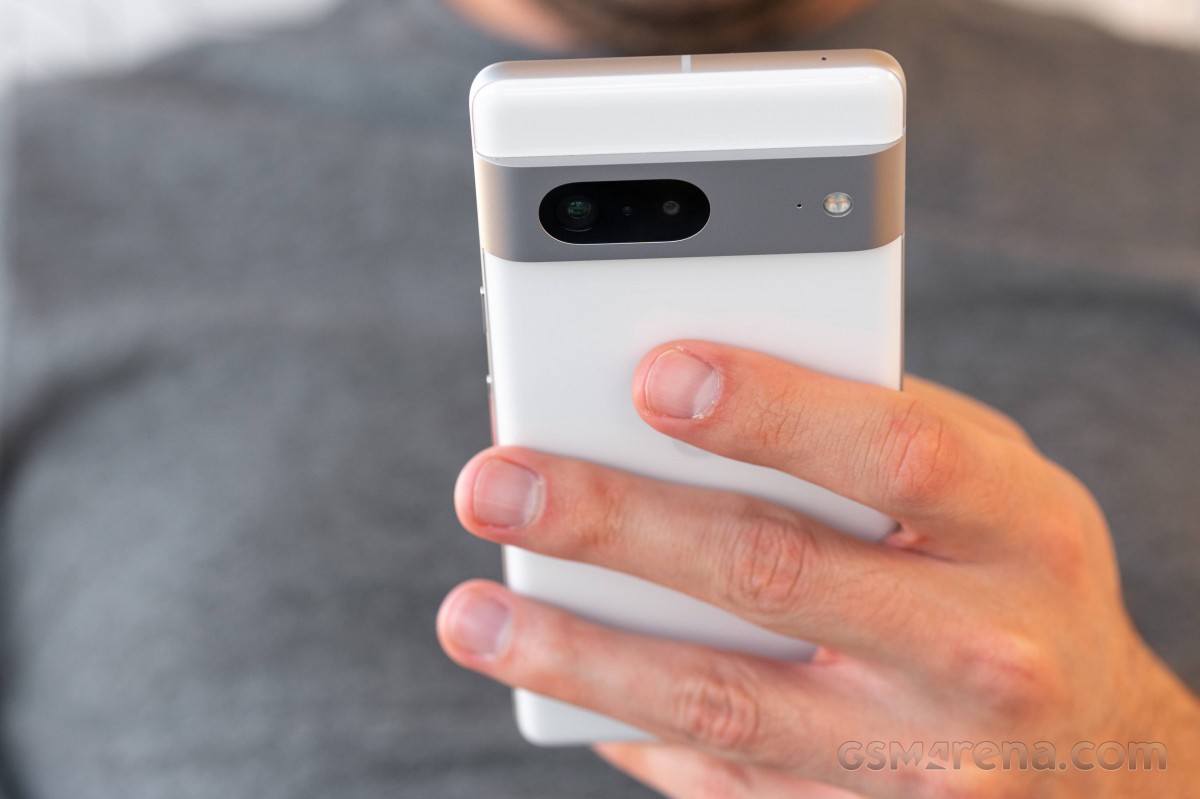
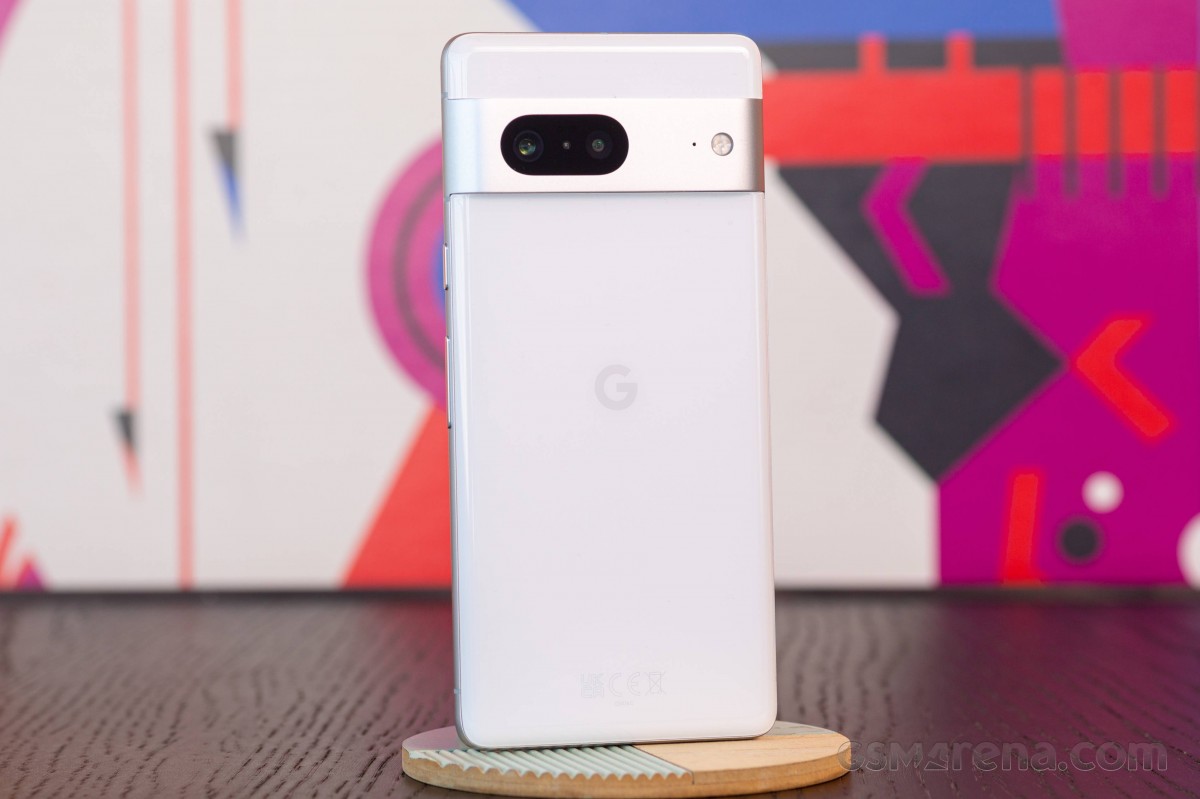
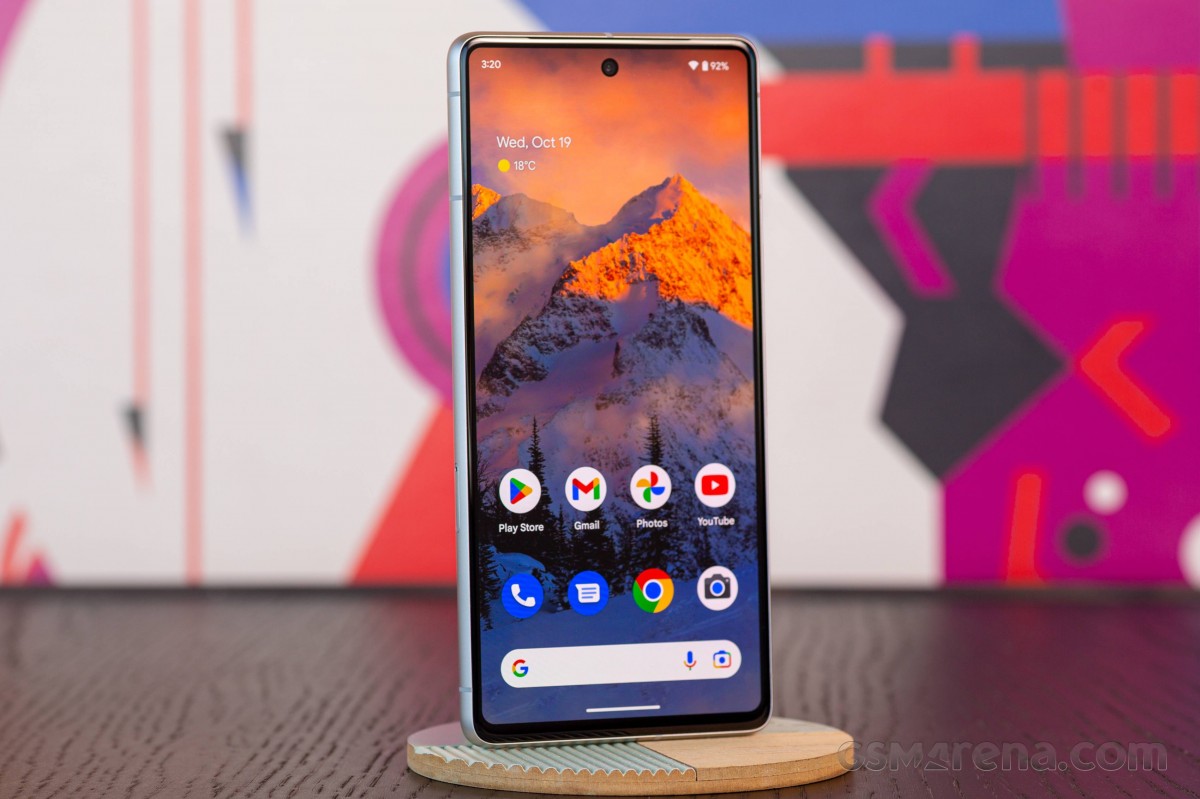
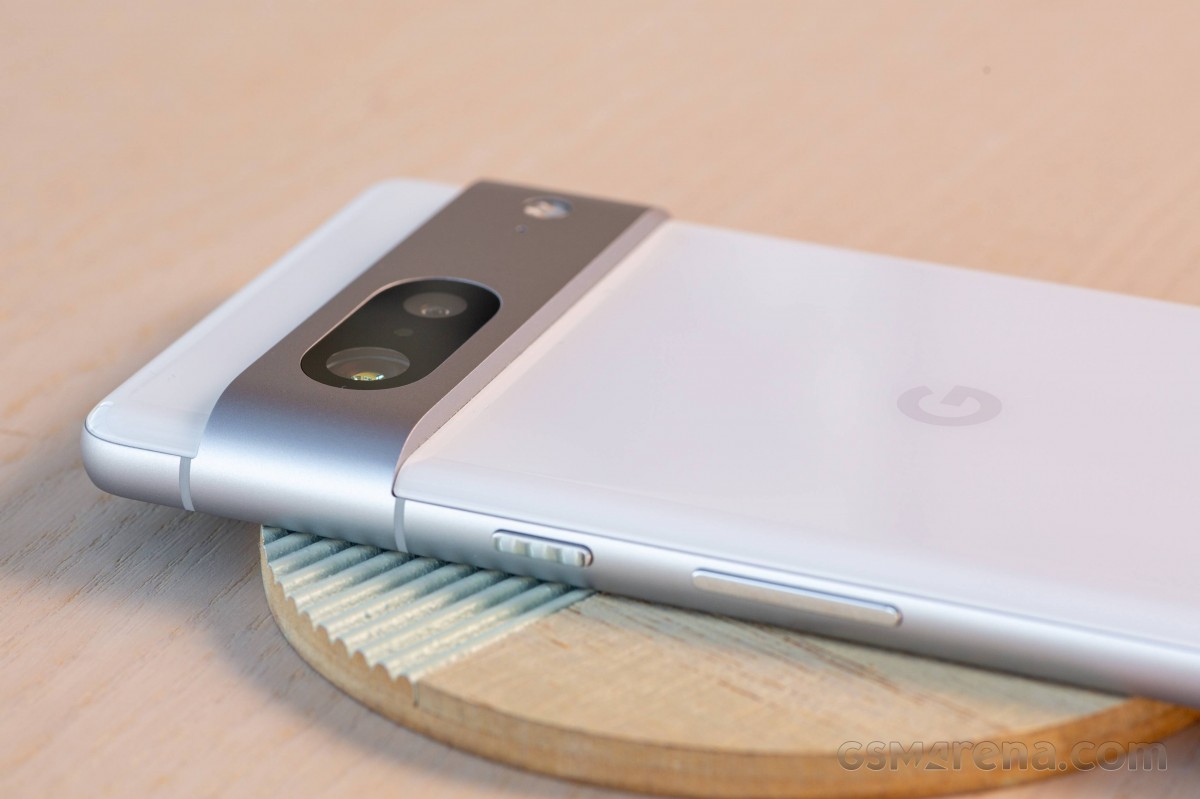
The Pixel 7 series is no stranger to network issues here and there. While it’s a small issue that can be addressed, how does it get fixed? This guide will take you through a couple of steps you can take to fix your Pixel 7 connection issues when they arise.
The Pixel 7 series has a ton to offer. With its Tensor G2 chip, fantastic camera array, and well-integrated Google Assistant features, Google’s latest device lineup is one we highly recommend. Of course, it’s not a perfect device. One of the issues that tend to crop up is the tendency for the phone to drop its connection, especially when relying on a cellular network.
When this happens, the Pixel 7 will display the connection strength. Sometimes, it’s as strong as it can be, though it still has no internet access, displaying a small exclamation mark next to the signal symbol. This indicates you’re having network issues on your Pixel 7. When that happens, there are a couple of steps you can take to replenish your internet connection.
How to fix connection issues on the Pixel 7
While there is a myriad of issues that can appear, the listed approaches are very much blanket solutions. Without knowing the exact issue, it’s impossible to be specific. With that being the case, the following options do well to solve the issue most of the time, in our experience.
Reset your network
In our experience, the first method listed in this guide works about 99% of the time. That method is hitting the network reset toggle, located in the settings. Button was introduced back in Android 12 and has been a fantastic addition to the OS.
On the Pixel 7, head to your settings.
In Network & internet, tap Internet.
At the top, locate and tap the network reset button.
Note: The button looks like a small wrench mixed with a refresh icon.
After hitting the network reset function, you’ll see the page refresh, notifying you that your phone is restarting its internet connection. Most of the time, this button will work flawlessly. You’ll know that’s the case if your cellular network icon no longer has an exclamation mark beside it. Of course, you can always test this by trying to access the internet in some form or fashion.
Restart the Pixel 7
If the above method doesn’t work, the next thing worth trying is restarting the Pixel 7 in order to fix network issues; doing so will allow the device to start over and establish fresh connections. While a fresh reboot doesn’t solve everything, this is a case where it can certainly help.
On the Pixel 7, tap the power button and volume up button at the same time.
In the menu that appears, tap Restart.
If you don’t have this shortcut active, you can also access the power menu by swiping down in Android 13. After swiping down in the homescreen twice (or with two fingers), you will see a power icon. Tap it to access the power menu.
If neither of the above methods works for you, you might need to contact your carrier. There could be an issue with your SIM or even the Pixel 7 itself. The two methods listed above work for general connection issues; anything past that might require very a very specific approach.
The year in Pixel updates gets underway today with the Android 13 January security patch for the Pixel 4a, 4a 5G, 5, 5a, 6, 6 Pro, 6a, 7 and 7 Pro.
There are 20 security issues resolved in the Android 13 January patch dated 2023-01-01 and 40 for 2023-01-05. Vulnerabilities range from high to critical.
In the most recent Android Security & Privacy Year in Review, Google notes that “no critical security vulnerabilities affecting the Android platform were publicly disclosed without a security update or mitigation available for Android devices.” Additionally, there was an 84% year-over-year jump in security patches during Q4 2018 compared to the prior year.
The dedicated bulletin for Google devices lists eight additional security fixes, with the Pixel 7 and 7 Pro featuring their own build for Australia’s Telstra.
Pixel 7 gets seven fixes and additions with January 2023 update
After rolling out the January 2023 update for the Pixel 7 this morning, Google has detailed what’s fixed and added, as well as listing other currently supported phones.
The Pixel’s January 2023 update adds support for Spatial Audio, and the Pixel Buds Pro will get the required update in the “coming weeks” with head tracking as well.
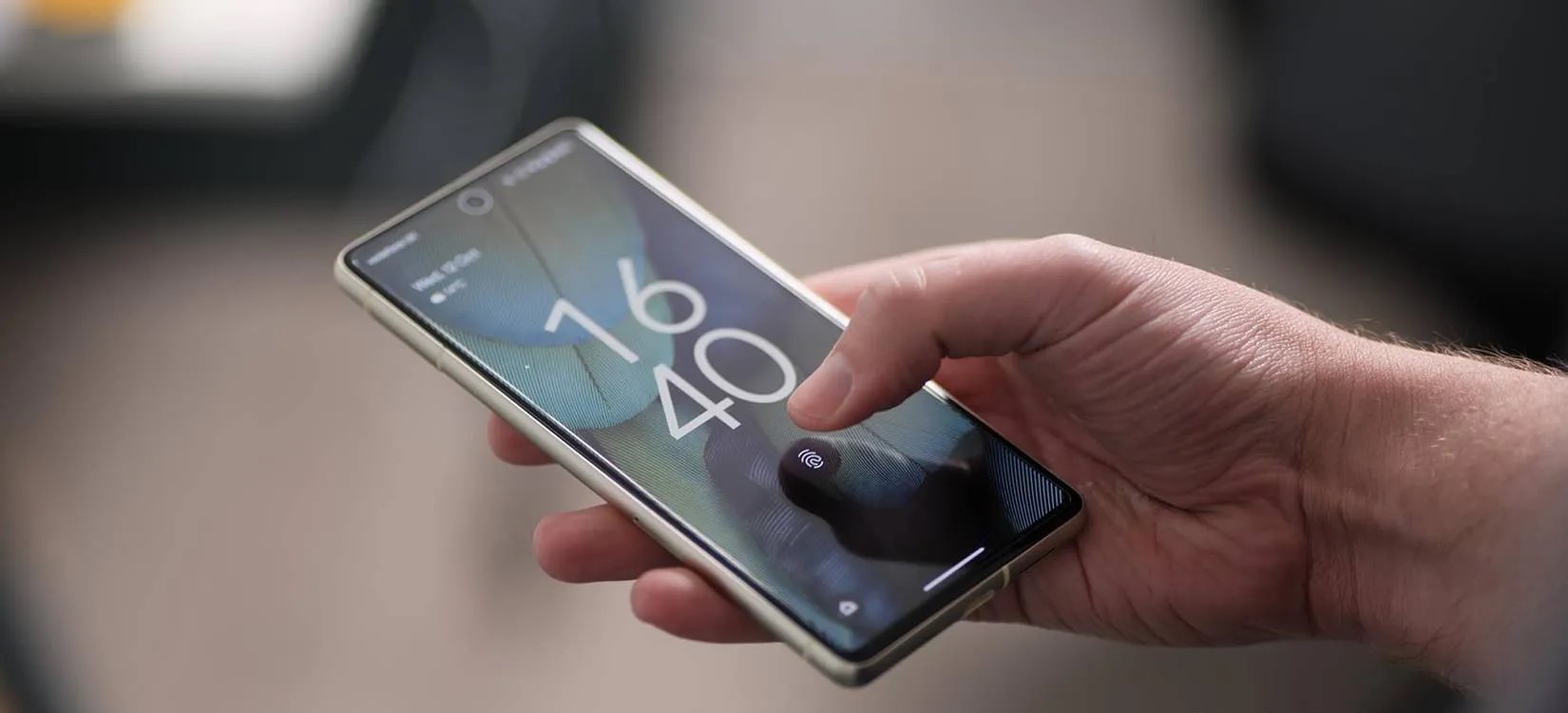
The Pixel 7 benefits from everything, including improved under-display fingerprint performance, which is also for the Pixel 6a.
Use the following device key to interpret the Pixel January 2023 changelog:
Fixes are available for all supported Pixel devices unless otherwise indicated below.
*[1] Included on Pixel 6, Pixel 6 Pro, Pixel 7, Pixel 7 Pro
*[2] Included on Pixel 6a, Pixel 7
*[3] Included on Pixel 7, Pixel 7 Pro
Audio
Add support for Spatial Audio with certain devices and accessories *[1]
Biometrics
Additional improvements for fingerprint recognition and response in certain conditions *[2]
Bluetooth
Fix for issue occasionally preventing certain Bluetooth Low Energy devices or accessories from pairing or reconnecting
Fix for issue preventing audio from playing over certain headphones or accessories while connected in certain conditions
Camera
Fix for issue occasionally causing captured photos to appear corrupted or distorted while zoomed in *[3]
Display & Graphics
Fix for issue occasionally preventing display from waking or appearing turned off while device is powered on *[3]
User Interface
Fix for issue occasionally causing UI to display in landscape layout while device is held in portrait mode
Per Verizon, the next GooglePixel update with the January security patch is rolling out tomorrow.
GooglePixel updates typically start rolling out on the first Monday of the month, but that falls on when New Year’s Day is observed this year. It’s coming on Tuesday as a result, according to Verizon, similar to last year:
Pixel 4a last updated 01/03/2023
Pixel 4a 5G UW last updated 01/03/2023
Pixel 5 last updated 01/03/2023
Pixel 6 last updated 01/03/2023
Pixel 6 Pro last updated 01/03/2023
Pixel 6a last updated 01/03/2023
Pixel 7 last updated 01/03/2023
Pixel 7 Pro last updated 01/03/2023
The US carrier refreshed the Device Software Updates list a day early, and the Pixel 4a to 7 Pro is set to receive it on January 3 instead of next week. Given the premature update, the actual changelogs are not live yet.
We’re not expecting anything major since the December Feature Drop with Android 13 QPR1 just arrived, though bug fixes would be welcome. For example, the Home and Wallet shortcuts have a tendency of initially appearing on the always-on display. Rather, the next big update — QPR2 — is coming in March.
Instead, the main update this month should be for Pixel Buds Pro to enable spatial audio, though there could be a phone component.
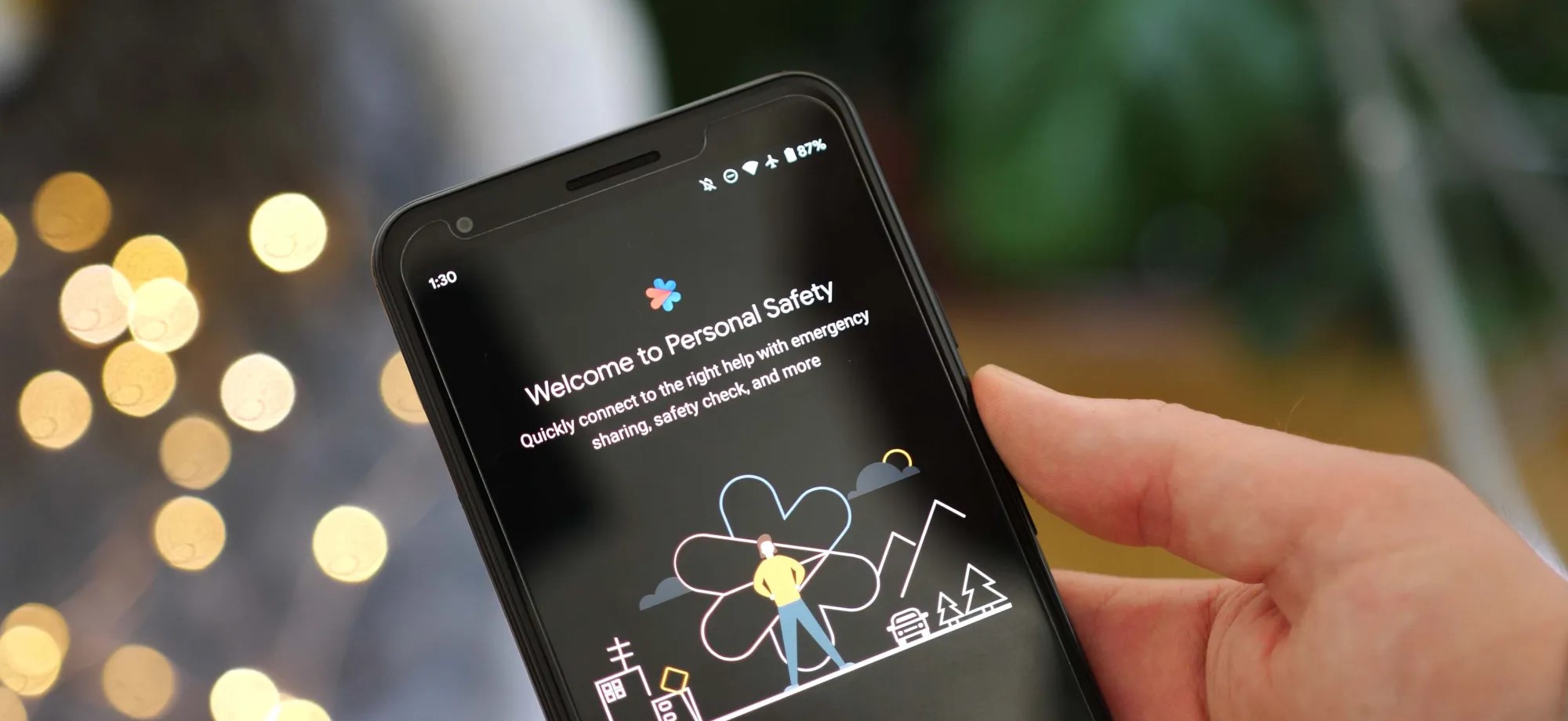
As Android 13 rolls out to more phones, the update is bringing the once Pixel-exclusive Personal Safety app to more devices including those from Sony Xperia and Vivo.
On Pixel phones today, the Personal Safety app includes a full suite of features designed to make sure you’re ready should any type of disaster strike. You can add/edit critical medical information, assign emergency contacts, get alerts for nearby crises, and on some devices even call for help when a car crash is detected.
While this was originally built as an exclusive set of features for Pixel phones, with the release of Android 13, Google has decided to make Personal Safety available as an option for other phone makers. As noted by Mishaal Rahman on Twitter, there is already a small selection of phones that are gaining access to Personal Safety as part of Android 13.
While Samsung certainly has the broadest profile of devices on Android 13 today, no Galaxy phones are currently opted in for Google’s safety suite. Instead, the current list of non-Pixel Android devices with Personal Safety contains phones from Sony Xperia, Vivo, iQOO, and Nothing.
Nothing Phone (1)
Sony Xperia 5 IV
Sony Xperia 1 IV
iQOO 7
iQOO 8 Pro
iQOO 9 SE
iQOO 9 Pro
iQOO 9T
iQOO I2202
iQOO 11
iQOO Neo7
Vivo X80 Pro
Vivo X90
Vivo X90 Pro
The actual experience of using Personal Safety on these phones is straightforward and quite similar to the app’s older (pre Android 13) experience on Pixels. Rather than appearing as a dedicated app in the drawer, you can navigate to Personal Safety through the Settings app, in the “Safety & emergency” section.
From there, as expected, you can manage your emergency information and get enrolled for alerts. However, for all currently supported phones, the Android 13 update does not bring the car crash detection that Personal Safety is best known for.
Google has opened car crash detection to non-Pixel phones, but it requires device makers to implement Android’s “Context Hub.” This feature is designed to let small, ambient programs — such as sensing a sudden stop, in the case of car crash detection — run without using excess power. As adding support for Context Hub would require a system update, it’s not likely that any of these phones will gain car crash detection in Personal Safety any time soon. Despite that, it’s still great to see Google offer some of the Pixel series’ exclusive features to more Android phones.
Even though the Google Pixel lineup gets much media attention, it’s still rather niche due to its limited market availability. However, Google has been trying really hard for the last couple of generations to appeal to a wider audience by delivering some unique features. Even the stock Android running on today’s Pixels isn’t exactly stock, as it has some neat tweaks and exclusive features. There are even reports that Google plans to ship a record number of Pixels next year.
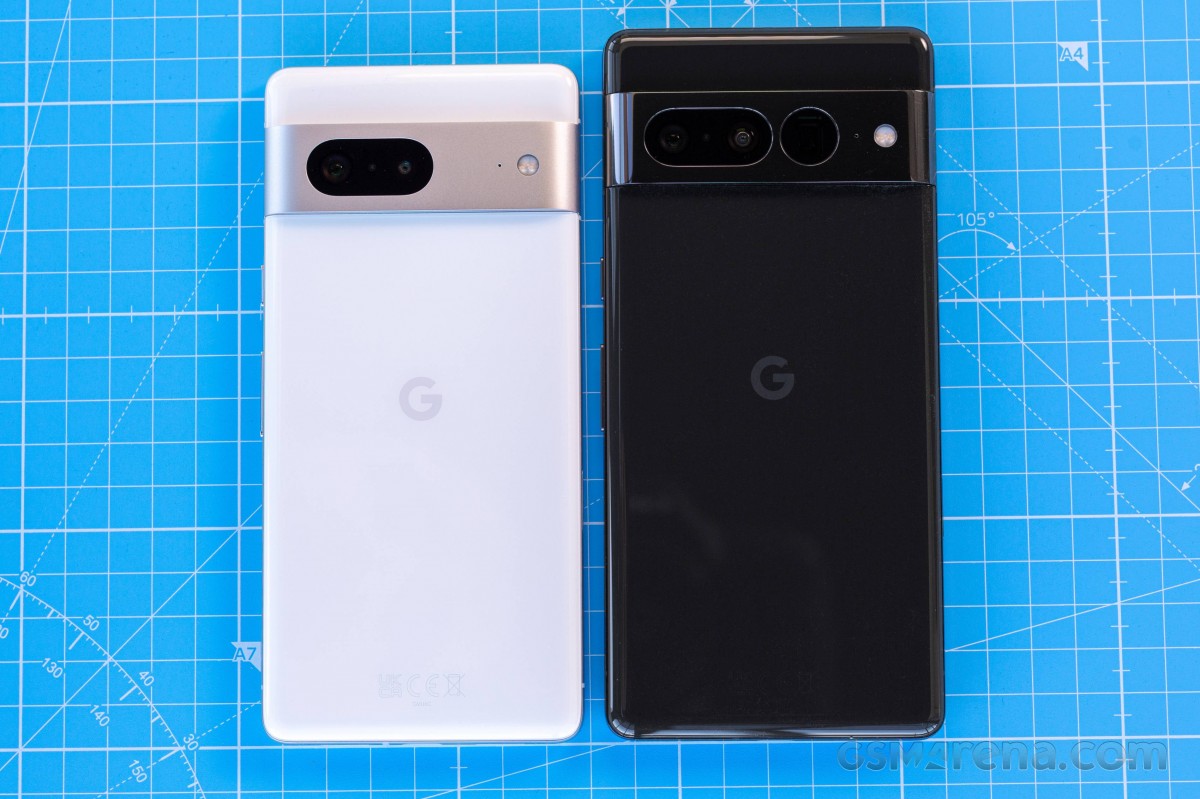
On the surface, the Pixel 7 and 7 Pro aren’t much different from the Pixel 6 series while introducing some small but notable upgrades. Maybe that’s part of the reason why we think the 7th generation has a good chance of winning over new fans around the globe. Although “the globe” might not be the best choice of words given the limited availability as usual.
The Pixel 7 offers a few key improvements over its predecessor, the Pixel 6. It’s now running on an improved Google Tensor G2 chip with better AI capabilities, Gorilla Glass Victus build all-around, a better selfie camera and a smaller display. As a result, the Pixel 7 is slightly smaller than the Pixel 6, which is a clear indication that Google is aiming for the compact flagship niche. And although smaller, the Pixel 7’s display is considerably brighter.
Google Pixel 7 specs at a glance:
Body: 155.6×73.2×8.7mm, 197g; Glass front (Gorilla Glass Victus), glass back (Gorilla Glass Victus), aluminum frame; IP68 dust/water resistant (up to 1.5m for 30 mins).
The camera setup on the back remains unchanged. We’ve got a big 50MP sensor doing the heavy lifting and a 12MP ultrawide camera helping out. There’s still no telephoto camera, but to be fair, that’s a rare find in the compact flagship class. Still, Google promises better image processing and improved overall camera quality through machine learning algorithms and better ISP capabilities.
It was quite the surprise to see the Pixel 7 go down in battery capacity coming from the Pixel 6 – 4,355 mAh vs. 4614 mAh, but in theory, Google could have offset the loss with other hardware improvements, such as display and chipset power draw. As we all know, specs sheets never paint a complete picture, so let’s find out what the new Pixel 7 is capable of and whether it is really the right phone for you.
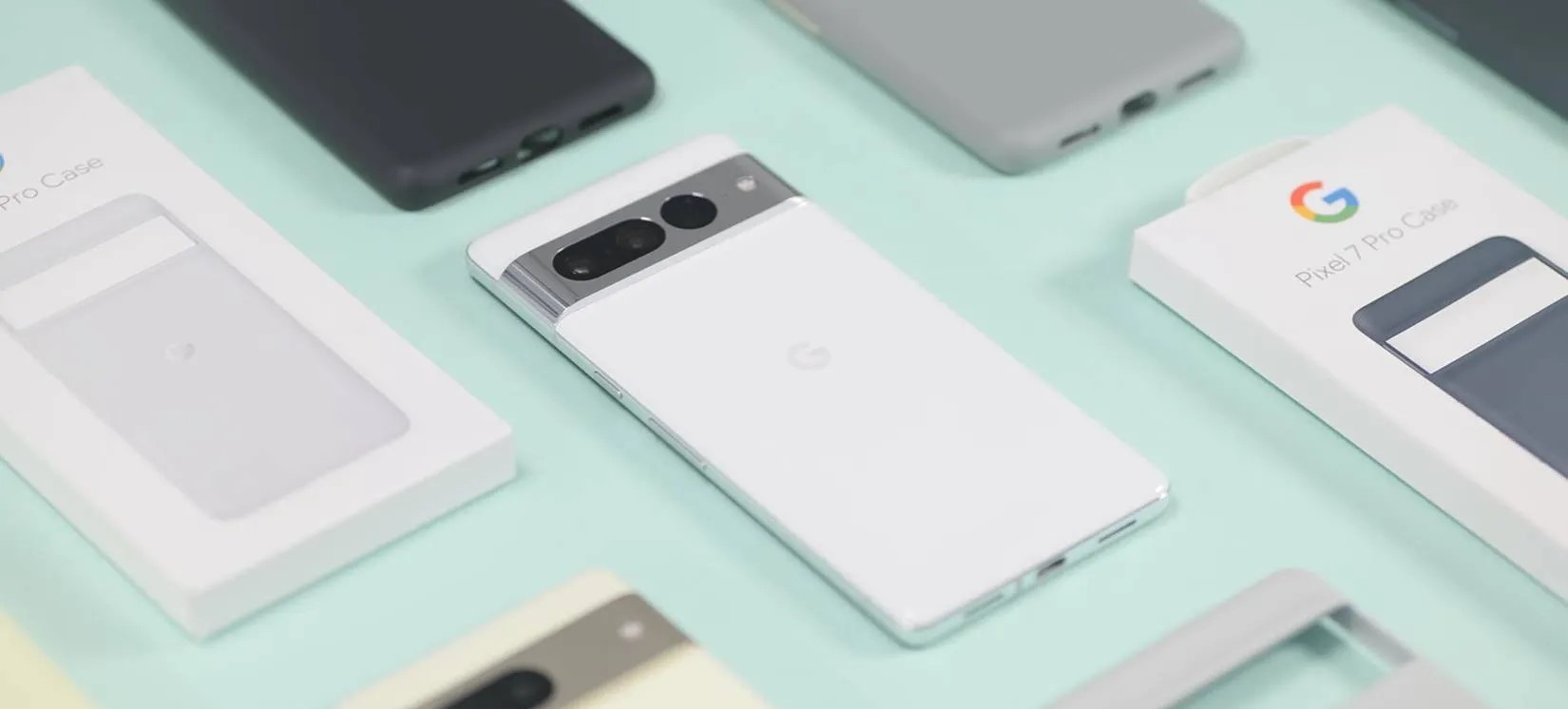
Unboxing the Google Pixel 7
As one would expect, the Google Pixel 7‘s retail box is relatively small and contains only the user manuals, USB-C to USB-C cable for PD charging and a USB-C to USB-A dongle in case you find yourself with a standard charger that doesn’t have a USB-C connector.
Speaking of the charger, there is none. The device supports up to 20W Power Delivery charging, so finding one that works with the Pixel 7 shouldn’t be a big issue.
Competition
While the Pixel 7 Pro has a tough job competing in the ultra-premium segment where behemoths like Samsung and Apple dominate, the vanilla Pixel 7 has a niche of its own. The Pixel 7’s price remains €650, which is pretty good for a flagship phone with superb camera performance and capable hardware. The vanilla Pixel 7 is one of the few premium options for users to choose from. Or is it?
After a quick market research, we found quite a few compact alternatives to the Pixel 7. The Samsung Galaxy S22 and the Oppo Find X5 are both within the €600-650 range with excellent camera performance, top-notch display and heavily customized software. The Galaxy S22 even has a capable 3x optical zoom camera, while the Find X5 has a 2x zoom one, while the Pixel 7 relies on cropping from its main sensor. Its display lags behind with 90Hz refresh rate and considerably slower charging too. Its key advantages are the good battery life and the software features, which are best utilized in a handful of countries/languages. Maybe aside from the telephoto camera omission, the Pixel 7 has a slight advantage over its competitors in terms of overall camera quality.
In case you are willing to go up the price ladder, the Asus Zenfone 9 may entice you with a similar feature set. The Zenfone 9 is asking about €780 right now, and it’s even smaller than the Pixel with its 5.9-inch display. Asus’ contender doesn’t have a telephoto either, and it doesn’t offer the level of photography proficiency as the Pixel, but it can run for longer on a single charge and supports faster charging. Software-wise, the two are very similar. The Zenfone 9 is also on the “stock Android” path with a handful of Zenfone-specific, geeky software features.
Conversely, you can go down in price and consider the Xiaomi 12 instead. It’s priced around the mid-€500 with a 6.28-inch display, 120Hz at that. The 12 has a similar camera setup and prowess. And although battery life isn’t as good, it blows the Pixel 7out of the water when it comes to charging speed. The big difference in the software approach is what sets those two handsets apart the most. The MIUI is highly customizable and has a ton of niche features. At the same time, the Pixel 7 relies on Android-intrinsic features and a wide range of AI-powered functionalities, most of which are limited to certain markets.
Realme GT2 Pro
Perhaps the Realme GT2 Pro deserves mention as it’s an extremely well-rounded phone with only one big omission – no telephoto camera. Aside from that, the GT2 Pro is a bang for the buck, a true flagship killer costing a little over €600 with all the bells and whistles. But it’s easy to overlook if you need a compact phone because the GT2 Pro is anything but. It has a huge 6.7-inch display, which puts it in an entirely different category.
Verdict
The Pixel 7 is definitely one of the best options in the €600-700 range. It has a flagship-worthy performance, although a bit lower than you’d expect; it’s one of the best phones for mobile photography, if not the best-in-class, and it has bright OLED, great-sounding stereo speakers, long battery life (with the size category in mind) and exceptional software ensuring timely updates and smart features.
Sadly, there are a few caveats to consider here. There’s no true telephoto camera; the display is limited to 90Hz; some of the most advanced software features are region-dependant, and the charging solution is just way too outdated for a 2022 flagship release.
All things considered, the Pixel 7, along with the Pixel 7 Pro, are the best smartphones from Google, and that means something in this context. We’ve seen Google messing up smartphone releases more than once. Luckily, the Pixel 7 isn’t one of those times.
So, do we recommend it? Yes, for sure! At that price, the Pixel 7 offers a unique combination of ultra-premium camera experience, long battery life and AI-based features that make it the smartest kid on the block.
Pros
Compact and premium build, easy to handle, unique-looking design, dust- and water-resistant.
Sharp, bright, color-accurate display.
Good battery life considering the phone’s size.
Android from the source, exclusive feature set, unrivaled perception of smoothness on this side of the OS divide.
Superb stereo speakers.
Overall, great camera quality with an unmatched character that has a loyal following.
Cons
The display is just 90Hz as opposed to competitors pushing beyond 120Hz.
Very slow charging by the standards of the day.
Certain software and hardware features are regionally limited – 5G, VoLTE, and much of the onboard AI stuff (though admittedly, so is the phone’s availability, to begin with).