Last May 22,2024 the Unicode Consortium previewed the new emoji that are expected to be added to Apple’s upcoming OS updates, including iOS and iPadOS 18, watchOS 11, and more. Though the list isn’t finalized yet, it’s likely that everything outlined will be approved and added to the official set of emoji that platform owners like Apple and Google will adopt.
One standout from the list is a new ‘face with bags under eyes’ emoji that makes me feel truly seen. It’s undoubtedly bound to be one of the most popular additions. Other new emoji include a shovel, fingerprint, beet, and more.
New emoji up for approval
Here is the full list of new emoji expected to come to iOS 18:
face with bags under eyes
fingerprint
leafless tree
root vegetable
harp
shovel
splatter
With emoji that represent exhaustion, a barren tree, and a shovel, there seems to be a fairly bleak common theme here.
One important thing to note is that the images above are not representative of what Apple’s finalized emoji art will look like. Unicode creates its own representations of the emoji, but it will be up to Apple’s design team to fashion their own emoji art that’s most consistent with the other emoji on its platforms.
Timeline of emoji being available to users
Apple typically adds new sets of approved emojis to their new release of iOS, so it’s unlikely we’ll see any of these additions in September’s initial iOS 18 release. However, perhaps with 18.2 later in the year, or 18.3 or 18.4 early next year we’ll finally get our hands on the exhausted emoji we all deserve.
For reference, iOS 17.4 was the release that brought the last batch of new emoji.
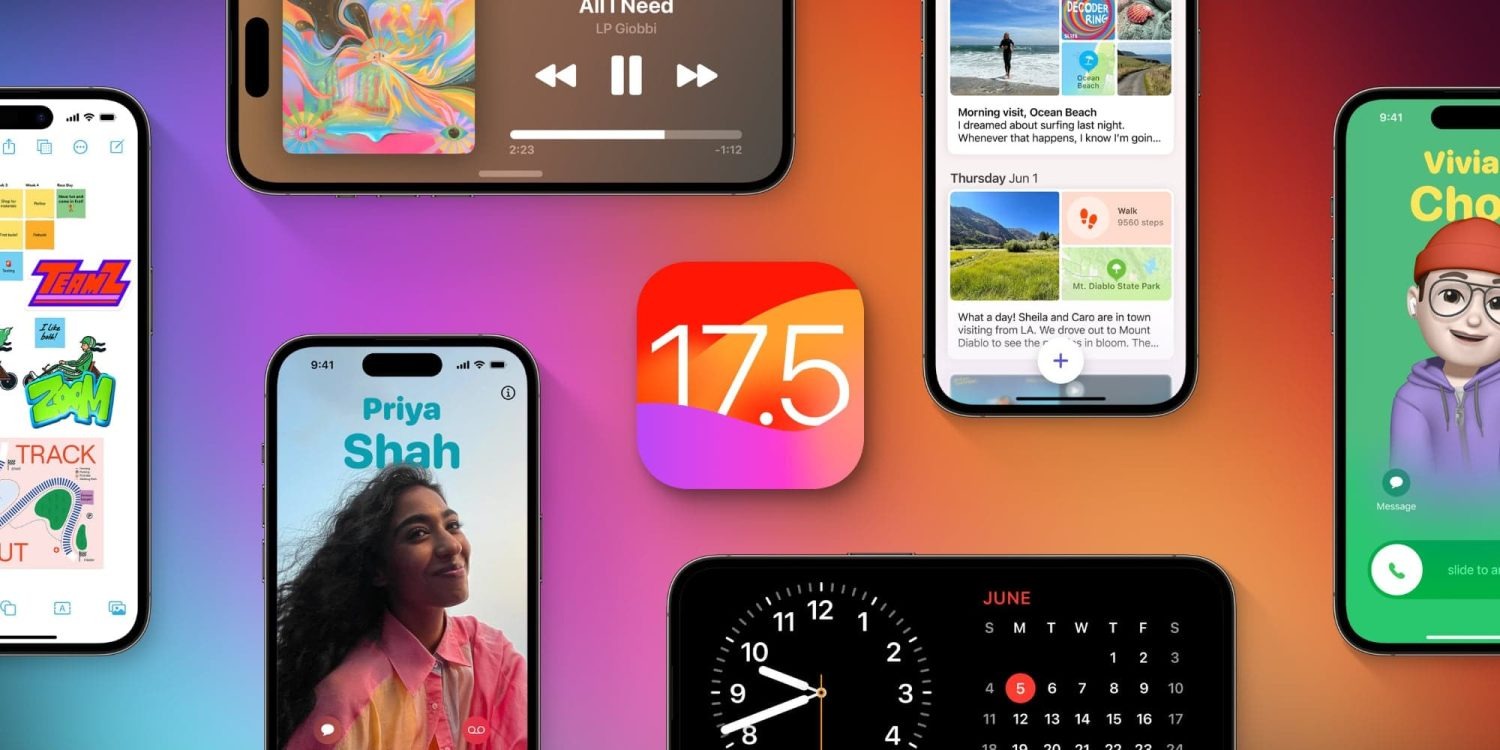
Apple has officially released iOS 17.5 to the general public. The update brings a handful of new features and changes for iPhone users. Head below for everything we know right now.
iOS 17.5 is now available
iOS 17.5 is now available to the public. You can head to the Settings app on your device, then choose General, then Software Update to install the update.
What’s new in iOS 17.5?
While iOS 17.5 isn’t quite as big of an update as other iOS 17 updates, it still includes its fair share of new features and updates.
Web Distribution in the EU
Within the European Union, the latest iOS 17.5 update introduces the capability to install applications directly from a developer’s website. Apple unveiled this new “Web Distribution” feature last month, explaining that it allows developers to distribute their iOS apps straight from their own websites.
To utilize this functionality, developers must opt into the updated App Store business terms, which requires paying a Core Technology Fee of €0.50 for every first annual installation exceeding one million in the preceding 12 months.
Any application disseminated through the web will still need to adhere to Apple’s notarization guidelines. Apps can only be installed from a website domain that the developer has registered in App Store Connect. Apple will also provide a range of APIs for developers to integrate with system functionality.
New Quartiles game for Apple News+
In the Apple News app, Apple News+ subscribers in the United States and Canada will find a new “Quartiles” word game after updating to iOS 17.5. The game prompts players to select from a grid of tiles to form words.
Quartiles is the third game to come to Apple News+, following the addition of daily crossword and crossword mini-games that were added last year.
iOS 17.5 also adds Game Center integration to all three of the Apple News+ games. With this feature, you can now see leaderboards for each of the three games for Daily Solve Time and Daily Score stats.
Apple News offline
Also for Apple News+ subscribers, iOS 17.5 introduces a new “Offline Mode.” This feature “makes it easy to access the hundreds of magazines, newspapers, narrated articles, and more included in a News+ subscription — no matter where you are,” according to Apple.
Apple News+ subscribers can now enjoy Offline Mode on iPhone and iPad to automatically download Top Stories, Apple News Today audio briefings, full magazine issues and narrated articles from News+ publishers, and puzzles to access later, without Wi-Fi or a cellular connection. When the device is back online, downloaded content will automatically refresh, and downloads will be optimized to maximize space on the device.
Design changes
iOS 17.5 also includes a few small design changes that are worth pointing out:
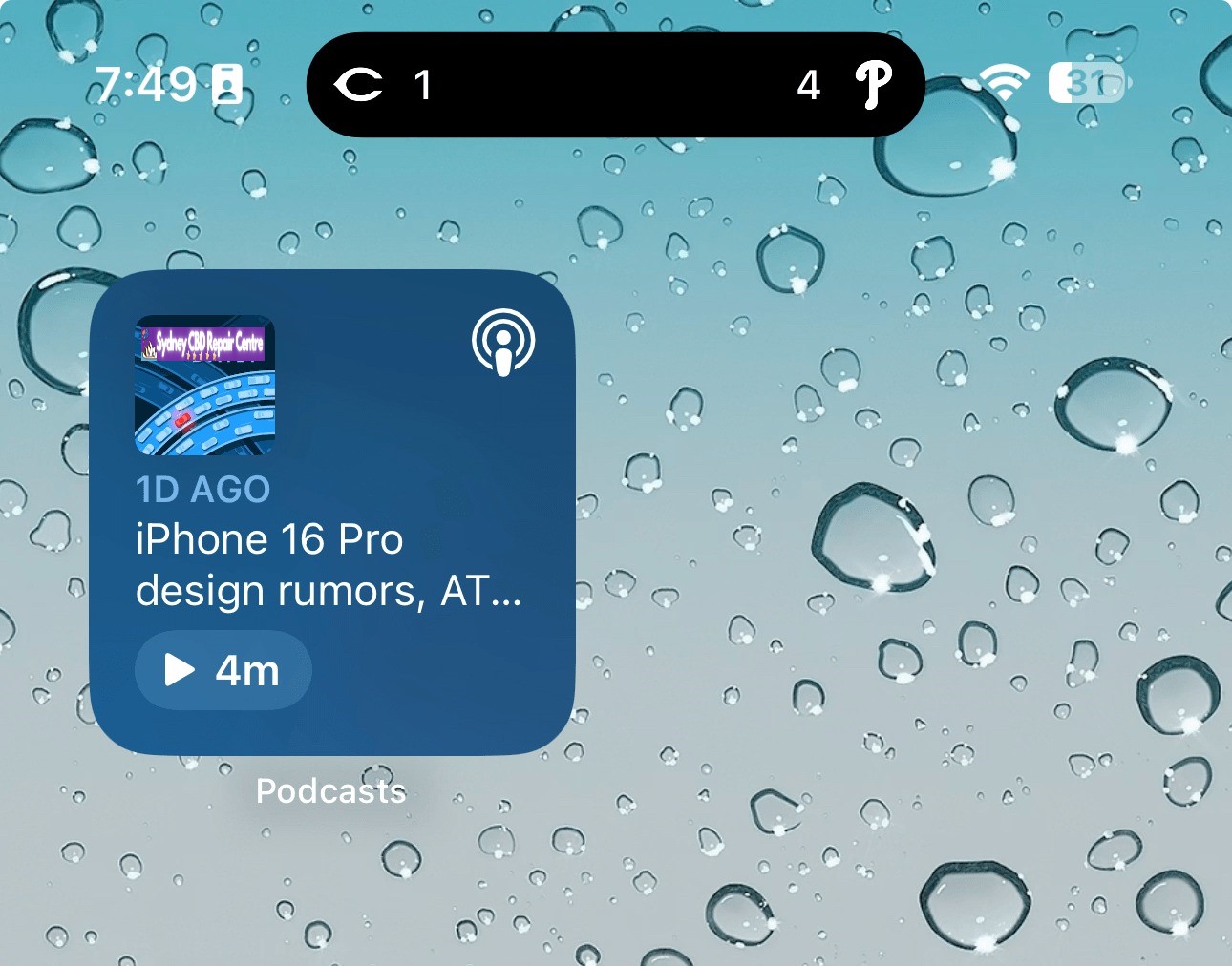
The Podcasts widget has been updated to have a new dynamic color that changes based on the artwork of the podcast you’re currently playing.
In the Apple Books app, Apple has redesigned the “Reading Goal” icon in top navigation bar.
In the Settings app, there is a new glyph for the “Passkeys Access for Web Browsers” menu under “Privacy & Security.”
New Pride wallpaper
iOS 17.5 also includes a new Pride Collection of wallpapers for iPhone and iPad users, as is tradition. The new dynamic wallpapers come as part of Apple’s goal to “champion global movements to protect and advance equality for LGBTQ+ communities.”
As explained by Apple, iOS 17.5 includes a new system centered around anti-stalking capabilities for accessories like AirTags. This development follows Apple’s announcement last year of a partnership with Google to collaborate on a new “industry specification to combat unwanted tracking.”
Strings added to the Find My app reveal that iOS will be able to identify tracking accessories, even those that are not Apple or Find My certified, and assist users in disabling them.
One of the new strings states, “This item lacks certification on the Apple Find My network. You have the option to disable this item and prevent it from sharing its location with the owner. To proceed, follow the instructions provided on a website by the manufacturer of this item.”
These changes come as Google started rolling out its new Find My Device network for Android on April 8.
New ‘Repair State’
Also in iOS 17.5, Apple has added a new “Repair State” feature to Find My. This feature lets users confirm with their Apple ID and password that they’re about to send their iPhone in for a repair. As a result, Apple technicians can confirm that the person owns the iPhone and then proceed with the repair without the need to turn off Stolen Device Protection and Find My.
Essentially, this ensures that users can still track their device using Find My while it’s being repaired. Previous, Apple required users to disabled Find My altogether.
iOS 17.5’s security fixes
Finally, in addition to all the new features and changes, iOS 17.5 also includes 15 notable security patches for iPhone users. Notably, none of the 15 vulnerabilities were reported as previously exploited.
You can find the full list of these changes in our dedicated coverage. Even if none of the new features in iOS 17.5 are tempting for you, we recommend updating as soon as possible for those security fixes.
Apple has dabbled in audio transcription in the past with mixed success. One shining example lately has been Apple Podcasts transcripts; more pessimistically, voicemail transcripts are still subpar. But according to a new report, the upcoming iOS 18 release will unlock a host of new system-wide audio transcription and summary features, all powered by AI.
People familiar with the matter have told us that Apple has been working on AI-powered summarization and greatly enhanced audio transcription for several of its next-gen operating systems. The new features are expected to enable significant improvements in efficiency for users of its staple Notes, Voice Memos, and other apps.
These features appear set to make one of the strongest cases for AI integration into various parts of Apple’s operating systems.
Transcription of audio content, and the ability to receive AI summaries of that content, are two highly practical features that can save users a lot of time.
If everything works well, students will be able to record lectures and quickly, easily revisit key information via a transcript. Recorded business meetings can be summarized as a helpful reminder of what was discussed.
If these things are accomplished with true intelligence, they can provide meaningful improvement to users’ lives. These examples would be a great fit for the iPhone, of course, but I also see them being nice selling points for the AI powers of the M4 iPad Pro.
Verdict
Notes and Voice Memos seem like two perfect apps to integrate these features into, but I’m curious to see where else they land. We love a Shazam-style button in Control Center that listens to your environment and automatically transcribes what it hears—all in the background, with minimal power drain. Perhaps this could even tie into Shortcuts somehow. There are so many possibilities.
We’re just one month away from WWDC, where Apple will unveil all the details about its AI ambitions for iOS 18, iPadOS 18, macOS, and more.
We learned late last year that a Microsoft iOS app store was in the works, and the company has now announced that this will launch in July.
Initially, it will be limited to Microsoft’s own games, but will later open up to other iPhone game developers, giving them an alternative outlet to Apple’s official App Store …
Background
The EU’s Digital Markets Act (DMA) requires Apple to allow third-party app stores on the iPhone, and the company responded by announcing its compliance plans.
It’s as yet unclear whether or not these plans actually meet the requirements of the antitrust law, but it does at least pave the way for third-party iOS app stores.
Altstore is one of the first of these – making the switch from unofficial to official status – and Microsoft also revealed back in December of last year that it would launch its own mobile games app store.
Microsoft iOS app store launches in July
At the time, the company declined to say when its own app store would launch, but Bloomberg reports that Microsoft has now revealed that it will open for business in July.
Also new is the announcement that the app store will take the form of a website, rather than an app.
Microsoft Corp. will launch its own online store for mobile-game consumables in July, creating an alternative to Apple Inc. and Google’s app stores and their fees.
The browser-based store will debut with Microsoft’s own games, offering discounts on in-game items associated with titles like Candy Crush Saga. Xbox President Sarah Bond announced the move Thursday at the Bloomberg Technology Summit. Later, Microsoft will open the store to other publishers.
The Candy Crush franchise was originally created by King Digital and later acquired by Activision Blizzard, which was subsequently bought by Microsoft.
The company made the decision to go with a website, as that allows it to offer games for all platforms from the same place.
Microsoft saw an opportunity to create a store that “goes truly across devices — where who you are, your library, your identity, your rewards travel with you versus being locked to a single ecosystem,” Bond said. The company’s intention is to facilitate gaming across consoles, computers and mobile devices.
Gurman writes that alongside the slate of artificial intelligence features, iOS 18 will include updates to most of the popular built-in apps on the iPhone, including overhauls for the Photos, Mail, Notes and Fitness apps. The Calculator app will be updated with new features, and made available on the iPad for the first time.
iOS 18 has been described as one of the biggest iPhone software updates, ever. Users can expect new features across the OS. We have previously heard about new features coming to Apple Maps for instance.
Corroborating previous reports, Gurman also says that the iPhone home screen will get some new capabilities. Users will be able to freely place icons for the first time, not aligned to the grid.
The overall OS will reportedly get a bit of a facelift with Gurman expecting a series of design tweaks, although not as dramatic as the iOS 17 transition. Specifically, he says that the design changes will make the app designs more “modular” and “easier to update and customize”.
This is speculation, but it sounds like Apple is working to standardize the library of UI components it uses across its apps, which will make it easier for the engineering teams to update them over time, especially as increasingly they are made available as universal apps spanning iPhone, iPad, Mac, Apple Watch, tvOS, and visionOS.
We’ll know for sure when Apple officially announces iOS 18 at its WWDC developer conference, in June. The keynote announcements will kick off at 10 AM PT on June 10. Nearer term, Apple will hold a spring product event on May 7 where it will unveil the new iPad Pro and iPad Air lineups.
We’re not far from the first official look at iOS 18 at WWDC 2024 on June 10. Whether you’d like to test out the new OS as soon as the dev beta is available or you’ll wait for the public beta or public launch, follow along for when to expect the iOS 18 release date.
Apple historically reveals its major updates of iOS during the WWDC keynote and launches the first developer beta within hours.
Next, the first free iOS public beta usually launches about a month later with the official public release coming shortly after the fall iPhone event.
The upcoming major new iOS release is expected to come with big AI upgrades including on-device processing, a revamped version of Siri, smart integration with Messages, Apple Music, iWork, and more.
Other changes should include RCS support, new customization options for the Home Screen and the Calculator app finally landing on iPad (and Mac).
iOS 18 release date: When does iOS 18 come out?
TL;DR
iOS 18 developer beta – expected June 10 release at WWDC
iOS 18 public beta – expected between the end of June and mid-July
iOS 18 public release – expected in mid to late September
iOS 18 release date: Developer beta
Apple has made a tradition of releasing the first developer beta of each major iOS update on the same day as the yearly WWDC keynote.
WWDC kicks off with the keynote on June 10, expect the first iOS 18 developer beta to be released shortly afterward unless Apple switches things up
Here’s a look at the past five years of dev beta releases:
iOS 17 developer beta 1: June 5
iOS 16 developer beta 1: June 6
iOS 15 developer beta 1: June 7
iOS 14 developer beta 1: June 22 (delay due to pandemic)
iOS 13 developer beta 1: June 3
Public beta
The first iOS public beta typically arrives four to five weeks after the first developer beta launches in June. Historically that’s been between late June and early July.
Here’s a look at the last few years:
iOS 17 public beta 1: July 12, 2023 (after June 5 developer beta release)
iOS 16 public beta 1: July 11, 2022 (after June 6 developer beta release)
iOS 15 public beta 1: June 30, 2021 (after June 7 developer beta release)
iOS 14 public beta 1: July 9, 2020 (after June 22 developer beta release)
iOS 13 public beta 1: June 24, 2019 (after June 3 developer beta release)
Official public release
It’s likely iOS 18 will come out in mid to late September unless Apple throws us a curveball
If Apple has its iPhone 16 event between September 9-17, we could see iOS 18 officially launch between September 16-23.
Here’s a look at the last four years of iOS releases:
iOS 17: September 18, 2023 (after September 12 event)
iOS 16: September 16, 2022 (after September 7 event)
iOS 15: September 20, 2021 (after September 14 event)
iOS 14: September 16, 2020 (after September 15 event)
iOS 13: September 19, 2019 (after September 10 event)
iOS 18 release date conclusion
Since you can install iOS betas right within iPhone Settings (since iOS 16.4), it will be smooth and easy to try out iOS 18 come June.
As indicated by much of the research material Apple has been publishing in recent months, the company is investing heavily in all sorts of artificial intelligence technologies. Apple will announce its AI strategy in June at WWDC, as part of iOS 18 and its other new OS versions.
In the latest Power On newsletter, Mark Gurman says to expect the new iPhone AI features to be powered entirely by an offline, on-device, large language model developed by Apple. You can expect Apple will tout the privacy and speed benefits of this approach.
Previously someone found code references in iOS 17.4 that referred to an on-device model called “Ajax”. Apple is also working on server-hosted versions of Ajax too.
The downside to on-device LLMs is they can’t be as powerful as models that are running on huge server farms, with tens of billions of parameters and continually updating data behind them.
However, Apple engineers can probably take advantage of the full stack vertical integration of its platforms, with software tuned to the Apple silicon chips inside its devices, to make the most out of an on-device approach. On-device models are usually much quicker to respond than trafficking a request through a cloud service, and they also have the advantage of being able to work offline in places with no or limited connectivity.
While on-device LLMs may not have the same embedded rich database of knowledge as something like ChatGPT to answer questions about all sorts of random trivia facts, they can be tuned to be very capable at many tasks. You can imagine that an on-device LLM could generate sophisticated auto-replies to Messages, or improve the interpretation of many common Siri requests, for instance.
It also dovetails neatly into Apple’s stringent adherence to privacy. There’s no harm in churning all your downloaded emails and text messages through an on-device model, as the data stays local.
On-device models may also be able to do generative AI tasks like document or image creation, based on prompts, to a decent result. Apple still has the flexibility to partner with a company like Google to fallback to something like Gemini on the server for certain tasks, too.
We’ll know for sure what Apple plans to do when it officially announces its AI strategy at WWDC. The keynote kicks off on June 10, which will see the company unveil all the new software features coming to iPhone, iPad, Mac, Apple Watch, Apple TV, Vision Pro and more.
Apple will reveal its AI cards on June 10 at WWDC, and Siri is surely going to be a key component. Generally, people want Siri to get good. You can’t just replace Siri intelligence with generative AI, however, but the two technologies make a powerful combination. What we want to see from an AI-infused Siri is actually simple.
Siri as it exists today is actually good at certain specific things.
We use Siri daily to send messages, make calls, create reminders, add things to my shopping list, play music, control lights, check the weather, check sports scores, start navigation, make voice memos, and much more.
Those are all rock solid. Siri is less reliable at summoning information. When kids ask knowledge questions all the time, and Siri should be the smoothest way to find the answer. We know in our bones that Siri is hit or miss on finding answers.
A simple test for Siri in iOS 18 is if it can eliminate punting to the web for search results as the answer. That’s where large language models excel. LLMs can be like hyper focused search engines that provide answers and not search results.
If Siri can provide more answers and less redirection, We can consider that a solid start.
Some other thoughts on this topic:
Siri is good about sourcing information when it does provide answers.
LLMs, on the other hand, will provide plausible answers that may be inaccurate.
Siri, Amazon Alexa, and Google Assistant competed on feature parity before; now the competition is over how best integrates generative AI.
Humane, the startup behind the Ai Pin hardware, has shown how generative AI should work with a voice assistant.
However, Ai Pin’s limited capabilities around actions shows where Siri + AI can excel.
Separately, the Rabbit R1 bespoke AI hardware has a different approach to actions that looks competitive.
In sum, throwing out Siri and starting over from scratch is not a serious solution. Instead, Siri should maintain its functionality while using generative AI to patch its weak spots.
Last month, Apple announced a new Web Distribution offering for developers in the European Union. On April 16, 2024, the Beta launch of iOS 17.5 beta 2, that feature is now available.
Web Distribution gives developers in the EU the ability to offer their apps for download directly from their website. Here’s how it works.
Web Distribution in the European Union with iOS 17.5
Web Distribution is the third distribution option that developers in the European Union can take advantage of in light of the Digital Markets Act.
To use Web Distribution, developers will have to opt into the new App Store business terms, which means they will pay the Core Technology Fee of €0.50 for each first annual install over one million in the past 12 months.
Any app distributed through the web will still be required to meet Apple’s notarization guidelines. Apps can only be installed from a website domain that the developer has registered in App Store Connect. Apple will also make a number of APIs available for integration with system functionality for developers.
Web Distribution lets authorized developers distribute their iOS apps to users in the European Union (EU) directly from a website owned by the developer. Apple will provide developers access to APIs that facilitate the distribution of their apps from the web, integrate with system functionality, and back up and restore users’ apps, once they meet certain requirements designed to help protect users and platform integrity.
When a user downloads an app from a developer’s website for the first time, they will be prompted with a series of screens explaining what it means to give that developer the ability to install apps from their website.
After authenticating with Face ID to approve giving that developer permission to install apps, the user will then go through a three-step installation process for the app itself. Apple’s Notarization system means that users will see clear information about the app and how it works. This includes things like the app name, developer name, app description, screenshots, and system age rating.
Notably, users only have to give each developer permission to install apps one time.
For example, let’s say Meta ends up supporting the Web Distribution feature in the EU. The first time a user downloads an app from Meta, such as the Facebook app, they will be prompted to give Meta the ability to install apps on their device. Then, going forward, they will only have to approve each app installation itself.
Verdict
The new details provided by Apple give a good look at the actual process of using Web Distribution in the European Union – including how it is balancing security and privacy with convenience.
A viral post on social media last week, boosted by Epic Games CEO Tim Sweeney, claimed that it would take 15 steps to install an app using Web Distribution. With the details provided today, Apple makes it clear that’s not the case.
Congratulations to Apple leadership for designing the worst app installation experience in the history of computing! Because Apple designers are the world’s best, there’s no question that this abomination is a premeditated part of a malicious European DMA compliance strategy. https://t.co/zx4aZicdEA
The first time you install an app from a developer using Web Distribution, it’s essentially an eight-step process to authorize a developer and install the first app. Each subsequent time you install an app from that same developer, it’s a three-step process.
For comparison’s sake, Android uses a one-time permission model when sideloading apps. While Android’s implementation requires fewer taps than Apple’s implementation, Apple provides users with more granular control for each developer. It also offers more details about each app prior to installation.
And, in a funny twist, Apple’s implementation of Web Distribution on iPhone is a significantly easier process than installing and using the Epic Games Store on the Mac.
Apple has officially started beta testing iOS 17.5 with developers and public beta users. The update brings a handful of new features and changes, and is expected to be released sometime next month. Head below for everything we know right now.
When will iOS 17.5 be released?
Based on previous years of iOS updates, I’d expect that iOS 17.5 will be released to everyone sometime in mid-May. Here’s a rundown of previous iOS x.5 update release dates:
iOS 16.5: May 18
iOS 15.5: May 16
iOS 14.5: April 26
iOS 13.5: May 20
What’s new in iOS 17.5?
While iOS 17.5 isn’t quite as big of an update as other iOS 17 updates, it still includes its fair share of new features and updates.
Web Distribution in the EU
Within the European Union, the latest iOS 17.5 update introduces the capability to install applications directly from a developer’s website. Apple unveiled this new “Web Distribution” feature last month, explaining that it allows developers to distribute their iOS apps straight from their own websites.
To utilize this functionality, developers must opt into the updated App Store business terms, which requires paying a Core Technology Fee of €0.50 for every first annual installation exceeding one million in the preceding 12 months.
guidelines. Apps can only be installed from a website domain that the developer has registered in App Store Connect. Apple will also provide a range of APIs for developers to integrate with system functionality.
While the iOS 17.5 beta 1 lays the groundwork for this feature, there are currently no developers offering their apps via this new Web Distribution feature. We don’t anticipate this changing until the public release of iOS 17.5 in May.
Design changes
iOS 17.5 beta 1 also includes a few small design changes that are worth pointing out:
The Podcasts widget has been updated to have a new dynamic color that changes based on the artwork of the podcast you’re currently playing.
In the Apple Books app, Apple has redesigned the “Reading Goal” icon in top navigation bar.
In the Settings app, there is a new glyph for the “Passkeys Access for Web Browsers” menu under “Privacy & Security.”
Find My network updates
Based on code discovered iOS 17.5 seems to incorporate a new system centered around anti-stalking capabilities for accessories like AirTags. This development follows Apple’s announcement last year of a partnership with Google to collaborate on a new “industry specification to combat unwanted tracking.”
Strings added to the Find My app reveal that iOS will be able to identify tracking accessories, even those that are not Apple or Find My certified, and assist users in disabling them.
One of the new strings states, “This item lacks certification on the Apple Find My network. You have the option to disable this item and prevent it from sharing its location with the owner. To proceed, follow the instructions provided on a website by the manufacturer of this item.”
These changes come as Google started rolling out its new Find My Device network for Android on April 8.
iOS 17.5 roundup
iOS 17.5 also includes an update for MDM users: “MDM solutions can now enforce a beta version during automated device enrollment.”
Whether Apple has more changes planned for iOS 17.5 beyond what was launched today remains to be seen. The focus is clearly on the European Union, where Apple continues to adapt to the Digital Markets Act being enforced by the European Commission.