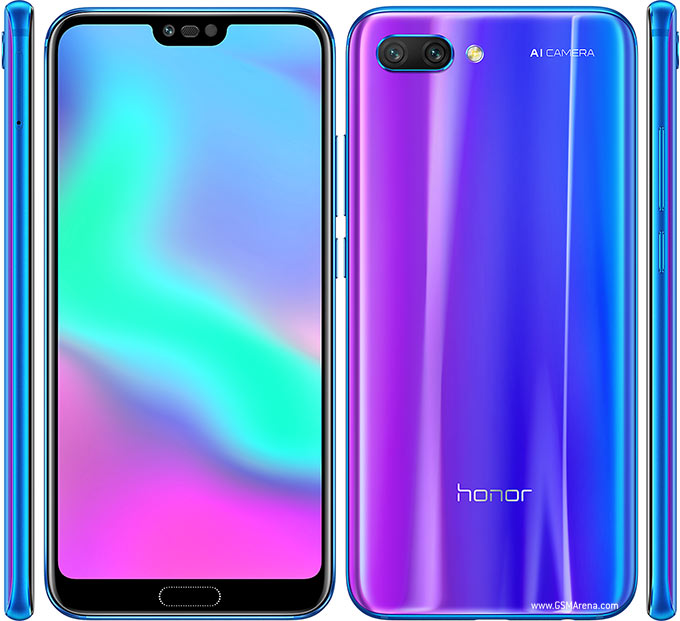
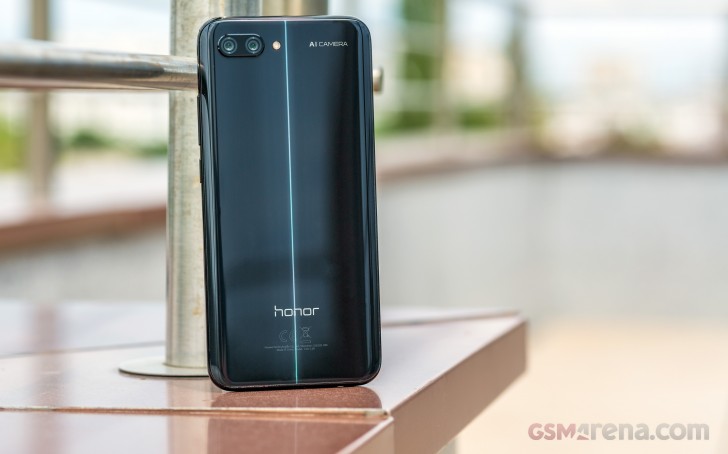
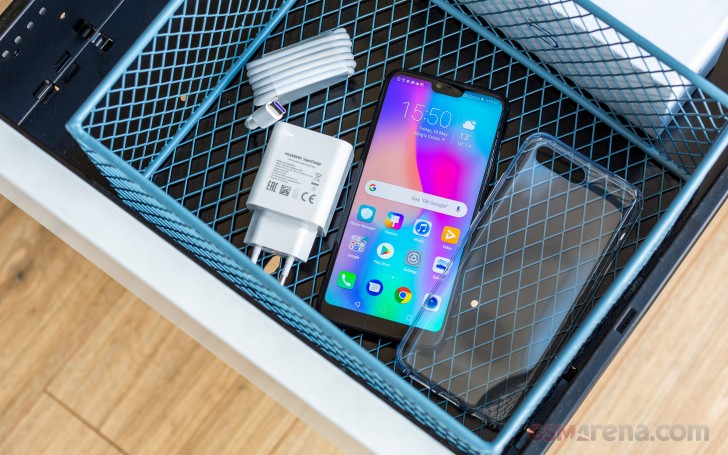
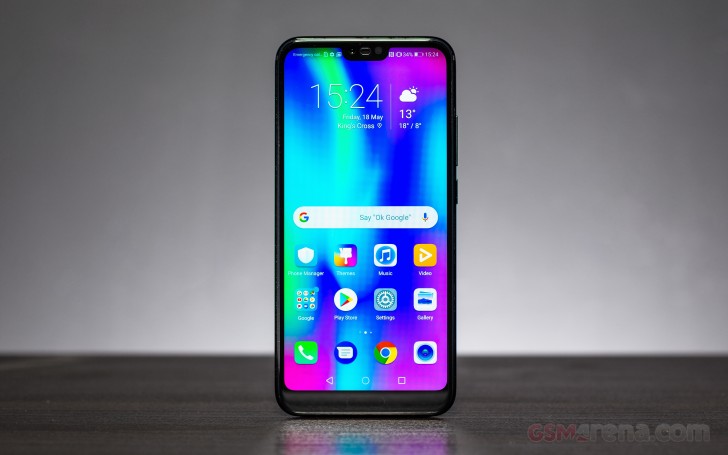
A strange bird this Huawei P20 – a headliner without a spear. The omission of the triple camera is baffling, but as long as you give it a chance, you may be surprised. And if you don’t dwell on what didn’t make the cut, you should be able to see the P20 for what it is – one dazzling flagship.
The signature Twilight hue is among the things the P20 duo will be remembered for. It’s available on both devices if you are lucky enough to reside in a region which stocks it, but the similarities don’t end here. The notched screen is shared, as is the Kirin 970 chip which, even though is six-months-old already, is still relevant.
Now, the elephant in the room – the dual-instead-of-triple camera on the back. Yes, it’s a step down from the more prominent P20 Pro but, fret not, this is not the same dual-camera we left on the Huawei P10 and Mate 10 Pro either. The 12MP color sensor is brand new and has much bigger pixels and thus we can expect brighter low-light images and less noise.
The MasterAI is also a thing on the P20, improving the way we take pictures by allowing for some previously impossible tripod-free long-shutter pictures. You can use lossless telephoto zoom, record 960fps slow-mo videos, but you can also switch to monochrome and take some artsy shots downtown.
The 24MP selfie camera stays the same on both P20 phones, too. It may lack autofocus but can do Face Unlock and shoot portraits with blurred backgrounds in line with the current trends.
Huawei P20 specs
Body: dual-glass with metal frame, 7.7mm thick
Screen: 5.8″ LTPS IPS LCD, 1080 x 2240px resolution (429ppi);
Camera: 12MP f/1.8 OIS color + + 20MP f/1.6 monochrome; 4K video capture, 720@960fps slow-mo; Leica co-developed
Camera features: 1/2.3″ 12MP sensor, 2x optical zoom, OIS + EIS, can change focus and lighting in photos after they are taken, Variable Aperture, Portrait Mode, shoots long-exposure without a tripod
Selfie cam: 24MP, f/2.0 Leica lens, Portrait Mode with live bokeh effects; 2D Face Unlock
Battery: 3,400mAh; Super Charge
Security: Fingerprint reader (front), 0.4 seconds response time
Connectivity: Dual SIM, Wi-Fi a/b/g/n/ac, Bluetooth 4.2 + LE, NFC, USB Type-C
Misc:IR blaster, single speaker
Seeing that Huawei didn’t copy-paste its old dual-camera but instead came up with some notable improvements is enough for us to let the company off the hook here. We can even forgive the switch to IPS LCD screen which some might consider a downgrade from Pro’s OLED.
The crime we can’t let slide is the failing to secure the P20 body against water. It’s beyond us why Huawei made water-tight only the P20 Pro, but it’s not fair and puts even more pressure on the P20. The IP53 rating is not the best excuse for ditching the analog jack, and yet Huawei still opted for its retirement.
It’s clear we are starting on the wrong foot, so let’s pop this Huawei P20 out of its box and hopefully we get on the right one.
Unboxing the Huawei P20
Fancy is not what the Huawei P20‘s white cardboard box is. But the maker has an excellent track record for bundles and this one doesn’t disappoint.
Inside that box, you’ll find eye-catchy Huawei P20 packed with a 22.5W charging plug, an enhanced USB Type-C cable compatible with Huawei‘s Super Charge, a pair of headphones, and a must-have 3.5mm-to-USB-C adapter.
Here is something you don’t see every day – a phone that’s instantly recognizable because of its style. We have seen a lot of notched screens and dual-cameras, but those catchy paint jobs are the P20‘s unforgettable trait and potentially the next big trend.
The flashy paint was a brilliant idea for an otherwise ordinary and conventional design. Dual-glass body reinforced with a metal frame is the popular choice this season, so if it weren’t for the paint’s charm, the P20 would have been just another notched glass phone.
Apple iPhone X and Huawei P20
The P20‘s design is an obvious departure from the P10. The metal unibody is gone for good, at least for now, and so are the screen bezels. Behind the screen glass sits a big but notched 5.8″ display, a massive jump from the 5.1″ unit on the P10, yet the growth in size is pretty negligible – just 4mm in height.
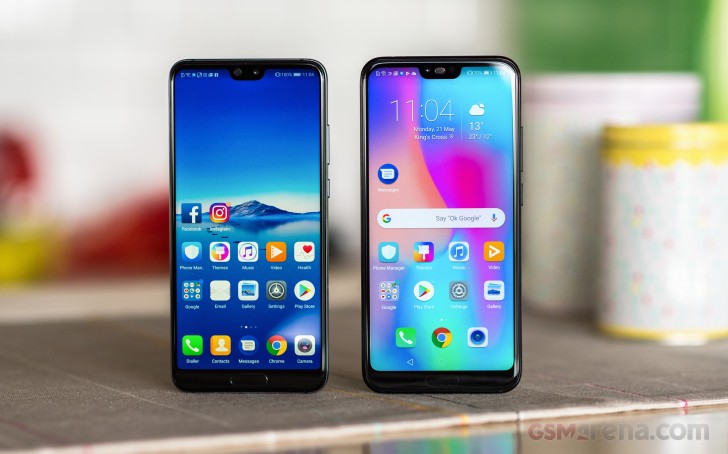
Huawei P10 and Huawei P20
The P20 is noticeably heavier, though, due to switch of materials – it has gained a good 20g over the P10 up to 165g.
And while we are comparing siblings, the other notable change is the camera orientation. It seems the iPhone X didn’t just kick off the notch trend, but the vertical camera configuration, too.
Huawei P10 and Huawei P20
Back to the Huawei P20. Both of its glass pieces are slightly curved, matching nicely with the frame’s chamfers. The metal frame is smooth and polished. Admittedly, this works well for the good looks, but hurts the grip – the P20 is as slippery as it looks.
Unlike the water-tight P20 Pro, the P20 is just IP53-rated for moderate dust and light-splash resistance. And while this fact was officially announced at the launch event, you won’t find this mentioned anywhere on the official P20 pages.
This omission is baffling, as the P20 phones have virtually identical bodies, slots, holes, and everything, and yet only the Pro got the ingress protection. The P20‘s case is not helped by the fact that all current flagships and premium mid-rangers are water-protected. What’s up with that, Huawei?
The missing audio jack doesn’t help the P20 either. While this could have been explained with the aqua-shielding on the Pro, it’s merely a missing feature on the P20.
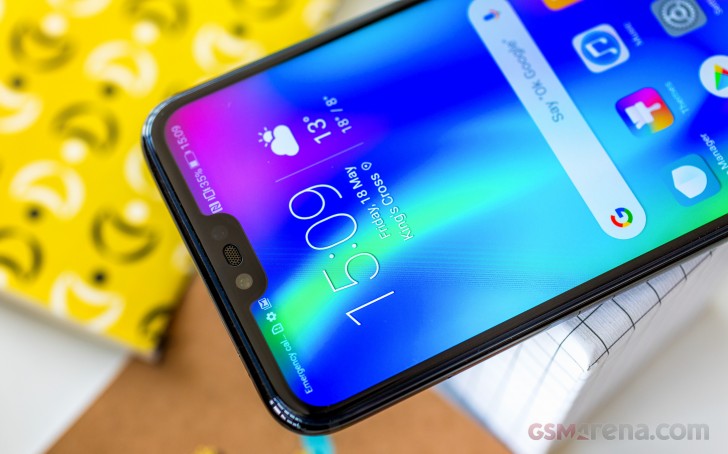
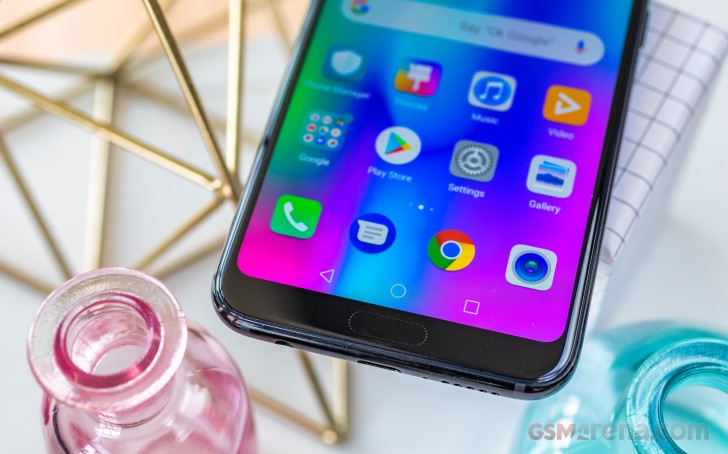
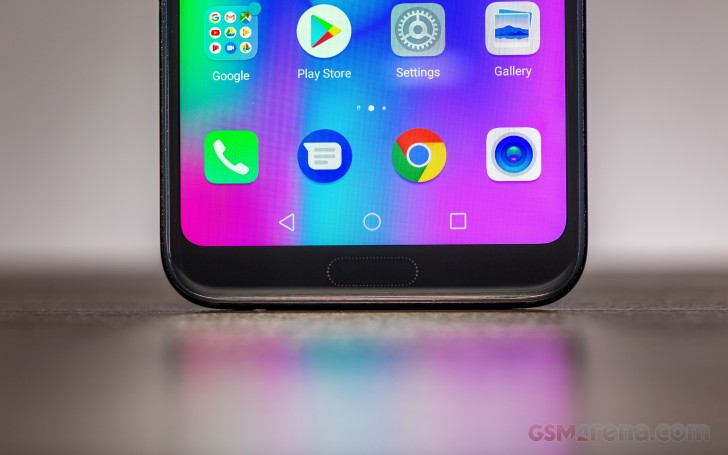
The front-mounted fingerprint scanner is here to stay – it’s an always-on one and is used for system-wide navigation. On the opposite side of the screen is the notch housing a circular grille for the earpiece and the 24MP selfie camera. The earpiece is not centered, which may look odd to some. A tiny status LED is also around.
Comparing notches: iPhone X vs. P20
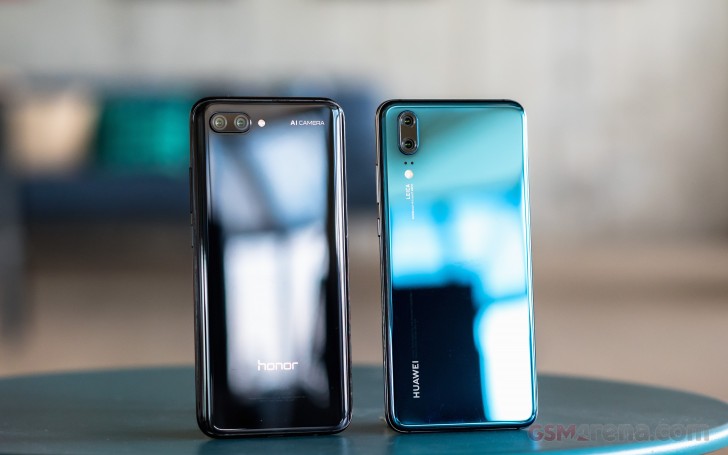
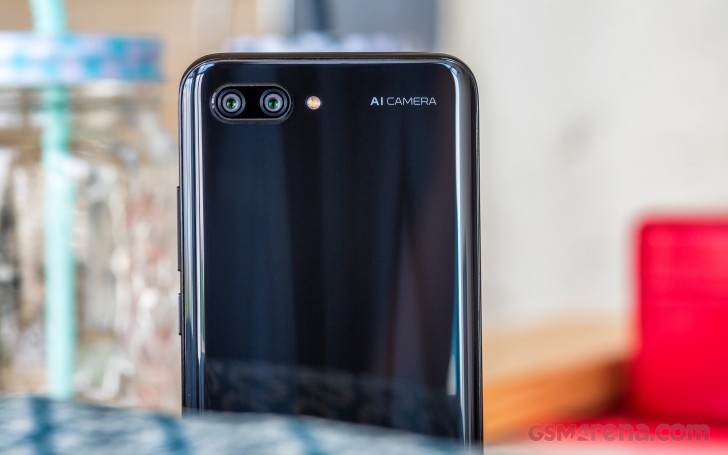
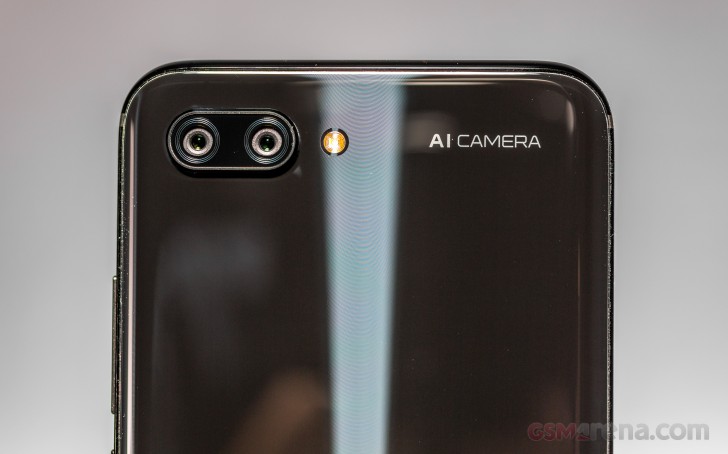
The vertically-oriented dual-camera is on the back occupying a small hump. It has kept the previous 12+20 MP specs but packs a new color sensor and new lenses. Next up are the dual-LED flash and the laser-AF sensors. The Leica logo is not as boisterous as before, but it’s there.
So, the Huawei P20 is a glass phone like any other. There is nothing special in its bill of materials, the credit for its coolness goes to the clever paint jobs. But that’s enough to make it one of the best-looking devices this season and the fashion-conscious might grab it just for that. Slippery and often smudgy, the Huawei P20 has to be polished and cleaned quite often to look its best, but beauty always comes at a price.
The Honor 10 Lite is the latest addition to the brand’s mid-range lineup and it hopes to ride on the success of the original Honor 10. So how did Honor go about making a Lite version of a phone, which is already somewhat of a Lite version of the flagship Huawei P20?
Well, for one, the feature set has been trimmed across the board starting from the chipset, going through the camera and ending with the connectivity set. But that doesn’t mean this is a bad phone.
The Honor 10 Lite is still an embodiment of the great value phones we’ve come to know the brand for. For about 30% lower price tag than the original Honor 10, the 10 Lite has the same size battery, a larger screen with a smaller notch, the memory is now expandable via a microSD slot and right from the get-go it comes out with the latest Android 9 Pie. In comparison, the Honor 10 still hasn’t got an update to Pie yet.
Honor 10 Lite specs:
Body:154.8 x 73.6 x 8mm, 162 grams, plastic back panel and side frame.
Screen:6.2″ IPS LCD, 1080 x 2340px resolution (19.5:9); ~415 ppi.
Chipset: HiSilicon Kirin 710 (12nm) chipset: octa-core CPU (4x Cortex-A73 Gold @2.2GHz + 4x Cortex-A53 @1.7GHz); Mali-G51 MP4.
Memory: 3GB LPDDR4X RAM, 64GB or 128GB built-in storage, microSD slot support (takes the second SIM slot).
Anyway, the bar is set quite high for the 10 Lite as the Honor 10 and the Honor Play are some of the most competitive propositions in the upper midrange offering great performance at tempting price points. We will see if the Honor was able to strike a good balance with the 10 Lite. Let’s start with an unboxing.
Unboxing the Huawei Honor 10 Lite
The handset comes in a modest box containing the usual user manuals, the SIM ejection tool, the microUSB charging cable and, of course, the charging adapter.
We didn’t expect much else but Honor also provided a transparent silicone case that fits the 10 Lite perfectly and doesn’t hide the rather fresh color gradient paint job on the back.
The step back from the USB-C port on the Honor 10 to the slightly outdated microUSB was the first clue we got that we’re dealing with a cheaper device. We also couldn’t help but notice that the charger is not the 22.5W fast charger supplied with the Honor 10 but rather a 10W one.
Design
Naturally, the Honor 10 Lite borrows some design traits from its more expensive sibling – the Honor 10 – while offering some unique details. Also, as one would expect, the Honor 10 Lite misses on the premium materials and instead relies only on plastic for the body. That doesn’t take away anything from the looks, though.
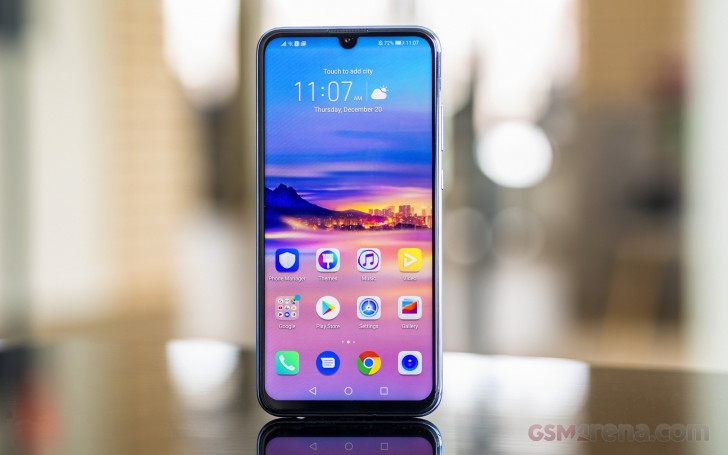
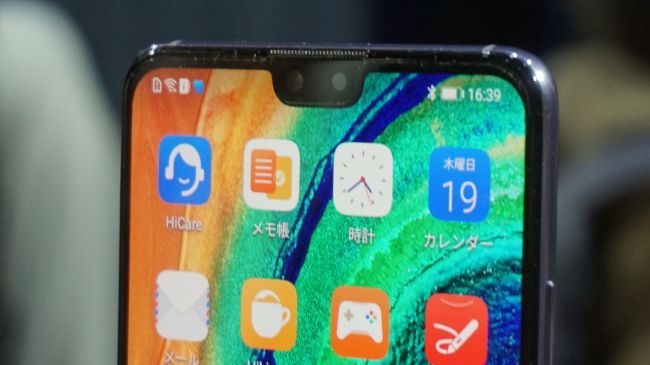
On the front, the smartphone surprises with great screen-to-body ratio with considerably more screen real estate thanks to the move of the fingerprint reader at the back and the narrower notch at the front. While the Honor 10 has a wide, standard-looking notch, the Lite has a matching “Lite” notch. Some may call it a waterdrop and it does look like one to some extent. The side and upper bezels are thin and symmetrical but the bottom one surprised us the most. It’s one of the smallest ones we’ve seen, especially at this price point and also houses a subtle LED notification light. It looks awesome when it lights up.
As we go around the sides, we can see the power key and the volume rocker on the right side – both easy to reach. They have some wobble but compensate with a tactile clicky feedback.
Honor 10 Lite from the sides
The SIM card tray and the noise-canceling microphone reside on the top while the bottom houses the 3.5mm audio jack, the loudspeaker grille and the microUSB connector for charging and data transfer. We can’t think of a reason why they would choose a microUSB instead of USB-C.
We hope there was actual technical reasoning behind this decision and not mere market segmentation. We’ve said it many times before, manufacturers should all move towards a single power and connectivity port for the benefit of the consumers and this can’t come soon enough so releasing a brand new phone with microUSB ports is clearly not a move in the right direction.
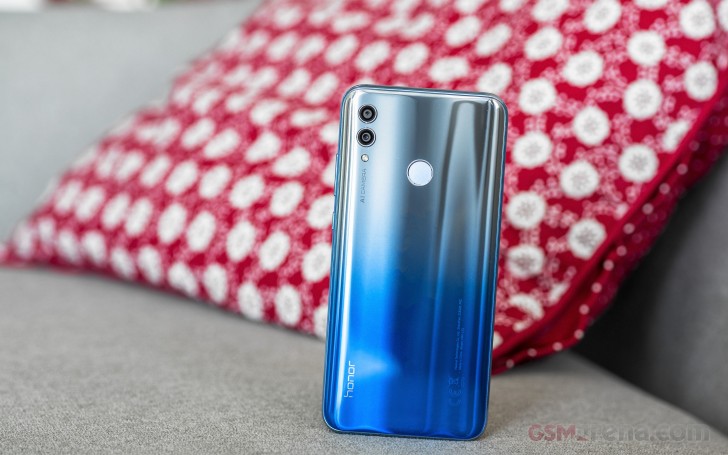
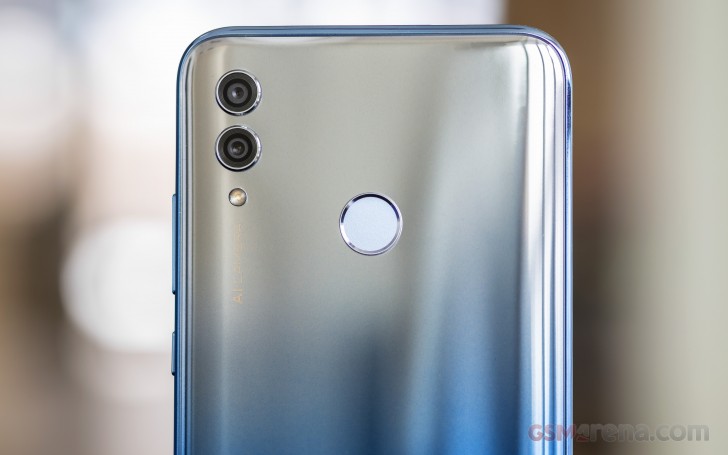
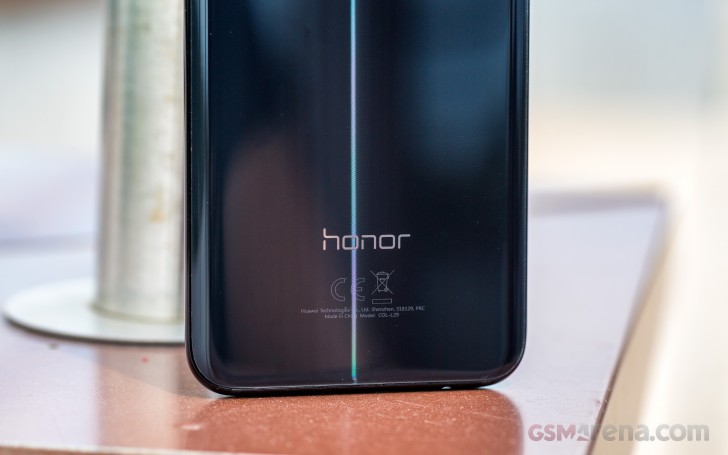
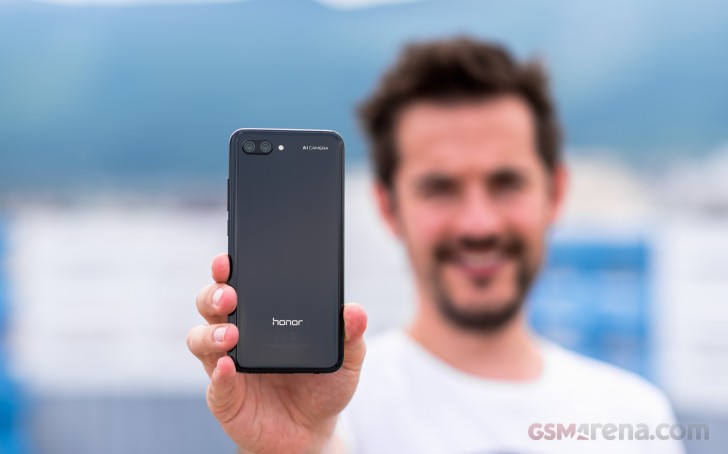
As we already stated, the back panel of the phone is made of plastic and houses the rear-mounted fingerprint reader and the dual-camera setup. However, the plastic doesn’t take away from the looks and the silver/blue gradient color looks pretty cool. Also, fingerprints are visible only at an angle.
The back panel isn’t curved but it’s not protruding either so no sharp edges press against your palm when holding the device. Speaking of handling, the smartphone is pretty easy to use with one hand – it feels quite compact and lightweight and for some reason, it’s not slippery. In fact, the side frame feels a bit rubberized to some extent making it even easier to hold. The phone handles really well for a 6.2-inch device.
To be honest, you can’t expect high-end build materials from a such an affordable device and plastic was expected to be the main order of the day. Nevertheless, Honor managed to focus on what’s important here – usability. The plastic sides and back are more likely to withstand drops as the plastic is more shock-absorbent than glass and metal.
Honor 10 Lite from the front and back
And by skipping on the glass, the phone is even lighter and grippier. Keep in mind, though, that the plastic is easier to scratch than glass so keep that case on or be careful where you put it.
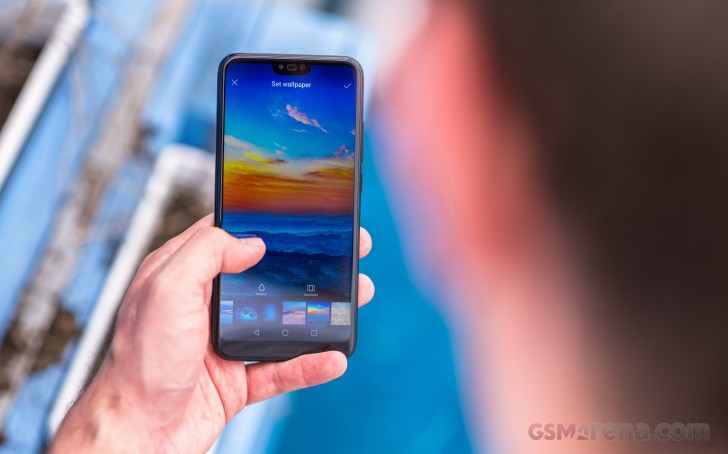
Bright IPS display with a minimalist notch
The Honor 10 Lite features a rather generic IPS LCD panel with a small minimalist notch on the top, which isn’t obtrusive at all and you can still hide it if you want to. We’ve noticed a slight “light bleed” around the edges of the notch and you can notice it when only when the background is bright, like white, for example.
Anyway, you’ve got a standard 1080 x 2340 pixels resolution at your disposal at a tall 19.5:9 aspect ratio and around 415 ppi since the diagonal is 6.21″. Just for the record, the standard Honor 10 has a significantly smaller 5.84-inch display and a shorter 19:9 aspect ratio so here’s one reason to opt for the Lite if you are after a larger display.
As far as performance is concerned, the display scored decently in our tests and it’s just what you’d expect from a midranger.
The peak brightness is 441 nits in Vivid mode while the less-bluish Normal mode produced a lower number hovering around 390 nits. However, the Normal mode offers considerably more accurate color reproduction with an average dE2000=2.7.
In Vivid mode, the screen has a slight bluish tinge in whites and grays. Blue, red and green are slightly over-saturated as well. The average dE2000 in this mode is 4.6. That’s still good, but not as stellar as the Normal mode. In day-to-day use, however, we preferred using the Vivid mode as it looked way punchier than Normal, which had a slightly less contrasty look.
Display test
100% brightness
Black, cd/m2
White, cd/m2
Contrast ratio
Honor 10 (Vivid)
0.326
508
1558
Huawei P20 Lite
0.27
482
1785
Xiaomi Mi 8 Lite
0.322
468
1453
Honor 10 (Normal)
0.32
449
1403
Motorola One (P30 Play)
0.254
447
1760
Honor 10 Lite
0.344
441
1282
Nokia 7 plus
0.254
432
1701
Honor 8X
0.346
427
1234
Xiaomi Mi A2
0.277
420
1516
For everyday use, the max brightness of 441 cd/m2 is perfectly fine. Obviously, it’s not the brightest panel out there but it does the job perfectly well considering the price point.
Unfortunately, our sunlight legibility score is far from stellar due to the overly reflective screen glass.
Battery life
The phone sports a decent 3,400 mAh battery – just like its more expensive sibling – so we expected similar results in our tests from the start.
We were surprised to see that the 3G talk time was considerably longer than what we got on the Honor 10. Other than that, the web browsing and video playback runtimes were pretty close. Judging by the overall score, we can say that battery life is good and a bit over the average for its class.
Unfortunately, the handset doesn’t support any type of fast charging and the charging brick included in the box says the supported output is just 5V/2A or in other words – 10W. A 30-minute charging session from a flat battery would net you 33% of the battery capacity.
Loudspeaker
The loudspeaker returned an excellent result. Even though it’s just one speaker with a single grill, the phone managed to produce quite a lot of noise so you are probably going to hear the phone ringing even in crowded and noisy environments.
Speakerphone test
Voice, dB
Pink noise/ Music, dB
Ringing phone, dB
Overall score
Nokia 7 plus
67.5
71.3
79.7
Good
Honor 8X
67.1
72.9
81.6
Very Good
Huawei P20 Lite
66.3
71.5
84.9
Very Good
Xiaomi Mi 8 Lite
67.5
77.8
77.6
Very Good
Honor 10
69.3
72.6
87.3
Excellent
Honor 10 Lite
70.0
73.8
87.0
Excellent
Motorola One (P30 Play)
79.2
74.7
85.1
Excellent
Xiaomi Mi A2
89.5
72.2
89.8
Excellent
Audio quality
The Honor 10 Lite had an okay performance with an active external amplifier, delivering an output of below average loudness, but perfect accuracy.
Headphones degraded the volume further, while also introducing some frequency response shakiness, intermodulation distortion and a moderate amount of stereo crosstalk. All in all a performance not worth writing home about even for a mid-ranger.
Test
Frequency response
Noise level
Dynamic range
THD
IMD + Noise
Stereo crosstalk
Honor 10 Lite
+0.01, -0.03
-90.2
90.2
0.0048
0.015
-82.7
Honor 10 Lite (headphones)
+0.64, -0.40
-83.7
88.8
0.0061
0.830
-51.3
Xiaomi Mi 8 Lite
+0.04, -0.04
-93.5
93.4
0.0011
0.0070
-93.4
Xiaomi Mi 8 Lite (headphones)
+0.45, -0.18
-93.4
93.4
0.021
0.457
-54.9
Honor 8X
+0.01, -0.04
-92.3
92.4
0.0041
0.0085
-80.7
Honor 8X (headphones)
+0.45, -0.54
-92.2
92.8
0.0084
0.492
-51.5
Samsung Galaxy A7 (2018)
+0.02, -0.02
-93.1
92.9
0.0026
0.0089
-92.5
Samsung Galaxy A7 (2018) (headphones)
+0.25, -0.17
-91.4
91.6
0.115
0.306
-55.4
Nokia 7.1
+0.02, -0.06
-91.0
88.6
0.0021
0.016
-94.4
Nokia 7.1 (headphones)
+0.05, -0.03
-93.8
89.6
0.0019
0.034
-54.9
Huawei Mate 20 lite
+0.01, -0.02
-94.7
94.7
0.0013
0.0086
-73.1
Huawei Mate 20 lite (headphones)
+0.12, -0.09
-93.8
93.8
0.0035
0.115
-71.7
Pocophone F1
+0.01, -0.02
-93.6
93.6
0.0010
0.0069
-93.8
Pocophone F1 (headphones)
+0.65, -0.08
-91.2
92.5
0.0082
0.359
-50.3
Android 9.0 Pie with EMUI 9.0 on top
As one would expect, the Honor 10 Lite comes with Huawei‘s user interface EMUI and on contrary to a lot of midrangers out there, the device comes with the latest and greatest from Google – Android 9.0 Pie. The UI is also updated to its latest version although, there aren’t any major differences compared to the older EMUI 8 with which we’ve tested the vanilla Honor 10.
Like all EMUI-driven devices, you can set up a magazine lockscreen style that changes the picture every time you wake up the screen. Sliding from the bottom will bring out quick shortcuts to some commonly used utilities and you can re-arrange, add or exclude to your liking. We found it to be useful and a bit annoying at the same time because there were times when we just wanted to unlock the phone but bring out the menu instead.
Unlocking the phone will bring you to the Home screen where you will find all of the installed and system apps. There’s a toggle in the settings menu that lets you choose between the standard layout or a Home screen with an app drawer. This is a really neat option to have as some people prefer the app drawer.
Swiping to the right from the home screen will bring you to Google Feed and by swiping downwards will let you search in your app library.
As for the notification shade, there’s an option in the settings menu that enables a swipe gesture on the fingerprint reader and really helps a lot with the one-handed operation. Also, it works really well. No more reaching for the top bezel when using this tall 19.5:9 screen.
And as for the notification shade – it’s nothing out of the ordinary. It can fit three rows with five quick launch icons for each row and right under the icons, you will find the screen brightness slider.
Opening up the settings menu will greet you with the usual sub-menus and features that you would find on most EMUI-based phones. There are a couple of useful options in the “Home screen settings” such as themes, the option to choose between an app drawer or the standard app arrangement on the Home screen as well as the option to toggle off the Google Feed.
The “Display” sub-menu is rather basic with little to no options in there. You’ve got the Eye comfort option that limits the blue light emissions during the night, choose between Normal or Vivid color modes and adjust the screen resolution – you can lower it to HD+ (720 x 1560) but our numerous tests from the past show little to no difference in the battery savings if you opt for the lower resolution setting.
More importantly, the option for disabling the notch is buried deep in the Display menu and we didn’t find the option swapping the navigation software buttons for gestures.
Moving on to the “Battery” section, you will find plenty of stats and a moderate amount of options to play with. There’s a normal power saving mode and “Ultra power saving mode”. The latter strongly limits the device’s capabilities and lets you use only a handful of essential apps, disables background processes, animations and turns of radios. The battery usage menu will give you all the information you’d need – you can see which apps and hardware components drained the battery since your last charge.
We found the “Digital balance” in the Settings menu quite nifty. You can track how much time you spend on your phone and which apps you used the most.
The “Security and privacy” menu lets you set up a fingerprint, enable face detection, set up “Find My Device” option, etc. The fingerprint setup process is pretty straightforward but it also brings some additional features like the option of taking a photo with the fingerprint reader in the camera app, stop the alarm, answer a call, browse photos in the gallery and as we already mentioned, bring down the notification panel. The latter is quite useful and works 9 times out of 10.
The fingerprint itself performs excellently as well – it doesn’t take a lot of time to recognize your finger but it lags a little when unlocking.
The face detection works just as good and there’s an option in there that enables instant unlock when it detects your face or requires a slide before unlocking. Of course, both lock methods can be used not only for unlocking the device but also a set of apps to your liking.
And last, but not least, comes the “Smart assistance” menu that takes you to the so-called “Motion control”. The latter enables motion gestures like flip-to-mute or raise-to-wake.
With every heavily-customized software come a few pre-installed system apps. In this case, they are generic tools like FM Radio app, Calculator, Calendar, Music, Videos, Clock, Notepad, Email, Files (file browser) and a Phone Manager that gathers some important functions in one place.
As you can see, even for this price, the Honor 10 Lite offers plenty of features and bonus points for the up-to-date software. But we did notice some small annoyances over the course of our testing. For instance, the radio icons appear in the upper left corner of the screen due to the insufficient space around the notch.
Also, the UI doesn’t feel as responsive or fluid as it should be. The Kirin 710’s CPU is more than capable chipset so we guess it’s all down to pending software optimizations.
Aside from that, the UI is highly customizable and you can adjust a lot of settings to better suit your needs though we have to admit, the Honor 10 has a few extra software features on top of what’s available in the 10 Lite.
Performance and benchmarks
The Honor 10 Lite comes with the new in-house mid-range SoC, the HiSilicon Kirin 710. It incorporates an octa-core CPU in a 4/4 arrangement – 4x big 2.2 GHz Cortex-A73 cores and 4x smaller and more efficient 1.7 GHz Cortex-A53 cores. The GPU is Mali-G51 MP4 and the whole SoC is based on a newer 12nm manufacturing process.
When it comes to memory, our unit runs with 3GB of RAM and 64GB of internal storage. However, there are versions with 128GB of storage and 4 or 6GB of RAM.
Unfortunately, we couldn’t benchmark the performance of our review unit due to system limitations imposed by the software it shipped with. We are guessing it might be one of the earlier builds and Honor just doesn’t want it benchmarked at this stage. Still, we recently reviewed the Honor 8X and since they share the same Kirin 710 chipset and the screen resolution, we suggest you check out its performance figures as they should be identical to those by the Honor 8X.
Regular 13MP main shooter aided by a 2MP depth sensor
The Honor 10 Lite carries a dual-camera setup on its back – the main camera is 13MP and has a wide f/1.8 aperture and phase detection autofocus. The secondary 2MP sensor is only used for depth sensing when scene depth information is required such as when shooting portraits with artificially defocused backgrounds.
The front camera that sits on the notch is 24MP with a narrower f/2.0 opening.
Of course, no one expects the Honor 10 Lite to be the best photography performer considering the price range but some basic camera capabilities should be in order. We hope to see it do just as well as the recently reviewed Xiaomi Mi 8 Lite as both phones fall into the same category. Let’s dig into the daylight, indoor and night samples right after a brief review of the camera software.
Camera software
The default camera app is pretty easy to handle. In the default camera mode, you will find the AI and Moving Picture toggles as well as the so-called HiTouch feature that uses machine learning to recognize objects, although we found it to be a hit and miss. The settings icon in the upper right corner leads you to more advanced options like resolution, GPS tag toggle, capture smiles or the option to open up the camera by double pressing the volume down button.
Swiping to left or right will switch between the camera modes – video, portrait, night and aperture. Each mode is self-explanatory and in the “More” section, you will find AR lens, time-lapse, panorama, HDR, stickers, pro, light painting, and filter. Those are self-explanatory as well.
Interestingly, the Auto HDR option was nowhere to be found in the default camera app but then again, not all phones in this price range use the HDR stacking with great success. Actually, quite the opposite. Still, you have the manual option of turning it on so you can toggle it on and off when you feel the need.
Just a quick tip, if you plan on using the bokeh/portrait effect on an object, try using the “Aperture mode” – you might find it produces better results than the standard Portrait mode.
In selfie mode, the camera app offers similar features as the main camera mode – there’s the portrait mode, video recording and AI function.
Image quality
Overall, the Honor 10 Lite takes okay photos with pleasant colors.
The photos have a lot of noise even in daylight. The noise-suppression seems to be working overtime and we still get grainy shots.
The dynamic range is also something that could have used some improving judging by the clipped highlights and HDR does only half of its job – it does open up the shadows but overexposes the highlights. However, the detail was good while the HDR introduced a little bit more sharpening without going over board.
The AI didn’t do much for us – it saturated some of the colors and we can notice some oversharpening here and there. The camera app prompted us with a message when it recognized some of the subjects like a pet or a flower but this didn’t change any of the shooting settings noticeably.
Portraits
Our initial impressions from the Portrait mode were quite positive – the level of resolved detail was impressive, colors were punchy and the edge detection was generally fine.
What we didn’t expect, however, is the background defocusing to fail at random spots. You can notice the “unnatural” de-focus in the first photo.
Selfies
Seflies were underwhelming as well – since there’s no autofocus, it’s hard to find the right focus distance, there’s not enough sharpness for a 24MP camera, it lacks good dynamic range and colors are a bit washed out.
The AI mode helps with the colors to some extent.
Low-light samples and Night mode
As expected, the general graininess of the photos, which we observe in the daylight photos, only got more prominent in low-light situations and a lot of the detail gets lost to noise suppression. And since there’s no OIS, the occasional camera shake makes things even worse.
When the AI is turned on, the camera app prompts you with a message that you should keep your hands still because the algorithm is working on sharpening the photo. In reality, there’s little to no difference between the AI photos and the normal ones.
However, the Night mode produces largely different results. It seems that the software tends to oversharpen things without taking care of the noise and the latter becomes even more visible even though this means less noise suppression and less smudginess. We guess that if you are not into pixel peeping, you wouldn’t mind the extra noise, but you would definitely appreciate the clearer photos and better dynamic range the Night mode shots offer.
Video recording
Surprisingly, the handset doesn’t offer any kind of 4K video recording and defaults at 1080@30fps. However, there’s optional 1080@60fps recording but neither mode offers any kind of video stabilization. As a result, videos appear quite shaky if you shoot handheld. But you do have the option to choose between H.264 and H.265 encoding, which is nice.
We’ve noticed that the issue with dynamic range is prominent in the videos as well – highlights are too bright while dark areas appear darker than they should. Detail is okay though, at least in 30fps mode. If you crank it up to 60fps, a lot of detail will be lost.
Competition
The Honor 10 Lite has a lot to offer but it’s not perfect. And the competition in the mid-range segment is fierce and it takes more than a pretty face to win the hearts of the practical consumer. It would be up to you to decide whether the particular feature mix and pricing is down your alley, but we’ll list a few other phones you may want to consider before making a final call.
While looking at possible alternatives, we tried to narrow the choice down a bit and it appears that most of the competition is rocking Qualcomm’s chipsets, which in turn means they offer better GPU performance. Still, the Kirin 710 is built on a smaller 12nm node and offers better CPU performance and power efficiency in return.
Xiaomi Mi 8 Lite • Huawei Honor 8X • Xiaomi Mi A2 (Mi 6X) • Nokia 7 plus
There is another Lite phone which stands out among the competition and that’s the Xiaomi Mi 8 Lite. We found it to be among the top performers in its class with its Snapdragon 660 chipset but it also has a decent screen, good battery life, and noticeably better camera experience – an area in which the Honor 10 Lite fails to impress.
Another decent alternative to the Honor 10 Lite lies within the company’s portfolio – the Honor 8X. While both phones are close siblings, we can easily recommend the Honor 8X due to the extra screen space, the better battery life, and the more consistent camera performance. And the chipset is also the same if you are happy with what the Kirin 710 offers.
Next down the list is the Xiaomi Mi A2 – a phone for the purists. You get a clean Android UI, swift updates as part of the Android One program, and it’s got comparable hardware. However, it drags behind the 10 Lite when it comes to screen quality and battery life.
And while we are on stock Android, it’s hard to miss the Nokia 7 Plus with a good camera, better than average battery runtimes and capable Snapdragon 660 chipset.
Verdict
Unfortunately, in an overcrowded midrange segment the Honor 10 Lite doesn’t really stand out with anything exceptional. It’s a decent all-rounder but it’s a tough one to recommend when taking into account what the competition offers.
The 10 Lite is definitely not a phone for the more pretentious users. The rather uninspiring camera quality and the not-so-fluid software kept us from giving the phone a good score. That target group should probably stick with the Honor 10 or Honor Play for their wishlists. The only areas where the Honor 10 Lite is a match for its more expensive siblings is screen quality, loudness, and battery life. If these aspects are all that’s important for you in a smartphone, you might as well save yourself some money and get this one instead.
Huawei Mate 20 or Huawei Mate 20 Pro? That’s one very reasonable dilemma, but you don’t have much of a choice, do you? If you are lucky to live in one of the few markets where both phones are available, then you can save some cash by getting the regular Mate 20. But it is one peculiar trade-off with some odd gains and losses. Let’s find out if that’s a deal worth making.
The Mate 20 is indeed the oddball in this duo. It has a lot in common with the Pro, but it also changes some of the key aspect of the phablet. The screen is bigger with a tiny droplet notch, but an LCD one with lower resolution and without and curves. The body is not water-resistant but has an audio jack and a proper bottom speaker. And the main camera while still triple, is completely different.
The Mate 20 lacks the new 40W SuperCharge and is stripped of all wireless charging capabilities, but it still can do 22.5W SuperCharge. It also loses the advanced face unlock, and the under-display fingerprint scanner, but gets the fan-favorite blazing-fast reader on the back.
The main camera is the feature to raise the biggest concerns. It’s still a triple one, but with different sensors, lenses, and there is no optical stabilization to be found. The Night Mode is present though, so the Mate 20 is keeping its cool under low-light.
Huawei Mate 20 specs
Body: dual-glass with metal frame; IP53-rated for dust and splash resistance
Camera features: 2x optical zoom, EIS, Variable Aperture, Portrait Mode, can shoot long-exposure without a tripod
Selfie cam: 24MP, f/2.0 Leica lens, Portrait Mode with live bokeh effects
Battery: 4,000mAh; Super Charge 22.5W
Security: Fingerprint reader (back), 2D Face Unlock
Connectivity: Dual SIM, Wi-Fi a/b/g/n/ac, Bluetooth 5 + LE, NFC, USB Type-C
Misc: IR blaster, 3.5mm audio port
Huawei Mate 20, just like the Pro, has a hybrid SIM slot that supports only the new Nano Memory Cards by Huawei. We are still looking to get one of those, but here is hoping Huawei broadens their availability soon enough.
There is a lot to talk about the Mate 20, so let’s start by popping this thing out of the box, shall we?
Unboxing
The Huawei Mate 20 is packed in a rather compact paper box, but don’t let the looks fool you – it’s full of goodies. The retail bundle contains a fat 22.5W charger and a modified USB-C cable – you need both for Super Charge to work.
Huawei‘s most recent headphones are inside the box, too.
Just like the Mate 20 Pro, some of the Mate 20 retail boxes contain a transparent case – which happened to be present in our reviewer’s kit. Not all European markets are getting a case, and whatever the reason might be, we are not happy with this weird segmentation.
Design
The Huawei Mate 20 is arguably the better-designed Mate as it is looking less like a Galaxy and, well, more like a Mate. The flat screen glass and the thicker frame are friendlier for grip and handling – things we hope many still consider essential.
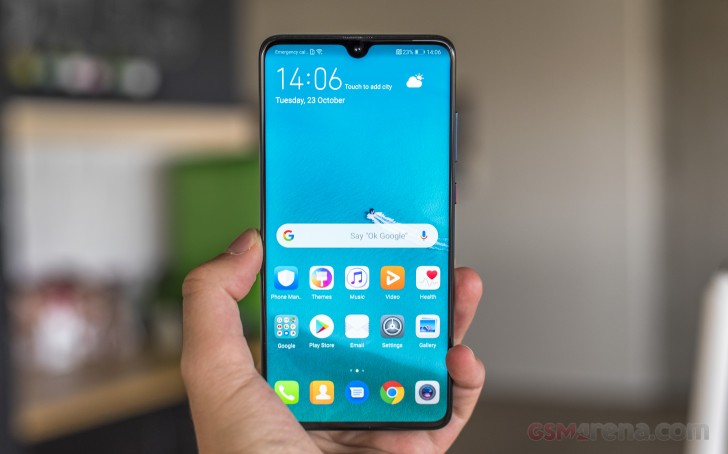
The Mate 20‘s droplet-like notch is also a pleasant sight. The extra pixels are present only because the advanced 3D face scanning isn’t. But some of us still prefer the old-school fingerprint readers instead of bleeding-edge tech that more often gets in the way rather than pushing the experience forward. And we do mean under-display sensors, too.
The Mate 20 isn’t breaking from the flagship herd and adds yet another glass-sandwich built to the mix. The dewdrop notch and the square camera on the back add character to the Mate 20 and it’s not only unique in its own way but also very different from the old Mate 10.
Mate 10 and Mate 20
Speaking about good looks, the Mate 20 is available in glossy Black and gradient Twilight colors. It also comes in the new signature Midnight Blue option, which has a grippy vinyl-like texture on the rear curved glass. Hyperoptical pattern, they call it.
The Mate 10 had its fingerprint reader at the front, right below the screen, but the Mate 20‘s edge-to-edge screen made that impossible. So, Huawei moved the scanner on the back, and it’s still as useful and fast.
Mate 10 and Mate 20
The Mate 20 has a slightly larger screen than the Mate 20 Pro, but it’s not an OLED one and has a lower 1080p resolution. Huawei is still using a premium panel, though, and a very bright one at that with a special RGBW matrix and HDR10 support.
The small cutout isn’t as an eyesore, and inside it packs the selfie camera and a bunch of sensors. The earpiece is outside the screen, etched in the frame, and it doubles as a second speaker.
The primary speaker is once again at the bottom, but it’s not within the USB port as it is on the Mate 20 Pro! What’s even better is the inclusion of a 3.5mm audio port at the top of the phone – again unlike the Mate 20 Pro.
So, the Mate 20 has an audio port (and FM radio!), a smaller notch, conventional speakers, and it even feels more secure in hand than the Mate 20 Pro. But these niceties come at the price of ingress protection. The Mate 20 is only IP53-rated for (some) dust and splash resistance, while the Mate 20 Pro has an IP68-certified dust and water-tight shell.
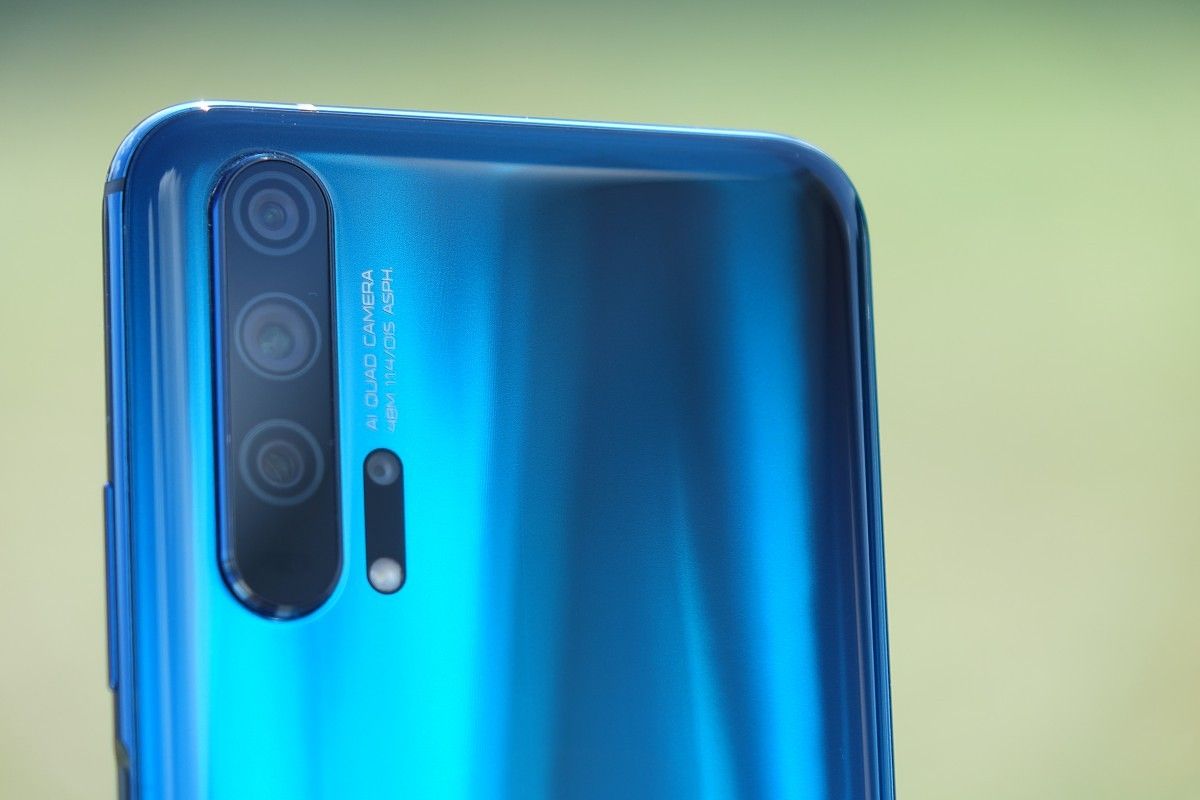
Then there is the tri-camera, which on the Mate 20 is less impressive compared to the Pro model. It has a 12MP main sensor behind f/1.8 lens, an 8MP cam with f/2.2 telephoto lens, and a 16MP snapper with f/2.2 17mm ultra-wide-angle lens. The monochrome shooter is gone for good, but we can’t imagine someone missing it badly.
The 80mm zoom lens and optical stabilization for the telephoto camera are reserved for the Mate 20 Pro. The Mate 20 only gets 2x optical zoom, and there is no OIS at all.
The camera is still a major step forward over the Mate 10, no two words about it, though slightly disappointing when you’ve seen the alternative.
The good news is Huawei‘s AIS stabilization is here to stay, and it should be at least as good as on the P20. The Night Mode from the P20 phones is another goody available on both Mates, so the Mate 20 isn’t losing those cool long-exposure handheld photos.
Huawei Mate 20
For better or worse, the Mate 20, just like the Mate 20 Pro, is pioneering the hybrid SIM slot with a new type of Nano-Memory Cards. These cards are invented by Huawei and have the shape of a nanoSIM, while packing up to 256 gigabytes of storage. Unfortunately, they are so new that you can’t really buy them anywhere. We can list a lot of reasons why the NM cards just don’t make sense, but we think most, if not all of you are already on the same page.
Huawei Mate 20 has a large 4,000 mAh battery, but it can do neither 40W wired nor any wireless charging. The Mate 20 does come with support for Huawei‘s 22.5W SuperCharge, which should be more than enough anyway.
Huawei Mate 20 spreads at 158.2 x 77.2 x 8.3 mm – that’s as tall as the Mate 20 Pro but 5mm wider. The Mate 20 is also 8mm taller than the Mate 10, but equally wide and thick. Finally, all three of these Mates weigh the same at about 188g.
The Mate 20 is as slippery as it looks, which is worrisome for such a big device. Sure, the thicker frame and the grippy ‘Hyperoptical’ surface finish on the Midnight Blue option do add some grip, but nothing as major as you can imagine. And while the regular Mate 20 feels more secure in hand than the Pro, the extra silicone case, if available, would help a lot.
Display
The Huawei Mate 20 features a 6.53″ IPS LCD, larger and taller than the 5.9″ unit on the Mate 10, but the resolution is now 1080p – lower than both the Mate 10 and Mate 20 Pro. The actual pixel count is 2,244 x 1,080 meaning an 18.7:9 aspect ratio and 381 ppi density. There is a tiny waterdrop notch at the top for the selfie camera, while a sheet of Gorilla Glass protects the whole thing.
The screen has the same RGBW underlying matrix as the Mate 10 and should deliver superb brightness. It’s HDR10-certified, too, and supports the larger DCI-P3 color space.
The RGBW subpixel arrangement replaces every second blue pixel with a white one – or rather every second blue filter is removed to let more light through. Which means instead of having a string of red-green-blue-white subpixels (RGBW), here you get a string, which looks something like GBR-GWR.
The screen of the Mate 20 has two Color modes – Normal and Vivid. Each of those also has three sub-modes – Default, Warm, and Cold.
The Vivid option corresponds to the DCI-P3 color space, while the Normal one switches to sRGB. Huawei hasn’t specified this anywhere, so we had to find it by testing the screen in our lab.
Anyway, the Mate 20 comes set on Vivid by default and we suggest leaving it this way. The mode offers 491 nits of (manual) maximum brightness, but it can go as high as 780 nits in bright light if you leave it on auto. No matter the mode, the contrast is always excellent at north of 1400:1.
We also measured a minimum brightness of just 1.4 nits.
Display test
100% brightness
Black, cd/m2
White, cd/m2
Contrast ratio
Huawei Mate 20
0.347
491
1415
Huawei Mate 20 (Max Auto)
0.554
778
1404
Huawei Mate 10 (normal)
0.3
415
1383
Huawei Mate 10 (normal max auto)
0.456
630
1382
Huawei Mate 10 (max auto vivid)
0.468
667
1425
Huawei Mate 20 Pro
0.002
508
254000
Huawei Mate 20 Pro (Max Auto)
0.003
657
219000
Huawei Mate 10 Pro (normal)
0
422
∞
Huawei Mate 10 Pro (max auto vivid)
0
623
∞
Apple iPhone XS
0
660
∞
Apple iPhone XS Max
0
653
∞
Samsung Galaxy Note9
0
367
∞
Samsung Galaxy Note9 (Max Auto)
0
658
∞
Google Pixel 3
0
426
∞
Google Pixel 2 XL
0
420
∞
HTC U12+
0.2
366
1830
HTC U12+ (Max Auto)
0.214
389
1818
OnePlus 6T
0
453
∞
OnePlus 6T (Max Auto)
0
455
∞
Razer Phone 2
0.401
380
948
Razer Phone 2 (Max Auto)
0.403
426
1057
LG G7 ThinQ
0.225
460
2044
LG G7 ThinQ (outdoor)
0.499
920
1844
Xiaomi Pocophone F1
0.314
461
1468
Xiaomi Mi 8
0
458
∞
Xiaomi Mi 8 (Max Auto)
0.002
624
312000
The average deltaE we measured for the screen on Vivid is 3.4 with a maximum deviation of 8.5 – a fine enough. The color accuracy for the Normal (sRGB) mode is also fine with an average deltaE of 3.
The sunlight contrast on the Huawei Mate 20 is good, though washed out colors are expected under bright sunlight. You do get much better results if you use the auto mode that allows the phone to push the brightness much higher though.
Battery life
Huawei Mate 20, just like the Mate 10, is powered by a large 4,000 mAh battery sticking to a tradition dating back to the Mate 7 in 2014.
The Mate 20 supports the company’s proprietary SuperCharge at 5V and 4.5A. The required cable and charger are bundled with the Mate 20 and they can fill 55% of a depleted battery in half an hour and reach 100% in an hour and a half.
There is no wireless charging support on the Mate 20. That, and the 40W Super Charge support, are reserved for the Mate 20 Pro.
In our testing, the Mate 20 lasted upwards of 14 hours looping videos and twenty hours running our web browsing script. The 3G voice call test returned a 23h talk time. All these standalone tests returned impressive scores, indeed.
The overall Endurance rating ended up 92 hours. Just as on the Mate 20 Pro, that’s a bit lower than what we expected after such an excellent job on the screen-on tests, but the standby performance is just average, and it took its toll.
Our endurance rating denotes how long a single battery charge will last you if you use the Huawei Mate 20 for an hour each of telephony, web browsing, and video playback daily. We’ve established this usage pattern so our battery results are comparable across devices in the most common day-to-day tasks. The battery testing procedure is described in detail in case you’re interested in the nitty-gritties. You can also check out our complete battery test table, where you can see how all of the smartphones we’ve tested will compare under your own typical use.
Speakers
Huawei failed to mention this, but the Mate 20 enjoys the same stereo speakers as the Mate 20 Pro, P20 Pro and Mate 10 Pro, among other devices. But unlike the Mate 20 Pro, the Mate 20 has its bottom speaker outside of the USB-C port.
Sadly, the Mate 20 still uses the tiny and squeaky earpiece for a second speaker, and it still sounds rather poorly. Yes, it does the stereo effect, but the loudness of the speakers is mostly uneven, and you can tell. At some point, it might even become annoying.
The Huawei Mate 20 speakers scored a Very Good mark in our loudness test, a decibel shy of Excellent. The sound quality is about average though, far from the best in the industry. While playing some music, the audio was loud enough, but it’s rather shallow and often squeaky.
Speakerphone test
Voice, dB
Pink noise/ Music, dB
Ringing phone, dB
Overall score
Huawei Mate 20 Lite
67.8
70.0
84.2
Very Good
Samsung Galaxy S9+
68.4
74.0
80.1
Very Good
Xiaomi Mi 8
68.1
72.3
82.2
Very Good
Huawei Mate 10 Lite
67.8
71.0
84.5
Very Good
OnePlus 6T
67.2
72.5
84.5
Very Good
Apple iPhone XS
71.5
75.7
78.9
Very Good
Samsung Galaxy Note9
71.2
74.9
80.2
Very Good
Huawei Mate 20
74.3
70.2
82.6
Very Good
Sony Xperia XZ3 (ClearAudio+)
68.0
75.3
84.0
Very Good
Huawei Mate 20 Pro
70.3
73.4
83.8
Very Good
Huawei Mate 10 Pro
70.1
73.8
84.2
Excellent
Apple iPhone XS Max
70.5
74.0
84.7
Excellent
Sony Xperia XZ3
71.0
75.4
82.9
Excellent
Xiaomi Mi 8 SE
70.5
74.1
85.2
Excellent
Huawei P20 Pro
71.8
69.2
91.0
Excellent
Xiaomi Pocophone F1
72.8
74.7
86.6
Excellent
Razer Phone
69.3
75.0
90.5
Excellent
LG G7 ThinQ
78.3
76.4
82.3
Excellent
HTC U12+ (Music)
76.0
73.6
88.5
Excellent
Huawei Mate 10
90.6
73.7
84.0
Excellent
Audio quality
The Huawei Mate 20 delivered decently accurate audio output in both parts of our test. All its scores were excellent with an active external amplifier and the damage dealt by headphones was minimal too.
Unfortunately, volume was only average so if you have very high-impedance headphones you may find the Mate 20 somewhat lacking. If that’s not the case though, you should be happy with its performance.
Test
Frequency response
Noise level
Dynamic range
THD
IMD + Noise
Stereo crosstalk
Huawei Mate 20 Pro
+0.02, -0.09
-87.7
87.0
0.0024
0.012
-87.8
Huawei Mate 20 Pro (headphones)
+0.15, -0.07
-92.1
92.0
0.0029
0.149
-82.2
Huawei Mate 20
+0.02, -0.16
-92.1
92.0
0.0017
0.013
-85.6
Huawei Mate 20 (headphones)
+0.07, -0.07
-92.1
92.4
0.0021
0.106
-66.5
OnePlus 6T
+0.03, -0.05
-93.4
93.3
0.0010
0.0070
-93.8
OnePlus 6T (headphones)
+0.17, -0.15
-93.2
93.1
0.0056
0.245
-61.1
Sony Xperia XZ3
+0.01, -0.02
-91.2
93.2
0.0024
0.0080
-88.7
Sony Xperia XZ3 (headphones)
+0.38, -0.21
-93.1
92.5
0.0049
0.233
-61.7
Samsung Galaxy Note9
+0.01, -0.03
-93.7
93.7
0.0017
0.0074
-94.1
Samsung Galaxy Note9 (headphones)
+0.03, -0.02
-93.6
93.5
0.0033
0.046
-93.2
HTC U12+
+0.02, -0.15
-94.3
94.3
0.0021
0.0069
-94.3
HTC U12+ (headphones)
+0.18, -0.13
-93.7
93.6
0.0024
0.104
-52.7
Android Pie and EMUI 9
The Huawei Mate 20 runs Android 9 Pie under its thoroughly custom EMUI launcher, v9.0 in this instance. The Android purists are guaranteed not to like this combo, but Huawei has been working on its custom skins for years and nobody should have expected vanilla Android anyway.
Huawei has cleaned up the general interface and the settings panel has been simplified by hiding rarely used settings under “advanced” sub-menus in more categories. Huawei‘s built-in apps are getting updated navigation menus along the bottom of the screen to make them easier to reach.
EMUI 9.0 also brings GPU Turbo 2.0, works for quicker app starts, and there is a new Password vault.
You get a better Huawei Share too, which can share files with a PC and print documents wirelessly.
A travel assistant by HiVision and in-house developed Digital balance app that tell you how much time you are spending on your phone and give you the option to limit yourself (the screen will go monochrome after the time is up) are in the package.
But in spite of all the novelties and newer Android version, the EMUI looks familiar so upgraders should feel right at home.
The Mate 20 doesn’t have the fancy under-display fingerprint reader, nor it employs 3D face scanning tech. Being a cheaper device, the Mate 20 enjoys a regular fingerprint sensor on its back, always-on and very fast and accurate as usual.
Face Unlock is available, but it’s just uses the front camera, which means it’s less secure and can potentially be fooled by a picture. So, if privacy is of utmost importance, you may want to avoid this option.
You can either embrace the notch, or you can opt to mask it with a black status bar that extends all the way down to the bottom edge of the notch. The Mate 20 has one of the smallest notches around, so we’d imagine few people would choose to hide it.
Huawei has pretty also implemented its version of iPhone’s gesture navigation – swipe up for Home, swipe up and stop midway for Task switcher, or swipe from the left or right edge of the screen for Back. Well, the iPhone does Back only from the left edge.
Out of the box, there is no app drawer on the EMUI 9 – it’s a single tier interface akin to iOS. However, if you prefer Android’s usual two-tier layout, you can enable it from the Display settings.
EMUI has Magazine lock screen, as usual, which cycles through a bunch of wallpapers (covers), so you see a different one every time you fire up the display.
Huawei‘s EMUI offers plenty of customization and features, smart rotation, and lift to wake. Themes are supported, too, and there is a lot to choose from.
The notification shade is a standard affair, with the usual Huawei take on the graphics. There’s a brightness slider and a row of toggles, and you pull down again for more toggles.
Multitasking is a familiar affair too. Tap-holding the Recents key will let you activate the split screen mode. You could have a video playing on top of the two windows if for some reason you find that useful.
From the Phone Manager app, you can access shortcuts to storage cleanup, battery settings, blocked numbers, Virus scan powered by Avast, and mobile data usage.
Huawei‘s own Music app offers a way to listen to stored MP3s, while Huawei‘s Health app offers Google Fit syncing and step counting. There’s a file manager app and a note-taking app. And if you don’t like any of those – there is an abundance of alternatives in the Play Store.
There is an improved AI-powered gallery with EMUI 9. In addition to the automatic sorting with highlights, you will get an automatic but editable Spotlight Reel.
Unlike the Mate 20 Pro, the Huawei Mate 20 comes with FM radio support and there is an app to handle it. Nice!
Huawei Mate 20 features an IR blaster on its top side. Thanks to its Smart Remote companion app, you can control all of your appliances with your Mate.
The Mate 20 has a Kirin 980 chip
Huawei Mate 20, just like the rest of the Mate 20 family, utilizes HiSicon’s latest Kirin 980 chip. This is the first chipset in an Android phone built on the 7nm manufacturing process and it’s promising plenty of power and efficiency gains over its predecessor and other 10nm chipsets, including the Snapdragon 845.
The Kirin 980 uses an 8-core CPU design with 2x high-performance Cortex-A76 cores running at 2.6GHz and 2x Cortex-A76 cores clocked at 1.92GHz and 4x power-efficient Cortex-A55 cores that go up to 1.8GHz. The processor makes use of ARM’s DynamIQ architecture, which is the evolution of big.LITTLE and allows any subset of cores (or all together) to work simultaneously depending on the workload.
Kirin 980 SoC has a Mali-G76 MP10 (ten-core) GPU, which should offer tremendous performance and efficiency gains compared to its predecessor Mali-G72 in the Kirin 970.
EMUI 9’s GPU Turbo 2.0 is supported by six games in total for the time being. It allows all those games to run smoothly and steady at 60 fps at full resolution. GPU Turbo 2.0 is new, but Huawei is also working with game developers to enable it in even more popular games though we won’t be holding our breath.
The 7nm manufacturing process isn’t the Kirin 980’s only claim to fame. The chipset is also the first to support 2133MHz LPDDR4X memory and incorporates a dedicated dual NPU chip. Huawei calls the latter “Dual-Brain Power” and can help recognize up to 4,500 images per minute, which is around 120% faster than last year’s single NPU chip on the Kirin 970 SoC.
Finally, the chipset comes with a new Image Signal Processor, which delivers a 46% increase in data throughput and better multi-camera support. It promises an improved HDR color reproduction, Multi-pass noise reduction that removes artifacts without hurting with the image details and better motion tracking.
And now it’s time to run some tests.
Benchmarks
Benchmarks scores have been driving the industry for quite some time. Many Chinese makers try to impress with higher and higher (AnTuTu) results, leading to tampering with the phone performance in order to look favorable in the eyes of the users.
At IFA 2018 in Berlin Huawei officials confirmed that the manufacturer is using benchmark detection software to deliver the best possible results, only because its competitors are doing it and it wouldn’t want to be at a disadvantage.
Huawei then promised to make this hidden Performance mode available to anyone and now it’s live in the new Mate 20 phones. You can find the switch in the Battery settings. Previous Huawei phones are getting this option soon, too.
Huawei claims this mode gives you the full unrestricted power of the Kirin chipset. Sure, it will drain the battery and the phone will get hot, but for whatever reasons you need every bit of speed – you can have it now. There is a catch, though.
Once enabled the performance mode does unlock the full potential, but all safety measures are still in place. And they better be, as the Mate gets hot fast, even before AnTuTu has finished its run, and then…it throttles. And when throttling occurs, you are no longer in full speed.
Long story short – the Mate 20 can offer a small speed boost at some occasions with its Performance Mode, but not for long. To get the optimal scores in this mode we had to put the Mate 20 in a fridge for the whole test run and after it was done the phone was not cold!
The results – well, about 10% boost across all benchmark tests for the first run. Yes, that’s it. You can get a sustainable 5% boost from the regular mode over time, while the 10% bump is for the first few minutes only. So, we are not sure if the extra heat and battery drain are worth the hassle.
The Mate 20, performance mode or not, is on top of the whole Android pile, when it comes to multi-core processor performance. You can see the 10% gain from the performance mode quite clearly.
Huawei Mate 20 and its Kirin 980 are a worthy flagship pair. The chip offers the fastest processor on the Android market, as usual, while its GPU punch is close to that of the most current Adreno by Qualcomm.
The Kirin 980 is manufactured on the cutting-edge 7nm process, but if you expected it not to heat up – you’d be wrong. The chip does release a reasonable amount of heat and the Mate 20 Pro does have a few spots that get hot when you subject it to a lot of pressure. The phone won’t go as hot as the previous Mates though. Some throttling may occur after running consecutive benchmark tests but only then.
The performance mode unlocks the full potential of the Kirin 980, which gave us a 10% boost in benchmark scores – and that is only when we kept the phone cold in the fridge. At room temperature the phone quickly heats up, throttles and you only gets about 5% benefit.
Huawei has delivered an all-around great chip with a class-leading processor and competitive graphics core. It has better thermal control and less throttling than the previous Kirin 970, too, making this arguably the first occasion when the Kirin chipset is actually an advantage for the Huawei rather than a shortcoming.
A different triple camera
Both Mate 20 phones pack triple-camera setups with dual-LED flash on their backs. Those four things are packed together into a square that should go down in history as the signature design feature of this Huawei Mate generation.
The setup waves goodbye to the monochrome and we won’t miss it much. It was very helpful for boosting low-light performance before chipsets could do multi-frame image stacking for noise reduction, but now all it provides are slightly better artsy black and white shots and we can agree Huawei did the right thing by putting a wideangle camera instead. The setup is Leica-branded, coming with the exclusive color filters if those happen to be your thing.
Even though the Huawei Mate 20 packs a triple camera setup similar to the Mate 20 Pro (wide, regular, telephoto), none of the cameras used match. The Mate 20 has a primary 12MP 1/2.3″ shooter with 27mm f/1.8 lens and an 8MP snapper with 54mm f/2.4 lens for telephoto purposes. The final camera is a 16MP one with ultra-wide angle 17mm f/2.2 lens. All of them lack optical stabilization.
As an added bonus to the ultra-wide-angle camera, Huawei says everyone will be able to shoot some impressive macro shots with it as the phone can focus from as close as 2.5cm.
Huawei Mate 20 offers only 2x optical zoom – there is no hybrid zoom nor 80mm 3x lens as was the case on the Pro. You will find 2x option in its camera app, while the wide-angle camera is called 0.6x.
The camera app is enhanced by Huawei‘s AI just as before. There is Master AI 2.0, which can now recognize and tune settings for up to 1,500 different scenes. Huawei has made it less aggressive on the trees and skies, after the negative feedback it received for the P20 Pro where the Greenery and Blue Sky modes were over the top. We are happy with the presets used on the Mate 20 but if you’d like to keep the Master AI turned off, the switch for that is in the Camera app’s Settings page.
The camera app itself hasn’t changed much since the P20 series. First off, you have a mode selector on the bottom. You swipe left or right to change modes, but you can’t swipe on the viewfinder, just on the selector itself. Swiping up and down doesn’t switch between front and rear camera either, you have a button for that (admittedly, it’s at the bottom within easy reach). Basically, you’re still wasting the viewfinder by not having gestures enabled on it, except for pinch to zoom.
As for switching between cameras, a tap on the ‘1x’ button in the viewfinder toggles consecutively the ‘2x’ (54mm), and the ‘0.6x’ (17mm) cameras.
There’s a Pro mode here where you can adjust parameters yourself – ISO (50 to 3,200), shutter speed (1/4000s to 30s), exposure compensation (-4 to +4EV in 1/3 stop increments), and white balance (presets and specific temperature). You can also choose the metering mode (matrix, center-weighted and spot), and the focus mode (single, continuous and manual). If the phone thinks you messed up the exposure, an icon will pop up to warn you.
The monochrome mode is still available in spite of the Mate 20 not having a dedicated B&W camera. It’s in the ‘More’ section, where the extra modes are: Monochrome, Panorama, and HDR, among others. And while we’re at it, what’s with the manual HDR mode when everyone else has some sort of Auto HDR already enabled?
Since bokeh effects became all the rage, Huawei phones have had both a Portrait mode, and an Aperture mode. There’s now more differentiation than ever between the two. In Aperture you can choose the simulated aperture in the range from f/0.95 to f/16. Post shot, you can change the aperture and the focus point within the Gallery.
In Portrait mode you can enable and disable the background blur (why disable it if you’ve chosen the mode in the first place, though), but you can also choose the bokeh shapes – circles, hearts, swirl or discs – which can produce some really cool effects! You can also opt for simulated lighting, and you can even add some beautification on a scale from 0 to 10.
The Mate 20 records video up to 4K resolution at 30fps – there’s still no 4K/60fps mode, though. You can, however, choose between h.264 and h.265.
There’s super slow-mo recording as well, in what’s become the industry-standard 720p/960fps, as well as ‘regular’ slow-mo in 720p/240 and 1080p/120fps. While the regular slow-mo clips are only limited in length by your free storage, the super slow-mo clips last precisely 10s – 6s of slow-mo and two seconds of regular speed action on both ends.
Huawei is offering the so-called HiVision smart assistant as part of the camera app. It’s basically an alternative to Smart Lens, automatically recognizing landmarks, art, and food. Some of the smart functions include text translation and calories count.
Image quality
While the 0.6x mode isn’t the default one when you start the camera, we figured it’s the right place to start with the examining of the Mate 20‘s image quality.
There is plenty of resolved detail in the photos we took with the ultra-wide-angle camera. The color rendition is excellent, true to life, the noise levels are very low, and the dynamic range is often superb, probably due to the multi-stacking magic.
There is corner softness, but it is much less evident than on what we observed on the Mate 20 Pro pictures. The chromatic aberrations, which are expected with such a wide lens, are also rarer on the Mate 20 images than on the Pro’s.
The ultra-wide-angle cam can also do for macro shots. These are quite good in quality and will do for the occasional shooting of flower petals, bugs, and other tiny peculiar things. Yes, chromatic aberration is noticeable here and there, but it’s not too bad.
Moving on to the regular photos. Those come from the 12MP sensor with the bright f/1.8 lens. There is one easy rule with the Mate 20 – if the ultra-wide-angle camera didn’t take it, then it’s a 12MP photo. That’s right; even the 8MP telephoto camera spits out 12MP images.
Anyway, the regular camera photos in good light are great. There is plenty of detail, impressive dynamic range, lively and accurate colors, superb contrast, and, overall, very mature processing rendition. The foliage presentation sometimes has the painfully familiar oil-painting look, but we guess this is the price to pay for the frame stacking. It’s not always that bad, not at all, but some of the greenery could have looked better.
So, the 12MP regular viewing angle photos are great looking and we are confident most users will be happy with them.
The 54mm tele camera is only 8MP, but the photos we get out it are 12MP, so we suspect the 12MP one lends a hand through some image stacking because when there’s enough light the per-pixel detail is close to what the main camera produces. The upscaling artifacts are there, but they are really hard to spot. The color, contrast, and dynamic range are good, although the noise levels are a bit higher.
Remember the overly aggressive Master AI on the Huawei P20? Good news, folks, version 2.0 has been reworked, and we no longer get over-the-top Greenery and Blue Skies photos. If the phone recognizes a Blue Sky or Greenery scene, the algorithm applies only a minor contrast boost and very slight extra saturation of the blues or greens. But nothing over the top as on the P20.
Now, it’s time to move to those low-light scenes. For the sake of consistency, we started from the wide-angle camera once more.
The 16MP camera has f/2.2 aperture and isn’t optically stabilized. The image quality turned out abysmal – the resolved detail is very low, the noise levels are extremely high, and you can barely see what’s on them. Unlike the Mate 20 Pro, the Mate 20 ultra-wide-angle camera isn’t fitted for low-light shots.
Luckily, this is where the Night mode comes in. It will produce quite usable wide-angle pictures, even if it has its limitations. It creates pseudo long exposures by stacking multiple frames gathering light along the way. We’re talking three-, sometimes five-second-long hand-held exposures which would otherwise result in a blurry mess. Those are not always keepers and you still need to have a reasonably steady hand, but you’ll be getting usable photos in situations you’d otherwise get none. The phone also does a remarkable job of retaining color where others would lose saturation.
The 12MP low-light photos we took with the main camera are very good. It has bright f/1.8 aperture and even though it lacks optical stabilization, the shutter speed won’t go lower than 1/25s, so blurred images are highly unlikely.
And the pictures are great – plenty of detail, nice exposure, excellent contrast, and some very nice-looking colors. If Master AI is enabled, it will rarely use the Night Mode when using the regular camera. The noise is well managed, although the Mate 20 Pro still has an edge there.
The Night Mode produces brighter images and pops more detail in both shadows and highlights. Moving subject will get blurred, but other than that – those turned out to be some impressive photos.
Finally, Huawei Mate 20 won’t use its telephoto camera at night, just like many other flagships do. Instead, it will crop and digitally zoom from the regular 12MP camera and the quality is, understandably, very poor.
Shootout – Mate 20 vs. Mate 20 Pro
Huawei Mate 20 has a different triple camera on the back, which on paper seems less capable than the Mate 20 Pro’s. And we are sure many of you are wondering what will be the difference in quality. So, we took both phones for a spin, shot some pictures, and here’s how they stack up. We’ve left the telephoto cameras out of this as the difference in the field of view (52mm vs 80mm) makes it very hard to compare those fairly.
In well lit environments the Huawei Mate 20 and Mate 20 Pro photos are pretty much identical in quality. The field of view, the color rendition, the contrast, and the dynamic range – those are all on par. In fact, we observed more resolved detail in areas of uniform color and texture on the 12MP Huawei Mate 20 shots. The Mate 20 foliage presentation was a little bit better as well, with better defined grass and leaves.
So, it turns out that if you are into pixel-peeping, the Huawei Mate 20 might actually be the better shooter for the sunny scenes.
The 16MP ultra-wide angle shots are also close to what that Mate 20 Pro can do with its 20MP ultra-wide angle camera. The regular Mate 20 enjoys less noise and corner softness, and slightly better foliage presentation, but the Pro resolves more detail elsewhere. The latter of course is to be expected as the Mate 20 Pro shoots in higher resolution.
Still, for most intents and purposes, the ultra-wide-angle shots in bright days are equal.
The regular 12MP camera on the Mate 20 shoots good low-light photos, while the Mate 20 Pro captures excellent ones. The 10MP Pro photos have less noise, more detail, better exposure and dynamic range. The Mate 20 Pro clearly demonstrates its higher standing when the conditions get tough.
The ultra-wide-angle comparison results in similar conclusions. The photos we took with the regular Mate 20 are noisier than the Pro’s, have less detail and poorer contrast, and the colors are washed out. Their dynamic range is quite poor, too. The Mate 20 Pro wins this round, too, even if its images are not that impressive, either.
The main camera on both Mate 20 and Mate 20 Pro capture some brilliant low-light photos with the Night Mode. The Mate 20 Pro images are superior though, with no detail falloff towards the corners, more detail and less noise. The difference isn’t that big though, so no matter which of these two devices you own, you will be quite happy with its Night mode.
The ultra-wide-angle cameras can do Night Mode, too. The Mate 20 images are a bit noisier than the Mate 20 Pro’s, but other than that – on par as far as detail, colors, and contrast are concerned.
So, the Mate 20 seems just as capable as the Pro in daylight (even slightly ahead), while the Mate 20 Pro excels the low-light scenarios.
Portraits
Huawei Mate 20 has three cameras on its back and would have been inexcusable if Portrait Mode wasn’t present. The feature, however, has changed since the P20 series.
For starters, you can’t choose the blur strength as you could before. Instead, you can use one of the few bokeh highlights shapes – circles, hearts, swirl or discs.
The subject separation is very good – in fact it’s among the best we’ve seen in a while. The different effects are also a departure from what we’re used to seeing, and we found them cool and a breath of fresh air.
Then there are Portrait Lighting effects, which have tolerable-but-not-great subject separation and generally aren’t our cup of tea.
Finally, in addition to those blur and/or lighting effects, you can also use various skin and face beautifications, but we didn’t dig deep there.
Aperture mode
The Mate 20 also features the so-called Aperture Mode. It lets you do post-shot re-focusing and simulates apertures in the f/0.95-f/16 range. It can be used for both human and non-human subjects and does well with the subject isolation even with more complex shapes.
Selfies
The Mate 20 feature a 24MP f/2.0 camera with fixed focus for selfies at the front, borrowed from the P20 series. It can do portraits with various effects as usual. Its performance isn’t nearly as spectacular as the high pixel count might suggest, though.
We’d trade half of those megapixels for autofocus any time, or at least for a focus sweet spot that’s further from the phone, because as things stand right now, you need to shoot your face from pretty close for it to be in sharp focus. If you do manage to stay within the camera’s fixed focus sweet spot, the level of detail is quite amazing. Colors are faithfully represented, and dynamic range is good for a selfie camera.
There is AI HDR turned on by default for the selfies and we strongly recommend leaving it on. It does a splendid job in recovering detail in the highlights.
The front camera has the same Portrait mode as the main one, but the subject separation is far inferior. You can see ears and hair have gone missing on some of the shots. The cool blur effects have made it to the selfie portrait mode, too, which is nice.
And you can, of course, use Portrait Lighting effects, if those are your thing, but with the poor subject separation they have very limited applications.
Video recording
The Huawei Mate 20 isn’t introducing any new shooting modes over the P20 series, which means still no 4K at 60fps. You have a choice between the h.264 and h.265 codecs.
There is an always-on electronic stabilization available in every mode but the 1080p/60fps one.
You can shoot video with each camera in any resolution and use the 0.6x, 1x, and 2x triggers as you prefer. Oddly, we found out that in 1080p at 60fps the 2x footage is not from the 2x camera, but is digitally zoomed from the normal one.
The 4K footage of either camera is average – it lacks sharpness big time. The resolved detail isn’t terrible, but we’ve still seen mid-rangers do better. The colors sometimes are washed out, but the contrast and the dynamic range are pretty decent.
The always-on electronic stabilization might be responsible for this softness, but we can’t be sure as there is no way to disable it.
Disappointingly, the 4K videos we shot with the wide-angle camera have a frame rate of only 22-24fps instead of the regular 30fps.
The closeup videos are quite good, though. The Mate 20 has spectacular EIS and even videos shot at night look great. The recorded audio is stereo with 192kbps bitrate and thanks to the high bitrate you will get excellent quality even at a concert. The video below is from the Mate 20 Pro, but it is representative of what you’d get with the Mate 20, too.
The 1080p footage looks sharper and these are among the best 1080p videos we’ve seen. The resolved detail is great, as are the colors, contrast, and the dynamic range.
The 1080p videos at 60fps are less detailed than the 30fps ones, but are otherwise a close match to the 30fps ones.
As usual, we’ve provided samples straight out of the camera for you to download – 2160p@30fps normal(10s, 36MB), 2160p@30fps 2x zoom (10s, 35MB), 2160p@30fps ultra-wide (11s, 25MB), 1080p@30fps normal (10s, 15MB), 1080p@30fps 2x zoom (10s, 15MB), 1080p@30fps ultra-wide (10s, 14MB), 1080p@60fps normal (10s, 23MB), 1080p@60fps 2x zoom (10s, 24MB), and 1080p@60fps ultra-wide (11s, 23MB).
Final Thoughts
Huawei Mate 20 is intended mostly for markets where the Pro model isn’t available, much like the Mate 10 was last year. And the Mate 20 is shaping to be one very reasonable refresh over its predecessor.
It brings a larger LCD screen with richer color support, a much faster Kirin chipset, and a massive camera upgrade on the back. The new triple cam at the back is far more versatile than the old dual-setup as it can go both wider and longer.
The Mate 20 isn’t quite as great as the Mate 20 Pro, but it wasn’t meant to be. It gets to keep the essentials – the new design, big screen, powerful chipset, and large battery, while cutting a few corners with the LCD panel and the inferior tri-camera to keep the price lower.
And it worked! The Huawei Mate 20 may have different sensors behind that signature square at the back, but it still matches the Pro’s photo and video quality on plenty of occasions. Admittedly, the Pro easily comes out on top at night, but we wouldn’t say the difference is as big as the gap in pricing.
While some might prefer the Pro’s AMOLED panel, this flat LCD has a lot going for it too. The waterdrop cutout is easier on the eyes, it’s bigger and the lack of curves makes it easier to apply screen protectors.
Also, while the Mate 20 misses on the super fast 40W charging on the Pro, we never thought that its 22.5W Super Charge is slow or inadequate.
So, the Huawei Mate 20 is doing a great job of delivering the flagship experience, while undercutting the Pro price significantly. It is an exercise in stripping away gimmicks and not paying over the odds to improve on what is already working very well.
The Competition
The last couple of months have seen a dozen of flagships go official and it will be one very tough shopping season. The Mate 20 will be facing some major threats out there and they deserve to be explored.
Samsung Galaxy S9+ • Samsung Galaxy Note9 • OnePlus 6T • LG V40 ThinQ • Huawei P20 Pro
Samsung has two great smartphones on the market right now. The Galaxy S9+ is already cheaper and has the curvy AMOLED screen plus an interesting camera with variable aperture. The custom Exynos chipset is as fast as the latest Kirin, but in the end the Mate 20 camera is the better all-rounder and EMUI 9 is based on Pie, whereas TouchWiz is still waiting for an update.
The Note9 is a bit more expensive than the Mate 20, and in addition to all the cool S9+ features, it adds a larger screen, battery, and, of course, the S-Pen. If the ultimate phablet experience is a must, the Note9 might be the better fit for you.
The OnePlus 6T is as fresh as the Mate, with similarly notched screen, but an OLED at that. The Snapdragon 845 is still the fastest silicone Qualcomm has to offer, too. OnePlus introduced its own Night Mode and the 6T does it faster than Huawei, but the photos aren’t on par in quality. Still, the 6T is quite cheaper, so there is that.
Finally, the water-tight LG V40 ThinQ will be putting some pressure on the Mate 20. It has an OLED screen of a similar size but of a higher resolution. The V40 is equally fast and has a triple camera of the same logic – ultra-wide, wide, and telephoto. The snappers have optical stabilization though, and the V40 can do 4K@60fps, too. The V40 is yet to broaden its market availability, but it’s getting there.
And finally, if you like Huawei‘s take on everything, but can’t live without an AMOLED or/and the 3x and 5x zoom in the camera, then there is the Huawei P20 Pro. It can’t do ultra-wide-angle shots, but it has the better screen and larger camera zoom at a cheaper price.
The Verdict
Huawei Mate 20, where available, is an easy smartphone to recommend. It has a great large screen with a tiny notch, a top of the line chipset for flagship-grade performance, and a camera that is among the best you can get in a smartphone today with a ton of shooting modes.
The Mate 20 lacks waterproofing, but is among the few remaining flagships with a 3.5mm jack and FM radio support. And while the triple camera isn’t as impressive as the Pro, it turned out to be a very capable performer.
The Huawei Mate 20 isn’t a crippled Mate 20 Pro. It’s one powerful smartphone, with thoughtfully picked features, and it’s more than capable to stand its ground. We can see many people deciding on saving €300 and opting for the less fancier but equally capable Mate 20, if they get that kind of choice at all, of course.
Pros
Nice design with flat front and grippy glass back
Bright display with great contrast, small notch
Dependable battery with SuperCharge support
Top of the line Kirin 980 chipset with AI
All-round camera experience with great daylight and night shots
Excellent video stabilization
Cons
No water resistance
Low-quality top speaker
NM cards only!
No autofocus on the selfie camera
Abysmal low-light performance of the ultra-wide-angle camera
Huawei and Honor may be described as two sides of the same coin. Honor, being a Huawei sub-brand, has the benefit of having full access to its parent company technology and R&D. But when it comes to marketing strategy, the two companies couldn’t possibly be looking in more different directions than they are. Honor is dead set on offering affordable high-quality smartphones so, in most markets, sales go through online channels only. At other places, the two brands even use different supply chains and their respective marketing campaigns are independent. And that’s why we find ourselves in the odd position of reviewing the Honor 10 – a device which is substantially cheaper than the Huawei P20, and yet, it’s surprisingly identical to the flagship device in so many ways.
The specs for Honor’s flagships have been quite easy to guess lately – take the most current Huawei P smartphone, leave the Leica branding out of the specs sheet and there you have it. The same applies for the Honor 10 – it’s a P20 sans the fancy branding. But priced at just €399, the flagship costs equal, if not less, to an average mid-ranger and this is where things get interesting.
The Honor 10 has the glass body of the P20, the unique paintjobs included. On paper, the two also share the same screen, same processor, same battery with the same SuperCharge support, same software, and rather similar cameras. And yet, the 10 is impressively cheaper.
Once intended for markets outside of Huawei‘s reach, now both brands are broadening their reach independently, so it appears the old strategy was abandoned. And that’s a good thing. Huawei is widely advertising the P20 Lite and P20 Pro, while leaving the regular P20 outside of the conversation. And the Honor 10 is making the run for its spot.
Honor 10 specs
Body: Aluminum frame, glass back, 149.6 x 71.2 x 7.7 mm, 153g
Misc: IR Blaster, front-mounted fingerprint sensor with gesture navigation, single bottom-firing loudspeaker
The dual-camera setup on the back uses the same RGB+B&W combo but relies on different camera sensors. We are yet to see if the image quality would be comparable to P20, but we are quite optimistic based on our experience with previous Honor flagships.
But enough teasing, let’s pop this thing out of the box and get this review started.
Honor 10 unboxing
The Honor 10 is cheaper than the Huawei P20, so we can’t be picky about the retail package. Indeed, there are no headphones inside, but everything else has been carried over. The Huawei Super Charger is here along with the enhanced USB Type-C cable. You need both for the fast charging to work – anything else won’t do it.
There is also a transparent silicone case to keep that glossy curvy back safe from scratches.
Design
Looks-wise, the Honor 10 is as trendy as it gets – a glass phone with a screen with minimum bezels. Unfortunately, this also means there is a notch on top of the screen. And while the jury is still out on the appeal of this particular design feature, the makers’ confidence with it seems to be growing stronger.
The Honor 10 is an all-glass smartphone by the book – two such panels sandwich a polished metal frame. Apply curves wherever possible, trim the screen bezels, carve out a notch, and there, welcome to 2018.
The Honor 10‘s footprint and weight are the same as the Honor 9’s, yet it packs a larger screen and battery, better camera and chipset. Keeping the same footprint was easy because of the notched panels expansion. And while we are comparing phones, the Honor 10 also shares the same measurements with the P20 but the weight – the Honor is 12g lighter at 153g.
The front side is the most interesting part of the Honor 10. The 5.84″ notched screen is the first thing to notice. It’s becoming the popular choice lately. The screen is slightly larger than the one on the P20 and taller in resolution. But more on that later.
The notch houses the same 24MP selfie snapper as seen on the P20 and P20 Pro. Next to it is the earpiece and a couple of sensors. A super tiny notification LED is also around.
Below the screen is probably one of the more exciting bits of the Honor 10 – the ultrasonic fingerprint reader, which sits entirely under the glass. Since there is no cutout for this sensor, Honor decided to mark the spot with tiny white dots. Those are visible only upon a closer look, but they are a bit of design spoilers to us.
The sensor reading is slower than what we’re used to experience with Huawei‘s solutions. It should have the same accuracy and is always-on, but sometimes you just need to press harder for it to register your finger. Well, the looks always have a price, we guess. And if you enable Face Unlock as we did, you’ll rarely resort to fingerprints.
But since this fingerprint reader also doubles as a trackpad for navigating the UI, its sluggish performance takes a toll on the OS gestures, too. Don’t worry; it’s nothing that bad – the taps are always recognized, but sometimes we had to press for the swipe gestures (Task Switcher). No big deal, but the overall operation is not as smooth as on the P20s.
Huawei was among the first makers to embrace the gradient paint jobs and Honor continues to evolve those. While we have the rather mainstream Midnight Black in for review, there are two stunning color-shifting Phantom options available – Blue or Green. Those are equally as spectacular as the ones on the P20, and we’d have some hard time if we need to justify getting the Boring Glacier Grey or Incognito Midnight Black versions (ours being the latter). The options are there, though, if you’re that person.
Honor 10 and Huawei P20
While the screen has no fancy curves, unless we count the so-called 2.5D edge, the back is noticeably bent towards the aluminum frame. Those curves make the Honor 10 look and feel thinner than it actually is.
Another attention grabber at the back is the dual-camera setup with the AI CAMERA lettering on the back. ‘Beauty in AI’ is the Honor 10‘s tagline, and yes, AI has a been a mandatory buzzword this past year. And that’s fine, but we’d rather keep those promos for the ads instead of inscribing them on the devices themselves.
Finally, the metal frame is all glossy and curvy, and while this is a looks booster, it’s also a grip killer. The Honor 10 is a beauty, that’s for sure, but it’s comes at the expense of poor grip. Keeping it in a case certainly helps in this regard but as usual, it takes away from the overall looks.
Display
The Honor 10 seems to be sharing the same notched display with the Huawei P20, but looks are often deceiving. Brace yourselves for the technicalities!
Huawei P20 and Honor 10
The unit on the Honor 10 is a 5.84″ IPS LCD of 2,280 x 1,080 pixels – this means 19:9 aspect and 432 ppi. The P20 has a 5.8″ LTPS IPS LCD screen of 2,240 x 1,080 pixels with 18.7:9 aspect and 429 ppi. See? There is a minor difference – the Honor 10 has 40 additional rows of pixels probably accounting for that 0.04″ growth in size.
The Honor 10 has three different color temperature presets for its display – Default, Warm, and Color. Each of those has Normal for accurate and Vivid option for punchy colors. By default the Honor 10 is set at Default + Vivid. This is also where the screen achieves the maximum brightness of 500 nits. Elsewhere the Honor 10 won’t light up north of 450 nits.
The black levels are quite deep no matter the color mode, and thus the contrast is always excellent.
Display test
100% brightness
Black, cd/m2
White, cd/m2
Contrast ratio
Honor 10 (Normal)
0.32
449
1403
Honor 10 (Vivid)
0.326
508
1558
Honor 9
0.353
522
1479
Honor 8
0.37
460
1243
Honor 8 Pro
0.399
560
1404
Huawei Honor View 10
0.278
453
1629
Huawei Honor View 10 (Max Auto)
0.311
507
1629
Huawei P20
0.328
477
1454
Huawei P20 (Max Auto)
0.481
695
1445
Huawei P10
0.416
592
1423
Oppo R15 Pro
0
410
∞
Oppo F7
0.228
446
1956
Sony Xperia XA2
0.401
532
1327
Samsung Galaxy A8 (2018)
0
390
∞
Samsung Galaxy A8 (2018) (Max Auto)
0
590
∞
Nokia 7 plus
0.254
432
1701
The Honor 10 doesn’t offer maximum brightness boost for better sunlight legibility, and we got a rather mediocre average score for sunlight contrast. You would need the maximum the screen can offer to see what’s happening on it.
Now let’s talk about color accuracy. Having so many different screen modes is probably confusing, so we’d try to keep it short.
Honor sells you the 10 set at Default + Vivid. We measured an average deltaE of 7.1 and maximum deviation of 11.6 at point white, which is more like blue. There is noticeable blue tint on the screen no matter what you are looking at.
Opting for Default + Normal works much better for average deltaE of 3.5 and maximum deviation of 8.3 also at point white. The blue tint is gone, but the whites are still kind of bluish.
Finally, if you are all about color accuracy – then just pick Warm + Normal. With an average deltaE of 0.8 and maximum deviation of 1.8 – the Honor 10 easily became the phone with the best calibrated display in our database, sharing the first place with Galaxy S7 edge. The colors will probably look a bit dull if you are coming from a punchy screen, but it’s better to have that option rather than not, so good job!
Battery life
The Honor 10 has the same sealed 3,400 mAh battery used for the Huawei P20. It offers Huawei‘s custom solution SuperCharge that requires using a compatible charger and special cable combo, which is kind of a bummer in 2018. Those two pieces come bundled with the Honor 10, so at least you don’t have to go shopping.
The 4.5V/5A SuperCharge adapter can bring the Honor 10 from 0% to about 65% in around 30 minutes without making the battery hot and thus prolonging its life. And that’s why we can live with the proprietary solution just fine.
The Honor 10 posted a good battery score of 74 hours in our standardized test – in line with the Huawei P20’s 75h achievement (same chipset, same battery, similar screen). The standby endurance is just average, just as it was on the P20.
Loudspeaker
There is one speaker on the Honor 10, and it’s at the bottom. It scored an Excellent mark in our loudness test. The sound quality is very good, too, almost the same as on the P20 models.
Speakerphone test
Voice, dB
Pink noise/ Music, dB
Ringing phone, dB
Overall score
Huawei P8
66.7
66.0
68.5
Average
Huawei P9
72.1
66.6
75.6
Good
Honor 8
67.1
66.2
82.6
Good
Xiaomi Redmi 5
66.1
68.4
82.1
Good
Sony Xperia XA2
68.7
72.7
78.3
Very Good
Oppo R15 Pro
69.7
73.5
76.6
Very Good
Honor 9
68.5
71.7
80.3
Very Good
Huawei P10
67.7
70.0
83.6
Very Good
Huawei P20
66.6
69.8
90.0
Very Good
Oppo F7
68.0
73.8
84.8
Very Good
Honor 10
69.3
72.6
87.3
Excellent
Xiaomi Redmi 5 Plus
71.1
72.7
87.7
Excellent
Huawei P20 Pro
71.8
69.2
91.0
Excellent
Audio quality
The Honor 10 delivered flawless accuracy when hooked to an active external amplifier. Its loudness was rather disappointing so we won’t be giving full marks, but you can rest assured that all tracks will sound exactly the way they were meant to.
Volume was equally disappointing with headphones, but we also observed very little quality degradation so it’s mostly good news. Stereo crosstalk was pretty solid for the case and while a tiny bit of intermodulation distortion crept in, that’s impossible to detect outside a lab. A great performance all in all, but lacking in power.
Test
Frequency response
Noise level
Dynamic range
THD
IMD + Noise
Stereo crosstalk
Huawei Honor 10
+0.01, -0.04
-95.6
96.2
0.0040
0.054
-94.6
Huawei Honor 10 (headphones)
+0.01, -0.08
-94.6
95.5
0.118
0.138
-74.1
Huawei P20 lite
+0.03, -0.03
-87.9
87.8
0.011
0.022
-82.1
Huawei P20 lite (headphones)
+0.16, -0.03
-87.6
87.6
0.020
0.102
-77.5
Motorola Moto G6 Plus
+0.00, -0.03
-93.6
93.5
0.0050
0.011
-94.6
Motorola Moto G6 Plus (headphones)
+0.02, -0.02
-93.5
93.4
0.0067
0.033
-81.0
Oppo F7
+0.01, -0.10
-92.5
92.7
0.0019
0.0077
-91.2
Oppo F7 (headphones)
+0.50, -0.20
-91.4
91.8
0.0079
0.402
-51.5
Nokia 6.1
+0.10, -0.20
-37.5
80.4
0.0018
4.735
-93.3
Nokia 6.1 (headphones)
+0.05, -0.03
-94.3
90.2
0.0027
0.019
-58.6
Nokia 7 Plus
+0.02, -0.31
-38.8
81.7
0.0013
4.690
-95.9
Nokia 7 Plus (headphones)
+0.25, -0.23
-93.3
90.4
0.0045
0.227
-53.9
Honor View 10
+0.02, -0.01
-92.6
92.6
0.0021
0.012
-94.4
Honor View 10 (headphones)
+0.17, -0.03
-92.0
92.1
0.0023
0.092
-52.8
Android 8.1 with EMUI 8
Honor 10 runs on the same Android 8.1 with EMUI 8.1 combo found on the Huawei P20. Huawei synchronized the version number of its OS overlay with the release of the Mate 10, and now on the P20 and Honor 10, it’s Android 8.1 Oreo and EMUI 8.1. Not that it’s radically different or anything, but there are some fresh bits.
Let’s start with the elephant in the room. You can embrace the notch, or you can opt to mask it with a black status bar that extends all the way down to the bottom edge of the notch. You should know, however, that hiding it doesn’t really work as well with an LCD panel as with it does with an AMOLED.
Nevertheless, if you opt for this, the corners of the active display area will be rounded too, to match the actual corners on the bottom of the display. The size of this software bezel on the top ends up being symmetrical to the physical bottom bezel all while showing your status information white on black. This reminds us of what the LG V10 and V20 did with their extra displays, but this implementation is quite different, of course.
Out of the box, there is no app drawer on the EMUI 8 – it’s a single tier interface like on the iPhone. However, if you miss the Android’s usual layout, you can enable it back in the Display settings. There is also a handy search feature, which can be accessed by flicking down on any empty area of the home screen.
EMUI has something called Magazine lock screen, which rotates through a bunch of wallpapers, so you see a different one every time you fire up the display.
Just like the most recent Huawei smartphones, the Honor 10 has the so-called off-screen navigation set by default. It uses the surface of the fingerprint sensor for everything – tap to go back, tap and hold for Home, and swipe in either direction for Recents. But you can opt for the regular onscreen navigation key, among other options.
EMUI offers plenty of customization and features like face unlock, smart rotation, and lift to wake. Themes are supported, too, and there is a lot to choose from. There are a few themes to choose from with the option to change the icons, the skin, and wallpaper.
From the Phone Manager app, you can access shortcuts to storage cleanup, battery settings, blocked numbers, Virus scan powered by Avast, and mobile data usage.
The notification shade is pretty much a standard affair. There’s a brightness bar with an Auto toggle – pull down again for more toggles.
Multitasking is pretty standard as well. Tap-holding the Recents key will let you activate split screen.
Huawei‘s own Music app is here and offers a way to listen to stored MP3s. Huawei‘s Health app is also pre-installed. It offers Google Fit syncing and step counting. There’s a file manager app and a note-taking app. There is an abundance of replacements for these in the Play Store, however.
Finally, there is a proprietary app called Smart Controller, which will allow you to use the IR blaster as universal remote for your compatible appliances.
Performance and benchmarks
The Honor 10 is powered by Huawei‘s own Kirin 970 chipset, one we’re very familiar with from the P20 and Mate 10 series. It’s packing 4 Cortex-A73 cores clocked at up to 2.4GHz and another 4 Cortex-A53 cores capped at 1.8GHz. The GPU is a twelve-core Mali-G72 MP12. There’s either 4 or 6 GB of RAM depending on the model you get.
Unsurprisingly, the Honor 10 scores on par with Huawei P20 in benchmarks. Single-core performance in Geekbench is right there with the Snapdragon 835 (OnePlus 5T), but the latest Qualcomm chip is superior (OnePlus 6). All of the above applies equally well to the Honor 10‘s multi-core CPU performance.
The Honor 10 may not be the fastest smartphone on the planet, but nobody really hoped for that. We had to manage our expectations for the Huawei P20 and P20 Pro, which cost €650+, but that’s not the case with the €390 Honor 10. It’s bested only by the latest Snapdragon chip but is still among the best performers on the market – both CPU and GPU-wise.
In a surprising turn of events the Honor 10 turned out better at heat dispersion than the worrisome Huawei P20. Sure, it does build some heat once we start running the benchmarks, even some throttling eventually occurs, but it takes a lot more time to get to the P20’s hot and throttled situation and that’s commendable.
A familiar, yet different dual-camera setup
The Honor 10 has a dual-camera setup similar to what we saw on the Huawei P20. Or that’s what we thought at first. It turned out Honor opted for completely different camera sensors even if they remind the setup on the Huawei – there is a regular RGB camera alongside a high-res monochrome camera. So, for the Honor 10, we’re looking at a 16MP color and a 24MP monochrome imager, both sitting behind f/1.8 lenses each.
Unlike the Huawei P20, the Honor 10 doesn’t come with OIS. There is no EIS for the videos either. The Honor 10 doesn’t make use of the 4-way autofocus available on the Huawei P20 series, phase-detection is the only option for the Honor. There is no dual-LED flash either; just a single LED to light up the dark scenes.
Huawei‘s 2x hybrid zoom is available on the Honor 10, but that’s as far as you can go.
Of course, it’s all about the AI with this new handset and promo materials state that its camera recognizes in real time 22 different categories of subjects and shooting scenarios and adjusts shooting parameters accordingly. If the Master AI in the P20 and P20 Pro wasn’t all that great, we wonder just how good this ‘apprentice’ AI is going to be. And you bet we’ll explore that in detail.
The camera interface has been reworked since the Mate 10, but we wouldn’t go as far as calling it more intuitive. First off, you have a mode selector on the bottom that you swipe left and right to change modes, but you can’t swipe on the viewfinder, just on the selector itself.
Swiping up and down doesn’t switch between front and rear camera either, you have a button for that (admittedly, on the bottom within easy reach). Basically, you’re wasting the viewfinder by not having gestures enabled on it, except for pinch to zoom.
Hidden as usual is the access to the monochrome camera. You now need to swipe the mode selector all the way to the ‘More’ position, where the extra modes are: Monochrome, Panorama, and HDR, among others. And while we’re at it, it’s really odd to have a manual HDR mode separately when the Master AI takes care of that – it’s like a dynamic range enhancement is On all the time.
The Monochrome mode has its own modes right there on its viewfinder – Normal, Aperture, and Portrait. That’s something we liked even though this extra menu moves the viewfinder to the left. There is no Pro mode available for the Monochrome camera on the Honor 10 though.
You get manual (Pro) mode only for the color camera. There you can adjust parameters yourself – ISO (50 to 6400), shutter speed (1/4000s to 30s), exposure compensation (-4 to +4EV in 1/3 stop increments), and white balance (presets and light temperature). You can also choose the metering mode (matrix, center-weighted and spot), and the focus mode (single, continuous and manual). If the phone thinks you messed up the exposure, an icon will pop up to warn you.
Since artificially defocused backgrounds became all the rage, Huawei and Honor phones have had both a Portrait mode and an Aperture mode. In Aperture, you can choose the simulated aperture in the range from f/0.95 to f/16. Post shot, you can change the aperture and the focus point within the Gallery.
In Portrait mode you can enable and disable the background blur (why disable it, though), you can change the simulated lighting, and you can also add some beautification on a scale from 0 to 10.
Daylight image quality
Honor’s implementation of the Master AI is enabled by default. The AI toggle is now accessible from the viewfinder, while the P20 phones have it hidden in settings. But we have even more good news – the Honor’s AI is not as aggressive as Huawei‘s was even though it pretty much works the same way and operates under the same scene presumptions. The camera recognizes the scene properly and turns on the right mode accordingly, its defaults for each scene do saturate the colors more than usual, but not as excessive as it was on the P20 and P20 Pro.
So, the AI pictures have more than enough detail, obviously saturated, yet very pleasant colors, very low noise levels, and superb contrast. Multi-frame stacking is often used with the AI scenes, so if HDR was required, it’s applied in real time, and you will always get the most from both shadows and lights.
There is obvious over-sharpening on most of the images, but not that extreme to ruin the pictures.
One thing we noticed is that the AI often tries to use Portrait mode for pets, and that’s just not the right option for this occasion more often than not.
The regular samples without AI are quite good, too. They have plenty of detail, very accurate colors, high contrast and almost non-existent noise. The dynamic range isn’t as impressive as on the AI samples, as the phone won’t do auto HDR when needed – not that we expected it to do so.
Over-sharpening is noticeable on the regular samples, too, but once again – not so extreme that it gets in the way. Pixel-peepers like us might not be fans of that, though.
If you are viewing this page on a computer, you can easily compare the AI and the regular samples by using the compare icon on any of the sample segments.
The Honor 10 can do the 2x hybrid zoom, but it’s not lossless and nowhere near the P20 2x options. Sure, it’s better than any regular 2x digital zoom, but you’ll have to lower your expectations. We tried some shots, and those indeed turned out, well, zoomed. While the images have more detail than a digital zoom could deliver, it’s still easy to tell they’ve been zoomed in artificially.
The monochrome images have wider dynamic range than the regular daylight samples, but as usual, taking black&white photos is more of an artistic endeavor rather than a mainstream thing. The monochrome 24MP images came out with a great amount of resolved detail – we noticed much better-defined foliage and other high-intricacy detail when compared to the color images. The noise is kept low, while the contrast is simply amazing.
The B&W shots are not over-sharpened, exactly the opposite – they lack any kind of sharpening and sometimes are softer than we would expect. Then again, we’d probably prefer them this way than over-sharpened – if we had to choose, that is.
Low-light image quality
The low-light images are nothing special on the Honor 10. They are often quite soft, sometimes noisy, while other times the noise reduction smears the fine detail. The colors are true to reality, but the contrast is rather low. But the occasional low-light snaps will do fine for the social networks. And frankly – we’ve seen a lot worse, especially lacking in detail, blurry and unusable. So, the regular snaps are nothing special, as we said, just alright.
The AI works for some magic on the low-light shots to improve the contrast and colors, but that’s about it. It’s not as smart and as capable as on the P20 and there is no tripod-free Night Mode available for the Honor 10. The samples are a little bit noisier, but with brighter exposure and warmer colors, which worked for improved contrast and overall better look. The images are still quite soft.
We also snapped a few monochrome samples at night. Those turned out better than the color ones for sure, sharper, with slightly more detail and less noise. Yet, we experienced the same issue with the autofocus with the monochrome camera that we saw on the P20 and Mate 10 – its operation is quite hit and miss. So, if you want to use the monochrome camera – just be sure to tap on the subject – better safe than sorry, right?
There is a Night mode on the Honor 10 – this shot requires a tripod and up to 20s of waiting. At first we thought it will take a couple of shots and combine them. But this mode is actually closer to what the Light Trails does – basically, it takes one very low exposure photo and then begins to add lights. The phone almost succeeds into cutting out the light trails themselves, and the result is a photo with excellent exposure and contrast, detailed at that. The picture lack sharpness, but that’s alright.
When using the manual mode, you can select a shutter speed up to 32s with ISO up to 6400. The viewfinder image will change as the exposure develops, so if you figure you’ve gathered enough light you can stop at any time.
And with this freedom, you just need a small tripod to get wonderful images. If you lock the ISO to 50 and use the longer shutter speeds, you can get some stunning long exposure shots come night-time.
Then there’s the Light painting mode, which includes four sub-modes: Car light trails, Light graffiti, Silky Water and Star track. You’d need to have the phone perched on stable support for shooting in these modes (a tripod or a beanbag) as these extremely long exposures can’t be done handheld without camera shake. These are nothing new so that we won’t go into too much detail.
Picture Compare Tool
You can head over to our Photo compare tool to see how the Honor 10 handles the controlled environment of our studio. We’ve pre-selected the Oppo R15 Pro and Galaxy A8 (2018), but you can replace those with any other two phones you feel like. You can also compare the monochrome snappers via this tool.
Portraits and Variable Aperture
The Honor 10, just like other multi-camera Huawei phones, has a couple of faux bokeh modes – Portrait and Aperture. The Portrait mode is the one meant for people, complete with bokeh toggle, beautification, and simulated lighting. You can shoot with both color and monochrome camera in wide or regular (telephoto) portrait views.
All the samples turned out rather good and unless you have really curly or messy hair, the camera would do just fine.
Panorama
The Honor 10 captures great panoramic shots with a vertical resolution around 3,200px. Stitching is flawless, and there are no issues with varying exposure. The dynamic range is quite impressive, as is the resolved detail.
Selfies
Honor 10 has one of the highest resolution selfie cameras on a smartphone – a 24MP snapper with a fixed-focus lens. This is the same camera we saw on the Huawei P20 and P20 Pro. We’d gladly trade half those megapixels for autofocus, or at least a focus plane further from the phone, because as things stand, you need to shoot your face from pretty close to be in sharp focus. But even if you miss, the high resolution would probably compensate for the slight blurriness.
Once you get the distance right, the level of detail is quite amazing. Colors are faithfully represented, and dynamic range is good for a selfie camera.
Video recording
The Honor 10 offers you a choice between the h.264 and h.265 codecs. We were surprised to find a very the small difference in bit rate for 4K videos – it’s 22Mbps vs. 20Mbps so h.265 doesn’t really give us the huge file size reduction benefit we’re used to seeing elsewhere. So unless you have specific reasons to go for h.265, we’d recommend using the h.264 codec for its inherent compatibility with all platforms and devices.
The 4K and 1080p footage at 30fps is nice and detailed, with pleasing colors, plenty of contrast, and steady framerate. The dynamic range is a turned out great, as are the colors. Notable is also the high-quality stereo sound captured with 192 kbps bitrate.
The 1080p samples shot at 60fps are always blurry and look out of focus. We tried more than 10 different takes – each of those resulted in a blurry video. So, until that is fixed with an update, the 60fps footage is simply a no-go.
Finally, for some extra pixel peeping head over to our Video compare tool, where you can examine the Honor 10 output against any phone we’ve tested before. We’ve pre-selected the Oppo R15 Pro and the Nokia 7 Plus, but you can, of course, pick your own set of phones.
The Competition
Being part of Huawei has allowed Honor to borrow everything that made the P20 great, and then leave a few things out for a more competitive price tag. And just like the Honor 8 and 9, the 10 is shaping to be one of the best bang for the buck offers in its segment right now.
Honor is making in the mid-range what Xiaomi does for the budget segment – flagship phones on bargain prices. And the Honor 10 specs sheet and price can easily make OnePlus execs feel quite Unsettled.
And speaking of OnePlus, the OnePlus 6 is now out with a similar notched screen but with an OLED panel. It has a stunning glass body, too, and packs a more powerful Snapdragon 845 chipset in it. The new OnePlus camera benefits from OIS and EIS but lacks native monochrome sensor and advanced skills as variable aperture. The new flagship killer is more expensive than the 5 and 5T at launch – it now costs €520, which is €130 over the Honor 10. You should decide if an OLED, better GPU, and OIS are worth the extra cash.
Moving on to another BBK phone – the Oppo R15 Pro – the choice becomes even tougher. The R15 has stunning looks, similar performance and screen, but less capable camera. It costs the same as the Honor 10, but it seems this time around Huawei has the upper hand.
Then there is the Nokia 7 Plus. With the latest HMD offer you’ll get a perfectly rectangular 6″ screen, similar performance with its Snapdragon 660 chip, and one very clean Android OS thanks to Android One program. The Nokia 7 Plus has better-specked camera, with 2x optical zoom, dual-pixel AF, and EIS for the videos. There is also the larger battery. The Nokia somehow lacks the coolness of the Honor 10, especially in looks, so it’s either the notch and glass body with the Honor 10, or the ruggedly-handsome Nokia 7 Plus and its Zeiss lenses.
Finally, the Samsung Galaxy A8 (2018) has a curved AMOLED at the front, a capable Exynos chip, a great main camera and an impressive dual selfie setup at the front. The A8 is not cheap, but sure looks interesting, especially for selfie-conscious fans. Then again, the Honor 10 does brilliantly with just one camera at the front, it offers better performance, a trendier screen, and it’s cheaper.
And before we call it a day, there is one more phone worth considering – the Huawei P10. It’s a very similar device to the Honor 10, but offers different (read better) camera sensors, optically stabilized at that. If stabilization and lossless zoom are of utmost importance and you don’t mind the smaller screen, you should give the P10 a try.
The Verdict
The Honor 10 borrows the best of the Huawei P20 features and leaves just enough to keep the phone out of the flagship territory. There are no premium camera sensors with stabilization and no waterproofing. But that’s about it. Everything else is… well, top-notch… and the Honor manages to make up for the change in camera with better image processing.
And it works great. The Honor 10 easily matches some of the best phones on the market in terms of looks, performance, camera, and yet it costs half of their price tags. And that’s what the definition for bang for the buck looks like.
Pros
Nicely looking body, seems sturdy enough
Great screen with superb contrast, and you can hide the notch
Very capable main camera, color or monochrome, lots of artsy options
Dependable performance
Loud speaker
Feature-rich software
Hard to match bang for buck ratio
Cons
No IP67 rating, don’t dunk it in water
Mediocre screen contrast in bright light
Ultrasonic fingerprint reader is slower/fiddlier than we’re used to
The low-light photos not as good as on P20, nor is the 2x zoom
Something is wrong with the 1080p at 60fps clips as they come out blurry
For €390 launch price, we are willing to forgive a lot of those shortcomings. We’d recommend the Honor 10 wholeheartedly – it’s a great all-rounder with few flaws and some extra-large claws.
The Huawei Mate 30 takes the core elements of the Mate 30 Pro, but forgoes some of that phone’s top-end features to keep the price down. However, as with all the new Huawei phones you can’t access Google’s services on this handset.
FOR
Premium design
There’s a 5G version
AGAINST
No Google apps
Doesn’t have curved edges
The Huawei Mate 30 is the new entry-level flagship smartphone from the Chinese brand, arriving alongside its more powerful Huawei Mate 30 Pro sibling.
If you’re after Huawei‘s latest and greatest, but don’t have the budget to spring for the Mate 30 Pro, the Mate 30 has many of the same features – and actually has a bigger screen – for a smaller price tag.
However, before we go any further there is a major issue that you need to be aware of: due to ongoing tensions between the US and China, the Huawei ban enforced on Google means the Mate 30 series don’t have access to the search giant’s applications and services.
That means none of Google’s apps are pre-loaded onto the Huawei Mate 30, and the Play Store isn’t accessible on the handset. It means you’ll be forced to use Huawei‘s own app store, the range of apps on which isn’t going to be as wide as the offering from Google.
It’s currently unclear whether you’ll be able to download any of Google’s apps onto the handset via other means, but we’ll update this Huawei Mate 30 preview with more information when we have it.
Huawei Mate 30 release date and price
The Huawei Mate 30 price is €799 (around $880 / £700 / AU$1,300), which gets you 8GB of RAM and 128GB of storage.
While we know the Mate 30 be available in some European markets, Huawei is yet to reveal which countries will get the handset, and there’s a chance it won’t make it to the UK – the company clearly feels the absence of Google services will limit the phone’s appeal in Western markets.
If you’re in the US the likelihood is the Huawei Mate 30 won’t be available there. And, while Huawei has announced that it will be selling the Mate 30 Pro in Australia, it appears the company has no plans to release the regular Mate 30 there. At present, AU pricing and availability details have not been given.
As for the Huawei Mate 30 release date, we’re still waiting to hear when the handset will become available. It’s expected to start releasing in October, but we’ll update you right here as soon as we know.
Huawei Mate 30 design and display
The Huawei Mate 30 design is a step forward from the Mate 20 it succeeds, but it doesn’t do anything particularly new.
Unlike the Mate 30 Pro with its elegantly curving screen at the sides, the Mate 30 doesn’t feel like a new design at all.
The biggest update looks-wise is on its rear, with the camera bump now a circle (rather than the square on the Mate 20) – a number of other manufacturers have opted for this rounded style of camera housing, and we’ve seen it on the Nokia 7.2, Moto G7, and the yet-to-be-officially-launched OnePlus 7T.
This camera bump is then ringed by a circular design etched into the handset’s glass rear, which Huawei claims is good for repelling fingerprints, although we still found the Mate 30 to be something of a fingerprint magnet.
You’ll find the power and volume keys located on the right of the Mate 30, in a relatively easy to reach location. The handset is also IP68 water and dust resistant.
Round the front the handset is dominated by the display, with a small (but not the smallest) notch at the top.
Huawei Mate 30 cameras
We’ve yet to properly test the cameras on the Huawei Mate 30, but the rear array looks to be a solid setup.
This comprises a 16MP f/2.2 ultra-wide snapper, a 40MP f/1.8 super-sensing wide camera, a 8MP f/2.4 telephoto lens and a focus-assist laser.
We quickly tested the camera in our brief hands-on time, and in good lighting it seemed to perform well – it won’t be quite as good as the Mate 30 Pro in this respect, though, as that handset has an additional 40MP ultra-wide camera.
The front-facing camera is a 24MP shooter, which we’ve not yet been able to test, and which sits in the notch at the top of the screen. We’ll be sure to put the Mate 30’s cameras through their paces during our full review.
Huawei Mate 30 performance and specs
The Huawei Mate 30 Pro is running the latest Android 10 software, and it comes with Huawei’s own overlay called EMUI10.
There’s plenty of power packed inside the Huawei Mate 30, with the firm’s flagship Kirin 990 chipset paired with a healthy 8GB of RAM, which should enable the handset to cope with pretty much anything you throw at it.
The standard version of the phone is 4G, but there’s also a 5G-ready variant, although as with all the new Huawei phones it’s currently unclear where this will be available.
Huawei has included a 4200mAh battery inside the Mate 30, which the company believes will last all day from a full charge.
Early verdict
A lot of the features in the Huawei Mate 30 make it look like one of the best smartphones of 2019, but the software lets it down, with the lack of Google apps on the phone making it a difficult device to recommend.
The Huawei Mate 30 Pro is a beautiful phone that comes with all the features you’d want from a handset in 2019, but it doesn’t sport Google’s core services, such as the Google Play Store and that severely hampers what it can do.
FOR
Beautiful design
Lovely curved edges
AGAINST
No Google apps
Expensive
The new Huawei Mate 30 series has just debuted, and there’s no denying the Mate 30 Pro is the shining jewel in the Chinese smartphone brand’s crown.
It features top-end specs, including what looks to be a massively improved camera array in a variety of ways, all packed into a sleek design.
The problem is, it’s not clear in which countries you’ll be able to buy the new phone. Google revoked Huawei’s license to use all of Android’s services on future devices earlier this year, after an executive order in the US by President Trump.
That has had a knock-on effect which means Huawei is unable to offer Google services on its devices. So you won’t be able to access Gmail, YouTube or even the Google Play Store easily on this phone – and Huawei apparently believes this will limit the appeal of its device in certain markets.
Huawei has confirmed it won’t be ranging the Mate 30 series in all areas in Europe, and you won’t be able to get it in the UK. Huawei doesn’t release its phones in the US either. However, Huawei has confirmed that the Mate 30 Pro will be coming to Australia. Pricing and availability has yet to be determined for Australia.
That aside, we’ve taken a look at the technology on offer from Huawei at the company’s launch event in Munich, Germany. So what does the Mate 30 Pro have to offer?
Huawei Mate 30 Pro price and release date
As we’ve already noted, it’s unclear if you’ll be able to buy the Huawei Mate 30 Pro in your home country. There’s always the chance that you’ll be able to import the handset if you can’t buy it through domestic outlets, but getting Google’s services onto the phone is likely to be a complicated process.
The Huawei Mate 30 Pro price is €1,099 (around $1,200 / £970 / AU$1,700), which gets you 8GB of RAM and 256GB of storage. That’s for the 4G version of the phone; Huawei is also offering a 5G variant for €1,199 (around $1,300 / £1050 / AU$1,850).
Design and display
The Huawei Mate 30 Pro feels like a premium smartphone when you first pick it up, and that’s mostly because of its curved display. The screen curves stylishly around the sides of the handset, giving the phone a unique look that reminds us of the Samsung Galaxy S7 Edge.
The 6.53-inch display looks great at first glance, and the quality of the screen seemed to be strong in our initial testing.
The back of the phone is made of glass, and comes in Green, Silver, Purple and Black finishes. There’s also a leather version of the phone, which is made of a vegan-friendly material rather than traditional leather, which comes in Orange or Forest Green.
It’s currently unclear if the leather version will cost more than other variants of the Mate 30 Pro.
The phone is IP68 water and dust resistant, so it’ll be able to take a dip in water without being ruined, and the edges of the phone are made of metal that feels premium.
OS and specs
The Huawei Mate 30 Pro is running the latest Android 10 software, and it comes with Huawei’s own overlay called EMUI10.
In our short hands-on time with the phone this seemed to work smoothly, but it’s important to note that Huawei doesn’t have access to Google’s services on this phone.
That severely limits what the phone is capable of doing, as you’ll be limited to apps provided by Huawei on the device by default, or those offered through Huawei’s own app store.
It’s currently unclear how much will be missing from the device, but it’ll be a big deal for a lot of people outside of China.
In terms of spec, the Huawei Mate 30 Pro is sporting some of the very best, including the recently launched HiSilicon Kirin 990 chipset, which is set to sport enough power to keep up with the top-end Snapdragon and Exynos chipsets from its competitors.
The phone comes with 8GB of RAM and 256GB of storage. The standard version of the phone is limited to 4G connectivity – you’ll have to spend a little extra to get the 5G version.
Camera and battery
Huawei has once again put a lot of focus on the cameras in its Mate series. There are three rear cameras – 40MP f/1.6 wide-angle, 8MP f/2.4 telephoto and 40MP f/1.8 ultra-wide – plus a 3D depth sensor.
All of that makes for a strong camera setup on paper, but we’ve been unable to properly test the camera in our hands-on time so far – we’ll be sure to push the Mate 30 Pro to its limits here and in other areas for our full review.
The front camera on the phone has a whopping 32MP sensor, alongside a time of flight depth sensor.
We’ve yet to be able to test the battery life on the Huawei Mate 30 Pro, but we’d expect it to be strong with its 4500mAh cell inside. There’s fast-charging technology on offer, plus fast wireless charging.
The Huawei Mate 30 Pro looks to be the best phone the company has produced to date, with specs that enable it to go toe to toe with the top phones from Samsung, Apple and others.
Without Google’s core services, however, the Mate 30 Pro is unlikely to impress many outside of China, and it’s going to be hard to recommend without the Google Play Store on board.
Huawei has launched its newest smartphone, the Nova 5T. It’s also the latest member of the Nova 5 series, sporting a 6.26-inch screen, flagship-grade Kirin 980 chipset, and quad rear cameras. Can the Nova 5T establish itself as one of the best smartphones of 2019, just like what the Nova 3 accomplished in 2018?
Comparison
Design and Construction
If the Huawei Nova 5T seems familiar, that is because you have already seen it before. In a way, it’s already in the market, just under a different name – the Honor 20. Yes, the Nova 5T is the Honor 20 but with some changes externally and internally.
On the front, is the 6.26-inch screen with thin bezels that curves on the edges. Placed above it is the earpiece that’s also hiding the notification light. As you might have noticed on the corner is the hole-punch for the 32MP selfie camera. We’ll discuss more of it later. Up top are the secondary microphone and the light and proximity sensor.
On the left is the tray for dual nano-sized SIM cards. While on the right, are the volume rocker, the power/lock button that also doubles as a fingerprint scanner.
Although we’re more accustomed to rear-mounted or in-display fingerprint scanners, I find the side-mounted ones tend to make more sense since your fingers naturally rest on that location when you hold the phone.
Found up top is the secondary microphone and the light sensor, while down at the bottom are the main microphone, USB Type-C port, and the loudspeaker. Sorry guys, there’s no 3.5mm audio port, but Huawei included an adapter in the package.
At the back, we have the protruding camera module that houses three cameras, and the LED flash then placed just beside it is the fourth camera. The glass back, on the other hand, produces a 3D light effect which is different from the Honor 20.
Even with the large screen, the Nova 5T feels compact and premium. The sides and corners are rounded, so it’s easier to grip. The metallic frame is cool to the touch and has a glossy finish which matches the glass panels. I hope that Huawei includes a protective case in the final retail package to protect it from bumps, scratches, and fingerprints.
Display and Multimedia
If you like big screens, the Nova 5T has 6.26-inches of it. It has a Full HD+ resolution which equates to a good 412ppi. You can also adjust the resolution to a lower HD+ if you want to save on power or activate Smart resolution to have the phone adjust it for you.
It uses an IPS panel, so colors are natural with great viewing angles. You can also choose between two color modes: Normal and Vivid, depending on your preference. A screen protector is also pre-installed, which is nice.
Going back to that hole-punch, this can be distracting to some, especially if you’re using apps with important elements in that corner. If you don’t like it, you can hide that hole by activating a toggle inside Settings. It doesn’t look good though, as the effect makes it look like you have an unusually thick bezel at the top.
As for the audio, the single down-firing speaker is loud and crisp. Bass is weak, though, which is expected, but it’s good enough for watching YouTube videos or streaming Netflix. When gaming, make sure to place on an upside orientation so that it doesn’t get muffled by your hand.
Camera
The Nova 5T is equipped with four rear cameras. Looking from top to bottom, we have the 16MP ultrawide, 48MP Sony IMX586 main, and 2MP depth assist. Huawei dropped the telephoto camera in favor of a 2MP macro which is placed outside of the camera module. If you want to zoom, the high-resolution main camera can provide up to 10x digital zoom.
Given the different kinds of lenses, the Nova 5T has become a very versatile shooter. Camera quality is great, especially in bright scenarios. Images are sharp with really vibrant colors and good contrast. However, the AI sometimes can be too aggressive, especially when it applies HDR. It’s okay though as you can still adjust it on your favorite photo editing app.
Low-light performance is also impressive, and there were times that it was able to illuminate the whole scene and apply HDR without having to activate Night Mode. It’s not perfect though, as noise tends to creep in. If you want better quality, that’s when you want to use Night Mode. It’s AI Image Stabilization was proven very capable of handling shakes to minimize blur.
When it comes to video recording, it can shoot at up to 4K resolution at 30 fps. What I like about it is that you can shift from the normal field-of-view to ultrawide, to zoom in one shot. Also, video stabilization is smooth that it looked like we recorded with the help of a gimbal. Watch the sample video below.
OS, UI, and Apps
Running the software department is the Android 9 Pie-based EMUI 9.1, which is also found in Huawei’s most recent devices. The UI is clean and uses multiple home screens to house the apps.
It doesn’t have pre-installed applications aside from the usual Google apps and services, which is good. If you’re a fan of Dark mode, unfortunately, this one doesn’t support it probably because it doesn’t have an OLED panel like some of its more powerful P and Mate cousins.
When it comes to storage, you’re getting 128GB with 110.18GB as usable. That’s still a huge amount but if you’re thinking of expanding it using a microSD card, sad to say that it doesn’t have that capability.
Performance and Benchmarks
Powering the Nova 5T is a HiSilicon Kirin 980 with an octa-core CPU, Mali-G76 MP10 GPU, and 8GB RAM – the same hardware that is powering the Huawei P30 Pro and Mate 20 Pro. If we’re going to classify the Nova 5T, it’s technically a flagship.
As expected, performance is excellent in all tasks, including gaming where GPU Turbo 3.0 shines. It was able to run PUBG Mobile in its highest settings without any loss in fluidity. It can get warm at the back near the cameras, but not to the point of causing any trouble or discomfort.
We performed two sets of benchmarks, one in Normal mode and one in Performance mode, to see how much computing power the Nova 5T can provide when handling basic and heavy tasks.
Normal
Performance
AnTuTu
199490
319526
PC Mark (Work 2.0)
7810
8998
3D Mark SSE
2,144 (OpenGL ES 3.1)
4,275 (OpenGL ES 3.1)
2,243 (Vulkan)
4,363 (Vulkan)
Geekbench
3,293 (Single-Core)
3,356 (Single-Core)
9,511 (Multi-Core)
9,972 (Multi-Core)
5,772 (RenderScript)
8,696 (RenderScript)
AndroBench
787.74 MB/s (Read)
787.74 MB/s (Read)
572.33 MB/s (Write)
572.33 MB/s (Write)
The numbers show the difference in performance. It even topped the scores of the P30 Pro and Mate 20 Pro in our reviews.
Connectivity and Battery Life
When it comes to connectivity, the Nova 5T has dual-SIM support, LTE, WiFi ac, Bluetooth 5.0, NFC, and USB 2.0 Type-C. Again, what’s only missing is the 3.5mm audio port.
The Nova 5T is equipped with a 3,750mAh battery which is a decent capacity although it would have been nicer to have 4,000mAh instead. Despite that, we’re still getting around 9-10 hours of mixed usage. In PC Mark, it got 14 hours and 16 minutes of battery life. While in our video loop test, we got 15 hours of playback. It supports Huawei’s 22.5W SuperCharge, and we were able to replenish the battery in under 2 hours.
Conclusion
Let’s do a quick rundown. The Nova 5T has an attractive and premium design, nice display, good cameras, decent battery life, and excellent performance. If you’re coming from the Nova 3, there’s still plenty of reasons to upgrade to this phone. So, if you’re looking for a flagship-grade Huawei smartphone but don’t have the budget for the P30 Pro, this is the one to get.
Huawei Nova 5T specs:
6.26-inch FHD+ (2340 x 1080) 19.5:9 IPS display, 412ppi
HiSilicon Kirin 980 (7nm) 2.6GHz octa-core CPU
Mali-G76 MP10 GPU
8GB RAM
128GB of storage
48MP F1.8 (main) Sony IMX586+ 16MP F2.2 (ultrawide) + 2MP F2.4 (macro) + 2MP F2.4 (depth)
32MP F2.0 front camera (in-screen)
Dual-SIM
4G LTE
WiFi 802.11 a/b/g/n/ac
Bluetooth 5.0
NFC
GPS, A-GPS, GLONASS, BDS, GALILEO, QZSS
USB 2.0 Type-C
Fingerprint scanner (side-mounted)
Face Unlock
EMUI 9.1 (Android 9 Pie) w/ GPU Turbo 3.0
3,750mAh battery w/ 22.5W SuperCharge
154.25 x 73.97 x 7.87 mm
174 g
Black, Crush Blue, Midsummer Purple
What I liked:
Premium design
Good cameras,
Nice display
Great flagship performance
Photography is anything but a simple task. Getting good results is part composure, part experience, and part hardware. The mobile phone space has been blowing up over the past few years with fewer and fewer people buying dedicated point and shoot cameras and instead relying on their smartphone. Honor has risen to the task though with the Honor 20 lineup and today we are going to talk about how to get the best out of the Honor 20 Pro and its many camera sensors, techniques to get the best shot, and how Honors Master AI system helps meet that challenge.
If you aren’t familiar with the Honor 20 Pro’s cameras, here is a quick rundown of all the specs. The main sensor is a 48MP Sony IMX586 with Phase Detect and Laser autofocus, Optical and Electronic Image Stabilization, and a bokeh enabling f1.4 lens that brings in significantly more light than competitors F1.8 or F2.0 lens. The second camera is a 3x 80mm f2.4 telephoto lens that also features Phase Detect and Laser autofocus. The third is an ultra-wide 16MP camera and the fourth is an industry-first dedicated Macro camera. The Honor 20 Pro has a vast array of cameras for every situation, so let’s go over some of those common scenarios and how the Honor 20 Pro helps you get your best result
AI Master On vs AI Master Off
The Honor 20 Pro features MagicUI’s AI Master mode to automatically identify and adjust the shot settings for whatever scenario you are in. Take the below examples for instance and see how AI Master has its advantages and disadvantages.
Honor 20 Pro – AI On
Honor 20 Pro – AI Off
Depending on what your desired end result is, you first have to decide if you want to have AI Master enabled or disabled. The above images reflect the changes that AI on and AI off make. While the second image is closer to reality, the AI Master mode does make the flower pop a lot more and adds more yellows and greens. This type of shot would be ideal for Instagram.
Honor 20 Pro – AI On
Honor 20 Pro – AI Off
This second image taken with the wide-angle sensor shows how much more of a difference the AI Master mode makes on panoramic shots. Each of the colors is well beyond what they are in real life, but it does make for a photo you won’t need to retouch for Social Media sharing and does have a WOW-factor.
Honor 20 Pro – AI On
Honor 20 Pro – AI Off
In this final test of AI Master, you can see that it keeps everything very realistic and just applies normal HDR settings to the shot.
Regular and Zoom Vs Macro
As we have discussed, the Honor 20 Pro features both a 3X zoom sensor and a dedicated Macro sensor. Sometimes you might want to get super close on an image and you have a choice, should you use the Macro sensor or get right up and close with the primary one. What about the zoom lens, could you just zoom in on it? See how the below image perspective and feel is changed depending on what lens you use.
Honor 20 Pro – AI On
Honor 20 Pro – 3X
Honor 20 Pro – Macro
The Primary sensor clearly delivers the best all-around shot, but the 3X sensor does a really good job as well. While its colors could use some tuning, thanks to the narrower field of view you get a larger than life feel from the zoomed-in shot. The final image taken with the Macro sensor shows its advantages and disadvantages. You can really get super close on an object and see things you normally couldn’t, but it also doesn’t have the quality of the larger sensors and at 2MP you will not be able to blow up this image to print or see on a larger screen for more details.
Honor 20 Pro – Macro
Honor 20 Pro – Primary
This image though shows the benefits of using the Macro sensor. I could get very close to my subject and still have it in focus whereas the primary sensor could not focus at this close range.
48 Megapixel Ultra Clarity Mode Uses
We’ve already discussed in previous articles the benefits to using the AI Ultra Clarity mode available on the Honor 20 Pro. It is great for large panoramas and areas with little movement. Below you can see a less than ideal scenario where leaving the camera in the 12MP mode is superior.
Honor 20 Pro – 48MP Ultra Clarity
Honor 20 Pro – 12MP
The image on the left was taken using the 48MP Ultra Clarity mode and resized for uploading to the site. You can see that the benefits from stacking the images for the 12MP image are in the detailed shadows and overall image exposure. The 48MP photo does have more detail, but you can see that there is less detail on any moving objects. 48MP Ultra Clarity takes about 6 seconds to shoot and process, so any moving subjects could have blurring due to the process. While this mode is ideal for landscape shots, you won’t want to use it for closeups or objects that are moving.
Honor 20 Pro – Regular
When to Use the Ultra-Wide Angle
One of the most common questions I see asked is when to use the normal wide-angle camera versus the ultra-wide-angle camera. The answer is whenever you want a super wide or tall shot and you are not taking a portrait of a person. The neat thing about wide-angle shots is that you can take them in both landscape and portrait for some neat angles and interesting shots.
Honor 20 Pro – Ultra-Wide
Honor 20 Pro – Regular
Honor 20 Pro – Ultra-Wide
Honor 20 Pro – Regular
Night Mode vs Pro Mode and Regular Mode
The Honor 20 Pro features Honor’s excellent night mode, and that is what we are comparing next. One of the downsides of the night mode is the time to shoot. It can take up to 6 seconds to capture the scene, so you need to have steady hands and no moving objects for the best result. With the last image, I decided to put the phone into night mode, lower the ISO to 400, and shutter speed to 1/10 to capture a really cool nightscape with very little noise.
Honor 20 Pro – Regular Mode
Honor 20 Pro – Night Mode
Honor 20 Pro – Pro Mode
The Honor 20 Pro has one of the most versatile setups available today, and we hope these tips will help you to master the camera and its various settings!
One of 2017’s major smartphone trends has been the move to 18:9 extra-tall displays that take up most of a device’s body. While Samsung and LG were the trailblazers with their 2017 flagships, the rest of the industry has followed suit. Huawei is no exception, but it’s brought these newfangled screens to a surprisingly low price point with the Nova 2i : $499.
Key specifications for the Nova 2i include a 5.9-inch display running at 2160×1080, a Huawei-made Kirin 659 eight-core processor, 4GB of RAM, 64GB of expandable storage, a rear-facing fingerprint reader, and a 3340mAh battery. It runs EMUI 5.1 based on Android Nougat.
The Nova 2i is also known as the Huawei Mate 10 Lite in some markets. Other than a slightly different name, the two are essentially identical (with the exception of minor regional differences such as antenna band configurations).
The phone comes with a 5.50-inch touchscreen display with a resolution of 1080×2160 pixels and an aspect ratio of 18:9.
Huawei Nova 2i is powered by a 1.7GHz octa-core HiSilicon Kirin 659 processor. It comes with 4GB of RAM.
The Huawei Nova 2i runs Android 7.0 and is powered by a 3,340mAh non-removable battery.
As far as the cameras are concerned, the Huawei Nova 2i on the rear packs a 16-megapixel primary camera and a second 2-megapixel camera. On the front, the Huawei Nova 2i packs a 13-megapixel primary camera and a second 2-megapixel camera.
The Huawei Nova 2i runs EMUI 5.1 based on Android 7.0 and packs 64GB of inbuilt storage that can be expanded via microSD card (up to 256GB). The Huawei Nova 2i is a dual-SIM (GSM and GSM) smartphone that accepts Nano-SIM and Nano-SIM cards.
Connectivity options on the Huawei Nova 2i include Wi-Fi 802.11 a/b/g/n/ac, GPS, Bluetooth v4.20, NFC, USB OTG, FM radio, 3G, and 4G (with support for Band 40 used by some LTE networks in India). Sensors on the phone include accelerometer, ambient light sensor, gyroscope, proximity sensor, and compass/ magnetometer.
The Huawei Nova 2i measures 156.20 x 75.00 x 7.50mm (height x width x thickness) and weighs 164.00 grams. It was launched in Black, Blue, and Gold colours. It bears a metal body.
What’s good about the Huawei Nova 2i?
The Nova 2i is – physically and aesthetically – an impressive package; Huawei has managed to squeeze a 5.9-inch display into a body that’s almost identical in size to 5.5-inch devices like the OnePlus 5 and OPPO R11, and a touch smaller than iPhone 8 Plus.
For a $499, it’s a little nuts. The display itself isn’t quite edge-to-edge – there’s still a noticeable frame on the left and right of the phone, which is something Huawei has managed to reduce almost entirely on the Mate 10 – but this is also the case with pricier devices.
While the Nova 2i‘s screen runs at 1080p+ rather than Quad HD+ as found in the majority of other extra tall phones, it doesn’t really make much of a difference unless you’re shoving the device right up against your eyeballs. It’s still a high quality screen that’s bright, works alright in sun for the most part, and has great viewing angles; it ticks all of the boxes you’d expect.
As novel as 18:9 displays are, they aren’t without their challenges. Since they’re still quite new, not all apps are optimised for them. This means you’ll end up with a black bar between the Nova 2i‘s software buttons and your unoptimised app. This bar gives you the option to run the app in “full screen” mode, but this mode can obscure parts of an app’s interface. Frustratingly, the button asking you whether you want to run an app in full screen never disappears, and looks especially awkward in landscape.
App compatibility issues aside – which will almost certainly be worked out in time, given the entire industry’s pivot – the extra tall display does make reaching to the top of your phone a little bit awkward, especially if you’re trying to get things done with one hand. This also affects the reachability of Nova 2i‘s volume rocker, but that’s more of a minor quarrel. To be honest, we wouldn’t have cared if Huawei made the Nova 2i a 16:9 phone with minimal bezel.
There’s more to the Nova 2i than its futuristic display – the overall build has a very polished feel to it. Aluminum might be considered the bare minimum for a phone these days, but the Nova 2i still impresses thanks to a slender yet solid frame with a seamless join between glass and its body. A microUSB port is the only feature that lets you know the Nova 2i isn’t a pricier phone.
The Nova 2i is fast and smooth for the most part, especially when it comes to day to day tasks. It can get a little sluggish with games, but it’s far from unusable, even when it comes to the more demanding apps. In terms of battery, you’ll easily get a full day of usage with a comfortable buffer, but two is probably out of the question. We typically found we had around 35% left at the end of the day.
64GB of storage at $499 is a nice bonus too.
What’s not so good about the Huawei Nova 2i?
Quality tends to be more important than quantity, and the Nova 2i proves this with its cameras. While the phone has four – two on the front, two on the back – they’re easily its biggest shortcoming. Both the front-facing and rear-facing cameras have been paired with a secondary lens that’s solely used to capture extra information to simulate depth of field – there’s no option to use them individually as on the latest iPhones.
The depth effect – essentially blurring the background behind your subject – works best when it comes to portraits, results tend to be very inconsistent when dealing with other objects. Extremities such as ears can get a little lost, but the effect is reasonably convincing provided you don’t dial it up too high (or look too close). You can however adjust the amount of blur after you’ve taken a photo, which can help get it just right.
While the Nova 2i can take good photos in a lot of conditions, it struggles in lowlight and sharp daylight. While hit-and-miss lowlight performance (and the motion blur that entails) is the norm in this price range, struggling with bright sunlight isn’t. We found that the Nova 2i could overexpose photos taken on sunny days, potentially leading to blowout and reduced contrast. This won’t necessarily ruin an image in the way poor lowlight performance will, but it’s nonetheless worth mentioning.
Huawei is known for being quite liberal when it comes to customising Android, and its take on Google’s operating system – EMUI – won’t be to everyone’s liking. EMUI has certainly gotten better over the years, but you can still find yourself going up against a couple of quirks.
The most egregious has been a reoccurring notification about “essential” apps you should install, which is tantamount to an ad. Once is fine, but it’s not great when it pops up multiple times in a day.
I’m not the biggest fan of the Huawei’s default iconography; the gradient heavy icons contrast heavily with Android’s flatter aesthetic. Some of the pre-installed themes let you tone this down, and you can always replace the Huawei launcher with the Google Now launcher, the Google Pixel launcher (which you’ll need to get through an APK mirror), or another third party solution. I went as far as replacing any app with an “ugly” icon with something else. Yes, I know I sound like a wanker, and I’m guessing you’re probably not going to be as bothered by any of this as much as I am.
Android purists won’t dig EMUI, but Huawei’s gotten much better at not letting software modifications get in the way of the user experience for the most part.
The $499 price tag means the Nova 2i makes a couple of omissions; the most notable missing features are NFC and water-resistance. Water-resistance is still far from common when it comes to midrange devices, but the lack of NFC means you can can’t use the Nova 2i for services like Android Pay.
Huawei Nova 2i camera samples
Who’s the Huawei Nova 2i for?
If you’re after a $499 phone that looks a $1,000 phone, the Nova 2i is for you. Slim bezels, an 18:9 display, and a seamless unibody mean Huawei’s latest midrange smartphone feels more like a flagship. You’ll make some compromises on camera quality, but the Huawei Nova 2i offers the best look and feel of any budget smartphone around.
Huawei Nova 2i Full Specifications
General
Brand
Huawei
Model
Nova 2i
Release date
October 2017
Form factor
Touchscreen
Body type
Metal
Dimensions (mm)
156.20 x 75.00 x 7.50
Weight (g)
164.00
Battery capacity (mAh)
3340
Removable battery
No
Colours
Black, Blue, Gold
Display
Screen size (inches)
5.50
Touchscreen
Yes
Resolution
1080×2160 pixels
Aspect ratio
18:9
Hardware
Processor
1.7GHz octa-core
Processor make
HiSilicon Kirin 659
RAM
4GB
Internal storage
64GB
Expandable storage
Yes
Expandable storage type
microSD
Expandable storage up to (GB)
256
Camera
Rear camera
16-megapixel + 2-megapixel
Rear flash
Dual LED
Front camera
13-megapixel + 2-megapixel
Software
Operating system
Android 7.0
Skin
EMUI 5.1
Connectivity
Wi-Fi
Yes
Wi-Fi standards supported
802.11 a/b/g/n/ac
GPS
Yes
Bluetooth
Yes, v 4.20
NFC
Yes
Infrared
No
USB OTG
Yes
Headphones
3.5mm
FM
Yes
Number of SIMs
2
SIM 1
SIM Type
Nano-SIM
GSM/CDMA
GSM
3G
Yes
4G/ LTE
Yes
Supports 4G in India (Band 40)
Yes
SIM 2
SIM Type
Nano-SIM
GSM/CDMA
GSM
3G
Yes
4G/ LTE
Yes
Supports 4G in India (Band 40)
Yes
Sensors
Compass/ Magnetometer
Yes
Proximity sensor
Yes
Accelerometer
Yes
Ambient light sensor
Yes
Gyroscope
Yes
Barometer
No
Temperature sensor
No
The Nova 2i is a smartphone that pushes the envelope forward on what you should expect from an “affordable” device. The screen wouldn’t look out of place on a phone twice its price, and neither would the build quality. Camera quality can be inconsistent, but for the money, the Nova 2i is a top handset.
Huawei‘s newest mid-range phone arrived in China. It’s called the Nova 4 with an all-screen display and a new design to boot. Does the beauty run skin deep and is deemed worthy for a successor?
Design and Construction
If you’ve seen the Nova 3, then the new Nova 4 sports the very same aesthetic, save for noticeable design changes.
Huawei got rid of the notch, and it’s now an all-screen with a cut-out hole at the top-left corner for the 25-megapixel front camera. No call speaker grill here, if you see it from this view. If you’re not down with a hole on your screen, there’s an option to hide it via the settings menu.
The device’s front panel is still a bit flat and is assisted by the arched metal sides and curved glass back for a better hand grip. At the bottom of the phone is the USB Type-C port, a speaker grille, a microphone hole, and two lines that aid in signal reception.
The call speaker grill sits at the topmost edge of the front display, and you’d probably see it better if you look at it from the top. Herein also lies the IR blaster, another microphone hole for noise cancellation, and the 3.5mm audio port. When laid on a flat surface, the protruding rear camera gets in the way.
At the right side of the device are the volume rockers and the power/lock button. Pressing any of these feel well-built and relatively silent. The left side, of the device, on the other hand, houses a dual SIM card tray setup which could be a bummer for some. Sorry folks, no microSD card slot here.
When looked at the back, the phone will remind you of a Nova 3 with the cameras at the corner. This time, a triple module setup of a 20-megapixel, 16-megapixel, and a 2.2-megapixel shooter for depth-of-field, along with the accompanying LED Flash. The fingerprint scanner sits right at the center while the Huawei wordmark is at the lower left part. While it bears an Aurora blue gradient finish, it is a lot lighter in hue compared to the Nova 3 and resembles the one on the Y9 2019.
The glossy finish may leave a few fingerprint smudges and grime from time to time, but its gradient back does a decent job at hiding this. You’d typically enjoy holding an enormous, all-screen phone, but I sometimes find myself uneasy with one-hand operation and use two hands to navigate the device most of the time. The phone also bears a good grip, but its smooth finish may leave one the need to buy some protective gear.
Display and Multimedia
The Nova 4 sports a 6.4-inch Full HD+ IPS display with a 19.25:9 display aspect ratio, amounting to around 398 pixels per inch. While it’s packing a good density, the quality is inconsistent when viewed at different angles. While there are manual options for choosing the color and temperature, it feels a bit lacking compared to what we saw in other Huawei phones with IPS screens.
The punch hole camera sitting at the top-left corner can be a bit distracting at first, especially if you love to watch videos in full screen. If that is the case, you can get it out of the way by enabling the black bar to hide the punch hole.
When it comes to audio, the speaker can fill up a small, quiet room with its 76dB average loudness, and the details are crisp with decent tones and a hint of bass. The included headphones in the package are decent at its best for casual listeners.
Camera
This Nova 4 we have for review has a triple camera setup consisting of the 20MP sensor with f/1.8 aperture for low-light shots, a 16MP secondary, and a 2MP as a third lens. The software offers AI scene detection, 480fps slow motion, a night mode, a portrait mode similar to Apple’s new camera mode, AR lens, 3D panorama, and even light painting, to name a few. The camera can digitally zoom up to 10 times, and also offers ultra-wide angle mode at the rear camera.
Colors are vivid and punchy, images are all sharp, we get a decent amount of brightness and contrast, and its dynamic range is quite okay. You may find yourself struggling a bit with low-light and night photography, though, as shots may tend to work slower than the usual since the built-in AI compiles consecutive shots to create a brighter image.
Videos, on the other hand, offer good details and colors, and its gyro-EIS enables the device to record clips with fewer shakes than the usual. Here’s a sample clip.
The Nova 4’s cameras are good for an upper mid-range phone but are nowhere as good as what you could have with its P or Mate series of phones.
OS, UI, and Apps
As with other Huawei devices, the Nova 4 comes with EMUI 9 based on Android 9 Pie inside. The absence of app drawers makes the smartphone use more straightforward, and constant app organization into home screen folders is a must if you want to keep it clutter-free. As we mentioned in our unboxing video, one thing we liked about the Nova 4 is the more simplified way to record what’s on your screen. A two-knock by a single knuckle instantly captures what’s on your screen, while knocking twice with two activates the phone’s video screen recording function.
The company’s homebrew features are also here. Party Mode lets you join more Nova 4s for an amplified loudspeaker experience, while a mirror app allows you have, well, a mirror with a fancy border — think of it as a more fancied version of the phone’s front camera preview.
With a 128GB internal storage built in, would you need more? The Nova 4 has around 113GB of free space left when we first opened the device, that’s just enough for casual phone users who download a few massive games while upping their selfie game.
Performance and Benchmarks
For a smartphone sporting a 2017-released HiSilicon Kirin 970 chip coupled with 8GB of RAM, we expected a lot. True enough, we played a lot using games such as Tekken 7 and Asphalt 8, and we barely noticed any lags or hiccups during our gameplay. Multitasking is also a breeze, but noticeable warmth is felt at the upper left part when heavily used for prolonged periods.
We tested the Nova 4 with our standard benchmark tests, and here are the scores we got:
For a smartphone packed with such beefy hardware, we’re surprised to know that the device’s AnTuTu score ranks even lower than what the Nova 3 could offer. The score also is at not that far when compared to mid-range smartphones bearing Snapdragon 660 or even Helio P60 chips.
Call Quality, Connectivity, and Battery Life
Calls made on the Nova 4 were great. The noise-canceling microphone at the top aids well in effectively eliminating background noise, while the actual microphone at the bottom relays speech audibly and clearly. Connectivity was not an issue — WiFi connects strongly to approved routers, Bluetooth connects quickly, and mobile Internet connection is excellent with 4G LTE.
Security add-ons are also helpful. The fingerprint scanner can accommodate up to five registered fingerprints and reads them well when used to unlock the phone. Face ID is also okay with recognition well-received on brightly-lit environments, while it struggles in low light.
The phone’s battery life was great, thanks to its 3,750mAh battery. Daily use lasted almost 20 hours with moderate calls, texts, and online activities both via WiFi and 4G. It scored 11 hours and 22 minutes in our PCMark battery test, while our video loop test yielded 14 hours and 16 minutes of playback.
Conclusion
The Huawei Nova 4, coined as the successor to the much-favored Nova 3, is a smartphone that we can say could be an all-screen twin of its predecessor. We sure got an all-screen device with an innovative punch-hole camera, triple camera setup, and long battery life. Those, though, does not justify the fact that we’ve seen more significant downsides than that.
For a smartphone line deemed by many as bang-for-the-buck, this specific Nova phone does not meet the performance expectations at CNY 3,099 or roughly PHP 23,100 when converted. While its daily performance is actually good, the benchmark scores do not sit well for a device that features 8GB of RAM and a 2017 flagship chip. The Nova 3, equipped with the same chipset and a slightly smaller RAM, excelled more if we’re talking about that. I can’t call it a worthy successor myself because the upgrades we’ve seen are just incremental.
Huawei Nova 4 specs:
Specification
Huawei Nova 4
Display
6.4-inch Full HD+ 19.25:9 display @ 2310 x 1080px, ~398 ppi
CPU
HiSilicon Kirin 970 octa-core (4x Cortex A73 2.36GHz + 4x Cortex A53 1.8GHz) CPU