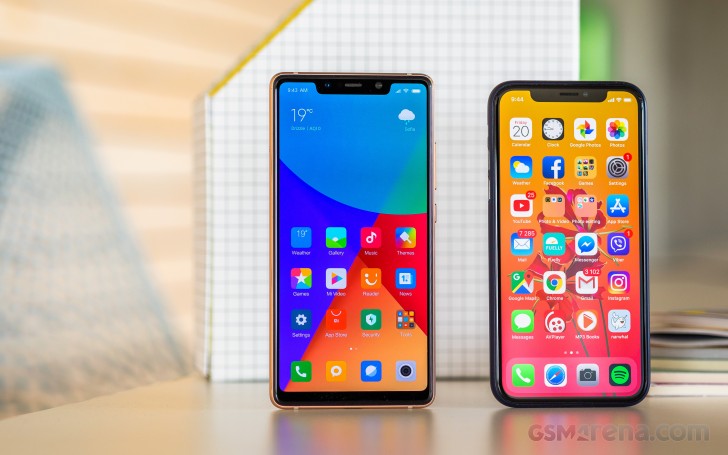
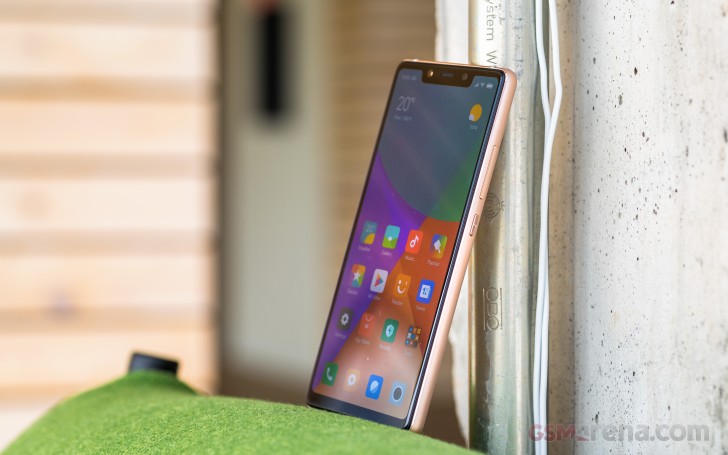
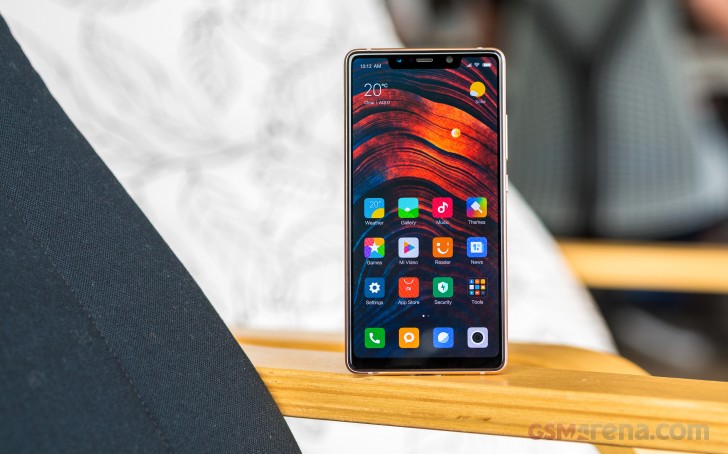
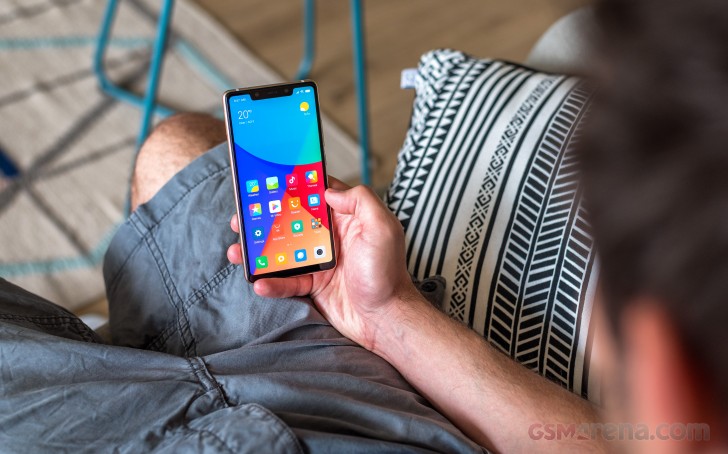
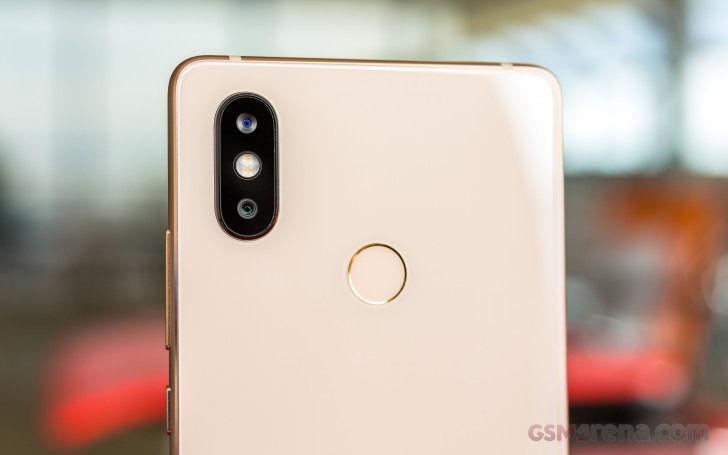
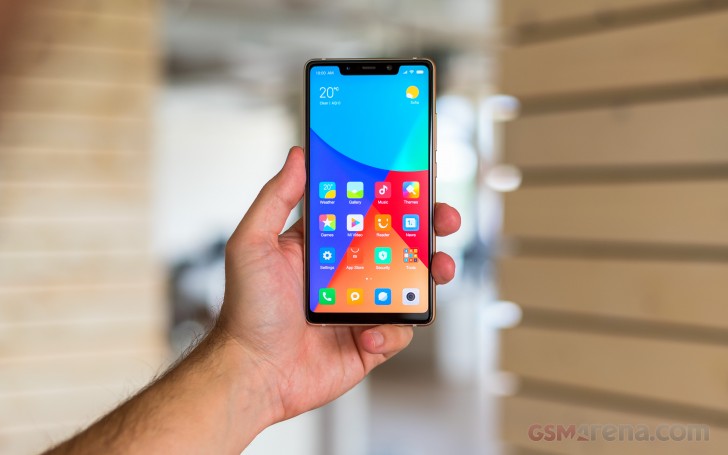
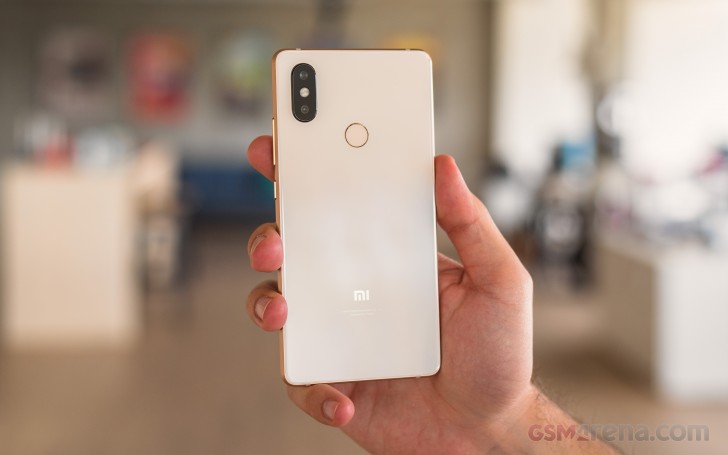
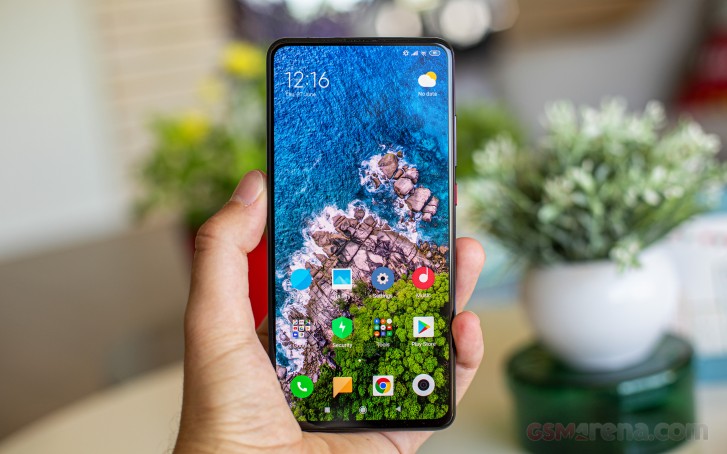
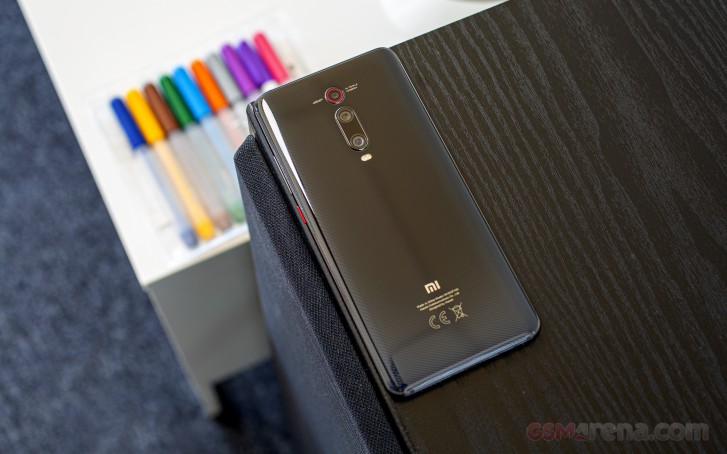
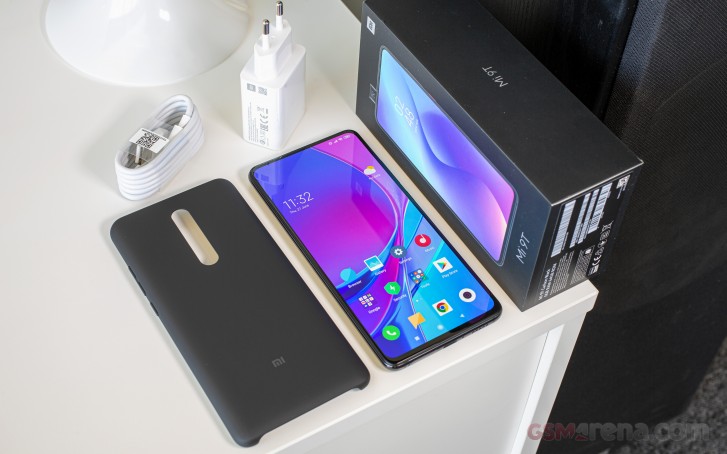
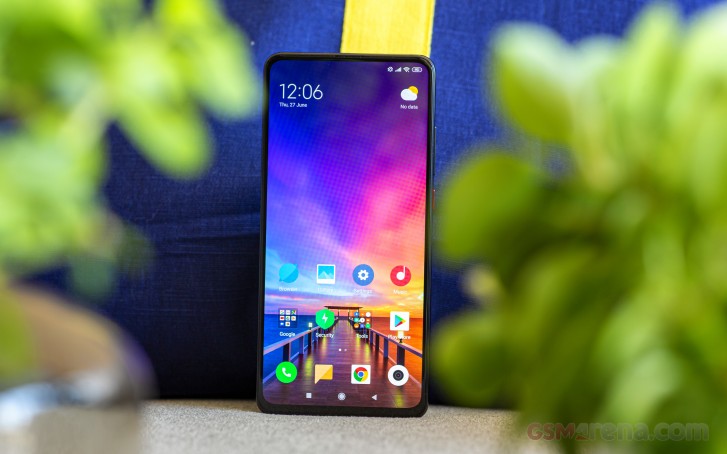
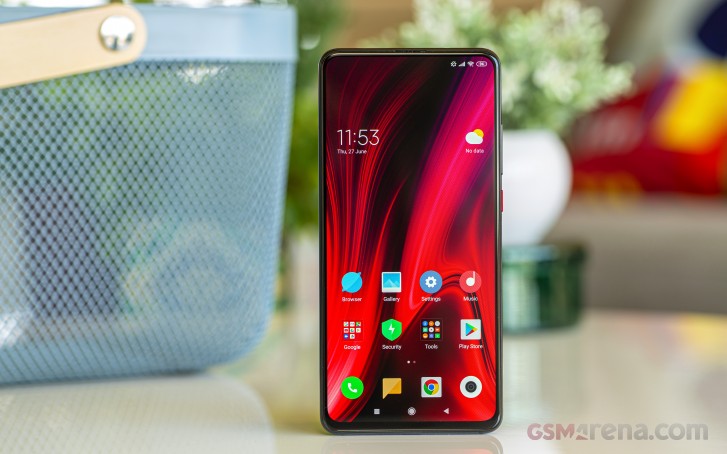
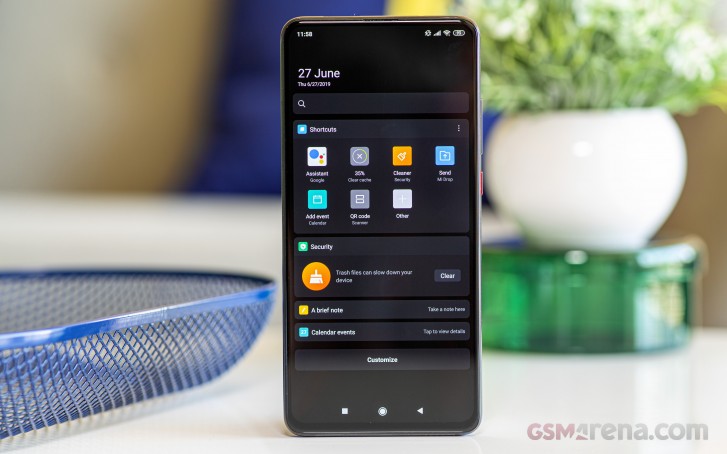
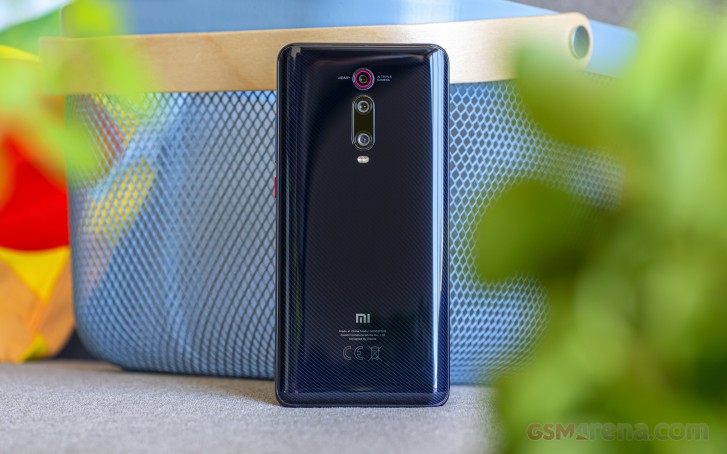
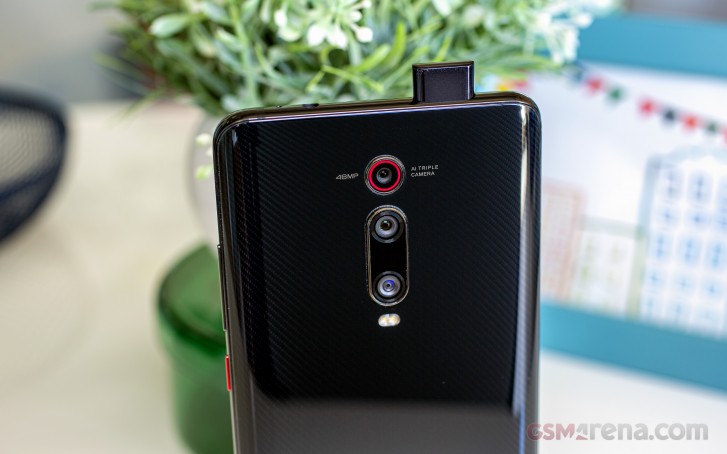
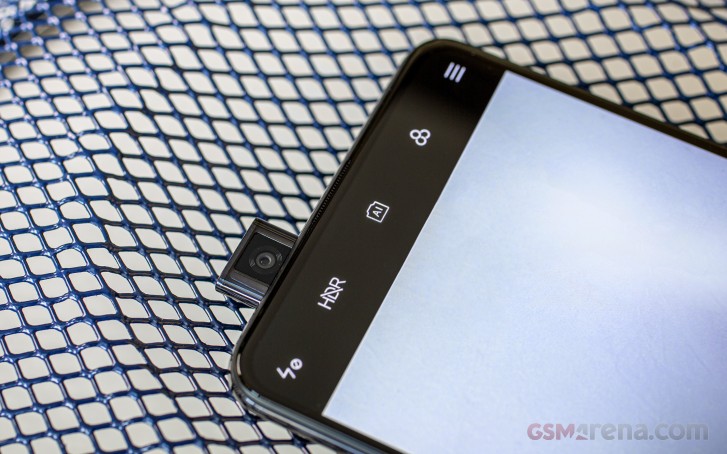
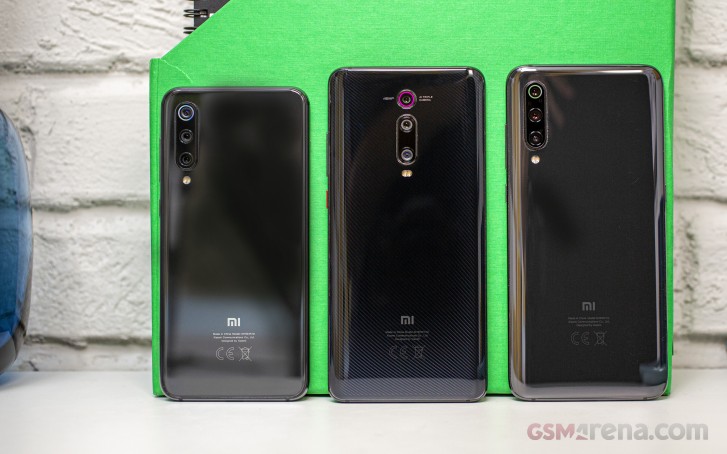
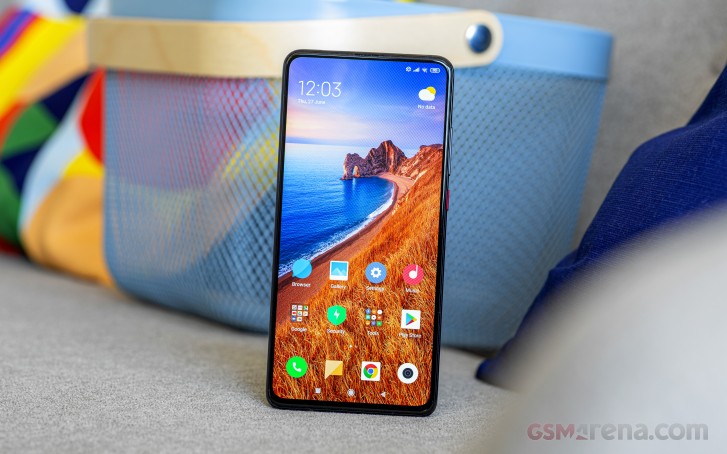
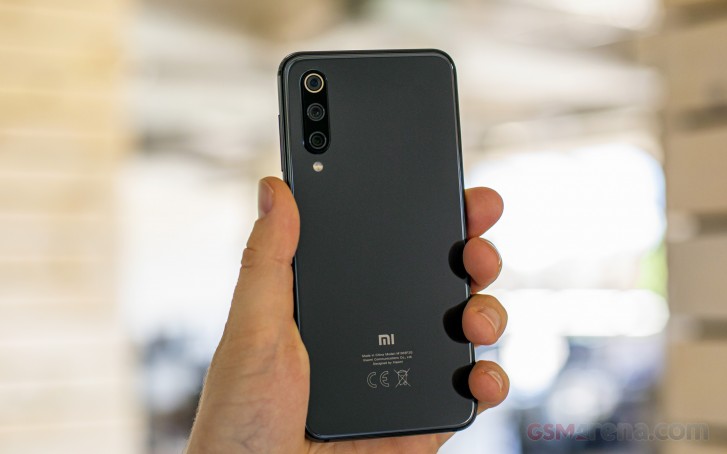
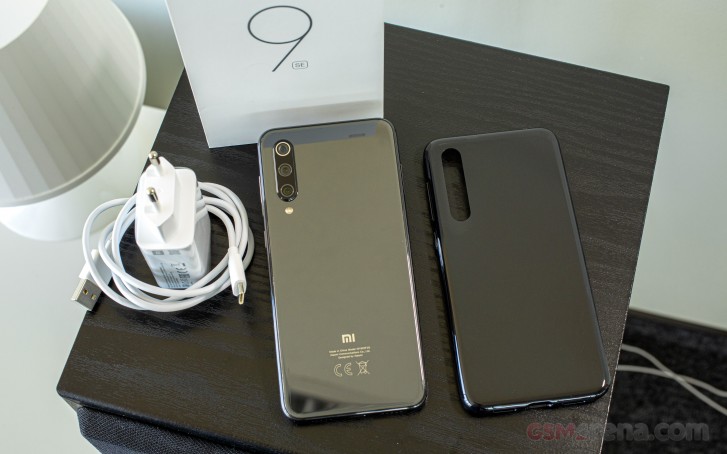
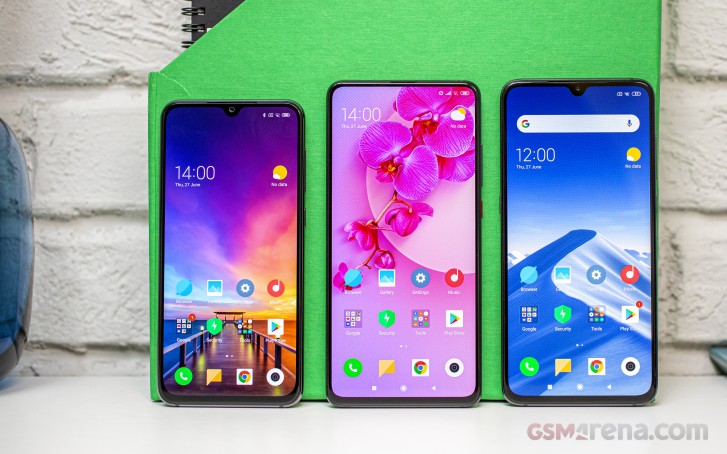
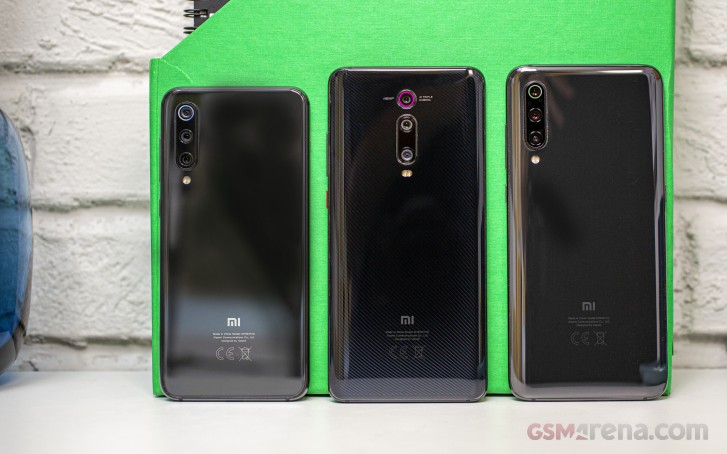
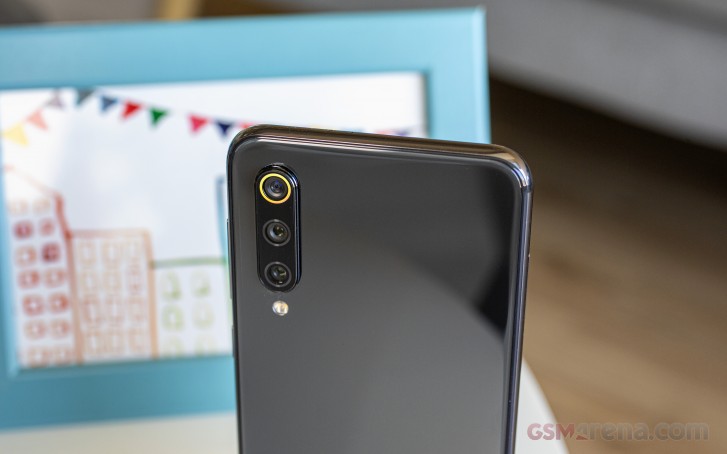
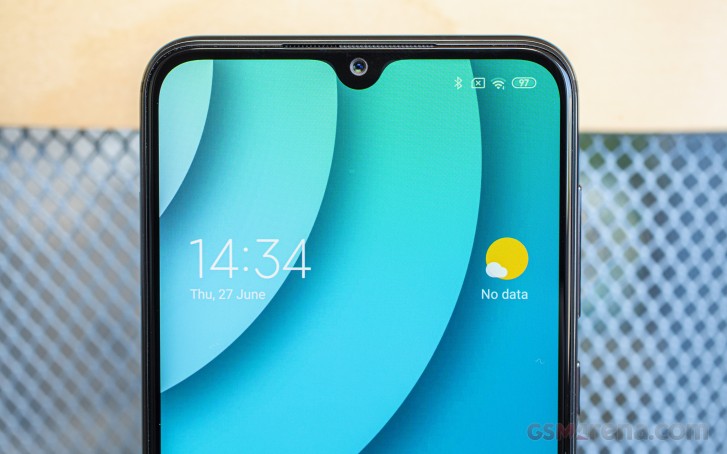
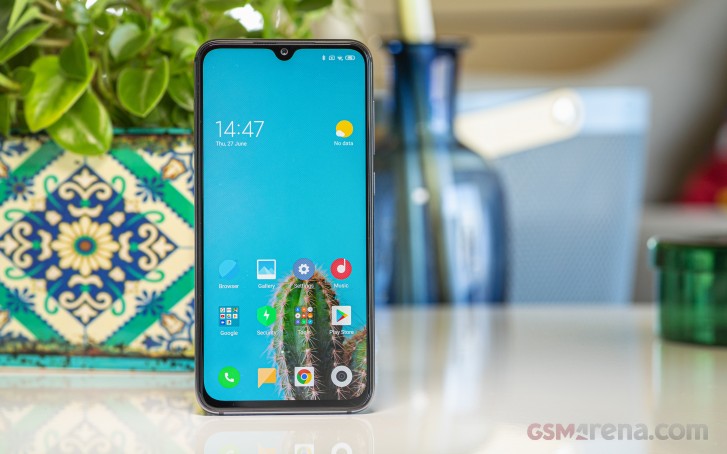
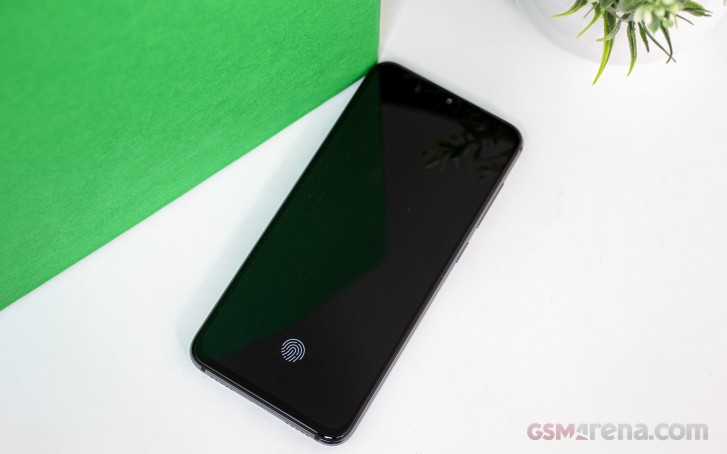
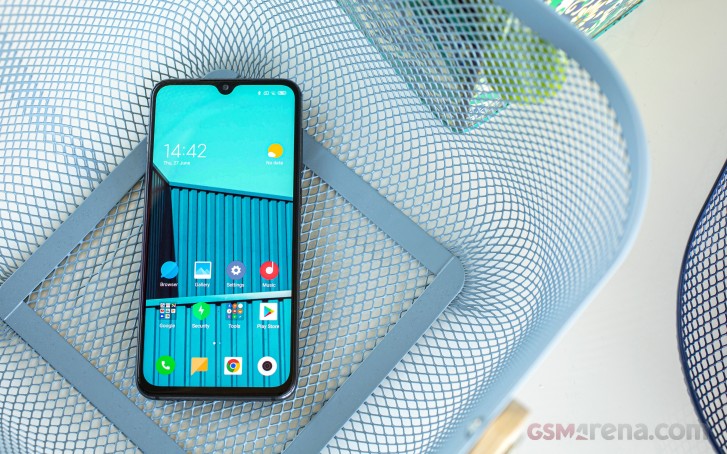
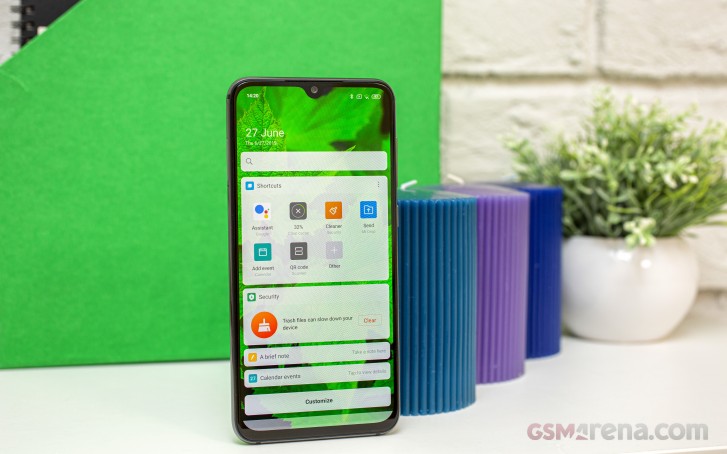
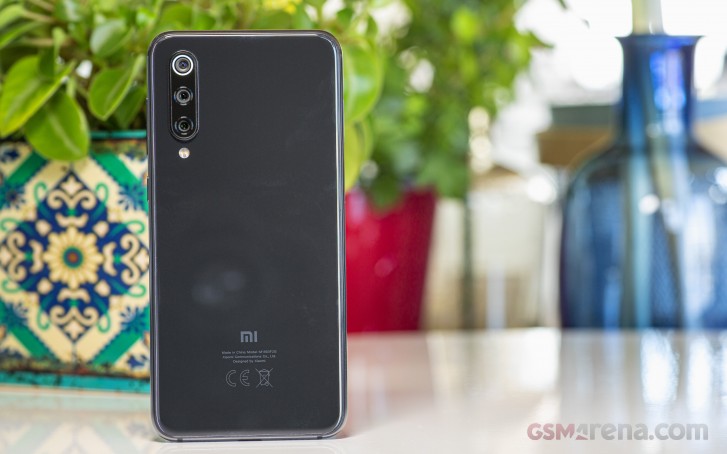
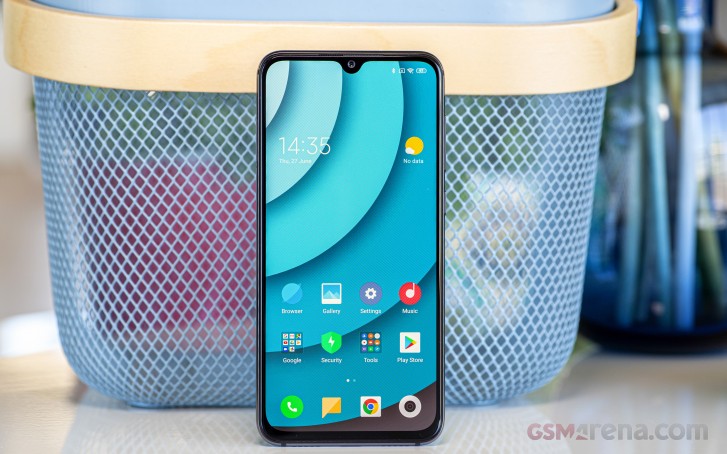
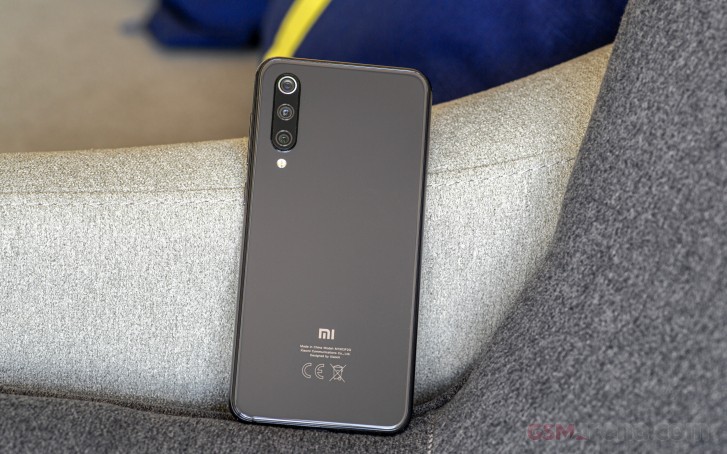
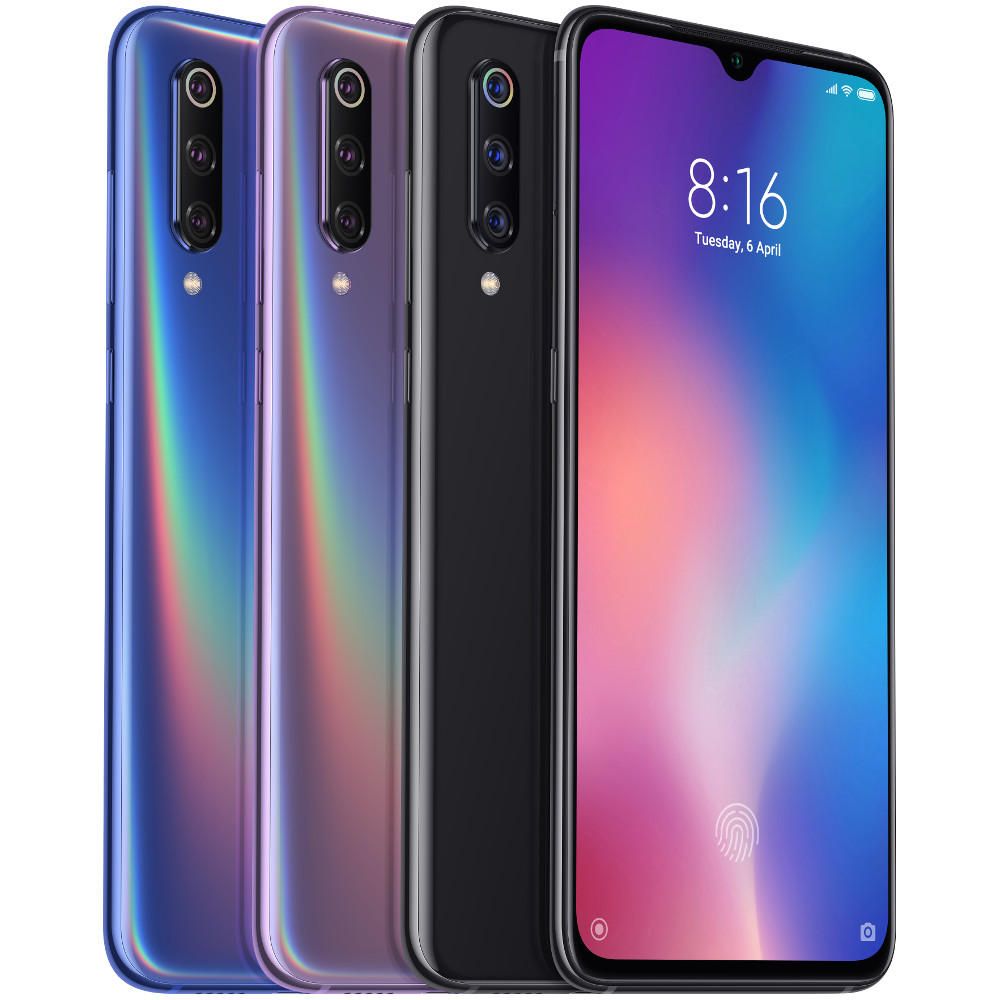
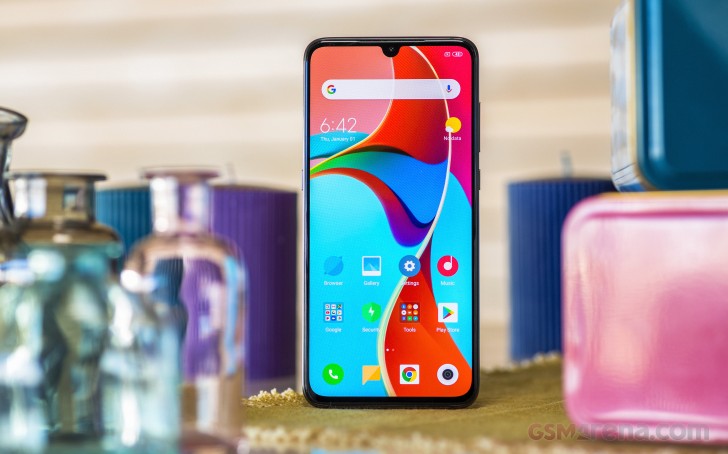
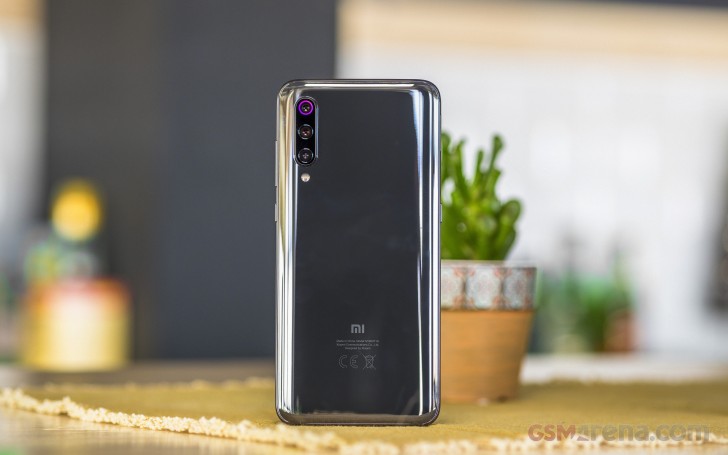
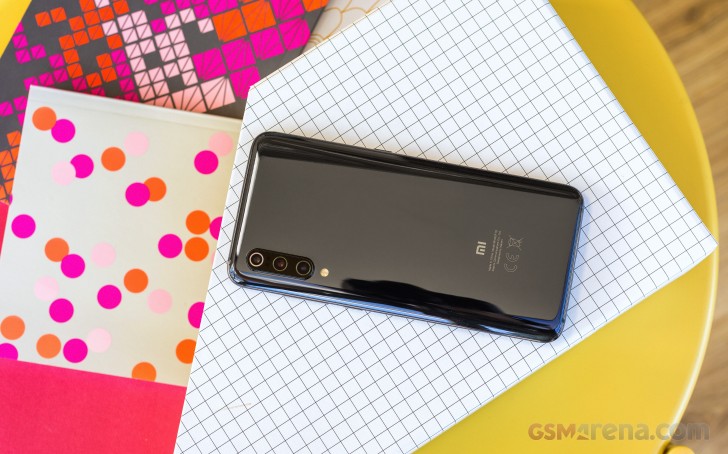
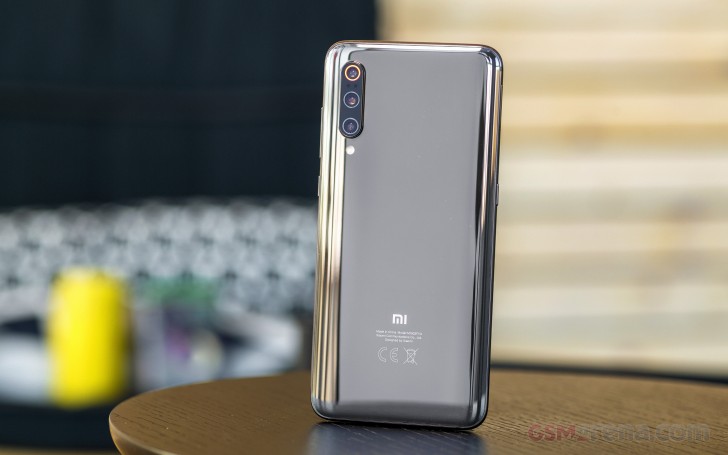
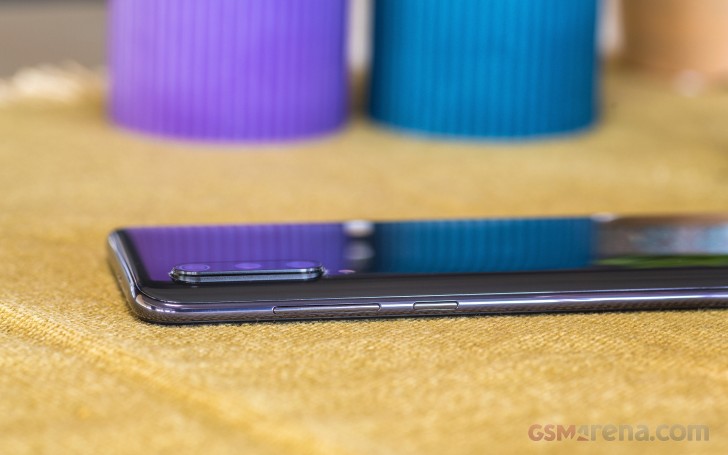
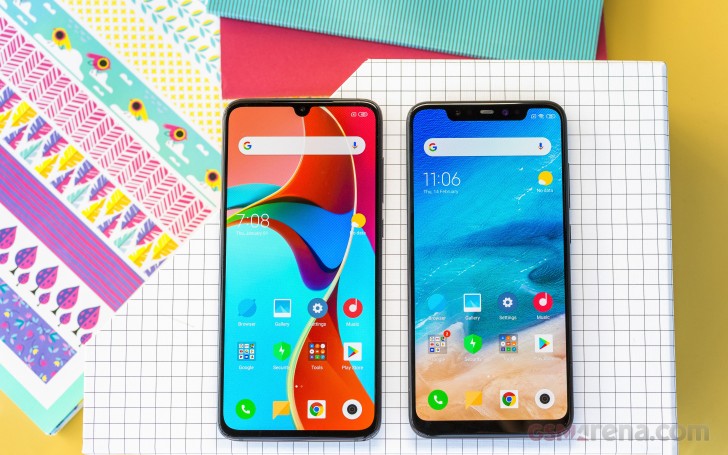
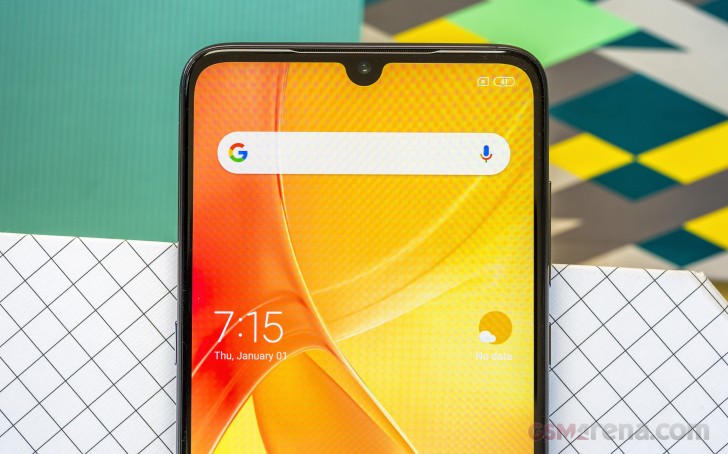
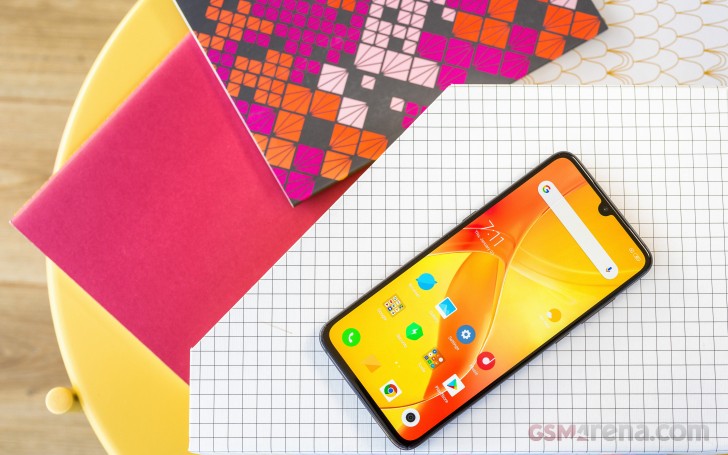
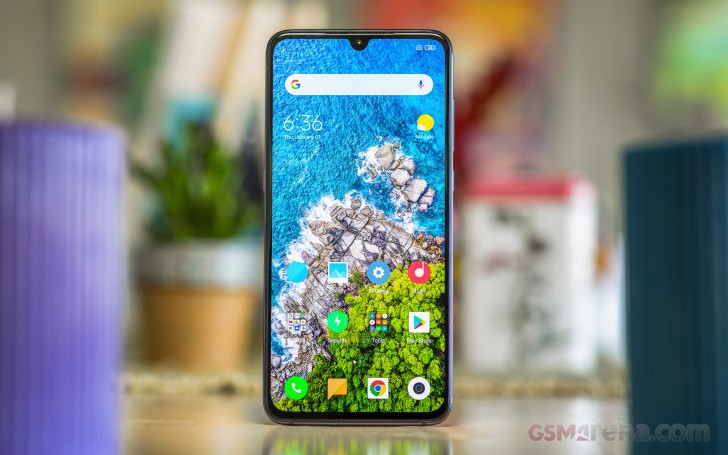
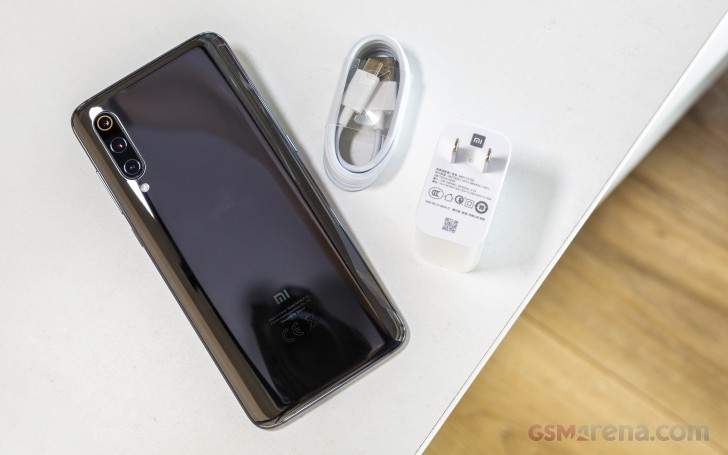
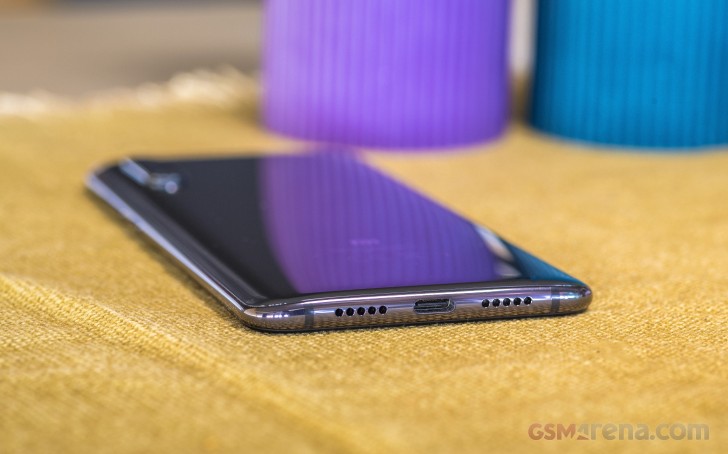
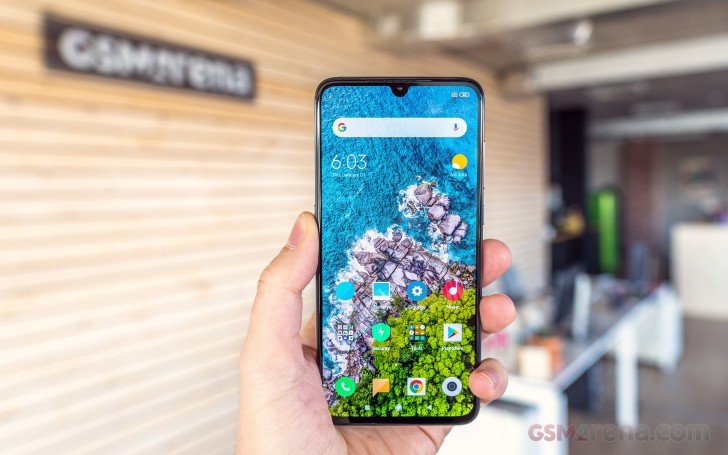
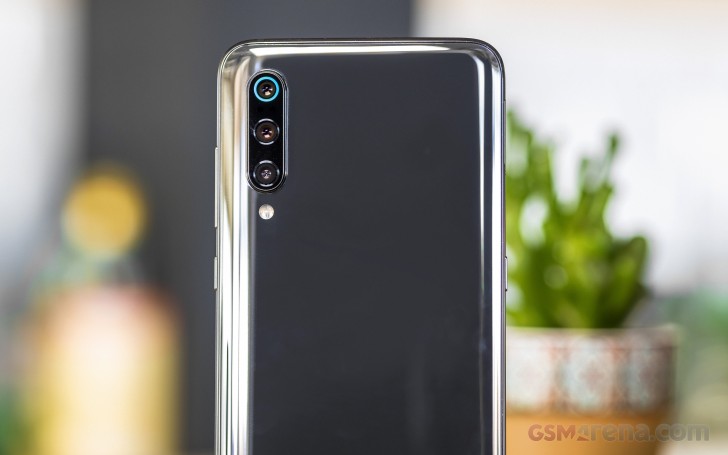
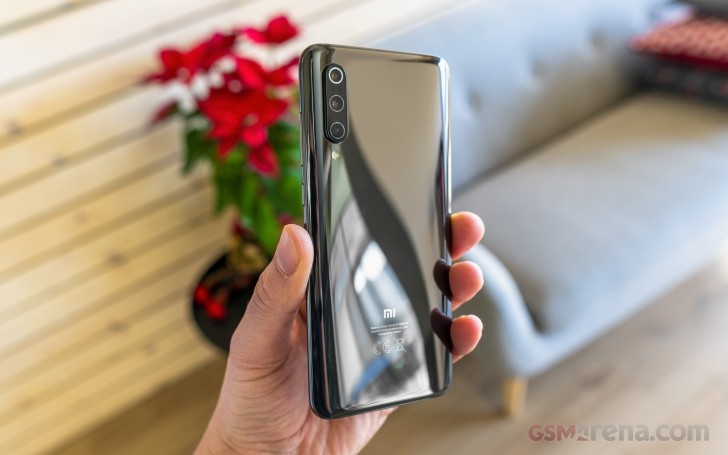
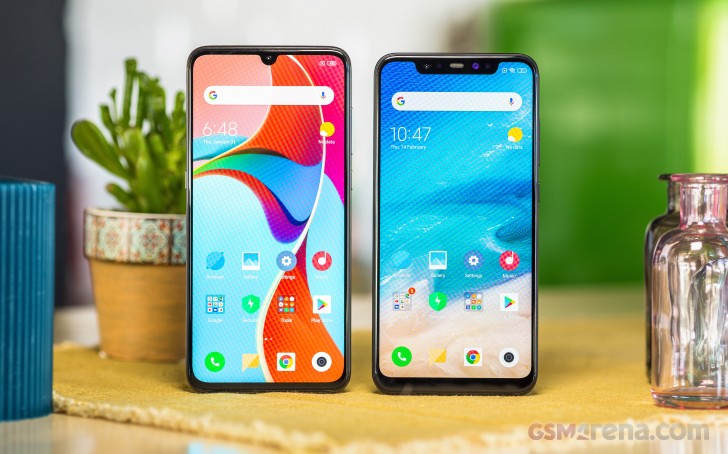
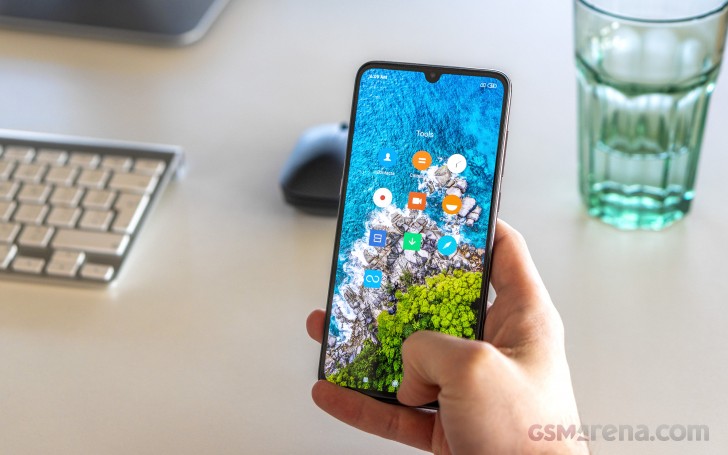
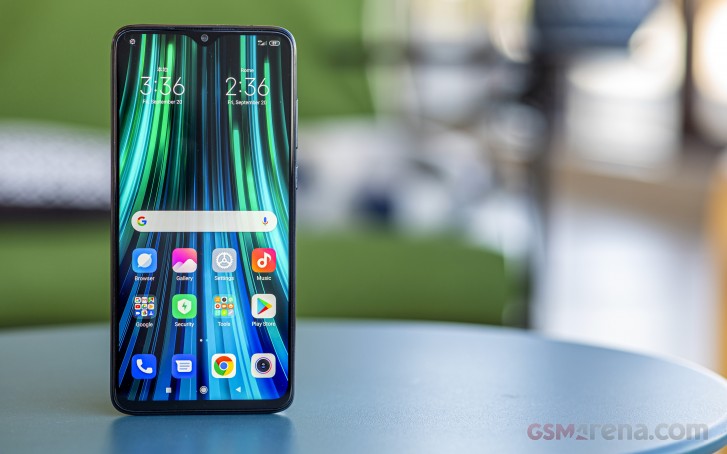
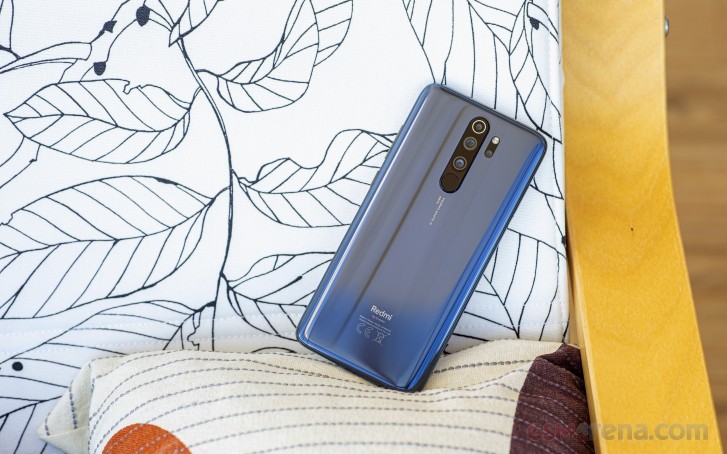
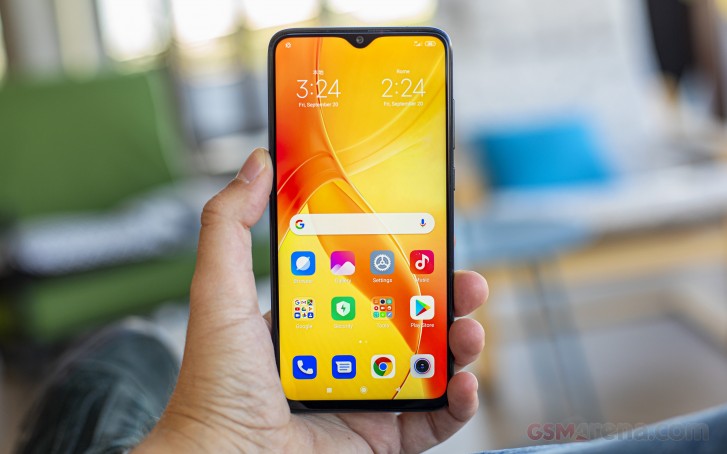
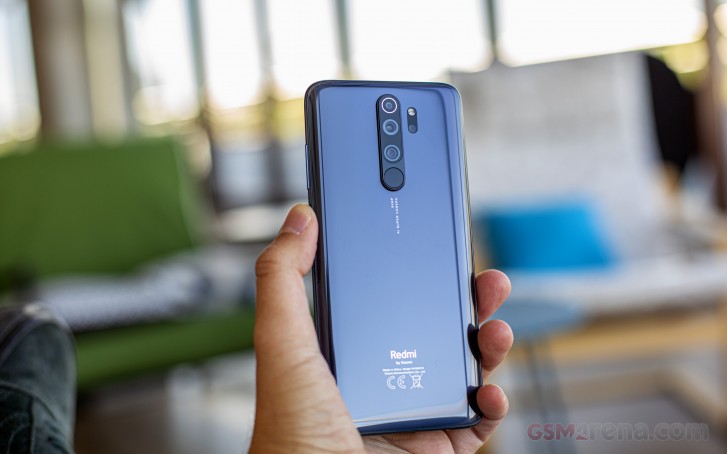
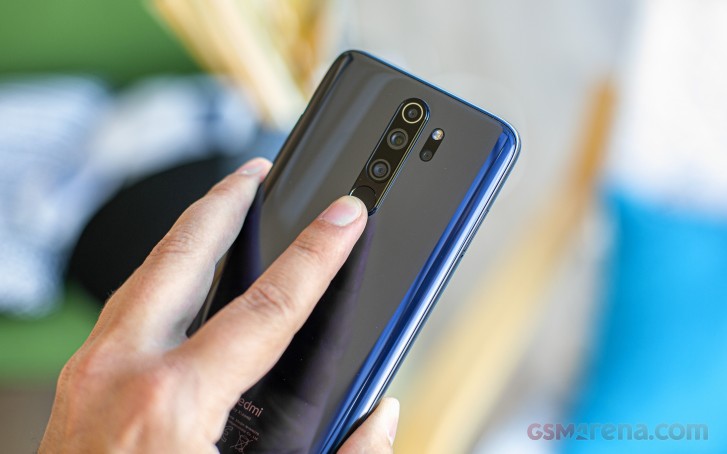
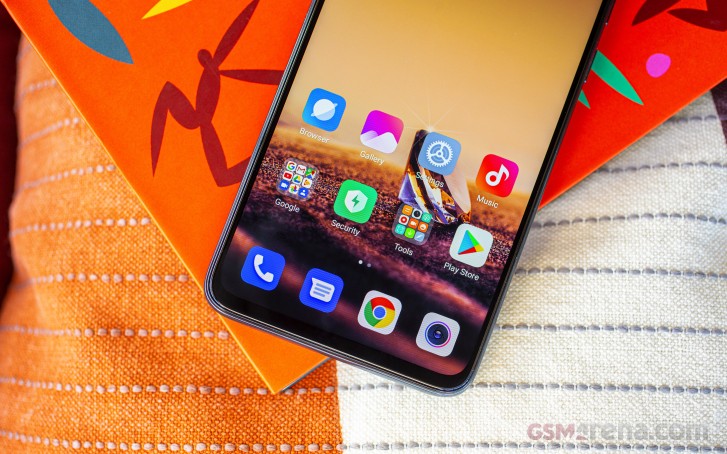
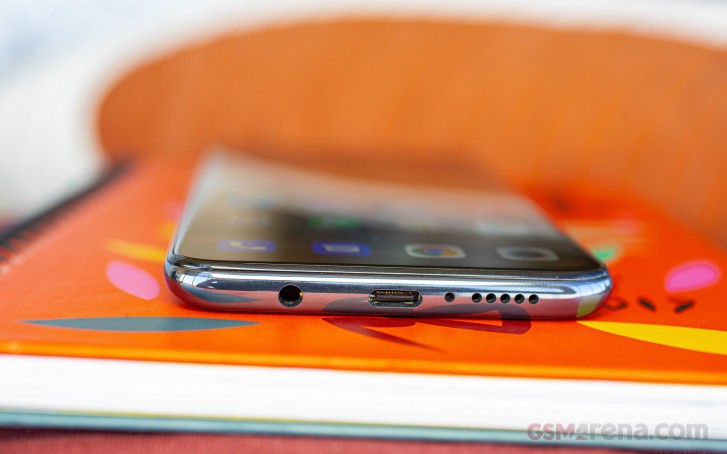
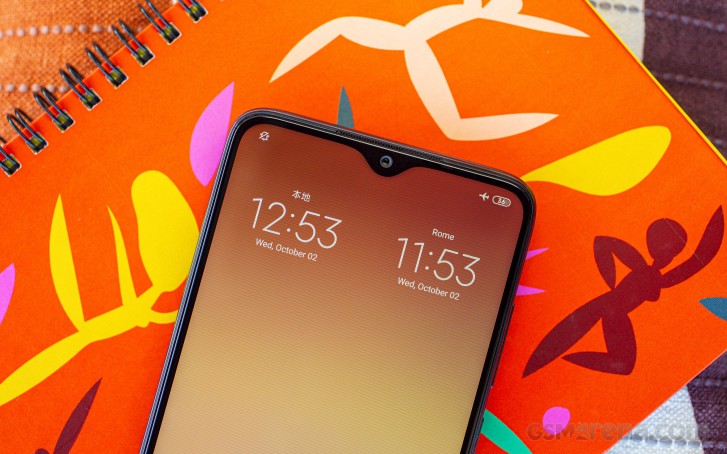
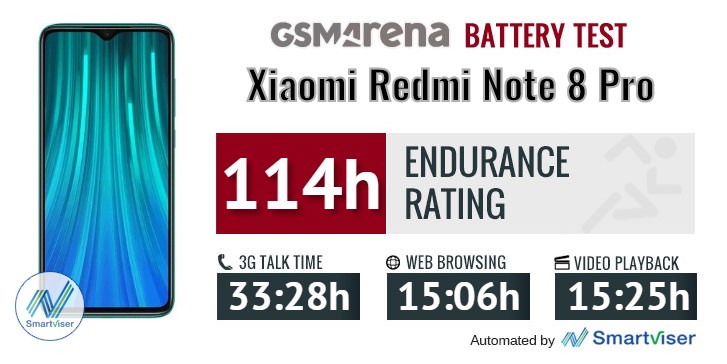
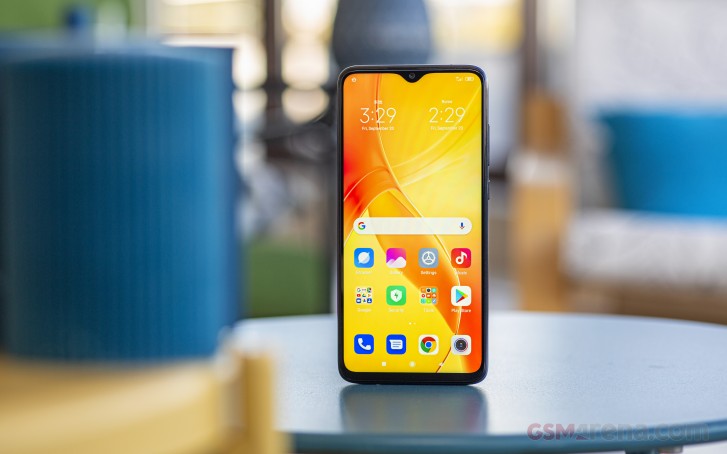
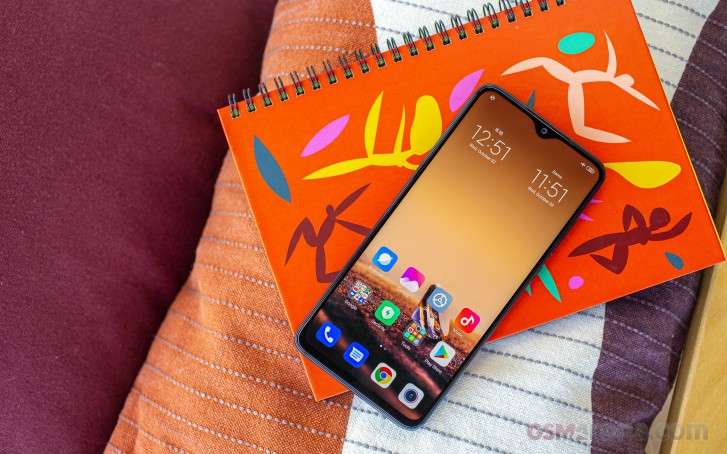
It’s been almost nine months since the Redmi Note 5 series premiered, and it’s already time for an upgrade. The Redmi Note 6 Pro is now official, shaking up the lineup with one of the most recognizable and controversial features on the market – a frame-to-frame display with a notch.
Yes, the Redmi Notes have reached that inevitable moment, where the notched screen would become the default one until something better comes to replace it. Even the cheapest of smartphones have already jumped on the notched bandwagon, so it’s no surprising to see the Redmi Note 6 Pro being the forerunner of change for the Notes to come.
Xiaomi has pretty much thrown logic out of the window for the Redmi Note names. The Redmi Note 5 is widely available as Redmi 5 Plus, the Redmi Note 5A had little to do to with the Note series at all, while the Redmi Note 5 Pro got an enhanced version called Redmi Note 5 AI Dual Camera. So, the Redmi Note 6 Pro is the Note 6 series opener, but please, don’t ask what happened with the Redmi Note 6. Nobody knows.
Anyway, the Redmi Note 6 Pro isn’t a massive upgrade over the Note 5 Pro, but that’s to be expected given the short development cycle. The Note 6 Pro does bring a larger display fitted in the same body, but keeps the same Snapdragon 636 chipset, beefy battery, and plastic/metal design. It borrows the main camera from the Note 5 Pro AI Dual Camera edition, but the selfie photography got a boost with a new dual-camera at the front.
Connectivity: Hybrid dual SIM (4G+3G), 4G VoLTE, dual-band Wi-Fi 802.11ac, Bluetooth 5.0, GPS/GLONASS/BeiDou, Wi-Fi Direct, FM Radio, IR blaster, microUSB, headphone jack
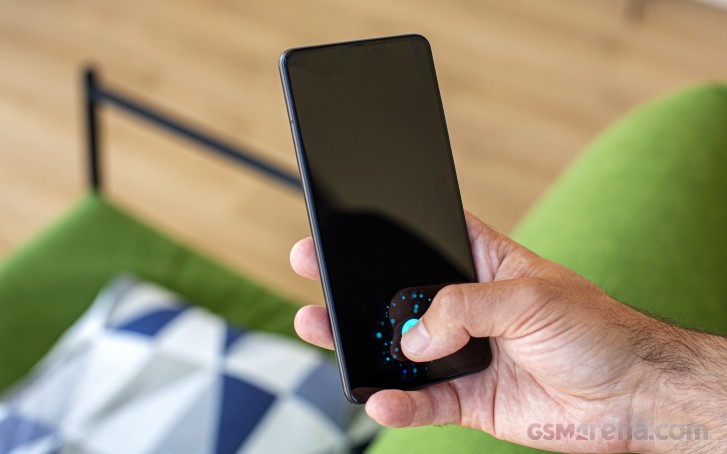
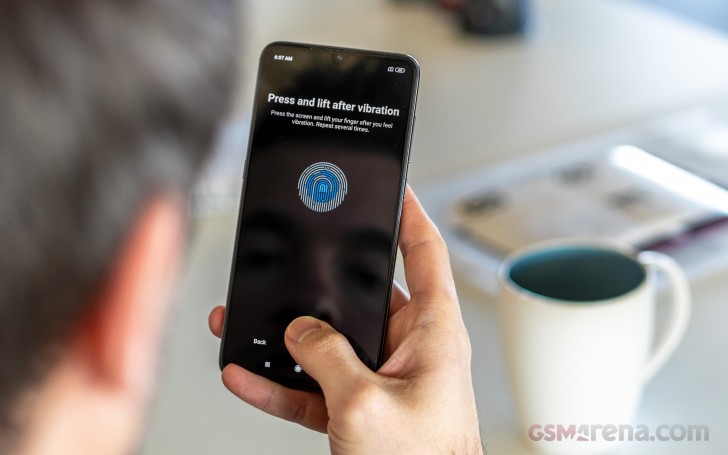
Misc: Fingerprint sensor
We can’t think of anything that’s missing on the Redmi Note 6 Pro and it’s shaping to be one very thoughtful smartphone with great bang for the buck ratio. And now it’s time to pop this thing out of the box.
Unboxing the Xiaomi Redmi Note 6 Pro
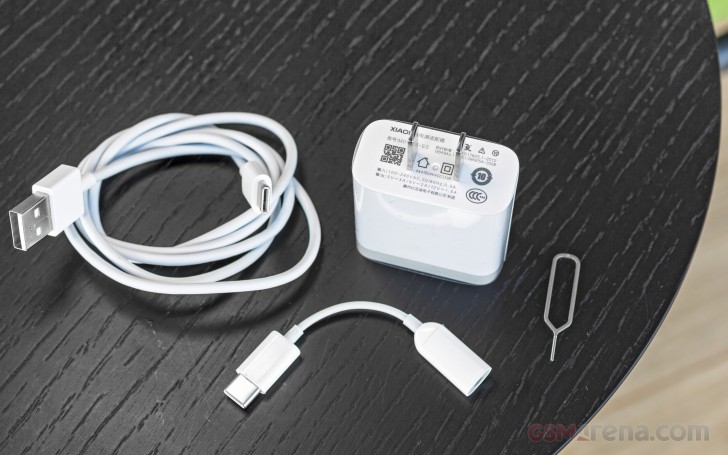
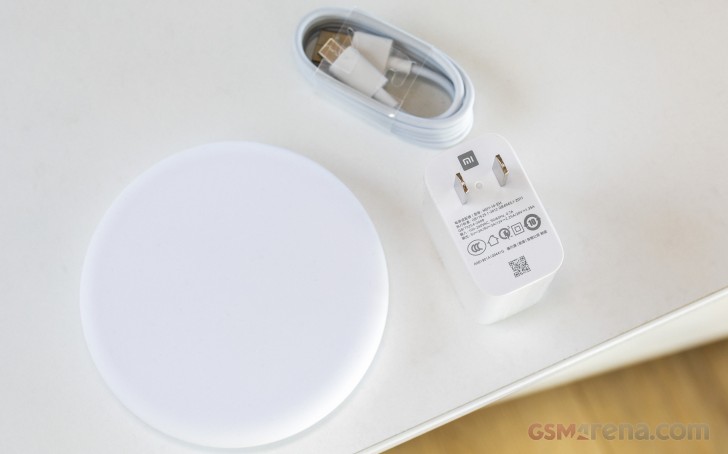
Xiaomi has bundled the Redmi Note 6 Pro with the usual accessories – a 10W charger, a microUSB cable, and a soft silicone case.
Some, or all, Redmi Note 6 Pro units have factory-applied screen protectors.
The Competition
The Redmi Note 6 Pro ticks all the right boxes for a best-seller in its class and price segment. But it’s not the only one. There are plenty of smartphones with big notched screens, Snapdragon 636 chips, dual-cams, and large batteries.
The first market to officially get the Redmi Note 6 Pro is Thailand, but the Indian premiere should be just around the corner, too. And there are quite a few phones to consider before making a decision.
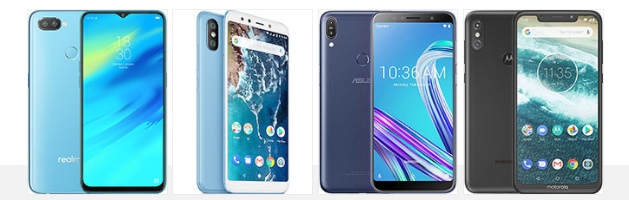
Oppo Realme 2 Pro • Xiaomi Mi A2 (Mi 6X) • Asus Zenfone Max Pro (M1) ZB601KL • Motorola One Power (P30 Note)
The Realme 2 Pro is the first device worth mentioning. It’s cheaper, more powerful (S660), and it has a much better take on how a notch should look like. The Realme 2 Pro also does 4K video recording out of the box, and its base model has more storage and RAM. Oh, and the SIM slot is not a hybrid one!
If you aren’t a notch person, then the Xiaomi Mi A2 might suit you better. All-metal design, more powerful chipset, better dual-camera, and Android One enrolment for a clean OS with regular updates. Worth the extra bucks, if you can live without an audio jack and a microSD slot.
The Asus Zenfone Max Pro (M1) ZB601KL is very cheap, doesn’t have a notch, but has the same Snapdragon 636 chip, and a good enough dual-camera on the back. It boasts a massive 5,000 mAh battery underneath the 6″ screen, which combined with the low price may tip the odds in its favor.
The Motorola One Power is a very good match for the Redmi Note 6 Pro. It packs identical screen and chipset, similar main camera, but is powered by an impressive 5,000 mAh battery. Android One is in charge of One Power, which means Android Pie is coming very soon. The Motorola is more expensive though and can’t beat the Note 6’s bang-for-buck ratio.
The Verdict
It’s the new Redmi Note and for the fans, this is enough of a reason for an upgrade even though the novelties aren’t that many since the Redmi 5 Pro. But the Redmis, and the Notes particularly, are becoming more attractive by the hour for users that are either disappointed by the major companies in the industry, or just tired of the high prices they are charging lately.
The Redmi Note 6 Pro has it all – great display, snappy performance, no-nonsense features, excellent battery life, and very good and hassle-free camera experience. And all this is available at an amazingly low price.
Pros
Big screen with superb contrast and tiny bezels. And a notch.
The Redmi Note is a well-established series and each new phone follows the same book – a large screen, a snappy chipset, a good camera, and a 4,000 mAh battery. All these should be wrapped in a striking body, ran by the latest MIUI, and everything ends with an affordable price tag. Well, the Redmi Note 8 follows the recipe and has just the right ingredients so that makes it yet another excellent addition to the series.
Indeed, the Redmi Note 8 comes with a large 6.3″ IPS LCD screen of 1080p resolution and waterdrop-shaped notch. We would forgive you if thought this is the same panels as on the Note 7. But the Note 8’s screen supports HDR10, so something has definitely changed since the last year model.
The chipset got an upgrade, too. The Snapdragon 665 is now in charge, up from the Snapdragon 660 on the Note 8. We don’t believe it will deliver a significant boost, or if any at all, but it’s still a newer model, and a more power-efficient one at least.
The camera got a boost, though. Now the 48MP primary is joined by an 8MP ultrawide shooter, a 2MP macro snapper, and last is the 2MP depth sensor. Oh, and 4K video capturing is now an option!
Quite expectedly, the Note 8 boasts a 4,000 mAh battery, just like any other Note before it. And it’s no surprise this Note boots MIUI 10, though MIUI 11 should be seeding any moment now.
Finally, all these goodies come wrapped within one very good-looking body made of Gorilla Glass 5 panels and you may want to enjoy the view before proceeding to the full specs sheet.
Xiaomi Redmi Note 8 specs
Body: Gorilla Glass 5 front and back, plastic frame, splash-resistant nano-coating, 190g.
Memory: 3/4/6GB of RAM; 32/64/128GB storage; dedicated microSD slot.
Battery: 4,000mAh; 18W fast charging.
Connectivity: Dual-SIM; LTE-A, 4-Band carrier aggregation, LTE Cat-12/ Cat-13; USB-C; Wi-Fi a/b/g/n/ac; dual-band GPS; Bluetooth 4.2; FM radio; NFC (8T model only);
Misc: Rear-mounted fingerprint reader; 3.5mm jack; single down-firing speaker.
It’s not like the Xiaomi Redmi Note 8 is the perfect midranger, but it ticks so many boxes that it may as well be one of them. There is nothing missing on the Note 8, if we don’t count proper ingress protection, but c’mon! So, we can’t wait to put the Note 8 through our tests and see what happens. Here we go!
Unboxing the Xiaomi Redmi Note 8
The Redmi Note 8 is the typical Xiaomi you can get these days – the box contains a 10W charger, a USB-C cable, and a transparent silicone case.
Depending on your region, some Redmi Note 8 units will come with a factory-applied screen protector. And while it may not be the most premium piece of shielding, it’s still very much appreciated.
Design
Xiaomi Redmi Note 8 may be the cheaper of the Note 8 duo, but its build quality is what many would consider premium. The Note 8 is a glass smartphone like the Note 8 Pro, though it has no fancy curves and instead relies on a more traditional shape.
Redmi Note 8 and Note 8 Pro
The Redmi Note 8 has two flat pieces of Gorilla Glass 5 serving as panels. The front one is guarding the screen, while the rear one is painted in one of four hues – Neptune Blue, Moonlight White, Space Black, Nebula Purple. We have the Neptune Blue here, and it’s as mesmerizing in person as it looks on these photos.
The Neptune Blue version is based on the somewhat pearly blue color that goes gently to purple towards the bottom of the phone. The Moonlight White goes from light blue to light purple; the Nebula Purple is playing entirely with purple gradients, while the Space Black is simply black. Whatever you choose, the looks will always stay as brilliant.
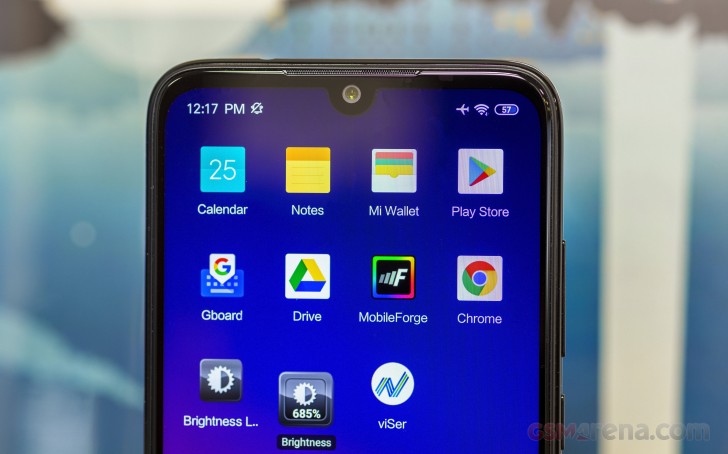
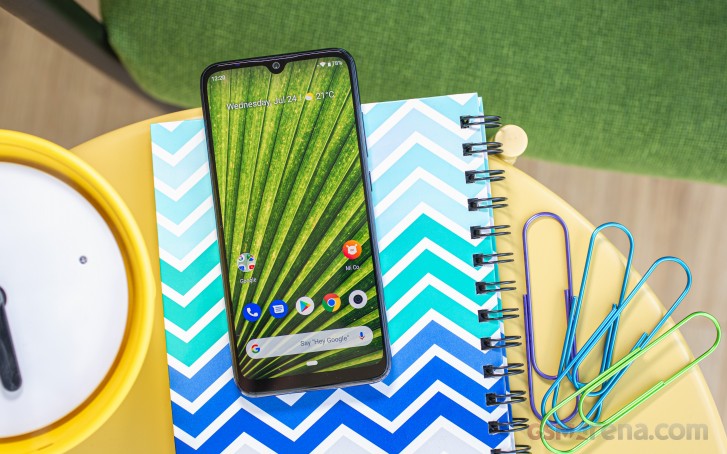
So, the Redmi Note 8 has a 6.3″ IPS LCD panel taking most of the front. It has a droplet-shaped notch for its 13MP selfie camera. There are some hidden components on the top bezels – a white notification LED light is on the left, the thin earpiece grille is at the center, and some sensors are pretty invisible on the right.
Speaking about the bezels, the Redmi Note 8 may not be shining as a bezel-less device, but it sure has one of the most beautiful display frames we’ve encountered lately. There is a very subtle blue accent on the left and right bezel, which intensifies around the bottom just below the Redmi logo. It is not over the top and makes for a cool and unique look.
The frame is painted in the same blue hue as the bezels, and it adds even more points to Redmi Note 8‘s looks. It is made of plastic, though it took us a while to figure that out as it doesn’t feel cheap at all. So, we definitely won’t hold the choice of material against this Note.
Some interesting bits around the said frame are the triple card slot on the left with an independent microSD tray. Then there is an IR blaster at the top, while the bottom has the audio jack and speaker grille flanking the USB-C port.
The back is a stunning view, and we’d understand if you take a moment and enjoy it. The gradients are gorgeous, there is an awesome S-shape under different light conditions, and the pearl-like color is one of a kind.
There is a huge camera hump on the left that houses four cameras – the 8MP ultrawide, the 48MP primary, the 2MP macro, and the 2MP depth sensors. There is a single LED flash outside this mountain.
Indeed, with such a huge hump, the Redmi Note 8 would wobble a lot on a flat surface! If you leave it lying on a desk and try typing on the keyboard – you won’t like the experience. Then again, the bundled silicone case and this issue will go in a flash.
We also like the rear-mounted fingerprint scanner. The touch-sensitive area is rather small, but it’s always-on and pretty accurate. It’s a bit higher than usual, and it may require some adjustment period.
The Redmi Note 8 measures 158.3 x 75.3 x 8.4 mm – 3mm shorter and 1mm narrower than the Redmi Note 8 Pro with its larger 6.53″ screen. The Note 8 weighs 190g, 10g lighter than the Pro.
The Xiaomi Redmi Note 8 is a good-looking smartphone with exquisite paint job and sturdy build. It is a slippery thing considering all this glossiness, but most of the phones today are. That’s why it has a bundled case within the retail box – it keeps it safe and provides a much-needed grip. On a positive note, even without the case – it feels more secure than the Pro models as both of its glass panels have no curves.
Display
The Redmi Note 8 has a bit smaller display than the Redmi Note 8 Pro‘s but gets to keep the same notch, resolution, and protection. Indeed, the Note 8 packs a 6.3″ IPS LCD panel of 1080p resolution behind a Gorilla Glass 5.
Because of the smaller panel size the Note 8 has a higher pixel density than the Note 8 Pro – 409ppi vs. 395ppi. One exciting bit is the support for HDR10 – a rarity among the mobile LCD screens.
Some units, probably not the global models, may come with pre-applied screen protectors, but we can’t be sure as ours lacked such thing.
Xiaomi promises 1500:1 contrast ratio for the Note 8 screen, and we can confirm this. We measured a maximum brightness of 473 nits and combined with the deep blacks we got 1521:1 contrast.
The screen can be brighter though if you leave it on Automatic Brightness – it can light up as high as 630 nits in bright ambient light.
Display test
100% brightness
Black, cd/m2
White, cd/m2
Contrast ratio
Xiaomi Redmi Note 8
0.311
473
1521
Xiaomi Redmi Note 8 (Max Auto)
0.475
631
1328
Xiaomi Redmi Note 7
0.358
479
1338
Xiaomi Redmi Note 8 Pro
0.347
460
1326
Xiaomi Redmi Note 8 Pro (Max Auto)
0.486
640
1317
Xiaomi Redmi Note 6 Pro
0.314
481
1532
Realme 5 Pro
0.273
512
1875
Realme XT
0
447
∞
Samsung Galaxy A30
0
433
∞
Samsung Galaxy A30 (Max Auto)
0
548
∞
Samsung Galaxy M30
0
437
∞
Samsung Galaxy M30 (Max Auto)
0
641
∞
Xiaomi Mi A3
0
363
∞
Xiaomi offers three different Contrast settings. With the Automatic contrast set to on, the screen output seems to be tuned for accuracy in the sRGB color space, and we measured an average deltaE of 5.4. Only in this mode, you can choose the color saturation (default, warm, cool) and the Delta E of 3.8 was measured with the Default preset. Choosing warm will diminish the noticeable blue tint but won’t improve the overall accuracy by much.
The Standard Contrast setting is accurately tuned to the sRGB color space, and we recorded an average deltaE of 1.9 for color accuracy, meaning it’s an excellent one.
Finally, the Increased Contrast makes the colors pop at the expense of reproduction accuracy.
Battery life
The Xiaomi Redmi Note 8 is powered by a 4,000mAh Li-ion battery. It supports Qualcomm’s 18W Quick Charge, but the provided charger is only 10W. It fills 30% of the entirely depleted battery in 30 mins, while a full charge requires about 2 hours and 15 mins.
The Redmi Note 8 posted an excellent endurance rating of 108 hours and great scores across the board. The screen-on times are excellent – we measured 16 hours runtime in our web browsing test and north of 14 hours in our video playback test. The standby performance was on par with the Redmi Note 7 and overall – a great one.
It scored an Excellent mark in our loudness test, and you can easily tell the speaker is among the loudest today. As far as the output quality is concerned – it is good but not great. There is enough bass, and the mid-tones are fine, but we found the speaker lacking in the high tones big time.
Speakerphone test
Voice, dB
Pink noise/ Music, dB
Ringing phone, dB
Overall score
Samsung Galaxy A30
65.9
66.6
68.4
Below Average
Samsung Galaxy M30
65.6
66.2
70.4
Average
Xiaomi Redmi Note 8 Pro
64.8
71.2
82.2
Good
Realme 5 Pro
66.3
72.9
85.8
Very Good
Huawei P30 Lite
71.5
73.8
83.1
Excellent
Xiaomi Redmi Note 6 Pro
70.1
73.1
85.4
Excellent
Realme 5
66.8
73.0
89.3
Excellent
Xiaomi Mi A3
74.1
74.3
81.9
Excellent
Xiaomi Redmi Note 7
69.8
71.5
90.5
Excellent
Xiaomi Redmi Note 8
78.8
72.9
81.3
Excellent
Realme XT
68.9
74.3
89.8
Excellent
Audio quality
When it comes to testing the audio output quality as delivered via the jack, the Redmi Note 8 is a tale of two parts. It did splendidly when connected to an active external amplifier, reproducing our test track perfectly and at high volume.
Yet, when headphones came into play, stereo separation suffered quite a lot, and a fair amount of intermodulation distortion crept in, and frequency response got slightly shaky, making the overall clarity rather mediocre. Loudness dropped a bit too, but remained nicely high.
Test
Frequency response
Noise level
Dynamic range
THD
IMD + Noise
Stereo crosstalk
Redmi Note 8
+0.02, -0.02
-94.0
94.0
0.0019
0.0067
-93.3
Redmi Note 8 (headphones)
+0.35, -0.26
-91.3
90.9
0.015
0.445
-45.4
Redmi Note 8 Pro
+0.07, -0.07
-93.6
93.9
0.0022
0.0068
-91.9
Redmi Note 8 Pro (headphones)
+0.26, -0.29
-92.7
93.2
0.027
0.413
-48.5
Xiaomi Mi Note 10
+0.03, -0.01
-92.3
92.5
0.0018
0.0076
-89.7
Xiaomi Mi Note 10 (headphones)
+0.03, -0.07
-91.5
89.9
0.109
0.455
-74.4
Realme X2
+0.03, -0.06
-92.6
92.6
0.0020
0.0080
-88.1
Realme X2 (headphones)
+0.30, -0.37
-87.2
91.0
0.0081
0.356
-48.4
Realme X2 Pro
+0.03, -0.06
-91.3
91.8
0.0011
0.0077
-92.5
Realme X2 Pro (headphones)
+0.21, -0.34
-90.3
91.4
0.0066
0.297
-51.5
OnePlus 7T
+0.02, -0.13
-94.0
94.0
0.0013
0.0081
-93.6
OnePlus 7T (headphones)
+0.18, -0.11
-85.6
84.8
0.0062
0.108
-52.6
Sony Xperia 5
+0.02, -0.02
-93.0
92.8
0.0012
0.007
-89.4
Sony Xperia 5 (headphones)
+0.25, -0.30
-91.8
91.7
0.0045
0.312
-57.3
Boots MIUI 10, but not for long
The Redmi Note 8 boots the MIUI 10 ROM based on Android 9 Pie but allegedly, Xiaomi has already started seeding the MIUI 11 update.
While lightweight and intuitive, MIUI is no vanilla Android, so it will take a couple of hours for the purists to get the handle of it.
Redmi Note 8 and Note 8 Pro
You can unlock the screen via the snappy rear-mounted fingerprint scanner. The reader is easy to set up and is always on, so it works fast. The accuracy is very good, too, a notch under the most accurate we’ve encountered but still great for your daily unlocking.
You can also set up face unlock in addition to it – it’s even faster as the Note 8 wakes up the moment you pick it up. Note that the face unlock option may not be available in all regions and is far less secure than the fingerprint scanner.
Xiaomi Redmi Note 8 has a Dark mode – it will switch all system colors from white to black, and this way, you can save some battery juice by darkening most of the screen. Note that not all apps support the dark mode, but the majority do.
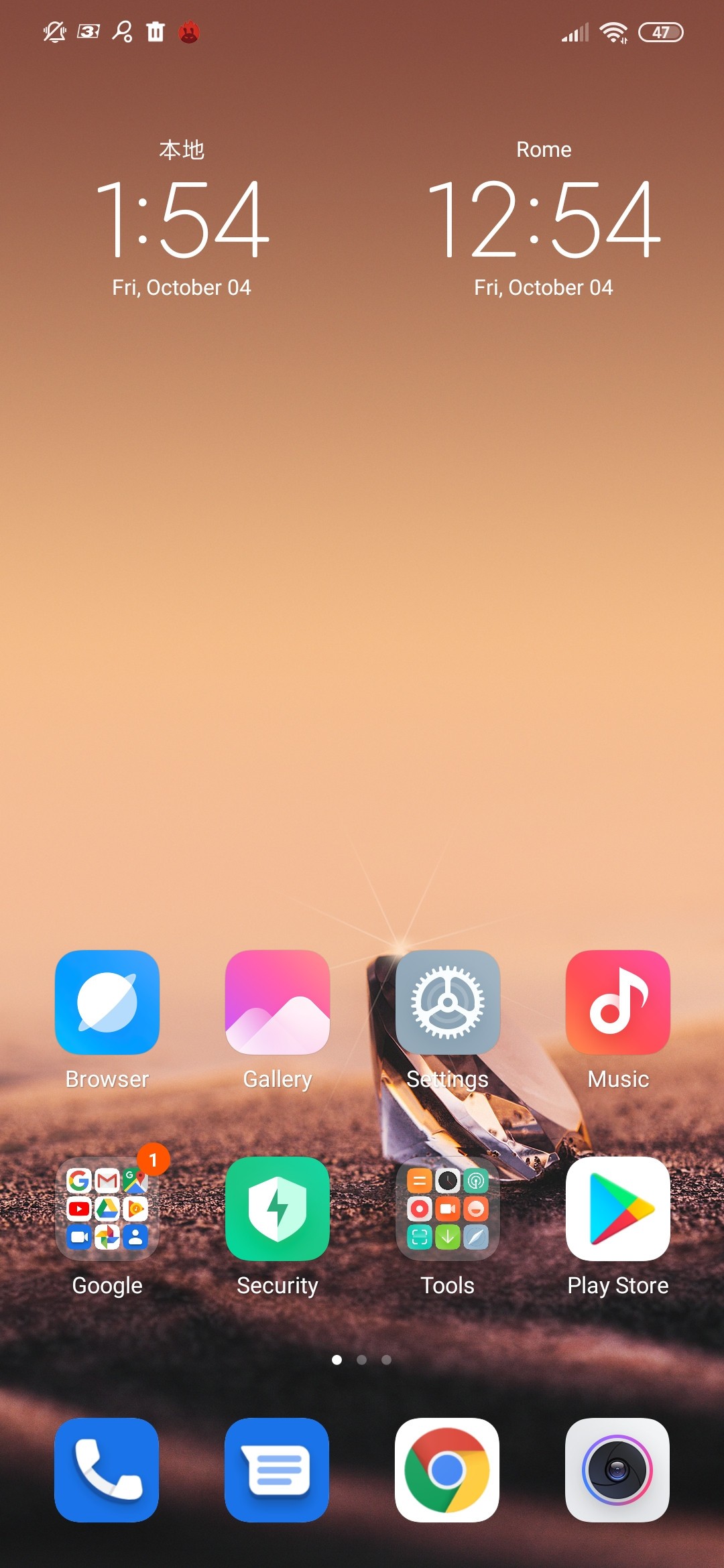
There is no app drawer in MIUI, so all your apps are just sitting there on your homescreen, but you can still add them to folders. Of course, you can always install a third-party launcher if you miss the app drawer.
Here are the default home screens on Redmi Note 8. There’s a weather widget in the upper right corner across from a large clock widget. There is a Quick Card pane, the leftmost one. It contains different cards with relevant information – recent apps, step counter, notes, calendar events, the weather, and favorites, among others. You can configure what shows up here, or you can disable this altogether.
The task switcher felt a bit awkward at first, but we’ve grown to like it. It shows all of your recent apps in two columns. Tap and hold on a card for the split-screen shortcut, or just swipe it left or right to close it.
Themes are supported on the Xiaomi Redmi Note 8, but the app appears only when the phone is set to a supported region, say India.
MIUI also offers a Security app. It can scan your phone for malware, manage your blacklist, manage or restrict your data usage, configure battery behavior, and free up some RAM. It can also manage the permissions of your installed apps and allows you to define the battery behavior of selected apps and applies restrictions only to the apps you choose.
MIUI also offers proprietary Gallery, Music, and Video player. In some regions, the music and video apps include paid streaming options. An FM radio app is available, too.
The Redmi Note 8 has an IR blaster on its top, and you can install the Mi Remote app from the Play Store and configure your phone as the one remote to rule them all.
In some markets, the pre-installed applications by Xiaomi will show ads, which is how Xiaomi is compensating for the relatively low prices of its devices. We’re reviewing a global version of the Redmi Note 8, and we noticed a couple of ads in some apps (like File Manager), but not as aggressive as if you were running on an Indian or Chinese version of MIUI.
Finally, we want to mention our disappointment in the Auto Rotate option. The phone seems very sensitive and even slight variations in the orientation make it switch to Landscape. What’s worse is that when lying on a flat surface, the wobbling because of the big camera hump is enough to trigger Landscape Rotation when you are typing on the keyboard. We had quite a few of these unwanted Landscape switches and then we had to pick up the phone shake it and then put it back.
Performance and benchmarks
Xiaomi Redmi Note 8 is powered by the Snapdragon 665 chipset. It’s a relatively new chip from mid-2019, and it’s available in few smartphones, one of which is the Xiaomi Mi A3. This chipset represents a minor upgrade over the Redmi Note 7’s Snapdragon 660 chip, but we’ll discuss the raw performance in a bit.
So, the Snapdragon 665 chip is based on the more efficient 11nm manufacturing process compared to the 14nm Snapdragon 660. It has the same processor as the SD660 – an octa-core Kryo 260 CPU with 4×2.0 GHz Kryo 260 Gold (Cortex-A73 derivative) & 4×1.8 GHz Kryo 260 Silver (Cortex-A53 derivative). Well, almost the same – the high-performance Kryo cores are actually clocked 200MHz lower than the same on the Note 7’s SD660.
There is a new Adreno 610 GPU, which, unfortunately, isn’t more powerful than the Adreno 512 inside the old 660 chip. It should supposedly deliver similar performance for 20% less battery though.
The Snapdragon 665 has a new DSP and a new ISP for 48MP camera support. Its modem is the same as on the S660, though.
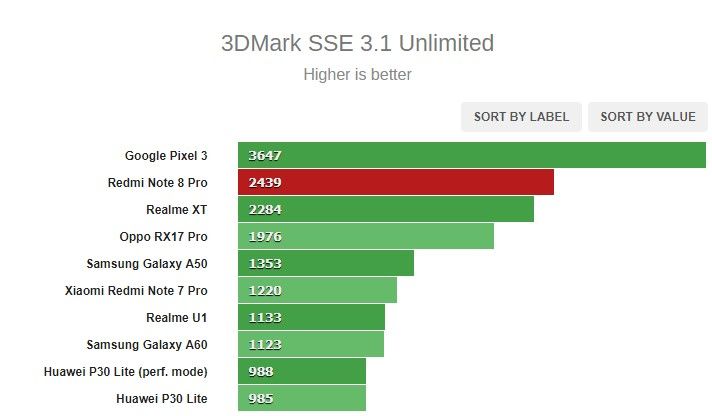
The raw CPU multi-core performance is excellent – the phone did better than most of its competitors and is bested only by the Realme 5 Pro’s Snapdragon 712 CPU.
The Redmi Note 8 is fast, but not the fastest around. Its processor is snappy and a very dependable performer across various CPU-intensive tasks, but the GPU behavior is a mixed bag. Hiccups do happen in games, even when scrolling through MIUI, and while not that disturbing, they are still noticeable.
What we didn’t observe, however, is the phone getting hot – not even when running those benchmarks for longer durations. There is no noticeable performance throttling after longer runs either. Overall, the Redmi Note 8 offers an acceptable level of performance for the class, but you will be able to tell that you have a budget phone in your hands if you do some gaming.
From dual to quad camera
Just like Realme, Redmi skipped the triple camera and jumped straight to quad-camera setups. The arrangement is quite familiar – first (top to bottom) is the ultrawide snapper, then the primary one, the depth camera is next, and last is the macro shooter.
The main camera uses the 48 MP ISOCELL Bright GM2 sensor by Samsung. It’s a large 1/2.25″ sensor with 0.8µm pixels, and the lens has f/1.8 aperture. Native pixel-binning is at play here, so the image output is 12MP.
The 119-degree ultrawide-angle camera has an 8MP sensor with an f/2.2 aperture. There is automatic distortion correction applied when necessary, but you can opt-out of it.
Then there’s the 2MP macro camera (the pixels on the sensor are quite large, 1.75µm). Its lens can focus from as close as 4cm away so that you can get really close to your subjects.
The last snapper is the 2MP depth sensor.
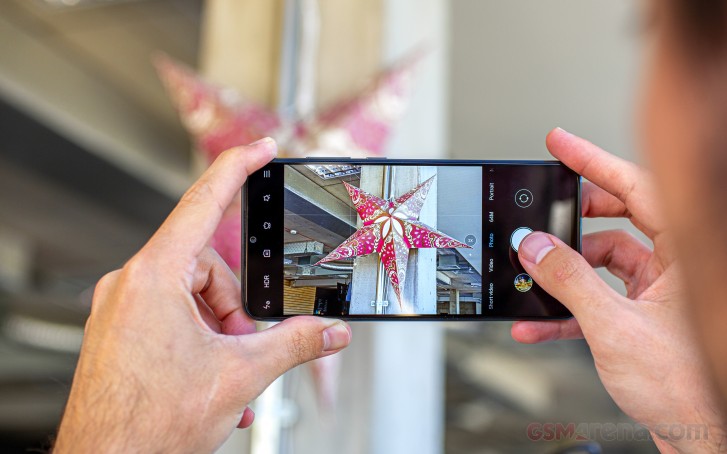
Switching between modes is like in every other camera app – swiping left and right will take you through all modes, while tapping in the upper right corner of the screen where the “hamburger menu” resides will expand the options. The real settings menu is in there as well, and it doesn’t offer anything out of the ordinary.
There’s also a dedicated 48MP mode as opposed to before when you had to go to Pro mode and tap on the 48MP icon to shoot 48MP resolution stills. Speaking of Pro, this one offers pretty much all the settings you’d need – white balance, focus, ISO, and shutter speed. The Pro mode works with the normal camera, the ultra-wide, and the macro. Manual 48MP pictures are also an option.
Image quality
Now, let’s talk about image quality. The 48MP camera naturally saves by default 12MP images, and the ones we shot turned out very good. The resolved detail is plenty, the noise levels are quite low, and the colors stayed mostly true to life. The dynamic range is wide, and even though it’s not the best we’ve encountered – we never used the HDR option.
The foliage presentation looks like an oil-painting as the algorithm smears fine detail, but it is nothing we’d hold against the Note 8 given the class and its price tag. Moire fringes can be noticed too in some busy scenes, but once again these are just minor defects, which can’t put a dent in the positive impressions we had.
There is a dedicated 48MP mode if you want to shoot in 48MP, but what you’d get is not a real 48MP image. Instead of the usual 48MP photo created with the debayering process, the Redmi Note 8 saves a simple upscaled image, and you can tell. There are no benefits whatsoever when shooting in 48MP, and we don’t recommend it.
There is one benefit of having such a big sensor – even though there isn’t a telephoto camera, you can still shoot good 2x zoomed photos. They are digitally zoomed, alright, but they still look better than any zoom done on a standard 12MP camera.
The 8MP ultrawide cam snaps okay photos with good enough level of detail for the segment. The contrast is good but the dynamic range is rather limited. The per-pixel quality is no match to the main snapper, and the images are noisier, and they are definitely at the bottom end of what is offered by competing smartphones.
You can opt-out of the automatic lens correction, and you will get more distorted edges of the frame but with sharper output.
We took a couple of macro samples from the dedicated 2MP macro camera. Unfortunately, those are far from impressive. The detail isn’t that great, the corners are soft, and the center isn’t that sharp either.
The Redmi Note 8 can be a great shooter at nighttime. The 12MP photos from the main camera are excellent for this class – the noise reduction is not that aggressive, and while it leaves some noise visible on the photos, it also keeps the fine detail intact.
The Night Mode on the Redmi Note 8 is just as conservative as on previous Xiaomi cameras. It acts more like HDR rather than full-on Night mode,, and shooting takes about 2 seconds. It cancels some of the noise and restores most clipped highlights, but you will rarely get a brighter image.
The low-light images from the ultrawide-angle camera are far from impressive as expected, but oddly – we’ve seen way worse even from flagships. The photos came out surprisingly detailed, probably due to the gentle noise reduction. The exposure turned out not as dark as on other ultrawide snappers, and while still uninspiring, those are some entirely usable photos.
Portraits
The quality of the portraits taken with the rear camera of the Xiaomi Redmi Note 8 is highly dependent on the light conditions as the resolved detail would drastically drop when the light is not good. So, when the right conditions are met – you will be rewarded with some very nice portrait shots – detailed, with good subject separation and convincing faux blur.
Selfies
The Xiaomi Redmi Note 8 has a 13MP f/2.0 selfie camera, and the focus is fixed as usual. On the software side, there three beatification enhancement options – skin smoothing, eye enlargement, and face slimming.
The 13MP selfies we shot are excellent – there is abundant detail, the colors and contrast are excellent, and the dynamic range is good even without HDR mode.
You can use portrait mode for selfies, too, and those turned out quite good. The phone does a nice job with subject separation, and we didn’t get (many) clipped ears or the like.
Video quality
The Xiaomi Redmi Note 8 captures videos up to 4K @ 30fps and 1080@30fps is available. The 1080p@60fps option is coming via a firmware update, and at the time of publishing it was still unavailable.
It seems at first that you can capture in these resolutions with all cameras, but you can’t. The ultrawide-angle snapper records only 1080p clips at 30fps, while the macro cam is limited to 720p@30fps no matter what resolution you’ve picked up from the selector.
Slow-mo video is available in 1080p @120fps.
Let’s talk about the main camera. The video bitrate is 40-42Mbps in 4K and about 20Mbps in 1080p at 30fps. Audio is recorded in stereo with a 96Kbps bitrate.
Despite the high bitrate, the 4K videos are poor in detail and with mediocre dynamic range. The noise is almost non-existent, and maybe an overly aggressive noise reduction is to blame for the loss in detail. The contrast and colors are pretty good, though.
The 1080p clips aren’t detailed either and we’ve seen many phones do better.
The videos from the ultrawide snapper have a bit cooler color rendition, and the detail quite poor, too.
The 2X toggle is also available in video recording, but digital zoom is what you’d be getting if you use it.
EIS is available only when shooting in 1080p at 30fps. The digital stabilization does a great job smoothing the camera shake at the expense of minor loss of FoV.
Wrap-up
The Xiaomi Redmi Note 8 doesn’t have the greatest chipset or the best of cameras, but it’s not pretending to be the best phone ever either. It is one very balanced mid-ranger that’s priced as low as an entry-level smartphone and yet delivers outstanding quality across the board.
The Redmi Note 8 has an impressively bright and large screen, can handle demanding games well, and shoots good pictures day and night. Note 8 lasts very long on a single charge, just like the old Notes.
Finally, the Redmi Note 8 is beautiful, yes, but what also makes it attractive is that it is among the first Xiaomi phones to get MIUI 11. And that’s something many are looking forward to.
At the end of the day we would have preferred a more potent chipset for the Note 8, but even as is, the handset offers a lot more than its price suggests. And that’s always has been the unwritten moto of the series, and it lives on with the Note 8.
The competition
The Realme 5s was just announced, and it’s already making it hard for the Note 8 as it costs the same. The new 5s model has a larger 6.5″ screen of 720p resolution, which makes the same Snapdragon 665 chip perform much faster. The cameras are the same on both ends, and the Realme can equally impress with its design. But what’s also brilliant is the 5,000 mAh battery within the Realme!
Realme 5 Pro is about INR 3,000 more expensive in India, and while it offers the same screen, camera arrangement, and battery capacity, it just excels in gaming with the Snapdragon 712 chipset with 4GB of RAM in the base model.
The Mi A3 by Xiaomi costs about INR 1,500 on top of the Redmi Note 8, but it offers a Super AMOLED screen of 720p resolution, which also makes it easier for the same Snapdragon 665 SoC to do better. The camera experience is similar, as is the battery autonomy. The Mi A3 is an Android One phone though, so if vanilla Android is your cup of tea – you should check it out.
Samsung Galaxy M30 is quite cheaper already and you can buy a high-res Super AMOLED and a larger battery at the same price, at least in India. The camera isn’t as versatile, but the proper OLED screen with HDR10 may easily make you forget about this.
Finally, the Redmi Note 8 Pro costs INR 5,000 more, but if you can afford it – you should get it. It is the super midranger we expected from Xiaomi, and the Pro version deserves its moniker. It has a much faster chip – the MediaTek Helio G90T, there is also a better main camera (64MP), faster storage (UFS 2.1), and a larger 4,500 mAh battery. Oh, and MIUI 11 is already available on the Note 8 Pro.
If you live in Europe though, the Redmi Note 8T (Note 8 with NFC) costs €180 – about the same as the Realme 5 Pro and the Mi A3, while the Redmi Note 8 Pro is about €230. And this makes for a really tough choice.
Realme 5s • Realme 5 Pro • Xiaomi Mi A3 • Samsung Galaxy M30 • Xiaomi Redmi Note 8 Pro
The verdict
There were times when the new Redmi Note was the best in its niche, but that time’s gone now. With Realme going all-in, and Samsung trying hard to snag a piece of that pie, Xiaomi needs to step up its game. The Redmi Note 8 is a great smartphone, sure, but we somehow expected just a little bit more.
Xiaomi does not need to worry about losing its fans – they are not going anywhere. And the Redmi Note 8 is an excellent choice as it is a worthy sequel and also a proper phone to own and carry around. It’s the newcomers that have more options now, and they won’t be as impressed with the Note 8 as those once were with the older models.
Pros
Striking design, dual Gorilla Glass 5
Large screen, bright and with excellent contrast
Impressive battery life
MIUI 11 comes in a matter of days
Good all-round camera
Standalone microSD, 3.5mm jack, FM radio, IR blaster
Cons
Shady HDR10 support, seems non-existent
The performance is actually a downgrade since the Note 7
With the Mi 8 Lite, Xiaomi marked the completion of the Mi 8 lineup, or so it seems. The company now has two premium flagship models in the Mi 8 family – the Mi 8 and the Mi 8 Explorer Edition along with two mid-rangers – the Mi 8 SE and the Mi 8 Lite, with the last one being the subject of this review.
But releasing yet another Mi 8 smartphone, one could not help but think that Xiaomi is just confusing its customers and luring them into buying a Mi 8-branded handset with lackluster specs. After all, we’ve come across quite a few underwhelming Lite models in recent years.
Luckily, this is not the case. Unlike most direct Lite rivals out there, the Mi 8 Lite comes at a reasonable price, while packing capable hardware and it doesn’t try to imitate its more expensive siblings, spec-wise, that is. In fact, Xiaomi could have easily released the phone under a different name or as part of a different lineup and still score good sales numbers.
Xiaomi Mi 8 Lite specs:
Body: 156.4 x 75.8 x 7.5mm, 169 grams, glass front and back panel with aluminum side frame.
Screen:6.26″ IPS LCD, 1080 x 2280px resolution (19:9); ~403 ppi.
Memory: 4/64GB LPDDR4X RAM, 64/128GB EMMC 5.1 built-in storage, microSD slot support (takes the second SIM slot).
OS: Android 8.1 Oreo; MIUI 9.6.
Rear camera: 12MP f/1.9 1/2.55″, 1.4µm dual pixel PDAF + 5MP f/2.0, 1.12µm, depth sensor, LED flash; 1080p@60fps, 2160p@30fps, 1080p/720p@120fps video recording with stereo sound.
Front camera: 24MP, f/2.0; 1.8µm, 1080p@30fps video recording.
Battery: 3,350mAh; QuickCharge 3.0 support (proper charger not included).
Connectivity: LTE Cat.12 download/ Cat.13 upload, Wi-Fi a/b/g/n/ac, Dual-band MIMO, 2×2 antennas, Bluetooth 5.0, USB Type-C.
Misc: Rear-mounted fingerprint sensor.
Of course, in order to bring the price that low, Xiaomi had to cut some corners while giving you a few reasons to opt for the Mi 8 Lite instead of Mi 8 SE. For one, the display is bigger and taller. And when you consider the smaller notch, the screen real estate should be taken into account as well. And besides, if you are aiming for a powerful mid-range SoC and you are a fan of Xiaomi’s MIUI, it’s your only option with Snapdragon 660 chipset aside from the Android One-powered Mi A2.
The phone comes in a box with pretty much everything you’d expect at this price, meaning there are no headphones. But if you already own a pair of cans or buds, Xiaomi has included a USB-C to 3.5mm adapter since the phone, unfortunately, doesn’t have an audio jack.
Just like the rest of the Mi 8s, this one also supports Quick Charge 3.0 but the included brick and USB-A to USB-C cable support 5V/2A charging speeds or in other words 10W. This means that you will have to look for a QC 3.0-compliant charger to get the most out of the battery.
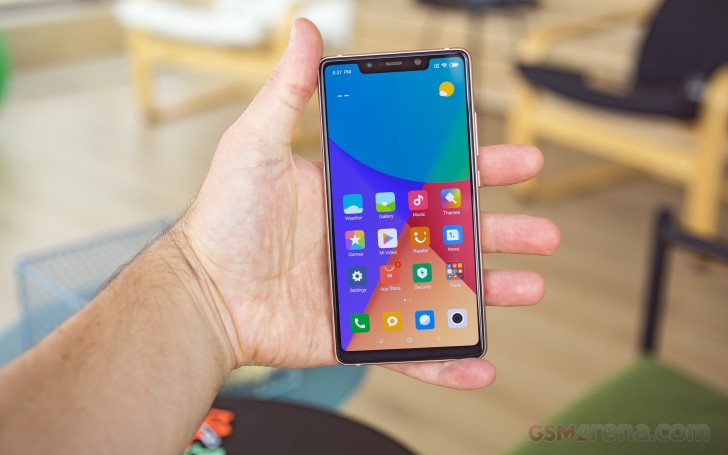
From a design standpoint, the Mi 8 Lite is almost indistinguishable from the Mi 8 SE, unless you take a peek at the back camera arrangement and the notch – the Lite has horizontally-stacked camera sensors and a considerably smaller notch. Overall, the impression is nothing short of premium.
Mi 8 Lite front side
The Mi 8 Lite is another glass sandwich handset so the design is quite ordinary. It’s got a chrome-colored aluminum side frame and 2.5D-curved back glass that connects seamlessly to the sides. In contrast, the front panel isn’t curved and instead looks like it’s slapped on top of the body. You might feel its protruding edge along the sides though it’s doesn’t cause any discomfort.
Speaking of the front panel, the screen offers slim side bezels while the upper and bottom ones are kind of wide. Still, the screen-to-body ratio according to our specs sheet is 82.5%, which is a really nice number for a smartphone in this class. It even beats the Mi 8 SE in this regard.
Going around the sides, we find the SIM/microSD card tray on the left, the volume rocker and the power button on the right, the second microphone used for noise canceling on the top and the bottom-firing speaker grills. Right between them is the USB-C connector. We do have to note that the buttons are delightfully clicky and feel quite firm without any noticeable wobble.
Mi 8 Lite from the side
But it’s not all roses. The rather flat back design and the tall aspect ratio might steer away some people with small hands. One-handed use is difficult and it’s hard to reach the other side or the top of the display with your thumb. The good news is that the rear-mounted fingerprint reader and the power key are ideally positioned within reach. The fingerprint works flawlessly, too. It’s blazing fast and it’s consistent enough on a day-to-day basis.
As you’d expect from a glass back phone, it’s not only prone to scratches and cracks, it’s also easy to smudge. The black version of the phone that we have with us appears to attract fingerprints, but the gradient color makes them less prominent – they can be seen at an angle. We assume that the Aurora Blue version of the phone will be a better fingerprint magnet.
Mi 8 Lite back side
The biggest drawback, however, is the lack of IPxx certification against water and dust but to be honest, at this price point, it’s really hard to be mad at Xiaomi for not including it.
As we’ve already said, it’s hard to notice the difference between the Mi 8 Lite and the Mi 8 SE – both weigh just about the same with the Lite version being just 5 grams heavier at 169g and almost a centimeter taller than the SE. After all, the Mi 8 Lite‘s screen is approximately 0.4″ bigger. Luckily, the screen size hasn’t resulted in noticeable width increase.
All in all, the Mi 8 Lite is a well-built device with little to no complaints regarding the build quality. Only ergonomics could be improved to make the grip more comfortable, natural and less slippery.
The Mi 8 Lite comes with a 6.26-inch IPS display with a tall 19:9 aspect ratio and 1080 x 2280 pixels resolution achieving 403 ppi. Or in other words – nothing too fancy except for the notch. Like it or not, it’s there, but we didn’t find it overly distracting because it’s quite narrow. It just houses the earpiece, the front-facing camera, the usual sensors, and the subtle LED notification light. The only issue we had with the notch is the poor uniformity of the backlight around it and the top bezel.
The small light bleed is most noticeable with a white or gray background and since the majority of the menus and apps use bright color palettes, the issue will be more prominent. Good thing you can visually hide the notch with a black strip across the top of the screen.
Keep in mind that this is a mid-range device we are talking about here. Yet, it was able to surpass the 400 cd/m2 mark, which appears to be the median for today’s affordable LCDs. It got 468 cd/m2 with the slider cranked up to maximum – it’s not the best result out there, but it’s just enough to make the content on the screen readable outdoors. Just avoid direct sunlight as legibility is far from stellar in this scenario.
Display test
100% brightness
Black, cd/m2
White, cd/m2
Contrast ratio
Xiaomi Mi 8 Lite
0.322
468
1453
Xiaomi Mi 8 SE
0
455
∞
Xiaomi Mi A2
0.277
420
1516
Motorola One (P30 Play)
0.254
447
1760
Samsung Galaxy A7 (2018)
0
402
∞
Samsung Galaxy A7 (2018) (Max Auto)
0
602
∞
Huawei P20 Lite
0.27
482
1785
Honor 8X
0.346
427
1234
Nokia 7 plus
0.254
432
1701
And as far as color reproduction goes, we suggest switching over to the “Standard” mode in the display calibration menu as it renders colors way more accurately. The “Automatic” mode spilled an average deltaE of 5 and maximum 10.1 while the “Standard” screen mode brought those digits down to an average of 0.9 with a maximum of 2, which is a stellar score. Note that deviations under deltaE=2 can’t be seen with a naked eye, only with lab equipment. The trade-off here is that the maximum brightness will go down to 415 cd/m2.
In the end, you will have to choose between accurate colors and slightly dimmer display or blue-ish whites and almost 470 nits of maximum brightness.
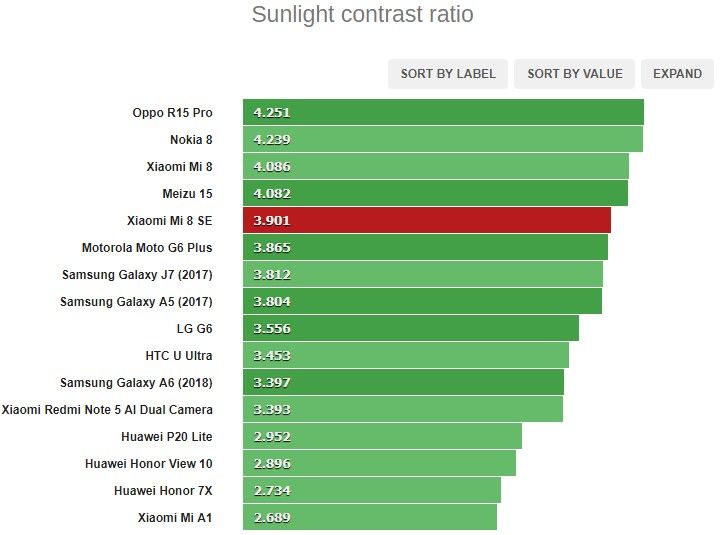
With the default mode the sunlight legibility is satisfactory and our sunlight contrast ratio score puts it right behind the Huawei P20 Lite and the Motorola One. Again, we’ve seen better, but it’s good enough to make the content readable under the sun – sort of.
Xiaomi Mi 8 Lite battery life
The handset boasts a generous 3,350 mAh built-in battery, but given that it powers up a powerful Snapdragon 660, we assume the battery life won’t be all that impressive.
After all, the Snapdragon 660 features eight Kryo 260 cores (4x running at 2.2 GHz and 4x running at 1.8 GHz) so there are no dedicated energy-efficient cores there. With Snapdragon 660, you sacrifice power efficiency for performance. Still, the 3G talk and standby times are respectable, to say the least. Only the web browsing runtimes keep the phone from getting a better overall score.
The main takeaway from this test is that the IPS panel and the Snapdragon 660 chipset bring down the screen-on-time of the handset, so keep that in mind.
Our battery tests were automated thanks to SmartViser, using its viSer App. The endurance rating above denotes how long a single battery charge will last you if you use the Xiaomi Mi 8 Lite for an hour each of telephony, web browsing, and video playback daily. We’ve established this usage pattern so that our battery results are comparable across devices in the most common day-to-day tasks. The battery testing procedure is described in detail in case you’re interested in the nitty-gritty. You can check out our complete battery test table, where you can see how all of the smartphones we’ve tested will compare under your own typical use.
Compared to most of its competitors, the Mi 8 Lite drags behind, but it’s important to note that only a few feature a powerful chipset like the Snapdragon 660. So there’s that. Also, the results are almost identical to the Mi A2. Perhaps due to the largely similar hardware.
The phone charged from 0 to 36% with the included charger, which isn’t fast by any means but since the unit supports Quick Charge 3.0 standard, you can get yourself a third-party QC 3.0-compliant charger for speedier top-ups. For comparison, we used a QC 3.0 brick in the office and we got significantly better results – the cell replenished from 0 to 52% in 30 minutes. Not too shabby.
Loudspeaker
The phone has a bottom-firing single speaker that gets pretty loud and according to our score sheet, it’s assessed as “Very good.” It will surely come in handy when you want to hear the phone ringing in loud environments.
Speakerphone test
Voice, dB
Pink noise/ Music, dB
Ringing phone, dB
Overall score
Motorola Moto G6 Play
62.6
68.0
71.0
Average
Honor Play
68.3
73.8
75.8
Good
Nokia 7 plus
67.5
71.3
79.7
Good
Samsung Galaxy A7 (2018)
69.4
70.9
79.9
Very Good
Honor 8X
67.1
72.9
81.6
Very Good
Huawei P20 Lite
66.3
71.5
84.9
Very Good
Xiaomi Mi 8 Lite
67.5
77.8
77.6
Very Good
Xiaomi Mi 8 SE
70.5
74.1
85.2
Excellent
Motorola One (P30 Play)
79.2
74.7
85.1
Excellent
Xiaomi Mi A2
89.5
72.2
89.8
Excellent
Audio quality
The Xiaomi Mi 8 Lite did splendidly with an active external amplifier, delivering very loud output with perfect accuracy. In fact, it was among the loudest smartphones we have tested lately, earning our approval.
Headphones dropped the volume, but it still remained high. The degradation caused was slightly above average with a noticeable spike in stereo crosstalk, some intermodulation distortion and some frequency response shakiness all part of the picture now. It’s still a very capable performer starting as high as it did, but the Mi 8 Lite is no longer top of the class here.
Test
Frequency response
Noise level
Dynamic range
THD
IMD + Noise
Stereo crosstalk
Xiaomi Mi 8 Lite
+0.04, -0.04
-93.5
93.4
0.0011
0.0070
-93.4
Xiaomi Mi 8 Lite (headphones)
+0.45, -0.18
-93.4
93.4
0.021
0.457
-54.9
Honor 8X
+0.01, -0.04
-92.3
92.4
0.0041
0.0085
-80.7
Honor 8X (headphones)
+0.45, -0.54
-92.2
92.8
0.0084
0.492
-51.5
Honor Play
+0.01, -0.03
-93.0
93.1
0.0037
0.0093
-92.9
Honor Play (headphones)
+0.12, -0.06
-92.3
92.5
0.0027
0.088
-65.7
Samsung Galaxy A7 (2018)
+0.02, -0.02
-93.1
92.9
0.0026
0.0089
-92.5
Samsung Galaxy A7 (2018) (headphones)
+0.25, -0.17
-91.4
91.6
0.115
0.306
-55.4
Nokia 7.1
+0.02, -0.06
-91.0
88.6
0.0021
0.016
-94.4
Nokia 7.1 (headphones)
+0.05, -0.03
-93.8
89.6
0.0019
0.034
-54.9
Huawei Mate 20 lite
+0.01, -0.02
-94.7
94.7
0.0013
0.0086
-73.1
Huawei Mate 20 lite (headphones)
+0.12, -0.09
-93.8
93.8
0.0035
0.115
-71.7
Pocophone F1
+0.01, -0.02
-93.6
93.6
0.0010
0.0069
-93.8
Pocophone F1 (headphones)
+0.65, -0.08
-91.2
92.5
0.0082
0.359
-50.3
The Mi 8 Lite runs Android 8.1 Oreo out of the box with Xiaomi’s MIUI 9.6 software on top that adds a few extra features to the basic Android ones. And if you are a fan of the MIUI, you surely find your way around it. But if you are coming from another skin or pure Android, you may sometimes find yourself lost in the settings menu.
Once you get past the lock screen, you will be greeted with the home screen and in typical MIUI fashion, all of the installed and system apps are in there. And unfortunately, you don’t have the option of bringing the app drawer so you might want to spend a little time sorting apps if you like a tidy home screen. Swiping to the right will bring you to the so-called App vault, which is basically a pane with the frequently used apps along with the usual organization apps like Mi Notes, Calendar, etc. This panel can only be disabled on the Chinese version of the ROM for now.
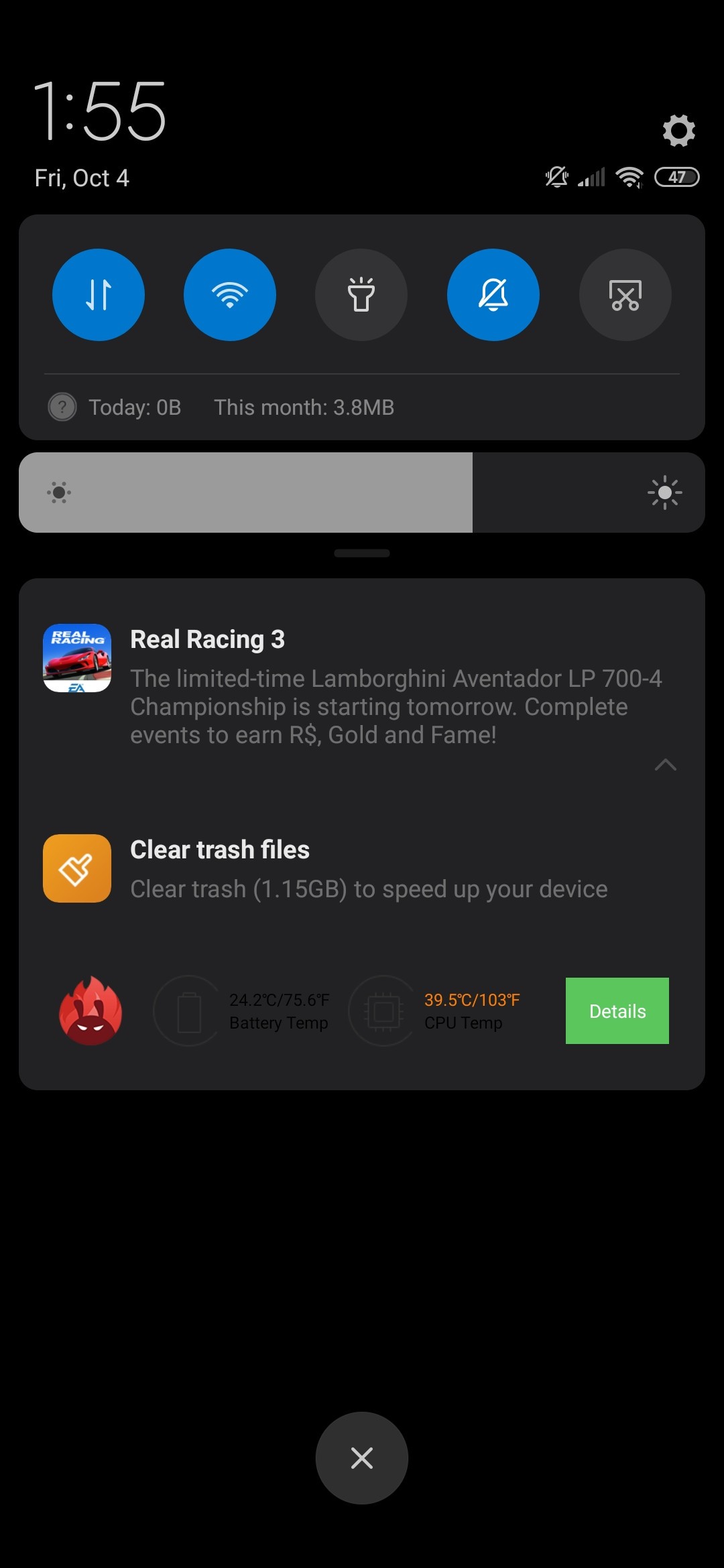
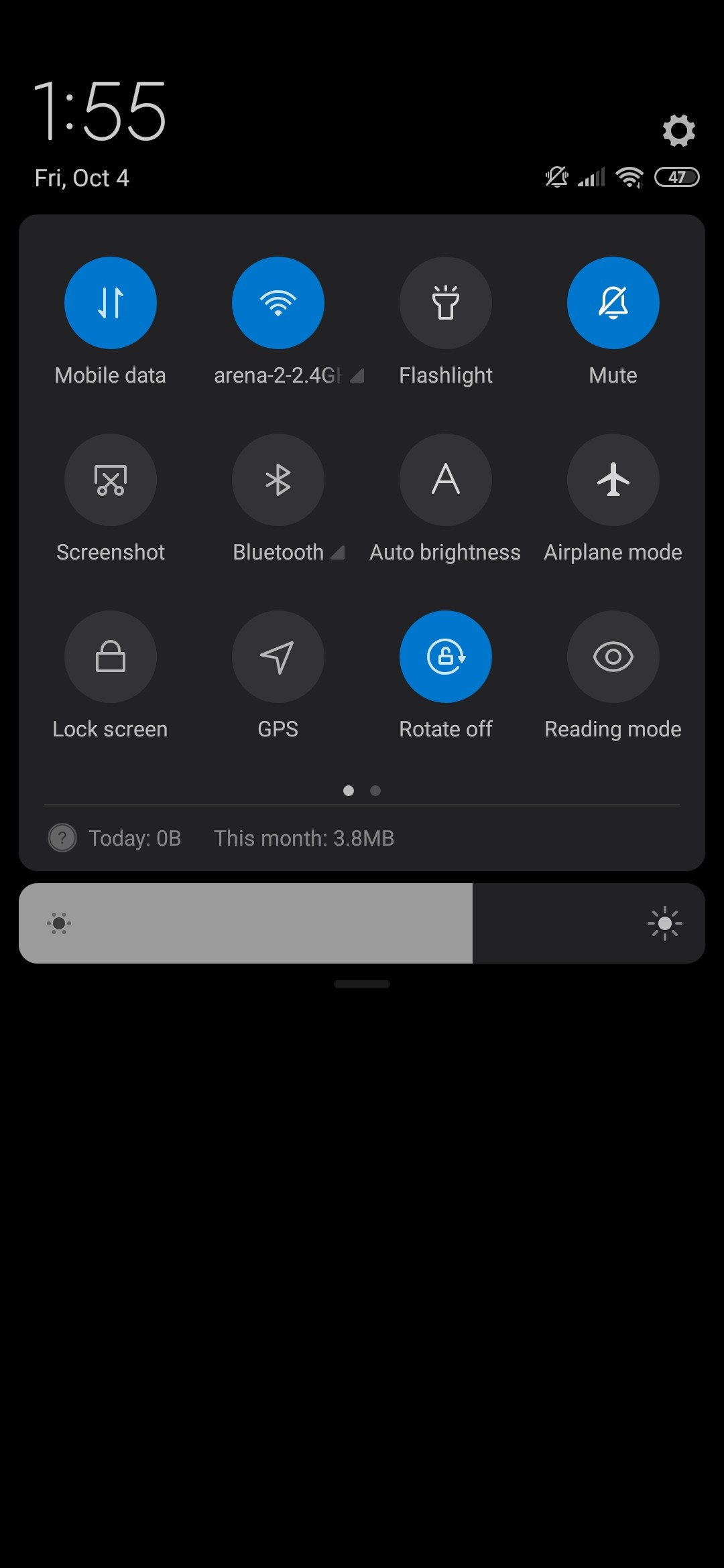
Swiping down from the home screen brings down the notification shade with the quick toggle icons. Of course, you can re-arrange them to your liking, but the overall looks have remained the same for quite some time now. You get four toggle icons per row, shortcut to the settings menu and a screen brightness slider. Good thinking on Xiaomi’s behalf for including the swiping gesture – you can swipe down from wherever and the notification shade will drop. It makes one-handed operations easier, which helps a lot in the case of the tall 19:9 screen.
Face unlock is not available, so you are stuck with the fingerprint reader as your only option. That’s a missed opportunity because in the display menu you can find the lift-to-wake option, which would have worked perfectly with the screen unlock. Hopefully, Xiaomi will offer the lock screen option with the MIUI 10 update, which is just around the corner.
Speaking of security, the MIUI comes with a Security app pre-installed that lets you scan the phone for malware, which ironically, is the least useful feature it offers because Google Play already does that for you perfectly fine. But the Security app has other useful applications – it can limit your data usage, free up some RAM, manage permissions of already installed apps and also analyze battery behaviour of certain apps.
Which brings us to the battery section in the settings menu. There’s nothing out of the ordinary in there – you can track the battery usage of each app, activate power saving mode and see your overall battery usage since your last full charge. The “Smart scenes” menu is what caught our attention. The only option in there is the “Non-interactive mode” – whenever MIUI detects that you are not using the phone for a long time, it will turn off Bluetooth, GPS and other connections along with background apps and even disables notifications.
Second space is another cool feature to have that lets you create a second account for your work, for example. You can lock it off with a password or a fingerprint. The dual apps option is practically the same but it’s for selected apps only, not system-wide.
We assume the “Full screen” menu will be of interest to most users because it offers you to hide the notch and more importantly, choose between standard button navigation and gesture-based navigation. The latter is particularly interesting because so far, aside from the stock Android 9.0 Pie gesture navigation system with the pill, Xiaomi seems to be doing it much better than others. In fact, we can go ahead and say that it’s almost as good as Apple’s iOS gestures.
A quick tutorial in the menu helps you get acquainted with the gestures. Swiping from the bottom bezel of the screen takes you back to the home screen, swipe up and hold for the recent apps menu and swiping from the left or right edge of the panel works as a back button. Xiaomi even went further and included the option of turning off the back gesture animation. It could potentially shave off a few milliseconds off but we didn’t find any measurable improvement in reality.
Keep in mind that the back gesture gets in the way sometimes when swiping to the right for the so-called “hamburger” menu, which many apps still use.
Other notable but still familiar features are the split-screen function that can be found in the recent apps menu, the off-screen shortcuts and the pre-installed apps like Xiaomi’s own Gallery, Weather, Mi Drop, File Manager, Cleaner, Notes Mi Video and other software found in the “Tools” folder.
Benchmarks
The Mi 8 Lite takes things down a notch compared to the Mi 8 SE in terms of performance and efficiency since it uses a slightly older Snapdragon 660 chipset. The SD660 uses an octa-core CPU with 4x Kryo 260 cores clocked at 2.2 GHz and 4x Kryo 260 cores ticking at 1.8 GHz.
The Snapdragon 660 is known for its great performance compared to other SoCs in its class but lacks the energy efficiency of the Snapdragon 636, for example or even the Snapdragon 710, which is built on the 10nm node.
During our testing, we didn’t notice any thermal throttling or overheating even after a few consecutive benchmark tests. It performs just as you’d expect from a Snapdragon 660-powered smartphone.
A regular dual-camera setup with a depth sensor
There are no fancy cameras on the back so don’t expect telephoto, ultra-wide angle or B&W – the Mi 8 Lite carries a standard primary 12MP unit with a f/1.9 aperture and 1.4µm pixel size with dual pixel phase detection autofocus. It’s aided by a 5MP camera used only for depth sensing.
And if all of this sounds familiar, it’s probably because it’s the same camera setup on the Mi 8 SE. Which in turn means that we expect almost identical camera performance unless there’s some software trickery going around here. Optical image stabilization is still lacking, unfortunately.
The good thing is that you have plenty of options in the camera menu to play with. And it’s fairly simple to use too. Swiping left and right will change the camera modes while the top bar brings out some additional settings like turning the HDR on and off, AI camera mode, beautify effect for the portrait shots and also the option to apply filters. Moreover, the pro mode will give you more control over the camera if that’s your thing.
Clicking on the settings menu brings you even more options. For example, you can use the fingerprint or the volume rocker for the shutter button and also adjust the video quality.
Image quality
As already mentioned, the Mi 8 Lite sports the same camera hardware as its more expensive sibling, the Mi 8 SE. As in, we can’t really hope for any mind-blowing results but should do just fine for the average Joe when posting stills on social media. As long as there’s enough lighting in the scene, you should expect fairly consistent performance..
The lack of dynamic range is the first thing we’ve noticed, so the HDR function does help with that quite a bit. However, the HDR’s Auto mode would result in inconsistent performance as most of the scenes where the HDR should have kicked in didn’t and we had to force it manually.
And if it’s too much of hassle, why not ask the AI for some help. In our experience, the AI algorithm is capable of doing a great deal in this situation. It worked wonders with the HDR and adjusted it accordingly. Still, don’t rely on the AI too much as some of the scenes remained un-HDR’d.
And while we are on the AI subject, it’s not as capable as some flagships are, but it does cover the very basics like recognizing clouds, flowers, grass, trees and buildings. The only issue we had with this mode was the over-saturation of colors although, most people will find it suitable for social media.
Regarding night-time performance – it captures stills just like every other mid-range device – it struggles to produce good shots under low-light. The noise becomes more prominent and the lack of OIS makes matters worse, so you better have a steady hand. Once again, we suggest leaving the AI turned on as it does help with the noise suppression to some extent.
Along with the real-life sample shots, we got some in our lab in a controlled environment so here’s how it stacks against some of its competitors.
Portraits
The portrait shots were a mixed bag. Some of them turned out to be pretty good where the background didn’t pose any challenge, but others looked plain broken. Also, we didn’t find any significant difference between turning on and off the beautification filter and the AI. It’s as if the beautification mode was constantly turned on.
Selfies
While the Mi 8 Lite borrows the Mi 8 SE’s camera setup on the back, the front-facing shooter is different. It has higher resolution (24MP vs 20MP) and Xiaomi says it’s Sony IMX 576 with large 1.8µm pixels. So we expect better overall performance in this regard. However, this module is still with fixed focus so some of your selfies may not come up as sharp as they should be. To achieve optimal sharpness, you will have to bring the phone pretty close to your face – much closer than a normal arm’s length.
This is less pronounced in the Portrait mode.
Video recording
The Mi8 SE captures 4K@30fps video, but it also gives you the option of choosing between 30 or 60fps in 1080p mode. There’s also a 720p@120fps and 720@240fps slow-motion mode as well but we can’t say it produces the best results with those.
Another great addition to the set of video features is the EIS, which works in 4K and 1080p but don’t expect too much from it when recording in 4K. We’ve definitely seen better. The main issues we had with the video quality is the lack of contrast and noticeable noise in some areas of the scene. Sharpness and fluidity, on the other hand, are pretty good.
Competition
In an over-saturated market like the mid-range segment, there are quite a few offerings around €250, but only a few of them can challenge the Mi 8 Lite‘s performance. Most of the handsets at this price come with inferior Snapdragon 636 or even 625 chipsets.
The first few alternatives that spring to mind are the Mi 8 Lite‘s close relatives – the Mi 8 SE and the Mi A2. Of course, the Mi 8 SE is a tad more expensive, but it does offer a considerably more powerful and future-proof Snapdragon 710 chipset, a crisp Super AMOLED display beating the LCDs by a huge margin in almost every aspect and longer battery life. And you get pretty much the same camera experience. The downside is the sensibly smaller screen diagonal.
Xiaomi Mi 8 SE • Xiaomi Mi A2 (Mi 6X) • Samsung Galaxy A7 (2018) • Motorola One (P30 Play)
The Mi A2, on the other hand, is pretty easy to recommend over the Mi 8 Lite due to its slightly lower price tag and clean Android experience (Android Go ensures faster updates and extended software support) and almost identical hardware. The screen’s image quality is on par with the Lite, and it offers similar battery life and the same Snapdragon 660 chipset.
Looking further than the Xiaomi’s catalog, Samsung’s recent triple-camera phone, the Galaxy A7 (2018) comes to mind. It’s negligibly more expensive but offers great battery life and a gorgeous, notch-less Super AMOLED screen. And a big one too. You will have to settle with the lackluster camera experience and generally worse performance from the Exynos 7885 Octa, though.
Huawei Honor 8X • Nokia 7 plus • Huawei Honor Play
Next one down the list is the all new Motorola One – it has great battery life, clean Android experience but struggles to keep up with the pixel count and performance with its 720 x 1520 display and Snapdragon 625 chip.
But if the big screen is what you are after, why not check out the Honor 8X? It has a massive 6.5-inch display and passed our battery tests with flying colors although, the Kirin 710 SoC didn’t leave a lasting impression when it comes to performance.
The Nokia 7 Plus appears to be a good alternative too, and for the extra cash, you get a considerably brighter screen, longer battery life, the same Snapdragon 660 chipset, and a good 2x telephoto camera. The overall photo quality is rather good too. The fast updates on the vanilla Android are also something to consider here.
The Honor Play, however, might be just enough to push you over the fence. It’s in the same price range as the Nokia 7 but sports Huawei’s previous generation flagship SoC – Kirin 970. And it’s not just that. It produces serviceable photos, it has a big screen, and it squeezes every last bit of its 3,750 mAh in terms of battery life.
Verdict
Have you noticed the trend here? There aren’t many devices around this price point that could match the performance of the Mi 8 Lite and those that do, usually have a slightly higher asking price.
Sure, it’s not a perfect product. Some aspects still need improving such as battery life, but we do appreciate the great build and generally solid camera experience. Most of the issues with the latter can be easily overlooked by the general user or even solved with a bit more tinkering with the camera options. The full-featured manual mode will surely come in handy in those situations. Portrait shots, however, can’t be fixed with anything other than a future Xiaomi update. Still, it’s a solid all-around experience.
The lack of 3.5mm jack is another thing that might steer away some customers, especially since most of the direct rivals haven’t jumped on that bandwagon yet. And if you are a fan of MIUI, the feature-rich software would be greatly appreciated. There are plenty of options to play around with, and Xiaomi has a good track record of updating its phones – old and new – to the latest MIUI software version. MIUI 10 is just around the corner.
Pros
Solid build with glass back and aluminum side frames.
Generally fine display with slightly above average brightness and excellent color reproduction in “Standard mode”.
Good all-round camera experience with small inconsistencies.
Great performance with the Snapdragon 660 chipset.
Loud speaker and good audio output quality.
Plenty of features provided by Xiaomi’s MIUI software, expect swift updates to the latest version.
Cons
Ergonomics might be an issue for users with small hands.
No 3.5mm jack.
Battery life could be better.
EIS in 4K video isn’t good, Auto HDR mode needs improvement, portrait shots are largely inconsistent.
So is it worth buying? Definitely yes. But we’d still recommend going for the Mi 8 SE or the Nokia 7 Plus. It seems like you will get more in return for the extra cash.
Redmi Note 7 lineup is the first one branded only as “Redmi,” and the sub-brand company wants to come in strong. It advertises flagship-worthy build quality, great 48MP main camera on the back and powerful enough SoC no matter which Redmi 7 device you choose – the vanilla Redmi 7, the bigger Note 7 or the Pro. The one we have with us is the Redmi Note 7 – perhaps the most sought after model due to its low price and big screen.
The Redmi Note 7 is an embodiment of Xiaomi‘s philosophy when it comes to smartphones, and the Redmi phones have become the benchmark for mid-range devices. And one would argue that the mid-range segment has seen the biggest improvement over the years with the ever declining prices of components and tech. It will be interesting to see whether the Redmi Note 7 was able to benefit from that and whether it will match the success of its predecessors.
Xiaomi Redmi Note7 specs
Body:159.2 x 75.2 x 8.1 mm, 186 grams, Gorilla Glass 5 back, polycarbonate side frame.
Screen:6.3″ IPS LCD, 1080 x 2340px resolution (19.5:9); ~409 ppi.
Misc: Rear-mounted fingerprint reader, FM radio support.
We would also like to investigate the differences and similarities between the Redmi Note 7 and the Xiaomi Mi 8 Lite. They both have the same chipset, screen size and are closely priced. However, the Redmi Note 7 has a bigger battery and perhaps, a better camera. But we can’t judge only by the specs sheet, right? Let’s dig in.
Unboxing the Xiaomi Redmi Note 7
The unit comes in a standard white box with Redmi’s branding on top – it doesn’t say Xiaomi anywhere, but it does advertise the extended 18-month warranty in China. Redmi is confident in its product’s quality and extends the warranty of the handset with six additional months.
Anyway, the box also contains the usual user manuals, the USB-A to USB-C cable for file transfer and charging, a charging brick and a semi-transparent silicone case. But keep in mind that the smartphone supports Quick Charge 4.0 speeds while the included adapter maxes out at 5V/2A so you will have to look for a QC 3 or QC 4-capable brick to enjoy faster charging.
Redmi is really proud of the Redmi Note 7‘s design and build quality. To be frank, the design isn’t anything special, and it looks a lot like your regular 2018 midranger, but there’s more than it meets the eye.
The company says the Redmi Note 7 has gone through the same quality control as Xiaomi‘s top-shelf smartphones. Redmi is so confident in the build quality that it even offers the handset in China with 18-month warranty as opposed to the standard 12-month period. The front and the back are fitted with Corning’s Gorilla Glass 5 with an additional 0.8mm-thick layer for extra durability.
We didn’t test it ourselves, but the phone does feel quite sturdy in hand. Also, to our surprise, it doesn’t feel like an exceptionally slippery phone although, the flat back makes it a bit hard to hold on.
First things, first. Let’s start with the front panel where the 6.3-inch LCD IPS panel resides. It features fairly thin side bezels but compensates with a thick-looking chin and upper bezel, which was to be expected given the price point of the handset. The notch is quite small and isn’t as obtrusive.
One cool thing we’ve noticed – the LED notification light sits comfortably on the chin. It can only be seen when it lights up, it’s really subtle.
Flipping the phone over, we see a flat glass back that seamlessly transitions into the side frame. The front glass, on the other hand, sticks out and you can feel the edge of it. Anyway, the back houses the fingerprint reader in the middle and the dual camera setup along with the LED flash in the upper-left corner.
The sides of the phone are made of glossy plastic and thus feel less slippery than metal and glass while mimicking the feel of metal quite well. The top houses the 3.5mm audio jack, the secondary noise-canceling microphone and the IR blaster.
The power button and the volume rocker are on the right side, which leaves the SIM card tray on the left. The bottom is where the speaker grilles and the USB-C connector reside.
As we said earlier, the phone isn’t easy to hold due to its ergonomics, but it’s nowhere near your usual slippery glass sandwich phones. We don’t know how they’ve done it, but the result is impressive. Our only small complaint would be the weight. At 186g, the phone does feel a bit heavy, but on the other hand, it gives the Redmi Note 7 a more sturdy and solid feel in hand.
Here’s a 360-degree view of the device so you can to take a better look at it from all sides.
Standard IPS LCD display with a teardrop notch
The Xiaomi Redmi Note 7 is an affordable device, there’s no doubt in that, but the IPS panel exceeded our expectations in some aspects like brightness. However, it’s still a budget LCD screen and it comes with the expected drawbacks. The first thing we’ve noticed is the slight light bleed around the notch and the upper bezel but it’s not as prominent as other budget phones we’ve tested. You can see it only on a light/white background.
Anyway, the panel has a standard FHD+ resolution of 1080 x 2340 pixels and a pixel density of around 409 ppi. The display offers an extra tall 19.5:9 aspect ratio in a 6.3-inch diagonal. It’s protected by Gorilla Glass 5.
When it comes to picture quality, the display isn’t the best around but it offers high maximum brightness of 479 nits and a decent contrast ratio of 1338:1 in the default color mode. Unfortunately, the color accuracy keeps us from giving it a good score. The average dE2000 is 6.2 with blue-ish whites. Choosing the warm color preset doesn’t improve the white balance all that much but it does bring the dE2000 down to 5.4 – it’s okay, but not color accurate.
Display test
100% brightness
Black, cd/m2
White, cd/m2
Contrast ratio
Samsung Galaxy A7 (2018) (Max Auto)
0
602
∞
Oppo Realme 2 Pro
0.306
537
1755
Xiaomi Redmi Note 7
0.358
479
1338
Xiaomi Mi 8 Lite
0.322
468
1453
Motorola One (P30 Play)
0.254
447
1760
Huawei Honor 10 Lite
0.344
441
1282
Huawei P Smart 2019
0.325
437
1345
Samsung Galaxy A7 (2018)
0
402
∞
Battery life
The Redmi Note 7‘s battery is undoubtedly one of the centerpiece features. It’s rated at 4,000 mAh and paired with the fairly efficient Snapdragon 660 SoC, the exceptionally high battery rating was expected.
The 3G talk time and standby tests bumped up the rating to 108h while the web browsing and video playback runtimes are good but not great by any means. It easily overtakes some upper-mid-range and high-end smartphones when it comes to endurance.
Our battery tests were automated thanks to SmartViser, using its viSer App. The endurance rating above denotes how long a single battery charge will last you if you use the Xiaomi Redmi Note 7 for an hour each of telephony, web browsing, and video playback daily. We’ve established this usage pattern so that our battery results are comparable across devices in the most common day-to-day tasks. The battery testing procedure is described in detail in case you’re interested in the nitty-gritty. You can check out our complete battery test table, where you can see how all of the smartphones we’ve tested will compare under your own typical use.
However, due to the low price of the handset, Xiaomi didn’t include a Quick Charge 4.0-capable charger in the box so you have to settle for the standard 5V/2A 10W brick. Or look for a fast charger. The included brick charges the device from 0 to 30% in 30 minutes, which is pretty slow and somewhat expected given the big 4,000 mAh capacity.
Loudspeaker
Despite having just a single bottom-firing loudspeaker, the handset impresses with a loud sound. And it sounds clean at high volumes as well.
Speakerphone test
Voice, dB
Pink noise/ Music, dB
Ringing phone, dB
Overall score
Huawei Y7 Prime (2018)
64.9
70.5
71.9
Average
Realme U1
68.6
73.4
72.4
Good
Nokia 7 plus
67.5
71.3
79.7
Good
Xiaomi Mi 8 Lite
67.5
77.8
77.6
Very Good
Realme 2 Pro
69.1
74.8
81.4
Very Good
Xiaomi Redmi Note 6 Pro
70.1
73.1
85.4
Excellent
Huawei Honor 10 Lite
70.0
73.8
87.0
Excellent
Xiaomi Redmi Note 7
69.8
71.5
90.5
Excellent
Audio quality
The Redmi Note 7 had impressively high volume with an active external amplifier and excellent scores across the board, making it a great driver for your home stereo or car audio.
Loudness remained just as impressive when headphones came into play – one of the highest in the market, let alone the price range. The clarity took some damage – the hike in stereo crosstalk was about average and some intermodulation distortion crept in – but, all in all, it remained very good. Solid showing for the Redmi Note 7 here as well.
Test
Frequency response
Noise level
Dynamic range
THD
IMD + Noise
Stereo crosstalk
Redmi Note 7
+0.04, -0.04
-90.7
90.7
0.0015
0.014
-94.5
Redmi Note 7 (headphones)
+0.05, -0.29
-92.5
92.5
0.024
0.296
-55.0
Huawei P Smart 2019
+0.02, -0.02
-93.1
93.0
0.0039
0.0088
-81.9
Huawei P Smart 2019 (headphones)
+0.64, -0.38
-88.6
91.9
0.0069
0.606
-50.6
Xiaomi Mi 8 Lite
+0.04, -0.04
-93.5
93.4
0.0011
0.0070
-93.4
Xiaomi Mi 8 Lite (headphones)
+0.45, -0.18
-93.4
93.4
0.021
0.457
-54.9
Honor 8X
+0.01, -0.04
-92.3
92.4
0.0041
0.0085
-80.7
Honor 8X (headphones)
+0.45, -0.54
-92.2
92.8
0.0084
0.492
-51.5
Samsung Galaxy A7 (2018)
+0.02, -0.02
-93.1
92.9
0.0026
0.0089
-92.5
Samsung Galaxy A7 (2018) (headphones)
+0.25, -0.17
-91.4
91.6
0.115
0.306
-55.4
Nokia 7.1
+0.02, -0.06
-91.0
88.6
0.0021
0.016
-94.4
Nokia 7.1 (headphones)
+0.05, -0.03
-93.8
89.6
0.0019
0.034
-54.9
Android 9.0 Pie with MIUI 10 on top
Xiaomi‘s custom skin overlay, MIUI, has come a long way and the MIUI 10 takes a more simplistic and clean approach and to be honest, we like the changes introduced here. We’ve already reviewed the Mi Mix 3, which also runs on Android 9.0 Pie with MIUI 10 on top but we found some small differences with the Redmi Note 7‘s build.
In a typical MIUI fashion, there’s no app drawer and no option to enable it too. The task switcher and the notification shade have gone through a major revamp. The quick toggles are more in line with the stock Android 9.0 Pie design while the display brightness slider pops out more. Unfortunately, the shortcut to the settings menu is nowhere to be found, which is a considerable inconvenience if you are used to accessing the Settings menu from here like us.
Swiping right will bring you to the so-called App vault that gives you quick access to commonly used apps, a quick view of Notes, news, etc. And as for the recent app menu, it’s vertically stacked, but instead of displaying just one at a time, you can view four apps on the screen.
Pressing the volume rocker will bring out the volume control menu but in a pop-up window right next to the buttons. Instead of defaulting to the ring volume, the volume rocker now controls the media volume. Tapping on the three dots will display the ring and alarm controls along with the quick access to the silent and DND toggles. You can even make the DND mode active for a limited time.
The Settings menu is largely untouched. Here are all the settings menus.
The Display menu doesn’t give you any special options – you can only play with contrast, color temperature, and brightness settings.
The Full screen display sub-menu gives you the option of choosing between standard navigation buttons and navigation gestures. They are nothing new to the MIUI, but with the latest build, Xiaomi has refined the gestures even further.
Otherwise, as before, swiping from the left or right act as a back button, swipe from the bottom is the home key and swiping from the bottom and then pause will bring out the recent apps menu. The new addition is the option to directly jump to the previous app by swiping from the left or right and hold. However, we found that this gesture isn’t as fast a double tap on the task switching button and also the back gestures get in the way of some swiping gestures in some apps. Like bringing the hamburger menu from the left in the Google Play Store app.
The battery settings menu comes with the good old statistics about which apps have used the most battery since the last full charge and also a power saving mode called “Sleep mode” that turns off all radios and background processes if you haven’t touched your phone for a while. You can restrict background apps too to further improve standby battery life, not that you will need to.
Of course, not all features of the MIUI 10 are made available for the Redmi Note 7, but there are also plenty of proprietary Xiaomi apps pre-installed. Here are a couple of them including the Security app that gives you a general overview of the phone’s status like battery info, data used, apps locked, etc. But most of the apps are just general organization applications like File Manager, Mi Calculator, Mail, Compass, Screen Recorder, Downloads, QR Scanner, Mi Remote (since it has IR blaster).
Regarding the multiple complaints from our readers about not mentioning the ads which pop on their screens while using MIUI 10, we’ll have to say we didn’t get any ads on any of the Xiaomi devices we’ve reviewed so far so they must be strictly regional. And from the user feedback online, it seems you can turn them off easily by either toggling a setting in each of Xiaomi‘s preinstalled apps which have them or by switching your region to another country. This is by all means not a universal solution and it’s best that you research the steps that need to be performed on your own device.
Benchmarks and performance
The Snapdragon 660 is a well-known SoC, and it’s not the first time we’ve tested it. We know what to expect, and we found that it works flawlessly with the MIUI 10. We didn’t notice any lags, hiccups or hangs. The device runs smoothly without thermal throttling or performance drops.
The chipset itself incorporates an octa-core CPU with 4x Kryo 260 cores ticking at 2.2 GHz and 4x of the same cores but clocked at 1.8 GHz. This ensures sensibly better performance than the Snapdragon 636, for example, but at the cost of efficiency. The processor is built on the 14nm. Here’s how it performed in our benchmark selection and how it stacks against the competition.
A big 48MP main camera aided by a 5MP depth sensor
The huge 48MP sensor on the back of the Redmi Note 7 should take some sweet daylight and nighttime shots. The sensor is quite big at 1/2″, though the individual pixel size is not that large at 0.8µm pixels.
The sensor uses a Quad Bayer arrangement where four pixels are grouped in a square under a filter of the same color so a 12MP capture is almost like it’s been captured by 12 million big 1.6µm pixels. If you capture 48MP photos with this setup they wouldn’t match in quality 48MP photos produced by a sensor with a regular Bayer filter but we doubt we would ever see any of those in a compact device such as a phone. The direct benefit is that users here get sharper 12MP photos with less noise even at high ISO values compared to the regular 12MP sensors.
The secondary 5MP camera is used only for depth sensing when the depth effect is needed – in portrait mode, for example. And as for the selfie camera, it’s a 13MP and supports various functions like HDR, AI beauty, portraits, and mirror function. However, autofocus isn’t on the list of features.
Camera menus
The default camera app hasn’t changed a bit. At least at first glance. Swiping left and right will shuffle through the camera modes and you will find additional settings in the upper part of the app. It lets you adjust some settings like beautification, HDR, AI, video mode, picture quality, etc.
Also, there is a way to shoot in the sensor’s full 48MP resolution if you prefer that, but you’d have to go to the camera’s Pro mode for that.
Image quality
We kick off with some daylight samples, which turned out to be quite good. When enough light reaches the sensor, you can expect pretty consistent performance – there’s plenty of detail, contrast is good, colors are punchy, although inaccurate, and the noise is virtually non-existent.
We do have some complaints about the exposure metering as the auto mode returns somewhat darker images than we would prefer. And the contrast is perhaps a bit to high making shadows appear even darker.
Also, there’s a somewhat noticeable magenta tint on some of the daylight photos as well as in our shots of the test posters suggesting an issue with the white balance in certain scenarios.
Luckily, the HDR can fix most of the stuff we mentioned. When turned on, images come out a noticeably brighter and you start to see some detail in the dark parts of the image. On the other hand, the highlights are clipped and become brighter than they should while losing some contrast along the way. Images look a bit washed out and noisy. We’ve also seen some oversharpening here and there.
The AI didn’t do anything for us features-wise, but it did prompt us with the correct scene when it recognized one. Still, we don’t see any significant changes to the colors, contrast, exposure, etc.
As we already said, the 48MP capability can only be enabled within the Pro mode. Be prepared for noisier images and you will lose some detail along the way too so we don’t really recommend shooting in 48MP. The 12MP in the standard Photo mode is good enough.
Low-light photos and Night mode
We were quite impressed by the image quality during nighttime shooting – there’s no prominent noise, details are good and light sources appear to be rather well-preserved. Thanks to its pixel binning technology, the phone would happily snap brighter exposures with higher ISO than previous Xiaomi phones such as the Mi Mix 3. And that’s without any penalty in increased noise meaning that the claims for better noise/ISO ratio by Xiaomi were well founded.
And Night mode really makes a difference by restoring the highlights and bringing out the shadows. The result is nicely balanced and subjects look more detailed.
Interestingly, the gain in the tonal range of the Night mode photos is not as big if you use HDR for your night time shots. We would totally recommend forcing HDR to On as the AutoHDR algorithm rarely engages on its own come night time – or at least not as frequently as we would like.
Portraits
Portraits are surprisingly good, to be honest. In fact, we’ve seen worse portraits on way more expensive handsets. The detail is nice while the edge detection is stellar. The defocusing of the background is perhaps not as strong and colors are a bit over-saturated. In other words, you will have to do a few shots from different distances to achieve the desired effect and capture the real skin tone. Also, the phone appears to be doing pretty well under limited indoor lighting.
Selfies
The selfies turned out to be quite nice as well. There’s enough detail from the 13MP snapper and its focus sweet spot is almost a full arm’s length so you don’t need to get really close to the phone to get the sharpest possible result. The portrait mode also seems to do quite well despite the hardware limitations of the front camera (no secondary unit for depth sensing).
Video recording
The Xiaomi Redmi Note 7‘s video options are quite limited – just 1080p@30fps and 1080@60fps, which is rather strange because the handset rocks a Snapdragon 660, which is perfectly capable of handling 2160p@30fps.
We did try shooting 4K with a third-party app like Open Camera and it worked without any issues, which means the feature was artificially disabled for market segmentation purposes.
Anyway, the phone can also shoot slow-motion videos in 1080p or 720p at 120fps. There’s an option to choose between H.264 and H.265 video encoders.
And as for the performance of the camera in video mode – it reminds us of the Xiaomi Mi 8 Lite. There’s not enough dynamic range, but contrast is nice and videos appear to be a bit noisy even when there’s sufficient light. Sharpness is good in 30fps mode. Moreover, the EIS works well in 1080p@30fps while the 60fps videos lose some detail, exposure is better and can get quite shaky even though the EIS is still working to some extent.
You can download short untouched samples as well – 1080p/30fps (10s, 25.2MB) and 1080p/60fps (10s, 25MB).
And here’s the stabilization test in 30 and 60fps.
The competition
Everyone knows about the stiff competition in the mid-range segment and Xiaomi‘s Redmi phones have reigned successfully in numerous markets across the globe. We are happy to say that the Redmi Note 7 makes no exception to the rule and it does so without any fancy over-the-top features. It’s clean, simple, powerful and affordable handset that focuses on what’s important. But there are a few alternatives that still need to be considered.
Sure, the Redmi Note 7 is a great all-rounder, but we can’t just lightly ignore the offerings from Huawei, Honor, Samsung and even Realme.
Keep in mind that most of the smartphones we chose for Redmi Note 7‘s direct competitors are somewhat more expensive but only by a small, negligible, in most cases, margin.
Let’s start with Xiaomi‘s big competitor in India – the Realme 2 Pro. Both phones sport similar hardware but the Redmi Note 7 takes the lead with more premium glass build, better battery life and more capable camera. Performance-wise, however, you won’t find any significant difference so it depends on which skin overlay you prefer – MIUI or ColorOS.
Next down the list is from Xiaomi‘s camp – the Mi 8 Lite. Both phones are pretty similar to one another in almost every aspect but despite the Mi 8 Lite carrying a flagship name, the Redmi Note 7 blows it out of the water. It has measurably longer battery life, a 3.5mm audio jack and arguably, a better camera.
Huawei’s camp offers two very similar phones – the Huawei P Smart 2019 and the Honor 10 Lite. However, it’s really hard to recommend those two over the Redmi Note 7 as they can’t really compete with Xiaomi‘s mid-range champion in terms of battery life, build, camera quality and both don’t include fast charging in their specs sheets. The Redmi Note 7 doesn’t ship with a fast charger but you can get a faster third-party one easily as it supports Quick Charge 4.
The Motorola One (P30 Play) is an option with a similar price tag for the stock Android fans, however, it lacks the raw power of the Redmi Note 7. The Snapdragon 625 keeps it out of our recommendation list. Also, the display is smaller, which may steer away from some buyers.
For just about the same price, the Galaxy A6 (2018) might show up in your search but don’t led the well know brand mislead you, as the AMOLED display and the selfie camera are the only things it’s got going for it. Everything else makes it hard to recommend and Samsung really missed offering a strong midrange contender in 2018.
Verdict
The Redmi Note 7 not only checks all the boxes for a great mid-range device but it also re-defines the budget meaning. We can even go ahead and say this is one of the few times we’ve been so excited about a midranger since the original Moto G. And to be frank, it’s really hard to complain about small shortcomings at this price point.
Nonetheless, we do need to point out some things you will have to consider before opening up your wallet. Firstly, the handset doesn’t come with a fast charger in the box, there’s no 4K video recording despite having a capable Snapdragon 660 chipset and the camera still needs some fine tuning to achieve better exposure and color accuracy in daylight photos. Hopefully, this one can be ironed out with a future software update.
Also, there is no NFC so mobile payments in many countries are a no-go. And while the glass back can be considered as an advantage over most competitors with plastic builds, it can also fall into the “cons” column. After all, glass is easier to break.
But as we already pointed out, those are just small complaints that can’t overshadow the good aspects of the Redmi Note 7 such as incredibly long battery life, powerful SoC for the asking price, great build quality, good camera experience and the presence of an awesome array of connectivity options (USB-C, 3.5mm jack and it even has an IR blaster, a microSD slot, and FM radio).
Pros
Solid build quality with Gorilla Glass 5 on the front and back.
Awesome battery life.
Very good overall camera quality, especially in low light.
Well geared in terms of connectivity – USB-C, 3.5mm jack, IR, microSD, FM radio, Bluetooth 5.0 and Wi-Fi 802.11ac (but lacks NFC).
Supports Quick Charge 4 (however the quick charger not included).
Solid performance and great UI responsivness.
Cons
No 4K video recording even though the chipset supports it.
The camera exposure metering and color accuracy in daylight leave more to be desired.
Xiaomi Mi A1 was quite the booster for the whole Android One program and paved the way for a fruitful partnership between Xiaomi and Google. The Mi A2 was a significant but controversial upgrade that eventually cemented the Mi A1 as the ultimate deal. And now, the Mi A3 is trying to right all the wrongs and reach for the top once again.
The Android purists can now enjoy the vanilla Google experience on a Super AMOLED screen. There is new Snapdragon chipset promising blazing-fast gaming performance. Then a trending triple-camera should allow you to snap some great pictures day and night. And finally, the large 4,030 mAh battery inside should help you do all these things for many, many hours on.
The Xiaomi Mi A3 introduces a new glass design, departure from the sturdy but somewhat outdated metal shells. And the Mi A3 still likes to keep it as safe as possible as evident by the choice of Gorilla Glass 5 for both the front and the back.
The camera is probably the most interesting new bit, now featuring a 48MP primary shooter and an 8MP ultrawide-angle snapper. The third eye is a depth sensor, which may seem useless, but we are always in for a surprise in them portraits.
Xiaomi Mi A3 specs
Body: Plastic frame, Gorilla Glass 5 front and back;
Display: 6.01″ Super AMOLED, 1,560x720px resolution, 19.5:9 aspect ratio, 286ppi;
Misc: Under-display fingerprint reader; single down-firing speaker; 3.5mm jack
Xiaomi is indeed righting those wrongs by bringing the audio jack back! And the microSD slot! And FM radio! And the larger battery is indeed a wish come true.
The elephant in the room, the 720p screen, definitely stands out and not in a good way. It’s been a while since we worked on such a low-res screen, let alone a PenTile AMOLED. But let’s stay positive and give it a fair chance, shall we?
Unboxing the Xiaomi Mi A3
The Mi A3 retail box contains what you’d expect from a mid-ranger’s bundle – a USB-C cable, a 10W charger, and inside the paper compartment there is a dark gray silicone case.
It’s worth noting that while the Mi A3 supports 18W (Quick Charge 3.0), Xiaomi is not shipping the phone with a QC3-compatible charger. Those are not that expensive anymore, though, so it’s not that of a biggie.
A lot of Chinese phones usually have a screen protector pre-applied in the factory but the Mi A3 is not among those. It does come with Gorilla Glass 5 protection on both sides and we can understand why Xiaomi decided against a having a protector.
Design
The Xiaomi Mi A3 is your typical glass-sandwich smartphone with a solid plastic frame, well protected thanks to the two Gorilla Glass 5 pieces. And while it looks like any other device of such build, the Mi A3 is a major Mi 9 lookalike. Those are enough reasons to call it of premium looks and build, even though its price suggests otherwise.
Xiaomi Mi 9 next to the Mi A3
So, the front is the place for the Mi A3‘s most controversial feature – the Super AMOLED screen of HD+ resolution and a waterdrop-like notch. The panel has curved corners, as usual, but the thing is completely flat, and we like it this way better.
The notch houses the new 32MP selfies camera, while the tiny top bezel has a grille for the earpiece at the center and a couple of invisible sensors on the left.
We will discuss the HD screen soon, but at first glance the colors look lively and the contrast seems excellent. But we noticed some pixelization on solid backgrounds and all text is jagged because of the PenTile matrix arrangement.
Finally, the chin is unusually big, especially for an OLED panel, but we can live with that on a cheap phone. At least everything is protected by a Gorilla Glass 5 and we always appreciate a high-end glass on a budget handset.
And before we flip the Mi A3, there is one premium feature at the front that is easy to miss – the under-screen fingerprint scanner. It seems to be identical to the optical one we experience on the Mi 9T, meaning it is almost as responsive and fast as a conventional one. The sensor lights up the moment you touch the screen; it scans your finger and unlocks in an instant.
The back also uses a Gorilla Glass 5, but this time around it’s bent towards its edges. Having such subtle curves is a familiar design concept – one that makes the Mi A3 look and feel slimmer than it actually is, but this also takes a huge toll on the grip.
The triple camera is humping quite a lot at the top left corner. It contains the 8MP wide-angle shooter, the 48MP primary snapper, and the 2MP depth sensor. The single LED flash is flush outside of this formation. Quite expectedly such a big hump makes the A3 wobble quite a lot when left on a flat surface, but that’s the occupational hazard we guess.
The back of the Mi A3 is yet another reminder of the Mi 9. The Mi A3 is available in these coolly named hues – Kind of Gray, Not just Blue, and More than White. Remind you of some Pixels, maybe?
Xiaomi Mi 9 next to the Mi A3
We have the Not just Blue one and it’s quite stunning when the glass is not covered in fingerprints (very rarely). The glass may be dark bluish, but it catches and reflects light in different ways, and also it is one big smudgy mirror. And we have to agree with Xiaomi, it’s hard to name these mesmerizing colors and the Not just Blue suits this one a lot (despite being a clear nod to Google’s names for the Pixel colors).
The plastic frame is also painted in Not just Blue and has a very glossy finish. It is also quite curved, so abandon all hopes for a good grip on the Mi A3. If you don’t use a case, then using the A3 with extreme caution is highly advised.
The hybrid SIM slot is on the left of the said frame, and it can either take two nano-SIM cards, or one SIM and one microSD. Xiaomi has indeed listened to the complaint and it brought back the memory expansion slot.
The top of the frame has a couple of surprises, too. The 3.5mm audio jack makes a return and there is also an IR blaster next to it.
Xiaomi Mi A3
The bottom has a single loudspeaker, the mouthpiece, and a USB-C port.
Xiaomi Mi A3
The Mi A3 measures 153.5 x 71.9 x 8.5 mm, which is 5mm shorter and 3mm narrower than the Mi A2, which also had a 6″ display but one of a different aspect ratio and thicker bezels. The A3 weighs 174g, about 8g heavier than the Mi A2 and A1.
The Mi A3 is a great-looking smartphone with premium and solid build, but almost non-existent grip. That’s the widespread mantra even among the flagships though, so we can’t really blame Xiaomi for following the current trends and bringing what’s considered premium.
We’d suggest grabbing a thin transparent case that will solve the grip issues, while preserving the captivating looks.
Display
Let’s start with some good news – Xiaomi has switched to Samsung-made AMOLED panel for the Mi A3. The Mi A1 and Mi A2 both had IPS LCD screens, which were good, but not OLED good.
But the Mi A1 and Mi A2 both had 1080p screens, while the Mi A3 downgrades the resolution to 720p. The actual resolution is 720 x 1,560 pixels (19.5:9 aspect) or 286ppi density. This could have been fine, but the PenTile OLED matrix isn’t suited for low-res screen because it has less subpixels than a regular RGB display and pixelization and jagged texts are occasional. The Galaxy S III kickstarted the use of PenTile AMOLEDs and even this 2012 smartphone had higher pixel density at 306ppi.
So, did we notice pixelization? Yes, especially on solid colored backgrounds. What about jagged text? All the time? Are those deal-breakers? It depends!
Indeed, the low-res AMOLED suffers because of the PenTile matrix, but it’s quite easy to get used to not see the tiny spikes on the letters and the dotted backgrounds. We are not saying you have to do it at all costs, but you really can. And then you can reap the benefits of the lower 720p resolution such as flagship-grade gaming performance across all modern games. How about that?
We are not sure why Xiaomi opted for a 720p display, but by doing so it made the Mi A3 a gaming phone on the budget. And we can very well live with that.
The screen has a decent brightness for an OLED panel of 363 nits. Unfortunately, the Mi A3 runs vanilla Android instead of MIUI (like its Mi CC9e doppelganger) and this means it lacks High Brightness Mode. So, even in the brightest of days, the Mi A3 won’t light up more than 363 nits, not even in Auto Brightness mode.
The minimum brightness we measured was 14.9 nits – which is uncomfortably bright. It’s quite disappointing to see such result as almost all phones we have tested in recent years go as low as 1-4 nits.
Display test
100% brightness
Black, cd/m2
White, cd/m2
Contrast ratio
Xiaomi Mi A3
0
363
∞
Xiaomi Mi A2
0.277
420
1516
Xiaomi Mi A1
0.351
551
1570
Xiaomi Mi 9T
0
449
∞
Xiaomi Mi 9T (Max Auto)
0
646
∞
Xiaomi Mi 9 SE
0
444
∞
Xiaomi Mi 9 SE (Max Auto)
0
637
∞
Xiaomi Redmi Note 7
0.358
479
1338
Realme X
0
448
∞
Realme 3 Pro
0.285
508
1782
Sony Xperia 10
0.362
549
1517
Huawei P30 Lite
0.39
480
1231
Huawei P30 Lite (Max Auto)
0.413
501
1213
Nokia 7.1
0.377
490
1300
Nokia 7.1 (Max Auto)
0.465
600
1290
Samsung Galaxy A50
0
424
∞
Samsung Galaxy A50 (Max Auto)
0
551
∞
Google Pixel 3a XL
0
451
∞
Xiaomi is promising 102.7% coverage for the NTSC color gamut and we can confirm this. The color accuracy, however, isn’t that splendid with an average deltaE of 4.9. Most of the blue hues we measured turned out punchier than they should be, and thus all whites and grays have a minor bluish tint, but still, it’s a good enough presentation.
Battery life
The Xiaomi Mi A3 is the first A-series specimen to be powered by a 4,030mAh Li-ion battery, about 35% larger than the cells inside the Mi A1 and A2.
The Mi A3 supports Quick Charge 3.0 and if you use a compatible 18W charger, it will fill about 45% of a depleted battery in 30 mins. A full charge would require about 100 mins.
The Mi A3 ships with a 10W charger though and it recharges from 0 to 28% in 30 mins, while a full charge takes about 150 mins.
The Mi A3 posted a top-notch endurance rating of 101 hours and great scores across the board. The screen-on times are outstanding – we measured 12 and a half hours runtime in our web browsing test and north of 21 hours in our video playback test.
The standby performance was about the average, not as great as on MIUI-booting phones as those have some additional app battery-saving options running by default.
Speaker
There’s a single bottom-firing loudspeaker on the Mi A3 but it is quite loud and scored an Excellent mark on our test. The output turned out very pleasant – the sound is rich and deep and we didn’t hear any high-pitched notes, so we’d give it an excellent mark as well.
Speakerphone test
Voice, dB
Pink noise/ Music, dB
Ringing phone, dB
Overall score
Realme X
67.9
73.5
80.4
Very Good
Samsung Galaxy A50
68.9
71.3
82.7
Very Good
Xiaomi Mi 9T
70.6
74.8
81.2
Very Good
Huawei P30 Lite
71.5
73.8
83.1
Excellent
Xiaomi Mi A3
74.1
74.3
81.9
Excellent
Xiaomi Redmi Note 7
69.8
71.5
90.5
Excellent
Realme 3 Pro
67.5
73.8
90.5
Excellent
Xiaomi Mi A1
74.0
73.9
90.4
Excellent
Google Pixel 3a XL
79.3
77.1
91.1
Excellent
Xiaomi Mi A2
89.5
72.2
89.8
Excellent
Xiaomi Mi 9 SE
86.2
79.0
87.0
Excellent
Audio quality
The Xiaomi Mi A3 delivered the expected clear output with an active external amplifier although it could only do so at average volume levels.
Then things got worse as we plugged in our standard headphones. Volume plummeted to way below average, frequency response got shaky, while stereo crosstalk rose an average amount. We also recorded some intermodulation distortion adding up to a performance to forget.
Test
Frequency response
Noise level
Dynamic range
THD
IMD + Noise
Stereo crosstalk
Xiaomi Mi A3
+0.02, -0.01
-93.7
90.7
0.0015
0.0098
-93.0
Xiaomi Mi A3 (headphones)
+0.53, -0.22
-90.6
88.8
0.0048
0.302
-50.8
Xiaomi Mi 9 SE (headphones)
+0.02, -0.13
-93.0
92.8
0.0051
0.118
-57.4
Xiaomi Mi 9
+0.02, -0.01
-93.9
93.1
0.0015
0.0066
-91.9
Xiaomi Mi 9 (headphones)
+0.05, -0.04
-92.6
93.5
0.0026
0.072
-58.7
Asus Zenfone 6
+0.03, -0.01
-85.8
86.8
0.0012
0.014
-76.2
Asus Zenfone 6 (headphones)
+0.05, -0.01
-81.1
82.7
0.0068
0.059
-52.0
Vanilla Android Pie
Since it’s part of the Android One family, the Xiaomi Mi A3 boots a clean Android OS install and, of course, it’s rocking the latest Android 9.0 Pie version.
There is the Pie notification shade, quick toggles area, the Pie task switcher and its multi-windows capabilities, and even the list of recent apps in the task switcher that can be expanded to reveal the full app drawer.
The launcher does also include an optional Google feed screen on the far left and lends itself to a certain degree of customization, like editing number or rows and columns and toggling things like notification dots, app suggestions and home screen rotation.
There’s only one pill-like button in the center – tapping it once takes you to the home screen, a swipe up brings out the recent apps menu, swiping to the left acts as a back button while swiping to the right quickly switches back to the last opened app. The quick switch works pretty well which is not always the case with Android implementations. You can also go with Android’s default navigation that includes a back button and the pill-shaped key.
You can unlock the phone via the optical under-display fingerprint scanner. The reader is very quick to set up and works snappily after that. The accuracy is superb, too, and overall, it’s great for your daily unlocking.
You can also set up face unlock in addition to it – it’s equally fast as the Mi A3 wakes up the moment you pick it up, but not as secure. Note that the face unlock option may not be available in all regions.
Music, Movies, Files, Drive – everything is handled by Google’s default apps. There is FM radio support and app on the Mi A3. You can also install the Mi Remote app from the Play Store to use the IR blaster on top of the phone.
Performance and benchmarks
Xiaomi Mi A3 is the first smartphone we meet to be powered by the Snapdragon 665 chipset. It’s a minor upgrade over the Mi A2’s Snapdragon 660 chip but given the lowered resolution we expect wonders in gaming.
So, the new Snapdragon 665 chip is based on the more efficient 11nm manufacturing process compared to the 14nm Snapdragon 660. It has the same processor as the S660 – an octa-core Kryo 260 CPU with 4×2.0 GHz Kryo 260 Gold (Cortex-A73 derivative) & 4×1.8 GHz Kryo 260 Silver (Cortex-A53 derivative). Well, almost the same – the high-performance Kryo cores are actually clocked 200MHz lower than the same on the Mi A2’s S660.
There is a new Adreno 610 GPU, which isn’t more powerful than the Adreno 512 inside the old 660 chip but should deliver similar performance for 20% less battery.
The Snapdragon 665 has a new DSP and a new ISP for 48MP camera support. Its modem is the same as on the S660, though.
Now, let’s run some benchmarks, shall we?
The single core performance is nothing to phone home about – it’s on par with other A73-based cores, but the score is a bit down from the Galaxy A50 and Redmi Note 7 due to the lower CPU clock.
The Mi A3 is plenty fast and delivers about the same performance as its price bracket peers. It is a very dependable performer thanks to its Snapdragon 665 chip and that HD screen. It’s as great for gaming as it is for daily operations and browsing the social media.
We didn’t notice any hot spots around the Mi A3 even when running those benchmarks for longer duration and there was no throttling at all. Overall, the A3 offers great performance for the class and nobody should be experiencing major hiccups whatever the tasks at hand. And it also turned out to be a great gaming device on the budget, which may win some new fans to the series.
A familiar triple camera
The Xiaomi Mi A3 has a triple-camera on its back, but only two of the snappers are active shooters. Just like the Mi 9T, the Mi A3 main camera has a huge 1/2″ 48MP sensor behind f/1.79 26mm lens that spits out 12MP images. On top of it, is the 8MP (1/4″) snapper behind f/2.2 13mm lens for ultrawide-angle shots. And below the main snapper is the 2MP sensor behind an f/2.4 lens for capturing depth information when shooting in portrait mode.
The 48MP sensor sits is behind an f/1.79 lens and is not stabilized. In fact, none of the snappers features optical stabilization. The main sensor has 0.8µm pixels, the ultra-wide snapper has 1.12µm pixels.
The default camera app is lifted from the latest version of MIUI. Swiping left and right will shuffle through the camera modes, and you will find additional settings in the tab above the viewfinder including option to shoot in 48MP. It lets you adjust some settings like beautification, HDR, AI, video mode, and picture quality. The usual 0.6x/1x/2x toggles are on the viewfinder itself, though the 2x is a simple digital zoom.
Night Mode is also available on the Xiaomi Mi A3 for those long-exposure hand-held shots when light is limited.
Manual mode is available too, and you can even use it to shoot in 48MP.
Image quality
The 12MP images you’d get by default from the main camera show high level of detail and true-to-life colors. The contrast is excellent, while the dynamic range is notably wide. The images are sharp but not over-sharpened and overall those are among the better 12MP daylight photos we’ve seen to date with the only visible issue being the moire fringes on the second photo below.
There is a dedicated 48MP mode if you want to shoot in 48MP. It does save the picture in full resolution, but the detail is nothing that special and you can notice various smudged areas and artifacts.
There isn’t a benefit of shooting in 48MP and then manually resizing down to 12MP either – you won’t get more detail or sharper image. And saving in 48MP is a slower and costly task – one image eats about 30MB of your storage.
There is a 2X zoom shortcut on the viewfinder even though the Xiaomi Mi A3 doesn’t come with a telephoto snapper. If you shoot in this 2X mode, you will get a digitally zoomed and cropped picture.
We snapped some 8MP images with the ultrawide-angle camera. Its per-pixel quality is much lower than the main camera, but the colors are still nice, and noise is present only in areas of uniform color.
If you opt for automatic lens correction for the ultrawide-angle photos, then some pictures may have noticeable corner softness.
Xiaomi has an AI toggle, which is a simple scene recognition and it doesn’t do much. But it can offer suggestions for which camera you should use in some scenes, so if you are new to this multi-camera stuff, you might what to give the AI a try.
Now, let’s see how well those cameras fare in the dark. The photos from the regular camera turned out fine. Despite the f/1.79 aperture the Mi A3 often fails to capture bright enough exposures. The lack of optical stabilization forces it to keep shutter speeds above 1/14s and compensate with higher ISO. Higher ISO brings in more noise, which is then processed and sometimes it leads to reduced levels of captured detail overall.
The Night mode (takes about a second or two to shoot) makes a difference by being able to get the proper exposure even in the darkest environments. The result is nicely balanced, and subjects look a bit more detailed. It’s not the best implementation we’ve seen, but it works a lot faster than, say, Huawei’s.
The 12MP resulting images don’t quite have the same per-pixel detail as the daylight shots and are quite soft obviously, but they are not too bad either and much better than you’d achieve with the regular shooting mode at night.
You can use the 48MP mode in low-light, too. The native 48MP photos lack noise reduction and once you resize them to 12MP they sometimes may look a bit more detailed. This won’t solve the dark exposure, of course, but can help capture more detail. We would still recommend using the Night mode to save yourself the hassle of downloading to a PC, using an app to resize it, save, repeat.
The photos from the ultra-wide-angle camera are quite bad as it wasn’t meant to be a night shooter. The noise reduction is very aggressive, and the exposure is often quite dark. Add to that the overall softness and lack of detail, and you get 8MP nighttime images which are not very attractive.
Once you’re done with the real world samples, head over to our Photo compare tool to see how the Xiaomi Mi A3 stacks up against the competition.
Portraits
The quality of the portraits taken with the rear camera of the Mi A3 is dependent on the light conditions. When the light is enough you will be rewarded with some great portrait shots – detailed, with excellent subject separation and convincing faux blur.
Selfies
The 32MP selfie camera turned out to be an excellent shooter. There is enough detail, the colors are nice, and the images are sharp enough. Sure, you have a limited range for the focus sweet spot, but with enough leeway to cover the different arm lengths and those who prefer closeup shots.
Video recording
The Xiaomi Mi A3 captures video up to 4K @ 30fps, and all other common modes are available – 1080@30fps and 1080p@60fps. It seems at first that you can capture in these resolutions with both cameras, but you can’t really. The ultrawide-angle snapper records only 1080p clips at 30fps, no matter what resolution you’ve picked up from the selector.
Slow-mo video are available – 1080p @120fps and 720p @240fps.
Let’s talk about the main camera. The video bit rate is 40-42Mbps in 4K, about 20Mbps in 1080p at 30fps or 60fps. Audio is recorded in stereo with a 96Kbps bit rate.
The 4K videos are sharp and detailed, pretty great for the class when you examine them from closely. The noise is kept reasonably low. Contrast is excellent, color rendition is quite nice and true to life, and the dynamic range is decent. Overall, we are happy with the 4K footage.
The 1080p capture at 30fps is excellent across the board – resolved detail, contrast, colors, dynamic range.
Unfortunately, the detail in the 1080p videos shot at 60fps is halved making those looked jaggy, if not pixelated.
The videos from the ultrawide snapper have a bit warmer color rendition and the dynamic range is lower. The 1080p videos at 30fps taken have less detail than the ones from the main snapper though they are still very much usable.
The 2X toggle is also available in video recording. In 4K you will get an obvious digital zoom with soft picture and unimpressive detail. If you are shooting in 1080p the zoomed videos are as excellent as shooting at normal range, a benefit of having such a high-res sensor.
EIS is available only when shooting in 1080p at 30fps. The digital stabilization does a great job smoothing the camera shake at the expense of minor loss of FoV.
Wrap-up
The Xiaomi Mi A3 was a highly anticipated successor after the Mi A2 disappointed a lot of Mi A1 fans by dropping features such as the audio jack, the memory expansion, and the FM radio support. Indeed, the Xiaomi brought all these back for the Mi A3 and even put a much larger battery.
The premium build, the OLED screen and its under-display fingerprint scanner, the improved camera and the modern chipset were all very thoughtful picks for a rather budget phone. But a compromise had to be made somewhere for these numerous niceties and the screen absorbed the whole cost-cutting thing.
The Super AMOLED screen is of low 720p resolution and its PenTile matrix makes the already pixelated picture look even worse. The screen is no good for long reading or browsing, as many people will find the jagged text unpleasant.
What the screen is great for is video playback and gaming as most of the users won’t notice the individual pixels on busy pictures. But we are not sure that many people will be buying the Mi A3 for its gaming framerates or video playback prowess. Usually, a phone is a daily driver first and then an entertainment device. Whilst the Mi A3 have it backwards and this limits its potential customers by a lot.
The competition
Xiaomi is selling the Mi A3 as Mi CC9e in some markets in Asia, such as China. The only difference is the launcher – the CC9e boots the latest MIUI 10. But thanks to Xiaomi‘s proprietary MIUI the CC9e enjoys much brighter screen when necessary.
Then there is the fact that Xiaomi already has a better phone than the Mi A3 – the Mi 9 SE. The Mi 9 SE costs about €30 over the Mi A3 and runs MIUI, but will offer a 1080p HDR AMOLED, a faster chipset, and an additional telephoto camera to its main 48MP and ultrawide 13MP snappers.
The Galaxy A50 is also a very interesting competitor. The A50 has a larger and of higher resolution Super AMOLED with an under-screen fingerprint reader, equally capable chipset, the same battery, and a triple-camera of similar capabilities. By having a much better screen for just minor cash over the Mi A3, the Galaxy A50 is a major threat and probably a better deal.
The Huawei P30 Lite also have a 1080p screen even though it’s an LCD one. It offers similar performance and same triple-camera, and excels in battery life, too. The P30 Lite price is close to the Mi A3 and it’s one very beautiful smartphone, but it has EMUI instead of vanilla Android.
Finally, if Android One is a must, you may want to check the splash-resistant Motorola One Vision. It has a 6.3″ IPS LCD screen with a punch-hole selfie camera. Its Exynos chip performs as well as Mi A3‘s Snapdragon and its battery is large enough, too. The One Vision has a 48MP primary cam at the back with a depth sensor but lacks an ultra-wide one.
Xiaomi Mi 9 SE • Samsung Galaxy A50 • Huawei P30 lite • Motorola One Vision
The verdict
There are plenty of good devices in Mi A3‘s price bracket and the A3 fits rather well in there. But it is not the best one and we can hardly pick it as the top choice. It will be the best match for some, but the 720p screen easily makes the Mi A3 more of a niche device as it is best suited for gaming and videos instead of browsing and reading.
The Xiaomi Mi A3 has gotten so many things right that we are beyond conflicted at the end of this review. The screen is one of the most important features on a smartphone and the Mi A3 has the right panel but the wrong resolution. And then it goes to ace every test we’ve put it through. We can’t call it a winner, that is certain, but it is truly unique in both good and bad ways.
We have one advice for every person interested in the Mi A3. Don’t write this phone off until you’ve seen its screen in the store and decide whether the low resolution is an eyesore for you or not. It deserves at least that much.
Pros
Dual Gorilla Glass 5 design, attractive paintjobs
Large OLED screen
Fast and accurate under-display fingerprint scanner
Excellent battery life
Very loud speaker
Dependable performance, great for gaming
Android One
Great all-round camera experience on all three snappers, day and night, photo and video
Excellent selfies
3.5mm jack, microSD, FM radio, IR blaster
Cons
The 720p resolution is TOO LOW for PenTile AMOLED of that size
Missing sunlight brightness boost in Auto Brightness Mode
The Xiaomi Mi 8 Explorer edition clearly and quite justifiably soaked up all the spotlight within Xiaomi‘s latest flagship lineup. However, as the smoke clears, the value Mi 8 SE is the one gathering fan gazes, left and right. Indeed, on paper, it offers quite the package, without breaking the bank. In some ways, it’s almost too good to be true.
Whether you like Xiaomi or not, it’s hard to deny the Chinese OEM’s rise to prominence over its relatively short eight-year lifespan. As far as celebrations go, the number-skipping Mi 8 lineup is pretty impressive, for more than a few reasons.
The top-tier Explorer edition, with its under-display fingerprint reader and advanced laser facial scanning tech, sadly hasn’t made a visit to the office, thus far. Still, we got to review its vanilla Mi 8 sibling, which left a pretty good overall impression.
Enter the Mi 8 SE – the proverbial “Lite” variant in the lineup, with a pretty heavy punch.
Xiaomi Mi 8 SE specs
Body: Metal frame, Corning Gorilla Glass 5 on front and back; 147.3×73.1×7.5mm, 164g.
Display: 5.88″ Super AMOLED, 2,244×1,080px resolution, 18.7:9 aspect ratio, 423ppi; HDR 10 and DCI-P3 compliant.
Memory: 4GB/6GB of RAM; 64GB storage; no microSD slot.
Battery: 3,120mAh Li-Po (sealed); QuickCharge 3.0 fast charging.
Connectivity:Dual-SIM; LTE-A, Cat.15/13 (800Mbps/150Mbps); USB-C; Wi-Fi a/b/g/n/ac; GPS; Bluetooth 5.0, IR blaster
Misc: Rear-mounted fingerprint reader; single down-firing speaker; no 3.5mm jack.
Ticking away, under the hood, is Qualcomm’s new Snapdragon 710 chipset – the first in a new lineup of silicon, positioned right below the flagship 800 series and above the 600 one, while heavily borrowing connectivity and advanced features from the former. This is the first time we are seeing this chip in action and initial performance results already have us pretty hyped for its potential. With little to no obvious hardware omissions, modern features and plenty of performance to go around, for all intents and purposes, the Snapdragon 710 can deliver a flagship-level experience, aimed at the masses.
The same goes for the rest of the Mi 8 SE package. Sure, some cutback have been made, to step down from the regular Mi 8 and the Explorer edition, but what is left can still easily qualify as flagship-grade. The trendy, extra-tall, notched panel is present, even if a bit shrunken down, at 5.88 inches. Never the less, its of the Super AMOLED variety, even complete with HDR10 support.
The primary camera has also seen a bit of a downgrade. You still get a pair of snappers, but the second 5MP one has a purely supplementary role, for depth sensing in portraits. The fancy new dual-band GPS radio is notably absent, as well. To be perfectly frank, however, that’s still a Mi 8 exclusive feature, at this point, s owe can’t really be sore form its absence on the Mi 8 SE.
All things considered, the Mi 8 SE offers an amazing package, complete with Xiaomi‘s exciting new trendy design and an equally exciting fresh chipset setup. All this and more, without breaking the bank, at an MSRP of just around $350.
Obviously, there is a lot of ground to cover with the new Mi 8 SE, so let’s dig right in, starting with the retail box and its contents.
Unboxing
Xiaomi‘s retail box of choice is quite simplistic, in a very Apple-esque way. That is, white all around, with the exception of a sizeable eight figure on the front, in all colors of the rainbow. We can only imagine Xiaomi liked Apple’s approach to bringing some attention to the punchy AMOLED color pallet of its device.
Anyway, the box is a standard two-piece affair. Nicely thick and really durable, which is all we really look in a container. Inside – a proper plastic cradle, to keep the MI 8 SE that little bit more secure. Also, a fairly rich accessory package, including a very compact 18W wall charger, certified for Quick Charge 3, just like the phone itself. Also, a Type-A to Type-C USB cable and a type-C to 3.5mm audio dongle.
Yes, not even the Mi 8 SE was spared the “courageous” treatment. Not really a surprise, though, looking back at the Mi 6. At lest, unlike its siblings, the MI 8 SE did have enough room left to fit in an IR blaster.
Also inside the box, a pretty nifty soft silicon case, so you can start using the Mi 8 SE right away, with some extra piece of mind.
Design and 360-degree spin
As you can probably imagine, the Mi 8 SE borrows a lot of its design from the vanilla Mi 8 and the Explorer edition. However, it’s more than a simple scaled-down version. The overall build follows the conventions of the day – a metal frame, inside a glass sandwich.
The most notable difference in the profile of the Mi 8 SE seems to be the chamfered edges along the metal frame. Those definitely add a little bit of flair to the design, somewhat setting the 8 SE apart from its siblings.
That very same chamfer comes with another, somewhat adverse, visual effect. Even though the bezels around the display are comparable in scale to the ones on the vanilla Mi 8, they somehow appear bigger. Since we tend to associate notched panels with the latest wave of bezel-free devices, the extra perceived thickness from the chamfers looks like we have a permanent case on the phone with its added visual bulk. Of course, bulky this phone definitely isn’t.
The design of the Mi 8 SE definitely strikes us as modern. The choice of materials also doesn’t seem to disappoint. Xiaomi has used Gorilla Glass 5 on both the front and the back of the device. It should be durable enough for everyday use even without a case.
While on the topic, we have to mention the back feels incredibly slippery and it’s a fingerprint magnet. Still, that’s hardly news about any glass surface. Xiaomi‘s choice of color deserves a mention. Our review unit is technically marketed as Gold, but the best way to describe the particular shade of the back panel is “creamy pink”. It’s a pretty interesting look.
The rounded fingerprint reader blends in nicely with its surrounding. Keeping up with its solid track record, Xiaomi made sure the biometric sensor is snappy and reliable. Good news, given the lack of an advanced laser face scanner, to play around with instead. At least, Xiaomi fitted a notification LED inside the notch.
The metal frame is matte and really clean on all sides. Unless you dent it, that is. Unlike the regular Mi 8, there’s no 7000 series aluminum here, so a little bit more care and attention are required.
On the right side you will find a textured power button and a volume rocker, both metal.
On the right – a dual nano-SIM card slot. Sadly, no micro SD cradle in sight. You are stuck with the on-board memory. For now, Xiaomi only offers a 64GB version, so keep that in mind, if you like to carry around a lot of multimedia.
The top and bottom sides both have a pair of small antenna inlays. These share the color of the back of the device and don’t really blend in much. Perhaps, hiding them would have been a better design route to explore.
Anyway – the two grills on the bottom hold the main microphone and the speaker.
On the opposite end – the secondary mic and an IR blaster. The latter is becoming harder and harder to find on a modern device, so we appreciate the extra convenience it offers.
Extra-tall, notched OLED panel
Chopping a flagship phone down to a more modest price bracket in a “Lite” version is no easy task. The display is usually, pretty high up on manufacturer lists, as one of the first and easiest things to get a downgrade treatment and cut back on costs. The Mi 8 SE proves it can, in fact, be done quite sensibly.
We appreciate that Xiaomi turned to Samsung again to source the 5.88-inch screen. This must have brought the costs up, but the OLED panel benefits are numerous and Samsung’s models are typically the best around. The one in the Mi 8 SE makes no exception.
Display test
100% brightness
Black, cd/m2
White, cd/m2
Contrast ratio
Motorola Moto G6 Plus (Max Auto)
0.564
776
1376
Nokia 8
0.382
703
1840
Motorola Moto G6 Plus
0.418
610
1459
LG G6 max auto
0.277
564
2036
Samsung Galaxy A5 (2017) max auto
0
559
∞
Huawei P Smart
0.356
531
1492
Xiaomi Redmi Note 5 AI Dual Camera
0.28
530
1893
HTC U Ultra (max auto)
0.564
507
899
Huawei P20 Lite
0.27
482
1785
Samsung Galaxy J7 (2017) Max Auto
0
482
∞
Samsung Galaxy A6 (2018) (Max Auto)
0
482
∞
Huawei Mate 10 Lite
0.257
476
1852
LG G6
0.228
468
2053
Huawei Honor 7X
0.236
458
1941
Xiaomi Mi 8 SE
0
455
∞
HTC U Ultra
0.539
428
794
Samsung Galaxy A5 (2017)
0
413
∞
Motorola Moto Z2 Force
0
376
∞
Samsung Galaxy J7 (2017)
0
348
∞
Samsung Galaxy A6 (2018)
0
336
∞
As far as brightness goes, we have little to complain. The panel in the Mi 8 SE performs about as expected from a Samsung OLED. Xiaomi did, however, skipped on brightness overdrive mode in Auto. Instead, it apparently elected to push the regular brightness ceiling further and set 100% on the slider a bit higher than most competing Galaxy devices.
Still, that’s a rather small omission, which doesn’t really take away that much from the overall legibility of the panel. Sure, you might want to avoid blinding sunlight, but, otherwise, the Mi 8 SE does just fine outdoors.
Color reproduction and accuracy is really great on the Mi 8 SE. The Samsung panel at hand is certified for HDR10, as well as DCI-P3. Indeed, running our standard color checker tests shows the Mi 8 SE is really accurate in Standard contrast mode, with a maximum deltaE of 4.6, in the white and average of only 2.7. Both numbers are low enough to consider the display color calibrated.
A few small adjustments to the white point could potentially bring those values down even further. Unfortunately, the Mi 8 SE only supports custom white point in Adaptive contrast mode. That one, however, sets various display parameters dynamically, based on external lighting conditions. Not really what we are after.
In this default Adaptive contrast mode, the reds, and greens tend to be very overblown. All the while, the blues are left a bit low, in comparison. The look you end up with is rather odd – a bit too warm, if that makes any sense. If vibrant, punchy AMOLED colors is what you want, just go for the Increased contrast mode and probably skip the adaptive one altogether.
Battery life
The Xiaomi Mi 8 SE packs a 3,120 mAh battery – a little less than the vanilla Mi 8 and a little bit more than the Mi 8 Explorer edition, with all its extra hardware. While not spectacular in pure number terms, this is still a very decent capacity on a fairly compact device (147.3 x 73.1 x 7.5 mm).
And then, there is the energy-efficient Super AMOLED panel, which should, pretty much, sip power. But most interestingly of all – there is the new Snapdragon 710 chipset on board. Looking past the performance aspect of things (spoiler alert, it beats out the Snapdragon 660), the SD710 is well geared for providing excellent battery efficiency. Just like the flagship 800 series chips, it is based on a 10nm fabrication process while packing lower power cores. In this particular case, the arrangement is rather odd – six, efficient 1.7 GHz Kryo 360 Silver (Cortex-A55 based) ones and only a pair of 2.2GHz Kryo 360 Gold ones (Cortex-A75 based).
This arrangement should lower the overall power consumption, compared to a symmetrical 4 + 4 arrangement. And that’s without even considering the improvements to the CPU cores themselves. Or the fact that the current Snapdragon 600 and 400 series efficient/mid-ranger chips are almost exclusively based on a 14nm process. Using the extra wiggle room the ongoing minification provides from efficiency, rather than raw power is a godsend for battery endurance. A bonus, we still believe average users care a lot more about than number-crunching potential.
The X15 LTE modem, inside the Snapdragon 710 is a newcomer as well. The standby numbers were quite respectable. Call time is a bit more impressive, especially compared to Snapdragon 660 devices, with a bigger battery, like the Nokia 7 Plus. Still, nothing ground-breaking.
We did experience some odd issues with the default video player and our pretty generic h.264 mp4 test video. For some reason, the clip just choked the player on occasion and actually crashed the app. This looks like a software bug – one, which Xiaomi will hopefully address quickly. Hence, we were forced to resort to using an external third-party video player to get our battery life measurements.
Even so, at just over 9 hours, it still seems to be the weakest link in the endurance chain. In contrast, the web browsing, with the default browser managed an impressive 15 hours+. 86 hours, overall, is a pretty good showing, especially considering the battery pack capacity.
Loudspeaker
The Xiaomi Mi 8 SE only has a single, bottom-firing speaker at its disposal. It can get really loud.
Speakerphone test
Voice, dB
Pink noise/ Music, dB
Ringing phone, dB
Overall score
LG G6
66.8
68.8
74.5
Good
Samsung Galaxy A5 (2017)
66.4
66.2
78.0
Good
Huawei Honor View 10
68.6
69.9
77.8
Good
Oppo R15 Pro
69.7
73.5
76.6
Very Good
HTC U Ultra (Theater)
67.3
73.1
80.6
Very Good
HTC U Ultra (Music)
61.7
73.1
86.7
Very Good
Samsung Galaxy J7 (2017)
67.8
71.2
83.1
Very Good
Huawei P Smart
65.9
70.8
85.8
Very Good
Xiaomi Mi 8
68.1
72.3
82.2
Very Good
Huawei Honor 7X
66.4
71.1
85.1
Very Good
Huawei P20 Lite
66.3
71.5
84.9
Very Good
Huawei Mate 10 Lite
67.8
71.0
84.5
Very Good
Lenovo Moto Z2 Force
68.2
70.2
86.1
Very Good
Xiaomi Redmi Note 5 AI Dual Camera
68.4
71.6
84.8
Very Good
Honor 10
69.3
72.6
87.3
Excellent
Xiaomi Mi 8 SE
70.5
74.1
85.2
Excellent
Samsung Galaxy A6+ (2018)
76.3
73.4
81.1
Excellent
Meizu 15
77.6
74.5
80.7
Excellent
Xiaomi Mi A1
74.0
73.9
90.4
Excellent
Samsung Galaxy A6 (2018)
76.4
72.1
91.6
Excellent
Motorola Moto G6 Plus
82.2
76.1
86.8
Excellent
Nokia 8
88.0
77.1
81.4
Excellent
Unfortunately, sound quality is another story. There is quite a bit of distortion, especially in higher-pitched sounds. It’s serviceable, but not really great for anything beyond a ring tone.
Audio quality
The Xiaomi Mi 8 SE had high volume when hooked to an active external amplifier, but its output was plagued by high distortion, which is rather disappointing for a flagship these days, even a Lite version such as the one we are dealing with here.
The headphones somewhat alleviated the distortion issues, but caused a rather big drop in loudness – all the way to below average. They also made the stereo quality rather average and caused slight shakiness in the frequency response. A mediocre overall showing if we ever saw one.
Test
Frequency response
Noise level
Dynamic range
THD
IMD + Noise
Stereo crosstalk
Xiaomi Mi 8 SE
+0.06, -0.02
-96.0
96.0
3.266
0.980
-95.9
Xiaomi Mi 8 SE (headphones)
+0.30, -0.32
-95.4
95.3
0.016
0.473
-56.4
Samsung Galaxy A6+ (2018)
+0.07, -0.03
-89.7
89.9
0.0060
0.201
-91.7
Samsung Galaxy A6+ (2018) (headphones)
+0.22, -0.21
-91.6
91.0
0.016
0.305
-56.2
Oppo F7
+0.01, -0.10
-92.5
92.7
0.0019
0.0077
-91.2
Oppo F7 (headphones)
+0.50, -0.20
-91.4
91.8
0.0079
0.402
-51.5
Honor View 10 (headphones)
+0.17, -0.03
-92.0
92.1
0.0023
0.092
-52.8
Nokia 7 Plus
+0.02, -0.31
-38.8
81.7
0.0013
4.690
-95.9
Nokia 7 Plus (headphones)
+0.25, -0.23
-93.3
90.4
0.0045
0.227
-53.9
MIUI 9.5, on top of Android 8.1
Just like its siblings, the Mi 8 SE ships, running the latest Android 8.1 OS, complete with MIUI on top. For now, that’s MIUI 9.5, but MIUI 10 is right around the corner and the Mi 8 SE is on the official waiting list. Overall, Xiaomi‘s popular UI offers a pretty consistent experience across devices, as well as versions. It’s a very successful and deliberate way of hiding away the Google core and building a recognizable OS experience.
That being said, however, it is worth noting that Xiaomi is pretty liberal when it comes to modifications and flavors of MIUI. Some major retailers take it upon themselves to translate and tweak Chinese ROMs, primarily to ship to international clients, prior to a proper Global release of a given device.
Our review unit is one such case. Functionally, it’s perfect, since it’s based on current Chinese MIUI builds. You do have to go through an automated installer to get Google Play Services, but that’s not really a major issue. Plus, it leaves you with the option to try and live your life without them and save on some battery.
The only real issue with such a ROM is that it is often left stuck on an infrequently updated software branch. Thankfully, Xiaomi offers the option to unlock your phone’s bootloader and there are pretty convenient tools for hopping over to an official OS branch. If you are importing the Mi 8 SE from China, it’s an important consideration you need to keep all this in mind, so as not to miss out on future updates. But, we digress.
Moving on to the actual OS, there are some new features, like an always-on display, with a clock, date, and notifications. You don’t get anything in the way of settings for different styles – it is what it is. You do get the option to schedule when it turns on and off, or keep it on all the time.
There’s an entire Full screen display menu where you get options for gesture navigation. Effectively, you can replace the navigation bar with a set of swipe actions – swipe up from the bottom for Home, swipe up and hold for the task switcher, and swipe in from either edge to go back. And if you think that last bit would interfere with apps that use the swipe in gesture to access a drawer menu, it doesn’t – just swipe in a little higher and you’ll get the drawer.
There’s a lot less going on within the top notch of the MI 8 SE than the regular Mi 8. The facial recognition system has been stripped down even more. The more expensive regular Mi 8 gets an infrared illuminator along with the camera. The Mi 8 SE only has the latter to work with. Still, even in its basic form, the facial recognition works well enough in good light. Naturally, accuracy and speed deteriorate with low light.
The Mi 8 SE‘s face recognition isn’t as secure as fingerprint recognition, so it’s a good thing then that the phone has that too. The sensor is on the back, enrollment is quick, and unlocking is nearly instantaneous.
Once you unlock the Mi 8, you go to the homescreen, which is where all your apps are – MIUI adopts a home-screen only approach to Android, opting out of the app drawer. The quick toggles and notification area have remained unchanged in MIUI for quite some time, unlike Google’s own which get a redesign for every version. Recent apps look very much like the iOS app switcher. Apps are aligned next to each other and you flick them up to close them. The split-screen toggle resides here as well.
A swipe to the right reveals the App vault pane (also called Guide) with shortcuts to frequently used apps and a peek at Mi Notes and upcoming calendar events. According to MIUI forums, this page can only be disabled on the Chinese version of the ROM. Since ours is the Chinese version, a bunch of the default cards is rather… foreign to us. Translations aren’t great overall in this part of MIUI, but we are happy to report that this is an isolated occurrence.
The Security app is a hub that offers you options to scan your phone for malware, manage your blacklist, manage or restrict your data usage, configure battery behavior, and free up some RAM. It can also manage the permissions of your installed apps and allows you to define the battery behavior of selected apps and applies restrictions only to the apps you choose. It’s all pretty in-depth, yet quite convenient. We particularly appreciate the shortcuts to the app, positioned within the settings menu.
The only battery-related feature that isn’t conveniently accessible from multiple locations seems to be the Smart scenes menu, Currently, it only has an optional Sleep mode, which is reminiscent of Android’s deep sleep functionality. We can only assume, it works on top of that.
Some other advanced features, include second space, as well as dual apps, depending on whether you need a whole other environment or just a second instance of an app. App lock is pretty self-explanatory. There is also a MIUI lab menu for testing certain features that are not necessarily ready for prime time just yet.
MIUI also offers proprietary Gallery, Music, and Video player. If you are running on a Chinese ROM, then the Music and Video app will also allow access to local (paid) streaming services. A ton of handy apps come pre-loaded too – voice/screen recorders, barcode/document scanner, compass/level, file manager, notes.
Synthetic benchmarks
We already mentioned on several occasions, that the new Snapdragon 710 has us pretty excited and with good reason. It is the he ambassador, of sorts, to Qualcomm’s fresh lineup of 700 series chips, unveiled back in February.
Among other things, this new chip family is marketed for advanced AI capabilities. However, for true AR gains, we might have to wait for the rumored the Snapdragon 730. It will likely be based on a Samsung 8nm LPP manufacturing process, use different cores and even feature a dedicated NPU 120 chip for on-device machine learning tasks. It looks like a different beast altogether and is unlikely to show up before the end of 2018. For now, we only have the Snapdragon 710 to explore and the Xiaomi Mi 8 SE is first, of what will likely be many, to actually bring the chip to market.
First, some specs are in order. The Snapdragon 710 Mobile Platform, as Qualcomm calls it, sits above the Snapdragon 660 and below the Snapdragon 835 and 845, aiming to trickle flagship functionality down to midrangers. Some of those advanced features, in question, include a Spectra 250 image signal processor that can perform multi-frame noise reduction in images and has some depth-sensing AI smarts, baked right in.
There is also the new X15 LTE modem, which delivers 4X4 MIMO and nearly gigabit (800 Mbs actually) downlink speeds. Also, it comes with QuickCharge 4+ support, which should make for really snappy top-offs once those chargers really start showing up in stores.
It’s pretty clear that the Snapdragon 710 brings a lot more bells and whistles to the table than the 600 series, top-dog Snapdragon 660. But, rocking a rather unconventional CPU core setup, comprised of pretty new ARM cores, it’s pretty interesting to see just where it sits in the mobile food chain.
The Snapdragon 710 is a 10nm chip, just like the 835 and 845 flagships. However, it uses new Kryo 360 cores, separated into two clusters and designated as Gold and Silver, according to their overall performance. These are not your typical symmetrical clusters, but rather a two, plus six arrangement. 2 + 6 Octa-core (2.2 GHz Kryo 360 Gold – Cortex-A75 derivative + 1.7 GHz Kryo 360 Silver – Cortex-A55 derivative).
This, combined with the improved tech in the Kryo cores themselves, has facilitated Qualcomm’s claims of 30% power efficiency on the Snapdragon 710, compared to the Snapdragon 660.
We kick things off with some pure CPU loads and GeekBench. Just to get the best possible picture, we made sure to include a wide selection of alternative chips in the chart. These go as far up as the ex-flagship Snapdragon 835, the Huawei’s Kirin 970 and even the Snapdragon 845 and the Exynos 9810. Also, some interesting current mid-rangers, like the popular Kirin 659, and various Snapdragon SoCs, like the Snapdragon 660, 630, 625 and even the Snapdragon 450 and the Exynos 7880 and 7870. We even threw in the dated Snapdragon 821 in the mix.
Plus, for the sake of ultimate thoroughness, we also ran all the benchmarks on the Mi 8 SE with an active cooling solution and included the results as well. Speaking of which, this is a great time to commend Xiaomi on the excellent cooling job it did on the Mi 8 SE. There was no sign of any thermal-related CPU \throttling even after repeated runs of the benchmarks.
CPU-wise, it is clear that the new Kryo 360 cores can’t keep up with the beefier and higher-clocked, even if older Kryo 280 units in the Snapdragon 835. However, the Kryo 260 cores inside the Snapdragon 660 fall short, despite their overall higher clock rates. It is particularly interesting to see the Snapdragon 710 come out ahead, ever so slightly, in multi-threaded workloads, where one could naturally assume that having only two higher-tier cores would be a handicap. Turns out it’s not.
Over at team Huawei, we find the Kirin 970 churning out just enough power to match the Snapdragon 835 in single-thread tests. Interestingly enough, the Snapdragon 710 and its new Cortex-A75-based units are on par as well, despite their lower clock speed. As for the Helio P60 – it clearly lags behind in single-core tests, but does make up quite a bit of ground with multi-threaded loads.
Moving on to some more compound benchmarks, and AnTuTu, in particular, paints a pretty flattering picture for the MI 8 SE. Apparently, its overall hardware setup is potent enough to noticeably outperform the likes of upper mid-range offers, like the Oppo R15 Pro, or the Meizu 15. It still doesn’t really have what it takes to match flagship devices, like the Mi 8, the Galaxy S9+ or even ones with the older Snapdragon 835. Not in raw power, at least. In terms of feature sets, they are all pretty close. It seems the Snapdragon 710 really is filling in a niche, left behind by the rapid recent advances in ARM performance.
Basemark OS 2.0 appears even more generous towards the Snapdragon 710. Still, the middle ground standing, we mentioned earlier is clearly visible.
Moving on to graphics, Qualcomm managed to position the graphical prowess of the Adreno 616 inside the Snapdragon 710 quite neatly in-between the Adreno 512 (Snapdragon 660) and the Adreno 540 (Snapdragon 835). Once again, filling the same performance niche between mid-range and flagship chips.
Looking at the off-screen rendering results (since we don’t want any pesky native resolution differences, getting in the way), we clearly see the Adreno 616 outperform lower-end offers from the previous generation, like the Adreno 512. However, much like on the desktop GPU scene, a powerful platform, like the Adreno 540, inside the Snapdragon 835 and even the Adreno 530, in the Snapdragon 821, remain potent and competitive.
That being said, the Adreno 616 does have the benefit of a newer, more efficient design, as well as cutting-edge APIs. Thus, making it a potentially more sensible investment in futureproofing, compared to an older flagship chipset.
As for some real-world impressions from the MI 8 SE, it handled any game we threw at it with ease. In fact, any heavy load in general, was no task for the Snapdragon 710 and perfectly adequate 4GB of RAM, in our review unit.
Frankly, on a specs comparison basis alone, without looking synthetic loads, the Mi 8 SE could easily pass for a true flagship offer.
Qualcomm set out to create a new middle-ground offer, sitting between the power-houses of the day and the popular mid-range silicon and accomplished the mission with flying colors with the Snapdragon 710. It’s a great performer that takes proper advantage of new ARM technologies and efficient manufacturing processes. All while borrowing most advanced features and connectivity options from the top-tier Snapdragon 800 series.
Judging by the Xiaomi Mi 8 SE, the pricing strategy for the SoC appears to be exactly on point as well. Could this be the basis of a whole new breed of affordable almost-flagship devices? The industry seems to already be showing a lot of interest towards the new 700 series chip: There is the vivo NEX A – the already announced little brother to the popular NEX S. A Nokia might already be on its way too. And perhaps even a Google Pixel device. This all makes us even more interested in the Snapdragon 710. We’ll keep a close eye on things, but we definitely like what we’ve seen so far.
Toned-down dual camera setup
We’ve been raving on about the flagship nature of the Mi 8 SE, for a less than flagship price, pretty hard, thus far. However, as you can imagine, Xiaomi didn’t manage to break the economy of smartphone manufacturing in some mysterious way. Corners had to be cut to get to the $350 price point. Noteworthy among these is the main camera setup – a noticeable step down from the regular Mi 8.
Instead of a symmetrical dual camera setup with optical zoom capabilities, the Mi 8 SE gets a 12MP main shooter, accompanied by a much simpler 5MP, f/2.0, 1.12µm secondary camera, dedicated to depth sensing alone. Still, the main camera is not all that bad and has a few extra perks. For one, it is positioned behind a decently bright f/1.9 lens and has a pixel size of 1.4µm. It is quite reminiscent of the Xiaomi Redmi Note 5 AI Dual Camera’s setup, but with a gyro-EIS for stabilization added on top.
The camera has the modes arranged side by side for you to change by swiping left and right. Sadly, swiping up/down doesn’t switch between front and rear camera – there’s a button for that. There are toggles for flash mode, HDR, and AI (sigh…), a set of filters and a hamburger shortcut to the settings.
A manual mode is at your disposal too, and in here you can adjust white balance (presets and light temperature), pick a shutter speed (1/1000s to 16s) and ISO (100-1600). You can also set your own focus (in 1-100 ‘units’ between close-up and infinity). Unfortunately, focus peaking is oddly missing on the Mi 8 SE, whereas the regular Mi 8 has it.
Image quality
Judging photo and video capture quality on mid-rangers is probably one of the hardest tasks nowadays. Generally speaking, “potato cameras” are thankfully a thing of the past and most phones, even budget ones, produce serviceable results – which are good enough for social media purposes. That being said, the Mi 8 SE captures perfectly satisfactory stills – definitely good enough for the average user and just about what can be expected at its reasonable value price point.
As for some particular issues we have with the samples – noise is a bit too much, even in good lighting conditions. You can clearly see the suppression algorithms working over-time and while they appear to be doing a generally good job, the overall amount of corrections, needed across the frame, leaves to soft photos.
The Mi 8 SE also has some issues with properly determining and maintaining a consistent white balance from frame to frame, even when there are no changes to the outside lighting conditions. Most colors come out a bit over-saturated to our eye. The dynamic range is also pretty limited. HDR does help with that quite a bit, but we have a few grudges with the way it works.
While there is an HDR Auto mode, it rarely triggers when it’s needed. You could go ahead and use the manual mode instead. However, there might be a better option – AI camera. The way it works is by analyzing the scene and then tweaking quite a few camera settings accordingly. We aren’t sure how many “scenes” Xiaomi‘s AI officially recognizes, but clouds, foliage, pets, flower, and scenery are definitely in there, so the basics are covered. You can tell that the AI has stepped in when the AI icon in the camera UI gets replaced by a different icon indicating the recognized scene.
The best part in our books, however, is that AI camera appears to be toggling HDR on and off as well and doing a distinctly better job than the Auto HDR mode. In fact, in 90% of the cases, AI mode managed to improve our shot, so we would just advise you to leave it on constantly.
Low light shots came out fine, but not really impressive in any way. Like you have probably guessed, the general noise issues with the Mi 8 SE are even worse in these conditions. AI mode does appear to help a bit, even if through a slightly higher exposure and color saturation, on average.
Low-light photos are a bit on the noisy side as well. Without any OIS at its disposal, the Mi 8 SE does need a slightly steadier hand, to avoid blurry shots – every second shot or so was blurry due to camera shake.
AI mode seems to be your best bet for auto HDR and other corrections in low light, as well.
Panoramas are a mixed bag. On the one hand, the resolution is plenty and the level of detail is OK. However, stitching is pretty lackluster.
Once you’re done looking at our real-life samples, be sure to check out how the Mi 8 SE renders are test posters in the studio. We chose the vanilla Xiaomi Mi 8 and the Nokia 7 plus, as initial competitors, but feel free to browse the extensive camera database.
Portraits
The Mi 8 SE takes pretty decent portrait shots. The effect is convincing enough, but not really as precise and consistent to merit a second, dedicated camera. To be fair, Google definitely set the bar very high with its single-camera, software-only portrait implementation. Still, since the tech is definitely out there, we don’t think it’s an unreasonably high bar to set.
Frankly, the biggest issue we had with the MI 8 SE and portraits has to do with inconsistent face detection. Any slight alteration to the framing or a manual exposure tap on the user’s end can ruin the placement of the effect. Your best bet is to be persistent enough and to convince the subject to stay still for a few shots.
Selfies
Just like its vanilla sibling, the Mi 8 SE has a pretty nice 20MP, f/2.0 selfie snapper at its disposal. Oddly enough, this one is even rocking slightly larger 1.0µm pixels. Not that that really helps much in low-light conditions.
Before you get too excited and run off to pick up a Mi 8 SE exclusively for Instagram selfie use, it is still a fixed-focus camera. If you do manage to position yourself within the fairly generous focus place, however, the resulting shots are very sharp and detailed, with realistic colors.
There are plenty of beauty filters in the selfie mode, as well. The AI option seems to do a fairly decent job, if you are into that sort of thing. If not, be sure to go in and disable it, since it is on by default. Beyond that, you can also fiddle with the strength of the enhancements to your facials shape, skin and eyes. Nothing too over the top, even when you crank the filers to the max.
The selfie cam can take portrait shots as well and pretty decent ones at that.
Video recording
The Xiaomi Mi 8 SE can capture videos at either 4K@30fps or 1080p@30fps. Unfortunately, there is no 60fps mode, regardless of resolution. We can’t really expect the former from a mid-ranger, but the latter would have been a nice addition.
4K clips have a standard AVC plus stereo AAC stream configuration, inside an MP4 container. You can choose between the older and more compatible h.264 encoder and the more efficient h.265 one. The former outputs a video stream of just over 41 Mb/s and a framerate hovering pretty close to the 30 mark. 1080p gets recorded with around half the overall bit rate, which was more was still enough for Xiaomi to shine, even at FullHD.
That’s an area that often gets neglected on modern, 4K-capable handsets. With the Mi 8 SE, you still get plenty of detail and good dynamic range, even at FullHD.
Naturally, things only get better at 4K resolution. A lot more fine detail makes it into the final video. The only real criticism we have towards the two samples has to do with the slightly over-saturated color pallet. Still, many people do prefer that punchy look. And it definitely showcases the Super AMOLED panel on the Mi 8 SE.
Other than that, the Mi 8 SE captures flagship-grade video. Well, minus the optical stabilization of its bigger sibling, that is. Unfortunately, that also got stripped out in the pursuit of cost-saving. Xiaomi did leave in EIS.
While it works really well in 1080p, toggling it in 4K appears to have absolutely no effect. The frame doesn’t get cropped at all and the clips objectively don’t become any smoother. Yet, the Mi 8 SE does leave the EIS toggle available at both resolution settings. The vanilla Mi 8 had the same issue when we reviewed it, so, perhaps, its a shared software bug, or rather omission on Xiaomi‘s part.
As usual, we’re providing you with unedited short samples to download and examine. There’s one shot in 2160p (10s, 52MB), as well as a 1080p one (10s, 26MB).
Finally, be sure to check out how the Mi 8 SE‘s rendition of our studio charts compares to that of other phones we’ve tested.
Competition
The Xiaomi Mi 8 SE definitely checks a lot of boxes. Better yet, it does so at a pretty affordable price point. It is also first out the gate with Qualcomm’s new Snapdragon 710 chipset, so far. This all makes the task of finding direct competitors to match the Mi 8 SE pretty difficult.
It is not entirely impossible, though you need to get your specs priorities straight to keep things in the budget realm. If the crispy Super AMOLED panel is high up on your list, then there’s no better place to look than straight at the source. The new Samsung Galaxy A6+ (2018) instantly springs to mind, but since it is a bit pricier than the Mi 8 SE, the regular Galaxy A6 is your next best bet. That being said, you will be sacrificing quite a bit in the way of performance, from the dated Exynos 7870 chipset. Also, the 720p native panel resolution isn’t as crisp as FullHD. And if you are looking to save a few bucks, why not consider the Galaxy J7 (2017), oddly based on the same chipset.
Browsing through online listings, we couldn’t help but notice a steep dip in the price of the Motorola Moto Z2 Force. We realize it is a rather niche product by nature, with its shatterproof but not much scratch-proof front and relatively small battery. Still, for a few bucks more than the Mi 8 SE, you are getting the comparably powerful Snapdragon 835, and a high-resolution P-OLED display. Not to mention access to the Moto Mods ecosystem. While on the topic of Motorola, if the Z2 Force is a bit small for your taste. The G6 Plus might be worth considering.
Huawei and especially the related/unrelated (depending on who you ask) Honor brand seem to have quite a few models in around the $350 price point. A “few” might be an understatement on our end. Even upon first look, there are the Huawei Honor 7X, Huawei P20 lite, Huawei Honor 9 Lite, Huawei P smart, Huawei Mate 10 Lite, Huawei Honor View 10 and Huawei Honor 10. Now, some of these won’t be available everywhere worldwide. Prices will also vary from market to market. Most of these are based on the same Kirin 659 chipset and only vary slightly in display and camera setups. If we have to choose one form each brand, these would probably be the Huawei Honor 10 and the Huawei P20 lite.
Then there are a couple of other interesting ex-flagship options, that might be worth considering as well – the LG G6 and HTC U Ultra. Both have spacious 5.7-inch displays and are based on the older, but still potent Snapdragon 821 chipset. Opting for one or the other could net you some interesting bonus features, like MIL-STD-810G, Dolby Vision/HDR10 compliance or a secondary ticker display. If you can stretch your budget a bit, there are the Oppo R15 Pro and Meizu 15 Plus to explore, as well, both rocking spacious AMOLED panels.
Verdict
Categorizing the Xiaomi Mi 8 SE turned out to be a particularly daunting task. It’s not exactly a flagship offering. At least, no by current standards. Yet, it is only a few feature cut-backs away from one and can outperform top models from only a few months ago. Its price point screams mind-ranger, yet, it easily outperforms most of its peers. After spending quite some time with the Mi 8 SE and the brand new Snapdragon 710 chipset, our best assessment is that Xiaomi‘s “Lite” flagship is just first to the party. An initial taste of the kind of upper mid-range offers we can expect to see in the upcoming months – handsets that reflect the rapid recent improvements in ARM performance, combined with an increasingly competitive 2018 smartphone market scene, continually pushing value boundaries.
Pros
Excellent Super AMOLED display, with HDR support
Long battery life, fast charging
The new Snapdragon 710 is a great performer, comparable to the ex-flagship Snapdragon 835 in CPU
Solid, if not amazing, camera experience
MIUI is feature rich and has a good update track history (MIUI 10 should be around the corner)
Cons
No 3.5mm jack, no microSD slot
Audio output is loud, but unimpressive
Slight issue with video playback and battery efficiency in current MIUI build
4K video recording lacks EIS, despite what the menu claims. Auto HDR mode is kind of broken. Stills are a bit noisier than we would have liked.
Marketing analysis and future predictions aside, the Xiaomi Mi 8 SE is an excellent device. Even if it is an ambassador, of sorts, there is nothing uncertain, unfinished or unpolished about it. Xiaomi did a wonderful job of reaping the benefits from a new generation of mobile chips and wrapped that in a thoughtfully picked out package of appealing hardware components. Not the best money can buy, but a great value selection. The cherry on top – the company’s popular and highly-regarded MIUI environment and the thriving ecosystem and community that come with it.
If you can get your hands on the Mi 8 SE for a reasonable price and especially with a Global ROM, we recommend picking it up wholeheartedly.
Ponder a bit too long about getting a Xiaomi phone and chances are a new one will pop up, making your decision even tougher. After the Xiaomi Mi 9 made the headlines as one of the first devices to come out with the Snapdragon 855 chipset earlier this year, now a more balanced model from the same family is up for grabs – the Mi 9T also known as Redmi K20 – and it’s gotten rid of that eyesore of a notch.
The Xiaomi Mi 9T also known as Xiaomi Redmi K20 is indeed a more balanced version of the headliner and it not only brings a better AMOLED screen and a larger battery but it also costs less in the process. Instead of the most powerful chipset right now – the Snapdragon 855 – Xiaomi has opted for the most powerful mid-range SoC a.k.a. the new Snapdragon 730, which do quite well matched with that 1080p screen.
Xiaomi has launched a toned-down version of the Mi 9 side by side with the flagship back in March – the Mi 9 SE. The Mi 9T isn’t a reworked SE though, it’s more like an improved Mi 9 with a twist.
So, the highlights of the Mi 9T are the new AMOLED screen, which is now free of any cutouts thanks to the motorized pop-up selfie camera. It is also the first phone to employ the new Snapdragon 730 chip, which is the best silicon the mid-range market offers. And there is a triple-camera on the back with a familiar combo – wide/ultra-wide/tele.
Misc: Under-display fingerprint reader; single down-firing speaker; 3.5mm jack
The Mi 9T also features some eye-catchy and pretty unique paintjobs on all of its color options and those could turn to be another feature to tip the scales in its favor.
The Mi 9T is priced just right between the Mi 9 SE and Mi 9, so nobody should realistically expect major upgrades like water resistance or a higher-res screen. But if the better OLED screen, the bigger battery, and the beautiful design aren’t enough for you, the presence of an audio jack and FM radio maybe the deal sealers you are looking for.
By the way, Xiaomi will be selling the Mi 9T as Redmi K20 in some markets, but it is the essentially the same phone, so if you are interested in the K20, you may want to stick around as well.
Unboxing the Xiaomi Mi 9T
The Mi 9T comes packed within an elegant black box and it contains the essentials – a USB-C cable and an 18W charger. Just like other standard Xiaomi retail bundles, this one also omits the headphones.
The paper compartment inside the box has a thin plastic case for some extra protection for the glass back though it will hide the eye-catchy looks.
Design
The Xiaomi Mi 9T is yet another glass-sandwich smartphone but the maker did spice things up and succeeded in making the Mi 9T both unique and recognizable.
The Mi 9T builds on the Mi 9 flagship size, but now it uses a notch-free edge-to-edge 6.39″ AMOLED panel, probably the same one we saw on the Mi Mix 3. It is protected by a flat piece of Gorilla Glass 5 and has tiny bezels but somewhat noticeable chin.
The earpiece is etched between the glass and the screen and is hard to spot even if you are looking for it. The ambient light sensor is placed beneath the screen, and you will never see it.
Underneath the screen is an optical fingerprint scanner, but Xiaomi says it has been improved since the Mi 9. Indeed, we can confirm it works much faster and almost like a conventional one. It lights up the moment you touch the screen; it scans your finger and unlocks immediately. So, it’s not just a PR talk, Xiaomi did better this time, and we found the experience to be brilliant as far as these sensors allow.
Instead of a whole sliding-out piece like on the Mi Mix 3, Xiaomi opted for a pop-up module to solve the selfie camera conundrum. It’s on the left side of the top, has a motorized mechanism, and rises automatically when you switch to selfie camera or hit the power button and have face unlock enabled.
There is one very nice LED accent light built into the pop-up, and in the case of this Carbon Black model it lights up the entire module in red. It does so only on when it opening or closing. It seems like a huge missed opportunity for a hidden selfie flash, and we rather have that feature instead of a pointless decoration.
Xiaomi says it will automatically retract when the phone senses a free fall. We tried this a couple of times (above a big couch, of course) and we can confirm if you are in selfie camera mode and drop the phone, the module goes down almost immediately. It takes a second to retract completely though. If the fall is from less than a meter height, it may not be retracted entirely by the time the phone hits the ground, but it still should be safe as the mechanism will be disengaged and on its way down.
Of course, you can push it down, and it will close without breaking too, but it takes more force to push down than what we’ve seen elsewhere so it’s probably for the better that it will retract on its own.
Finally, Xiaomi promises at least 300 000 iterations before any possibile failure of the motorized mechanism. A quick calculation says that if you open and close it about 100 times each day, it will take more than 8 years to reach the guaranteed lifespan.
The Mi 9T has a curved metal frame keeping the two glass pieces together. It has a slippery, glossy finish and is painted to match the color of the rear glass. This roundness and glossiness won’t help the grip, so if you feel the phone insecure in hand, you can use the provided case.
And speaking about the frame, on the top, next to the pop-up selfie cam is the 3.5mm audio jack. Meanwhile, the bottom houses the dual-SIM tray, the USB-C port, and the speaker grille.
The back is quite impressive. It’s made of a single piece of glass, though Xiaomi hasn’t mentioned its maker. The glass is bent towards its longer edges – a well-known technique for creating an illusion for a thinner profile, and it does work as intended. It boosts the looks, too.
The trio of the main cameras is at the back, with one snapper sitting outside of the distinct setup. First, sitting alone above the hump housing the other two cameras is the 8MP tele camera with a 52mm zoom lens. It has a red accent around the glass, matching the red strip of the selfie camera and the red on the power button.
The 48MP written next to it would have you believe that this is the main 48MP snapper.
The reality is that the primary sensor is actually second, and the 13MP snapper with 15mm ultra-wide-angle lens is third. Both share the same spot, and the camera island is sticking out just a weeny bit and not enough to make the whole phone wobble.
Finally, the dual-LED flash is outside this combo, just below it.
We spoke about Xiaomi making the Mi 9T unique, and it’s all thanks to the whimsical paint jobs. Our model is the Carbon Black color, which has a carbon fiber pattern beneath the surface. It still looks dashing, and we like it very much. But…
The Flame Red and Glacier Blue options are the truly dazzling ones. They are both have gradients from red or blue towards black and feature these icy patterns on their lighter parts. There are no other phones like these, and we’d say the frost-like paint is the one to get if you are shopping a Mi 9T phone.
The Mi 9T measures 156.7 x 74.3 x 8.8 mm – same as Mi 9 but a millimeter thicker. The Mi 9T has a larger battery though, which probably contributed to the extra 18g over the Mi 9’s weight to a total of 191g.
The Xiaomi Mi 9 series is now probably complete, and the Mi 9T is quite distinctive with the absence of a screen cutout. Meanwhile, the Mi 9 SE is the pocket-friendly one, while the Mi 9, well, has the most power under the hood.
Xiaomi Mi 9 series – Mi 9 SE, Mi 9T, Mi 9
Handling the Mi 9T would leave nothing but great impressions, meaning mostly slippery and very pleasant on touch and look. It’s a big phone, but not gigantic. Most users will be happy with its form factor and solid build. And if it’s too slippery, there is a case in the package waiting to serve its purpose.
A large and notch-free display
The key feature of the Mi 9T is definitely that notch-less 6.39″ AMOLED screen and now it’s the right time for it to shine. Xiaomi has chosen the same 6.39″ size and 2,340 x 1,080 px resolution (403ppi) for the 9T display as on the Mi 9 but removed the notch. And looking at the past Xiaomi phones it seems this might be the same panel the Mi Mix 3 devices utilize.
Interestingly, Xiaomi usually mentions when its OLEDs are made by Samsung but that’s not the case for the Mi 9T. Then again apps such as AIDA read the screen maker as Samsung, so if you were curious about this – now you know.
The display is protected by a Gorilla Glass 5 by Corning. Our (global) unit didn’t come with a pre-applied screen protector, but we can’t confirm this for other markets.
Finally, the screen is HDR10-compliant and fully covers the DCI-P3 color space.
The screen has an excellent brightness for an OLED panel of 450 nits – that’s in line what Xiaomi promises. And it can go as high as 646 nits in bright light if you leave it on Auto, also matching and even exceeding Xiaomi‘s official promise for 620 nits.
Display test
100% brightness
Black, cd/m2
White, cd/m2
Contrast ratio
Xiaomi Mi 9T
0
449
∞
Xiaomi Mi 9T (Max Auto)
0
646
∞
Xiaomi Mi 9
0
428
∞
Xiaomi Mi 9 (Max Auto)
0
620
∞
Xiaomi Mi Mix 3
0
445
∞
Xiaomi Mi Mix 3 (Max Auto)
0
633
∞
Samsung Galaxy A80
0
405
∞
Samsung Galaxy A80 (Max Auto)
0
607
∞
Samsung Galaxy A70
0
407
∞
Samsung Galaxy A70 (Max Auto)
0
607
∞
Realme X
0
448
∞
OnePlus 7 Pro
0
436
∞
OnePlus 7 Pro (Max Auto)
0
616
∞
Nokia 9 PureView
0
531
∞
Xiaomi offers three different Contrast settings, each one representing a specific color space. The Automatic contrast fully covers the DCI-P3 color space and we measured an average deltaE of 3.7. Only in this mode you can choose the color saturation (default, warm, cool) and the Delta E of 3.7 which we measured was taken at the default preset. Choosing warm will offer an even more accurate presentation with an average deltaE of 2.4.
The Standard Contrast corresponds to sRGB and we also recorded an average deltaE of 2.4 for the color accuracy, meaning it’s a pretty great one.
Finally, the Increased Contrast makes the colors pop and they are no longer as accurate.
Battery life test
The Xiaomi Mi 9T is powered by a 4,000mAh Li-ion battery, about 20% larger than the 3,300 mAh cell inside the Mi 9. The Mi 9T supports Quick Charge and the supplied 18W charger fills 45% of a depleted battery in 30 mins. A full charge takes about 100 mins.
The Mi 9T posted a top-notch endurance rating of 100 hours and great scores across the board. The screen-on times are excellent – we measured 11 and a half hours runtime in our web browsing test and north of 17 hours in our video playback test.
The standby performance was better on the Mi 9T when compared to the Mi 9, probably meaning the Snapdragon 730 modem is more power efficient in standby than the S855’s.
Speaker
There’s a single bottom-firing loudspeaker on the Mi 9T – it’s decently loud and scored a Very Good mark on our test. The output is also very good – there is rich sound, but there are some high-pitched notes that come out wrong at maximum volume and this keeps us from giving it an excellent mark for quality of output.
Speakerphone test
Voice, dB
Pink noise/ Music, dB
Ringing phone, dB
Overall score
Xiaomi Mi Mix 3
67.9
71.6
73.7
Good
Samsung Galaxy A70
68.5
69.5
81.7
Very Good
Samsung Galaxy A80
69.6
71.2
79.2
Very Good
Realme X
67.9
73.5
80.4
Very Good
Xiaomi Mi 9
70.1
74.2
81.6
Very Good
Xiaomi Mi 9T
70.6
74.8
81.2
Very Good
Samsung Galaxy S10e
71.2
76.8
80.6
Excellent
Sony Xperia 10
68.7
73.0
87.8
Excellent
Xiaomi Redmi Note 7
69.8
71.5
90.5
Excellent
Samsung Galaxy S10+
74.4
74.2
83.6
Excellent
Sony Xperia 10 Plus
68.5
73.2
90.7
Excellent
Audio quality
The Xiaomi Mi 9T delivered a very loud output when connected to an external amplifier and clarity was perfect too.
Our standard 32oHm headphones did cause a fair bit of damage though – volume dropped (although still remained high), and we got a significant amount of extra stereo crosstalk. We recorded some intermodulation distortion, too. All in all, we’d rate the performance here as good, mostly because of the loudness, but it’s far from impressive.
Test
Frequency response
Noise level
Dynamic range
THD
IMD + Noise
Stereo crosstalk
Xiaomi Mi 9T
+0.02, -0.01
-93.5
93.9
0.0025
0.0068
-93.8
Xiaomi Mi 9T (headphones)
+0.60, -0.04
-92.9
93.2
0.020
0.454
-49.4
Xiaomi Mi 9
+0.02, -0.01
-93.9
93.1
0.0015
0.0066
-91.9
Xiaomi Mi 9 (headphones)
+0.05, -0.04
-92.6
93.5
0.0026
0.072
-58.7
Honor 20 Pro
+0.14, -0.31
-92.9
92.9
0.476
0.574
-46.8
Honor 20 Pro (headphones)
+0.14, -0.24
-88.7
88.1
0.0053
0.223
-53.6
Asus Zenfone 6
+0.03, -0.01
-85.8
86.8
0.0012
0.014
-76.2
Asus Zenfone 6 (headphones)
+0.05, -0.01
-81.1
82.7
0.0068
0.059
-52.0
Samsung Galaxy S10
+0.03, -0.04
-92.2
92.0
0.0015
0.0079
-92.7
Samsung Galaxy S10 (headphones)
+0.06, -0.03
-91.9
91.7
0.0020
0.037
-77.0
MIUI10 and Pie
The Xiaomi Mi 9T boots the latest MIUI 10 ROM based on Android 9 Pie. While lightweight and intuitive, MIUI is no vanilla Android, so it will take a couple of hours for the purists to get the handle of it.
The Mi 9T supports Always-on display and you can schedule it or leave it on/off all the time. There are various themes you can choose from and make it yours.
You can unlock the screen via the improved under-display fingerprint scanner. The reader is very easy to set up and works surprisingly fast. The accuracy is superb, too, and overall it’s great for your daily unlocking.
You can also set up face unlock in addition to it – it’s equally fast as the Mi 9T wakes up the moment you pick it up. Note that the face unlock option may not be available in all regions.
Xiaomi Mi 9T has a Dark mode – it will switch all system colors from white to black and this way you can save some battery juice by making the best use of the power-efficient AMOLED screen. Note that not all apps support the dark mode, but the majority do.
The Mi 9T also comes with various live wallpapers including the cool 24-hour wallpaper – it changes depending on the time of day and is quite nice, indeed.
There is no app drawer in MIUI so all your apps are just sitting there on your homescreen, but you can still add them to folders. Of course, you can always install a third-party launcher if you really miss the app drawer.
Here are the default home screens on Mi 9T. There’s a weather widget in the upper right corner across from a large clock widget. There is a Quick Card pane, the leftmost one. It contains different cards with relevant information – recent apps, step counter, notes, calendar events, the weather, and favorites, among others. You can configure what shows up here, or you can disable this altogether.
The task switcher felt a bit awkward at first, but we’ve grown to like it. It shows all of your recent apps in two columns. Tap and hold on a card for the split-screen shortcut, or just swipe it left or right to close it.
Themes are supported on the Xiaomi Mi 9T, but the app appears only when the phone is set to a supported region, say India.
MIUI also offers a Security app. It can scan your phone for malware, manage your blacklist, manage or restrict your data usage, configure battery behavior, and free up some RAM. It can also manage the permissions of your installed apps and allows you to define the battery behavior of selected apps and applies restrictions only to the apps you choose.
MIUI also offers proprietary Gallery, Music, and Video player. In some regions, the music and video app include paid streaming options. FM radio app is available, too.
In some markets, the pre-installed applications by Xiaomi will show ads, which is how Xiaomi‘s is compensating for the relatively low prices of its devices. We’re reviewing a global version of the Mi 9T and we didn’t see any ads at all.
Performance and benchmarks
The Xiaomi Mi 9T employs the Snapdragon 730 chip – the most powerful upper midrange SoC from Qualcomm. It’s built on an 8nm production process and features an octa-core CPU in a 2×2.2 GHz Kryo 470 Gold (Cortex-A76 based) & 6×1.8 GHz Kryo 470 Silver (Cortex-A55 based) configuration plus an Adreno 618 GPU. There’s a single memory tier of 6GB of RAM.
The Snapdragon 730 may have just two high-performance A76-derived cores, but those were enough to put it ahead of the competition which uses the older generation cores. The single-core score is amazing, as is the multi-core performance and both can only be bested by the flagship S855 chip. The Snapdragon 730 offers enough processing superiority over the Mi 9 SE’s S710 (A75-based) to make a difference.
The Adreno 618 GPU sounds beyond promising on paper and should be more than adequate to handle all 1080p content. Indeed, it can only be bested by the flagship Adreno 640 inside the S855 SoC, which was kind of an overkill beneath the 1080p’s screen of the Mi 9.
Finally, there is no real difference between the Adreno 616 inside the Mi 9 SE’s S710 and the Adreno 618 within the Mi 9T.
Some say AnTuTu never lies, and the compound test indeed put the Mi 9T on top of every other competitor. The only one that could beat it is the Mi 9.
The Snapdragon 730 is bridging the gap between the mid-range and the flagship classes, very successfully at that. It has one of the most powerful processors to date, and the GPU will handle whatever game you threw at it for the next couple of years to come.
Sure, the Mi 9 has the Snapdragon 855 with twice as much graphics power, but it mostly goes underutilized as it is not needed on its 1080p display. So, for most, if not all, intents and purposes you won’t feel a difference between the Mi 9 and Mi 9T as far as flagship gaming is concerned.
Finally, the Mi 9T‘s Snapdragon 730 stays cool enough under peak performance and we didn’t notice any throttling.
A familiar triple camera
The Xiaomi Mi 9T has a triple-camera on its back with the same logic as the Mi 9. It does have different sensors for all of its three cameras, but should still be able to match the Mi 9 camera quality for the most part.
Just like the Mi 9, the Mi 9T main camera has a huge 1/2″ 48MP sensor behind f/1.75 26mm lens that spits out 12MP images. On top of it, somewhat separated, is the 8MP (1/4″) telephoto snapper behind f/2.4 52mm lens for 2x optical zoom. And below the main snapper, sharing the same piece of front glass is the 13MP (1/3″) sensor behind an f/2.4 15mm lens for ultra-wide-angle shots.
The 48MP sensor sits is behind an f/1.75 lens and is not stabilized. In fact, none of the three snappers features optical stabilization. The main sensor has 0.8µm pixels, the tele and ultra-wide snappers have 1.12µm pixels.
The default camera app hasn’t changed that much. Swiping left and right will shuffle through the camera modes, including a 48MP one, and you will find additional settings in the tab above the viewfinder. It lets you adjust some settings like beautification, HDR, AI, video mode, and picture quality. The usual 0.6x/1x/2x toggles are on the viewfinder itself.
Night Mode is also available on the Xiaomi Mi 9T for those long-exposure hand-held shots when light is limited.
Image quality
The 12MP images you’d get by default from the main camera have exemplary level of detail and true-to-life colors. The contrast is excellent, while the dynamic range is notably wide. The images are sharp but not over-sharpened and overall those are among the best 12MP daylight photos we’ve seen to date with the only visible issue being the moire fringes on the third photo below.
There is a dedicated 48MP mode if you want to shoot in 48MP. This time around it’s put very conveniently to Photos (mode) and is one swipe away. It does save the picture in full resolution, but the detail is nothing that special and you can notice various smudged areas and artifacts.
There isn’t a benefit of shooting in 48MP and then manually resizing down to 12MP either – you won’t get more detail or sharper image. And saving in 48MP is a slower and costly task – one image eats about 30MB of your storage.
The 8MP tele camera may not be as cool as the main one, but it still produces great images with plenty of detail. Some of them are a little bit noisier than the ones from the primary shooter but as far as tele shooters go this is one of the better ones out there.
But also just like most phones, this zoom camera won’t fire when light drops below a certain threshold. The samples you will see are excellent but don’t expect you will use this camera for sunrises or sunsets, let alone night-time photos. In non-favorable light conditions, you will get a 12MP digitally zoomed photo from the main camera instead.
Finally, we snapped some 13MP images with the ultra-wide-angle camera. Its per-pixel quality is lower than the other two, but the colors are still nice, and noise levels are low.
There is noticeable corner softness, which is mostly attributed to the automatic distortion correction.
You can opt out of the lens correction, and you will get sharper corners at the expense of distorted buildings around the edges of the frame.
Xiaomi has an AI toggle, which is a simple scene recognition and it doesn’t do much. But it can offer suggestions for which camera you should use in some scenes, so if you are new to this multi-camera stuff, you might what to give the AI a try.
Now, let’s see how well those cameras fare in the dark. The photos from the regular camera turned out fine, but the aggressive noise reduction resulted in the loss of a lot of fine detail. Indeed, the noise is pretty low, but so is the detail. Despite the f/1.75 aperture the Mi 9T often fails to capture bright enough exposures. The lack of optical stabilization forces it to keep shutter speeds above 1/14s and compensate with higher ISO. Higher ISO brings in more noise, which is then processed and it leads to reduced levels of captured detail overall.
The Night mode (takes about a second to shoot) makes a difference by being able to get the proper exposure even in the darkest environments. The result is nicely balanced, and subjects look a bit more detailed. It’s not the best implementation we’ve seen, but it works a lot faster than, say, Huawei’s.
The 12MP resulting images don’t quite have the same per-pixel detail as the daylight shots and are quite soft obviously, but they are not too bad either and much better than you’d achieve with the regular shooting mode at night.
You can use the 48MP mode in low-light, too, and here it could make a difference if you are down for some manual editing. The native 48MP photos lack noise reduction and thus once you resize them to 12MP they would look more detailed.
If you are okay with doing this for each night photo – download to a computer, resize, save, repeat – then you can eventually get somewhat more detailed photos out of this camera. This won’t solve the dark exposure, of course, but can help capture more detail. We would still recommend using the Night mode to save yourself the hassle.
As we mentioned a few paragraphs ago, the tele camera isn’t working when the light is low. Instead, you’d get a digitally cropped and zoomed 12MP photos from the main camera. And it’s not a bad digital zoom – it’s one of the benefits of having a high-res 48MP sensor.
The photos from the ultra-wide-angle camera are quite bad as it wasn’t meant to be a night shooter. The noise reduction is very aggressive, and the exposure is often quite dark. Add to that the overall softness and lack of detail, and you get 13MP nighttime images which are not very attractive.
Once you’re done with the real world samples, head over to our Photo compare tool to see how the Xiaomi Mi 9T stacks up against the competition.
Portraits
The quality of the portraits taken with the rear camera of the Mi 9T is dependent on the light conditions since those are taken with the telephoto snapper that has smaller pixels and f/2.4 aperture. But that’s valid for any similar telephoto camera on a smartphone.
So, when the light is right, and you take several shots just in case, you will be rewarded with some nice portrait shots – detailed, with excellent subject separation and convincing faux blur.
Various portrait lighting effects are available, but none of them really grew on us.
Selfies
The 20MP pop-up selfie camera turned out to be an excellent shooter.
There is more than enough detail, the colors are nice, and the images are sharp enough. Sure, you have a limited range for the focus sweet spot, but with enough leeway to cover the different arm lengths and those who prefer closeup shots.
It can also take blurred background selfies and does it quite proficiently even though there isn’t a depth sensor. There is a drop in the sharpness, though.
The dynamic range on the selfies is not impressive but leave the Auto HDR on and it will improve things a lot.
Video recording
The Xiaomi Mi 9T captures video up to 4K @ 30fps, and all other common modes are available – 1080@30fps and 1080p@60fps. It seems at first that you can capture in these resolutions with all three cameras, but you actually can’t. While the regular and ultra-wide snappers do record videos, the 2X zoom toggle is really a digital zoom from the footage from the main camera – no matter the resolution.
Slow-mo video are available – 1080 @120, and 720p @960fps or @240 fps.
The video bit rate is 40-42Mbps in 4K, about 10Mbps in 1080p at 30fps, and 20Mbps in 1080p at 60fps. Audio is recorded in stereo with a 96Kbps bit rate.
We found 4K videos from the main camera sharp and detailed, though not class-leading when you examine them from closely. The noise is kept reasonably low. Contrast is excellent, color rendition is quite nice and true to life, and the dynamic range is nicely wide. Overall, we are happy with the 4K footage.
The 1080p capture at 30fps is excellent across the board – resolved detail, contrast, colors, dynamic range.
Unfortunately, the detail in the 1080p videos shot at 60fps is halved making those looked jaggy, if not pixelated.
As we said the 2X toggle isn’t using the 8MP sensor with the 52mm lens. Sure, we can understand that 8MP can’t do 4K and that’s why Xiaomi uses its main camera, but it’s still beyond our understanding why not at least allow it for the 1080p resolution. Still, even though digitally zoomed, the 2X videos turned up pretty good reaping the benefits from that 48MP large sensor.
Our positive words for the zoomed videos apply only for the 30fps ones. The 1080p at 60fps clips are abysmal.
The ultra-wide-angle 4K videos are softer than the regular ones and less detailed. Their color rendition turned out oversaturated, and the dynamic range is lower. The 1080p videos at 30fps taken with the ultra-wide-camera are mostly on par with the ones from the main snapper but keep the colors over-saturated. And similarly, the 60fps clips are less detailed and look pixelated.
EIS is available for all snappers and resolutions at 30fps. The digital stabilization does a great job smoothing the camera shake at the expense of minor loss of FoV.
Wrap-up
We are not particular fans of flagship spin-offs as often those do more harm than good. That is not the case with the Mi 9 series though, as both the SE and T models feel like problem solvers of something that the Mi 9 got wrong or simply lacked to win users on its side.
Xiaomi Mi 9 series – Mi 9 SE, Mi 9T, Mi 9
The Mi 9T offers an interrupted screen over the Mi 9, a larger battery, and arguably a prettier body. There is also an audio jack and an FM radio – both unavailable on the Mi 9. The Mi 9T has an inferior chipset, but as far as 1080p performance goes – nobody should be able to tell the difference in performance. And finally, the Mi 9T is cheaper than the Mi 9 – and that’s by a large margin on some markets.
Then there is the Mi 9 SE, which is cheaper than the Mi 9T and bets on a smaller pocket-friendly form factor. It may have a notch-less screen, but it does pack a 5.97″ Super AMOLED of 1080p resolution and a Snapdragon 712 chip almost as capable as the S730 inside the Mi 9T. It has the same trio of snappers on the back, too. If you want a smaller Mi 9, the Mi 9 SE is a great option.
The competition
The first competitor that comes to mind is within Xiaomi‘s ranks – the Mi Mix 3. The Mix costs the same, has the same screen as the 9T, and while it offers lesser camera experience, it has a more powerful Snapdragon 845 chip. The Mix has a giant slider for its duo of selfie snappers, it weighs a lot, and yet has a smaller battery. Food for thought.
The OnePlus 7 is a more expensive option but may catch your attention with that 6.41″ Optic AMOLED, notched though, and the latest Snapdragon 855 chip. It lacks and tele and ultra-wide snappers but excels in protection – Gorilla Glass 5 and 6, and the word is it has uncertified water resistance. And the Oxygen OS is among the most responsive and fast Android versions we’ve seen, so there is that.
The One UI-powered Galaxy A70 costs about the same as the Mi 9T and offers an even bigger but notched Super AMOLED screen. The Snapdragon 675 inside the A70 is not that behind the 730, the triple-camera on the back isn’t as good though and it lacks a telephoto snapper. The battery life is undeniably great. The phone has a microSD slot on top of the 9T if that’s a must for you.
Realme X, where available, is noticeably cheaper, but it has a lot to offer. The Realme has a cutout-free 6.53 AMOLED screen, a Snapdragon 710 chip, a large battery, and a 48MP main snapper with a depth sensor. Its selfie camera is also of the pop-up kind, even though it’s just a 16MP one. If the Realme X is available in your country, do check it out before deciding.
The verdict
Xiaomi Mi 9T (or the Redmi K20 as it’s called on some markets) is a phone that stands out with its looks and immersive screen. And if you are looking for one of those, or both, you’ve probably already decided. But the Mi 9T has a great chipset and four cameras to strengthen its case, and the only real threats come from Xiaomi own smartphone series.
It’s one very balanced smartphone that excels in almost everything. Given the chance, we’re sure it’s a phone which will delight you so it earns our recommendation.
Pros
Excellent 6.39″ AMOLED, high brightness, HDR10, notch-free
Quick and accurate under-screen fingerprint scanner
Snapdragon 730 offers great peformance
Great battery life, fast charging
Unique design, audio jack is present
Great all-round camera experience on all three snappers, day and night, photo and video
Excellent selfies
MIUI 10 and Pie are fast and fluid
Cons
Priced unfavorably close to the Mi 9 in some markets
The regular low-light photos could use a better processing
Super slippery without a case, and yet, a case would hide its great looks
The Xiaomi Mi 9 is a few months old now, so why not expand that family by introducing a follow-up – the Mi 9T? We won’t pretend we know what’s on Xiaomi‘s mind when it comes to naming phones, but the 9T we reviewed recently reminded us of the Mi 9 SE that went live in the Spring alongside the flagship. Today’s the day we tell you more about that one.
The Mi 9 SE is the most compact of the 9s, the nearly-6-incher looking tiny next to the 6.39-inch Mi 9 and 9T. It’s a Samsung-made SuperAMOLED like the ones you’d find on the other two, so the SE isn’t getting treated like a lower-end device in this respect just because it’s the most affordable of the bunch.
It’s got a triple camera too, and the right triple camera – regular/tele/ultra wide, just like the big boys. It’s the same arrangement you’d find on the Mi 9T, which means a couple of downgrades compared to the high-end Mi 9, but it’s still a respectable lineup of shooters.
The Mi 9 SE does get the least powerful chipset in the family, but the Snapdragon 712 isn’t half bad and packs plenty of punch. And with the smallest screen around, it shouldn’t come as a surprise that the 9 SE has the lowest battery capacity too.
Memory: 6GB of RAM; 64/128GB storage; no microSD slot.
Battery: 3,070mAh Li-Po (sealed); 18W fast charging.
Connectivity: Dual-SIM; LTE-A, Cat.15/13 (800Mbps/150Mbps); USB-C; Wi-Fi a/b/g/n/ac; GPS, GLONASS, GALILEO, BDS; Bluetooth 5.0; IR port.
Misc: Under-display fingerprint reader; single down-firing speaker; no 3.5mm jack.
A few items in the above list can raise an eyebrow or two – for example, why is there no headphone jack? We get that it doesn’t look flagship-y in 2019, so the Mi 9 doesn’t have it, but the 9T does, and not the SE, what’s that about?
Then there’s the missing microSD card slot. One could make a case that Xiaomi‘s rarely fit one on phones outside of the Redmi series, so the Mi 9 SE isn’t an exception, but it would have been nice to have. It it nice to have an IR blaster too, and that’s one tick in the SE’s specsheet.
Xiaomi Mi 9 SE unboxing
The Mi 9T comes in a black box with the phone printed on it, the Mi 9 SE here doesn’t show up with as much flair. It’s still a nice looking box, plain white as it may be, with the odd silver logo stamped here and there.
Inside, you’re greeted by a paper sleeve that holds a smoked transparent silicone case. The phone lies in a tray underneath. When you get it out of the way you’ll see the beefy power adapter rated at 5V/3A, 9V/2A, 12V/1.5A, and a USB-A-to-C cable to go with it. Xiaomi also bundles a USB-C-to-3.5mm adapter so you can use your headphones with the phone. There isn’t a headset in the box, nor has there ever been with any Xiaomi phone that we can think of.
Design and 360-degree view
The Mi 9 SE is the smallest of the Mi 9s – with a screen diagonal of 5.97 inches it is, in fact, a remarkably pocket-friendly handset. While the Mi 9 and Mi 9T with their 6.39-inch displays pretty much require both hands most of the time, the SE is a lot better suited to single-handed use.
But don’t go thinking that just because it’s fun-size, the Mi 9 SE doesn’t mean business – it’s got a proper triple camera on its back like its more space-consuming brethren and unlike any other phone in its segment.
The three modules are stacked vertically in the top left corner and stick out by a good 2mm – place the phone on a table and it tends to wobble. We’d take wobbling phones if that means big image sensors, which is the case here.
Mind you, we’re seeing a particular resemblance in the Mi 9 SE‘s design to a certain iPhone X/XS, particularly when it comes to the camera assembly. Let’s just say that the extra module and the flash being outside of the shared window make the Xiaomi phone unique and we’ll put the copycat theme to rest.
Over on the front, the Mi 9 SE doesn’t have the obnoxious notch of said iPhones, and it’s just a waterdrop-style cutout for the selfie camera instead. It resembles the Mi 9 in this respect, while on the Mi 9T Xiaomi went with the more elegant pop-up camera solution. There’s no room on the Mi 9 SE for that, probably.
The SE gets a Super AMOLED display like the Mi 9 proper and the Mi 9T. It has relatively thin bezels on the sides and top, with a bit more material below it, though it’s certainly one of the slimmer chins we’ve seen.
Having the OLED panel has enabled Xiaomi to install an under-display fingerprint reader, so that’s another area where the SE is playing with the big boys – you could say that capacitive sensors are still the norm in the midrange, but the Mi 9 SE is no ordinary midranger. The flipside is that, like on most top-tier devices, the headphone jack has gone missing – you can’t have it all, apparently.
On a positive note, the Mi 9 SE does feature an infrared blaster, which paired with Xiaomi‘s excellent remote app turns the phone into a universal remote for all things not smart enough to communicate over Wi-Fi/Bluetooth.
Continuing the tour of the polished aluminum frame, we arrive at the buttons on the right. The power button is a centimeter above the midpoint, with the volume rocker above it. Both are generously sized, easy to operate with either hand and click nicely. Opposite the volume rocker, on the left side of the phone, you’ll find the card slot – it takes two nano SIMs, but not a single microSD, sadly.
We’ve been on about how compact the Mi 9 SE is, but how compact is it, precisely? It measures 147.5×70.5×7.5mm and weighs 155g. The Pixel 3a which could potentially be on your shortlist if you’re after a pocketable midranger is 0.4mm narrower, but 3.8mm taller and 0.7mm thicker, while also having all the bezels in the world around its smaller 5.6-inch display. The Pixel is admittedly lighter at 147g. The Huawei P30 lite is indeed more efficient with its use of space, but thanks to a larger 6.15-inch display, it is taller, wider and heavier than the Xiaomi.
Nice and small 5.97-inch SuperAMOLED
The Xiaomi Mi 9 SE has a 5.97-inch display – that passes for small these days, with the tall aspect ratio and slim bezels allowing 6-inchers to fit in even more compact footprints. The Mi 9 SE‘s panel is a Super AMOLED one – Samsung-made, as Xiaomi is keen to point out in its specs pages. It’s in a 19.5:9 aspect with a resolution of 2340x1080px for a pixel density of 432ppi.
Xiaomi claims the 9 SE’s display is capable of outputting 650nits of brightness, and in our testing, it nearly achieved that – we measured 638nits with auto brightness turned on. If you put the ambient light sensor to rest and adjust brightness manually, you’d get some 200nits less – both values are relatively typical for a good modern OLED display, and the entire Mi 9 family is in this ballpark. We measured a minimum brightness of 2.2nits, same as on the Mi 9T and a good value for using the phone in complete darkness.
Display test
100% brightness
Black, cd/m2
White, cd/m2
Contrast ratio
Xiaomi Mi 9 SE
0
444
∞
Xiaomi Mi 9 SE (Max Auto)
0
637
∞
Xiaomi Mi 9T
0
449
∞
Xiaomi Mi 9T (Max Auto)
0
646
∞
Xiaomi Mi 9
0
428
∞
Xiaomi Mi 9 (Max Auto)
0
620
∞
Xiaomi Redmi Note 7
0.358
479
1338
Samsung Galaxy A50
0
424
∞
Samsung Galaxy A50 (Max Auto)
0
551
∞
Samsung Galaxy S10e
0
389
∞
Samsung Galaxy S10e (Max Auto)
0
803
∞
Realme 3 Pro
0.285
508
1782
Huawei P30 Lite
0.39
480
1231
Huawei P30 Lite (Max Auto)
0.413
501
1213
Realme X
0
448
∞
Motorola One Vision
0.39
464
1190
Motorola One Vision (Max Auto)
0.446
486
1090
Google Pixel 3a XL
0
451
∞
Motorola Moto Z4
0
458
∞
Motorola Moto Z4 (Max Auto)
0
645
∞
The color settings are a bit misleading on the Mi 9 SE. You have one field where you can select between default, warm and cool modes, and then another area for ‘contrast’ which, however, alters colors considerably.
In the out-of-the-box Default/Automatic state, we measured an average deltaE of 4.9 for DCI-P3 targets, which isn’t a bad result. It’s just that the whites are way too cool (deltaE 8.3). Opting for the warm preset brought some improvement – average deltaE of 3.9 and whites around 5.0. If you’re after true sRGB rendition, the Mi 9 SE can deliver – switch it to Default/Standard, and you’d get a good average deltaE of 1.7, and only the slightest blue shift for white. Alternatively, you can put it in Warm/Standard, where we measured an average deltaE of 1.8 for sRGB target swatches with whites slightly shifted towards red/orange.
Xiaomi Mi 9 SE battery life
With the smallest screen among Mi 9s, the Mi 9 SE also has the smallest battery. Rated at 3,070mAh, the power pack is 3/4 the capacity of the one in the Mi 9T, and a few percents lower than the Mi 9 proper’s.
In our testing, the Mi 9 SE did a respectable job with what it’s got. We clocked 14:37h on our offline video-looping test and 25h of voice calls on a 3G network. The web browsing longevity is the least impressive, though at more than 10 hours, it’s still a decent result. The standby efficiency didn’t turn out particularly great which impacted the overall result, and the Mi 9 SE got an Endurance rating of 73 hours.
The Mi 9 SE supports Qualcomm QuickCharge 4+, meaning it’s also compatible with the USB Power Delivery standard. The bundled adapter is rated at up to 18W and with it, the Mi 9 SE took 1:33h from flat to full. At the 30-minute mark, we were looking at a 47% charge. Even though it is a relatively small battery in the Mi 9 SE, both numbers are more than reasonable, and you’d have no trouble getting some juice in it quickly when in a pinch.
Loudspeaker
Testing the Mi 9 SE‘s loudspeaker ended up being a moderately unpleasant experience. No, no, it’s not bad – on the contrary, it was just so loud. The single down-firing speaker easily earned an ‘Excellent’ rating, beating both the Mi9 and 9T and just about every other phone we’ve tested. It had no problems at this high volume producing rich and detailed sound, without any audible issues. We’d still like some more kick in the lows, but we realize that loud as it may be, the Mi 9 SE is still just a smartphone.
Speakerphone test
Voice, dB
Pink noise/ Music, dB
Ringing phone, dB
Overall score
Samsung Galaxy A40
66.2
68.3
73.6
Good
Samsung Galaxy M10
66.2
71.7
80.0
Good
Realme 3
66.0
71.8
81.2
Good
Realme X
67.9
73.5
80.4
Very Good
Samsung Galaxy A50
68.9
71.3
82.7
Very Good
Motorola Moto Z4
70.8
73.6
80.7
Very Good
Xiaomi Mi 9
70.1
74.2
81.6
Very Good
Xiaomi Mi 9T
70.6
74.8
81.2
Very Good
Huawei P30 Lite
71.5
73.8
83.1
Excellent
Sony Xperia 10
68.7
73.0
87.8
Excellent
Motorola One Vision
73.5
71.3
85.8
Excellent
Xiaomi Redmi Note 7
69.8
71.5
90.5
Excellent
Realme 3 Pro
67.5
73.8
90.5
Excellent
Google Pixel 3a XL
79.3
77.1
91.1
Excellent
Xiaomi Mi 9 SE
86.2
79.0
87.0
Excellent
Audio quality
The Xiaomi Mi 9 SE had a nicely high volume with an active external amplifier and the excellent performance we’ve come to expect from smartphones these days.
The Mi 9 SE handled the trickier headphones run with no drop in loudness while getting less stereo crosstalk than its Mi 9T sibling, which we just reviewed. The channel separation is still only average, and there was a tiny bit of intermodulation distortion, but other than that its performance was as good as in the first part. A solid showing, overall.
Test
Frequency response
Noise level
Dynamic range
THD
IMD + Noise
Stereo crosstalk
Xiaomi Mi 9 SE
+0.02, -0.06
-93.5
93.4
0.0011
0.0075
-93.5
Xiaomi Mi 9 SE (headphones)
+0.02, -0.13
-93.0
92.8
0.0051
0.118
-57.4
Xiaomi Mi 9T
+0.02, -0.01
-93.5
93.9
0.0025
0.0068
-93.8
Xiaomi Mi 9T (headphones)
+0.60, -0.04
-92.9
93.2
0.020
0.454
-49.4
Xiaomi Mi 9
+0.02, -0.01
-93.9
93.1
0.0015
0.0066
-91.9
Xiaomi Mi 9 (headphones)
+0.05, -0.04
-92.6
93.5
0.0026
0.072
-58.7
Asus Zenfone 6
+0.03, -0.01
-85.8
86.8
0.0012
0.014
-76.2
Asus Zenfone 6 (headphones)
+0.05, -0.01
-81.1
82.7
0.0068
0.059
-52.0
Samsung Galaxy S10
+0.03, -0.04
-92.2
92.0
0.0015
0.0079
-92.7
Samsung Galaxy S10 (headphones)
+0.06, -0.03
-91.9
91.7
0.0020
0.037
-77.0
MIUI 10 on top of Android 9.0
The Xiaomi Mi 9 SE runs on Android Pie with Xiaomi‘s own comprehensively customized MIUI overlay on top. The version on the SE we had for review was 10.2, a notch behind what the 9T was running, which mostly meant minor differences in the camera app, and little else. In any case, MIUI updates typically arrive promptly and reach the majority of Xiaomi devices, so we have no reason to doubt the Mi 9 SE‘s software future.
A recent addition to MIUI is the always on display feature, and the Mi 9 SE has that too. You get the usual options to schedule it or leave it on/off all the time. There are various themes you can choose from and make it yours.
You can unlock the screen via the improved under-display fingerprint scanner. Improved it is, indeed and after the easy setup it works quickly and reliably, making it our preferred option for unlocking the phone. You can also set up face unlock in addition to it – it’s equally fast, though not as secure. Note that the face unlock option may not be available in all regions.
Introduced on the Mi 9, Dark mode is present on the Mi 9 SE as well – it will switch all system colors from white to black helping you save precious milliamps of power draw. Not all apps support the dark mode, but the majority do.
The Mi 9 SE also comes with various live wallpapers including the cool 24-hour wallpaper – it changes depending on the time of day. Perhaps having a few other scenes to choose from would be even nicer.
Themes are supported too, but the app appears only when the phone is set to a supported region. Otherwise, it’s a very limited selection available from the settings menu with no option to download more.
There is no app drawer in MIUI, so all your apps are just sitting there on your homescreen, but you can still add them to folders to get things organized. Of course, the option to install a third-party launcher to get an app drawer is always there.
On the Mi 9 SE‘s default homescreen is a weather widget in the upper right corner across from a large clock widget. There is a Quick Card pane, to the left of the leftmost home screen. It contains different cards with relevant information – recent apps, step counter, notes, calendar events, the weather, and favorites, among others. You can configure what shows up here, or you can disable this altogether.
MIUI comes with one of the nicer implementations of gesture navigation around. Swiping from the bottom takes you to the homescreen, swiping and holding brings up the task switcher, and swiping in from either edge is a universal back action. That last one does clash with the side drawers of some apps, and you may need to make a point of swiping in higher than usual to get the drawer as lower swipes will trigger the back command.
SGetting used to the MIUI task switcher takes some time, but you’ll soon start to appreciate it. Or we did, at least. It shows all of your recent apps in two columns. Tap and hold on a card for the split-screen shortcut, or just swipe it left or right to close it.
The notification shade is very sleek and all, but the fact that you can’t just tap anywhere on the brightness slider but to grab it and drag it is irritating – you’ll learn to live with it, but it’s not ideal. Same with the one-way dismissal of notifications – to the right for making it go away, to the left for settings. Another one of the MIUI quirks that you either love or hate but get used to.
MIUI also offers a Security app. It can scan your phone for malware, manage your blacklist, manage or restrict your data usage, configure battery behavior, and free up some RAM. It can also manage the permissions of your installed apps and allows you to define the battery behavior of selected apps and applies restrictions only to the apps you choose.
Synthetic benchmarks
Powering the Mi 9 SE is the Snapdragon 712 chipset – essentially a 710 with minor tweaks, among them a whopping 0.1GHz higher potential clock speed on the high-performance cores. Those would be Cortex-A75-based Kryo 360-branded cores, two of them, ticking at up to 2.3GHz. The other six cores are Cortex-A55 derivatives, clocked at up to 1.7GHz. There’s been no upgrade to the GPU for the 710-to-712 transition, and it’s still the Adreno 616, if those numbers really mean anything.
MIUI also offers proprietary Gallery, Music, and Video player. In some regions, the music and video app include paid streaming options. With the Mi 9 SE‘s IR blaster, you can also control your choice of appliances, old and new, thanks to the Mi Remote app.
With that premise, it’s no surprise that the Mi 9 SE puts out very similar results to the 710-based Mi 8 SE, for example. In GeekBench, the Mi 9 SE is right on par with the phone it replaces in single-core tasks and marginally ahead in multi-core. The Realme X and 3 Pro which both have the same chipset score noticeably lower in the single-core test, while mostly matching the 9 SE in multi-core. Snapdragon 675 devices like the Moto Z4 and Galaxy A70 offer significant improvement under single core-load and some improvement in multi-core. The Mi 9T and Galaxy A80, a Snapdragon 730 in each, are another step up the CPU performance ladder.
Triple camera on the back
The Xiaomi Mi 9 SE should theoretically have an identical camera setup to the one on the larger Mi 9T, itself a slight downgrade compared to the high-end Mi 9.
It’s still a combination of an ultra wide angle cam and a telephoto module next to the primary shooter.
The main camera is based on a 1/2″ Quad Bayer 48MP sensor that outputs 12MP images by default. It’s paired with an f/1.75 aperture 26mm equivalent lens which isn’t stabilized – it is on the Mi 9. Then there’s the ultra wide-angle camera which has a 13MP sensor behind an f/2.4 aperture lens with a 15mm equivalent focal length. The ultra-wide is fixed-focus.
It does get more interesting when we move on to the telephoto. Xiaomi specs pages list it as 8MP, but 2x shots from our unit come out at 4,000×3,000px, or obviously 12MP. In comparison, the Mi 9 T we had for review took 8MP telephoto shots. We can’t be sure what to make of this – Xiaomi‘s specs page claims it’s an 8MP camera. The focal length of the lens is specified at a 52mm equivalent, and the aperture is f/2.4.
The camera app is straightforward, but on the Mi 9 SE, there are a few kinks which were ironed out on the marginally newer build that was running on the Mi 9T. One of those is the camera switching, which on the SE is a 1x/2x toggle with an extra icon for accessing the ultra wide-angle module. The three-position switch on the 9T makes so much more sense. Then there’s the 48MP mode which is accessed from the hamburger menu on the Mi 9 SE but is available on the regular swipeable mode selector on the Mi 9T.
There’s an HDR setting with On/Off/Auto positions, and AI toggle for scene-based tweaking of image parameters, as well as a full set of filters. There are also a couple of subject enhancement options with a general Beauty mode (0-5 range) and a Figure mode for altering head and shoulders proportions and whatnot.
There’s a Pro mode as well for when you want to take over control. It lets you adjust white balance (presets and a temperature slider), focus (in a range of 0 to 100 arbitrary units), shutter speed (1/1000s to 32s) and ISO (100-3200). Perhaps the best bit about the Pro mode is that it works with all three cameras and not just the main one.
Image quality
With the same main camera as the 9T, the Mi 9 SE takes similarly great daytime shots. The level of captured detail is quite high for a 12MP photo, and the way it’s rendered has a very natural look without excessive sharpening and such.
We also enjoy the color rendition as the Mi 9 SE manages to take pleasingly colorful pictures without going over the top. Dynamic range is nice and wide, and the phone handles high-contrast scenes with poise.
The ultra wide angle cam’s dynamic range is pretty good as well, and particularly so for an ultra wide cam. It may not be as sharp on a pixel level as the main module, but it still produces some of the most detailed images for an ultra wide-angle camera. That is unless you look at the corners, where sharpness does noticeably degrade.
On to the 12MP-posing-for-8MP telephoto. This camera does produce less contrasty images with a certain haze in more challenging light, plus some fairly noticeable purple fringes around bright areas in the photo. The level of detail is still more than acceptable and the noise that is visible when pixel peeping isn’t overly distracting in the grand scheme of things. Dynamic range isn’t quite on par with the other two, but it’s not too shabby either – it’s a tiny sensor after all.
Looking at 48MP images, we can now appreciate the fact that the mode is buried a few taps away as opposed to being readily available. Unlike on some other phones, Mi 9T included, the Mi 9 SE‘s 48MP shots are a blotchy mess and offer no practical advantages over the regular 12MP images. We gather the 48MP shots are just the 12MP ones upscaled back to 48MP.
Low-light images out of the main cam are quite good, but not spectacular. They’re a little soft, and there isn’t a ton of detail in there. Even so, we like the SE’s regular night photos a little better than the T’s.
Night mode to the rescue. The Mi 9 SE‘s Night mode exposes well even in the darkest of scenes, and produces very balanced shots with well-developed shadows and preserved highlights. There’s a noticeable drop in sharpness, that’s true, and some fairly prominent noise when you look up close, but at fit-to-screen magnifications, the photos do look good. What we’re saying is that the Mi 9 SE‘s night mode isn’t the best there is, but it’s plenty nice, and perfectly alright for a midranger.
Night mode works on the telephoto camera, or rather in 2x zoomed-in mode. It is, in fact, the main camera that is taking the 2x shots in low light and for those, you’re better off not hitting the 1:1 button at all. From afar, however, the shots do look nice with good tonal development and color rendition.
Zoomed in night shots in photo mode is mostly meh – shadows are dark, highlights are blown, detail is low. We’d stick to night mode.
There’s no night mode for the ultra wide-angle cam, and you’d best refrain from using it after dark. If you so manage to find a well-lit scene, you could get a usable shot like maybe the first one below, but we ended up with more of the other ones.
Once you’re done looking at real-life samples, don’t forget to head over to our Photo compare tool to check out how the Mi 9 SE deals with our studio charts. We’ve picked a set of competitors to get you started, but feel free to look around.
Portrait mode on the Mi 9 SE uses the telephoto cam for image capture and the main cam for depth detection – so you’re getting the better perspective of the longer lens, but the inferior light gathering capabilities of the smaller sensor and tighter aperture. Still, in good light, you can get some nice-looking faux-bokeh photos. Do take several shots to get a higher chance of ending up with the best possible subject separation as the results do vary from shot to shot.
Portrait mode can be used to emphasize non-human subjects, to varying success. We’d say the Mi 9 SE handled our attempts at fooling it quite well.
20MP selfies are pretty nice too
The Mi 9 SE has the same selfie camera as the Mi 9. The 20MP shooter has a 26mm equivalent lens and an f/2.0 aperture – so a fraction of a stop brighter than what could fit in the motorized pop-up rig of the Mi 9T.
The selfies come out with good detail, though they do have a fairly overprocessed look when viewed up close with more than what we’d call the ideal amount of sharpening – we’d blame the HDR. At more reasonable magnifications you’re likely to appreciate the nice colors. The camera does struggle a bit with dynamic range in challenging light, but it’s nothing out of the norm for a selfie cam.
Portrait selfies come with quite a competent subject separation for a single-cam setup, and we got very good results in a lot of settings.
Video recording
The Mi 9 SE captures video in three resolutions – 2160p, 1080p, and 720p. It does so at 30fps only (apart from the slow motion) – there’s no 1080/60 mode, which the 9T does offer, as do most phones. You can shoot with the main cam and the ultra wide angle one, but there’s no 2x toggle in the viewfinder, and the telephoto camera isn’t used even if you pinch-zoom to 2x- the phone just takes the center portion of the main sensor.
4K clips are encoded at a 42Mbps bitrate, which is about the usual amount of bits for the task, while 1080p footage gets an above-average 20Mbps. Audio is recorded in stereo at 192kbps.
4K videos out of the main cam are nice and detailed and have very likable colors. Dynamic range is excellent too. 1080p footage is similarly good – aside from the drop in resolution, they look the same.
Ultra wide angle videos are very good too, and quite different from the ones we got out of the Mi 9T in terms of color – the SE’s ultra-wide footage is more conservatively processed with truer colors next to the oversaturated ones of the Mi 9T. Dynamic range is also better on the SE’s ultra-wide videos than it is on the 9T.
The video stabilization toggle in settings is there when you select 2160p resolution, but we’re not seeing it do anything for removing shake. In 1080p, on the other hand, it is very effective at ironing out shake and handles pans well, though there is the occasional dropped frame if you’re panning too fast.
Competition
Let’s get something out of the way – if you want an affordable pocket-friendly phone with a real triple camera, just get the Mi 9 SE – there’s no alternative. If you’re willing to compromise on any of these three points, you open yourself up to other options.
For example, the Huawei P30 lite makes do without a telephoto camera, but remains relatively compact and is about the Mi 9 SE‘s price. Its Kirin 710 isn’t quite as powerful as the Mi’s Snapdragon 712 and the Huawei’s LCD isn’t as nice as the Mi’s Super AMOLED. The P30 lite does comfortably outlast the Mi 9 SE in the battery marathon, however.
The same goes for the Galaxy A50, which requires another concession with the initial requirements – not only does it not have a telephoto camera, but it’s also larger at 6.4 inches in diagonal. The Mi 9 SE‘s chipset is more powerful, and the Xiaomi phone has a superior camera across the board, but the Galaxy checks a few important boxes that the Mi 9 SE doesn’t – microSD, 3.5mm jack, FM radio.
Returning to the realm of compact handsets, the Xperia 10 is about as pocketable as the Mi 9 SE and comes with a cinematic 21:9 screen. The Xperia’s battery life is rather poor, and its Snapdragon 630 chipset is lagging behind the one in the Mi 9 SE. The Xiaomi has more cameras and takes better pictures with them too.
A small phone that takes great pictures and is reasonably affordable – that’s the Pixel 3a. It’s missing a couple of the Mi 9 SE‘s cameras on the back though, and you can’t simulate the ultra wide perspective with computational means. The Mi’s SD 712 chip is more potent than the Pixel’s SD 670 too. If, on the other hand, you’re after clean Android as opposed to MIUI, the Pixel will deliver.
Verdict
Midrangers don’t normally come with true triple cameras. Good phones which are good for single-handed use don’t show up too often either. Imagine then trying to find one that meets both of these requirements. Only you don’t need to imagine anything, the Mi 9 SE is real.
We certainly would have liked to have some basic conveniences like a memory expansion slot and a headphone jack. Xiaomi tries to make up for the absence of these with an infrared emitter, which is nice and all, but it’s no extra storage.
Those are minor things, though, and the Mi 9 SE is plenty good at the important stuff – it’s got an excellent display, takes great pictures with a camera trio you won’t find outside of flagship territory, and has decent battery life. It also manages to fit all that in a small footprint and a more than a reasonable budget. What’s not to like?
Pros
One of the most compact phones you can find with a proper triple-camera setup.
Very good display – bright when out in the sun, accurate if you want it to be.
Outstandingly loud speaker.
Excellent image quality in daylight out of all four cameras, not bad low-light stills too.
Cons
No storage expansion, no 3.5mm jack.
No 1080p/60fps video recording, no video recording with the telephoto camera, practically no stabilization in 4K.
The Mobile World Congress is upon us and it’s shaping to be one of the most exciting ones in recent years. But the first flagship for year 2019 is now out and it’s not coming from Spain but China instead as the Xiaomi Mi 9 just landed.
The Mi 9 is the company’s first smartphone to pack Qualcomm’s latest chipset – the Snapdragon 855. The new processor and graphics are pretty exciting even if 5G isn’t part of the package.
Just like the Mi 8, the Mi 9 employs the dual-glass sandwich design with a metal frame sitting between two sheets of Gorilla Glass. The AMOLED screen grew taller, while the notch and the bezels have shrunk. And now there is an under-display fingerprint sensor on all versions, previously available only on the Mi 8 Pro.
Probably the most interesting bit of the Mi 9 is its main camera – the first triple setup on a Xiaomi phone ever. It’s the most versatile kind too – a regular snapper, an ultra-wide cam, and a 2x zoom shooter.
The Mi 9 supports faster wired charging than the Mi 8, but more excitingly it comes with the fastest wireless charging of any phone to date, rated at up to 20W. The software package befits a flagship too – Android Pie with MIUI 10. Before we continue let’s have a closer look at all the Mi 9 highlights.
Misc: Under-display fingerprint reader; single down-firing speaker; no 3.5mm jack
Xiaomi has never launched a certified waterproof smartphone and if you expected the Mi 9 to have an IP rating – we have to disappoint you. The other less than ideal bits are the lack of a 3.5mm audio port and stereo speakers. Even the Pocophone F1 had two speakers, so why the cutting-edge Mi 9 lacks those is rather hard to explain.
Xiaomi was never big on memory expansion so the lack of a microSD card slot is more or less expected.
Xiaomi is going to sell the super fast 20W wireless charging mat bundled with a 27W wired charger. The 2-in-1 bandle will cost just $20 and will let you maximize the charging potential of your new Mi 9, so it sounds like a great deal.
Plus the 27W charger is not sold separately there’s no other way to get the fast 27W wired charging even if you don’t care about the wireless mat.
Design
The Xiaomi Mi 9, like most flagships these days is made of glass, with thin metal frames. It is available in Piano Black, Ocean Blue, and Lavender Violet, as well as in faux Transparent Edition. The blue and violet models have some nice gradients on the back, while the transparent looks kind of futuristic though the chips you see are actually a cool looking plate under the back glass and not the real chips.
Some might say our Piano Black option is a boring one having all of its rear panel in flush black, but it’s a looker nonetheless. Glossy, prone to fingerprints and smudges, and yet mesmerizing.
The whole back is made of a Gorilla Glass 5 piece bent towards the frame. There are ups and downs with these rear curves – they do make the Mi 9 look and feel thinner than it actually is, but it hurts the grip big time.
The polished metal frame, also curved, isn’t helping the handling greatly either, but it surely boosts the looks. Safe to say then, that Xiaomi favored beauty over practicality – and those feeling that’s the wrong way to go about things can just use the case included in the box.
The back of the Mi 9 has the phone’s standout feature – the company’s first triple-camera. The Mi 9 camera hump holds the primary 48MP sensor with Quad-bayer array that spits 12MP images, the 12MP telephoto camera, and the 16MP ultra-wide camera. None of these snappers have OIS, which is a bummer – the Mi 8 had 4-axis OIS.
The camera is bulging a lot and the Mi 9 will wobble if you place it without a case on a flat desk or table. It’s just the way things are – large sensors require space and there’s no way they can fit in modern slim flagships without creating a bulge. As long as the quality of the shots is worth it, we would be more than happy to live with that.
A nice accent is the thin reflective ring around the 48MP sensor. Its color changes as it catches the light from various angles and it looks really cool.
So, other than the triple-camera and the flash, there is nothing else to disturb the Mi 9‘s back. Let’s flip the Mi 9 then.
The whole front is home to the Super AMOLED screen, this time 6.39″ in diagonal, but still 1080p+ in resolution. It is taller than the 6.21″ unit on the Mi 8, but the Mi 9 grew very little in size. Instead, bezels were cut, and the notch has been shrunk to the trendy waterdrop-shape.
There is no special face unlock for the Mi 9 as the small notch can’t fit the extra hardware required for it. The cutout contains the 20MP selfie camera and nothing else.
As you can see, the earpiece grille is long but very thin, etched in the edge of the screen’s Gorilla Glass 6. And while you can’t really see it when it’s off, there is one very small white LED for notifications just below the right end of the earpiece.
The ambient light sensor is concealed beneath the screen around the top left corner, in case you were wondering.
Also hidden under the screen is the fingerprint scanner. That’s right, the Mi 9 has a UD reader, which is quickly becoming the norm these days.
Configuring the scanner is easy, it works quite fast and we found it very accurate. Sure, it’s not as blazing-fast as those conventional scanners we often see on the back of the smartphones, but it comes close enough so it doesn’t make a great difference in daily usage.
Xiaomi retired the audio jack a few years ago, so it’s not surprising it’s missing on the Mi 9 as well. The phone has a single loudspeaker and it’s at the bottom, next to the USB-C port.
Infrared blaster is available, at the top, making a return after the Mi 8 didn’t have it.
The Mi 9 doesn’t allow for memory expansion, the card tray can take two nanoSIM cards and nothing else.
Finally, there is a side AI button, which launches the Google Assistant on international units and the company’s own Xiao AI. You can reassign its press-and-hold and double-click functionalities but you have little to choose from – open front or rear camera, the flashlight, switch to reading mode, or go to previous app.
The Xiaomi Mi 9 measures 155 x 75 x 7.6 mm, about the same as the Mi 8 despite the slightly larger screen. The Mi 9 weighs 173g – 4g less than the Mi 8.
The Mi 9 looks great, no two words about it. The glass design has long lost its novelty factor, but its sleekness and simplicity are timeless. And the build quality is excellent, which combined with the AMOLED with an UD fingerprint give a nice premium vibe to it. It’s very slippery and a smudge magnet, though, which is something you should keep in mind if you don’t plan on putting a case on it.
Display
The Xiaomi Mi 9 packs a 6.39″ Super AMOLED screen of 1080p resolution with a waterdrop-like notch. The panel has a resolution of 1,080 x 2,340 pixels that makes up for a very decent density at 402ppi. It is also one of the tallest screens around with an aspect ratio of 19.5:9. That’s not the highest number of pixels we’ve enjoyed but the display looks great and its punchiness makes every picture spring to life.
The display is protected by the latest Gorilla Glass 6 by Corning – the most shatter-resistant glass in the smartphone world. We are yet to see how it will pass the test of time, but seeing already other GG6-featuring phones, it is indeed doing great in drops, although it’s rather prone to scratches.
The screen has a very decent brightness for an OLED panel of 430 nits – exactly what Xiaomi promises. But it can go as high as 620 nits in bright light if you leave it on Auto.
Display test
100% brightness
Black, cd/m2
White, cd/m2
Contrast ratio
Xiaomi Mi 9
0
428
∞
Xiaomi Mi 9 (Max Auto)
0
620
∞
Xiaomi Mi 8
0
458
∞
Xiaomi Mi 8 (Max Auto)
0.002
624
312000
Xiaomi Mi Mix 3
0
445
∞
Xiaomi Mi Mix 3 (Max Auto)
0
633
∞
Samsung Galaxy Note9
0
367
∞
Samsung Galaxy Note9 (Max Auto)
0
658
∞
Oppo RX17 Pro
0
455
∞
Honor Magic 2
0
433
∞
Huawei Mate 20
0.347
491
1415
Huawei Mate 20 (Max Auto)
0.554
778
1404
Apple iPhone XS
0
660
∞
LG V40 ThinQ
0.002
323
161500
LG V40 ThinQ (Max Auto)
0.008
638
79750
The sunlight contrast on the Xiaomi Mi 9 is excellent, and we expect nothing less from an AMOLED screen of that brightness.
The screen supports the DCI-P3 color space and its color reproduction is extremely very accurate with an average deltaE of 1.5 and a maximum deviation of 3.1. These are the measurements we took in Standard Contrast mode.
If you leave it on Adaptive Contrast – it’s on by default – the phone automatically adjusts colors based on the surrounding light so any measurements here would be irrelevant. Finally, the Increased Contrast mode makes for a more saturated look, mostly boosting greens and reds, but going a little easier on the blues.
Battery life
The Xiaomi Mi 9 is powered by a modest 3,300mAh battery – that’s 100mAh less than the cell inside the Mi 8. The good news is the Mi 9 supports both wired and wireless fast charging. But here comes the tricky part.
The Mi 9 ships with an 18W charger within its box and by all means – it’s doing a decent job with the 3,300 mAh battery. It can take a depleted battery to 45% in half an hour. But if that’s not enough for you, for some extra $20 you can get yourself an even faster charger.
The Mi 9 supports 20W wireless and 27W wired charging called Charge Turbo. You can get both those goodies as part of the Xiaomi Mi 9 wireless charger bundle. You can’t buy those pieces separately, but at that price, we’d say that’s pretty understandable.
So, if you obtain this optional accessory and use the 27W charger inside its box, then you will charge your Mi 9 up to 70% in just 30 mins. It takes only 65 minutes to fully charge the Mi 9 with this adapter.
The wireless charger part of this bundle features a nice soft finish and is very lightweight. It’s worth noting, that when using it, you can almost hear a slight hums during use because there is a small fan to cool the thing. We managed to charge the Mi 9 up to 30% in 30 minutes with this mat, not impressive and nowhere near the 45% we got with the 18W wired charger. Maybe it depends on the room and battery temp, but still, the quoted power output of 20W seems rather far-fetched.
And now, let’s see how the Xiaomi Mi 9 and it’s Snapdragon 855 chip did in our battery test.
Update, Mar 1:We’ve retested the Xiaomi Mi 9 after we found some issues with the original test data. The scoresheet and the test description below has been updated to reflect the changes. In short – the video test result went down, the web browsing test went up and the standby went a bit higher up, too. The end result is a slightly higher Endurance rating from 91h to 95h.
The Mi 9 posted an excellent endurance rating of 95 hours and great scores across the board. The screen-on-times are great – you can use it for 12 hours of web browsing and 16 hours of video playback.
The standby has improved noticeably since the Snapdragon 845 chipset and that helped the Mi 9 outscore the Mi 8 in this respect.
Loudspeaker
A lot of things have changed since the Mi 8, but the loudspeaker is not one of them. We were disappointed to find out that the Mi 9 doesn’t boast stereo speakers. Instead, it has the same bottom-firing loudspeaker as the Mi 8 and it even scored the same Very Good mark at our loudness test.
Speakerphone test
Voice, dB
Pink noise/ Music, dB
Ringing phone, dB
Overall score
Xiaomi Mi Mix 3
67.9
71.6
73.7
Good
Xiaomi Mi 8
68.1
72.3
82.2
Very Good
OnePlus 6T
67.2
72.5
84.5
Very Good
Xiaomi Mi 9
70.1
74.2
81.6
Very Good
Apple iPhone XS
71.5
75.7
78.9
Very Good
Samsung Galaxy Note9
71.2
74.9
80.2
Very Good
Xiaomi Mi 8 SE
70.5
74.1
85.2
Excellent
Honor Magic 2
72.5
73.6
85.2
Excellent
Xiaomi Redmi Note 7
69.8
71.5
90.5
Excellent
Huawei Mate 20 X
71.4
73.5
91.1
Excellent
LG G7 ThinQ
78.3
76.4
82.3
Excellent
Audio quality
Xiaomi Mi 9 did well with an active external amplifier, delivering an output of above average loudness and flawless clarity.
It handled headphones well with a contained hike in stereo crosstalk the only notable change. Loudness remained above average too, adding up to a solid, if not quite spectacular performance.
Test
Frequency response
Noise level
Dynamic range
THD
IMD + Noise
Stereo crosstalk
Xiaomi Mi 9
+0.02, -0.01
-93.9
93.1
0.0015
0.0066
-91.9
Xiaomi Mi 9 (headphones)
+0.05, -0.04
-92.6
93.5
0.0026
0.072
-58.7
Xiaomi Mi Mix 3
+0.02, -0.02
-93.2
93.2
0.0014
0.072
-90.6
Xiaomi Mi Mix 3 (headphones)
+0.09, -0.07
-92.7
92.6
0.0033
0.151
-60.9
Huawei Mate 20
+0.02, -0.16
-92.1
92.0
0.0017
0.013
-85.6
Huawei Mate 20 (headphones)
+0.07, -0.07
-92.1
92.4
0.0021
0.106
-66.5
Samsung Galaxy Note9
+0.01, -0.03
-93.7
93.7
0.0017
0.0074
-94.1
Samsung Galaxy Note9 (headphones)
+0.03, -0.02
-93.6
93.5
0.0033
0.046
-93.2
MIUI 10 and Android 9 Pie
Xiaomi Mi 9 runs on the latest MIUI 10 launcher on top of Android 9 Pie. MIUI 10 improves further the system looks, gestures, and performance, while retaining the MIUI logic and any returning users would feel right at home. But while lightweight and intuitive, MIUI is no vanilla Android, so it will take a couple of hours for the purists to get the handle of it.
The most notable visual changes in MIUI 10 include refined system icons, Android Pie-styled volume sliders and brightness sliders, notification shade, and quick shortcuts.
MIUI 10 also brings a few functional additions – native support for navigation gestures, a brand new Recents menu – also with gesture support, Picture-In-Picture mode (for certain compatible apps), native autofill support, enhanced AI (because of course it does), improved screen recording and better app management.
The Mi 9 supports Always-on display and you can schedule it or leave it on/off all the time. There are various themes you can choose from and make it yours.
We’ve already seen those system navigation gestures – swipe for Home, swipe and pause for Recents, swipe from the edge for Back. You can also swipe and hold from the edge to go back to the previous app. Those work buttery-smooth on MIUI 10, sure, but most of us still prefer the onscreen keys. Still, if you like them, they are on the Mi 9.
Another new feature – the Picture in Picture mode – has to be enabled for each compatible app from the Additional Privacy Settings. Currently it works on Google Chrome, Movies, Maps, YouTube, Duo, Instagram, Opera, Messenger, and VLC.
Xiaomi Mi 9 introduces a Dark mode – it will switch all system colors from white to black and this way you can save lots of battery juice thanks to the AMOLED screen. Note that not all apps support the dark mode, but the majority do.
The Mi 9 also comes with various live wallpapers including the cool 24-hour wallpaper – it changes depending on the time of day and is quite nice, indeed.
There is no app drawer in MIUI so all your apps are just sitting there on your homescreen, but you can still add them to folders. Of course, you can always install a third-party launcher if you really miss the app drawer.
You can unlock the screen via the under-display fingerprint scanner. The reader is very easy to set up, although it requires a bit more pressure than regular readers. The accuracy is superb, while the recognition is quite fast, making it good enough to use for your daily unlocking. It’s not as fast as the latest conventional sensors, but about as quick as the first-generation Touch ID on the iPhones.
You can also set up face unlock in addition to it – it’s equally fast as the Mi 9 wakes up the moment you pick it up. Note that the face unlock option isn’t available in all regions.
Here are the default home screens on Mi 9. There’s a weather widget in the upper right corner across from a large clock widget. There is a Quick Card pane, the leftmost one. It contains different cards with relevant information – recent apps, step counter, notes, calendar events, the weather, and favorites, among others. You can configure what shows up here, or you can disable this altogether.
The brand-new task switcher felt a bit awkward at first, but we’ve grown to like it. It shows all of your recent apps in two columns. Tap and hold on a card for the split-screen shortcut, or just swipe it left or right to close it.
Themes are supported on the Xiaomi Mi 9, but the app appears only when the phone is set to a supported region, say India.
MIUI also offers a Security app. It can scan your phone for malware, manage your blacklist, manage or restrict your data usage, configure battery behavior, and free up some RAM. It can also manage the permissions of your installed apps and allows you to define the battery behavior of selected apps and applies restrictions only to the apps you choose.
MIUI also offers proprietary Gallery, Music, and Video player. In some regions the music and video app include paid streaming options.
The Mi Remote app is also on board to turn your Mi 9 into a universal remote control via its IR blaster. The accompanying app is quite good, supporting a huge number of devices and offering an intuitive setup interface.
Meet the Snapdragon 855
Xiaomi is the first global smartphone packing the latest Snapdragon 855 by Qualcomm and it’s also the first one we get to put through our usual benchmark tests.
The Snapdragon 855 is built on a high-end 7nm manufacturing process and it’s promising plenty of power and efficiency gains over its predecessor.
The new chipset uses an 8-core CPU design with 1x ultra-high-performance Kryo 485 Gold core (Cortex-A76 derivative) running at 2.84GHz, 3x high-performance Kryo 485 Gold at 2.42GHz, and 4x power-efficient Kryo 485 Silver cores (Cortex-A55 derivative) that go up to 1.8GHz.
There is a new Adreno 640 GPU, of course, which supports Vulkan 1.1, HDR Gaming, and Physically Based Rendering. And it should offer some nice performance bump over the 630 in the Snapdragon 845.
There is a new dedicated vision processor that can now process depth mapping at 60 frames per second, which should greatly improve augmented reality applications. The new image processor also allows for 4K HDR capture at 60 fps, all while using 25% less power than its predecessor.
As for 5G, well, Qualcomm isn’t putting an X50 modem into every new Snapdragon 855 chip it’s making. Instead, some including the one in the Mi 9 will come with the new X24 LTE modem, capable of theoretical download speeds up of to 2Gbps. So Xiaomi Mi 9 doesn’t support 5G, while the upcoming Mi Mix 3 5G model will be the company’s first to cater to the next gen networks.
The regular Mi 9 comes with 6 GB of RAM and you can choose between 64 and 128 gigs of storage. There will be more premium transparent and Explorer (Pro editions), which feature up to 12GB RAM and 256GB storage.
Finally, the Mi 9 has a Full HD+ screen, which means it has an edge over the 1440p+ phones when it comes to graphics.
And now, let’s run some benchmarks.
We start off with some GeekBench torture on the CPU. The new Kryo (Cortex-A76) clocked at 2.84GHz outperforms the A76 cores @2.6GHz within the Kirin 980 (Huawei Mate 20 bunch) – as expected, while comes close to Samsung’s custom Mongoose M3 but still can’t beat it. Apple is still the leader as far as single-core performance is concerned even if the usual disclaimer for cross-platform comparisons not being perfectly fair is needed here.
When all those new Kryo cores work together, the Mi 9 with its Snapdragon 855 managed to outperform the whole Android bunch and matched the Apple’s A12 CPU score. More importantly, the Snapdragon 855 CPU turned out 50% faster than the Snapdragon 845’s.
Moving on to some GPU tests, then. The raw performance of the Adreno 640 comes on top of every other GPU we’ve seen so far in Android smartphone. It demonstrates between 10% and 20% performance bump over the Adreno 630 in the previous Snapdragon (Mi 8 and Mi Mix 3).
And thanks to its 1080p screen resolution the Mi 9 gains even more lead in the onscreen benchmarks.
The 3D Mark SlingShot Extreme Unlimited is quite like AnTuTu – it gives one ultimate score for easy GPU prowess comparison. And the Mi 9 has beaten all other phones we’ve tested confortably. It scored about 20% more than the Mi Mix 3 and its Adreno 630 GPU.
And now, it’s time for the world’s most popular compound benchmark for mobiles – AnTuTu. Here, the Mi 9 has channeled all of its power to reach a new record in our database and beat every smartphone, including Apple’s, we’ve tested to this very day.
And now, it’s time for the world’s most popular compound benchmark for mobiles – AnTuTu. Here, the Mi 9 has channeled all of its power to reach a new record in our database and beat every smartphone, including Apple’s, we’ve tested to this very day.
The triple camera has arrived
The Xiaomi Mi 9 introduces the company’s first triple-camera setup. There is a huge 1/2″ 48MP sensor behind f/1.75 lens on the back that spits 12MP images – this is your main camera. Then there is a 12MP telephoto snapper for 2x optical zoom, as well as a 16MP ultra-wide-angle shooter.
The Sony IMX586 48MP sensor uses a Quad Bayer arrangement, which essentially acts as a 12MP sensor with very large 1.6µm pixels and real-time HDR. If you capture 48MP photos with this camera though, a lot more interpolation will need to be applied and you wouldn’t gain much extra detail.
The 48MP sensor is behind f/1.75 lens and is not stabilized. In fact, none of the three snappers features optical stabilization.
The 12MP telephoto shooter has 1.0µm pixels and f/2.2 lens.
Finally, the third camera that’s brand new for the Mi series is an ultra-wide-angle 13mm 16MP snapper behind a f/2.2 lens and surprisingly for an ultra wide camera offers auto focus.
The default camera app hasn’t changed much. Swiping left and right will shuffle through the camera modes and you will find additional settings in the tab above the viewfinder. It lets you adjust some settings like beautification, HDR, AI, video mode and picture quality. There is a dedicated 48MP mode available from the hamburger menu, but we already explained why using it is not such a great idea.
Night Mode is also available on the Xiaomi Mi 9 for those long-exposure hand-held shots when light is really limited.
Image Quality
The default (wide-angle or 1x) photos come from the 48MP sensor, and after the phone works its magic on them, end up in 12MP resolution. And the ones we captured during the day are as really great. There is plenty of detail, impressive dynamic range, lively and accurate colors, superb contrast, and, overall, very nice processing. The images have just the right amount of sharpening applied so detail is highlighted, but there are not too many artifacts.
The HDR effect is not over the top and most people will be happy with the improved dynamic range.
If you really need to shoot in 48MP you can do it, but the samples you’ll get are far from impressive. The resolved detail is nothing special, the images are soft and noisy, and while they get to keep the great dynamic range, there’s really not much to show for the increase in file size. We shot a couple of 48MP images as well, and you can see for yourself why you shouldn’t use this option. And the files often ended up 20MB in size.
The 12MP tele camera may not benefit from any special technologies, but it still produces great images with plenty of detail. They are a little noisier than the main camera one’s but as far as tele shooters go this is one of the better ones out there.
There is noticeable corner softness and visible chromatic aberrations, but it was to be expected with such a wide lens. The dramatic perspective those ultra-wide cameras give you for some shots are more than worth the trade-off.
Finally, we snapped some 16MP shots with the ultra-wide-angle camera. It’s per-pixel quality is slightly lower than the other two, but the colors are still nice and the noise levels tolerable.
There is a distortion correction option enabled by default for the ultra-wide-angle camera. If you opt to turn that off, you’ll get a little bit more detail in the corners at the expense of bent buildings and stuff (duh!). And we think Xiaomi has done a pretty good job with that distortion correction, so you should keep that most of the time.
Xiaomi has an AI toggle, which is a simple scene recognition and doesn’t do much. But it can offer suggestions for which camera you should use in some scenes, so if you are new to this multi-camera stuff, you might what to give the AI a try.
Now, let’s move to the low-light image quality. The pictures we snapped with the regular camera turned out fine, but the overly aggressive noise reduction resulted in the loss of a lot of fine detail. Indeed, the noise is pretty low but so is the detail. The colors are true to life, but in spite of the f/1.75 aperture the Mi 9 often fails to get the exposure correctly since the lack of optical stabilization forces it to keep shutter speeds above 1/33s.
The photos from the ultra-wide-angle camera are worse. The noise reduction is as aggressive, but the darker f/2.2 aperture and much smaller sensor are just not fit for environments with little light.
You can’t use the zoom camera for night shots. If you switch to 2X, the Mi 9 would snap a regular photo and then digitally zoom it. But because it does this with the 48MP camera, the images turned out somewhat better than we expected.
If you use HDR at night it will restore some of the clipped highlights, but won’t do much about the undeveloped shadows.
The new Night mode (available in Normal and 2X) really makes a difference by being able to get the proper exposure even in the darkest environments. The result is nicely balanced, and subjects look more detailed. It’s not the best implementation we’ve seen, but it works a lot faster than, say, Huawei. The 12MP resulting images don’t quite have the same per-pixel detail as the daylight shots, naturally, but they are not too bad either and much better than you’d achieve with the regular shooting mode at night.
The same goes for the 2X images, expect they are actually produced with the main camera once more and digitally zoomed so you are better off avoiding zooming in night mode.
And here you can see how the Xiaomi Mi 9 cameras compare against other snappers in our extensive pixel-peeking database.
Portraits
The Xiaomi Mi 9 has three cameras on its back and would have been inexcusable if Portrait Mode wasn’t present. It it here, though and you can even adjust the blur strength – there is an aperture scrubber set by default on f/4.5 and it can vary between 1 and 16.
The portraits are shot by with the telephoto camera by default, though you can opt for the full-body view if you prefer them this way. The subject separation is among the best we’ve seen, and the background blur looks rather nice.
Then there are Portrait Lighting effects, which have ok subject separation, but nowhere near what regular portrait mode does. Or rather, the dramatic effect just highlights even the minor inaccuracies and make then far harder to tolerate.
Selfies
The Xiaomi Mi 9 features a 20MP f/2.2 snapper with fixed focus for selfies at the front and it can do portraits with various effects.
We’d gladly trade half of those megapixels for autofocus any time, or at least for a focus sweetspot that’s further from the phone, because as things stand right now, you need to shoot your face from pretty close for it to be sharp. As long as you take the extra effort to stay within the camera’s fixed focus sweet spot, the level of detail is amazing. Colors are correctly reproduced, and dynamic range is good for a selfie camera.
Whenever you need better dynamic range the HDR will do a fantastic job at recovering the blown background at the expense of some minor loss of detail in your face.
The front camera has the same Portrait mode as the main one, but the subject separation is far inferior – expected since there is no second camera or autofocus to help measure the distances. Still, those are still pretty good selfie portraits and you can even adjust the strength of the blur if you like.
And you can, of course, use Portrait Lighting effects, but chances of getting usable images are low to non-existent.
Video recording
The Xiaomi Mi 9 captures videos up to 4K @ 60fps, and all other common modes are available – 4K@30fps and 1080@30fps. You can’t record zoomed in videos, though. Well, technically you can zoom in with a pinch gesture, but even when you hit the 2x spot, it still won’t switch to the tele camera and resort to cropping, so that’s a ‘no’ in our book.
But you can record ultra-wide-angle clips – the same resolutions are available, but the framerate is fixed at 30fps.
Slow-mo video are available – 1080 @120 and @240fps, and 720p @960fps.
EIS is available for both cameras and all common resolutions (4K, 1080p and 720p), but it works only for the 30fps modes. The digital stabilization does a great job smoothing the camera shake at the expense of minor loss of FoV.
The video bit rate is 40-42Mbps in 4K – both 30 and 60 fps, and about 20Mbps in 1080p – once again both 30 and 60 fps. Audio is recorded in stereo with a low 92Kbps bit rate. That’s when using the h.264 codec, though you do have the option to switch to the more efficient h.265 where the bitrates drop to 38Mbps for 4K and 15Mbps for the 1080p clips.
We found 4K videos sharp enough and detailed, though not class-leading when you stare on a pixel level. Noise wasn’t an issue either. Contrast is excellent and color rendition is pleasantly vivid, without being over the top. The dynamic range is pretty decent, too.
The 1080p capture is excellent, and this is one area, where the Mi 9 could possibly outperform many competitors – all too often we see 1080p video recording optimizations neglected by manufacturers.
Both 4K and 1080p videos at 60fps are negligibly less detailed than their 30fps versions, but they share the rest of their good qualities.
The ultra-wide-angle 4K videos are softer than the regular ones and less detailed. Their color rendition turned out a bit better, though. The 1080p videos taken with the ultra-wide-camera are on par with the ones from the main snapper but keep the better colors.
Finally, you can use our Video Compare Tool to see how the Xiaomi Mi 9 wide and ultra-wide cameras stack against others when it comes to video capture.
The competition
Xiaomi is the one to kick off this flagship season and also the first one to show off a Snapdragon 855-featuring smartphone intended for the global market. It builds successfully on the Mi 8 by expanding the OLED screen and adding a third camera on the back. The battery life and charting experience have improved, too.
But the trump card, which Xiaomi always plays against its competitors, is always the low price. And the Mi 9 doesn’t disappoint at that. It’s price for China starts at CNY 2,999, which will translate in Europe at something around €500 (with VAT). And for at least a couple of more months we doubt anyone will be able to match this with a feature set anywhere close to what the Mi 9 offers.
We think the Huawei Mate 20 is probably the one to come closest to challenging the Xiaomi Mi 9. It has a similar screen even though it’s an IPS LCD one, larger battery and a triple-camera with Leica optics. The setup is a match to the Mi 9‘s – regular, telephoto, and ultra-wide-angle with even more available shooting options and even better Night mode. The Mate 20 currently retails at €500, so the Mi 9 should be on the watch out for this one.
Now we turn to those considering an upgrade from the outgoing Mi 8. Long story short – we see no real reason to do so as the Mi 9 contains mostly incremental upgrades that can hardly justify the upgrade cost. Unless you are very keen on participate in that wide-angle action.
The verdict
Xiaomi Mi 9 is a thoughtfully designed and nicely executed flagship, but we can’t shake the feeling most of the upgrades are incremental at best. The Mi 9 is settings no trends the way the Mi Mix 3 was. Instead it’s all about Xiaomi catching up to market moods and trying to beat competitors at their own games. And that’s fine, the Mi 9 indeed has one of the most versatile snappers around with great image and video quality and it easily undercuts most direct rivals on pricing too.
The rest is pretty much what anyone would expect – strengthen glass design, smaller screen notch, faster chipset, expanded connectivity. But a lot of things did not change one bit – the battery didn’t grow, there is still no water protection, nor stereo speakers and despite the choice of chipset, there is no 5G.
And while the Xiaomi Mi 9 isn’t the best flagship you’ll see this season there’s no escaping the fact that it the first Snapdragon 855 for global markets, and it will also be the cheapest with Qualcomm’s latest for a while. And since you are also getting a great screen and one of the best available camera setups it’s an easy decision to make.
Pros
Flagship-grade OLED screen with tiny notch
The under-display fingerprint scanner works great
Excellent battery life, 27W wired and 20W wireless charging
Bleeding-edge chipset and performance
Up to date software
Top-notch camera quality, versatile skills
Videos are great too
Cheaper than most rivals
Cons
No waterproofing
Slippery design
No audio port and no stereo speakers
No microSD slot
Limited LTE bands
Lacks optical stabilization
No Wi-Fi 6 (802.11ax) support even though the chipset supports it
The Redmi lineup has been one of the most sought-after budget smartphones for years now, but with competition heating up in the segment, Xioami needs to step up its game to stay relevant. The Redmi Note 8 Pro is an attempt to do that and has a lot to offer for the price delivering new hardware and a set of much-needed features.
Packing the brand new Helio G90T chipset along with a huge 4,500 mAh battery with fast charging and a quad-camera setup on the back, the Redmi Note 8 Pro has all that it takes to be a competitive handset. At first glance, performance is comparable to flagships from last year while the camera setup aims to provide a versatile experience on the cheap.
Moreover, Note 8 Pro is one of the first devices to incorporate the brand new 64MP sensor from Samsung with native pixel-binning technology. We are expecting good low-light performance and competent Night mode to complement the overall camera performance.
Xiaomi Redmi Note 8 Pro specs
Body: 161.4 x 76.4 x 8.8 mm, 200g; plastic frame, Gorilla Glass 5 front and back.
Misc: Rear-mounted fingerprint reader; single down-firing speaker; NFC; FM radio.
Skimming through the specs sheet reveals only one drawback so far, and that’s the choice of cameras. In the quad-camera array on the back, a telephoto unit is missing. Instead, you get a dedicated macro lens, and it remains to be seen whether the macro camera makes any difference compared to taking a standard close-up shot with the main camera and then cropping. Those 64MP can be put to work.
Then again, you can say the same for the telephoto. The 64MP sensor could very well be enough for more than decent 2x stills, so why would anyone need a dedicated lens when you have so many pixels to work with? Let’s delve deep into the phone itself and try to answer the questions at hand.
Unboxing the Xiaomi Redmi Note 8 Pro
Unfortunately, our unit came barebones so we can’t be sure what the original package contains, but we can confirm that it ships with the appropriate fast charger in the box. Or that’s at least what Xiaomi‘s official website says. The charging brick is capped at 18W and supports USB Power Delivery, which in turn means that you get a USB-C to USB-C cable for data transfer and charging in the box.
Design
In terms of design, the Redmi Note 8 Pro isn’t a big departure from its predecessor, and that’s not necessarily a bad thing. The Redmi Note 7 Pro had Gorilla Glass 5 for its front and back, and the new Note 8 Pro has the same configuration. The side frame is made of plastic, which is more shock-absorbent than metal if you look on the bright side of things. Also, at roughly the same dimensions (the Redmi 8 Pro is negligibly wider and taller, of course), the new Note offers more screen – 6.53″ vs. 6.3″.
However, the same cannot be said about the weight. The Note 8 Pro is measurably heavier, and it’s easy to notice. At 200 grams, the handset is one of the heftiest around, and it’s top-heavy too. It interferes with the grip a little as the phone tends to lean to the front when holding it with one hand. Perhaps the camera stack adds to the weight more than the 4,500 mAh battery does.
Speaking of grip, as one would expect, the Redmi Note 8 Pro doesn’t receive any bonus points here. The glass back is slippery like any other glossy back, and while the frame successfully imitates metal, it doesn’t help with the grip either. The curved panel to the sides does help with ergonomics and usability with one hand though.
The camera bump on the back makes a strong impression, though. It sticks out more than we would like, and the phone wobbles when lying flat on its back. Interestingly enough, the macro lens isn’t on the bump, but it keeps the company to the LED flash on the right side of the array. Also, the highlighted camera is the 2MP depth sensor, and then comes the main 64MP shooter and then the ultra-wide. Finally, the fingerprint reader is sitting on the same bump.
It does make sense to put it there in a way as the bump helps you find the scanner by touch, but it also forces you to stretch your finger a bit higher to reach it, and you can sometimes smudge the ultra-wide camera with your attempts to unlock the phone.
We had no such trouble with the power button and the volume rocker, though. Both seem adequately placed on the right side, within thumb’s reach.
The bottom offers the usual speaker grille, USB-C connector, and a 3.5mm audio jack. The left side of the frame is reserved only to the SIM card tray while the top houses an IR blast – neat feature.
Which brings us finally to the front of the phone. It’s not something out of the ordinary as it houses a familiar screen design with a minimalist waterdrop-style notch and rather thin bezels around. At least considering the price range.
The lip appears to be smaller than before, the side bezels look the same, and the top one also seems a bit trimmed. Combined with the notch, however, is still big enough to house the front-facing camera, the ambient and proximity sensors. The earpiece is there too.
All in all, there are no major complaints about the design. It’s just as slippery as you’d expect from a glass sandwich handset, but it’s nicely built with premium feel in hand. The notch isn’t obtrusive, and the bezels are adequately thin. Only the fingerprint placement and the camera bump leave something more to be desired.
Bright LCD panel with a minimalist notch
The Redmi Note 8 Pro features an LCD panel with a small notch on the top. The panel measures 6.53″ in diagonal that fits 1080 x 2340px resolution with 19.5:9 aspect ratio. It’s also protected by Gorilla Glass 5 and supports HDR – a rare find in this price range.
It’s apparent that Xiaomi didn’t cut corners with this particular display as it’s sufficiently bright and delivers high contrast. Our tests show that with the brightness slider cranked up, the panel will peak at 460 nits but with auto mode turned on, the screen can go as high as 640 nits. That’s more than enough for sunlight legibility outdoors.
In terms of uniformity and color accuracy, however, things aren’t exactly stellar. This is especially true to the latter. The default color mode returned an average dE2000 of 6.8 and a maximum of 12.7 with overblown dark blues, cyans and blue-ish whites. Unforutnatley, the “cool” color preset was even worse while the “warm” one didn’t contribute much – the whites are still blue and the dark blues and cyans are over-saturated. The average dE2000 is 5.7 and the maximum is 10.6.
And as far as uniformity goes, we did notice some small halos around the lower bezel and especially around the notch at the top. Still, we can say they are hardly noticeable and a lot less prominent than the in other competing smartphones.
Display test
100% brightness
Black, cd/m2
White, cd/m2
Contrast ratio
Xiaomi Redmi Note 8 Pro
0.347
460
1326
Xiaomi Redmi Note 8 Pro (Max Auto)
0.486
640
1317
Motorola Moto G7 Plus
0.332
473
1425
Motorola Moto G7 Plus (Max Auto)
0.469
590
1258
Realme XT
0
447
∞
Samsung Galaxy A50
0
424
∞
Samsung Galaxy A50 (Max Auto)
0
551
∞
Samsung Galaxy A60
0.369
485
1314
Samsung Galaxy A60 (Max Auto)
0.498
661
Huawei P30 Lite
0.39
480
1231
Huawei P30 Lite (Max Auto)
0.413
501
1213
Xiaomi Redmi Note 7
0.358
479
1338
Battery life
Having a generous 4,500 mAh battery and a rather power-efficient SoC, one would expect good battery life. However, we were even more surprised with the results. The handset got stellar results on the screen-on tests as well as on the standby and 3G talk time. The phone’s overall rating is 114 hours, which puts it in top 20 in our battery ranking.
Perhaps the chipset is more efficient than we thought it was in the first place because phones with similar scores usually carry at least 5,000 mAh units.
When it comes to fast charging, though, the phone didn’t impress. Of course, given the price range, it’s a huge advantage to support USB Power Delivery but the 18W standard can take you only so far. In 30 minutes, the phone charged from flat to 39% using a compatible PD charger with USB-C to USB-C cable. We are pretty sure that the original charger will be performing similarly.
We tried to investigate whether the chipset also supports Quick Charge 4.0+ since MediaTek’s Pump Express charging tech and Qualcomm’s QC 4.0+ are based on USB Power Delivery, but we weren’t able to confirm for sure. All of the compatible chargers in our office support Power Delivery and Quick Charge 4.0+ simultaneously and perhaps you won’t be able to find a pure QC 4.0+ as well. One thing is for sure, though, if you are near a PD-capable charger, you can use it for quick top-ups for your Redmi Note 8 Pro.
Loudspeaker
The handset has a bottom-firing loudspeaker that’s a bit on the quiet side. Most of the phones nowadays achieve an Excellent score easily so “Good” in this case isn’t enough in our books. You might miss a call or notification if you are in a noisy environment.
Speakerphone test
Voice, dB
Pink noise/ Music, dB
Ringing phone, dB
Overall score
Samsung Galaxy A60
66.8
68.0
69.7
Average
Xiaomi Redmi Note 8 Pro
64.8
71.2
82.2
Good
Samsung Galaxy A50
68.9
71.3
82.7
Very Good
Moto G7 Plus (Smart Audio)
70.8
72.4
84.9
Excellent
Huawei P30 Lite
71.5
73.8
83.1
Excellent
Xiaomi Redmi Note 7
69.8
71.5
90.5
Excellent
Realme XT
68.9
74.3
89.8
Excellent
Audio quality
The Redmi Note 8 Pro performed brilliantly with an active amplifier, delivering the perfectly accurate output you can expect in this scenario at some of the highest volume levels we’ve measured. And we are not taking just its price range here – it’s louder than most flagships too.
Unfortunately the clarity of the output takes a significant hit when headphones come into play – stereo crosstalk spikes a lot, intermodulation distortion comes into the picture and the frequency response gets a slight shakiness to it. Volume drops a bit, but the Redmi Note 8 Pro remains one of the loudest handsets out there, so nothing to worry there, at least.
Test
Frequency response
Noise level
Dynamic range
THD
IMD + Noise
Stereo crosstalk
Redmi Note 8 Pro
+0.07, -0.07
-93.6
93.9
0.0022
0.0068
-91.9
Redmi Note 8 Pro (headphones)
+0.26, -0.29
-92.7
93.2
0.027
0.413
-48.5
Samsung Galaxy A60
+0.04, -0.16
-93.6
93.3
0.0011
0.010
-94.1
Samsung Galaxy A60 (headphones)
+0.05, -0.16
-93.5
93.0
0.0031
0.020
-69.9
Realme XT
+0.08, -0.08
-92.2
92.1
0.0012
0.0081
-91.4
Realme XT (headphones)
+0.50, -0.16
-92.1
91.9
0.007
0.363
-48.9
Xiaomi Mi A3
+0.02, -0.01
-93.7
90.7
0.0015
0.0098
-93.0
Xiaomi Mi A3 (headphones)
+0.53, -0.22
-90.6
88.8
0.0048
0.302
-50.8
MIUI 10 based on Android 9.0 Pie
Xiaomi‘s MIUI 10 is in a familiar state, and we’ve reviewed a couple of phones with the new software so far. Only a couple of new features have been added since then. So without further ado, let’s dive in to see what’s new and what’s not.
The user interface retains the rather simplistic look and offers system-wide dark mode. But by system-wide we don’t mean the Android 10 type of system-wide dark mode as the OS won’t force dark mode on apps that don’t support but all the system menus and sub-menus will appear in black. Unfortunately, you won’t get any of the power savings since the display is LCD and not OLED. It might be easier on the eyes when using it in the dark, though.
Home screen, notification shade and recent apps menu
While we are still in the Display sub-menu, it also offers a reading mode changing the color temperature to a warmer one for night reading and you can even schedule it. This is where you customize your status bar and also hide the notch. The toggle, however, isn’t exaclty hiding the notch – it just turns the status bar into black to blend with the notch. Notification and status icons are still appearing next to the notch – it’s just less obtrusive. Interestingly, you can also swap the Settings icon in the upper-right corner of the notification shade with a Search icon. Tapping on the search icon will bring out the Google search bar and it’s not a search box for the phone.
The Lock screen menu holds a couple of other useful settings like double-tap-to-wake, raise to wake and quick launch the camera when you double press the volume button. The raise to wake function comes particularly handy when coupled with the face unlock.
The facial recognition algorithm is pretty fast and even faster to set it up. The whole training process takes about less than a second as the moment you show your face in the circle, the software is ready. Of course, this means that it’s considerably less secure than the standard fingerprint reader but if you don’t care as much and speedier unlocks are more important, the phone’s face unlock does an excellent job.
The fingerprint reader is just as fast too. Aside from the little stretching and the awkward bump, it’s pretty accurate and super fast. Reminds us of the times when capacitive fingerprint readers just worked. No fancy under-display scanners but the Redmi Note 8 Pro‘s rear-mounted sensor works flawlessly.
A new Notification sub-menu can be found allowing for a more granular control of how notifications appear for each individual app. You can hide the notifications from the lock screen or just control the information that’s shown. The pop-up notifications, or as Xiaomi calls them “Floating notifications”, can be disabled for some apps and the same goes for the notification dots on app icons.
The Battery and performance menu doesn’t offer anything out of the ordinary, though – just the usual battery stats and the usual battery saving mode. There’s also the adaptive battery setting that comes along with Android Pie.
Something else that comes with Android Pie that wasn’t available in the first iteration of MIUI 10 is Digital Wellbeing. It’s now available and gives you tons of information regarding your app usage.
Since the phone packs a gaming-ready Helio G90T chipset, Xiaomi has included a couple of gaming-related features baked into the MIUI 10. The features in question are Game Turbo and Quick replies. The latter sends out quick replies to the supported apps when you receive a notification while gaming. The former is pretty self-explanatory, too – optimizes the phone for fluent gaming performance over time and you can disable this for some games if you want to. For your convenience, you can disable software buttons and gestures during gaming and also disable system features like auto brightness, reading mode, etc.
There’s also the performance mode ramping up touch response time and sensitivity of the touch panel and give more bandwidth to games during gameplay for more stable Internet connection.
The bottom line is that the MIUI 10 is as customizable as ever and runs great on the provided hardware. We didn’t notice any hiccups, hangs or lags. In fact, it ran very smoothly and all animations ran at buttery-smooth 60 frames per second. Now it’s time to see how the chipset fares in our tests.
Performance
The recently announced MediaTek Helio G90T is a gaming-centric SoC on the cheap, at least compared to its rival Qualcomm. It’s based on the 12nm FinFET manufacturing process from TSMC. It’s a small jump over the 14nm chips but it’s still more energy-efficient and more cost-effective compared to the current 7nm and 10nm solutions.
It packs an octa-core CPU with two large Cortex-A76 cores ticking at 2.05GHz and six smaller, energy-efficient Corext-A55 cores working at 2.0GHz. The Mali-G76 MC4 GPU takes care of graphically-intensive tasks. The so-called HyperEngine technology should ensure smooth gameplay and also improves on connectivity by combining WiFi and LTE for more stable and faster connection. It can also connect to two WiFi routers at the same time for the same benefits.
In this case, the chipset can be paired with 6GB/64GB or 6GB/128GB memory configurations on the Redmi Note 8 Pro.
So without wasting any more time, let’s put the MediaTek G90T to the test and see how it stacks to the competition in CPU and GPU-intensive tasks.
Unfortunately, though, we weren’t able to run Geekbench on the phone so we are lacking pure CPU benchmark results for the time being. The AnTuTu 7 test gives us a general idea how the Helio G90T is doing since it combines CPU and GPU workloads. The results are pretty impressive as it tops all of its competitors and goes as far as competing with Qualcomm’s last year flagship chipset – the Snapdragon 845.
Expectedly, the Helio G90T falls short to all-powerful Adreno 630 GPU inside the Snapdragon 845 but it overtakes pretty much all of its direct rivals with superior performance in this regard. We are impressed with the overall performance of the Redmi Note 8 Pro and without getting hot too. No matter how many benchmarks we’ve run in consecutive order, the the body of the phone never got notably hot. Perhaps the vapor chamber inside the phone helps a lot with the heat dissipation.
Quad-camera array with a dedicated macro lens
Quad-camera on the back sounds impressive on paper, especially at this price range, doesn’t it? In reality, however, things aren’t as they seem because one of the cameras is used for depth sensing while the other 2MP sensor is used for macro shots, so there’s no telephoto lens either. On the other hand, there aren’t many – if any at all – that have a proper telephoto camera.
Anyway, the other two sensors are the standard 64MP plus an 8MP unit coupled with an ultra-wide lens. The 64MP sensor is new to the scene and should be a significant upgrade to the popular 48MP option in the last year or so. It’s a large 1/1.7″ sensor with 0.8µm pixels, and the lens has f/1.9 aperture. Native pixel-binning is at play here, so the image output is 16MP.
The ultra-wide camera is 8MP with f/2.2 aperture, and it’s 1/4″ big, 1.12µm pixels and no autofocus feature, though. The Dedicated macro lens is 2MP f/2.4 aperture and rather big 1.7µm pixels.
And finally, the front-facing camera sitting on the notch is 20MP with f/2.0 lens, so we expect sharp images coming out of this sensor.
But before we jump into the pixel peeping, let’s take a quick stroll through the camera menus.
Camera menus
Switching between modes is like in every other camera app – swiping left and right will take you through all modes while tapping in the upper right corner of the screen where the “hamburger menu” resides will expand the options. The real settings menu is in there as well, and it doesn’t offer anything out of the ordinary.
There’s also a dedicated 64MP mode as opposed to before when you had to go to Pro mode and tap on the 48MP icon to shoot 48MP resolution stills. Speaking of Pro, this one offers pretty much all the settings you’d need – white balance, focus, ISO, and shutter speed. The Pro mode works with the normal camera, the ultra-wide, and the macro. Manual 64MP pictures are also an option.
Daylight samples
The daylight photos with the main camera look nice at first, but upon closer inspection, some things need to be addressed. For example, there’s visible oversharpening, and while the HDR is doing a nice job, it leaves a bit more to be desired. Some highlights look clipped, but shadows, on the other hand, are okay. Still, we would say that the daylight photos are a win as they provide plenty of detail, juicy colors without being over the top and great contrast.
Compared to the Realme XT, the Redmi resolves more detail and images appear to be sharper in general. The HDR performance on both phones seems to be similar, but the Redmi tends to go for darker exposures. Also, the XT’s noise reduction algorithm acts up sometimes producing artifacts around high-contrast subjects and irons out some details along the way too. When pixel-peeping we like the Redmi Note 8 Pro‘s rendition of details better but the difference is not huge.
Interestingly, switching over to the 64MP camera, photos still look great. The level of detail is downright impressive, and gone are the sharpening halos. There is some noise when you look closely, but you get better detail in return. On the contrary to our usual recommendation, this time around using the full 64MP resolution might have its benefits if you are shooting well-lit scenes. You’d be impressed by the detail it achieves in this mode. File size however is a consideration, as these files clock in around 17MB each.
The Redmi continues to resolve more detail, although grainier in general. Also, the Redmi gets rid of the sharpening halos while the XT holds on to those halos and still looks less sharp than the Redmi. The difference in the exposure metering can be observed here as well.
Sadly, the ultra-wide camera is far from being as good. Of course, in some rare cases for social media posting and if you wish to fit something into the scene, sure, go ahead. But if you want a quality photo, the ultra-wide camera won’t deliver. The photos turn out to be soft even when there is enough light. Processing is rather similar to the one on the main camera in terms of color and contrast, but dynamic range is worse, the images are soft, and the rendition of detail reminds us of a toy camera.
To our surprise, the 2x zoom images look pretty decent given that they are cropped from the main 64MP camera. We don’t know whether the cropping is done from the native 64MP sensor readout or the downsized 16MP photo. Either way, the results are surprisingly good and will do just fine for social media posting. Sometimes you’d have a hard time telling it’s a cropped image and not something shot on a proper telephoto camera. It’s needless to say that the processing is identical to the standard photo mode.
The Redmi is a clear winner in the 2x zoom battle as XT’s photos are quite soft compared to the Redmi’s.
Low-light samples
At night, the performance of the main camera in the standard Photo mode isn’t stellar, but it’s comparable to its rivals. Images appear soft, but the dynamic range is rather good capturing enough detail in the highlights and shadows without noticeable noise. Colors are punchy, and the contrast is pleasant.
Surprisingly, the 64MP mode is still usable even if there’s not enough light. The photos are noisier, but there is still more detail than the regular 16MP images. The processing also seems slightly different than in the normal Photo mode – the HDR algorithm seems to be doing a better job in 64MP mode. Go figure!
Zoomed photos have the benefit of using the main sensor. Even flagships use a cropped photo from the main sensor when there’s no sufficient light. The resulting low-light images here have plenty of noise and the overall processing matches the one from the normal photos.
Switching on the Night mode allowed the camera to capture more detail in the shadows, while the highlights are the same. Best of all, the level of resolved detail becomes noticeably higher – the photos are sharper and more detailed.
There’s an overall appeal of the Night photos by the Redmi Note 8 Pro which made us appreciate it more than other competing solutions. It improves on key areas of the image without going overboard and make it look unnatural.
All in all, we recommend using the Night mode even if there’s enough light coming in as opposed to our usual recommendation of using it only when the scene is almost pitch-black. The Night mode is the way to go in almost all low-light situations.
And as for the ultra-wide lens, well, let’s just say that the night photos coming out from this camera are barely usable. While you may get okay daytime photos with the ultra-wide camera, you won’t have such luck at night. And there’s no Night mode to help either.
Macro samples
Of course, we took the macro camera for a short spin too, but the results aren’t impressive by any means. Our initial expectation was that the macro lens would probably be obsolete with the presence of the large 64MP sensor that can capture lots of detail. Also, the main 64MP sensor is capable of capturing more light, and it’s apparent from the photos you see below.
Yes, the macro lens allows you to get close to the subject and get everything in focus, but the results would be pretty much the same if you crop out the center of the photo from the primary camera and cut out the blur. That’s what you get when shooting with such a large sensor. The detail you get from the 64MP camera is unrivaled, though.
Portraits
Portraits are good with natural skin tone, wide dynamic range, and enough detail. The edge detection fails in more complex scenes. We would say it delivers less than we expected from a phone with a dedicated depth sensor.
And keep in mind that there’s a blur strength effect mimicking the aperture. By default, it’s set to f/4.0 (the first photo above), which isn’t enough to give the photo that dramatic effect so you might want to “open up the lens” with f/2.0, for example, to achieve a more pronounced bokeh effect.
Selfies
These are one of the best selfies we’ve seen on a midranger. The HDR works great, the camera produces sharp photos, and even the edge detection isn’t all that bad. When introduced to low-light scenarios, the 20MP camera did pretty well.
Video recording
The phone supports 4K recording at 30fps or 1080p at either 30 or 60fps. The slow-motion mode allows you to go as high as 960fps at 720p, but we are pretty sure there’s some interpolation at play there since there’s not nearly enough processing power in the chip to achieve those frames at that resolution.
Anyway, 4K video recording looks nice although they are a bit too contrasty and colors are over-saturated. Some may like it this way, but we felt compelled to point it out. The detail is good, though, and dynamic range is more than okay.
Switching over to 1080p will, of course, reduce the level of detail but maybe a bit more than one would expect. The rendition is identical to the 4K mode.
The phone also allows 1080p recording with the ultra-wide camera, but there’s nothing good to say about that mode.
The 2x zoom video, however, appears to be pretty nice too. It’s not “telephoto nice,” but it would do.
Competition
There are quite a few options that show up when searching our database with similar pricing and screen size. However, only a few stand out and even fewer that we’ve reviewed. And still, the Redmi Note 8 Pro has all that it takes to stick out with a quad-camera setup and the brand new Helio G90T SoC onboard. Not many can offer optimized gaming experience on a budget.
The first two options that spring to mind are the Samsung Galaxy A50 and A60. Since Samsung’s Galaxy A-lineup is far-reaching, the Redmi Note 8 Pro was bound to fight one of Samsung’s mid-range offerings.
However, neither of them make a good case over the Redmi Note 8 Pro. The latter offers better build quality, better all-around camera experience, and killer battery life. Perhaps only the Galaxy A50 could be considered over the Redmi since it has a big Super AMOLED panel that’s hard to ignore.
The Nokia 6.2 is a viable and up-to-date option for the same price. It has the looks, it has the same cameras minus the macro and rocks a competent LCD with HDR10 support. The Note 8 Pro fights back with a bigger battery and considerably more powerful, recent, and efficient SoC. The Nokia 6.2’s Snapdragon 636 just doesn’t cut it in 2019.
A similarly-priced solution from Huawei’s camp would be the P30 Lite – the budget version of this year’s flagship P30. But don’t let the flagship name fool you because there’s nothing that the handset can do that the Note 8 Pro can’t. Xiaomi‘s offering excels in battery life, performance, display brightness, and also offers arguably better camera experience all-around. The differences aren’t all that prominent, though, so it all boils down to which user interface you prefer. Both handsets can be found at a matching price in most markets.
And finally, the direct rival from Realme – the Realme XT. On paper, both phones are pretty similar – identical quad-camera array on the back, big batteries, competent SoCs, and similarly-sized screens. Nevertheless, the Realme XT has one considerable advantage over the Redmi – the OLED panel with under-display fingerprint reader and the faster 20W VOOC charging are features that make a compelling case. Whereas in the other corner, the Redmi offers longer battery life and clearer low-light photos, especially with the Night mode on. During the day, the Redmi has a slight edge over the XT with sharper images.
There are some trade-offs for both models, and it depends on what you are looking for. This comparison is valid only if you are lucky enough to live in a region where both phones are on the market since the Realme XT is a rather exotic handset, and it’s held back by limited market availability. It’s how Realme rolls.
Verdict
For yet another year in a row, the Redmi Note Pro lineup brings a phone which is super easy to recommend. It’s a true “bang for the buck” kind of midranger and leaves almost nothing to complain about. Sure, the Realme XT has a banging OLED panel for the same price with arguably more convenient in-display fingerprint reader, but the Note 8 Pro‘s screen isn’t bad either. It’s bright, it’s crisp, and the only things that could use some improvement is its color accuracy, which may not be an essential point for many of the prospective buyers.
Other than that, the Redmi Note 8 Pro checks all the boxes with superb battery life, excellent performance on the cheap with the Helio G90T on board, and once again excellent camera performance if you don’t count the macro and the ultra-wide lenses. Also, the 64MP sensor is capable of some surprisingly good 2x zoom photos eliminating the need of a cheap telephoto lens.
The solid build and the use of Gorilla Glass 5 is a bonus if you can live with the big camera bump and the few extra grams. It’s a hefty device for the screen size – there’s no denying that.
Pros
Robust design with dual Gorilla Glass 5 panels.
Bright LCD panel.
The brand new MediaTek Helio G90T is snappy and efficient at the same time.
Outstanding battery life.
The main 64MP sensor is versatile and delivers excellent images at day and night.
The selfie camera is also pretty good.
Great video recording quality overall.
Supports USB PD charging, comes with USB-C to USB-C cable and appropriate charger in the box.
Cons
The macro and ultrawide cameras are uninspiring to say the least.
Video recording in 1080p leaves more to be desired.