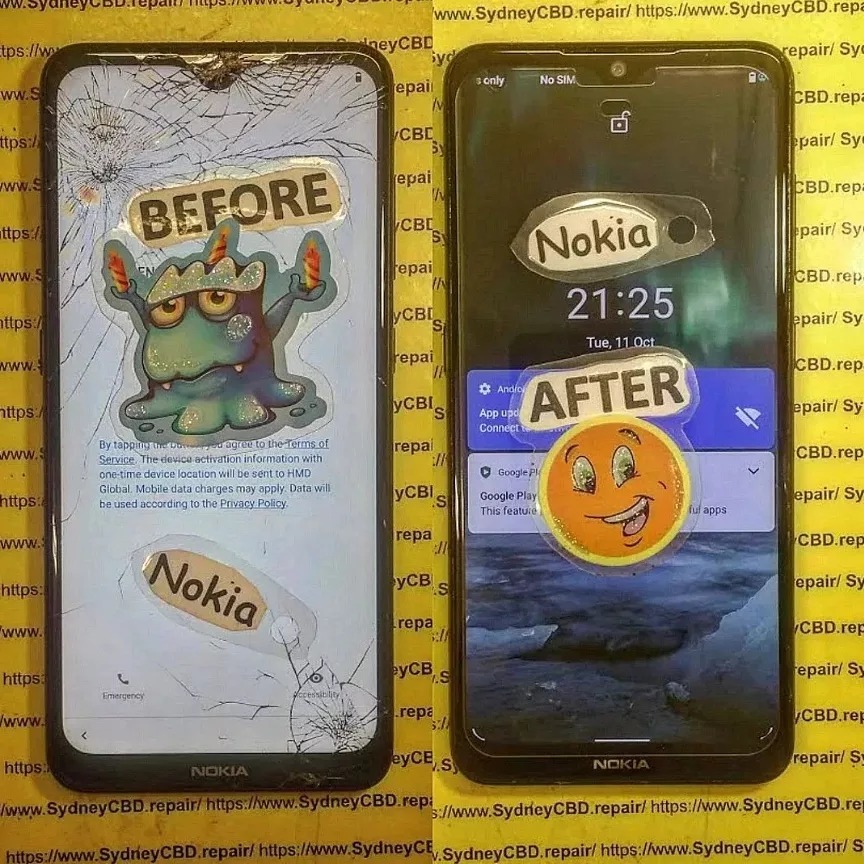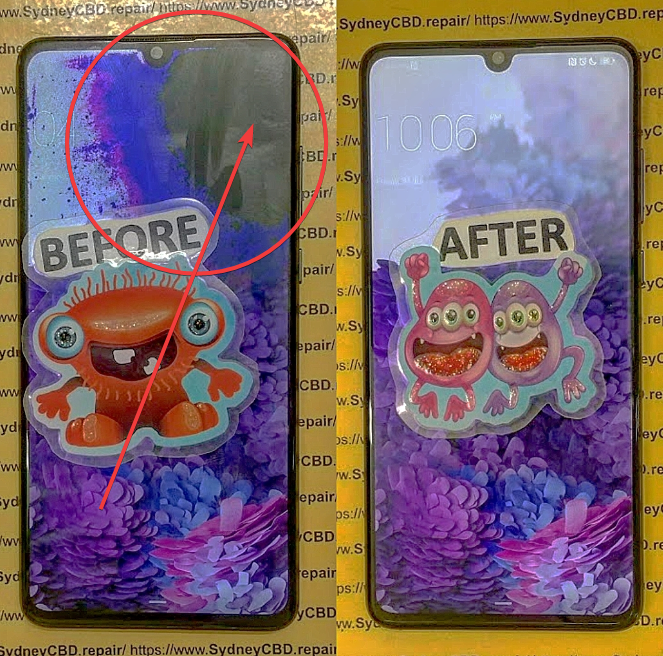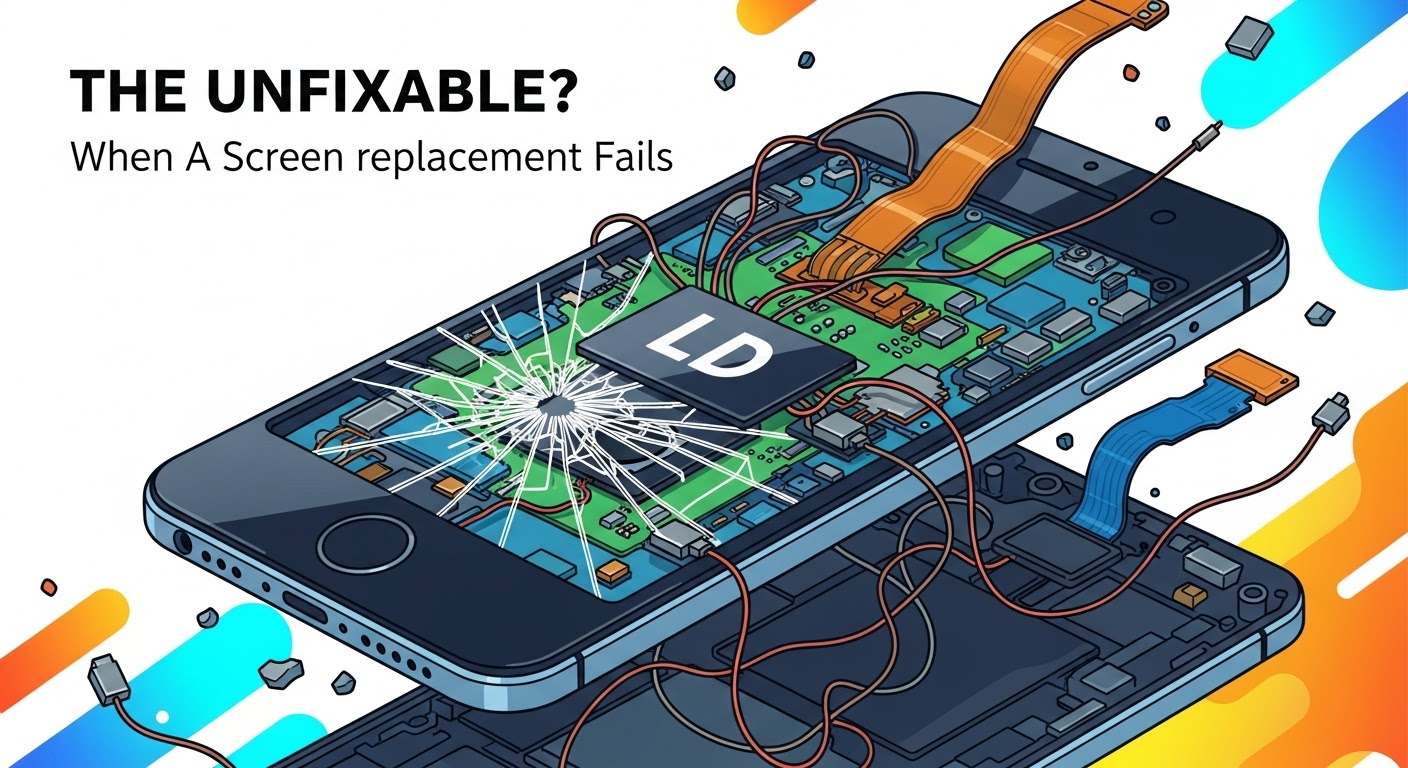
THE UNFIXABLE? When A Screen Replacement Fails

THE UNFIXABLE? When A Screen Replacement Fails – 7 Shocking Reasons & How to Fix It
Introduction: When a Screen Replacement Goes Wrong
Few things feel more frustrating than realizing your brand-new screen replacement has failed. Whether it’s flickering, unresponsive touch, or sudden blackouts, these issues can make you feel like your phone is beyond repair. But here’s the truth — most screen replacement failures aren’t unfixable.
At Sydney CBD Repair Centre, we’ve seen it all: from iPhones that wouldn’t turn on after a screen change to Samsung devices losing display brightness. The good news? With the right diagnosis and genuine parts, every “unfixable” problem often has a surprisingly simple solution.
Let’s uncover the 7 shocking reasons why screen replacements fail — and how you can fix them for good.
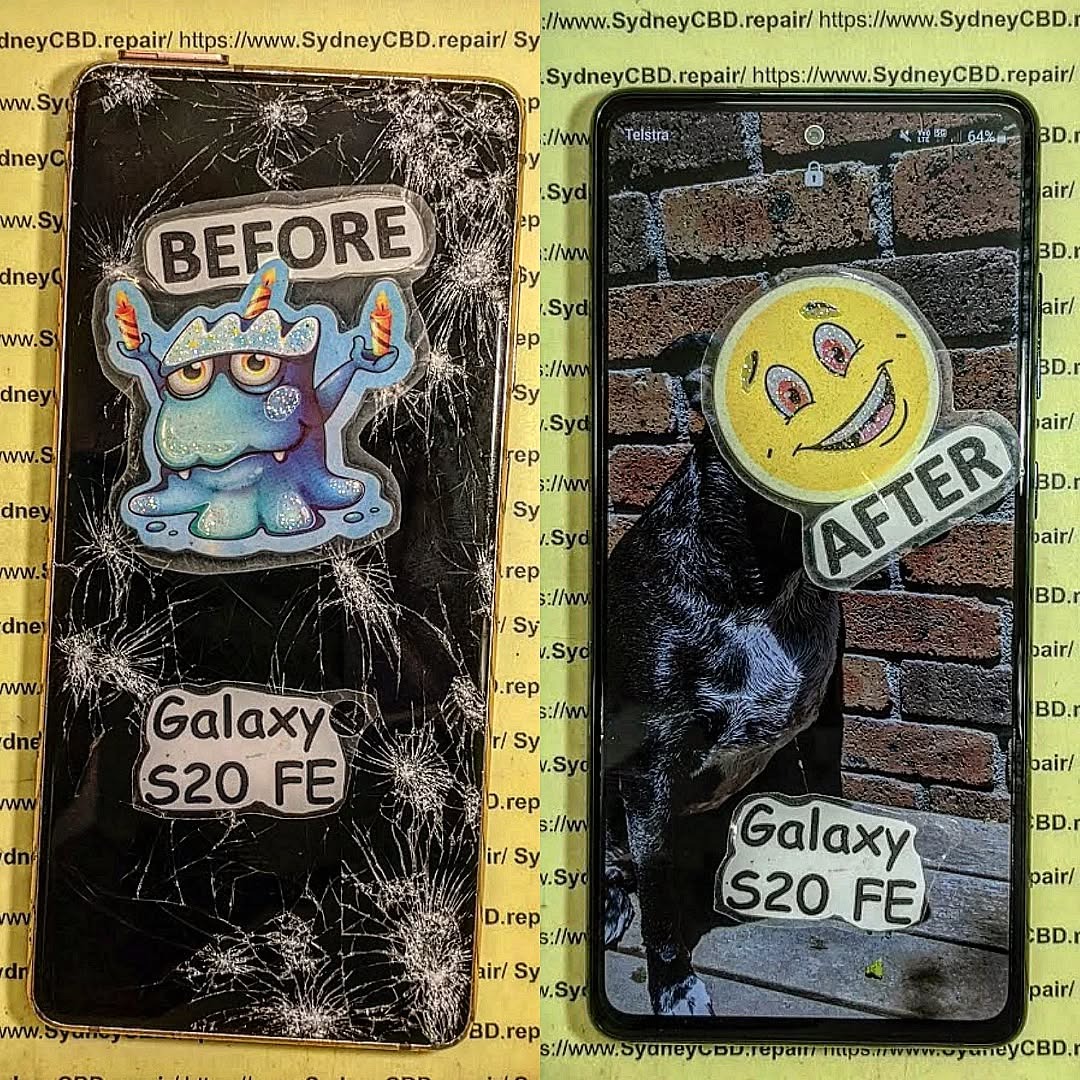
1. Faulty Replacement Parts: The Root of All Screen Problems
The most common reason behind a failed screen replacement is low-quality or counterfeit parts. Many third-party repair shops cut costs by using cheaper aftermarket screens, which may look identical but perform far worse.
How Cheap Screens Cause More Harm
- Poor Touch Response: You might notice lag, ghost touches, or sections of the screen not responding.
- Dim or Oversaturated Display: Inconsistent color calibration affects viewing comfort.
- Frequent Cracks: Subpar glass materials tend to break easily even with minor drops.
At Sydney CBD Repair Centre, every repair uses genuine OEM or high-grade refurbished screens — never copies. We back every replacement with a 90-day warranty, ensuring your phone feels brand new again.
2. Poor Installation: When Skill Matters
Even the best screen can fail if it’s not installed properly. Screen replacement requires precision — aligning connectors, ensuring adhesive pressure, and sealing frames evenly.
Signs of Improper Installation
- Screen lifts from edges
- Flickering display
- Touch irregularities
- Gaps letting dust or moisture inside
A skilled technician uses calibrated tools, anti-static mats, and factory-level adhesives. That’s why all our repairs are handled by certified experts with over 6 years of experience.
3. Damaged Flex Cable or Connectors
The flex cable connects your screen to the motherboard — and it’s fragile. A small bend or static shock during installation can render the screen non-functional.
Identifying a Broken Connector
- Phone powers on but screen stays black
- Random screen flashes or vertical lines
- Display cuts off after a few minutes
Repairing this often means replacing the flex cable or re-soldering connectors. It’s delicate work that should always be done by professionals.
4. Software or Firmware Incompatibility
Not every screen failure is hardware-related. Sometimes, the issue stems from a software mismatch — especially after major iOS or Android updates.
How to Recalibrate or Reset Properly
- Update to the latest system firmware
- Perform a screen calibration in settings
- Use recovery mode to reset display settings
When hardware meets new firmware, sensors and display controllers may miscommunicate. Expert calibration restores optimal touch and brightness levels.
5. Battery or Power Supply Issues
If your phone doesn’t power on after a screen replacement, don’t rush to blame the screen. The battery or power IC chip may be the culprit.
How Battery Health Affects the Screen
- Weak voltage can cause the screen to flicker
- Faulty power delivery may result in random shutdowns
- Some devices throttle display brightness under low power conditions
Our technicians always run a complete diagnostic test before replacement — ensuring power components are stable before installing a new screen.
6. Aftermarket Frames and Fit Issues
Using non-original phone frames can lead to screen misalignment or stress cracks. Aftermarket housings often have incorrect tolerances, causing pressure on the glass.
Precision and Pressure Points
When a screen is forced into a slightly off-sized frame, the corners bear stress — making cracks inevitable. That’s why we recommend using genuine frames and bezels to maintain screen longevity.
7. Moisture or Static Damage During Repair
Tiny traces of moisture or static electricity can silently kill a screen during installation. This type of damage often appears hours or days later.
Safe Workbench & ESD Precautions
Professional repair centers use:
- Anti-static gloves and mats
- Controlled humidity environments
- ESD-safe tools
At Sydney CBD Repair Centre, we maintain clean, static-free workspaces to ensure long-lasting repairs every time.
Expert Tips: How to Avoid Failed Screen Replacements

✅ Always choose authorized repair centers
✅ Ask if genuine OEM parts are used
✅ Ensure a warranty covers your repair
✅ Avoid DIY kits unless you’re trained
✅ Check for after-service diagnostics
A reliable repair isn’t just about replacing a screen — it’s about restoring your device to factory standard.
Real-Life Case Study: Sydney CBD Repair Centre Success Stories
A customer brought in a Samsung Galaxy S22 that had gone dark after a third-party repair. The previous technician claimed it was unfixable. Within two hours, our experts diagnosed a damaged connector pin and replaced it using precision micro-soldering.
Result? The phone powered up with a flawless display — proving again that no repair is truly unfixable when handled by professionals.
FAQs: Fixing Screen Replacement Failures
1. Why does my new screen stop working after a few days?
It’s likely due to a loose connector or poor-quality replacement screen. Always go to verified repair centers using genuine parts.
2. Can a faulty battery damage my new screen?
Yes. Unstable power flow can cause flickering, ghosting, or even display failure. Always test battery health first.
3. Are aftermarket screens safe?
They may work temporarily but often lack durability and color accuracy. OEM screens are always more reliable.
4. What should I do if my screen doesn’t respond after repair?
Try a soft reset first. If unresponsive, visit a technician — it could be a flex cable issue.
5. Is water damage repairable after a failed replacement?
Yes, but it depends on corrosion level. Professional cleaning and drying can often save the device.
6. How long should a screen replacement last?
A properly installed genuine screen can last as long as the phone itself — often 2–4 years or more.
Conclusion: Why Trust Sydney CBD Repair Centre

When your screen replacement fails, don’t give up. The issue might not be “unfixable” — it might just need the right hands.
At Sydney CBD Repair Centre, we’ve been the Top Mobile Phone Repair Shop in Sydney for 6 years in a row, earning 2000+ 5-star reviews from satisfied customers.
We offer:
- ✅ Same-Day Repairs
- ✅ Genuine Parts Guarantee
- ✅ Professional Technicians
- ✅ 90-Day Warranty
- ✅ Affordable Pricing
📍 Visit us today: SydneyCBD.repair/locate-us
📞 Call: +61280114119
Sydney CBD Repair Centre — Where Quality Meets Reliability.