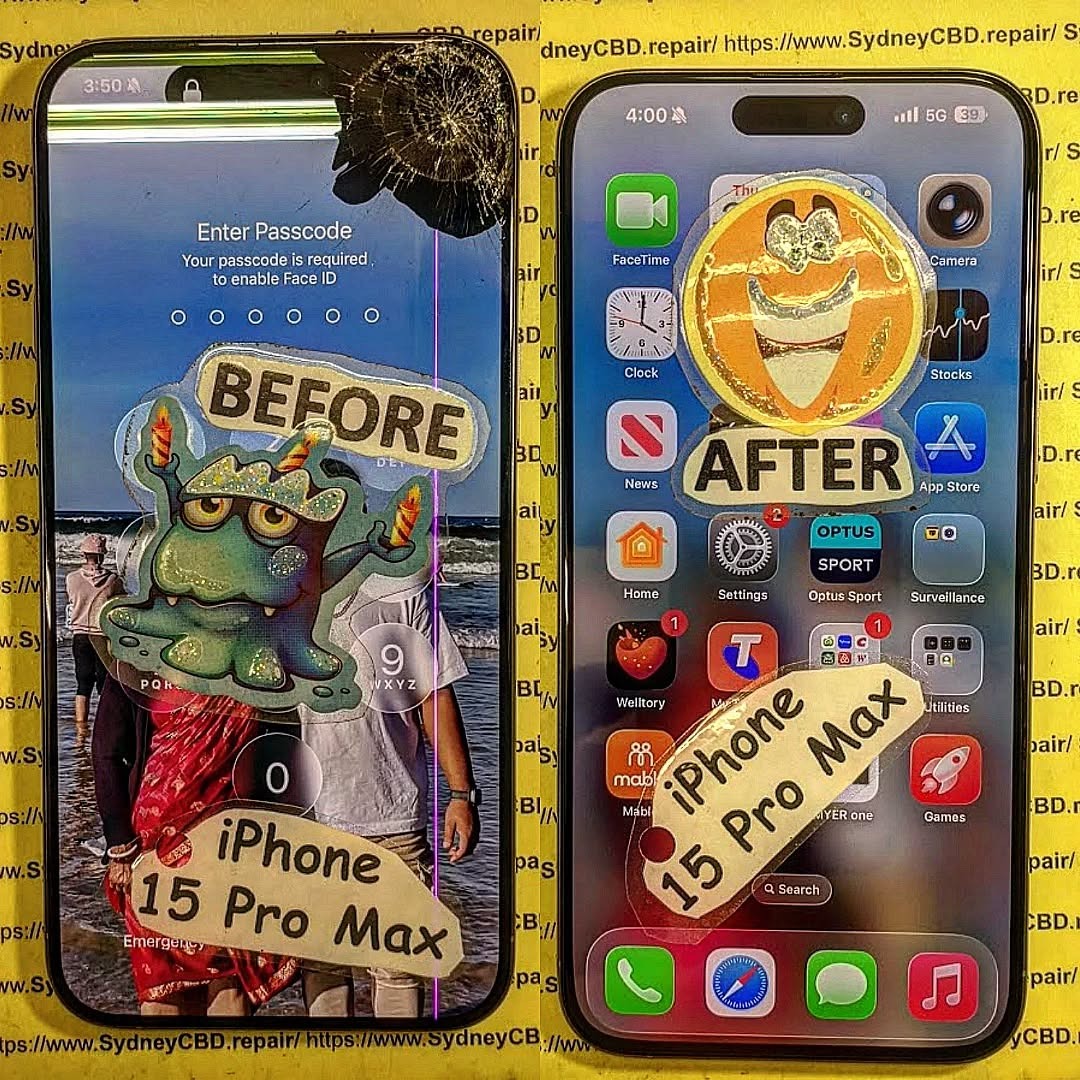
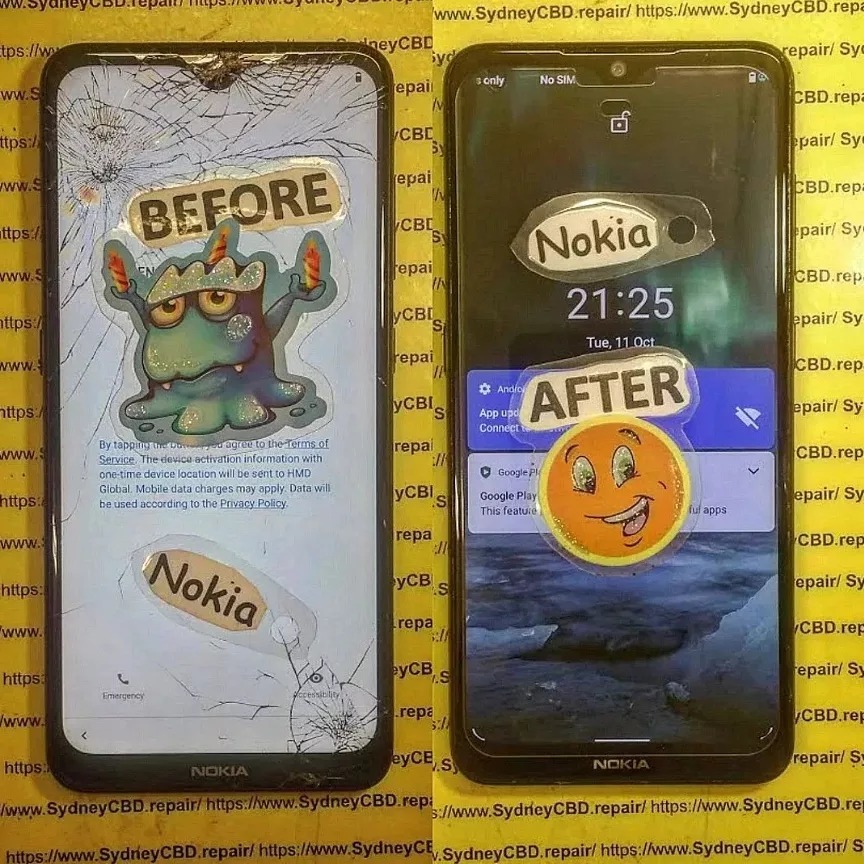
Which is better? Screen Replacement Frame or Screen Replacement Frameless + Expert Insights + 9 Key Differences
Cracked phone screen? You’re probably searching for a replacement screen—and now you’re staring at two options: with frame or frameless (without frame). But which one is better?
Understanding the difference can help you avoid costly mistakes, wasted time, and performance issues. Whether you’re considering a DIY approach or seeking a professional fix, this article breaks down everything you need to know.
A screen with frame includes the LCD/OLED display pre-installed within the mid-frame (or chassis) of the phone. It’s essentially a complete front panel, ready to be attached to the rest of the device.
Also known as:
Full display assembly
Screen with housing
Pre-installed screen unit
Benefits:
Pre-aligned components
Easier and safer installation
Reduced chance of damaging the display during replacement
A frameless screen is only the display panel (LCD/OLED), without the supporting mid-frame. The technician must detach the broken display from the original frame and install the new one carefully.
Also known as:
Bare screen
Display only
LCD without bezel
Drawbacks:
Requires more skill and precision
Time-consuming
Prone to misalignment or adhesive issues
Visual Comparison: Frame vs Frameless
Aspect
Screen With Frame
Frameless Screen
Includes mid-frame
✅ Yes
❌ No
Risk of breakage during install
Low
High
Installation time
Faster
Slower
Cost
Higher
Lower
Requires glue/heat
No (or minimal)
Yes
Recommended for beginners
✅
❌
Pros of Screen With Frame
✅ Perfect alignment
✅ Maintains structural integrity
✅ Lower failure rate
✅ Easier for professional and DIY repairs
✅ Better support for waterproofing restoration
If you’re in a hurry or want to avoid complications, this is the safest choice.
Pros of Frameless Screen Replacement
✅ Cost-effective
✅ More widely available for certain models
✅ Smaller packaging for shipping
✅ Useful for partial repairs (screen only)
Ideal for experienced repair technicians or repair shops with re-alignment jigs and screen press tools.
Technical Skills Required for Both
Task
Screen With Frame
Frameless Screen
Disassembly
Moderate
High
Glue/adhesive application
Minimal
Required
Heat gun use
Rarely
Frequently
Re-aligning components
Not needed
Crucial
Reuse of old frame
❌
✅
Time & Complexity Differences
With Frame: 30–45 minutes (professional)
Frameless: 60–90 minutes or more (even for pros)
DIY Note:
Frameless screens often require heat application and risk damaging internal components if not done correctly.
Cost Comparison: Frame vs Frameless
Phone Model
With Frame (AUD)
Frameless (AUD)
iPhone 11
$260
$180
Samsung S21
$330
$250
Google Pixel 6
$290
$210
Prices include parts only; labor not included.
Risk Factors of Frameless Replacements
❌ Misalignment may cause unresponsive touch
❌ Excess adhesive can damage internals
❌ Glass breakage during installation
❌ Face ID or fingerprint sensor failures
❌ Loss of waterproofing
When Should You Choose Screen With Frame?
Choose screen with frame if:
You want long-term durability
Your phone has waterproofing you want to retain
You’re not confident with tools
Your existing frame is cracked or warped
You want a faster, smoother process
When Frameless Screens Are Acceptable
Opt for frameless screens if:
You’re on a strict budget
You have professional repair experience
Your frame is in perfect condition
The repair is not mission-critical (e.g., backup phone)
Brand and Model Variations
Some phones are easier to repair with a screen-only option:
Brand
Frame Preferred
Frameless Feasible
iPhone (X and newer)
✅
⚠️ Risky
Samsung Galaxy S Series
✅
⚠️ Difficult
Xiaomi Redmi Series
⚠️ Mixed
✅ Common
Google Pixel
✅
⚠️ Only with calibration tools
Impact on Water Resistance
Phones with IP67/IP68 ratings lose their water resistance if:
The adhesive is improperly applied
The frame is not sealed correctly
Non-genuine gaskets are used
Using a screen with frame helps maintain or restore water protection more effectively.
Durability Over Time
Screen With Frame:
Better structural support
Reduced stress on the screen
Lower chance of loosening over time
Frameless:
Can shift or lift with poor adhesive
Susceptible to cracks around the edges
Less shock absorption
Expert Recommendations
At Sydney CBD Repair Centre, we recommend screen with frame for 90% of screen replacements. It ensures:
Proper alignment
Long-term durability
Quicker turnaround
Higher customer satisfaction
We only use genuine parts with or without frames and always advise customers on the best option for their specific device.
FAQs
1. What’s the main difference between frame and frameless screens?
Framed screens include the mid-frame; frameless are just the screen. Framed screens are easier and safer to install.
2. Is a screen with frame more durable?
Yes. It has better alignment, stability, and long-term performance.
3. Can I reuse my old frame with a frameless screen?
Yes, but only if it’s undamaged and precisely cleaned.
4. Are framed screens more expensive?
Generally, yes—but they save you time and reduce installation risk.
5. Does screen with frame help retain water resistance?
Absolutely. It allows better resealing using original-grade components.
6. Do repair shops charge more for screen with frame?
Slightly, but it includes a faster, safer repair and typically a better warranty.
Conclusion
So, screen with frame vs frameless—what’s the final verdict?
✔️ Go with frame if you want a reliable, efficient, and durable screen replacement.
⚠️ Only choose frameless if you’re experienced, or working with a trusted technician and on a tight budget.
At Sydney CBD Repair Centre, we help customers choose the best solution tailored to their needs—no upsells, no shortcuts, just honest, expert repair services.
David from Sydney CBD Repair Centre
6-Time Winner for Best Mobile Repairs in Sydney
✓ Same-Day Repairs
✓ 2000+ 5-Star Reviews
✓ Genuine Parts with 90-Day Warranty
📍 Find Us Here
📞 Call: +61280114119
Original vs Fake: How to Spot High Quality Replacement Screens in 2026 – 15 Powerful Expert Checks
Introduction
Smartphone screens have become more advanced than ever. From ultra-bright OLED panels to adaptive refresh rates and integrated fingerprint sensors, modern displays are packed with technology. As a result, the demand for high quality replacement screens has grown significantly.
Unfortunately, the market is also flooded with fake, low-grade, and poorly manufactured display assemblies. Many consumers struggle to distinguish between genuine parts and inferior alternatives. A replacement display might look fine on day one, yet begin showing issues weeks later.
Understanding the difference between original and fake displays can save money, protect device performance, and extend the lifespan of your smartphone.
Why Screen Quality Matters More Than Ever
Modern smartphones are essentially display-centric devices. Nearly every interaction happens through the screen.
When a low-quality display is installed, users often experience:
Reduced brightness
Poor touch sensitivity
Incorrect colors
Increased battery drain
Screen flickering
Delayed response times
Fingerprint sensor failures
A high quality replacement screen ensures that the phone performs as close as possible to factory specifications.
Furthermore, premium displays help maintain resale value. Buyers can often identify cheap replacement screens immediately due to obvious visual defects.
Today’s smartphones utilize advanced display technologies that require precision manufacturing.
OLED vs LCD Technology
OLED displays dominate flagship devices because they offer:
Deeper blacks
Higher contrast
Better power efficiency
Superior viewing angles
LCD screens remain common in budget and mid-range devices because they are more affordable.
When replacing a screen, matching the original display technology is essential. Installing an LCD replacement into a device designed for OLED may significantly reduce visual quality.
LTPO and High Refresh Rate Panels
Many 2026 flagship phones feature:
120Hz refresh rates
LTPO technology
Adaptive frame rates
Enhanced touch sampling
A poor-quality replacement may advertise these features but fail to deliver actual performance.
Recognizing warning signs early helps avoid costly mistakes.
Visual Indicators
Fake screens commonly exhibit:
Washed-out colors
Low brightness
Thick bezels
Uneven backlighting
Performance Problems
Users may notice:
Ghost touches
Input lag
Flickering
Sensor malfunctions
Physical Defects
Watch for:
Loose frame components
Sharp edges
Excessive screen flex
Poor adhesive bonding
These issues often indicate low manufacturing standards.
Cost Differences Between Original and Fake Screens
Many consumers focus solely on price.
However, understanding value is more important.
Screen Type
Initial Cost
Expected Lifespan
Original/OEM
Higher
Long-term
Premium Aftermarket
Moderate
Good
Cheap Generic
Low
Often short
A cheap repair may appear attractive initially but frequently results in additional repair expenses later.
How Repair Shops Source Quality Displays
Professional repair centers carefully evaluate suppliers before purchasing components.
Key sourcing factors include:
Quality Testing
Reliable repair businesses perform:
Brightness tests
Touch sensitivity tests
Color calibration checks
Supplier Audits
Trusted suppliers maintain:
Manufacturing consistency
Traceability
Quality assurance programs
Batch Verification
Many professional repair shops inspect incoming inventory before installation.
This helps ensure every high quality replacement screen meets expected standards.
Why Cheap Repairs Often Cost More Later
Consumers frequently choose the lowest quote available.
However, this decision can create future expenses.
Potential consequences include:
Repeat repairs
Battery issues
Reduced resale value
User frustration
A premium replacement often delivers better long-term value.
For example, replacing a cheap screen twice may cost more than installing a quality display once.
Choosing a Trusted Repair Provider
Selecting the right repair service is just as important as choosing the right screen.
Look for providers offering:
Transparent Pricing
Trustworthy businesses clearly explain:
Parts used
Labor costs
Warranty terms
Experienced Technicians
Experienced technicians understand:
Device calibration
Adhesive procedures
Diagnostic testing
Strong Customer Reviews
Review platforms provide valuable insights into:
Service quality
Repair success rates
Customer satisfaction
For additional information regarding display technologies, visit the official OLED technology resource from the OLED Association.
Frequently Asked Questions
1. What is the difference between an original and fake replacement screen?
An original screen closely matches factory specifications, while a fake screen often uses lower-quality components resulting in poorer brightness, touch response, and durability.
2. Can a high quality replacement screen perform like the original?
Yes. A properly sourced and professionally installed high quality replacement screen can provide performance very close to the original display.
3. Why are some replacement screens much cheaper?
Lower prices often reflect lower manufacturing standards, inferior materials, reduced testing, and limited warranty support.
4. Do fake screens affect battery life?
Yes. Many low-quality displays consume more power, reducing battery efficiency and increasing device temperatures.
5. Can fingerprint sensors stop working after screen replacement?
They can if an incompatible or poor-quality screen is installed. Premium replacement displays are designed to support biometric functionality.
6. How long should a quality replacement screen last?
A properly installed premium display can last for years with normal use and proper care.
7. Are aftermarket screens always bad?
No. High-end aftermarket displays can offer excellent performance when sourced from reputable manufacturers and suppliers.
8. How can I verify screen quality before repair?
Ask about:
Screen origin
Warranty coverage
Display specifications
Supplier quality standards
Professional repair centers are usually transparent about the parts they use.
Conclusion
The difference between an original display and a fake replacement screen is often much greater than appearance alone. Screen quality affects brightness, touch responsiveness, battery life, durability, and overall user experience.
As smartphone technology continues to evolve in 2026, consumers must become more informed about replacement parts. By using the 15 expert checks outlined in this guide, you can confidently identify a high quality replacement screen and avoid the hidden costs associated with inferior alternatives.
Ultimately, investing in quality components and professional installation provides better performance, greater reliability, and improved long-term value for your device.
David from Sydney CBD Repair Centre – The Best place to fix mobile phones as 7 Years In A Row! Top Mobile Phone Repair In Sydney. More than 2000 Positive Reviews on Google and Same Day Repairs.
We take pride in delivering exceptional repair services for all major phone brands including Apple, Samsung, Google, and more. Our expert technicians use only genuine parts and offer 90days warranty on repairs. Located in the heart of Sydney CBD, we’re your one-stop solution for all mobile device repairs.
Our commitment to excellence has earned us the trust of thousands of satisfied customers. Whether it’s a cracked screen, battery replacement, or water damage repair, we handle it all with professional care and expertise. Walk in today and experience why we’re Sydney’s #1 choice for mobile phone repairs.
Visit us for:
✓ Same Day Express Repairs
✓ Genuine Parts Guarantee
✓ Professional Technicians
✓ Competitive Pricing
✓ 2000+ 5-Star Google Reviews
✓ 7-Time Award Winner for Best Phone Repairs
Why Cheap Aftermarket Screens Fail: Comparing Quality at Sydney CBD Repair Centre – 11 Eye-Opening Facts
Introduction to Screen Replacement Quality
Smartphones have become an essential part of daily life. Whether you’re communicating with clients, capturing memories, managing finances, or navigating through the city, your phone screen plays a critical role in every interaction. Unfortunately, cracked or damaged screens are among the most common smartphone issues worldwide.
When replacing a damaged display, many consumers are tempted by low-cost repair offers. At first glance, a cheaper screen replacement may seem like a smart financial decision. However, the reality is often very different. Understanding Why Cheap Aftermarket Screens Fail: Comparing Quality at Sydney CBD Repair Centre can help smartphone owners avoid costly mistakes and maintain their device’s performance.
Many low-cost repair providers use inexpensive aftermarket screens designed to reduce expenses. While these screens may initially appear similar to original displays, their quality often falls significantly short of manufacturer standards. Over time, users begin noticing reduced brightness, poor touch response, inaccurate colors, and premature failures.
Professional repair providers understand that screen quality directly impacts customer satisfaction. That’s why experienced technicians focus on sourcing reliable components and implementing strict quality-control procedures. Investing in quality repairs helps extend the lifespan of your smartphone and ensures optimal functionality.
Furthermore, consumers should recognize that screen replacement is more than simply swapping one panel for another. The display is deeply integrated with the device’s touch sensors, brightness controls, facial recognition systems, and overall user interface. A poor-quality replacement can interfere with multiple device functions.
As we explore Why Cheap Aftermarket Screens Fail: Comparing Quality at Sydney CBD Repair Centre, you’ll discover the differences between genuine and aftermarket displays, the hidden costs associated with low-quality repairs, and how professional repair services protect your investment.
A genuine screen is manufactured according to the original specifications established by the smartphone manufacturer. These displays are designed to match factory standards for:
Color accuracy
Brightness
Touch responsiveness
Durability
Power efficiency
Compatibility
Genuine displays undergo rigorous testing and quality assurance processes before reaching consumers.
What Is an Aftermarket Screen?
An aftermarket screen is produced by third-party manufacturers rather than the original device maker. While some premium aftermarket screens can perform reasonably well, cheaper versions are often built using lower-quality materials and less stringent production standards.
The biggest issue isn’t necessarily that a screen is aftermarket—it’s that many budget repair shops choose the lowest-cost option available.
As a result, users frequently encounter:
Delayed touch response
Screen flickering
Dead pixels
Reduced brightness
Poor viewing angles
Shorter lifespan
Understanding these distinctions is essential when evaluating repair options and learning Why Cheap Aftermarket Screens Fail: Comparing Quality at Sydney CBD Repair Centre.
One of the primary reasons cheap aftermarket screens fail is the use of lower-grade materials. Manufacturers of budget screens often reduce production costs by using less durable glass, lower-quality digitizers, and cheaper display components.
These materials are more susceptible to:
Cracking
Scratching
Internal damage
Heat-related failures
Weak Touch Sensitivity
Touch responsiveness is a critical part of the smartphone experience. Cheap screens frequently use lower-quality digitizer technology, resulting in:
Missed touches
Delayed responses
Ghost touches
Inconsistent scrolling
Users often notice these problems immediately after installation.
Color Accuracy Problems
Premium smartphone displays are calibrated to provide vibrant and accurate colors. Cheap aftermarket displays often struggle to reproduce these colors correctly.
Common complaints include:
Washed-out images
Oversaturated tones
Yellowish displays
Inconsistent color balance
Reduced Brightness Levels
Outdoor visibility becomes significantly worse when using low-quality screens. Inferior displays often have weaker backlighting systems and lower brightness output.
Consequently, users may find it difficult to view content in bright sunlight.
The Hidden Costs of Cheap Screen Repairs
At first glance, saving money on a repair seems appealing. However, the long-term costs often outweigh the initial savings.
Frequent Replacements
Low-quality displays tend to fail earlier than premium alternatives. Instead of lasting several years, some aftermarket screens may develop issues within months.
This leads to:
Repeat repairs
Additional downtime
Increased frustration
Loss of Device Value
Devices fitted with poor-quality screens may lose resale value. Buyers often inspect display quality before purchasing a used smartphone.
Signs of a low-quality replacement can reduce buyer confidence and lower resale prices.
Increased Repair Expenses
Repeated repairs quickly add up. What initially appeared to be a budget-friendly option may ultimately cost more than a professional repair performed correctly the first time.
This is one of the strongest arguments supporting Why Cheap Aftermarket Screens Fail: Comparing Quality at Sydney CBD Repair Centre.
Comparing Screen Quality at Sydney CBD Repair Centre
Genuine Parts Standards
Professional repair providers prioritize quality and reliability. High-grade replacement components are selected to meet strict performance standards and maintain device functionality.
Key benefits include:
Superior image quality
Reliable touch response
Better durability
Improved compatibility
Professional Installation
Even the highest-quality screen can perform poorly if installed incorrectly.
Comprehensive testing ensures every repaired device functions correctly before being returned to the customer.
Testing commonly includes:
Touch sensitivity verification
Brightness evaluation
Face ID or fingerprint testing
Sensor calibration
Display uniformity checks
Performance Comparison Table
Feature
Cheap Aftermarket Screen
Quality Replacement Screen
Touch Response
Inconsistent
Smooth and accurate
Brightness
Reduced
Factory-like performance
Color Accuracy
Poor
Excellent
Durability
Low
High
Battery Efficiency
Reduced
Optimized
Viewing Angles
Limited
Wide
Lifespan
Shorter
Longer
User Experience
Compromised
Premium
How Low-Quality Screens Affect User Experience
The impact of a poor-quality display extends beyond aesthetics.
Users may experience:
Reduced Productivity
Typing becomes slower when touch sensitivity is inconsistent. Tasks requiring precision become frustrating.
Eye Strain
Poor brightness control and inaccurate color reproduction can contribute to visual discomfort during prolonged use.
Battery Drain
Many low-quality screens consume more power than properly engineered replacements, reducing battery life.
App Performance Perception
Although the phone’s processor remains unchanged, laggy touch response can create the impression that the entire device has become slower.
These issues further illustrate Why Cheap Aftermarket Screens Fail: Comparing Quality at Sydney CBD Repair Centre and why quality matters.
Common Myths About Cheap Screen Replacements
Myth 1: All Screens Are the Same
This is one of the most widespread misconceptions. Significant differences exist in manufacturing quality, materials, and performance.
Myth 2: A Cheaper Repair Saves Money
Short-term savings often lead to long-term expenses through repeated failures and additional repairs.
Myth 3: Customers Can’t Tell the Difference
Most users notice display differences immediately, particularly regarding brightness, color quality, and touch responsiveness.
Myth 4: Aftermarket Always Means Bad
Not all aftermarket screens are poor quality. However, extremely cheap aftermarket displays often present significant reliability concerns.
Why Professional Repair Services Matter
Professional repair providers offer advantages that extend beyond replacing a broken component.
Benefits include:
Expert diagnosis
Quality parts sourcing
Warranty protection
Skilled workmanship
Comprehensive testing
Professional technicians understand device architecture and can identify underlying issues that may not be immediately visible.
Additionally, reputable repair centres maintain accountability and stand behind their work.
For consumers seeking long-term reliability, professional repairs provide peace of mind and improved device performance.
Signs Your Phone Has a Low-Quality Aftermarket Screen
Not sure whether your screen replacement is high quality?
Watch for these warning signs:
Touch Delays
The screen responds slowly or inconsistently to input.
Brightness Problems
The display appears dim even at maximum brightness.
Poor Color Reproduction
Colors appear faded, unnatural, or overly saturated.
Screen Separation
The display begins lifting from the frame.
Flickering
Intermittent flashing or brightness fluctuations occur.
Dead Zones
Certain screen areas fail to register touch input.
If several of these symptoms appear, the display may be a low-grade aftermarket replacement.
How to Choose the Right Repair Centre
Selecting a reputable repair provider is essential.
Consider the following factors:
Check Reviews
Look for consistent positive customer feedback.
Ask About Parts
Request information regarding replacement screen quality and sourcing.
Verify Warranty Coverage
Reliable repair providers offer warranties that protect customers against defects.
Evaluate Experience
Choose technicians with proven expertise and established repair processes.
Consider Transparency
Professional repair centres explain repair options clearly and honestly.
Making an informed choice reduces the likelihood of experiencing the problems discussed in Why Cheap Aftermarket Screens Fail: Comparing Quality at Sydney CBD Repair Centre.
Frequently Asked Questions
1. Why do cheap aftermarket screens fail faster?
They are often manufactured using lower-quality materials and less rigorous quality-control standards, making them more susceptible to defects and damage.
2. Can a cheap screen affect battery life?
Yes. Poorly designed displays may consume more power, resulting in faster battery drain.
3. Are all aftermarket screens bad?
No. Some premium aftermarket screens perform well. Problems usually arise with extremely low-cost options.
4. How can I identify a low-quality replacement screen?
Look for touch issues, poor brightness, inaccurate colors, flickering, and reduced durability.
5. Is professional installation important?
Absolutely. Proper installation ensures optimal performance, reliability, and longevity.
6. Does a quality screen replacement improve resale value?
Yes. Devices repaired using high-quality components generally retain more value and attract greater buyer confidence.
7. How long should a quality replacement screen last?
A high-quality replacement screen can last for years when properly installed and cared for.
Conclusion
Understanding Why Cheap Aftermarket Screens Fail: Comparing Quality at Sydney CBD Repair Centre is essential for anyone considering smartphone repairs. While low-cost repair options may seem attractive initially, the long-term consequences often include reduced performance, poor durability, increased repair costs, and diminished user satisfaction.
A smartphone display is one of the most important components of the device. Choosing quality replacement parts and professional installation helps maintain performance, reliability, and overall value. Consumers who prioritize quality over short-term savings typically enjoy a better experience and avoid the frustrations associated with repeated repairs.
For additional information about smartphone display technology, visit the official resource from the OLED Association.
David from Sydney CBD Repair Centre – The Best place to fix mobile phones as 7 Years In A Row! Top Mobile Phone Repair In Sydney. More than 2000 Positive Reviews on Google and Same Day Repairs.
We take pride in delivering exceptional repair services for all major phone brands including Apple, Samsung, Google, and more. Our expert technicians use only genuine parts and offer 90days warranty on repairs. Located in the heart of Sydney CBD, we’re your one-stop solution for all mobile device repairs.
Our commitment to excellence has earned us the trust of thousands of satisfied customers. Whether it’s a cracked screen, battery replacement, or water damage repair, we handle it all with professional care and expertise. Walk in today and experience why we’re Sydney’s #1 choice for mobile phone repairs.
Visit us for:
✓ Same Day Express Repairs
✓ Genuine Parts Guarantee
✓ Professional Technicians
✓ Competitive Pricing
✓ 2000+ 5-Star Google Reviews
✓ 7-Time Award Winner for Best Phone Repairs
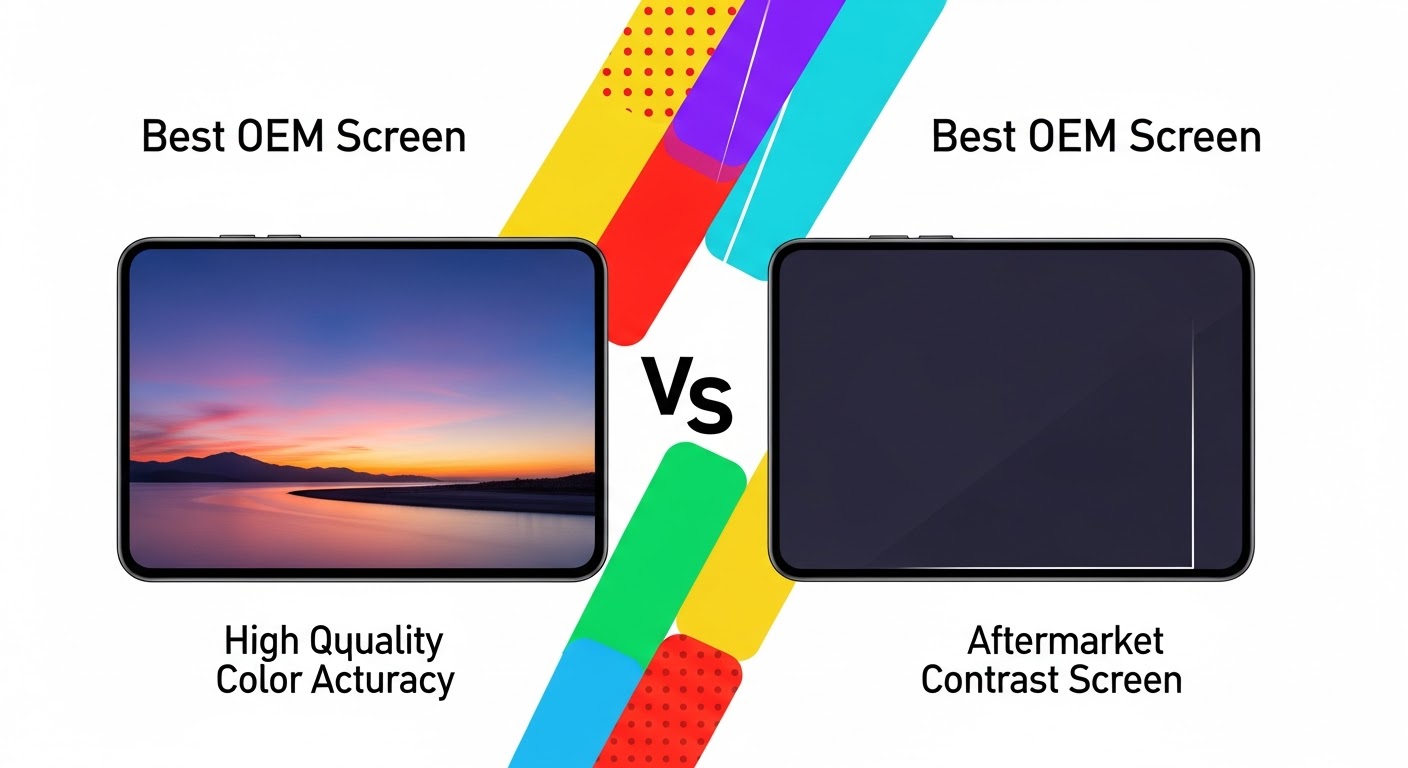
Best OEM vs Aftermarket Screen Comparison: Ultimate Guide + 10 Key Insights
Introduction
Choosing the right replacement screen for your smartphone can be tricky. With options ranging from OEM (Original Equipment Manufacturer) screens to aftermarket alternatives, it’s essential to understand the differences, benefits, and potential drawbacks of each. Your phone’s display isn’t just a visual component—it affects touch responsiveness, color accuracy, durability, and overall user experience. This guide dives deep into the Best OEM vs Aftermarket Screen Comparison, providing insights to help you make a confident, cost-effective decision.
OEM screens are produced by the same company that manufactured your original device. For example, an Apple iPhone OEM screen is made by Apple or a certified supplier that adheres to Apple’s exact specifications. These screens are designed to replicate the original performance, appearance, and longevity of your device.
Manufacturing Process
OEM screens undergo strict quality control, using advanced machinery and standardized components to ensure that every display matches the original specifications. This includes high-grade glass, accurate color reproduction, and precise touch sensitivity. Each unit is tested rigorously to minimize defects and ensure consistency.
Benefits of OEM Screens
Perfect Fit & Finish: OEM screens match the original screen seamlessly.
High Durability: Resistant to scratches, cracks, and long-term wear.
Accurate Color & Touch Response: Maintains original brightness, contrast, and responsiveness.
Warranty Support: Often comes with manufacturer or repair shop warranty.
Common Misconceptions
“OEM is overpriced.” While it may cost more, the durability and performance often offset replacement frequency.
“Aftermarket is just as good.” Not always—aftermarket quality can vary significantly.
Aftermarket screens are third-party replacements produced by companies that aren’t the original device manufacturer. These screens vary in quality, materials, and price.
Manufacturing Process
Aftermarket screens are often made in bulk with variable quality control standards. Some high-end aftermarket options approach OEM quality, while low-cost alternatives may compromise on materials, display accuracy, or touch responsiveness.
Benefits of Aftermarket Screens
Lower Cost: Typically 30–60% cheaper than OEM replacements.
High Availability: Often easier to find, especially for older or discontinued models.
Multiple Options: Different price points allow users to choose based on budget.
Risks and Limitations
Inconsistent Quality: Touch response, brightness, and durability may vary.
Fit & Finish Issues: Edges may not align perfectly with the device frame.
Warranty Limitations: Many aftermarket screens come with limited or no warranty.
Potential Compatibility Issues: Certain models may not support features like True Tone or HDR properly.
Key Differences Between OEM and Aftermarket Screens
Feature
OEM Screen
Aftermarket Screen
Material Quality
Premium glass, precise digitizer
Variable, sometimes lower quality
Touch Sensitivity
Original responsiveness
May feel laggy or inconsistent
Color Accuracy
True-to-original
Slight deviations possible
Durability
Long-lasting
May wear faster
Warranty
Usually included
Often limited or none
Price
Higher
Lower
Material Quality
OEM screens use high-quality glass and digitizers that resist scratches and cracks. Aftermarket options may substitute cheaper materials, which could affect durability and feel. For example, a tempered glass layer in OEM screens is optimized for impact resistance, whereas aftermarket glass may chip or scratch more easily.
Touch Sensitivity & Display Performance
Touch responsiveness is critical, especially for gaming, typing, or scrolling. OEM screens maintain consistent touch latency, while some aftermarket screens can feel slightly unresponsive or have dead zones. Color reproduction and brightness may also differ, with OEM providing true-to-life visuals that aftermarket alternatives may struggle to replicate.
Warranty & Support
When you buy an OEM screen through a certified repair service, you often receive a 90-day to 1-year warranty, protecting against defects and installation issues. Aftermarket screens may offer limited warranties, sometimes only covering manufacturing defects for a short period.
Cost Analysis: OEM vs Aftermarket
While OEM screens may be more expensive upfront, they often save money long-term by lasting longer and reducing the risk of additional repairs. Aftermarket screens are attractive for budget-conscious users but could incur extra costs due to frequent replacements or repair complications.
Example Pricing (iPhone 14 Screen Replacement):
OEM: $250–$300 AUD
Aftermarket: $120–$180 AUD
Installation Considerations
Professional installation is highly recommended for both OEM and aftermarket screens. DIY replacements carry risks, including damaging internal components or voiding warranty. Expert repair shops like Sydney CBD Repair Centre ensure proper installation, whether you choose OEM or high-quality aftermarket screens.
Longevity & Durability
OEM screens generally last 2–3 years longer than most aftermarket options due to better materials and precision engineering. Aftermarket screens may degrade faster under daily use, especially with frequent drops or exposure to heat and moisture.
Choosing the Right Screen for Your Phone
Consider these factors:
Budget: OEM for longevity; aftermarket for short-term cost savings.
Phone Age: Older devices may not require OEM performance standards.
Usage Pattern: Heavy users benefit from OEM reliability.
Repair Shop Expertise: Certified technicians can install either type with high quality.
External Factors Affecting Screen Choice
Brand Reputation: Trusted repair centers often recommend OEM for flagship devices.
Repair Service Quality: Proper installation is as important as the screen itself.
Warranty Coverage: Check what is included before purchase.
FAQs About OEM and Aftermarket Screens
1. Are OEM screens always better than aftermarket?
Generally, yes, in terms of durability, color accuracy, and touch sensitivity. However, high-quality aftermarket screens can sometimes approach OEM performance.
2. Can aftermarket screens damage my phone?
Low-quality aftermarket screens may cause touch issues or interfere with features like Face ID. Professional installation reduces risks.
3. How long do OEM screens last?
Typically 2–3 years under normal use, longer if handled carefully.
4. Is there a price difference?
Yes, aftermarket screens are usually 30–60% cheaper than OEM replacements.
5. Do aftermarket screens have warranty?
Some do, but coverage is often limited compared to OEM screens.
6. Can I install an OEM screen myself?
DIY installation is possible but risky. Professional installation ensures proper fit and function.
Conclusion
When choosing between OEM and aftermarket screens, the decision comes down to priorities. OEM screens offer unmatched reliability, display quality, and long-term value, making them ideal for flagship devices or users who want seamless performance. Aftermarket screens appeal to those with tighter budgets or older devices but may sacrifice durability and accuracy. For the best experience, consult certified repair centers like Sydney CBD Repair Centre, which provide genuine OEM parts, expert installation, and warranty coverage.
David from Sydney CBD Repair Centre – The Best place to fix mobile phones as 6 Years In A Row! Top Mobile Phone Repair In Sydney. More than 2000 Positive Reviews on Google and Same Day Repairs.
Visit us for:
✓ Same Day Express Repairs
✓ Genuine Parts Guarantee
✓ Professional Technicians
✓ Competitive Pricing
✓ 2000+ 5-Star Google Reviews
✓ 6-Time Award Winner for Best Phone Repairs
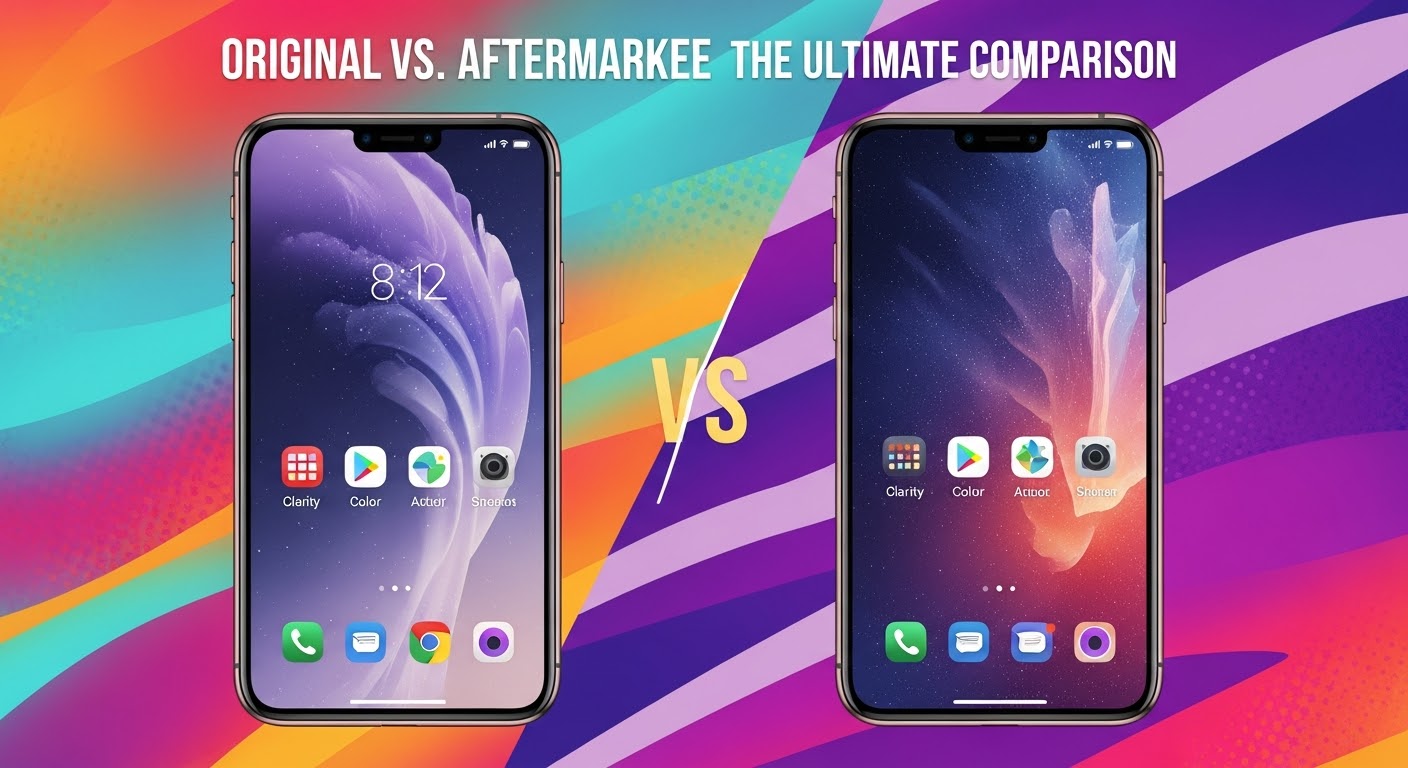
Original vs. Aftermarket Phone Screens: The Ultimate Comparison + 10 Essential Insights
Introduction
Phone screens are among the most vulnerable and costly components of modern smartphones. A cracked or malfunctioning screen can significantly impair the user experience, affecting both aesthetics and functionality. When it comes to replacing a damaged screen, consumers often face a choice between original (OEM) screens and aftermarket alternatives. Understanding the differences, advantages, and trade-offs is essential for making an informed decision that balances cost, performance, and long-term value.
This article delves into every aspect of this comparison, offering insights into cost, display quality, durability, installation considerations, and more. Whether you are a casual user, a gamer, or someone who relies on their phone for daily work, this guide will help you choose the best screen replacement option for your device.
Original Equipment Manufacturer (OEM) screens are made by the phone’s brand or an authorized partner. These screens are designed to match the exact specifications of the device, ensuring optimal color accuracy, touch sensitivity, and structural integrity.
Advantages:
Perfect color reproduction and brightness
Full touch responsiveness
Guaranteed fit and alignment
Supported by manufacturer warranty
Aftermarket Screens
Aftermarket screens are third-party replacements that aim to replicate the functionality of OEM screens. They vary in quality, with some closely resembling the original and others offering only basic functionality.
Advantages:
Lower initial cost
Wide availability for older devices
Often customizable options like tempered glass or reinforced frames
Potential Drawbacks:
Variable color accuracy
Reduced touch sensitivity
Higher likelihood of hardware or software compatibility issues
Original screens are typically more expensive due to their premium quality and brand association. For flagship devices, an OEM replacement can cost $150–$350, depending on the model. Aftermarket screens, on the other hand, may cost $40–$120, making them a tempting choice for budget-conscious users.
Long-Term Value
While aftermarket screens save money upfront, they may require more frequent replacement due to lower durability. OEM screens, despite the higher cost, often provide better long-term value due to their superior performance and longevity.
Display Quality
Color Accuracy
Original screens maintain the manufacturer’s intended color calibration. They produce true-to-life colors, better contrast, and higher brightness levels. Aftermarket screens often struggle to match these standards, which can result in washed-out or overly saturated visuals.
Touch Sensitivity
OEM screens respond seamlessly to touch inputs, even under light pressure or multi-finger gestures. Aftermarket options can suffer from latency issues, unresponsive corners, or uneven pressure sensitivity, affecting tasks such as gaming or digital art.
Build and Material Quality
Material Differences
OEM screens usually use high-quality materials like Gorilla Glass, which offers excellent scratch resistance and shatter protection. Aftermarket screens often use generic glass, which may compromise durability and clarity.
Durability Tests
In drop and scratch tests, OEM screens consistently outperform aftermarket replacements. While aftermarket screens may include reinforced coatings, they rarely match the structural integrity of an original screen.
Warranty and Support
Manufacturer Warranty
Replacing your phone with an OEM screen usually preserves the original manufacturer warranty. This can cover defects and ensure professional support if issues arise.
Repair Shop Support
Many reputable repair centers, like Sydney CBD Repair Centre, offer their own warranties on both OEM and aftermarket screens. Their expert technicians can guide you in choosing the right replacement based on your priorities and budget.
Installation Considerations
Professional Installation
OEM screens often require professional installation to maintain warranty coverage and avoid hardware damage. Certified technicians ensure proper alignment, adhesive application, and calibration.
DIY Risks
Attempting to install screens yourself can be risky, especially with OEM components. Even aftermarket screens can suffer from installation errors that lead to dead pixels, unresponsive touch, or frame misalignment.
Performance in Daily Use
Gaming & Multimedia
High-resolution games, streaming videos, and graphic-intensive apps benefit from OEM screens’ superior refresh rates and color accuracy. Aftermarket screens may show minor delays or reduced vibrancy, impacting immersive experiences.
Everyday Tasks
For routine activities like texting, browsing, or social media, aftermarket screens may suffice. However, minor touch or color issues may still be noticeable to users accustomed to high-quality displays.
Battery and Hardware Integration
Power Efficiency
OEM screens are optimized for the phone’s hardware, ensuring minimal battery drain. Aftermarket screens may consume slightly more power due to differences in brightness calibration or panel efficiency.
Component Compatibility
Third-party screens sometimes conflict with other phone components, potentially causing issues like touch failure, ghost touches, or calibration errors.
Aesthetics and Fit
Edge-to-Edge Fit
OEM replacements guarantee perfect alignment with bezels and front cameras. Aftermarket screens may have slight gaps or misalignments that are visible upon close inspection.
Color Matching
Color uniformity across the screen is often superior with OEM screens, whereas aftermarket alternatives may show minor variations or tints.
Resale Value Implications
Replacing a screen with OEM components helps maintain the device’s resale value. Phones with aftermarket screens often see a reduced resale price because buyers perceive them as less reliable or authentic.
Environmental Impact
OEM screens often incorporate environmentally conscious manufacturing practices. Aftermarket screens vary in their sustainability, with some using recycled materials but others contributing to electronic waste due to shorter lifespan.
Popular Misconceptions
Aftermarket screens are always bad – Many high-quality aftermarket screens are suitable for everyday use.
OEM screens never break – OEM screens are durable but can still crack under impact.
DIY installation voids warranty – Warranty policies vary; professional installation is often recommended.
Expert Recommendations
When to Choose Original
High-end flagship devices
Frequent heavy use (gaming, streaming, content creation)
Desire for maximum resale value
When Aftermarket Screens Are Acceptable
Older or budget devices
Temporary replacement before upgrade
Limited usage where premium display quality is not critical
FAQs
1. Can an aftermarket screen damage my phone?
If installed improperly, yes. Quality aftermarket screens installed by professionals usually do not harm the device.
2. How long do OEM screens last compared to aftermarket screens?
OEM screens generally last longer due to superior materials and manufacturing, often several years under normal use. Aftermarket screens may last 6–18 months depending on quality.
3. Are aftermarket screens compatible with all phone functions?
High-quality aftermarket screens support most functions, but features like 3D Touch, True Tone, or fingerprint sensors may be less reliable.
4. Is it worth paying more for OEM screens?
Yes, for users who value longevity, performance, and resale value, OEM screens provide better long-term investment.
5. Can I tell the difference between OEM and aftermarket screens visually?
Often subtle. Differences may appear in color accuracy, brightness, and touch responsiveness, noticeable during intensive use.
6. Does replacing a screen void my phone warranty?
OEM replacements installed by authorized service providers typically preserve warranty. Aftermarket replacements may void the manufacturer warranty.
Conclusion
Choosing between original and aftermarket phone screens depends on balancing cost, performance, durability, and personal needs. OEM screens provide superior quality, long-term reliability, and preserve resale value, while aftermarket options offer a budget-friendly alternative for temporary or low-intensity usage. Professional installation, such as at Sydney CBD Repair Centre, ensures optimal performance and peace of mind, regardless of the screen type chosen.
Investing in the right screen replacement ensures your smartphone continues to deliver the experience you expect, keeping your device functional, visually appealing, and ready for daily demands.
David from Sydney CBD Repair Centre – The Best place to fix mobile phones as 6 Years In A Row! Top Mobile Phone Repair In Sydney. More than 2000 Positive Reviews on Google and Same Day Repairs.
Visit us for:
✓ Same Day Express Repairs
✓ Genuine Parts Guarantee
✓ Professional Technicians
✓ Competitive Pricing
✓ 2000+ 5-Star Google Reviews
✓ 6-Time Award Winner for Best Phone Repairs
Sydney CBD Repair Centre: Frame vs. Frameless Displays Explained! — The Ultimate Guide (2025 Edition)
Introduction to Smartphone Displays
In the fast-paced world of mobile technology, the design of your smartphone display matters more than ever. Whether you own an iPhone, Samsung Galaxy, or Google Pixel, one question often arises — should you go for a frame or frameless display?
At Sydney CBD Repair Centre, we’ve repaired thousands of phones — and we’ve seen firsthand how the choice between frame and frameless screens affects both performance and repairability. Understanding these differences can help you make smarter decisions about your next smartphone or repair.
Framed displays are the traditional type of screen that come with a visible border or bezel surrounding the glass. These bezels provide structural integrity, protecting the internal components from shocks and drops.
Key Features of Frame Displays
Visible Bezel – A noticeable border that supports the display.
Durable Construction – Offers better protection against cracks from side impacts.
Easier Repairs – Replacing or realigning a framed display is often simpler.
Affordable Replacement – Typically cheaper than edge-to-edge designs.
Benefits of Using a Frame Display
Framed displays have stood the test of time because of their strength and repairability. Users who value durability over sleek aesthetics often prefer this type.
Better Protection: The bezel absorbs impact during accidental drops.
Budget-Friendly Repairs: Replacement screens are less expensive.
Longevity: Ideal for heavy-duty users or those prone to dropping their devices.
Common Issues in Frame Display Repairs
Even though framed displays are easier to fix, they still face issues like:
Screen lifting due to adhesive wear.
Frame warping from long-term use.
Difficulty in color matching older devices with new frames.
At Sydney CBD Repair Centre, our technicians ensure every replacement fits seamlessly — maintaining both look and performance.
Frameless displays, also known as edge-to-edge screens, are the new standard in smartphone design. They minimize the bezel to create a modern, immersive look — often found in flagship models like the iPhone 15 Pro or Samsung Galaxy S24 Ultra.
Defining Frameless or Edge-to-Edge Designs
A frameless display extends the screen almost to the edge of the phone body. It’s achieved through advanced glass lamination and OLED technology that allows touch sensitivity and display clarity across curved edges.
Benefits of Frameless Displays
Frameless phones are sleek, premium, and visually stunning. Here’s why users love them:
Immersive Viewing: Perfect for gaming and streaming.
Modern Aesthetics: Sleek design enhances overall appeal.
Improved Touch Sensitivity: Edge gestures are smoother.
Lightweight Construction: Less bulk, more screen.
Challenges in Repairing Frameless Screens
While beautiful, frameless screens are notoriously tricky to repair:
Higher Replacement Costs: Due to OLED and curved glass technology.
Delicate Edges: Easy to crack or shatter during impact.
Special Tools Required: Repairs demand high precision.
At Sydney CBD Repair Centre, we use specialized micro-suction and laser calibration tools to replace frameless displays without damaging internal components.
Frame vs. Frameless: A Side-by-Side Comparison
Feature
Frame Display
Frameless Display
Durability
More resistant to drops
Fragile edges, prone to cracks
Aesthetics
Classic, functional
Sleek, modern look
Repair Cost
Affordable
Expensive
Replacement Ease
Easy
Complex
Touch Experience
Standard
Edge gestures enabled
Ideal For
Practical users
Style-conscious users
Durability and Build Quality
Durability is where frame displays shine. The added bezel acts like a protective shell, absorbing shock from drops. Frameless displays, though stylish, are often more fragile and require extra care or protective cases.
Aesthetics and User Experience
Frameless designs offer uninterrupted visuals that enhance entertainment and gaming experiences. However, they sometimes suffer from accidental touches along the curved edges — an issue framed screens don’t have.
Repair and Replacement Costs
At Sydney CBD Repair Centre, we’ve noticed:
Frame Display Repairs: Start around $120–$180 depending on the brand.
Frameless Display Repairs: Can range from $300–$700+ due to complexity and component integration.
While frameless screens cost more to replace, many users consider the design upgrade worth the price.
Which Display Type Is Better for You?
Choosing between frame and frameless depends on your lifestyle:
Active users or tradies: Frame display for toughness.
Gamers and media lovers: Frameless for immersive visuals.
Frequent travelers: Frame for cost-effective reliability.
No matter your choice, our expert technicians can guide you through the best repair or upgrade options for your smartphone.
Repair Insights from Sydney CBD Repair Centre
How Our Experts Handle Display Repairs
Our certified technicians perform repairs in controlled environments using advanced tools to prevent dust or moisture contamination.
Each device undergoes:
Diagnostic testing
Screen calibration
Waterproofing check
Final quality assurance
Genuine Parts and Warranty Assurance
We use only genuine OEM parts for every repair. Each service comes with a 90-day warranty, ensuring lasting quality and peace of mind.
Frequently Asked Questions (FAQs)
1. Which is stronger — frame or frameless display?
Frame displays are generally stronger because of the protective bezel that absorbs shock during impact.
2. Do frameless displays break easily?
Yes, frameless screens are more prone to cracking, especially on the edges.
3. Can Sydney CBD Repair Centre replace frameless screens?
Absolutely! We specialize in edge-to-edge screen repairs for iPhone, Samsung, and Google Pixel models.
4. How long does a screen replacement take?
Most repairs are done same-day, usually within 1–2 hours.
5. Is it worth upgrading to a frameless display?
If you value design and immersive experience, yes. For durability and lower maintenance, stick with framed displays.
6. Do you offer a warranty for screen repairs?
Yes — all repairs come with a 90-day warranty on parts and labor.
Conclusion
Frame and frameless displays each have their strengths. If you prioritize durability and practicality, framed displays are ideal. If you love modern aesthetics and a cinematic experience, frameless is the way to go.
At Sydney CBD Repair Centre, our expert technicians can repair, replace, or advise you on any type of display — ensuring your phone performs like new.
About Sydney CBD Repair Centre
Sydney CBD Repair Centre has been Sydney’s #1 phone repair shop for six consecutive years, earning over 2000 positive Google reviews.
We specialize in: