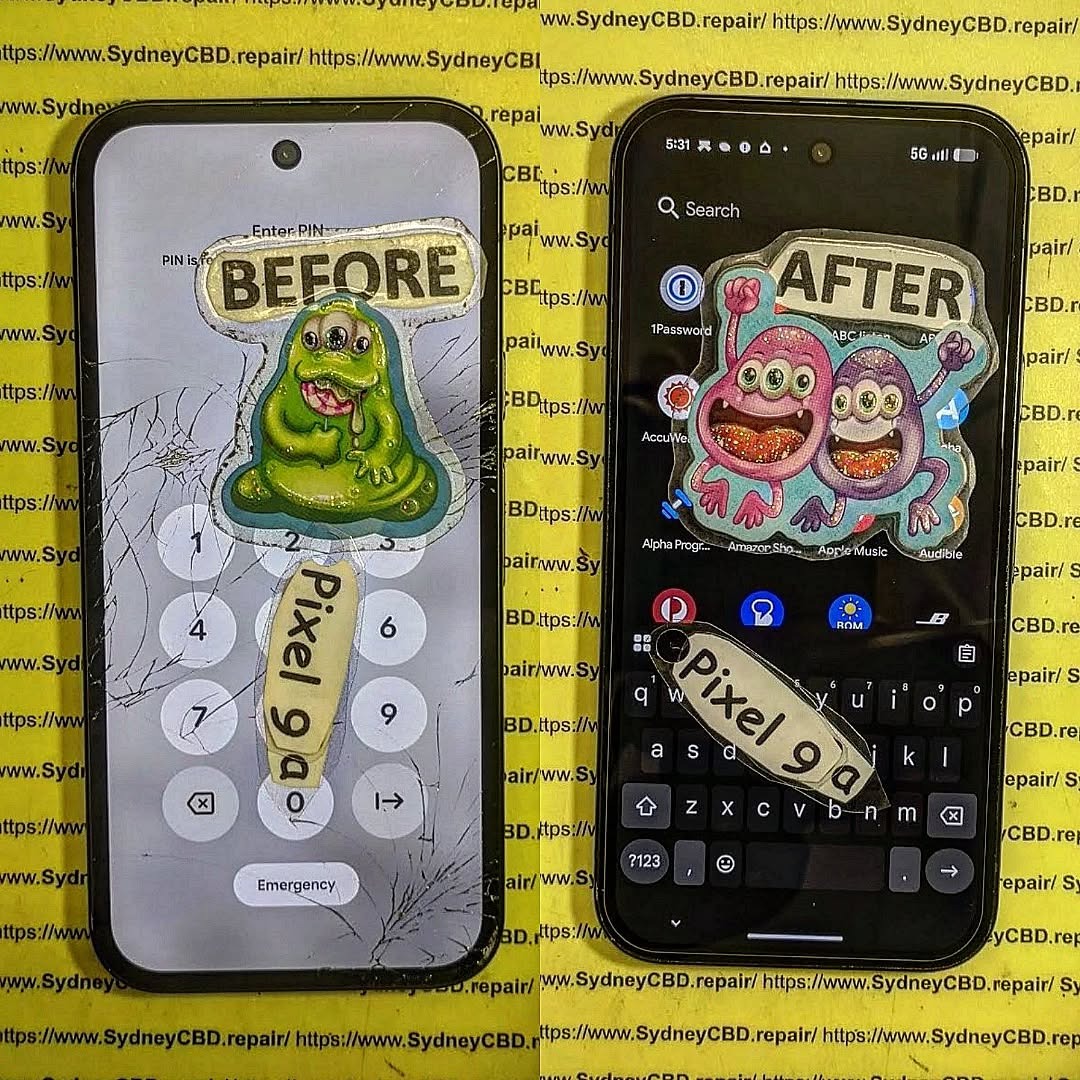
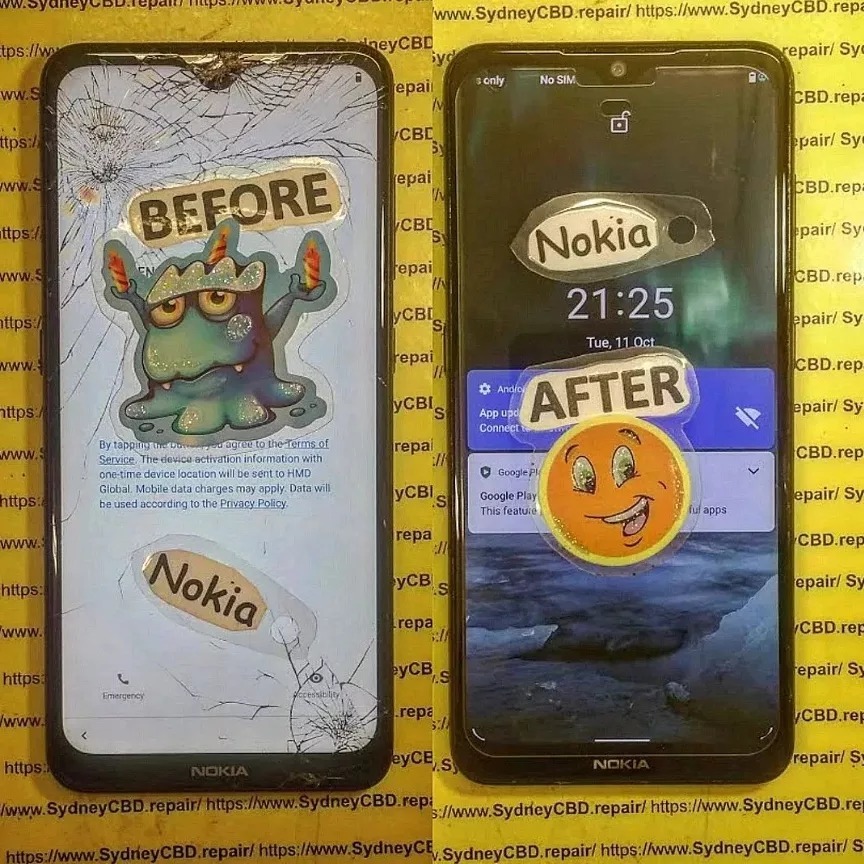
When it comes to replacing a broken or damaged phone screen, you’ll often come across two types of replacement parts: screens with frame and screens without frame. While both serve the same purpose, they’re quite different in terms of installation, cost, and long-term reliability. Understanding these differences can help you make the right decision—whether you’re attempting a DIY fix or leaving it to professionals.
A screen without frame includes only the display and digitizer. You’ll need to separate your old frame from the broken screen before installing the new one.
Key Features:
LCD/OLED panel + touch digitizer only.
Requires reusing your existing frame.
Pros:
Cheaper than with-frame options.
Good if your original frame is still in excellent condition.
Cons:
Installation is more complex.
High risk of damaging the display during fitting.
If the old frame is bent or cracked, the new screen may not sit properly.
Which One Should You Choose?
Go for Screen With Frame if:
Your phone’s frame is damaged, bent, or cracked.
You want a faster and safer installation.
You prefer better long-term stability.
Go for Screen Without Frame if:
Your frame is still in perfect condition.
You’re on a tight budget.
You have the skills and tools to perform a precise installation.
Expert Recommendation
At Sydney CBD Repair Centre, we typically recommend screens with frame for most customers. While they cost a little more, they save time, reduce risks, and ensure your phone feels as good as new. For those experienced in DIY repairs, a without frame screen may work if the frame is undamaged—but it comes with added challenges.
Final Thoughts
The choice between with frame vs. without frame phone screens comes down to budget, condition of your phone’s frame, and whether you’re going DIY or professional. For peace of mind, structural strength, and long-term durability, screens with frame are usually the smarter option.
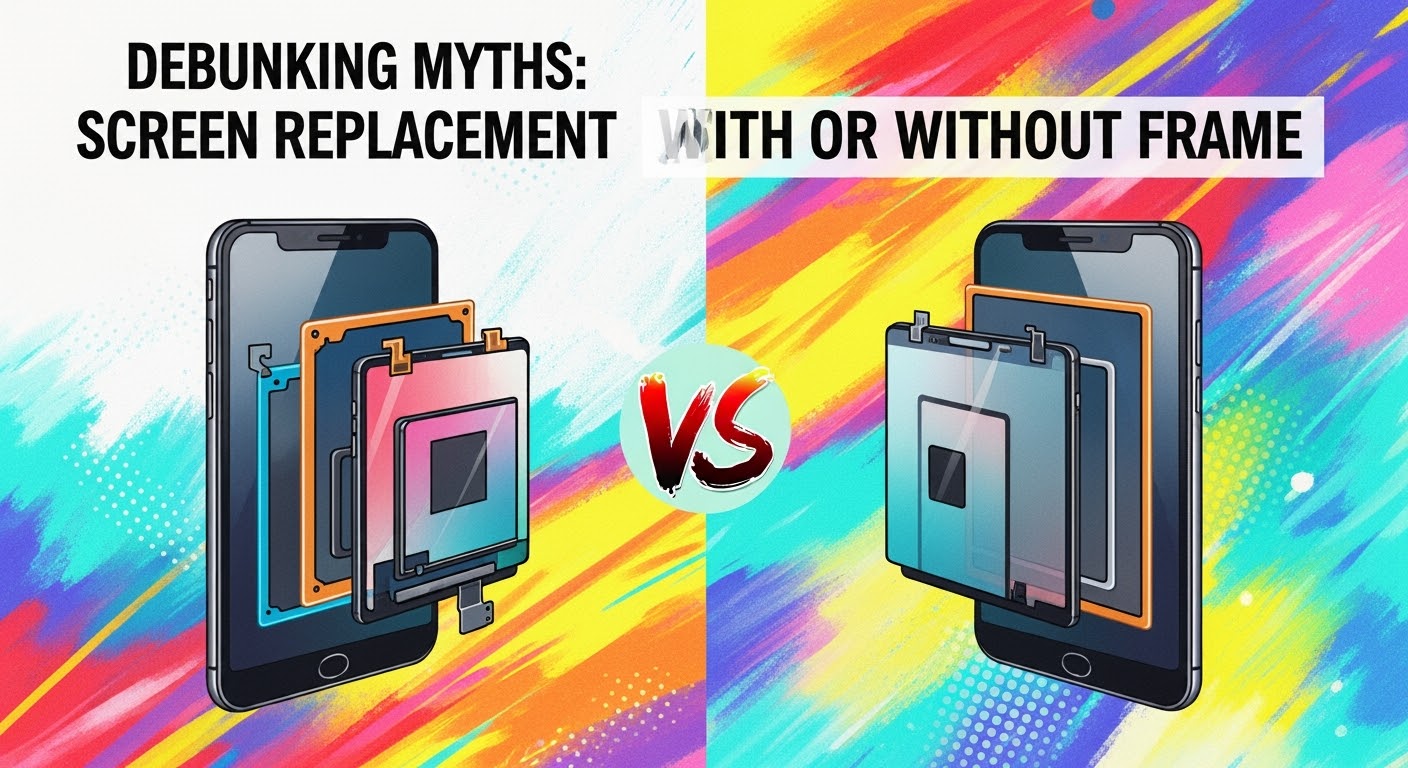
Debunking Myths: Screen Replacement with or Without Frame
When your smartphone screen breaks, one of the first questions that comes up is: “Should I replace the screen with or without the frame?” There’s a lot of confusion online about this, and many myths that can lead to costly mistakes. As Sydney’s trusted phone repair experts, we’re here to clear the air.
Truth:
While it’s true that replacing only the display panel (without the frame) can cost less in parts, it’s not always the most economical choice. If your phone’s frame is bent, damaged, or warped from a fall, reusing it can:
Make the new screen fit improperly
Affect waterproof sealing
Cause future cracks due to uneven pressure
In these cases, replacing the screen with the frame is often more cost-effective long term.
Truth:
A frame’s role isn’t just to “hold” the screen — it ensures structural integrity, alignment, and sealing. Even slight bends in the frame can cause:
Gaps where dust and moisture enter
Touch sensitivity problems
Premature screen failure
Professional technicians always inspect the frame before deciding the best repair option.
Myth 3 – Without-frame replacements are always original parts
Truth:
Many aftermarket screens without frames are mass-produced and may vary in quality. Genuine OEM screens often come pre-assembled with the frame for precise fitting and factory-level calibration. Choosing a pro repair shop means you can verify the part’s origin before installation.
Myth 4 – You can easily swap a screen without a frame at home
Truth:
Screen-only replacement is more technically challenging than replacing with the frame because:
You must separate the old glass from the frame without damaging internal components
Special adhesive and alignment tools are required
The risk of breaking the new display is higher
It’s a repair best left to experienced technicians, especially for modern edge-to-edge displays.
Myth 5 – With-frame replacements waste perfectly good frames
Truth:
If a frame is in excellent condition, we’ll recommend a without-frame repair to save resources. But if the frame has even minor damage, replacing it along with the screen ensures the phone’s durability, water resistance, and resale value.
When to Choose “With Frame” Replacement
Frame is bent, cracked, or warped
You want original manufacturer alignment and sealing
You need a faster repair process (pre-assembled screens save time)
When to Choose “Without Frame” Replacement
Frame is in perfect condition
You want to save on part costs
You’re okay with a slightly longer repair time for precision work
Our Expert Recommendation
At Sydney CBD Repair Centre, we don’t believe in a one-size-fits-all approach. Every repair starts with a free inspection so we can recommend the most cost-effective and durable option — whether that’s with or without the frame.
With over 2,000 five-star Google reviews and 6 years as Sydney’s top-rated phone repair shop, you can trust us to guide you with honesty, skill, and genuine parts.
David from Sydney CBD Repair Centre – The Best place to fix mobile phones as 6 Years In A Row! Top Mobile Phone Repair In Sydney. More than 2000 Positive Reviews on Google and Same Day Repairs.
We take pride in delivering exceptional repair services for all major phone brands including Apple, Samsung, Google, and more. Our expert technicians use only genuine parts and offer 90 days warranty on repairs. Located in the heart of Sydney CBD, we’re your one-stop solution for all mobile device repairs.
Visit us for:
✓ Same Day Express Repairs
✓ Genuine Parts Guarantee
✓ Professional Technicians
✓ Competitive Pricing
✓ 2000+ 5-Star Google Reviews
✓ 6-Time Award Winner for Best Phone Repairs
Cracked phone screen? You’re probably searching for a replacement screen—and now you’re staring at two options: with frame or frameless (without frame). But which one is better?
Understanding the difference can help you avoid costly mistakes, wasted time, and performance issues. Whether you’re considering a DIY approach or seeking a professional fix, this article breaks down everything you need to know.
A screen with frame includes the LCD/OLED display pre-installed within the mid-frame (or chassis) of the phone. It’s essentially a complete front panel, ready to be attached to the rest of the device.
Also known as:
Full display assembly
Screen with housing
Pre-installed screen unit
Benefits:
Pre-aligned components
Easier and safer installation
Reduced chance of damaging the display during replacement
A frameless screen is only the display panel (LCD/OLED), without the supporting mid-frame. The technician must detach the broken display from the original frame and install the new one carefully.
Also known as:
Bare screen
Display only
LCD without bezel
Drawbacks:
Requires more skill and precision
Time-consuming
Prone to misalignment or adhesive issues
Visual Comparison: Frame vs Frameless
Aspect
Screen With Frame
Frameless Screen
Includes mid-frame
✅ Yes
❌ No
Risk of breakage during install
Low
High
Installation time
Faster
Slower
Cost
Higher
Lower
Requires glue/heat
No (or minimal)
Yes
Recommended for beginners
✅
❌
Pros of Screen With Frame
✅ Perfect alignment
✅ Maintains structural integrity
✅ Lower failure rate
✅ Easier for professional and DIY repairs
✅ Better support for waterproofing restoration
If you’re in a hurry or want to avoid complications, this is the safest choice.
Pros of Frameless Screen Replacement
✅ Cost-effective
✅ More widely available for certain models
✅ Smaller packaging for shipping
✅ Useful for partial repairs (screen only)
Ideal for experienced repair technicians or repair shops with re-alignment jigs and screen press tools.
Technical Skills Required for Both
Task
Screen With Frame
Frameless Screen
Disassembly
Moderate
High
Glue/adhesive application
Minimal
Required
Heat gun use
Rarely
Frequently
Re-aligning components
Not needed
Crucial
Reuse of old frame
❌
✅
Time & Complexity Differences
With Frame: 30–45 minutes (professional)
Frameless: 60–90 minutes or more (even for pros)
DIY Note:
Frameless screens often require heat application and risk damaging internal components if not done correctly.
Cost Comparison: Frame vs Frameless
Phone Model
With Frame (AUD)
Frameless (AUD)
iPhone 11
$260
$180
Samsung S21
$330
$250
Google Pixel 6
$290
$210
Prices include parts only; labor not included.
Risk Factors of Frameless Replacements
❌ Misalignment may cause unresponsive touch
❌ Excess adhesive can damage internals
❌ Glass breakage during installation
❌ Face ID or fingerprint sensor failures
❌ Loss of waterproofing
When Should You Choose Screen With Frame?
Choose screen with frame if:
You want long-term durability
Your phone has waterproofing you want to retain
You’re not confident with tools
Your existing frame is cracked or warped
You want a faster, smoother process
When Frameless Screens Are Acceptable
Opt for frameless screens if:
You’re on a strict budget
You have professional repair experience
Your frame is in perfect condition
The repair is not mission-critical (e.g., backup phone)
Brand and Model Variations
Some phones are easier to repair with a screen-only option:
Brand
Frame Preferred
Frameless Feasible
iPhone (X and newer)
✅
⚠️ Risky
Samsung Galaxy S Series
✅
⚠️ Difficult
Xiaomi Redmi Series
⚠️ Mixed
✅ Common
Google Pixel
✅
⚠️ Only with calibration tools
Impact on Water Resistance
Phones with IP67/IP68 ratings lose their water resistance if:
The adhesive is improperly applied
The frame is not sealed correctly
Non-genuine gaskets are used
Using a screen with frame helps maintain or restore water protection more effectively.
Durability Over Time
Screen With Frame:
Better structural support
Reduced stress on the screen
Lower chance of loosening over time
Frameless:
Can shift or lift with poor adhesive
Susceptible to cracks around the edges
Less shock absorption
Expert Recommendations
At Sydney CBD Repair Centre, we recommend screen with frame for 90% of screen replacements. It ensures:
Proper alignment
Long-term durability
Quicker turnaround
Higher customer satisfaction
We only use genuine parts with or without frames and always advise customers on the best option for their specific device.
FAQs
1. What’s the main difference between frame and frameless screens?
Framed screens include the mid-frame; frameless are just the screen. Framed screens are easier and safer to install.
2. Is a screen with frame more durable?
Yes. It has better alignment, stability, and long-term performance.
3. Can I reuse my old frame with a frameless screen?
Yes, but only if it’s undamaged and precisely cleaned.
4. Are framed screens more expensive?
Generally, yes—but they save you time and reduce installation risk.
5. Does screen with frame help retain water resistance?
Absolutely. It allows better resealing using original-grade components.
6. Do repair shops charge more for screen with frame?
Slightly, but it includes a faster, safer repair and typically a better warranty.
Conclusion
So, screen with frame vs frameless—what’s the final verdict?
✔️ Go with frame if you want a reliable, efficient, and durable screen replacement.
⚠️ Only choose frameless if you’re experienced, or working with a trusted technician and on a tight budget.
At Sydney CBD Repair Centre, we help customers choose the best solution tailored to their needs—no upsells, no shortcuts, just honest, expert repair services.
David from Sydney CBD Repair Centre
6-Time Winner for Best Mobile Repairs in Sydney
✓ Same-Day Repairs
✓ 2000+ 5-Star Reviews
✓ Genuine Parts with 90-Day Warranty
📍 Find Us Here
📞 Call: +61280114119
Thank you for using
Themify Popup
This is a sample pop up. Themify Builder or Builder Lite (free) plugin is recommended to design the pop up layouts.