


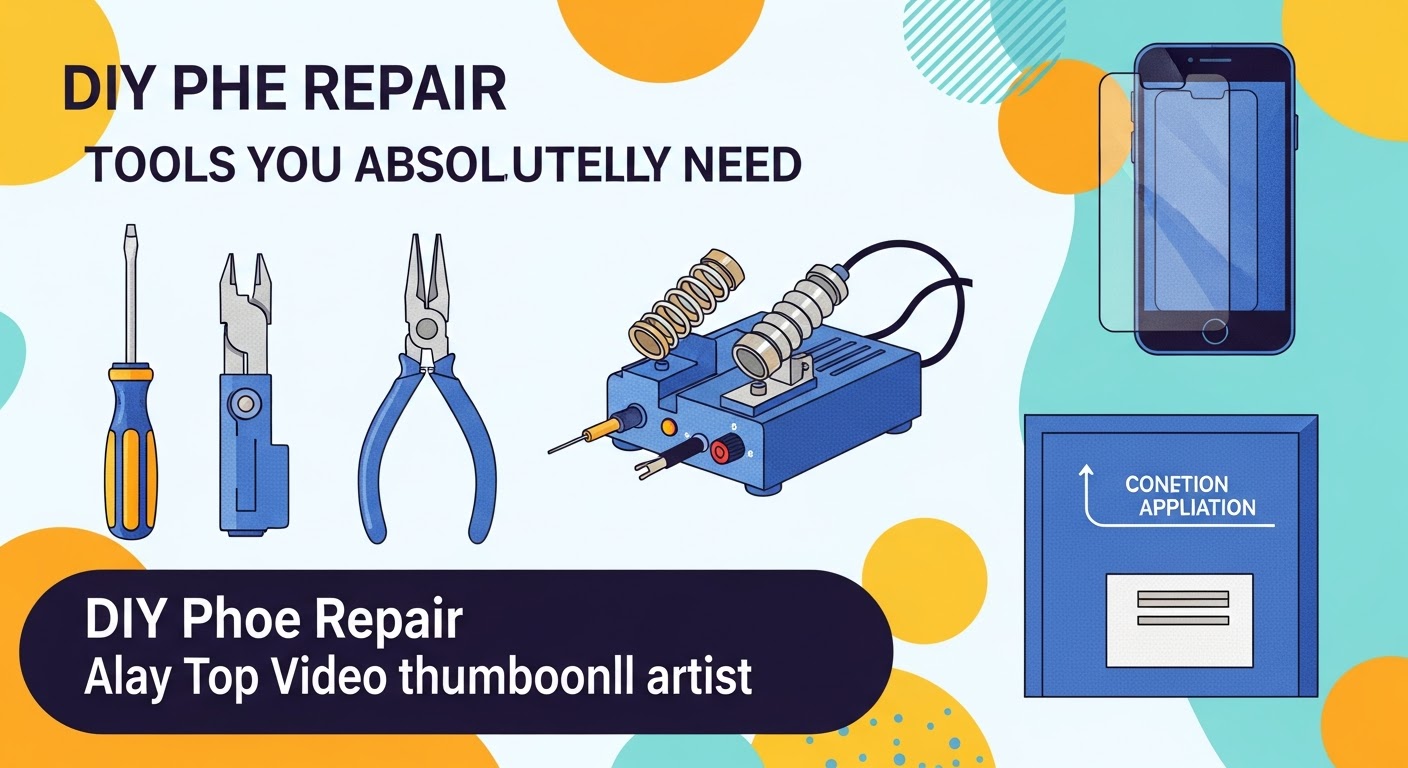
DIY Phone Repair: Tools You Absolutely Need

DIY Phone Repair: Tools You Absolutely Need for Success + 12 Must-Haves
Why DIY Phone Repair is Gaining Popularity
The rise of DIY phone repair is not just about saving money—it’s about empowerment. With smartphones becoming increasingly essential, many users want control over minor fixes like battery swaps, cracked screens, and charging port issues. Instead of paying high service fees, they invest in the right tools and repair their devices safely at home.
The movement also supports sustainability by reducing e-waste. By repairing instead of replacing, users extend the life of their phones and reduce their carbon footprint.
Essential Safety Precautions Before Starting
Before diving into DIY repairs, safety should always come first. Smartphones contain delicate components that can be permanently damaged if handled improperly. Here are some precautions to follow:
- Always power off your device before opening it.
- Use an anti-static wrist strap to avoid static discharge.
- Work in a clean, well-lit space to prevent losing tiny screws.
- Keep beverages and food away from your workspace.
- Organize screws and parts using a magnetic mat or tray.
12 Must-Have Tools for DIY Phone Repair
1. Precision Screwdriver Set
A precision screwdriver set is the backbone of DIY repair. Smartphones use special screws like Pentalobe, Phillips, and Torx, so a complete kit ensures compatibility.
2. Anti-Static Wrist Strap
This prevents static electricity from damaging sensitive phone circuits. A small shock can permanently fry internal components.
3. Plastic Pry Tools
Used for opening cases without scratching or damaging glass.
4. Suction Cup Tool
Helps lift displays without applying excessive force.
5. Spudger Tool
A must for disconnecting fragile connectors.
6. Magnetic Project Mat
Keeps screws organized and labeled. Losing one can compromise your repair.
7. Tweezers
Useful for gripping small parts like connectors and cables.
8. Heat Gun or iOpener
Softens adhesive for safe screen and battery removal.
9. Opening Picks
Thin plastic picks that help separate glued parts.
10. Isopropyl Alcohol & Cleaning Kit
Great for cleaning thermal paste, removing dust, and ensuring safe assembly.
11. Replacement Parts
Always source genuine or OEM-certified parts for reliability.
12. Professional Repair Toolkit
All-in-one solutions that bundle premium tools for advanced users.
How to Choose Quality Repair Tools
When buying tools, quality matters more than price. Cheap screwdrivers may strip screws, and poor-quality prying tools can damage screens. Look for:
- Tools made of hardened steel
- Verified reviews on trusted retailers
- Brand reputation (iFixit, Wiha, or Kaisi)
Common Mistakes Beginners Make
- Forcing components instead of applying heat first
- Losing screws and mixing them up
- Not disconnecting the battery before working
- Using metal tools where plastic should be used
- Skipping proper cleaning before reassembly
Step-by-Step Guide to Basic Repairs
Screen Replacement
- Heat the edges to soften adhesive.
- Use suction cups and pry tools to lift the display.
- Disconnect ribbon cables with a spudger.
- Replace with the new screen and reassemble.
Battery Replacement
- Heat adhesive around the battery.
- Use a spudger to carefully remove it.
- Install the new battery and reconnect.
Charging Port Repair
- Remove screws and shields.
- Disconnect and replace the charging flex cable.
- Test before sealing the device.
When to Stop DIY and Seek Professional Help
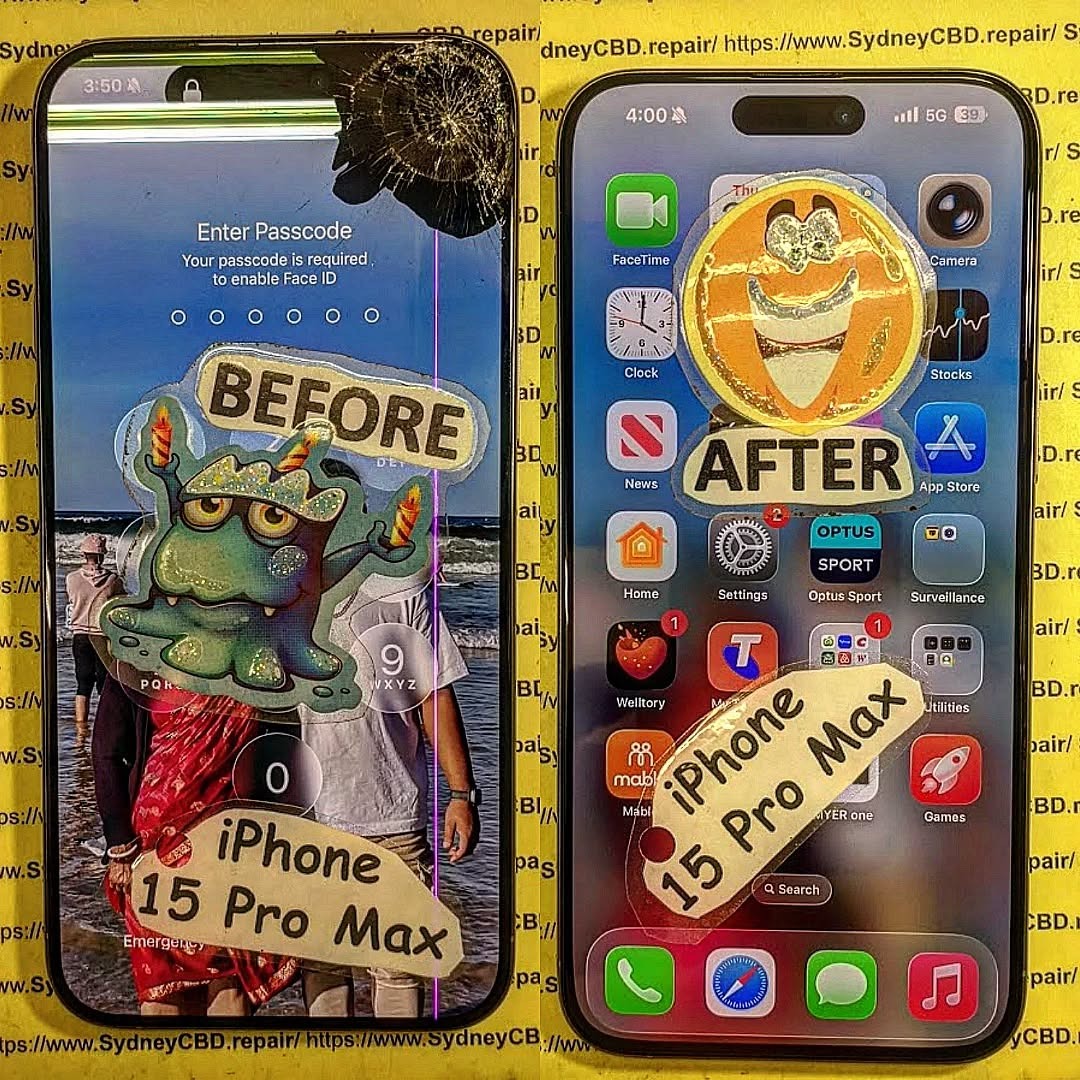
Not all repairs are DIY-friendly. If your phone has motherboard damage, water damage, or Face ID issues, it’s best to consult professionals like Sydney CBD Repair Centre. Experts have the tools and experience to handle advanced repairs without risking further damage.
FAQs

1. Can I fix my phone without special tools?
You may manage very minor fixes, but for serious repairs, special tools are essential to prevent damage.
2. Where can I buy DIY phone repair tools?
Trusted platforms like Amazon, iFixit, and electronics stores offer quality toolkits.
3. How long does a phone repair usually take?
Simple repairs like battery swaps take 30–60 minutes, while complex repairs may take several hours.
4. Is it safe to use heat when opening a phone?
Yes, as long as it’s controlled. Always use a low-temperature heat gun or iOpener.
5. Will DIY repair void my warranty?
Yes, opening your phone may void the warranty. Check your coverage before attempting repairs.
6. What if I mess up my DIY repair?
Don’t panic—reassemble carefully and seek professional repair services to correct mistakes.
Conclusion

DIY phone repair is an empowering way to save money, extend your device’s life, and gain new skills. With the right tools—like precision screwdrivers, suction cups, and spudgers—you can tackle common repairs safely at home. However, knowing when to stop and seek professional help is equally important.
For Sydney residents, David from Sydney CBD Repair Centre offers award-winning, same-day mobile repair services with genuine parts and expert technicians. With over 2000 5-star reviews, it’s the most trusted name for phone repairs in Sydney.
Sydney CBD Repair Centre – Where Quality Meets Reliability.
📞 Call: +61280114119
🌐 Visit: SydneyCBD.repair/locate-us



