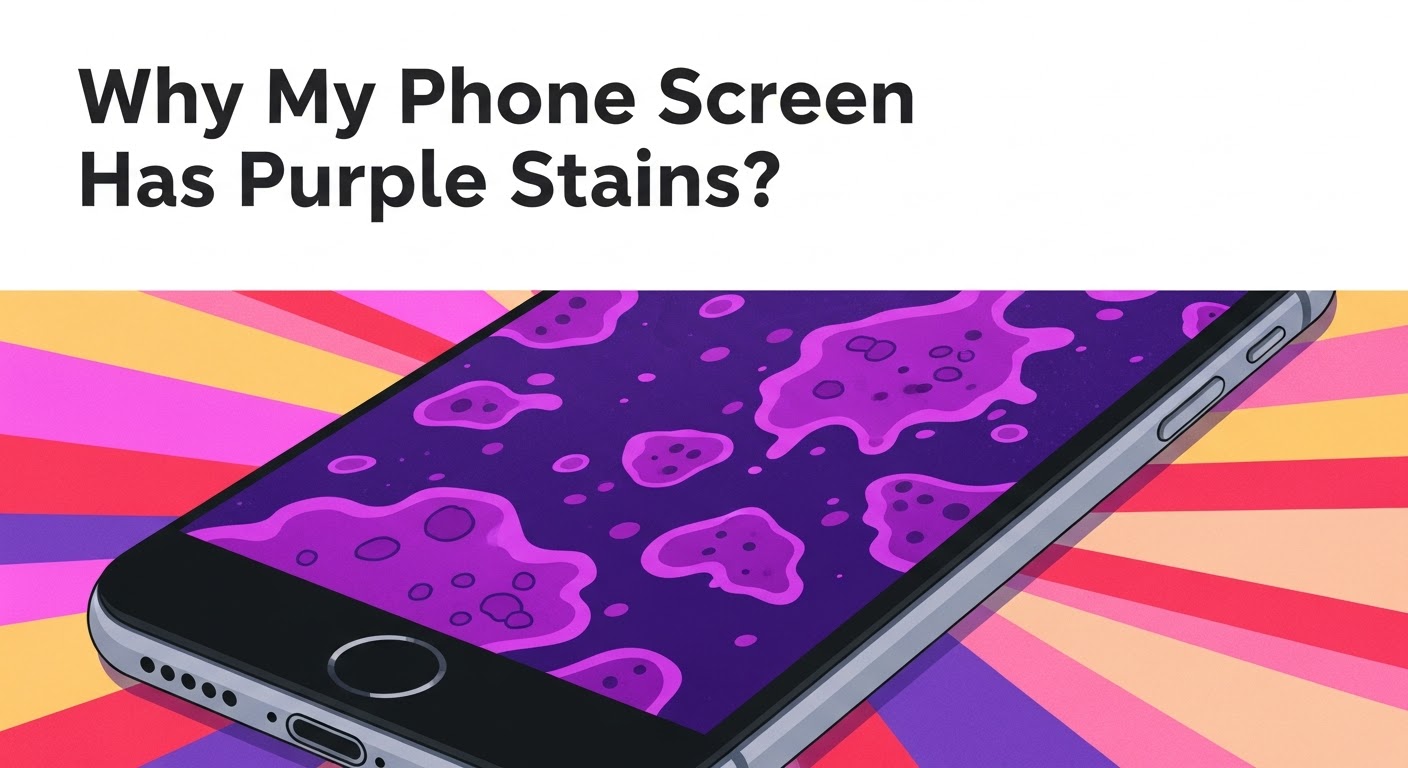
Why My Phone Screen Has Purple Stains?

Why My Phone Screen Has Purple Stains? [10 Hidden Causes & Proven Fixes]
Introduction
Have you ever looked at your phone and noticed weird purple stains spreading across the screen? It’s not just an aesthetic issue—it’s a clear sign that your display might be suffering from internal damage or component failure. Whether it’s a tiny purple dot or an entire section of your screen turning violet, this issue can get worse if ignored.
In this article, we’ll explore 10 hidden causes of purple stains, how to diagnose and fix them, and when to seek professional repair help. By the end, you’ll know exactly what’s happening to your phone—and how to prevent it from happening again.
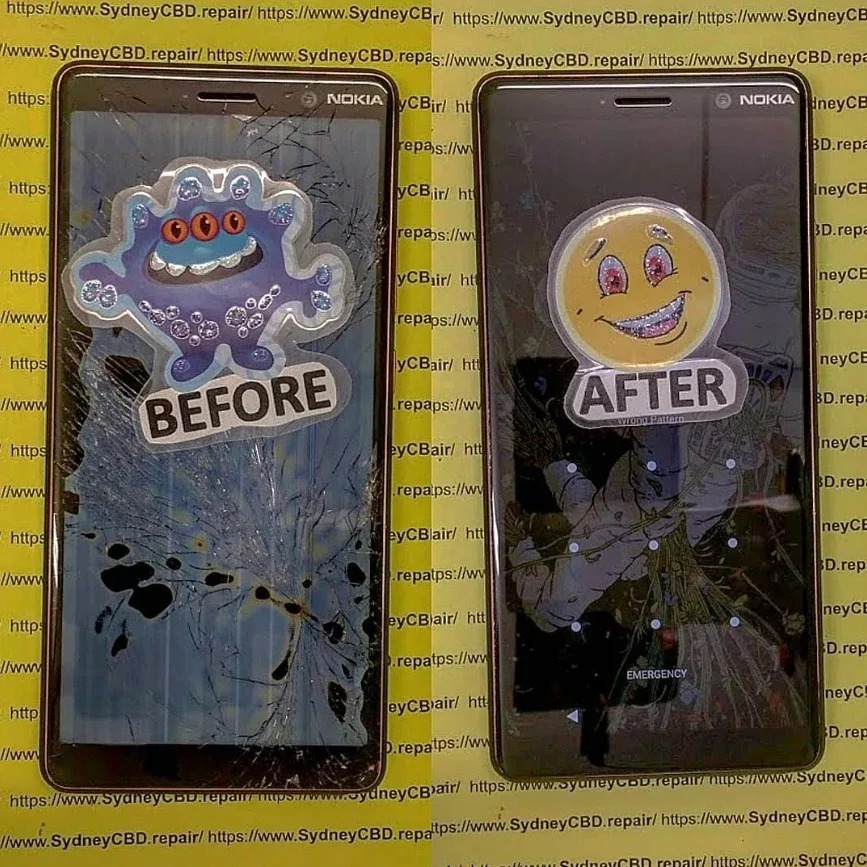
Understanding Purple Stains on Phone Screens
What Are Purple Stains Exactly?
Purple stains are discoloration patches that appear on LCD, OLED, or AMOLED phone screens. They often start small—like a bruise under the glass—and gradually spread. These stains result from pixel or liquid crystal damage, internal screen pressure, or even chemical reactions inside the display layers.
Why Do They Appear Over Time?
Over time, exposure to heat, pressure, and impact weakens your phone’s display. Pixels or backlight components can fail, and in AMOLED screens, the organic compounds degrade unevenly, leading to that distinct purple tint.
Main Causes of Purple Stains
1. Screen Pressure Damage
Applying too much pressure on your screen—like sitting on your phone or pressing too hard—can cause micro-fractures inside the display layers. These microscopic damages often manifest as purple or black spots.
Tip: Avoid placing heavy objects on your phone or keeping it in tight pockets.
2. OLED or AMOLED Burn-in
Modern displays use organic compounds that emit light individually. When certain pixels stay lit for too long (e.g., static icons), they burn in, leaving behind a faint purple ghost image.
Solution: Use a pixel refresher app or enable dark mode to minimize uneven wear.
3. Water or Moisture Ingress
Even a few drops of water can oxidize internal circuits, causing purple stains or flickering lines. This often happens if your phone was used in the rain or bathroom.
Preventive Tip: Always keep your device dry, and avoid charging it immediately after exposure to moisture.
4. Overheating and Thermal Stress
Phones generate heat during gaming or charging. Excessive heat can cause liquid crystal distortion or OLED degradation, resulting in discolored patches.
Fix: Avoid using your phone while charging and ensure proper ventilation.
5. Internal Hardware Damage
Internal damage to the display connector or backlight system can cause uneven colors. This often requires professional inspection and component-level repair.
6. Cheap Replacement Parts
Low-quality replacement screens from unauthorized shops may look fine at first but degrade rapidly. They often lack proper color calibration and protective coatings, leading to purple stains within months.
Best Practice: Always choose genuine parts from certified repair centers like Sydney CBD Repair Centre.
7. Manufacturing Defects
In rare cases, purple stains appear due to factory-level screen defects. If your device is under warranty, contact the manufacturer for a replacement.
8. Battery Leakage or Swelling
A swollen battery can press against the display, distorting the pixels and creating purple discolorations. This is a critical issue—it can lead to screen damage or even fire hazards.
Warning: Stop using the device immediately and seek professional help.
9. Software Glitches and Ghosting
Occasionally, temporary software bugs or system glitches cause purple hues that disappear after a reboot. Always test using a safe mode or diagnostic app to confirm if it’s hardware or software-related.
10. Physical Impact or Drops
Even a single drop can loosen internal layers or damage the liquid crystal panel. The purple spot may start small and expand slowly.
Repair Tip: If your phone suffered a drop, visit a technician for inspection before the damage worsens.
How to Diagnose the Problem
Checking for Internal vs External Damage
Run your finger over the screen—if you feel no cracks, the damage is internal. Check if the purple spot changes color or shape when pressing lightly; if it does, it’s likely a display layer issue.
Screen Test Apps and Diagnostic Tools
You can use apps like:
- Dead Pixel Test and Fix
- Display Tester
- Phone Doctor Plus
These tools help identify whether the discoloration is caused by dead pixels or deeper hardware faults.
Proven Fixes for Purple Screen Stains
Professional Screen Replacement
If the stain persists, the best solution is a full display replacement. Trusted repair centers like Sydney CBD Repair Centre use genuine OEM parts and provide same-day service with a 90-day warranty.
📍 Visit: SydneyCBD.repair/locate-us
📞 Call: +61280114119
DIY Fixes You Can Try at Home
- Restart your device in safe mode.
- Use a pixel refresher app (for AMOLED).
- Perform a factory reset (after backup).
- Gently massage the affected area (only if there’s no crack).
These may help with minor discolorations but won’t fix severe internal damage.
Using Pixel Refresher or Burn-in Tools
Modern smartphones like Samsung Galaxy or Google Pixel include screen care features that run a “refresh” cycle to reduce burn-in effects. Use them periodically to extend your display life.
Prevention Tips for Future Protection
Avoid Direct Sunlight Exposure
UV rays accelerate OLED degradation. Keep your phone out of intense sunlight when not in use.
Use a High-Quality Case and Screen Protector
Protective accessories reduce impact pressure and keep your screen safe from scratches.
Keep Your Device Cool and Dry
Avoid using your phone in humid environments and give it rest during heavy use.
When to Seek Professional Repair Help

Signs You Need Expert Assistance
- Purple stains spreading quickly
- Screen flickering or unresponsive areas
- Device overheating abnormally
- Visible battery swelling
Why Choose Sydney CBD Repair Centre
Sydney CBD Repair Centre has been awarded “Best Phone Repair in Sydney” six years in a row with over 2000+ 5-star Google reviews. They provide:
- Genuine parts
- Expert technicians
- Same-day repairs
- 90-day warranty
Your device deserves care from trusted professionals, not cheap shortcuts.
FAQs
1. Can I fix purple stains without replacing the screen?
Minor software-related stains might fade after rebooting or using burn-in tools. Hardware-related ones usually need replacement.
2. Is the purple stain dangerous?
It won’t harm you physically, but it’s a sign of internal damage that can worsen and affect usability.
3. How much does it cost to repair a purple screen in Sydney?
Costs vary by model, but professional repair typically ranges from $150–$400, depending on screen type and brand.
4. Will the stain spread over time?
Yes. If left untreated, purple patches can expand, causing total display failure.
5. Is this covered by warranty?
If caused by manufacturing defects (not impact or liquid damage), it might be covered. Check your warranty status.
6. Can I prevent purple stains permanently?
You can’t make screens indestructible, but using protective gear and avoiding heat or moisture greatly reduces risks.
Conclusion

Purple stains on your phone screen can be frustrating—but understanding their causes helps you act fast. Whether it’s due to burn-in, pressure damage, or moisture, identifying the issue early can save your device and money.
If your phone already shows signs of purple discoloration, trust Sydney CBD Repair Centre, Sydney’s #1 mobile phone repair shop, for same-day service using genuine parts and backed by 2000+ 5-star reviews.
📍 Visit: SydneyCBD.repair/locate-us
📞 Call: +61280114119
Sydney CBD Repair Centre – Where Quality Meets Reliability.