Why Your Charging Port Failed After a Screen Repair: Avoid This DIY Disaster

Why Your Charging Port Failed After a Screen Repair: Avoid This Costly DIY Disaster with 7 Proven Fixes
Introduction: When a Simple Screen Repair Turns Into a Charging Nightmare
You fixed your cracked screen. Everything looks perfect. Then suddenly, your phone won’t charge. If your charging port failed after screen repair, you’re not alone. This frustrating issue happens more often than most people expect.
At first glance, a screen replacement seems unrelated to charging. However, modern smartphones—like the iPhone 15 Pro and Samsung Galaxy S24 Ultra—are built with tightly integrated internal components. One small mistake during disassembly can affect multiple systems.
In this comprehensive guide, we’ll break down:
- Why a charging port failed after screen repair
- The 7 most common causes
- Step-by-step troubleshooting
- When to choose professional help
- How to prevent this disaster in the future
Let’s dive in.

Understanding the Charging Port Failed After Screen Repair Problem
When a charging port failed after screen repair, it’s rarely a coincidence. Smartphone components are interconnected. During screen replacement, technicians must disconnect several flex cables and remove internal brackets. The charging assembly often sits near the display connectors.
What Happens During a Screen Replacement?
Screen repair involves:
- Powering down the device
- Opening the housing
- Disconnecting battery connectors
- Removing display flex cables
- Detaching protective shields
- Reassembling in reverse order
If any connector is misaligned or damaged, problems arise.
How the Charging Assembly Is Connected
In many phones, the charging port connects via:
- Flex ribbon cable
- Daughterboard assembly
- Soldered motherboard connections
For example, devices running Android often use modular charging boards, while iOS devices may integrate components more tightly.
That’s why a charging port failed after screen repair can be traced back to assembly errors.
7 Common Reasons Your Charging Port Failed After Screen Repair
1. Loose Flex Cable Connection
A slightly loose cable may:
- Interrupt power flow
- Cause intermittent charging
- Trigger “Accessory Not Supported” errors
Even a millimeter misalignment can break connectivity.
2. Damaged Charging Port Ribbon
During screen removal, prying tools can accidentally nick the ribbon cable. The damage may not be visible immediately but can worsen over time.
3. Pin Misalignment or Debris Intrusion
If debris enters during repair:
- Charging becomes inconsistent
- Cable won’t sit properly
- Sparks may occur
4. Short Circuit from Improper Reassembly
Failure to disconnect the battery before screen removal can cause a short circuit. This is a leading reason why charging port failed after screen repair incidents occur.
5. Low-Quality Replacement Parts
Cheap screens may:
- Draw incorrect voltage
- Cause overheating
- Affect motherboard stability
6. Static Discharge Damage
Without ESD protection, static electricity can damage microcomponents.
7. Hidden Motherboard Damage
In worst cases, the charging IC (Integrated Circuit) gets damaged. This requires advanced microsoldering repair.
DIY vs Professional Repairs: The Hidden Risks

When DIY Makes Sense
DIY may work if:
- You have proper tools
- You’ve repaired devices before
- You follow manufacturer guides
However, even experienced hobbyists sometimes face issues where the charging port failed after screen repair.
When to Call the Experts
Professional technicians:
- Use diagnostic tools
- Test voltage flow
- Ensure secure cable seating
- Offer warranties
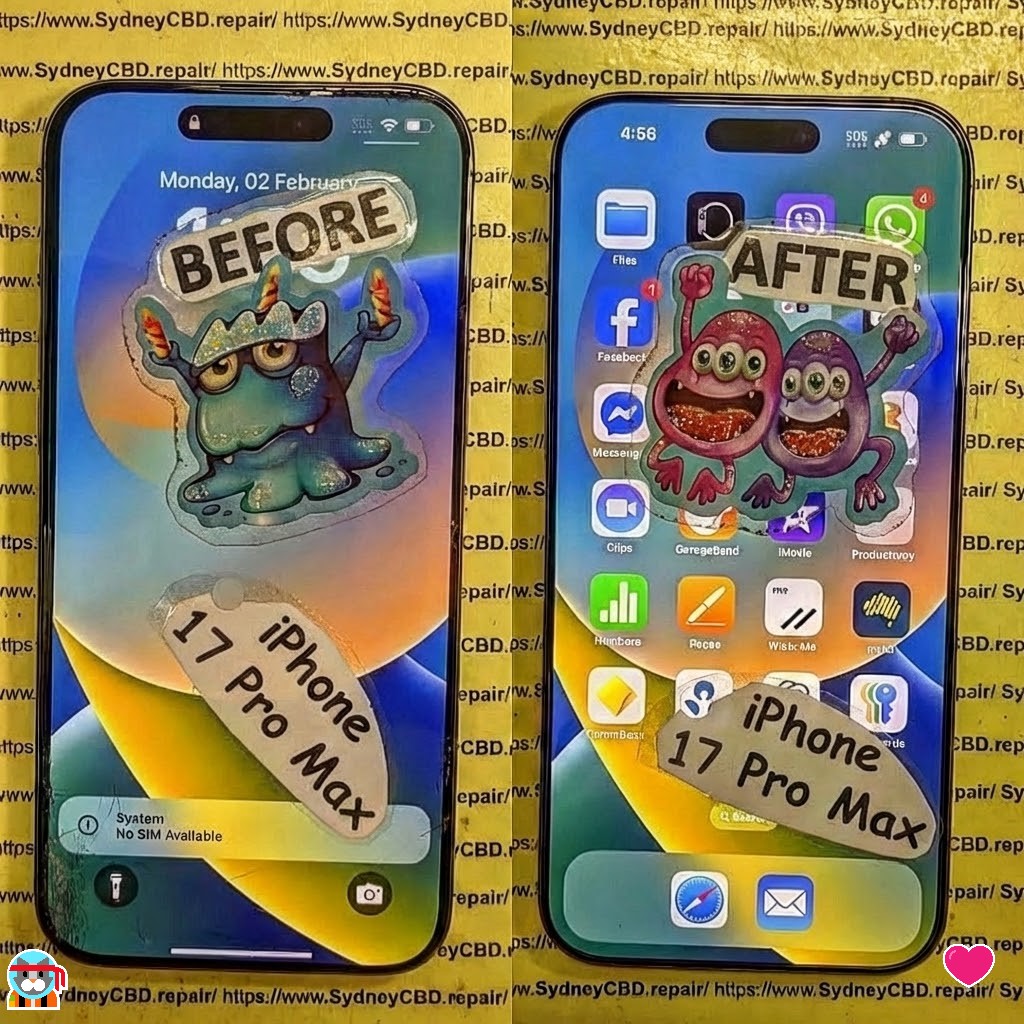
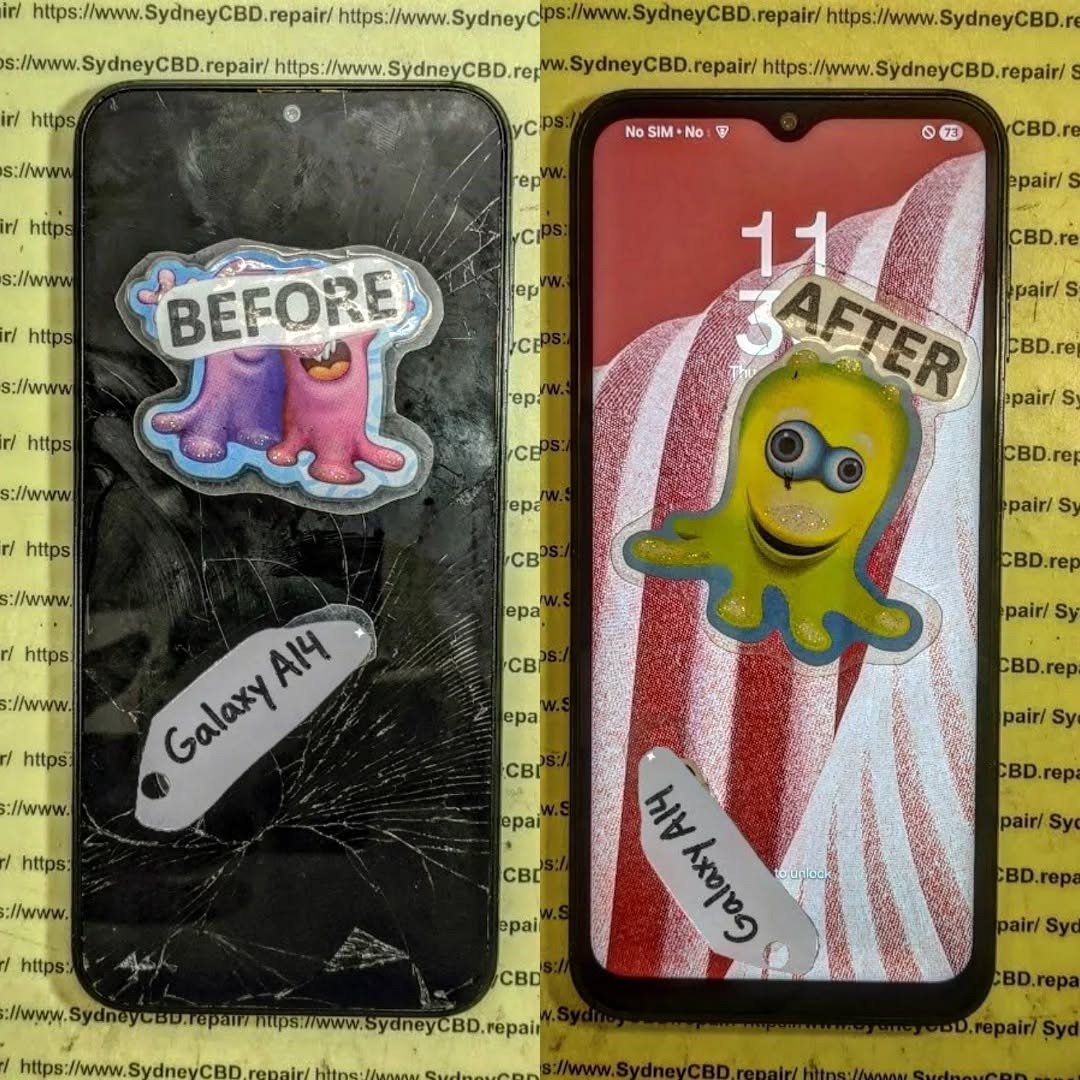
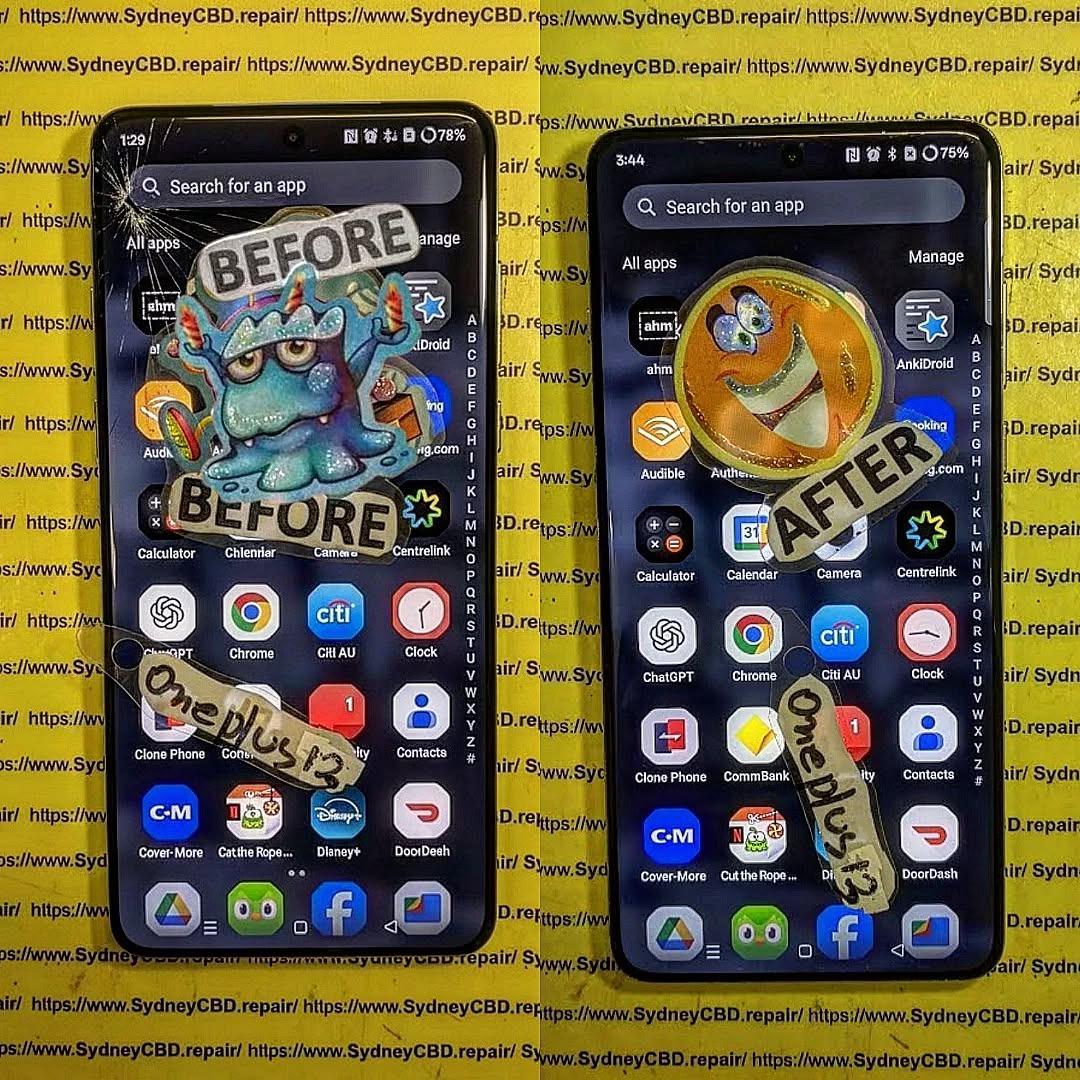
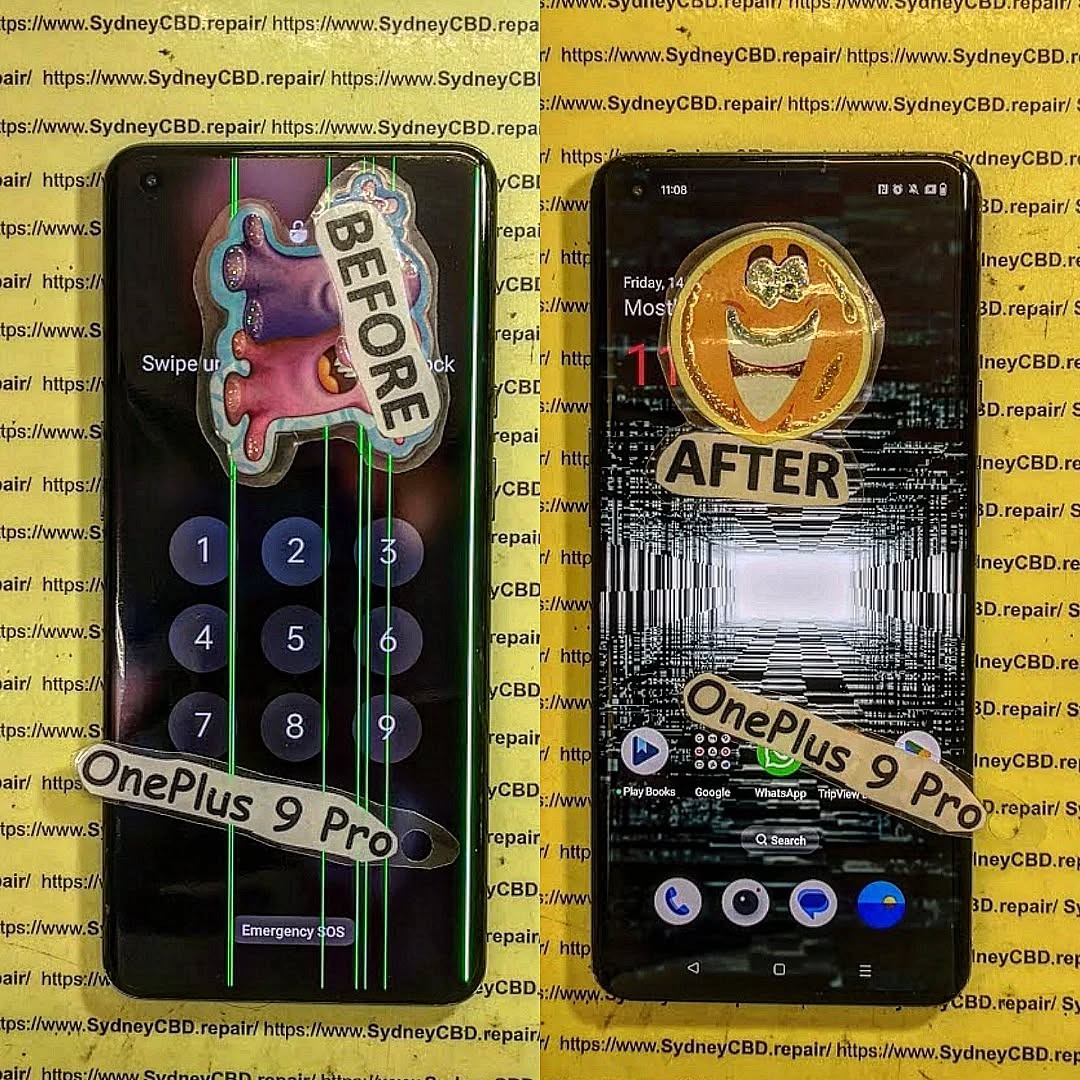
At established repair centers, quality checks reduce risk dramatically.
How Professionals Prevent Charging Port Failure
Diagnostic Testing Procedures
Before returning a device, experts:
- Run charging cycle tests
- Measure voltage output
- Inspect flex connections
Quality Control and Warranty Standards
Trusted repair centers use:
- Genuine parts
- ESD-safe equipment
- Post-repair testing
This dramatically lowers the chance that a charging port failed after screen repair.
Step-by-Step Troubleshooting Guide
If your charging port failed after screen repair, follow this safe checklist:
Visual Inspection Checklist
- Check charging cable
- Inspect port for debris
- Look for bent pins
Software Reset Options
- Restart device
- Perform factory reset
- Update firmware
Safe Hardware Checks
⚠️ Only attempt if confident.
- Reopen device
- Reseat connectors
- Inspect ribbon cables
If unsure, stop immediately.
The Role of Genuine Parts in Long-Term Performance
Genuine parts:
- Match original voltage specs
- Fit precisely
- Reduce overheating
Third-party components may save money short-term but cause long-term issues.
Preventive Measures Before and After Screen Repairs
Before repair:
- Backup data
- Power off device
- Use anti-static protection
After repair:
- Test charging immediately
- Monitor battery performance
- Avoid cheap cables
Cost Comparison: DIY Mistakes vs Professional Repairs
| Repair Type | Average Cost | Risk Level |
|---|---|---|
| DIY Screen Replacement | Low | High |
| Professional Screen Repair | Moderate | Low |
| Charging IC Repair | High | Very High |
Fixing a charging port failed after screen repair often costs more than the original screen repair.
FAQs About Charging Port Failed After Screen Repair
1. Why did my phone stop charging after screen replacement?
Most likely a loose connector or damaged ribbon cable.
2. Can a screen replacement damage the charging port?
Yes. Internal components are closely linked.
3. Is this covered under warranty?
Only if performed by authorized technicians.
4. Can I fix it without reopening the phone?
Sometimes cleaning or restarting helps, but often internal inspection is needed.
5. How much does charging port repair cost?
It varies by model and damage severity.
6. Should I replace the charging port or motherboard?
A technician must diagnose first. Motherboard repair is more complex.
Conclusion: Protect Your Device the Smart Way

When your charging port failed after screen repair, it’s not just bad luck. It’s often the result of internal misalignment, component damage, or improper assembly.
The good news? It’s preventable.
Choose skilled technicians, use quality parts, and avoid rushed DIY repairs. Your smartphone is an investment—treat it like one.
External Resource:
For more technical repair insights, visit the official iFixit repair guides.
David from Sydney CBD Repair Centre – The Best place to fix mobile phones as 7 Years In A Row! Top Mobile Phone Repair In Sydney. More than 2000 Positive Reviews on Google and Same Day Repairs.
We take pride in delivering exceptional repair services for all major phone brands including Apple, Samsung, Google, and more. Our expert technicians use only genuine parts and offer 90days warranty on repairs. Located in the heart of Sydney CBD, we’re your one-stop solution for all mobile device repairs.
Our commitment to excellence has earned us the trust of thousands of satisfied customers. Whether it’s a cracked screen, battery replacement, or water damage repair, we handle it all with professional care and expertise. Walk in today and experience why we’re Sydney’s #1 choice for mobile phone repairs.
Visit us for:
✓ Same Day Express Repairs
✓ Genuine Parts Guarantee
✓ Professional Technicians
✓ Competitive Pricing
✓ 2000+ 5-Star Google Reviews
✓ 7-Time Award Winner for Best Phone Repairs
Sydney CBD Repair Centre – Where Quality Meets Reliability.
Call : +61280114119
Website: https://SydneyCBD.repair/locate-us