


Make your own Google Cardboard
Although you can purchase a pre-made Google Cardboard online, there’s nothing more rewarding than making your very own. Here’s easy to follow steps so you won’t have to spend that much on your ultra-cheap VR headset.

Google Cardboard has been a sensation ever since it was released last 2014 at Google I/O. It has been the go-to VR headset for the curious and skeptical. For those people who want to have a virtual headset but is trying not to spend that much money yet. So with this good introduction to VR, people are usually open to try out the new platform that Google Cardboard has to offer.
However, there’s an even cheaper alternative to ordering online or buying yourself a Google Cardboard kit. You can make one! So in this guide, you can create your own VR headset for less than the cost of the already low priced Google Cardboard kit.
Step 1
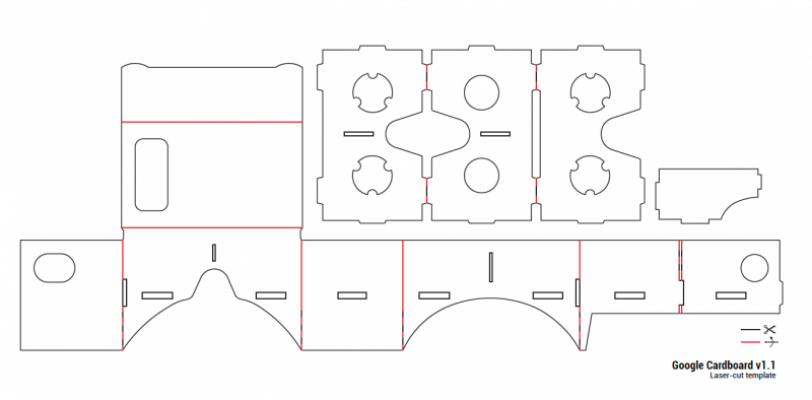
Find the parts that is needed to create your own VR headset. Here’s a list you can check out.
- A piece of cardboard at least 22” (55.88cm) by 8.75” (22.23cm)
- Two 2” (5.08cm) strips of 3/4” (1.91cm) wide Velcro
- One 3/4” (1.91cm) neodymium ring magnet
- One 3/4” ceramic disk magnet
- Two Biconvex lenses (45mm focal length)
- A print out of the guide for the exact dimension of the virtual headset
Step 2
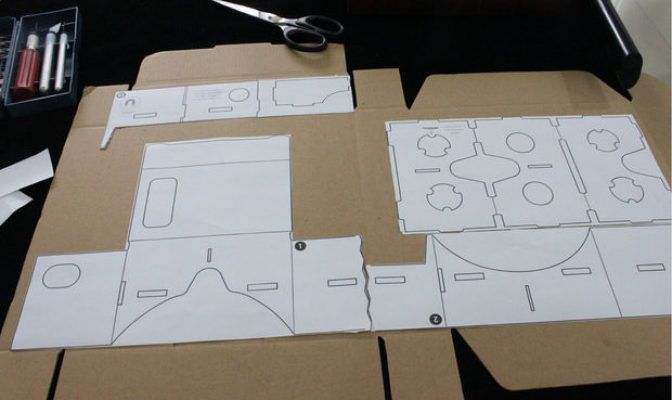
Get the manufacturers kit from Google then print it out in actual size. This comes to technique but one way to make it easy to cut out on the wide cardboard is to trim away the unnecessary parts of the paper then stick the cut outs on the cardboard. This will make a firm bond for more precise cutting later.
Take note the three main templates. The body, lens holder and lens divider. This will guide on what orientation will the panels go when it is ready for assembly.
Step 3
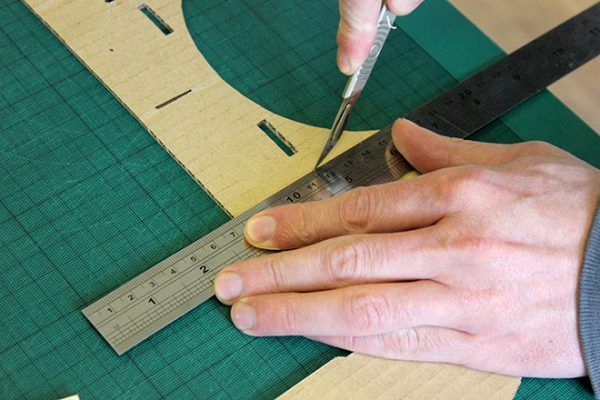
This is the hardest and most tedious job of all. Making all the necessary cuts to make holes for the lens, magnets and tabs. Don’t make these cuts small because it will be hard to join two parts but not too big either because it will make a very loose connection between two cardboards.
It is recommended that you use X-ACTO knife or a box cutter.

Step 4
Install the lens on the lens holder. Make sure that it is secured between two cardboards and not just on one side. Glue this securely or taped with a strong adhesive tape.
Step 5
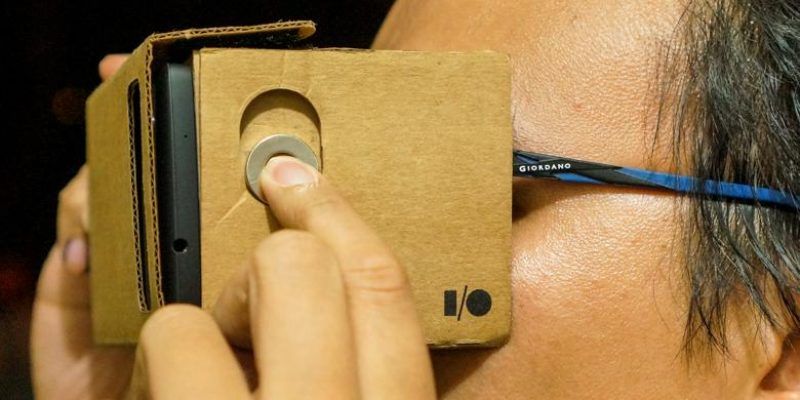
Slowly assemble the cardboard according to the guide and attach the disk magnet on the inside of the vr headset. Put the other one outside and let it move up and down. If it can’t do this motion smoothly, widen the oblong hole that holds the neodynium magnet in place.

Step 6
Download the Google Cardboard app and install the phone inside your very own VR headset.

