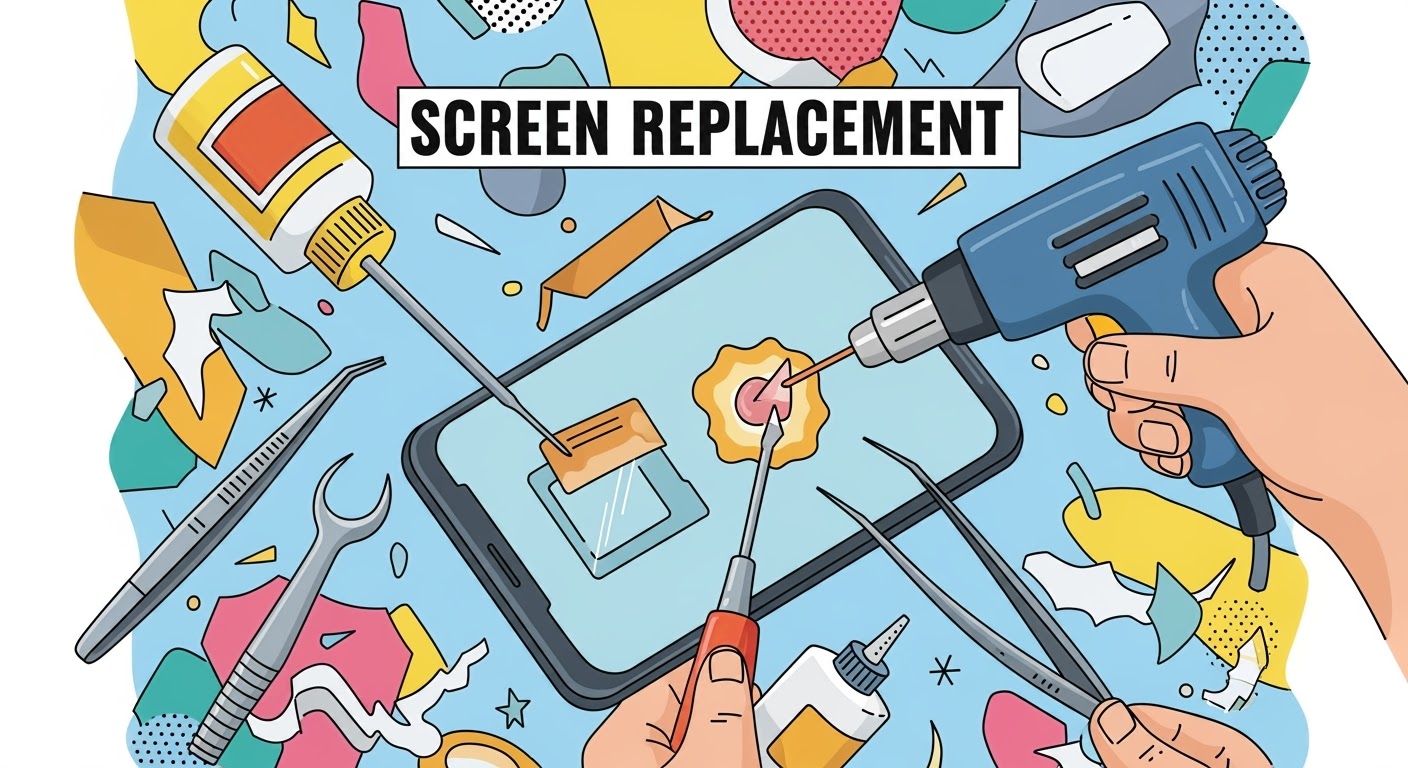
Screen Replacement: Heat, Glue, and Tools Explained
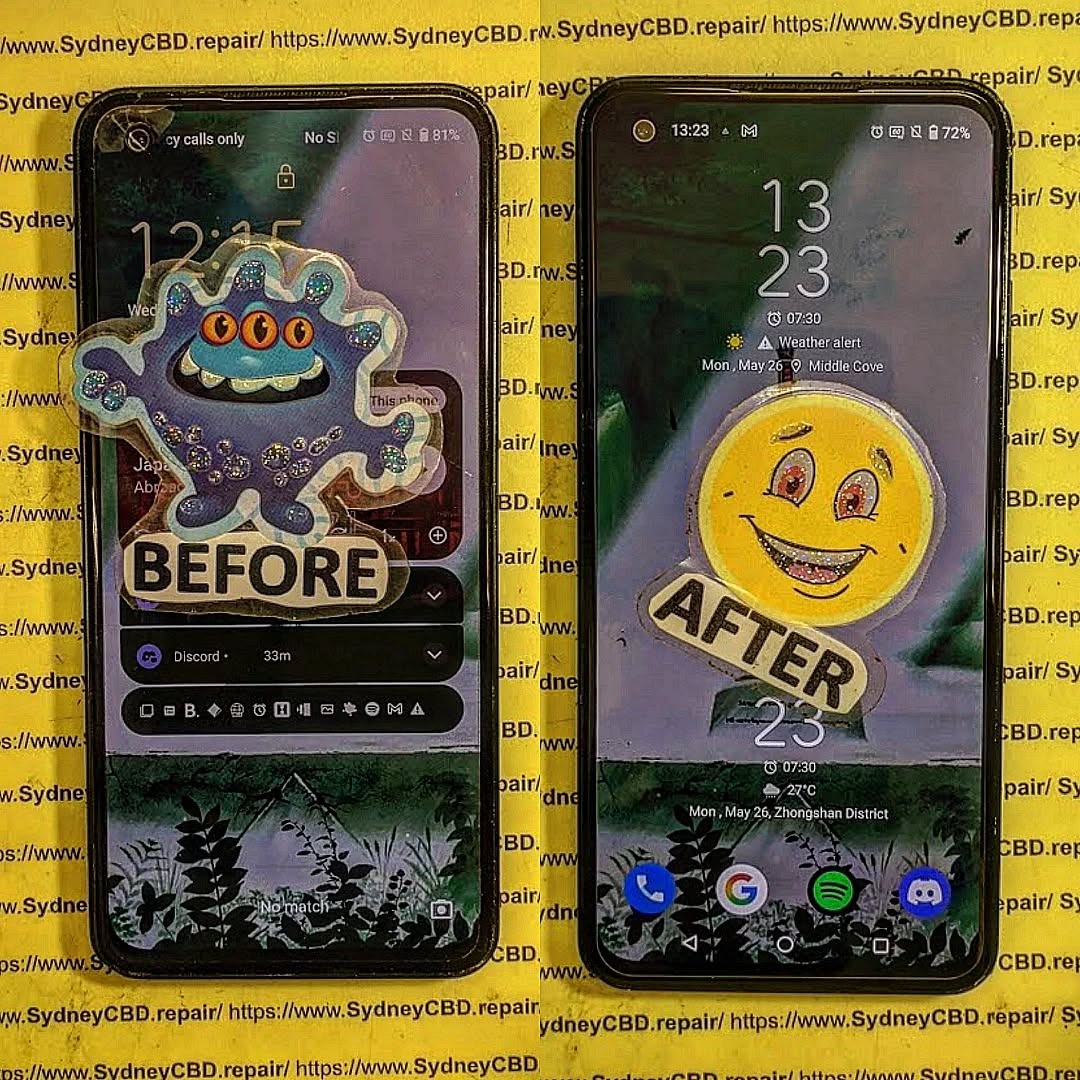
Replacing a smartphone screen might sound straightforward, but in reality, it’s a delicate process that requires the right tools, heat application, and adhesive techniques. Whether it’s a cracked display on your flagship device or a gaming powerhouse like the ASUS ROG Phone, understanding how heat, glue, and tools come into play will help you appreciate why professional repair is often the safest choice.
Most modern smartphones are sealed together using strong industrial adhesive to make them durable and water-resistant. To remove the screen safely, this adhesive must be softened first.
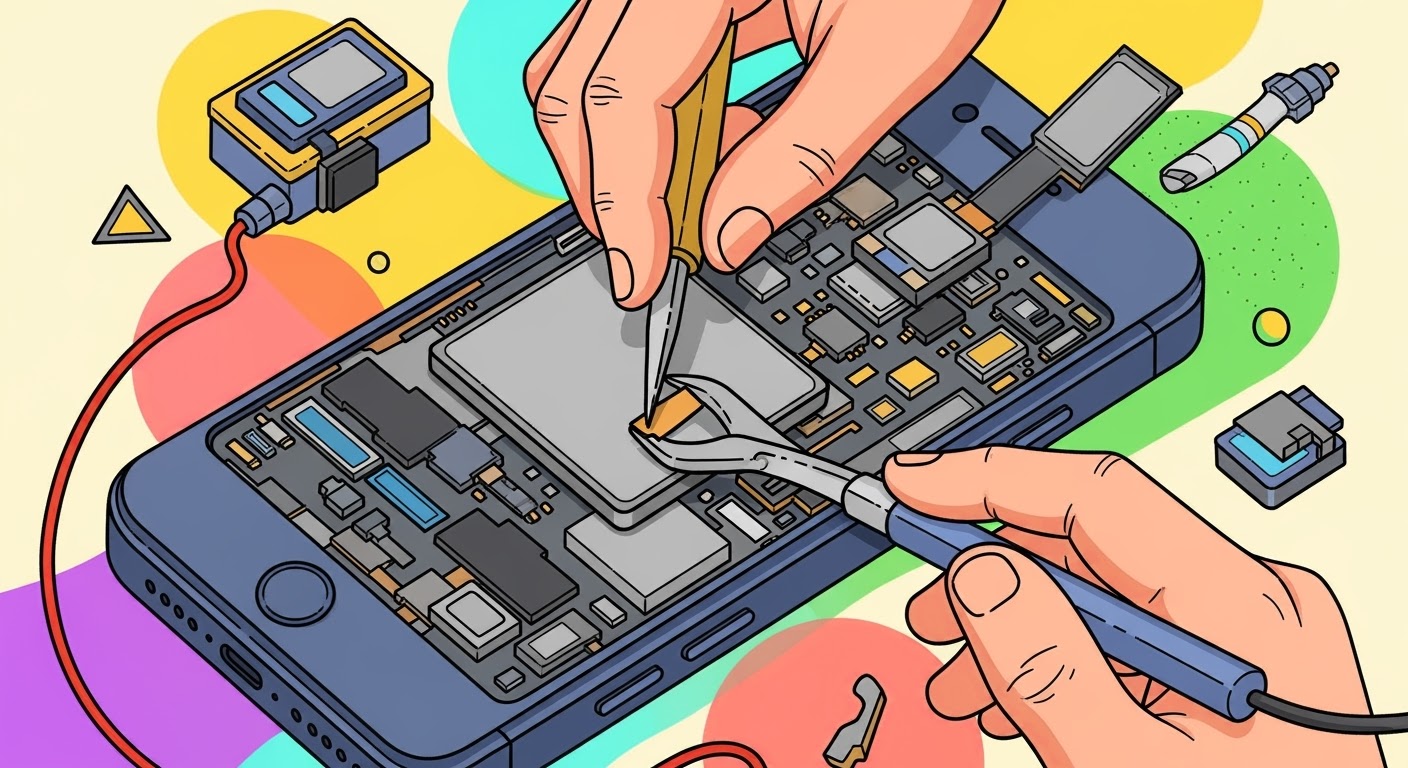
How it’s done: Technicians use a heat gun, hot air station, or specialized heating pad to gently warm the edges of the device.
Why it matters: Without controlled heat, prying the screen can cause cracks or damage to internal components.
Common mistake in DIY: Using a hairdryer unevenly can overheat some areas and leave others too sticky, making removal risky.
The glue or adhesive is not just about sticking the screen in place—it plays a critical role in structural integrity and dust resistance.
Factory-grade adhesive: Manufacturers use precision-applied glues to ensure even sealing.
During replacement: Professionals apply pre-cut adhesive strips or liquid adhesive to replicate factory standards.
Risks of poor application: Too much glue can seep into delicate parts, while too little can cause the screen to lift or lose touch sensitivity.
Tools Every Technician Relies On
Replacing a screen isn’t possible without the proper toolkit. Here are the essentials:
Precision screwdrivers – to remove tiny screws without stripping them
Plastic pry tools and spudgers – to separate the glass without scratching
Suction cups – to lift the display gently after heating
ESD-safe tweezers – to handle tiny components safely
Adhesive applicators and clamps – to ensure the screen bonds firmly during reassembly
For DIY repairs, missing even one of these tools can make the process much harder and riskier.
Why Professional Repair Makes a Difference
While DIY guides make screen replacement look simple, the reality is different. Professional repair centers like Sydney CBD Repair Centre have experience, advanced equipment, and access to genuine parts. This means:
Faster turnaround times
Proper sealing to maintain water resistance
Warranty on both parts and labor
Peace of mind knowing your device won’t fail due to a small mistake
✅ In short: Screen replacement is more than just swapping glass. It’s about balancing heat, glue, and tools with precision. Unless you’re highly skilled, professional repair ensures your device is restored to factory standards.
David from Sydney CBD Repair Centre – The Best place to fix mobile phones as 6 Years In A Row! Top Mobile Phone Repair In Sydney. More than 2000 Positive Reviews on Google and Same Day Repairs.
We take pride in delivering exceptional repair services for all major phone brands including Apple, Samsung, Google, and more. Our expert technicians use only genuine parts and offer 90 days warranty on repairs. Located in the heart of Sydney CBD, we’re your one-stop solution for all mobile device repairs.
Visit us for:
✓ Same Day Express Repairs
✓ Genuine Parts Guarantee
✓ Professional Technicians
✓ Competitive Pricing
✓ 2000+ 5-Star Google Reviews
✓ 6-Time Award Winner for Best Phone Repairs
How to Tell if a Replacement Screen is Original: 10 Surefire Ways to Spot Genuine Parts
🔍 Introduction
So you just got your phone screen replaced—but something feels…off. Maybe the colors look washed out or the touch seems a little less snappy. If you’re wondering whether your new screen is original or a low-grade copy, you’re not alone.
Knowing how to tell if a replacement screen is original is crucial not just for performance—but also for long-term durability and device safety.
Q1: Can I tell if my screen is fake just by looking at it?
Yes, but it helps to compare it to another phone or the original. Brightness, touch response, and screen fit are key indicators.
Q2: Will a fake screen damage my phone?
Potentially. Poor-quality displays can affect internal components or lead to overheating, ghost touch, and battery issues.
Q3: How do I know my repair shop used a genuine screen?
Ask for documentation, a warranty, or confirmation that the part is OEM (Original Equipment Manufacturer).
Q4: Are aftermarket screens always bad?
Not always. Some high-quality aftermarket screens work well, but they still fall short in brightness, color, and touch accuracy.
Q5: Do Apple or Samsung provide original screens to third-party repair shops?
Some independent repair shops are authorized and get genuine parts. Always check if your repair centre is certified.
Q6: What should I do if I suspect a fake screen?
Return to the repair centre immediately and request an inspection or replacement. If they refuse, seek a second opinion from a trusted technician.
🏁 Conclusion
Knowing how to tell if a replacement screen is original empowers you to make informed repair decisions. By checking for signs like color accuracy, touch response, and part numbers, you can spot a fake before it causes trouble.
Avoid the risk. Choose a professional, trusted repair centre like Sydney CBD Repair Centre, where you’re guaranteed genuine parts, expert service, and long-term peace of mind.
Choosing the Best Replacement Screen for Your Phone – Ultimate Guide + 10 Key Tips
🧠 Choosing the Best Replacement Screen for Your Phone
When your phone screen breaks, it’s not just a cosmetic issue—it affects your entire user experience. Whether you’re dealing with flickering, ghost touches, or a spiderweb of cracks, getting the right replacement screen is critical. But with so many choices out there—OEM, aftermarket, refurbished—it can be overwhelming.
Let’s break it down step-by-step so you know exactly how to choose the best screen replacement without sacrificing quality or overpaying.
Replacing your screen promptly can save you from more costly repairs down the road, especially with newer models that integrate fingerprint scanners and sensors into the display.
Let’s talk about the two main screen types available on the market:
🔷 OEM (Original Equipment Manufacturer)
Made by the same manufacturer as your original phone screen.
Guaranteed fit, color accuracy, and responsiveness.
Often comes with a warranty.
Costs more, but worth it for flagship phones.
🔶 Aftermarket
Made by third-party companies.
May differ in brightness, touch sensitivity, and durability.
Budget-friendly, but quality varies widely.
Good for older or secondary devices.
🛠️ Pro Tip: For flagship phones like iPhones, Samsung Galaxy S, or Pixel series—always go OEM or high-grade refurbished.
⚠️ Signs You Need a Screen Replacement
Not sure if a full replacement is necessary? Watch out for these red flags:
Cracks or shattered glass
Unresponsive touch
Discoloration or pixel bleeding
Flickering or random ghost touches
Screen blackouts but the phone still rings
Any of these signs indicate a screen issue that won’t get better with time. In fact, most will worsen—especially ghost touch, which can cause unintended actions.
💡 Understanding Screen Types: LCD, OLED, AMOLED
Each screen type has its own advantages. Here’s how they compare:
Type
Quality
Battery Usage
Common Devices
LCD
Decent
Higher
Budget to mid-range
OLED
High
Lower
Mid to high-end
AMOLED
Superior
Very low
Flagships (Samsung, Pixel, etc.)
Knowing your screen type ensures you don’t downgrade your phone’s performance with a mismatched part.
🔍 How to Choose the Right Replacement Screen
Here are 10 key tips to make sure you get the right screen:
Check your phone model EXACTLY.
Match screen resolution and refresh rate.
Go for OEM or Grade A parts.
Buy from a reputable seller or repair centre.
Compare warranties.
Ask if the digitizer is included.
Check return policies.
Avoid super cheap deals.
Read customer reviews.
Consult a professional when unsure.
The best replacement screen isn’t always the cheapest—it’s the one that fits and works like your original.
❌ Top 5 Mistakes to Avoid When Choosing a Screen
Buying without checking compatibility.
Going for the cheapest option available.
Not verifying the supplier’s reputation.
Forgetting about the digitizer.
Attempting a complex DIY repair without tools or experience.
Mistakes during screen selection or installation can lead to touch lag, poor visibility, or worse—frying your device.
🏆 Benefits of Using Genuine Parts
When you’re weighing up your screen‑replacement options, nothing beats genuine components. Original screens match your phone’s factory‑fresh colour profile, brightness, and touch latency. There’s no washed‑out white, no laggy gestures—just that smooth, vibrant display you fell in love with on day one.
Genuine Part Advantage
Why It Matters in Daily Use
Factory calibration
Authentic colours and sharp text, crucial for creatives and gamers
Integrated sensors
Face ID / fingerprint scanners work flawlessly
Proper adhesive & seals
Preserves your phone’s water‑resistance rating
Warranty support
Manufacturer honours future hardware claims
You’ll also dodge the hidden costs of cheap knock‑offs. Poor‑quality glass can shatter again after a minor bump; sub‑par digitisers create “ghost touches” that reorder your groceries at 3 a.m. Protect your sanity—and your wallet—by insisting on genuine parts from a reputable repair centre.
🛠️ DIY vs. Professional Screen Replacement
“Should I just fix it myself?” is a question we hear every day. Let’s break down the realities:
DIY Pros
Lower upfront cost (if you already own specialised tools).
Learning experience for tech enthusiasts.
Flexible timing—repair at midnight in your pyjamas.
DIY Cons
Risk of further damage to motherboard, ribbon cables, and backlight.
No parts warranty unless you buy from an approved supplier.
Time‑consuming—a first‑timer can spend three hours on a 30‑minute pro job.
Loss of waterproofing if adhesive isn’t applied perfectly.
Professional Pros
Certified technicians with thousands of successful repairs.
Genuine parts guarantee and service warranty (Sydney CBD Repair Centre offers 90 days).
Same‑day turnaround—grab a coffee, come back to a brand‑new screen.
Data safety—experts know how to avoid short circuits that fry storage chips.
Professional Cons
Higher labour cost—but remember: cheap fixes often become expensive re‑fixes.
Bottom line: If your phone is a daily driver or flagship model, let experts handle it. DIY makes sense only for older backup devices where data loss won’t ruin your week.
💰 Average Costs for Screen Replacement in 2025
Costs vary by brand, screen tech, and region. Here’s a ballpark guide (parts plus labour) based on 2025 market rates in Australia:
Phone Category
Typical Screen Type
Price Range (AUD)
Entry‑level Android
LCD
$120 – $180
Mid‑range Android
OLED
$180 – $260
Flagship Android (e.g., Galaxy S24, Pixel 9)
AMOLED
$320 – $450
iPhone 12/13 series
OLED
$320 – $420
iPhone 14/15 series
OLED (Dynamic Island)
$420 – $550
Foldables (Galaxy Z Fold 5, Flip 5)
Foldable AMOLED
$700 – $900
Prices include GST and a 90‑day workmanship warranty at Sydney CBD Repair Centre. For comparison, Apple’s own service pricing in Australia starts at $269 AUD for older iPhones and climbs to $579 AUD for the iPhone 15 Pro Max (source: Apple Support).
👀 How to Spot Low‑Quality Replacement Screens
Before you swipe your card, run through this quick checklist:
Inconsistent colour temperature – blues look purple, whites look grey.
Uneven backlight – bright spots in the corners, dim centre.
Thick black borders – indicates a cheap digitiser assembly.
Good habits today mean fewer repair bills tomorrow.
❓ Frequently Asked Questions
1. Does replacing my screen void the manufacturer warranty?
A: If you use an authorised centre or certified parts, your warranty usually remains intact. Always check the fine print.
2. Can I upgrade from LCD to OLED on the same phone?
A: In most cases, no. The motherboard, firmware, and housing are designed for a specific display type.
3. How long will a replacement screen last?
A: With genuine parts and normal use, expect lifespan equal to the original—often 3‑5 years.
4. Is water resistance still guaranteed after repair?
A: Only if high‑grade seals and factory‑spec adhesive are used (standard practice at Sydney CBD Repair Centre).
5. Why is my new screen dimmer than the old one?
A: You may have received a lower‑grade aftermarket panel. Return it or have a professional install a genuine unit.
6. Do I need to back up my data before repair?
A: Absolutely! While data loss is rare, sudden power surges or disconnections can occur during any hardware service.
🔚 Conclusion: Make the Smart Choice for Your Device
Choosing the best replacement screen for your phone isn’t just about price—it’s about quality, fit, and peace of mind. Opt for genuine parts, rely on trained professionals, and follow smart maintenance tips. Your phone will reward you with vibrant visuals and seamless touch for years to come.
Ready to restore your device? Visit Sydney CBD Repair Centre—Where Quality Meets Reliability.
Replacing a Samsung S22 Screen: A Detailed Comparison + 7 Key Factors to Consider
📱 Introduction: Why Replacing a Samsung S22 Screen Requires Caution
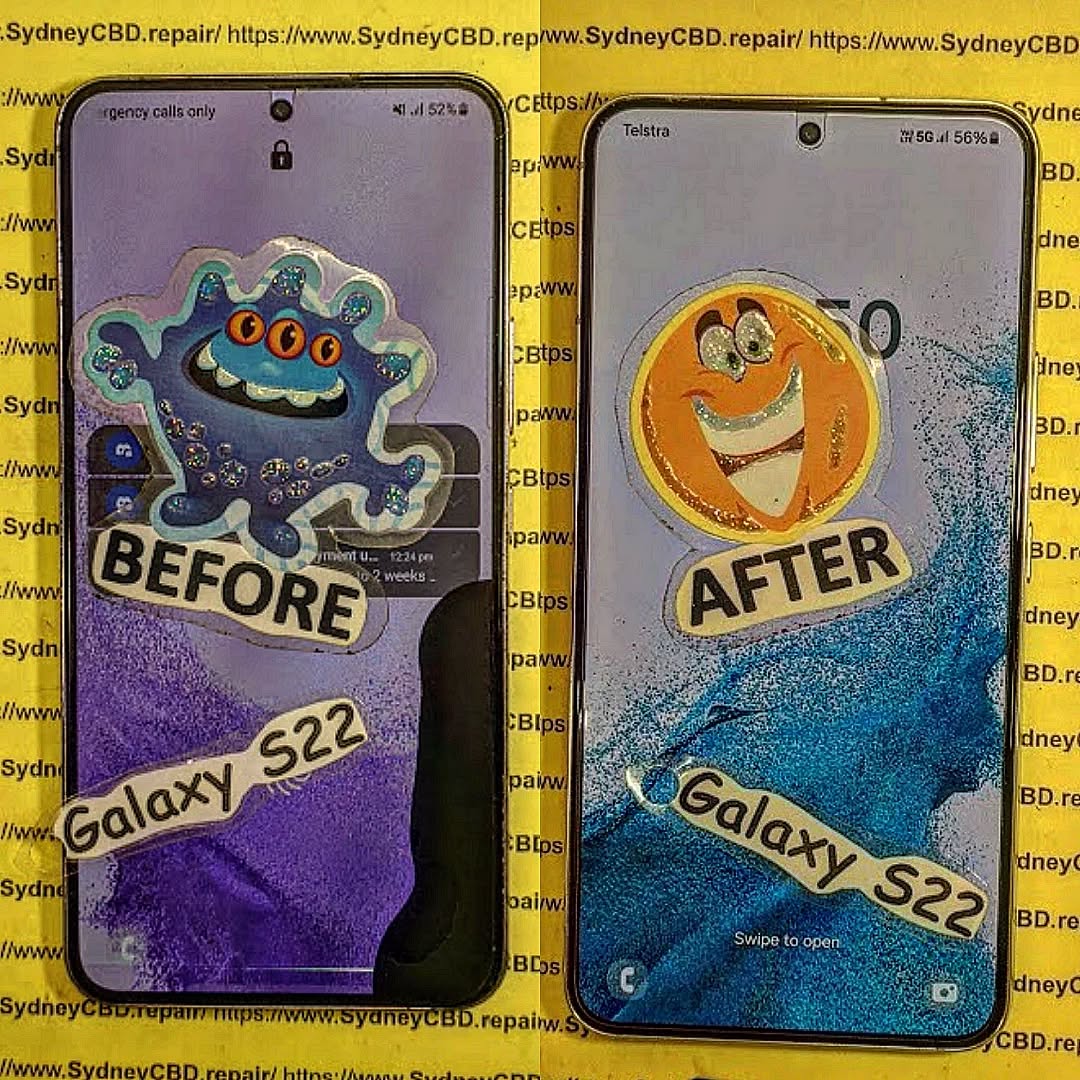
The Samsung Galaxy S22 features a 6.1-inch Dynamic AMOLED 2X display—one of the best in its class. But when that stunning display cracks or shatters, choosing the right replacement method becomes crucial. A poorly done repair can compromise touch sensitivity, brightness, or even your phone’s structural integrity.
At Sydney CBD Repair Centre, we specialize in premium screen repairs with genuine parts and same-day service. But let’s explore all available options so you can make the best choice for your needs.
Minor scratches? A screen protector may help. But major damage demands a full replacement.
🔧 Option 1 – DIY Screen Replacement
Tools Needed:
Heat gun or hair dryer
Suction cup and plastic pry tools
Replacement OLED display assembly
Precision screwdriver set
Anti-static wrist strap
Pros:
Cheapest upfront cost
Flexibility to repair on your schedule
Cons:
Risk of damaging internal parts
No warranty or service guarantee
Very difficult without professional tools
💡 Warning: Samsung S22 screens are sealed with strong adhesive. DIY methods often result in fingerprint sensor damage or motherboard issues.
🧰 Option 2 – Third-Party Repair Shops
Pros:
Often more affordable than Samsung
Faster turnaround times
Convenient locations
Cons:
Many use aftermarket or copy screens
Limited or no warranty
Screen quality may differ (dull colors, low brightness)
Ask if they use OEM parts—if not, it’s a risk to performance and resale value.
🏢 Option 3 – Official Samsung Service
Pros:
Guaranteed OEM parts
Manufacturer warranty support
Full diagnostics included
Cons:
Can take 5-10 business days
Higher price (up to $450 AUD)
Often requires device drop-off or courier service
🛠️ Option 4 – Sydney CBD Repair Centre
Why We’re Different:
90-Day Warranty on Parts & Labour
Only Genuine Samsung Screens
2000+ Google 5-Star Reviews
Same-Day Express Repairs
Walk-in Friendly at Heart of Sydney CBD
💬 David Says: “We don’t just fix phones—we restore peace of mind. Whether it’s an S22 or S22 Ultra, we handle each repair with expert precision.”
💸 Cost Comparison Table
Repair Option
Estimated Cost
Parts Quality
Turnaround Time
DIY
$150–$220
Varies / Aftermarket
2–3 hours (if successful)
Third-Party (Low Tier)
$180–$300
Often Aftermarket
1–2 days
Official Samsung
$400–$450
OEM
5–10 business days
Sydney CBD Repair Centre
$330–$390
Genuine Samsung
Same Day
🔬 Quality Comparison
Feature
OEM Screen
Aftermarket Screen
Brightness
Excellent
Moderate
Touch Response
Precise
May lag
Durability
High
Lower
Fingerprint Sensor
Works as intended
Often fails
Color Accuracy
True-to-life
Washed out
⏱️ Time Comparison
Method
Average Repair Time
DIY
2–3 hours (if done right)
Local Shops
1–2 business days
Samsung
Up to 2 weeks
Sydney CBD Repair
1 Hour – Same Day
⚠️ Risk Factor Comparison
DIY Repair: High risk of damaging internal components
Low-Tier Shops: High chance of poor-quality screens
Samsung: Low risk but high cost and long wait
Sydney CBD Repair Centre: Low risk, high quality, fast service
🛡️ Warranty Considerations
Repair Type
Warranty
DIY
None
Third-Party Shops
Varies (7–30 days)
Samsung
Yes (6–12 months)
Sydney CBD Repair
Yes – 90 Days
We proudly stand behind our workmanship and use only genuine Samsung parts.
🙋♂️ FAQs
1. Can I replace only the glass on the Samsung S22?
No. The S22 screen is fused—glass, display, and touch layer must be replaced together.
2. Will I lose data during screen replacement?
Usually not. But it’s always wise to back up your data before repair.
3. Does screen replacement affect water resistance?
Yes—unless reassembled with professional-grade seals, which we provide at Sydney CBD Repair Centre.
4. Is the fingerprint sensor affected by screen changes?
Often yes, especially with non-genuine screens. We ensure full sensor functionality post-repair.
5. Can I repair my S22 screen if it’s still under Samsung warranty?
Yes, but only through authorized Samsung channels. Otherwise, the warranty may be void.
6. What if I tried to fix it myself and it failed?
Bring it to us—we’ve salvaged many DIY attempts with careful rework and diagnostics.
🧠 Final Thoughts
The Samsung S22’s screen is a premium piece of technology that deserves a careful, professional approach when damaged. While DIY and cheap repair options may seem attractive, they carry hidden risks—especially when dealing with flagship hardware.
For those seeking fast, trusted, and warrantied service, look no further than Sydney CBD Repair Centre. We’ve helped thousands of happy customers get back on their phones—fast and worry-free.
Replacing the Screen of a Popular Budget Gaming Phone – The Ultimate Fix Guide + 15 Pro Tips
🕹️ Why Budget Gaming Phones Are More Popular Than Ever
Mobile gaming has exploded over the past five years, and not everyone can afford a flagship device like the Samsung Galaxy S24 Ultra or iPhone 15 Pro Max. That’s where budget gaming phones shine—offering impressive performance, smooth gameplay, and large displays at a fraction of the cost.
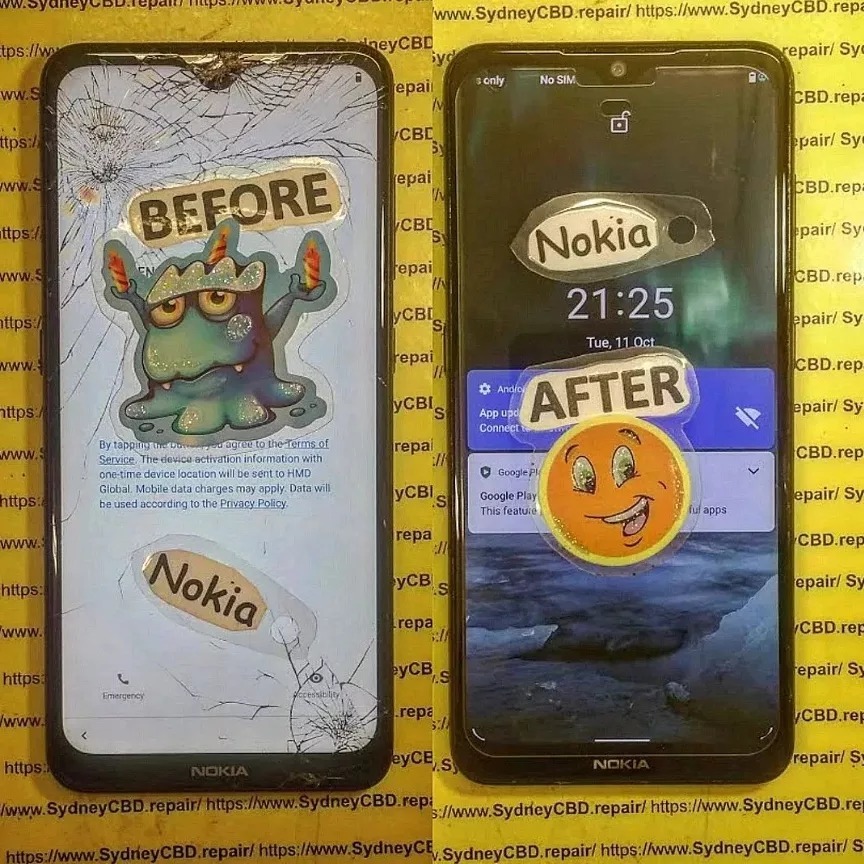
nokia repair
🚀 The Rise of Mobile Gaming
From Call of Duty: Mobile to Genshin Impact, today’s mobile games demand more from hardware. Budget phones like the Poco X3 Pro, Realme Narzo 50, and Samsung Galaxy M14 now come with powerful processors, high-refresh-rate screens, and ample RAM—making them ideal for gaming on a budget.
Sometimes it’s better (and safer) to leave it to the pros. DIY isn’t always the best path, especially if you’re dealing with:
🔧 Signs of Internal Damage
Bent frame or dented housing
Display working but showing unusual light bleeding
Motherboard exposure after screen breakage
💾 Data Recovery Risks
Replacing a screen without proper static control or technique can:
Fry internal chips
Corrupt important game save files or personal photos
Permanently damage the logic board
🧠 Always backup your data before attempting a repair.
💰 Cost Breakdown: DIY vs. Professional Repair
Let’s break down the financial side of things.
📊 What You’re Paying For
Item
DIY
Professional Repair
Replacement Screen
$40 – $100
$70 – $160
Tools
$30 (initial)
Included
Time
2–4 hours
1–2 hours
Risk of Damage
High
Low
Warranty
None
Often 60–90 Days
DIY may be cheaper up front, but you risk voiding warranties or damaging the device further.
⏳ Time vs. Money
Time is money, especially if the phone is essential for work, school, or your gaming streams.
A professional service saves hours and offers peace of mind.
Before diving into repairs, it’s important to consider how screen replacements affect your warranty.
📝 How DIY Affects Warranty
Most brands void your warranty once the phone is opened
Water resistance is lost unless reassembled with proper seals
Apple and Samsung both discourage non-authorized repairs
🏷️ Brand-Specific Rules
Samsung: Voids warranty if unofficial parts are used
Xiaomi & Realme: Warranty remains only if serviced at authorized centres
Google Pixel: Requires calibration tools post-repair
✅ Professional repair centres like Sydney CBD Repair Centre maintain warranty compliance by using genuine parts and trained technicians.
🔍 Finding a Trusted Repair Shop
Not all repair shops are created equal. Here’s how to choose wisely.
🤝 Questions to Ask
Do they use OEM or aftermarket parts?
What’s their screen warranty policy?
Do they offer same-day service?
🌟 Why Reviews Matter
With over 2000+ positive Google reviews, Sydney CBD Repair Centre stands out for:
Consistency in quality
Transparent pricing
Excellent after-service care
Don’t trust your phone with the cheapest option—trust the most reliable one.
🏆 Real-Life Example: Sydney CBD Repair Centre
🛠️ 6-Time Award-Winning Service
David and his team have earned their reputation as Sydney’s go-to mobile repair experts. With 6 years in a row as the top-rated centre, here’s what sets them apart:
Same-day screen replacements
Genuine replacement parts only
Technicians trained in Samsung, Apple, Google & more
Choose silicone-backed or hybrid protection models
❓ Frequently Asked Questions (FAQs)
1. How long does a screen replacement take?
With professionals like Sydney CBD Repair Centre, most screens are replaced within 1–2 hours.
2. Is it worth repairing a screen on a budget phone?
Yes—if the phone is less than 2 years old and still performs well, screen repair is usually more cost-effective than buying a new phone.
3. Can I replace a screen without special tools?
Not effectively. Basic tools like a heat gun, pry tools, and suction cup are necessary to avoid further damage.
4. Does screen replacement affect my data?
No, unless the motherboard is damaged. Still, it’s best to back up your data before any repair.
5. Are third-party screens as good as original ones?
Some are decent, but genuine parts provide the best clarity, color accuracy, and durability.
6. Will I lose water resistance after a screen replacement?
Yes—unless properly sealed using factory-grade adhesives. Most DIY kits don’t restore full water resistance.
✅ Conclusion
Replacing the screen of a popular budget gaming phone doesn’t have to be a risky venture. Whether you’re a hands-on DIYer or someone who values professional care, knowing the tools, risks, and best practices is half the battle. For guaranteed results, Sydney CBD Repair Centre offers top-tier service, OEM parts, and trusted expertise.
Don’t let a cracked screen keep you out of the game—repair it the right way, today.
🛠️ David from Sydney CBD Repair Centre
📞 Call: +61280114119
📍 Locate Us Here
Accidents happen — and when they do, your smartphone screen is often the first casualty. Whether it’s a tiny crack or a completely shattered display, the cost of repairing your screen in Sydney can vary widely. That’s why understanding what affects repair pricing is essential. It can save you money, ensure you get quality parts, and prevent you from falling into common repair scams.
At Sydney CBD Repair Centre, we’ve served thousands of customers with genuine parts, professional service, and upfront pricing. This guide is designed to help you make informed choices about your phone screen repair.
iphone screen replacement
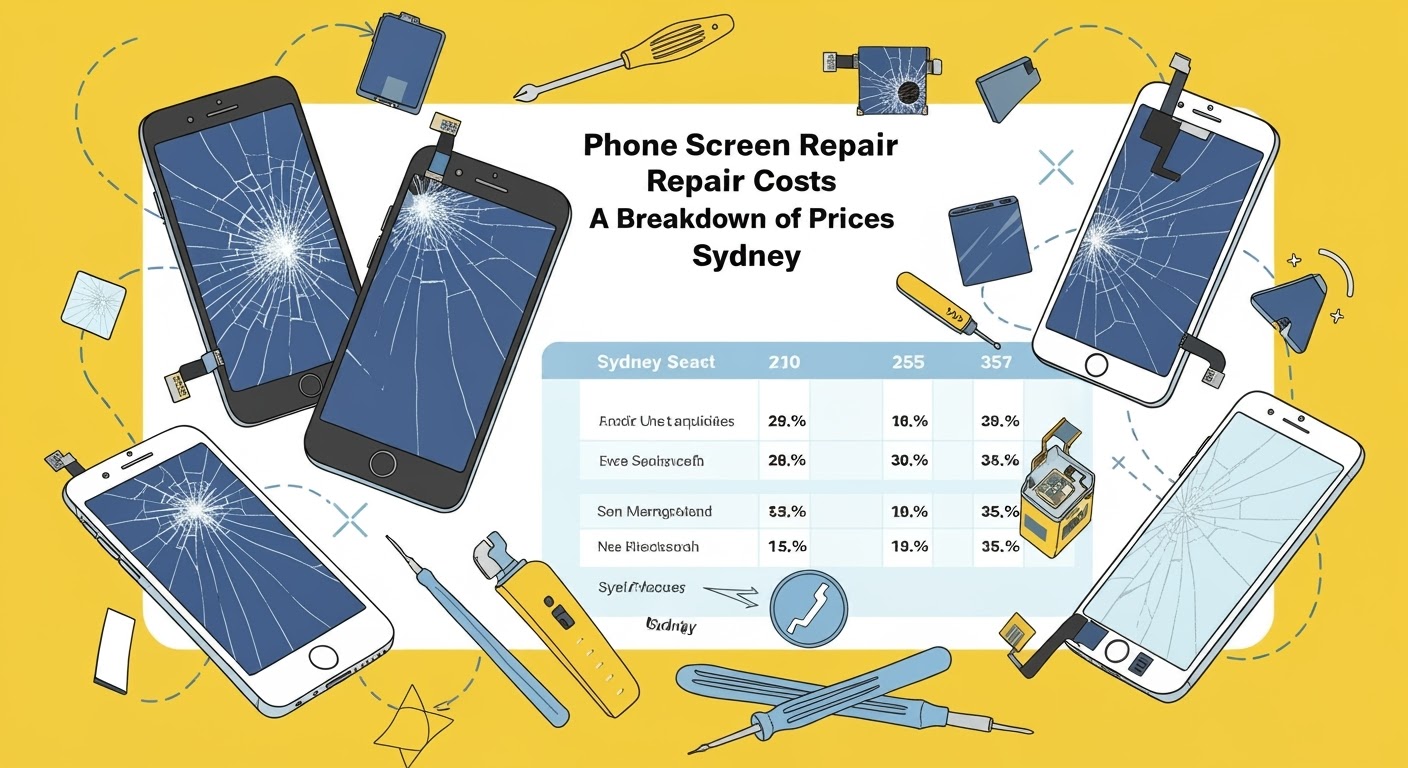
How Much Does Phone Screen Repair Cost in Sydney?
Sydney is a bustling city, and with that comes a range of repair options — from back-alley shops to professional repair centres. The cost of phone screen repair can range from $80 to $550+, depending on several factors.
Average Cost Range by Brand (AUD)
Phone Brand
Basic Models (e.g. iPhone 6)
Flagship Models (e.g. iPhone 15 Pro Max)
Apple iPhone
$120 – $350
$400 – $550
Samsung Galaxy
$150 – $280
$350 – $480
Google Pixel
$140 – $260
$300 – $450
Huawei / OPPO
$100 – $220
$250 – $380
Factors Affecting Repair Prices
Model age and availability of parts
Screen technology (LCD, OLED, AMOLED)
Genuine vs aftermarket components
Technician skill and warranty offered
Repair location (CBD vs suburb)
Genuine vs Aftermarket Screens: What’s the Real Difference?
The choice between genuine and aftermarket screens can significantly affect the cost — and the quality — of your repair.
Feature
Genuine Parts
Aftermarket Parts
Quality
Identical to factory
Varies widely
Price
Higher
Lower
Touch Responsiveness
Excellent
Sometimes delayed
Colour Accuracy
Accurate
May appear faded or oversaturated
Warranty
Often included (90 days at Sydney CBD Repair Centre)
May be limited or none
For iPhones, we use top-quality aftermarket screens to keep costs manageable without sacrificing performance. For Samsung and ASUS ROG phones, only genuine parts are used for long-lasting performance.
The Role of Labour and Service Quality in Price
When it comes to repairs, the technician’s skill is just as important as the parts used. Poor installation can result in ghost touches, display flickering, or even damage to internal components.
Here’s why Sydney CBD Repair Centre stands out:
6 years as Sydney’s top-rated phone repair shop
1900+ five-star Google reviews
Fast same-day express repairs
Highly trained technicians using professional-grade tools
Sydney CBD vs Suburban Repair Prices
You may assume that suburban shops are cheaper — and sometimes they are — but often at the cost of:
Non-genuine parts
Lack of warranty
Inexperienced technicians
While CBD repairs may be slightly more expensive, you’re paying for peace of mind, speed, and guaranteed workmanship.
Cost Breakdown by Brand
Apple iPhone Screen Repairs
iPhone SE (2020): $120 – $150
iPhone 11: $180 – $230
iPhone 13 Pro Max: $400 – $450
iPhone 15 Pro Max: $480 – $550
👉 We use premium aftermarket screens for older iPhones to reduce your repair costs.
Samsung Galaxy Screen Repairs
Galaxy S10: $180 – $240
Galaxy S20 Ultra: $260 – $310
Galaxy S22 Ultra: $350 – $400
Galaxy S23 Ultra: $400 – $480
👉 Only genuine Samsung parts used. Repairs come with a 90-day warranty.
Google Pixel Screen Repairs
Pixel 5: $180 – $220
Pixel 6 Pro: $260 – $310
Pixel 8 Pro: $380 – $440
Pixel 9 Pro: $420 – $480
OPPO, Huawei, and Other Brands
OPPO Reno Series: $140 – $220
Huawei P Series: $180 – $250
Prices fluctuate based on part availability and model.
Repair vs Replacement: When to Consider a New Device
Sometimes, a repair just isn’t worth it — especially for older phones.
Consider replacing if:
Repair cost is more than 50% of the phone’s value
The device has multiple issues (battery, camera, charging port)
Getting your phone screen repaired in Sydney doesn’t have to be confusing or overpriced. By understanding what influences repair costs — from parts to location — you can make smarter decisions. Whether you’re using a brand-new flagship or a classic iPhone, trust professionals like Sydney CBD Repair Centre to deliver quality you can count on.
About Sydney CBD Repair Centre
📍 Located in the heart of Sydney
⭐ 6 Years in a Row – Top Phone Repair Shop in Sydney
🌟 Over 1900 5-Star Google Reviews
🛠️ Same-Day Repairs | Genuine Parts | 90-Day Warranty
We take pride in delivering exceptional repair services for Apple, Samsung, Google, and more. Whether you need a cracked screen fixed or a new battery, we handle it with care and expertise.
Visit us today and experience the best mobile phone repair service in Sydney!