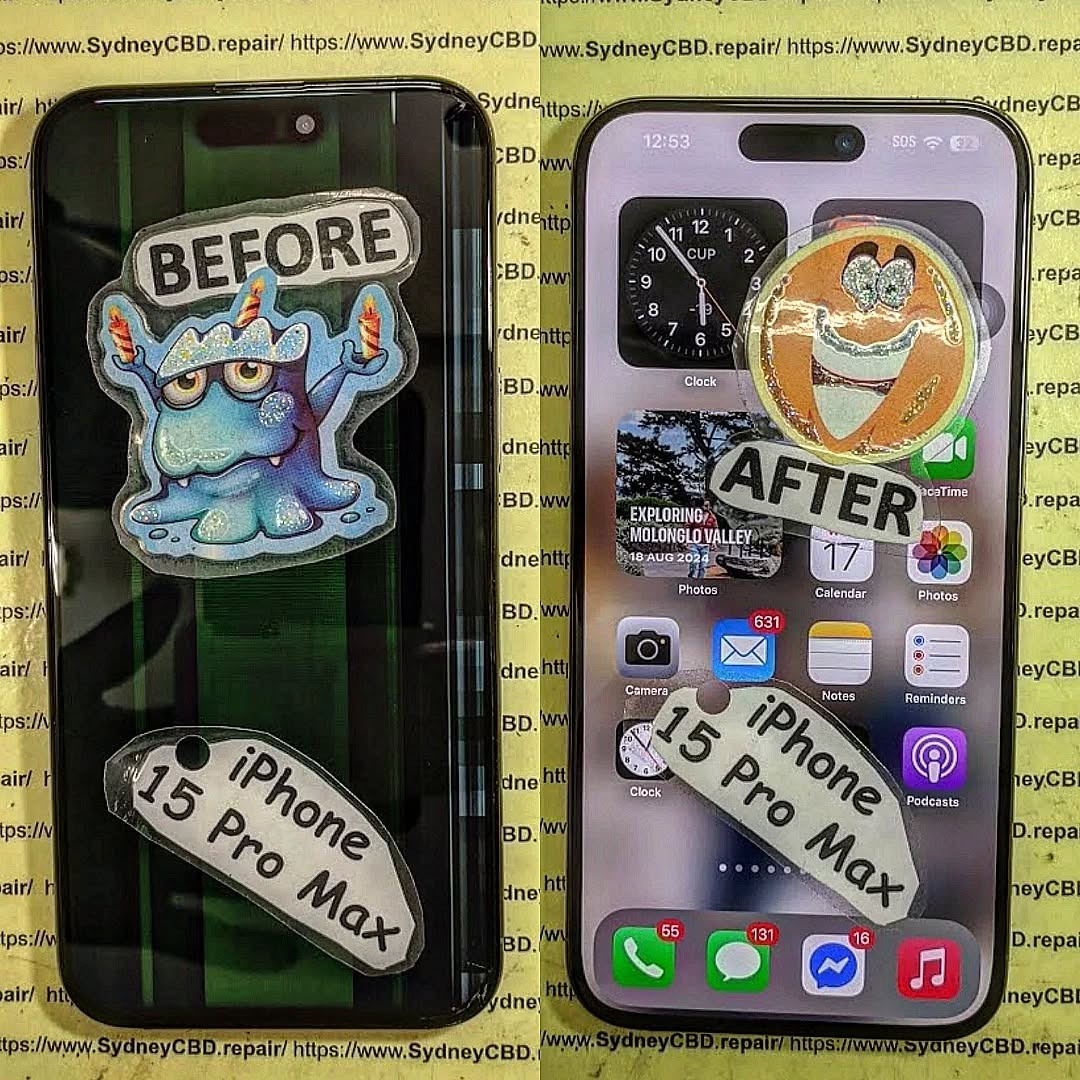
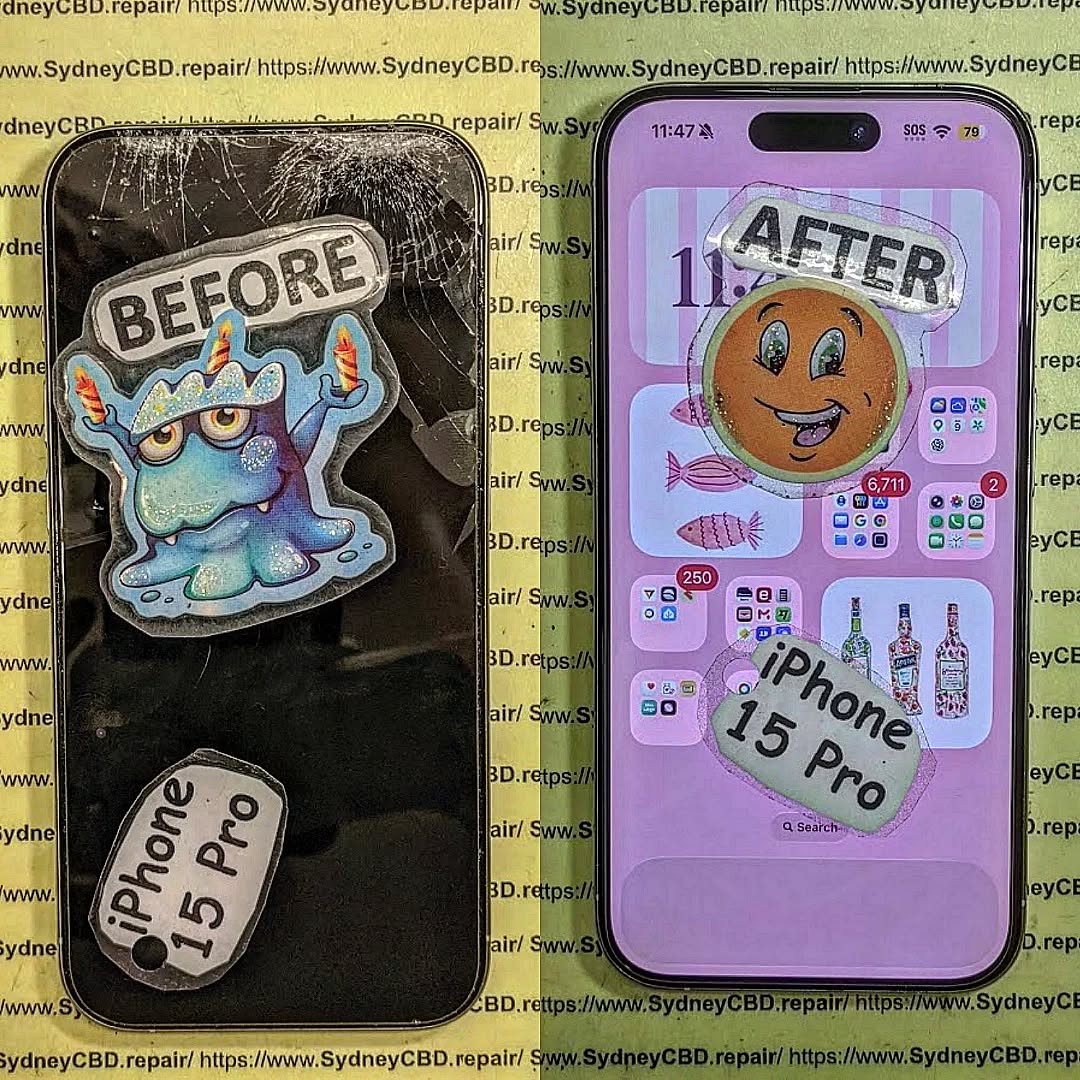
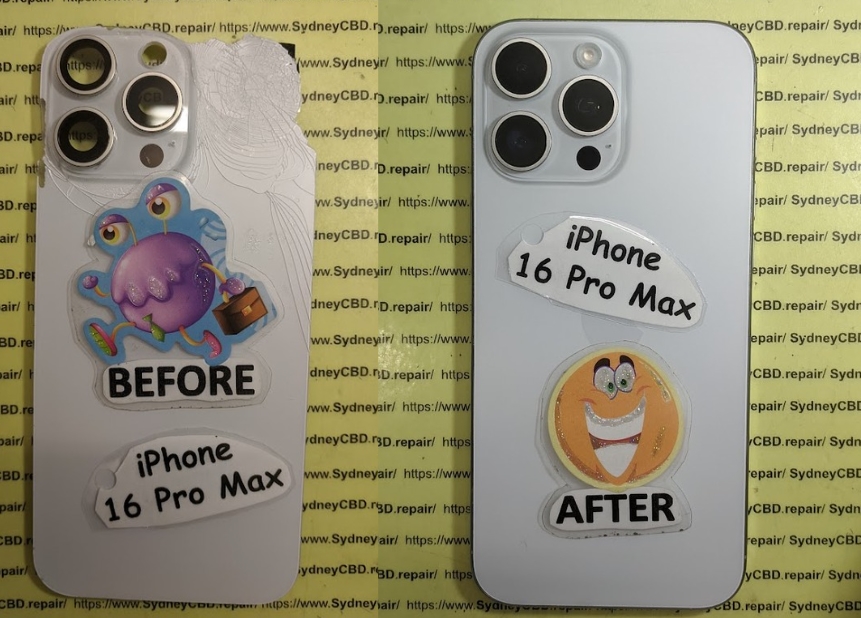
Choosing the Best iPhone 15 Pro Max Screen Replacement: AMOLED vs. LCD + 7 Expert Insights
Introduction to iPhone 15 Pro Max Display Technology
Choosing the best iPhone 15 Pro Max screen is one of the most important decisions for users, repair professionals, and buyers alike. The screen isn’t just a display—it’s the primary interface between you and Apple’s most advanced smartphone. From checking emails to watching HDR movies, everything depends on screen quality.
Many people often compare AMOLED vs. LCD when discussing smartphone screens. However, the iPhone 15 Pro Max officially uses an advanced AMOLED (OLED) panel, not LCD. Still, the comparison matters because LCD replacement screens exist in the aftermarket, and users want to know whether they’re worth considering.
In this guide, we’ll break down everything you need to know about choosing the best iPhone 15 Pro Max screen, using real-world repair experience, technical knowledge, and practical advice. We’ll keep it simple, honest, and helpful—no fluff, no hype.
The iPhone 15 Pro Max features a 6.7-inch Super Retina XDR AMOLED display with:
ProMotion 120Hz refresh rate
HDR10 and Dolby Vision support
Peak brightness up to 2000 nits outdoors
Always-On Display functionality
Apple does not design or calibrate the iPhone 15 Pro Max for LCD use. Any LCD screen installed is an aftermarket compromise.
From a professional repair standpoint, choosing the best iPhone 15 Pro Max screen almost always means sticking with genuine or high-quality AMOLED replacements.
Visual Quality Comparison: AMOLED vs. LCD
Brightness, Color Accuracy, and Contrast
When comparing AMOLED vs. LCD side by side, the difference is obvious—even to non-technical users.
Feature
AMOLED
LCD
Contrast Ratio
Infinite
Limited
Black Levels
True black
Greyish
Color Gamut
Wide (P3)
Narrower
Viewing Angles
Excellent
Good
AMOLED screens deliver punchier colors without oversaturation when calibrated correctly, which Apple does exceptionally well.
Outdoor Visibility and HDR Performance
AMOLED panels on the iPhone 15 Pro Max excel outdoors. The display boosts brightness automatically under sunlight, making content readable even on bright days.
LCD screens struggle here. The backlight limits peak brightness and increases glare, reducing clarity.
Performance and Power Efficiency
One often overlooked factor when choosing the best iPhone 15 Pro Max screen is battery efficiency.
Because AMOLED pixels turn off individually, dark mode and Always-On Display features consume less power. LCD screens drain battery faster because the backlight stays on constantly.
Over time, this difference adds up—especially for power users.
Durability and Longevity of iPhone Screens
Durability depends on more than just glass. It includes pixel lifespan, burn-in risk, and structural design.
AMOLED Pros:
Better integration with Ceramic Shield glass
Designed for Apple’s thermal management
Long lifespan with proper calibration
LCD Cons in iPhone 15 Pro Max:
Thicker layers increase pressure points
More prone to light bleeding
Reduced touch sensitivity
Burn-in is often mentioned with AMOLED, but in real-world use on iPhones, it’s extremely rare.
Repair and Replacement Considerations
Genuine vs. Aftermarket Screens
When repairing an iPhone 15 Pro Max, you’ll encounter three main screen options:
Genuine Apple AMOLED
OEM Refurbished AMOLED
Aftermarket LCD
From a professional repair perspective, LCD screens are not recommended for this model. They:
Disable True Tone
Reduce display quality
Affect Face ID alignment
Lower resale value
Choosing the best iPhone 15 Pro Max screen means prioritizing compatibility and quality over short-term savings.
Cost Comparison: AMOLED vs. LCD Repairs
Screen Type
Average Cost
Value
Genuine AMOLED
High
Excellent
OEM AMOLED
Medium
Very Good
LCD
Low
Poor
While LCD repairs are cheaper upfront, they often lead to dissatisfaction, repeat repairs, or device replacement.
For long-term value, AMOLED wins—hands down.
User Experience and Daily Usage Impact
Your screen affects everything:
Typing accuracy
Eye comfort
Media enjoyment
Gaming performance
AMOLED screens offer smoother scrolling, faster response times, and better touch accuracy—especially important with the iPhone 15 Pro Max’s 120Hz ProMotion display.
Environmental and Health Considerations
AMOLED displays emit less blue light at lower brightness levels and support advanced color management, reducing eye strain.
Additionally, higher-quality screens last longer, reducing electronic waste. Choosing the best iPhone 15 Pro Max screen isn’t just about performance—it’s also about sustainability.
Frequently Asked Questions (FAQs)
1. Does the iPhone 15 Pro Max use AMOLED or LCD?
The iPhone 15 Pro Max officially uses an AMOLED (OLED) display only.
2. Can I replace my iPhone 15 Pro Max screen with LCD?
Technically yes, but it’s not recommended due to reduced quality and compatibility issues.
3. Is AMOLED better than LCD for battery life?
Yes, AMOLED is significantly more power-efficient, especially with dark mode.
4. Will LCD affect Face ID?
In many cases, yes. Poor-quality LCD screens can interfere with Face ID sensors.
5. Is screen burn-in a problem on iPhone AMOLED screens?
Rarely. Apple’s calibration and pixel-shifting techniques minimize burn-in risk.
6. What’s the best replacement screen option?
A genuine or OEM-quality AMOLED screen is the best choice.
Conclusion: Which Screen Is Best for iPhone 15 Pro Max?
When it comes to choosing the best iPhone 15 Pro Max screen, the answer is clear: AMOLED is the only option that preserves Apple’s intended experience.
LCD screens may seem cheaper, but they compromise quality, performance, and long-term value. Whether you’re repairing, upgrading, or buying, investing in a proper AMOLED display ensures your iPhone 15 Pro Max performs exactly as it should.
For further technical insights on OLED technology, you can explore Apple’s official display overview here:
👉 https://www.apple.com/iphone-15-pro/
David from Sydney CBD Repair Centre – The Best place to fix mobile phones as 6 Years In A Row! Top Mobile Phone Repair In Sydney. More than 2000 Positive Reviews on Google and Same Day Repairs.
We take pride in delivering exceptional repair services for all major phone brands including Apple, Samsung, Google, and more. Our expert technicians use only genuine parts and offer 90 days warranty on repairs. Located in the heart of Sydney CBD, we’re your one-stop solution for all mobile device repairs.
Our commitment to excellence has earned us the trust of thousands of satisfied customers. Whether it’s a cracked screen, battery replacement, or water damage repair, we handle it all with professional care and expertise. Walk in today and experience why we’re Sydney’s #1 choice for mobile phone repairs.
Visit us for:
✓ Same Day Express Repairs
✓ Genuine Parts Guarantee
✓ Professional Technicians
✓ Competitive Pricing
✓ 2000+ 5-Star Google Reviews
✓ 6-Time Award Winner for Best Phone Repairs
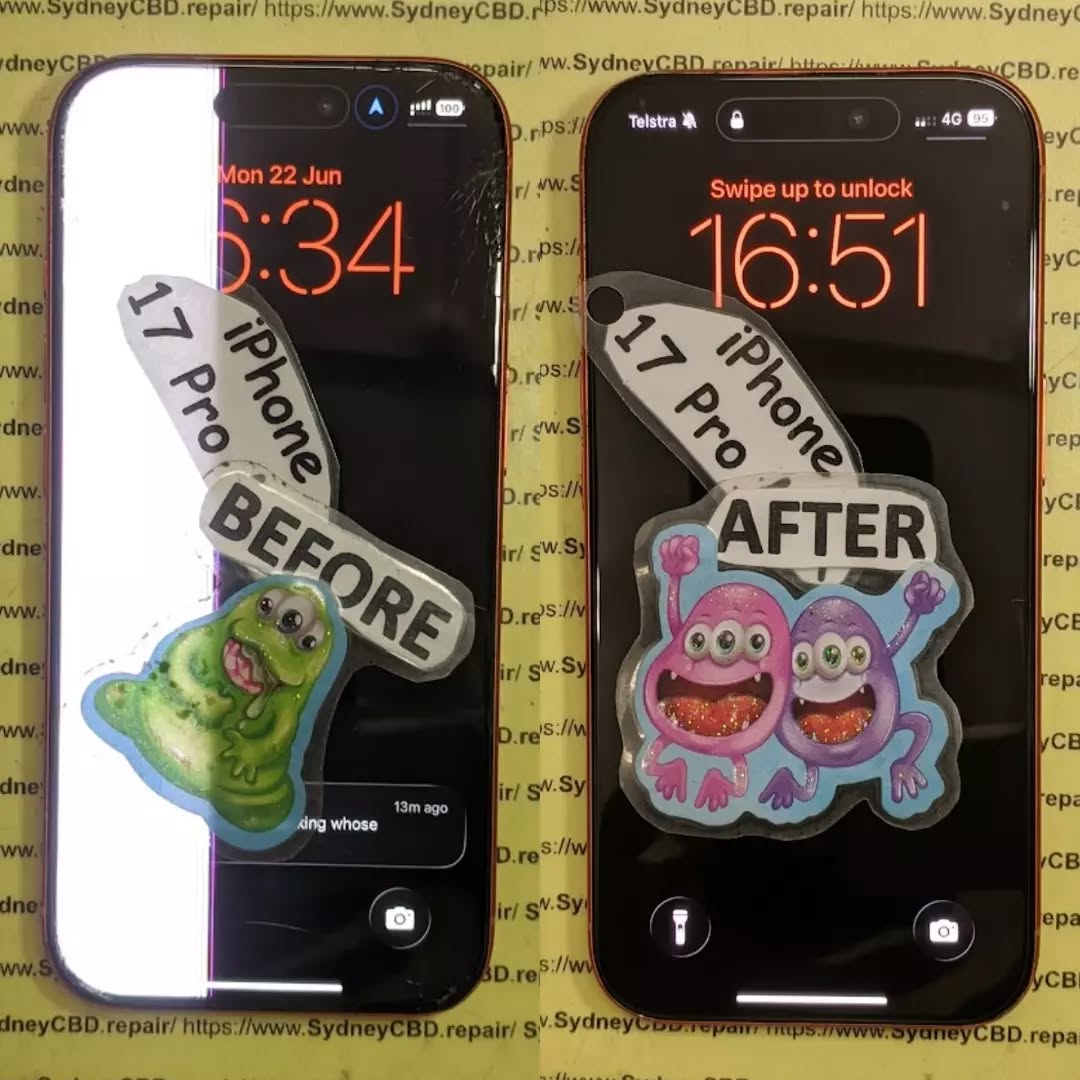
Replacing the Titanium Frame and Screen on a Mangled iPhone 17 Pro: Ultimate Expert Guide with 12 Professional Repair Insights
Introduction
Modern flagship smartphones are stronger than ever, but they’re not indestructible. Replacing the titanium frame and screen on a mangled iPhone 17 Pro is among the most complex repairs technicians perform. While titanium offers exceptional strength compared to aluminium or stainless steel, a severe impact can still bend the frame, shatter the display, damage internal brackets, and even affect sensitive components.
Unlike a simple screen replacement, repairing a severely damaged iPhone requires a complete teardown. Every component—from the cameras and battery to the logic board and wireless charging coil—must be carefully transferred into a brand-new frame without causing additional damage.
Professional technicians follow strict procedures using specialised equipment to restore the phone to factory-level performance. This guide explains exactly how experts complete this intricate repair while maintaining safety, reliability, and long-term durability.
Titanium has transformed premium smartphone construction. Its remarkable strength-to-weight ratio allows manufacturers to create lighter devices without sacrificing durability.
Some major advantages include:
Higher resistance to bending
Reduced overall weight
Excellent corrosion resistance
Improved structural rigidity
Premium finish and feel
However, titanium behaves differently from previous frame materials.
Instead of flexing like aluminium, titanium often transfers impact energy into other areas of the phone. During a hard drop, technicians commonly observe:
Cracked OLED displays
Bent internal brackets
Broken camera mounts
Deformed frame rails
Damaged rear housing
Misaligned buttons
Once the frame bends beyond acceptable tolerances, replacing only the screen usually isn’t enough. The entire chassis must often be replaced to ensure perfect alignment and reliable operation.
Many people assume a frame replacement simply involves swapping the outside shell. In reality, it is one of the most labour-intensive repairs available.
Nearly every internal component must be removed before the damaged frame can be discarded.
These include:
Display assembly
Rear cameras
Front camera
Face ID components
Speakers
Taptic Engine
Battery
Charging port
Wireless charging coil
Logic board
Buttons
Flex cables
Antennas
Microphones
SIM or eSIM hardware
Each part contains delicate connectors that can easily tear if handled incorrectly.
Professional repair centres use anti-static workstations, precision screwdrivers, calibrated heating equipment, suction fixtures, and microscope inspection throughout the repair.
Even experienced technicians work slowly because one mistake may require replacing additional expensive components.
Common Causes of Severe Frame and Screen Damage
Not every cracked screen requires a frame replacement. However, several situations almost always result in major structural damage.
High-Speed Vehicle Accidents
Phones launched across a vehicle cabin often strike hard surfaces with tremendous force.
This frequently causes:
Bent titanium rails
Crushed corners
Detached display
Camera damage
Internal board stress
Heavy Object Compression
Industrial workplaces sometimes expose phones to forklifts, machinery, or heavy tools.
Compression damage typically includes:
Twisted chassis
Broken internal supports
Cracked OLED layers
Pressure damage to batteries
Staircase Falls
Multiple impacts during a long fall can gradually deform the frame.
Instead of one large dent, technicians often find:
Several corner impacts
Frame distortion
Display separation
Loose camera lenses
Motorcycle and Bicycle Crashes
Modern smartphones carried in pockets frequently absorb impact during accidents.
Even if the glass appears repairable, technicians may discover:
Bent internal frame
Broken camera stabilisers
Torn flex cables
Misaligned charging ports
Extreme Corner Impacts
Corner impacts concentrate enormous force into a tiny area.
This can create:
Permanent frame deformation
Screen lifting
Button alignment issues
Waterproof seal failure
These repairs require complete disassembly to restore the device properly.
Professional Initial Inspection Process
Before replacing any parts, experienced technicians perform a comprehensive inspection. This step determines whether additional components have been damaged beyond the obvious cracked screen.
A structured assessment helps avoid surprises during the repair and ensures customers receive an accurate diagnosis.
External Examination
The repair begins with a careful visual inspection of the entire device.
Technicians check for:
Bent frame edges
Cracked front glass
Rear glass damage
Camera lens cracks
Button operation
Speaker grille damage
Charging port deformation
Display separation
Signs of water ingress
Photographs are often taken before work begins to document the phone’s condition.
Functional Testing
Whenever the device still powers on, technicians test as many features as possible before opening it.
Typical checks include:
Component
Inspection
Display
Brightness, colour accuracy, dead pixels
Touchscreen
Multi-touch responsiveness
Cameras
Focus, stabilisation, image quality
Face ID
Authentication performance
Speakers
Audio clarity
Microphones
Voice recording quality
Charging
Wired charging operation
Wireless Charging
Coil functionality
Buttons
Volume, power, mute responsiveness
Vibration
Taptic Engine performance
Documenting these results provides a valuable reference after the repair is complete.
Internal Diagnostic Planning
After confirming external damage, technicians determine whether the phone requires:
Screen replacement only
Complete frame replacement
Battery replacement
Camera replacement
Rear glass replacement
Charging port repair
Internal bracket replacement
This planning stage reduces repair time and ensures all required replacement parts are available before the teardown begins.
A professional assessment also helps identify hidden damage that may not be visible until the device has been fully disassembled.
Tools Required for Titanium Frame Replacement
Replacing the titanium frame and screen on a mangled iPhone 17 Pro isn’t a job for household tools. Professional repair technicians rely on specialised equipment to safely remove delicate components and rebuild the phone without causing further damage.
Using the wrong tool can easily tear a flex cable, puncture the battery, or damage the logic board. That’s why experienced repair centres invest in precision equipment designed specifically for modern smartphones.
Essential Professional Tools
A typical workstation includes:
Precision screwdriver set
Anti-static (ESD) workstation
Microscope for board inspection
Heated display separator
Plastic opening picks
Suction cups
Nylon spudgers
Precision tweezers
Display adhesive remover
Isopropyl alcohol (99%)
Battery removal solution
Waterproof adhesive templates
Torque-controlled screwdrivers
Dust removal blower
Soft cleaning brushes
Every tool has a specific purpose. For example, nylon tools reduce the risk of short circuits, while microscope inspections help identify tiny cracks or damaged connectors that aren’t visible to the naked eye.
Removing the Damaged Screen Safely
The display is usually the first major component removed during the repair.
Although the front glass may already be shattered, technicians must still remove the display carefully because important sensors are attached to it.
Step 1: Controlled Heating
Special heating equipment softens the factory adhesive.
Too much heat can damage:
OLED layers
Face ID components
Front camera
Ambient light sensor
Battery
Professional repairers carefully monitor the temperature throughout the process.
Step 2: Creating an Opening
A suction tool gently lifts the display while plastic picks slice through the softened adhesive.
Metal tools are avoided because they can:
Scratch the frame
Cut flex cables
Damage waterproof seals
Slow and steady movement is the key to preventing accidental damage.
Step 3: Disconnecting the Display
Once opened, the battery is disconnected first to eliminate the risk of electrical short circuits.
Afterwards, technicians disconnect:
Display flex cables
Touch digitiser
Front sensor assembly
Face ID module
These connectors are extremely delicate, and excessive force can permanently damage them.
Disassembling the Entire Device
A titanium frame replacement requires almost every internal component to be transferred into the new housing.
This stage demands patience, organisation, and attention to detail.
Battery Removal
Modern smartphone batteries are secured using stretch-release adhesive.
If these strips break, technicians use specialised techniques to remove the battery safely without bending or puncturing it.
Battery safety is critical because damaged lithium-ion cells can become hazardous.
Logic Board Removal
The logic board is the heart of the phone.
Before removing it, technicians disconnect:
Rear cameras
Front camera
Charging port
Wireless charging assembly
Antennas
Microphones
Display connectors
Button flex cables
Every screw is stored in labelled trays because even screws that appear identical may vary in length.
Installing the wrong screw in the wrong location can permanently damage the logic board.
Camera System Transfer
The advanced camera system requires extra care.
Technicians inspect:
Camera stabilisation units
Lens alignment
Dust contamination
Connector integrity
Protective brackets
Even a tiny speck of dust can affect image quality after reassembly.
Replacing the Titanium Mid-Frame
Once the original housing has been completely stripped, technicians prepare the replacement frame.
A quality replacement frame should include:
Correct mounting points
Factory-level machining
Accurate screw holes
Proper antenna windows
Button supports
Camera alignment brackets
Every transferred component must fit perfectly.
Component-by-Component Installation
Professionals rebuild the phone in a systematic order.
Typical installation sequence:
Charging assembly
Bottom microphones
Loudspeaker
Taptic Engine
Wireless charging coil
Logic board
Rear cameras
Front camera
Battery
Flex cables
Internal shields
Buttons
Display assembly
This organised approach reduces mistakes and simplifies troubleshooting if an issue arises later.
Installing the New Display
The new OLED display is one of the final major components installed.
Before sealing the phone, technicians inspect:
Connector alignment
Flex cable routing
Display bracket positioning
Sensor placement
Camera alignment
The display is then connected and tested before adhesive is permanently applied.
Preliminary Testing
Professional repair centres power the device on before final sealing.
They verify:
Screen brightness
OLED colour accuracy
Touch responsiveness
Face ID operation
Front camera
Rear cameras
Audio playback
Charging
Vibration
Button response
If any issue is detected, it’s far easier to correct before the waterproof adhesive has fully bonded.
Internal Component Inspection
A severely damaged phone often suffers from more than cosmetic issues.
During reassembly, technicians carefully inspect every internal component for hidden damage.
Logic Board Inspection
Using a microscope, professionals examine the board for:
Cracked solder joints
Bent connectors
Corrosion
Missing components
Burn marks
Liquid residue
Minor issues discovered during this stage can often be repaired before they become major failures.
Battery Health Assessment
Although the battery may survive the impact, technicians also check for:
Swelling
Capacity loss
Physical dents
Torn insulation
Connector damage
Replacing a compromised battery during the repair helps ensure long-term reliability and safety.
Camera Calibration Check
Premium smartphone cameras rely on precise alignment.
Technicians confirm:
Sharp focus
Optical image stabilisation
Zoom performance
Lens cleanliness
Sensor positioning
A perfectly installed camera should perform exactly as it did before the accident.
Waterproofing and Device Resealing
Modern flagship smartphones use precision adhesive to help resist dust and moisture. Once the phone has been opened, the original adhesive can no longer provide the same seal.
Professional technicians thoroughly clean the frame before applying a fresh waterproof adhesive gasket.
Important steps include:
Removing all old adhesive residue
Cleaning contact surfaces with high-purity isopropyl alcohol
Installing a correctly aligned adhesive seal
Applying even pressure during final assembly
Allowing sufficient curing time before returning the device
While professional resealing restores a high-quality seal, it’s important to understand that no repair centre can guarantee the exact factory water-resistance rating after a device has been opened. For this reason, customers are generally advised to avoid intentionally exposing a repaired phone to water.
Careful resealing protects the device against everyday dust and accidental splashes, helping maximise the lifespan of the repair.
Final Quality Testing
After replacing the titanium frame and screen on a mangled iPhone 17 Pro, professional repair work is not considered complete until the device has passed a comprehensive series of quality control tests. These tests ensure that every transferred component functions exactly as intended and that the rebuilt phone performs reliably in everyday use.
Unlike a quick parts swap, a full frame replacement involves reconnecting dozens of delicate components. Even a single loose connector or slightly misaligned cable can affect performance. This is why experienced technicians never skip the testing phase.
Display Testing
The newly installed display is examined for:
OLED brightness consistency
Colour accuracy
True Tone functionality (where applicable)
Touch responsiveness across the entire screen
Dead or stuck pixels
Flickering
Display alignment
The technician also checks the screen under different brightness levels to ensure there are no pressure marks or light leakage.
Camera Testing
Every camera is tested individually.
Checks include:
Autofocus speed
Optical image stabilisation
Portrait mode
Video recording
Flash operation
Front camera quality
Zoom functionality
Any unusual vibration, blurred images, or focusing issues are investigated before the phone is returned to the customer.
Audio and Connectivity
Technicians also verify:
Feature
Test Performed
Speakers
Audio clarity and volume
Microphones
Voice recording and call quality
Wi-Fi
Stable connection
Bluetooth
Device pairing
NFC
Contactless communication
Cellular
Signal reception
Charging Port
Fast charging and data transfer
Wireless Charging
Charging pad compatibility
Face ID
Secure facial recognition
A successful repair means every feature operates as expected—not just the display.
Why Professional Repairs Matter
Many online videos make advanced smartphone repairs appear simple. In reality, replacing the titanium frame and screen on a mangled iPhone 17 Pro requires extensive training, specialist tools, and considerable experience.
Attempting a repair without the proper knowledge can lead to:
Torn display flex cables
Damaged Face ID components
Broken camera connectors
Punctured batteries
Stripped screw holes
Logic board damage
Loss of water resistance
These mistakes often cost far more than the original repair.
Benefits of Choosing a Professional Repair Centre
Professional technicians provide several important advantages:
Accurate diagnostics
High-quality replacement parts
Proper ESD-safe workstations
Precision tools
Experienced workmanship
Comprehensive testing
Repair warranty
Faster turnaround times
Perhaps most importantly, experienced technicians understand how each component interacts with the others. This knowledge reduces the risk of hidden problems appearing weeks after the repair.
Preventing Future Damage
Although today’s flagship smartphones are more durable than previous generations, accidents can still happen. Fortunately, a few preventative measures can significantly reduce the likelihood of severe damage.
Invest in a Quality Protective Case
A well-designed case absorbs impact energy and helps protect the titanium frame from bending.
Look for features such as:
Reinforced corners
Raised screen bezels
Shock-absorbing materials
Secure button covers
Use a Tempered Glass Screen Protector
A premium screen protector adds an additional layer of defence against scratches and minor impacts. While it won’t prevent every crack, it can reduce the risk of direct damage to the display.
Avoid Extreme Conditions
Keep your phone away from:
Excessive heat
Heavy machinery
Tight back pockets
High places without secure handling
Water beyond its rated resistance
Handle With Care
Simple habits can make a big difference:
Use both hands when taking photos.
Avoid placing the phone on unstable surfaces.
Store it in a secure pocket or bag.
Don’t place heavy objects on top of it.
A little care today can prevent an expensive repair tomorrow.
Frequently Asked Questions
1. Can a bent titanium frame be repaired without replacing it?
Minor bends may sometimes be corrected, but a significantly deformed titanium frame is usually replaced. Straightening a severely bent frame can weaken the material and affect the alignment of internal components.
2. Is replacing the frame more difficult than replacing the screen?
Yes. A screen replacement involves removing and replacing the display assembly, while a frame replacement requires transferring nearly every internal component into a new chassis.
3. Will Face ID continue working after the repair?
If the original Face ID components are transferred carefully without damage, Face ID should continue functioning normally. Damaging these components during repair can permanently disable the feature.
4. How long does a complete titanium frame replacement take?
The repair time varies depending on the extent of the damage and the availability of parts. A professional repair centre can often complete the work on the same day or within one to two business days for more complex cases.
5. Is the phone still water-resistant after the repair?
Professional technicians replace the waterproof adhesive during reassembly. However, because the original factory seal has been broken, the exact manufacturer water-resistance rating cannot be guaranteed.
6. Should I replace the battery while the phone is already open?
If the battery shows reduced health, swelling, or signs of impact damage, replacing it during the frame repair is often the most cost-effective option since the device is already fully disassembled.
7. Can all damaged parts be reused?
Not always. Components such as cameras, charging ports, antennas, or internal brackets may need replacement if they were damaged during the original impact.
8. Is a genuine-quality display worth the extra cost?
Yes. High-quality displays typically offer better brightness, colour accuracy, touch responsiveness, durability, and compatibility compared with low-quality alternatives.
Conclusion
Replacing the titanium frame and screen on a mangled iPhone 17 Pro is one of the most demanding smartphone repairs performed today. While titanium provides exceptional strength and a premium feel, a severe impact can still compromise the frame, display, and many internal components.
A successful repair requires far more than replacing broken glass. It involves a complete teardown, careful inspection of every internal part, precise transfer into a new titanium frame, installation of a high-quality display, meticulous waterproof resealing, and extensive quality testing before the phone is returned to its owner.
Choosing an experienced repair centre ensures that your device receives the attention it deserves. Professional technicians use specialised equipment, follow proven repair procedures, and perform rigorous testing to restore functionality while minimising the risk of future issues.
With expert workmanship and quality replacement parts, even a badly damaged iPhone 17 Pro can often be restored to excellent working condition, giving you confidence that your investment is protected for years to come.
David from Sydney CBD Repair Centre – The Best place to fix mobile phones as 7 Years In A Row! Top Mobile Phone Repair In Sydney. More than 2000 Positive Reviews on Google and Same Day Repairs.
We take pride in delivering exceptional repair services for all major phone brands including Apple, Samsung, Google, and more. Our expert technicians use only genuine parts and offer 90 days warranty on repairs. Located in the heart of Sydney CBD, we’re your one-stop solution for all mobile device repairs.
Our commitment to excellence has earned us the trust of thousands of satisfied customers. Whether it’s a cracked screen, battery replacement, or water damage repair, we handle it all with professional care and expertise. Walk in today and experience why we’re Sydney’s #1 choice for mobile phone repairs.
Visit us for:
✓ Same Day Express Repairs
✓ Genuine Parts Guarantee
✓ Professional Technicians
✓ Competitive Pricing
✓ 2000+ 5-Star Google Reviews
✓ 7-Time Award Winner for Best Phone Repairs
Sydney CBD Repair Centre – Where Quality Meets Reliability.
Inside The Sensors: Fixing the Face ID After A Heavy Impact Screen Shatter – 9 Powerful Repair Insights
Introduction
Modern smartphones have evolved into highly sophisticated devices, and one of the most impressive innovations in recent years is Face ID. This advanced biometric security system allows users to unlock their phones, authorize payments, and access sensitive information with just a glance. However, when a device experiences a serious drop that results in a shattered display, the internal components responsible for Face ID can also suffer damage. In many cases, fixing Face ID after a heavy impact screen shatter becomes a complex repair that requires both technical knowledge and precision tools.
While a cracked screen is often the most visible consequence of a heavy impact, the real trouble can lie beneath the surface. Behind the display sits a delicate network of sensors—including the infrared camera, dot projector, and flood illuminator—that work together to create a secure 3D map of the user’s face. When the screen shatters, the force of the impact can misalign these components, damage fragile flex cables, or obstruct the sensors entirely. As a result, users may suddenly see messages such as “Face ID not available” or notice that their phone can no longer recognize their face.
Fortunately, modern repair techniques make it possible to restore this functionality in many cases. Professional technicians can diagnose the exact cause of the issue, whether it’s a disconnected cable, a misaligned sensor bracket, or debris interfering with the infrared system. Through careful inspection, specialized tools, and precise reassembly, experts can often succeed in fixing Face ID after a heavy impact screen shatter without replacing the entire device.
In this comprehensive guide, we’ll take a closer look inside the technology that powers Face ID, explore what actually happens when a phone suffers a major impact, and explain the professional repair methods used to bring the system back to life. Whether you’re a smartphone user dealing with Face ID failure or simply curious about the intricate engineering behind this technology, understanding the repair process can help you make informed decisions and protect your device in the future.
Face recognition has transformed smartphone security, especially with the introduction of Face ID in modern iPhones. However, when a phone suffers a heavy drop resulting in a shattered display, fixing Face ID after a heavy impact screen shatter becomes a delicate and complex repair process.
Face ID relies on a highly advanced sensor array that sits behind the display near the top notch. This system scans the user’s face in three dimensions and compares it to encrypted data stored securely within the phone.
Unlike fingerprint scanners, Face ID involves multiple optical sensors and projection systems working together. Because of this complexity, even a minor misalignment caused by a heavy impact can interrupt the entire authentication process.
How Face ID Sensors Work
The Face ID system uses a combination of advanced hardware components that operate simultaneously. These include:
Infrared camera
Dot projector
Flood illuminator
Proximity sensor
Ambient light sensor
When you look at your phone, the flood illuminator first detects your face. Then the dot projector sends more than 30,000 invisible infrared dots onto your face. The infrared camera reads the pattern and builds a depth map.
This data is processed through Apple’s Secure Enclave, ensuring that biometric information never leaves the device. According to Apple’s official security documentation available at https://support.apple.com/en-us/HT208108, Face ID data remains encrypted and inaccessible even to Apple itself.
Key Components Inside the Face ID System
Understanding these components helps explain why fixing Face ID after a heavy impact screen shatter is not as simple as replacing the screen.
Component
Function
Vulnerability
Dot Projector
Projects infrared dots for 3D mapping
Sensitive to misalignment
Flood Illuminator
Detects the face in low light
Can disconnect after impact
Infrared Camera
Captures dot pattern
Damage leads to authentication failure
Flex Cables
Connect sensors to motherboard
Often torn during impact
Front Sensor Assembly
Houses multiple sensors
Can be displaced by shattered glass
Even slight damage to one of these elements can disable Face ID entirely.
Dropping a smartphone onto a hard surface can cause far more than cosmetic damage. When the screen shatters due to a strong impact, shockwaves travel through the entire phone frame.
These internal vibrations can dislodge the delicate sensor assembly responsible for Face ID.
Impact Damage and Internal Sensor Misalignment
The Face ID system sits very close to the front glass. When the glass cracks or shatters, the following issues may occur:
Sensor bracket bending
Flex cable tearing
Infrared camera obstruction
Dot projector displacement
Debris interfering with sensors
Even if the display continues functioning normally, the sensors behind it may no longer align properly.
That’s why fixing Face ID after a heavy impact screen shatter often requires internal inspection rather than just replacing the screen.
Common Symptoms of Face ID Failure
Users typically notice Face ID problems immediately after a major drop. Some common signs include:
Face ID not available
Unable to activate Face ID
Face ID disabled message
Face recognition inconsistent
Front camera issues
These symptoms indicate potential sensor damage or communication failure between components.
Diagnosing Face ID Damage After Screen Impact
Before attempting repairs, technicians must carefully diagnose the root cause of the problem. Proper diagnosis ensures the correct component is repaired or replaced.
Initial Inspection Techniques
The first step in diagnosing Face ID failure is visual inspection.
Technicians examine:
Cracked screen severity
Frame bending
Sensor bracket condition
Dust or debris inside the notch
Flex cable integrity
Sometimes, the issue may simply be a loose connector, which can be fixed without replacing components.
Advanced Diagnostic Tools Used by Technicians
Professional repair centers often use specialized diagnostic tools.
Examples include:
Microscope inspection
Infrared sensor testing
Face ID calibration tools
Apple diagnostic software
These tools allow technicians to determine whether fixing Face ID after a heavy impact screen shatter is possible or if a full sensor replacement is required.
Step-by-Step Guide to Fixing Face ID After a Heavy Impact Screen Shatter
Repairing Face ID requires technical skill and careful handling of extremely delicate components. The repair process typically follows several steps.
Screen Removal and Sensor Inspection
The repair begins with removing the damaged screen.
Technicians must:
Heat the display adhesive
Carefully separate the screen
Disconnect battery power
Remove the front sensor assembly
Inspect all connectors
At this stage, they check whether the sensor assembly itself is damaged or simply misaligned.
Repairing or Replacing Damaged Components
If damage is discovered, technicians may perform several micro-repairs.
Possible fixes include:
Reattaching torn flex cables
Replacing sensor brackets
Cleaning obstructed lenses
Repositioning the dot projector
Repairing front sensor flex circuits
However, Apple pairs certain components to the logic board. This means some replacements require specialized programming equipment.
Reassembling and Recalibrating Face ID
After repairing the sensors, the phone must be carefully reassembled.
Steps include:
Reconnecting flex cables
Installing a new display
Securing the sensor assembly
Applying waterproof adhesive
Running Face ID calibration tests
Successful calibration restores full biometric functionality.
Challenges in Face ID Repair
Repairing Face ID is widely considered one of the most challenging smartphone repairs.
Apple Security Restrictions
Apple designs Face ID components with strong security protections. This prevents unauthorized replacements that could compromise biometric security.
As a result:
Dot projectors are paired to the motherboard
Replacement sensors may require programming
Some repairs require micro-soldering
These restrictions make fixing Face ID after a heavy impact screen shatter significantly more complex than standard screen replacements.
Precision Required During Repairs
Face ID components are extremely sensitive.
Even small mistakes during repair can cause:
Permanent Face ID failure
Camera malfunction
Sensor calibration errors
Technicians must work under microscopes and use specialized tools to ensure accuracy.
Professional vs DIY Repairs
Many smartphone users consider attempting repairs themselves. However, Face ID repair is rarely suitable for beginners.
Risks of Attempting DIY Fixes
DIY repairs can introduce additional problems.
Potential risks include:
Damaging sensor cables
Losing calibration
Breaking the dot projector
Causing motherboard damage
Once certain components are damaged, they may no longer be repairable.
Benefits of Professional Repair Services
Professional technicians offer several advantages:
Proper diagnostic equipment
Experience with Face ID components
Access to micro-soldering tools
Accurate calibration procedures
These factors greatly increase the success rate of fixing Face ID after a heavy impact screen shatter.
Preventing Future Face ID Damage
Prevention is always better than repair. Fortunately, there are several ways to protect your phone from severe impact damage.
Protective Accessories
Investing in protective accessories can significantly reduce damage from drops.
Recommended items include:
Shock-absorbing phone cases
Tempered glass screen protectors
Rugged protective frames
These accessories help absorb impact forces before they reach internal sensors.
Safe Phone Handling Practices
Simple habits can also prevent accidents.
Examples include:
Avoid placing phones near edges
Use secure grips while walking
Store phones safely in pockets or bags
Avoid using devices in risky environments
These small precautions can extend the lifespan of your device.
Cost of Fixing Face ID After Screen Damage
Repair costs vary depending on the severity of the damage.
Factors Affecting Repair Price
Several elements influence the cost:
Factor
Impact on Cost
Device Model
Newer iPhones cost more
Sensor Damage
More damage increases cost
Screen Replacement
Often required alongside sensor repair
Calibration
Specialized equipment may add cost
When Replacement is Necessary
Sometimes repair is not possible. In these situations, users may need:
Full sensor assembly replacement
Logic board repair
Device replacement
A professional diagnosis determines the most cost-effective option.
FAQs
1. Can Face ID stop working after dropping a phone?
Yes. A heavy drop can misalign or damage sensors, which may require fixing Face ID after a heavy impact screen shatter.
2. Is Face ID repair possible after screen replacement?
Yes, but only if the original sensor assembly remains intact and properly connected.
3. How long does Face ID repair take?
Professional repair typically takes 1–2 hours, depending on the severity of the damage.
4. Can Face ID be fixed without replacing the screen?
Sometimes. If the screen is intact and only sensors are affected, technicians may repair the internal components.
5. Is Face ID repair expensive?
Costs vary depending on device model and sensor damage. Minor repairs are cheaper than full sensor replacement.
6. Should I repair Face ID or replace the phone?
If the device is relatively new, repairing Face ID is usually the better option.
Conclusion
Modern smartphones rely heavily on biometric authentication, and Face ID plays a critical role in both security and convenience. Unfortunately, a heavy drop that shatters the display can disrupt the delicate sensor array responsible for facial recognition.
Fixing Face ID after a heavy impact screen shatter requires careful inspection, advanced tools, and highly skilled technicians. From diagnosing sensor misalignment to recalibrating the infrared system, every step must be performed with precision.
While some minor issues may be resolved quickly, severe sensor damage often demands specialized micro-repairs. That’s why seeking professional assistance remains the most reliable solution.
By understanding how Face ID works, recognizing the signs of damage, and taking preventive measures, smartphone users can better protect their devices and maintain secure biometric access.
David from Sydney CBD Repair Centre – The Best place to fix mobile phones as 7 Years In A Row! Top Mobile Phone Repair In Sydney. More than 2000 Positive Reviews on Google and Same Day Repairs.
We take pride in delivering exceptional repair services for all major phone brands including Apple, Samsung, Google, and more. Our expert technicians use only genuine parts and offer 90days warranty on repairs. Located in the heart of Sydney CBD, we’re your one-stop solution for all mobile device repairs.
Our commitment to excellence has earned us the trust of thousands of satisfied customers. Whether it’s a cracked screen, battery replacement, or water damage repair, we handle it all with professional care and expertise. Walk in today and experience why we’re Sydney’s #1 choice for mobile phone repairs.
Visit us for:
✓ Same Day Express Repairs
✓ Genuine Parts Guarantee
✓ Professional Technicians
✓ Competitive Pricing
✓ 2000+ 5-Star Google Reviews
✓ 7-Time Award Winner for Best Phone Repairs
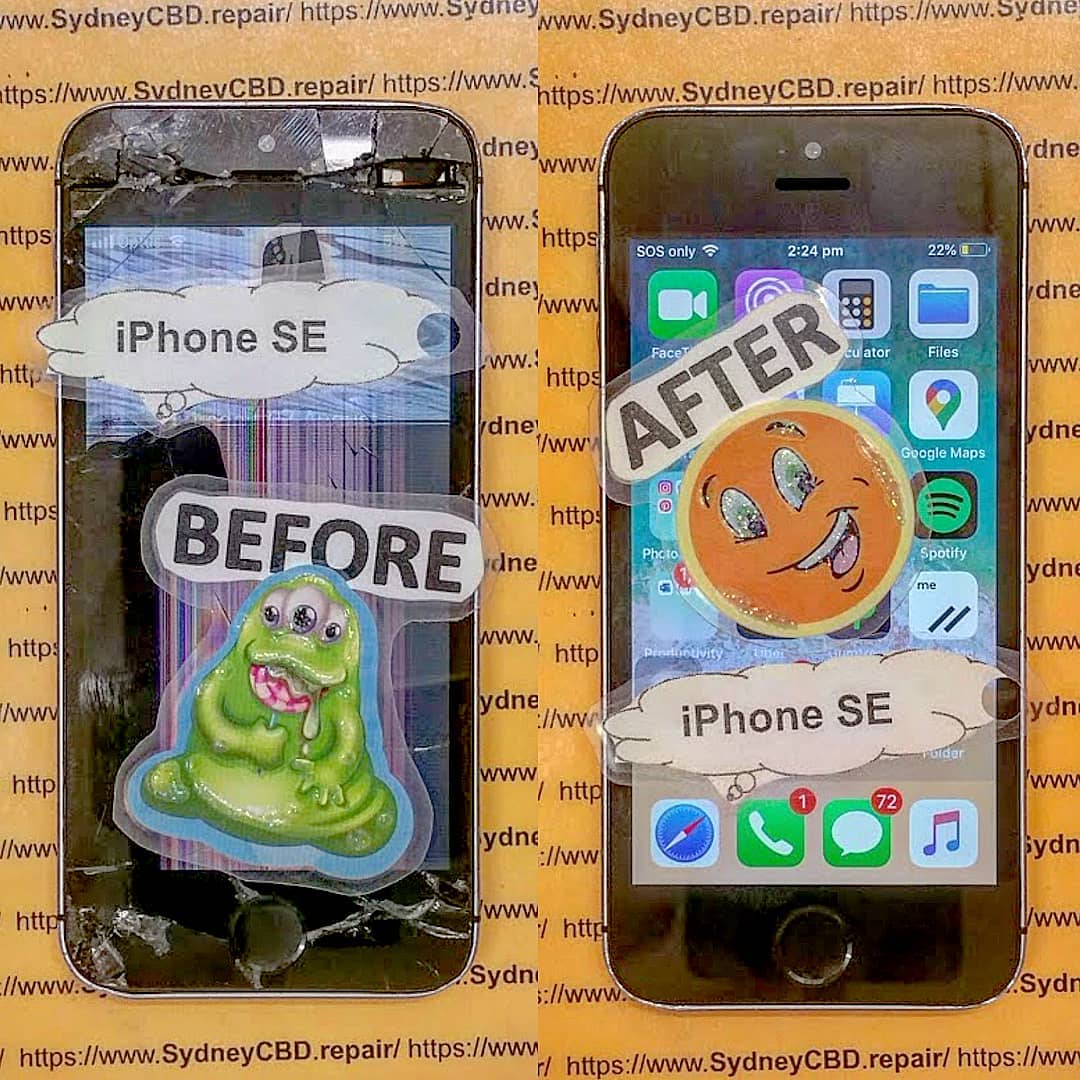
RESTORING A CLASSIC! Original iPhone SE Screen Restoration Sydney CBD Repair Centre | Expert Revival Guide 2026
Introduction
The original iPhone SE remains one of Apple’s most beloved compact smartphones. Even years after its release, many users still rely on this pocket-sized powerhouse because of its reliable performance, lightweight design, and familiar home button. However, daily wear and tear can eventually damage the screen, making professional Original iPhone SE screen restoration Sydney CBD Repair Centre services more important than ever.
Whether your screen is cracked, flickering, unresponsive, or showing black spots, restoring your iPhone SE can breathe new life into the device. Instead of replacing your phone entirely, expert technicians can restore it using professional tools, premium-quality parts, and tested repair techniques.
In this detailed guide, we’ll explain everything you need to know about restoring a classic iPhone SE screen, why professional repairs matter, and how trusted technicians in Sydney can help preserve your device for years to come.
Apple introduced the original iPhone SE as a compact alternative to larger smartphones. Surprisingly, it remains highly popular among users who prefer smaller devices that are easy to carry and operate with one hand.
Reasons People Still Love the Original iPhone SE
Compact and lightweight design
Reliable iOS support
Fast performance for everyday tasks
Physical home button with Touch ID
Durable aluminum body
Excellent portability
For many users, restoring the screen is far more practical than upgrading to a newer model. The device still performs well for messaging, browsing, music streaming, and business communication.
Over time, even durable phones can suffer screen damage. Professional Original iPhone SE screen restoration Sydney CBD Repair Centre technicians frequently encounter several recurring issues.
Cracked Glass Damage
The most obvious issue is shattered or cracked front glass. Even a small crack can spread over time and affect touchscreen functionality.
Common causes include:
Accidental drops
Pressure damage
Impact from hard surfaces
Sitting on the phone accidentally
LCD Display Issues
Sometimes the display underneath the glass becomes damaged too. Symptoms may include:
Black spots
Flickering display
Colored lines
Screen bleeding
Dim brightness
Touchscreen Malfunctions
A damaged digitizer can cause:
Ghost touching
Delayed responses
Unresponsive areas
Random screen behavior
These problems can make using the device frustrating and unreliable.
Signs Your iPhone SE Needs Immediate Screen Restoration
Ignoring screen damage can lead to bigger issues later. Here are warning signs that indicate your phone needs professional repair immediately.
Warning Indicators
Problem
What It Means
Flickering display
LCD damage
Touch not responding
Digitizer failure
Sharp glass edges
Safety hazard
Black display areas
Internal panel damage
Screen separating from frame
Battery swelling or adhesive failure
Moisture under display
Water damage risk
If you notice these symptoms, prompt repair can prevent further internal damage.
Why Professional Restoration Is Better Than DIY Repairs
DIY repair kits may look tempting online, but repairing an original iPhone SE requires skill, patience, and precision equipment.
Risks of Cheap Replacement Parts
Low-cost aftermarket screens often suffer from:
Poor brightness
Weak touch sensitivity
Incorrect colors
Faster failure rates
Reduced durability
Professional repair shops use tested parts that maintain performance and reliability.
Importance of Precision Tools
Modern phone repair requires specialized tools such as:
Heat separation machines
Anti-static workstations
Microscope inspection equipment
Precision screwdrivers
Adhesive curing tools
Without proper tools, DIY repairs can damage sensitive internal components.
The Complete iPhone SE Screen Restoration Process
Professional technicians follow a structured process to ensure quality results.
Device Inspection
Before starting repairs, technicians inspect:
LCD condition
Frame alignment
Battery health
Water damage indicators
Touch functionality
This helps identify hidden issues that may affect repair quality.
Safe Screen Removal
The damaged display is carefully separated using heat and specialized opening tools. Technicians avoid damaging:
Flex cables
Home button assembly
Front camera
Internal connectors
Display Testing and Calibration
After installation, the new screen undergoes:
Brightness testing
Touch response testing
Color calibration
Sensor testing
Home button verification
Only after passing all tests is the phone returned to the customer.
Genuine vs Aftermarket iPhone SE Screens
Choosing the right screen quality is crucial for long-term satisfaction.
Feature
Genuine Quality Screen
Cheap Aftermarket Screen
Brightness
Excellent
Often dim
Touch Response
Smooth
Delayed
Durability
Strong
Fragile
Color Accuracy
Accurate
Washed out
Lifespan
Long-lasting
Shorter
Fitment
Perfect
May have gaps
Professional Original iPhone SE screen restoration Sydney CBD Repair Centre specialists understand the importance of quality components.
How Sydney CBD Repair Centre Restores Classic Apple Devices
Experienced repair professionals focus on preserving the integrity of classic Apple devices while delivering modern repair standards.
Certified Repair Technicians
Skilled technicians understand the internal structure of older Apple models and know how to handle delicate components safely.
High-Quality Components
Premium replacement parts ensure:
Better display performance
Long-term reliability
Improved durability
Better customer satisfaction
Same-Day Turnaround
Many original iPhone SE screen repairs can be completed the same day, minimizing downtime for customers.
Benefits of Restoring Instead of Replacing Your iPhone
Many people assume upgrading is the only solution. However, restoration offers several important advantages.
Financial Savings
Repairing an iPhone SE costs far less than purchasing a new smartphone.
Environmental Benefits
Restoring devices reduces electronic waste and supports sustainability.
Familiar User Experience
Users can continue enjoying:
Compact form factor
Existing settings
Favorite apps
Familiar controls
Preserving a Classic Device
The original iPhone SE has become somewhat iconic because of its size and reliability. Many users simply prefer keeping it alive.
How to Protect Your Restored iPhone SE Screen
Once your device is repaired, protecting it properly is essential.
Best Screen Protectors
A quality tempered glass protector helps:
Prevent scratches
Absorb impact
Reduce cracking risk
Maintain display clarity
Protective Cases
Look for cases with:
Raised edges
Shock absorption
Reinforced corners
Slim but durable construction
Avoid Common Damage Risks
Try to avoid:
Carrying phones with keys
Dropping phones on hard surfaces
Excessive pressure in pockets
Exposure to water and heat
Cost of Original iPhone SE Screen Restoration in Sydney
Repair pricing depends on:
Screen quality selected
Severity of damage
Additional internal issues
Labor complexity
Although cheaper repair providers exist, choosing professional services often saves money long-term because quality repairs reduce repeat failures.
What’s Usually Included
Service
Included
Screen replacement
Yes
Device testing
Yes
Touchscreen calibration
Yes
Adhesive sealing
Yes
Warranty coverage
Often included
Always ask about warranty coverage before approving repairs.
Data Safety During Screen Repairs
Many customers worry about losing personal data during repairs.
Professional technicians typically do not erase:
Photos
Contacts
Apps
Messages
Files
However, it’s still smart to back up your device before any repair service.
Tips for Data Protection
Create an iCloud backup
Remove sensitive information if possible
Disable passcodes only if requested
Choose reputable repair providers
Why Customers Trust Sydney CBD Repair Centre
Customers trust experienced repair specialists because they consistently deliver:
Fast turnaround times
Professional diagnostics
Reliable workmanship
Honest pricing
Genuine-quality parts
Strong warranties
The repair process focuses on quality rather than shortcuts, helping customers extend the life of their beloved devices.
For more information about Apple support and device care, visit Apple Support
Frequently Asked Questions
How long does original iPhone SE screen restoration take?
Most repairs can be completed within a few hours, depending on part availability and device condition.
Will my data be erased during repair?
In most cases, no. Screen restoration typically does not affect stored data.
Can deep cracks damage internal components?
Yes. Severe impact damage can affect the LCD, battery, connectors, or motherboard.
Is it worth repairing an original iPhone SE in 2026?
Absolutely. Many users still prefer its compact size and reliable performance.
Are aftermarket screens safe to use?
Some are acceptable, but low-quality screens may have poor durability and responsiveness.
Does screen restoration improve touch performance?
Yes. Replacing damaged components restores normal touch functionality and display clarity.
Can water-damaged iPhone SE screens be repaired?
Sometimes. Technicians first inspect internal corrosion before recommending repairs.
Do repaired screens come with warranty coverage?
Professional repair centers commonly provide warranties covering workmanship and replacement parts.
Conclusion
The original iPhone SE remains one of Apple’s most iconic compact smartphones. Even in today’s market filled with oversized devices, many users still value its simplicity, portability, and dependable performance. When screen damage occurs, professional Original iPhone SE screen restoration Sydney CBD Repair Centre services offer an excellent way to preserve and extend the life of this classic device.
Rather than replacing your phone entirely, expert restoration can return your iPhone SE to near-original condition using professional repair techniques and high-quality components. From cracked glass to unresponsive touchscreens, experienced technicians can restore functionality while maintaining the charm of this beloved device.
Choosing skilled repair professionals ensures your phone receives careful handling, precise installation, and proper testing for long-lasting results. With the right repair service, your classic iPhone SE can continue serving you reliably for years to come.
David from Sydney CBD Repair Centre – The Best place to fix mobile phones as 7 Years In A Row! Top Mobile Phone Repair In Sydney. More than 2000 Positive Reviews on Google and Same Day Repairs.
We take pride in delivering exceptional repair services for all major phone brands including Apple, Samsung, Google, and more. Our expert technicians use only genuine parts and offer 90days warranty on repairs. Located in the heart of Sydney CBD, we’re your one-stop solution for all mobile device repairs.
Our commitment to excellence has earned us the trust of thousands of satisfied customers. Whether it’s a cracked screen, battery replacement, or water damage repair, we handle it all with professional care and expertise. Walk in today and experience why we’re Sydney’s #1 choice for mobile phone repairs.
Visit us for:
✓ Same Day Express Repairs
✓ Genuine Parts Guarantee
✓ Professional Technicians
✓ Competitive Pricing
✓ 2000+ 5-Star Google Reviews
✓ 7-Time Award Winner for Best Phone Repairs
Genuine vs Aftermarket Display Comparison Test During iPhone Screen Repair Sydney – 9 Powerful Truths You Must Know
Introduction to iPhone Screen Repair in Sydney
When your iPhone screen cracks, flickers, or stops responding, getting it repaired quickly becomes a priority. However, many customers don’t realize there’s a major difference between genuine and aftermarket displays during an iPhone screen repair Sydney service.
In Sydney, phone repair shops offer a wide range of replacement screen options. Some use authentic Apple-quality displays, while others use aftermarket alternatives to lower repair costs. At first glance, both may look similar. Yet once you start using the device, the differences become obvious.
From color accuracy and touch sensitivity to durability and battery performance, the type of display installed during an iPhone screen repair Sydney service can dramatically affect your phone’s overall performance.
According to Apple Support, genuine parts are specifically designed and tested for compatibility and long-term reliability. That’s why professional repair technicians always recommend understanding the differences before making a decision.
A genuine display is either manufactured directly by Apple or produced to Apple’s exact specifications. These screens are designed to match the original factory-installed display in every aspect.
Key features include:
Accurate colors
Smooth touch response
Proper True Tone functionality
Excellent brightness levels
Reliable Face ID compatibility
Longer lifespan
When customers choose genuine parts during an iPhone screen repair Sydney, they’re investing in performance and reliability.
What Is an Aftermarket iPhone Display?
Aftermarket displays are third-party replacement screens made by independent manufacturers. Their quality can vary widely depending on the supplier and production standards.
Some aftermarket screens perform reasonably well. Others may have noticeable flaws such as:
Dull colors
Lower brightness
Poor touch response
Increased battery drain
Reduced durability
Still, aftermarket options remain popular because they cost less during an iPhone screen repair Sydney service.
A smartphone display isn’t just glass. It’s one of the most advanced components inside the device. It handles visual output, touch input, and communication with other internal hardware.
Touch Sensitivity Differences
One of the first things users notice after an iPhone screen repair Sydney service is touch responsiveness.
Genuine displays offer:
Faster typing accuracy
Better swipe recognition
More precise gestures
Improved gaming responsiveness
Cheap aftermarket displays may suffer from delayed responses or “ghost touches,” where the phone reacts without actual contact.
Brightness and Color Accuracy
Apple calibrates its displays carefully to deliver vibrant and accurate colors.
Genuine screens typically provide:
Better HDR quality
More natural skin tones
Stronger contrast
Consistent brightness
Aftermarket displays often appear colder, dimmer, or oversaturated.
Battery Consumption Impact
Poor-quality screens can consume more power because of inefficient components. As a result, some users notice shorter battery life after a low-cost iPhone screen repair Sydney service.
Genuine displays are optimized to work efficiently with iOS power management systems.
Genuine vs Aftermarket Display Comparison Test Results
Professional technicians often perform comparison tests to determine how displays perform under real-world conditions.
Display Clarity Test
During side-by-side testing, genuine displays usually show:
Sharper text
Better black levels
Cleaner whites
Higher pixel consistency
Aftermarket displays sometimes reveal slight pixelation or uneven lighting.
Durability Stress Test
Durability is critical because smartphones face daily wear and tear.
Genuine displays generally perform better under:
Drop tests
Heat exposure
Pressure resistance
Flex testing
Premium aftermarket screens can still be durable, but lower-quality versions crack more easily.
Outdoor Visibility Comparison
Using an iPhone outdoors under sunlight can reveal major display differences.
Genuine displays maintain:
Higher maximum brightness
Better anti-reflective coating
Easier readability
Some aftermarket screens become difficult to see under direct sunlight.
Gaming and Video Playback Performance
Gamers and video enthusiasts often notice smoother performance on genuine displays during an iPhone screen repair Sydney comparison test.
Advantages include:
Faster refresh responsiveness
Reduced touch lag
More vibrant video playback
Better motion handling
Aftermarket screens may occasionally stutter during demanding applications.
Common Problems With Cheap Aftermarket Screens
Not all aftermarket screens are bad. However, extremely cheap replacements can create major issues.
Ghost Touch Issues
Ghost touch occurs when the display detects touches that never happened.
Symptoms include:
Apps opening randomly
Keyboard typing errors
Unwanted scrolling
This issue is more common with low-quality aftermarket displays installed during rushed repair jobs.
Screen Flickering
Inferior screen connectors or poor-quality display panels may cause flickering.
This problem becomes especially noticeable when:
Lowering brightness
Watching dark videos
Using night mode
Face ID Compatibility Problems
Some non-genuine displays can interfere with Face ID sensors if improperly installed.
Professional technicians performing iPhone screen repair Sydney services must carefully transfer sensitive components to avoid functionality loss.
Benefits of Choosing Genuine Displays
Choosing a genuine display offers several long-term advantages.
Long-Term Reliability
Genuine screens are engineered for durability and compatibility. That means fewer problems over time.
Benefits include:
Longer screen lifespan
Reduced repair risk
Stable performance
Better software integration
Better Resale Value
A phone repaired using genuine parts often maintains higher resale value.
Buyers today are increasingly aware of repair quality and frequently ask about:
Genuine parts
Repair invoices
Warranty documentation
Improved User Experience
Everyday usage simply feels smoother with authentic-quality displays.
Users benefit from:
Better scrolling
Cleaner visuals
Accurate touch response
Reduced eye strain
When investing in an iPhone screen repair Sydney service, the experience matters just as much as the repair itself.
When Aftermarket Screens May Be Acceptable
Although genuine displays are preferred, aftermarket screens can still make sense in certain situations.
Budget-Friendly Repairs
For older devices, a budget repair may be more practical.
For example:
iPhone X
iPhone XR
iPhone 11
Some users prefer affordable aftermarket repairs instead of spending heavily on aging phones.
Temporary Device Solutions
If a user plans to upgrade soon, an aftermarket screen may provide a temporary fix at a lower cost.
However, choosing a reputable repair technician remains essential.
How Professional Technicians Perform Screen Testing
Professional repair centers don’t simply install screens and hope for the best. They conduct thorough testing.
These tests ensure the iPhone screen repair Sydney process meets high standards.
Calibration and Quality Checks
Professional calibration may include:
True Tone restoration
Ambient light sensor testing
Touch response verification
Dead pixel inspection
Experienced technicians also check for internal frame damage before installation.
How to Choose the Right Repair Shop in Sydney
Not all repair shops offer the same quality standards.
Technician Experience
Experienced technicians understand:
Apple hardware architecture
Safe disassembly techniques
Waterproof sealing procedures
Component-level troubleshooting
Always choose technicians with proven repair expertise.
Warranty and Repair Guarantees
A quality repair shop should offer:
Warranty coverage
Transparent pricing
Repair tracking
Genuine part options
Warranty support provides peace of mind after an iPhone screen repair Sydney service.
Genuine Parts Availability
Before booking a repair, ask:
Are genuine-quality displays available?
Is True Tone supported?
Does the repair include warranty?
Will Face ID continue functioning?
These questions can prevent disappointment later.
Cost Comparison Between Genuine and Aftermarket Repairs
Feature
Genuine Display
Aftermarket Display
Price
Higher
Lower
Color Accuracy
Excellent
Varies
Brightness
Superior
Moderate
Touch Sensitivity
Excellent
Inconsistent
Durability
High
Medium
Battery Efficiency
Optimized
May Drain Faster
Warranty Confidence
Strong
Depends on Supplier
Resale Value
Better
Lower
While aftermarket repairs may save money upfront, genuine repairs often provide better long-term value.
FAQs
Is a genuine screen really worth the extra cost?
Yes. Genuine displays generally provide better durability, color quality, touch responsiveness, and long-term reliability.
Can aftermarket screens damage my iPhone?
Low-quality aftermarket screens can sometimes cause touch issues, battery drain, or compatibility problems. However, premium aftermarket screens from reputable suppliers can still perform reasonably well.
Will Face ID stop working after screen replacement?
Face ID usually continues working if the repair is done correctly by experienced technicians.
How long does an iPhone screen repair Sydney service take?
Most professional repair shops complete repairs within 1 to 2 hours, depending on the device model and parts availability.
Do genuine screens improve resale value?
Yes. Buyers typically prefer phones repaired with authentic or genuine-quality components.
Are aftermarket screens always bad?
No. High-quality aftermarket screens can offer decent performance, especially for older devices or budget repairs.
What should I ask before choosing a repair shop?
Ask about:
Warranty coverage
Technician experience
Genuine parts availability
Repair turnaround time
Face ID compatibility
Conclusion
Choosing between genuine and aftermarket displays during an iPhone screen repair Sydney service is an important decision. While aftermarket screens may reduce initial repair costs, genuine displays consistently deliver superior quality, reliability, and user experience.
From brightness and touch sensitivity to battery efficiency and durability, genuine displays outperform most third-party alternatives in real-world testing. Still, aftermarket options can remain practical for older devices or short-term use.
Ultimately, the best repair outcome depends on both the quality of the replacement screen and the expertise of the technician performing the work.
If you value long-term performance, strong resale value, and a smooth user experience, investing in a genuine-quality display is usually the smartest choice.
David from Sydney CBD Repair Centre – The Best place to fix mobile phones as 7 Years In A Row! Top Mobile Phone Repair In Sydney. More than 2000 Positive Reviews on Google and Same Day Repairs.
We take pride in delivering exceptional repair services for all major phone brands including Apple, Samsung, Google, and more. Our expert technicians use only genuine parts and offer 90days warranty on repairs. Located in the heart of Sydney CBD, we’re your one-stop solution for all mobile device repairs.
Our commitment to excellence has earned us the trust of thousands of satisfied customers. Whether it’s a cracked screen, battery replacement, or water damage repair, we handle it all with professional care and expertise. Walk in today and experience why we’re Sydney’s #1 choice for mobile phone repairs.
Visit us for:
✓ Same Day Express Repairs
✓ Genuine Parts Guarantee
✓ Professional Technicians
✓ Competitive Pricing
✓ 2000+ 5-Star Google Reviews
✓ 7-Time Award Winner for Best Phone Repairs
Sydney CBD Repair Centre – Where Quality Meets Reliability.
Call : +61280114119
Website: Sydney CBD Repair Centre
Restoring a Liquid Damaged iPhone 15 Pro Using Advanced Ultrasonic Cleaning Techniques: 9 Powerful Steps for Maximum Recovery
Introduction
The Apple iPhone 15 Pro is one of the most advanced smartphones ever produced by Apple. It combines cutting-edge performance, premium materials, and sophisticated internal engineering. However, despite its advanced IP rating, liquid damage can still become a serious issue when water enters the device through damaged seals, cracks, or charging ports.
Restoring a liquid damaged iPhone 15 Pro using advanced ultrasonic cleaning techniques has become one of the most effective ways to save devices that appear beyond repair. Professional technicians now rely on ultrasonic cleaning machines, precision diagnostics, and microscopic soldering methods to recover sensitive internal components.
In many cases, quick professional intervention can prevent permanent motherboard corrosion and dramatically improve the chances of full recovery. That’s why understanding the repair process matters so much for device owners.
Why Water Damage Is Dangerous for Modern Smartphones
Modern smartphones are packed with tightly integrated electronics. Even a small amount of moisture can cause severe problems. Water creates conductive paths between components, leading to short circuits and corrosion.
The iPhone 15 Pro contains:
A highly compact logic board
Precision sensors
OLED display connectors
Tiny solder joints
Sensitive charging circuits
When liquid enters the phone, oxidation begins almost immediately. Over time, this corrosion spreads and damages important circuits.
Even if the phone seems fine initially, delayed damage may appear days or weeks later.
Common Liquids That Damage an iPhone 15 Pro
Not all liquids affect phones equally. Saltwater, soft drinks, coffee, and alcohol-based liquids are often more destructive than clean freshwater.
Common causes include:
Liquid Type
Damage Severity
Saltwater
Extremely High
Coffee
High
Soda
Very High
Rainwater
Moderate
Pool Water
High
Freshwater
Moderate
Sticky liquids leave conductive residue behind, increasing the risk of motherboard failure.
One of the earliest symptoms involves the screen. You might notice:
Flickering display
Green or white lines
Random touch input
Black screen issues
Bright spots under the OLED panel
These signs usually indicate moisture affecting the display connector or OLED circuitry.
Charging and Battery Issues
Liquid often enters through the charging port. Once corrosion develops, charging becomes unreliable.
Typical symptoms include:
Slow charging
Battery overheating
Charging interruptions
Device restarting randomly
Battery drain
The charging IC on the motherboard is especially vulnerable.
Speaker and Microphone Distortion
Water trapped in speaker meshes or microphone openings can distort sound quality.
You may hear:
Crackling audio
Muffled calls
Reduced speaker volume
Microphone failures
In severe cases, corrosion spreads to the audio circuitry itself.
Immediate Steps After Water Exposure
What You Should Never Do
People often panic after dropping their phone in water. Unfortunately, many common “solutions” actually worsen the damage.
Avoid these mistakes:
Don’t charge the phone
Don’t use a hair dryer
Don’t shake the device
Don’t place it in rice
Don’t keep powering it on repeatedly
Rice is especially ineffective because it cannot remove corrosion or moisture trapped under chips.
Safe Emergency Actions
Instead, follow these safer steps:
Power the phone off immediately
Remove accessories and SIM tray
Dry the exterior gently
Keep the device upright
Bring it to a professional technician quickly
The faster the phone is treated, the better the recovery chance.
How Professional Technicians Diagnose Liquid Damage
Internal Inspection Process
Professional repair begins with careful disassembly. Technicians inspect:
Liquid contact indicators
Connector corrosion
Burn marks
Shorted components
Oxidation under shields
Microscopes are commonly used to identify hidden corrosion.
Advanced Diagnostic Equipment
Modern repair centers use specialized tools including:
Equipment
Purpose
Thermal Camera
Detects overheating circuits
DC Power Supply
Measures power draw
Microscope
Inspects board corrosion
Multimeter
Tests electrical continuity
Ultrasonic Cleaner
Removes contamination
These tools help technicians determine whether the logic board is recoverable.
What Is Ultrasonic Cleaning?
How Ultrasonic Cleaning Works
Ultrasonic cleaning uses high-frequency sound waves to remove corrosion and contaminants from delicate electronics.
The process works through microscopic cavitation bubbles created inside a cleaning solution. These bubbles collapse rapidly, loosening dirt and oxidation from the motherboard.
The technology is extremely effective for complex smartphone boards because it can clean areas unreachable by manual tools.
Benefits of Ultrasonic Cleaning for iPhone Repairs
Restoring a liquid damaged iPhone 15 Pro using advanced ultrasonic cleaning techniques offers several advantages:
Removes hidden corrosion
Cleans under integrated circuits
Reduces electrical shorts
Improves repair success rates
Extends device lifespan
Professional-grade ultrasonic systems are carefully calibrated to avoid damaging sensitive components.
The Step-by-Step Ultrasonic Cleaning Process
Device Disassembly
Before cleaning begins, technicians fully disassemble the device.
Components removed include:
Display assembly
Battery
Cameras
Speakers
Taptic Engine
Logic board
Sensitive parts must be separated to prevent accidental damage.
Motherboard Preparation
The logic board is inspected under magnification. Protective shields may be removed to access corrosion hidden beneath integrated circuits.
Technicians also disconnect vulnerable components before immersion.
Ultrasonic Bath Procedure
The motherboard is placed inside an ultrasonic cleaning tank containing a specialized electronics-safe solution.
The cleaning cycle usually lasts between 5 and 20 minutes depending on contamination severity.
During this stage:
Corrosion loosens
Mineral deposits dissolve
Conductive residue disappears
Moisture contamination is eliminated
Drying and Reassembly
After cleaning, the board is carefully dried using controlled heat and airflow.
Technicians then:
Inspect the board again
Replace damaged components
Test electrical lines
Reassemble the device
Perform final diagnostics
This method dramatically improves recovery success.
Common Components Repaired After Liquid Damage
Logic Board Repairs
The motherboard is usually the most affected component.
Common repairs include:
Replacing charging ICs
Repairing corroded traces
Reballing chips
Replacing capacitors
Restoring power circuits
Advanced microsoldering skills are often required.
Screen and Battery Replacements
Even after ultrasonic cleaning, some parts may still need replacement.
Frequently replaced components include:
Component
Reason
OLED Screen
Water spots or lines
Battery
Swelling or instability
Charging Port
Corrosion
Cameras
Fogging or failure
Speakers
Distorted sound
Professional technicians use quality replacement parts to ensure long-term reliability.
Face ID and Camera Recovery
Face ID systems are particularly sensitive to moisture. Water can damage:
Flood illuminators
Dot projectors
Infrared sensors
In some cases, ultrasonic cleaning can recover these systems before permanent failure occurs.
Risks of DIY Liquid Damage Repairs
Rice Myths and Common Mistakes
The “put it in rice” method remains one of the biggest misconceptions in phone repair.
Rice cannot:
Remove corrosion
Clean electrical residue
Reach internal moisture
Repair short circuits
Worse still, delaying professional repair gives corrosion more time to spread.
Why Professional Repairs Matter
Professional repair centers use:
Anti-static workstations
Board-level diagnostics
Precision soldering tools
Ultrasonic systems
Controlled drying methods
Without these tools, successful recovery becomes much less likely.
Repair experts also understand how modern Apple devices behave after liquid exposure.
For official device support and warranty details, visit Apple Support
Preventing Future Liquid Damage
Protective Accessories
While no case guarantees complete waterproofing, quality accessories help reduce risk.
Recommended accessories include:
Waterproof pouches
Rugged cases
Port covers
Screen protectors
These accessories offer additional protection during everyday use.
Maintenance and Waterproofing Tips
Even water-resistant phones lose sealing strength over time.
Helpful maintenance habits include:
Avoid exposing phones to steam
Replace cracked screens quickly
Keep charging ports clean
Avoid swimming with phones
Check seals after repairs
Professional resealing after repairs is extremely important.
Frequently Asked Questions
Can an iPhone 15 Pro survive water damage?
Yes, many devices can be recovered if treated quickly by professional technicians using advanced cleaning and repair methods.
How long should I wait before getting the phone repaired?
Immediately. Corrosion begins quickly, so early intervention greatly improves repair success rates.
Does ultrasonic cleaning damage the motherboard?
No, when performed correctly using electronics-safe solutions and professional equipment, ultrasonic cleaning is considered safe and highly effective.
Is rice useful for drying phones?
Rice is largely ineffective and may delay proper treatment. Professional cleaning is much more reliable.
Can Face ID still work after liquid damage?
Sometimes. Early cleaning and component-level repair can help preserve Face ID functionality.
Will Apple warranty cover liquid damage?
Typically, accidental liquid damage is not covered under standard warranty terms.
Can corrosion continue after the phone starts working again?
Yes. Hidden corrosion may continue spreading if the motherboard is not professionally cleaned.
Is data recovery possible after severe water damage?
In many cases, yes. Professional technicians can sometimes recover data even if the device itself cannot be fully restored.
Conclusion
Restoring a liquid damaged iPhone 15 Pro using advanced ultrasonic cleaning techniques requires expertise, patience, and professional-grade equipment. Modern smartphones are incredibly complex, and liquid damage can rapidly destroy sensitive circuits if not treated properly.
Ultrasonic cleaning has revolutionized smartphone recovery by allowing technicians to remove hidden corrosion from deep within motherboard layers. Combined with advanced diagnostics and microsoldering, this process gives many damaged devices a second life.
The key is acting quickly. Delaying repairs can turn a recoverable device into a permanently damaged one. Professional assessment remains the safest and most effective option for protecting both the phone and valuable personal data.
David from Sydney CBD Repair Centre – The Best place to fix mobile phones as 7 Years In A Row! Top Mobile Phone Repair In Sydney. More than 2000 Positive Reviews on Google and Same Day Repairs.
We take pride in delivering exceptional repair services for all major phone brands including Apple, Samsung, Google, and more. Our expert technicians use only genuine parts and offer 90days warranty on repairs. Located in the heart of Sydney CBD, we’re your one-stop solution for all mobile device repairs.
Our commitment to excellence has earned us the trust of thousands of satisfied customers. Whether it’s a cracked screen, battery replacement, or water damage repair, we handle it all with professional care and expertise. Walk in today and experience why we’re Sydney’s #1 choice for mobile phone repairs.
Visit us for:
✓ Same Day Express Repairs
✓ Genuine Parts Guarantee
✓ Professional Technicians
✓ Competitive Pricing
✓ 2000+ 5-Star Google Reviews
✓ 7-Time Award Winner for Best Phone Repairs
Sydney CBD Repair Centre – Where Quality Meets Reliability.
Call : +61280114119
Website: Sydney CBD Repair Centre
iPhone’s Toughest Repair: Back Glass Laser Removal Explained in 10 Powerful Insights
Why Back Glass Repair is Considered the Toughest iPhone Fix
When people think of iPhone repairs, a cracked front screen usually comes to mind. But industry experts know the toughest challenge is back glass replacement. Unlike the front display, which is designed for regular service, the back glass is fused with strong adhesive that holds everything together. Apple introduced this design to improve durability, water resistance, and aesthetics—but it also made repair work extremely complex.
The toughness lies in three main factors:
Strong Adhesive Bonding – Apple’s glue is industrial-grade, making separation nearly impossible without specialized equipment.
Component Sensitivity – The back glass sits above delicate parts like wireless charging coils, battery, and logic board.
Precision Requirement – Even a minor mistake can cause permanent damage to internal components.
This is why laser removal technology has become the industry standard.
Apple has consistently improved the durability of iPhones over the years. Starting from the iPhone 8, glass backs became standard. The reasoning was simple: wireless charging. A metal back would block the charging signal, so glass was the perfect choice.
From iPhone 8 to iPhone 14 Pro: A Stronger but Trickier Build
Back glass laser removal is a high-precision process used by professional repair shops to safely separate broken glass from the iPhone frame.
How the Laser Machine Works
A specialized laser engraving machine targets the adhesive layer between the glass and frame. The laser:
Softens the adhesive without overheating components.
Cuts with micron-level precision.
Allows safe removal of shards without scratching the frame.
Safety Precautions in Laser Removal
Technicians wear protective glasses, calibrate the laser for each iPhone model, and use cooling methods to prevent heat damage. This ensures maximum safety while preserving the integrity of the device.
Why Traditional Methods Often Fail
Before laser machines became standard, technicians used:
Heat guns
Prying tools
Chemical solvents
These methods were risky. They often led to:
Burnt components
Damaged wireless charging coils
Warped frames
Simply put, traditional methods were slow, messy, and unsafe. That’s why professional-grade laser removal is now the only reliable solution.
Step-by-Step Guide to iPhone Back Glass Laser Removal
Preparation and Setup
The iPhone is secured on a flat workbench.
Model settings are loaded into the laser machine.
Protective films cover sensitive components.
Precision Laser Cutting
The laser slowly etches around the adhesive.
The process usually takes 15–25 minutes.
Technicians monitor for even heating.
Cleaning and Finishing Touches
Residual adhesive is removed with specialized solutions.
New OEM-quality back glass is installed.
Final polishing ensures a factory-finish look.
Risks of DIY iPhone Back Glass Repairs
Many DIY kits claim to make back glass removal “easy.” But in reality, risks include:
Cracking the frame
Destroying internal parts
Losing waterproofing seal
Voiding warranties
Without a laser machine, even experienced hobbyists struggle. That’s why DIY is strongly discouraged.
Professional vs. DIY: Which Option is Better?
Aspect
DIY Repair
Professional Repair
Cost
Low upfront, high if mistakes happen
Fair, fixed pricing
Equipment
Basic tools only
Advanced laser machines
Risk Level
Extremely high
Minimal
Warranty
None
90 days (Sydney CBD Repair Centre)
Result
Often messy
Factory-grade finish
Clearly, professional repair is the smarter choice.
The Cost of iPhone Back Glass Laser Removal in Sydney
The cost varies depending on:
iPhone model (Pro models cost more due to complexity).
Severity of damage (shattered vs. cracked).
Replacement glass quality (OEM vs. aftermarket).
Factors That Influence the Price
Laser time needed.
Supply of genuine glass parts.
Warranty coverage offered.
On average, professional back glass repair in Sydney ranges between $150–$400.
Benefits of Choosing Professional Repair Services
Choosing a trusted shop like Sydney CBD Repair Centre ensures:
Same-day service for most models.
Use of genuine Apple-quality parts.
Skilled technicians with years of experience.
90-day warranty for peace of mind.
Competitive pricing with no hidden fees.
How Long Does Back Glass Repair Take?
With laser technology, repair is quick:
Standard repairs: 1–2 hours.
Complex cases: Same day turnaround.
This makes it convenient for customers who rely on their iPhones daily.
FAQs About iPhone Back Glass Laser Removal
1. Is laser removal safe for my iPhone?
Yes, when handled by professionals, the laser targets only adhesive and avoids sensitive parts.
2. Will my iPhone still be waterproof after repair?
Yes, reputable repair shops reseal your phone to maintain water resistance.
3. How do I know if my iPhone needs back glass replacement?
If you see cracks, chips, or loose shards, it’s time for replacement.
4. Can Apple repair my back glass?
Yes, but Apple often replaces the entire housing, which costs significantly more.
5. Is aftermarket back glass safe?
It can work, but OEM-quality glass ensures durability and a proper fit.
6. How long will the new back glass last?
With proper care, it should last as long as the original factory glass.
Conclusion: Trust the Experts at Sydney CBD Repair Centre
The iPhone back glass laser removal process is one of the toughest but most rewarding repairs. With the right tools and expertise, technicians can restore your device to its original beauty.
David from Sydney CBD Repair Centre and his team are trusted experts in this delicate procedure. With over 2000 five-star reviews and 6-time award-winning service, they’re Sydney’s go-to destination for all phone repairs.
👉 Don’t risk DIY. Book your professional repair today at Sydney CBD Repair Centre or call +61280114119 for same-day service.
Thank you for using
Themify Popup
This is a sample pop up. Themify Builder or Builder Lite (free) plugin is recommended to design the pop up layouts.