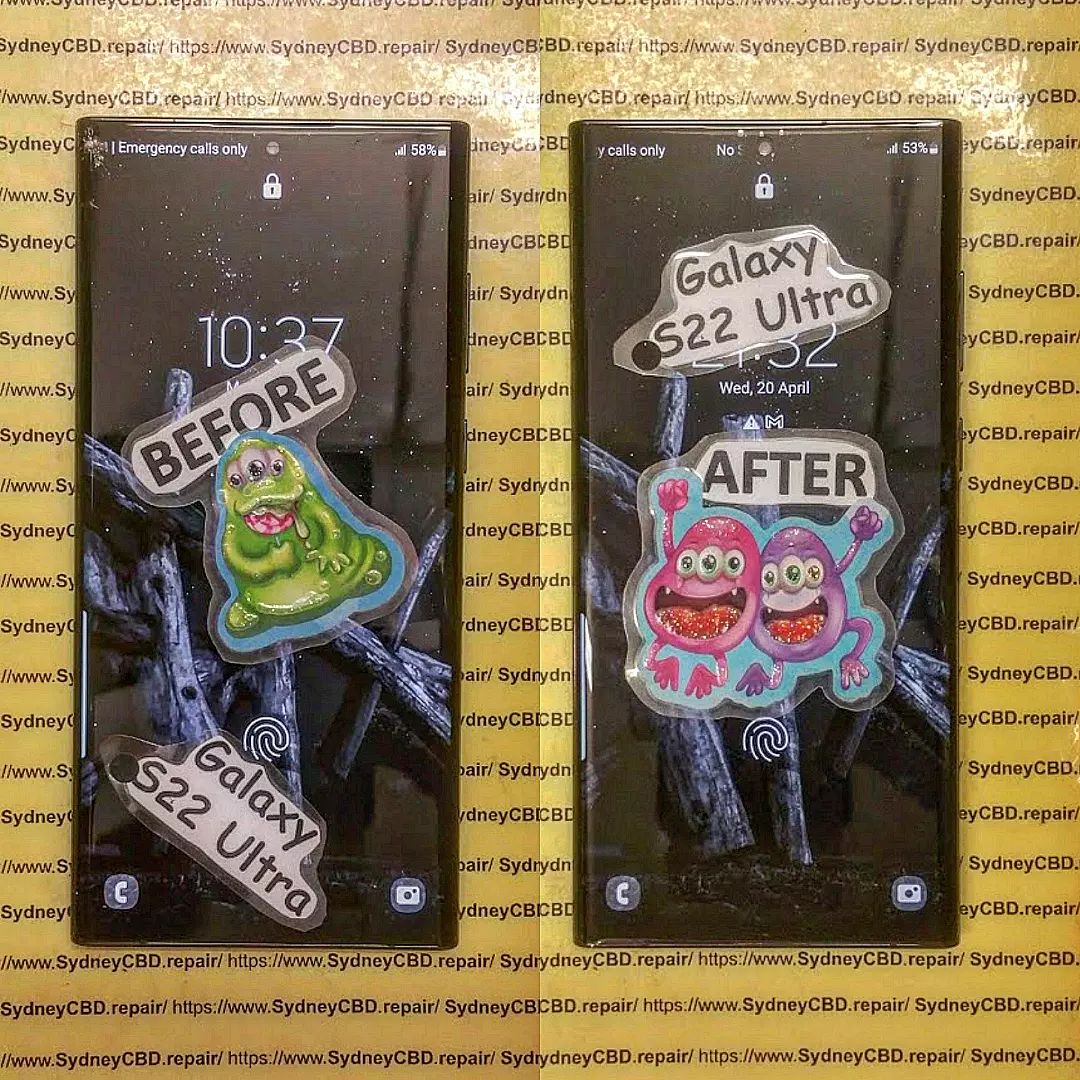
Having a Cracked Phone? The Cost of Repair vs. New Phone in Sydney

Cracked Phone? The Cost of Repair vs. New Phone in Sydney – Smart Guide + 7 Insider Facts
Introduction: Why This Decision Matters More Than Ever
A cracked phone can feel like a disaster. One slip from your hand, a short drop onto concrete, and suddenly your device looks—and feels—broken. In Sydney, where smartphones are essential for work, transport, payments, and daily communication, this problem isn’t just annoying. It’s disruptive.
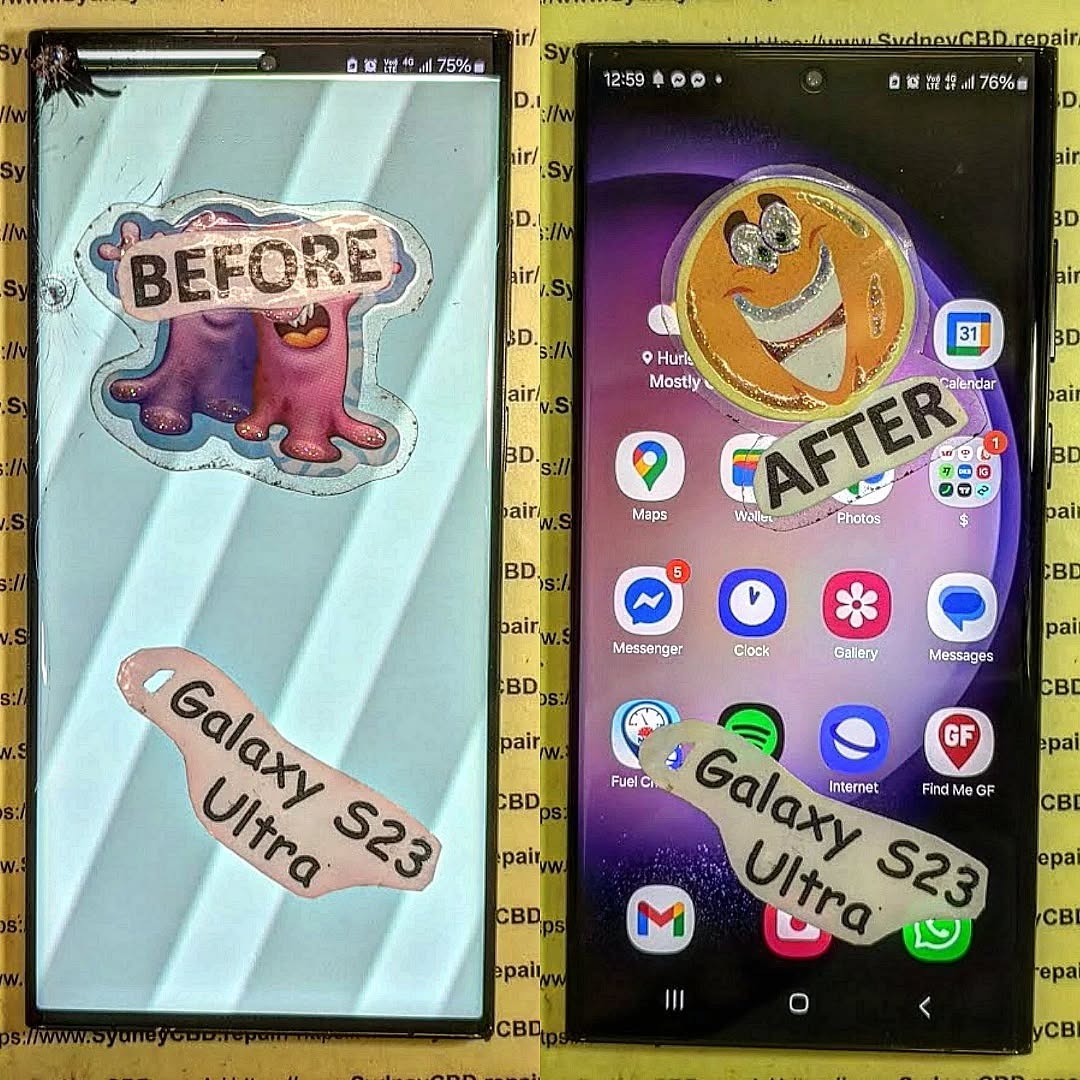
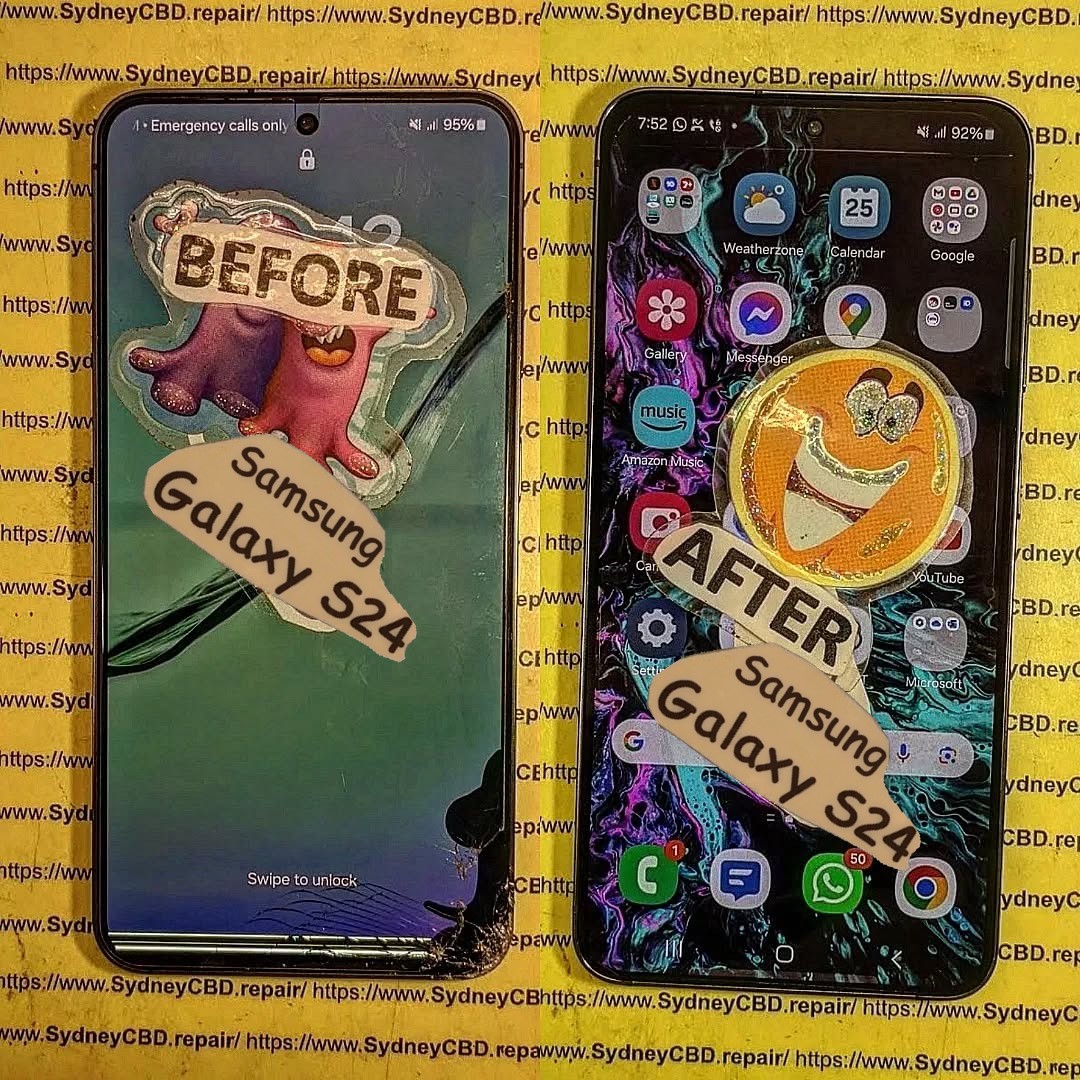
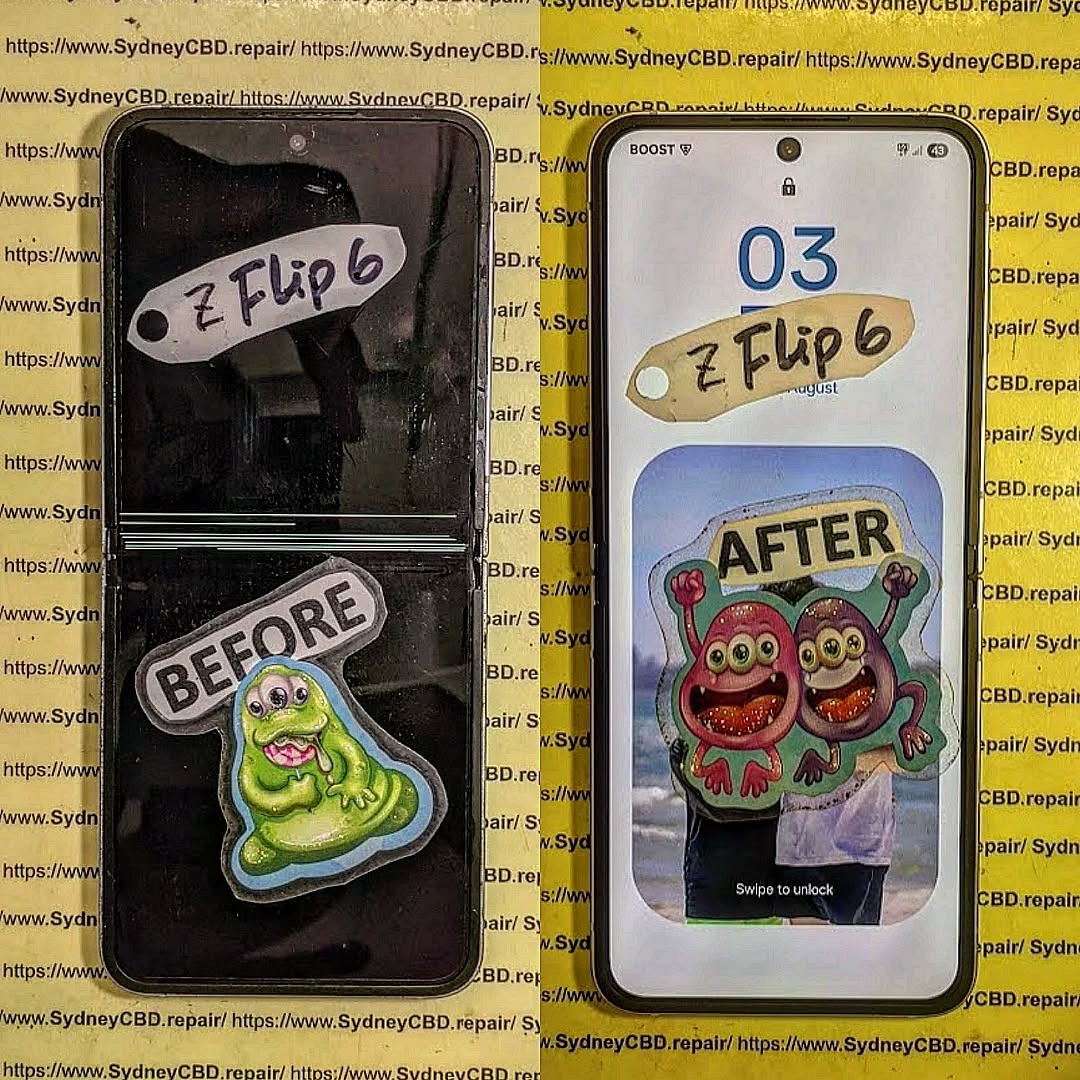
The big question most people ask immediately is simple: repair or replace? When considering a cracked phone, the cost of repair vs. new phone in Sydney can vary widely depending on your device, damage severity, and where you go for help. Many people rush into buying a new phone without realizing how affordable professional repairs can be.
This guide breaks it all down in plain English. We’ll explore real repair prices in Sydney, the true cost of buying new, and expert insights from experienced technicians. By the end, you’ll feel confident making a smart, cost-effective decision—without the stress.

Understanding the True Cost of Phone Repairs in Sydney
Repair pricing in Sydney has become far more competitive in recent years. Thanks to advanced tools and skilled technicians, most cracked phone repairs are quicker and more affordable than ever.
Screen Repair Costs by Phone Brand
Screen damage is the most common issue Sydney phone owners face. Prices vary depending on brand and model, but here’s a general guide:
- Apple iPhone: $99 – $349
- Samsung Galaxy: $120 – $390
- Google Pixel: $150 – $350
- Other Android brands: $90 – $280
When weighing a cracked phone, the cost of repair vs. new phone in Sydney often favors repair—especially for devices under three years old. Modern OLED and AMOLED displays are expensive to manufacture, but repairing them is still significantly cheaper than replacement.
Professional repair centres typically use genuine or OEM-quality parts, restoring your phone’s original clarity and touch responsiveness.
Battery, Charging Port, and Camera Repairs
Cracked screens often come with other issues. Luckily, these are also affordable to fix:
- Battery replacement: $69 – $129
- Charging port repair: $79 – $149
- Camera lens repair: $89 – $169
Compared to buying a new phone priced at $1,200 or more, these repairs are a fraction of the cost. Plus, same-day service means you’re not without your device for long.
Hidden Repair Costs Most People Miss
Some people assume repairs come with surprise fees. In reality, reputable Sydney repair centres offer transparent pricing. However, things to watch for include:
- Water damage discovered during repair
- Frame damage under the screen
- Low-quality parts from unlicensed repairers
Choosing a trusted repair centre reduces these risks significantly and ensures warranties are honored.
Buying a New Phone in Sydney: Full Cost Breakdown
Buying a new phone might feel like a clean slate, but it comes with costs many people underestimate.
Upfront Purchase Prices
In Sydney, flagship smartphones typically cost:
| Phone Type | Average Price |
|---|---|
| iPhone Pro Models | $1,799 – $2,399 |
| Samsung Ultra Models | $1,699 – $2,299 |
| Mid-Range Phones | $600 – $1,100 |
| Budget Phones | $300 – $500 |
When comparing a cracked phone, the cost of repair vs. new phone in Sydney becomes very clear at this stage. A $199 screen repair versus a $1,800 upgrade is a big financial jump.
Long-Term Costs and Depreciation
New phones lose value quickly. On average:
- 20–30% value lost in the first year
- 50% or more after two years
That depreciation means replacing your phone frequently costs more in the long run. Repairs, on the other hand, extend the life of a device you already own and understand.
Environmental and Convenience Factors
Replacing a phone isn’t just about money. It also means:
- Data transfer hassles
- Learning a new interface
- Increased electronic waste
Repairing your phone is the greener choice. According to global sustainability studies, extending a phone’s life by just one year significantly reduces its environmental footprint. You can learn more about device sustainability from manufacturers like Apple: https://www.apple.com/environment/
Repair vs. Replace: A Side-by-Side Cost Comparison

Let’s put emotions aside and look at the numbers.
Short-Term Savings Analysis
| Option | Average Cost |
|---|---|
| Screen Repair | $150 – $350 |
| New Phone Purchase | $800 – $2,300 |
In nearly every cracked phone scenario, the cost of repair vs. new phone in Sydney strongly favors repair in the short term.
Long-Term Value Assessment
A repaired phone can last another 2–3 years with proper care. That means:
- Lower annual cost of ownership
- No learning curve
- Minimal disruption to daily life
When Replacement Makes More Sense
Replacement may be the better option if:
- The phone is over 5 years old
- Multiple internal components are damaged
- Repair cost exceeds 60% of replacement value
Even then, it’s worth getting a professional assessment before deciding.
Expert Advice from Sydney Repair Professionals
Experienced technicians see the same mistakes every day—and they’re easy to avoid.
Common Mistakes Sydney Phone Owners Make
- Delaying repairs, worsening damage
- Choosing the cheapest repair without checking quality
- Assuming a cracked screen means the phone is “done”
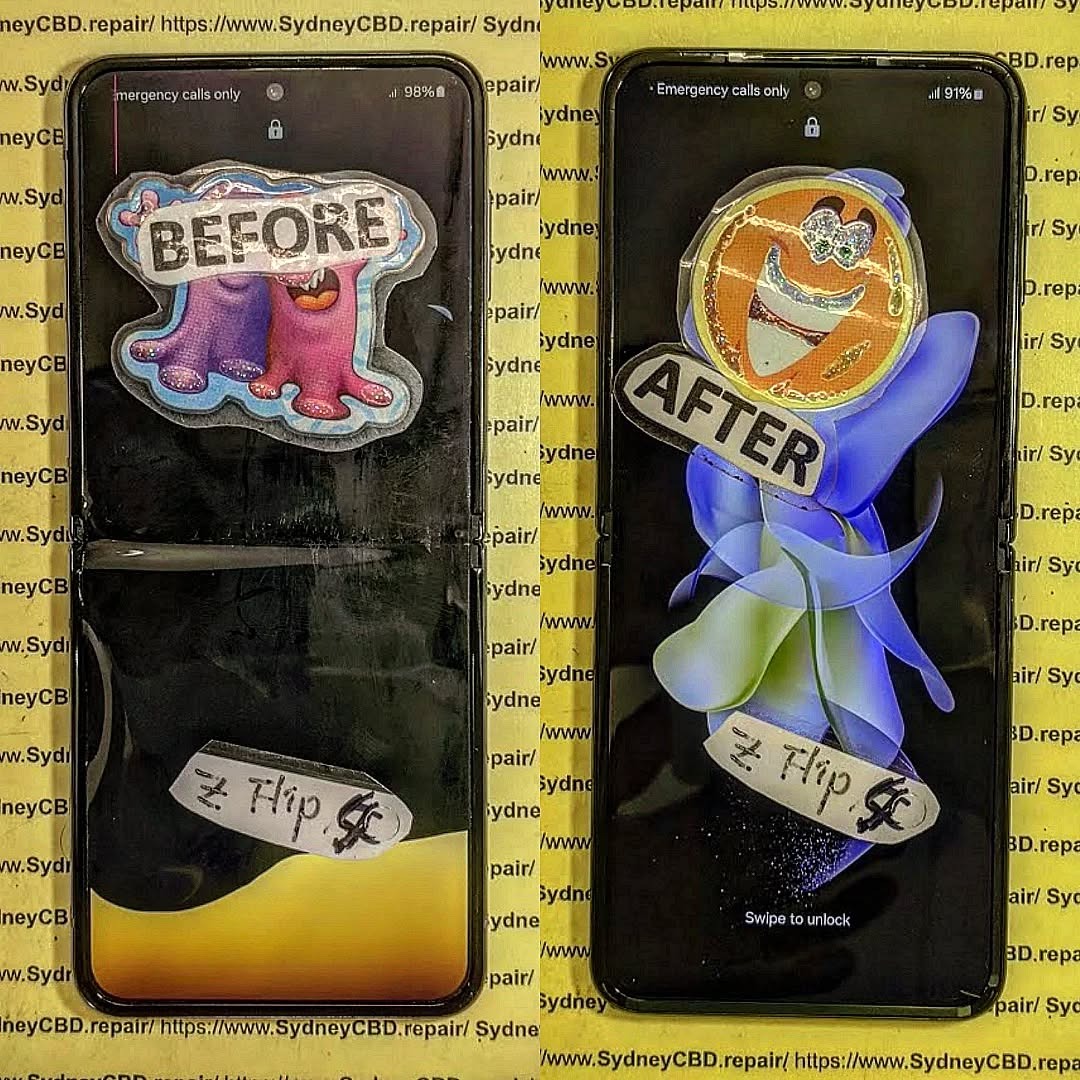
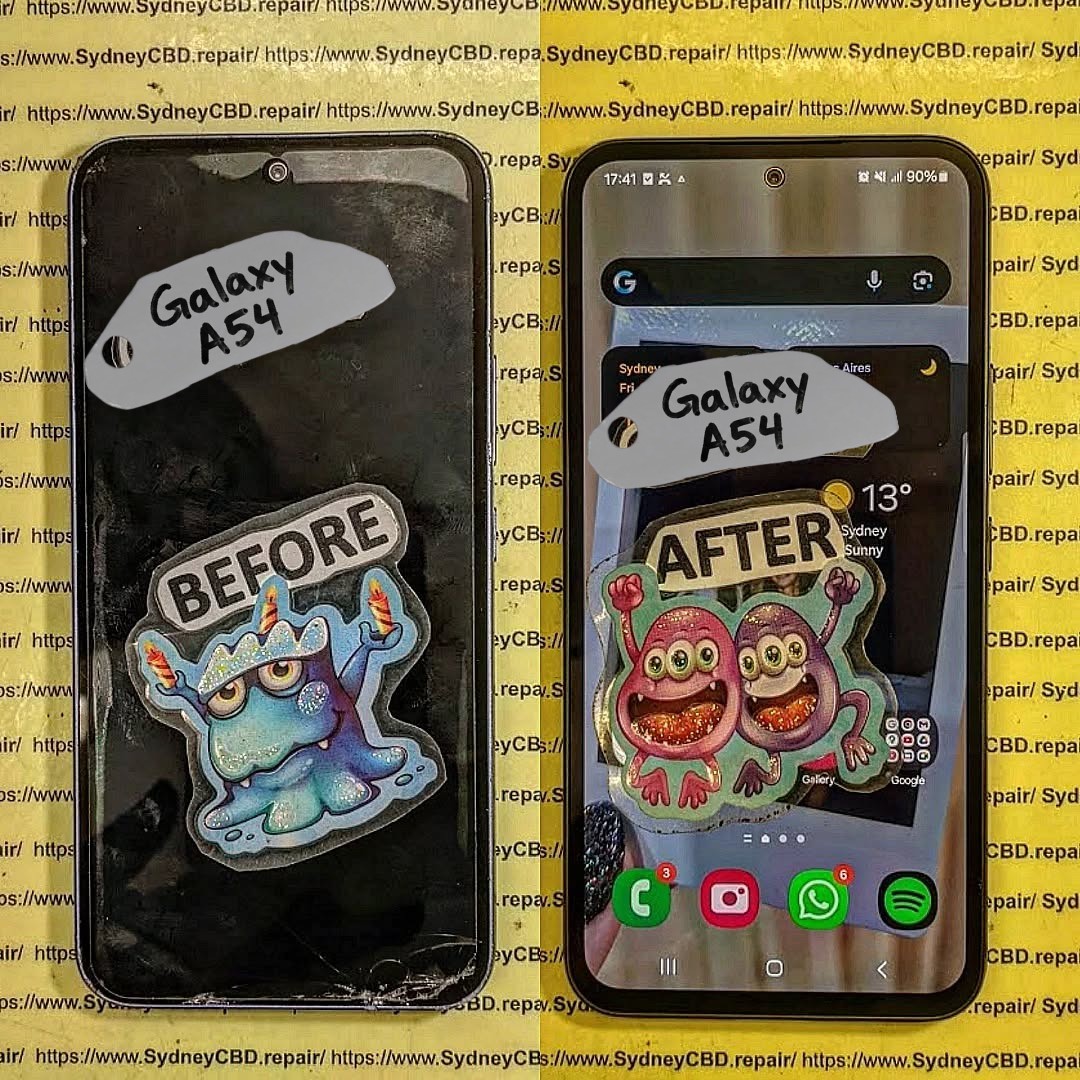
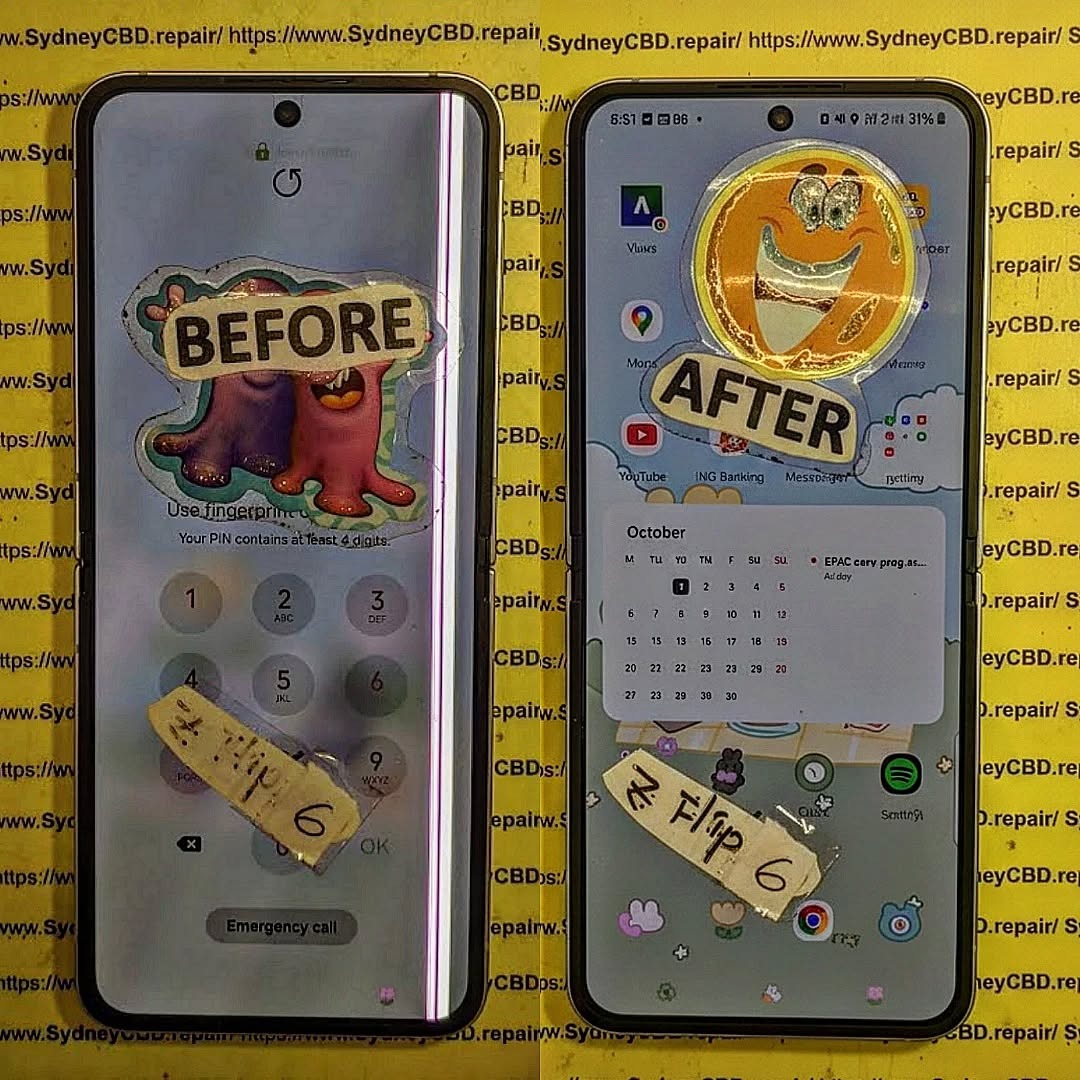
Most cracked phones are fully recoverable within hours.
How to Extend Your Phone’s Life After Repair
After repair, simple habits make a big difference:
- Use a quality screen protector
- Invest in a shock-resistant case
- Avoid extreme heat and moisture
- Keep software updated
These steps help ensure you won’t face the repair vs. replace decision again anytime soon.
Frequently Asked Questions
Is it worth fixing a cracked phone in Sydney?
Yes. In most cases, repairing is far cheaper than buying new and restores full functionality.
How long does a screen repair take?
Most professional Sydney repair centres complete repairs within 1–2 hours.
Will repair affect my phone’s performance?
No. High-quality repairs restore performance without slowing your device.
Is a repaired phone less valuable?
Slightly, but far less than the depreciation of buying a new phone.
Can I claim phone repairs on insurance?
Some policies allow claims, but excess fees often exceed repair costs.
What’s the biggest factor in deciding repair vs. replace?
The phone’s age and repair cost compared to replacement price.
Conclusion: Making the Smart Choice in Sydney

When facing a cracked phone, the cost of repair vs. new phone in Sydney almost always points toward repair—especially for modern devices. Repairs save money, reduce waste, and keep your digital life running smoothly. With expert technicians, genuine parts, and same-day service available across Sydney, fixing your phone is often the smartest move you can make.
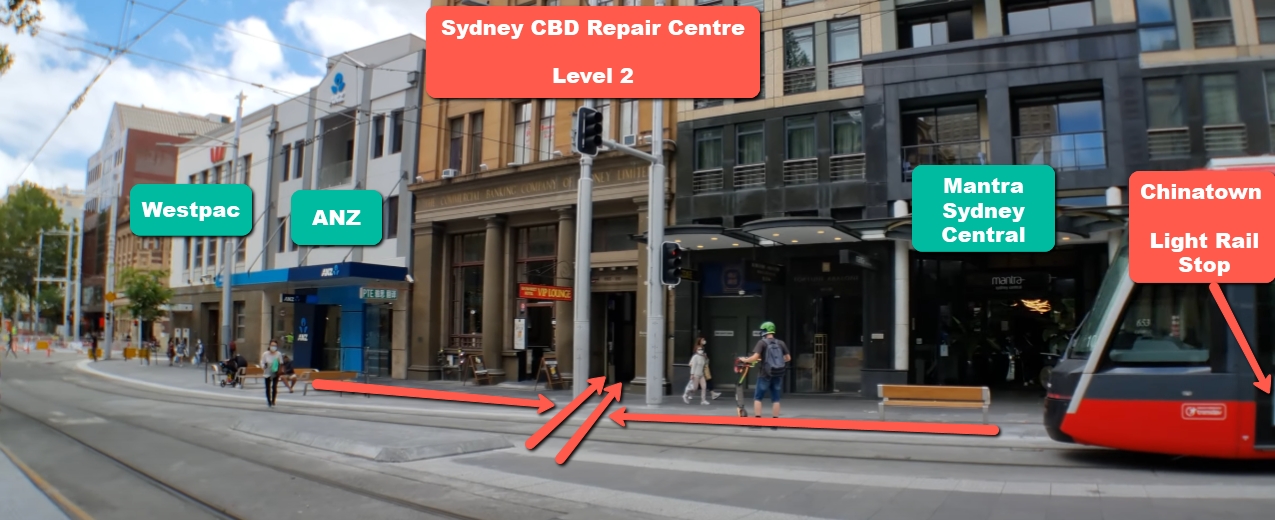
David from Sydney CBD Repair Centre – The Best place to fix mobile phones as 7 Years In A Row! Top Mobile Phone Repair In Sydney. More than 2000 Positive Reviews on Google and Same Day Repairs.
We take pride in delivering exceptional repair services for all major phone brands including Apple, Samsung, Google, and more. Our expert technicians use only genuine parts and offer 90days warranty on repairs. Located in the heart of Sydney CBD, we’re your one-stop solution for all mobile device repairs.
Our commitment to excellence has earned us the trust of thousands of satisfied customers. Whether it’s a cracked screen, battery replacement, or water damage repair, we handle it all with professional care and expertise. Walk in today and experience why we’re Sydney’s #1 choice for mobile phone repairs.
Visit us for:
✓ Same Day Express Repairs
✓ Genuine Parts Guarantee
✓ Professional Technicians
✓ Competitive Pricing
✓ 2000+ 5-Star Google Reviews
✓ 7-Time Award Winner for Best Phone Repairs
Sydney CBD Repair Centre – Where Quality Meets Reliability.
Call : +61280114119
Website: https://SydneyCBD.repair/locate-us