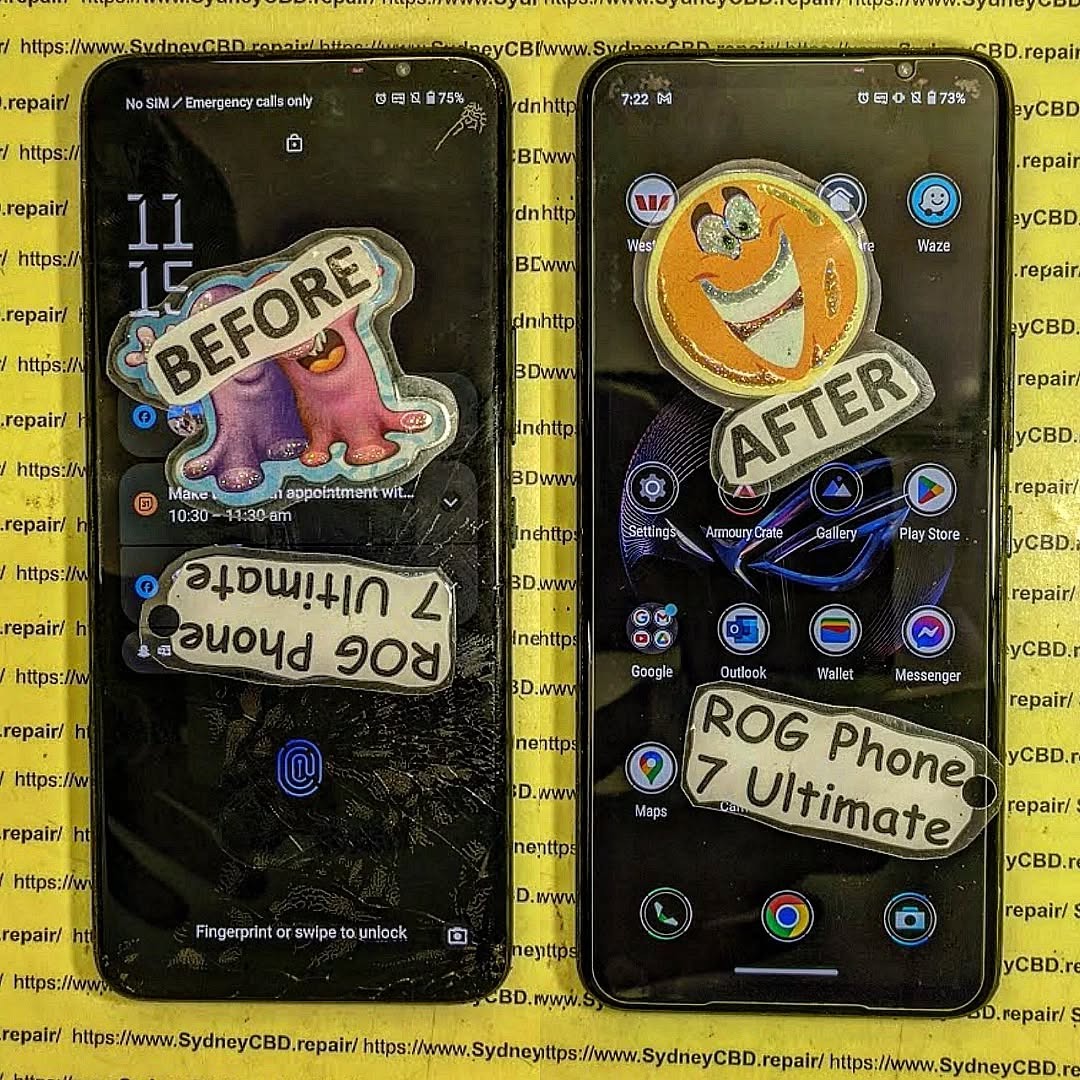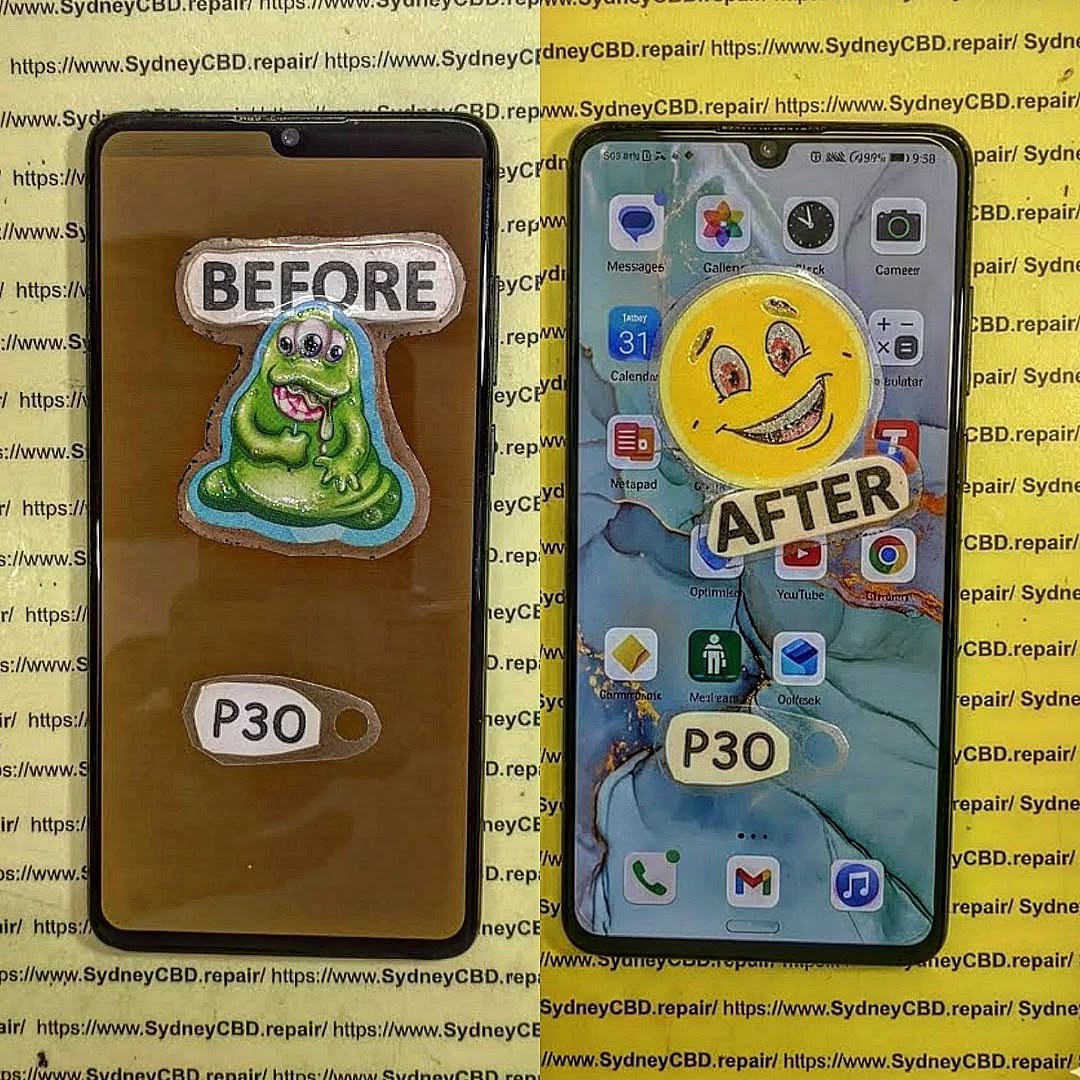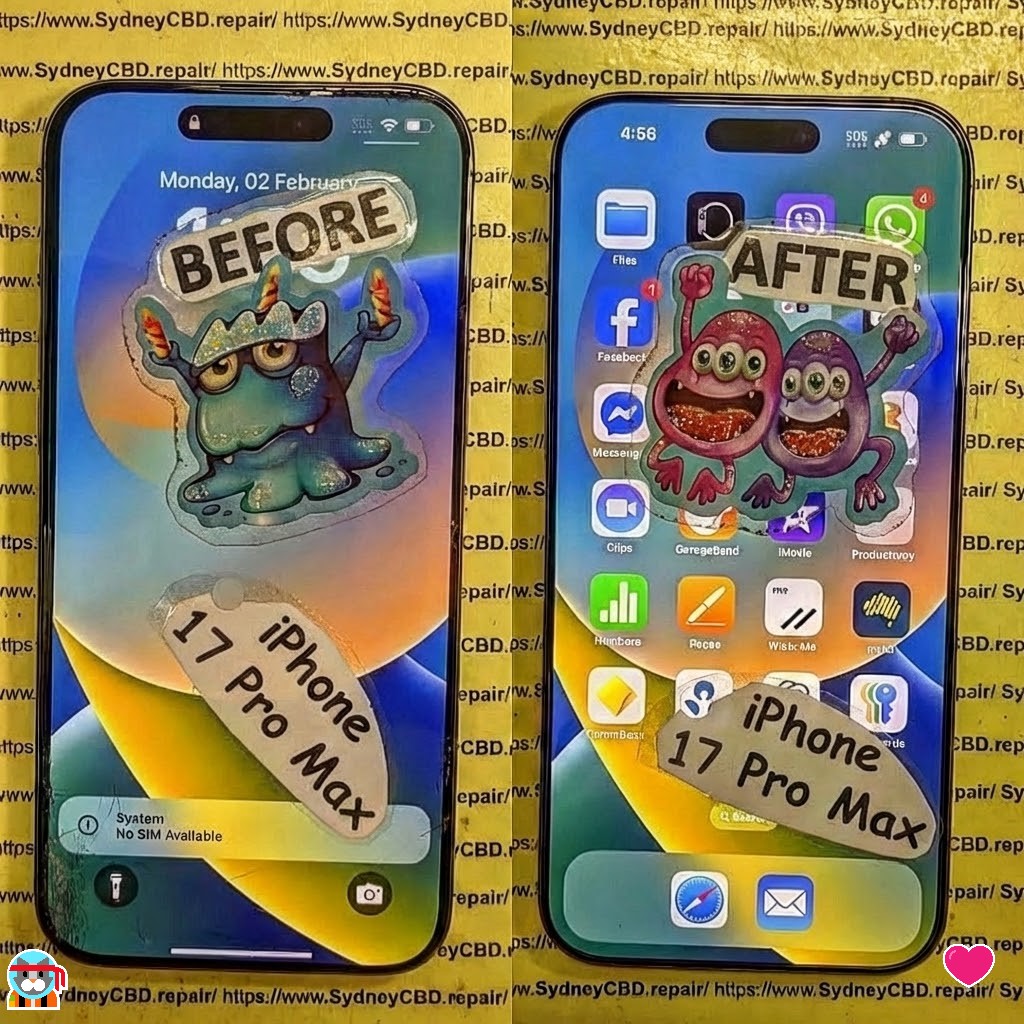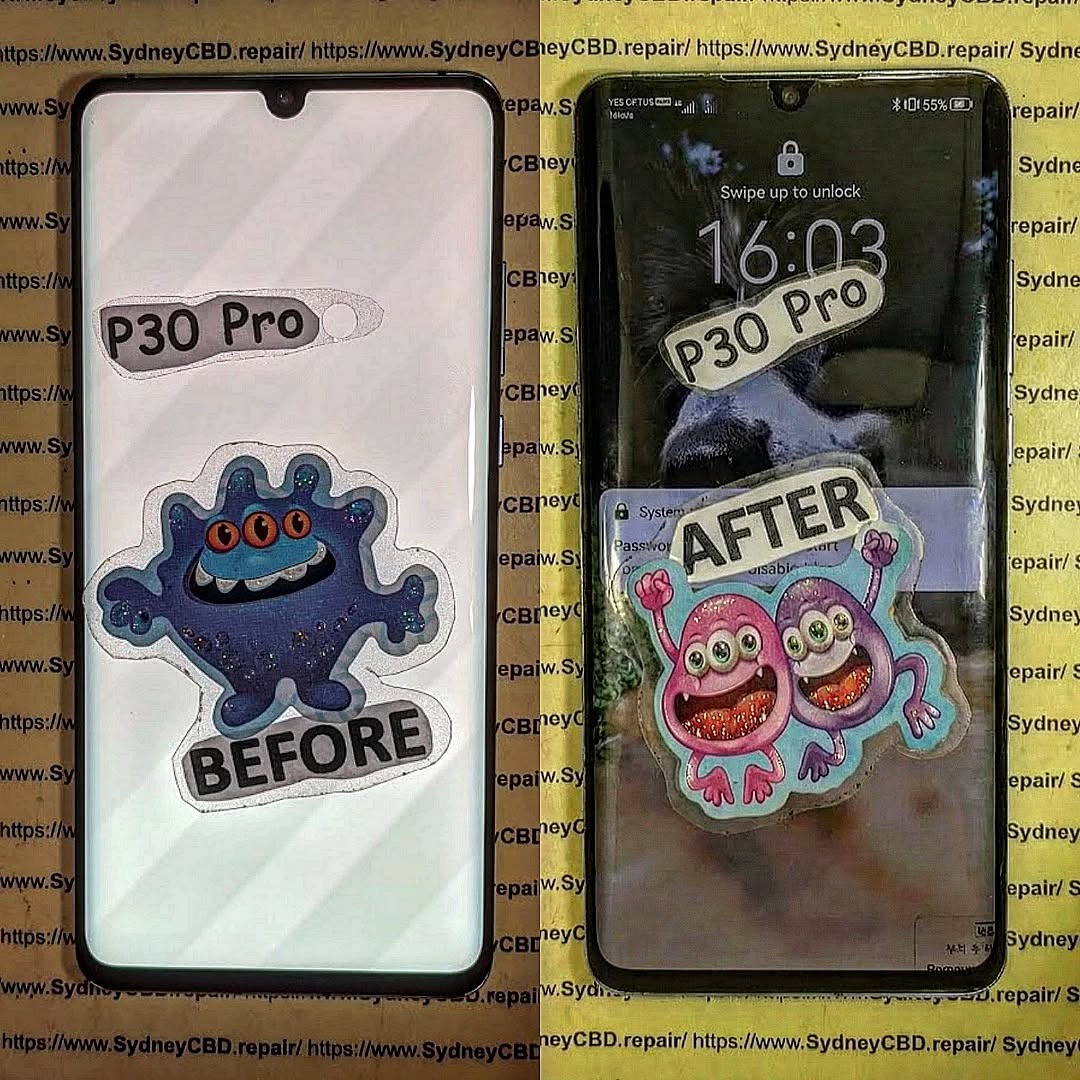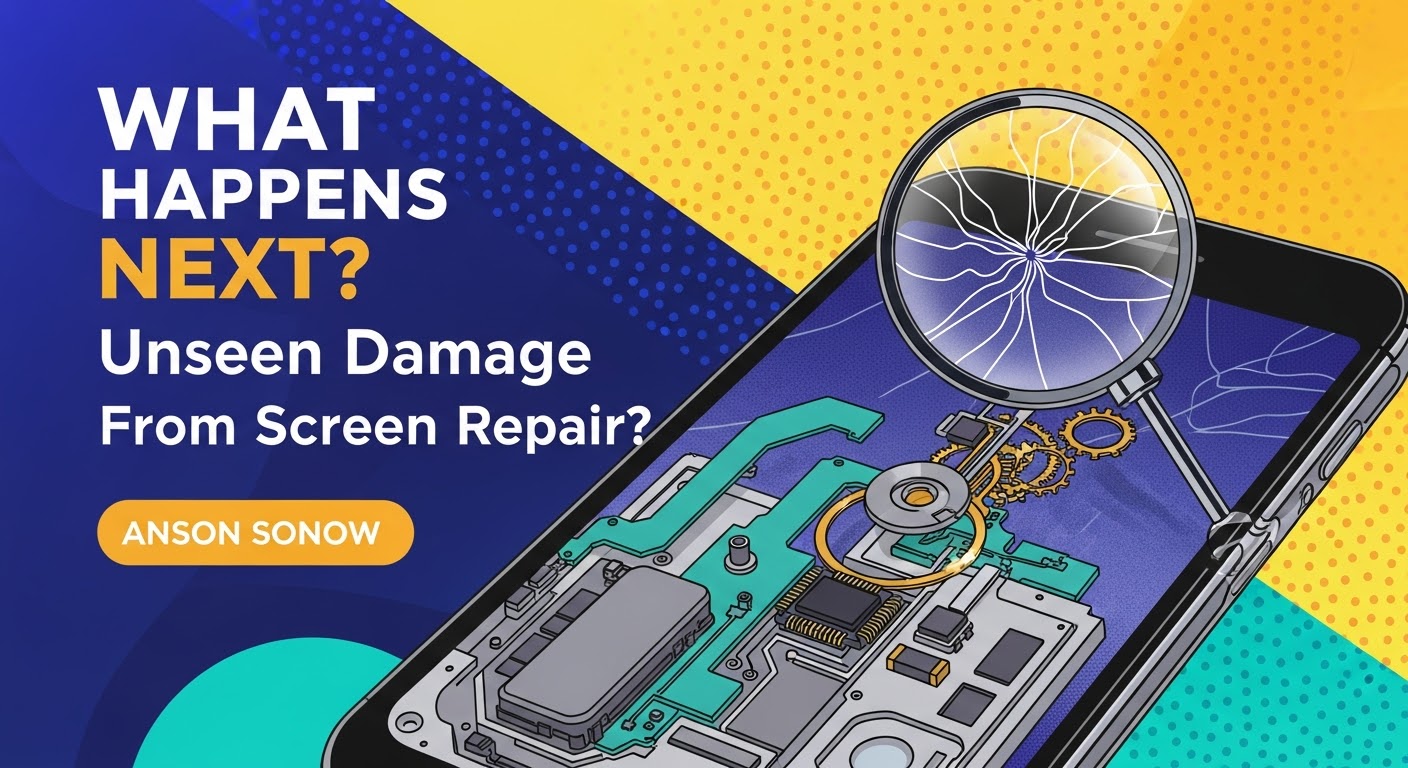
WHAT HAPPENS NEXT? Unseen Damage From Screen Repair

WHAT HAPPENS NEXT? Unseen Damage From Screen Repair + 7 Critical Mistakes You Must Avoid
Introduction: The Hidden Side of Screen Repairs
Screen damage can happen to anyone. A sudden drop, an accidental bump, or even sitting on your phone can lead to a cracked screen that demands immediate attention. But what most users don’t realize is that screen repair is more than just replacing the glass—it involves delicate electronic systems that require precision and expertise.
At first glance, your phone might look and function perfectly after a repair. However, beneath the surface, unseen damage can develop over time—affecting your phone’s responsiveness, display brightness, and even battery life.
When done incorrectly, even minor missteps during a screen replacement can cause long-term harm. Let’s explore the unseen damage that can happen during or after screen repairs and how to avoid it.

Why Screen Repairs Are More Complex Than You Think
Replacing a screen isn’t just a matter of swapping out parts. Modern smartphones are built with integrated circuits, touch sensors, proximity detectors, and other intricate components that work in harmony.
The Role of Micro-Connections and Internal Components
Every tap, swipe, and gesture depends on micro-connections between the digitizer (the touch layer) and your phone’s logic board. When a repair technician mishandles these components, even slightly, it can lead to problems like:
- Ghost touches or unresponsive screens
- Dimming or color inconsistency
- Delayed touch feedback
This is why proper disassembly tools and expertise are crucial during screen repair.
Common Issues After Screen Replacement
Unseen damage often manifests gradually. Users may experience:
- Battery draining faster than usual
- Front camera malfunction or misalignment
- Face ID or fingerprint sensor issues
- Display flickering under sunlight
These problems often stem from cheap replacement parts or improper installation, both of which can compromise your device’s performance.
Mistake #1: Ignoring Post-Repair Diagnostics
After a repair, your phone must undergo a full diagnostic check. Skipping this step is one of the most common yet dangerous mistakes.
How Skipping Testing Can Cause Long-Term Issues
Without diagnostics, small problems like sensor misalignment, loose connectors, or temperature irregularities go unnoticed. Over time, these can lead to:
- Display freezing or lag
- Accelerated battery wear
- Internal corrosion from unnoticed microdamage
Professional repair centers like Sydney CBD Repair Centre perform a 20-point diagnostic test after every repair to ensure every component functions perfectly before handing the device back.
Mistake #2: Using Non-Genuine Parts
Many repair shops cut corners by using aftermarket or counterfeit screens that mimic OEM quality. While they may look the same initially, the differences become obvious after a few days of use.
The Difference Between OEM and Aftermarket Screens
| Feature | OEM Screen | Aftermarket Screen |
|---|---|---|
| Brightness | True-to-original | Dull or tinted |
| Touch Sensitivity | Perfectly responsive | Laggy or inconsistent |
| Durability | Tempered and tested | Prone to cracks |
| Compatibility | 100% match | May cause software conflicts |
At Sydney CBD Repair Centre, only genuine parts are used—backed by a 90-day warranty for complete peace of mind.
Mistake #3: DIY Screen Repairs Without Expertise
You might think you’re saving money by fixing your phone yourself, but DIY repairs often lead to hidden internal damage that costs more to fix later.
The Hidden Costs of Attempting It Yourself
- Cable tears during disassembly
- Overheating due to improper adhesive removal
- Waterproofing seals broken permanently
- Battery punctures, which can cause dangerous short circuits
Without proper training and tools, even a small mistake can destroy a device worth hundreds of dollars.
Mistake #4: Overlooking Battery and Sensor Calibration
When your screen is replaced, battery and sensor calibration must be redone to ensure optimal performance.
How Improper Calibration Impacts Device Performance
Without proper calibration, your device might:
- Show incorrect battery percentages
- Have auto-brightness issues
- Experience inaccurate proximity detection (like the screen staying on during calls)
Professional repair centers use specialized diagnostic software to recalibrate these systems—something DIY kits or unqualified shops can’t do.
Mistake #5: Failing to Address Water and Dust Resistance
Most modern smartphones come with IP67 or IP68 water resistance ratings, which can be compromised after screen replacement.
How Repairs Affect Your Device’s IP Rating
Improper resealing after repair allows microscopic water or dust particles to enter the device, causing corrosion, speaker damage, and short circuits over time.
Expert technicians reapply factory-grade waterproof seals, ensuring your device maintains its protection standards.
Mistake #6: Not Choosing a Certified Repair Centre
Your choice of repair shop determines whether your phone lasts or fails prematurely.
Why Expertise and Experience Matter
Certified technicians understand manufacturer repair guidelines, use anti-static environments, and follow strict part-handling protocols.
At Sydney CBD Repair Centre, over 2000 customers have rated their experience 5-stars for quality, speed, and reliability.
Mistake #7: Ignoring Early Warning Signs Post-Repair
Even after a seemingly successful repair, subtle issues can indicate hidden damage.
Common Symptoms That Indicate Deeper Damage
- Screen flickers under dim light
- Face ID or fingerprint not registering
- Battery drains unusually fast
- Phone heats up during idle
If you notice any of these, return to your repair centre immediately for inspection.
FAQs: Everything You Need to Know About Screen Repairs

1. How long does a professional screen repair take?
Most high-quality screen repairs take 30–60 minutes at trusted centres like Sydney CBD Repair Centre.
2. Does screen repair affect water resistance?
Yes, if not done properly. Always ensure resealing is done with factory-grade adhesives.
3. Are aftermarket screens really that bad?
They often compromise brightness, responsiveness, and longevity. OEM parts ensure the best results.
4. Can a bad screen repair affect my battery life?
Yes, poor installation or calibration can cause increased battery drain.
5. Will my warranty be voided after third-party repair?
Only if the repairer is unlicensed or uses non-genuine parts.
6. How do I know if my phone has unseen damage?
Look for performance changes—like slow touch response, camera blur, or sudden restarts.
Conclusion: Protect Your Investment with Expert Repairs
Your smartphone is more than a device—it’s your connection to work, family, and daily life. Don’t risk it with unqualified repairs.
Unseen damage from screen repair can cost more in the long run than the repair itself. Always choose certified professionals who use genuine parts, perform full diagnostics, and provide post-repair support.
Why Sydney CBD Repair Centre Is the Trusted Name in Screen Repairs

🏆 6 Years in a Row – Sydney’s Best Phone Repair Service
📍 Located in the heart of Sydney CBD
📱 Genuine parts, expert technicians, and same-day service
⭐ 2000+ Google 5-Star Reviews
🛠️ 90-Day Warranty on All Repairs
Visit: https://SydneyCBD.repair/locate-us
📞 Call: +61280114119
Sydney CBD Repair Centre – Where Quality Meets Reliability.