The Future of Foldables: Repairing Next-Gen Flexible Phone Screens – Ultimate Breakdown + 7 Key Insights
Introduction
Foldable smartphones are no longer prototypes or futuristic concepts—they’re rapidly becoming mainstream devices reshaping how we use mobile technology. As brands like Samsung, Google, Huawei, and Motorola push boundaries with sleeker hinges, tougher screens, and more immersive displays, users are beginning to ask the next big question: How do we repair these next-gen flexible phone screens when something goes wrong? The Future of Foldables: Repairing Next-Gen Flexible Phone Screens isn’t just a trending topic—it’s an essential discussion for anyone who owns, repairs, or plans to invest in a foldable device.
In recent years, foldable technology has evolved from fragile plastic displays to robust ultra-thin glass (UTG), offering improved durability and a smoother touch experience. But despite these innovations, the unique materials and mechanical structures in foldables mean repairs aren’t as straightforward as fixing traditional smartphone screens. Their complex layering, adhesive bonding, and hinge-display interaction require specialized techniques, advanced tools, and expert handling.
This introduction sets the stage for a deep dive into the world of flexible phone screen technology—how it works, why it fails, and what the future of repairability looks like. As foldables continue to gain popularity, understanding these concepts becomes increasingly important for consumers, technicians, and tech enthusiasts alike. The goal? To empower you with clear, practical, and forward-thinking insights into maintaining and repairing the mobile devices of tomorrow.
Foldable smartphones are becoming the new normal in mobile innovation, and as more users invest in futuristic devices with bending screens, repairability becomes a major concern. The Future of Foldables: Repairing Next-Gen Flexible Phone Screens is a topic that every smartphone user—especially early adopters—needs to understand. These devices look sleek and work beautifully, but fixing them isn’t as straightforward as repairing traditional flat screens.
In this guide, you’ll discover how foldable screens work, why they break, what it takes to repair them, and how future technology will make repairs easier, cheaper, and more accessible.
Foldable phones rely on advanced display engineering that allows screens to bend thousands of times without losing clarity or touch sensitivity. These displays combine flexibility with durability, though the balance is still evolving.
Types of Flexible Screens
There are two main types of foldable screens today:
1. AMOLED Foldable Displays
These screens use flexible AMOLED layers that maintain brightness and color accuracy even when bent.
2. Ultra-Thin Glass (UTG) Displays
UTG offers improved scratch resistance and reduced creasing compared to plastic OLED.
Materials Used in Modern Foldables
Next-gen displays use a combination of:
Ultra-thin glass
Flexible OLED panels
Polyimide layers
Multi-layer laminated protective coatings
These materials work together to deliver durability, but they also complicate the repair process.
Although foldable screens have improved dramatically, they still face recurring issues.
Creasing and Wrinkles
Even premium devices show slight crease marks after extended use. This happens due to consistent folding pressure on the middle hinge area.
OLED Pixel Damage
Damaged pixels or dark spots may appear after drops or pressure. Because the OLED layer is thin and flexible, it’s more vulnerable than rigid displays.
Why Flexible Screens Break Differently
Foldable screens use elastic materials not found in traditional displays.
Stress Points and Repeated Folding
Every fold creates mechanical stress. Over time, this can:
Loosen layers
Cause micro-fractures
Reduce touchscreen responsiveness
Thermal Impact on Flexible OLED Layers
Heat expands the layers unevenly, increasing the chance of delamination or screen bubbling.
Repair Challenges for Foldable Screens
Repairing foldable devices is not the same as fixing normal phones. There are several unique challenges.
High Cost of Replacement Panels
Foldable panels are more expensive because:
They require specialized manufacturing
There’s limited supply
Repairs must be done with advanced equipment
Adhesive and Lamination Complexity
Foldable screens use multiple bonding layers that need precise alignment during replacement—a process nearly impossible without professional tools.
Advancements Making Repairs Cheaper and Faster
The future looks promising thanks to ongoing technological improvements.
Modular Display Layers
Manufacturers are now designing foldable displays with independent layers, making repairs less invasive.
Improved Ultra-Thin Glass (UTG) Technology
Modern UTG is:
Tougher
More flexible
Less prone to cracking
This decreases repair frequency and cost.
DIY vs Professional Repairs
Why DIY Repairs Often Fail
Trying to repair a foldable screen at home can lead to:
Touchscreen failure
Creasing
Broken hinges
Total display damage
Benefits of Choosing Certified Technicians
Professionals offer:
Proper tools
Accurate lamination
Genuine replacement parts
Device-safe diagnostics
Future Trends in Foldable Screen Repair
Self-Healing Materials
Self-repairing polymers may soon fix small scratches or creases automatically—reducing service needs.
Magnetic or Snap-On Display Modules
Future foldables may allow easier panel swaps without full disassembly.
FAQs
1. Are foldable screens easier to break than regular screens?
Yes, because they contain flexible OLED layers that are thinner and more delicate.
2. Can a crease in a foldable screen be removed?
Not completely, although UTG improvements reduce visibility.
3. How much does a typical foldable screen repair cost?
It depends on the model, but repairs often range from $400 to $900.
4. How long do foldable displays last?
Most are tested for 200,000 folds—equivalent to 5+ years of normal use.
5. Can water damage ruin a foldable display?
Absolutely. Water can seep into layers and cause irreversible pixel failure.
6. What’s the best way to protect a foldable screen?
Use manufacturer-approved screen protectors and avoid applying pressure near the hinge.
Conclusion
Foldable technology continues to evolve, and so does the repair industry supporting it. While early foldables faced major durability issues, new models are stronger, more flexible, and more repair-friendly. As materials improve and modular designs become mainstream, repairs will get cheaper and faster—making foldable phones accessible to more users worldwide.
If you rely on your foldable phone daily, choosing skilled repair professionals ensures long-term performance, device safety, and cost savings.
David from Sydney CBD Repair Centre – The Best place to fix mobile phones as 6 Years In A Row! Top Mobile Phone Repair In Sydney. More than 2000 Positive Reviews on Google and Same Day Repairs.
We take pride in delivering exceptional repair services for all major phone brands including Apple, Samsung, Google, and more. Our expert technicians use only genuine parts and offer 90 days warranty on repairs. Located in the heart of Sydney CBD, we’re your one-stop solution for all mobile device repairs.
Visit us for:
✓ Same Day Express Repairs
✓ Genuine Parts Guarantee
✓ Professional Technicians
✓ Competitive Pricing
✓ 2000+ 5-Star Google Reviews
✓ 6-Time Award Winner for Best Phone Repairs
In 2025, foldable smartphones are no longer just futuristic concepts — they’re mainstream marvels of engineering. Brands like Samsung, Google, and Huawei have refined their foldable models, offering users larger displays in compact forms. But as innovation surges, so does the complexity of repairs, especially when it comes to foldable phone screen repair.
These devices rely on flexible OLED panels, intricate hinge systems, and ultra-thin glass layers. While these technologies allow stunning versatility, they also make foldable screens more fragile and expensive to fix. Understanding how these screens work and how they’re repaired is crucial for both users and technicians.
Foldable smartphones have dominated the premium market in 2025, with Samsung Galaxy Z Fold 6, Google Pixel Fold 2, and Oppo Find N3 leading the charge. Each model showcases incredible flexibility, durability, and multitasking performance. However, despite these advancements, foldable phone screen repair remains one of the most challenging aspects of maintenance.
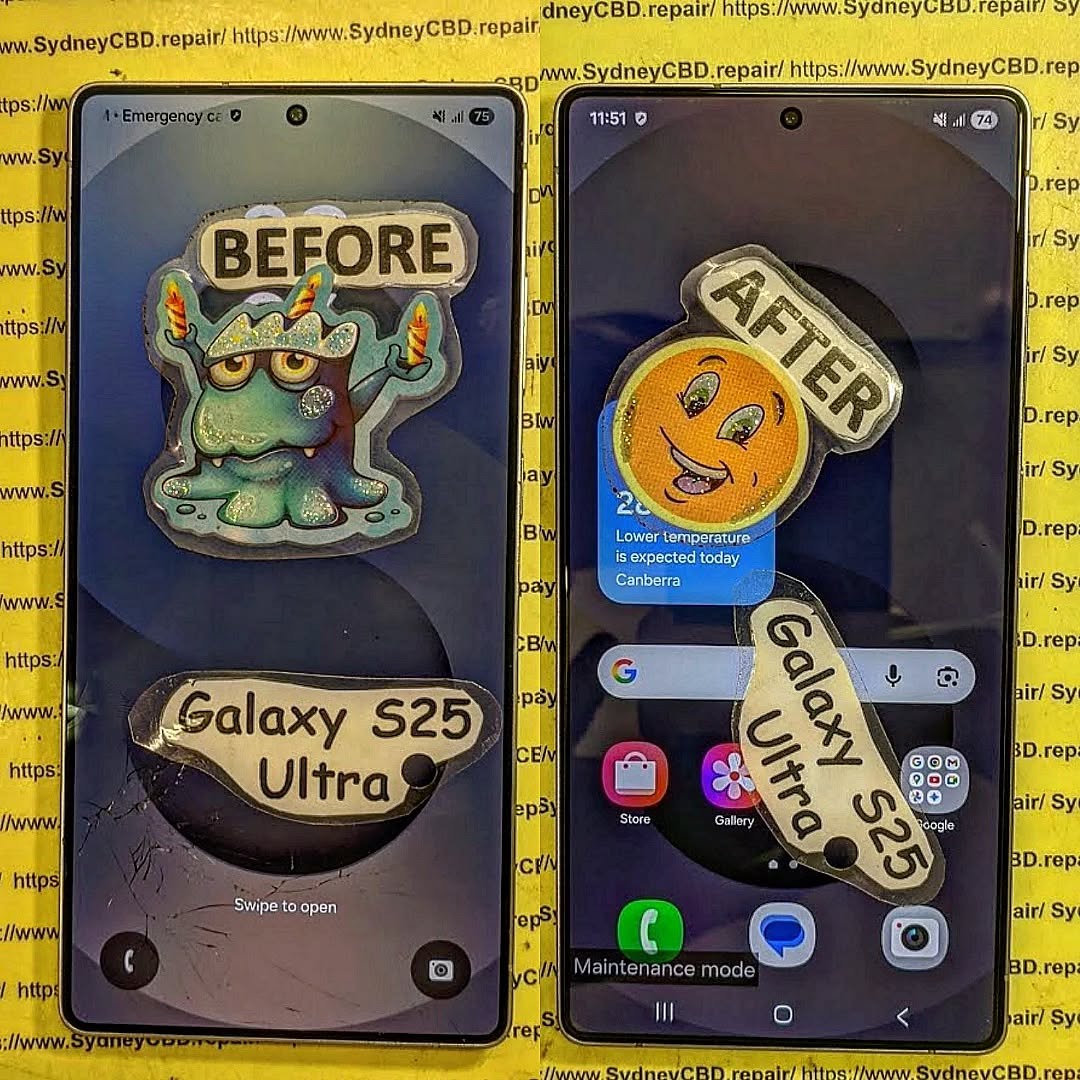
The popularity of these phones has driven demand for specialized repair centers — like Sydney CBD Repair Centre, which has spent years perfecting its techniques for delicate foldable devices.
Foldable phones introduce unique challenges that traditional smartphones never faced. Let’s explore the most common problems owners encounter.
Creasing and Cracking Problems
Over time, repeated folding can cause visible creases across the screen. In severe cases, these creases evolve into cracks that distort display quality and touch response. Early detection and professional intervention are essential to prevent complete screen failure.
Display Separation and Pixel Damage
Display separation occurs when internal layers detach due to mechanical stress. This can lead to pixel burnouts or entire sections of the screen going dark. Only trained technicians using manufacturer-approved equipment can address these issues effectively.
Touch Sensitivity Failures
The touch sensors embedded within foldable displays are thin and complex. Even minor damage can cause dead zones or erratic touch behavior. Recalibration often requires software tools exclusive to authorized repair centers.
Why Foldable Screen Repairs Are Different
Repairing a foldable screen is unlike fixing a flat smartphone. The components are layered in intricate sequences and built with flexible materials that demand precision.
Flexible OLED Display Layers Explained
Foldable screens use Flexible OLED (Organic Light Emitting Diode) panels — made to bend without breaking. These screens integrate multiple layers including a polarizer, flexible substrate, and protective coating. Damage to any layer can compromise display integrity.
Ultra-Thin Glass (UTG) vs. Plastic Screens
Manufacturers now prefer Ultra-Thin Glass (UTG) for foldable screens due to its improved durability. However, UTG is still more delicate than traditional Gorilla Glass. Proper handling during foldable phone screen repair is crucial to avoid microfractures.
Specialized Tools and Techniques Required
Repairing these displays requires specialized tools like heat-controlled separators, lamination machines, and optical adhesives. This isn’t a job for amateurs — even minor mistakes can permanently damage a $2,000 device.
How Professionals Repair Foldable Screens
Repairing a foldable screen demands surgical precision and patience.
Step-by-Step Process of Screen Replacement
Diagnosis: The technician examines screen damage and hinge performance.
Disassembly: Carefully removes the back panel, hinge covers, and flexible display connections.
Screen Removal: The damaged screen is heated and detached using controlled temperature equipment.
Cleaning and Preparation: Residual adhesive is cleaned off to ensure a smooth new installation.
New Screen Installation: A genuine replacement screen is fitted and aligned with the hinge system.
Testing: The new screen undergoes fold-cycle testing and touch calibration.
Calibration and Fold Mechanism Testing
Once installed, the phone is tested for uniform brightness, touch sensitivity, and hinge flexibility. This ensures that the device functions as if it just came out of the factory.
DIY Foldable Screen Fixes – Are They Worth It?
While YouTube tutorials might make foldable repairs look simple, DIY attempts often end in disaster. These devices require high-precision equipment and anti-static workstations. Attempting a home repair can worsen damage and void your warranty. Always seek professional foldable phone screen repair from certified experts like Sydney CBD Repair Centre.
Cost of Foldable Phone Screen Repair in Sydney 2025
The cost of repairing foldable phone screens varies depending on the model:
Brand/Model
Approx. Repair Cost (AUD)
Samsung Galaxy Z Fold 6
$850 – $1,100
Samsung Galaxy Z Flip 6
$700 – $950
Google Pixel Fold 2
$900 – $1,200
Oppo Find N3
$750 – $1,000
While expensive, using genuine replacement screens ensures durability and compatibility — something only authorized repair centers can guarantee.
Choosing the Right Repair Centre
When your foldable phone needs a screen repair, expertise matters.
Why Sydney CBD Repair Centre Leads the Way
With over 2000 five-star reviews and six consecutive awards, Sydney CBD Repair Centre is Sydney’s #1 choice for foldable phone repairs. Their technicians use only genuine OEM parts, backed by a 90-day warranty.
Genuine Parts and Warranty Assurance
Cheap imitations can cause irreversible damage to foldable phones. Sydney CBD Repair Centre guarantees that every repair uses authentic parts — ensuring quality, safety, and peace of mind.
Preventive Maintenance for Foldable Phones
To prolong your foldable phone’s life:
Avoid folding the screen with pressure or sharp objects nearby.
Keep the hinge clean and dust-free.
Use manufacturer-approved screen protectors.
Avoid exposing the phone to extreme temperatures.
Small precautions can save you from costly foldable phone screen repair bills.
Future of Foldable Display Repairs
As foldable technology matures, so will repair techniques. Companies like Samsung and Google are developing self-healing materials and modular components to make future repairs easier and cheaper. Soon, screen replacements could take mere minutes — revolutionizing the repair industry.
FAQs About Foldable Phone Screen Repair
1. Can a foldable phone screen be repaired if cracked?
Yes, professional technicians can replace cracked foldable screens using genuine parts and specialized tools.
2. How long does it take to repair a foldable screen?
Most repairs at Sydney CBD Repair Centre are completed within the same day, depending on parts availability.
3. Is foldable screen repair covered by warranty?
Manufacturer warranties usually don’t cover physical damage, but repair shops like Sydney CBD Repair Centre offer their own 90-day warranty.
4. Why are foldable screen repairs so expensive?
The materials, complexity, and calibration involved make these repairs more costly than standard phones.
5. Can water damage affect the foldable screen?
Yes. Water can corrode the delicate display layers and hinges. Immediate professional attention is recommended.
6. Are third-party repairs safe?
Only if done by certified experts using genuine parts — like those at Sydney CBD Repair Centre.
Conclusion: Where Innovation Meets Expertise
Foldable phones represent the future of mobile technology — elegant, flexible, and powerful. Yet, they require a higher level of care and technical skill when damaged. For reliable foldable phone screen repair in Sydney, trust the experts at Sydney CBD Repair Centre, where technology meets precision and customer satisfaction always comes first.
Smartphone Repair: The Future of Foldable Phones — 7 Breakthrough Innovations Shaping Tomorrow
Introduction: The Rise of Foldable Phones
The smartphone landscape is evolving faster than ever before. Foldable phones — once considered futuristic concepts — are now redefining what mobile devices can do. Giants like Samsung, Google, and Huawei have pushed the boundaries of design and technology, creating phones that seamlessly transition between compact and tablet-sized screens.
But as impressive as these devices are, they also introduce unique repair challenges. At Sydney CBD Repair Centre, we’ve witnessed firsthand how foldable technology has revolutionized repair techniques, part sourcing, and diagnostic methods.
This article explores the future of foldable phone repairs, detailing the 7 key innovations that will shape the next decade of smartphone service excellence.
Understanding Foldable Phone Technology
How Foldable Displays Work
Foldable displays use ultra-thin flexible OLED panels, designed to bend without breaking. These panels are layered with polyimide substrates, protective coatings, and nano-thin glass (UTG) for durability.
The technology allows the phone to fold thousands of times without damage — but it’s also extremely delicate. A small impact, improper folding pressure, or a foreign object in the hinge can cause significant issues.
Key Components Behind the Innovation
Flexible OLED panel — the heart of every foldable display
Traditional smartphones have static glass panels, but foldables rely on multiple layers of flexible materials that demand precise heat control during replacement. Improper handling can lead to delamination or pixel burn.
Hinge Mechanism Maintenance
The hinge is both the most innovative and most fragile component. It contains miniature gears and tension springs that can collect dust, debris, or moisture. Cleaning and lubricating these without damaging sensors requires specialized tools.
Water and Dust Resistance Limitations
Foldable phones often carry an IPX8 rating — meaning they’re water-resistant but not dustproof. Dust particles can infiltrate hinges, causing long-term wear and mechanical failure. This makes regular maintenance crucial for durability.
Repairing foldable devices isn’t like fixing a standard smartphone. It requires specialized training and hands-on experience with flexible OLED panels, hinge calibration, and multi-layer adhesive systems.
At Sydney CBD Repair Centre, technicians undergo continuous training to stay updated on Samsung Galaxy Z Fold, Z Flip, and Google Pixel Fold series — ensuring repairs meet factory standards.
Advanced Diagnostic Tools and Techniques
Technicians now use AI-powered diagnostic tools to detect hinge tension discrepancies, pixel line failures, and battery irregularities before disassembly. These technologies reduce repair risks and ensure optimal restoration.
Manufacturers are developing modular foldable panels, making it easier to replace specific screen segments instead of the entire assembly. This reduces costs and waste while improving service turnaround times.
2. Flexible OLED Repair Kits
Next-gen OLED repair kits allow micro-level reflow soldering on flexible boards. These kits help restore dead pixels and display flickers, extending the life of foldable screens.
3. Nano-Adhesive Technology
New nano-adhesives provide strong bonding without residue, allowing easier reassembly after screen or hinge repairs — crucial for preserving the device’s fold integrity.
4. AI-Powered Diagnostic Software
AI-driven systems analyze fold patterns, detect weak zones, and recommend preemptive repairs — helping technicians identify potential hinge or display issues before they escalate.
5. Smart Hinge Calibration Systems
Precision calibration tools now allow technicians to adjust hinge tension with micron-level accuracy, restoring smooth folding actions while maintaining alignment.
6. Sustainable Repair Materials
Eco-friendly materials like biodegradable adhesives and recyclable OLED substrates are emerging, supporting a more sustainable repair industry.
7. 3D-Printed Components for Foldables
3D printing allows the production of custom hinge covers and internal brackets, reducing dependency on OEM parts and speeding up repairs.
The Role of Sydney CBD Repair Centre in Foldable Phone Repairs
Expertise in Samsung Galaxy Z and Google Pixel Fold
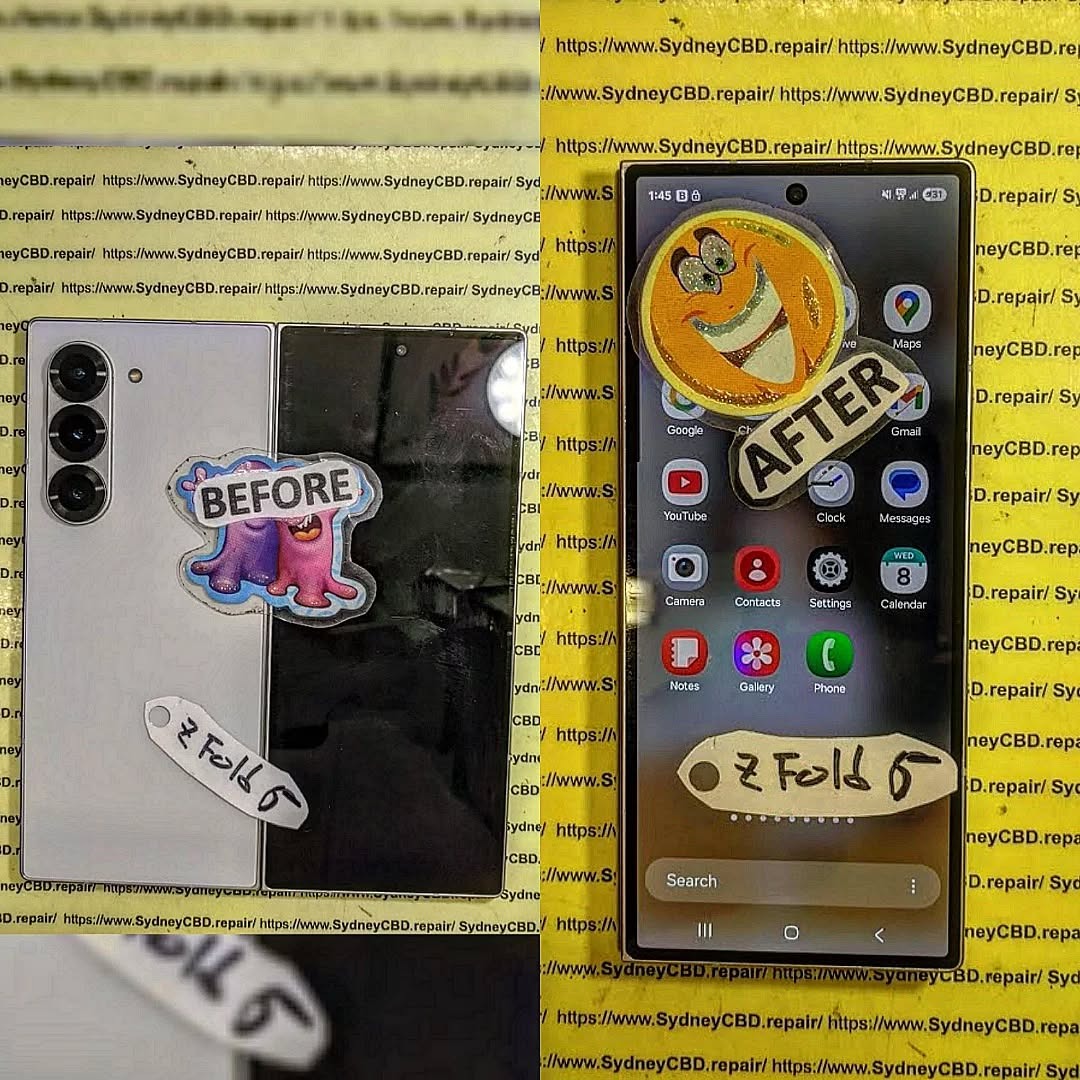
Sydney CBD Repair Centre is one of the few repair shops in Australia equipped to handle foldable screen replacements and hinge servicing for flagship devices like the Galaxy Z Fold5 and Pixel Fold.
Genuine Parts and Warranty Assurance
We use only genuine replacement parts, backed by a 90-day warranty, ensuring every repair maintains your device’s integrity.
👉 Visit us at SydneyCBD.repair/locate-us for same-day repairs and professional foldable phone servicing.
Preventive Care Tips for Foldable Phones
Cleaning and Handling Best Practices
Avoid pressing the center of the display too hard
Keep the hinge free from dust or lint
Always close the device gently and avoid placing objects between folds
Battery Health and Screen Care
Use original chargers only
Avoid excessive heat exposure
Keep software updated for battery optimization
Regular maintenance from certified repair centers can extend your foldable phone’s life by years.
Future Outlook: Repair Sustainability and Innovation
As foldable devices become mainstream, repairability will play a key role in the industry’s sustainability. Manufacturers and repair centers alike are investing in eco-friendly practices, modular designs, and AI-integrated maintenance.
The collaboration between innovators and expert repair centers like Sydney CBD Repair Centre ensures that foldable phones remain both durable and serviceable, empowering users to enjoy cutting-edge tech without compromise.
FAQs
1. Are foldable phones more expensive to repair?
Yes, due to their complex design and advanced components, repairs can be more costly. However, proper care and professional servicing help prevent major expenses.
2. How often should I service my foldable phone?
At least once every 6–12 months, especially for hinge lubrication and screen inspection.
3. Can foldable screens be replaced?
Absolutely! Skilled technicians at Sydney CBD Repair Centre can replace foldable OLED screens using genuine components.
4. Do foldable phones lose durability over time?
Like all devices, they can show wear with frequent folding, but with proper care, they remain functional for years.
5. What’s the most common issue in foldable phones?
Hinge stiffness and micro-display creases are common, usually caused by debris or mechanical wear.
6. Are foldable phone repairs covered under warranty?
If the damage is manufacturer-related and within the warranty period, yes. Otherwise, third-party repairs are available with guaranteed quality.
Conclusion
The future of smartphone repair lies in adaptability and innovation, especially as foldable devices dominate the market. With the right expertise, tools, and sustainable practices, repair centers like Sydney CBD Repair Centre are leading the charge toward a smarter, greener, and more reliable mobile future.
Whether it’s a cracked display, hinge issue, or water damage, trust Sydney CBD Repair Centre — the 6-time award-winning mobile phone repair shop in Sydney with over 2000+ 5-star reviews.
Visit us today or call +61280114119 to experience premium, same-day foldable phone repair services.
David from Sydney CBD Repair Centre – The Best place to fix mobile phones as 6 Years In A Row! Top Mobile Phone Repair In Sydney. More than 2000 Positive Reviews on Google and Same Day Repairs.
📍 Visit us today for:
✓ Same Day Express Repairs
✓ Genuine Parts Guarantee
✓ Professional Technicians
✓ Competitive Pricing
✓ 2000+ 5-Star Google Reviews
✓ 6-Time Award Winner for Best Phone Repairs
Foldable phones have rapidly transformed from futuristic concepts to everyday gadgets in 2025. Brands like Samsung, Huawei, and Google now dominate the market with innovative foldable designs that offer versatility and multitasking power. However, their complex inner screens also mean that repairing them can be challenging and costly.
At Sydney CBD Repair Centre, we’ve seen a surge in foldable screen repairs over the past few years — and with good reason. These devices are intricate, and one wrong move during repair can lead to irreversible damage.
Understanding Foldable Phone Inner Screens
What Makes Foldable Screens Unique?
Unlike traditional flat displays, foldable screens are made from ultra-thin glass (UTG) or plastic OLED panels that can bend without breaking. This flexibility is achieved through advanced hinge mechanisms and protective polymer coatings, making them delicate yet durable.
Common Problems with Foldable Displays
Here are some of the most common issues users face with foldable inner screens:
As of 2025, foldable inner screen repairs typically cost between $700 and $1,500 AUD, depending on the model and extent of damage. This makes them significantly more expensive than standard smartphone screen repairs.
Each brand uses distinct screen technologies, so repair prices vary. For instance, Samsung’s UTG panels cost more to replace than Oppo’s hybrid polymer displays due to advanced hinge and display integration.
Why Foldable Screens Are More Complex Than Regular Ones
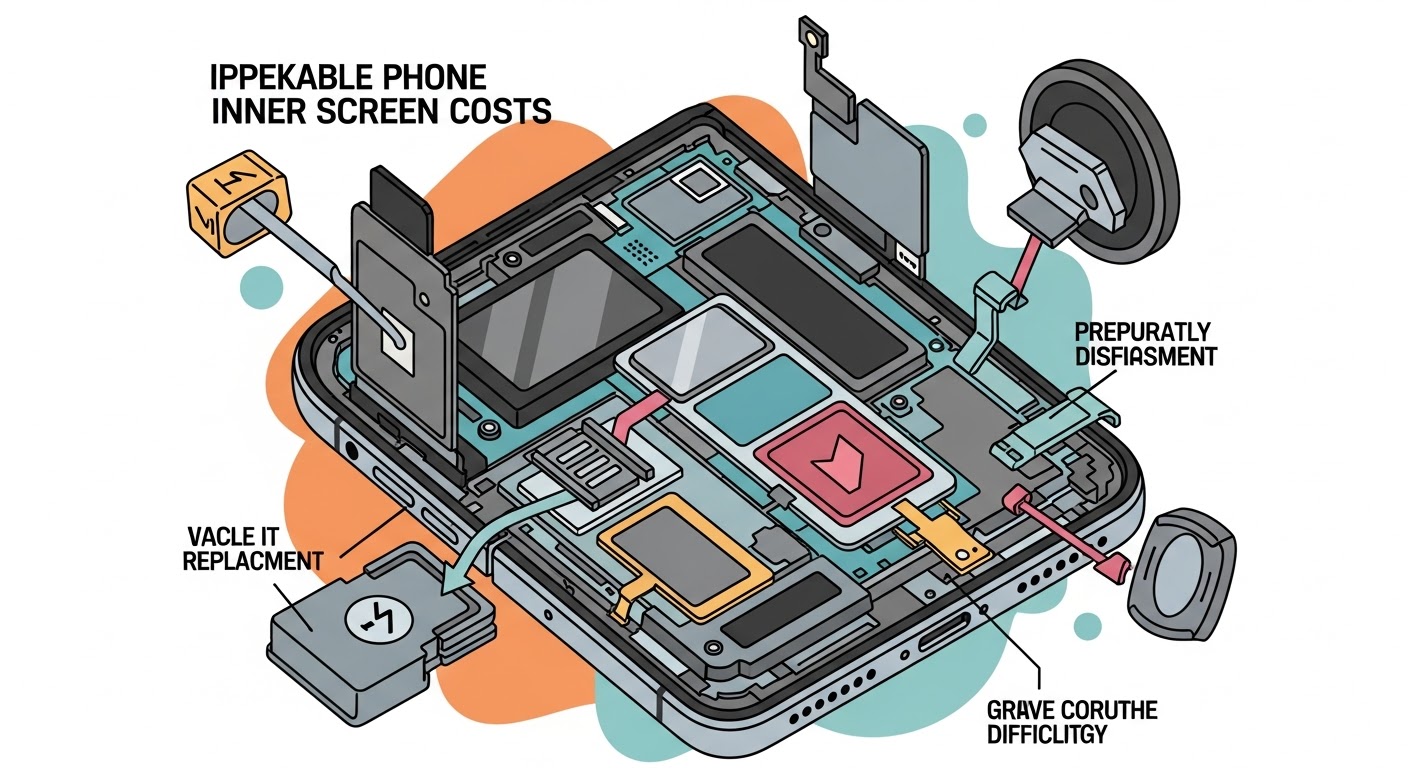
Repairing a foldable inner screen isn’t just about swapping glass — it involves disassembling hinges, resealing flexible OLED panels, and ensuring no dust enters the device. Even a slight misalignment can ruin display performance.
Required Tools and Expertise
Precision screwdrivers and anti-static tools
OLED separator machine
Heat gun or infrared preheater
Flexible screen laminator
Microscopic inspection equipment
Repair Difficulty Rating (Table)
Repair Task
Difficulty Level
Risk Factor
Outer Screen Replacement
Medium
Moderate
Inner Foldable Screen Replacement
High
Severe
Hinge Replacement
Very High
Critical
Battery Replacement
Medium
Low
DIY vs Professional Repair: Which Is Better?
Risks of DIY Foldable Screen Repair
While DIY tutorials might seem tempting, foldable repairs require precision and expertise. One mistake can lead to:
Screen tearing or hinge misalignment
Permanent display failure
Warranty voiding
Higher eventual repair costs
Benefits of Choosing a Professional Repair Centre
Professional repair centres like Sydney CBD Repair Centre offer:
Certified technicians with years of experience
Genuine OEM parts only
Same-day repair options
90-day warranty on all repairs
Real-World Example: Samsung Galaxy Z Fold Series Repair Insights
Common Issues and Fix Timelines
Samsung’s Galaxy Z Fold models are engineering marvels but prone to inner crease wear and hinge tension loss. Most inner screen repairs take 3–4 hours with parts availability.
Average Costs at Sydney CBD Repair Centre
Model
Inner Screen Repair Cost
Repair Time
Galaxy Z Fold 4
$1,200
3 hours
Galaxy Z Fold 5
$1,300
3–4 hours
Galaxy Z Flip 5
$950
2 hours
Sydney CBD Repair Centre remains the most trusted service provider in the region, with over 2,000 five-star reviews and six consecutive awards for Best Phone Repairs in Sydney.
Warranty, Quality, and Genuine Parts
Why Genuine Parts Matter for Foldable Devices
Using non-genuine foldable screens can lead to:
Poor folding durability
Color inaccuracies
Touch responsiveness issues
That’s why Sydney CBD Repair Centre sources only original OEM parts, ensuring your foldable phone performs like new.
Understanding Warranty Policies in 2025
Most manufacturers now offer limited screen replacement programs for foldable models. However, accidental damage is rarely covered — making a reliable local repair partner essential.
FAQs: Foldable Phone Inner Screen Repair
Q1: Why is the foldable inner screen so expensive to repair?
Because it uses complex, flexible OLED technology integrated with the hinge system — a process that demands specialized tools and high-precision labor.
Q2: How long does a foldable phone screen repair take?
Most repairs take 2 to 4 hours, depending on model and part availability.
Q3: Will my data be safe during repair?
Yes. Professional centres like Sydney CBD Repair Centre prioritize data privacy and ensure no data loss during repair.
Q4: Can I still use my phone if the inner screen is damaged?
If the outer display works, yes — but continued use may worsen internal damage.
Q5: Are foldable screen repairs covered by warranty?
Manufacturer warranties often exclude accidental damage, but third-party repair centres offer their own 90-day warranty.
Q6: Is it worth repairing a foldable phone or buying a new one?
If your device is less than two years old, repairing is usually more cost-effective than replacement.
Conclusion: Choose Smart, Choose Sydney CBD Repair Centre
When it comes to foldable phone inner screen repair, quality and precision matter. At Sydney CBD Repair Centre, we combine genuine parts, professional technicians, and unbeatable service to restore your device quickly and safely.
With 6 years as Sydney’s top-rated phone repair centre, we’ve earned the trust of over 2,000 satisfied customers. Don’t risk your foldable investment — trust the experts who know how to handle it right.
📍 Visit us today at Sydney CBD Repair Centre
📞 Call: +61 2 8011 4119
💬 Experience why we’re Sydney’s #1 choice for mobile phone repairs.
After years of being the lone option, Samsung finally has some foldable competition in the US, and that partially takes the form of Google’s Pixel Fold, which comes in at the same price as Samsung’s brand-new Galaxy Z Fold 5. But after using both devices, there’s a clear better option.
Galaxy Z Fold 5 vs. Pixel Fold: How they compare on paper
When you look at the spec sheet alone, Google’s Pixel Fold and Samsung’s Galaxy Z Fold 5 are rather similar. Both have 7.6-inch inner displays, plenty of RAM and storage and hinges that are rated for at least 200,000 folds.
The differences really come down to the details. The Pixel Fold has a wider aspect ratio to both of its displays. The 17.4:9 ratio of the outer display is short and wide compared to the Fold 5’s 23.1:9 ratio, which is extremely tall and narrow. The Pixel is also considerably thinner at 12.1mm to the Fold 5’s 13.4mm. Despite that, Pixel Fold also has a bigger battery at 4,821 mAh.
Google Pixel Fold
Galaxy Z Fold 5
Outer display
5.8 inch, 17.4:9 ratio
6.2 inch 23.1:9 ratio
Inner display
7.6 inch, 6:5 ratio
7.6 inch, 21.6:18 ratio
Processor
Google Tensor G2
Snapdragon 8 Gen 2 for Galaxy
Storage/RAM
256GB/512GB UFS 3.1 + 12GB RAM
256/512GB/1TB UFS 4.0 + 12GB RAM
Hinge rating
200,000 open/close
200,000 open/close
Thickness
12.1mm folded/5.8mm unfolded
13.4mm folded/6.1mm unfolded
Battery
4,821 mAh
4,400 mAh
Cameras (rear)
48MP/10.8MP 5x/10.8MP UW
50MP/10MP 3x/12MP UW
Price
$1,799
$1,799
How the two compare, though, really comes down to actually using them.
The Galaxy Z Fold 5 is boring in the best way
If you’ve looked into a foldable before now, you’ve likely looked at the Galaxy Z Fold series. And through that eye, the Galaxy Z Fold 5 doesn’t seem all that new, and that’s because it isn’t. The design of the device hasn’t really changed much at all over the past three years, and compared to the Galaxy Z Fold 4 before it, the Fold 5 really only has a new hinge, and that’s about it.
But the lack of major upgrades in Samsung’s flagship foldable has led to something perhaps more important.
Samsung’s foldable tech has just gotten really, really polished over the past couple of generations. The company has spent its time addressing the little problems, like improving the screen brightness, extending battery life, and improving the hinge, rather than hitting bigger issues like the display crease and cameras. In Samsung’s eyes, it seems, those aspects are “good enough,” where others still need work. And after using the Fold 5 for a few weeks, I mostly agree. The Galaxy Z Fold 5 really just feels like it’s as good as this particular form factor can get without bigger changes. And if you like this overall package, it’s really just a great refined product.
Beyond that, another strength of the Galaxy Z Fold 5 is its software. While One UI is a heavy skin on top of Android, it’s packed with features that are useful on the Fold 5’s bigger display and ones that Google’s cleaner Android build just doesn’t have.
Of course, none of this is to say the Galaxy Z Fold 5 isn’t without its flaws. The tall and narrow outer display isn’t great for typing and doesn’t play very well with some apps. The inner display’s taller nature also means that a lot of apps never trigger a tablet interface, which makes some apps feel less optimized for the form factor.
Pixel Fold is undeniably good – it’s just not as good
That’s why the Pixel Fold falls – death by a thousand cuts.
The Pixel Fold’s downsides really just outweigh the good. The Tensor chip inside is plenty powerful, but it’s prone to overheating very easily, which is a really hard pill to swallow at this price point.
The screens also aren’t nearly as bright as Samsung’s, and Google’s crease isn’t any better either. Samsung’s crease still isn’t good, and it’s very noticeable, but Google’s is wider and thus felt more often.
There’s also the hinge. While I stand by the opinion that the Pixel’s hinge not easily sitting at 180 degrees isn’t a problem, I’ve much enjoyed not having to apply the bit of extra pressure on the hinge when using the Fold 5. It’s just a much more consistent feel. Similarly, the Fold 5’s inner display is much easier to type on because Google’s phone is just way too wide.
Battery life is also another sore point for the Google device. Whereas Samsung’s latest generation has pulled off some kind of miracle by upping endurance significantly compared to the last model, the Pixel Fold suffers from mediocre battery life. Often I find the device struggling to make it through a long day, whereas the Galaxy just seems to keep on chugging along.
Really, the perks of Pixel Fold come down to just two aspects.
Firstly, there’s the aspect ratio. Google’s device has a short and wide outer display that makes way for a very wide inner display. This means that the outside is far more usable than Samsung’s, and the inner display triggers more tablet apps. I still think this leads to too many poor app experiences (like Instagram, Reddit, and so on), but when it works, it just works really nicely.
Google Weather on the Pixel Fold
The other point is, of course, the camera. Google’s Pixel line has built its entire legacy on the camera, and that translates wonderfully to the Fold. The 48MP primary camera takes shots that look great and that, more importantly, I can trust. The Galaxy Z Fold 5 will pump out a good shot now and then, but it’s not consistent enough. Two shots taken back to back can look drastically different, for example. Plus, the Pixel Fold has a much better 5x telephoto camera that absolutely destroys the Galaxy Z Fold 5’s camera setup at range. There’s just no competition there: Google has the way better camera.
Tensor is a real problem in a pricey foldable
Google’s Tensor processor is unique to Pixel phones, and it’s not a terrible chip. It has plenty of power, and Google uses its AI strengths to optimize a few features and the camera experience too. However, Tensor is just not as good as a modern Snapdragon chip.
Tensor tends to overheat quickly and struggles with battery efficiency when on a cellular network, especially if signal is spotty. The Snapdragon 8 Gen 2 in the Galaxy Z Fold 5, though, is as good as it gets in an Android phone. It’s exceptionally powerful and extremely efficient, which leads to great battery life on the Fold 5.
Personally, I’m usually willing to put up with Tensor’s deficiencies because Pixel phones are usually a lot cheaper than the competition, but that’s not the case with the Pixel Fold. Google’s foldable costs $1,799, the same as Samsung’s device, and Google doesn’t offer the same discounts and trade-ins to go with that. Tensor shouldn’t be a deal-breaker for a normal Pixel phone, but it is absolutely a valid killer on the Fold.
Galaxy Z Fold 5 is the better foldable
Where the Pixel’s aspect ratio and cameras are genuine improvements in many ways, the Galaxy Z Fold 5 makes strides where it counts. The screen is brighter and better. The hinge is smoother and tougher. The chip inside is stronger and much less prone to overheating. And there are perks Google just can’t match, like stylus support and a much more fleshed-out accessories ecosystem.
Don’t think it can be argued. Objectively, the Galaxy Z Fold 5 is the better foldable.
But…
Why some still using the Pixel Fold
Despite the Pixel Fold’s many shortcomings, it’s the one some going to keep using. Why? It really boils down to one thing – the camera.
Samsung’s Galaxy Z Fold 5 gets a whole lot right, but its camera is a deal-breaker for me. It’s too unreliable, and as such, I’ve always dual-wielded a Pixel phone alongside a Galaxy Z Fold device for the past three years. But now that I have the option to get a foldable Pixel, that’s what I choose to carry because, most of the time, I only want to carry one device.
It’s still crazy to me that Google has already launched its first foldable smartphone, but for the past few days, that’s what I’ve been using. Is it any good and, more importantly, is it remotely worth the cost? That’s what I’ll try to answer in our initial review of the Google Pixel Fold.
Hardware & Displays
Google’s first foldable is very well built
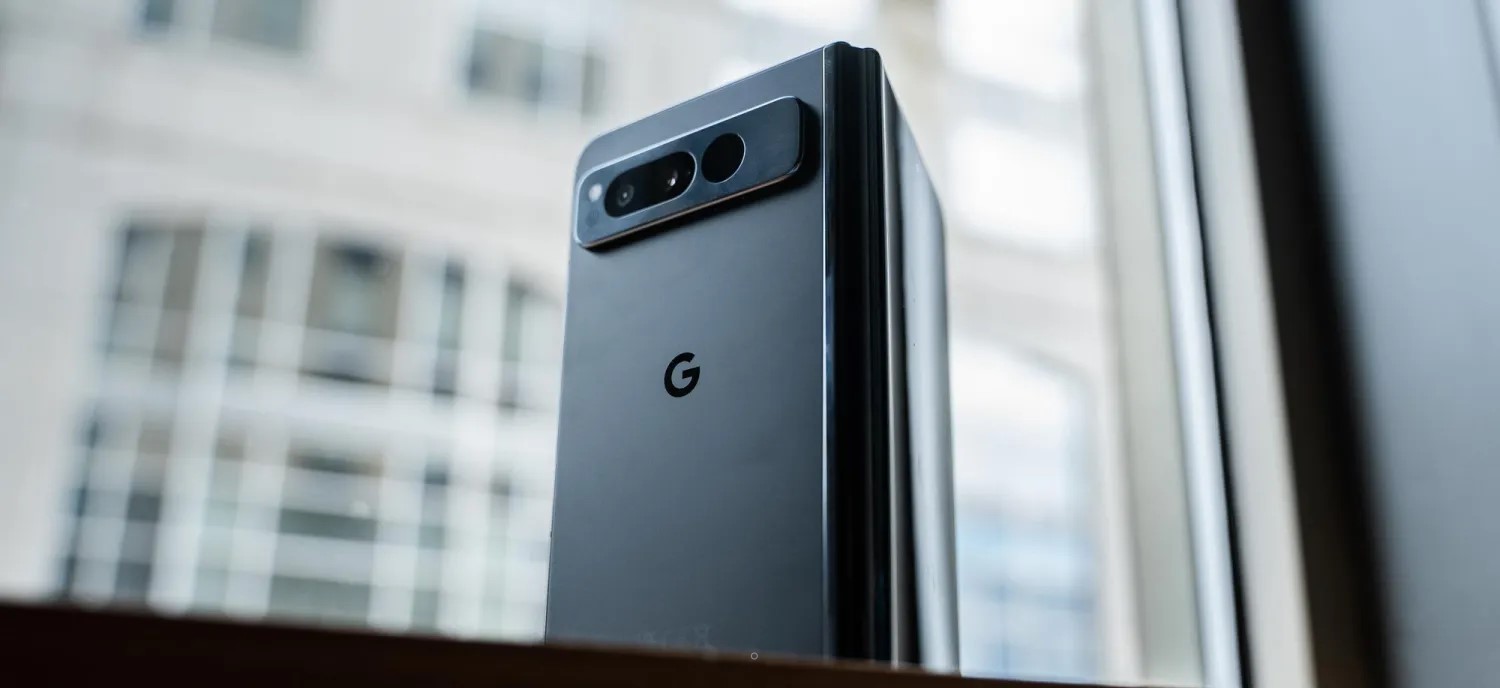
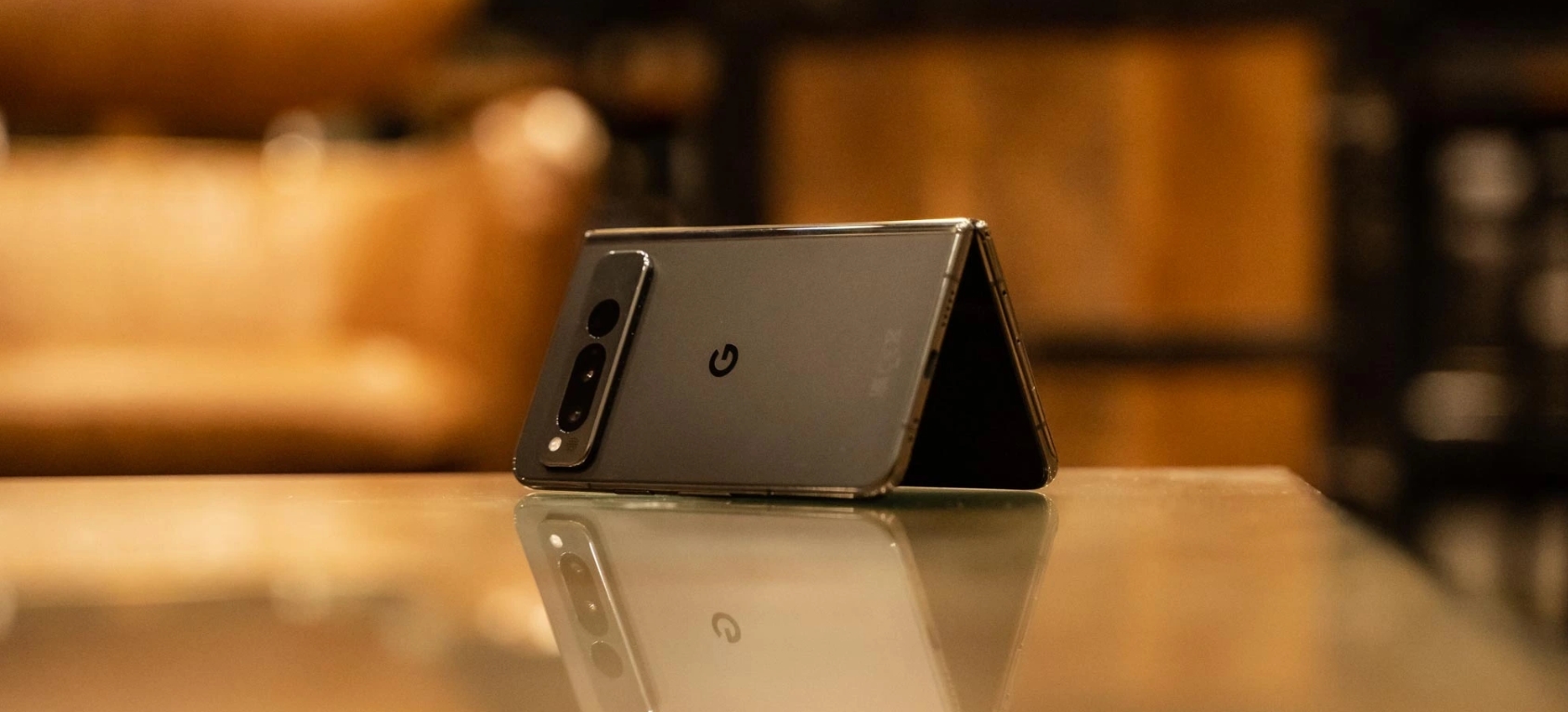
One of the biggest things Google is touting on the Pixel Fold is the build quality. I was skeptical of this at first given the company’s history but, really, they’ve mostly nailed it. The stainless steel frame of the phone is premium, though it is an absolute fingerprint magnet in the black variant Google sent out. The unfolded hardware is also incredibly thin, more so than the Galaxy Z Fold 4 I’m used to using, and even an improvement over other devices I’ve tried (even ones sold outside of the US).
This is also the first Pixel device since the Pixel 4 series (RIP) to have a matte back. The rear glass is soft to the touch and, while not quite to the same level as past Pixels, is quite good. I was disappointed to see some regulatory markings on the back, something that Pixels are usually free of, but it’s easy to forgive with the really nice hand feel that comes from the combination of matte glass and glossy stainless steel. It’s something that no other modern Pixel offers.
And, on top of that, there’s the size. The Pixel Fold is unexpectedly compact. I’ll talk more about using the 5.8-inch display later on, but the phone’s overall size is just a delight, at least when it’s closed.
Each time I pick up the Pixel Fold, I fall a little more in love with the hardware and build quality.
Of course, that’s not to say it’s perfect. The Pixel Fold is very heavy, weighing in at a whopping 283 g – that’s 20% heavier than the Pixel 7, and you feel it. That said, as someone who’s carried a Galaxy Z Fold for the past few years, I don’t really mind it, especially because Google’s foldable is thin. Keeping the Fold in my pocket really didn’t feel all that different from the Pixel 7 Pro in a case, even when the Fold was in its official case. The weight is a “problem” when you first pick up the Fold, but it becomes a non-issue after even just a few hours of use.
Another non-issue, at least to me, is the hinge. The stiff hinge is well-built as I mentioned, but it doesn’t always reach 180 degrees when you initially open it up. Rather, you have to exert some extra pressure to make it completely flat. This seems to be a lottery, with some Pixel Fold units being better or worse than others. My unit, at least, seems to be well-tuned. I’m typically seeing the device settle around 179 degrees when open, and I’ve gotten into a habit of just giving it a little extra push to hit 180 degrees.
Hinge tolerance is a problem that all foldables face. The Motorola Razr+ I just finished reviewing last week often settled around 178 degrees without an extra push, and a few months into using my Galaxy Z Fold 4, it’s hard to get a completely flat unfolding. The Pixel Fold certainly isn’t alone here, and according to Google, the resistance you feel during those last couple of degrees is actually a side effect of just how strong the hinge is. The company is insistent that the hinge can hit 180-degrees and, yes, that’s true.
1) The "not folding flat" thing:
Pixel Fold *can* fold flat (or nearly flat). But you need to really bend it to get it there – too much for comfort.
Explanation I was given (by an engineer, not PR): they used a high-friction hinge for rigid positioning. This was the tradeoff. pic.twitter.com/0RGBTrMu4E
On the outside of the Pixel Fold is a 5.8-inch display, backed up by a 7.6-inch panel on the inside. First, let’s talk about the outer display, because it might be the secret weapon of this device.
The Fold’s outer display is compact in a way we haven’t felt on a modern Pixel phone, and it’s also wide compared to most foldables I’ve tried. Through four generations, Samsung’s Galaxy Z Fold series has stuck with a tall and super-narrow display that a lot of people really dislike. I am not one of those people, and have really come to love the feel of that display. That said, the Pixel Fold kind of nails it here. The outer display is super wide (roughly identical to Pixel 7 Pro, but vertically much shorter), which I thought would feel cumbersome, but the phone’s super-thin design helps make that okay.
In action, that small display is quite nice to use. Despite being more than a full inch smaller than what I’ve gotten used to on the Pixel 7 Pro, I don’t really feel like I’m giving anything up. And, in terms of usable area, it’s much better than Samsung’s option. Plus, the glass is flat!
The only real complaint I have on the outer display is the brightness, which feels a little low even though my entire review period was handled under dark and dreary skies. More testing will be needed.
The wide outer display also leads to a wide inner display. The 7.6-inch panel here is the same diagonal measurement as Samsung’s foldable, but it feels much larger due to its width. And this comes with its own set of pros and cons.
On the bright side, there’s a lot of room here. Tablet-optimized apps feel right at home, and we’ll get into some examples later on.
This size and aspect ratio are also really good for running two apps side by side, making the Fold a multitasking machine if you want it to be and without any real compromise. The two apps essentially have full, albeit short, smartphone displays to themselves.
To address the bezel, this is beyond a non-issue.
The Pixel Fold’s bezels are a good thing. They provide extra room for grip, both on the sides and the top/bottom, as well as allowing for a good-quality inner camera that doesn’t take away from the screen in any way. If you have an issue with the bezels, just don’t buy the phone – anyone who actually gives it a chance will tell you the bezels do not matter at all.
What does matter is how the screen feels and, yes, the crease.
Google’s hinge design sees the screen noticeably dip into the center as it’s closed
The screen here is using a layer of ultra-thin glass coated with a built-in screen protector – Google says that screen protector should not be removed. The screen feels alright most of the time, but I did notice that humid conditions leave it feeling a little sticky like early generations of Samsung’s foldables. It’s certainly far better than those devices in that regard, but it’s not quite up to par with most other recent foldables I’ve tried.
And, as for the crease, it’s totally fine. It’s not nearly as good as foldables from Oppo, Xiaomi, Honor, or even Motorola, but if those brands are the gold standard and Samsung is the bottom of the barrel, I’d put Google as the middle ground. You’ll feel the crease and sometimes see it, but in actual use, it becomes a complete non-issue.
Pixel Fold (L) vs Galaxy Z Fold 4 (R)
The Pixel Fold is too wide
My biggest problem with the Pixel Fold so far is that this phone is wide.
The open 7.6-inch display leaves a ton of room for activities as mentioned, but it’s cumbersome to use. The width makes it harder to hold the foldable with one hand when it’s open, and even when it’s closed, the small screen isn’t fully one-hand-able because it’s so wide. The width also leads to excessive wasted space inside when an app is forced into portrait mode.
But the real kicker is typing. Gboard defaults to a split view on the Pixel Fold, which I usually hate, but here that’s pretty much a necessity, like on the Pixel Tablet, because using the regular layout on the inner display requires either insanely long thumbs or some serious hand gymnastics. Even a few days in, I’m still not very happy with typing on the inner display as it’s uncomfortable and leads to constant typos – I’m pretty sure autocorrect is at least partially broken on this device currently.
I’m very much hoping I’ll get used to this with time, but right now, I’m of the opinion that the Pixel Fold is just way too wide.
Software & Performance
Google’s take on a foldable is clean, but not as capable
With the Pixel Fold being a multitasking-centric device, I was actually a little mixed about the Pixel experience being at the helm. As much as I love Pixel software, One UI feels like a perfect fit for this form factor. That said, Google’s experience actually holds up rather well, and there’s not much I felt myself missing from my Galaxy Z Fold 4.
The biggest advantage Google’s software has is that it’s clean. The Pixel experience is full of useful features, but they’re designed in a way that never feels cluttered. Buttons are more clearly labeled, information isn’t quite as dense (though not much space is wasted).
A good example of that is the notification tray. Where Samsung gives you one big column, Google takes advantage of the extra space by showing one panel with your quick settings to the left and one with notifications to the right. Admittedly, I’d have loved to see some more quick settings to fill the vertical space, but aesthetically, this is pretty well-balanced.
Google’s take on foldable software is also one where both screens contribute to the same experience. The Pixel Launcher displays the same layout inside and out, just with the inner display showing two panels at once. Google explained that this choice was made because it feels more convenient and fluid, but it’s something that the company will evaluate again in the future. The only problem I felt there was with the app dock, which has an extra slot on the inner display that you don’t get on the outside.
You’ll also feel this cohesive setup through apps. Obviously, using an app on the outside leads to that app just getting bigger when you open the display, but if you’re using an app on the inner display and then close the phone, the outer display will keep that app alive too. Where Samsung brings you back to the homescreen, Google will show the same app on the outside that you were just using on the inside. If you were multitasking on the inside, the last-used app appears on the outside. That also, oddly, leads to app pairs not sticking around on the inner display, but that’s ultimately a pretty minor annoyance.
Multitasking in itself is a feature that, personally, I actually rarely find myself using. I generally tend to use the foldable display as just a bigger space for my singular apps, but using two apps side-by-side does feel really nice on this display, and the taskbar makes adding apps easy. The feature I really found myself missing, though, was Samsung’s floating apps. Google doesn’t offer this, and I really would have appreciated the option on this expansive display. That said, just making the secondary app smaller had roughly the same effect.
The Google Pixel Fold runs Android 13 out of the box, with the usual update policy of three years of major Android updates (through Android 16 at least) and five years of monthly security updates. That’s behind Samsung’s 4-year promise for major updates, but it’s not really all that bad either.
The app situation is getting better
As usual with any big-screen Android device, the Pixel Fold faces the app problem. Android apps, in large part, just aren’t good at being on tablets, but this situation is very clearly getting better.
Some star pupils during my use of the Fold so far have been the Google Home app, the new Google Weather app, and Google Keep.
Notice the lack of third-party apps here? There are some good ones, like Telegram, WhatsApp, and Discord, but there are many that are slacking here. Twitter, Reddit, and others are letterboxed in, and other apps that once had a tablet layout, like Slack, just don’t work well.
But ultimately that’s not the fault of the phone and, if anything, the Pixel Fold’s existence may help us towards a future where these apps are a little better. And Google has struck a good balance, too. While I firmly believe that Samsung’s taller and narrower aspect ratio is better for most apps today, I ran into fewer problems on the Pixel Fold because Google forces apps to run in the correct aspect ratio, even if they have to be letterboxed.
Things would be slightly better if the Pixel Fold wasn’t so wide, though, something I predicted might be the case.
Tensor G2 is fast enough but is the Fold’s weakest link
As has been the case with Google’s past few Pixel products, much of the conversation with performance comes down to Tensor. The Tensor G2 processor here is the same one found in Google’s Pixel 7 and Pixel 7 Pro, which means it’s faster than its predecessor, has a better modem, and overall, just gets the job done. Sure, the Snapdragon 8 Gen 2 is much faster, but you’re really splitting hairs to feel that difference.
Rather, the reason I’d prefer a Snapdragon here just comes down to efficiency. With Google mainly releasing Pixels in the late fall, I rarely get to experience how the phones handle heat during my review period. But between daily driving a Pixel 7 Pro through the first 85-degree days of the year and now using the Pixel Fold as North Carolina’s temperatures jump up and down, I’m reminded of just how Tensor fails here.
The Pixel Fold gets hot often and stays warm almost constantly. Just using the foldable for more than 15 minutes at a time leaves the bottom half feeling a bit warm, and escalating that with a game or something more intensive can just make matters worse. The heat is also somewhat more noticeable on the Fold versus the rest of the Pixel series just because of how thin the device is.
Is this a deal breaker? For many people, it might just be, and that would be fully understandable. For me, I don’t really run into actual issues caused by Tensor’s heat enough for it to be a problem – it’s mostly a minor inconvenience. But with the Pixel Fold costing double Google’s other most expensive phone and really, sitting at the top of the charts for the foldable market as a whole, the standards are higher, and Tensor really proves to be this phone’s weakest link by far.
Cameras
This is where Google Pixel Fold shines
Due to the inherent limitations of foldable form factors, these devices have historically struggled in the camera department. Even with the Galaxy Z Fold 4, Samsung still doesn’t really nail it here, and other brands are hit or miss – Oppo, Xiaomi, and Honor seem to have really figured it out, though.
Google, thankfully, seems to have kept up the Pixel’s camera legacy on the Pixel Fold. With my most of review period being stuck in dark and dreary conditions, I don’t want to solidify my thoughts on the camera just yet. But, at least so far, it seems like a winner.
The 48MP main camera doesn’t feel quite as strong as the 50MP sensor in the Pixel 7 and Pro, but the 5x telephoto lens is a godsend compared to my Galaxy Z Fold 4’s 3x lens, and I’ve been very happy with a lot of my shots so far.
One of the perks you’ll get on the Google Pixel Fold is the ability to shoot selfies with the rear camera by using the outer display as a viewfinder, and the Google Camera app adopts to this well. I think Google’s implementation of the button for switching to this mode is much more obvious than on other foldables, but the width of the Pixel Fold makes holding it and snapping the shot a little cumbersome, and skin smoothing felt very aggressive. I’m not much of a selfie taker, but I don’t remember past Pixels being quite as strong here.
Still, I’m far happier here than I’ve been on the Galaxy Z Fold 4 that’s usually in my pocket, so this is a big win in my book.
Battery Life
Maybe the best battery on a Tensor-powered Pixel?
In the few days I’ve been using the Pixel Fold so far, I’ve actually been really happy with the battery life.
I’ve been running roughly a 60/40 split on the outer and inner displays respectively, and have been managing 3-4 hours of screen time daily with a mix of social media, email, web browsing, the occasional game mixed in. Wireless Android Auto is also a fairly regular occurrence. The endurance isn’t perfect by any means, but for my usual 8 a.m.- 11 p.m. schedule, I find myself going to bed when the tank has hit the single digits.
If I know I’m going to be out later, or really out at all given Tensor’s inefficiency on mobile networks, I usually try to find a few minutes to plug in for a bit of extra juice. The wired charging, which hits around 22 W like the Pixel 7 series for the 4,821 mAh battery, is generally enough, too. Wireless charging, though, has been quite finicky even on Google’s own Pixel Stand. I suspect it’s just because this phone is so much smaller in its vertical footprint, as a pad-style wireless charger does work much better.
Repairability
With any foldable repairability is an important point to consider before buying, and that’s especially true with one from Google, given the infamous history of woes with Pixel customer service.
Tidbits
Haptics
Haptics feel less impactful on the Pixel Fold than they do on the Pixel 7 and Pixel 7 Pro. That’s not to say they’re bad, they’re still so much better than most phones, I just find myself noticing them less because they’re not as strong.
Fingerprint sensor
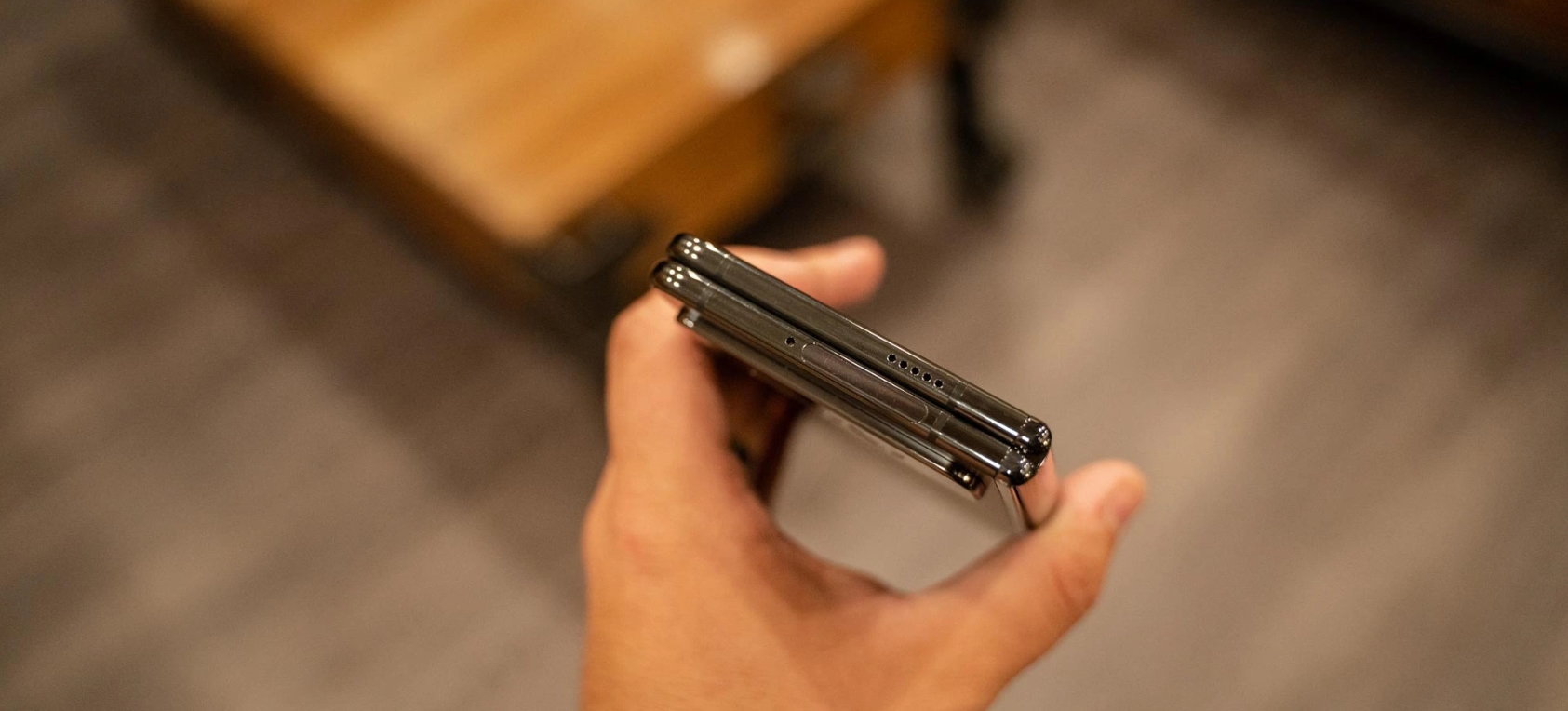
Unlike every other Tensor-powered Pixel phone so far, the Pixel Fold has a physical, capacitive fingerprint sensor. The sensor is built into the power button and, generally speaking, is very good. The success rate feels higher than the optical sensor found in Pixel 7 Pro, and if it does miss on the first try, it always gets it the second time around. I think this will get better with time as I get used to the placement.
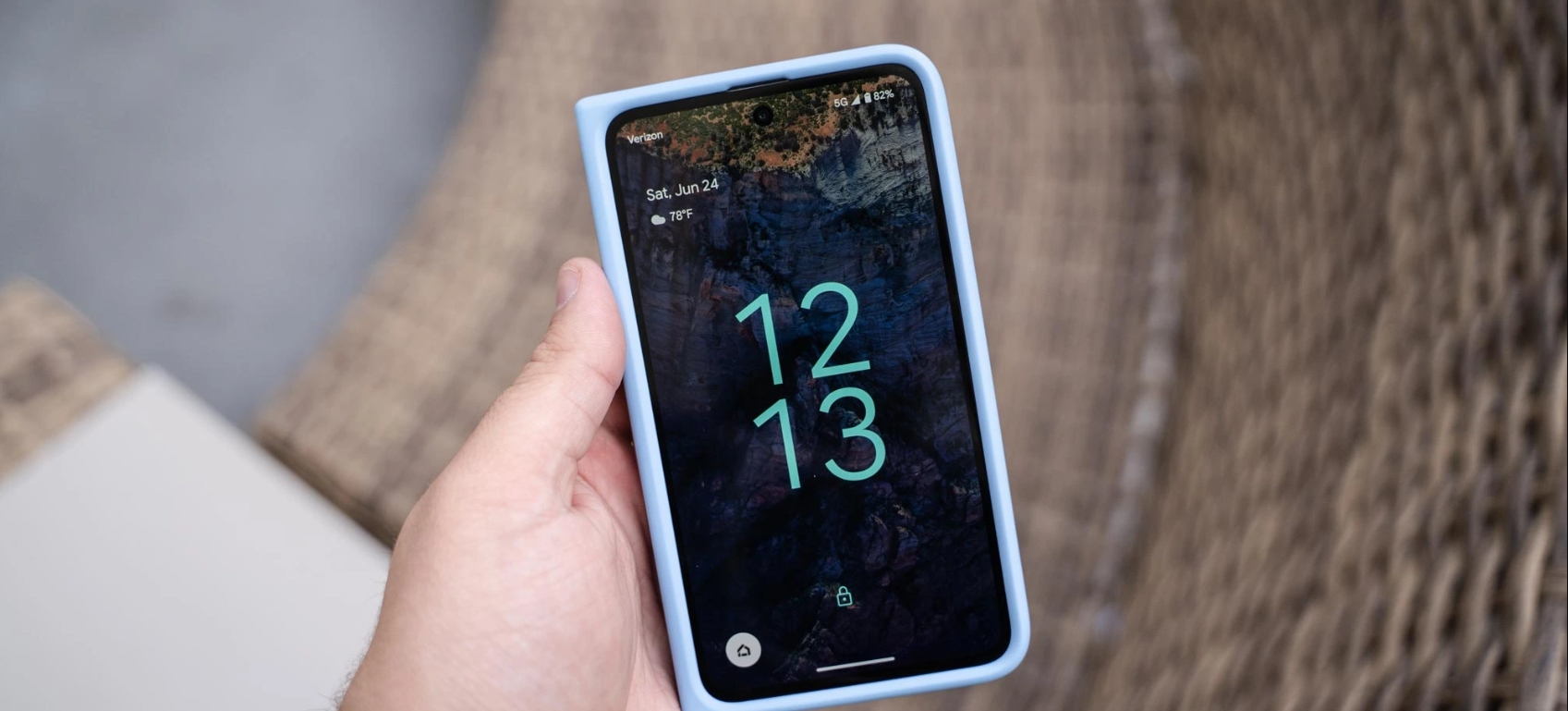
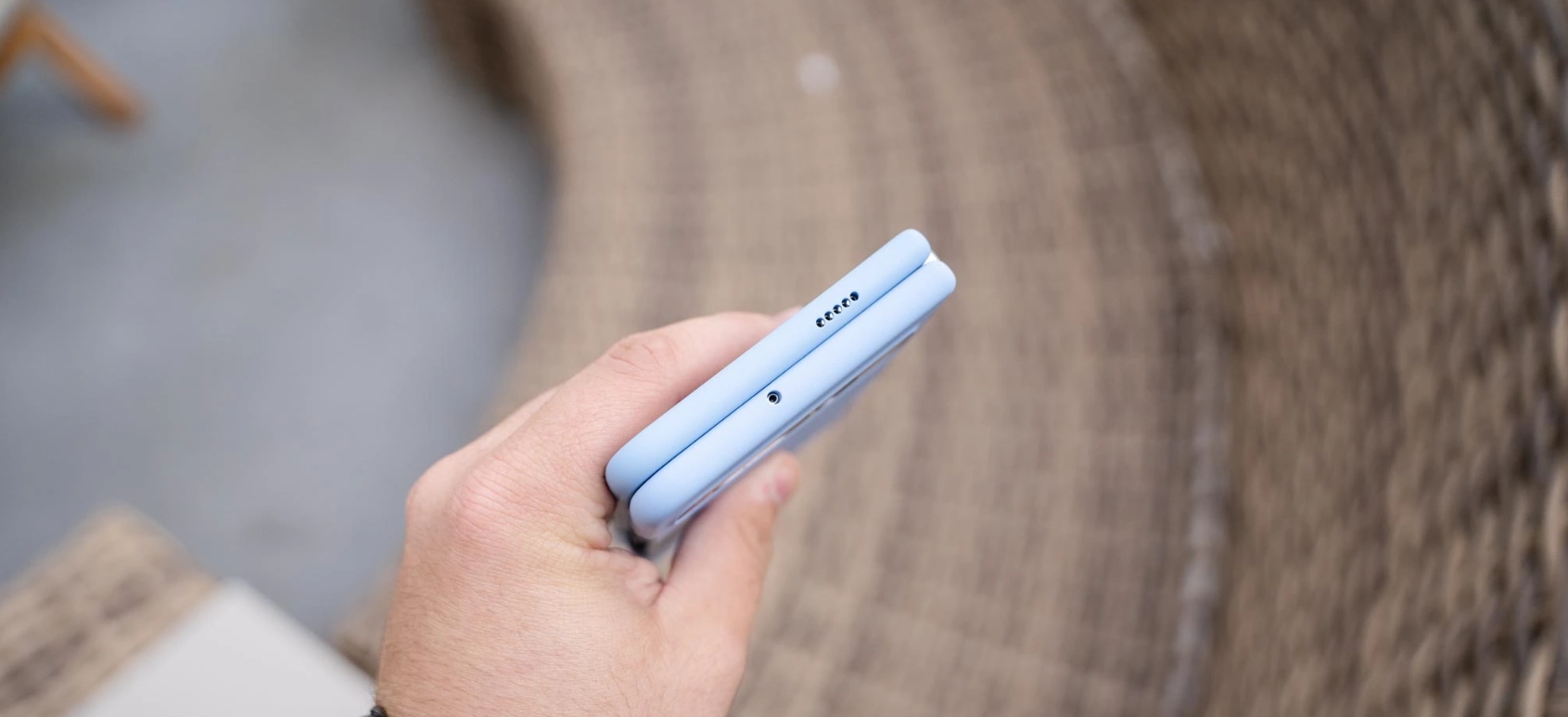
Pixel Fold’s fingerprint sensor is built into the frame
Official case
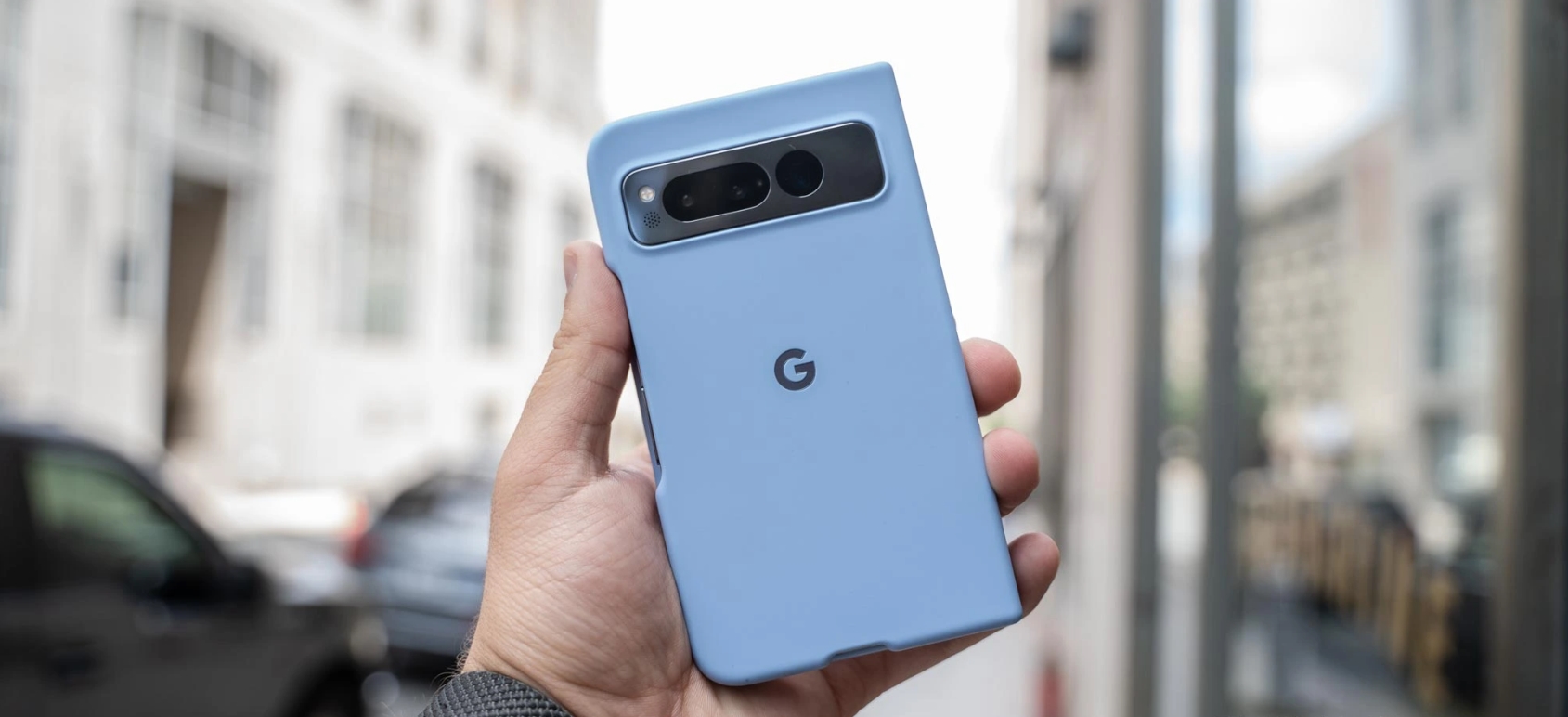
If you’ve followed my time with Samsung’s foldables, you’ll know that cases are something I’ve felt foldables haven’t really nailed down. Samsung took about three years to really figure it out, but Google nailed it here right out of the gate. The official Pixel Fold case, which runs $60, fits onto the foldable well and uses minimal adhesive to do so. There are a couple of adhesive bits, but they don’t prevent easy removal. The case fits snugly, especially on the front, and the back half is super grippy. Overall, this case is a huge win and certainly worth adding to your purchase.
The verdict… so far
Six days isn’t nearly long enough to really come up with a final verdict on the Pixel Fold, but I’ve got a pretty good idea of where things are going at this point.
The Pixel Fold is a device that is way better than I expected, and shockingly, actually really good. Google has made some meaningful decisions with this device that help it stand out from the rest of the foldable market and, in some cases, rise to the top. The biggest win here is on Google getting to market with something this good, this early. In the US, Google is only competing with Samsung and, despite the Galaxy Z Fold’s clear advantages on repairability and the years of background knowing how these devices age, Google actually puts up a strong offer.
For a first-generation product, I’m blown away at just how good the Pixel Fold has proven itself to be.
It’s just far too expensive for what it brings to the table. I’m happy to forgive some of Google’s shortcomings with Pixel, such as the issues with Tensor, when the company is undercutting its competitors like the Pixel 7 and Pixel 7 Pro do, but with the Fold coming in at the exact same price Samsung is asking, it’s just not worth it. I canceled my personal Pixel Fold pre-order, and I’d only put up the money myself if the device was considerably cheaper.
This first Pixel Fold is a very solid foundation, but the improvements to Tensor that could arrive in a “Pixel Fold 2,” along with a price cut, are what Google needs to deliver to really sell me on this product.
Thank you for using
Themify Popup
This is a sample pop up. Themify Builder or Builder Lite (free) plugin is recommended to design the pop up layouts.