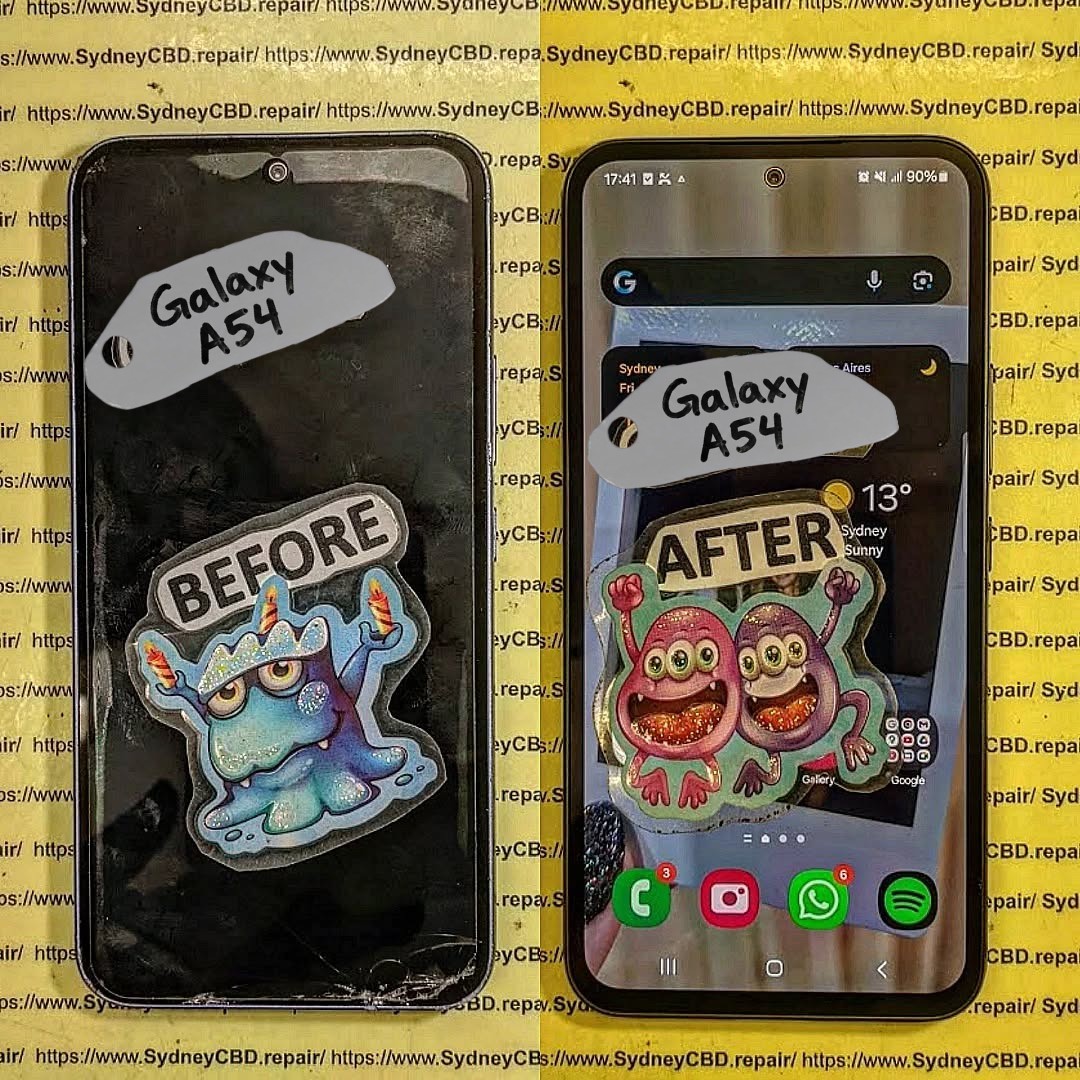
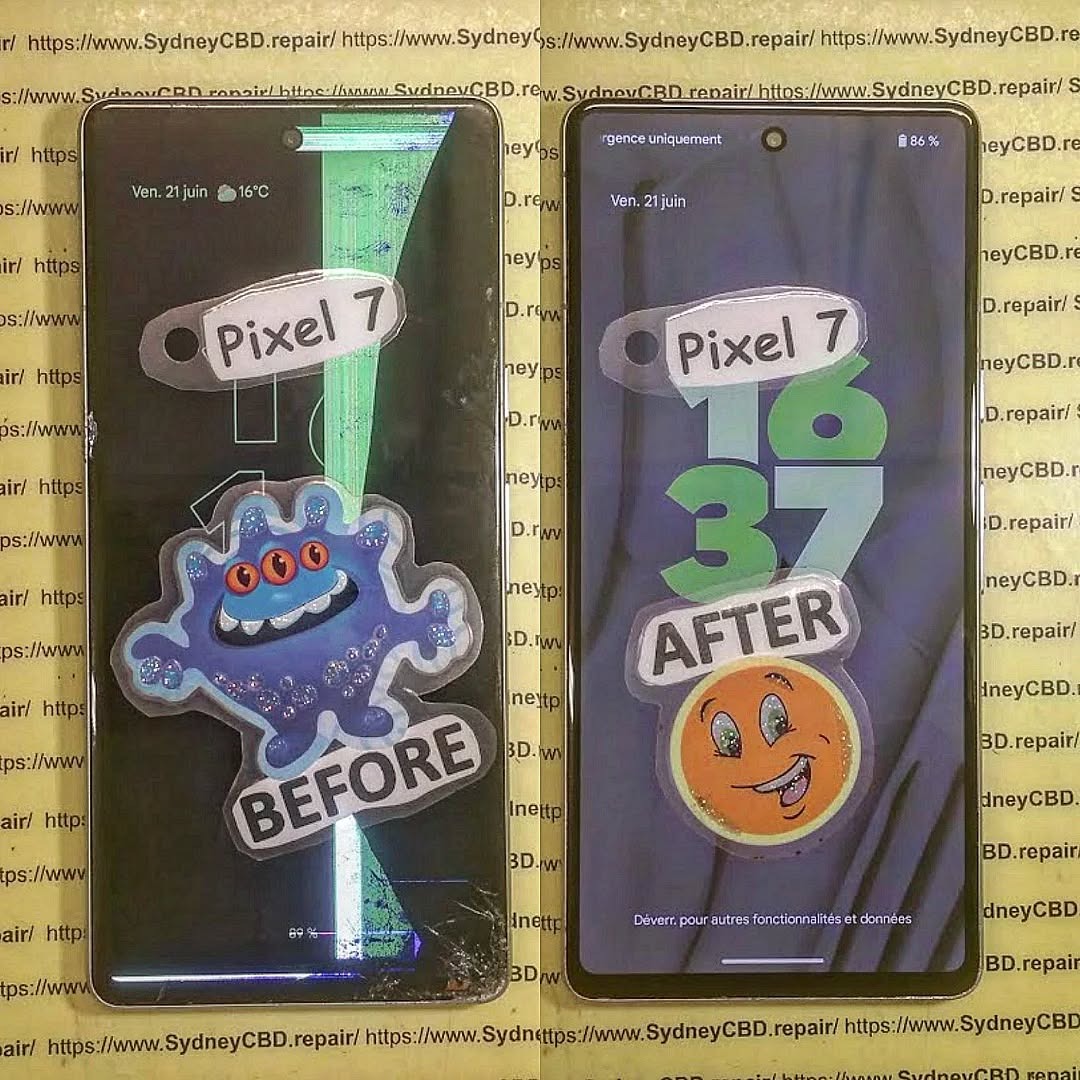
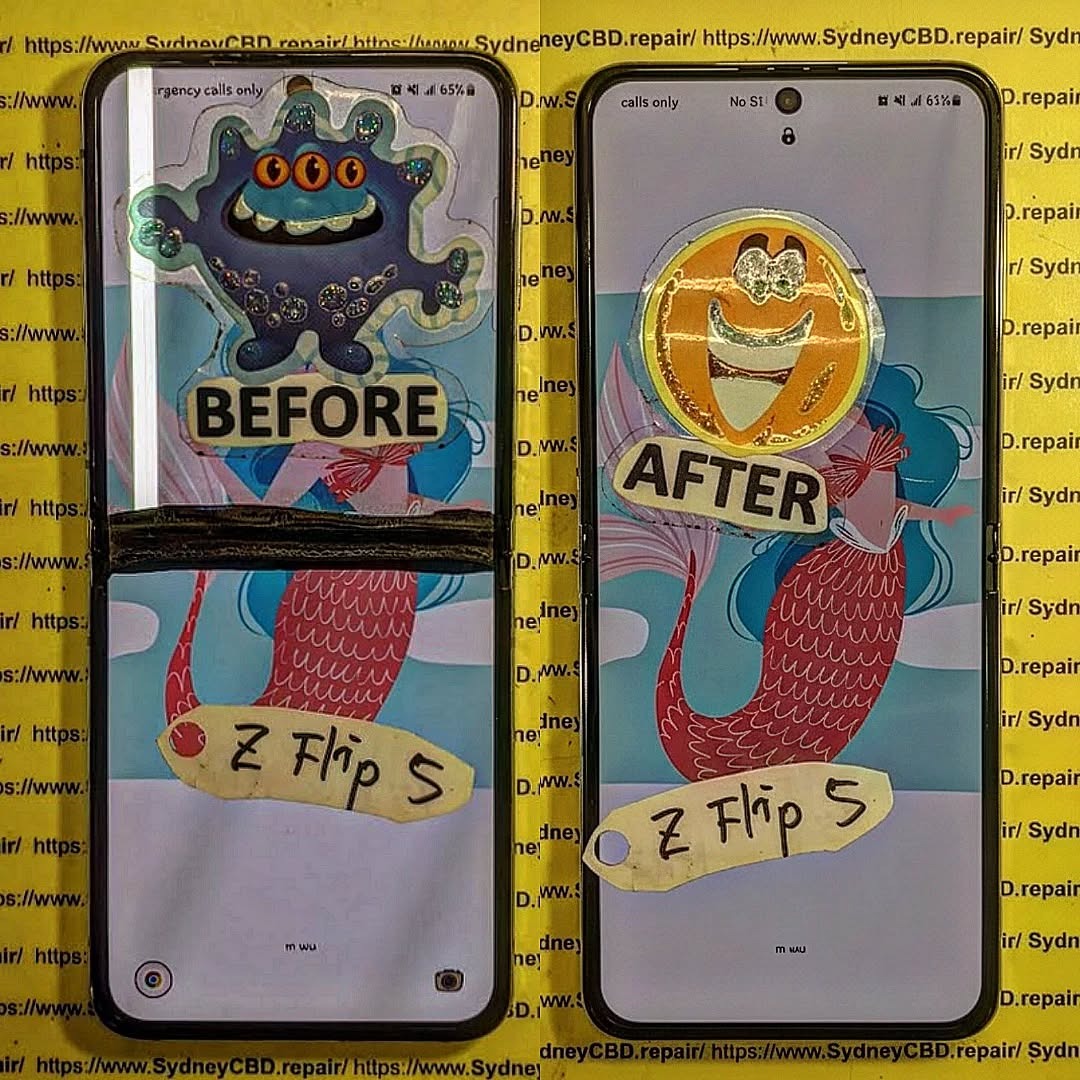
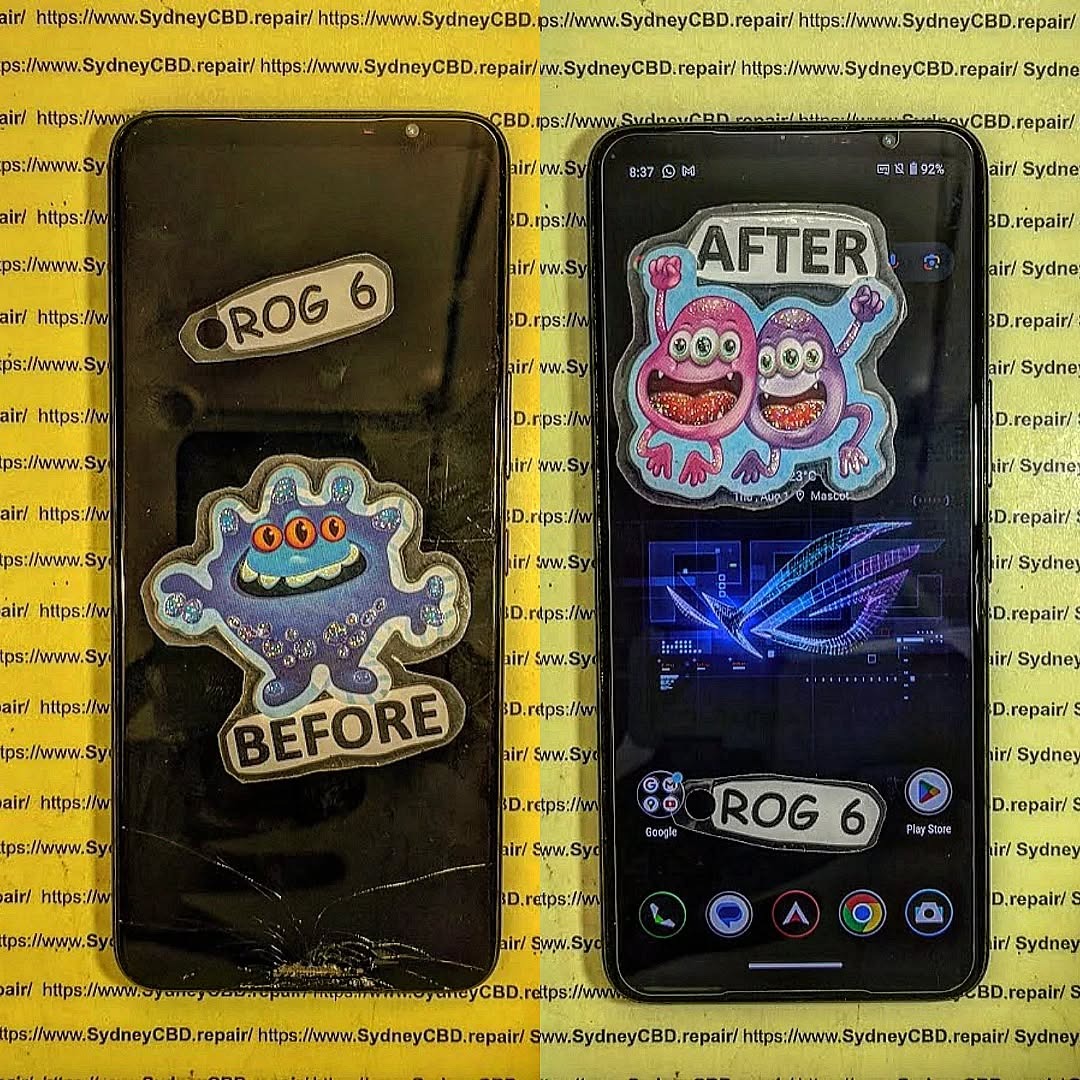
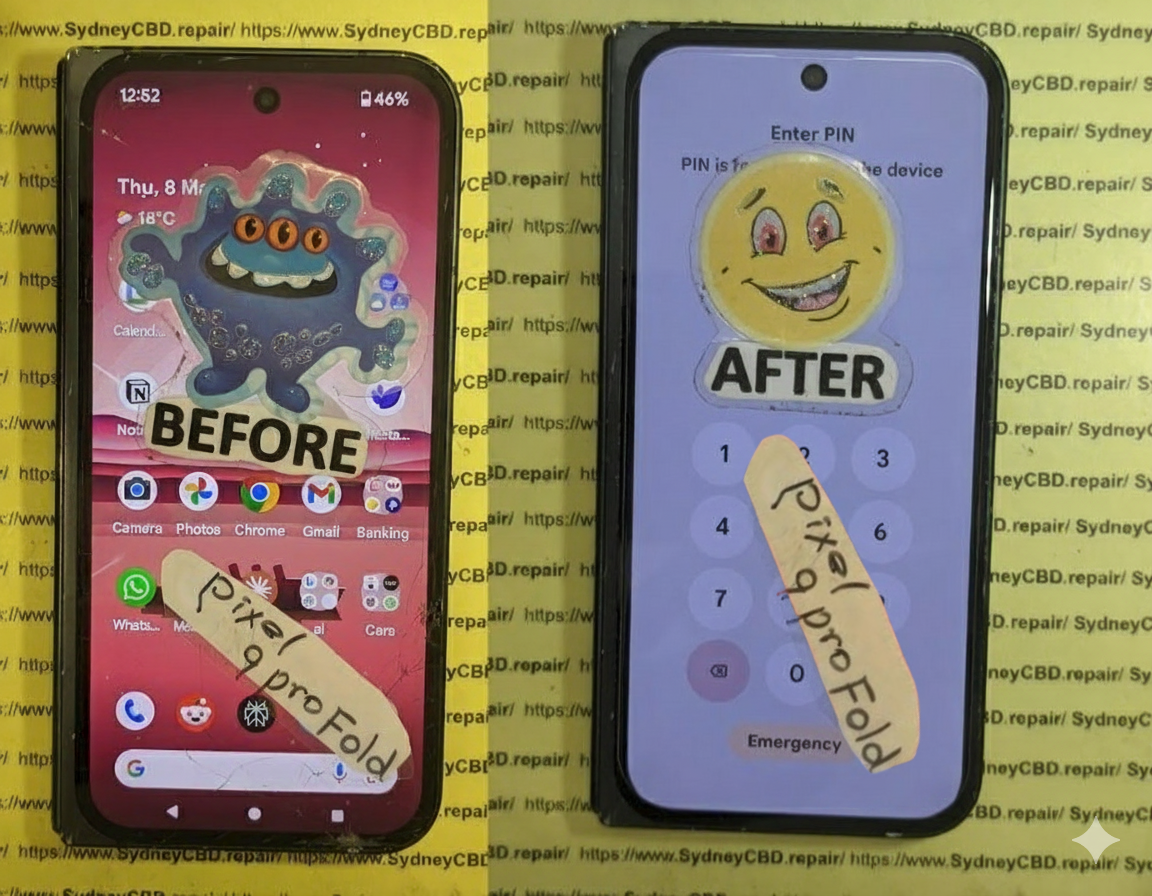
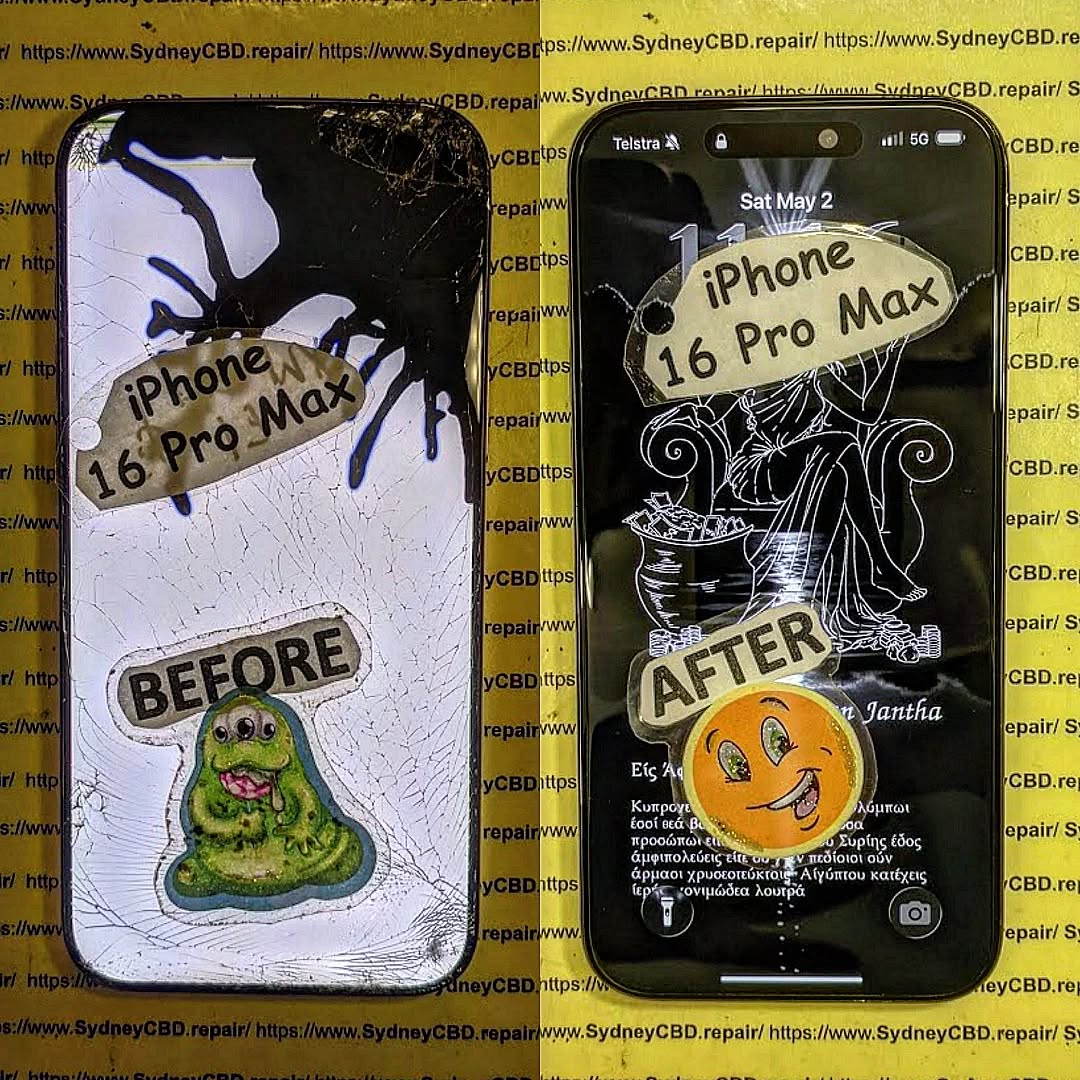
Whether you Repair or Replace? Analyzing the Cost of Samsung Galaxy A54 5G Screen Fixes – 7 Powerful Insights You Must Know
📱 Introduction to Galaxy A54 5G Screen Issues
The Galaxy A54 5G screen fix cost is one of the most common concerns among smartphone users today. After all, accidents happen—phones slip, screens crack, and suddenly you’re stuck deciding: repair or replace?
The Galaxy A54 5G is a solid mid-range device, but like any smartphone, its screen is its most vulnerable part. Whether it’s a minor crack or a completely unresponsive display, the cost and decision-making process can feel overwhelming.
So, what’s the smarter move?
In this guide, we’ll break everything down—from repair pricing to real-world scenarios—so you can make the best decision without wasting money.
Let’s get into the numbers. The Galaxy A54 5G screen fix cost varies depending on where and how you repair it.
🏢 Official Repair Costs
Authorized service centers typically charge:
Repair Type
Estimated Cost
Screen Replacement
$120 – $180
Full Display Assembly
$150 – $220
✅ Pros:
Genuine parts
Warranty protection
❌ Cons:
Higher price
Longer wait times
🔧 Third-Party Repair Costs
Local repair shops often offer more affordable solutions:
Repair Type
Estimated Cost
Screen Replacement
$80 – $140
Aftermarket Display
$70 – $120
👉 This is where most people save money—but quality can vary.
🛠️ DIY Repair Costs
Feeling adventurous?
Item
Cost
Replacement Screen
$50 – $100
Tools Kit
$10 – $25
⚠️ Warning: DIY repairs can void warranties and risk further damage.
📊 Factors That Influence Repair Costs
The Galaxy A54 5G screen fix cost isn’t fixed—it depends on several factors.
🌍 Location and Labor
Urban areas = higher labor costs
Rural areas = cheaper but limited options
🧩 Parts Quality
OEM (Original) = expensive but reliable
Aftermarket = cheaper but inconsistent
📜 Warranty Status
If your phone is under warranty or insurance:
You might pay little to nothing
Or just a deductible fee
🔧 When Repairing Makes More Sense
Repairing is usually the better option if:
The phone is less than 2 years old
Only the screen is damaged
Repair cost is under 50% of device value
👉 In most cases, fixing your Galaxy A54 is the smarter financial move.
🔄 When Replacing Your Device is Better
Sometimes, repair isn’t worth it.
Consider replacement if:
Multiple components are damaged
Repair cost exceeds 60% of phone value
Battery and performance are already declining
⚖️ Pros and Cons of Screen Repair
✅ Pros
Cheaper than buying new
Keeps your data intact
Environmentally friendly
❌ Cons
Risk of poor-quality parts
No guarantee of long-term durability
📦 Pros and Cons of Replacement
✅ Pros
Brand-new device performance
Updated features
Full warranty
❌ Cons
Expensive upfront
Data transfer hassle
⏱️ How Long Does Screen Repair Take?
Official centers: 1–3 days
Local shops: 30 minutes to 2 hours
DIY: 2–4 hours (or more if things go wrong!)
⚠️ Risks of Cheap Repairs
Going for the lowest price can backfire:
Poor display quality
Touch issues
स्क्रीन detaching over time
👉 Always balance cost with quality.
🛡️ How to Prevent Future Screen Damage
Prevention is better than cure, right?
Use a tempered glass protector
Invest in a shockproof case
Avoid placing your phone in back pockets
💡 Expert Tips for Saving Money
Want to cut down the Galaxy A54 5G screen fix cost?
Compare at least 3 repair quotes
Ask about warranty on repairs
Avoid ultra-cheap deals—they’re risky
Consider refurbished parts
❓ Frequently Asked Questions
1. How much does it cost to fix a Galaxy A54 5G screen?
It typically ranges from $80 to $220 depending on repair type and provider.
2. Is it worth repairing a cracked screen?
Yes, if the repair cost is less than half the phone’s value.
3. Can I use my phone with a cracked screen?
You can, but it’s risky—damage may worsen over time.
4. Does screen repair affect waterproofing?
Yes, most repairs reduce water resistance unless properly sealed.
5. How do I know if my screen needs full replacement?
If there are lines, flickering, or no display, a full replacement is needed.
6. Is DIY screen repair safe?
Only if you have experience. Otherwise, it can cause more damage.
🏁 Conclusion
So, should you repair or replace?
If your device is still in good condition and the Galaxy A54 5G screen fix cost is reasonable, repairing is usually the smarter choice. It saves money, extends your phone’s life, and keeps things simple.
However, if your phone is aging or heavily damaged, replacing it might be the better long-term investment.
At the end of the day, it’s all about balancing cost, convenience, and value.
David from Sydney CBD Repair Centre – The Best place to fix mobile phones as 7 Years In A Row! Top Mobile Phone Repair In Sydney. More than 2000 Positive Reviews on Google and Same Day Repairs.
We take pride in delivering exceptional repair services for all major phone brands including Apple, Samsung, Google, and more. Our expert technicians use only genuine parts and offer 90days warranty on repairs. Located in the heart of Sydney CBD, we’re your one-stop solution for all mobile device repairs.
Our commitment to excellence has earned us the trust of thousands of satisfied customers. Whether it’s a cracked screen, battery replacement, or water damage repair, we handle it all with professional care and expertise. Walk in today and experience why we’re Sydney’s #1 choice for mobile phone repairs.
Visit us for:
✓ Same Day Express Repairs
✓ Genuine Parts Guarantee
✓ Professional Technicians
✓ Competitive Pricing
✓ 2000+ 5-Star Google Reviews
✓ 7-Time Award Winner for Best Phone Repairs
The Fake Screen Trap: Comparing Sydney CBD Genuine Parts vs Cheap Online Imports – 9 Shocking Truths Every Phone Owner Must Know
Introduction
Replacing a damaged smartphone screen might seem straightforward, but choosing the wrong replacement can cost far more than the initial savings. This guide explains the differences between genuine replacement parts and inexpensive imported alternatives, helping you make an informed decision before your next repair.
A cracked smartphone screen is one of the most common accidents affecting modern devices. Whether you own an iPhone, Samsung Galaxy, Google Pixel, or another flagship phone, replacing a damaged display quickly becomes a priority.
Unfortunately, many consumers unknowingly fall into what repair professionals call the fake screen trap.
Online marketplaces are flooded with replacement screens advertised as “OEM Quality,” “Original Grade,” “Premium LCD,” or even “Factory Genuine.” While these descriptions sound reassuring, many are misleading. The result is a repair that may initially appear acceptable but develops problems weeks or months later.
This is where understanding Sydney CBD genuine parts vs cheap online imports becomes essential.
Professional repair centres invest in high-quality components because they understand that a smartphone display is far more than a piece of glass. It is one of the most sophisticated parts of the device, integrating:
High-resolution OLED or LCD technology
Precision touch sensors
Ambient light sensors
Under-display fingerprint technology
Display drivers
Colour calibration
Protective coatings
Power management circuitry
Replacing this advanced technology with an inferior copy can dramatically reduce your phone’s overall performance.
Throughout this guide, we’ll compare genuine replacement parts with inexpensive imported alternatives and explain why the cheapest repair often becomes the most expensive one.
Cheap replacement screens dominate online marketplaces for one simple reason—they’re profitable.
Manufacturers can produce copy displays at a fraction of the cost of genuine service parts by reducing production expenses through:
Lower-quality OLED materials
Cheaper LCD panels
Basic touch controllers
Inferior glass
Reduced quality control
Simplified colour calibration
Lower manufacturing tolerances
These savings allow online sellers to advertise replacement screens for prices that seem almost unbelievable.
For example, you may find two replacement displays for the same phone model:
Screen Type
Average Market Price
Genuine Service Pack
Premium pricing
OEM Refurbished Original
Mid-range
High-Quality OLED Copy
Lower
Incell LCD
Budget
TFT LCD Copy
Cheapest
At first glance, paying significantly less appears to be a smart financial decision.
However, price alone tells only part of the story.
Professional repair technicians regularly encounter customers who initially chose the cheapest repair available, only to return weeks later because the replacement screen developed faults such as:
Flickering displays
Ghost touch
Dead pixels
Touch delay
Green lines
Screen lifting
Excessive battery drain
Fingerprint reader failures
Many of these issues stem directly from the lower-quality components used in budget replacement screens.
Many consumers assume every repair shop uses the same replacement parts. In reality, there are significant differences between genuine service parts and aftermarket copies.
A genuine display is manufactured to meet the original device specifications. These screens are engineered to provide:
Accurate colour reproduction
Proper brightness levels
Reliable touch responsiveness
Long-lasting durability
Full compatibility with device software
Consistent performance
Factory-level fit and finish
Professional repair centres that prioritise quality understand that the display is one of the most critical components of a smartphone.
A premium replacement restores the phone to near-original performance rather than simply making it usable again.
OEM vs Genuine Service Pack
This topic often causes confusion.
Some sellers advertise “OEM” screens even though the components were never supplied through official service channels.
Here’s a simplified comparison:
Feature
Genuine Service Pack
OEM Claim
Cheap Copy
Factory calibration
✔
Sometimes
Rarely
Original brightness
✔
Usually
No
Accurate colours
✔
Usually
Often poor
Premium glass
✔
Sometimes
No
Reliable touch
✔
Usually
Variable
Software compatibility
Excellent
Good
Inconsistent
Understanding these differences helps consumers avoid misleading advertising.
Not every screen described as “OEM” delivers genuine flagship performance.
Refurbished Original Displays
Another option sometimes available is a refurbished original display.
This involves taking an authentic factory display with damaged outer glass, replacing only the glass while preserving the original OLED panel.
When completed by experienced specialists using professional equipment, refurbished originals can deliver excellent results because the most important display components remain genuine.
However, refurbishment quality varies considerably. Poor workmanship can introduce dust, bubbles, uneven lamination, or reduced durability.
For this reason, choosing an experienced repair provider remains just as important as selecting the right replacement part.
How Cheap Online Screens Are Manufactured
Most inexpensive replacement screens are designed with one primary objective: reducing manufacturing costs.
Every component is evaluated for potential savings, including:
Display substrate
Driver IC
Adhesive quality
Glass hardness
Polarising layers
Digitiser assembly
Connector quality
Protective coatings
Individually, these compromises may appear minor.
Collectively, they significantly affect the user experience.
For example, lower-quality OLED materials often produce:
These issues may not appear immediately after installation but become increasingly noticeable with everyday use.
As smartphone technology continues to evolve, the tolerance for manufacturing inaccuracies becomes even smaller. Modern flagship devices rely on tightly integrated hardware and software, meaning even slight deviations from original specifications can affect performance.
Part 2
Display quality, touch performance, durability, hidden costs, and warranty differences
In this section:
Display quality comparison
Touch sensitivity
Fingerprint compatibility
Durability testing
Hidden costs
Warranty differences
Continuing the article:
Display Quality Comparison
One of the biggest differences between Sydney CBD genuine parts vs cheap online imports becomes obvious the moment the screen turns on.
Many budget replacement displays look acceptable indoors under normal lighting. However, once compared side-by-side with a genuine display, the differences become difficult to ignore.
Brightness and Outdoor Visibility
Modern flagship phones are designed to remain readable in bright sunlight. Genuine OLED panels can achieve very high peak brightness levels, allowing users to comfortably read messages, navigate maps, and view photos outdoors.
Cheap copy displays often struggle in the same conditions.
Common complaints include:
Dim outdoor visibility
Grey-looking blacks
Washed-out colours
Uneven brightness across the screen
Poor HDR performance
Colour Accuracy
Professional photographers, designers, and content creators particularly notice colour inaccuracies.
Genuine displays are factory-calibrated to reproduce colours accurately. In contrast, many inexpensive imports display:
Over-saturated reds
Green-tinted whites
Blue-shifted greys
Inconsistent colour temperature
Reduced contrast
Resolution and Sharpness
Some budget screens advertise the same resolution as the original display, yet text and images still appear softer.
This happens because panel quality, sub-pixel arrangement, and manufacturing precision affect perceived sharpness.
Quick Comparison
Feature
Genuine Display
Cheap Import
Outdoor brightness
Excellent
Often poor
Colour accuracy
Factory calibrated
Variable
Black levels
Deep OLED blacks
Greyish blacks
Sharpness
Crisp
Sometimes soft
HDR quality
Excellent
Limited
Touch Sensitivity: The Difference You Feel Every Day
Display quality matters, but touch performance affects every interaction with your phone.
Professional repair technicians frequently test replacement screens by typing quickly, scrolling rapidly, and performing multi-touch gestures.
Genuine displays typically provide:
Instant touch response
Accurate typing
Smooth scrolling
Reliable gaming performance
Consistent edge sensitivity
Cheap imports often show:
Delayed response
Missed touches
Accidental touches
Keyboard errors
Inconsistent sensitivity near the edges
Why Gamers Notice the Difference
Mobile gamers are usually the first to complain about low-quality replacement screens.
Fast-paced games require precise input timing. Even small touch delays can affect performance, making genuine displays the preferred choice for heavy users.
Fingerprint Sensor Compatibility
Many modern smartphones use under-display fingerprint sensors.
These systems rely on precise optical or ultrasonic technology working through the display itself.
With genuine parts, fingerprint recognition is usually:
Fast
Accurate
Consistent
Reliable in different lighting conditions
With cheap imports, users may experience:
Frequent fingerprint failures
Repeated enrolment attempts
Slow unlocking
Complete sensor incompatibility
Important
For devices such as Samsung Galaxy and Google Pixel models, display quality can directly affect fingerprint sensor performance.
Durability Comparison: Which Screen Lasts Longer?
A replacement screen isn’t truly affordable if it fails after a few months.
Professional repair centres often see significant lifespan differences between genuine and budget displays.
Genuine Displays
Stronger glass
Better adhesive bonding
Higher-quality OLED materials
Improved heat management
Lower failure rates
Cheap Imports
More prone to cracking
Screen lifting issues
Premature OLED failure
Green lines appearing over time
Touch layer degradation
Real-World Failure Rates
While exact numbers vary by manufacturer, repair technicians consistently report that low-cost copy screens return for warranty claims far more frequently than genuine replacements.
The Hidden Costs of Cheap Screens
Many consumers focus only on the initial repair price.
However, the true cost of a cheap screen often includes:
Hidden Cost
Impact
Second repair
Paying twice
Lost productivity
Phone unavailable again
Poor resale value
Lower device value
Battery drain
More charging required
Fingerprint issues
Daily frustration
Display failure
Potential data access problems
When Cheap Becomes Expensive
Imagine paying for a budget screen replacement, then needing another replacement six months later.
The total cost can easily exceed what a genuine repair would have cost initially.
Repair Warranty Differences
Warranty terms often reveal how much confidence a repair provider has in its parts.
Professional Genuine-Part Repairs
Longer warranty periods
Better failure coverage
More consistent support
Lower claim rates
Cheap Import Repairs
Shorter warranties
More exclusions
Higher dispute rates
Greater risk of repeat repairs
A Useful Rule
If a repair shop is willing to stand behind a genuine display with a strong warranty, that’s often a good sign the parts are built to last.
How Professionals Identify Fake Smartphone Screens
Not all replacement smartphone screens are created equal. While many aftermarket displays look convincing at first glance, experienced repair technicians can often identify a fake or low-quality screen within minutes. By combining visual inspection, diagnostic tools, and hands-on testing, professionals can determine whether a display is genuine, refurbished, or an aftermarket copy.
Here are the most common methods used by professional repair technicians.
1. Check the Display Brightness
One of the easiest ways to identify a fake screen is by comparing its brightness with a genuine display.
Original OLED and high-quality LCD panels are designed to produce excellent brightness levels, even in direct sunlight. Cheap aftermarket screens often appear noticeably dimmer and struggle with outdoor visibility.
Professionals typically test the screen by:
Setting brightness to maximum
Viewing the display under strong lighting
Comparing it with a known genuine device
A screen that looks dull or washed out may indicate a lower-quality replacement.
2. Examine Colour Accuracy
Colour reproduction is another important indicator.
Genuine displays are factory-calibrated to provide accurate colours and consistent white balance. In contrast, fake screens may show:
Yellow or blue-tinted whites
Oversaturated colours
Poor contrast
Grey-looking blacks instead of true black on OLED panels
Technicians often display colour test images to identify inconsistencies.
3. Test Touch Responsiveness
The digitiser is responsible for registering touch input. Low-quality replacement screens frequently use inferior touch controllers, resulting in inconsistent performance.
Professional technicians test for:
Missed touches
Delayed response
Ghost touches
Multi-touch accuracy
Edge sensitivity
Smooth scrolling
Typing quickly on the keyboard and performing rapid swipe gestures can quickly reveal touch-related issues.
4. Inspect the Glass Quality
The quality of the front glass can reveal a great deal about a screen’s origin.
Professionals look for:
Uneven thickness
Poor oleophobic coating
Surface imperfections
Visible distortions
Weak edge finishing
Genuine replacement screens generally have a smoother finish and better resistance to fingerprints and minor scratches.
5. Verify Display Resolution
Some aftermarket screens advertise the same resolution as the original but fail to deliver the same level of detail.
Technicians inspect:
Small text
Fine icons
High-resolution photographs
Sharpness of interface elements
A genuine display produces crisp, clear images without noticeable pixelation or softness.
6. Check Under-Display Fingerprint Performance
Many modern smartphones use optical or ultrasonic fingerprint sensors integrated beneath the display.
A fake or incompatible screen may cause:
Slow fingerprint recognition
Frequent authentication failures
Difficulty registering fingerprints
Complete sensor malfunction
Professional repair shops always test fingerprint functionality after completing a screen replacement.
7. Inspect Flex Cables and Connectors
Experienced technicians often identify fake screens before installation simply by examining the internal components.
They check:
Flex cable quality
Connector alignment
Printed serial numbers
Manufacturing labels
Solder quality
Overall construction
Genuine service parts generally have cleaner manufacturing and more consistent markings than low-cost copies.
8. Use Professional Diagnostic Software
Many repair centres use specialised diagnostic tools to test the display after installation.
These tests can evaluate:
Touch accuracy
Dead pixels
Brightness uniformity
Colour consistency
Sensor operation
Display communication with the motherboard
Diagnostic software helps confirm that the replacement screen performs as expected.
9. Assess Fit and Finish
A genuine screen should fit the device precisely.
Warning signs of an aftermarket screen include:
Uneven gaps around the frame
Poor adhesive alignment
Raised edges
Light leakage
Loose installation
A properly fitted display should sit flush with the phone’s frame and maintain the original appearance.
10. Evaluate Long-Term Performance
Some issues only become apparent after days or weeks of use. Professional repair centres understand the common warning signs of inferior screens, including:
Green lines developing over time
Flickering displays
Random touch inputs
Premature OLED burn-in
Screen lifting due to poor adhesive
Excessive battery consumption
These recurring problems are far less common with genuine, high-quality replacement parts.
Signs Your Smartphone May Have a Fake Screen
If you’ve recently had your phone repaired, watch for these warning signs:
The display appears dim even at full brightness.
Colours look unnatural or inconsistent.
Touch input is delayed or inaccurate.
The fingerprint sensor works inconsistently.
Battery life has noticeably decreased.
The screen flickers or develops lines.
The display lifts away from the frame.
The glass scratches more easily than expected.
Why Professional Inspection Matters
Although some aftermarket screens can appear similar to genuine parts, the differences often become evident through careful testing and daily use. Experienced technicians have the tools, knowledge, and experience to identify low-quality components before they cause further problems.
Choosing a reputable repair centre that uses high-quality replacement parts can help preserve your smartphone’s display quality, touch performance, durability, and resale value—ultimately saving you money and frustration over the long term.
How to Choose a Trustworthy Repair Centre
Selecting the right repair centre is just as important as choosing the right replacement part. A high-quality screen installed by an inexperienced technician can still lead to poor performance, while a genuine replacement fitted by a skilled professional can restore your smartphone to near-original condition.
With so many repair shops advertising “premium” or “OEM-quality” repairs, knowing what to look for can help you avoid costly mistakes. Here are the key factors to consider when choosing a trustworthy repair centre.
1. Look for Experienced Technicians
Experience matters when repairing modern smartphones. Today’s devices feature advanced technologies such as OLED displays, under-display fingerprint sensors, Face ID systems, and water-resistant seals that require specialist knowledge.
A reputable repair centre should employ technicians who:
Have extensive experience with multiple smartphone brands
Stay up to date with the latest repair techniques
Use professional repair equipment
Follow manufacturer-recommended procedures where applicable
Perform thorough testing before returning the device
Experienced technicians are also better equipped to identify hidden issues that may not be immediately visible after accidental damage.
2. Ask About the Quality of Replacement Parts
Not all replacement parts are the same. Before approving a repair, ask exactly what type of screen will be installed.
A trustworthy repair centre should clearly explain whether they use:
Genuine service pack parts
Original refurbished displays
Premium aftermarket OLED panels
Budget aftermarket LCD replacements
They should also be transparent about the advantages, limitations, and pricing of each option rather than simply offering the cheapest available screen.
3. Choose a Repair Centre That Offers a Warranty
A comprehensive warranty demonstrates confidence in both the parts used and the workmanship provided.
Before proceeding, ask:
How long is the warranty?
What does it cover?
Are replacement parts included?
Is labour covered?
Are there any exclusions?
A reputable repair centre will explain its warranty policy clearly and provide documentation for your records.
4. Read Customer Reviews
Online reviews can provide valuable insight into the quality of a repair business.
Look for consistent feedback regarding:
Repair quality
Customer service
Honest pricing
Turnaround times
Warranty support
Professional communication
Pay attention to how the business responds to customer concerns, as this often reflects its commitment to service after the repair is completed.
5. Ask About Diagnostic Testing
Professional repair centres don’t simply replace a damaged screen and hand the phone back.
Comprehensive testing should include:
Display quality
Touch responsiveness
Front and rear cameras
Speakers and microphones
Charging functionality
Face recognition or fingerprint sensor performance
Proximity and ambient light sensors
Wireless connectivity
Thorough testing helps ensure every feature operates correctly before the device is returned.
6. Check the Repair Environment
A clean, organised workshop is often a good sign of professional standards.
Quality repair centres typically invest in:
Anti-static workstations
Precision repair tools
Microscope inspection equipment
Dust-controlled environments
Professional adhesive systems
Proper equipment reduces the risk of accidental damage during the repair process and contributes to a higher-quality result.
7. Avoid Unrealistically Cheap Prices
While everyone appreciates a good deal, prices that seem too good to be true often are.
Extremely low repair prices may indicate:
Inferior replacement parts
Limited quality control
Minimal testing
Inexperienced technicians
Short or limited warranties
Rather than focusing solely on price, consider the overall value, including part quality, workmanship, warranty, and long-term reliability.
8. Look for Transparency
A trustworthy repair centre should be willing to answer your questions honestly and explain the repair process in plain language.
They should clearly communicate:
The type of replacement part being used
Expected repair time
Total repair cost
Warranty coverage
Any potential risks or limitations
Transparency builds confidence and helps customers make informed decisions.
Many professional repair centres offer same-day repairs for common smartphone models. However, speed should never come at the expense of quality.
A reliable repair provider will take the time to:
Carefully disassemble the device
Install the replacement screen correctly
Replace adhesives where necessary
Test all phone functions
Perform a final quality inspection
A repair completed properly the first time is far preferable to needing a second repair due to rushed workmanship.
10. Choose a Repair Centre with a Strong Reputation
Longevity and community trust are strong indicators of quality. Businesses that have served customers for many years and built a solid reputation are more likely to stand behind their work.
Signs of a reputable repair centre include:
Years of industry experience
Thousands of positive customer reviews
Transparent pricing
High-quality replacement parts
Skilled technicians
Reliable warranty support
Professional customer service
These factors provide peace of mind that your smartphone is in capable hands.
Frequently Asked Questions (FAQs)
1. How can I tell if my phone has a genuine replacement screen?
A genuine replacement screen typically offers excellent brightness, accurate colours, smooth touch responsiveness, and a perfect fit within the phone’s frame. If your display appears unusually dim, has poor colour reproduction, or experiences touch issues after a repair, it may be an aftermarket replacement. The best way to confirm is to ask your repair provider what type of screen was installed and whether it comes with a warranty.
2. Are cheap aftermarket screens always bad?
Not necessarily. Aftermarket screens vary significantly in quality. Some premium aftermarket OLED panels can provide satisfactory performance for everyday use. However, very low-cost screens often compromise on brightness, durability, touch sensitivity, and colour accuracy. Understanding the quality level of the replacement part is more important than simply choosing the lowest price.
3. Why is a genuine screen replacement more expensive?
Genuine replacement screens are manufactured to meet the original specifications of the device. They undergo strict quality control, use premium materials, and are designed to provide factory-level performance. While the initial repair cost is higher, genuine parts generally offer better durability, fewer performance issues, and a longer lifespan, making them a worthwhile investment for many users.
4. Will replacing my screen affect Face ID or the fingerprint sensor?
It depends on the phone model and the quality of the repair. On many modern smartphones, features such as Face ID and under-display fingerprint sensors require precise installation and compatible replacement parts. An experienced technician using high-quality components should test these functions after the repair to ensure they continue working correctly.
5. How long should a quality screen replacement last?
A professionally installed, high-quality replacement screen should last for years under normal use. Its lifespan will depend on factors such as accidental drops, exposure to moisture, and everyday wear and tear. Choosing durable replacement parts and using a quality screen protector and protective case can help maximise the life of your repaired device.
6. Does using a cheap replacement screen affect battery life?
It can. Lower-quality displays may consume more power due to inefficient display components or poor calibration. This can result in faster battery drain compared to a genuine or premium-quality replacement screen. If you notice a significant reduction in battery life after a screen repair, the replacement display could be one of the contributing factors.
7. Is it worth repairing an older smartphone with a genuine screen?
In many cases, yes. If your smartphone still performs well and meets your daily needs, investing in a genuine or high-quality replacement screen can extend its useful life by several years. Compare the repair cost with the price of replacing the entire device to determine the best value for your situation.
8. What questions should I ask before approving a screen repair?
Before proceeding, ask the repair centre:
What type of replacement screen will be installed?
Is it genuine, refurbished original, or aftermarket?
How long is the warranty?
Will all phone functions be tested after the repair?
How long will the repair take?
Are there any additional repair costs if hidden damage is discovered?
A trustworthy repair provider will answer these questions clearly and transparently.
9. Can a fake screen damage my phone?
While a fake screen may not immediately damage your device, poor-quality components can cause ongoing problems such as excessive battery drain, unreliable touch performance, overheating, display flickering, or fingerprint sensor failures. Inferior installation or low-quality adhesives may also increase the risk of future repairs.
10. Why should I choose a professional repair centre instead of buying a screen online?
A professional repair centre provides far more than just a replacement part. Experienced technicians use specialised tools, perform comprehensive diagnostic testing, ensure proper installation, and back their workmanship with a warranty. Purchasing a screen online may seem cheaper initially, but incorrect installation or low-quality parts can lead to additional costs, reduced performance, and repeat repairs. Choosing a reputable repair centre offers greater peace of mind and helps ensure your smartphone performs as intended after the repair.
Conclusion
Your smartphone is one of your most valuable everyday devices, and choosing the right repair centre can significantly affect its performance, lifespan, and resale value.
Instead of selecting a repair shop based solely on the lowest advertised price, look for a provider that prioritises quality parts, experienced technicians, transparent communication, comprehensive testing, and dependable warranty support.
A professionally repaired device not only looks better but also performs more reliably, helping you avoid repeat repairs and unexpected costs. Investing in quality from the outset is often the most cost-effective decision in the long run.
David from Sydney CBD Repair Centre – The Best place to fix mobile phones as 7 Years In A Row! Top Mobile Phone Repair In Sydney. More than 2000 Positive Reviews on Google and Same Day Repairs.
📍 Visit us today for:
✓ Same Day Express Repairs
✓ Genuine Parts Guarantee
✓ Professional Technicians
✓ Competitive Pricing
✓ 2000+ 5-Star Google Reviews
✓ 7-Time Award Winner for Best Phone Repairs
The Step by Step Guide to Replacing the Google Pixel 7 Charging Port Like a Pro: 12 Powerful Steps
Introduction to Replacing the Google Pixel 7 Charging Port
Smartphones have become essential tools in our everyday lives. From work emails to social media, we rely on our devices constantly. However, one common issue many users experience is a faulty charging port. When your device refuses to charge properly, replacing the Google Pixel 7 charging port might be the best solution.
The charging port is a small yet critical component. It connects your charging cable to the phone’s internal power system. Over time, wear and tear, dust accumulation, or accidental damage can cause the port to malfunction.
Fortunately, replacing the Google Pixel 7 charging port is possible with the right tools and a careful approach. While some people prefer professional repair services, many tech enthusiasts enjoy performing repairs themselves. With patience and proper guidance, this repair can restore your phone’s charging functionality.
This step-by-step guide explains everything you need to know about replacing the Google Pixel 7 charging port. We’ll cover symptoms, required tools, preparation steps, and the complete repair process.
By the end of this guide, you’ll understand:
How to identify charging port problems
Tools required for the repair
Step-by-step instructions for replacing the Google Pixel 7 charging port
Common mistakes to avoid
Preventive maintenance tips
Whether you’re a beginner or an experienced technician, this comprehensive guide will help you complete the repair safely and effectively.
Before replacing the Google Pixel 7 charging port, it’s important to confirm the problem actually comes from the charging port. Several symptoms can indicate a damaged or worn-out port.
Understanding these signs will help you avoid unnecessary repairs.
Phone Not Charging Properly
One of the most obvious signs is inconsistent charging. Your phone may charge slowly or stop charging altogether. Sometimes it charges only when the cable is positioned at a certain angle.
This typically indicates physical damage inside the port.
If your phone repeatedly disconnects while charging, replacing the Google Pixel 7 charging port may be necessary.
Loose Charging Cable Connection
Another common issue is a loose charging cable.
When the cable no longer clicks firmly into the port, it means the internal connectors are worn or bent.
Symptoms include:
Cable falling out easily
Charging stops when phone moves
Device only charges with pressure on cable
In these cases, replacing the Google Pixel 7 charging port often restores a secure connection.
Debris or Corrosion in Charging Port
Dust and lint can accumulate inside the port over time. Even small particles can block electrical contact.
Signs of debris include:
Charging works intermittently
Cable doesn’t insert fully
Visible dust in port
Before replacing the Google Pixel 7 charging port, try cleaning the port carefully with compressed air or a soft brush.
However, corrosion or internal damage usually requires replacement.
Proper tools make replacing the Google Pixel 7 charging port significantly easier and safer. Using incorrect tools can damage delicate components inside the phone.
Below are the essential tools recommended by repair professionals.
Recommended Professional Tools
Tool
Purpose
Precision Screwdriver Set
Remove internal screws
Plastic Pry Tool
Safely separate components
Suction Cup
Lift display panel
Tweezers
Handle small parts
Heat Gun or Heating Pad
Soften display adhesive
Replacement Charging Port Module
New part for repair
Many technicians also use magnetic mats to keep screws organized during replacing the Google Pixel 7 charging port.
Safety Equipment
Safety should always come first.
Recommended protective equipment includes:
Anti-static wrist strap
Safety glasses
Heat-resistant gloves
Electrostatic discharge can damage internal circuits. Using anti-static tools helps prevent this during replacing the Google Pixel 7 charging port.
For professional repair guides and toolkits, you can also refer to trusted resources such as https://www.ifixit.com
Preparing Your Device for Charging Port Replacement
Preparation is crucial when replacing the Google Pixel 7 charging port. Skipping preparation steps increases the risk of damaging your device.
Follow these precautions before opening your phone.
Backing Up Your Data
Although this repair focuses on hardware, accidents can happen. Always back up your device before beginning.
Backup methods include:
Google Cloud backup
External storage transfer
Computer backup
Backing up ensures your data remains safe during replacing the Google Pixel 7 charging port.
Powering Off the Device
Always turn off the phone completely.
This prevents electrical shorts when disconnecting internal components.
Steps:
Hold the power button
Tap “Power Off”
Wait for the screen to go dark
Never attempt replacing the Google Pixel 7 charging port while the device is powered on.
Heating the Adhesive
Modern smartphones use strong adhesive to secure the display.
To remove the screen safely:
Heat the screen edges with a heat gun or heating pad
Apply gentle suction using a suction cup
Insert a plastic pry tool to separate adhesive
Be patient during this step. Rushing can crack the display.
Proper heating makes replacing the Google Pixel 7 charging port significantly easier.
Step by Step Guide to Replacing the Google Pixel 7 Charging Port
Now we reach the most important section: the complete procedure for replacing the Google Pixel 7 charging port.
Follow these steps carefully.
Step 1 – Remove the Display
After heating the adhesive:
Attach suction cup near bottom edge
Gently pull upward
Insert plastic opening pick
Slide along edges to cut adhesive
Once loosened, carefully lift the display.
Do not pull too far — display cables remain connected.
Step 2 – Disconnect the Battery
Next, remove internal screws securing the shield covering connectors.
Steps:
Unscrew protective metal plate
Use plastic spudger to disconnect battery
Disconnect display cables
Disconnecting power prevents electrical damage during replacing the Google Pixel 7 charging port.
Step 3 – Remove Internal Components
To access the charging port board:
Remove additional screws
Lift speaker assembly
Detach antenna cables
Remove lower board cover
Carefully store screws and components in order.
Organization makes replacing the Google Pixel 7 charging port much easier during reassembly.
Step 4 – Replace Charging Port Module
Now locate the charging port board.
Steps:
Disconnect ribbon cables
Remove charging board screws
Lift old charging port module
Install the new charging port
Ensure connectors align correctly.
Improper installation can cause charging failure even after replacing the Google Pixel 7 charging port.
Step 5 – Reassemble the Device
Reassembly simply reverses the disassembly steps.
Process:
Reconnect all cables
Replace screws and shields
Reinstall speaker assembly
Reconnect battery
Attach display
Apply new adhesive before sealing the phone.
Careful reassembly ensures success after replacing the Google Pixel 7 charging port.
Testing the New Charging Port
After replacing the Google Pixel 7 charging port, testing is essential.
Follow this checklist:
Power on device
Connect charging cable
Verify charging symbol appears
Test cable stability
Confirm fast charging works
Move the cable slightly to ensure stable connection.
If the device charges normally, your repair was successful.
Common Mistakes During Charging Port Replacement
Even experienced technicians sometimes encounter issues while replacing the Google Pixel 7 charging port.
Common mistakes include:
Skipping Battery Disconnection
This can cause electrical shorts.
Using Metal Tools
Metal tools may damage delicate connectors.
Applying Excessive Heat
Too much heat can damage the display.
Forgetting Screws During Reassembly
Loose components may affect charging performance.
Avoiding these mistakes ensures smoother success when replacing the Google Pixel 7 charging port.
Cost Comparison: DIY vs Professional Repair
Repair Option
Estimated Cost
DIY Replacement
$20 – $60
Professional Repair
$100 – $180
DIY repair saves money but requires patience and tools.
Professional technicians offer warranty and expertise.
Your choice depends on skill level and confidence in replacing the Google Pixel 7 charging port.
Maintenance Tips to Protect Your Charging Port
After replacing the Google Pixel 7 charging port, proper maintenance prevents future damage.
Follow these tips:
Clean Charging Port Regularly
Use compressed air to remove dust.
Avoid Cheap Charging Cables
Poor-quality cables can damage connectors.
Keep Phone Dry
Moisture causes corrosion inside charging ports.
Insert Cable Gently
Forcing cables can bend internal pins.
Maintaining these habits helps extend the life of your device after replacing the Google Pixel 7 charging port.
Frequently Asked Questions
1. How long does replacing the Google Pixel 7 charging port take?
A professional technician usually completes the repair in 45 to 90 minutes. DIY repairs may take longer depending on experience.
2. Can I clean the charging port instead of replacing it?
Yes. If debris is the issue, cleaning may solve the problem. However, internal damage requires replacing the Google Pixel 7 charging port.
3. Is replacing the charging port difficult?
It requires careful handling but is manageable with proper tools and instructions.
4. Will replacing the charging port affect waterproofing?
Yes. Opening the device breaks the factory seal. New adhesive helps restore some protection.
5. Can wireless charging replace a damaged port?
Wireless charging works temporarily, but the best solution is still replacing the Google Pixel 7 charging port.
6. Should I choose professional repair?
If you’re unsure about internal repairs, professional technicians provide safer results.
Conclusion
Charging issues can quickly disrupt your daily routine. Fortunately, replacing the Google Pixel 7 charging port is a practical solution that restores your device’s functionality.
This guide covered everything from identifying charging port problems to completing the repair step by step. With the right tools, careful preparation, and patience, many users can successfully perform this repair themselves.
However, if you prefer peace of mind, professional repair services remain a reliable option.
Whether you choose DIY repair or expert assistance, addressing charging port issues early prevents further damage and ensures your smartphone remains dependable for years to come.
David from Sydney CBD Repair Centre – The Best place to fix mobile phones as 7 Years In A Row! Top Mobile Phone Repair In Sydney. More than 2000 Positive Reviews on Google and Same Day Repairs.
We take pride in delivering exceptional repair services for all major phone brands including Apple, Samsung, Google, and more. Our expert technicians use only genuine parts and offer 90days warranty on repairs. Located in the heart of Sydney CBD, we’re your one-stop solution for all mobile device repairs.
Our commitment to excellence has earned us the trust of thousands of satisfied customers. Whether it’s a cracked screen, battery replacement, or water damage repair, we handle it all with professional care and expertise. Walk in today and experience why we’re Sydney’s #1 choice for mobile phone repairs.
Visit us for:
✓ Same Day Express Repairs
✓ Genuine Parts Guarantee
✓ Professional Technicians
✓ Competitive Pricing
✓ 2000+ 5-Star Google Reviews
✓ 7-Time Award Winner for Best Phone Repairs
Beyond the Screen repair: How to Replace Any Phone’s Charging Port + 7 Expert Tips
Introduction: Why Charging Ports Fail and How Replacement Helps
Your phone’s charging port is the lifeline connecting it to power and data. Over time, this small component can wear out, become clogged with debris, or suffer damage from accidental drops or water exposure. Knowing how to replace a charging port can save both time and money while keeping your device fully functional. This guide will walk you through everything from identifying symptoms to performing a replacement safely.
A faulty charging port isn’t just inconvenient—it can also lead to battery issues, data transfer problems, or even a completely dead phone. By understanding the causes of failure and the proper replacement techniques, you’ll be better prepared to either tackle the repair yourself or seek professional assistance.
A successful repair requires the right tools. Common items include:
Precision screwdriver set
Plastic pry tools and spudgers
Tweezers
Magnifying glass or lamp
Replacement charging port
Anti-static mat (optional)
Optional Tools for Advanced Repair
Soldering kit
Heat gun
Multimeter
Professional-grade repair mat
Step-by-Step Charging Port Replacement Guide
Step 1: Power Off and Disassemble Your Device
Always power down your device before attempting repairs. Remove the battery if possible and keep track of all screws and components. Using a magnetic mat or labeled container is ideal for organization.
Step 2: Locate and Remove the Faulty Charging Port
Carefully detach any connectors leading to the port. Avoid using excessive force, as motherboards and ribbon cables are fragile. If soldering is required, practice safety precautions and ensure proper grounding.
Step 3: Install the New Charging Port
Align pins and connectors precisely. For soldered ports, heat and solder carefully, avoiding excess flux or heat damage. Ensure the port sits flush and is firmly secured.
Step 4: Reassemble and Test
Reattach all components and power the device on. Plug in a known working charger to confirm the port charges and allows data transfer. Inspect for any wobbling or connectivity issues.
Phone Brand-Specific Considerations
Apple iPhone
Lightning ports are proprietary; using third-party replacements can risk compatibility issues or void warranties. Follow Apple repair guides for best results.
Samsung Galaxy
Most Galaxy devices use USB-C. Ensure replacement ports support fast charging standards. Extra caution is required when handling small internal flex cables.
Google Pixel
USB-C ports are generally easier to replace, but water resistance can be compromised during repair. Replace seals and gaskets carefully.
DIY vs Professional Repair: What You Should Know
DIY repairs save money but carry risks: voided warranties, accidental damage, and safety hazards. Professional repair services, like Sydney CBD Repair Centre, offer:
Same-day express service
Genuine parts
90-day repair warranty
Preventing Future Charging Port Problems
Clean ports regularly with a soft brush or compressed air.
Avoid forcing cables in.
Use protective cases and avoid moisture exposure.
Costs and Timeframes for Charging Port Repairs
DIY Kits: $10–$30 (excluding tools)
Professional Repair: $60–$120 depending on model
Repair Time: 30 minutes to 2 hours, depending on complexity
FAQs on Phone Charging Port Replacement
Q1: Can I Replace a Charging Port Without Professional Help?
Yes, but careful attention to tools, safety, and part quality is crucial. Mishandling can damage your device permanently.
Q2: How Long Does a Charging Port Last?
Typically 2–5 years, depending on usage and care.
Q3: Will Replacing the Charging Port Fix Slow Charging Issues?
Not always. Slow charging can also be caused by cables, adapters, battery health, or software issues.
Q4: Are All Replacement Parts Genuine?
No. Always source from trusted vendors or professional repair shops to avoid counterfeit components.
Q5: Can a Water-Damaged Port Be Repaired?
Sometimes. Corrosion may prevent a simple replacement; cleaning and component replacement may be necessary.
Q6: Is Warranty Still Valid After Replacement?
DIY replacements generally void manufacturer warranties. Professional repairs may offer their own warranty instead.
Conclusion
Replacing a phone charging port can seem intimidating, but with the right tools, step-by-step guidance, and attention to detail, it’s achievable. Always weigh DIY efforts against professional services, especially for high-end devices. Preventative care—like cleaning ports and careful handling—will extend the life of your phone. For reliable, fast, and genuine repairs, professional services like Sydney CBD Repair Centre remain the gold standard.
David from Sydney CBD Repair Centre – The Best place to fix mobile phones as 7 Years In A Row! Top Mobile Phone Repair In Sydney. More than 2000 Positive Reviews on Google and Same Day Repairs.
We take pride in delivering exceptional repair services for all major phone brands including Apple, Samsung, Google, and more. Our expert technicians use only genuine parts and offer 90days warranty on repairs. Located in the heart of Sydney CBD, we’re your one-stop solution for all mobile device repairs.
Our commitment to excellence has earned us the trust of thousands of satisfied customers. Whether it’s a cracked screen, battery replacement, or water damage repair, we handle it all with professional care and expertise. Walk in today and experience why we’re Sydney’s #1 choice for mobile phone repairs.
Visit us for:
✓ Same Day Express Repairs
✓ Genuine Parts Guarantee
✓ Professional Technicians
✓ Competitive Pricing
✓ 2000+ 5-Star Google Reviews
✓ 7-Time Award Winner for Best Phone Repairs
Elusive Green Line Fix: The Display Panel Restoration + Proven 7-Step Method
Introduction
Few things are as frustrating for smartphone and tablet users as noticing a stubborn green line slicing across the display. It disrupts the viewing experience, affects touch sensitivity, and often signals a deeper issue with the device’s display panel. Whether it’s caused by accidental drops, water exposure, faulty connectors, or failing display ICs, the green line is more than just a cosmetic annoyance—it’s a warning sign that your device may need professional attention or a careful DIY fix.
In this comprehensive guide, we’ll explore everything you need to know about tackling this common display problem. From understanding the root causes and diagnosing the issue to following a proven 7-step restoration process, this article equips you with practical knowledge and actionable solutions. We’ll also cover preventive measures to avoid future screen problems, cost estimates for repairs, and when it’s wise to seek professional help.
By the end of this guide, you’ll not only know how to restore your device’s display to its former clarity but also gain confidence in preventing similar issues in the future. Whether you’re a tech-savvy DIY enthusiast or someone looking to make an informed decision on professional repairs, this guide has got you covered.
If you’ve ever noticed a stubborn green line appearing across your phone or tablet screen, you know how distracting it can be. Green lines are a common display panel problem that can indicate anything from a minor connection issue to serious hardware failure. Understanding what causes these lines and recognizing the warning signs early can save you a lot of time, money, and frustration.
Common Causes of Green Lines on Screens
Green lines typically appear due to hardware issues, although software problems can occasionally contribute. The main culprits include:
Damaged flex cables: These thin connectors transmit data from the motherboard to the display. A tear or bend can trigger lines.
Faulty display driver IC: The integrated circuit responsible for screen signals may fail.
Screen or panel damage: Dropping the device, pressure, or water exposure can damage the panel, producing green streaks.
Software glitches: Though less common, firmware bugs or improper updates can create display artifacts.
Understanding the root cause is critical before attempting any repairs.
Signs Your Display Panel Needs Restoration
Before diving into restoration, check for these common symptoms:
Vertical or horizontal green lines appearing constantly or intermittently.
Flickering or ghosting along the line’s path.
Touchscreen unresponsiveness in affected areas.
Color distortion or patches of discolored pixels.
Identifying these early ensures a smoother restoration process and reduces the risk of further damage.
Proper diagnosis is the foundation of a successful green line fix. This involves differentiating between software and hardware issues.
Visual Inspection Techniques
Start with a careful visual inspection:
Examine the screen for cracks, dents, or signs of water damage.
Check connectors for bent pins or corrosion.
Inspect flex cables for signs of wear, folds, or improper seating.
A simple magnifying glass can help detect subtle damage that’s otherwise easy to miss.
Software vs Hardware Diagnosis
To determine whether the issue is software-related:
Boot the device in safe mode to bypass third-party apps.
Update your firmware to the latest version.
Perform a factory reset if necessary (back up data first).
If the green line persists after software checks, the problem is almost certainly hardware-related, requiring hands-on restoration.
Step-by-Step Green Line Fix
Repairing a green line is delicate work. Follow these seven steps carefully.
Step 1: Power Off and Safety Measures
Before touching internal components:
Power off the device completely.
Disconnect from any charging source.
Ground yourself with an anti-static wrist strap.
Prepare a clean, well-lit workspace.
Step 2: Disassembly of Device
Disassembly must be precise to avoid further damage:
Remove screws using the correct size screwdriver.
Pry open the screen gently, using plastic tools to avoid scratching.
Keep a small container for screws and tiny components.
Step 3: Cleaning Connectors and Flex Cables
Dirty or oxidized connectors are common culprits:
Use 90–99% isopropyl alcohol with a lint-free cloth.
Gently clean connector pins.
Inspect for visible corrosion; minor corrosion can often be carefully removed.
Step 4: Reflowing or Replacing the Display Panel
Depending on the damage:
Reflowing: Heat specific areas of the display IC with a hot air station to re-establish solder connections. Only attempt if experienced.
Replacement: If reflowing fails or damage is severe, replace the display panel with a genuine or high-quality OEM part.
Step 5: Reassembly and Testing
Once the panel is repaired or replaced:
Reassemble the device carefully.
Test the screen before closing completely to ensure the green line is gone.
Check touch functionality and display brightness.
Step 6: Calibration and Software Check
After hardware repair:
Run any available screen calibration tools.
Update firmware and perform diagnostic tests.
Verify color accuracy and touchscreen responsiveness.
Step 7: Final Quality Assurance
Stress-test the screen over several hours.
Look for any recurring lines or flickering.
Ensure all connectors are tight and the device is functioning optimally.
Preventive Measures to Avoid Green Lines
Once your device is restored, prevent future issues by:
Using a durable screen protector.
Avoiding excessive pressure or bending of the screen.
Keeping the device away from liquids.
Handling charging cables carefully to avoid flex cable stress.
Cost and Time Estimates for Repairs
Repair costs vary:
Repair Type
Approximate Cost
Time Required
DIY Cleaning & Connector Fix
$10–$30
30–60 min
Professional Reflow
$40–$80
1–2 hours
Display Replacement
$80–$250
1–3 hours
Professional repairs are recommended if you are inexperienced, as improper handling can worsen the damage.
When to Seek Professional Help
Even with step-by-step instructions, some scenarios require professional intervention:
The green line persists after cleaning and reflowing.
The display shows multiple colors or is cracked.
You lack tools or experience to safely disassemble the device.
Sydney CBD Repair Centre offers same-day repairs using genuine parts, with a 90-day warranty, ensuring safe and reliable restoration. Visit Sydney CBD Repair Centre for expert assistance.
Frequently Asked Questions (FAQs)
1. Can a green line disappear on its own?
Rarely. Most green lines indicate physical damage and will persist until repaired.
2. Is it safe to continue using a device with a green line?
Temporary use is possible, but long-term use may worsen the damage or lead to complete screen failure.
3. Can software updates fix green lines?
Only in rare cases. Persistent lines usually indicate hardware failure.
4. Are aftermarket screens reliable for repair?
Quality varies. Always choose OEM or high-grade aftermarket screens to ensure performance and durability.
5. How long does a professional repair take?
Most professional repairs, including screen replacement, take 1–3 hours depending on device complexity.
6. Will warranty cover green line issues?
It depends on the manufacturer and the cause. Physical or liquid damage is often excluded.
Conclusion
Fixing the elusive green line on your device’s display panel requires careful diagnosis, precision, and sometimes professional help. By following this 7-step method—covering disassembly, cleaning, reflowing, replacement, and final calibration—you can restore your device’s screen and prevent future issues. If in doubt, rely on trusted professionals like Sydney CBD Repair Centre for same-day, guaranteed repairs.
David from Sydney CBD Repair Centre – The Best place to fix mobile phones as 6 Years In A Row! Top Mobile Phone Repair In Sydney. More than 2000 Positive Reviews on Google and Same Day Repairs.
Visit us for:
✓ Same Day Express Repairs
✓ Genuine Parts Guarantee
✓ Professional Technicians
✓ Competitive Pricing
✓ 2000+ 5-Star Google Reviews
✓ 6-Time Award Winner for Best Phone Repairs
BeBeyond ASUS ROG Phone 6 Screen Repair: The Deep Dive Into 10 Expert Solutions You Must Know
The ASUS ROG Phone 6 is one of the most advanced gaming smartphones on the market, featuring a high-refresh-rate AMOLED display designed for smooth visuals and responsive touch. However, even the toughest screens can suffer from cracks, dead pixels, or unresponsiveness. Going beyond basic ASUS ROG Phone 6 screen repair involves understanding the technology, diagnosing problems accurately, choosing the right repair methods, and adopting preventative care for longevity. This article explores ten expert solutions, combining professional advice and DIY tips, ensuring your device stays in peak condition.
Introduction
The ASUS ROG Phone 6 has taken the mobile gaming world by storm with its cutting-edge technology, vibrant AMOLED display, and ultra-responsive touch capabilities. While it is built for high performance, even the most advanced screens are not immune to cracks, discoloration, or unresponsiveness caused by accidental drops, wear and tear, or software issues. Understanding the intricacies of your device’s display and knowing the right steps for repair can save both time and money.
This article goes beyond simple screen repair and offers a deep dive into ten expert solutions designed to keep your ROG Phone 6 in peak condition. From diagnosing problems accurately to DIY repair tips, professional service options, and preventative maintenance strategies, this guide equips you with the knowledge to protect your device and ensure a long-lasting, seamless gaming experience. Whether you are a casual user or a hardcore gamer, mastering these techniques will help you maintain your phone’s exceptional performance and display quality.
The screen is the heart of any smartphone, and the ROG Phone 6 features an AMOLED display with up to 165Hz refresh rate, HDR support, and ultra-responsive touch sensors. Understanding this technology is crucial for both repair and maintenance.
Choosing a professional service minimizes risks of improper installation and ensures optimal performance.
Preventative Screen Maintenance Tips
Maintaining your screen can prevent expensive repairs.
Cleaning and Care Best Practices
Use a microfiber cloth with a small amount of screen-safe solution.
Avoid household cleaners with ammonia or alcohol.
Clean regularly to prevent dust buildup affecting touch sensitivity.
Avoiding Extreme Conditions
Keep your phone away from excessive heat or moisture.
Use a protective case and tempered glass screen protector.
Avoid placing the phone in tight pockets or on hard surfaces.
Upgrading or Customizing Your Screen
Refresh rate optimization: Adjust settings for battery efficiency or smoother gaming.
Color calibration: Use built-in software to tweak display color profiles for vibrant visuals.
Alternative Solutions Beyond Repair
Sometimes repair isn’t the only option:
Screen insurance: Many carriers offer accidental damage protection.
Trade-ins: Upgrade to the latest ROG Phone or other gaming models.
Screen replacement programs: ASUS sometimes offers discounted replacement schemes.
Cost Analysis of Screen Repairs
Option
Average Cost
Pros
Cons
DIY Repair
$80–$150
Lower cost, hands-on
Risky, voids warranty
Professional Repair
$180–$250
Warranty, genuine parts
Higher cost, may require appointment
Manufacturer Replacement
$250+
Guaranteed compatibility
Expensive, longer turnaround
Investing in professional repairs usually saves time, stress, and potential additional costs.
FAQs About ASUS ROG Phone 6 Screen Repair
1. Can I repair my ROG Phone 6 screen myself?
Yes, but it requires technical skills and the right tools. Professional repair is safer.
2. How long does professional screen repair take?
Most services, like Sydney CBD Repair Centre, can repair within a few hours.
3. Will repairing the screen affect touch sensitivity?
If done correctly with genuine parts, touch responsiveness remains intact.
4. Does insurance cover screen damage?
Many policies do, but it depends on your provider and plan.
5. Can cracked screens cause further damage?
Yes, cracks can lead to internal component damage, so timely repair is recommended.
6. How do I prevent screen burn-in?
Avoid static images for long periods and adjust brightness levels.
Conclusion
Beyond ASUS ROG Phone 6 screen repair lies a combination of proper diagnosis, professional servicing, preventative care, and sometimes DIY fixes. Understanding the AMOLED technology, evaluating issues accurately, and choosing the right repair method ensures your device remains responsive, vibrant, and durable. For Sydney users, trusted centers like Sydney CBD Repair Centre provide professional, award-winning repair services that combine expertise, genuine parts, and reliable warranties. Preventative maintenance, such as protective cases and screen cleaning, can further extend the lifespan of your device, making sure your gaming experience stays seamless and enjoyable.
External Reference: For official ASUS repair and warranty information, visit ASUS Support.
David from Sydney CBD Repair Centre – The Best place to fix mobile phones as 6 Years In A Row! Top Mobile Phone Repair In Sydney. More than 2000 Positive Reviews on Google and Same Day Repairs.
📍 Visit us today for:
✓ Same Day Express Repairs
✓ Genuine Parts Guarantee
✓ Professional Technicians
✓ Competitive Pricing
✓ 2000+ 5-Star Google Reviews
✓ 6-Time Award Winner for Best Phone Repairs
The Extreme Phone Restoration Reviving a Water-Damaged Pixel’s Phone: Reviving a Water-Damaged Pixel – 7 Proven Steps
Water damage can strike even the most advanced smartphones, and Google Pixel devices are no exception. Whether your Pixel fell into a pool, got caught in a downpour, or accidentally met a kitchen sink, panic often follows. But don’t despair! With the right steps, you can maximize your Pixel’s chances of survival. In this guide, we’ll walk through the proven techniques to revive a water-damaged Pixel safely and effectively.
Introduction to Water Damage in Smartphones
Smartphones are engineered to be resilient, but water exposure remains one of the leading causes of permanent damage. Google Pixel models, while often marketed with water resistance (IP68 in recent models), are still vulnerable if submerged too long or exposed to certain liquids like saltwater or sugary beverages. Immediate action can make the difference between a functional device and a paperweight.
Not all Pixels are created equal. Different models have varying degrees of water resistance, which diminishes over time as seals wear out.
Pixel 2/3/3a: Limited water resistance; exposure can be risky.
Pixel 4/4a/5: IP68 water-resistant up to 1.5 meters for 30 minutes.
Pixel 6/6a/7: Enhanced IP68 rating but still susceptible to corrosion if wet internally.
LSI Keyword: smartphone water damage, Pixel repair, water resistance
Knowing your device’s limits helps you take the correct precautions. Even minor exposure can cause long-term problems like corrosion, battery issues, or short circuits.
Time is critical. Your actions in the first few minutes can save your device.
Powering Down Safely
Never attempt to power on a wet phone. Electricity flowing through wet components can cause permanent short circuits. Immediately turn off the Pixel and avoid pressing any buttons unnecessarily.
Removing External Accessories
Take out the SIM card, SD card (if applicable), headphones, and cases. Water trapped under cases or in headphone jacks can exacerbate damage.
Drying Techniques: Dos and Don’ts
How you dry your Pixel matters immensely.
Air Drying vs. Silica Gel Packs
Method
Pros
Cons
Air Drying
Free, no special tools
Slow, may leave moisture inside
Silica Gel Packs
Absorbs moisture efficiently, safe
Needs multiple packets for deep drying
Avoid Rice – Why It Doesn’t Work
Despite popular belief, rice is not an effective drying agent. It absorbs some moisture but cannot reach internal components. Worse, rice dust can enter ports, causing more harm.
Disassembling Your Pixel for Deep Drying
If air drying or silica gel isn’t enough, partial disassembly can help water escape from hard-to-reach areas.
Tools Needed for Disassembly
Small screwdrivers (Phillips, Torx)
Plastic prying tools
Anti-static wrist strap
Step-by-Step Pixel Teardown
Power off the device.
Remove the SIM tray.
Unscrew back panel screws carefully.
Lift the back cover using a plastic prying tool.
Detach the battery and internal connectors.
Place components on a dry, clean surface.
Note: Only proceed if comfortable with electronics; otherwise, seek professional help.
Cleaning Internal Components
Water exposure can leave residues, leading to corrosion over time.
Using Isopropyl Alcohol
Use 90–99% isopropyl alcohol.
Gently brush connectors and circuit boards to remove deposits.
Avoid aggressive scrubbing that may damage components.
Inspecting for Short Circuits
Look for green or white residue (signs of corrosion). Use a magnifying glass for small areas. Cleaning thoroughly can prevent future malfunctions.
Testing and Reassembly
Once dried and cleaned, it’s time to test the Pixel.
Initial Power-On Test
Connect the battery carefully.
Power on the device in a safe, controlled environment.
If it doesn’t start, wait 24 hours for further drying.
Reinstalling Components
Replace connectors securely.
Reattach back panel and screws.
Insert SIM card and test functions: display, touchscreen, speakers, and cameras.
Professional Repair vs. DIY
DIY can save money, but professional repair ensures safety and warranty compliance. Sydney CBD Repair Centre, for example, provides same-day water damage restoration using genuine parts and offers a 90-day warranty.
DIY: Low cost, risk of errors.
Professional: Expertise, guaranteed results, less stress.
Be mindful that IP ratings do not guarantee total protection.
FAQs
Q1: Can a water-damaged Pixel fully recover?
A1: Yes, if addressed immediately. Drying, cleaning, and testing can restore full functionality.
Q2: How long should I wait before powering on a wet Pixel?
A2: Minimum 24–48 hours for thorough drying.
Q3: Is professional repair always necessary?
A3: Not always, but it reduces risk of permanent damage.
Q4: Can rice help in water damage?
A4: No. Rice is largely ineffective and can introduce debris.
Q5: What liquids are most harmful?
A5: Saltwater, sugary drinks, and alcohol-based liquids accelerate corrosion.
Q6: Will insurance cover water damage?
A6: Depends on your policy. Many warranties exclude liquid damage.
Conclusion
Reviving a water-damaged Pixel is challenging but achievable. Immediate action, proper drying techniques, careful disassembly, and professional support all increase success rates. With patience and expertise, your Pixel can return to optimal performance. Remember: prevention is always better than restoration.
David from Sydney CBD Repair Centre – The Best place to fix mobile phones as 6 Years In A Row! Top Mobile Phone Repair In Sydney. More than 2000 Positive Reviews on Google and Same Day Repairs.
📍 Visit us today for:
✓ Same Day Express Repairs
✓ Genuine Parts Guarantee
✓ Professional Technicians
✓ Competitive Pricing
✓ 2000+ 5-Star Google Reviews
✓ 6-Time Award Winner for Best Phone Repairs
Process of Fixing a Google Pixel 9 Pro Fold XL With a Mystery Inner Screen Failure: 10 Proven Solutions
Introduction: Understanding the Inner Screen Failure Issue
Foldable smartphones like the Google Pixel 9 Pro Fold XL bring cutting-edge innovation to the mobile world. However, with innovation comes new challenges. One such challenge is the mysterious inner screen failure that users sometimes experience. This issue often manifests as flickering, unresponsive areas, ghost touch, or complete black screens on the inner display while the outer display may appear normal.
Understanding the causes and potential fixes is critical for anyone looking to restore their device without causing further damage. In this guide, we’ll explore the root causes, diagnostic methods, DIY fixes, professional repair options, and preventive measures to ensure your Pixel 9 Pro Fold XL remains in peak condition.
The foldable design inherently introduces a hinge and flexible display, making the inner screen more susceptible to stress. Even minor drops, bending, or pressure can compromise the delicate OLED layers beneath the protective glass.
Pressure Points: Frequent folding can create localized stress, leading to pixel failures or dark spots.
Cracks: Even invisible micro-cracks can disrupt circuitry, causing touch or display issues.
Software Glitches Affecting Display
Sometimes, the issue is not hardware-related. Software glitches or outdated firmware can trigger screen malfunctions. Examples include:
Frozen apps or processes that prevent touch input.
Firmware bugs affecting adaptive brightness or display calibration.
Third-party apps causing display conflicts.
Manufacturing Defects in the Pixel 9 Pro Fold XL
Despite rigorous quality control, some devices may have factory defects:
Faulty display connectors or flex cables.
Misalignment of the hinge affecting screen integrity.
Substandard soldering or screen bonding.
Understanding whether the problem is hardware or software is crucial before attempting any repairs.
A careful visual check can reveal clues about the screen’s condition:
Look for cracks, scratches, or separation along the fold line.
Check for discoloration, flickering, or ghost touches.
Inspect the hinge for abnormal tension or misalignment.
Running Built-in Pixel Diagnostic Tools
Google provides diagnostic tools that can help isolate display problems:
Access the Pixel’s Hidden Diagnostics Menu by dialing *#*#4636#*#*.
Run screen tests to detect dead zones or pixel failures.
Using Third-Party Screen Testing Apps
Apps such as Display Tester or Dead Pixel Detect can help identify:
Dead pixels.
Color inaccuracies.
Touch responsiveness across the entire screen.
These tests confirm whether the issue is software or hardware-based.
Step-by-Step DIY Fixes for the Inner Screen
Restarting and Soft Reset Techniques
Often, a simple restart can resolve minor glitches:
Press and hold the Power + Volume Down buttons for 10–15 seconds.
Release when the Google logo appears.
Test the inner screen for improvement.
Factory Reset as a Last Resort
If software conflicts persist, a factory reset may help:
Backup all important data to Google Drive.
Navigate to Settings > System > Reset options > Erase all data.
Confirm and allow the device to restart.
Caution: This erases all user data; ensure backups are complete.
Updating Firmware and Software Patches
Keeping your device updated can fix display bugs:
Go to Settings > System > System update.
Download and install any pending updates.
Reboot and test the screen again.
When to Seek Professional Help
Certified Repair Centers vs Local Technicians
If the screen remains unresponsive, it may require professional intervention:
Certified Google repair centers use original replacement parts and maintain warranty integrity.
Local technicians may offer cheaper repairs but risk using substandard components.
Cost Considerations for Inner Screen Replacement
Replacing a foldable screen is expensive, ranging between $600–$1000 depending on parts and labor. Always weigh the cost against device age and warranty status.
Understanding Pixel 9 Pro Fold XL Replacement Parts
Original vs Third-Party Screen Panels
Original OEM panels ensure optimal color, touch sensitivity, and longevity.
Third-party screens may save money but risk reduced performance and warranty voiding.
Warranty and Quality Considerations
Using non-OEM parts can void manufacturer warranty.
Certified centers often provide a 90-day guarantee for replaced screens.
Tools and Equipment Needed for Repair
Precision Screwdrivers and Pry Tools
Necessary for opening the device without damaging delicate internal components.
Anti-Static Mats and ESD Protection
Prevents electrostatic discharge from damaging sensitive circuitry during repairs.
Preventive Measures to Avoid Future Screen Failures
Proper Handling and Storage Tips
Avoid excessive bending or pressure on the hinge.
Store the device in upright or flat positions, not folded under weight.
Protective Cases and Screen Protectors
Use foldable-compatible cases to reduce stress on the hinge.
Tempered glass protectors can prevent scratches and minor cracks.
Advanced Troubleshooting Techniques
Connecting to External Display for Diagnostics
Use USB-C to HDMI adapters to confirm device functionality.
If external display works but the inner screen doesn’t, hardware repair is confirmed.
Hardware Component Testing and Multimeter Use
Test flex cables and connectors for continuity.
Identify voltage inconsistencies that may indicate faulty screen modules.
FAQs About Google Pixel 9 Pro Fold XL Screen Issues
Q1: How long does it take to repair the inner screen?
A1: Professional repair typically takes 2–4 hours, depending on availability of parts.
Q2: Will DIY repair void my warranty?
A2: Yes, opening the device or using non-OEM parts may void your warranty.
Q3: Can software updates fix unresponsive touch?
A3: Minor glitches may resolve with updates, but persistent black screens often require hardware replacement.
Q4: Are foldable screens more fragile than standard displays?
A4: Yes, the flexible OLED is more sensitive to pressure, bending, and micro-cracks.
Q5: How can I prevent hinge-related screen issues?
A5: Avoid applying force on the hinge and use cases designed for foldable devices.
Q6: Are third-party replacement screens reliable?
A6: They may work temporarily but often lack full touch sensitivity, color accuracy, and longevity compared to OEM parts.
Conclusion: Restoring Your Pixel 9 Pro Fold XL Safely
Fixing a Google Pixel 9 Pro Fold XL with a mysterious inner screen failure can be challenging but achievable with the right knowledge. From software fixes to professional replacement, understanding the causes, diagnostics, and preventive measures is key to prolonging your device’s life. Always consider OEM parts, certified repair centers, and careful handling to ensure your foldable smartphone performs at its best.
External Resource: For more information on foldable smartphone care, visit Google Support.
David from Sydney CBD Repair Centre – The Best place to fix mobile phones as 7 Years In A Row! Top Mobile Phone Repair In Sydney. More than 2000 Positive Reviews on Google and Same Day Repairs.
We take pride in delivering exceptional repair services for all major phone brands including Apple, Samsung, Google, and more. Our expert technicians use only genuine parts and offer 90days warranty on repairs. Located in the heart of Sydney CBD, we’re your one-stop solution for all mobile device repairs.
Our commitment to excellence has earned us the trust of thousands of satisfied customers. Whether it’s a cracked screen, battery replacement, or water damage repair, we handle it all with professional care and expertise. Walk in today and experience why we’re Sydney’s #1 choice for mobile phone repairs.
Visit us for:
✓ Same Day Express Repairs
✓ Genuine Parts Guarantee
✓ Professional Technicians
✓ Competitive Pricing
✓ 2000+ 5-Star Google Reviews
✓ 7-Time Award Winner for Best Phone Repairs
WHICH IS BETTER? REPAIR OR RECYCLE? The Cost Reality of Modern Sustainable Smartphone Screen Fixes + 12 Smart Insights
Introduction: Why Screen Repairs Matter Today
In today’s smartphone-driven world, the dilemma between repairing or recycling a damaged screen has become increasingly common. With the average smartphone costing several hundred dollars, and repair costs often climbing into the hundreds, consumers face a difficult choice: spend money to repair, or invest in a new device. Beyond finances, the environmental consequences of replacing devices unnecessarily are significant. E-waste has become one of the fastest-growing waste streams worldwide, with millions of tons of electronics discarded annually.
The modern approach to sustainability encourages repairing devices whenever feasible. Not only does it save money, but it also significantly reduces your environmental footprint. This article dives deep into the cost realities, technological challenges, and environmental implications of smartphone screen repairs, giving you 12 smart insights to make the best decision.
Understanding the financial side of screen repairs is crucial. Repair costs vary widely depending on brand, model, and type of damage. While some older devices may be relatively cheap to repair, flagship smartphones often come with premium repair costs.
Average Repair Costs Across Major Brands
Brand
Model Examples
Screen Repair Cost (AUD)
Notes
Apple
iPhone 14, 15
350–600
OLED/AMOLED screens more expensive
Samsung
Galaxy S23, S24
300–550
Curve screens increase complexity
Google
Pixel 8, 8 Pro
250–500
Availability of parts varies
Huawei
P60, Mate 50
200–450
Limited local repair centers
These are average market costs in Australia; prices may vary globally.
DIY vs Professional Repair: Hidden Costs
While DIY repair kits can reduce upfront costs, they come with hidden challenges. Tools, risk of accidental damage, time investment, and warranty voids can make professional repair more cost-effective in the long run. A professional repair service like Sydney CBD Repair Centre ensures genuine parts, expert handling, and warranty protection.
Repairing your phone is often the greener choice. Each repaired device avoids contributing to e-waste and lowers the carbon footprint associated with manufacturing new devices.
E-Waste Statistics and Trends
Global E-Waste: Over 57 million tons in 2021, projected to reach 74 million tons by 2030.
Average Smartphone Life: 2–3 years, emphasizing the importance of repair.
Recycling Rate: Less than 20% of smartphones are properly recycled.
Carbon Footprint Comparison
Manufacturing a new smartphone generates roughly 55–95 kg of CO₂. Repairing a screen instead can cut emissions by up to 80%, depending on the repair type and device.
Technological Advances in Screen Repairs
Screen technology is evolving rapidly. OLED and AMOLED displays are more fragile and costly, but repair technologies are keeping pace.
OLED, AMOLED, and LCD Challenges
Modern displays are ultra-thin and flexible, making them prone to damage during both everyday use and repair. Professional repair tools and training are essential to avoid further damage.
New Repair-Friendly Phone Designs
Brands like Fairphone and Apple are exploring modular designs, self-repairable parts, and repair programs to make screen fixes easier and more cost-effective.
Cost-Benefit Analysis: Repair vs Recycling
Depreciation and Resale Value
A repaired device often retains higher resale value than a recycled or replaced one. For example, an iPhone with a professionally replaced screen can sell for 70–80% of its original value, compared to 40–50% if replaced or sold as broken.
Case Studies
Case 1: iPhone 14 screen cracked, repair cost AUD 400 → device resale AUD 700 → net savings AUD 300.
Most professional repair services follow similar pricing trends, but turnaround time and part authenticity can vary significantly. Local centers often provide quicker, reliable service.
DIY Screen Repairs: Pros and Cons
Tools You’ll Need
Precision screwdrivers
Suction cups and spudgers
Replacement screen kits
Anti-static wristbands
Risks of DIY Repairs
Warranty void
Accidental component damage
Misaligned screens or touch sensitivity issues
DIY is viable for those confident in technical skills, but for high-end devices, professional repair often makes more sense.
Recycling Options for Damaged Phones
Even after repair isn’t feasible, responsible recycling ensures minimal environmental impact.
Apple, Samsung, Google Recycling Programs
Apple Trade-In: Receive store credit or recycling
Samsung Recycling: Return old devices for eco-friendly processing
Google: Certified recycling options for Pixel devices
Local Recycling Centers
In Sydney, several e-waste centers accept old smartphones for proper dismantling and recycling, reducing landfill impact.
Consumer Decision-Making Factors
Cost Sensitivity
Budget constraints often drive repair decisions. Minor scratches may not justify repair, while cracked screens affecting usability typically do.
Environmental Awareness
Eco-conscious consumers increasingly prefer repairs over replacements to reduce e-waste and carbon emissions.
FAQs
1. Is repairing my phone cheaper than buying a new one?
Yes, especially for mid-range and flagship devices. Repairs usually cost 30–50% of a new device’s price.
2. Can I DIY repair a modern smartphone screen?
Yes, but risks include warranty void, accidental damage, and touch sensitivity issues. Professional repair is safer.
3. How long does a professional screen repair take?
Most reputable centers, like Sydney CBD Repair Centre, complete repairs the same day.
4. Does repairing a screen improve resale value?
Absolutely. Professionally repaired screens retain up to 80% of a device’s original value.
5. Are there eco-friendly options if I choose not to repair?
Yes, certified recycling programs from Apple, Samsung, and Google ensure environmentally safe disposal.
6. How do OLED screens affect repair costs?
OLED screens are more expensive due to fragility and complexity, often costing 20–30% more than LCDs.
Conclusion: Making an Informed Choice
Repairing your smartphone screen is often the most financially and environmentally responsible choice. By weighing costs, considering professional vs DIY options, and understanding the ecological impact, consumers can make smarter decisions. Sustainable repair practices not only save money but also contribute to reducing the growing e-waste problem.
David from Sydney CBD Repair Centre – The Best place to fix mobile phones as 7 Years In A Row! Top Mobile Phone Repair In Sydney. More than 2000 Positive Reviews on Google and Same Day Repairs.
We take pride in delivering exceptional repair services for all major phone brands including Apple, Samsung, Google, and more. Our expert technicians use only genuine parts and offer 90days warranty on repairs. Located in the heart of Sydney CBD, we’re your one-stop solution for all mobile device repairs.
Visit us for:
✓ Same Day Express Repairs
✓ Genuine Parts Guarantee
✓ Professional Technicians
✓ Competitive Pricing
✓ 2000+ 5-Star Google Reviews
✓ 7-Time Award Winner for Best Phone Repairs
Why Cheap Screen DIYs Fail and How Professionals Fix Your iPhone Correctly: 11 Powerful Reasons You Should Know
Introduction
When an iPhone screen cracks, many people immediately search for affordable repair options online. Countless videos promise easy repairs, and inexpensive repair kits appear to offer a quick solution. However, the reality is often very different. Understanding Why Cheap Screen DIYs Fail and How Professionals Fix Your iPhone Correctly can save you time, money, and frustration.
Modern iPhones are sophisticated devices with tightly integrated components. While replacing a screen may seem straightforward, even a small mistake can create bigger problems than the original crack. From damaged Face ID systems to reduced display quality, DIY repairs frequently lead to unexpected costs.
Professional technicians, on the other hand, use specialized tools, tested procedures, and high-quality parts to restore devices properly. In this article, we’ll explore the reasons cheap DIY repairs fail and explain how experts ensure reliable results.
Today’s iPhones use advanced display technology. Models equipped with OLED and Super Retina displays deliver exceptional brightness, color accuracy, and contrast levels. These displays are not simple glass panels. They contain multiple delicate layers that work together to create a premium viewing experience. Separating or replacing them incorrectly can permanently affect image quality.
Touch Layer Integration
The touch sensor layer is integrated directly into the display assembly. This design improves responsiveness but makes repairs more complex. If a technician lacks proper equipment, damage can occur during disassembly or installation.
The internet is filled with repair guides that make screen replacement look simple. Many videos condense an hour-long repair into a few minutes, skipping critical details.
As a result, users often underestimate the difficulty involved.
The Appeal of Saving Money
Cost savings remain the biggest motivation. A cheap repair kit may cost significantly less than a professional repair service.
Unfortunately, many people discover later that the initial savings disappear after:
Purchasing replacement tools
Ordering additional parts
Fixing accidental damage
Paying professionals to correct mistakes
Common Mistakes Made During DIY Repairs
Using Low-Quality Parts
One of the biggest reasons Why Cheap Screen DIYs Fail and How Professionals Fix Your iPhone Correctly becomes apparent is the quality of replacement components.
Low-cost screens frequently suffer from:
Problem
Effect
Poor color accuracy
Washed-out images
Low brightness
Difficult outdoor visibility
Weak glass
Increased cracking risk
Inferior touch sensors
Delayed response
Many aftermarket screens simply do not match original performance standards.
Damaging Internal Components
Inside an iPhone are delicate flex cables and connectors. A slight slip during disassembly can damage:
Display cables
Battery connectors
Front camera modules
Face ID components
Proximity sensors
Such damage can dramatically increase repair costs.
Incorrect Adhesive Installation
Apple devices use specialized adhesives to secure displays and help maintain structural integrity.
Improper adhesive application can cause:
Dust intrusion
Display lifting
Reduced water resistance
Future screen failures
Hidden Costs of Cheap DIY Screen Repairs
Additional Part Replacements
Many DIY enthusiasts discover secondary damage after opening the device.
Common unexpected replacements include:
Batteries
Charging ports
Camera assemblies
Sensor modules
What began as a budget repair can quickly become expensive.
Loss of Device Value
Potential buyers often inspect screen quality carefully. Poor repairs may reduce resale value because buyers notice:
Uneven display brightness
Gaps around the frame
Touchscreen issues
Non-functioning sensors
A professionally repaired device typically retains greater market value.
Why Cheap Replacement Screens Often Disappoint
Display Quality Differences
At first glance, a low-cost screen may seem acceptable. However, daily use reveals major differences.
Common complaints include:
Dull colors
Lower brightness
Increased battery consumption
Reduced viewing angles
Users frequently regret choosing the cheapest available option.
Touch Sensitivity Problems
Touch responsiveness affects every interaction with the device.
Low-quality screens may cause:
Missed taps
Delayed gestures
Ghost touching
Scrolling inconsistencies
These issues create a frustrating user experience.
How Professionals Fix Your iPhone Correctly
Diagnostic Procedures
Professional technicians begin with a thorough diagnosis.
Before replacing the display, they check:
Battery condition
Sensor functionality
Camera performance
Face ID operation
Internal damage
This process identifies hidden issues before repairs begin.
Genuine Quality Components
Professional repair providers prioritize quality components that meet strict standards.
Benefits include:
Better durability
Improved touch performance
Accurate color reproduction
Reliable long-term operation
Many reputable repair centres also provide warranties for additional peace of mind.
Precision Installation Methods
Professional technicians use specialized equipment including:
Precision screwdrivers
Heat separation tools
Microscope inspection systems
Screen calibration tools
These tools help ensure accurate installation and proper functionality.
Benefits of Professional Repair Services
Warranty Protection
One major advantage of professional repair services is warranty coverage.
If a problem develops after repair, customers can return for assistance without additional expense in many cases.
This protection simply doesn’t exist with most DIY repairs.
Time Savings
Repairing an iPhone correctly takes skill and experience.
A professional technician can often complete repairs quickly because they:
Follow established procedures
Have proper tools
Understand common complications
Perform quality control testing
The result is less downtime and greater reliability.
Signs Your DIY Repair Has Gone Wrong
Watch for these warning signs after a DIY repair:
Display Problems
Flickering screen
Dead pixels
Discoloration
Bright spots
Touchscreen Issues
Delayed response
Ghost touches
Unresponsive areas
Physical Problems
Raised display edges
Visible gaps
Loose components
Functional Failures
Face ID not working
Front camera issues
Sensor malfunctions
Any of these symptoms indicate the repair may require professional attention.
Professional Repair Process Step-by-Step
Understanding the professional workflow further explains Why Cheap Screen DIYs Fail and How Professionals Fix Your iPhone Correctly.
Step 1: Initial Assessment
Technicians inspect the device and verify all functions.
Step 2: Safe Disassembly
Specialized tools minimize the risk of internal damage.
Step 3: Component Transfer
Important components are carefully transferred to the new display assembly.
Step 4: Quality Screen Installation
A premium replacement screen is installed precisely.
Step 5: Adhesive Application
Correct adhesives restore structural integrity.
Step 6: Functional Testing
Every feature is tested before returning the device.
Step 7: Final Quality Control
The technician confirms performance standards have been met.
How to Choose a Reliable Repair Centre
Not all repair providers deliver the same quality.
Consider the following factors:
Factor
Why It Matters
Experience
Reduces repair risks
Warranty
Protects your investment
Customer Reviews
Indicates service quality
Quality Parts
Ensures durability
Transparent Pricing
Prevents surprises
For additional consumer information regarding device care and electronics, visit the official website of Apple Support.
Frequently Asked Questions (FAQs)
1. Is replacing an iPhone screen yourself worth it?
In most cases, DIY repairs carry significant risks. While they may appear cheaper initially, mistakes often result in higher overall costs.
2. Why do cheap replacement screens look different?
Low-cost screens frequently use lower-grade materials, resulting in reduced brightness, color accuracy, and touch responsiveness.
3. Can DIY repairs damage Face ID?
Yes. Face ID components are delicate and can be damaged during improper disassembly or installation.
4. Do professional repairs maintain water resistance?
Professional technicians use appropriate adhesives and procedures that help preserve the device’s original sealing characteristics.
5. How long does a professional screen repair take?
Many repair centres can complete screen replacements on the same day, depending on model availability and repair complexity.
6. Will a professional repair improve resale value?
Generally, yes. High-quality repairs using reliable components are more attractive to potential buyers.
7. What should I do if my DIY repair caused new problems?
Stop using the device if significant issues appear and consult an experienced technician for a diagnostic assessment.
8. How can I tell if a screen replacement is high quality?
Look for proper brightness levels, accurate colors, responsive touch performance, and warranty-backed workmanship.
Conclusion
Understanding Why Cheap Screen DIYs Fail and How Professionals Fix Your iPhone Correctly is essential before attempting a repair. While online tutorials and inexpensive kits may seem attractive, they rarely show the full complexity of modern iPhone screen replacement.
From fragile internal components to advanced display technology, numerous factors contribute to successful repairs. Professional technicians bring experience, specialized tools, quality components, and proven procedures that dramatically reduce risks and improve outcomes.
Ultimately, investing in professional repair services can save money, preserve device value, and provide peace of mind. Rather than gambling with an expensive smartphone, choosing experienced experts remains the safest and most reliable solution.
David from Sydney CBD Repair Centre – The Best place to fix mobile phones as 7 Years In A Row! Top Mobile Phone Repair In Sydney. More than 2000 Positive Reviews on Google and Same Day Repairs.
We take pride in delivering exceptional repair services for all major phone brands including Apple, Samsung, Google, and more. Our expert technicians use only genuine parts and offer 90days warranty on repairs. Located in the heart of Sydney CBD, we’re your one-stop solution for all mobile device repairs.
Our commitment to excellence has earned us the trust of thousands of satisfied customers. Whether it’s a cracked screen, battery replacement, or water damage repair, we handle it all with professional care and expertise. Walk in today and experience why we’re Sydney’s #1 choice for mobile phone repairs.
Visit us for:
✓ Same Day Express Repairs
✓ Genuine Parts Guarantee
✓ Professional Technicians
✓ Competitive Pricing
✓ 2000+ 5-Star Google Reviews
✓ 7-Time Award Winner for Best Phone Repairs